Downloaded 24 times
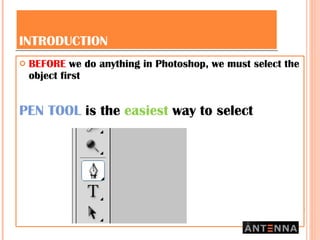
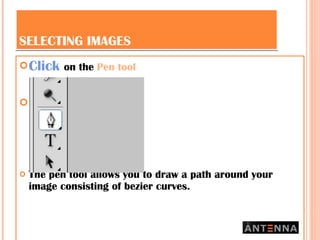
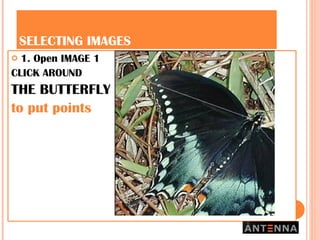
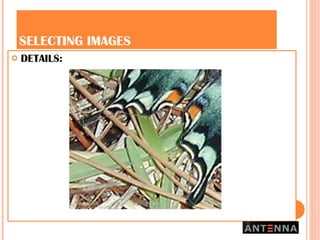
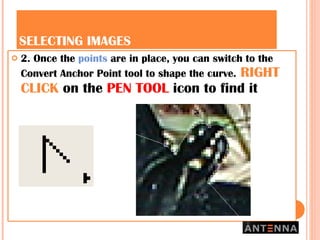
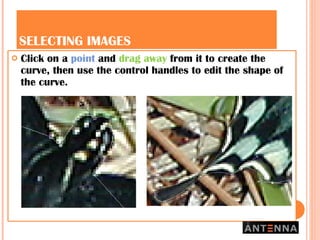

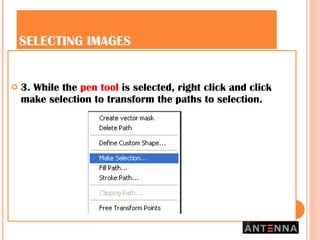

This document provides a 3-step process for selecting images in Photoshop using the pen tool: 1) Open an image and click around the object with the pen tool to add points and create a path; 2) Use the convert anchor point tool to shape the curve by dragging points and control handles; 3) With the pen tool still selected, right click and choose "make selection" to transform the path into a selection of the object.


