2016/12/5
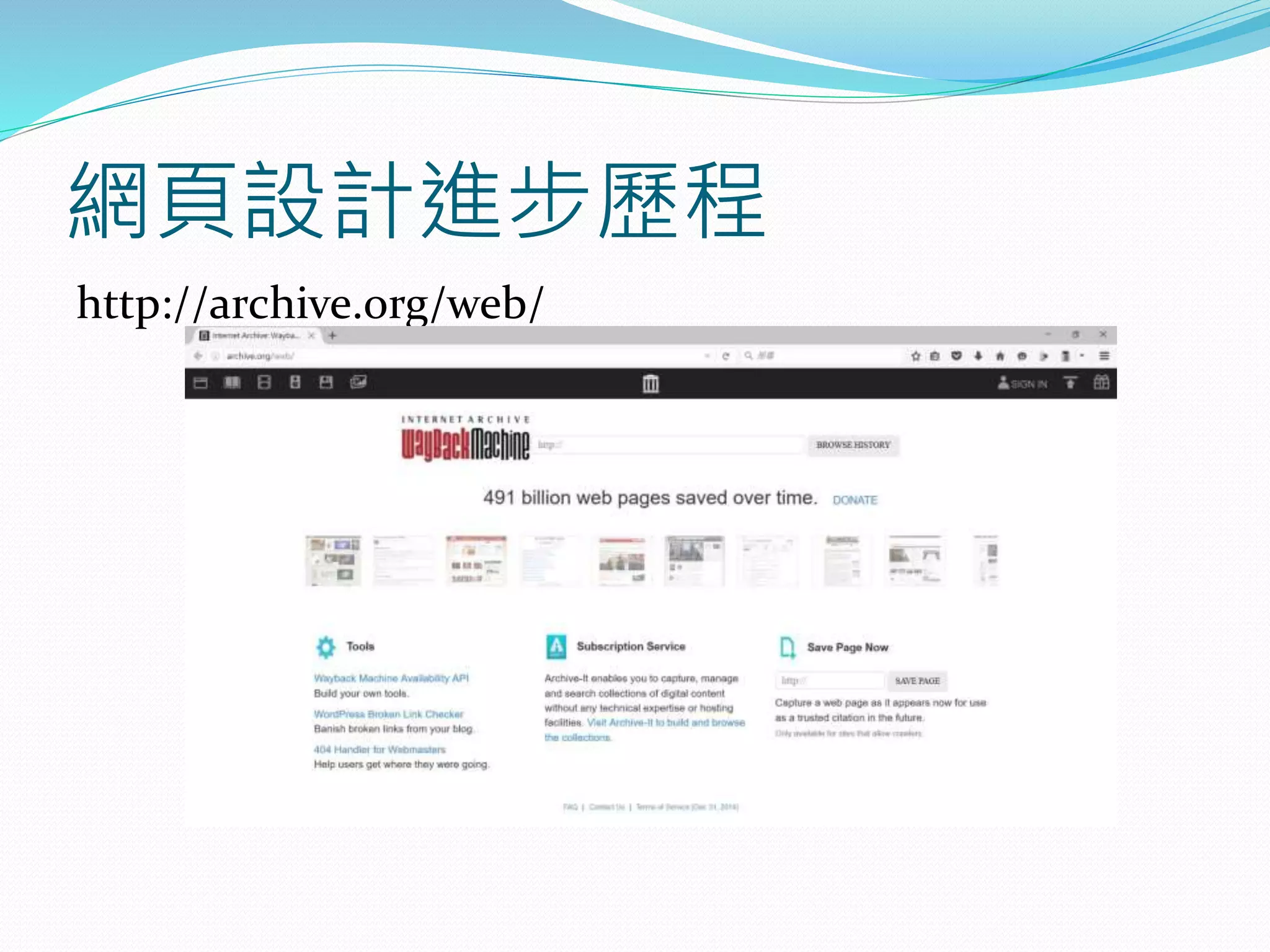
網頁設計進步歷程
http://archive.org/web/
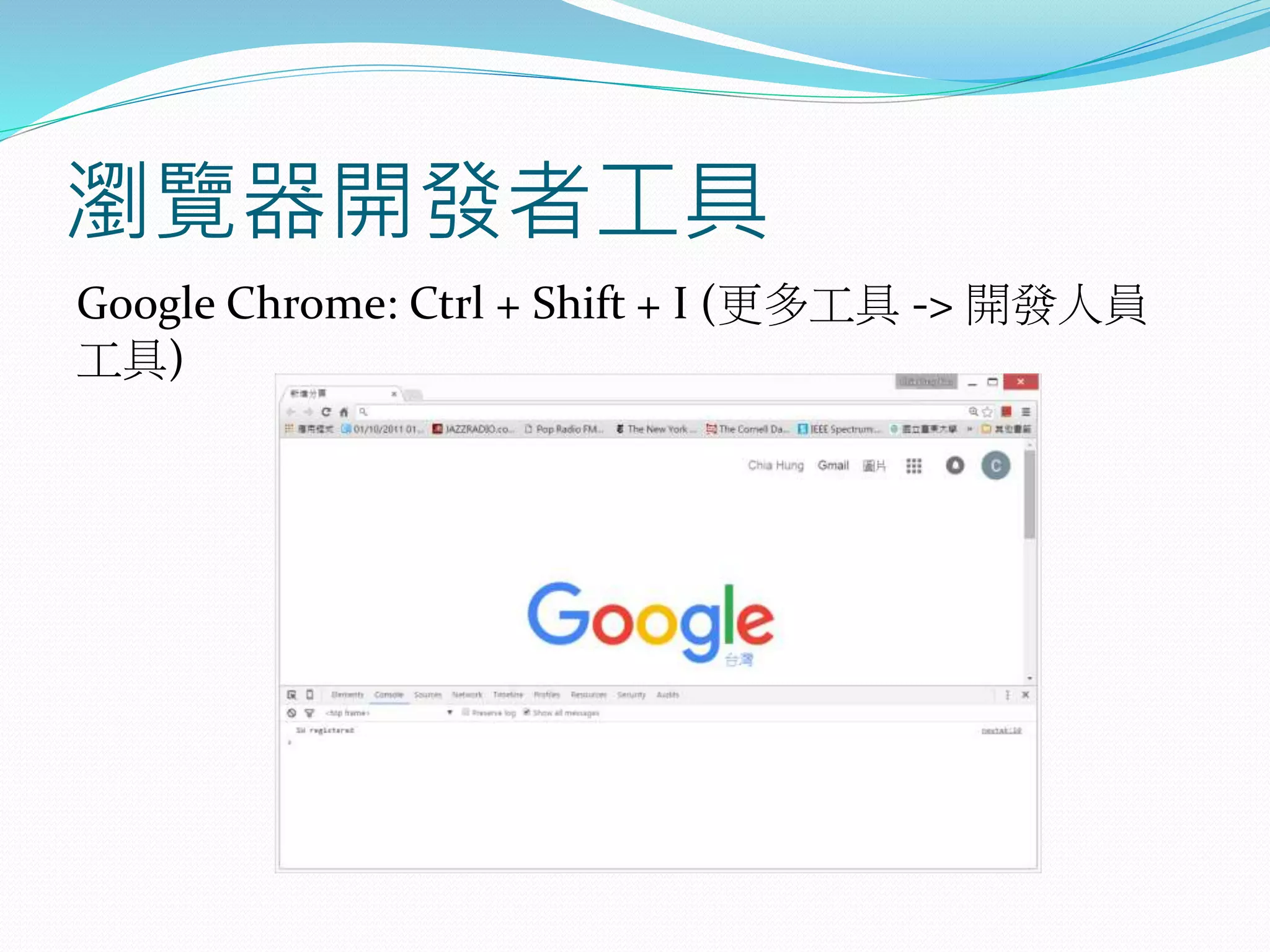
瀏覽器開發者工具
Google Chrome: Ctrl + Shift + I (更多工具 -> 開發人員
工具)
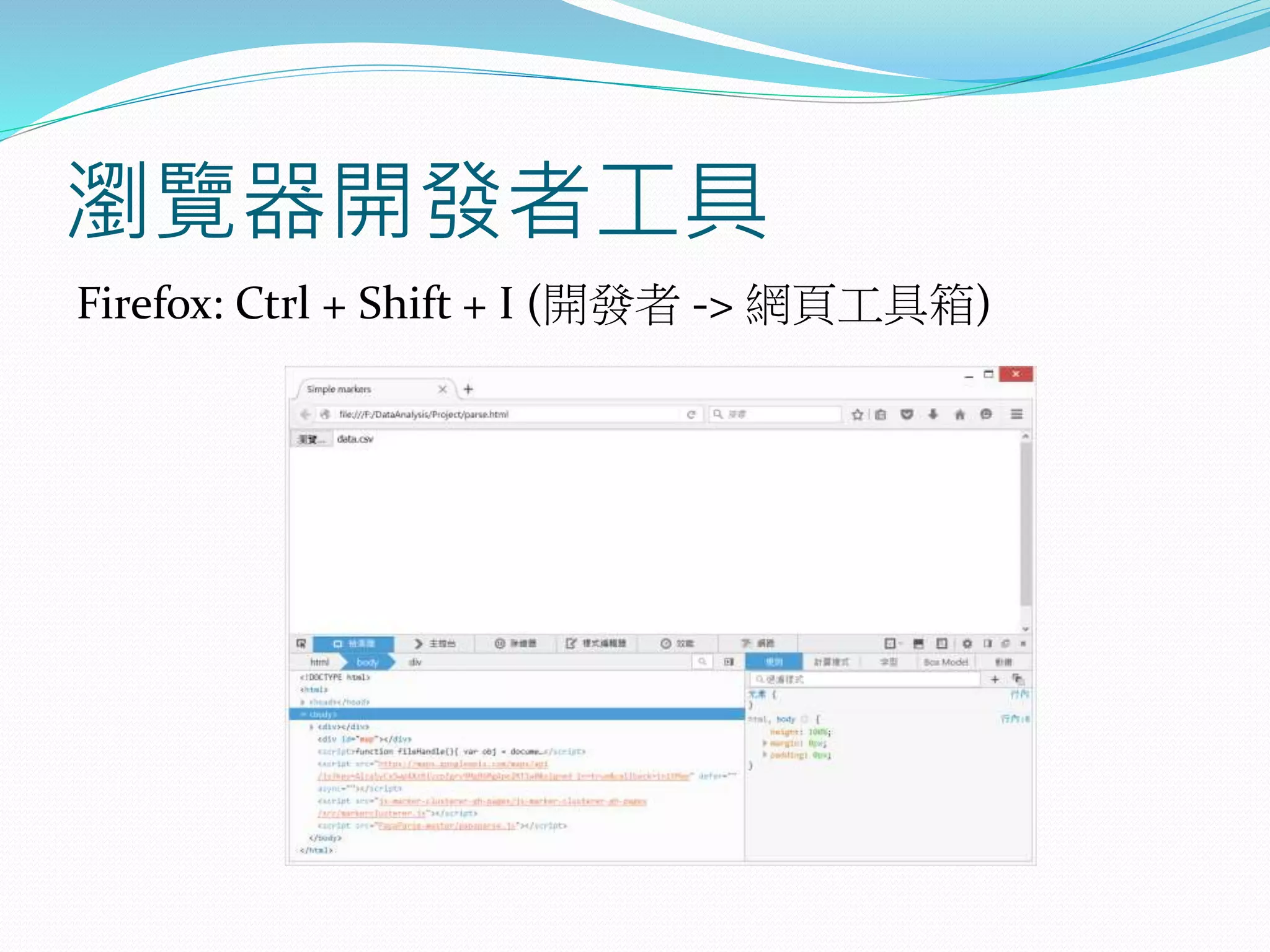
瀏覽器開發者工具
Firefox: Ctrl + Shift + I (開發者 -> 網頁工具箱)
請使用 Notepad++ 編輯以下
HTML
<!DOCTYPE html>
<html>
<head>
<title>Page Title</title>
</head>
<body>
<h1>My First Heading</h1>
<p>My first paragraph.</p>
</body>
</html>
HTML 內容說明
<!DOCTYPE html>
<html>
<head>
<title>Page Title</title>
</head>
<body>
<h1> My First Heading</h1>
<p> My first paragraph. </p>
</body>
</html>
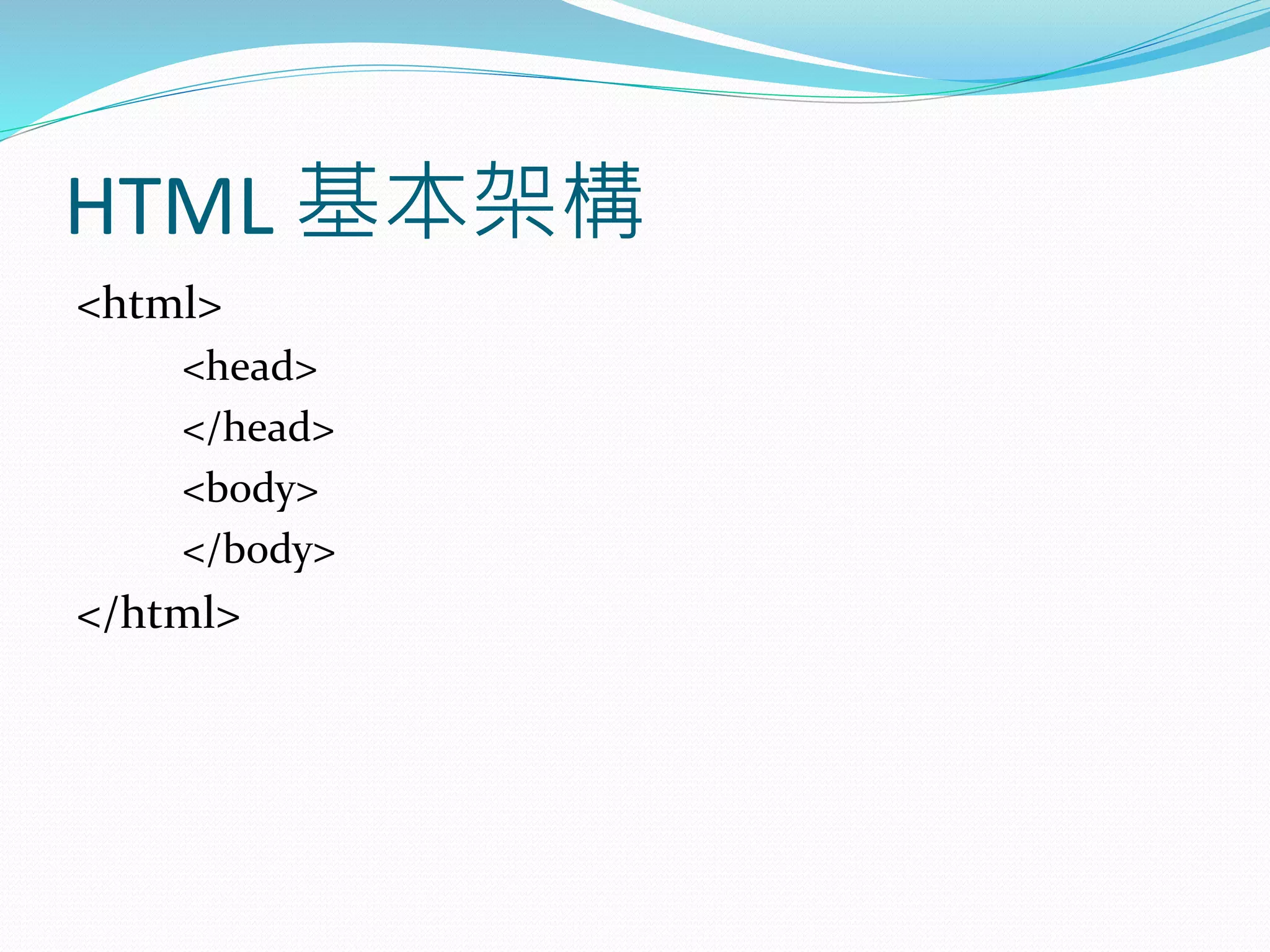
HTML 基本架構
<html>
<head>
</head>
<body>
</body>
</html>
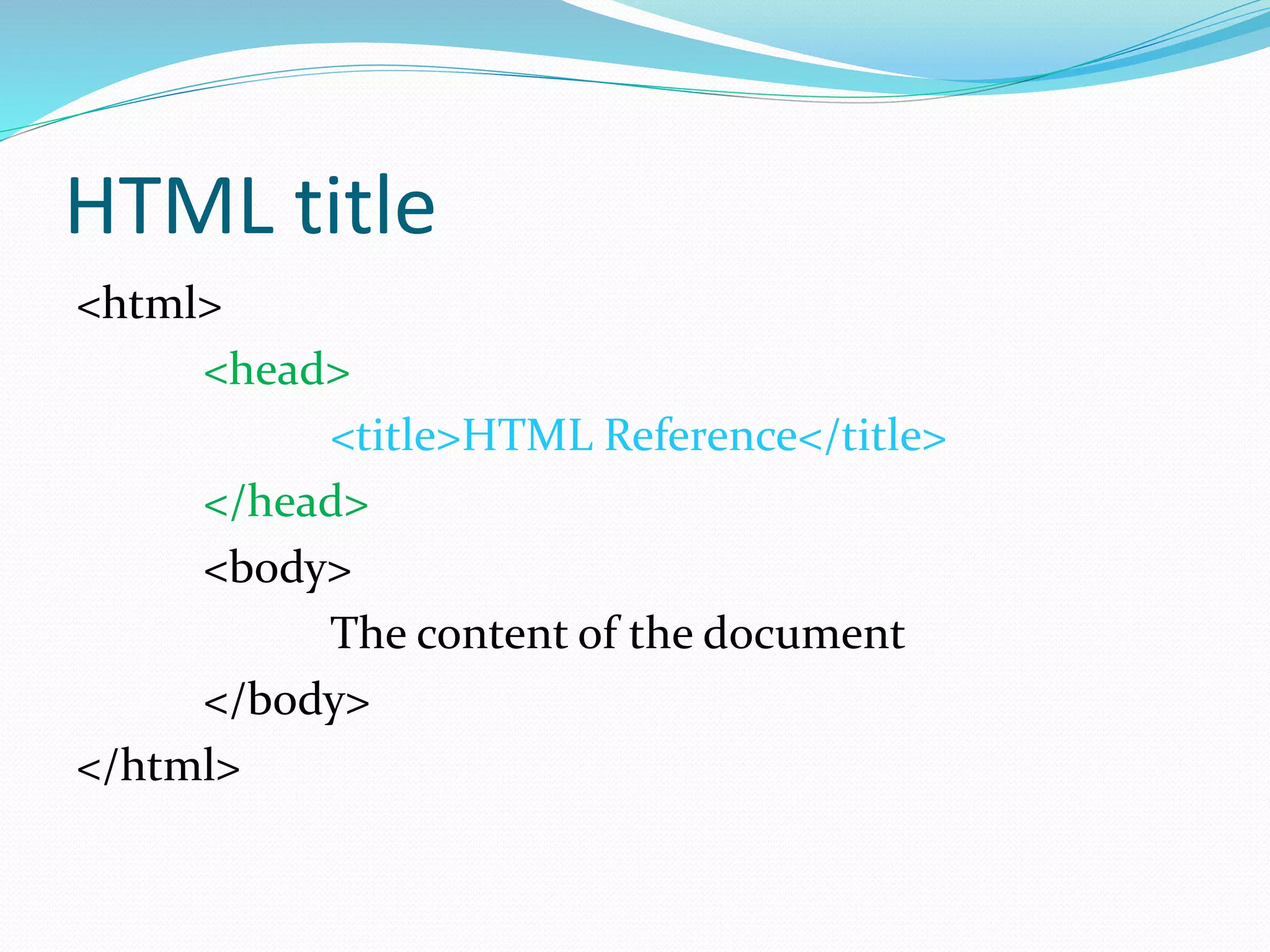
HTML title
<html>
<head>
<title>HTML Reference</title>
</head>
<body>
The content of the document
</body>
</html>
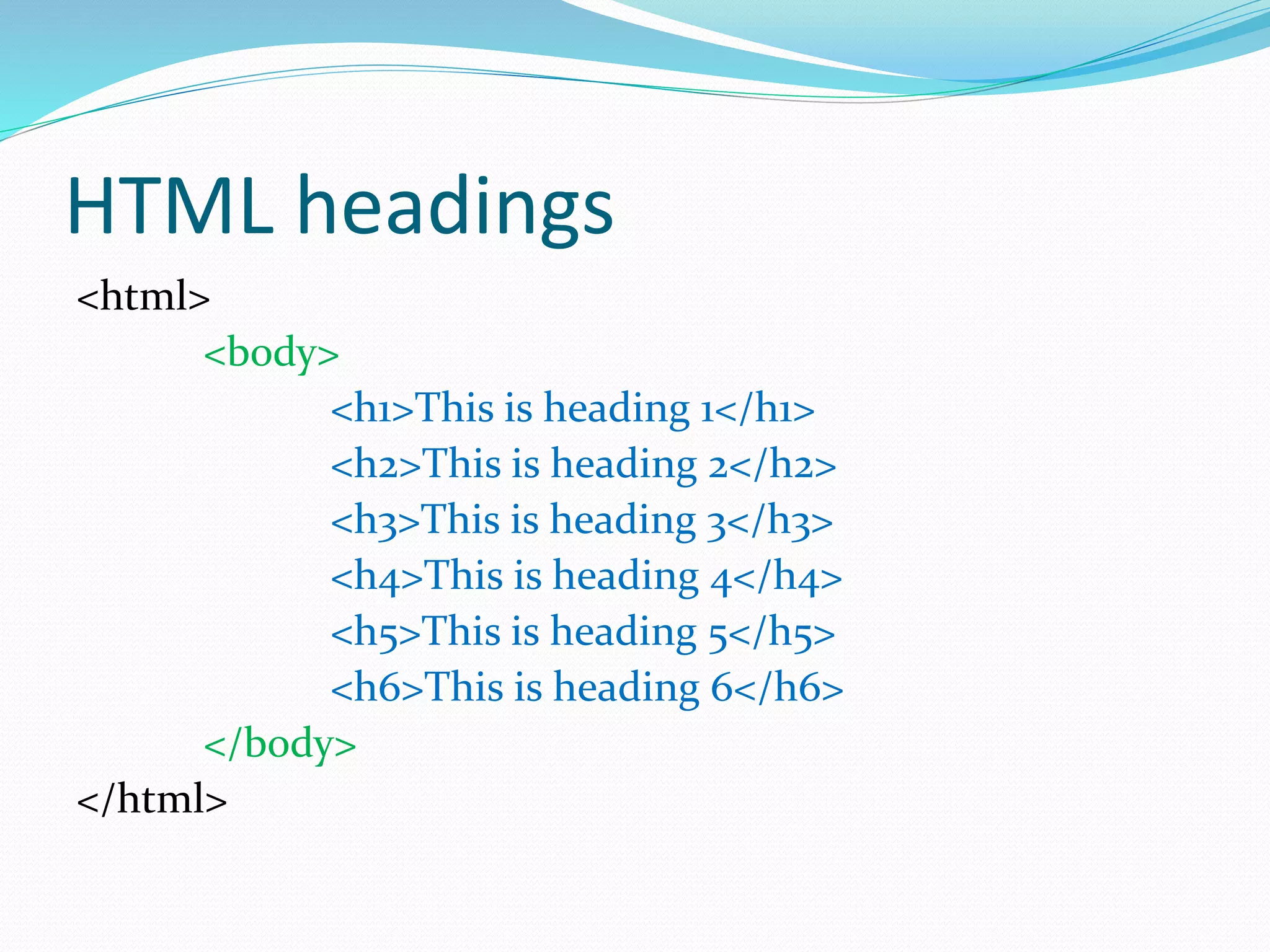
HTML headings
<html>
<body>
<h1>This is heading 1</h1>
<h2>This is heading 2</h2>
<h3>This is heading 3</h3>
<h4>This is heading 4</h4>
<h5>This is heading 5</h5>
<h6>This is heading 6</h6>
</body>
</html>
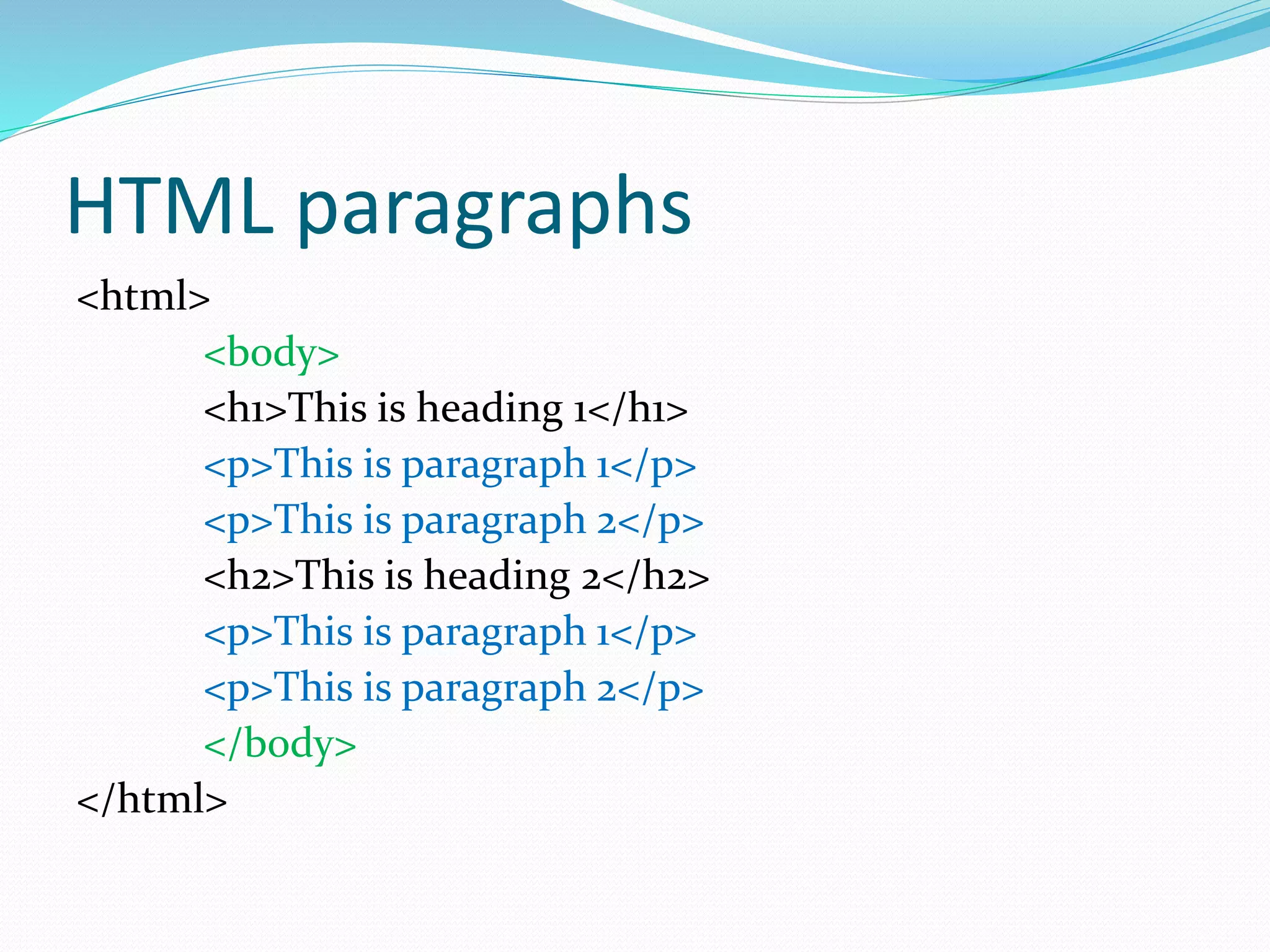
HTML paragraphs
<html>
<body>
<h1>This is heading 1</h1>
<p>This is paragraph 1</p>
<p>This is paragraph 2</p>
<h2>This is heading 2</h2>
<p>This is paragraph 1</p>
<p>This is paragraph 2</p>
</body>
</html>
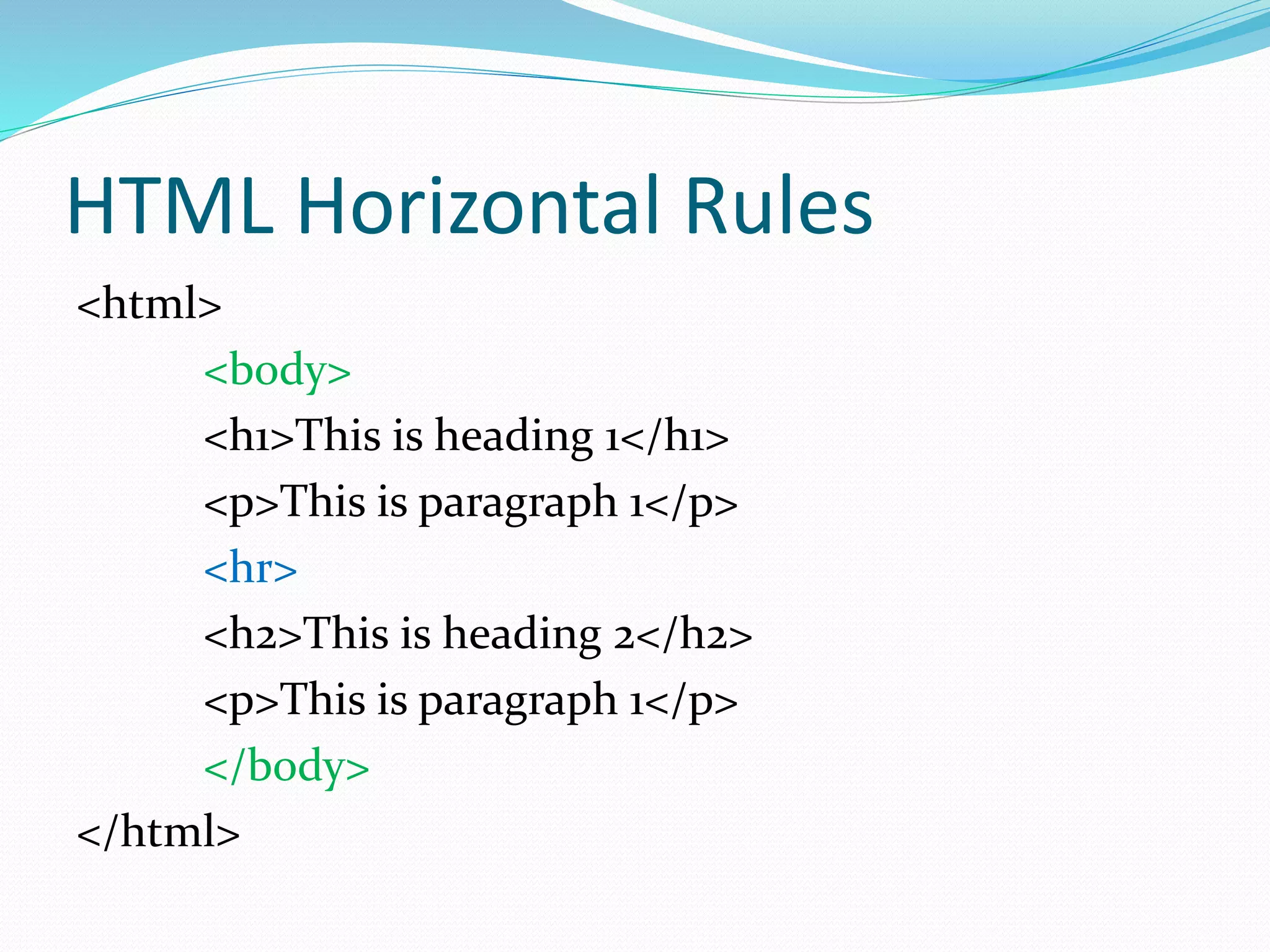
HTML Horizontal Rules
<html>
<body>
<h1>This is heading 1</h1>
<p>This is paragraph 1</p>
<hr>
<h2>This is heading 2</h2>
<p>This is paragraph 1</p>
</body>
</html>
HTML Line Break
<html>
<body>
<h1>This is heading 1</h1>
<p>This is paragraph 1</p>
<br>
<h2>This is heading 2</h2>
<p>This is paragraph 1</p>
</body>
</html>
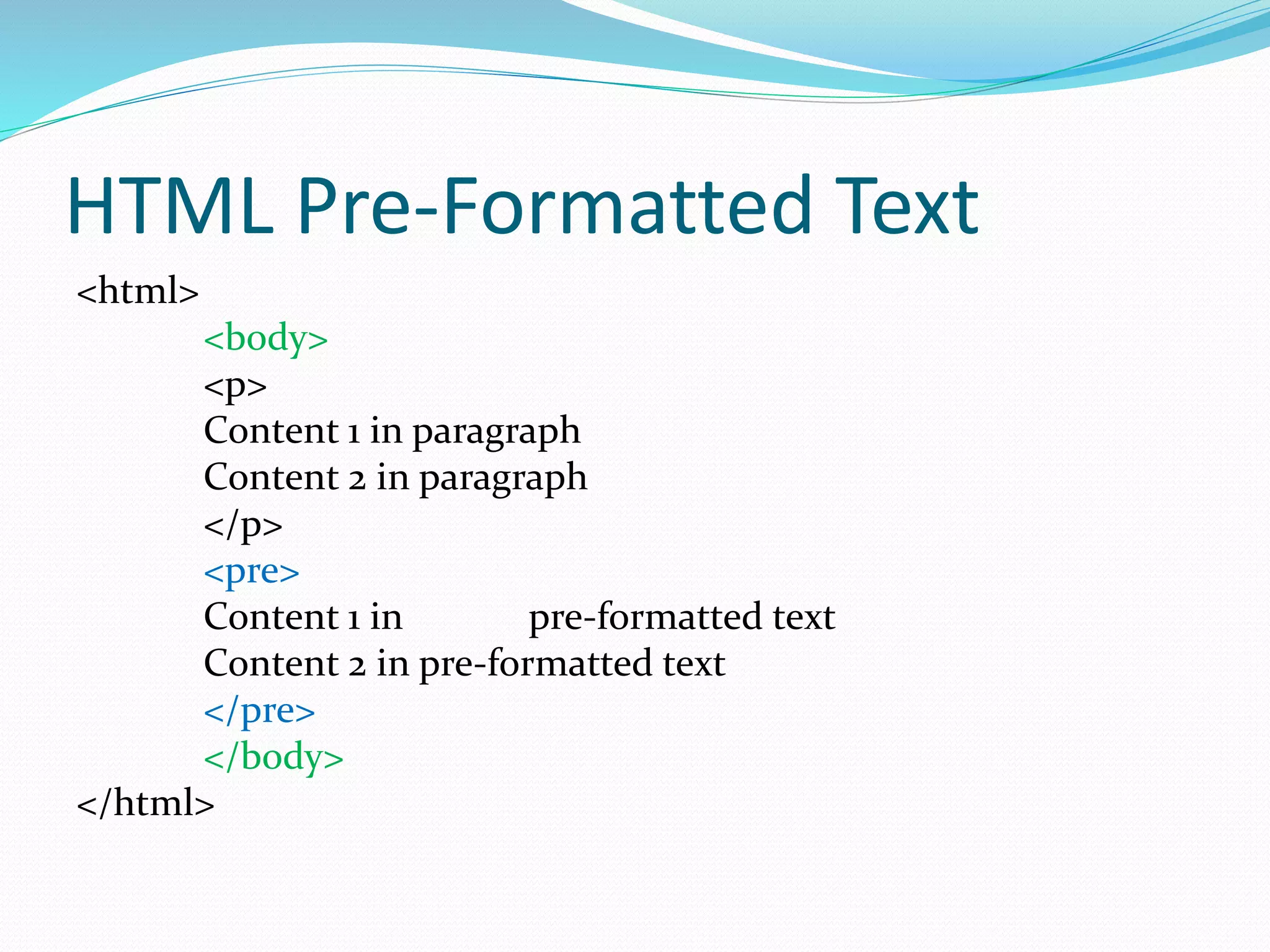
HTML Pre-Formatted Text
<html>
<body>
<p>
Content 1 in paragraph
Content 2 in paragraph
</p>
<pre>
Content 1 in pre-formatted text
Content 2 in pre-formatted text
</pre>
</body>
</html>
HTML links
<html>
<body>
<a href="http://www.nttu.edu.tw">This is a
link</a>
</body>
</html>
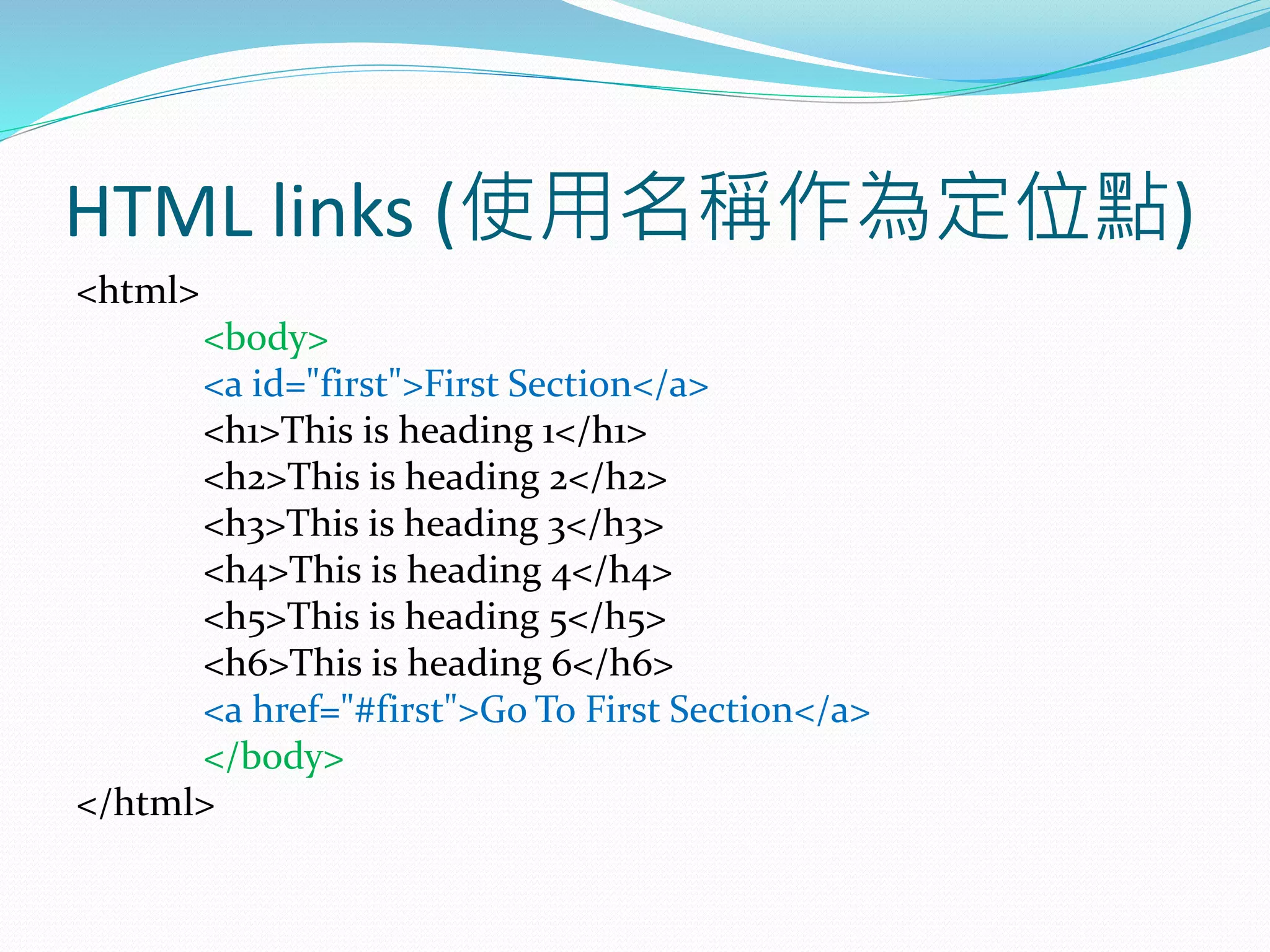
HTML links (使用名稱作為定位點)
<html>
<body>
<a id="first">First Section</a>
<h1>This is heading 1</h1>
<h2>This is heading 2</h2>
<h3>This is heading 3</h3>
<h4>This is heading 4</h4>
<h5>This is heading 5</h5>
<h6>This is heading 6</h6>
<a href="#first">Go To First Section</a>
</body>
</html>
HTML links (兩個頁面間的連結)
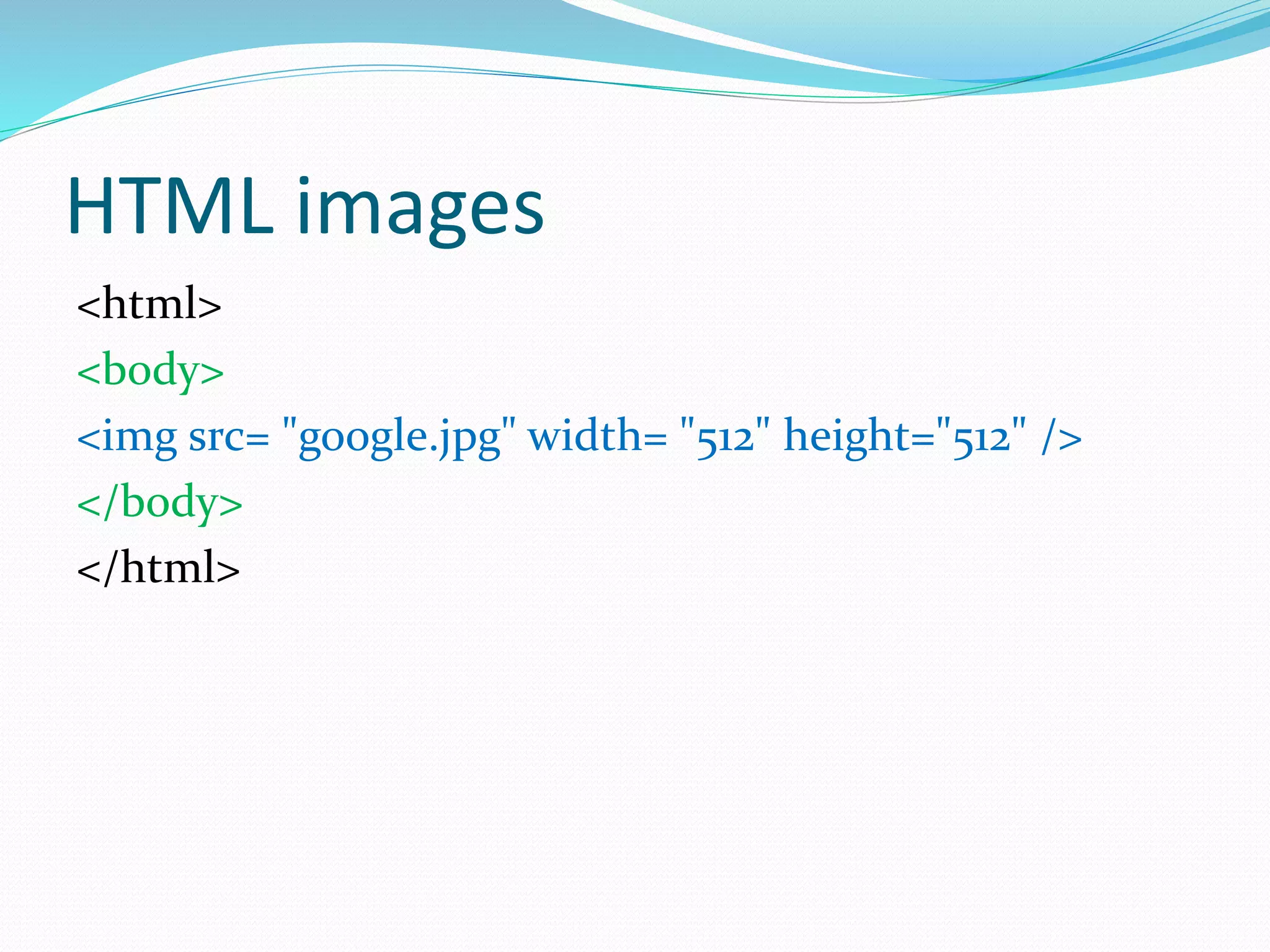
HTML images
<html>
<body>
<img src= "google.jpg" width= "512" height="512" />
</body>
</html>
HTML images(若有錯誤發生, 如圖
片不存在)
<html>
<body>
<img src= "google" width= "512" height="512"
alt="Google Icon"/>
</body>
</html>
HTML images (檔案存放路徑修改,
HTML 亦須修正)
<html>
<body>
<img src= "images/google.jpg" width= "512"
height="512" />
</body>
</html>
HTML 路徑概念
<a href="dir1/dir2/page3.html">Go to page 3</a>
代表在網頁伺服器的根目錄下, 進到 dir1 資料夾, 再進到
dir2 資料夾,
找尋 page3.html 檔案
HTML 編碼
<html>
<head>
<meta charset="UTF-8">
</head>
<body>
<p>哈囉!中央大學!</p>
</body>
</html>
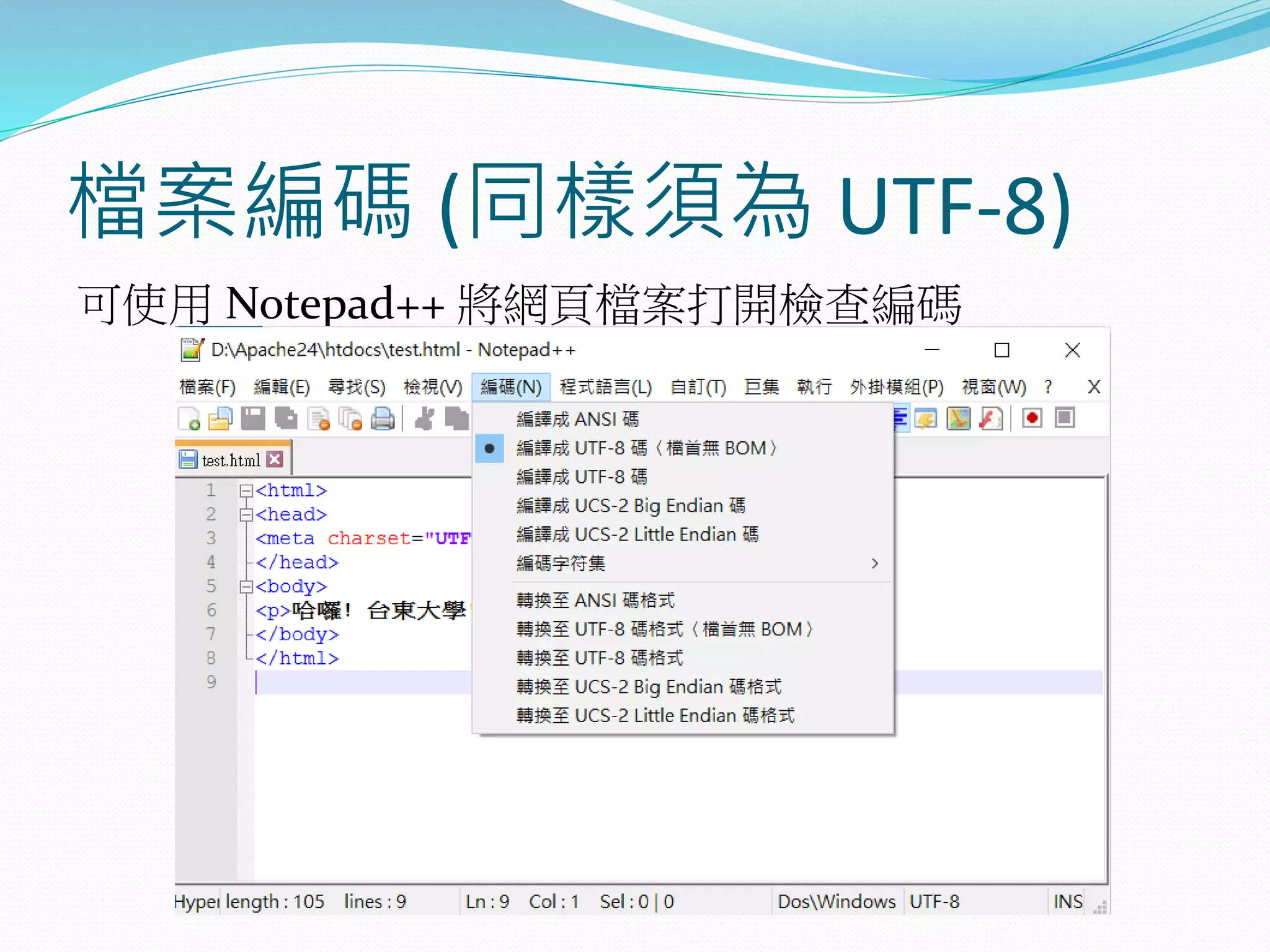
檔案編碼 (同樣須為 UTF-8)
可使用 Notepad++ 將網頁檔案打開檢查編碼
HTML tables
<table border="1">
<tr>
<td>row 1, cell 1</td>
<td>row 1, cell 2</td>
</tr>
<tr>
<td>row 2, cell 1</td>
<td>row 2, cell 2</td>
</tr>
</table>
HTML tables
<table border="1">
<tr>
<td><a href="http://www.nttu.edu.tw">This is a
link</a></td>
<td>row 1, cell 2</td>
</tr>
<tr>
<td>row 2, cell 1</td>
<td><img src= "images/google.jpg" width="128"
height="128" /></td>
</tr>
</table>
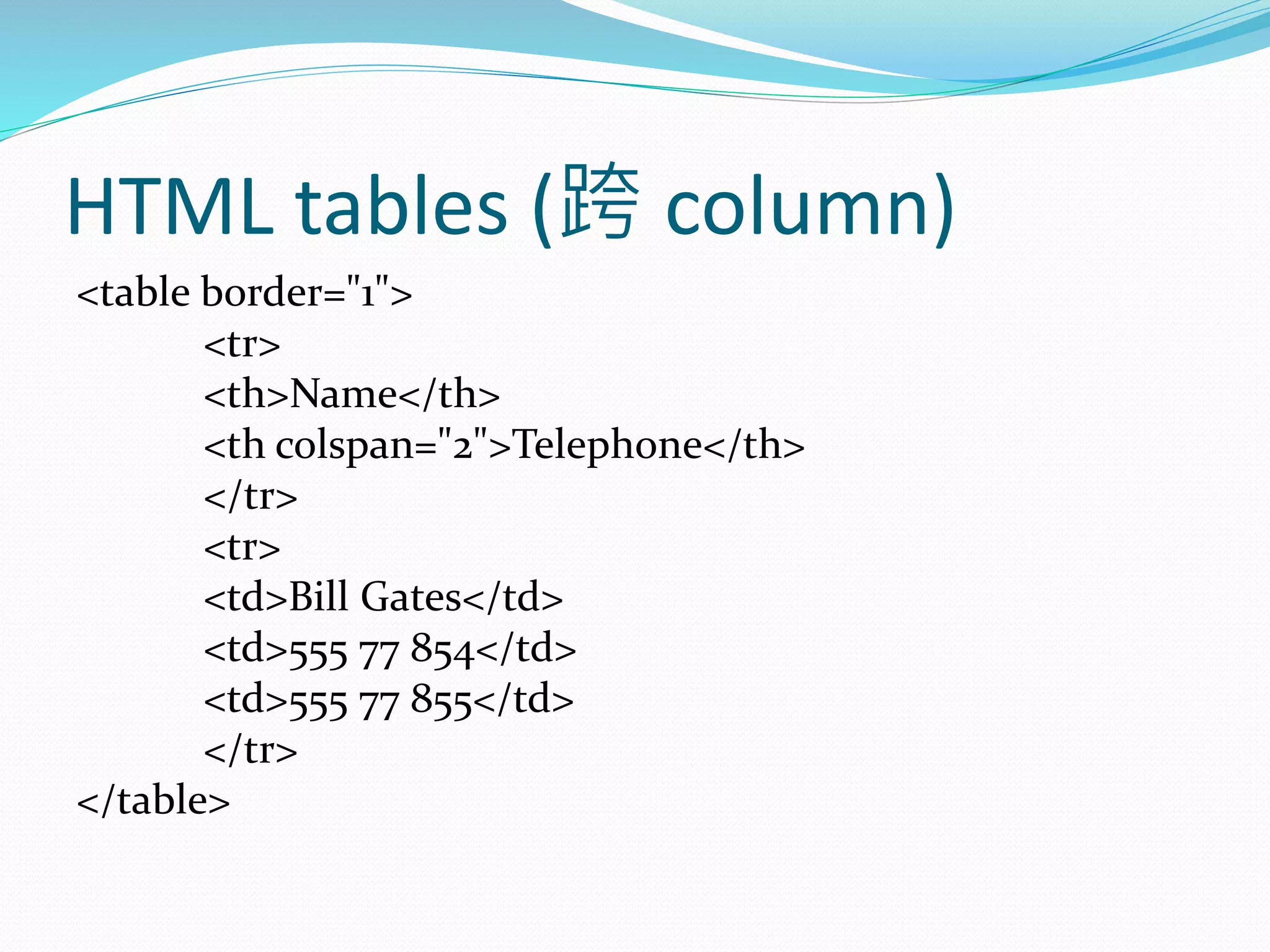
HTML tables (跨 column)
<table border="1">
<tr>
<th>Name</th>
<th colspan="2">Telephone</th>
</tr>
<tr>
<td>Bill Gates</td>
<td>555 77 854</td>
<td>555 77 855</td>
</tr>
</table>
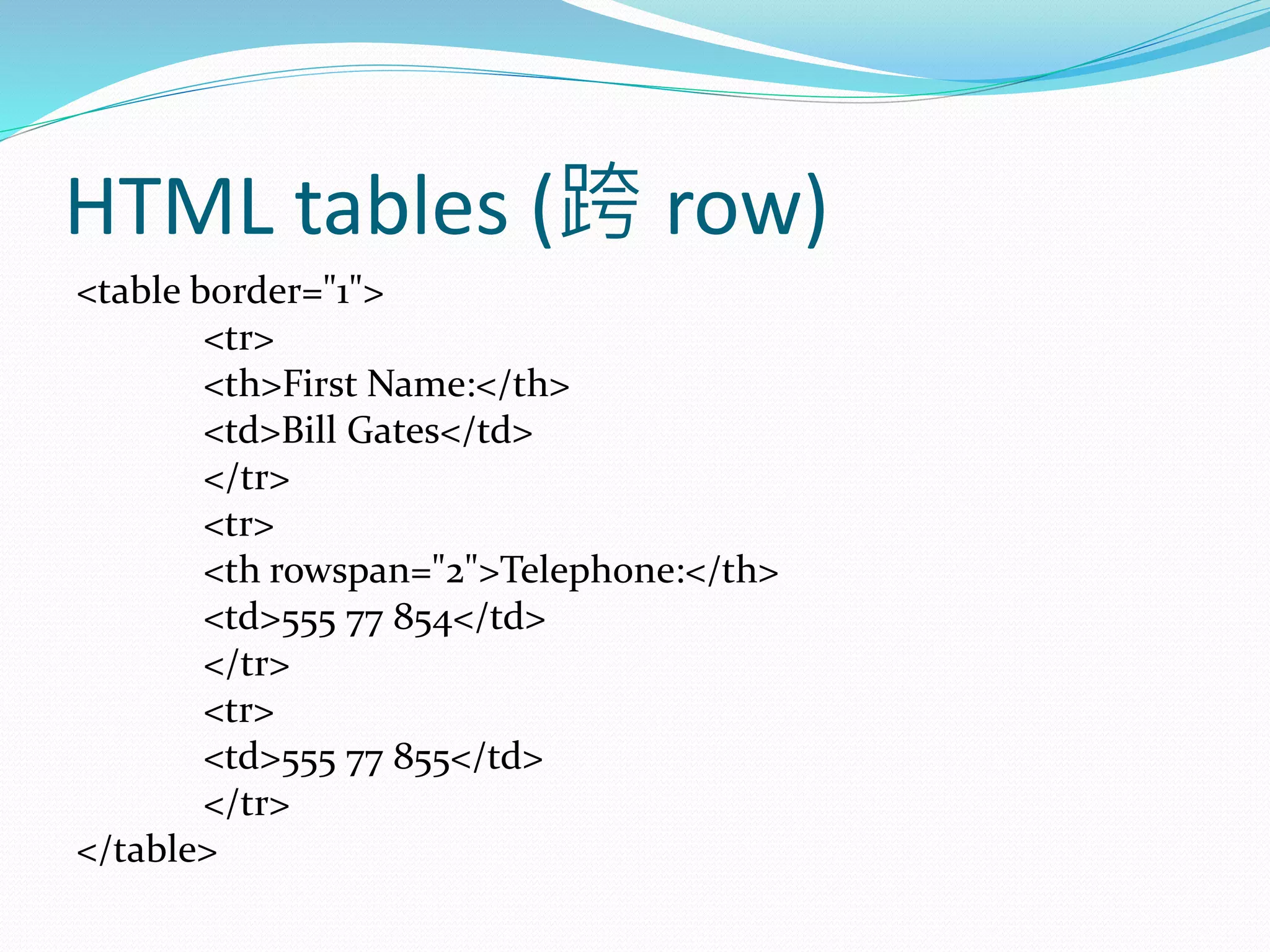
HTML tables (跨 row)
<table border="1">
<tr>
<th>First Name:</th>
<td>Bill Gates</td>
</tr>
<tr>
<th rowspan="2">Telephone:</th>
<td>555 77 854</td>
</tr>
<tr>
<td>555 77 855</td>
</tr>
</table>
HTML tables (增加表格標題)
<table border="1">
<caption>Monthly savings</caption>
<tr>
<th>Month</th>
<th>Savings</th>
</tr>
<tr>
<td>January</td>
<td>$100</td>
</tr>
<tr>
<td>February</td>
<td>$50</td>
</tr>
</table>
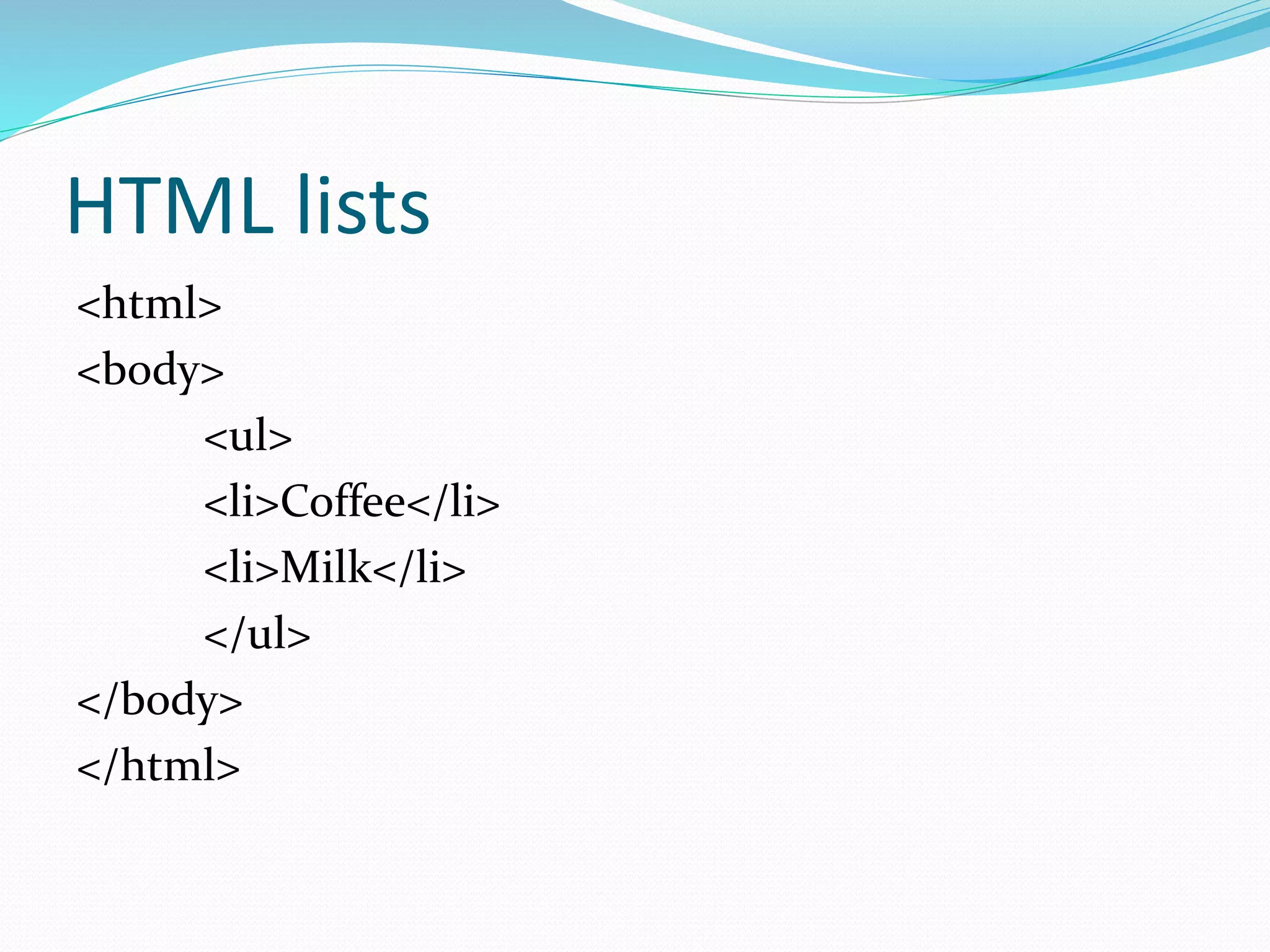
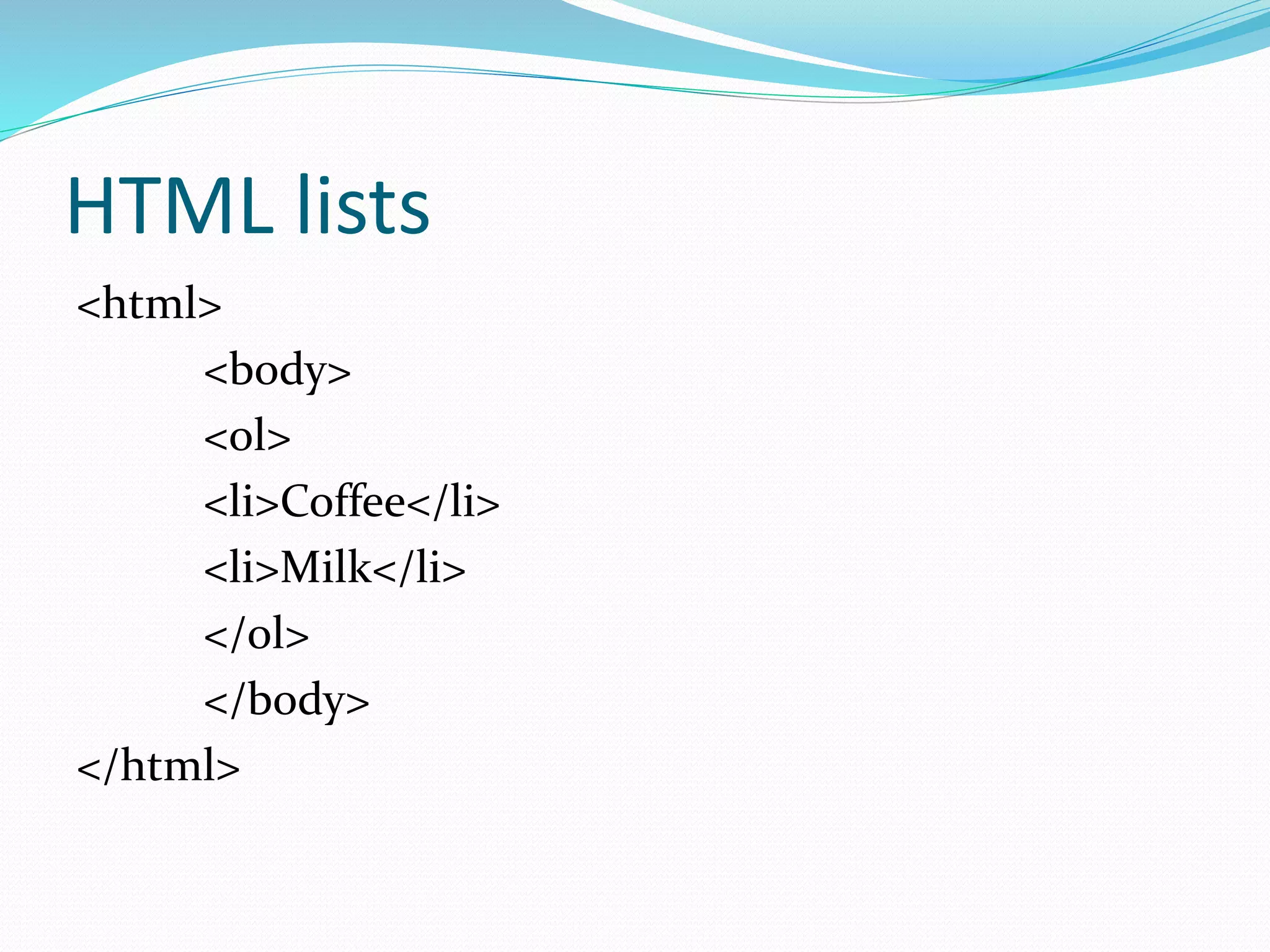
HTML lists
<html>
<body>
<ul>
<li>Coffee</li>
<li>Milk</li>
</ul>
</body>
</html>
HTML lists
<html>
<body>
<ol>
<li>Coffee</li>
<li>Milk</li>
</ol>
</body>
</html>
HTML lists
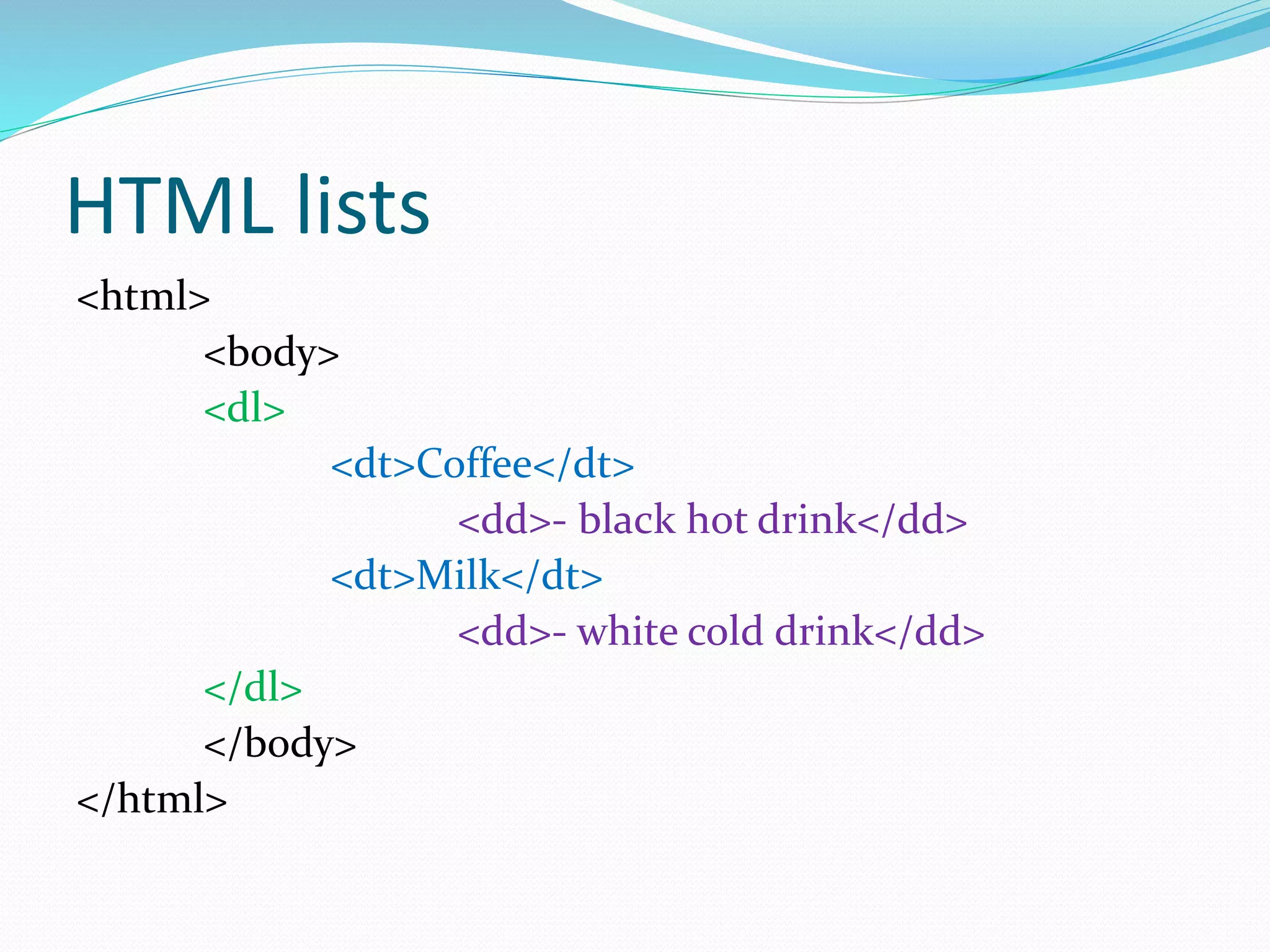
1.A definition list is a list of items, with a description of
each item
2.The <dl> tag defines a definition list
3.The <dl> tag is used in conjunction with <dt> (defines
the item in the list) and <dd> (describes the item in the
list)
HTML lists
<html>
<body>
<dl>
<dt>Coffee</dt>
<dd>- black hot drink</dd>
<dt>Milk</dt>
<dd>- white cold drink</dd>
</dl>
</body>
</html>
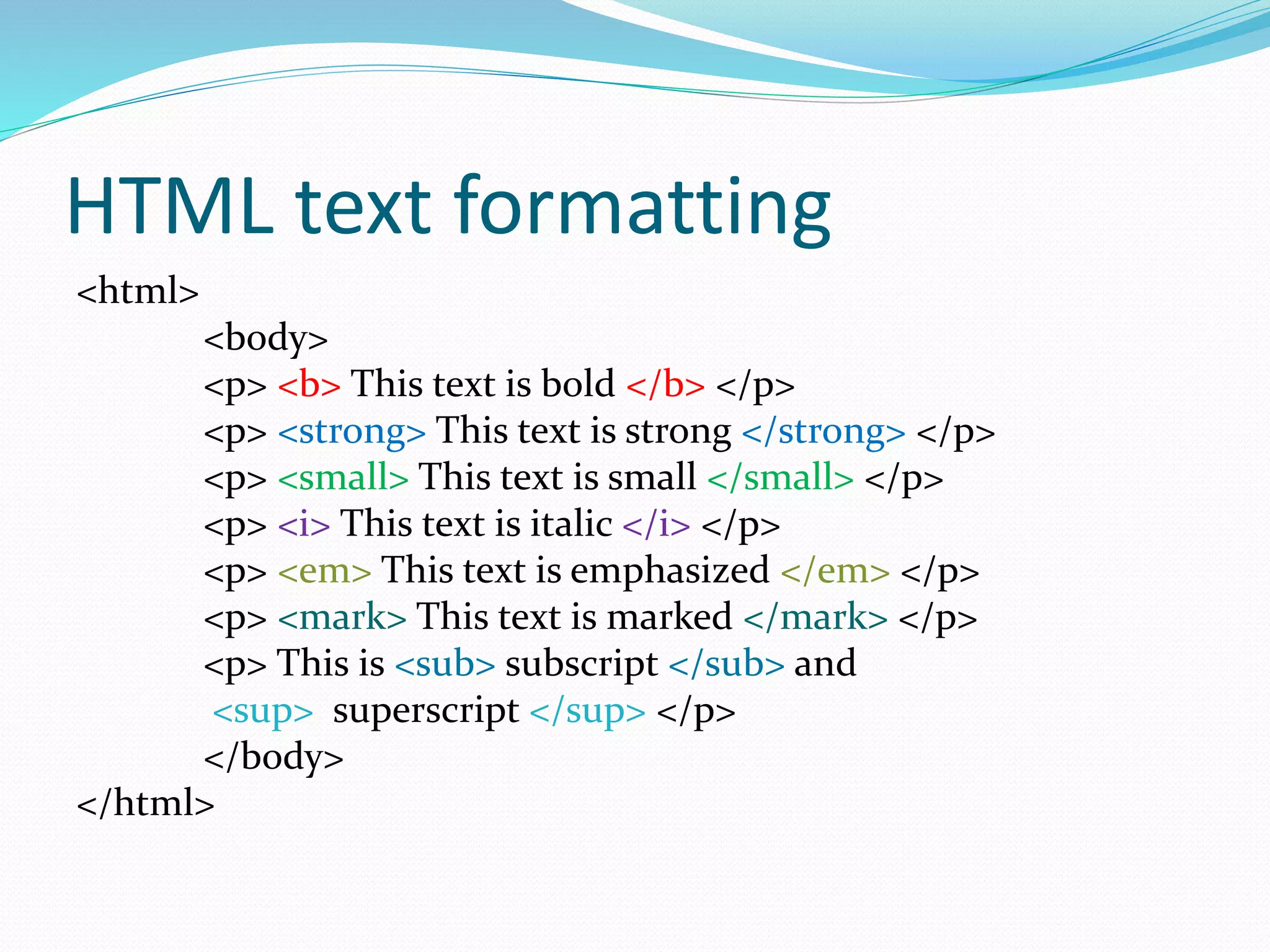
HTML text formatting
<html>
<body>
<p> <b> This text is bold </b> </p>
<p> <strong> This text is strong </strong> </p>
<p> <small> This text is small </small> </p>
<p> <i> This text is italic </i> </p>
<p> <em> This text is emphasized </em> </p>
<p> <mark> This text is marked </mark> </p>
<p> This is <sub> subscript </sub> and
<sup> superscript </sup> </p>
</body>
</html>
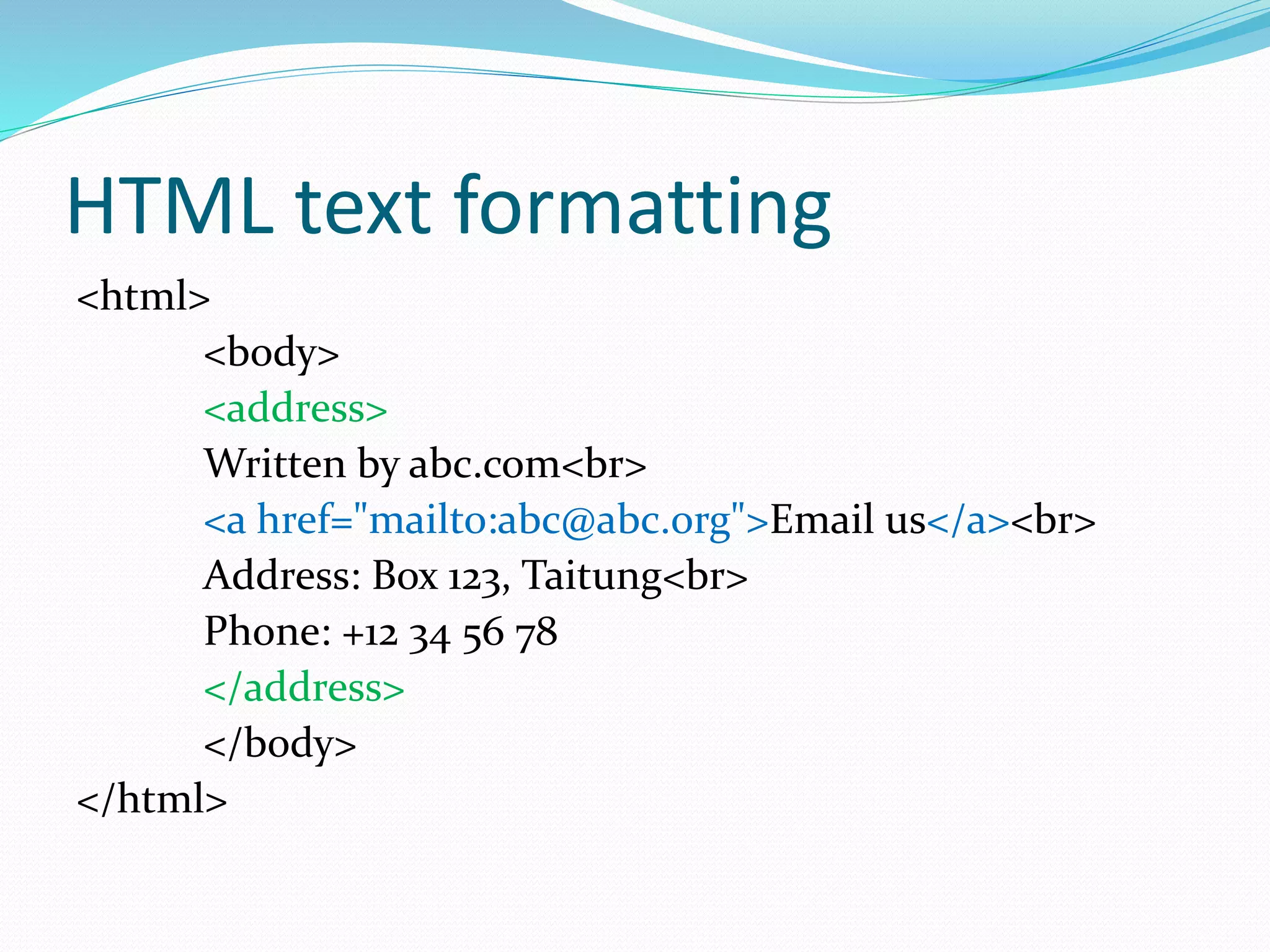
HTML text formatting
<html>
<body>
<address>
Written by abc.com<br>
<a href="mailto:abc@abc.org">Email us</a><br>
Address: Box 123, Taitung<br>
Phone: +12 34 56 78
</address>
</body>
</html>
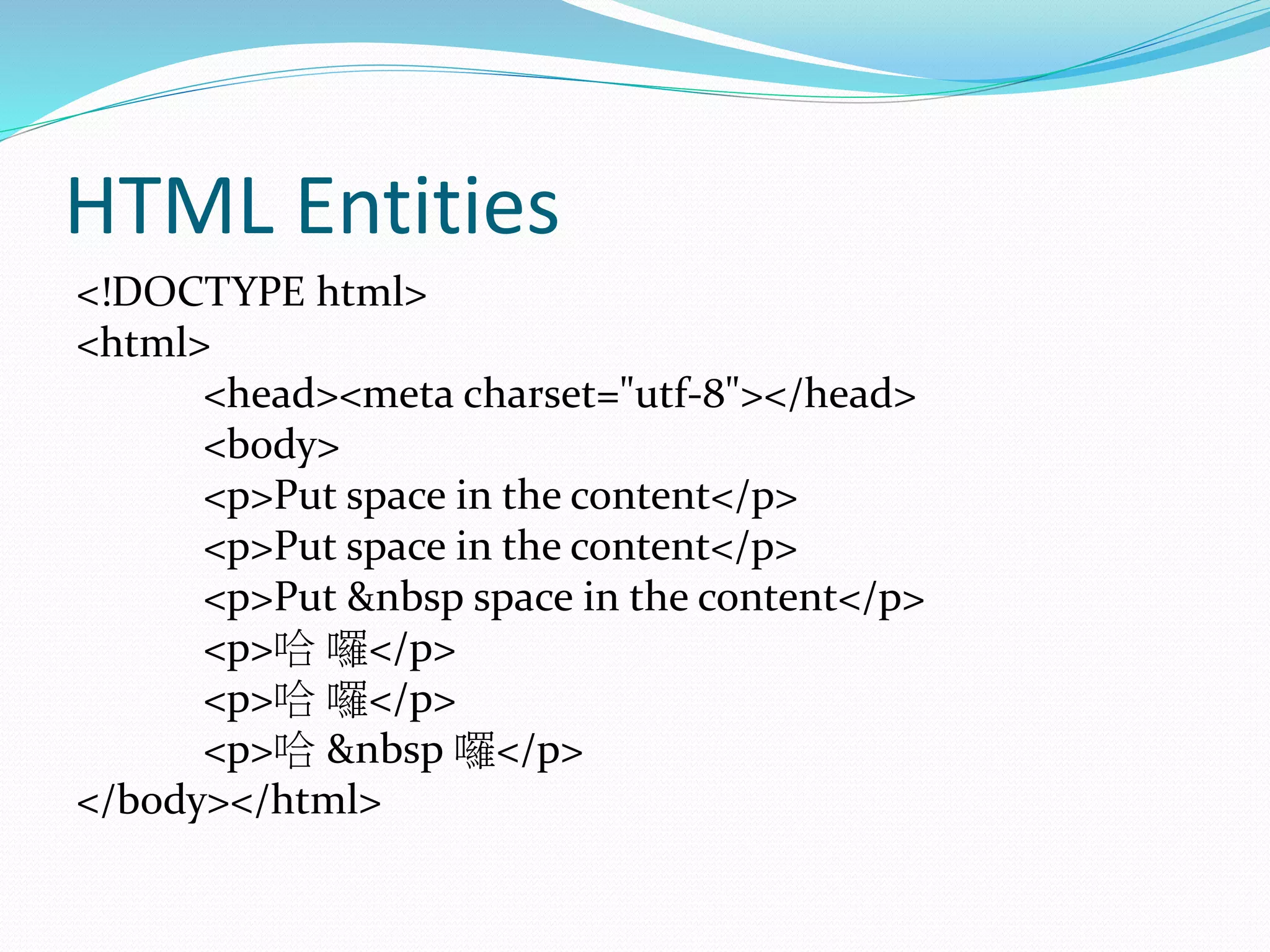
HTML Entities
<!DOCTYPE html>
<html>
<head><meta charset="utf-8"></head>
<body>
<p>Put space in the content</p>
<p>Put &nbsp space in the content</p>
<p>哈 囉</p>
<p>哈 囉</p>
<p>哈 &nbsp 囉</p>
</body></html>
HTML styles (於 HTML 元素增添樣
式)
<html>
<body style="background-color:lightgrey">
<h1>This is a heading</h1>
<p>This is a paragraph.</p>
</body>
</html>
HTML styles (於 HTML 元素增添樣
式)
<html>
<body>
<h1 style="color:blue">This is a heading</h1>
<p style="color:red">This is a paragraph.</p>
</body>
</html>
HTML styles (於 HTML 元素增添樣
式)
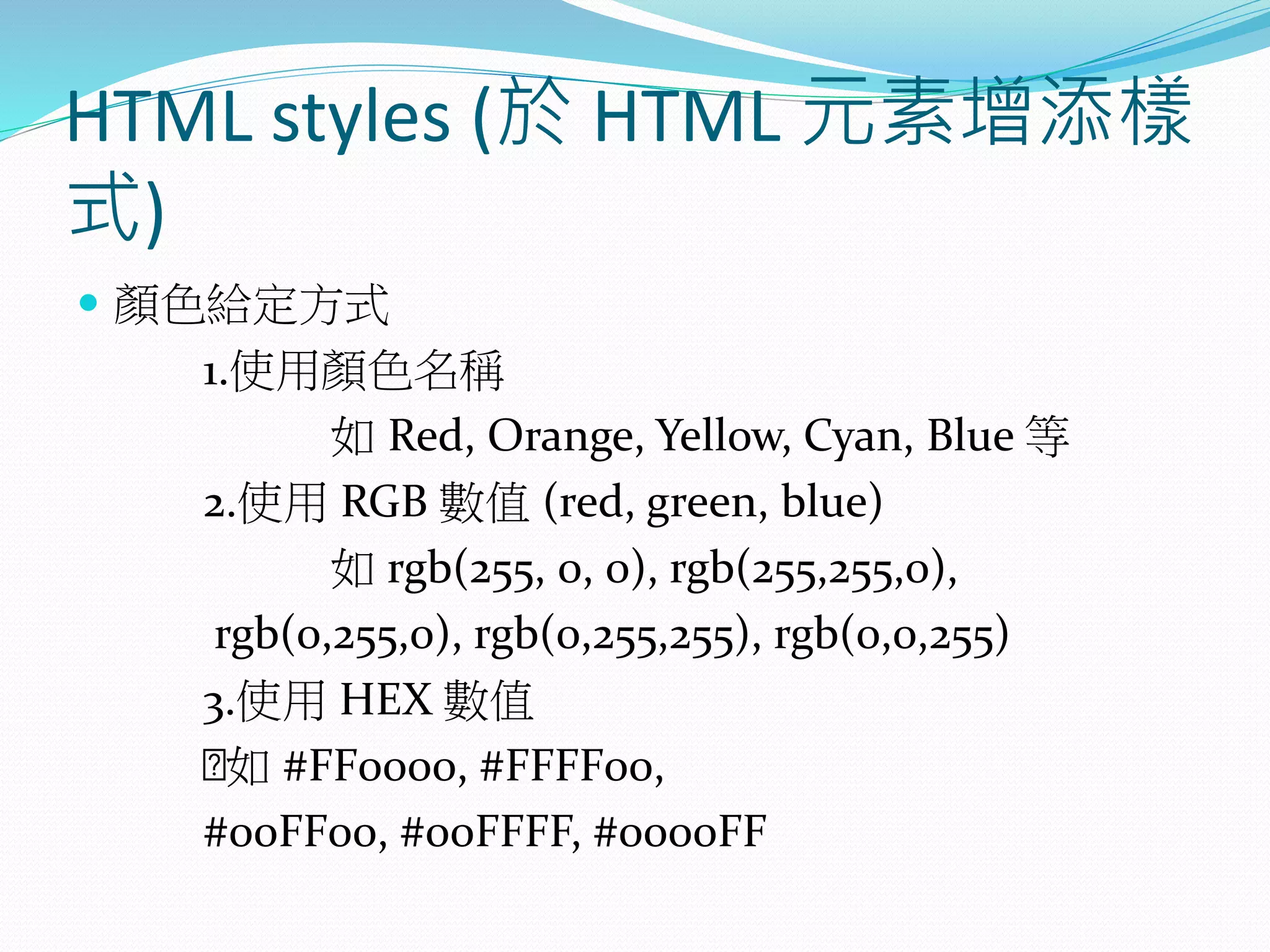
 顏色給定方式
1.使用顏色名稱
如 Red, Orange, Yellow, Cyan, Blue 等
2.使用 RGB 數值 (red, green, blue)
如 rgb(255, 0, 0), rgb(255,255,0),
rgb(0,255,0), rgb(0,255,255), rgb(0,0,255)
3.使用 HEX 數值
如 #FF0000, #FFFF00,
#00FF00, #00FFFF, #0000FF
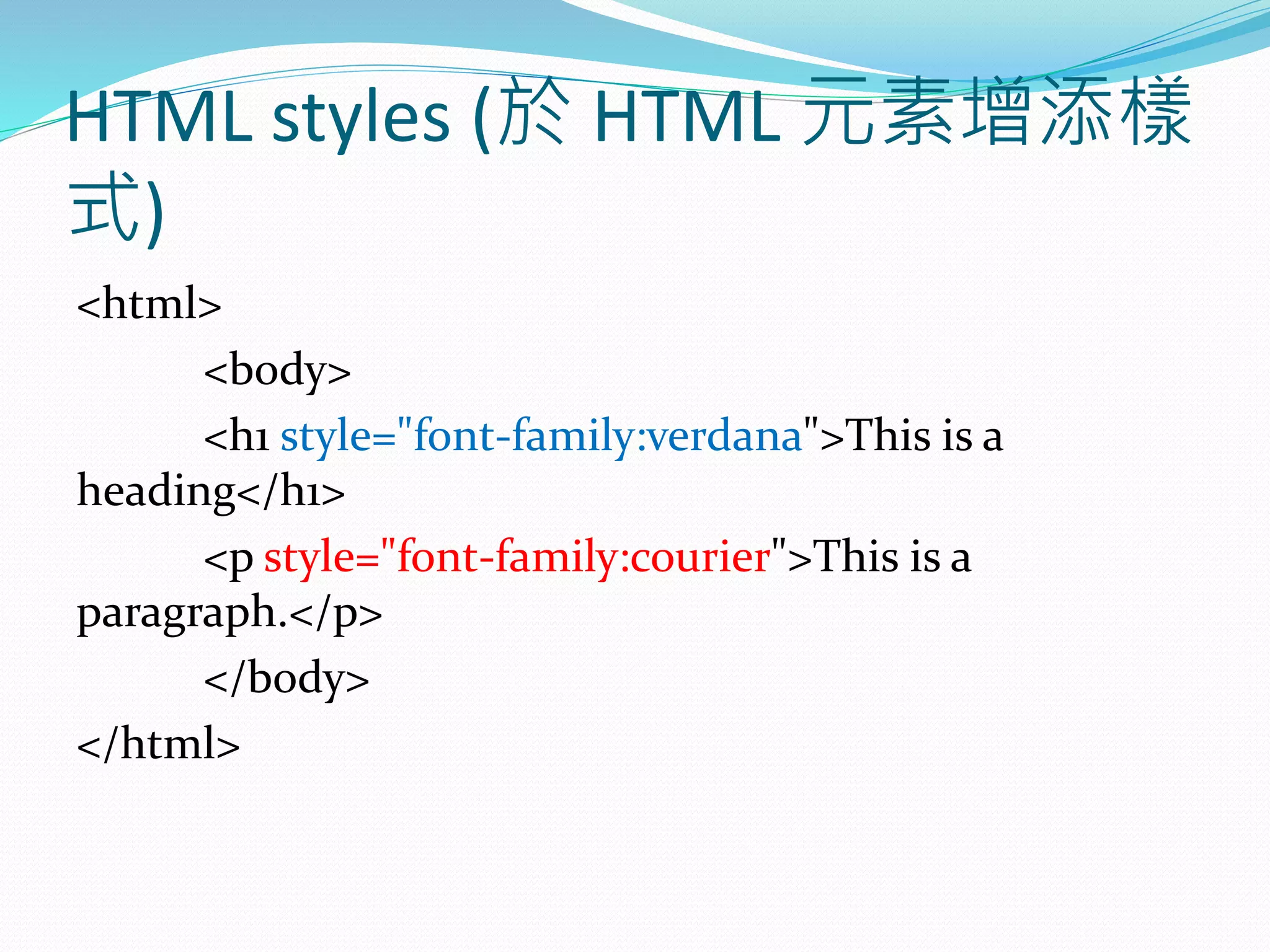
HTML styles (於 HTML 元素增添樣
式)
<html>
<body>
<h1 style="font-family:verdana">This is a
heading</h1>
<p style="font-family:courier">This is a
paragraph.</p>
</body>
</html>
HTML styles (於 HTML 元素增添樣
式)
<html>
<body>
<h1 style="font-size:300%“ >This is a
heading</h1>
<p style="font-size:160%“ >This is a
paragraph.</p>
</body>
</html>
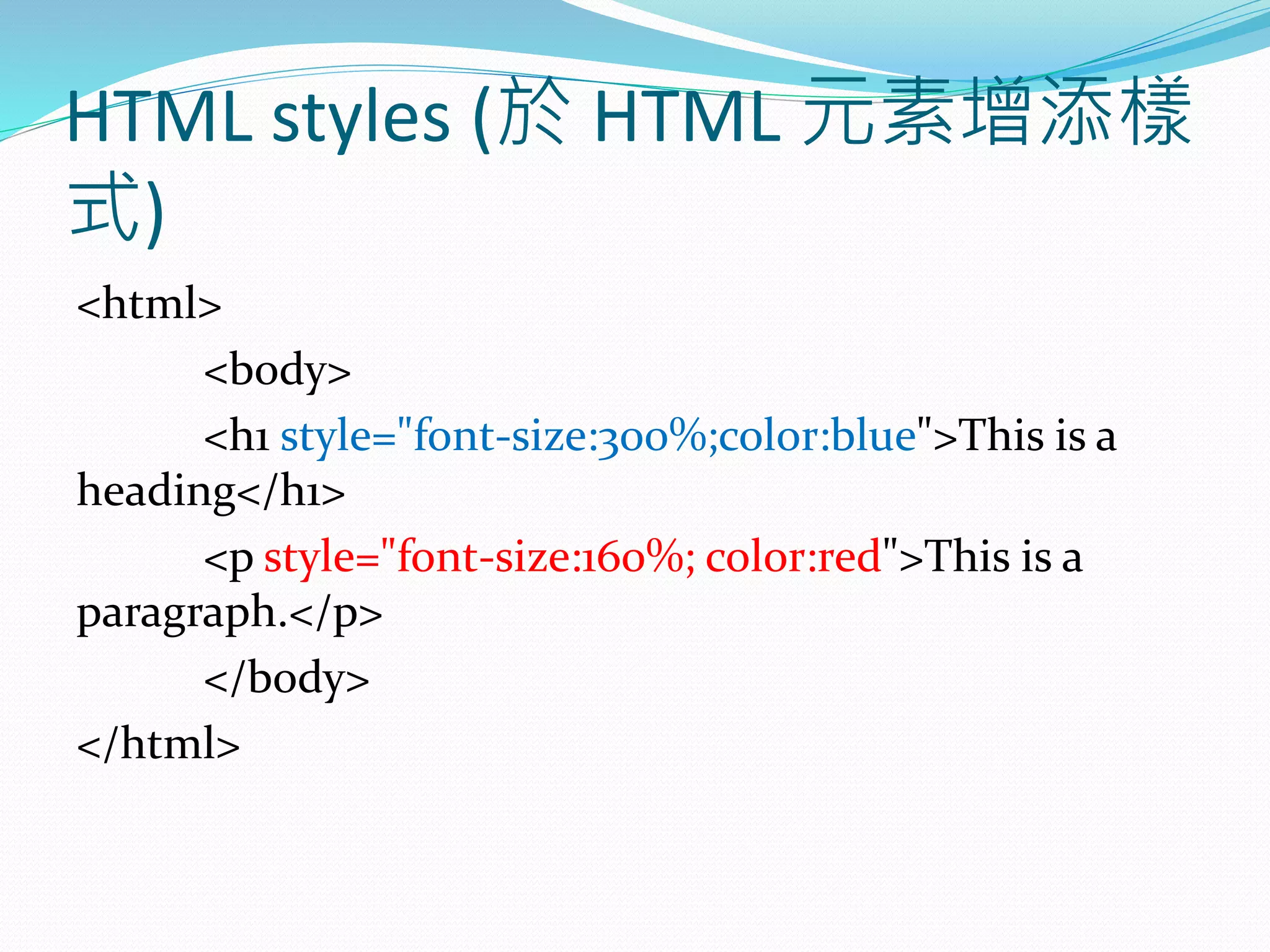
HTML styles (於 HTML 元素增添樣
式)
<html>
<body>
<h1 style="font-size:300%;color:blue">This is a
heading</h1>
<p style="font-size:160%; color:red">This is a
paragraph.</p>
</body>
</html>
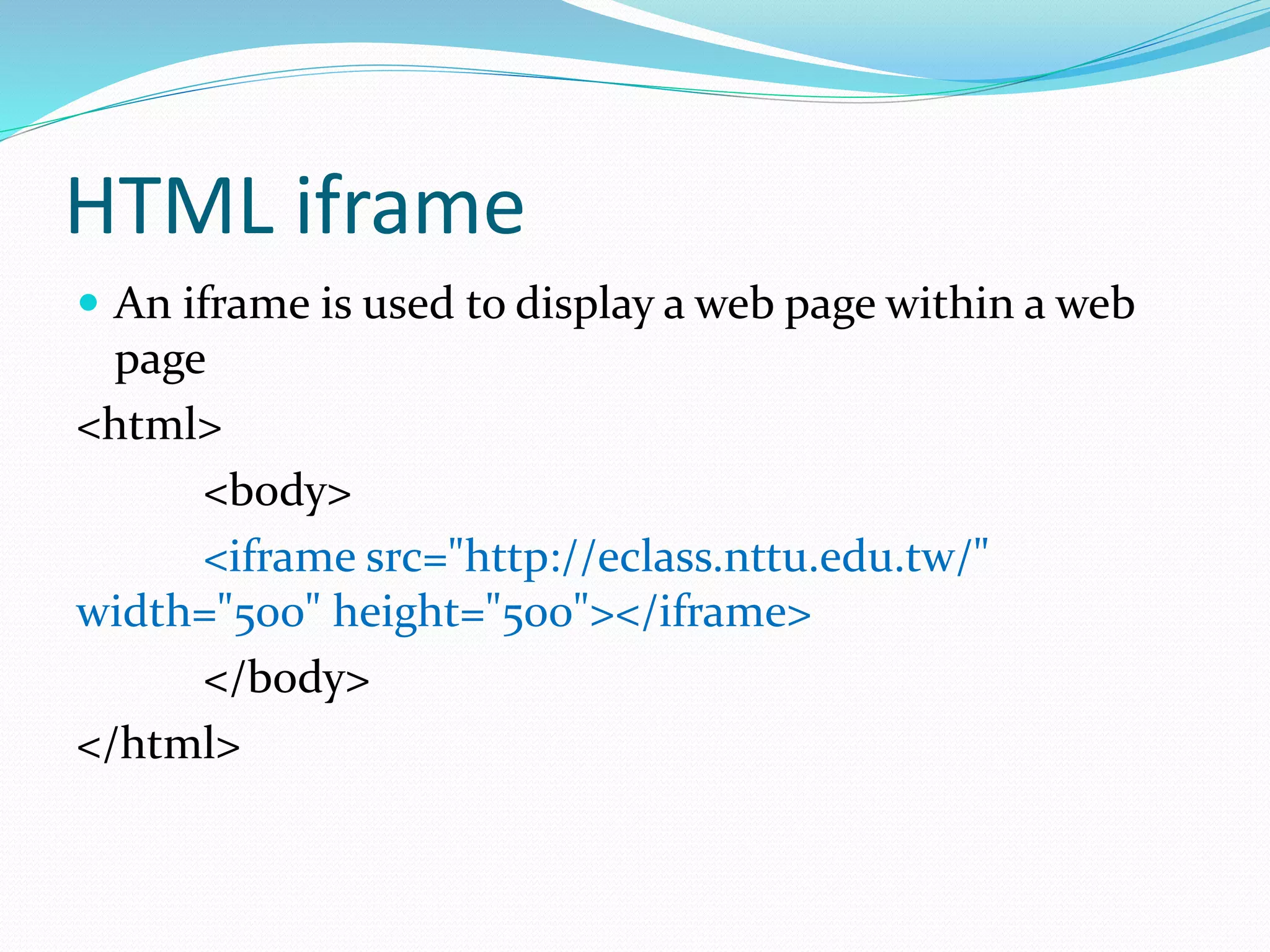
HTML iframe
 An iframe is used to display a web page within a web
page
<html>
<body>
<iframe src="http://eclass.nttu.edu.tw/"
width="500" height="500"></iframe>
</body>
</html>
HTML iframe
 Try to display Facebook within web page
<html>
<body>
<iframe src="http://facebook.com" width="500"
height="500"></iframe>
</body>
</html>
使用 iframe 鑲嵌 Facebook 功能
 https://developers.facebook.com/docs/plugins/like-
button
使用 iframe 鑲嵌 Facebook 功能
<iframe
src="https://www.facebook.com/plugins/like.php?href=http%3A%2F%2F
www.nttu.edu.tw%2Fplugins%2F&width=450&layout=standard&action=l
ike&show_faces=true&share=true&height=80&appId" width="450"
height="80" style="border:none;overflow:hidden" scrolling="no"
frameborder="0" allowTransparency="true">
</iframe>
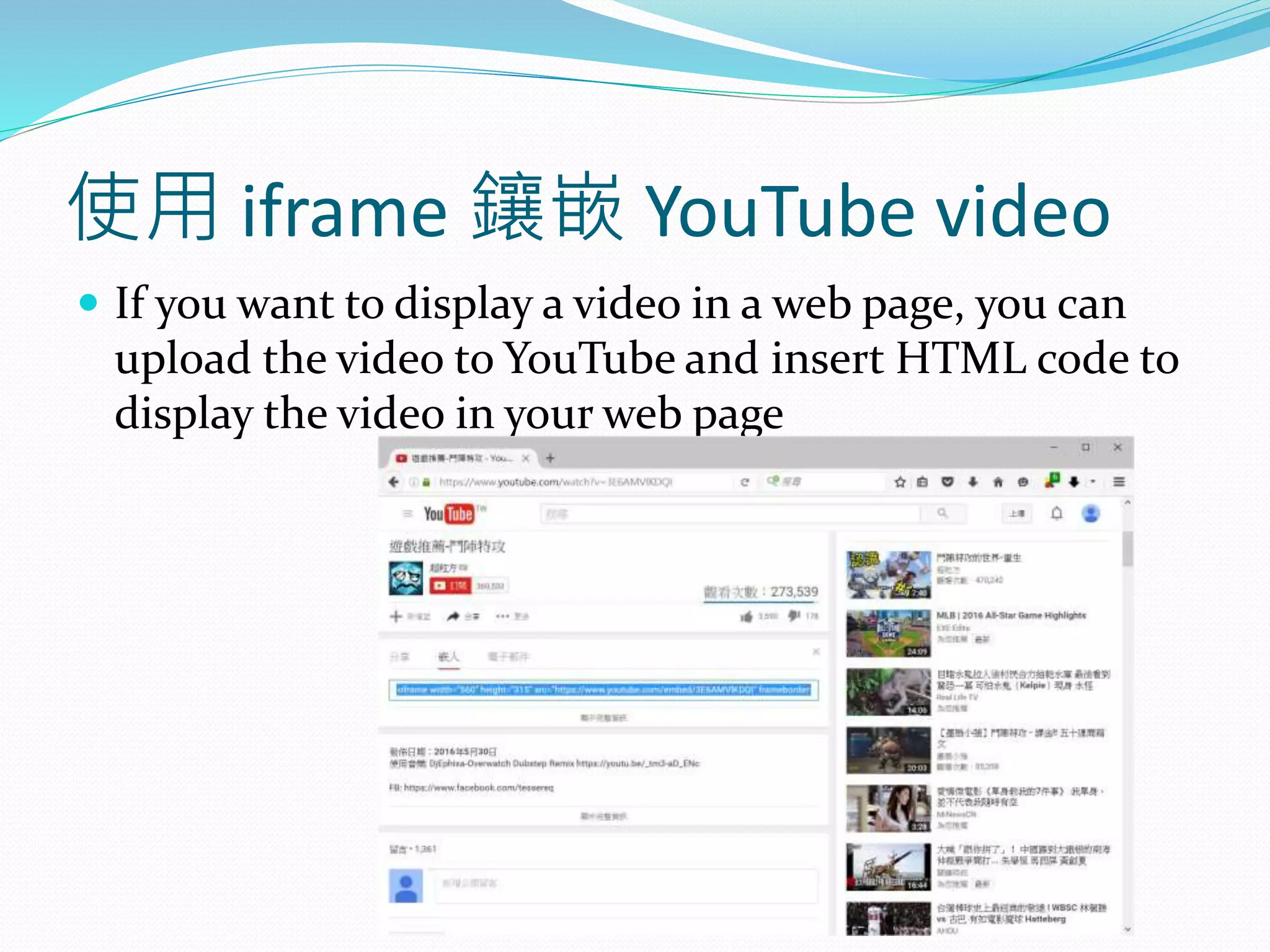
使用 iframe 鑲嵌 YouTube video
 If you want to display a video in a web page, you can
upload the video to YouTube and insert HTML code to
display the video in your web page
使用 iframe 鑲嵌 YouTube video
 If you want to display a video in a web page, you can
upload the video to YouTube and insert HTML code to
display the video in your web page
使用 iframe 鑲嵌 YouTube video
 If you want to display a video in a web page, you can
upload the video to YouTube and insert HTML code to
display the video in your web page
HTML form – Text fields
<html>
<body>
<form>
First name: <input type="text" name="firstname"
/> <br>
Last name: <input type="text" name="lastname"
/>
</form>
</body>
</html>
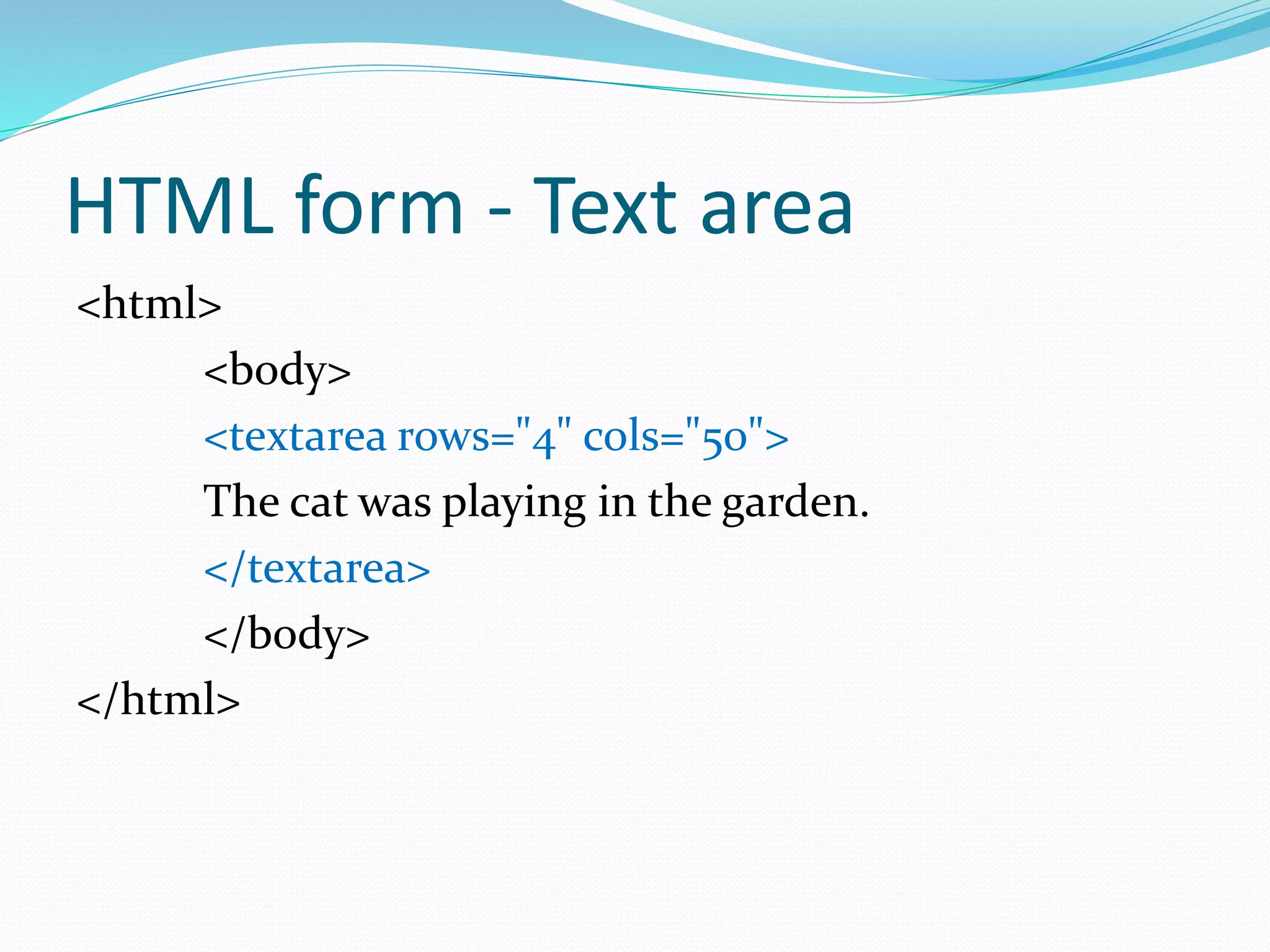
HTML form - Text area
<html>
<body>
<textarea rows="4" cols="50">
The cat was playing in the garden.
</textarea>
</body>
</html>
HTML form – Password field
<html>
<body>
<form>
Password: <input type="password" name="pwd"
/>
</form>
</body>
</html>
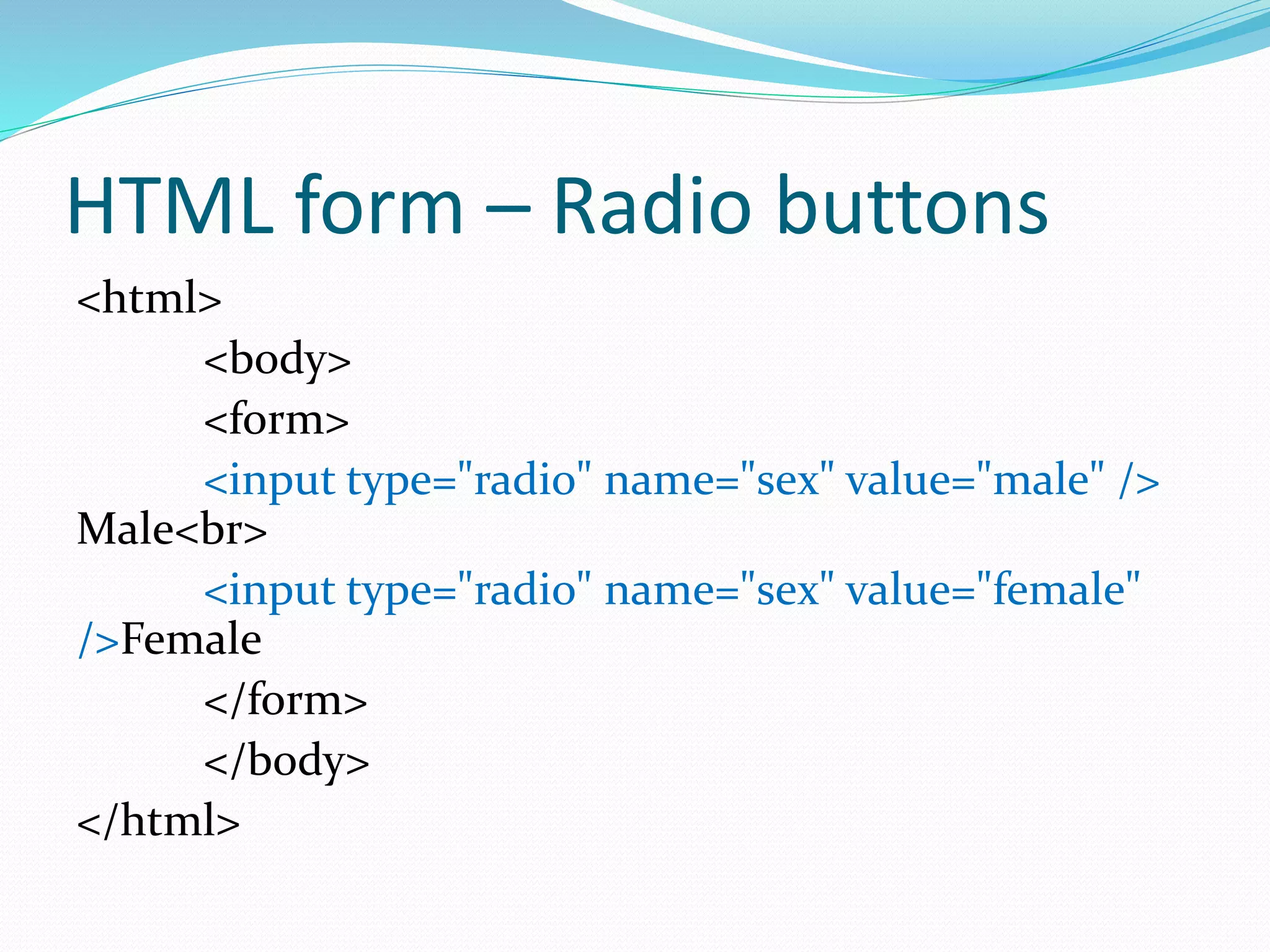
HTML form – Radio buttons
<html>
<body>
<form>
<input type="radio" name="sex" value="male" />
Male<br>
<input type="radio" name="sex" value="female"
/>Female
</form>
</body>
</html>
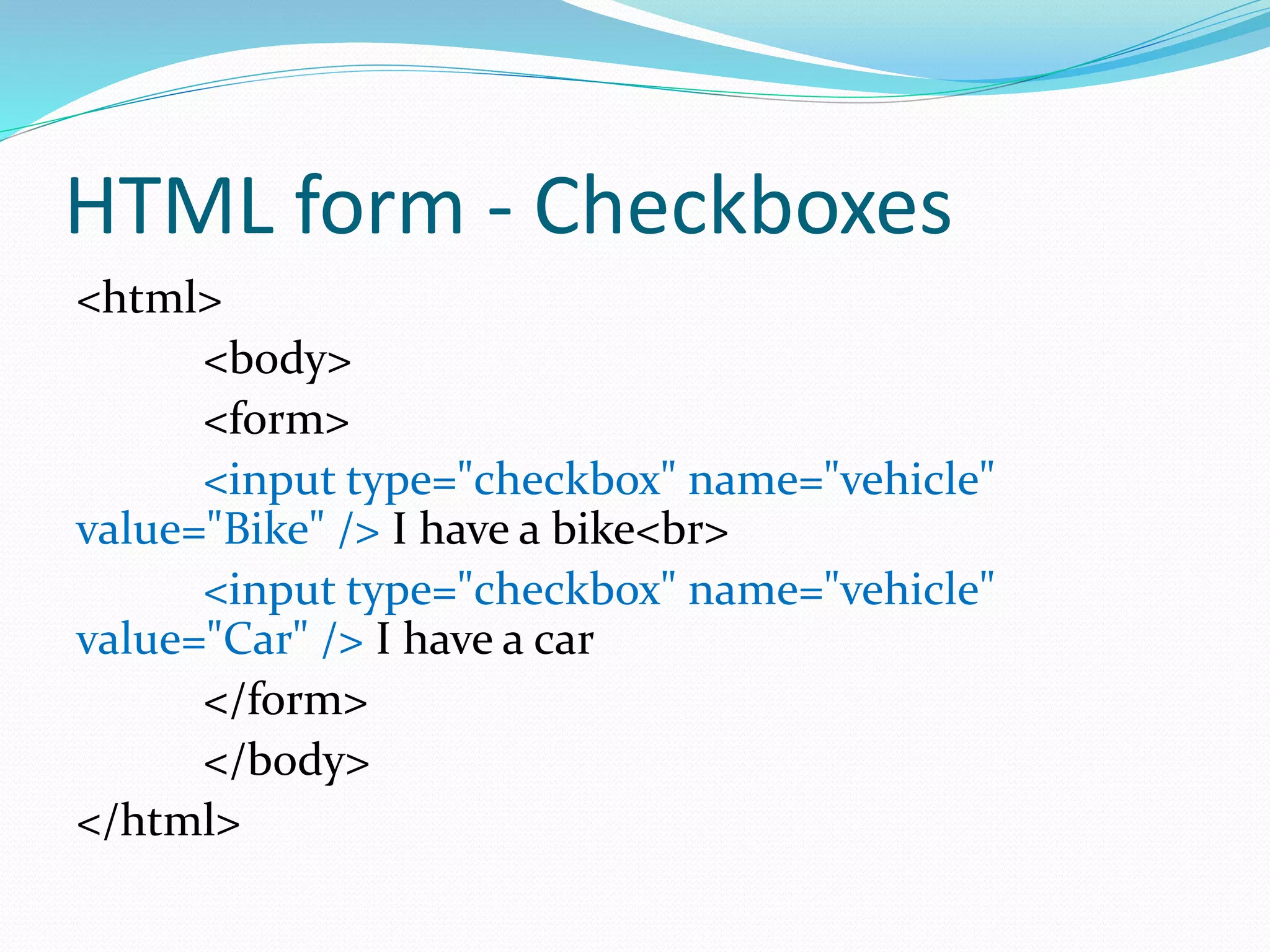
HTML form - Checkboxes
<html>
<body>
<form>
<input type="checkbox" name="vehicle"
value="Bike" /> I have a bike<br>
<input type="checkbox" name="vehicle"
value="Car" /> I have a car
</form>
</body>
</html>
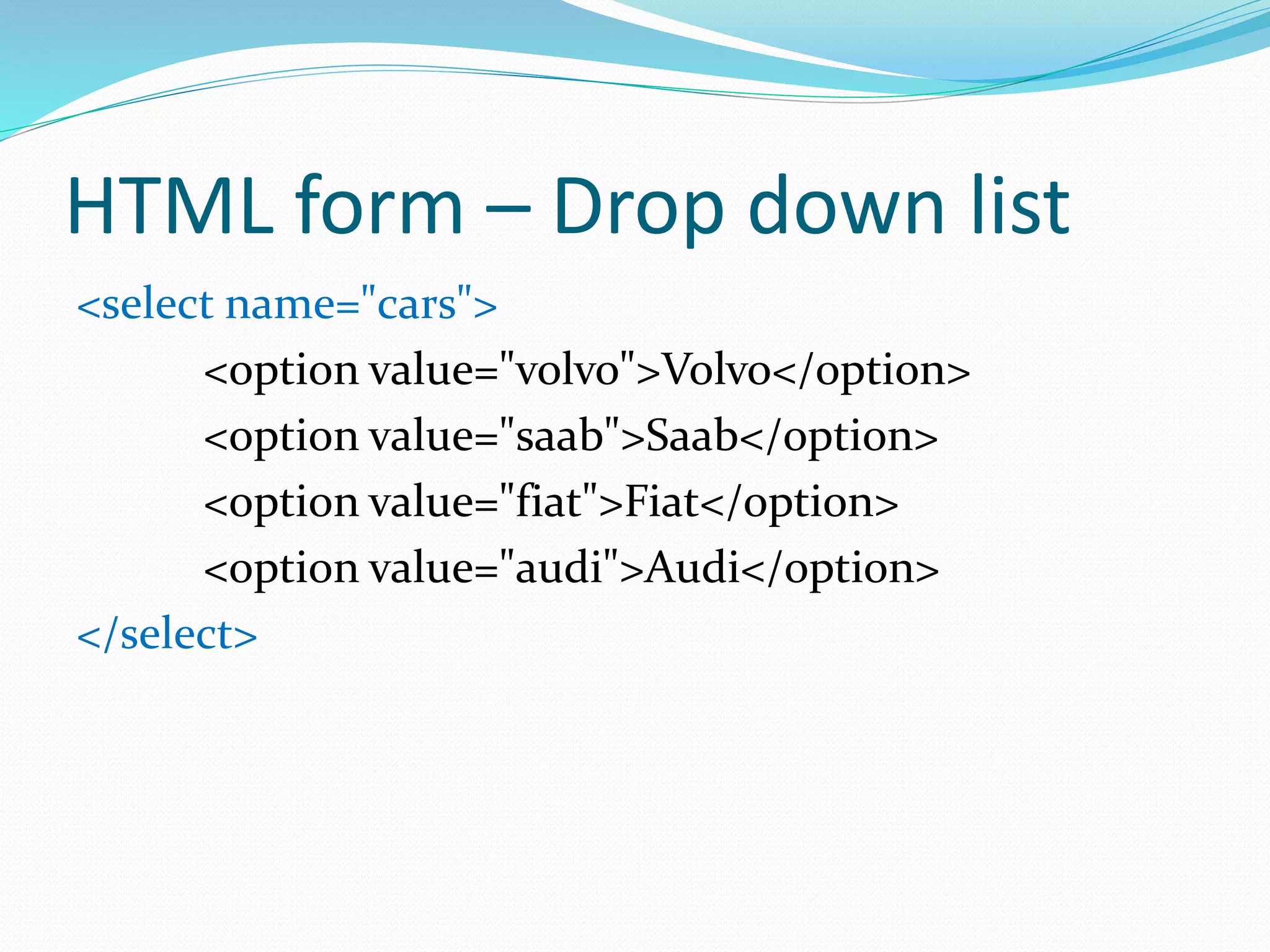
HTML form – Drop down list
<select name="cars">
<option value="volvo">Volvo</option>
<option value="saab">Saab</option>
<option value="fiat">Fiat</option>
<option value="audi">Audi</option>
</select>
HTML form - Drop down list (with
classification)
<select>
<optgroup label="Swedish Cars">
<option value="volvo">Volvo</option>
<option value="saab">Saab</option>
</optgroup>
<optgroup label="German Cars">
<option value="mercedes">Mercedes</option>
<option value="audi">Audi</option>
</optgroup>
</select>
HTML form - Button
<html>
<body>
<button>Click Me!</button>
</body>
</html>
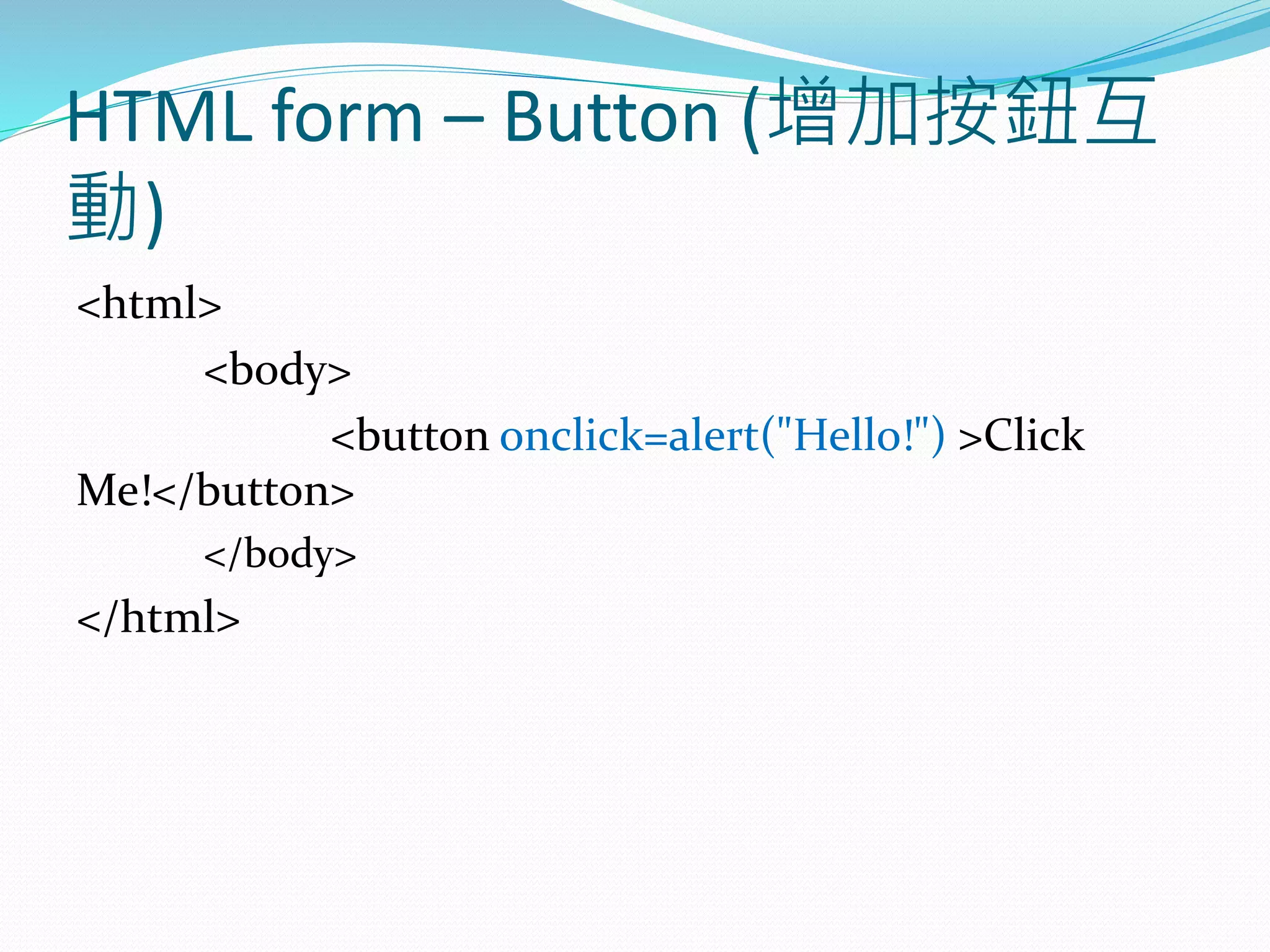
HTML form – Button (增加按鈕互
動)
<html>
<body>
<button onclick=alert("Hello!") >Click
Me!</button>
</body>
</html>
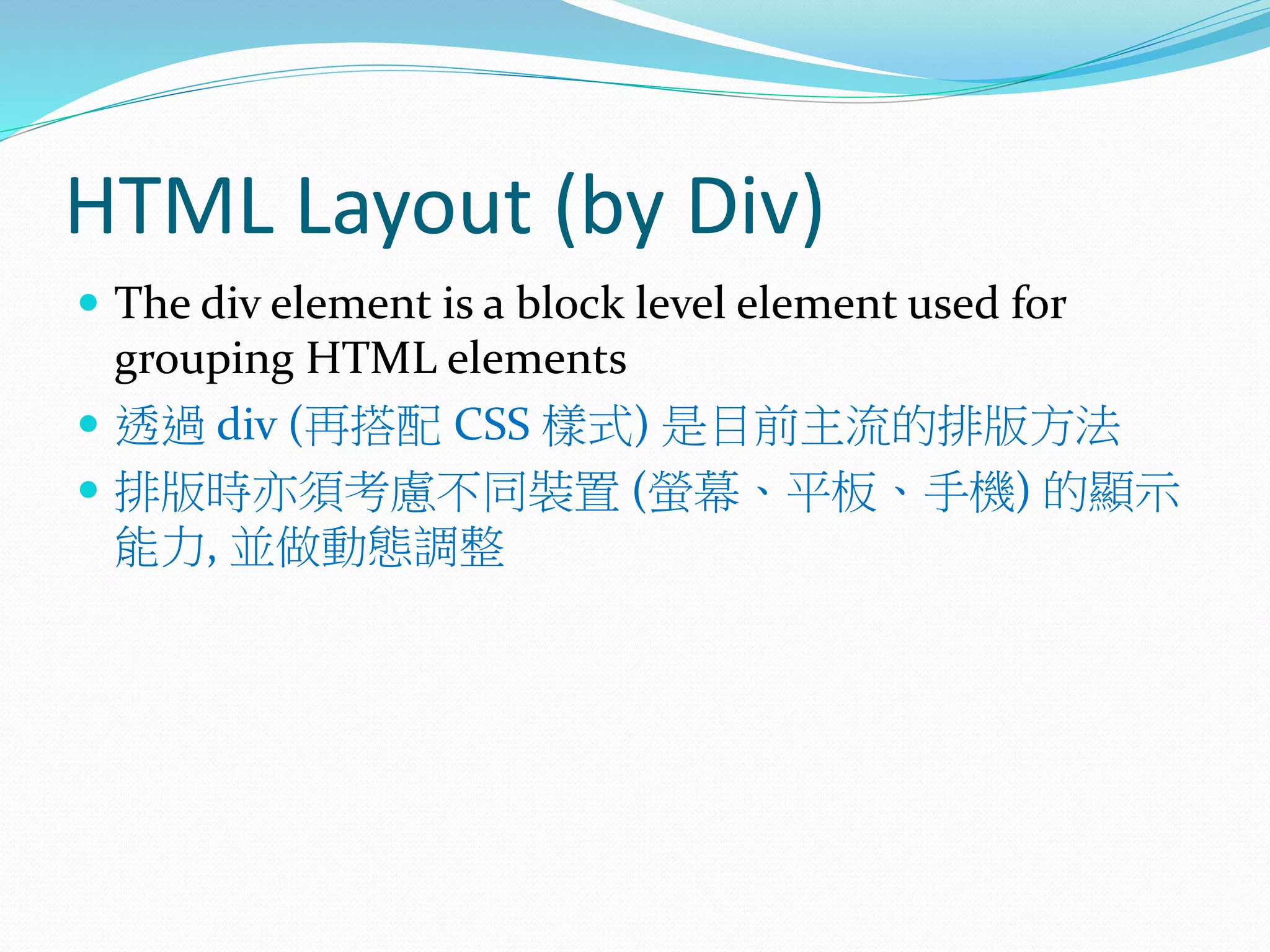
HTML Layout (by Div)
 The div element is a block level element used for
grouping HTML elements
 透過 div (再搭配 CSS 樣式) 是目前主流的排版方法
 排版時亦須考慮不同裝置 (螢幕、平板、手機) 的顯示
能力, 並做動態調整
<html>
<body>
<div style="color:yellow">
<h1>City Gallery</h1>
</div>
<div style="color:green">
<h2>London</h2>
<p>London is the capital city of England</p>
</div>
</body>
</html>
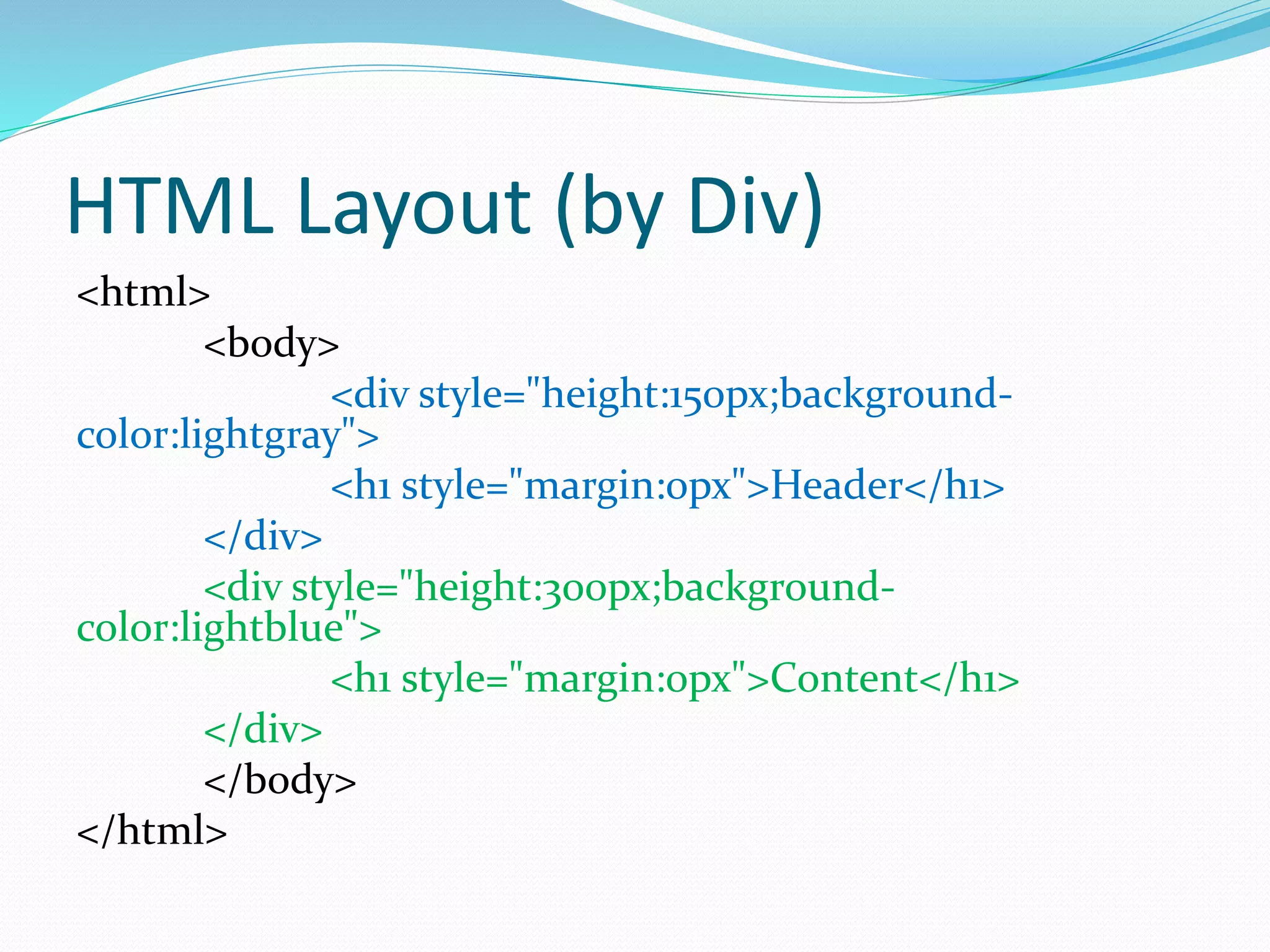
HTML Layout (by Div)
<html>
<body>
<div style="height:150px;background-
color:lightgray">
<h1 style="margin:0px">Header</h1>
</div>
<div style="height:300px;background-
color:lightblue">
<h1 style="margin:0px">Content</h1>
</div>
</body>
</html>
HTML Layout (by Div)
<html>
<body>
<div style="height:150px;background-color:lightgray">
<h1 style="margin:0px">Header</h1>
</div>
<div style="float:left;width:200px;height:300px;background-
color:lightgreen">
<h1 style="margin:0px">Menu</h1>
</div>
<div style="height:300px;background-color:lightblue">
<h1 style="margin:0px">Content</h1>
</div>
</body>
</html>
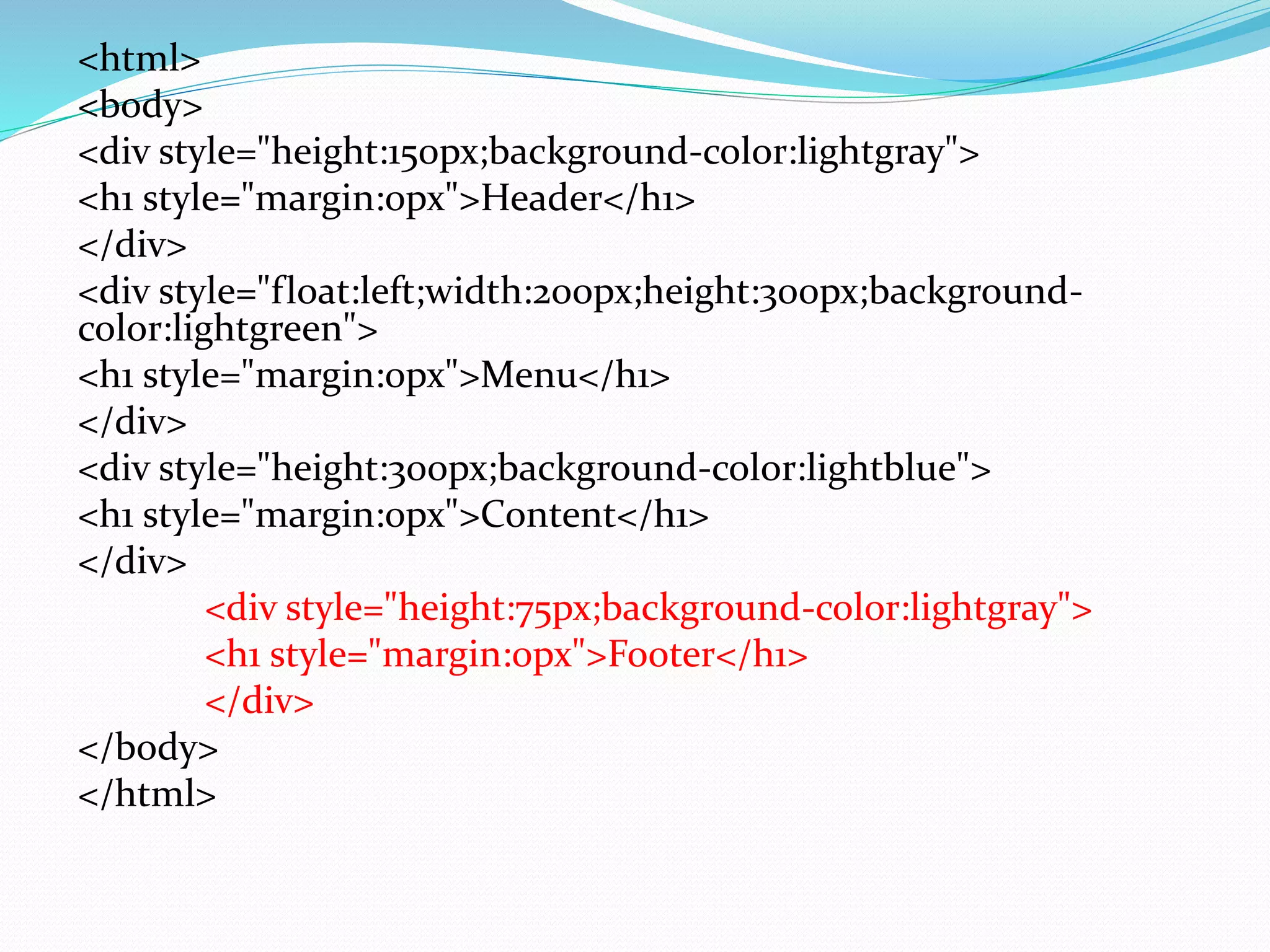
<html>
<body>
<div style="height:150px;background-color:lightgray">
<h1 style="margin:0px">Header</h1>
</div>
<div style="float:left;width:200px;height:300px;background-
color:lightgreen">
<h1 style="margin:0px">Menu</h1>
</div>
<div style="height:300px;background-color:lightblue">
<h1 style="margin:0px">Content</h1>
</div>
<div style="height:75px;background-color:lightgray">
<h1 style="margin:0px">Footer</h1>
</div>
</body>
</html>
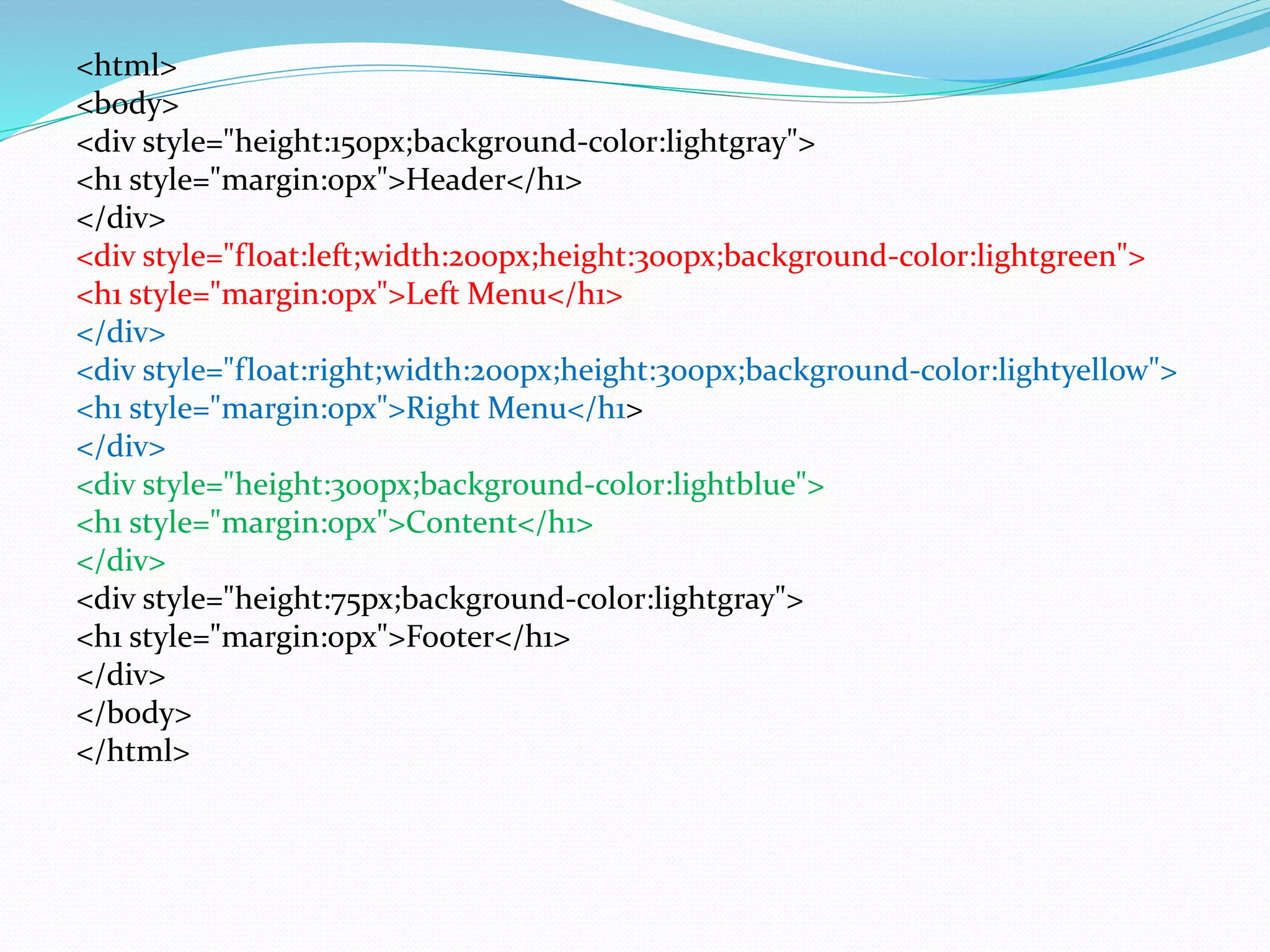
<html>
<body>
<div style="height:150px;background-color:lightgray">
<h1 style="margin:0px">Header</h1>
</div>
<div style="float:left;width:200px;height:300px;background-color:lightgreen">
<h1 style="margin:0px">Left Menu</h1>
</div>
<div style="float:right;width:200px;height:300px;background-color:lightyellow">
<h1 style="margin:0px">Right Menu</h1>
</div>
<div style="height:300px;background-color:lightblue">
<h1 style="margin:0px">Content</h1>
</div>
<div style="height:75px;background-color:lightgray">
<h1 style="margin:0px">Footer</h1>
</div>
</body>
</html>
<html>
<body>
<div style="height:150px;background-color:lightgray">
<h1 style="margin:0px">Header</h1>
</div>
<div style="float:left;width:200px;height:300px;background-color:lightgreen">
<h1 style="margin:0px">Left Menu</h1>
</div>
<div style="float:right;width:200px;height:300px">
<div style=height:150px;background-color:purple>Row 1</div>
<div style=height:150px;background-color:blue>Row 2</div>
</div>
<div style="height:300px;background-color:lightblue">
<h1 style="margin:0px">Content</h1>
</div>
<div style="height:75px;background-color:lightgray">
<h1 style="margin:0px">Footer</h1>
</div>
</body>
</html>

計算機概論20161205