HTML Cheat sheet
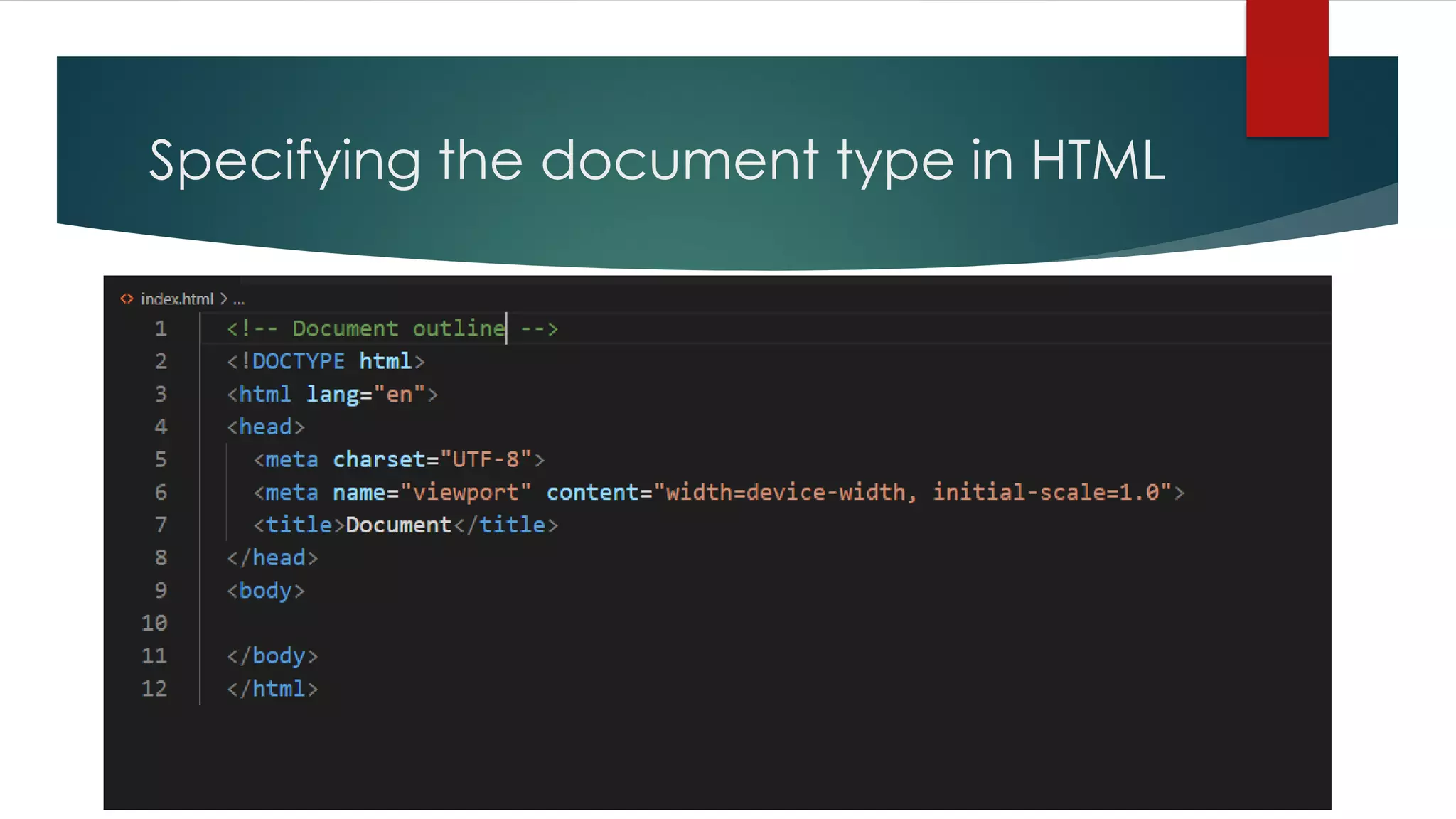
Specifying the document type in HTML
Document Outline Tags
 <!DOCTYPE html> --- Version of (x) HTML
 <html> --- HTML Document
 <head> --- Page Information or Header
 <body> --- Main Body (page contents)
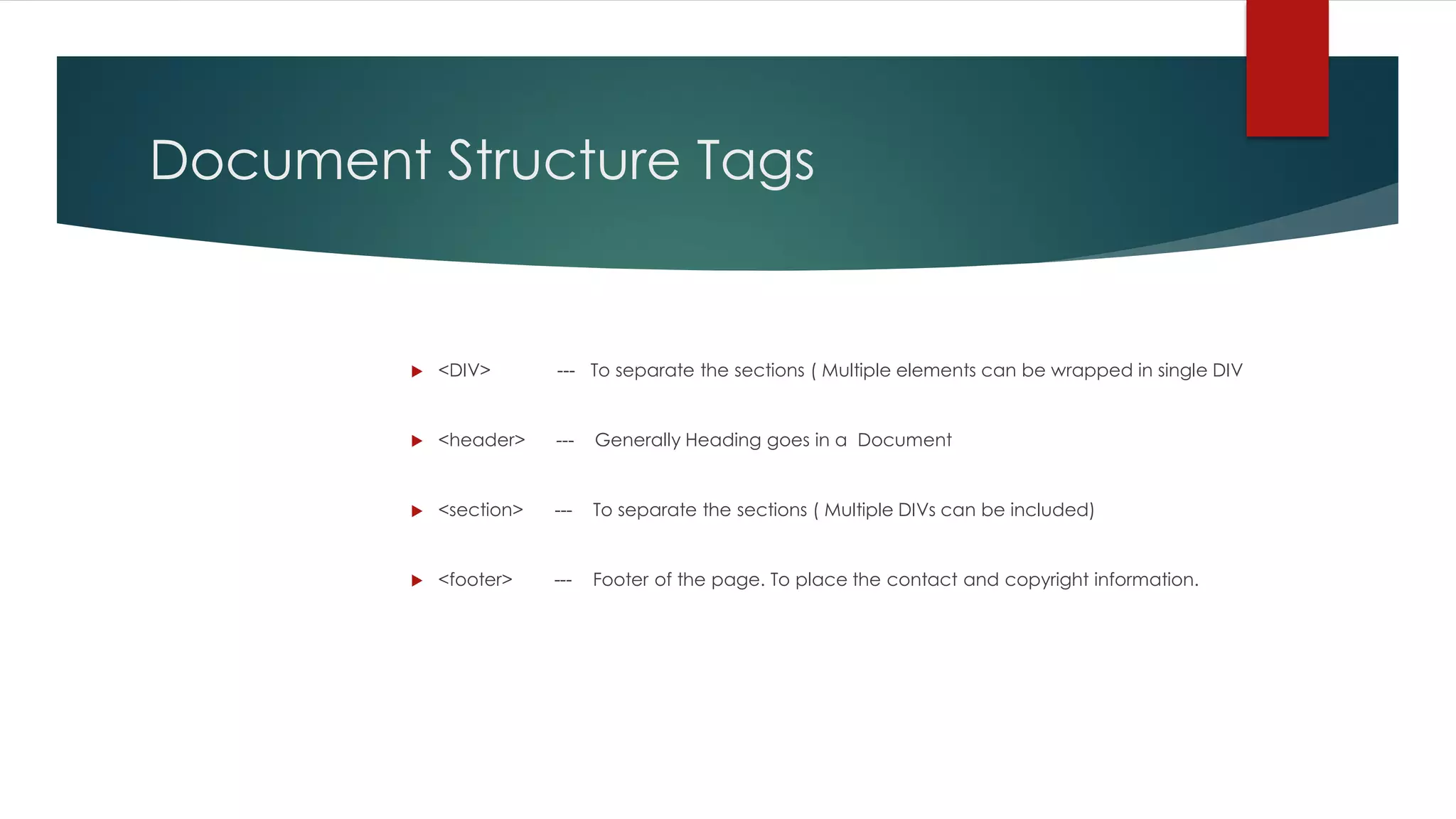
Document Structure Tags
 <DIV> --- To separate the sections ( Multiple elements can be wrapped in single DIV
 <header> --- Generally Heading goes in a Document
 <section> --- To separate the sections ( Multiple DIVs can be included)
 <footer> --- Footer of the page. To place the contact and copyright information.
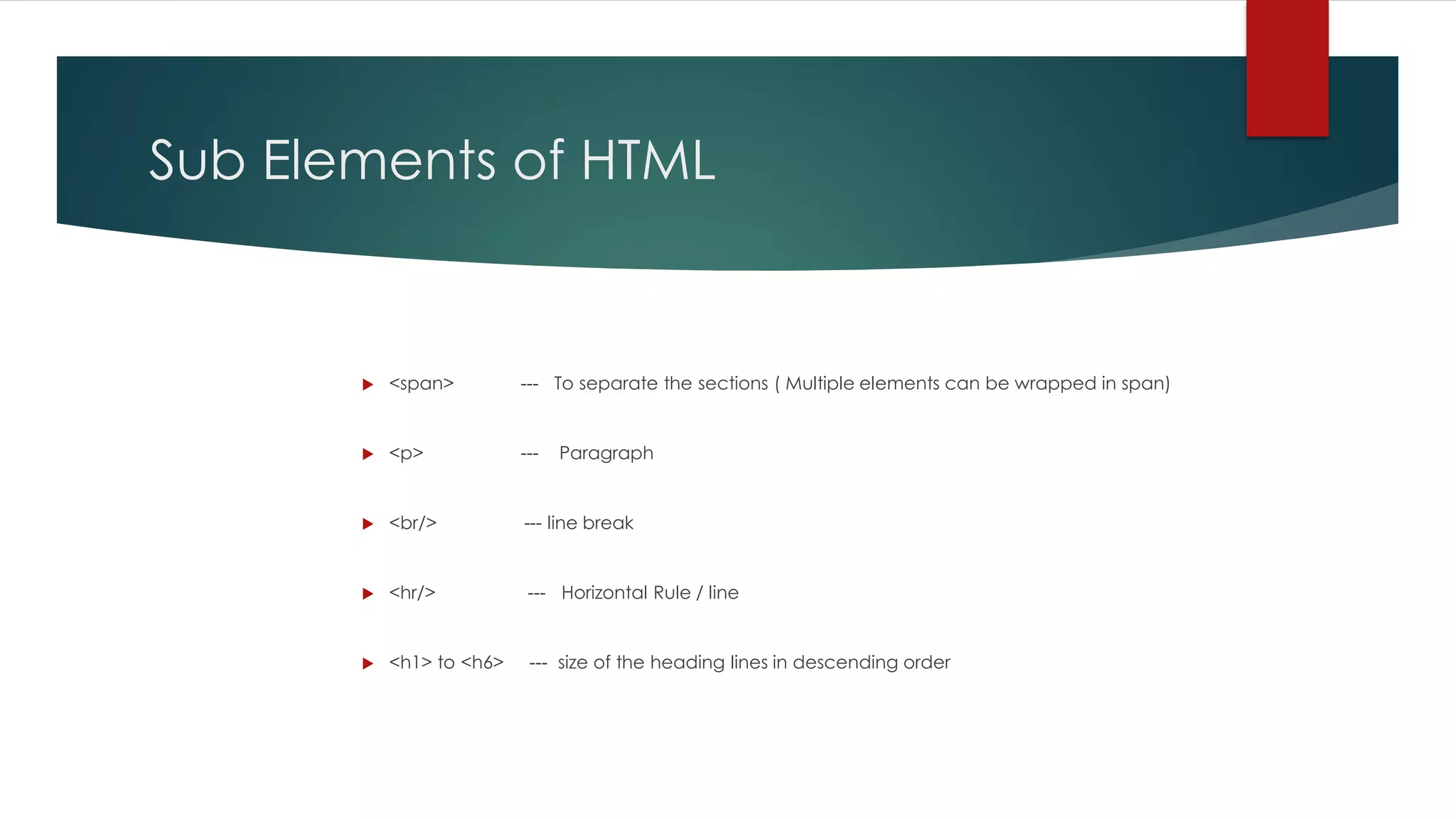
Sub Elements of HTML
 <span> --- To separate the sections ( Multiple elements can be wrapped in span)
 <p> --- Paragraph
 <br/> --- line break
 <hr/> --- Horizontal Rule / line
 <h1> to <h6> --- size of the heading lines in descending order
Page Information
 <base> --- Base URL
 <meta> --- Meta Data
 <title> --- Title
 <style> --- Style Resource
 <script> --- Script Resource
Using Links in HTML
 <a href = “”> --- page link ( need to paste the link in between quotes)
 <a href = “mailto”> --- Email Link
 <a href = “name”> --- Anchor link
 <a href = “#name”> --- Link to Anchor
Using Tables in HTML
 <table> --- Table
 <caption> --- caption
 <thread> ---Thread
 <tbody> --- Table body
 <tfoot> --- Table Foot
 <colgroup> --- Column group
 <col/> --- Column
 <tr> --- Table row
 <th> ---- Head cell
 <td> ---- Table Cell
Using Forms in HTML
 <form> --- Form
 <fieldset> --- collection of fields
 <legend> ---Form legend
 <input/> --- Form input
 <select> --- Drop –Down box
 <optgroup> --- Group of options
 <option> --- Drop down of options
 <textarea> --- large text input
 <button> ---- Button
 <output> ---- Result of a calculation
Tags for Lists in HTML
 <ol> --- Ordered List (numbered)
 <ul> --- Unordered list ( Without numbers)
 <li> --- List Item
 <dl> --- Definition List
 <dt> --- Definition term
 <dd> ---- Term Description

Html5 cheat sheet

  • 1.
  • 2.
  • 3.
    Document Outline Tags <!DOCTYPE html> --- Version of (x) HTML  <html> --- HTML Document  <head> --- Page Information or Header  <body> --- Main Body (page contents)
  • 4.
    Document Structure Tags <DIV> --- To separate the sections ( Multiple elements can be wrapped in single DIV  <header> --- Generally Heading goes in a Document  <section> --- To separate the sections ( Multiple DIVs can be included)  <footer> --- Footer of the page. To place the contact and copyright information.
  • 5.
    Sub Elements ofHTML  <span> --- To separate the sections ( Multiple elements can be wrapped in span)  <p> --- Paragraph  <br/> --- line break  <hr/> --- Horizontal Rule / line  <h1> to <h6> --- size of the heading lines in descending order
  • 6.
    Page Information  <base>--- Base URL  <meta> --- Meta Data  <title> --- Title  <style> --- Style Resource  <script> --- Script Resource
  • 7.
    Using Links inHTML  <a href = “”> --- page link ( need to paste the link in between quotes)  <a href = “mailto”> --- Email Link  <a href = “name”> --- Anchor link  <a href = “#name”> --- Link to Anchor
  • 8.
    Using Tables inHTML  <table> --- Table  <caption> --- caption  <thread> ---Thread  <tbody> --- Table body  <tfoot> --- Table Foot  <colgroup> --- Column group  <col/> --- Column  <tr> --- Table row  <th> ---- Head cell  <td> ---- Table Cell
  • 9.
    Using Forms inHTML  <form> --- Form  <fieldset> --- collection of fields  <legend> ---Form legend  <input/> --- Form input  <select> --- Drop –Down box  <optgroup> --- Group of options  <option> --- Drop down of options  <textarea> --- large text input  <button> ---- Button  <output> ---- Result of a calculation
  • 10.
    Tags for Listsin HTML  <ol> --- Ordered List (numbered)  <ul> --- Unordered list ( Without numbers)  <li> --- List Item  <dl> --- Definition List  <dt> --- Definition term  <dd> ---- Term Description