



ABC Training
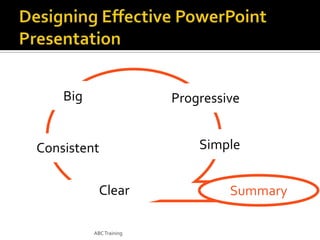
Big

Progressive

Consistent
Clear
ABC Training

Simple
Summary
ABC Training


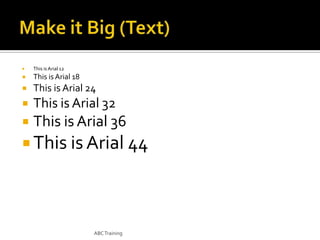
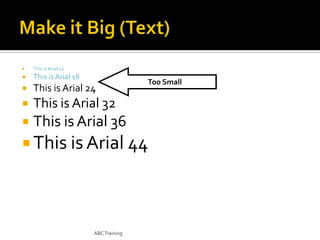
This is Arial 12



This is Arial 18



This is Arial 24



This is Arial 32



This is Arial 36

 This is Arial 44

ABC Training


This is Arial 12



This is Arial 18



This is Arial 24



This is Arial 32



This is Arial 36

Too Small

 This is Arial 44

ABC Training


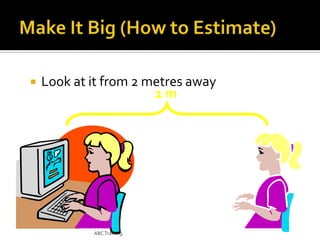
Look at it from 2 metres away
2m

ABC Training
ABC Training




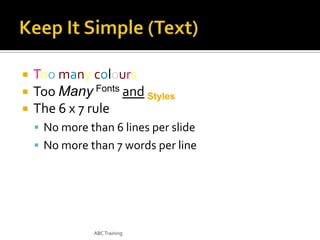
Too many colours
Too Many Fonts and Styles
The 6 x 7 rule
 No more than 6 lines per slide
 No more than 7 words per line

ABC Training
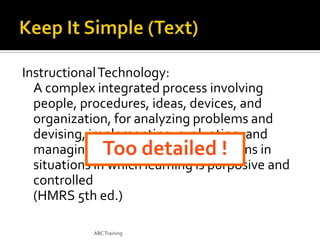
Instructional Technology:
A complex integrated process involving
people, procedures, ideas, devices, and
organization, for analyzing problems and
devising, implementing, evaluating, and
managing solutions to those problems in
Too detailed !
situations in which learning is purposive and
controlled
(HMRS 5th ed.)
ABC Training
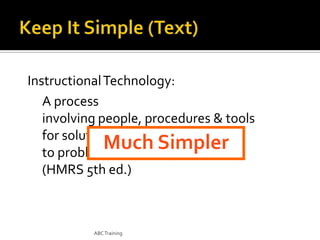
Instructional Technology:
A process
involving people, procedures & tools
for solutions
Much Simpler
to problems in learning
(HMRS 5th ed.)

ABC Training
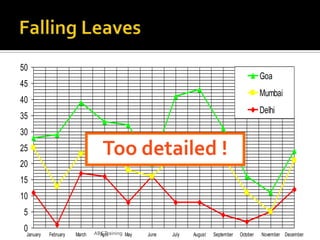
50

Goa

45

Mumbai

40

Delhi

35
30

Too detailed !

25
20
15
10
5
0

January

February

March

ABC Training May
April

June

July

August

September

October

November December
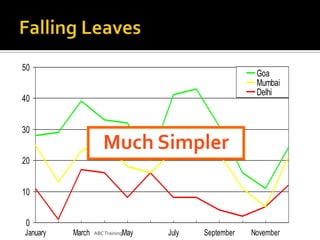
50

Goa
Mumbai
Delhi

40
30

Much Simpler

20
10
0
January

March

ABC TrainingMay

July

September

November
Art work may distract your audience
• Artistry does not substitute for content


ABC Training


Sound effects may distract too

• Use sound only when necessary

ABC Training


This transition is annoying, not enhancing

• "Appear" and "Disappear" are better

ABC Training
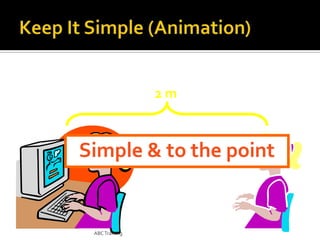
2m

Too distracting !

ABC Training
2m

Simple & to the point

ABC Training
ABC Training


ALL CAPITAL LETTERS ARE DIFFICULT TO
READ



Upper and lower case letters are easier

ABC Training
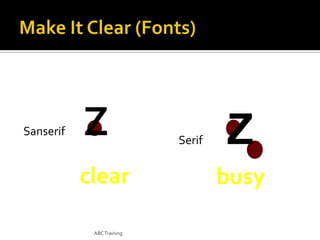
Sanserif

Z
clear
ABC Training

Serif

Z
busy







Serif fonts are difficult to read on screen
Sanserif fonts are clearer
Italics are difficult to read on screen
Normal or bold fonts are clearer
Underlines may signify hyperlinks
Instead, use colours to emphasise

ABC Training
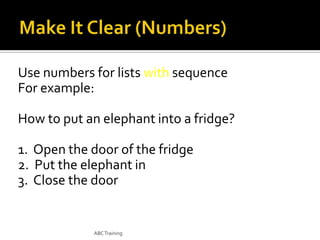
Use numbers for lists with sequence
For example:
How to put an elephant into a fridge?
1. Open the door of the fridge
2. Put the elephant in
3. Close the door

ABC Training
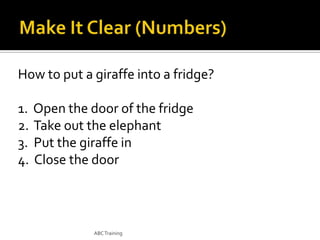
How to put a giraffe into a fridge?
1. Open the door of the fridge
2. Take out the elephant
3. Put the giraffe in
4. Close the door

ABC Training
Use bullets to show a list without
 Priority
 Sequence
 Hierarchy, …..

ABC Training




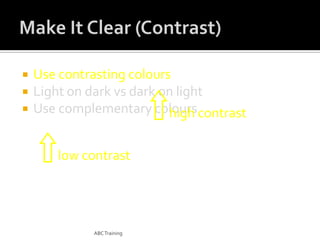
Use contrasting colours
Light on dark vs dark on light
Use complementary colours

ABC Training




Use contrasting colours
Light on dark vs dark on light
Use complementary colours contrast
high
low contrast

ABC Training




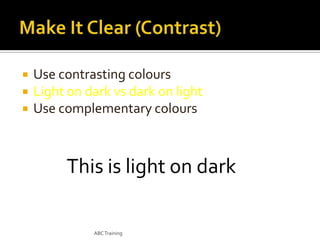
Use contrasting colours
Light on dark vs dark on light
Use complementary colours

This is light on dark
ABC Training




Use contrasting colours
Light on dark vs dark on light
Use complementary colours

This is dark on light

ABC Training


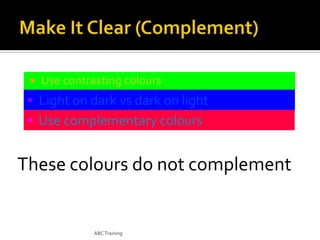
Use contrasting colours

• Light on dark vs dark on light
• Use complementary colours

These colours do not complement

ABC Training


Use contrasting colours

• Light on dark vs dark on light
• Use complementary colours

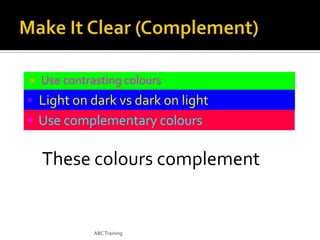
These colours complement

ABC Training


Size implies importance

ABC Training
Size implies importance

ABC Training


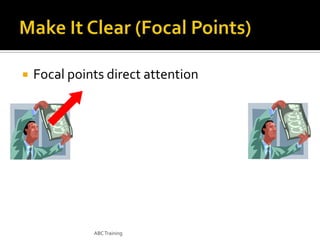
Focal points direct attention

ABC Training


Focal points direct attention

ABC Training
ABC Training
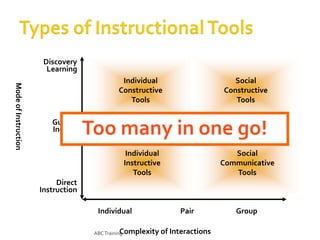
Discovery
Learning

Mode of Instruction

Individual
Constructive
Tools
Guided
Inquiry

Social
Constructive
Tools

Too many in one go!
Informational Tools

Individual
Instructive
Tools

Social
Communicative
Tools

Direct
Instruction
Individual
Complexity
ABC Training

Pair
of Interactions

Group
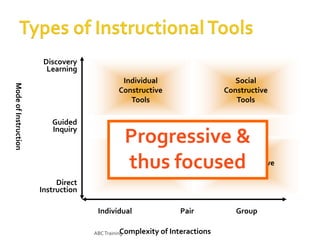
Discovery
Learning

Mode of Instruction

Individual
Constructive
Tools
Guided
Inquiry

Social
Constructive
Tools

Informational Tools

Progressive &
thus focused

Individual
Instructive
Tools

Social
Communicative
Tools

Direct
Instruction
Individual
Complexity
ABC Training

Pair
of Interactions

Group
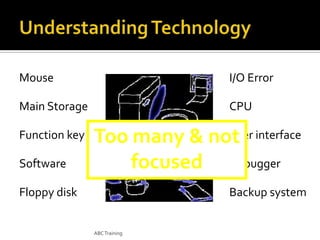
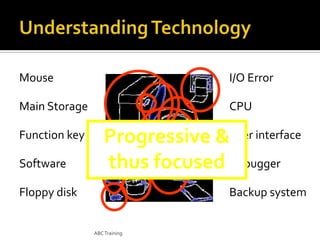
Mouse

I/O Error

Main Storage

CPU

Function key
Software

User
Too many & not interface
focused Debugger

Floppy disk

Backup system

ABC Training
Mouse

I/O Error

Main Storage

CPU

Function key
Software

Progressive &User interface
thus focused Debugger

Floppy disk

Backup system

ABC Training
ABC Training


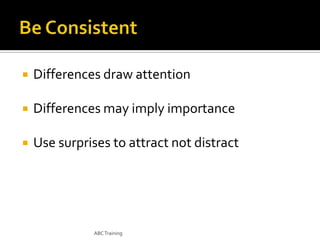
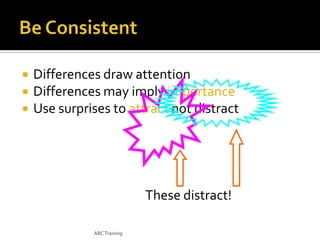
Differences draw attention



Differences may imply importance



Use surprises to attract not distract

ABC Training
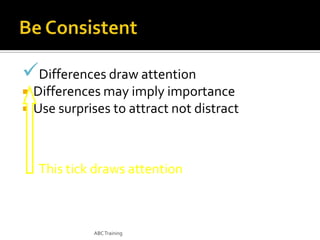
Differences draw attention



Differences may imply importance
Use surprises to attract not distract

This tick draws attention

ABC Training
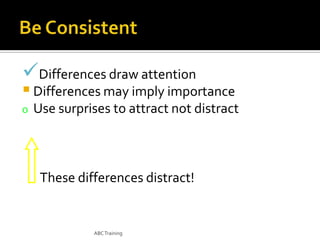
Differences draw attention

 Differences may imply importance
o

Use surprises to attract not distract

These differences distract!

ABC Training

•


Differences draw attention
Differences may imply importance
Use surprises to attract not distract

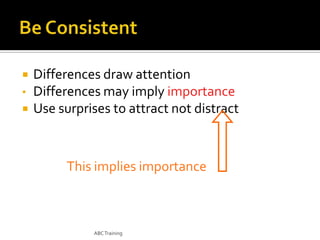
This implies importance

ABC Training

•


Differences draw attention
Differences may imply importance
Use surprises to attract not distract

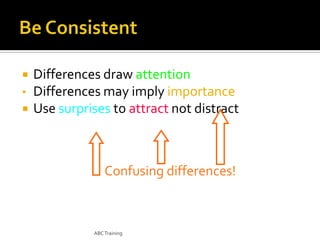
Confusing differences!

ABC Training




Differences draw attention
Differences may imply importance
Use surprises to attract not distract

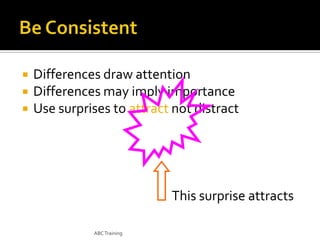
This surprise attracts
ABC Training




Differences draw attention
Differences may imply importance
Use surprises to attract not distract

These distract!
ABC Training






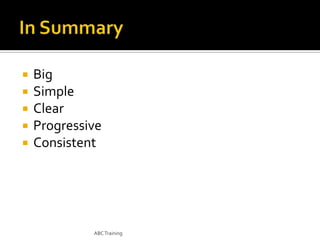
Big
Simple
Clear
Progressive
Consistent

ABC Training
ABC Training







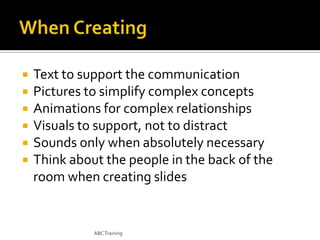
Text to support the communication
Pictures to simplify complex concepts
Animations for complex relationships
Visuals to support, not to distract
Sounds only when absolutely necessary
Think about the people in the back of the
room when creating slides

ABC Training





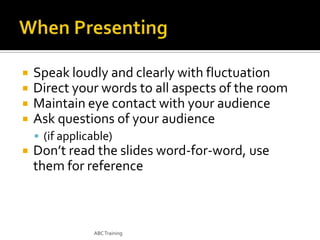
Speak loudly and clearly with fluctuation
Direct your words to all aspects of the room
Maintain eye contact with your audience
Ask questions of your audience
 (if applicable)



Don’t read the slides word-for-word, use
them for reference

ABC Training


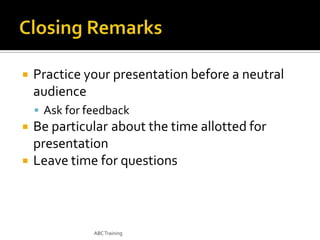
Practice your presentation before a neutral
audience
 Ask for feedback




Be particular about the time allotted for
presentation
Leave time for questions

ABC Training
ABC Training

20 effective powerpoint presentation