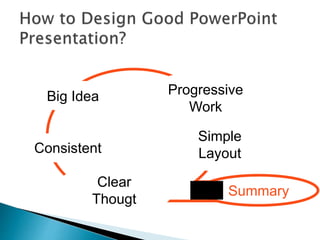
Big Idea Progressive 
Simple 
Consistent Layout 
Clear 
Thougt 
Work 
Summary
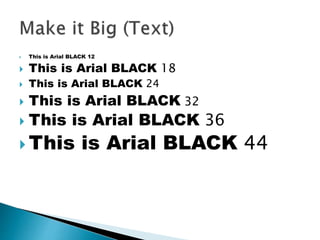
 This is Arial BLACK 12 
 This is Arial BLACK 18 
 This is Arial BLACK 24 
 This is Arial BLACK 32 
 This is Arial BLACK 36 
This is Arial BLACK 44
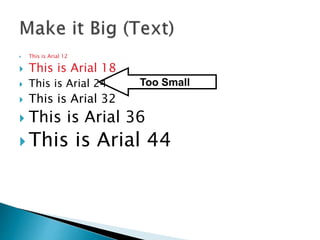
 This is Arial 12 
 This is Arial 18 
 This is Arial 24 
 This is Arial 32 
Too Small 
 This is Arial 36 
 This is Arial 44
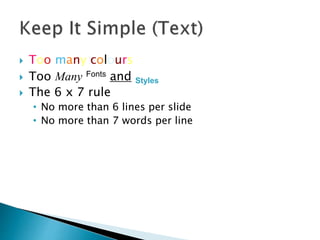
 Too many colours 
 Too Many Fonts and Styles 
 The 6 x 7 rule 
• No more than 6 lines per slide 
• No more than 7 words per line
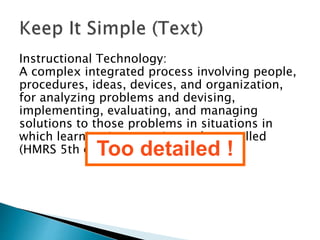
Instructional Technology: 
A complex integrated process involving people, 
procedures, ideas, devices, and organization, 
for analyzing problems and devising, 
implementing, evaluating, and managing 
solutions to those problems in situations in 
which learning is purposive and controlled 
(HMRS 5th edT.)oo detailed !
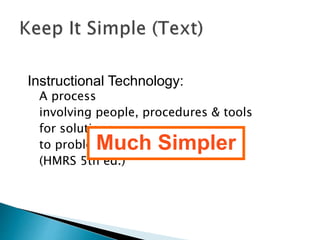
Instructional Technology: 
A process 
involving people, procedures & tools 
for solutions 
to problems Much in learning 
Simpler 
(HMRS 5th ed.)
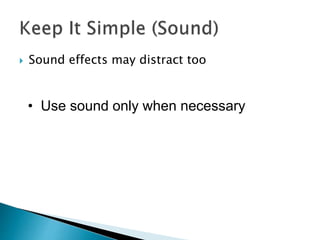
 Sound effects may distract too 
• Use sound only when necessary
 This transition is annoying, not enhancing 
• "Appear" and "Disappear" are better
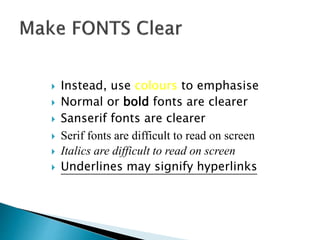
 Instead, use colours to emphasise 
 Normal or bold fonts are clearer 
 Sanserif fonts are clearer 
 Serif fonts are difficult to read on screen 
 Italics are difficult to read on screen 
 Underlines may signify hyperlinks
Use numbers for lists with sequence
Size implies 
importance
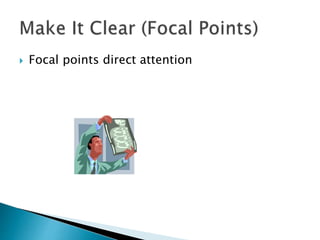
 Focal points direct attention
Individual 
Constructive 
Tools 
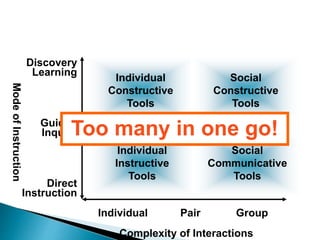
Too maInnfoyrm iantio noal nToeols go! 
Complexity of Interactions 
Mode of Instruction 
Individual Pair Group 
Discovery 
Learning 
Guided 
Inquiry 
Direct 
Instruction 
Individual 
Instructive 
Tools 
Social 
Constructive 
Tools 
Social 
Communicative 
Tools
Individual 
Constructive 
Tools 
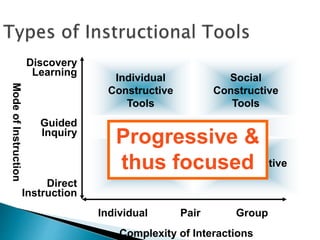
Informational Tools Progressive & 
thus focused 
Complexity of Interactions 
Mode of Instruction 
Individual Pair Group 
Discovery 
Learning 
Guided 
Inquiry 
Direct 
Instruction 
Individual 
Instructive 
Tools 
Social 
Constructive 
Tools 
Social 
Communicative 
Tools
Mouse 
Main Storage 
Floppy disk 
I/O Error 
CPU 
User interface 
Backup system 
Software 
Debugger 
Function key 
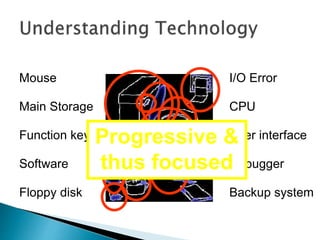
Progressive & 
thus focused
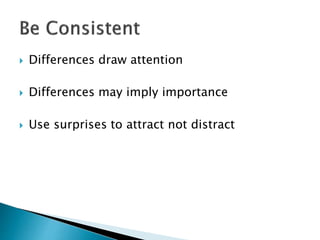
 Differences draw attention 
 Differences may imply importance 
 Use surprises to attract not distract
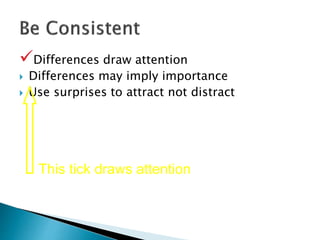
Differences draw attention 
 Differences may imply importance 
 Use surprises to attract not distract 
This tick draws attention
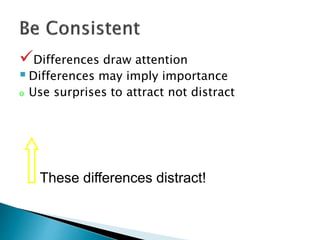
Differences draw attention 
 Differences may imply importance 
o Use surprises to attract not distract 
These differences distract!
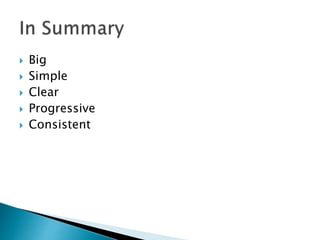
 Big 
 Simple 
 Clear 
 Progressive 
 Consistent
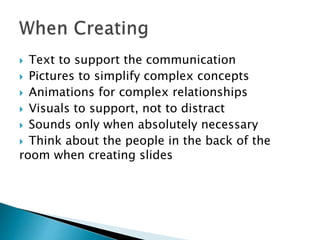
 Text to support the communication 
 Pictures to simplify complex concepts 
 Animations for complex relationships 
 Visuals to support, not to distract 
 Sounds only when absolutely necessary 
 Think about the people in the back of the 
room when creating slides
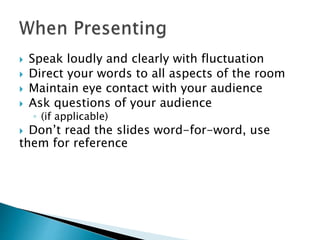
 Speak loudly and clearly with fluctuation 
 Direct your words to all aspects of the room 
 Maintain eye contact with your audience 
 Ask questions of your audience 
◦ (if applicable) 
 Don’t read the slides word-for-word, use 
them for reference
Let's Make A Power Presentation

Let's Make A Power Presentation

  • 2.
    Big Idea Progressive Simple Consistent Layout Clear Thougt Work Summary
  • 4.
     This isArial BLACK 12  This is Arial BLACK 18  This is Arial BLACK 24  This is Arial BLACK 32  This is Arial BLACK 36 This is Arial BLACK 44
  • 5.
     This isArial 12  This is Arial 18  This is Arial 24  This is Arial 32 Too Small  This is Arial 36  This is Arial 44
  • 7.
     Too manycolours  Too Many Fonts and Styles  The 6 x 7 rule • No more than 6 lines per slide • No more than 7 words per line
  • 8.
    Instructional Technology: Acomplex integrated process involving people, procedures, ideas, devices, and organization, for analyzing problems and devising, implementing, evaluating, and managing solutions to those problems in situations in which learning is purposive and controlled (HMRS 5th edT.)oo detailed !
  • 9.
    Instructional Technology: Aprocess involving people, procedures & tools for solutions to problems Much in learning Simpler (HMRS 5th ed.)
  • 10.
     Sound effectsmay distract too • Use sound only when necessary
  • 11.
     This transitionis annoying, not enhancing • "Appear" and "Disappear" are better
  • 13.
     Instead, usecolours to emphasise  Normal or bold fonts are clearer  Sanserif fonts are clearer  Serif fonts are difficult to read on screen  Italics are difficult to read on screen  Underlines may signify hyperlinks
  • 14.
    Use numbers forlists with sequence
  • 15.
  • 16.
     Focal pointsdirect attention
  • 18.
    Individual Constructive Tools Too maInnfoyrm iantio noal nToeols go! Complexity of Interactions Mode of Instruction Individual Pair Group Discovery Learning Guided Inquiry Direct Instruction Individual Instructive Tools Social Constructive Tools Social Communicative Tools
  • 19.
    Individual Constructive Tools Informational Tools Progressive & thus focused Complexity of Interactions Mode of Instruction Individual Pair Group Discovery Learning Guided Inquiry Direct Instruction Individual Instructive Tools Social Constructive Tools Social Communicative Tools
  • 20.
    Mouse Main Storage Floppy disk I/O Error CPU User interface Backup system Software Debugger Function key Progressive & thus focused
  • 21.
     Differences drawattention  Differences may imply importance  Use surprises to attract not distract
  • 22.
    Differences draw attention  Differences may imply importance  Use surprises to attract not distract This tick draws attention
  • 23.
    Differences draw attention  Differences may imply importance o Use surprises to attract not distract These differences distract!
  • 24.
     Big Simple  Clear  Progressive  Consistent
  • 26.
     Text tosupport the communication  Pictures to simplify complex concepts  Animations for complex relationships  Visuals to support, not to distract  Sounds only when absolutely necessary  Think about the people in the back of the room when creating slides
  • 27.
     Speak loudlyand clearly with fluctuation  Direct your words to all aspects of the room  Maintain eye contact with your audience  Ask questions of your audience ◦ (if applicable)  Don’t read the slides word-for-word, use them for reference