Designing Effective PowerPoint PresentationsVictor ChenUniversity Centre for Teaching & LearningBest viewed by PowerPoint 2001 or later
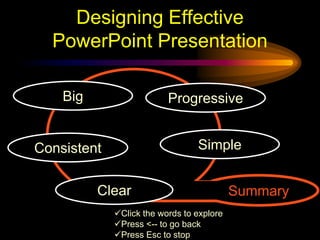
Click whenever you want to continueDesigning Effective PowerPoint PresentationBigProgressiveSimpleConsistentSummaryClearClick the words to explore
Press <-- to go back
Press Esc to stopMake It Big
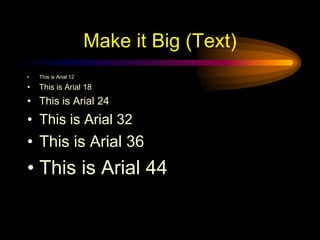
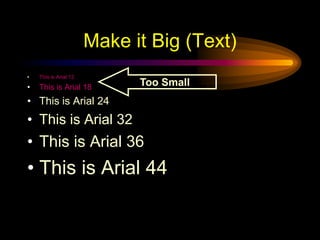
Make it Big (Text)This is Arial 12This is Arial 18This is Arial 24This is Arial 32This is Arial 36This is Arial 44
Make it Big (Text)This is Arial 12This is Arial 18This is Arial 24This is Arial 32This is Arial 36This is Arial 44Too Small
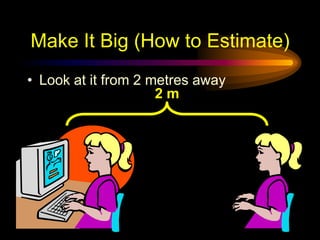
Make It Big (How to Estimate)2 mLook at it from 2 metres away
Keep It Simple
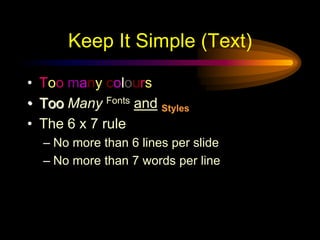
Keep It Simple (Text)Too manycoloursTooManyFontsandStylesThe 6 x 7 ruleNo more than 6 lines per slideNo more than 7 words per line
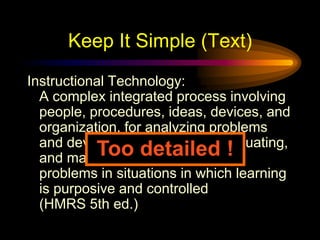
Keep It Simple (Text)Instructional Technology:A complex integrated process involving people, procedures, ideas, devices, and organization, for analyzing problems and devising, implementing, evaluating, and managing solutions to those problems in situations in which learning is purposive and controlled(HMRS 5th ed.)Too detailed !
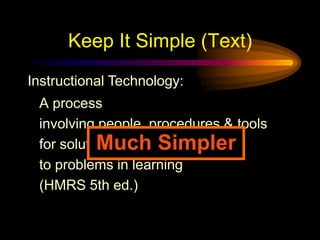
Keep It Simple (Text)Instructional Technology:A processinvolving people, procedures & toolsfor solutionsto problems in learning(HMRS 5th ed.)Much Simpler
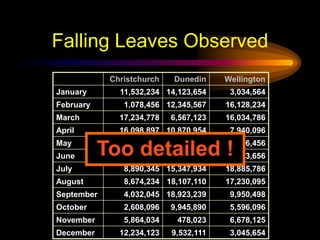
Falling Leaves ObservedToo detailed !
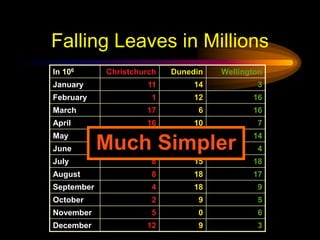
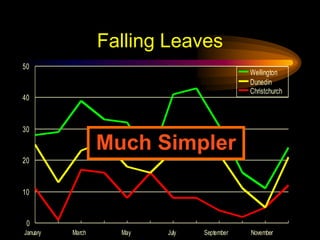
Falling Leaves in MillionsMuch Simpler
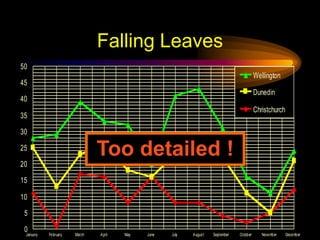
Falling LeavesToo detailed !
Falling LeavesMuch Simpler
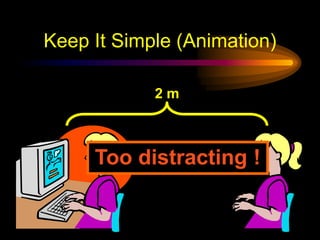
Keep It Simple (Picture)Art work may distract your audience  Artistry does not substitute for contentKeep It Simple (Sound)Sound effects may distract too  Use sound only when necessaryKeep It Simple (Transition)This transition is annoying, not enhancing  "Appear" and "Disappear" are betterKeep It Simple (Animation)2 mToo distracting !
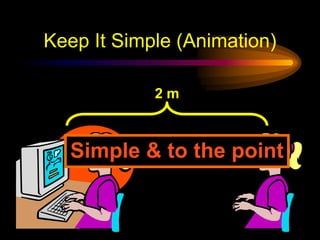
Keep It Simple (Animation)2 mSimple & to the point
Make It Clear
Make It Clear (Capitalisation)ALL CAPITAL LETTERS ARE DIFFICULT TO READUpper and lower case letters are easier
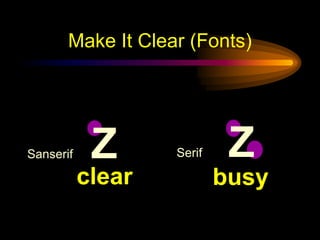
Sanserif	Z	Serif	ZMake It Clear (Fonts)clearbusy
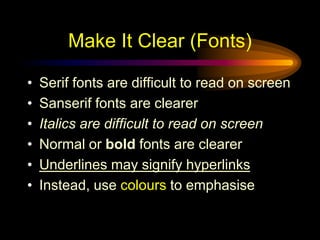
Serif fonts are difficult to read on screenSanserif fonts are clearerItalics are difficult to read on screenNormal or bold fonts are clearerUnderlines may signify hyperlinksInstead, use colours to emphasiseMake It Clear (Fonts)
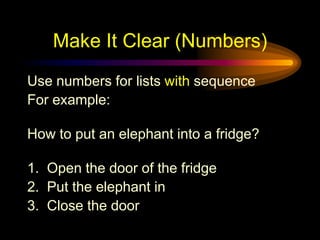
Make It Clear (Numbers)Use numbers for lists with sequenceFor example:How to put an elephant into a fridge?1.  Open the door of the fridge2.  Put the elephant in3.  Close the door
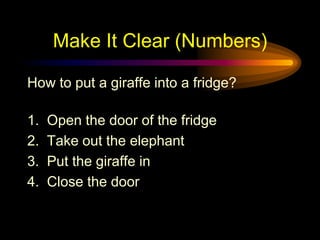
Make It Clear (Numbers)How to put a giraffe into a fridge?1.  Open the door of the fridge2.  Take out the elephant3.  Put the giraffe in4.  Close the door
Make It Clear (Bullets)Use bullets to show a list withoutPrioritySequenceHierarchy, …..
Make It Clear (Colours)Use contrasting colours Light on dark vs dark on lightUse complementary colours
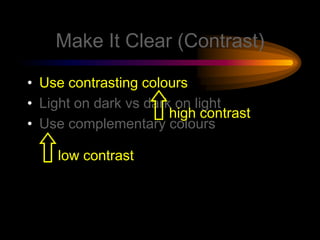
Make It Clear (Contrast)Use contrasting coloursLight on dark vs dark on lightUse complementary colourslow contrasthigh contrast
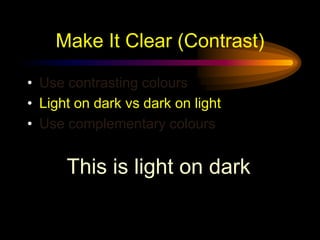
Make It Clear (Contrast)Use contrasting coloursLight on dark vs dark on lightUse complementary coloursThis is light on dark
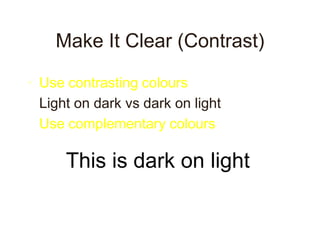
Make It Clear (Contrast)Use contrasting coloursLight on dark vs dark on lightUse complementary coloursThis is dark on light
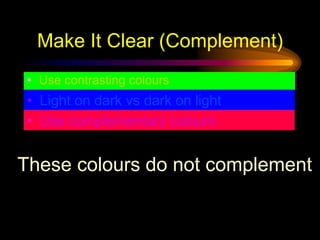
Make It Clear (Complement)Use contrasting coloursLight on dark vs dark on light
Use complementary coloursThese colours do not complement
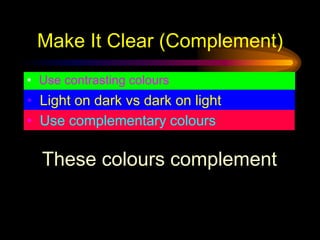
Make It Clear (Complement)Use contrasting coloursLight on dark vs dark on light
Use complementary coloursThese colours complement
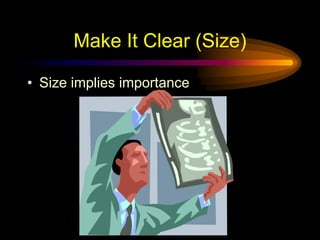
Make It Clear (Size)Size implies importance
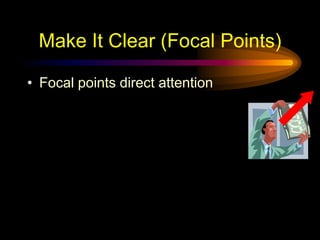
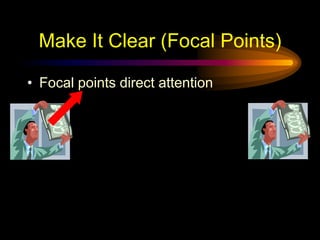
Make It Clear (Focal Points)Focal points direct attention
Be Progressive
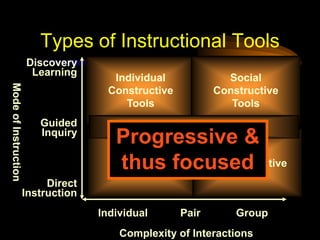
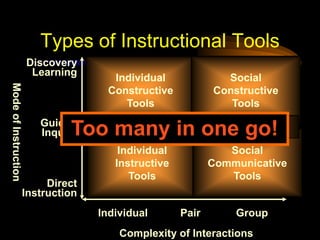
IndividualConstructiveToolsSocialConstructiveToolsDiscoveryLearningToo many in one go!Informational ToolsGuidedInquiryMode of InstructionIndividualInstructiveToolsSocialCommunicativeToolsDirectInstructionIndividualPairGroupComplexity of InteractionsTypes of Instructional Tools
IndividualConstructiveToolsSocialConstructiveToolsDiscoveryLearningInformational ToolsGuidedInquiryProgressive & thus focusedMode of InstructionIndividualInstructiveToolsSocialCommunicativeToolsDirectInstructionIndividualPairGroupComplexity of InteractionsTypes of Instructional Tools
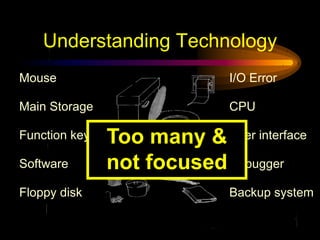
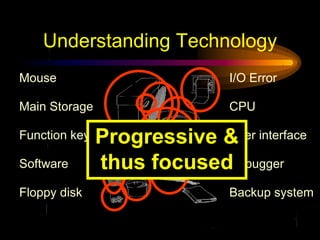
Understanding TechnologyI/O ErrorMouseCPUMain StorageToo many & not focusedUser interfaceFunction keySoftwareDebuggerFloppy diskBackup system
Understanding TechnologyI/O ErrorMouseCPUMain StorageProgressive & thus focusedUser interfaceFunction keySoftwareDebuggerFloppy diskBackup system
Be Consistent
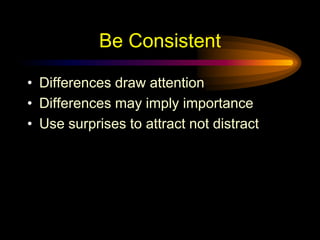
Be ConsistentDifferences draw attentionDifferences may imply importanceUse surprises to attract not distract
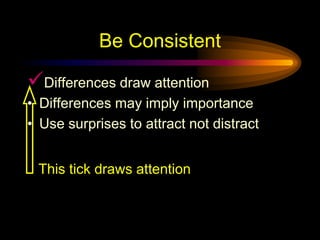
Be ConsistentDifferences draw attentionDifferences may imply importanceUse surprises to attract not distractThis tick draws attention
Be ConsistentDifferences draw attention
Differences may imply importance
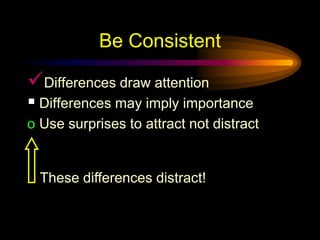
Use surprises to attract not distractThese differences distract!
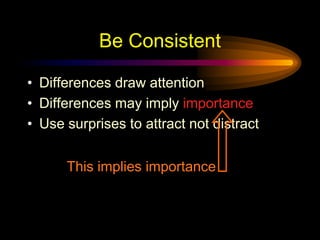
Be ConsistentDifferences draw attentionDifferences may imply importanceUse surprises to attract not distractThis implies importance
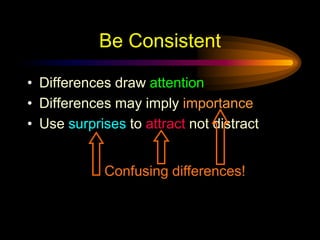
Be ConsistentDifferences draw attentionDifferences may imply importanceUse surprises to attract not distractConfusing differences!
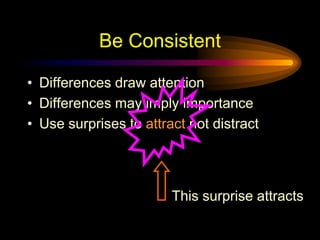
Be ConsistentDifferences draw attentionDifferences may imply importanceUse surprises to attract not distractThis surprise attracts
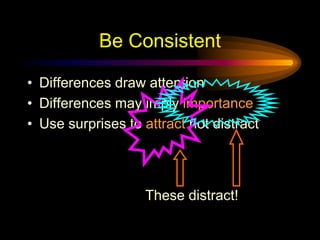
Be ConsistentDifferences draw attentionDifferences may imply importanceUse surprises to attract not distractThese distract!
In SummaryBigSimpleClearProgressiveConsistent

Effective Presentation 2004