Get the most from
your iPad and
iPhone
Vic Ward, Owner of MyPersonalPhone and Presenter
Class Today
• iCloud
• Calendar
• Contacts
• Mail
• Photos
• Recap
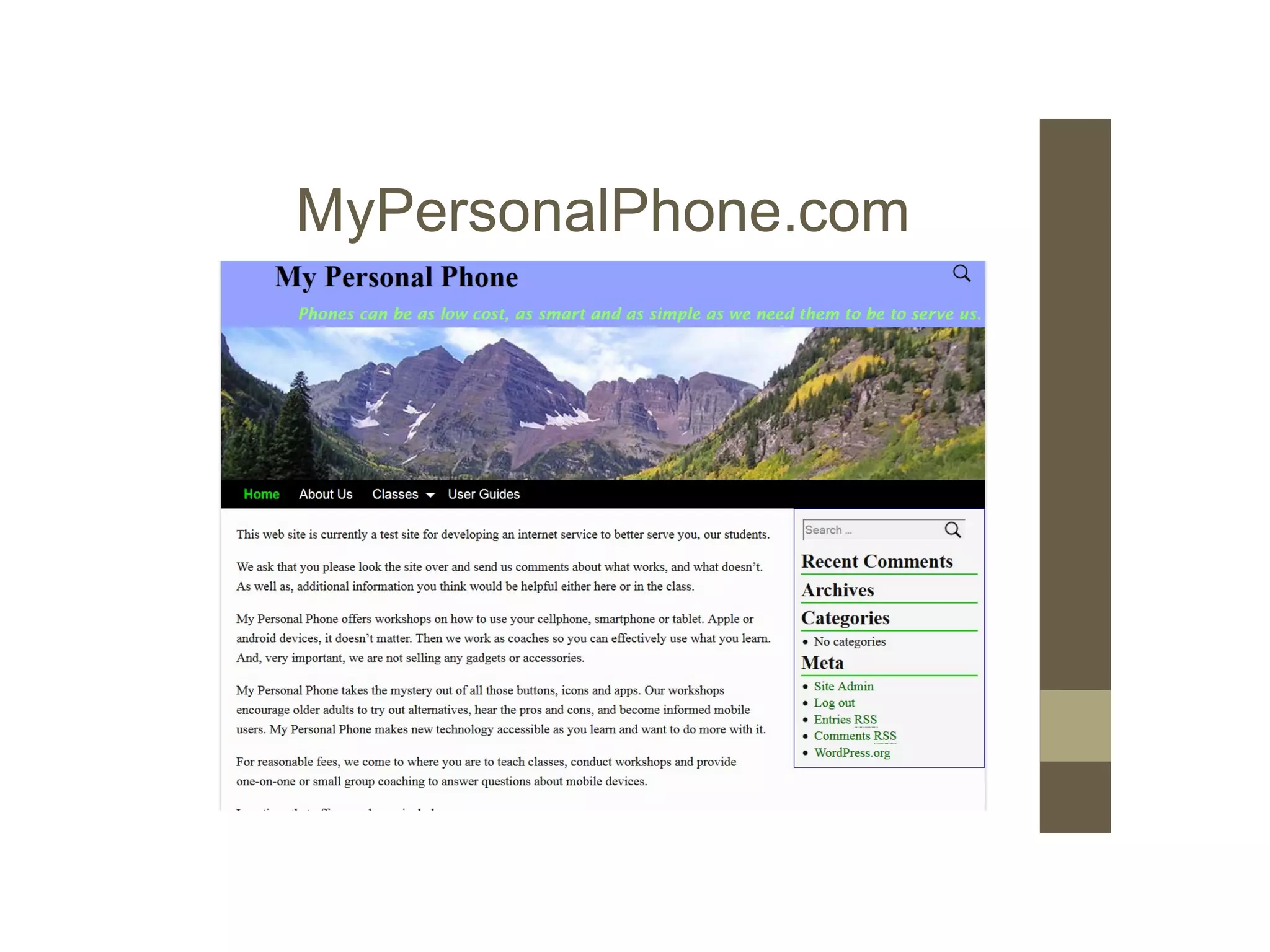
MyPersonalPhone.com
My Personal Phone
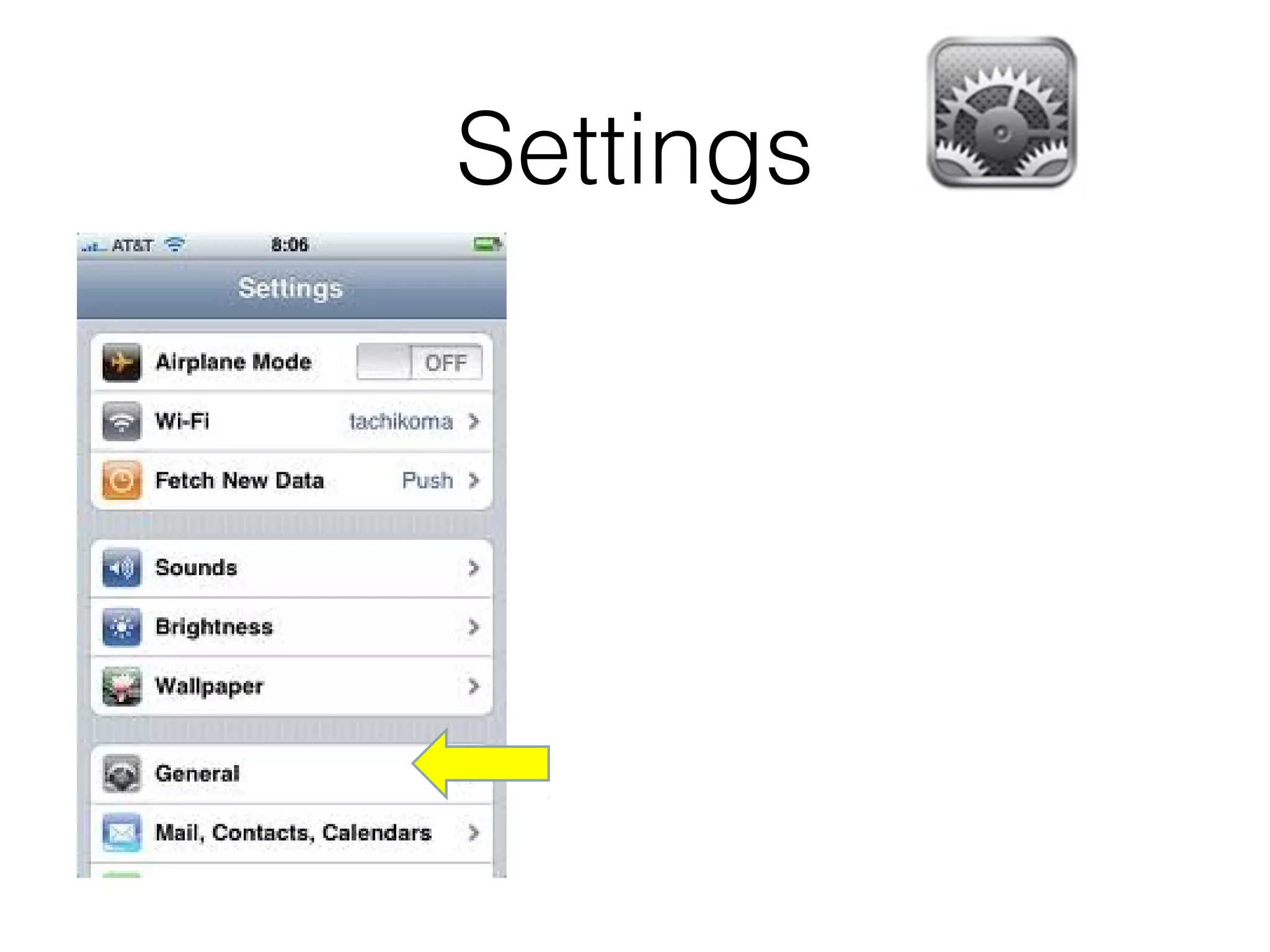
Settings
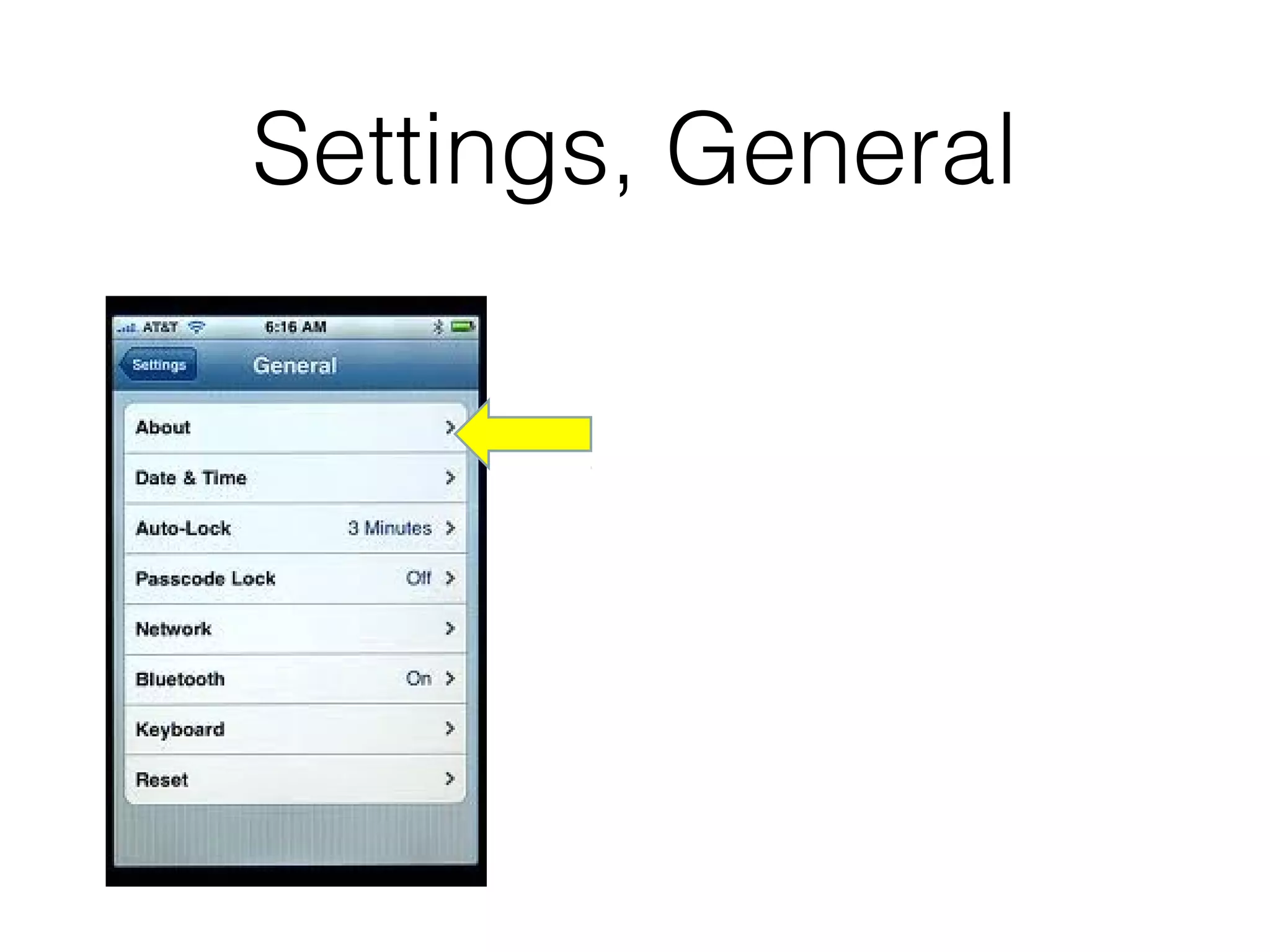
Settings, General
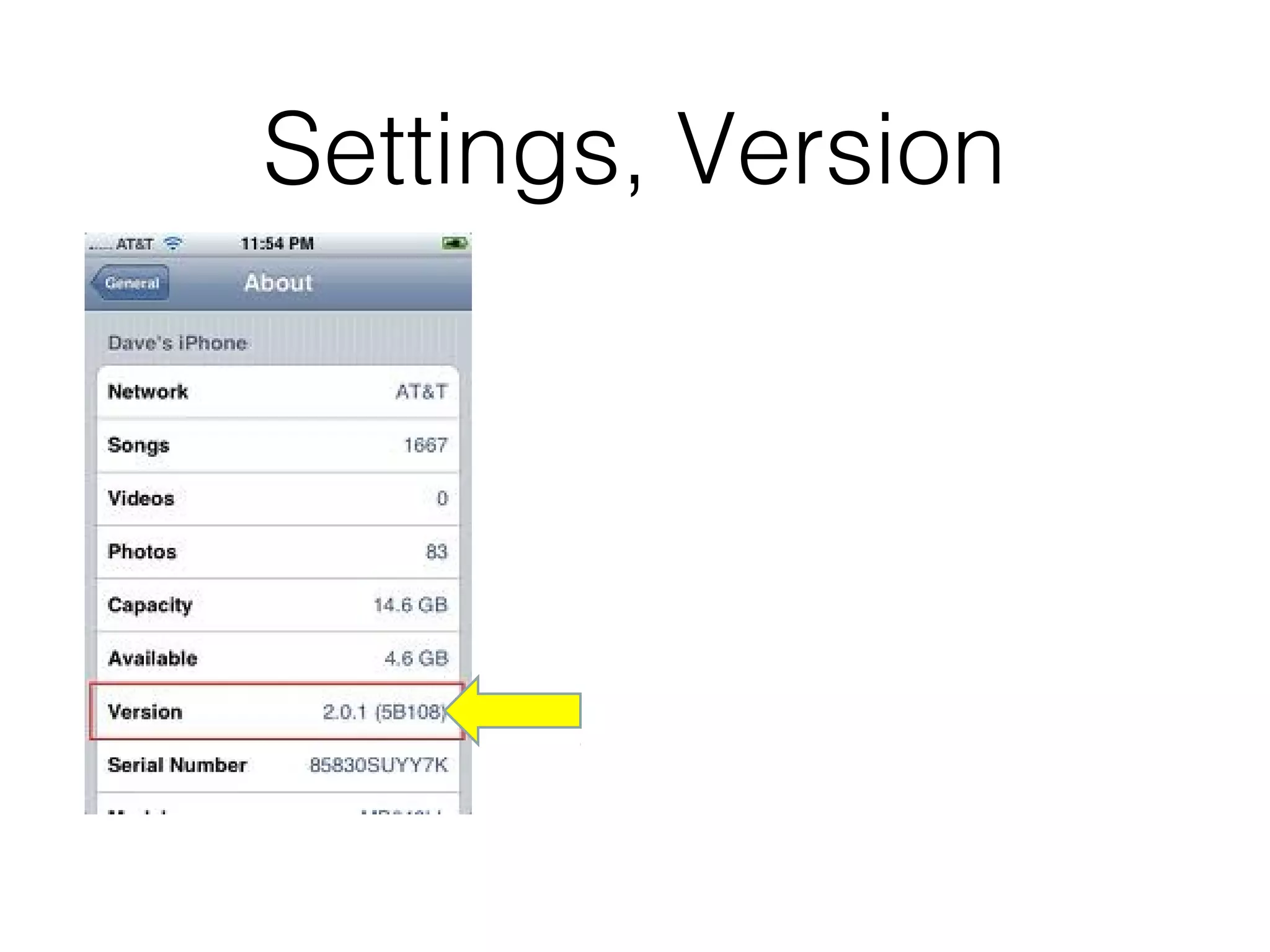
Settings, Version
iCloud Requires iOS 5 to:
• Backup/Restore
• Calendar
• Contacts
• Mail
• Find my iPhone/iPad
iCloud Requires iOS 7 or 8 to:
• Use iCloud Drive
• Photo Sharing
• Use Keychain
Check out
https://www.apple.com/support/icloud/
for help on the new web site.
iCloud
• Work with the document on your iPhone, iPad,
iPod touch, Mac or even a PC
• Safely store all your presentations,
spreadsheets, PDFs, images and other kinds
of documents
iCloud Backup/Restore
• Purchase history for music, movies, TV shows,
apps, and books
• When you restore from an iCloud backup, your
purchased content is automatically
downloaded from the iTunes Store, App Store,
or iBooks Store.
• Photos and videos on your iOS devices
iCloud Backup/Restore
• Device settings
• App data
• Home screen and app organization
• iMessage, text (SMS), and MMS messages
• Ringtones
• Data and settings stored on device.
Find my iPad/iPhone
• Locate your device on a map
• Play a sound on your device to help you find it
• Use Lost Mode to lock and track your device
• Remotely erase your personal information from
the device
iCloud Keychain keeps your
• Safari usernames and passwords safe
• Credit card information
• Wi-Fi network information
iCloud Requires iOS 7 or 8
• Get iCloud on your Apple TV.
• Turn on Apple TV
• Enter your Apple ID
Calendar
Calendar
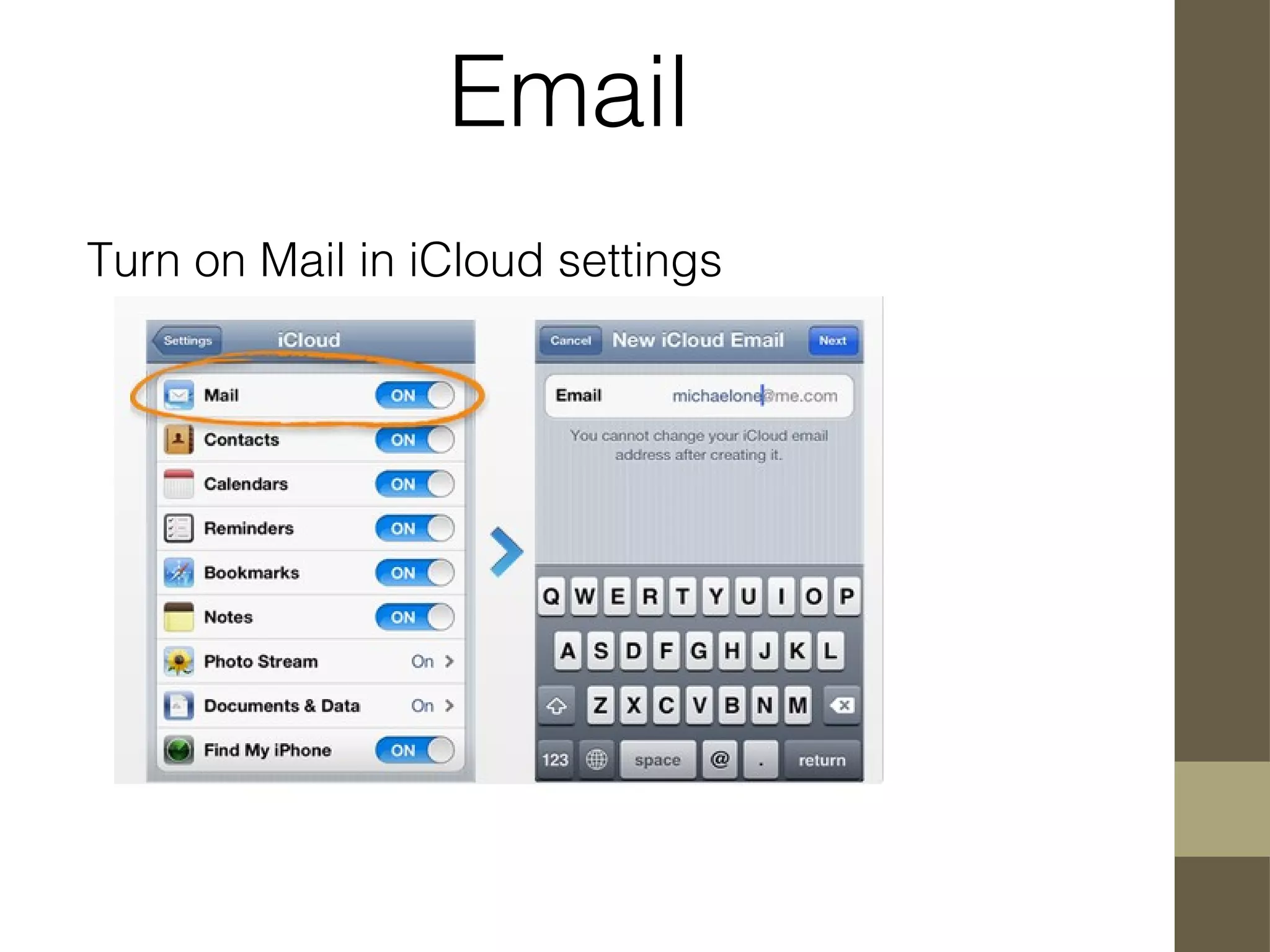
Mail
What’s your Apple ID?
If it doesn’t end with
•@icloud.com
•@me.com
•@mac.com
Set up an @icloud.com
Email
Turn on Mail in iCloud settings
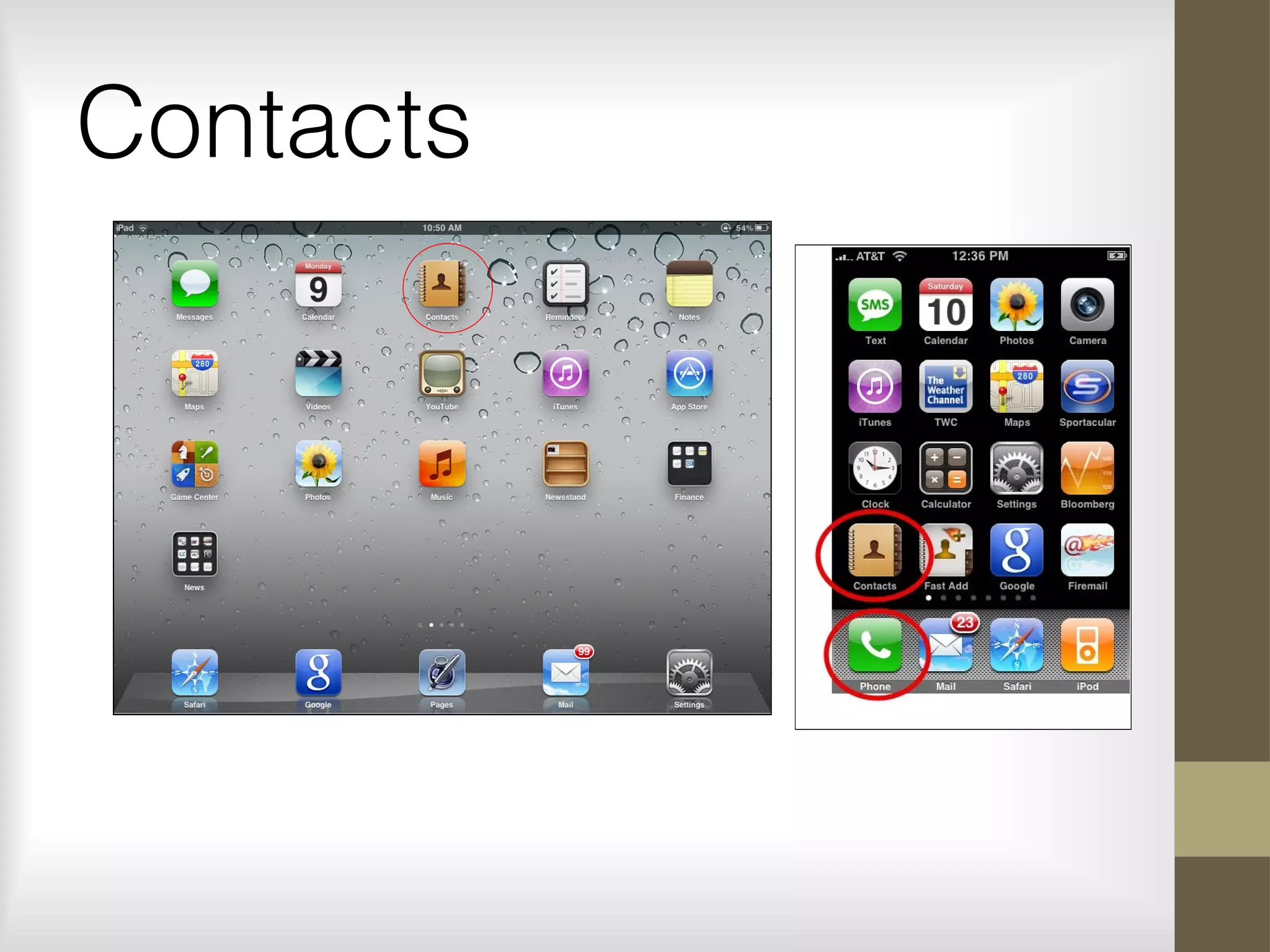
Contacts
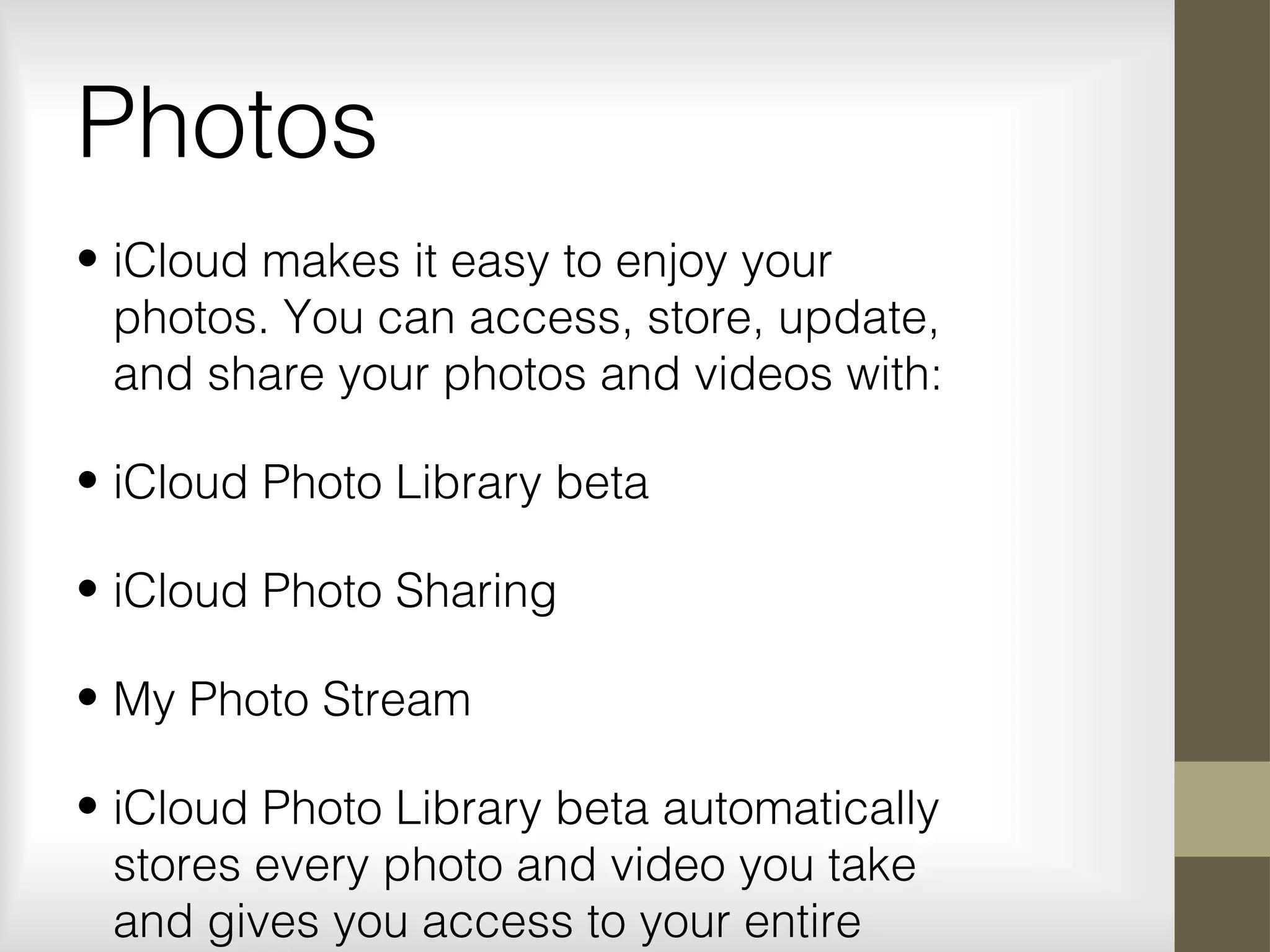
Photos
• iCloud makes it easy to enjoy your
photos. You can access, store, update,
and share your photos and videos with:
• iCloud Photo Library beta
• iCloud Photo Sharing
• My Photo Stream
• iCloud Photo Library beta automatically
stores every photo and video you take
and gives you access to your entire
Today’s class
iCloud
Calendar
Contacts
Mail
Photos
Recap
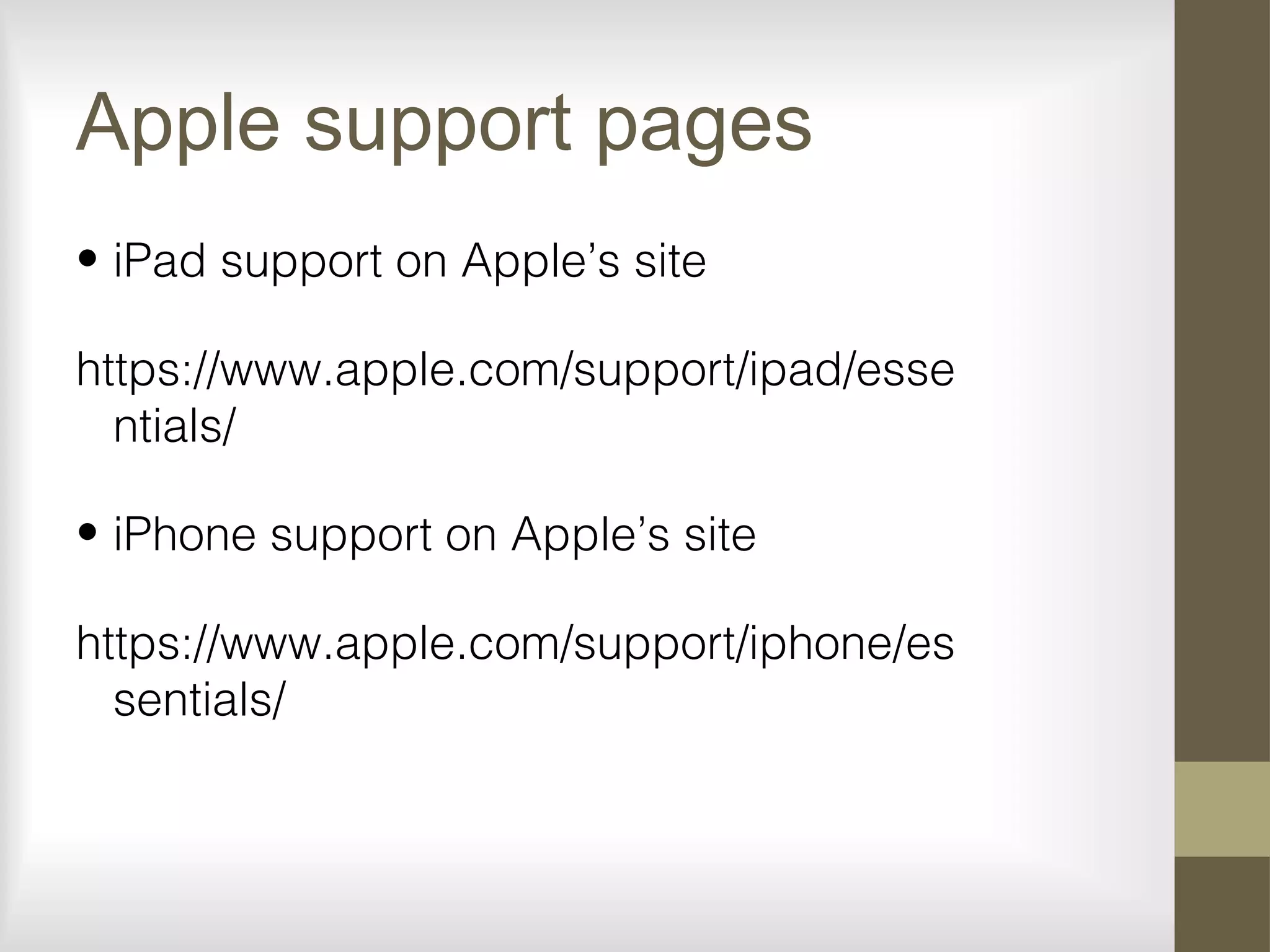
Apple support pages
• iPad support on Apple’s site
https://www.apple.com/support/ipad/esse
ntials/
• iPhone support on Apple’s site
https://www.apple.com/support/iphone/es
sentials/
Today
• iCloud
• Calendar
• Contacts
• Mail
• Photos
• Recap
My Personal iPad
Classes and Coaching
•Cell phones
•Smart phones
•iPads
•Google TV
Vic Ward
651)283-5410
On Twitter I’m @vwward
vwward@gmail.com
MyPersonaliPad.wordpress.com

I pad class 3 maple grove