Google Analytics Intro - Accounts Deploying Async: (Asynchronous Google Analytics Tracking Code)
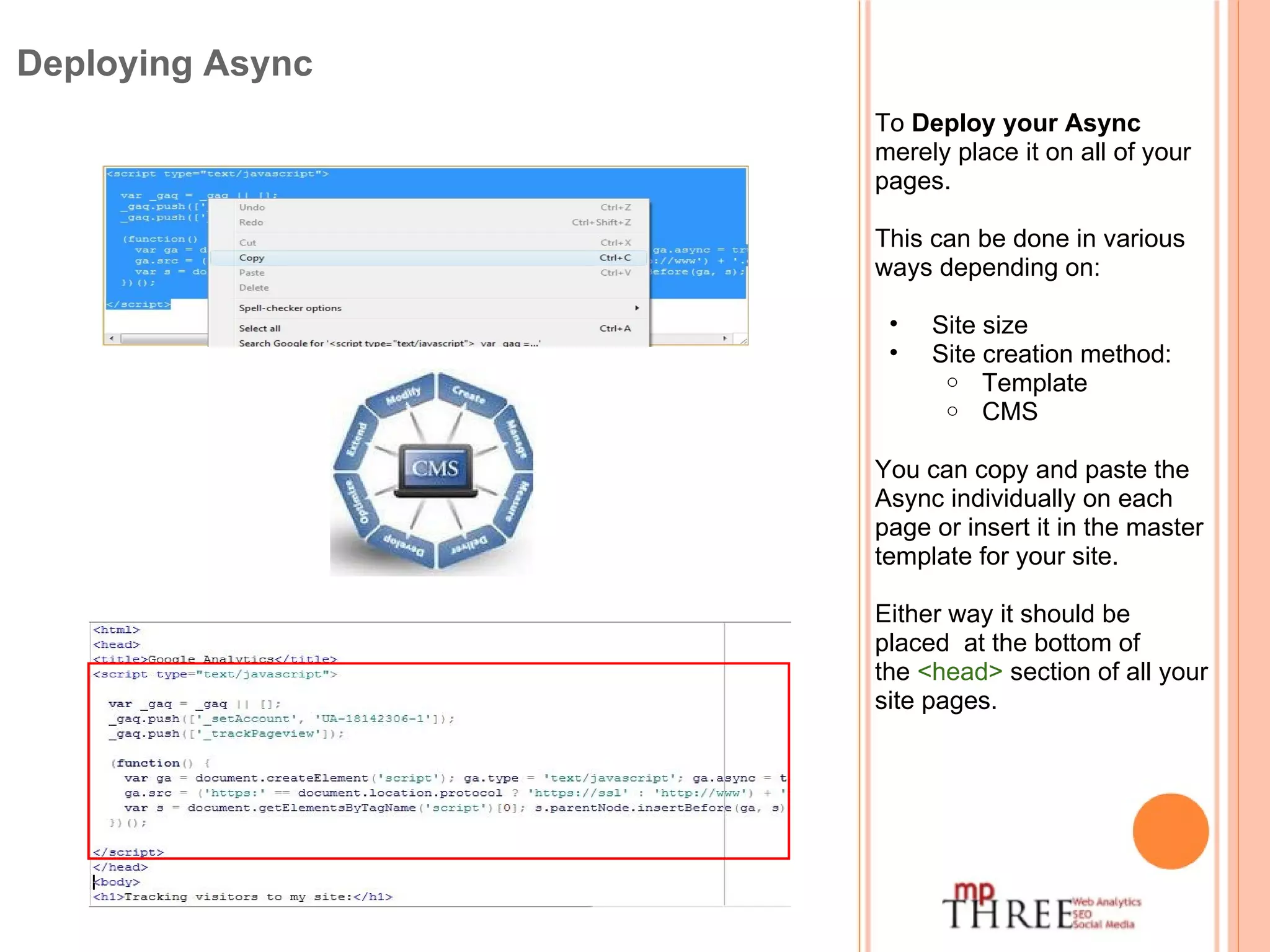
To  Deploy your Async  merely place it on all of your pages. This can be done in various ways depending on: Site size Site creation method: Template CMS You can copy and paste the Async individually on each page or insert it in the master template for your site. Either way it should be placed  at the bottom of the  <head>  section of all your site pages. Deploying Async
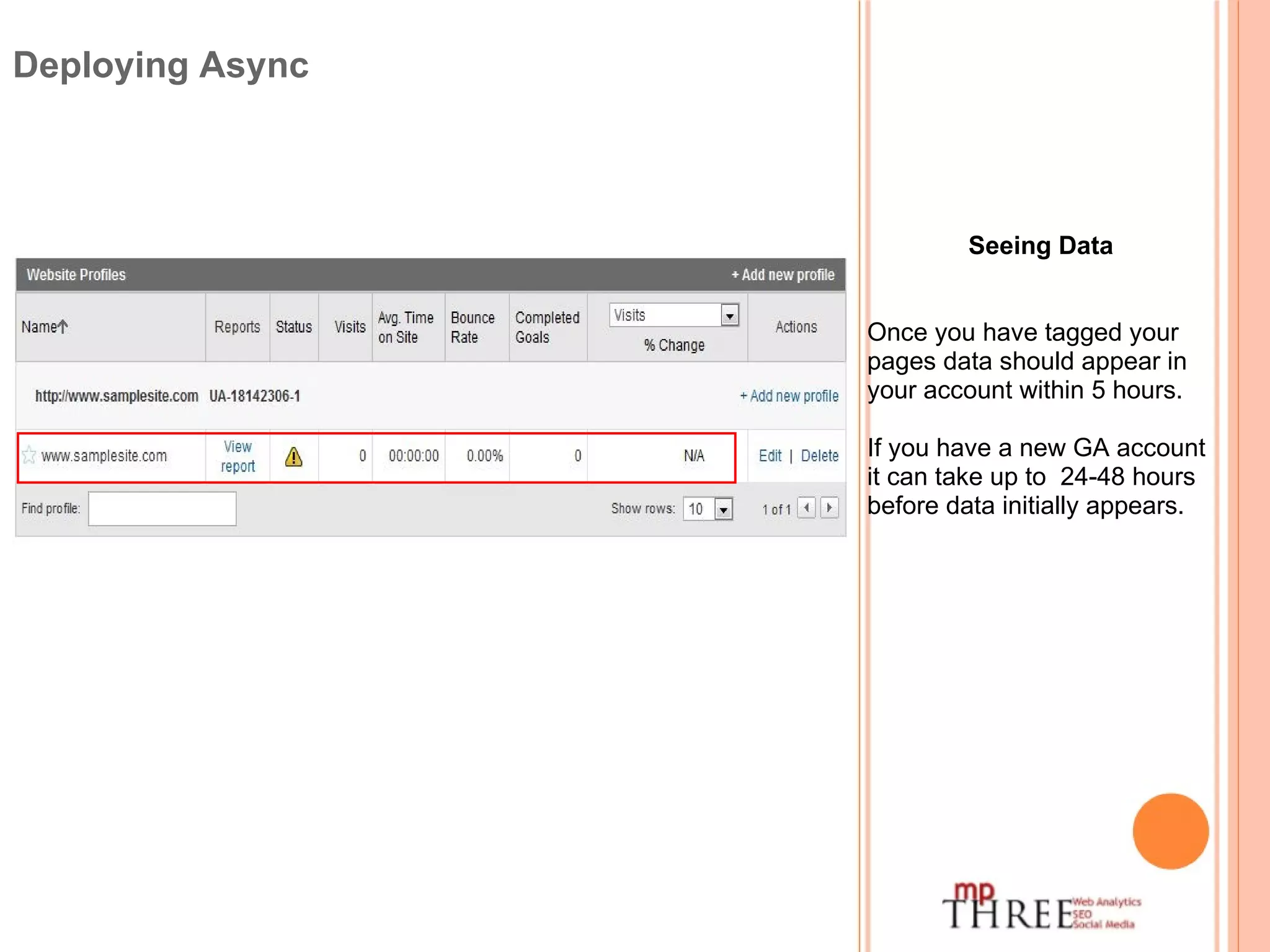
Seeing Data Once you have tagged your pages data should appear in your account within 5 hours. If you have a new GA account it can take up to  24-48 hours before data initially appears.  Deploying Async
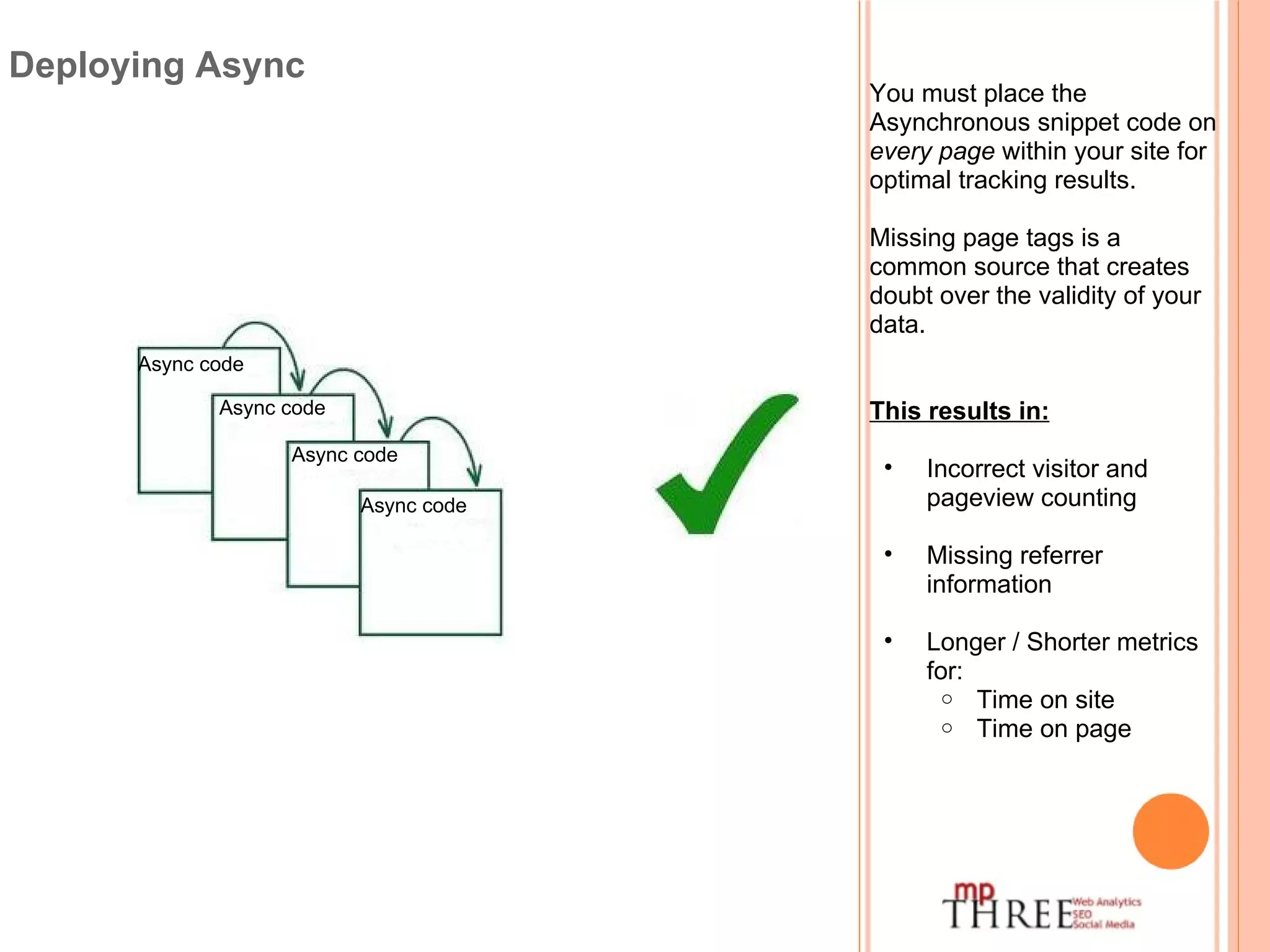
You must place the Asynchronous snippet code on  every page  within your site for optimal tracking results. Missing page tags is a common source that creates doubt over the validity of your data. This results in: Incorrect visitor and pageview counting Missing referrer information Longer / Shorter metrics for: Time on site Time on page Deploying Async Async code Async code Async code Async code
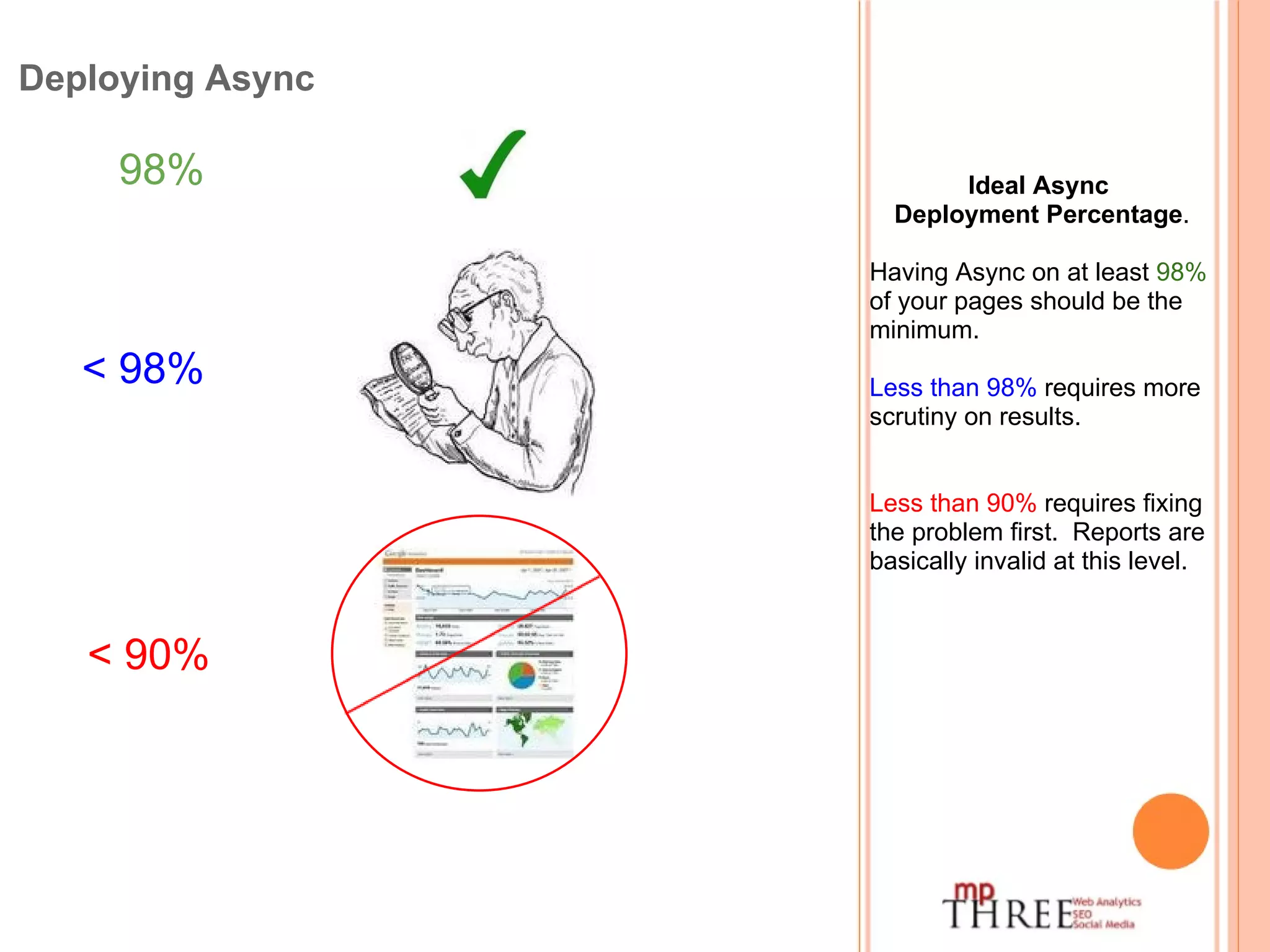
Deploying Async Ideal Async   Deployment Percentage . Having Async on at least  98%  of your pages should be the minimum. Less than 98%  requires more scrutiny on results. Less than 90%  requires fixing the problem first.  Reports are basically invalid at this level. 98%   < 98%    < 90%   
Deploying Async When using a  Content Management System  (CMS) like WordPress or others: Ensure newly created pages have the Async code inserted on them. & Any pages not using the template from the system. CMS software like WordPress has several plugins to automatically insert your Async into your pages.
Deploying Async Checking your site for Async code. There are free and paid software tools to troubleshoot the deployment of Async on your site. SiteScan WASP  ObservePoint among others. Some detect per page and others run a site scan as indicated in their name, which reflect the pay services.
GOOGLE ANALYTICS INTRO - Accounts Today we covered: Deploying Async: (Asynchronous Google Analytics Tracking Code) Contact me for more information on any item in the series . [email_address]

16 web-analytics deploying-async

  • 1.
    Google Analytics Intro- Accounts Deploying Async: (Asynchronous Google Analytics Tracking Code)
  • 2.
    To Deployyour Async merely place it on all of your pages. This can be done in various ways depending on: Site size Site creation method: Template CMS You can copy and paste the Async individually on each page or insert it in the master template for your site. Either way it should be placed  at the bottom of the  <head>  section of all your site pages. Deploying Async
  • 3.
    Seeing Data Onceyou have tagged your pages data should appear in your account within 5 hours. If you have a new GA account it can take up to  24-48 hours before data initially appears.  Deploying Async
  • 4.
    You must placethe Asynchronous snippet code on every page within your site for optimal tracking results. Missing page tags is a common source that creates doubt over the validity of your data. This results in: Incorrect visitor and pageview counting Missing referrer information Longer / Shorter metrics for: Time on site Time on page Deploying Async Async code Async code Async code Async code
  • 5.
    Deploying Async IdealAsync   Deployment Percentage . Having Async on at least 98% of your pages should be the minimum. Less than 98% requires more scrutiny on results. Less than 90% requires fixing the problem first.  Reports are basically invalid at this level. 98%   < 98%   < 90%  
  • 6.
    Deploying Async Whenusing a Content Management System (CMS) like WordPress or others: Ensure newly created pages have the Async code inserted on them. & Any pages not using the template from the system. CMS software like WordPress has several plugins to automatically insert your Async into your pages.
  • 7.
    Deploying Async Checkingyour site for Async code. There are free and paid software tools to troubleshoot the deployment of Async on your site. SiteScan WASP  ObservePoint among others. Some detect per page and others run a site scan as indicated in their name, which reflect the pay services.
  • 8.
    GOOGLE ANALYTICS INTRO- Accounts Today we covered: Deploying Async: (Asynchronous Google Analytics Tracking Code) Contact me for more information on any item in the series . [email_address]