Lecture # 3
Types of software
 Applications software
 Performs tasks specific to the machine’s utilization.
 Generally transportable
 System Software
 Performs tasks common to computer systems in general
 Operating systems vary based on the hardware they’re
used on
Types of software (cont’d)
 Utility software
 providing fundamental activities, yet not included with
OS
 “extend” the OS
The OS Shell
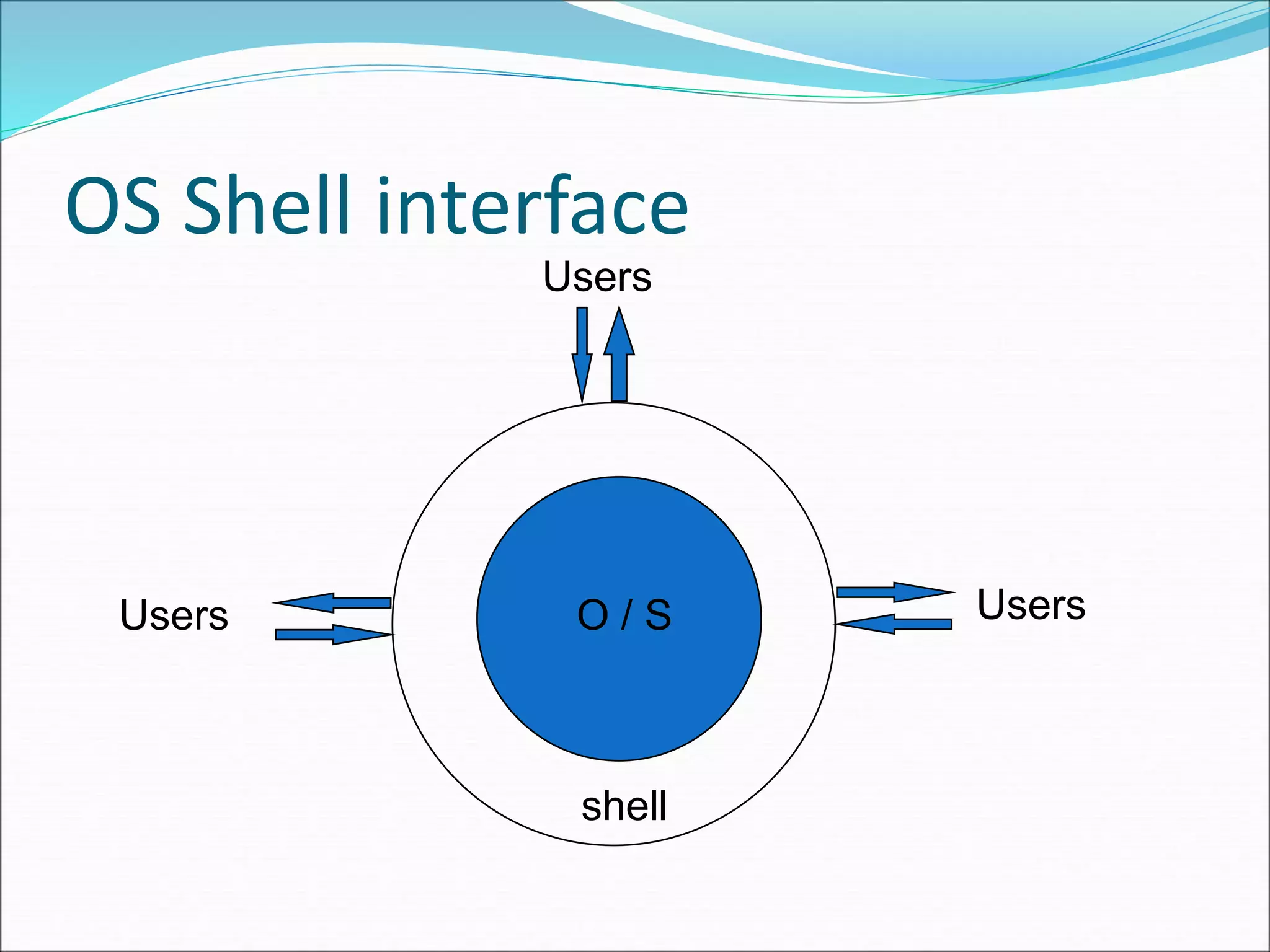
 Defines interface between OS and users
 Windows GUI
 UNIX command line
 UNIX users can choose among a variety of shells
 csh is the “C shell”
 tcsh is an enhanced “C shell”
 Shell programming
OS Shell interface
O / S
shell
Users
Users
Users
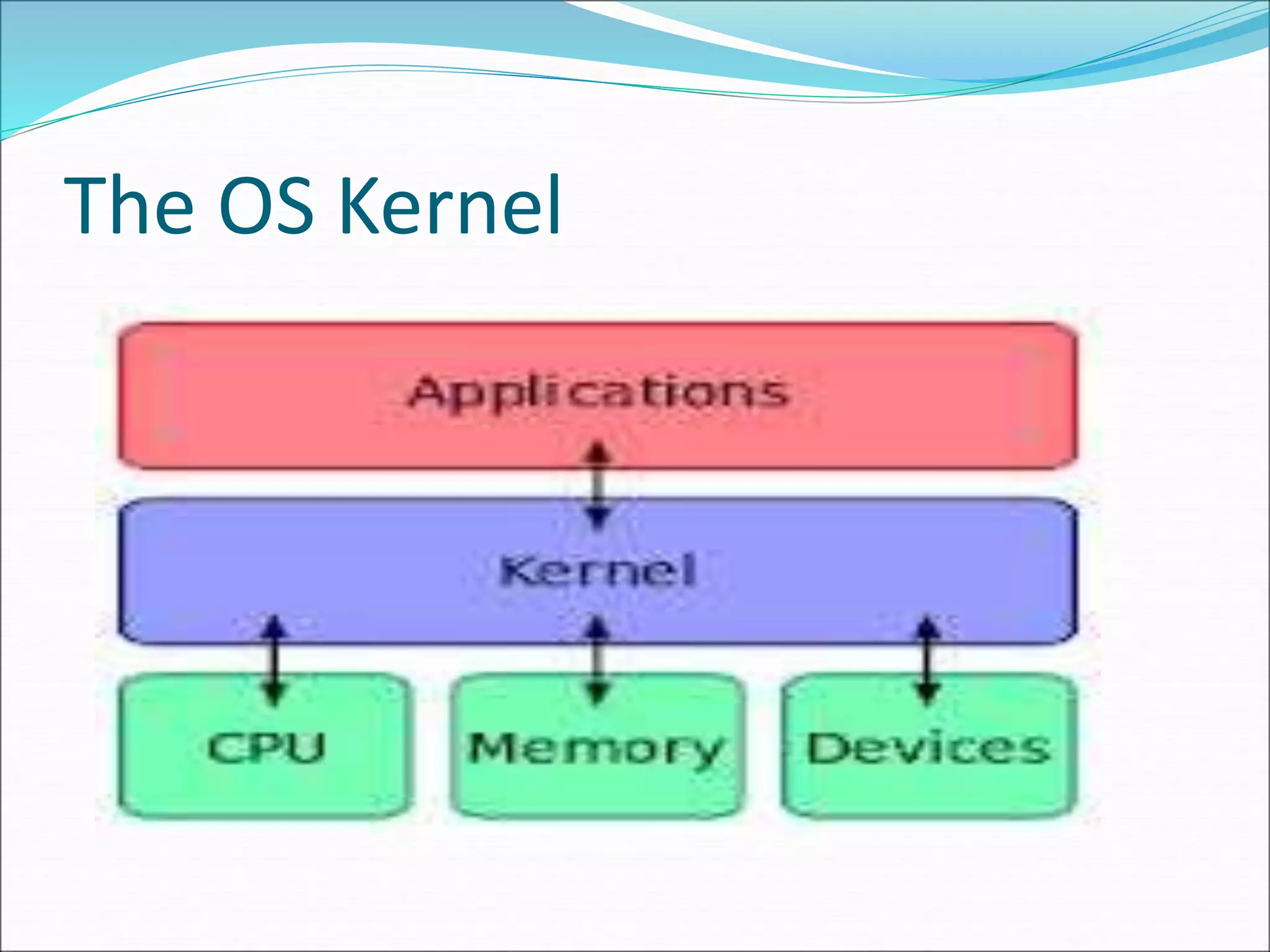
The OS Kernel
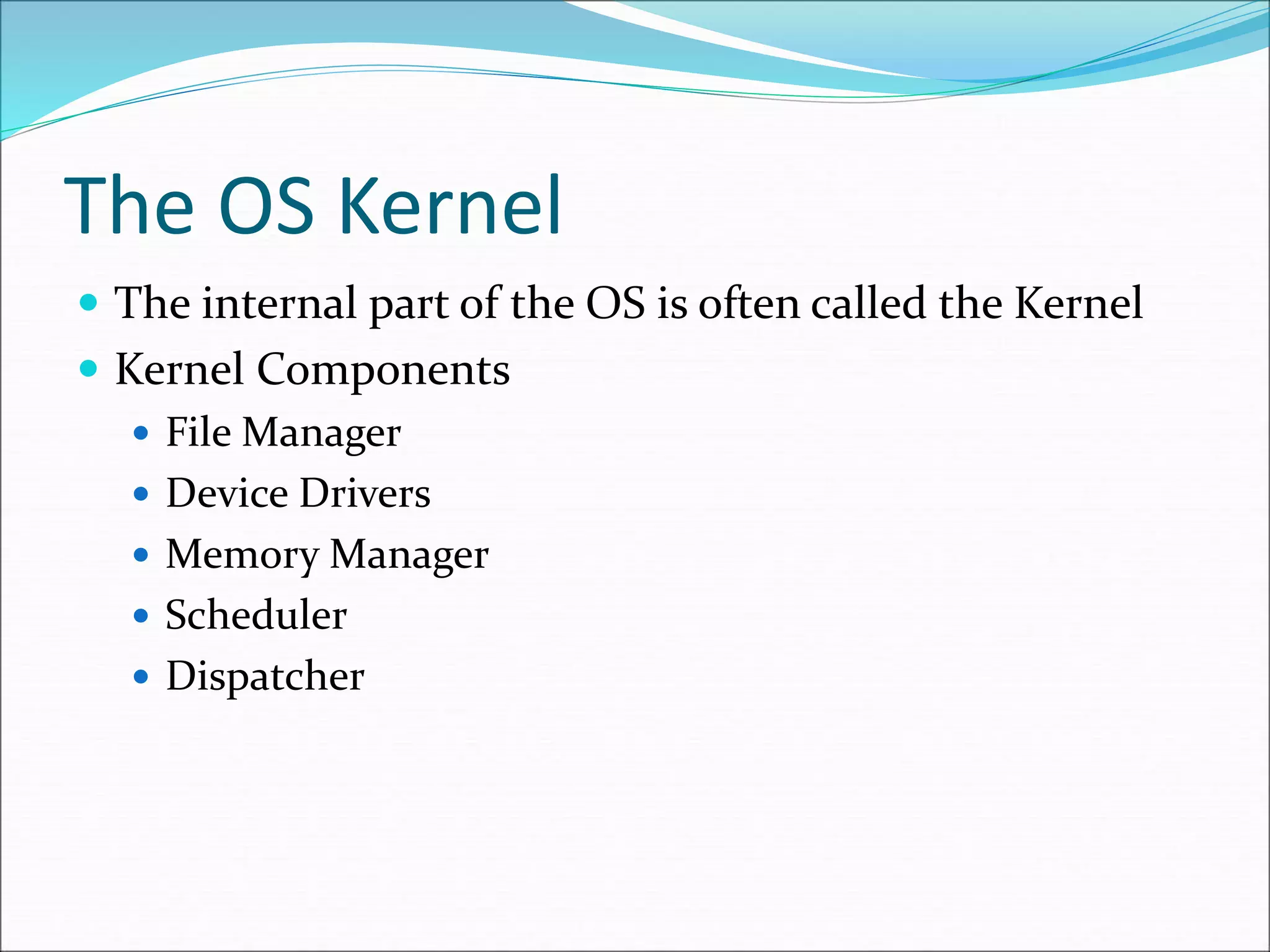
 The internal part of the OS is often called the Kernel
 Kernel Components
 File Manager
 Device Drivers
 Memory Manager
 Scheduler
 Dispatcher
OS File Manager
 Maintains information about the files that are
available on the system
 Where files are located in mass storage, their size and
type and their protections, what part of mass storage is
available
 Files usually allowed to be grouped in directories or
folders. Allows hierarchical organization.
OS Device Drivers
 Software to communicate with peripheral devices or
controllers
 Each driver is unique
 Translates general requests into specific steps for that
device
OS Memory Manager
 This unit is responsible for coordinating the use of the
machine’s main memory.
 It decides what area of memory is to be allocated for a
program and it’s data
 It allocates and deallocates memory for different
programs and always knows what areas are free.
OS Scheduler
 Maintains a record of processes that are present, adds
new processes, removes completed processes
 memory area(s) assigned
 priority
 state of readiness to execute (ready/wait)
OS Dispatcher
 Ensures that processes that are ready to run are
actually executed
 Time is divided into small (50 ms) segments called a
time slice.
 When the time slice is over, the dispatcher allows
scheduler to update process state for each process,
then selects the next process to run
The OS Kernel
OS Summary
 Shell -- interface to user
 File Manager -- manages mass memory
 Device Drivers -- communicate with peripherals
 Memory Manager -- manages main memory
 Scheduler & Dispatcher -- manage processes

14573760.ppt

  • 1.
  • 2.
    Types of software Applications software  Performs tasks specific to the machine’s utilization.  Generally transportable  System Software  Performs tasks common to computer systems in general  Operating systems vary based on the hardware they’re used on
  • 3.
    Types of software(cont’d)  Utility software  providing fundamental activities, yet not included with OS  “extend” the OS
  • 4.
    The OS Shell Defines interface between OS and users  Windows GUI  UNIX command line  UNIX users can choose among a variety of shells  csh is the “C shell”  tcsh is an enhanced “C shell”  Shell programming
  • 5.
    OS Shell interface O/ S shell Users Users Users
  • 6.
    The OS Kernel The internal part of the OS is often called the Kernel  Kernel Components  File Manager  Device Drivers  Memory Manager  Scheduler  Dispatcher
  • 7.
    OS File Manager Maintains information about the files that are available on the system  Where files are located in mass storage, their size and type and their protections, what part of mass storage is available  Files usually allowed to be grouped in directories or folders. Allows hierarchical organization.
  • 8.
    OS Device Drivers Software to communicate with peripheral devices or controllers  Each driver is unique  Translates general requests into specific steps for that device
  • 9.
    OS Memory Manager This unit is responsible for coordinating the use of the machine’s main memory.  It decides what area of memory is to be allocated for a program and it’s data  It allocates and deallocates memory for different programs and always knows what areas are free.
  • 10.
    OS Scheduler  Maintainsa record of processes that are present, adds new processes, removes completed processes  memory area(s) assigned  priority  state of readiness to execute (ready/wait)
  • 11.
    OS Dispatcher  Ensuresthat processes that are ready to run are actually executed  Time is divided into small (50 ms) segments called a time slice.  When the time slice is over, the dispatcher allows scheduler to update process state for each process, then selects the next process to run
  • 12.
  • 13.
    OS Summary  Shell-- interface to user  File Manager -- manages mass memory  Device Drivers -- communicate with peripherals  Memory Manager -- manages main memory  Scheduler & Dispatcher -- manage processes