Managing Risk in IT
               #12NTCRISK


Richard D. Wollenberger
Jay L. Seagren

                  Managing Risk in IT   Slide 1
Evaluate This Session!
 Each entry is a chance to win an NTEN engraved iPad!


or Online using <#NTC12RISK> at www.nten.org/ntc/eval


                    Managing Risk in IT                 Slide 2
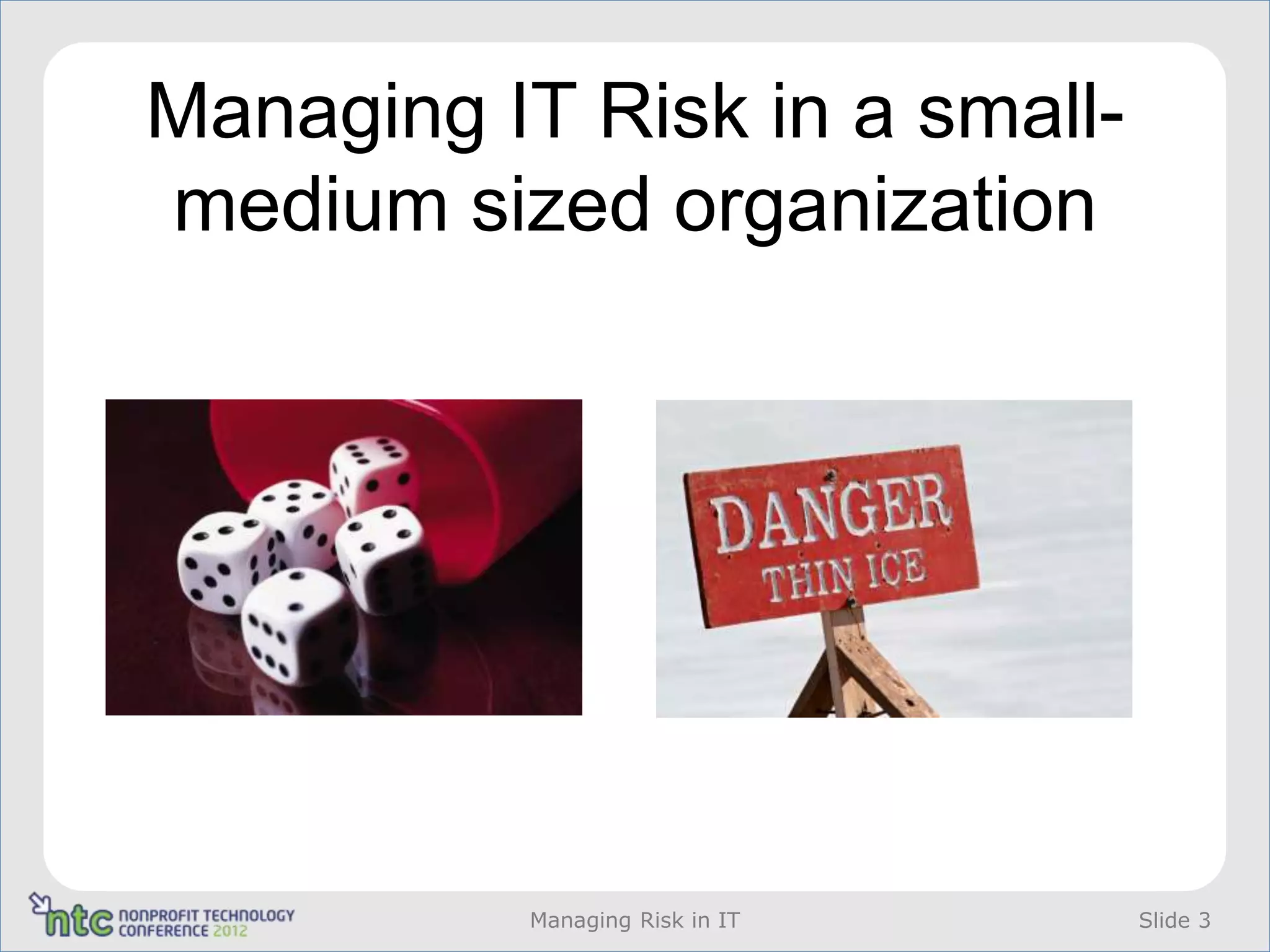
Managing IT Risk in a small-
medium sized organization


          Managing Risk in IT   Slide 3
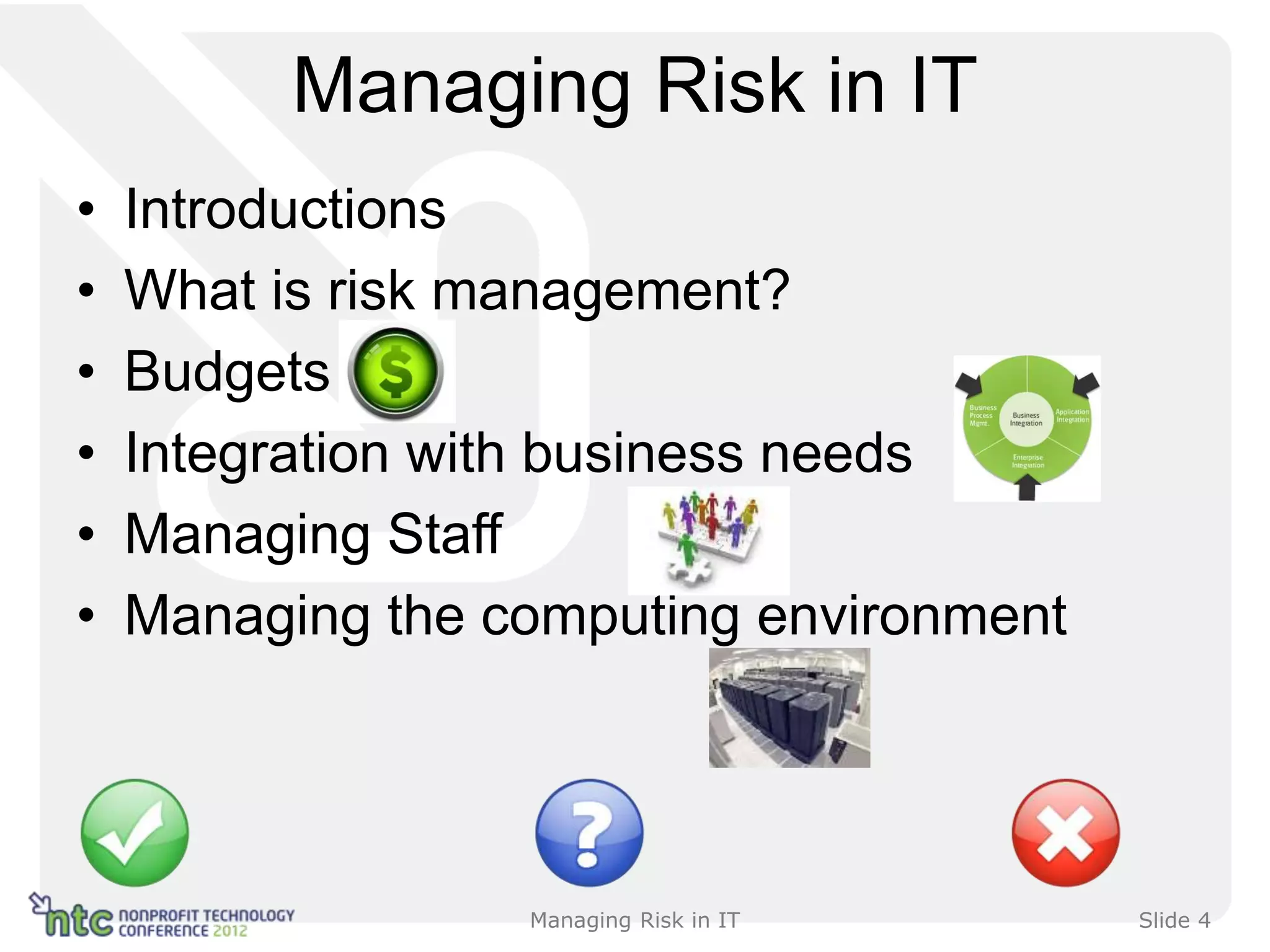
Managing Risk in IT
•   Introductions
•   What is risk management?
•   Budgets
•   Integration with business needs
•   Managing Staff
•   Managing the computing environment


                  Managing Risk in IT    Slide 4
Who are we?

Richard Wollenberger
  Director of Information Technology
  Parents as Teachers national office
  richard.wollenberger@parentsasteachers.org


Jay Seagren
  Senior Manager, Enterprise Systems,
  The Pew Charitable Trusts
  jseagren@pewtrusts.org


                           Managing Risk in IT   Slide 5
Who’s here today

• Organization size?
• Accidental techie?
• # of IT staff?


                   Managing Risk in IT   Slide 6
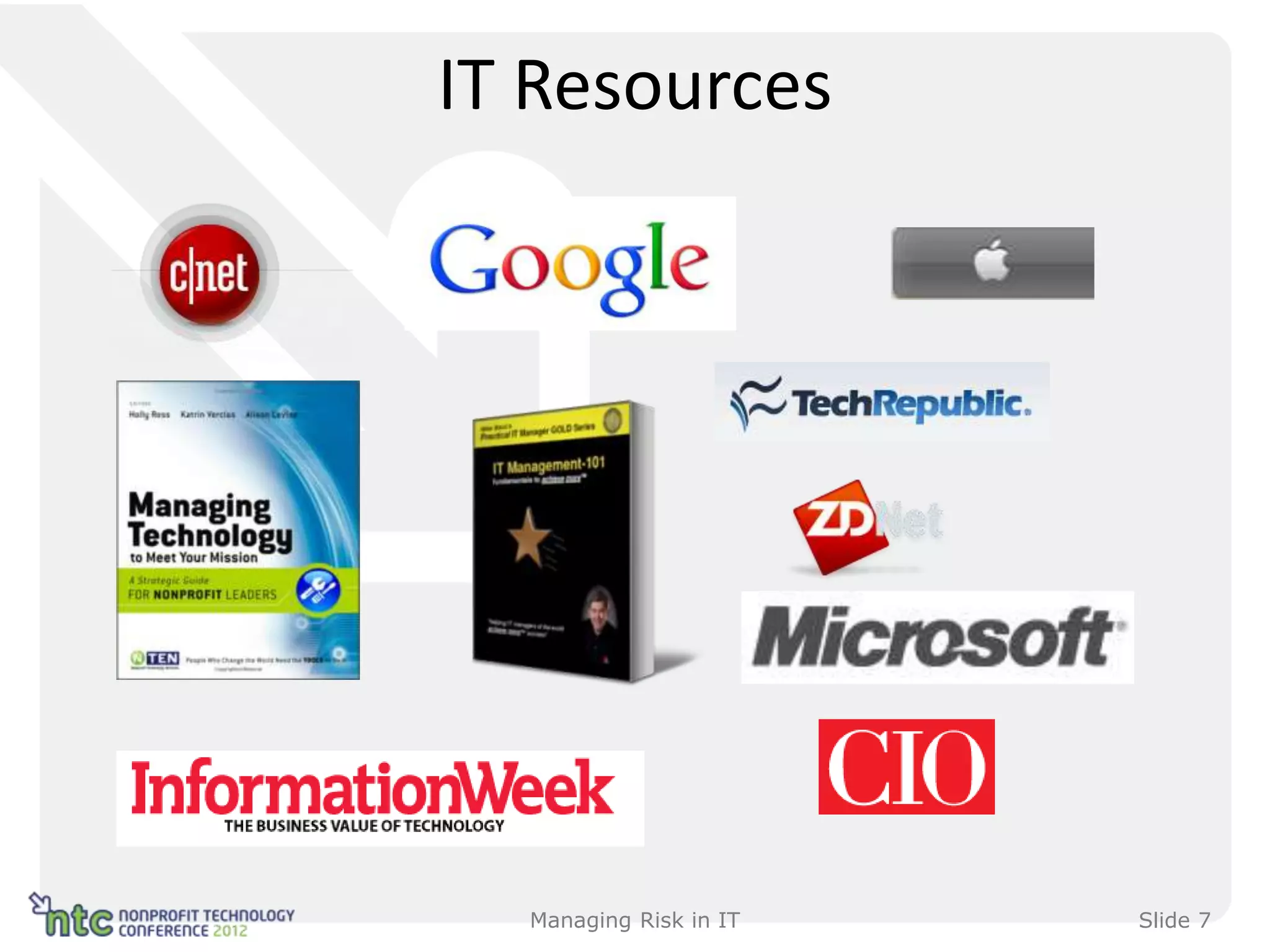
IT Resources


  Managing Risk in IT   Slide 7
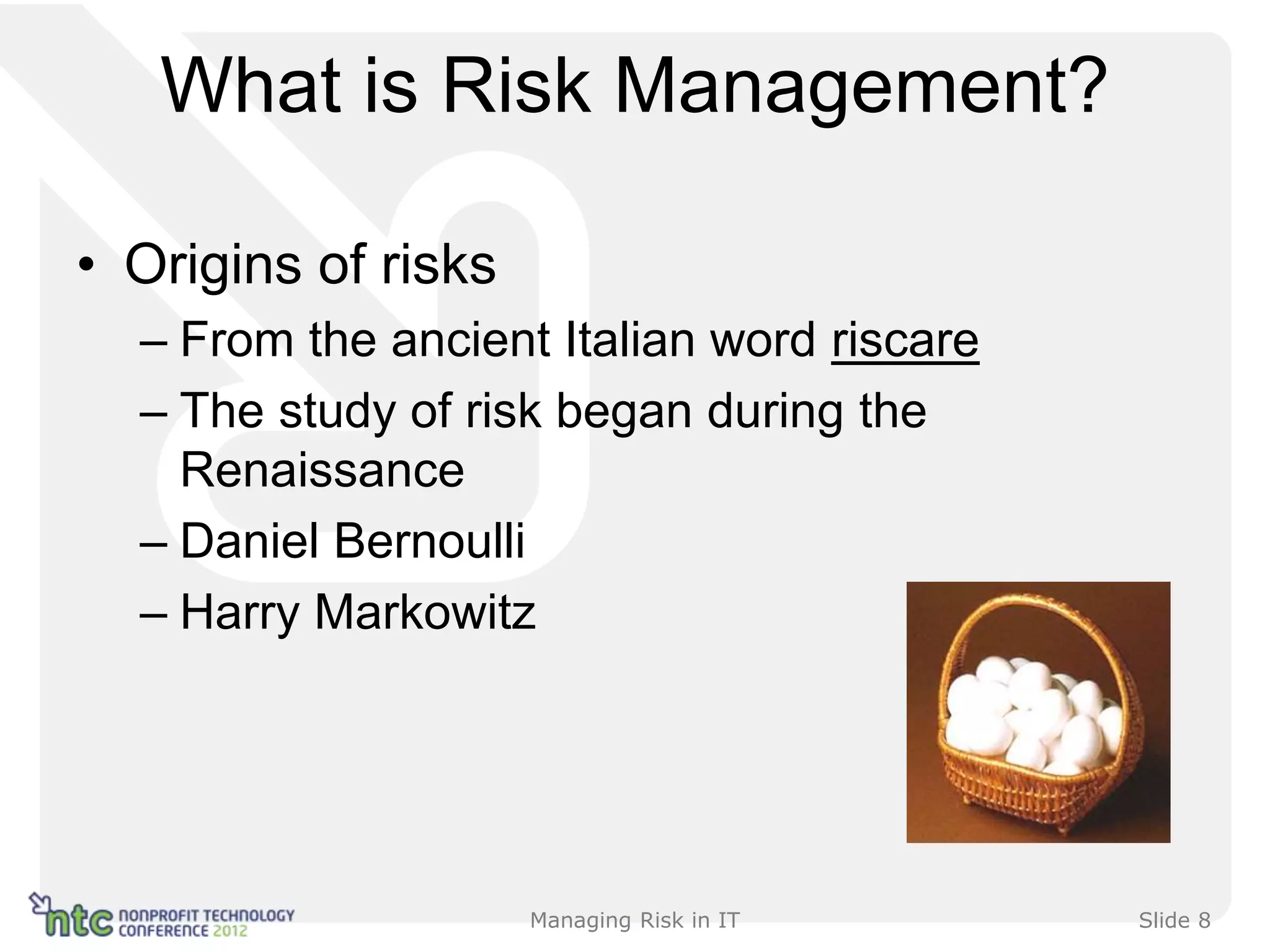
What is Risk Management?

• Origins of risks
  – From the ancient Italian word riscare
  – The study of risk began during the
    Renaissance
  – Daniel Bernoulli
  – Harry Markowitz


                     Managing Risk in IT    Slide 8
What does this have to do with IT?

 • Every decision you make is about
   managing some kind of risk
   – Which AV system will protect your staff?
   – Which backup system will be easy to use
     (restore from) during an emergency situation?
   – MS vs. Google?
   – Voice/data connections
   – Firewall


                    Managing Risk in IT         Slide 9
Budgets

• Every penny you spend in IT is NOT spent
  on your mission
  – Track every expense related to:
    •   Computer hw/sw
    •   Internet connectivity
    •   Telephone & fax
    •   Printing & copying
    •   Training
         – end user
         – Tech staff (yes, you need ongoing training)

                          Managing Risk in IT            Slide 10
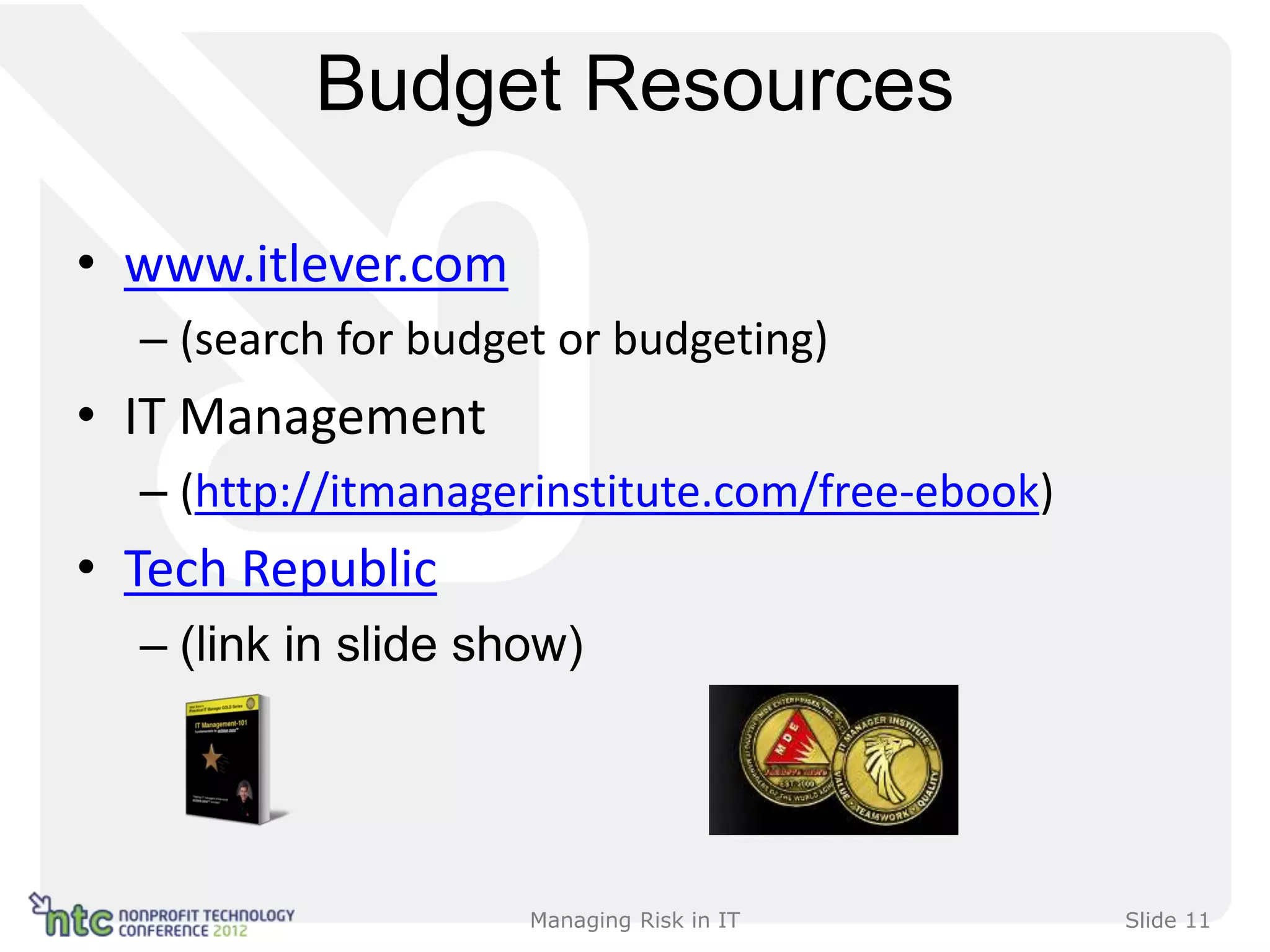
Budget Resources

• www.itlever.com
  – (search for budget or budgeting)
• IT Management
  – (http://itmanagerinstitute.com/free-ebook)
• Tech Republic
  – (link in slide show)


                     Managing Risk in IT         Slide 11
Integration with the business

• You have to sit at the table
• Strategic planning
• You are there to support them
• You are there to improve processes and
  make it easier
• You are there to look for cost efficiencies
    – Hard and soft dollar
• Business continuity (disaster planning)
                      Managing Risk in IT   Slide 12
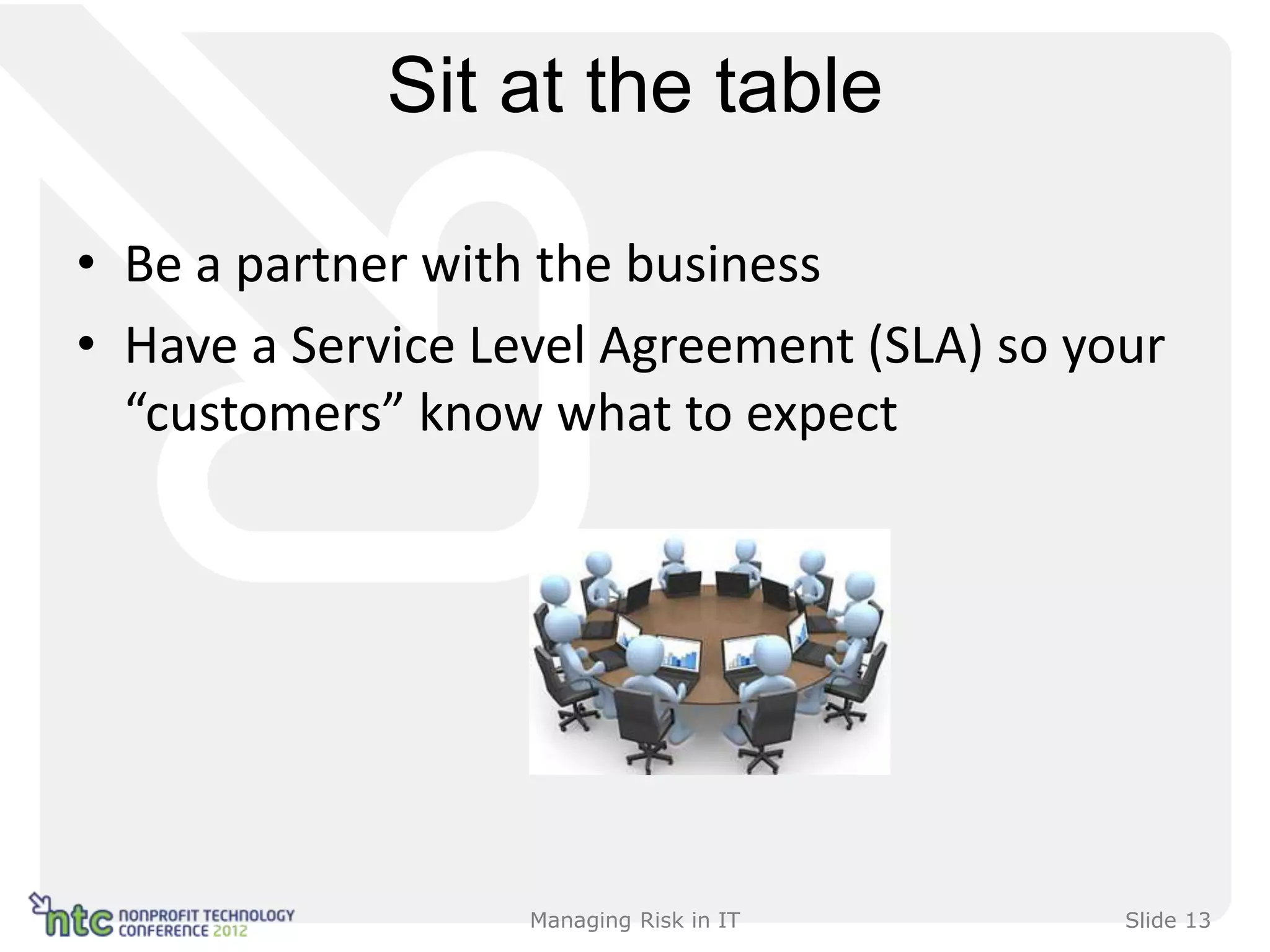
Sit at the table

• Be a partner with the business
• Have a Service Level Agreement (SLA) so your
  “customers” know what to expect


                   Managing Risk in IT      Slide 13
Strategic planning

• Why is this important?
  – Strategic planning drives the business, and
    you need to be helping steer.


                   Managing Risk in IT            Slide 14
Who they gonna call?


       Managing Risk in IT   Slide 15
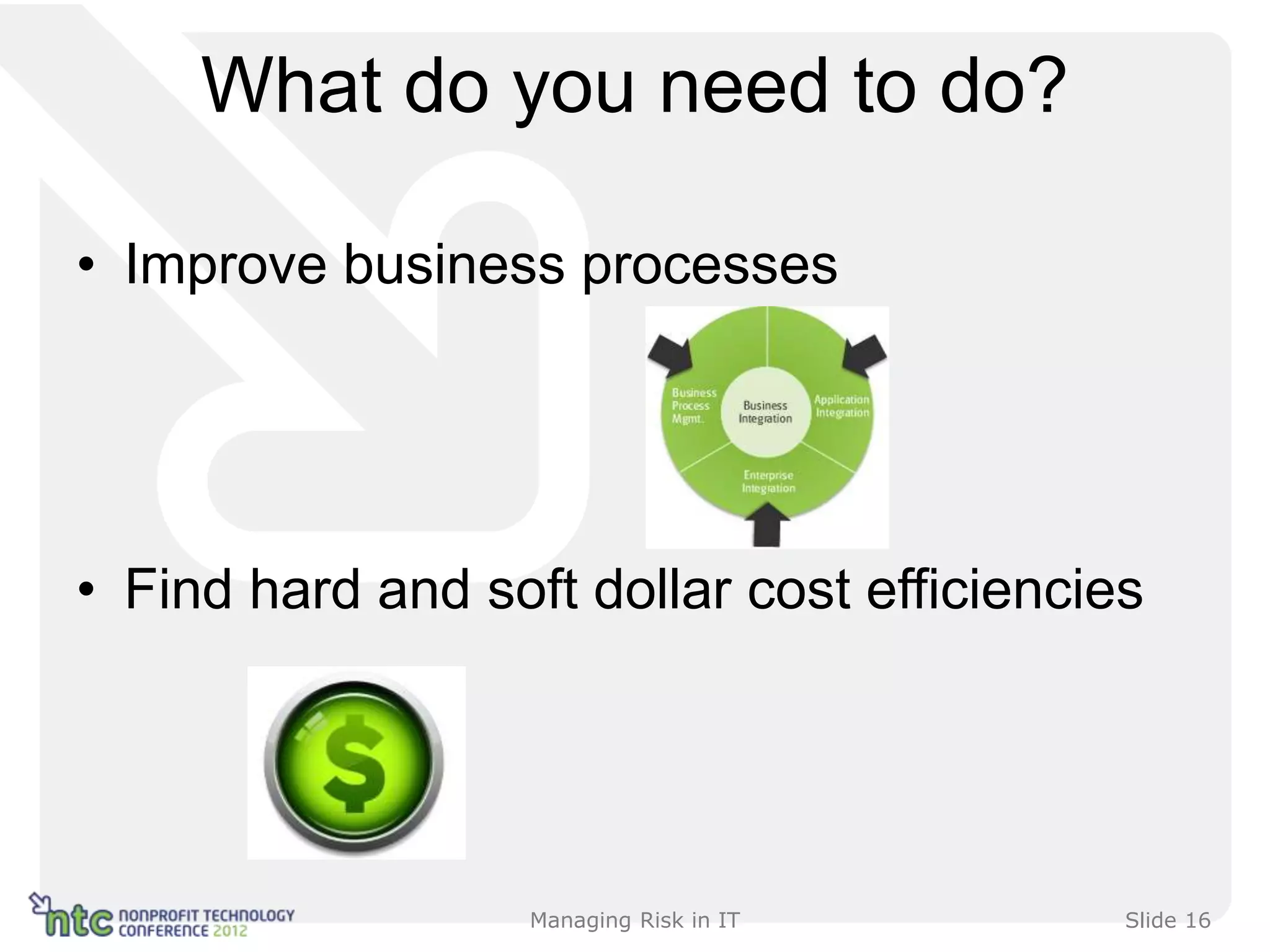
What do you need to do?

• Improve business processes


• Find hard and soft dollar cost efficiencies


                   Managing Risk in IT      Slide 16
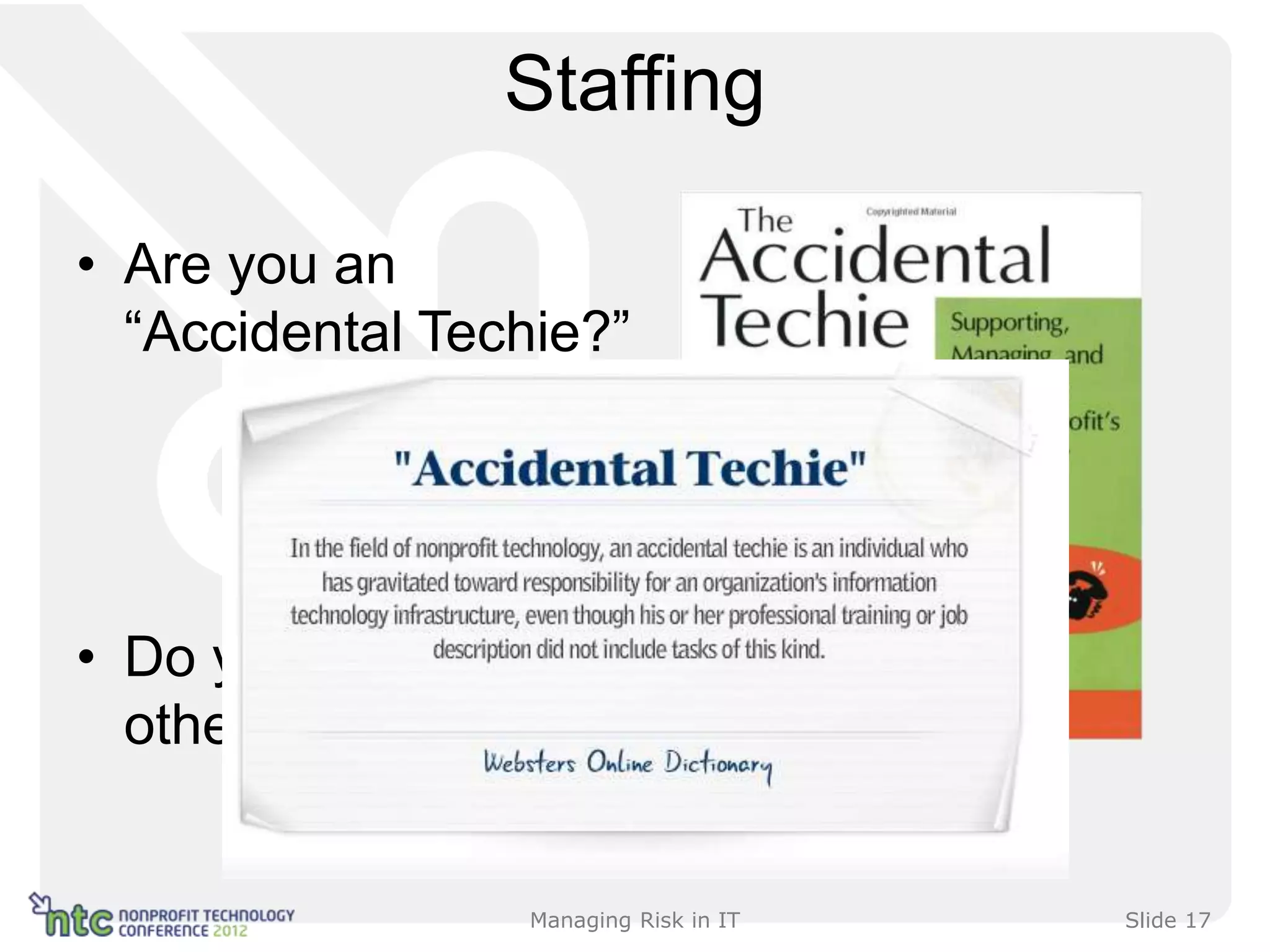
Staffing

• Are you an
  “Accidental Techie?”


• Do you manage
  other IT staff?


                    Managing Risk in IT   Slide 17
Managing Risk in IT   Slide 18
Outsourcing vs. Insourcing
               Services
•   Office and Collaboration
•   Help desk
•   Constituent Management
•   Security
•   Server and Network


                   Managing Risk in IT   Slide 19
Office and Collaboration

• Google Apps (Low Risk)
  – Free for non-profits <3000 users
  – Now online and offline (Chrome)
  – Bonus: Postini spam filter


                   Managing Risk in IT   Slide 20
Office and Collaboration

• Office 365 (Medium Risk)
  – Requires desktop client
  – Per seat costs ($6-$27/user/month)
  – Bonus: SharePoint


                   Managing Risk in IT   Slide 21
Help Desk
•                                     (low risk – it’s free)


•                          (med risk - about $20/seat/month)


•                                       (med risk – new version
    not available yet – check for pricing with Techsoup.org)


                          Managing Risk in IT                  Slide 22
Constituent Management

•                                            (low risk)
    – $200 - $475/month

•                        (medium risk)


    – 10 licenses free, >10 80% discount
    – Nonprofit Starter pack (free)


                       Managing Risk in IT                Slide 23
Security

• Virus protection
  – Symantec ($25/yr)
  – McAfee ($30/yr)
  – Microsoft System Essentials
     • Free for <10 PCs
  – Microsoft Forefront Endpoint
    ($20/seat)


                     Managing Risk in IT   Slide 24
Disaster Planning

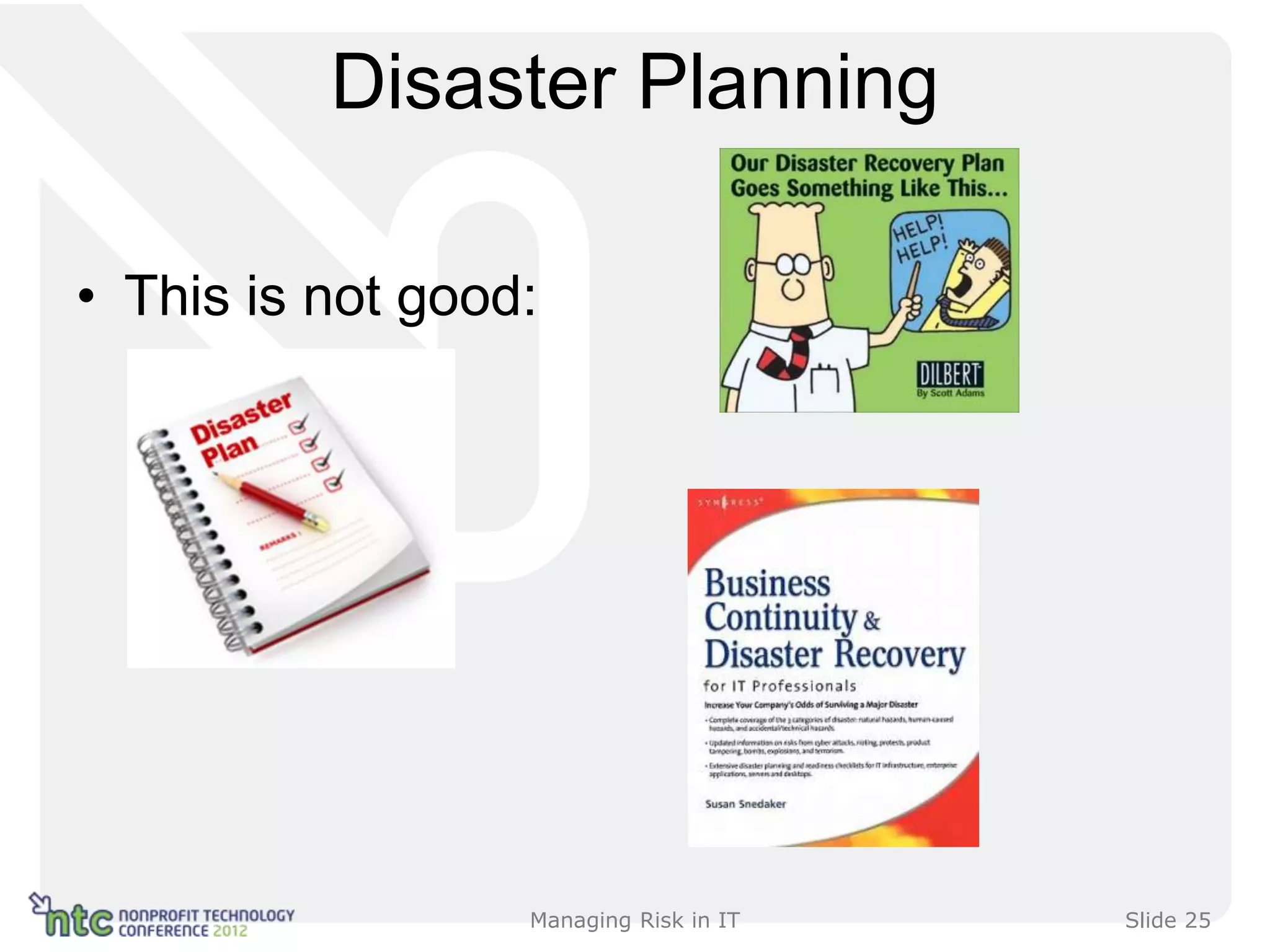
• This is not good:


                  Managing Risk in IT   Slide 25
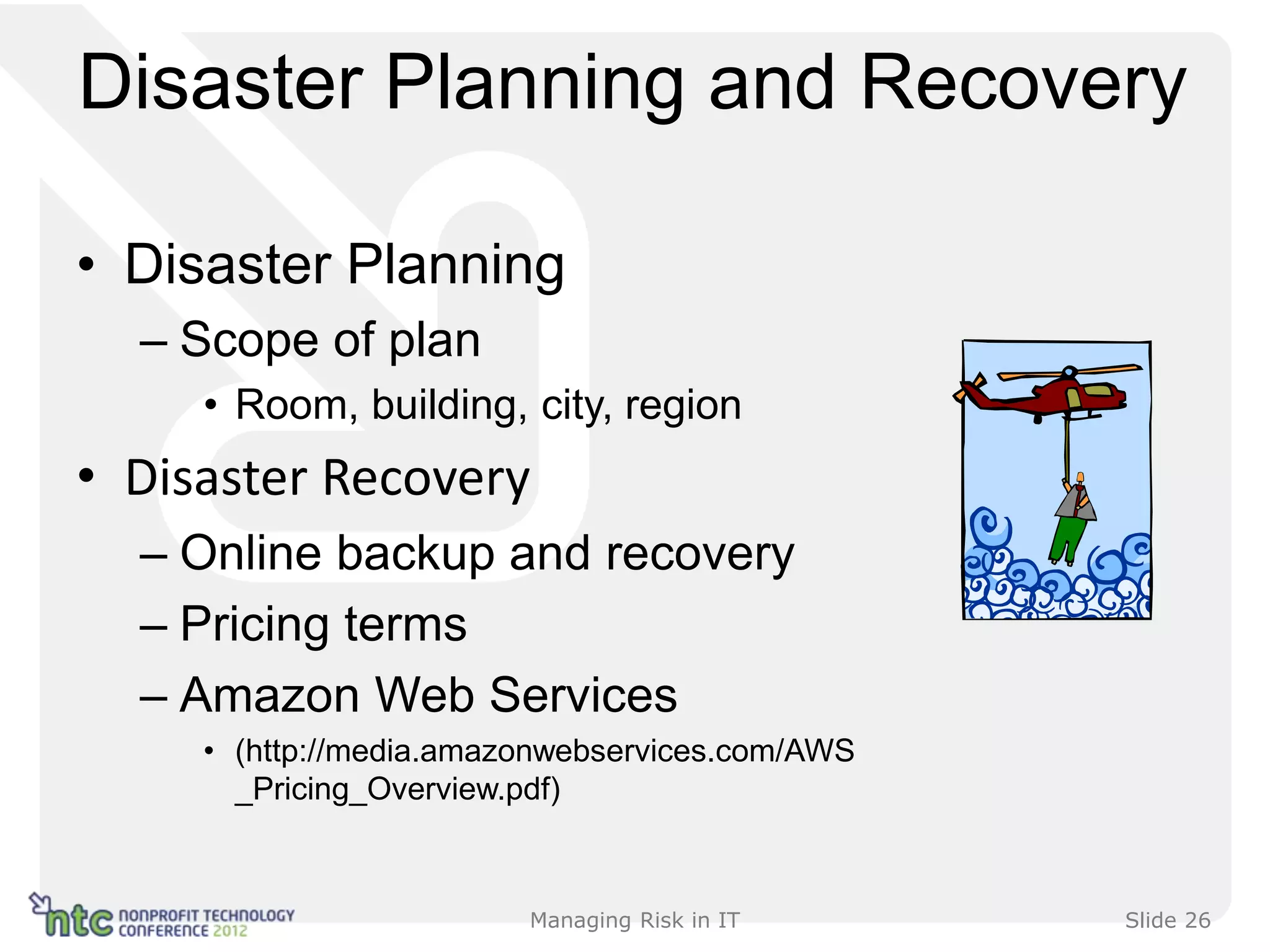
Disaster Planning and Recovery

• Disaster Planning
  – Scope of plan
     • Room, building, city, region
• Disaster Recovery
  – Online backup and recovery
  – Pricing terms
  – Amazon Web Services
     • (http://media.amazonwebservices.com/AWS
       _Pricing_Overview.pdf)


                         Managing Risk in IT     Slide 26
Server and Network

• Specs
    – What you want vs. what you need
• Tools
    – Is the cloud right for your organization?
•   Processes
•   Procedures
•   Change management
•   Regulation and law compliance

                      Managing Risk in IT         Slide 27
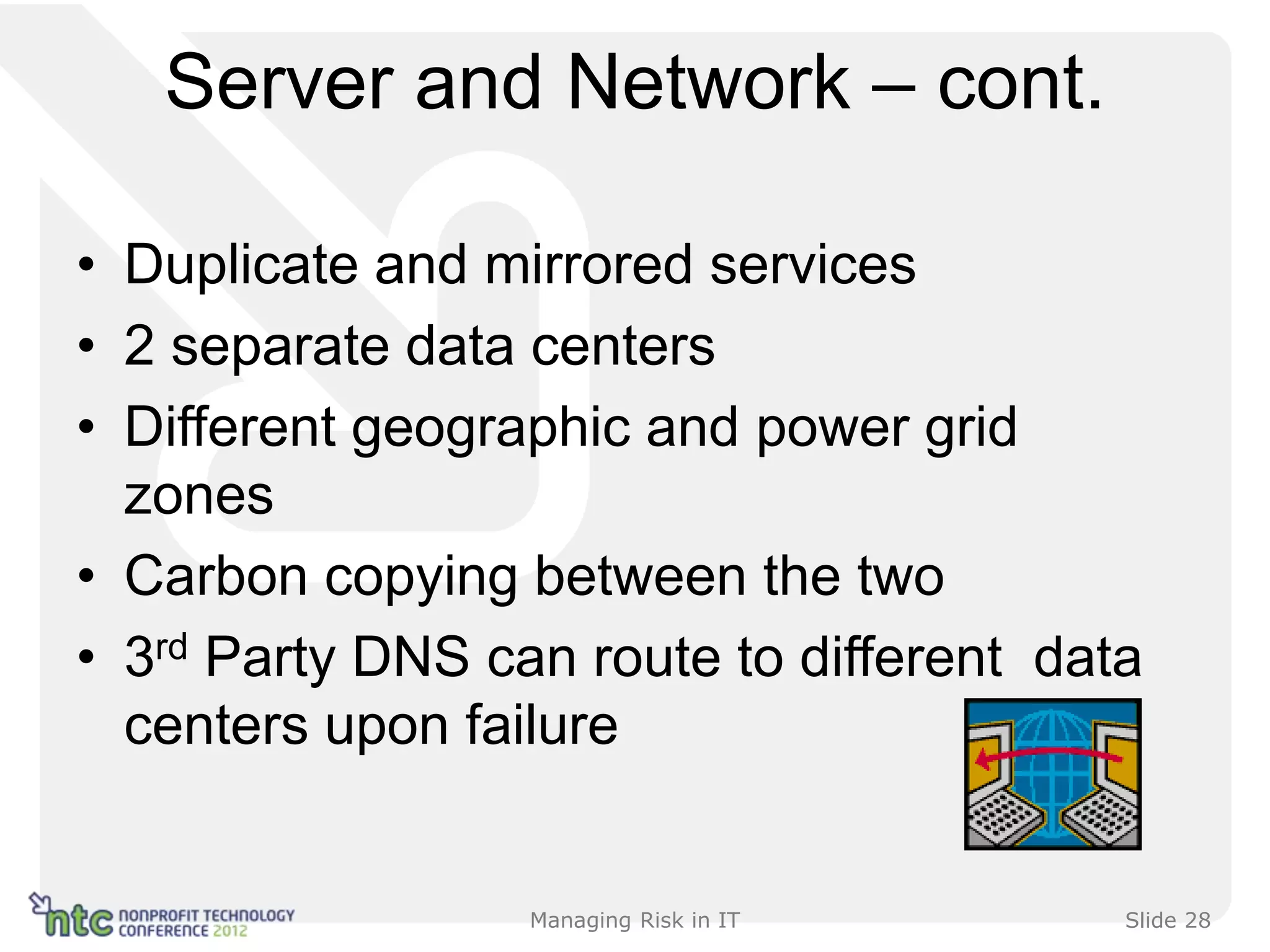
Server and Network – cont.

• Duplicate and mirrored services
• 2 separate data centers
• Different geographic and power grid
  zones
• Carbon copying between the two
• 3rd Party DNS can route to different data
  centers upon failure


                  Managing Risk in IT     Slide 28
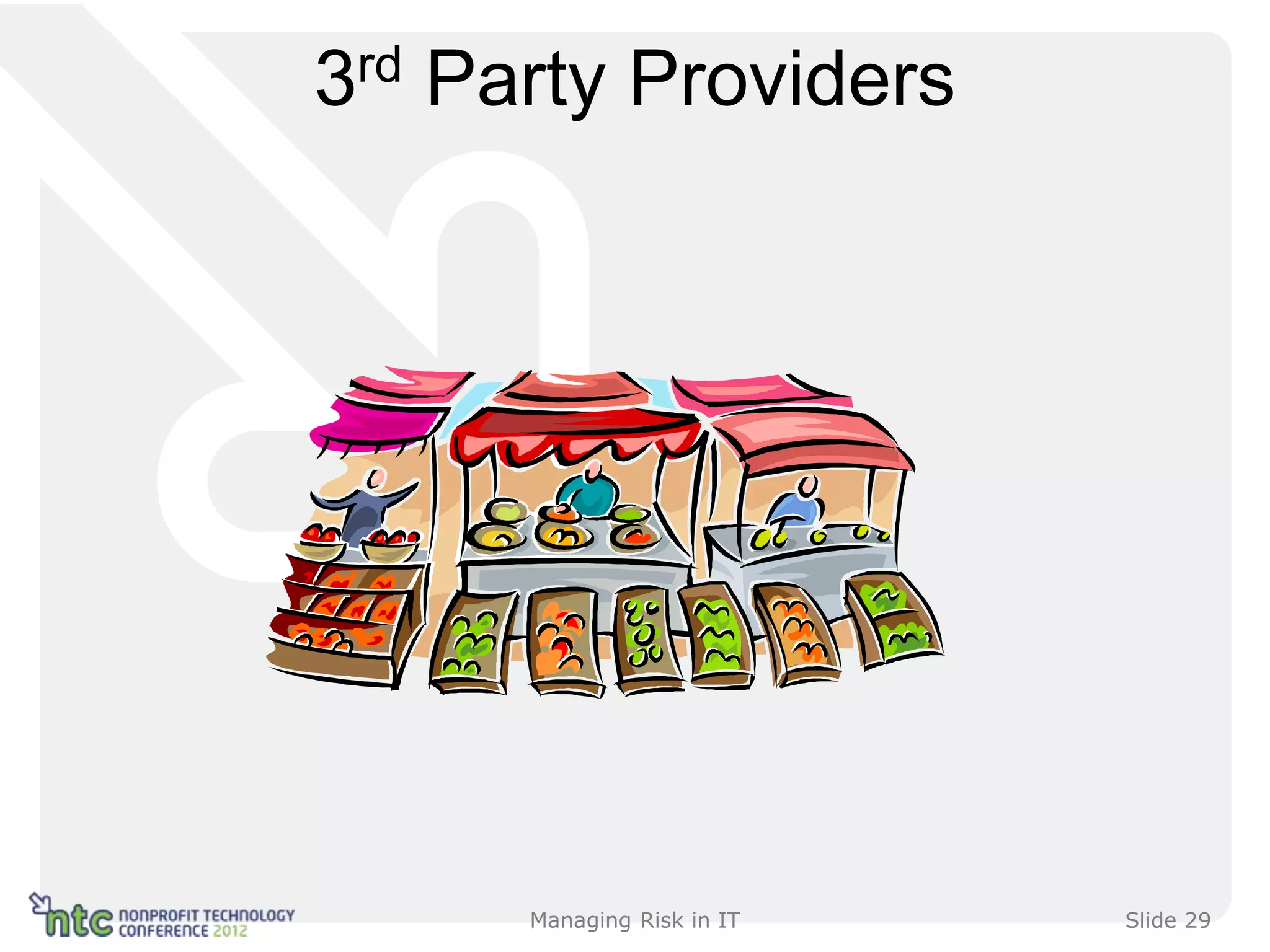
3rd Party Providers


      Managing Risk in IT   Slide 29
3rd Party Providers

• Financial pressure and offsite delivery
  model drive the need
• Risk Management starts with Sourcing,
  continues with Contracting and finally
  Vendor Management
• Extend your in-house staff seamlessly if
  managed well


                  Managing Risk in IT        Slide 30
3rd Party Providers – cont.
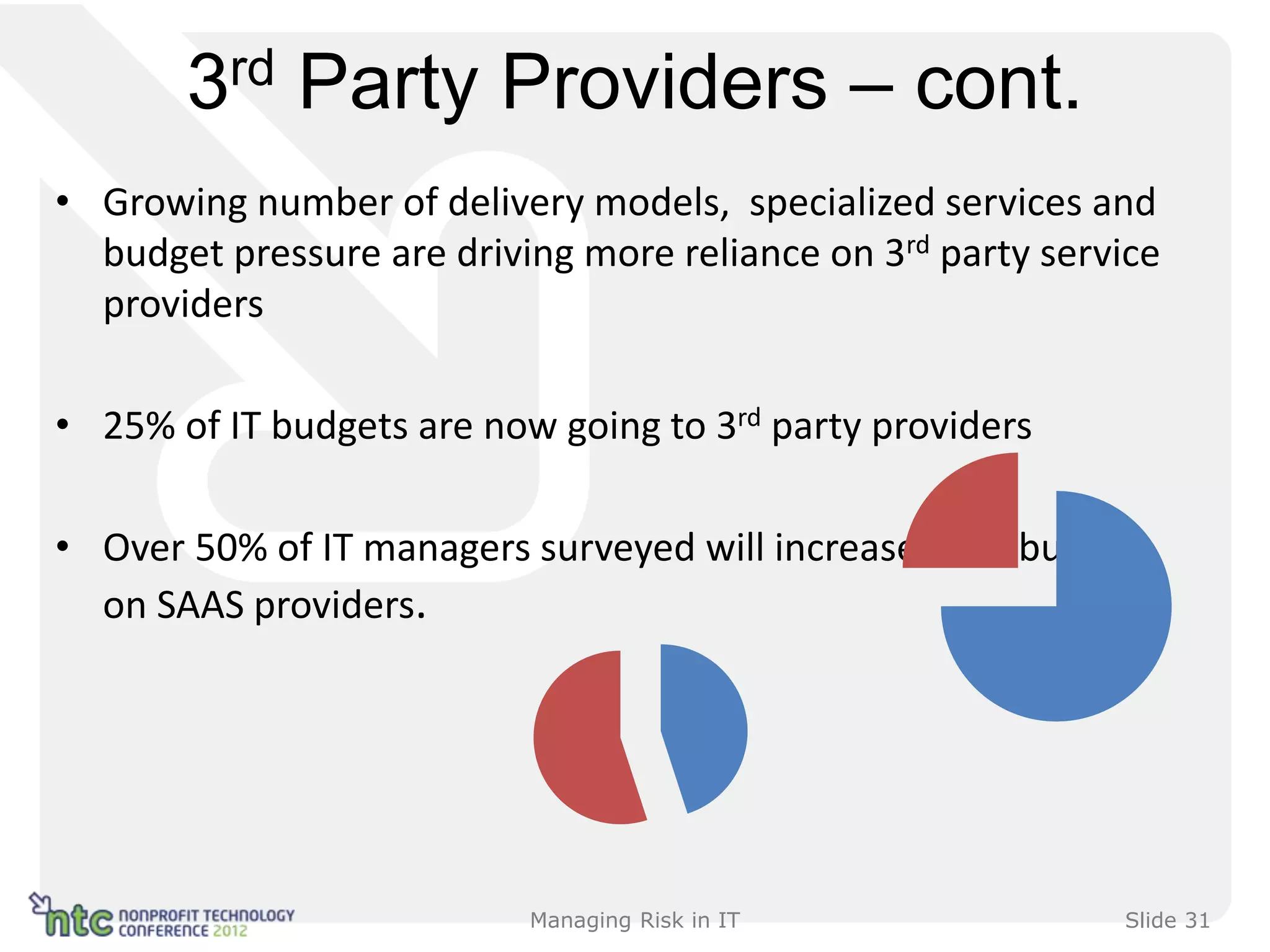
• Growing number of delivery models, specialized services and
  budget pressure are driving more reliance on 3rd party service
  providers

• 25% of IT budgets are now going to 3rd party providers

• Over 50% of IT managers surveyed will increase their budget
  on SAAS providers.


                           Managing Risk in IT               Slide 31
3rd Party Providers – cont.

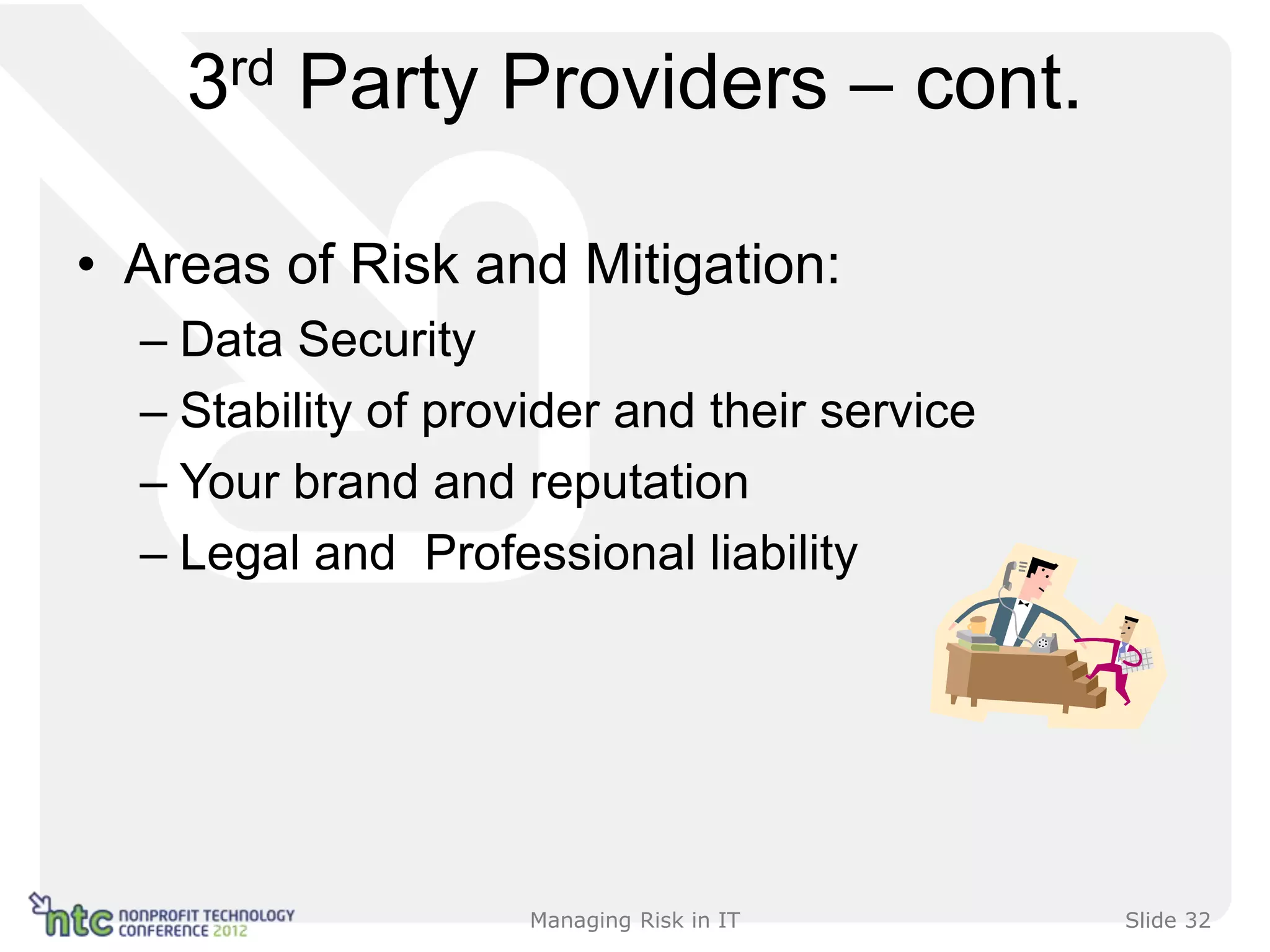
• Areas of Risk and Mitigation:
  – Data Security
  – Stability of provider and their service
  – Your brand and reputation
  – Legal and Professional liability


                     Managing Risk in IT      Slide 32
3rd Party Providers – cont.

• Data Security
    • Privacy policies in contract
    • Vendor audit
    • Internal training on Data Security
      awareness
    • Sensitive information (e.g. High
      Wealth Donors) may warrant DLP


                     Managing Risk in IT   Slide 33
3rd Party Providers – cont.

• Stability of provider
     • Basic Balance sheet and Cash Flow analysis
     • Bankruptcy, M and A
• Stability of service
     • Service Levels objectives in contract
     • Incentives and discounts/refunds
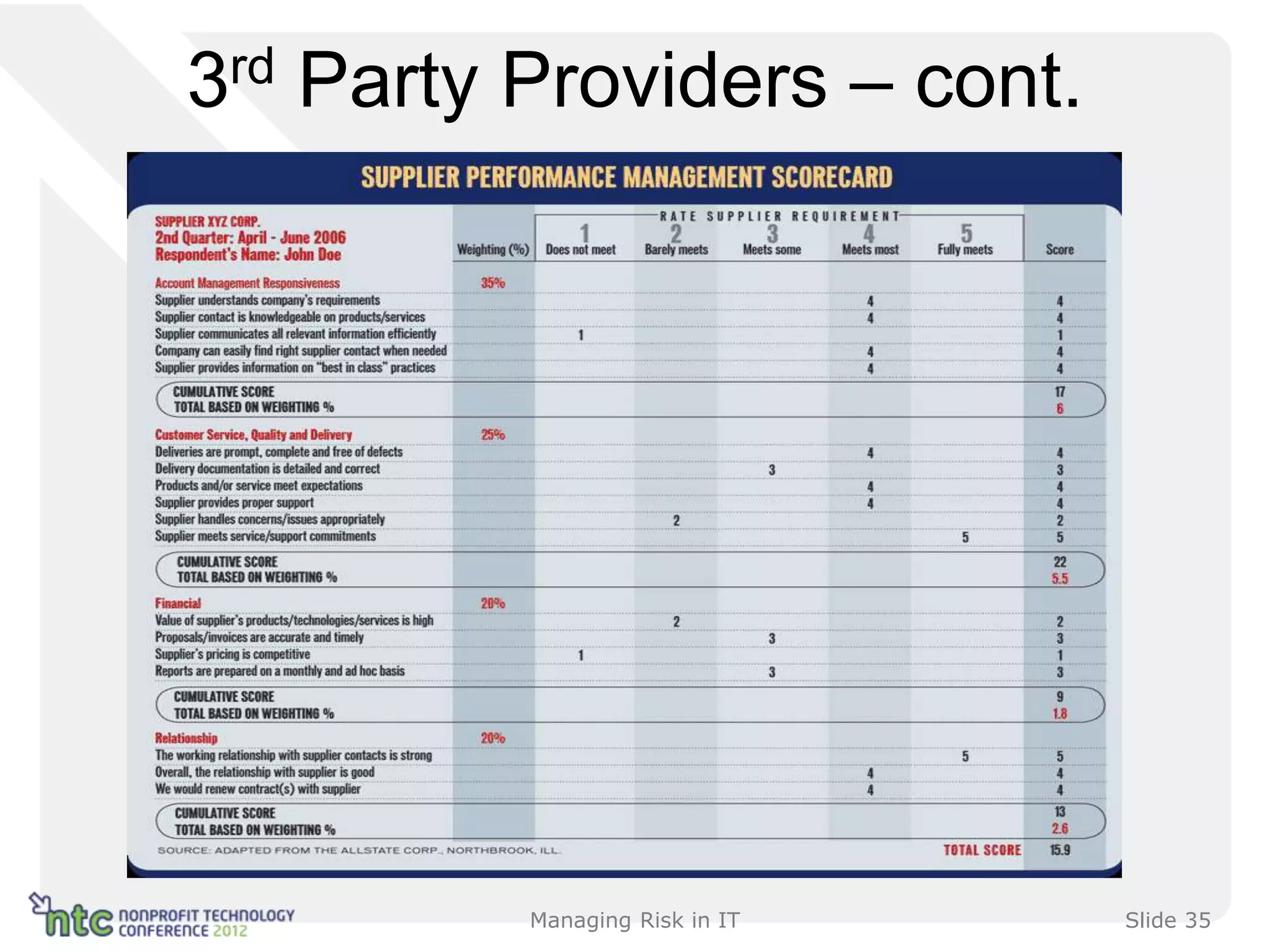
     • Vendor Scorecards


                      Managing Risk in IT           Slide 34
3rd   Party Providers – cont.


            Managing Risk in IT   Slide 35
3rd Party Providers – cont.

• Brand reputation
    • Brand usage built in to contracts
    • On site risk assessment
    • Deliverable reviews


                     Managing Risk in IT   Slide 36
3rd   Party Providers – cont.

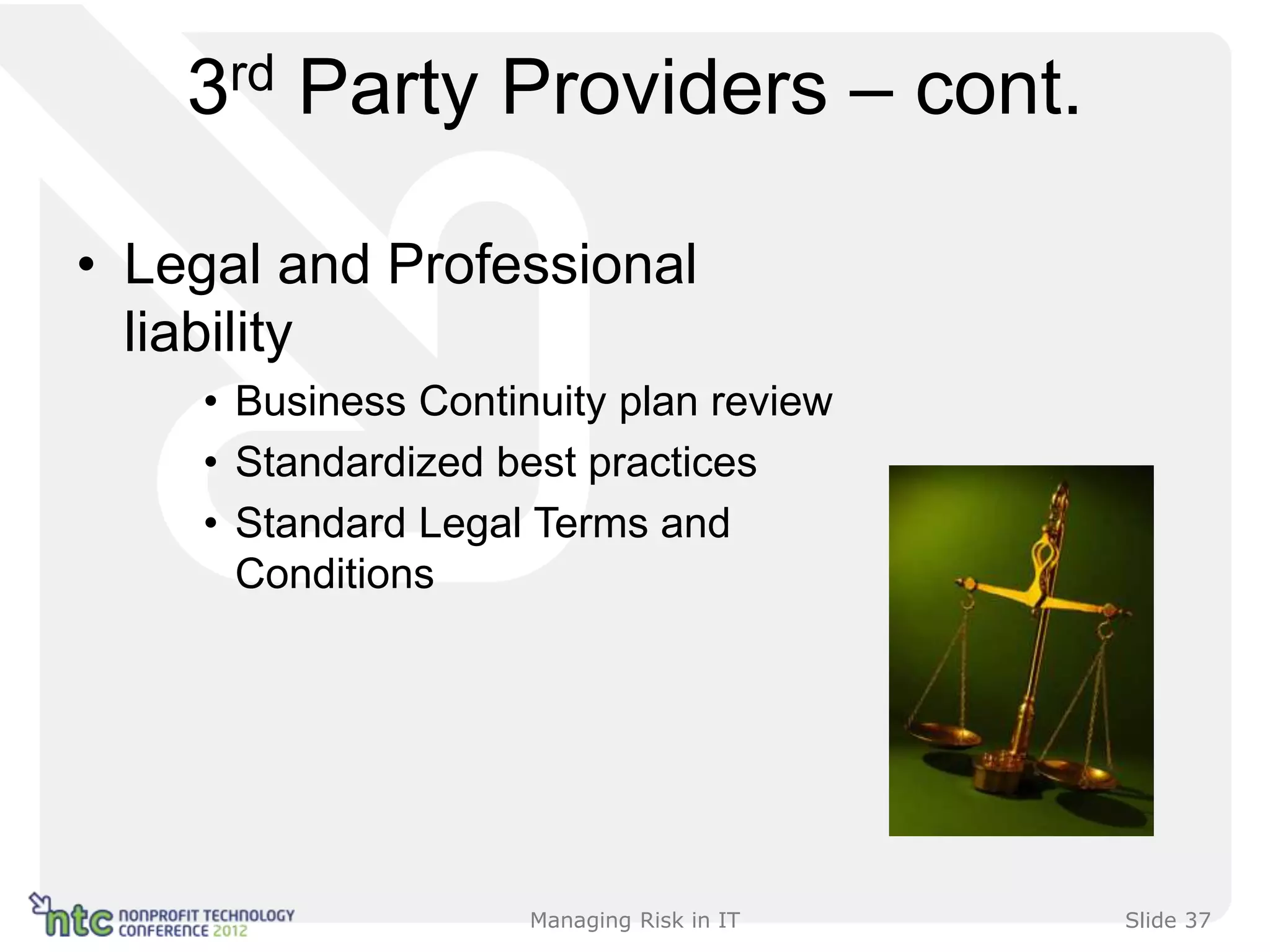
• Legal and Professional
  liability
    • Business Continuity plan review
    • Standardized best practices
    • Standard Legal Terms and
      Conditions


                     Managing Risk in IT   Slide 37
Managing Risk in IT
              Conclusion
•   Be partner with business
•   Make risk management strategic
•   Evaluate outsourced and cloud offerings
•   Follow Best Practices
•   Use Best of Breed
•   Utilize 3rd party providers wisely


                   Managing Risk in IT    Slide 38
Managing IT Risk in a small-
medium sized organization


          Managing Risk in IT   Slide 39
Evaluate This Session!
 Each entry is a chance to win an NTEN engraved iPad!


or Online using <#NTC12RISK> at www.nten.org/ntc/eval


                    Managing Risk in IT                 Slide 40

Managing Risk in IT

  • 1.
    Managing Risk inIT #12NTCRISK Richard D. Wollenberger Jay L. Seagren Managing Risk in IT Slide 1
  • 2.
    Evaluate This Session! Each entry is a chance to win an NTEN engraved iPad! or Online using <#NTC12RISK> at www.nten.org/ntc/eval Managing Risk in IT Slide 2
  • 3.
    Managing IT Riskin a small- medium sized organization Managing Risk in IT Slide 3
  • 4.
    Managing Risk inIT • Introductions • What is risk management? • Budgets • Integration with business needs • Managing Staff • Managing the computing environment Managing Risk in IT Slide 4
  • 5.
    Who are we? RichardWollenberger Director of Information Technology Parents as Teachers national office richard.wollenberger@parentsasteachers.org Jay Seagren Senior Manager, Enterprise Systems, The Pew Charitable Trusts jseagren@pewtrusts.org Managing Risk in IT Slide 5
  • 6.
    Who’s here today •Organization size? • Accidental techie? • # of IT staff? Managing Risk in IT Slide 6
  • 7.
    IT Resources Managing Risk in IT Slide 7
  • 8.
    What is RiskManagement? • Origins of risks – From the ancient Italian word riscare – The study of risk began during the Renaissance – Daniel Bernoulli – Harry Markowitz Managing Risk in IT Slide 8
  • 9.
    What does thishave to do with IT? • Every decision you make is about managing some kind of risk – Which AV system will protect your staff? – Which backup system will be easy to use (restore from) during an emergency situation? – MS vs. Google? – Voice/data connections – Firewall Managing Risk in IT Slide 9
  • 10.
    Budgets • Every pennyyou spend in IT is NOT spent on your mission – Track every expense related to: • Computer hw/sw • Internet connectivity • Telephone & fax • Printing & copying • Training – end user – Tech staff (yes, you need ongoing training) Managing Risk in IT Slide 10
  • 11.
    Budget Resources • www.itlever.com – (search for budget or budgeting) • IT Management – (http://itmanagerinstitute.com/free-ebook) • Tech Republic – (link in slide show) Managing Risk in IT Slide 11
  • 12.
    Integration with thebusiness • You have to sit at the table • Strategic planning • You are there to support them • You are there to improve processes and make it easier • You are there to look for cost efficiencies – Hard and soft dollar • Business continuity (disaster planning) Managing Risk in IT Slide 12
  • 13.
    Sit at thetable • Be a partner with the business • Have a Service Level Agreement (SLA) so your “customers” know what to expect Managing Risk in IT Slide 13
  • 14.
    Strategic planning • Whyis this important? – Strategic planning drives the business, and you need to be helping steer. Managing Risk in IT Slide 14
  • 15.
    Who they gonnacall? Managing Risk in IT Slide 15
  • 16.
    What do youneed to do? • Improve business processes • Find hard and soft dollar cost efficiencies Managing Risk in IT Slide 16
  • 17.
    Staffing • Are youan “Accidental Techie?” • Do you manage other IT staff? Managing Risk in IT Slide 17
  • 18.
    Managing Risk inIT Slide 18
  • 19.
    Outsourcing vs. Insourcing Services • Office and Collaboration • Help desk • Constituent Management • Security • Server and Network Managing Risk in IT Slide 19
  • 20.
    Office and Collaboration •Google Apps (Low Risk) – Free for non-profits <3000 users – Now online and offline (Chrome) – Bonus: Postini spam filter Managing Risk in IT Slide 20
  • 21.
    Office and Collaboration •Office 365 (Medium Risk) – Requires desktop client – Per seat costs ($6-$27/user/month) – Bonus: SharePoint Managing Risk in IT Slide 21
  • 22.
    Help Desk • (low risk – it’s free) • (med risk - about $20/seat/month) • (med risk – new version not available yet – check for pricing with Techsoup.org) Managing Risk in IT Slide 22
  • 23.
    Constituent Management • (low risk) – $200 - $475/month • (medium risk) – 10 licenses free, >10 80% discount – Nonprofit Starter pack (free) Managing Risk in IT Slide 23
  • 24.
    Security • Virus protection – Symantec ($25/yr) – McAfee ($30/yr) – Microsoft System Essentials • Free for <10 PCs – Microsoft Forefront Endpoint ($20/seat) Managing Risk in IT Slide 24
  • 25.
    Disaster Planning • Thisis not good: Managing Risk in IT Slide 25
  • 26.
    Disaster Planning andRecovery • Disaster Planning – Scope of plan • Room, building, city, region • Disaster Recovery – Online backup and recovery – Pricing terms – Amazon Web Services • (http://media.amazonwebservices.com/AWS _Pricing_Overview.pdf) Managing Risk in IT Slide 26
  • 27.
    Server and Network •Specs – What you want vs. what you need • Tools – Is the cloud right for your organization? • Processes • Procedures • Change management • Regulation and law compliance Managing Risk in IT Slide 27
  • 28.
    Server and Network– cont. • Duplicate and mirrored services • 2 separate data centers • Different geographic and power grid zones • Carbon copying between the two • 3rd Party DNS can route to different data centers upon failure Managing Risk in IT Slide 28
  • 29.
    3rd Party Providers Managing Risk in IT Slide 29
  • 30.
    3rd Party Providers •Financial pressure and offsite delivery model drive the need • Risk Management starts with Sourcing, continues with Contracting and finally Vendor Management • Extend your in-house staff seamlessly if managed well Managing Risk in IT Slide 30
  • 31.
    3rd Party Providers– cont. • Growing number of delivery models, specialized services and budget pressure are driving more reliance on 3rd party service providers • 25% of IT budgets are now going to 3rd party providers • Over 50% of IT managers surveyed will increase their budget on SAAS providers. Managing Risk in IT Slide 31
  • 32.
    3rd Party Providers– cont. • Areas of Risk and Mitigation: – Data Security – Stability of provider and their service – Your brand and reputation – Legal and Professional liability Managing Risk in IT Slide 32
  • 33.
    3rd Party Providers– cont. • Data Security • Privacy policies in contract • Vendor audit • Internal training on Data Security awareness • Sensitive information (e.g. High Wealth Donors) may warrant DLP Managing Risk in IT Slide 33
  • 34.
    3rd Party Providers– cont. • Stability of provider • Basic Balance sheet and Cash Flow analysis • Bankruptcy, M and A • Stability of service • Service Levels objectives in contract • Incentives and discounts/refunds • Vendor Scorecards Managing Risk in IT Slide 34
  • 35.
    3rd Party Providers – cont. Managing Risk in IT Slide 35
  • 36.
    3rd Party Providers– cont. • Brand reputation • Brand usage built in to contracts • On site risk assessment • Deliverable reviews Managing Risk in IT Slide 36
  • 37.
    3rd Party Providers – cont. • Legal and Professional liability • Business Continuity plan review • Standardized best practices • Standard Legal Terms and Conditions Managing Risk in IT Slide 37
  • 38.
    Managing Risk inIT Conclusion • Be partner with business • Make risk management strategic • Evaluate outsourced and cloud offerings • Follow Best Practices • Use Best of Breed • Utilize 3rd party providers wisely Managing Risk in IT Slide 38
  • 39.
    Managing IT Riskin a small- medium sized organization Managing Risk in IT Slide 39
  • 40.
    Evaluate This Session! Each entry is a chance to win an NTEN engraved iPad! or Online using <#NTC12RISK> at www.nten.org/ntc/eval Managing Risk in IT Slide 40