10WEB DESIGN
MISTAKES
T O A V O I D
website is usually the
first digital touch-point for
our audience. And we
understand that designing
an effective and attractive
site is challenging.
Therefore, here’s a quick
checklist of what NOT to
do…
A
Unclear/Irrelevant
Content
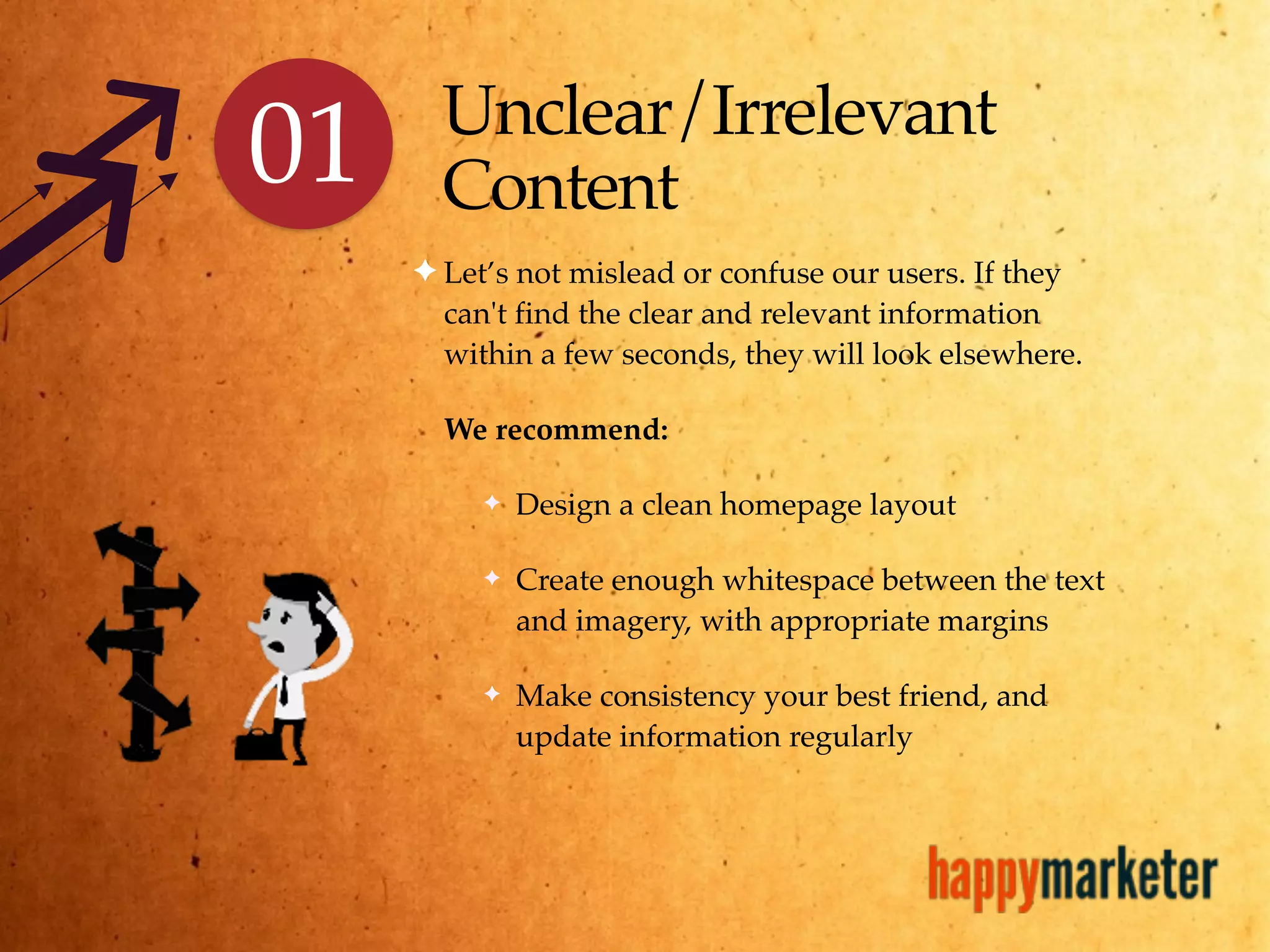
✦ Let’s not mislead or confuse our users. If they
can't find the clear and relevant information
within a few seconds, they will look elsewhere.
We recommend:
✦ Design a clean homepage layout
✦ Create enough whitespace between the text
and imagery, with appropriate margins
✦ Make consistency your best friend, and
update information regularly
01
02 Complicated
Graphics
✦ Skip the temptation to place flashy animations,
cute GIFs or adorable cat pictures. They not only
run the risk of being irrelevant but also annoy
users. Remember that heavy graphics also delay
load times on slow Internet connections.
We recommend:
✦ Optimize all videos and images
✦ Define a context for all the imagery
✦ Place ALT and TITLE attributes, to aid SEO
and enhance usability
Poor Usability &
Readability
✦ Clear usability and readability in a website is
paramount. Refrain from using bizarre font styles
and sizes that hinder easy reading.
We recommend:
✦ Use a sans serif typeface for easy reading on the
web
✦ Place a traditional-looking font in a dark color
against a light background
✦ Align all text uniformly, with clearly defined
headings and sub-headings
03
Poor Navigation
✦ Ensure that the website follows a single,
clearly-defined navigation structure. You don’t
want to confuse or worse, lose a user because
s/he was unable to arrive at the relevant page.
We recommend:
✦ Use text descriptions for all links
✦ Make it easy, obvious and intuitive
✦ Provide location information for each
page, using breadcrumbs
04
Unfavorable
Screen Resolutions &
Browser Incompatibility
✦ Modern web design must take into account the
numerous devices, browsers and screen sizes that
will be used to view and engage with websites.
Avoid an extensive horizontal scroll. It’s annoying!
We recommend:
✦ Know your users’ devices and the various
screen sizes, with the help of Google Analytics
✦ Use responsive web design to fit all screen sizes
✦ Test for compatibility across devices and
browsers
05
Autoplay
✦ Nothing agitates a user more than
unsolicited music announcing their
arrival on a particular website. On
most occasions, it is nothing but a
distraction and an irritant, often taking
away from the content of a website.
We recommend:
✦ Keep it simple. Or hand over the
controls to the user
06
An Inconsistently
Designed Interface
✦ You might be tempted to go overboard with your
creativity and design a new template for every page
within a website. However, it’s imperative that we
maintain a consistent look across the entire site.
We recommend:
✦ Use a consistent template across all the pages
within a particular section
✦ Create clean and aesthetically simple designs
✦ Let users expect to find a pattern, making it
easier for them to arrive at the information
they need
07
No Call-to-Action
✦ As marketers, we hope that our users would want to
view, download, subscribe, register, buy, share or
follow content on our websites. Let’s make it simpler
for them to do so.
We recommend:
✦ Begin your call-to-action with an action word,
always
✦ Make the call-to-action easy to find; keep it big,
keep it bold
✦ Limit it to 90-150 characters, removing all
extraneous words
08
Pop Ups &
Advertisements
✦ Pop-ups and advertisements are
annoying, unnecessary and can even
startle users. In fact, many people install
pop-up and ad blockers in their browsers;
this means that they either miss some
content or have to manually approve each
pop-up window we throw at them. Plus,
the general tendency is to associate these
hazards as being spammed. Simply put,
avoid using them as far as possible.
09
AMissing
Search Box
✦ Do not commit the cardinal sin of letting go off the
search button on your website. Remember that the
Internet was designed to be searched. And we must
make it as simple as possible for users to find what they
seek.
We recommend:
✦ Provide a search box at the top right-hand corner
of every page
✦ Make it clearly visible, quickly recognizable and
easy to use
✦ Keep it simple; do NOT over design it
10
Thank You
Shruti
Garodia
Sudarshana
Majumdar
www.happymarketer.com
@hmarketer | hello@happymarketer.com

10 Web Design Mistakes To Avoid

  • 1.
  • 2.
    website is usuallythe first digital touch-point for our audience. And we understand that designing an effective and attractive site is challenging. Therefore, here’s a quick checklist of what NOT to do… A
  • 3.
    Unclear/Irrelevant Content ✦ Let’s notmislead or confuse our users. If they can't find the clear and relevant information within a few seconds, they will look elsewhere. We recommend: ✦ Design a clean homepage layout ✦ Create enough whitespace between the text and imagery, with appropriate margins ✦ Make consistency your best friend, and update information regularly 01
  • 4.
    02 Complicated Graphics ✦ Skipthe temptation to place flashy animations, cute GIFs or adorable cat pictures. They not only run the risk of being irrelevant but also annoy users. Remember that heavy graphics also delay load times on slow Internet connections. We recommend: ✦ Optimize all videos and images ✦ Define a context for all the imagery ✦ Place ALT and TITLE attributes, to aid SEO and enhance usability
  • 5.
    Poor Usability & Readability ✦Clear usability and readability in a website is paramount. Refrain from using bizarre font styles and sizes that hinder easy reading. We recommend: ✦ Use a sans serif typeface for easy reading on the web ✦ Place a traditional-looking font in a dark color against a light background ✦ Align all text uniformly, with clearly defined headings and sub-headings 03
  • 6.
    Poor Navigation ✦ Ensurethat the website follows a single, clearly-defined navigation structure. You don’t want to confuse or worse, lose a user because s/he was unable to arrive at the relevant page. We recommend: ✦ Use text descriptions for all links ✦ Make it easy, obvious and intuitive ✦ Provide location information for each page, using breadcrumbs 04
  • 7.
    Unfavorable Screen Resolutions & BrowserIncompatibility ✦ Modern web design must take into account the numerous devices, browsers and screen sizes that will be used to view and engage with websites. Avoid an extensive horizontal scroll. It’s annoying! We recommend: ✦ Know your users’ devices and the various screen sizes, with the help of Google Analytics ✦ Use responsive web design to fit all screen sizes ✦ Test for compatibility across devices and browsers 05
  • 8.
    Autoplay ✦ Nothing agitatesa user more than unsolicited music announcing their arrival on a particular website. On most occasions, it is nothing but a distraction and an irritant, often taking away from the content of a website. We recommend: ✦ Keep it simple. Or hand over the controls to the user 06
  • 9.
    An Inconsistently Designed Interface ✦You might be tempted to go overboard with your creativity and design a new template for every page within a website. However, it’s imperative that we maintain a consistent look across the entire site. We recommend: ✦ Use a consistent template across all the pages within a particular section ✦ Create clean and aesthetically simple designs ✦ Let users expect to find a pattern, making it easier for them to arrive at the information they need 07
  • 10.
    No Call-to-Action ✦ Asmarketers, we hope that our users would want to view, download, subscribe, register, buy, share or follow content on our websites. Let’s make it simpler for them to do so. We recommend: ✦ Begin your call-to-action with an action word, always ✦ Make the call-to-action easy to find; keep it big, keep it bold ✦ Limit it to 90-150 characters, removing all extraneous words 08
  • 11.
    Pop Ups & Advertisements ✦Pop-ups and advertisements are annoying, unnecessary and can even startle users. In fact, many people install pop-up and ad blockers in their browsers; this means that they either miss some content or have to manually approve each pop-up window we throw at them. Plus, the general tendency is to associate these hazards as being spammed. Simply put, avoid using them as far as possible. 09
  • 12.
    AMissing Search Box ✦ Donot commit the cardinal sin of letting go off the search button on your website. Remember that the Internet was designed to be searched. And we must make it as simple as possible for users to find what they seek. We recommend: ✦ Provide a search box at the top right-hand corner of every page ✦ Make it clearly visible, quickly recognizable and easy to use ✦ Keep it simple; do NOT over design it 10
  • 13.