Web Design Trends 2015 
How to create a Website 
your visitors will love.
About 
➔ Tobias Gebauer 
➔ Webdeveloper and Designer 
from Germany 
➔ Working as freelancer and for 
agencies the last 10 years
Can I use these trends? 
➔New website 
➔Redesign old website 
➔Minor updates 
➔Own website and client projects 
➔Small and medium sized companies
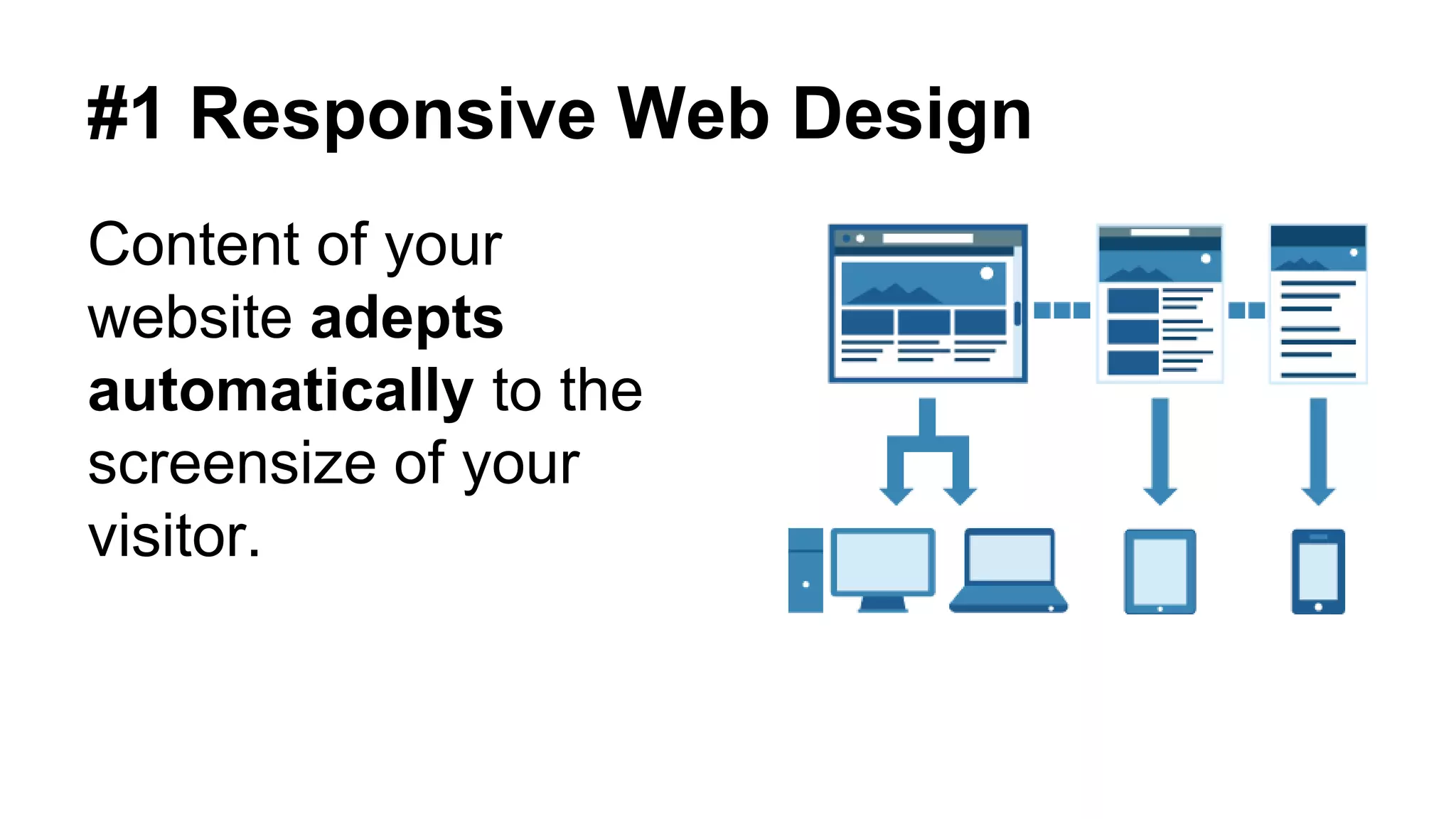
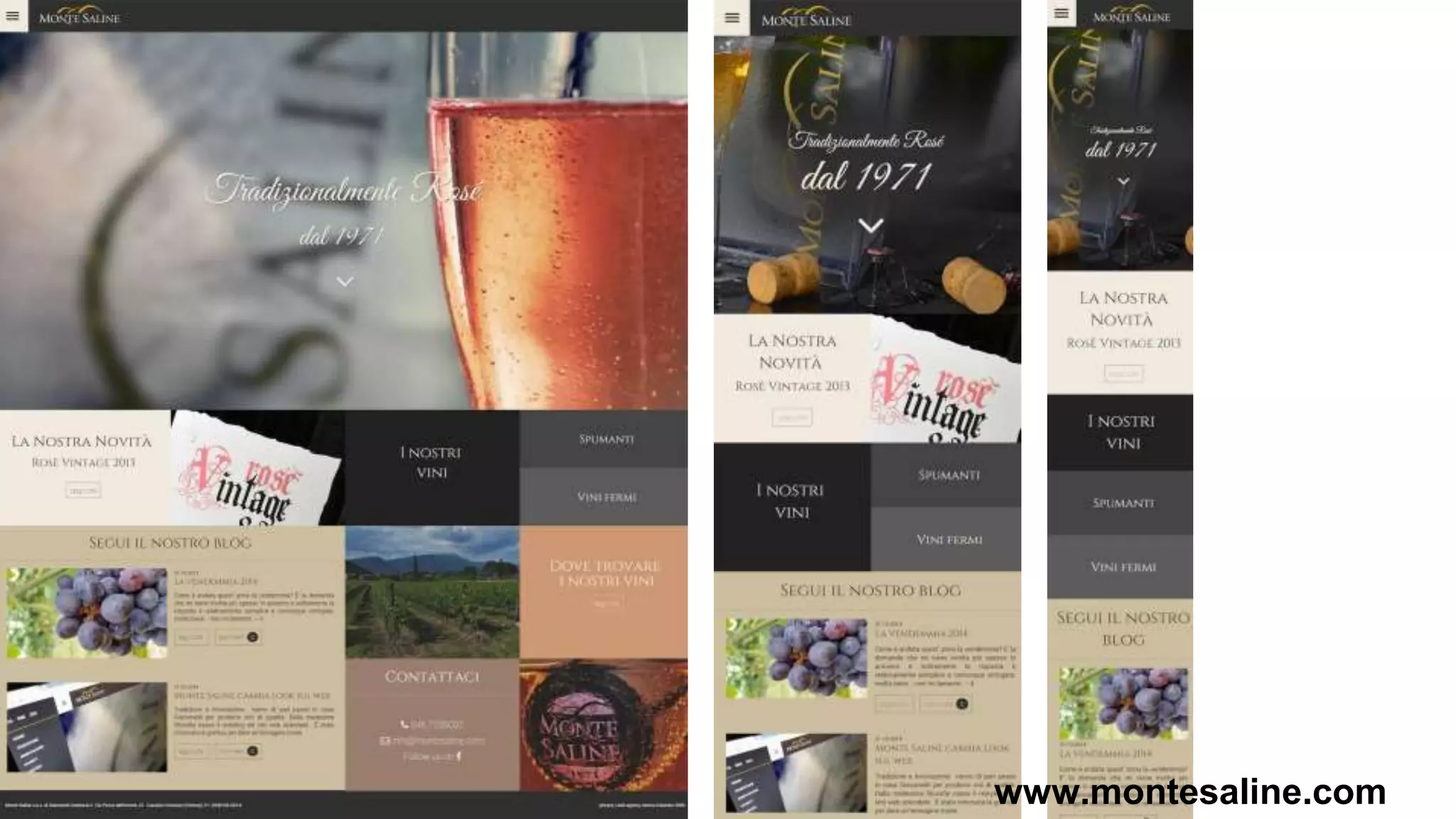
#1 Responsive Web Design 
Content of your 
website adepts 
automatically to the 
screensize of your 
visitor.
www.montesaline.com
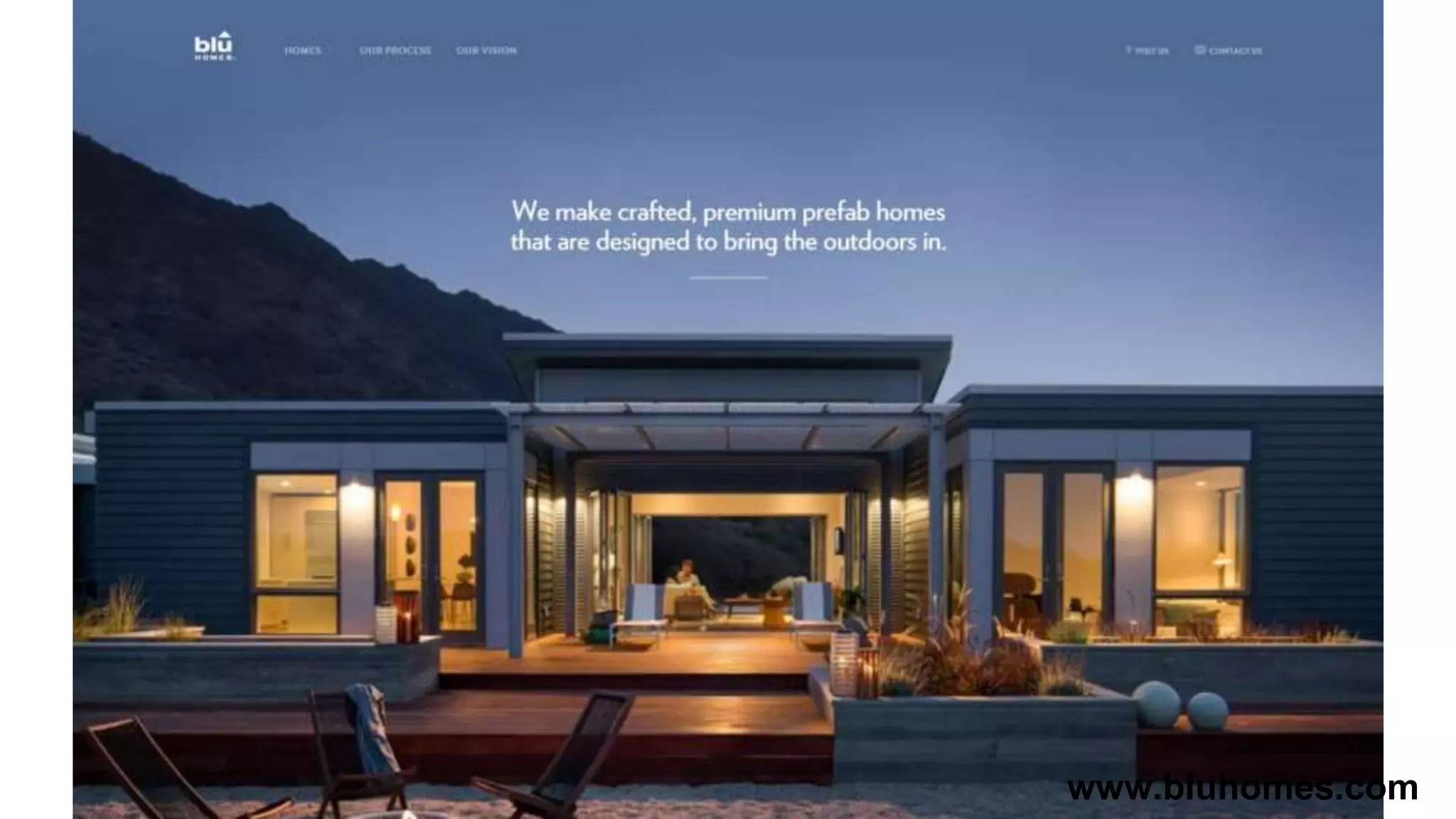
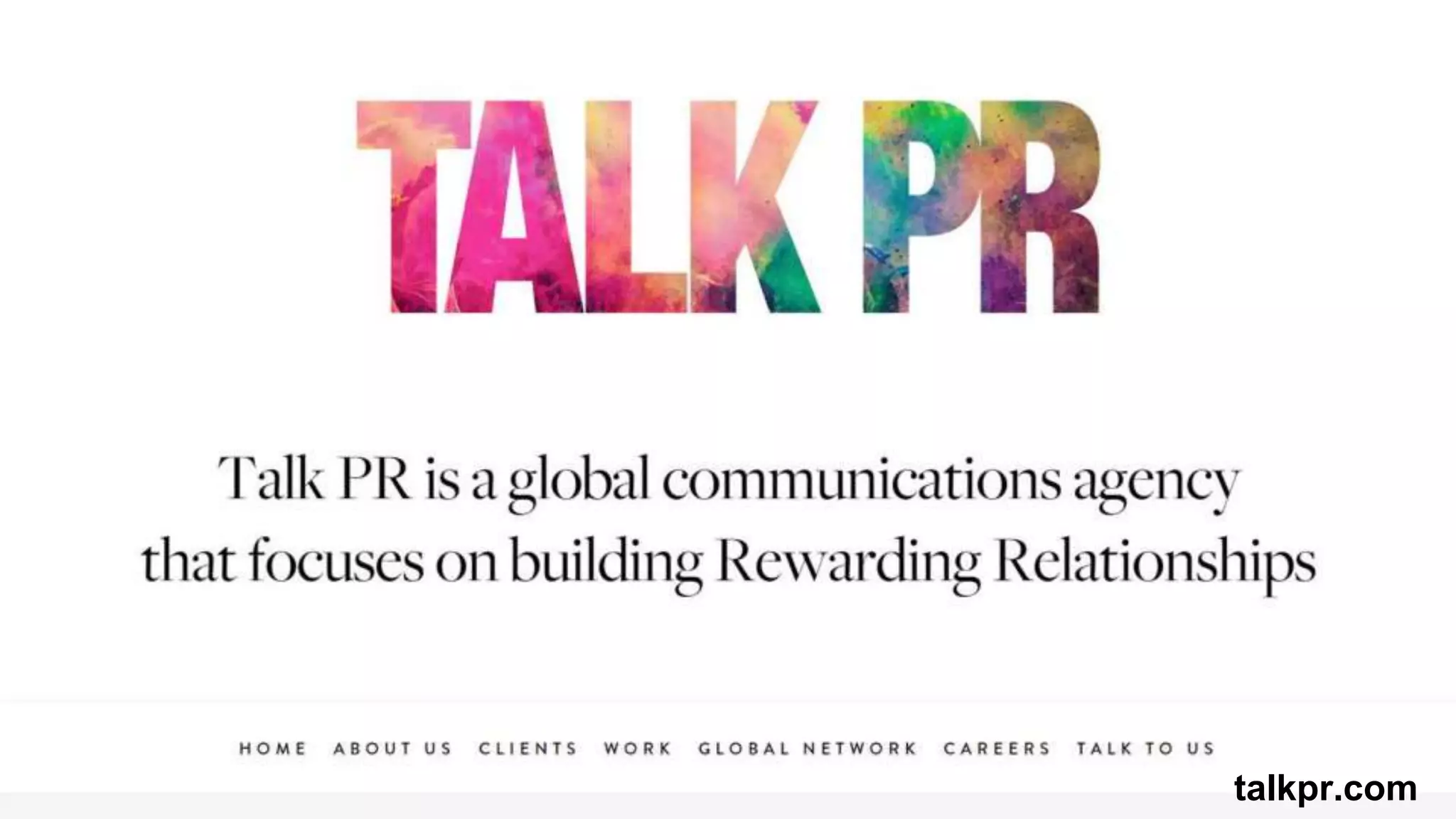
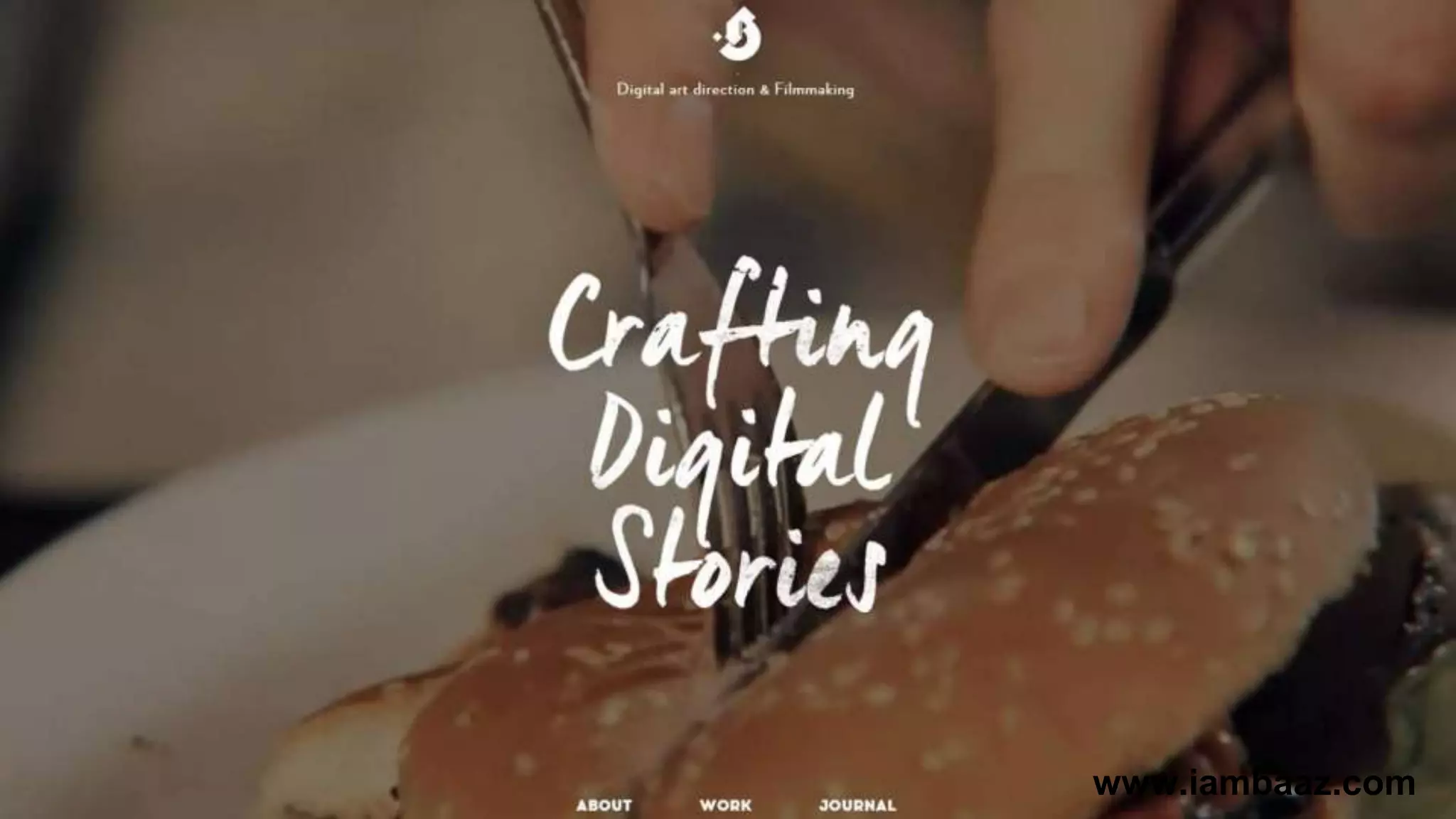
#2 Image / Video and Message 
Your visitors should be able to understand you 
buisness in 5 seconds. 
➔Persuading Image or short video 
➔Short Headline 
➔1 or 2 sentences description
www.bluhomes.com
talkpr.com
www.iambaaz.com
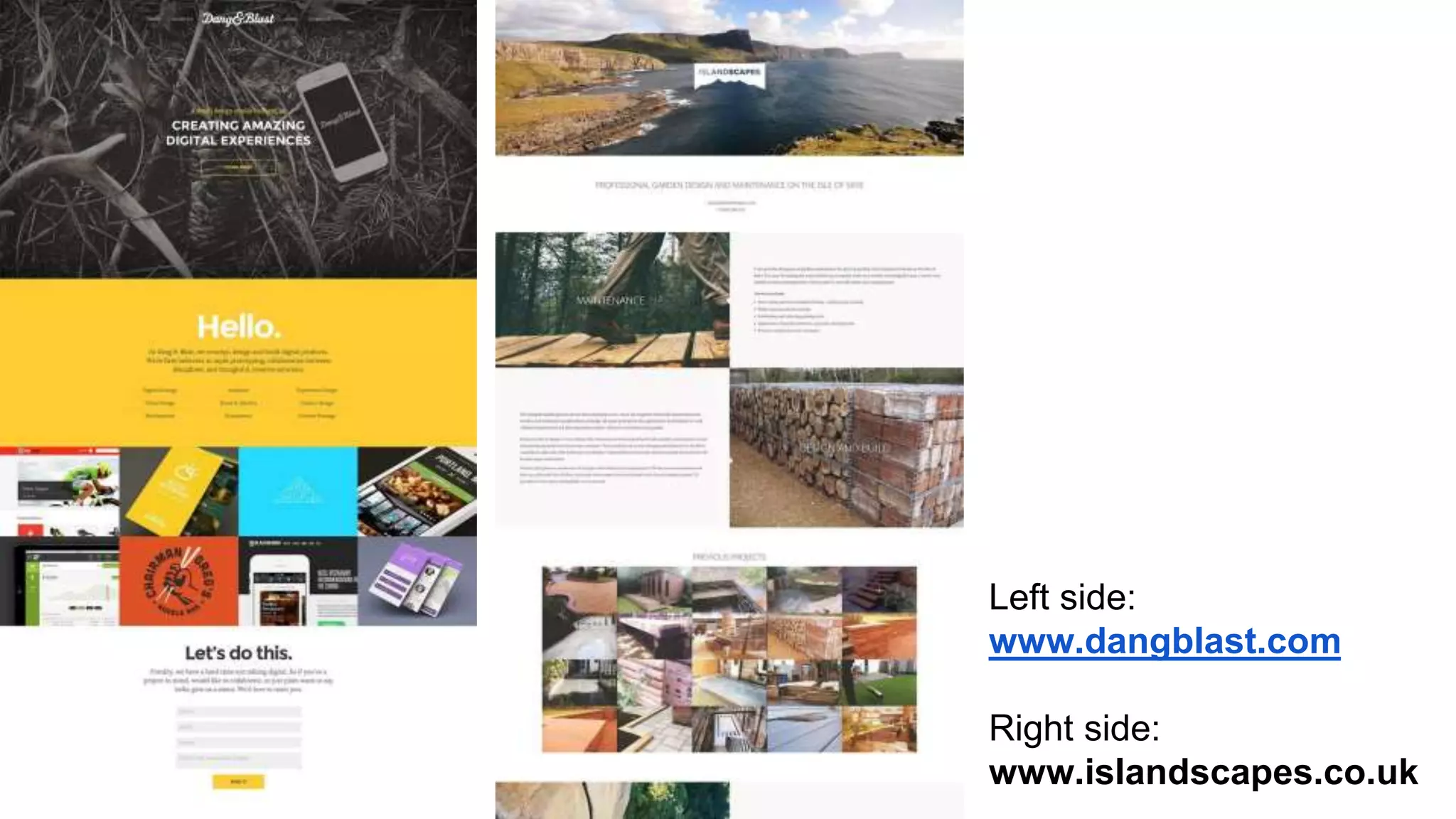
#3 Full-Width Design 
Full-width images and videos convey a 
stronger message. Especially on the desktop 
you have to use images with 1920 px or more. 
➔Image or video in the header-area 
➔Background colors for content blocks
Left side: 
www.dangblast.com 
Right side: 
www.islandscapes.co.uk
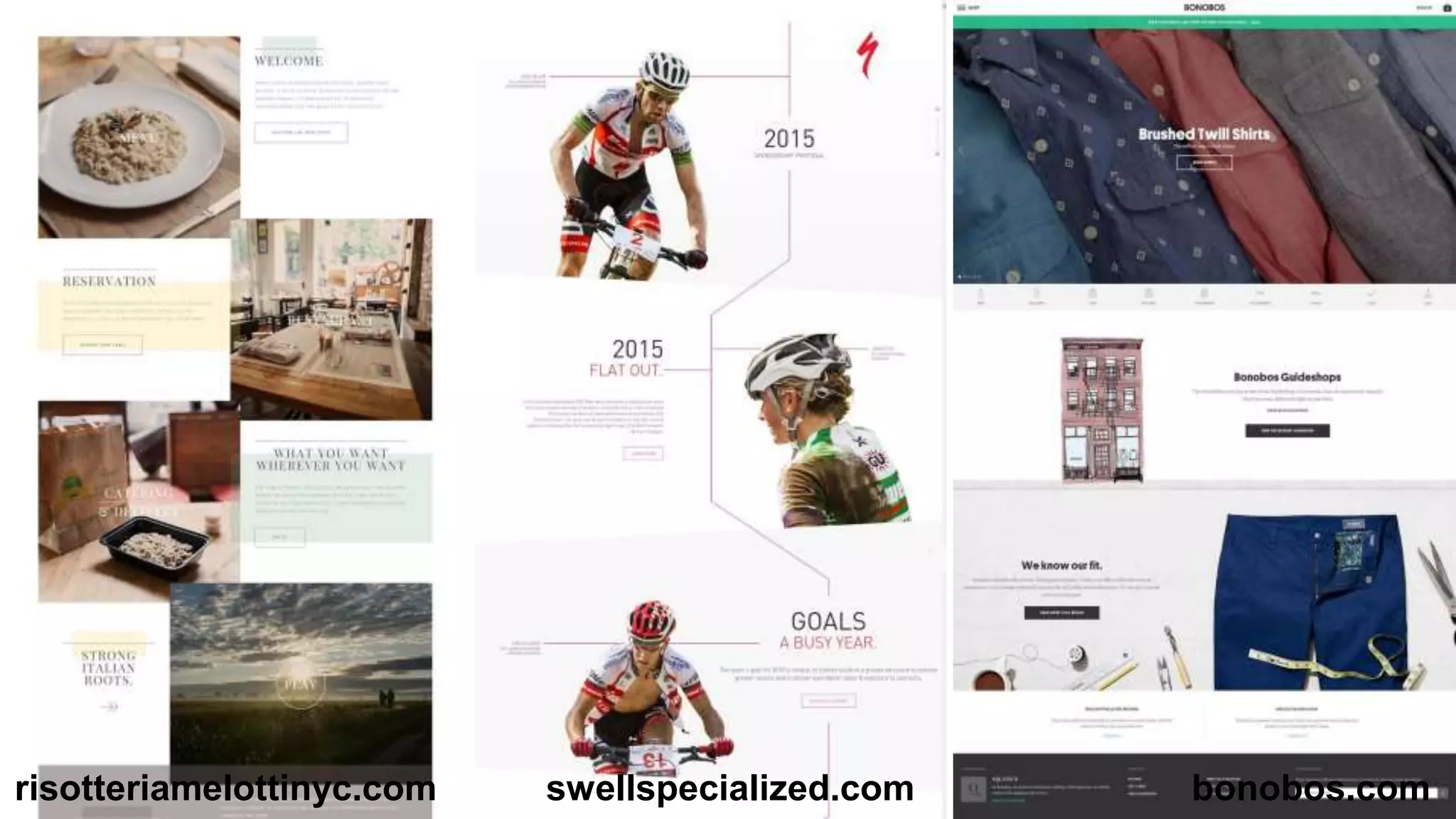
#4 Big Content Blocks 
Give your content room to breath. Use the 
length of your site and don’t clutter it. 
➔Only one message on the screen 
➔Remove unnecessary inform. (sidebars) 
➔About-, product- and Homepage 
➔Add a call-to-action button
risotteriamelottinyc.com swellspecialized.com bonobos.com
#5 Typography & Webfonts 
Typography is one of the most important 
factors for a good website. 
Golden rules of web-typography: 
➔Font 16px or more with 150% line-height 
➔11-16 words per line (55 to 80 characters) 
➔Use Webfonts with a high legibility
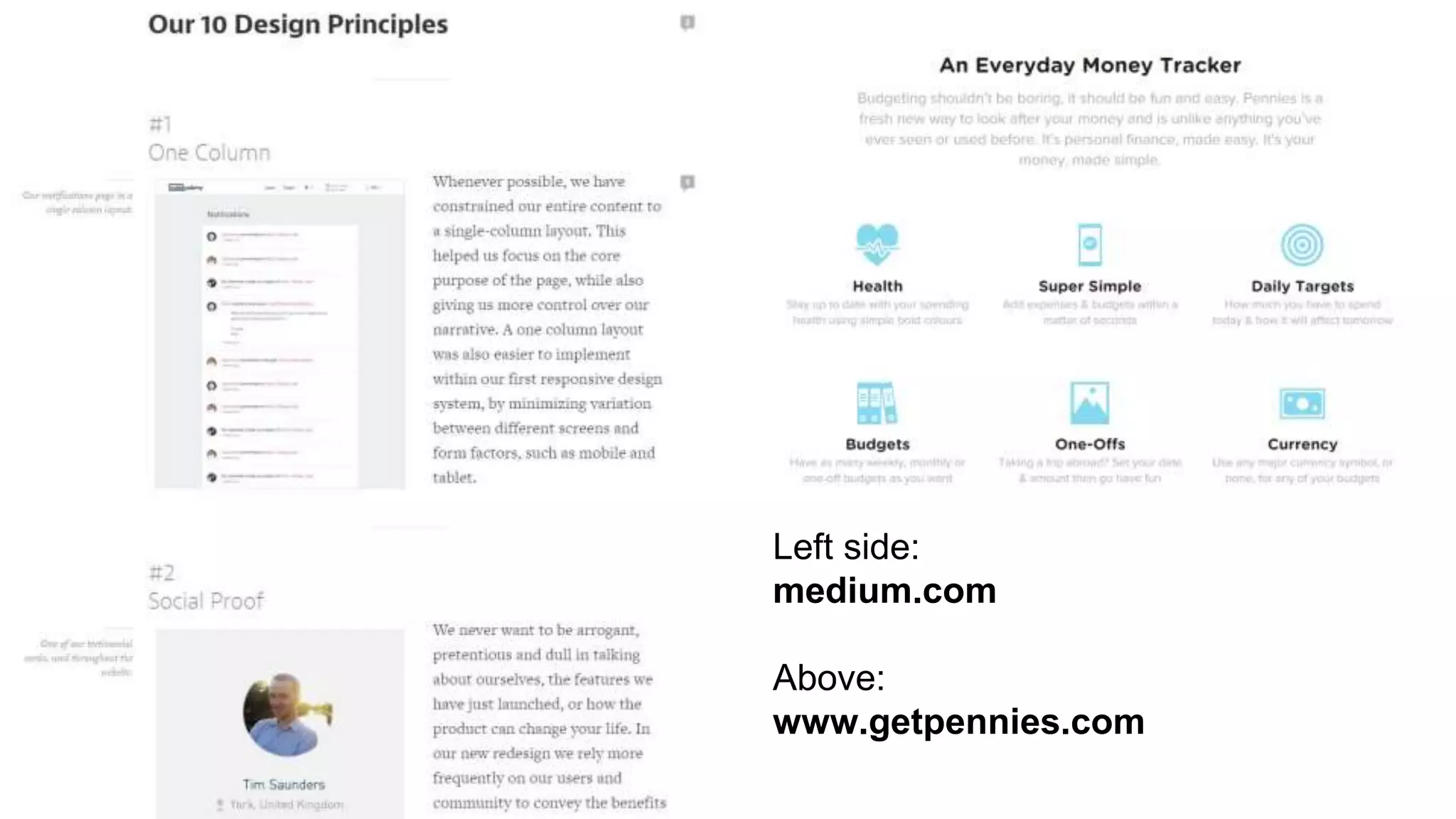
Left side: 
medium.com 
Above: 
www.getpennies.com
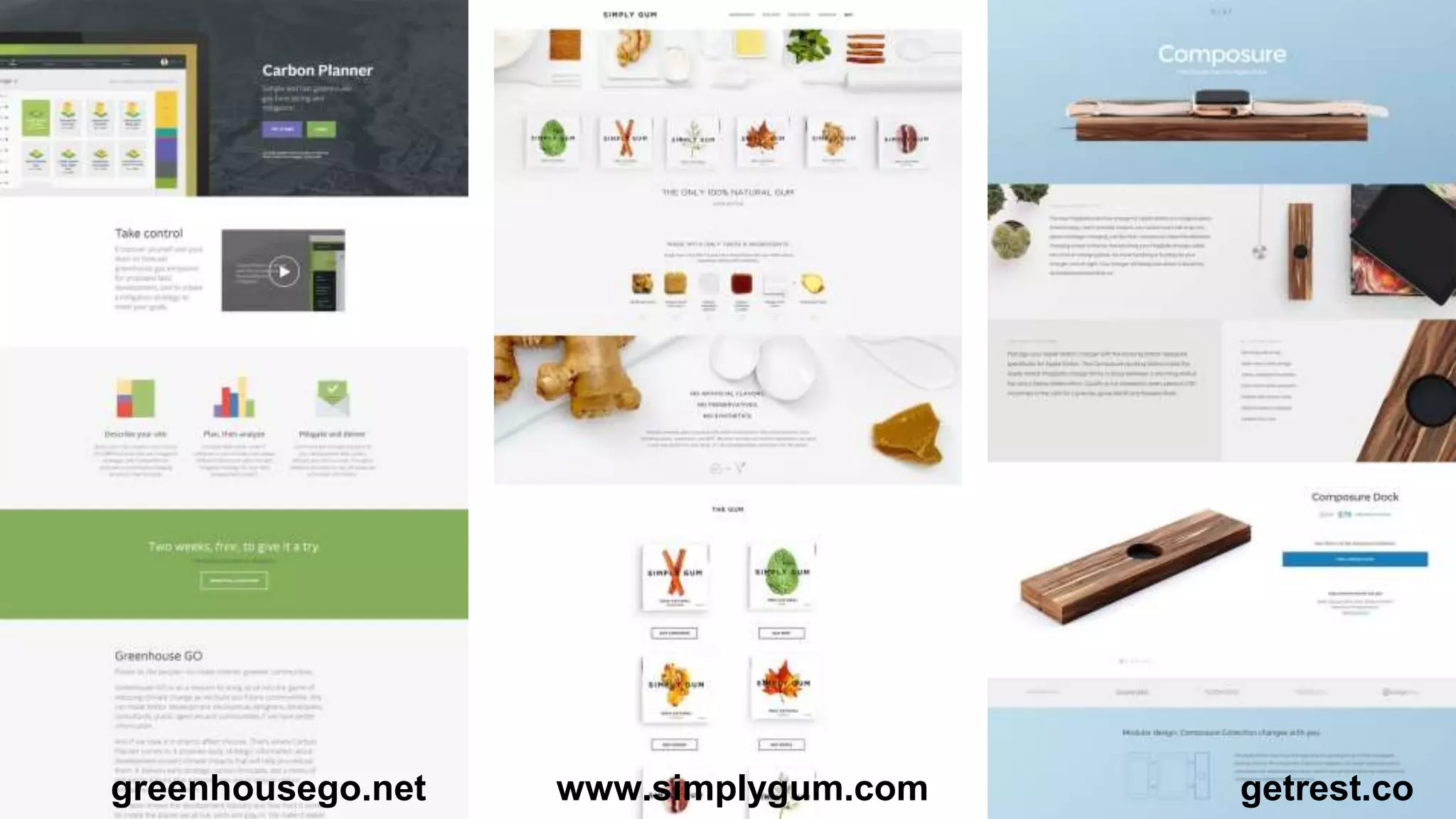
#6 One-Page Website 
Use a single page to convey your message to 
your prospects. Keep it simple and explain 
why they should choose you. 
➔Products, software and apps 
➔Small businesses 
➔Project or campaign
greenhousego.net www.simplygum.com getrest.co
#7 Storytelling 
Let your prospect experience your website and 
tell a compelling story. What is in for them? 
Take their perspective. 
➔Show the experience with your product 
➔Make the prospect / customer the center of 
your attention and the story
Storytelling websites: 
➔ ngm.nationalgeographic.com/serengeti-lion/index.html 
➔ www.gmc.com/incrediblethinking 
➔ intothearctic.gp/en 
➔ www.arealplankstadt.de/start 
Most of the time you need videos and a bigger 
budget.
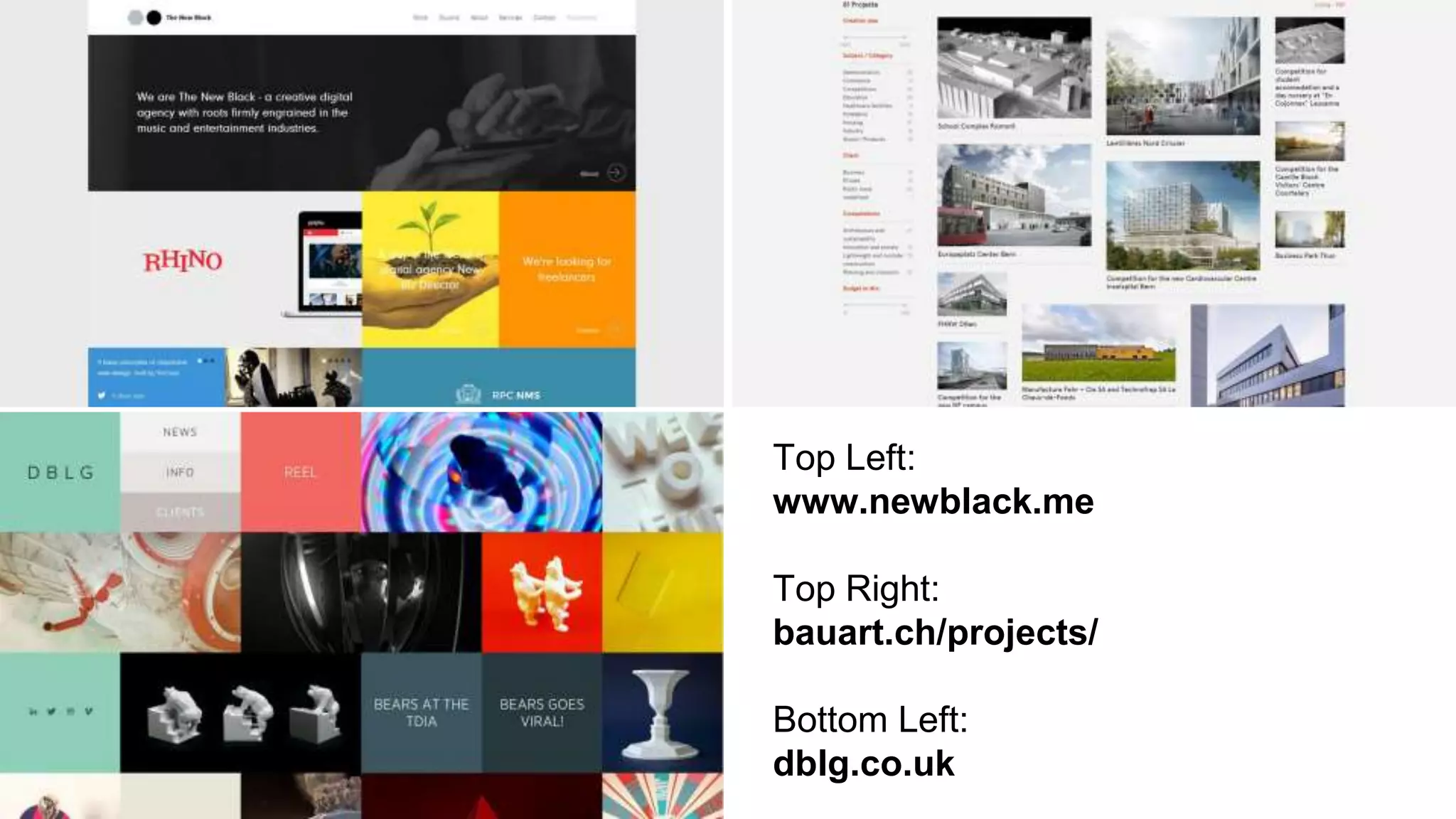
#8 Grid Layouts 
For photography websites, portfolios and other 
image-heavy website: The grid layout. 
➔Add some description to the images 
➔Homepage or portfolio 
➔Masonry or fixed height
Top Left: 
www.newblack.me 
Top Right: 
bauart.ch/projects/ 
Bottom Left: 
dblg.co.uk
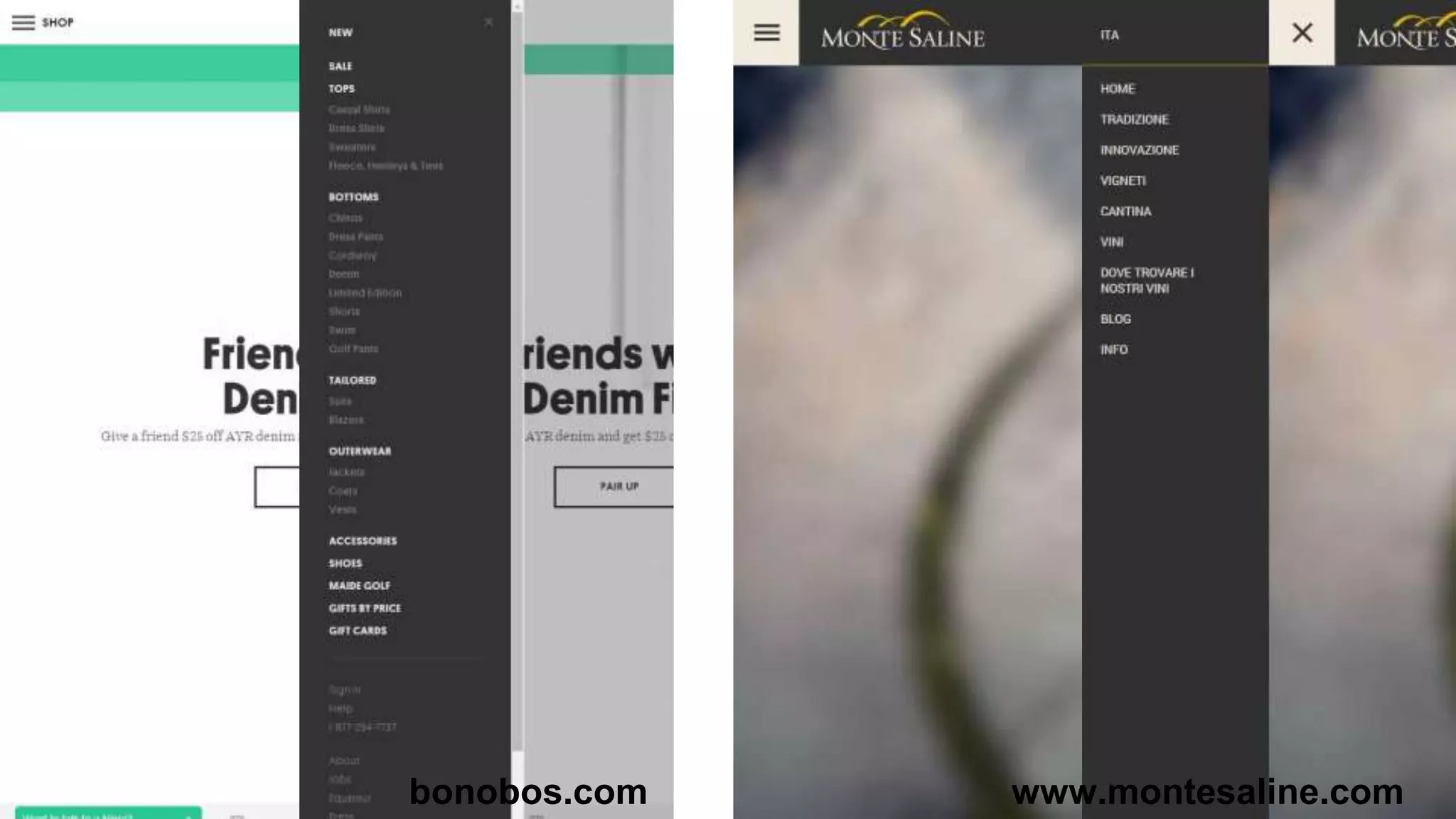
#9 Off-Canvas Navigation 
The menu button is visible on all viewports. The 
menu is hidden and slides in when you click 
the menu-button. 
➔Usable for small navigations 
➔More room for the content 
➔Less distraction
bonobos.com www.montesaline.com
#10 Animations 
Subtle animations for charts, numbers, images 
and content with CSS3. 
➔Fade-In or slide-in content blogs 
➔Charts and numbers 
➔Hover or zoom-in for images
Websites with good animations: 
➔ lamingtondrive.com - Hover-effects and smooth page-loading 
➔ www.aimyapp.com - Image-animations while scrolling 
and smooth page-loading 
➔ www.gazeboshop.co.uk/classic-cars-big-screen - 
Numbers and images 
➔ www.paneedesign.com - Images and fade-in content
# Nice to Have 
Increase the value of your design with this 
enhancements. 
➔Icon-Font (FontAwesome) for more details 
➔CSS3 Transition for smooth animations 
➔Sticky menu for better navigation
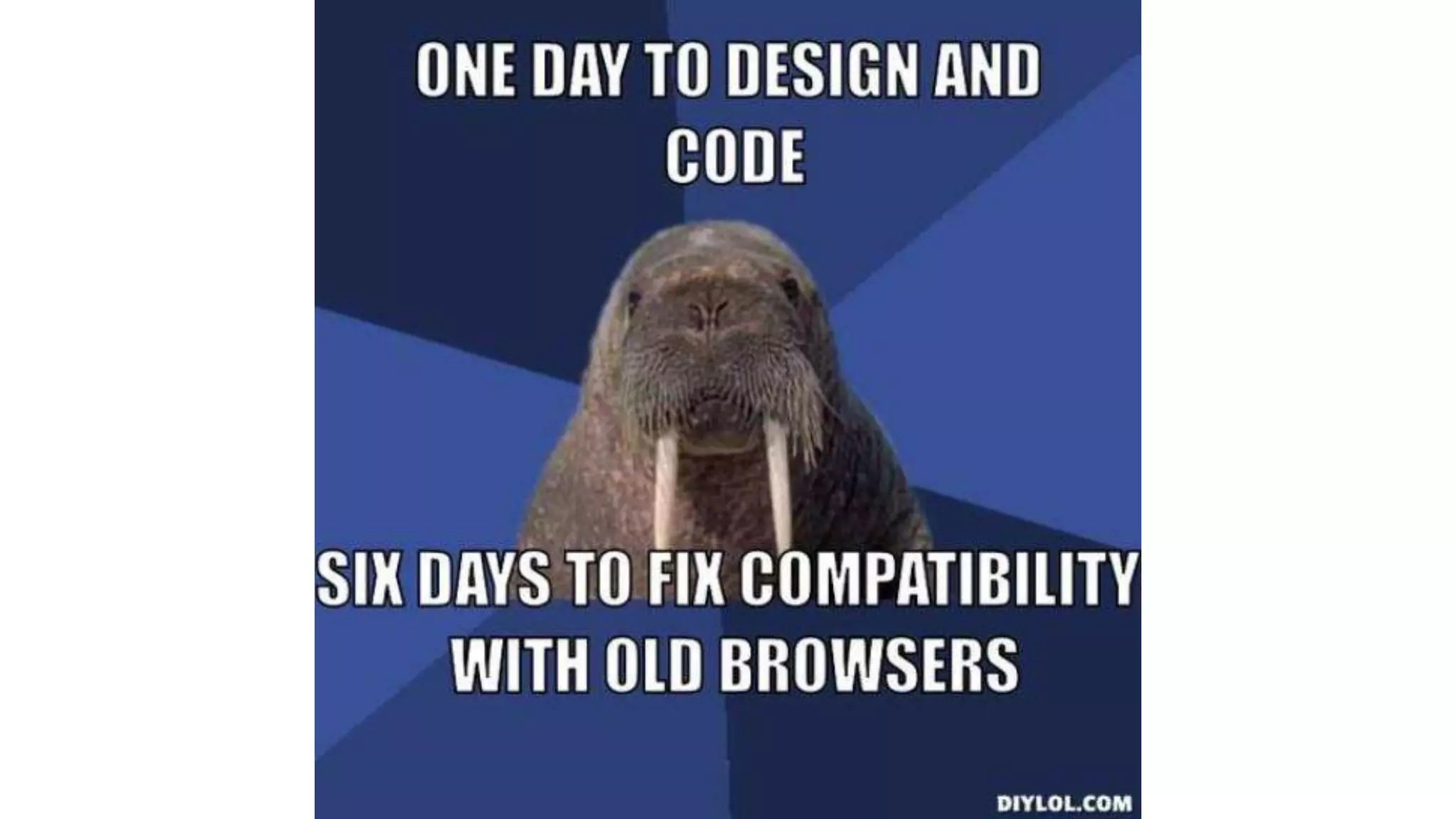
IE8 vs. Mobile Optimization 
Don’t waste time to optimize for IE8 or even 
IE9. Focus your efforts to create a better user 
experience on smartphones & tablets.
Web design trends 2015

Web design trends 2015

  • 1.
    Web Design Trends2015 How to create a Website your visitors will love.
  • 2.
    About ➔ TobiasGebauer ➔ Webdeveloper and Designer from Germany ➔ Working as freelancer and for agencies the last 10 years
  • 3.
    Can I usethese trends? ➔New website ➔Redesign old website ➔Minor updates ➔Own website and client projects ➔Small and medium sized companies
  • 5.
    #1 Responsive WebDesign Content of your website adepts automatically to the screensize of your visitor.
  • 6.
  • 7.
    #2 Image /Video and Message Your visitors should be able to understand you buisness in 5 seconds. ➔Persuading Image or short video ➔Short Headline ➔1 or 2 sentences description
  • 8.
  • 9.
  • 10.
  • 11.
    #3 Full-Width Design Full-width images and videos convey a stronger message. Especially on the desktop you have to use images with 1920 px or more. ➔Image or video in the header-area ➔Background colors for content blocks
  • 12.
    Left side: www.dangblast.com Right side: www.islandscapes.co.uk
  • 13.
    #4 Big ContentBlocks Give your content room to breath. Use the length of your site and don’t clutter it. ➔Only one message on the screen ➔Remove unnecessary inform. (sidebars) ➔About-, product- and Homepage ➔Add a call-to-action button
  • 14.
  • 15.
    #5 Typography &Webfonts Typography is one of the most important factors for a good website. Golden rules of web-typography: ➔Font 16px or more with 150% line-height ➔11-16 words per line (55 to 80 characters) ➔Use Webfonts with a high legibility
  • 16.
    Left side: medium.com Above: www.getpennies.com
  • 17.
    #6 One-Page Website Use a single page to convey your message to your prospects. Keep it simple and explain why they should choose you. ➔Products, software and apps ➔Small businesses ➔Project or campaign
  • 18.
  • 19.
    #7 Storytelling Letyour prospect experience your website and tell a compelling story. What is in for them? Take their perspective. ➔Show the experience with your product ➔Make the prospect / customer the center of your attention and the story
  • 20.
    Storytelling websites: ➔ngm.nationalgeographic.com/serengeti-lion/index.html ➔ www.gmc.com/incrediblethinking ➔ intothearctic.gp/en ➔ www.arealplankstadt.de/start Most of the time you need videos and a bigger budget.
  • 21.
    #8 Grid Layouts For photography websites, portfolios and other image-heavy website: The grid layout. ➔Add some description to the images ➔Homepage or portfolio ➔Masonry or fixed height
  • 22.
    Top Left: www.newblack.me Top Right: bauart.ch/projects/ Bottom Left: dblg.co.uk
  • 23.
    #9 Off-Canvas Navigation The menu button is visible on all viewports. The menu is hidden and slides in when you click the menu-button. ➔Usable for small navigations ➔More room for the content ➔Less distraction
  • 24.
  • 25.
    #10 Animations Subtleanimations for charts, numbers, images and content with CSS3. ➔Fade-In or slide-in content blogs ➔Charts and numbers ➔Hover or zoom-in for images
  • 26.
    Websites with goodanimations: ➔ lamingtondrive.com - Hover-effects and smooth page-loading ➔ www.aimyapp.com - Image-animations while scrolling and smooth page-loading ➔ www.gazeboshop.co.uk/classic-cars-big-screen - Numbers and images ➔ www.paneedesign.com - Images and fade-in content
  • 27.
    # Nice toHave Increase the value of your design with this enhancements. ➔Icon-Font (FontAwesome) for more details ➔CSS3 Transition for smooth animations ➔Sticky menu for better navigation
  • 29.
    IE8 vs. MobileOptimization Don’t waste time to optimize for IE8 or even IE9. Focus your efforts to create a better user experience on smartphones & tablets.