How to Do BYOD Right
BYOD:
(Bring Your Own Device)
A trend allowing employees to use their
own personal devices, like smartphones,
tablets and laptops, for work purposes.
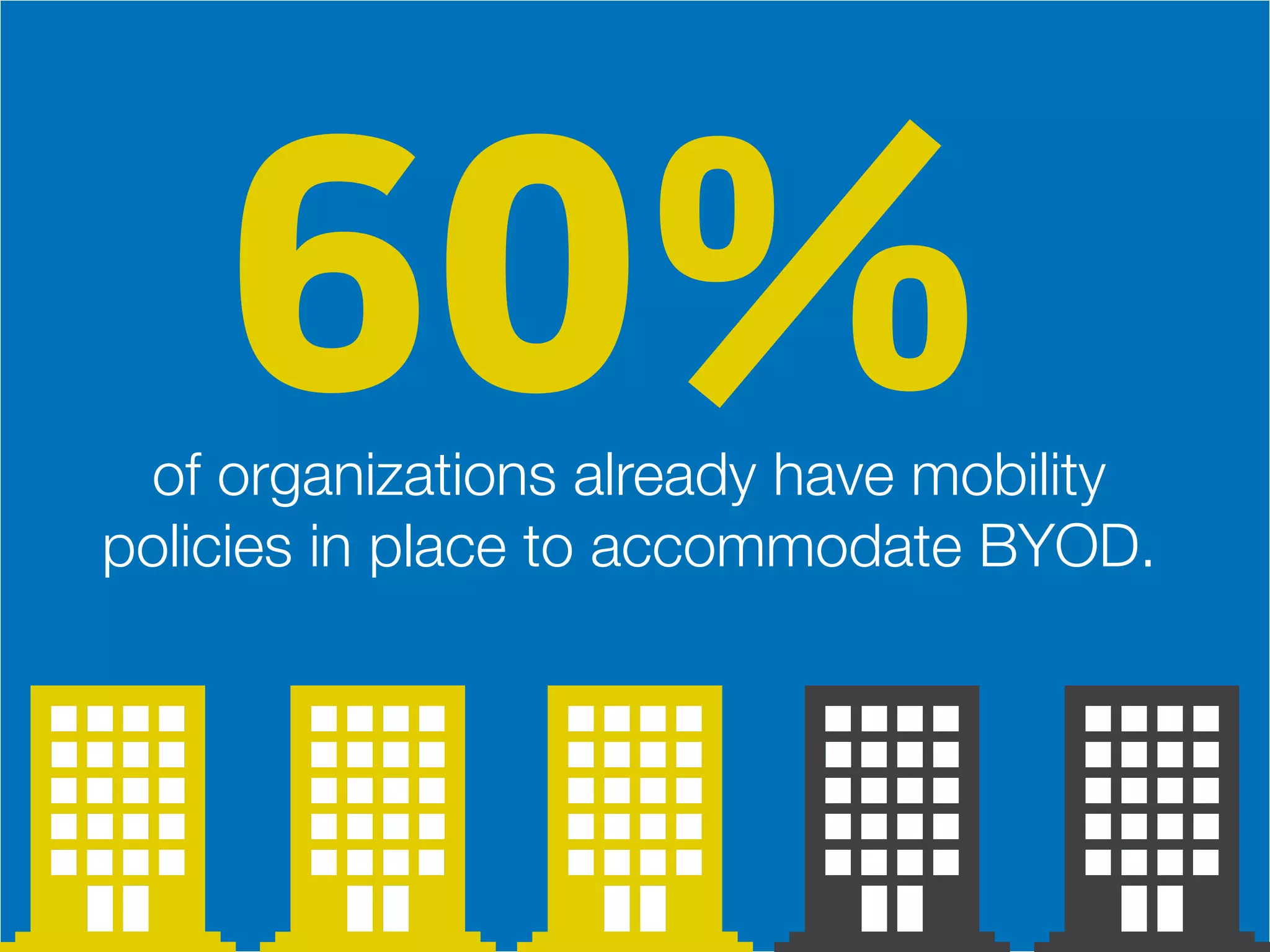
of organizations already have mobility
policies in place to accommodate BYOD.
60%
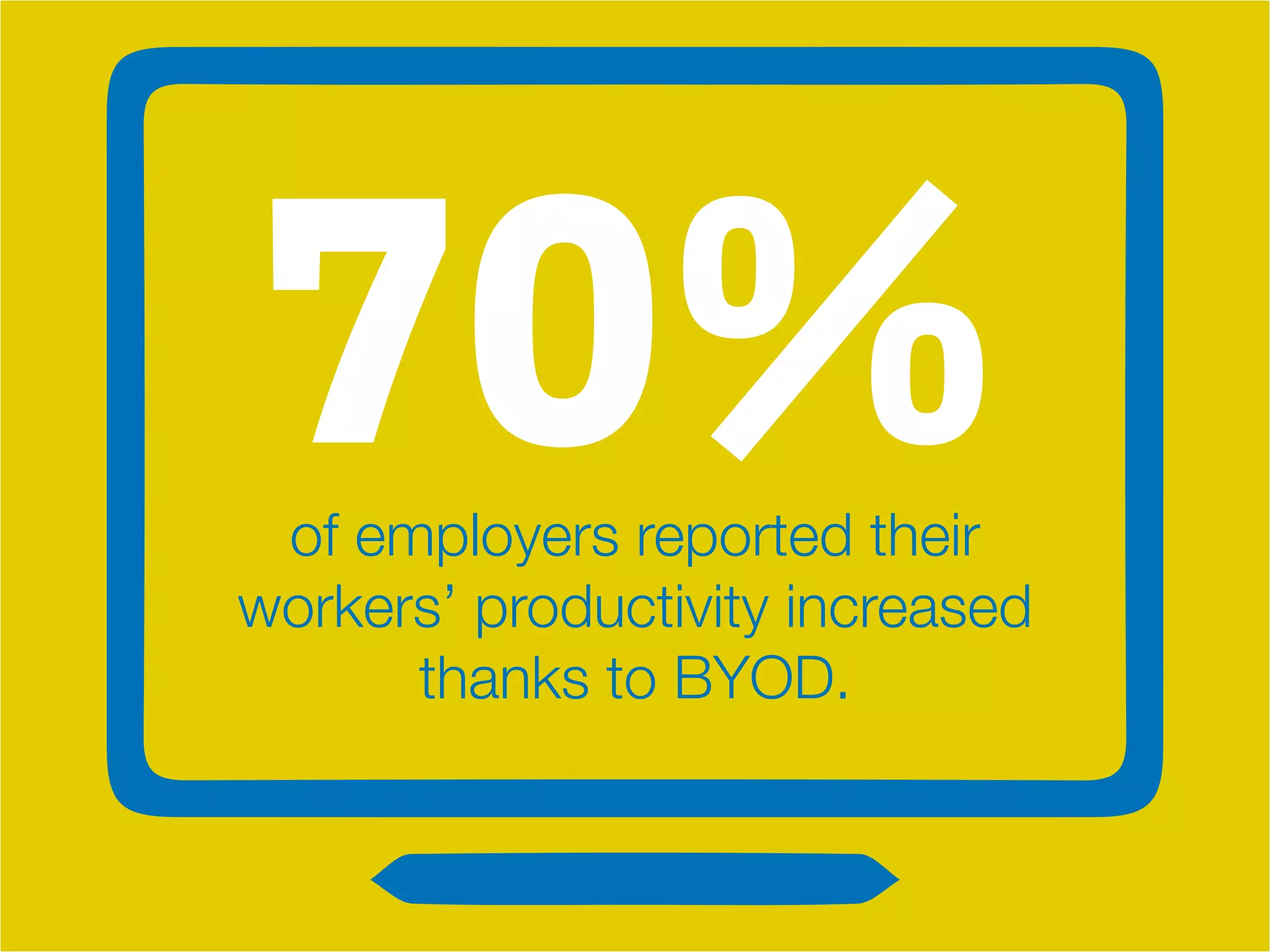
70%of employers reported their
workers’ productivity increased
thanks to BYOD.
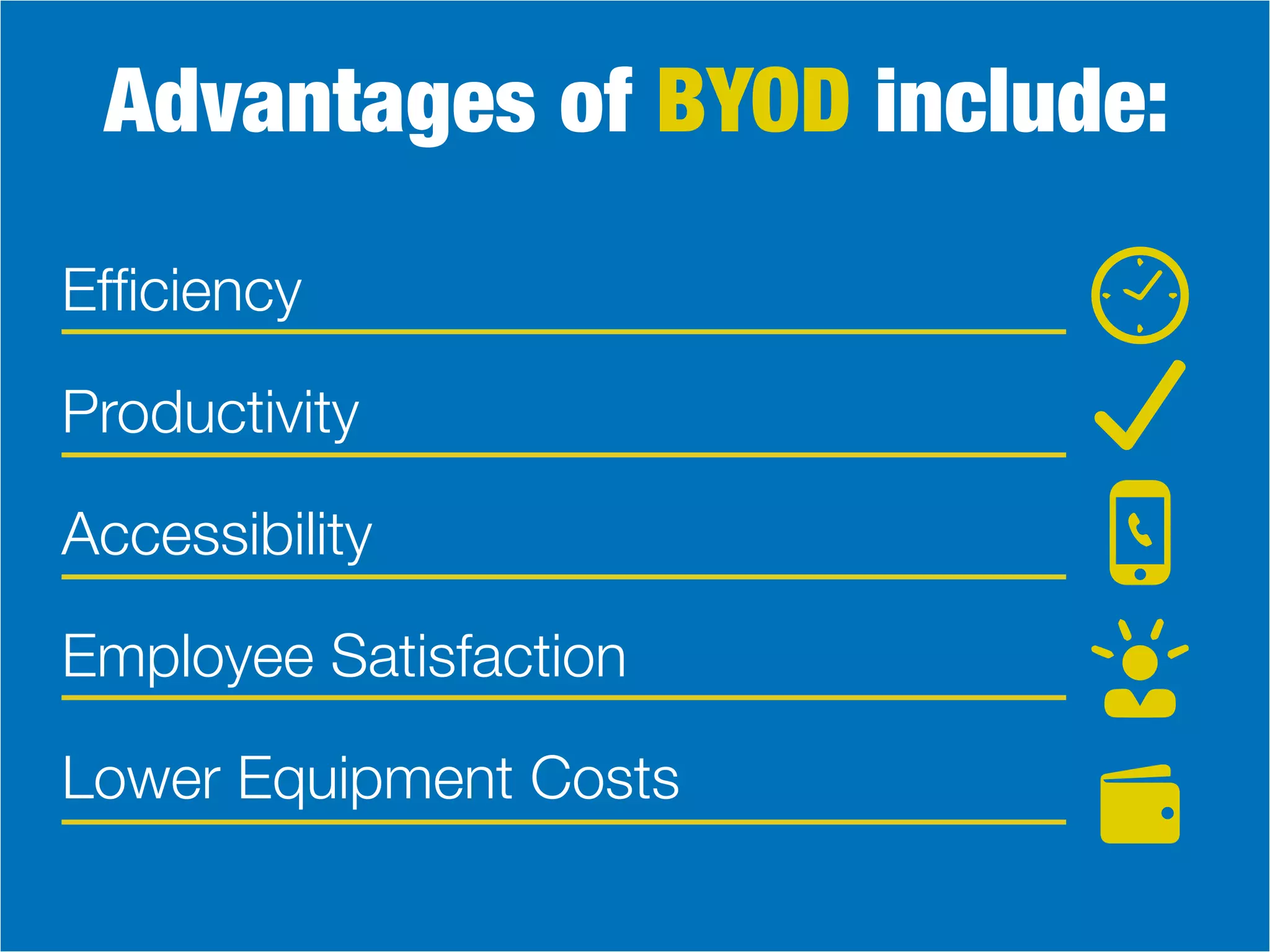
Advantages of BYOD include:
Efficiency
Productivity
Employee Satisfaction
Lower Equipment Costs
Accessibility
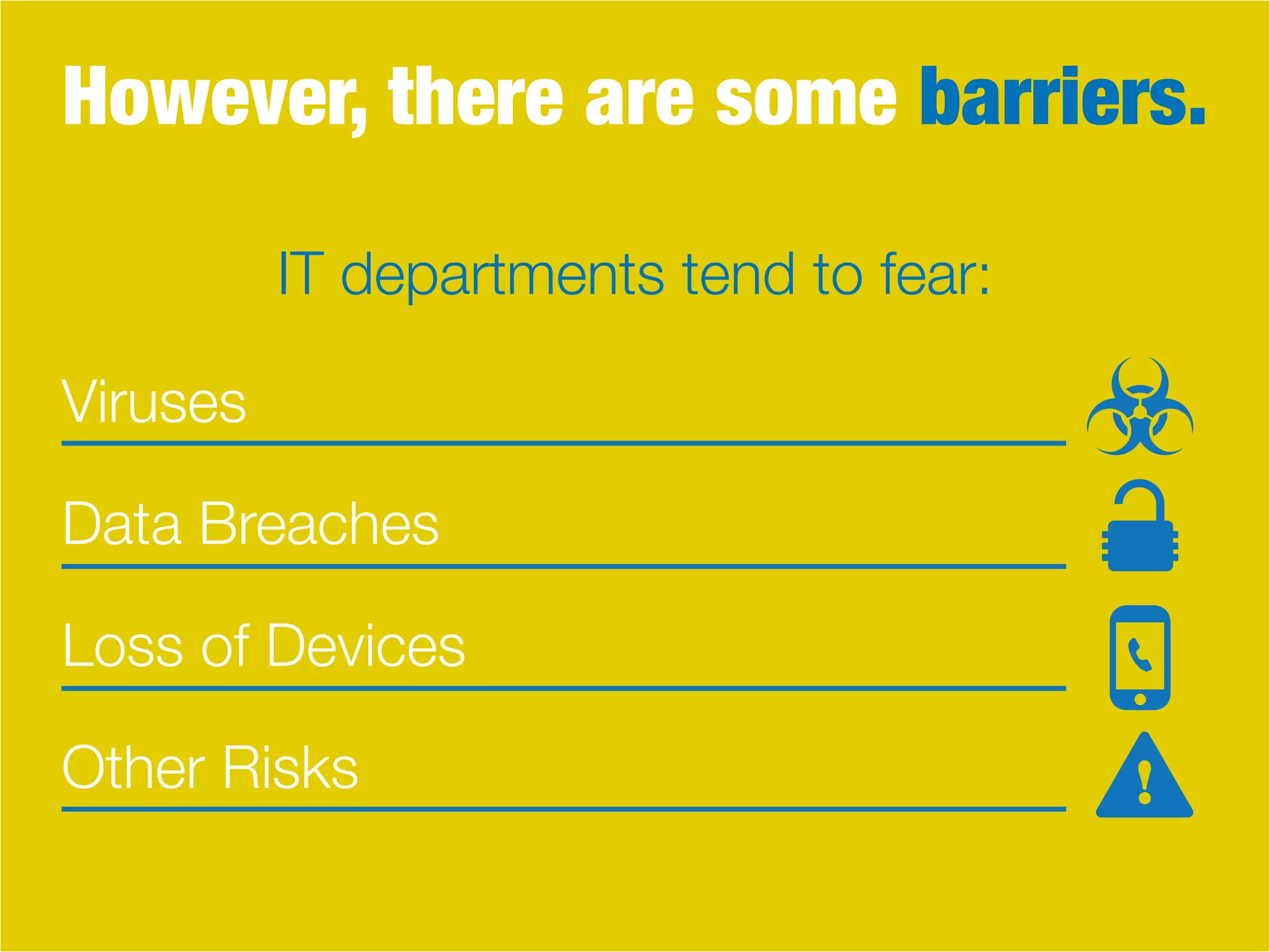
However, there are some barriers.
Viruses
Data Breaches
Other Risks
Loss of Devices
IT departments tend to fear:
What’s more frightening is that employees
are prone to using personal devices for work,
even without permission and set BYOD
policies. This is certainly risky, but employees
today are desperate to use technology
they are familiar and comfortable with, even
if it’s against the rules.
Do BYOD The Right Way
So why not make rules that accommodate
this employee need, while also addressing
security concerns? Create a BYOD policy.
1. Make sure you know and define the
purpose of your policy.
What are your intentions?
Cost savings? Increased productivity?
Whatever your reason is,
communicate this to your team.
2. Training is important!
While most users already know how to effectively use
their devices, they might not know how to take the
appropriate steps to ensure security. Establish the
best practices of using a personal device for work,
and train employees on data loss prevetion, creating
effective passwords, locking devices, etc.
3. Decide if you want to limit the options.
This is up to your business, but by specifying what
types of devices employees can use, support and
security become much easier. You can also keep a list
of which devices and users are permitted to access
corporate information to better monitor activity.
4. Decide whether or not your IT department
services personal devices.
This adds more responsibility to the IT team, and
requires knowledge of all sorts of devices, but it also
keeps things in-house.
5. With personal devices comes personal
data. Know who owns what!
You must create expectations about having
personal content on a device used for work, in case
it’s lost or stolen and needs to be wiped. Additionally,
decide whether or not corporate data can be stored
on a device’s hard drive.
6. Decide and define how you will control user
access to corporate information.
Will you establish which apps, programs, services
and websites your employees can use? Will you
create levels of access within your environment?
Whatever you decide, communicate this to your
employees and then stick to it.
7. What are the consequences?
These are rules, so you need to decide how to
address rulebreakers. Make sure employees know
they will be held accountable for straying from
the BYOD policy.
8. Have an exit strategy.
You want to make sure that employees who leave the
job don’t take your corporate data with them! Create
specific procedures, which might include removing
their network access, wiping devices, etc.
BYOD addresses the rising need
for employees to be mobile
and more productive.
They will appreciate the ability to customize
how and where they work. With a BYOD
policy, businesses will rest easier knowing
there’s a level of transparency and specific rules
to point to when employees have questions.
By clearly communicating company
BYOD policies, a business will build
trust and good rapport with
employees while ensuring that
company information remains safe.
RapidScale, Inc.
100 Pacifica Ste 100
Irvine, CA 92611
(949) 236-7007
Sales: (866) 371.1355
Support: (866) 686.0328
www.rapidscale.net
For More Information
Contact Us Today

How To Do BYOD Right

  • 1.
    How to DoBYOD Right
  • 2.
    BYOD: (Bring Your OwnDevice) A trend allowing employees to use their own personal devices, like smartphones, tablets and laptops, for work purposes.
  • 3.
    of organizations alreadyhave mobility policies in place to accommodate BYOD. 60%
  • 4.
    70%of employers reportedtheir workers’ productivity increased thanks to BYOD.
  • 5.
    Advantages of BYODinclude: Efficiency Productivity Employee Satisfaction Lower Equipment Costs Accessibility
  • 6.
    However, there aresome barriers. Viruses Data Breaches Other Risks Loss of Devices IT departments tend to fear:
  • 7.
    What’s more frighteningis that employees are prone to using personal devices for work, even without permission and set BYOD policies. This is certainly risky, but employees today are desperate to use technology they are familiar and comfortable with, even if it’s against the rules.
  • 8.
    Do BYOD TheRight Way So why not make rules that accommodate this employee need, while also addressing security concerns? Create a BYOD policy.
  • 9.
    1. Make sureyou know and define the purpose of your policy. What are your intentions? Cost savings? Increased productivity? Whatever your reason is, communicate this to your team.
  • 10.
    2. Training isimportant! While most users already know how to effectively use their devices, they might not know how to take the appropriate steps to ensure security. Establish the best practices of using a personal device for work, and train employees on data loss prevetion, creating effective passwords, locking devices, etc.
  • 11.
    3. Decide ifyou want to limit the options. This is up to your business, but by specifying what types of devices employees can use, support and security become much easier. You can also keep a list of which devices and users are permitted to access corporate information to better monitor activity.
  • 12.
    4. Decide whetheror not your IT department services personal devices. This adds more responsibility to the IT team, and requires knowledge of all sorts of devices, but it also keeps things in-house.
  • 13.
    5. With personaldevices comes personal data. Know who owns what! You must create expectations about having personal content on a device used for work, in case it’s lost or stolen and needs to be wiped. Additionally, decide whether or not corporate data can be stored on a device’s hard drive.
  • 14.
    6. Decide anddefine how you will control user access to corporate information. Will you establish which apps, programs, services and websites your employees can use? Will you create levels of access within your environment? Whatever you decide, communicate this to your employees and then stick to it.
  • 15.
    7. What arethe consequences? These are rules, so you need to decide how to address rulebreakers. Make sure employees know they will be held accountable for straying from the BYOD policy.
  • 16.
    8. Have anexit strategy. You want to make sure that employees who leave the job don’t take your corporate data with them! Create specific procedures, which might include removing their network access, wiping devices, etc.
  • 17.
    BYOD addresses therising need for employees to be mobile and more productive. They will appreciate the ability to customize how and where they work. With a BYOD policy, businesses will rest easier knowing there’s a level of transparency and specific rules to point to when employees have questions.
  • 18.
    By clearly communicatingcompany BYOD policies, a business will build trust and good rapport with employees while ensuring that company information remains safe.
  • 19.
    RapidScale, Inc. 100 PacificaSte 100 Irvine, CA 92611 (949) 236-7007 Sales: (866) 371.1355 Support: (866) 686.0328 www.rapidscale.net For More Information Contact Us Today