CloudBackup
Cloud-Based Backup Solutions
Made Easy, Reliable, and Secure
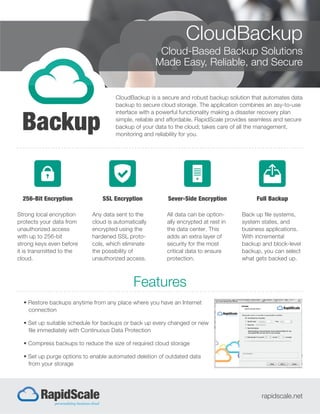
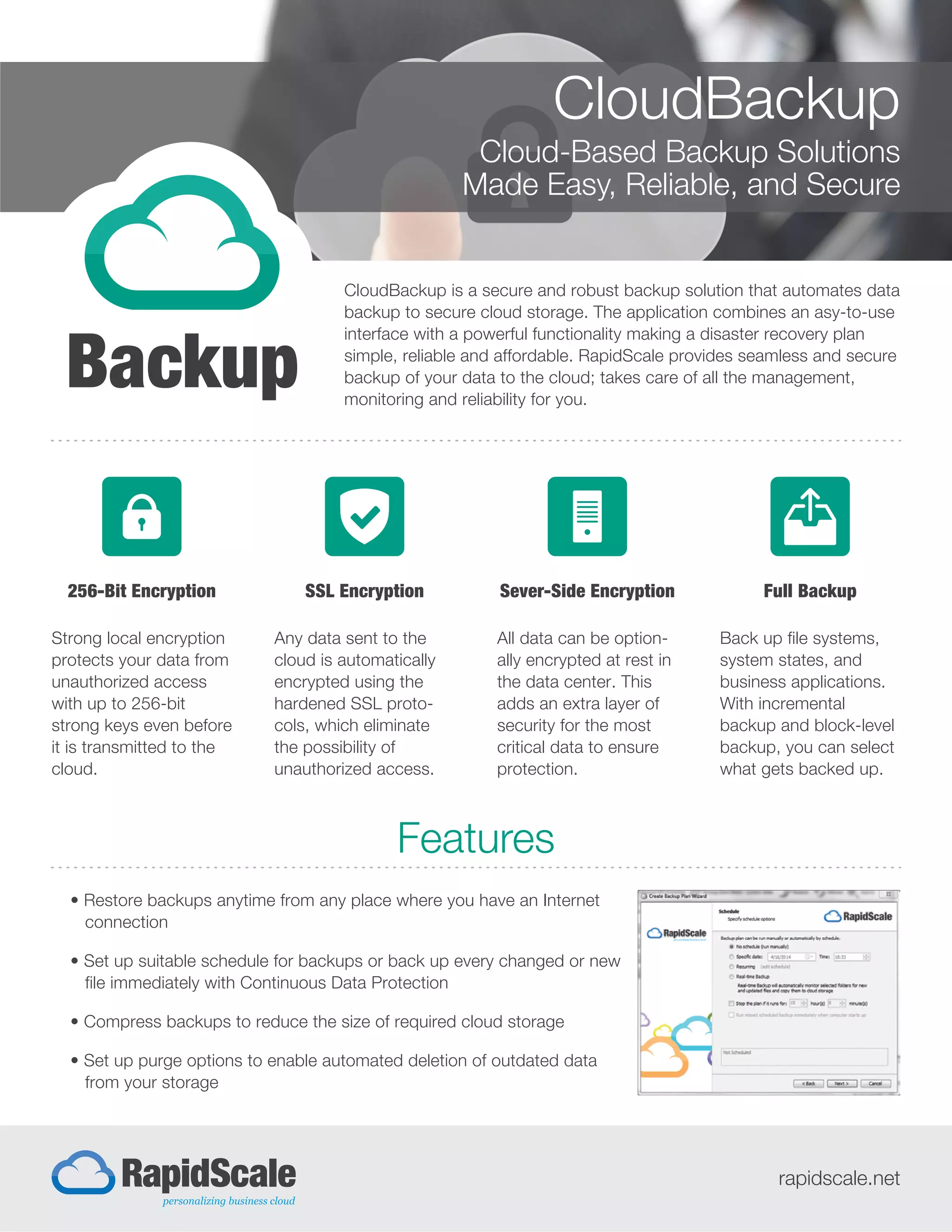
CloudBackup is a secure and robust backup solution that automates data
backup to secure cloud storage. The application combines an asy-to-use
interface with a powerful functionality making a disaster recovery plan
simple, reliable and affordable. RapidScale provides seamless and secure
backup of your data to the cloud; takes care of all the management,
monitoring and reliability for you.
Features
rapidscale.net
256-Bit Encryption
Strong local encryption
protects your data from
unauthorized access
with up to 256-bit
strong keys even before
it is transmitted to the
cloud.
SSL Encryption
Any data sent to the
cloud is automatically
encrypted using the
hardened SSL proto-
cols, which eliminate
the possibility of
unauthorized access.
Full Backup
Back up file systems,
system states, and
business applications.
With incremental
backup and block-level
backup, you can select
what gets backed up.
Sever-Side Encryption
All data can be option-
ally encrypted at rest in
the data center. This
adds an extra layer of
security for the most
critical data to ensure
protection.
• Restore backups anytime from any place where you have an Internet
connection
• Set up suitable schedule for backups or back up every changed or new
file immediately with Continuous Data Protection
• Compress backups to reduce the size of required cloud storage
• Set up purge options to enable automated deletion of outdated data
from your storage
Backup Schedule: Automate backups by setting up suitable time and
frequency.
Real-Time Backup: Backup everything automatically. CloudBackup runs as a
Windows Service and tracks folders for new or changed files to backup them
immediately.
Encryption: Protect your data from unauthorized access by choosing an
encryption algorithm and setting a unique encryption key. CloudBackup
encrypts all your data before uploading it to a storage.
Compression: Reduce the size of your backups to save time and money spent
on a data recovery plan. CloudBackup compresses data prior to transfer.
Virtual Disk: Expose cloud storage as a local disk on your computer and
access your data.
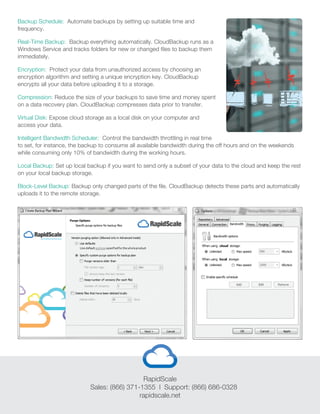
Intelligent Bandwidth Scheduler: Control the bandwidth throttling in real time
to set, for instance, the backup to consume all available bandwidth during the off hours and on the weekends
while consuming only 10% of bandwidth during the working hours.
Local Backup: Set up local backup if you want to send only a subset of your data to the cloud and keep the rest
on your local backup storage.
Block-Level Backup: Backup only changed parts of the file. CloudBackup detects these parts and automatically
uploads it to the remote storage.
RapidScale
Sales: (866) 371-1355 l Support: (866) 686-0328
rapidscale.net

CloudBackup Slick

  • 1.
    CloudBackup Cloud-Based Backup Solutions MadeEasy, Reliable, and Secure CloudBackup is a secure and robust backup solution that automates data backup to secure cloud storage. The application combines an asy-to-use interface with a powerful functionality making a disaster recovery plan simple, reliable and affordable. RapidScale provides seamless and secure backup of your data to the cloud; takes care of all the management, monitoring and reliability for you. Features rapidscale.net 256-Bit Encryption Strong local encryption protects your data from unauthorized access with up to 256-bit strong keys even before it is transmitted to the cloud. SSL Encryption Any data sent to the cloud is automatically encrypted using the hardened SSL proto- cols, which eliminate the possibility of unauthorized access. Full Backup Back up file systems, system states, and business applications. With incremental backup and block-level backup, you can select what gets backed up. Sever-Side Encryption All data can be option- ally encrypted at rest in the data center. This adds an extra layer of security for the most critical data to ensure protection. • Restore backups anytime from any place where you have an Internet connection • Set up suitable schedule for backups or back up every changed or new file immediately with Continuous Data Protection • Compress backups to reduce the size of required cloud storage • Set up purge options to enable automated deletion of outdated data from your storage
  • 2.
    Backup Schedule: Automatebackups by setting up suitable time and frequency. Real-Time Backup: Backup everything automatically. CloudBackup runs as a Windows Service and tracks folders for new or changed files to backup them immediately. Encryption: Protect your data from unauthorized access by choosing an encryption algorithm and setting a unique encryption key. CloudBackup encrypts all your data before uploading it to a storage. Compression: Reduce the size of your backups to save time and money spent on a data recovery plan. CloudBackup compresses data prior to transfer. Virtual Disk: Expose cloud storage as a local disk on your computer and access your data. Intelligent Bandwidth Scheduler: Control the bandwidth throttling in real time to set, for instance, the backup to consume all available bandwidth during the off hours and on the weekends while consuming only 10% of bandwidth during the working hours. Local Backup: Set up local backup if you want to send only a subset of your data to the cloud and keep the rest on your local backup storage. Block-Level Backup: Backup only changed parts of the file. CloudBackup detects these parts and automatically uploads it to the remote storage. RapidScale Sales: (866) 371-1355 l Support: (866) 686-0328 rapidscale.net