App-etizing Ways to use Mobile Devices
in the Classroom
Kimberly Caise, NBCT, M. Ed.
http://kimcaise.com
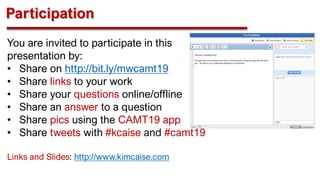
Participation
You are invited to participate in this
presentation by:
• Share on http://bit.ly/mwcamt19
• Share links to your work
• Share your questions online/offline
• Share an answer to a question
• Share pics using the CAMT19 app
• Share tweets with #kcaise and #camt19
Links and Slides: http://www.kimcaise.com
Let’s Get Started
Using Mobile Devices with
Online Tools and Apps
• Exciting and innovative way to teach
• Students enjoy using computers and mobile devices
for learning.
• Important to teach students how to use the devices,
software applications and apps properly and safely.
• Ensure you have permission to use the technology
equipment, software and apps as stated in your district
AUP.
• If not allowed by the AUP, demonstrate to stakeholders
the value of using technology.
• Retention rates and achievement are higher when
students are engaged in the learning process and
using technology.
http://kimcaise.com
Teaching with Online
Tools and Apps
• Mobile devices, like laptops, iPads
and cell phones, capture students’
attention and are highly engage
students in technology lessons.
• Traditional lessons don’t engage the
learner as the senses and learning
styles are not affected as when
technology is incorporated.
• Ensure students are monitored to
prevent off-task behavior when using
technology. http://kimcaise.com
MeetingWords
http://bit.ly/mwcamt19
http://kimcaise.com
Meeting
Words
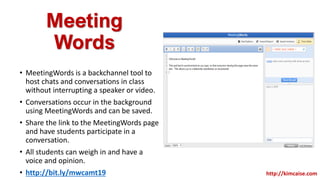
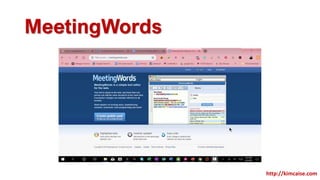
• MeetingWords is a backchannel tool to
host chats and conversations in class
without interrupting a speaker or video.
• Conversations occur in the background
using MeetingWords and can be saved.
• Share the link to the MeetingWords page
and have students participate in a
conversation.
• All students can weigh in and have a
voice and opinion.
• http://bit.ly/mwcamt19 http://kimcaise.com
MeetingWords
http://kimcaise.com
Animoto
http://animoto.com
http://kimcaise.com
Animoto
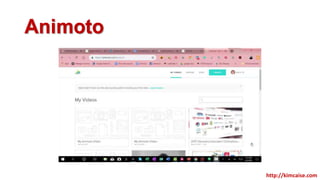
• Animoto.com is a great website
to make slideshow videos.
• Music and narration features
are optional as is text.
• Animoto videos can be
downloaded or embedded into
other websites.
• Designed for students age 13
and over.
• Apply for an educational
account at
https://animoto.com/account/ed
ucation/apply.
• Free tool with paid features!
• http://bit.ly/kcaiseanimoto
Animoto
http://kimcaise.com
VoiceThread
http://voicethread.com
http://kimcaise.com
VoiceThread
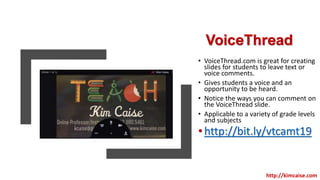
• VoiceThread.com is great for creating
slides for students to leave text or
voice comments.
• Gives students a voice and an
opportunity to be heard.
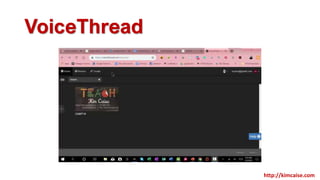
• Notice the ways you can comment on
the VoiceThread slide.
• Applicable to a variety of grade levels
and subjects
•http://bit.ly/vtcamt19
http://kimcaise.com
VoiceThread
http://kimcaise.com
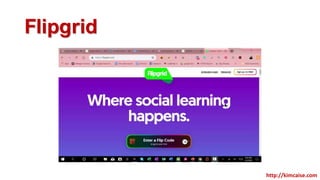
Flipgrid
http://www.flipgrid.com
http://kimcaise.com
Flipgrid
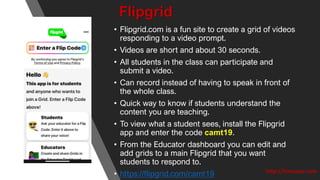
• Flipgrid.com is a fun site to create a grid of videos
responding to a video prompt.
• Videos are short and about 30 seconds.

• All students in the class can participate and
submit a video.
• Can record instead of having to speak in front of
the whole class.
• Quick way to know if students understand the
content you are teaching.

• To view what a student sees, install the Flipgrid
app and enter the code camt19.
• From the Educator dashboard you can edit and
add grids to a main Flipgrid that you want
students to respond to.
• https://flipgrid.com/camt19 http://kimcaise.com
Flipgrid
http://kimcaise.com
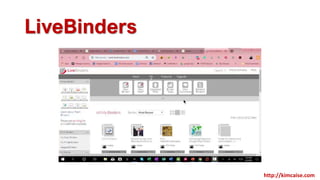
LiveBinders
http://livebinders.com
http://kimcaise.com
LiveBinders
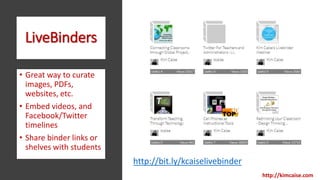
• Great way to curate
images, PDFs,
websites, etc.
• Embed videos, and
Facebook/Twitter
timelines
• Share binder links or
shelves with students
http://kimcaise.com
http://bit.ly/kcaiselivebinder
LiveBinders
http://kimcaise.com
Easy Grade App
http://kimcaise.com
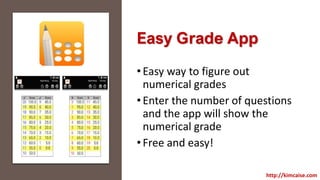
Easy Grade App
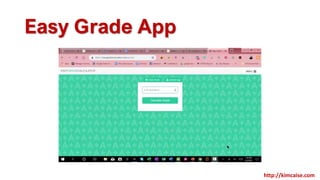
•Easy way to figure out
numerical grades
•Enter the number of questions
and the app will show the
numerical grade
•Free and easy!
http://kimcaise.com
Easy Grade App
http://kimcaise.com
Seesaw
https://seesaw.com
http://kimcaise.com
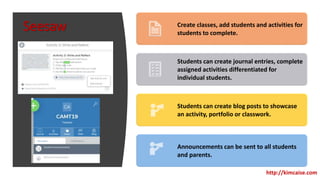
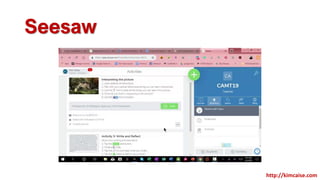
Seesaw Create classes, add students and activities for
students to complete.
Students can create journal entries, complete
assigned activities differentiated for
individual students.
Students can create blog posts to showcase
an activity, portfolio or classwork.
Announcements can be sent to all students
and parents.
http://kimcaise.com
Seesaw
http://kimcaise.com
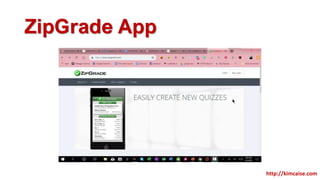
ZipGrade App
http://kimcaise.com
ZipGrade App
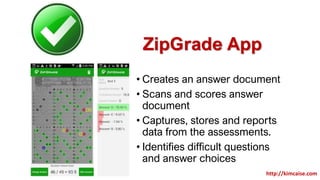
• Creates an answer document
• Scans and scores answer
document
• Captures, stores and reports
data from the assessments.
• Identifies difficult questions
and answer choices
http://kimcaise.com
ZipGrade App
http://kimcaise.com
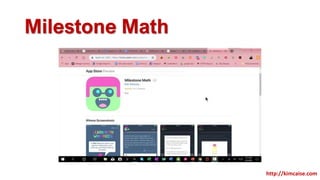
Milestone Math
http://kimcaise.com
Milestone
Math
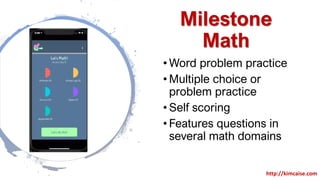
• Word problem practice
• Multiple choice or
problem practice
• Self scoring
• Features questions in
several math domains
http://kimcaise.com
Milestone Math
http://kimcaise.com
Questions?
http://kimcaise.com
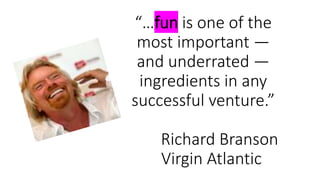
“…fun is one of the
most important —
and underrated —
ingredients in any
successful venture.”
Richard Branson
Virgin Atlantic
Thank You
Kimberly Caise
Email: kcaise@gmail.com
Twitter: @kcaise
For more information: http://www.kimcaise.com
The Hat
http://www.harmonyhollow.net/hat.shtml
http://kimcaise.com
The Hat
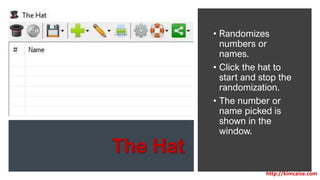
• Randomizes
numbers or
names.
• Click the hat to
start and stop the
randomization.
• The number or
name picked is
shown in the
window.
http://kimcaise.com
The Hat
http://kimcaise.com

App-etizing ways to use mobile devices

Editor's Notes

  • #4 So, grab a pad an pencil so you can take notes And have your beverage of choice standing by, and if you’re ready, Let’s get started.