The document discusses the significance of branding in user interface (UI) and user experience (UX) design, highlighting the importance of a cohesive brand personality and usability across devices. It addresses common myths about UX/UI, such as misunderstandings about user needs and functionality, while suggesting practical design ideas to enhance user engagement and satisfaction. It emphasizes modern design trends, including mobile-first approaches and minimalist aesthetics, advocating for consistency and the thoughtful use of interactive elements.
Introduction to UX & UI concepts focusing on brand personality, design trends, and multi-device experience.
Defining User Experience Design, its importance, and busting several common myths surrounding UX.
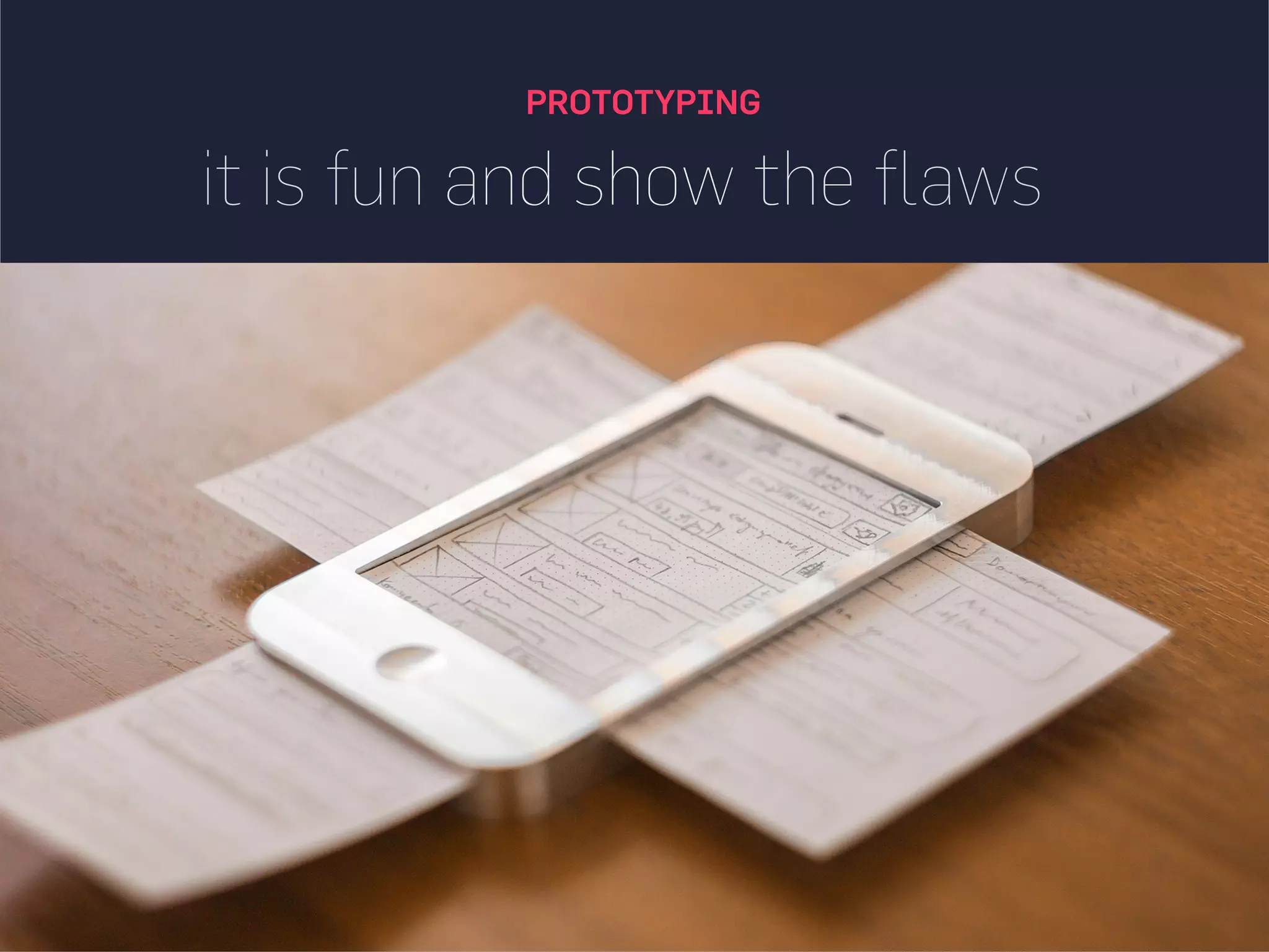
Key elements of UX design and the design process including prototyping, user interaction, and best practices. Importance of UI design, best practices, and myths surrounding user interface considerations.
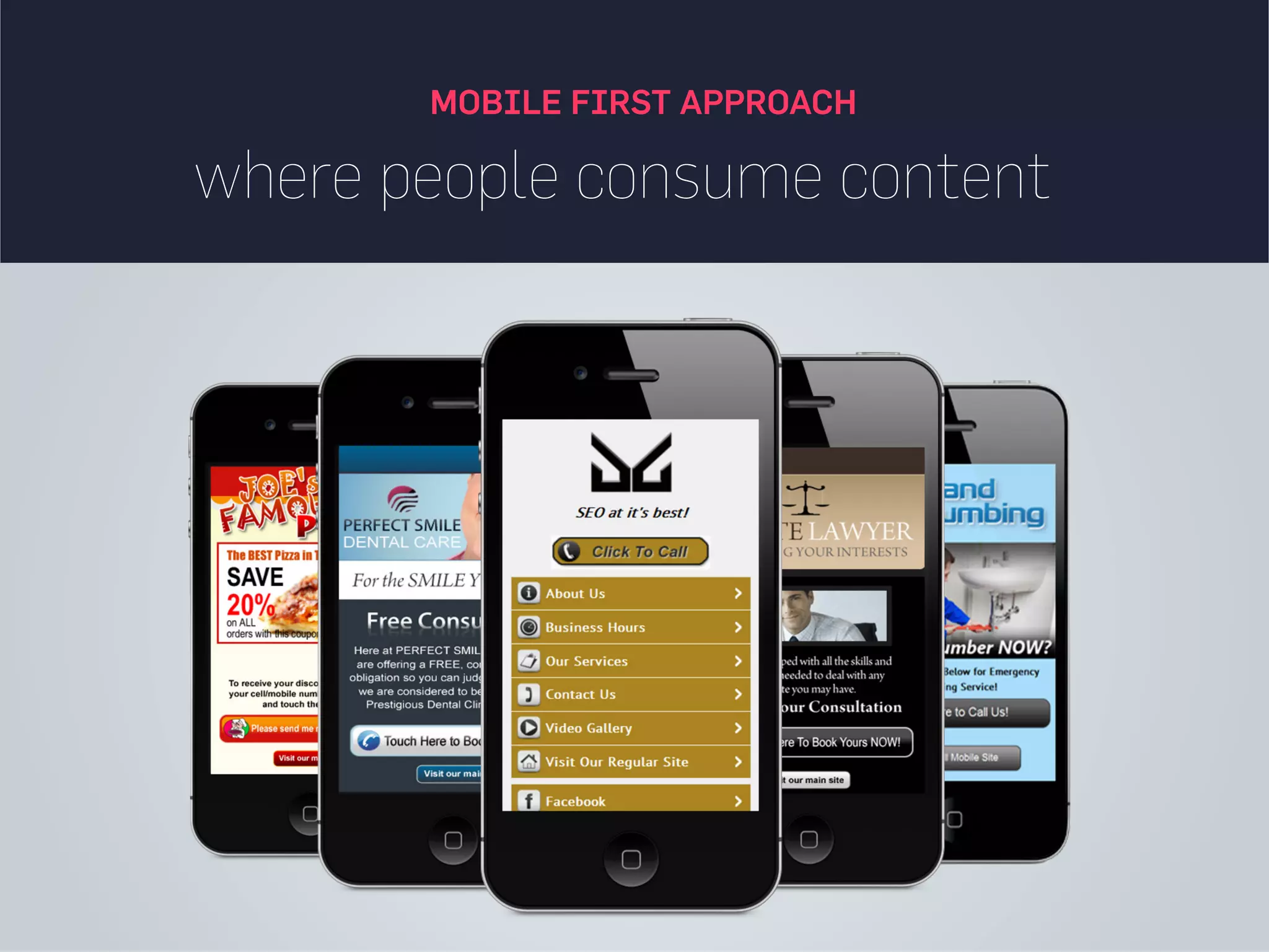
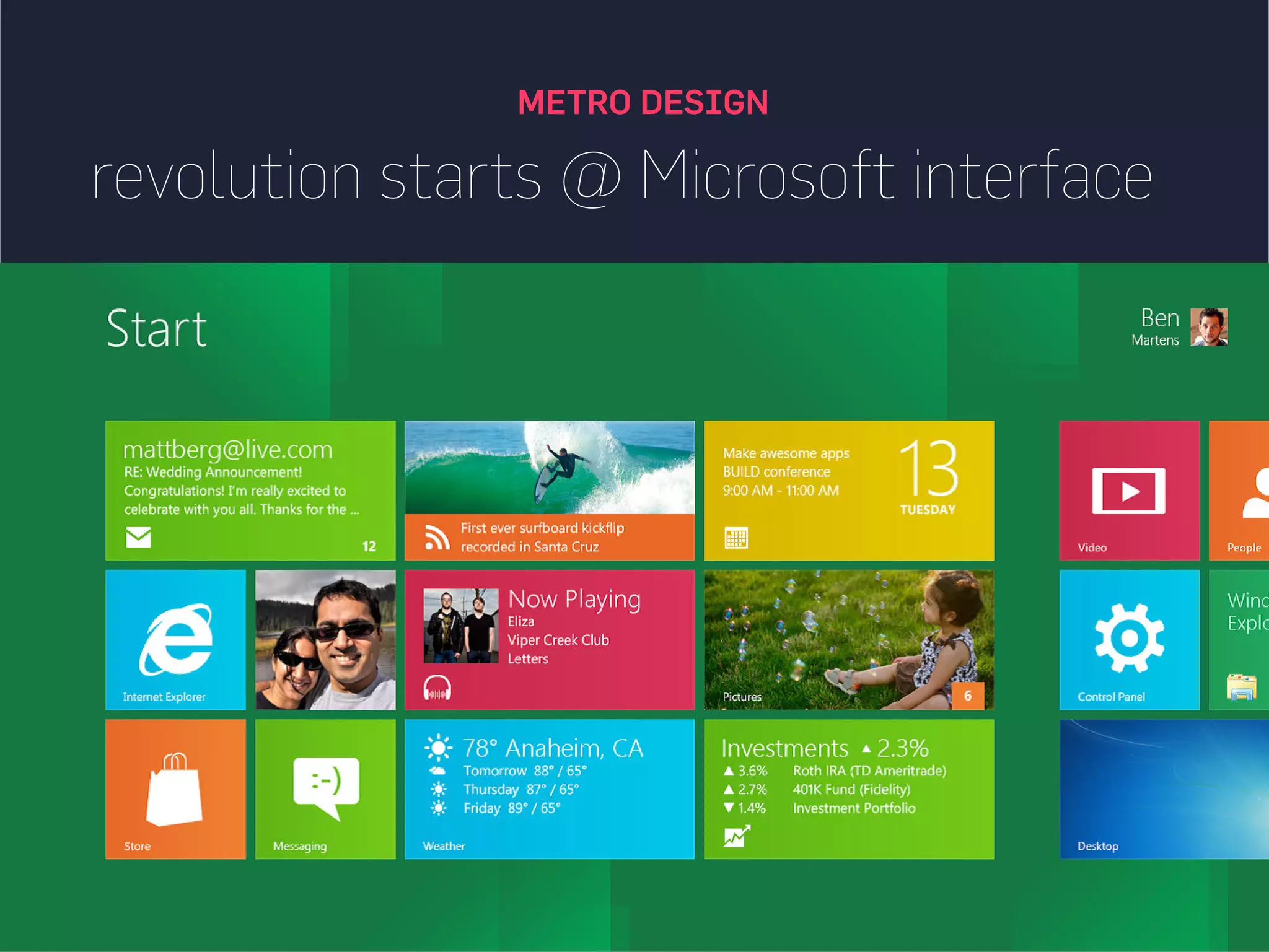
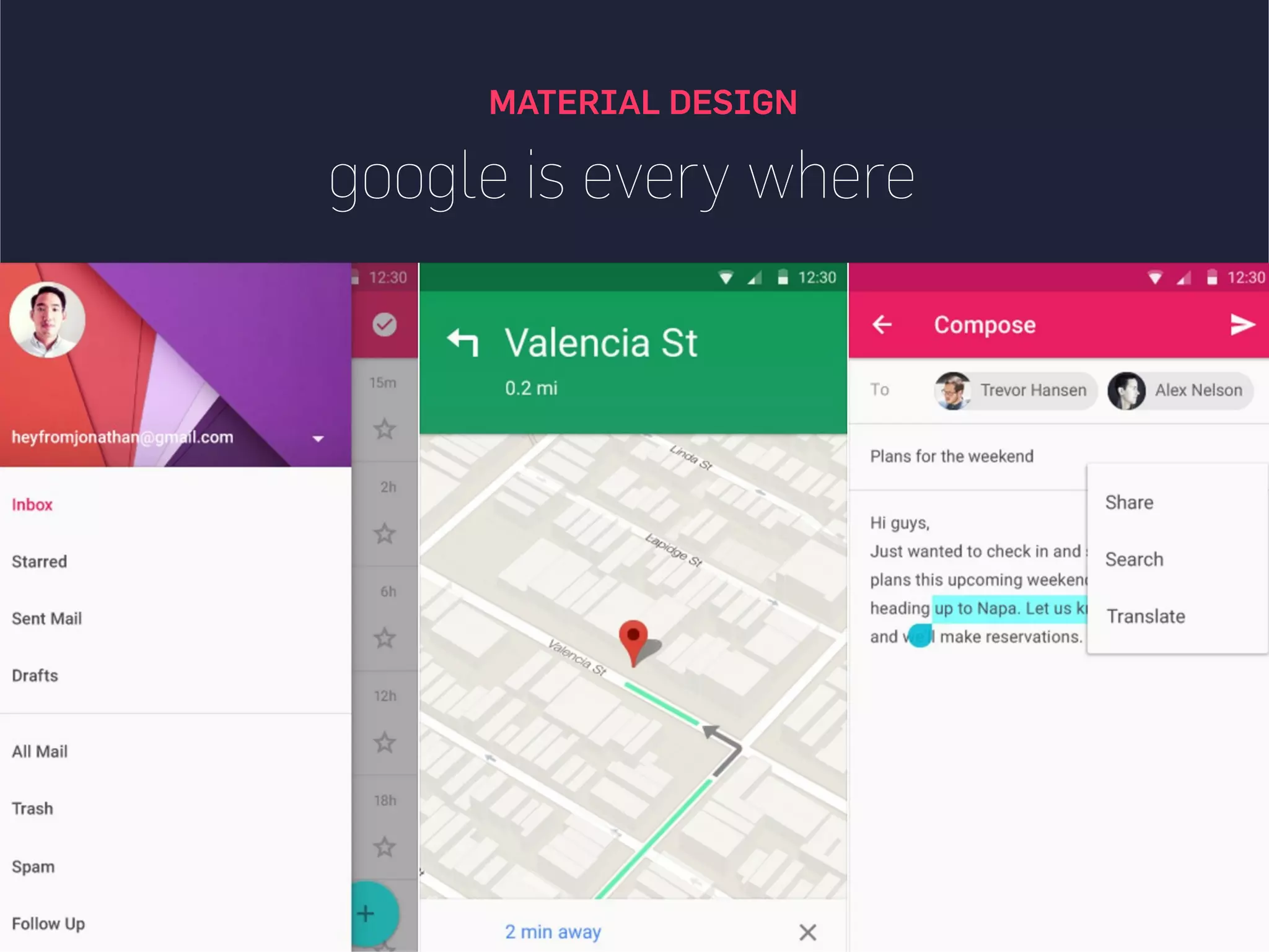
Highlighting modern design approaches such as Mobile First, Material Design, Minimalism, and interactive design elements.
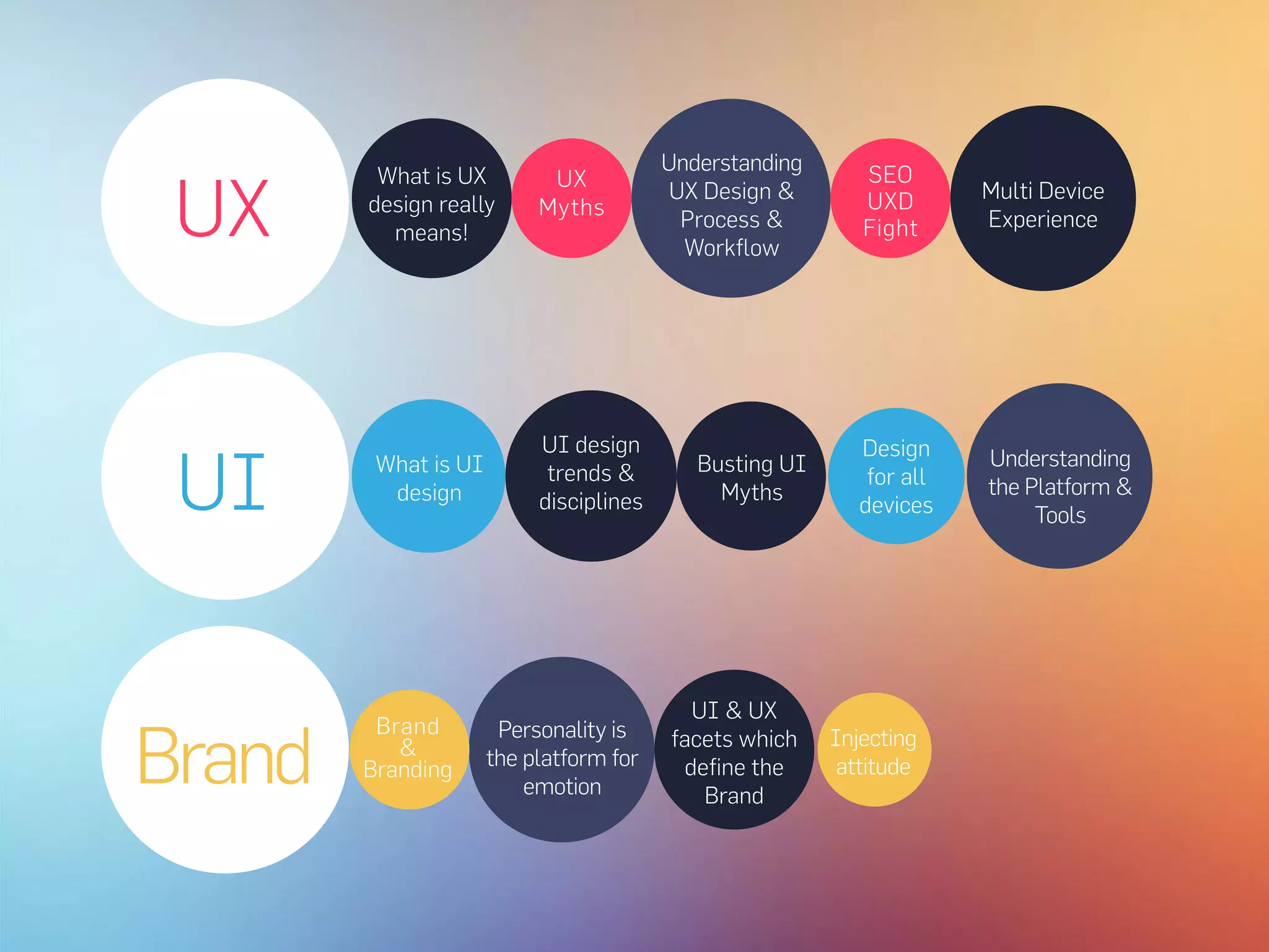
UX
Brand
UI
Personality is
the platformfor
emotion
UI & UX
facets which
define the
Brand
UI design
trends &
disciplines
Understanding
the Platform &
Tools
What is UI
design
Design
for all
devices
Busting UI
Myths
Multi Device
Experience
Understanding
UX Design &
Process &
Workflow
What is UX
design really
means!
UX
Myths
SEO
UXD
Fight
Brand
&
Branding
Injecting
attitude
User experience design(UXD) is the process of enhancing
customer satisfaction and loyalty by improving the usability,
ease of use, and pleasure provided in the interaction
between the customer and the product
http://experoinc.com/user-experience-is-not-graphic-design/
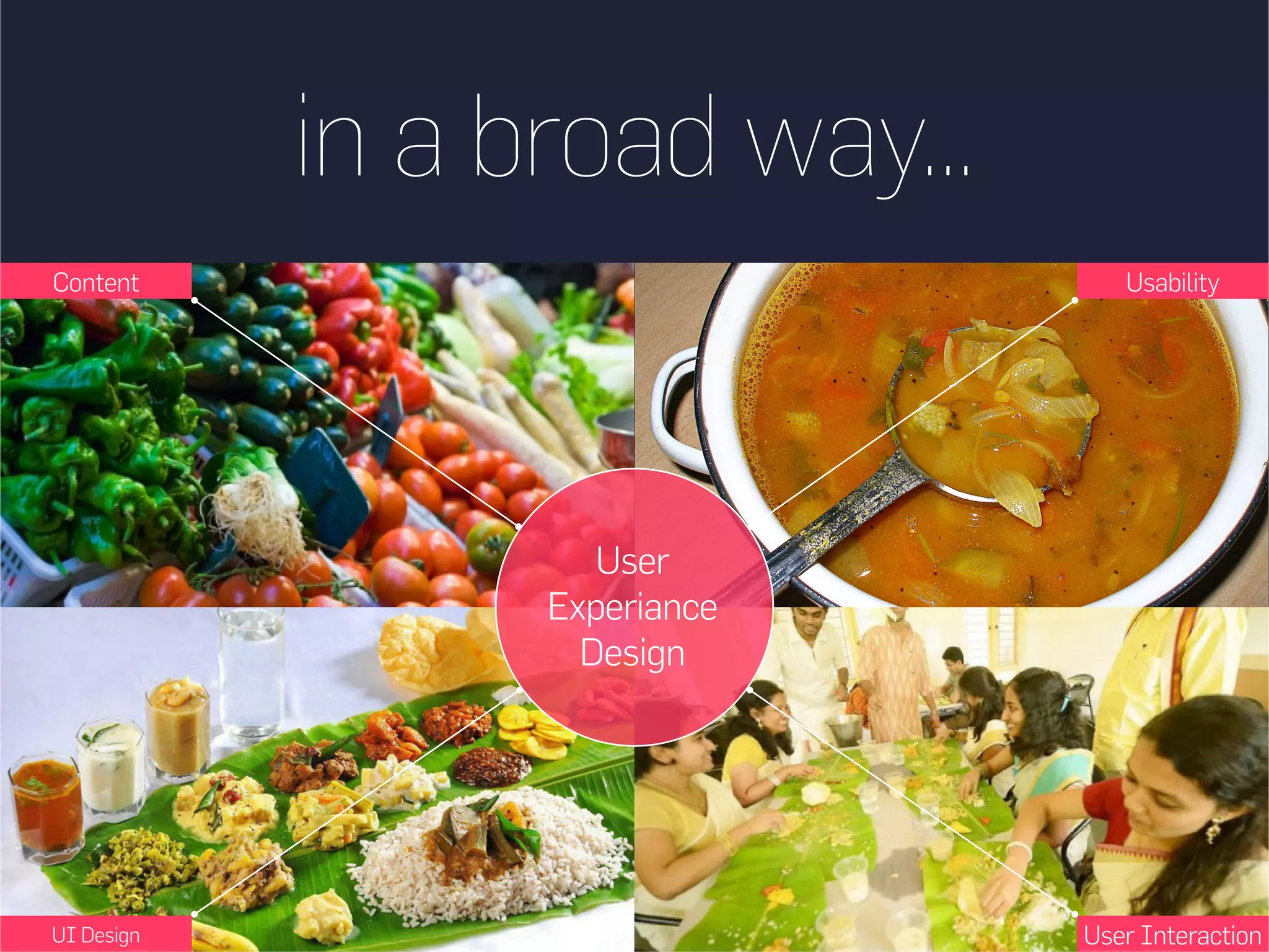
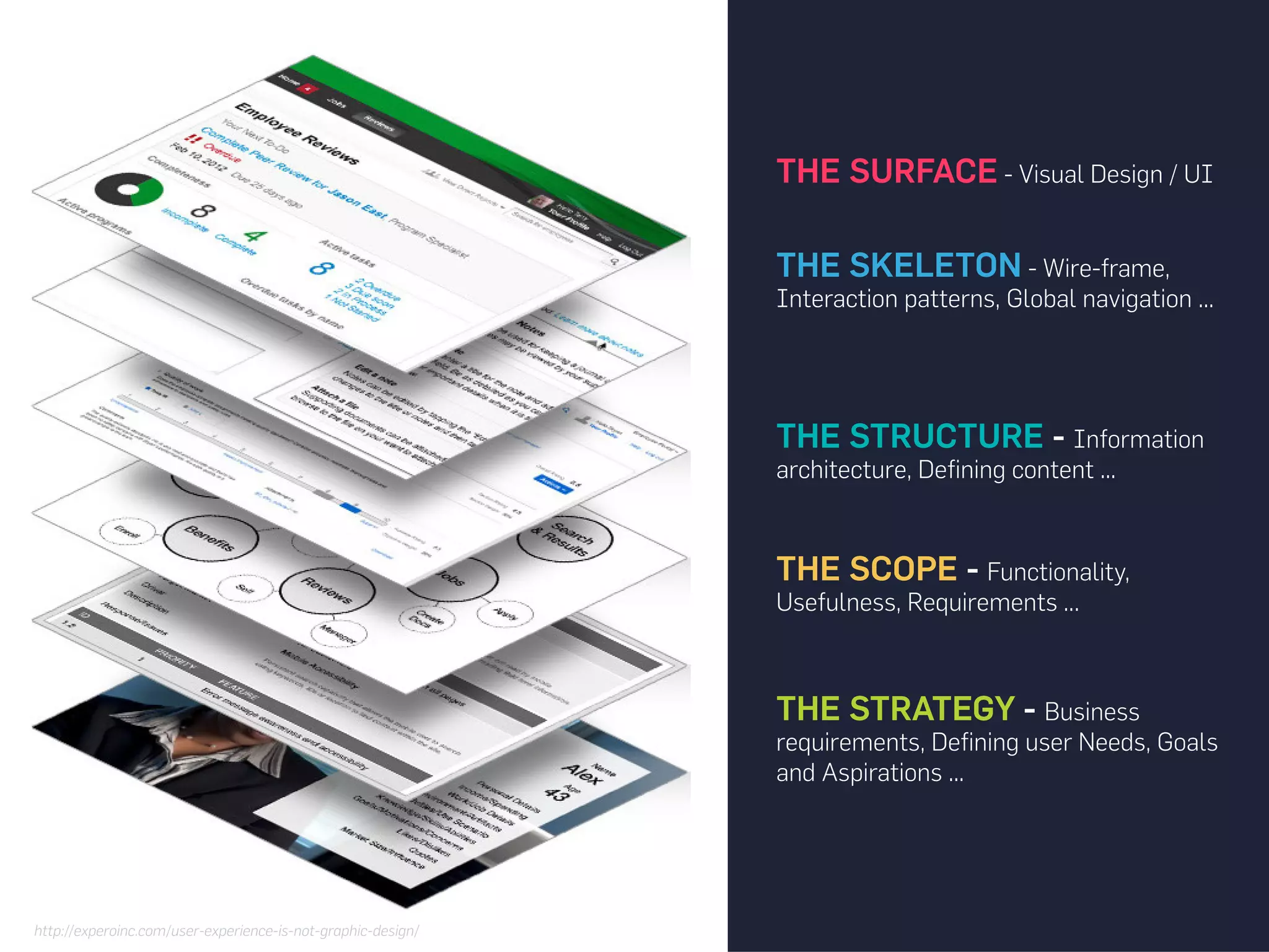
THE SURFACE -Visual Design / UI
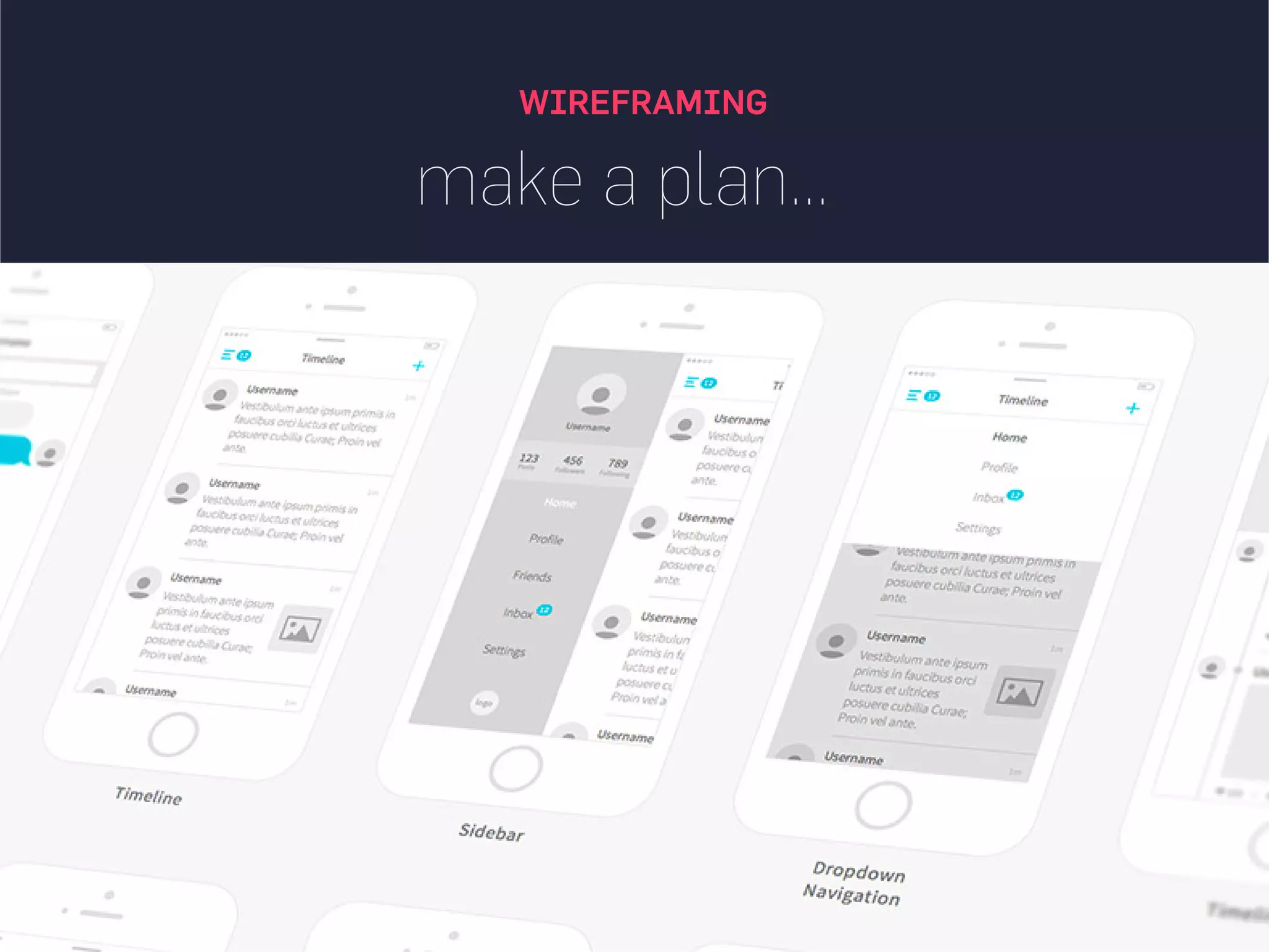
THE SKELETON - Wire-frame,
Interaction patterns, Global navigation ...
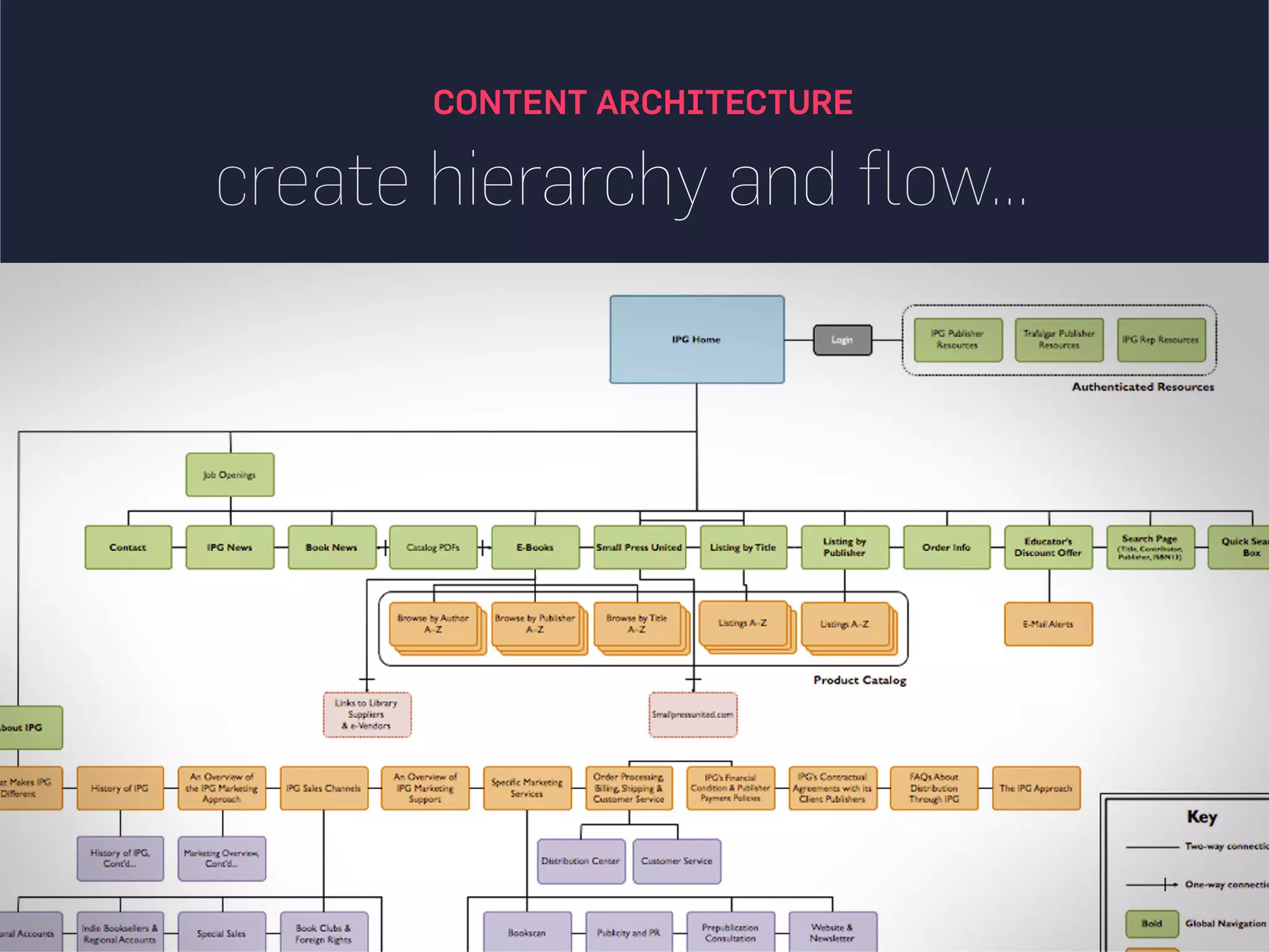
THE STRUCTURE - Information
architecture, Defining content ...
THE SCOPE - Functionality,
Usefulness, Requirements ...
THE STRATEGY - Business
requirements, Defining user Needs, Goals
and Aspirations ...
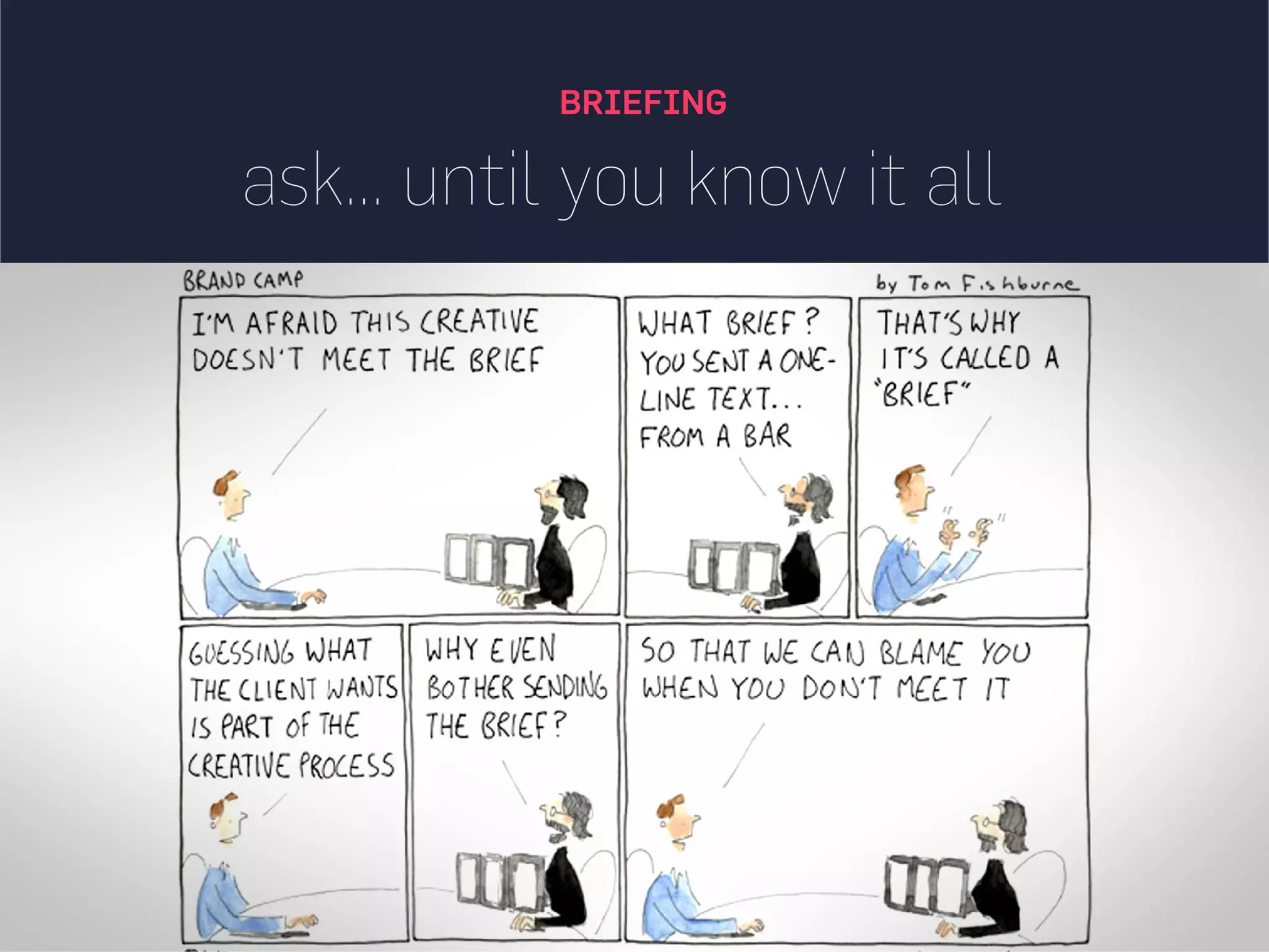
Having a websitethat lacks customer is like having
no website, design and behavior of website are need
must if you want sale more, SEO is way to bring visitor
on website but they leave it if your website
not hold them
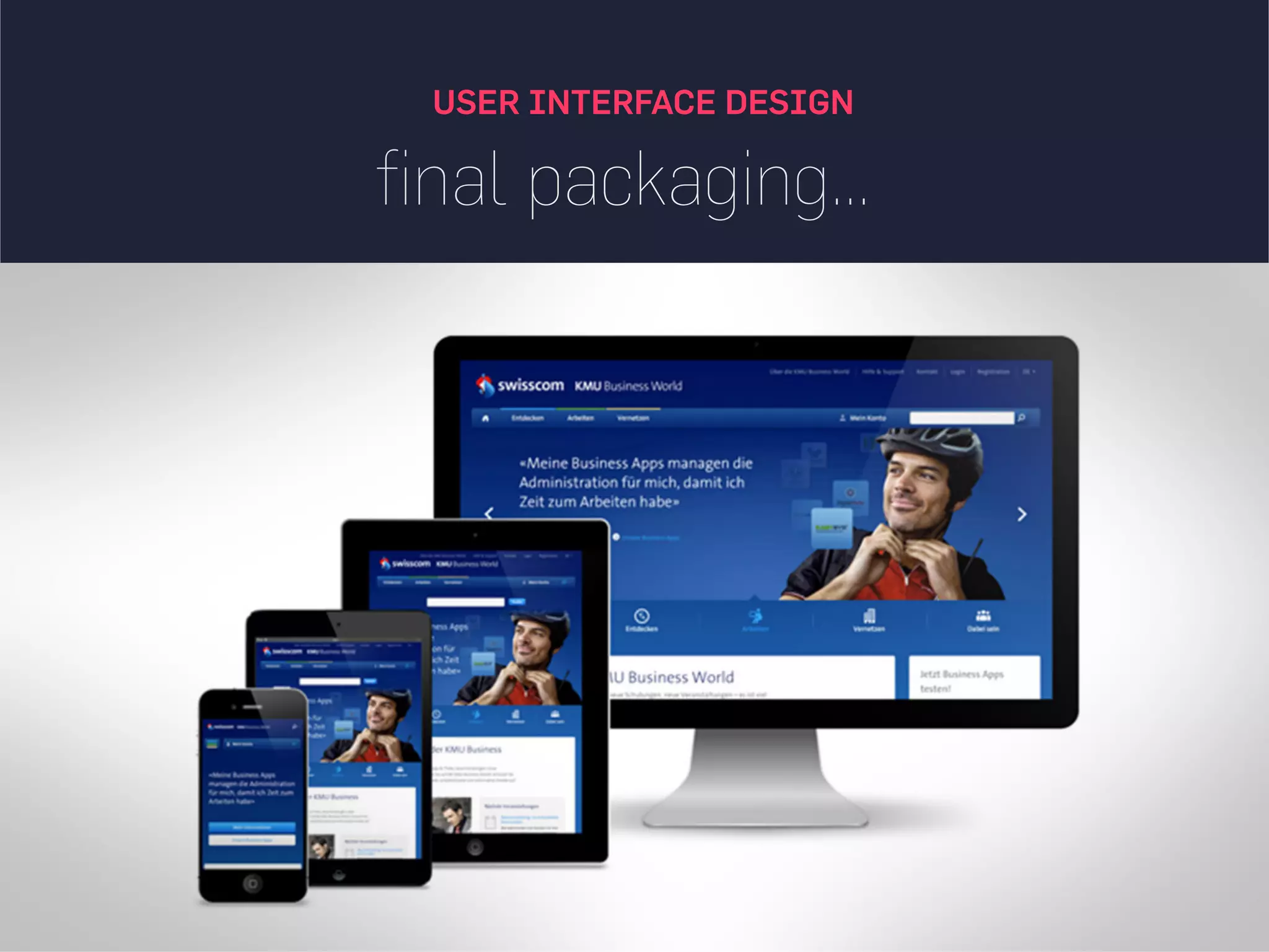
User Interface Design(UID) is a process of visually
guiding the user through a product’s interface via
interactive elements and across all sizes/platforms.
UID is responsible for the transference of a brand’s
strengths and visual assets to a product’s interface as
to best enhance the user’s experience
33.
merging similar functionsinstead of
fragmenting the UI
Over the course of time, it’s easy to unintentionally create multiple sections, elements
and features which all perform the same function. It’s basic entropy - things start falling
apart over time. Duplicate functionality labelled in various ways, as it puts a strain on your
customers. Often, the more UI fragmentation there is, the higher the learning curve which
your customers will have to deal with.
UI IDEAS #1
34.
UI IDEAS #2
distinctclickable/selected styles
instead of blurring them
Visual styling such as color, depth, and contrast may be used as a reliable cue to help people
understand the fundamental language of navigating your interface: where am I, and where
can I go. In order to communicate this clearly to your users, the styles of your clickable
actions (links, buttons), selected elements (chosen items), and plain text should be clearly
distinct from one another and then applied consistently across an interface.
35.
UI IDEAS #3
fewerform fields instead of
asking for too many
Human beings are inherently resistant to labor intensive tasks and this same idea also applies
to filling out form fields. Each field you ask for runs the risk of making your visitors turn
around and give up. Question if each field is really necessary and remove as many fields as
possible. If you really have numerous optional fields, then also consider moving them after
form submission on a separate page or state.
36.
UI IDEAS #4
keepingfocus instead of
drowning with links
It’s easy to create a page with lots of links going left and right in the hope of meeting as many
customer needs as possible. Be aware that any link above the primary CTA runs the risk of
taking your customers away from what you’ve been hoping them to do. Keep an eye out on the
number of links on your pages as too much links affects SEO badly. Removing extraneous links
can be a sure way to increase someone’s chances of reaching that important button.
37.
UI IDEAS #5
benefitbuttons instead of just task
based ones.
The hypothesis set here is that buttons which reinforce a benefit might lead to higher
conversions. Alternatively, the benefit can also be placed closely to where the action button
is in order to remind people why they are about to take that action. Surely, there is still room
for task based actions buttons, but those can be reserved for interface areas that require less
convincing and are more recurring in use.
38.
UI IDEAS #6
gradualengagement instead of a
hasty sign up.
Instead of asking visitors to sign up immediately, ask them to first perform a task through which
something of value is demonstrated. Once users begin to see your product’s value and see how they
can make it their own, they will then be more open to sharing with you additional information. Gradual
engagement is really a way to postpone the sign up process as much as possible and still allow users
to use and customize your application or product.
39.
UI IDEAS #7
consistencyinstead of making
people relearn.
Striving for consistency in user interface design is probably one of the most well known
principles. Having a more consistent UI or interaction is simply a great way to decrease the
amount of learning someone has to go through as they use an interface or product.
The micro interactions,or moments of delight- Micro copies
Usage of colours- Create a mood board
Typography- Making a character
Interactive animations Transitions- Intuitive make it alive
Visual elements- Communicate the idea
The usability- Focused
The content strategy touchpoints- Notifications, social media presence