































![{
"Statement": [
{
"Action": [
"ses:SendEmail"
],
"Effect": "Allow",
"Resource": "*",
"Condition": {
"IpAddress": {
"aws:SourceIp": "1.1.1.1"
}
}
}
]
}](https://image.slidesharecdn.com/awssecurity-141022214038-conversion-gate01/85/Amazon-Web-Services-Security-77-320.jpg)

![{
"Statement": [
{
"Effect": "Allow",
"Action": "*",
"Resource": "*"
}
]
}
{
"Statement": [
{
"Action": "ses:*",
"Effect": "Deny",
"Resource": "*"
},
{
"Action": "iam:*",
"Effect": "Deny",
"Resource": "*"
}
]
}](https://image.slidesharecdn.com/awssecurity-141022214038-conversion-gate01/85/Amazon-Web-Services-Security-79-320.jpg)




![{
"Records": [{
"eventVersion": "1.0",
"userIdentity": {
"type": "IAMUser",
"principalId": "EX_PRINCIPAL_ID",
"arn": "arn:aws:iam::123456789012:user/Alice",
"accessKeyId": "EXAMPLE_KEY_ID",
"accountId": "123456789012",
"userName": "Alice"
},
"eventTime": "2014-03-06T21:22:54Z",
"eventSource": "ec2.amazonaws.com",
"eventName": "StartInstances",
"awsRegion": "us-west-2",
"sourceIPAddress": "205.251.233.176",
"userAgent": "ec2-api-tools 1.6.12.2",
"requestParameters": {
"instancesSet": {
"items": [{
"instanceId": "i-ebeaf9e2"
}]
}
},](https://image.slidesharecdn.com/awssecurity-141022214038-conversion-gate01/85/Amazon-Web-Services-Security-99-320.jpg)
!["responseElements": {
"instancesSet": {
"items": [{
"instanceId": "i-ebeaf9e2",
"currentState": {
"code": 0,
"name": "pending"
},
"previousState": {
"code": 80,
"name": "stopped"
}
}]
}
}
},
... additional entries ...
]
}](https://image.slidesharecdn.com/awssecurity-141022214038-conversion-gate01/85/Amazon-Web-Services-Security-100-320.jpg)


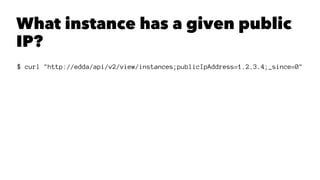
![$ curl "http://edda/api/v2/view/instances;publicIpAddress=1.2.3.4;_since=0"
["i-0123456789","i-012345678a","i-012345678b"]](https://image.slidesharecdn.com/awssecurity-141022214038-conversion-gate01/85/Amazon-Web-Services-Security-107-320.jpg)
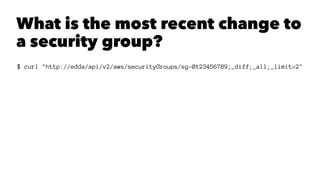
![$ curl "http://edda/api/v2/aws/securityGroups/sg-0123456789;_diff;_all;_limit=2"
--- /api/v2/aws.securityGroups/sg-0123456789;_pp;_at=1351040779810
+++ /api/v2/aws.securityGroups/sg-0123456789;_pp;_at=1351044093504
@@ -1,33 +1,33 @@
{
"class" : "com.amazonaws.services.ec2.model.SecurityGroup",
"description" : "App1",
"groupId" : "sg-0123456789",
"groupName" : "app1-frontend",
"ipPermissions" : [
{
"class" : "com.amazonaws.services.ec2.model.IpPermission",
"fromPort" : 80,
"ipProtocol" : "tcp",
"ipRanges" : [
"10.10.1.1/32",
"10.10.1.2/32",
+ "10.10.1.3/32",
- "10.10.1.4/32"
],
"toPort" : 80,
"userIdGroupPairs" : [ ]
}
],
"ipPermissionsEgress" : [ ],
"ownerId" : "2345678912345",
"tags" : [ ],
"vpcId" : null
}](https://image.slidesharecdn.com/awssecurity-141022214038-conversion-gate01/85/Amazon-Web-Services-Security-109-320.jpg)

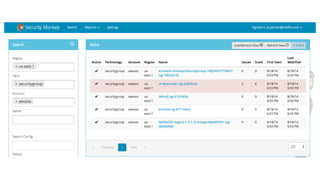

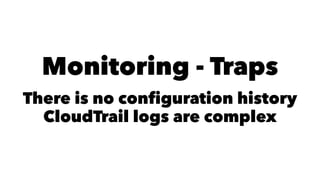



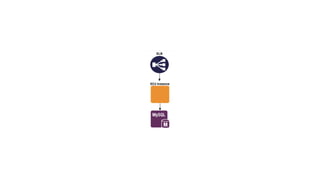
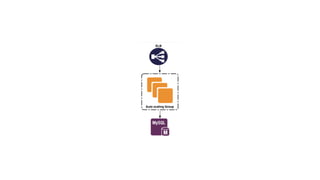
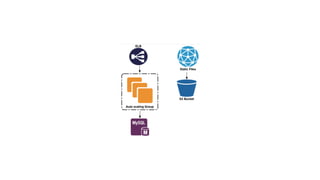
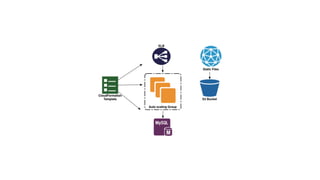
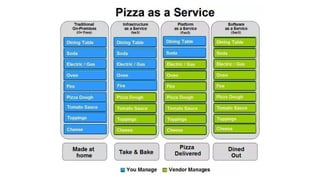
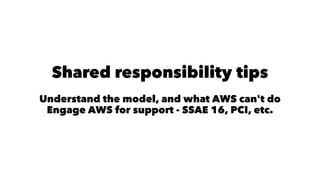
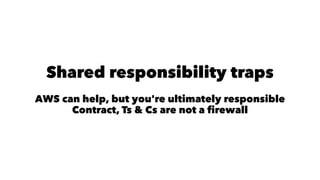
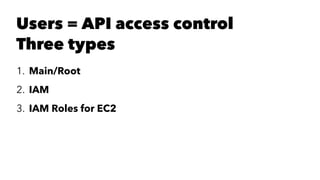
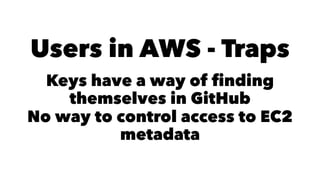
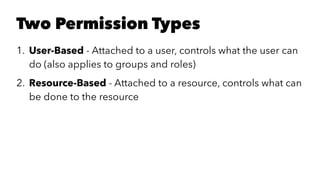
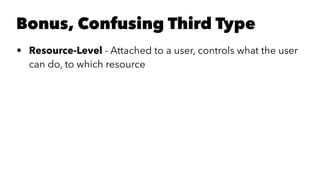
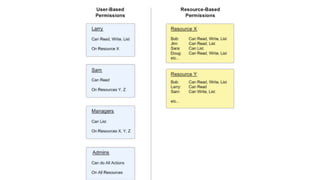
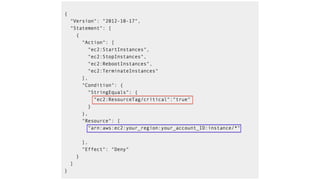
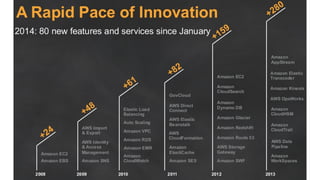
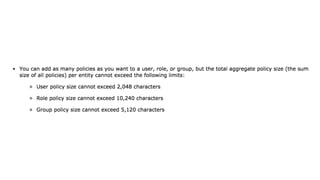
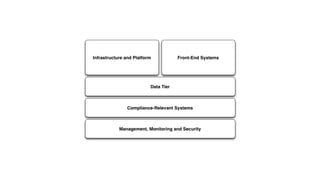
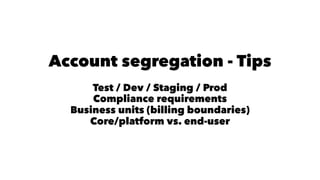
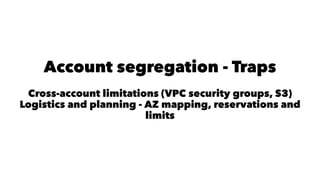
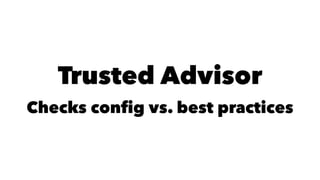
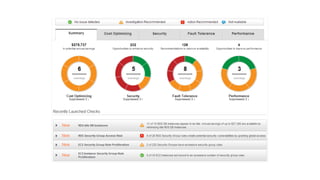
Jason Chan gave a presentation on AWS security at SAINTCON 2014. He began with an overview of typical AWS setups and then focused on three main areas: shared responsibility between AWS and customers, access controls and permissions, and account segregation. For each area, he provided tips on best practices as well as potential security traps to avoid. He also discussed tools for monitoring AWS security configurations and activity, such as CloudTrail, Trusted Advisor, and the Edda service created at Netflix.


