MongoDB with PHP James Tang <james@fwso.cn> A quick introduction
What is MongoDB
NoSQL MongoDB is a document-oriented database Store data as structured documents Document-oriented databases are NoSQL Apache CouchDB Scale horizontally Avoid join operations
Distributed computing
Why MongoDB
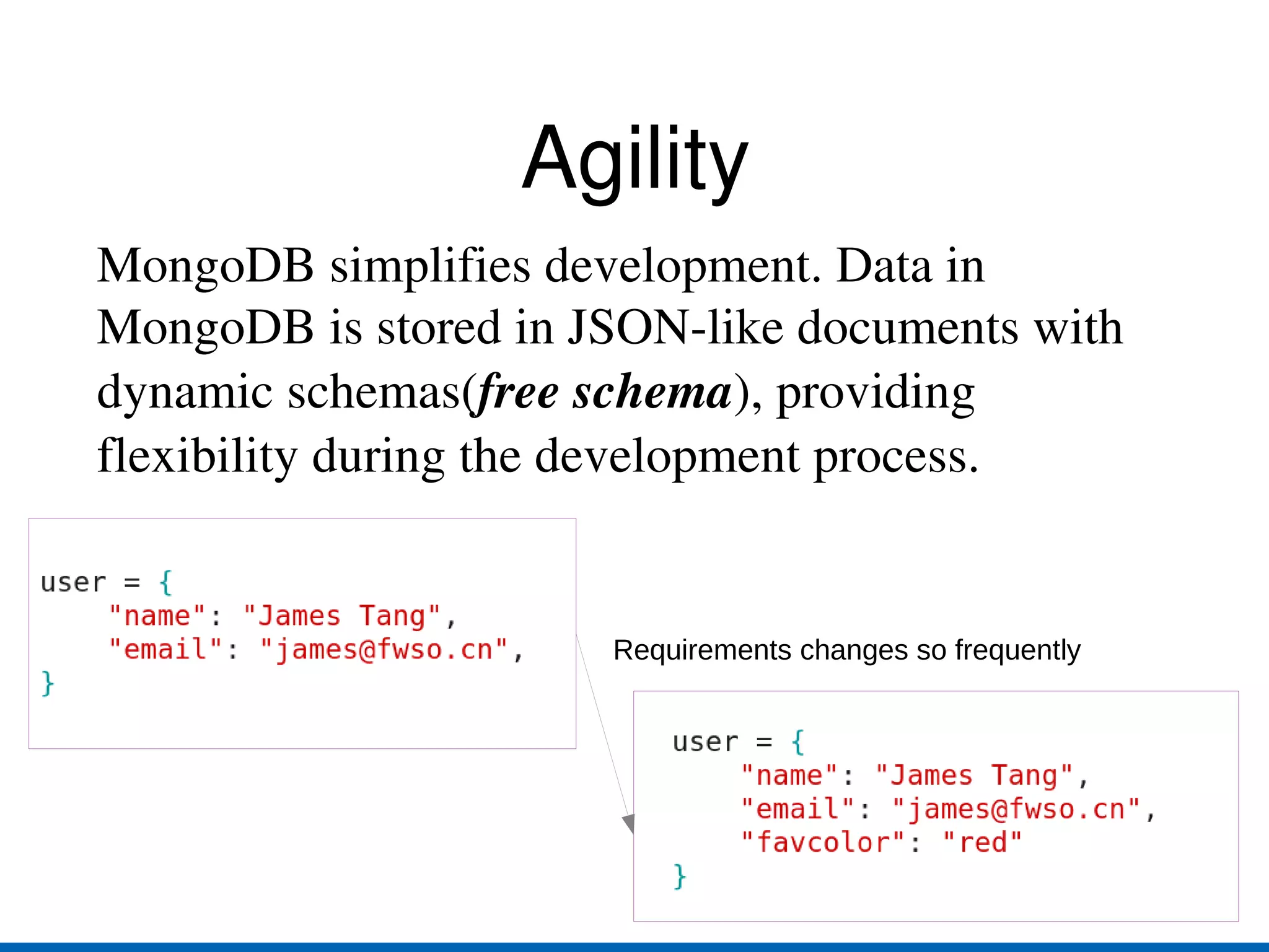
Agility MongoDB simplifies development. Data in MongoDB is stored in JSON-like documents with dynamic schemas( free schema ), providing flexibility during the development process. Requirements changes so frequently
Scalability & Performance Build-in support for horizontal availability
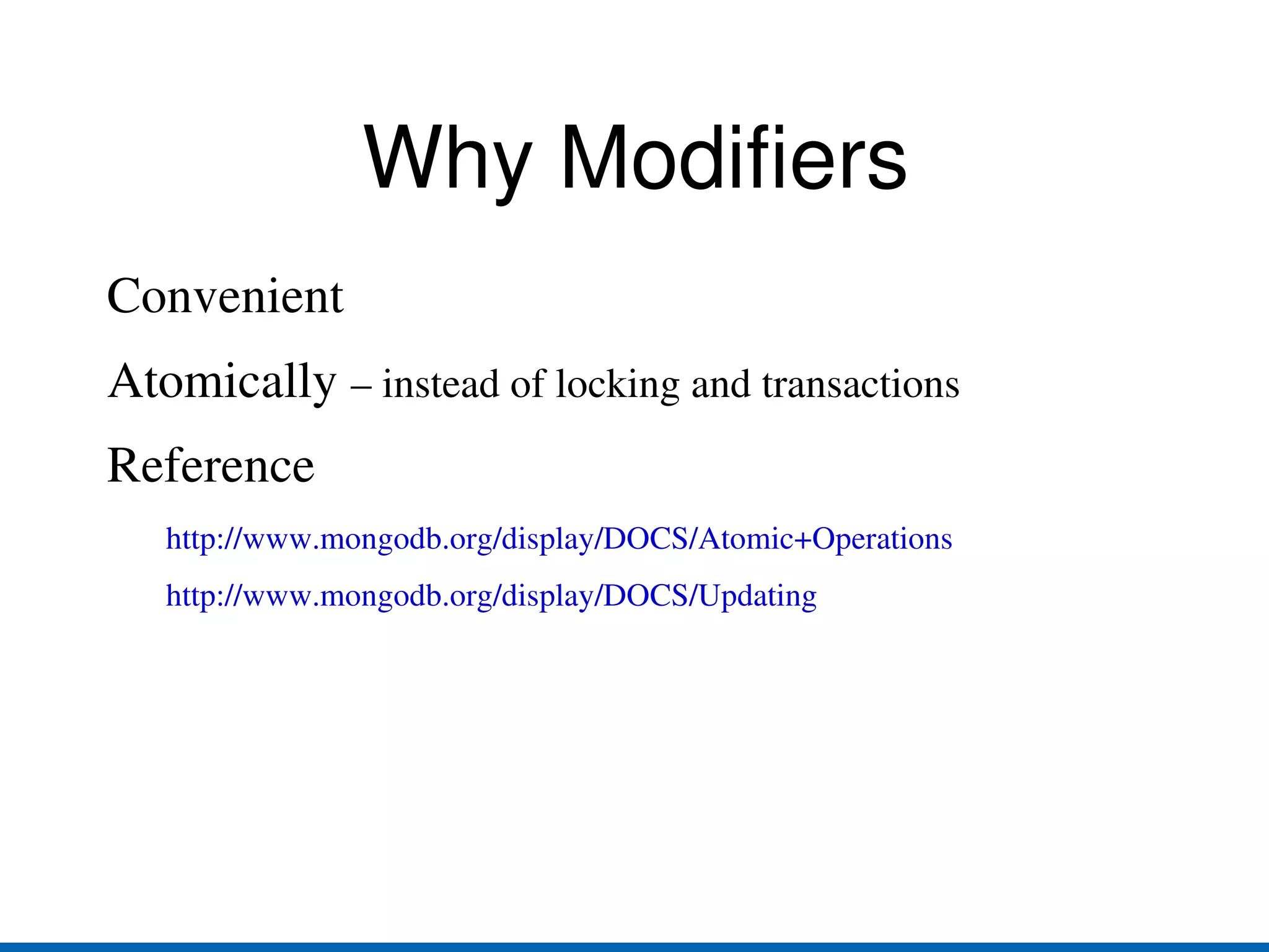
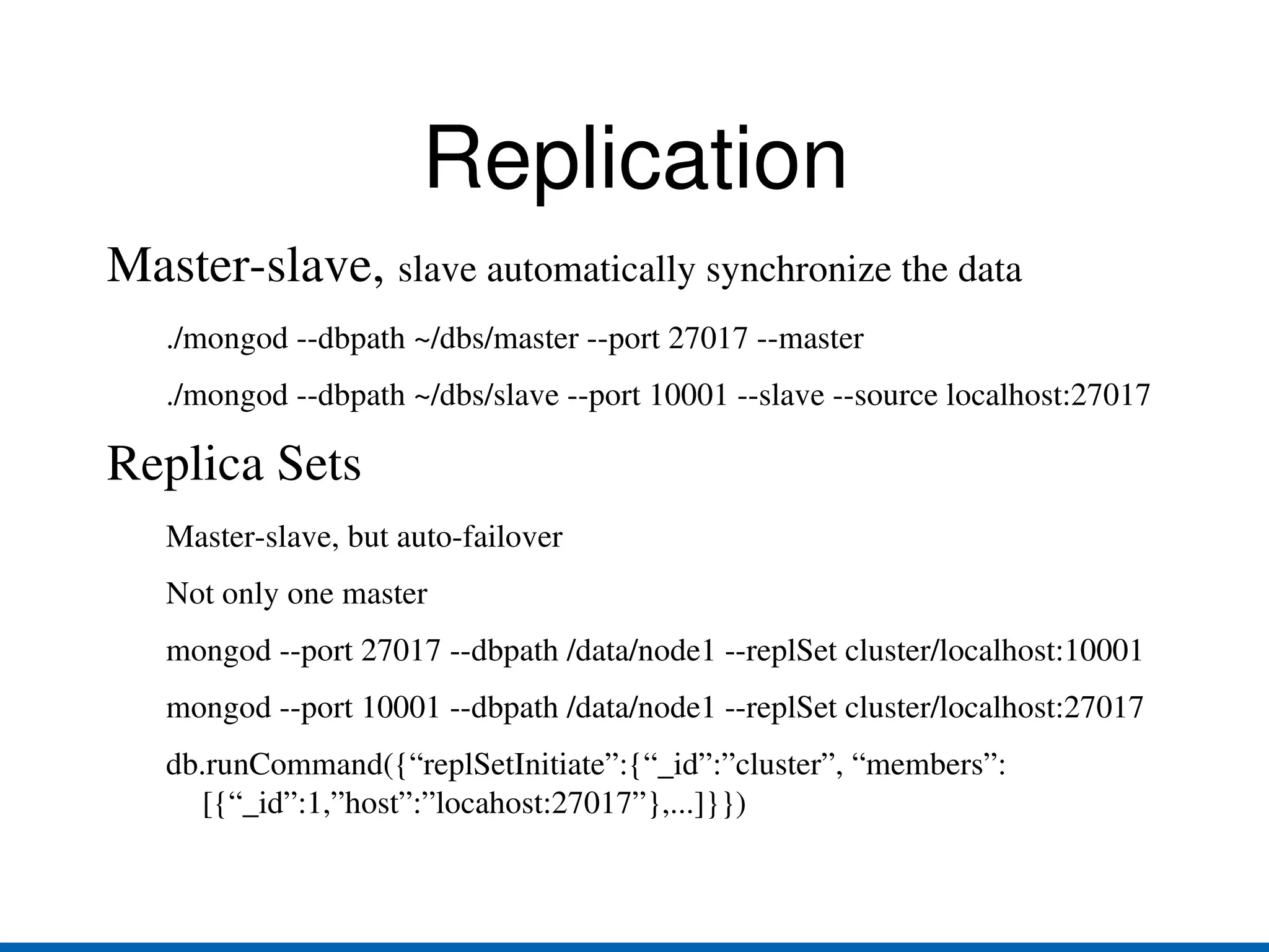
Auto-sharding Save different parts of data on different machines Replication:  backup, failover, read scaling Master-slave replication
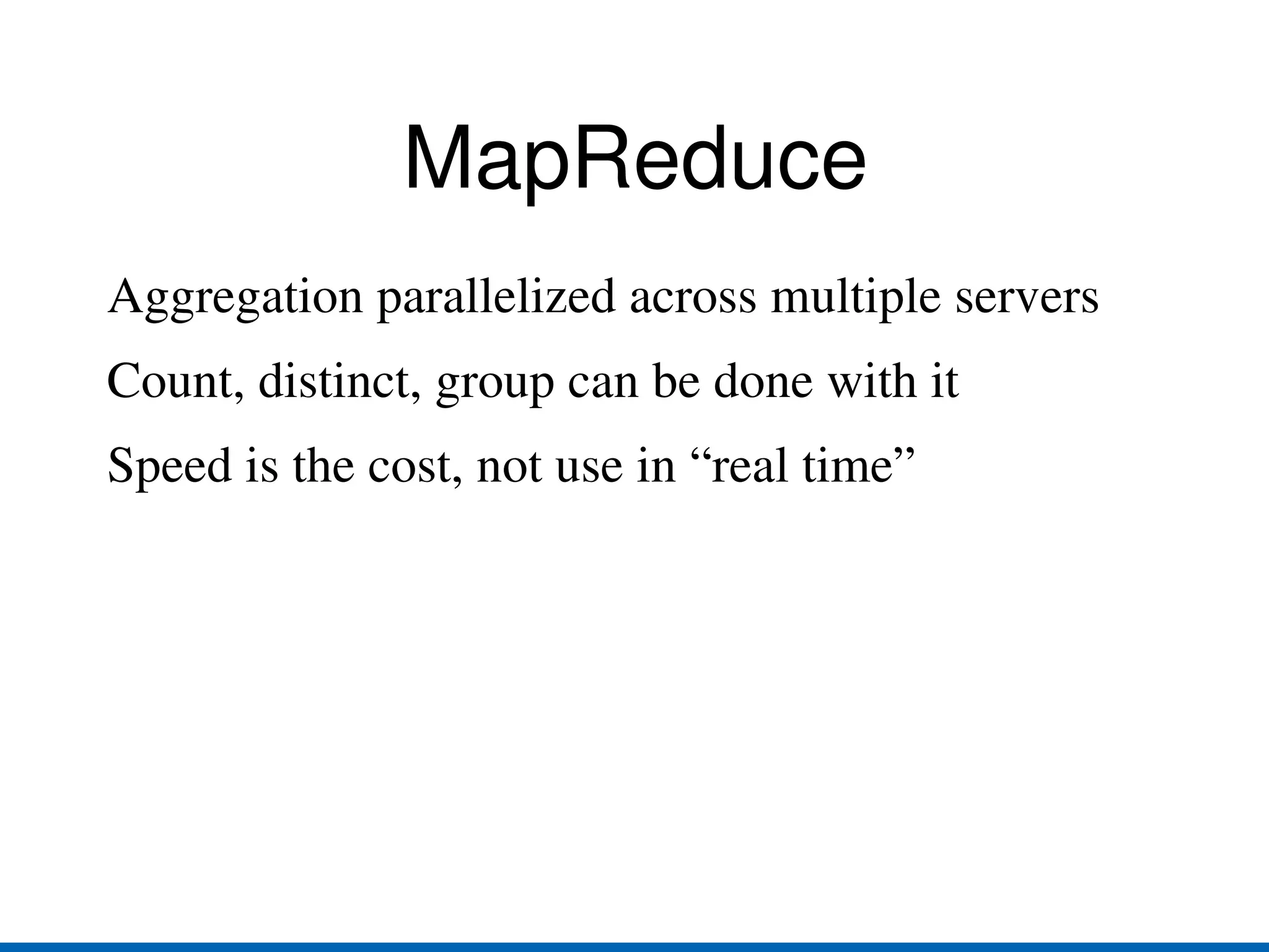
Replica Sets:  automatic failover, no single master MapReduce
How MongoDB works
BSON MongoDB use BSON as the storage format.  BSON has following characteristics: Efficiency
Traversability
Performance Reference: http://bsonspec.org/
Data Files BSON objects store in  collections
db_name.collection_name called  namespace
.ns  file used to store metadata for namespace.
Dbname.0, .1, .2... stores the data
The new file double the file size, up to 2GB blog.0(16M), blog.1(32M)... MongoDB  preallocates  data files to ensure consistent performance
Memory Management Memory-mapped storage engine Maps all it's data files in memory
The virtual  size of mongod process may very large Leave other works to operating system
32bit MongoDB server limit to 2G data per mongod instance
Wire Protocol Clients use wire protocol to access MongoDB server. Wire Protocol is a TCP/IP socket based lightweight protocol. Reference:  http://www.mongodb.org/display/DOCS/Mongo+Wire+Protocol
Getting Started
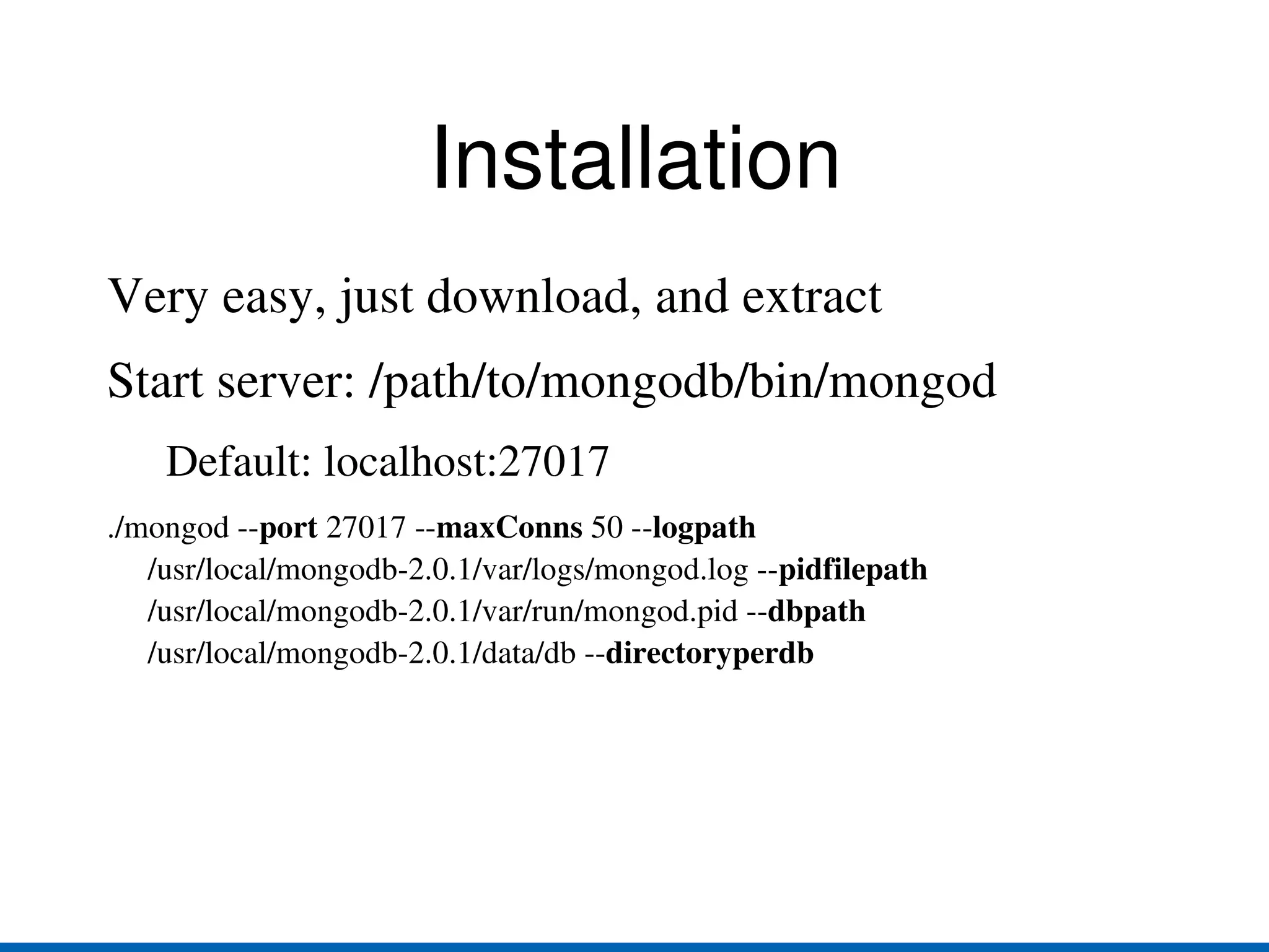
Installation Very easy, just download, and extract
Start server: /path/to/mongodb/bin/mongod Default: localhost:27017 ./mongod -- port  27017 -- maxConns  50 -- logpath  /usr/local/mongodb-2.0.1/var/logs/mongod.log -- pidfilepath  /usr/local/mongodb-2.0.1/var/run/mongod.pid -- dbpath  /usr/local/mongodb-2.0.1/data/db -- directoryperdb
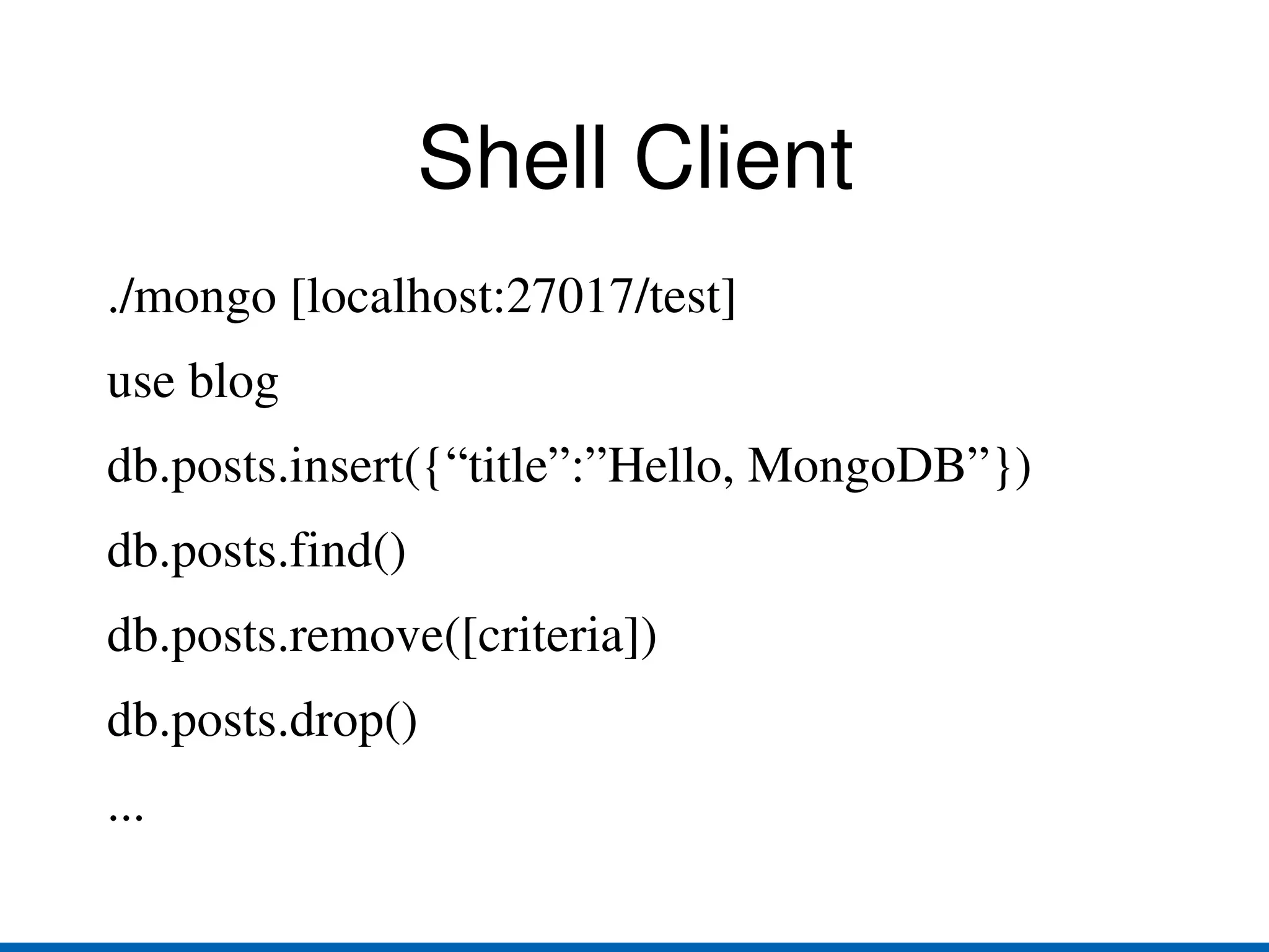
Shell Client ./mongo [localhost:27017/test]
use blog
db.posts.insert({“title”:”Hello, MongoDB”})
db.posts.find()
db.posts.remove([criteria])
db.posts.drop()
...
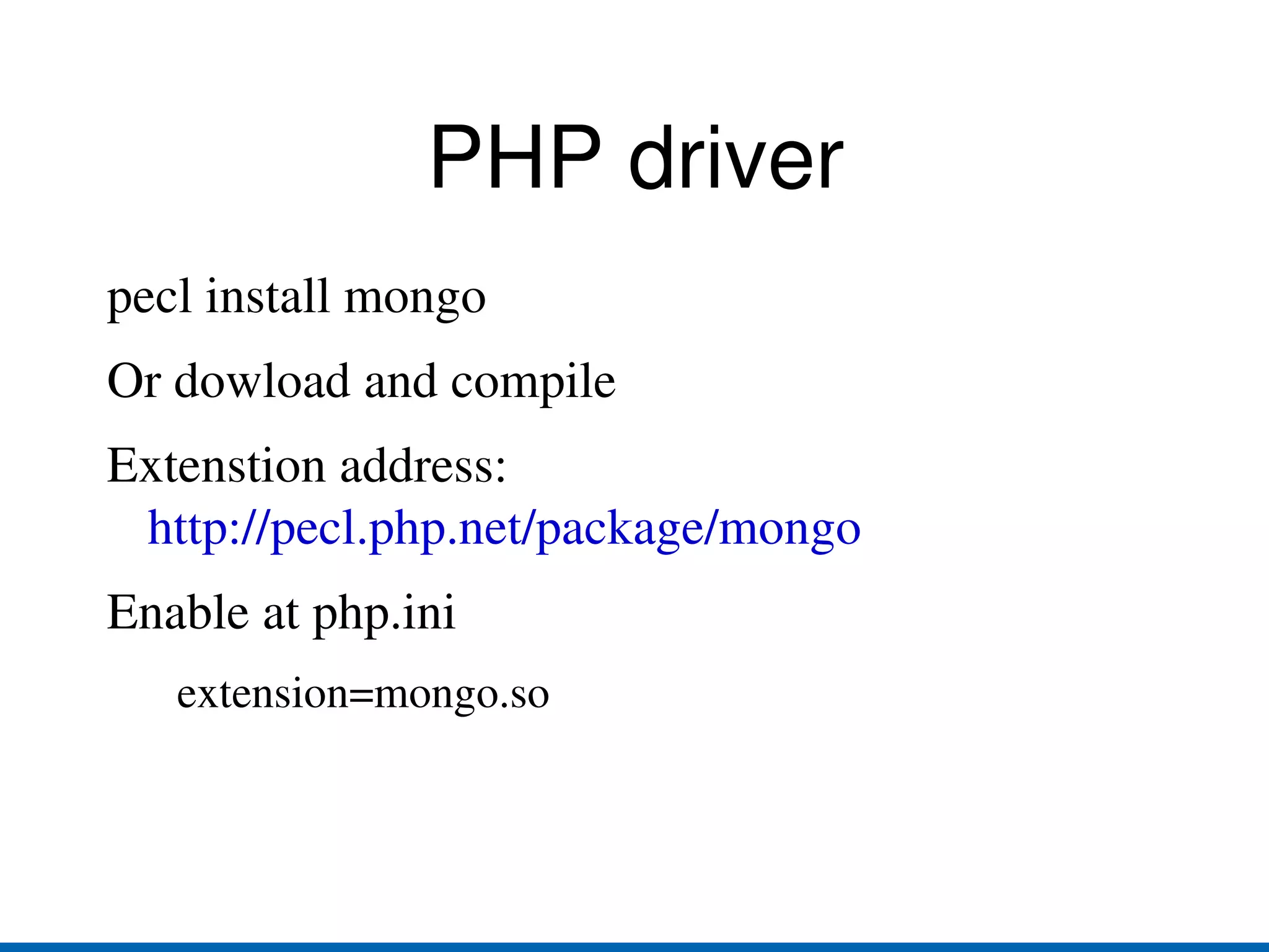
PHP driver pecl install mongo

Introduction to MongoDB with PHP

Editor's Notes

  • #30 /usr/local/mongodb-2.0.1/bin/mongod --port 27017 --dbpath /usr/local/mongodb-2.0.1/data/node1 --replSet cluster/localhost:10001 /usr/local/mongodb-2.0.1/bin/mongod --port 10001 --dbpath /usr/local/mongodb-2.0.1/data/node1 --replSet cluster/localhost:27017 /usr/local/mongodb-2.0.1/bin/mongo localhost:27017/admin
  • #31 Sharding ./mongod --dbpath ~/dbs/config --port 20000 ./mongos --port 30000 --configdb localhost:20000 ./mongod --dbpath ~/dbs/shard1 --port 10001 ./mongod --dbpath ~/dbs/shard2 --port 10002 ./mongo localhost:30000/admin db.runCommand({&amp;quot;addshard&amp;quot; : &amp;quot;localhost:10000&amp;quot;, allowLocal : true}) db.runCommand({&amp;quot;enablesharding&amp;quot; : &amp;quot;blog&amp;quot;}) db.runCommand({&amp;quot;shardcollection&amp;quot; : &amp;quot;blog.posts&amp;quot;, &amp;quot;key&amp;quot; : {&amp;quot;title&amp;quot; : 1}})