SEO Monitoring:
What, Why, and How
John Doherty
Founder, GetCredo.com
@dohertyjf
I	was	browsing	the	internet	the	other	day
@dohertyjf
The	SEO	world	has	changed
@dohertyjf
I	was	browsing	the	internet	the	other	day
@dohertyjf
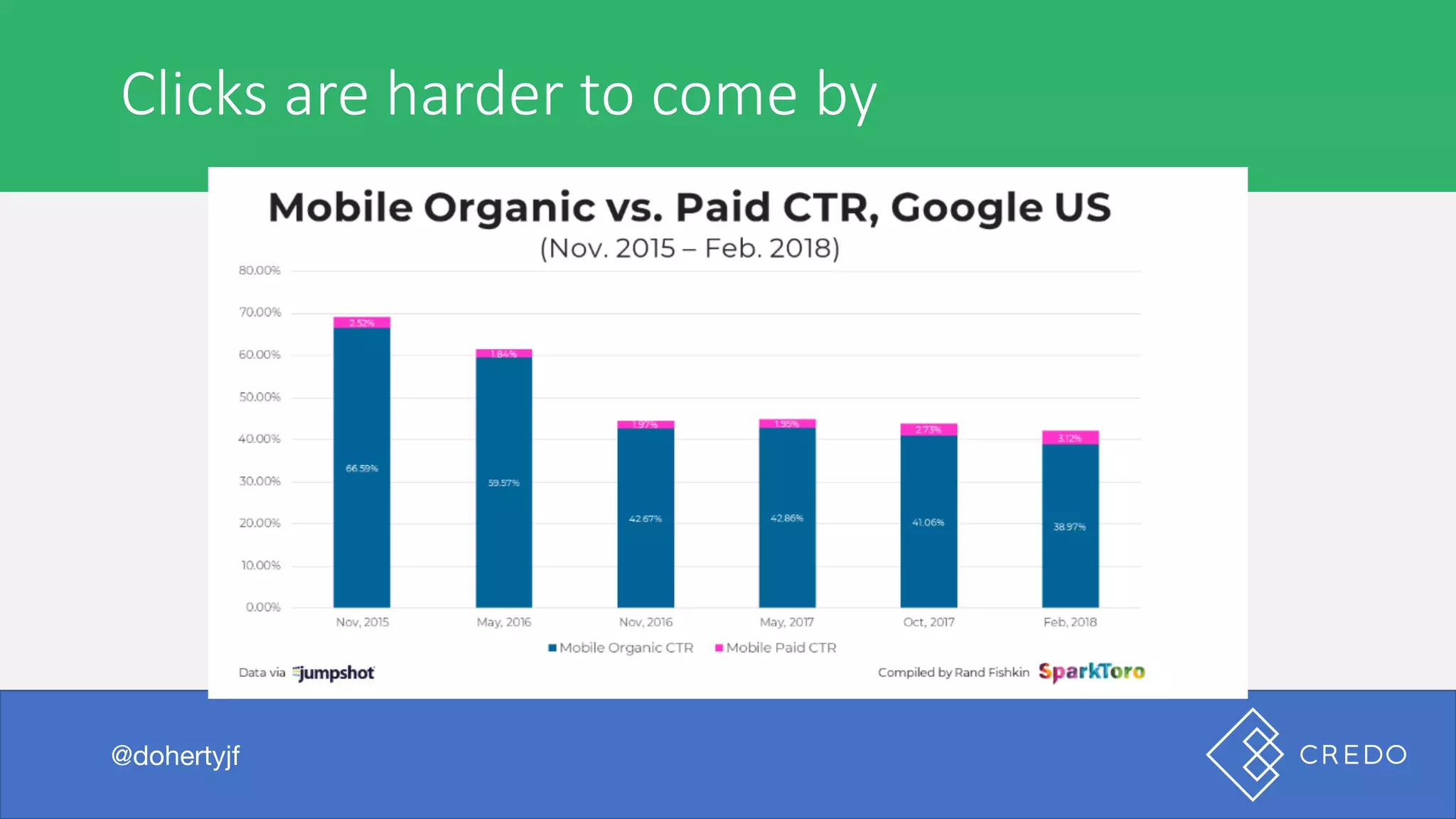
Clicks	are	harder	to	come	by
@dohertyjf
I	was	browsing	the	internet	the	other	day
@dohertyjf
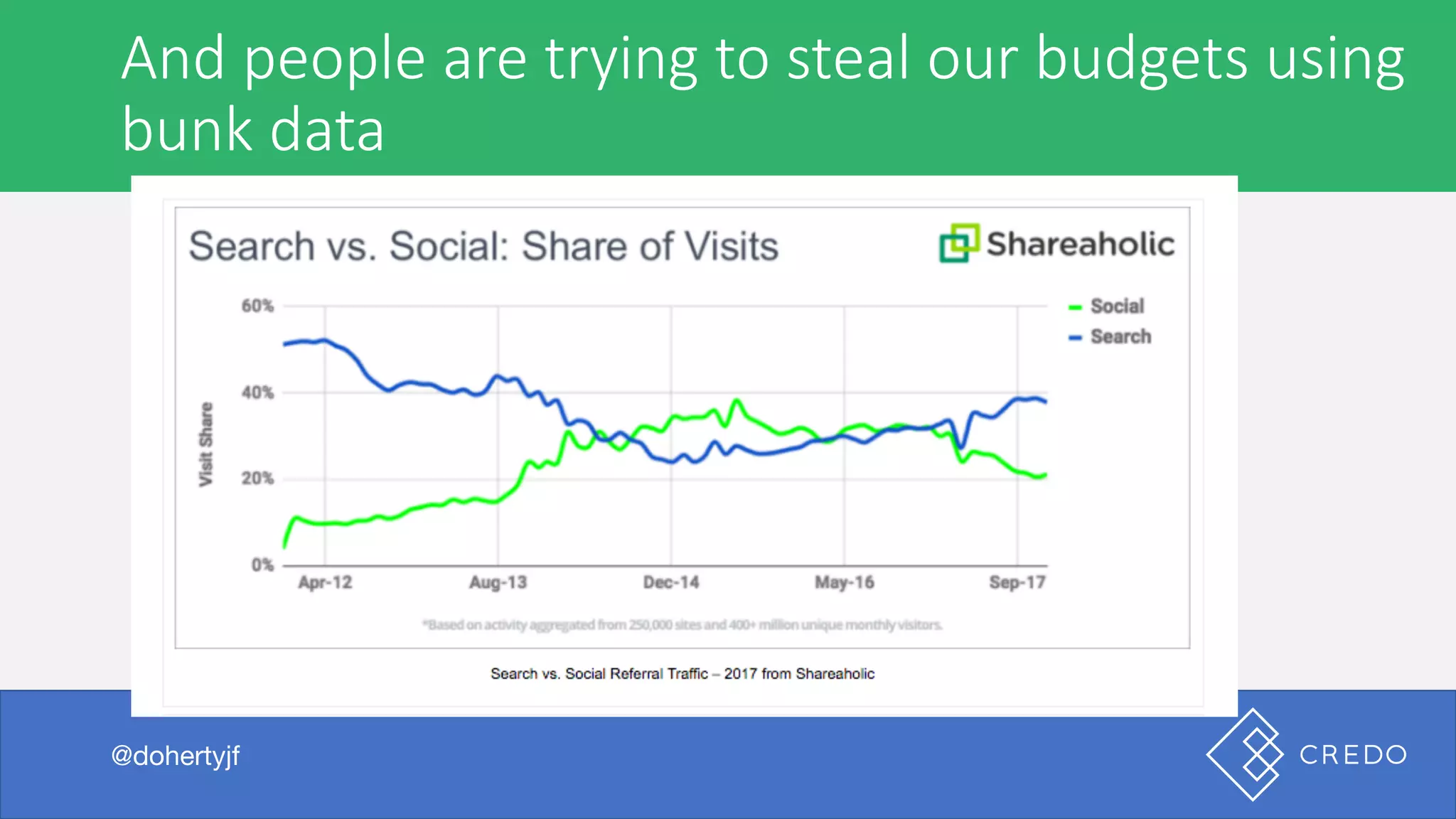
And	people	are	trying	to	steal	our	budgets	using
bunk	data
@dohertyjf
I	was	browsing	the	internet	the	other	day
@dohertyjf
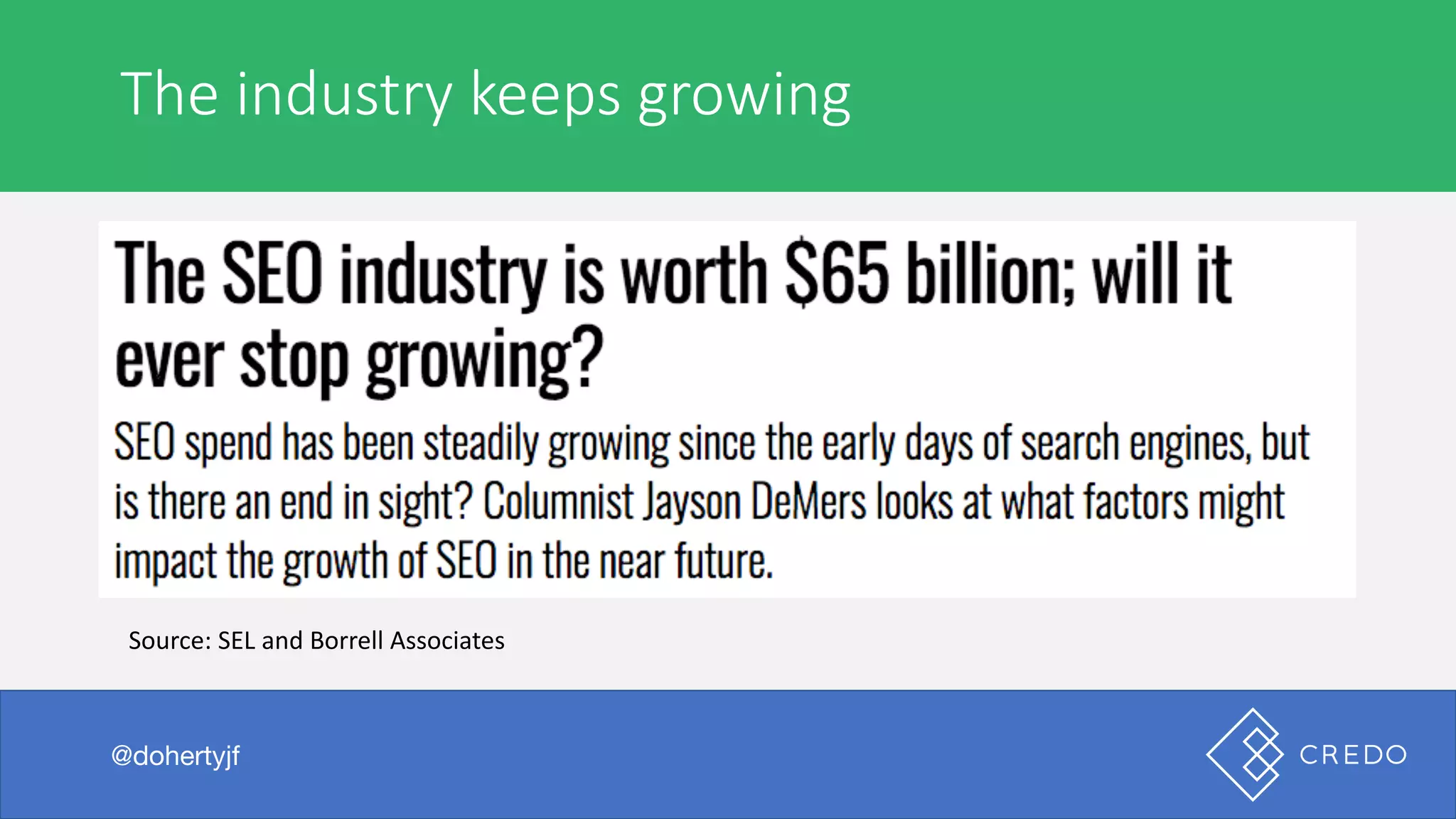
The	industry	keeps	growing
@dohertyjf
Source:	SEL	and	Borrell Associates
I	was	browsing	the	internet	the	other	day
@dohertyjf
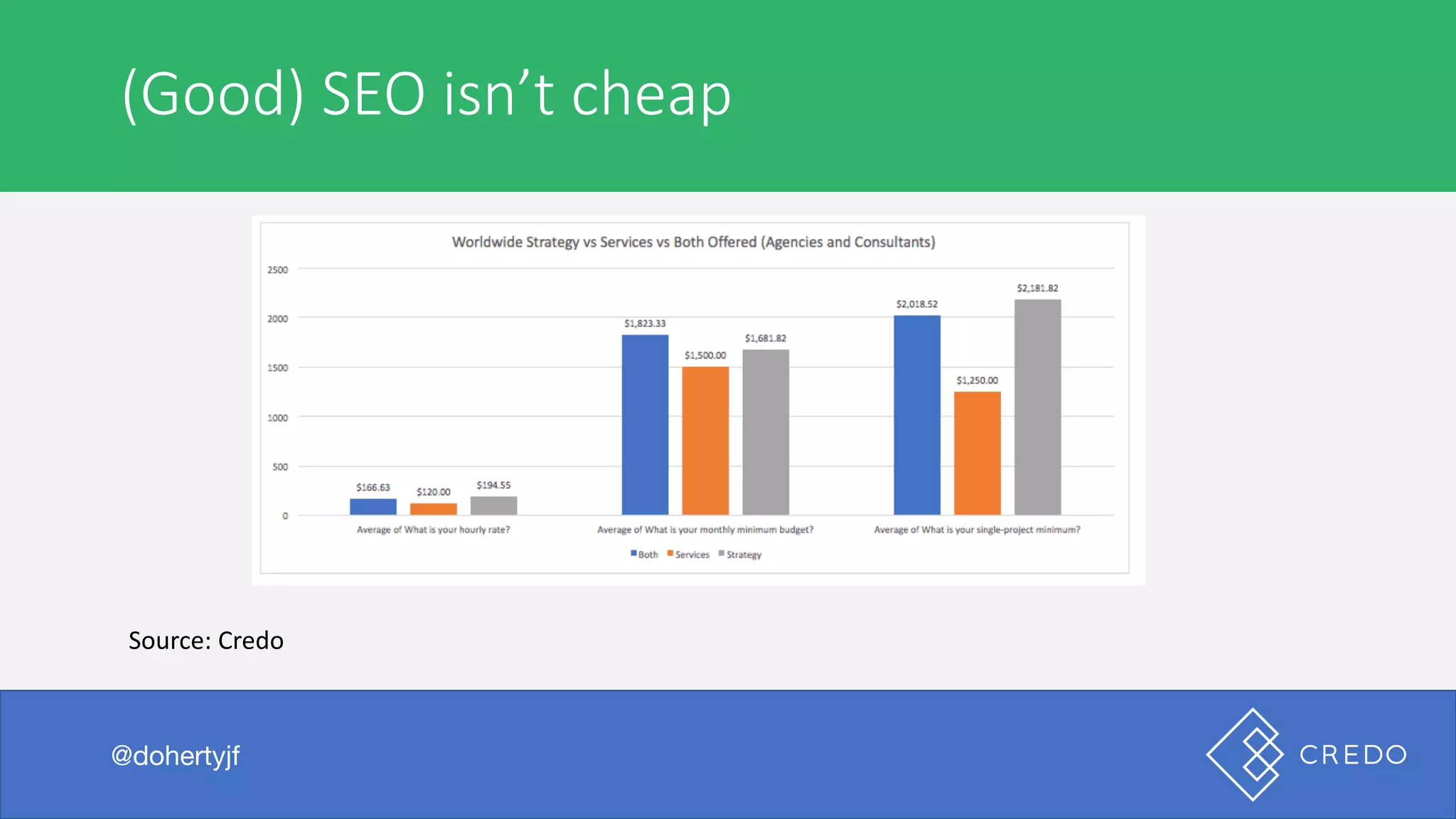
(Good)	SEO	isn’t	cheap
@dohertyjf
Source:	Credo
I	was	browsing	the	internet	the	other	day
@dohertyjf
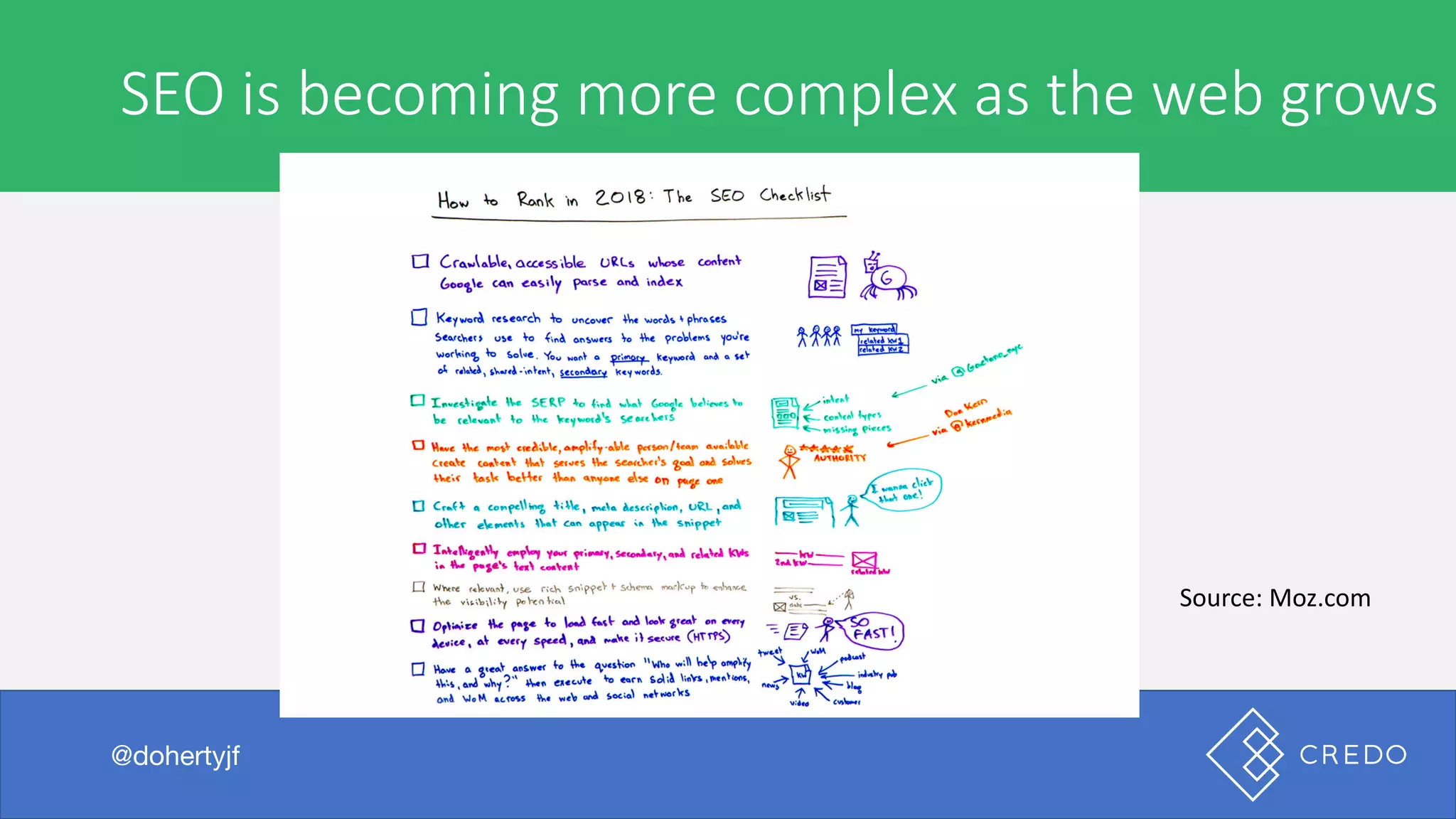
SEO	is	becoming	more	complex	as	the	web	grows
@dohertyjf
Source:	Moz.com
I	was	browsing	the	internet	the	other	day
@dohertyjf
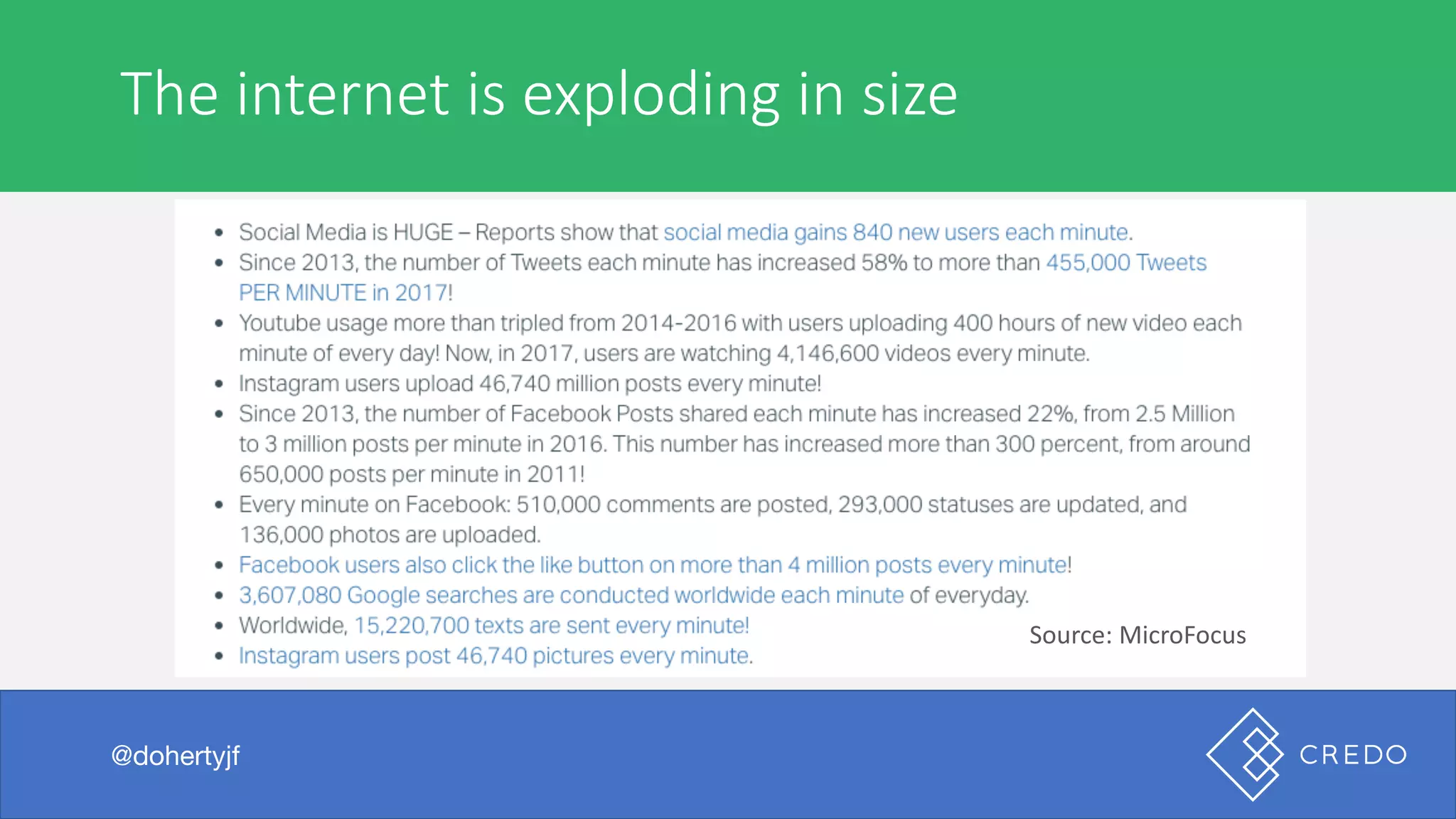
The	internet	is	exploding	in	size
@dohertyjf
Source:	MicroFocus
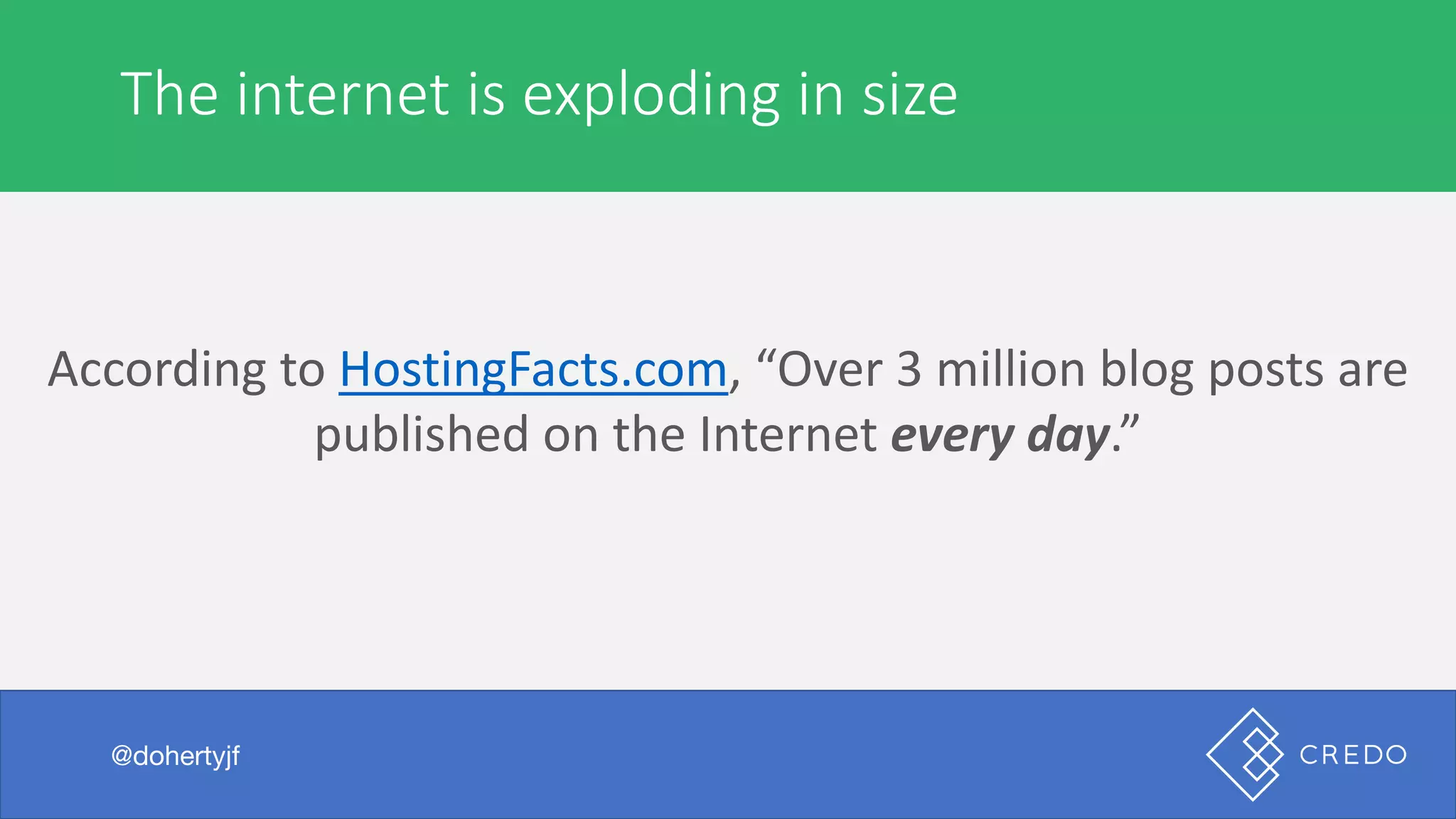
According	to	HostingFacts.com,	“Over	3	million	blog	posts	are	
published	on	the	Internet	every	day.”
I	was	browsing	the	internet	the	other	day
@dohertyjf
The	internet	is	exploding	in	size
@dohertyjf
I	was	browsing	the	internet	the	other	day
@dohertyjf
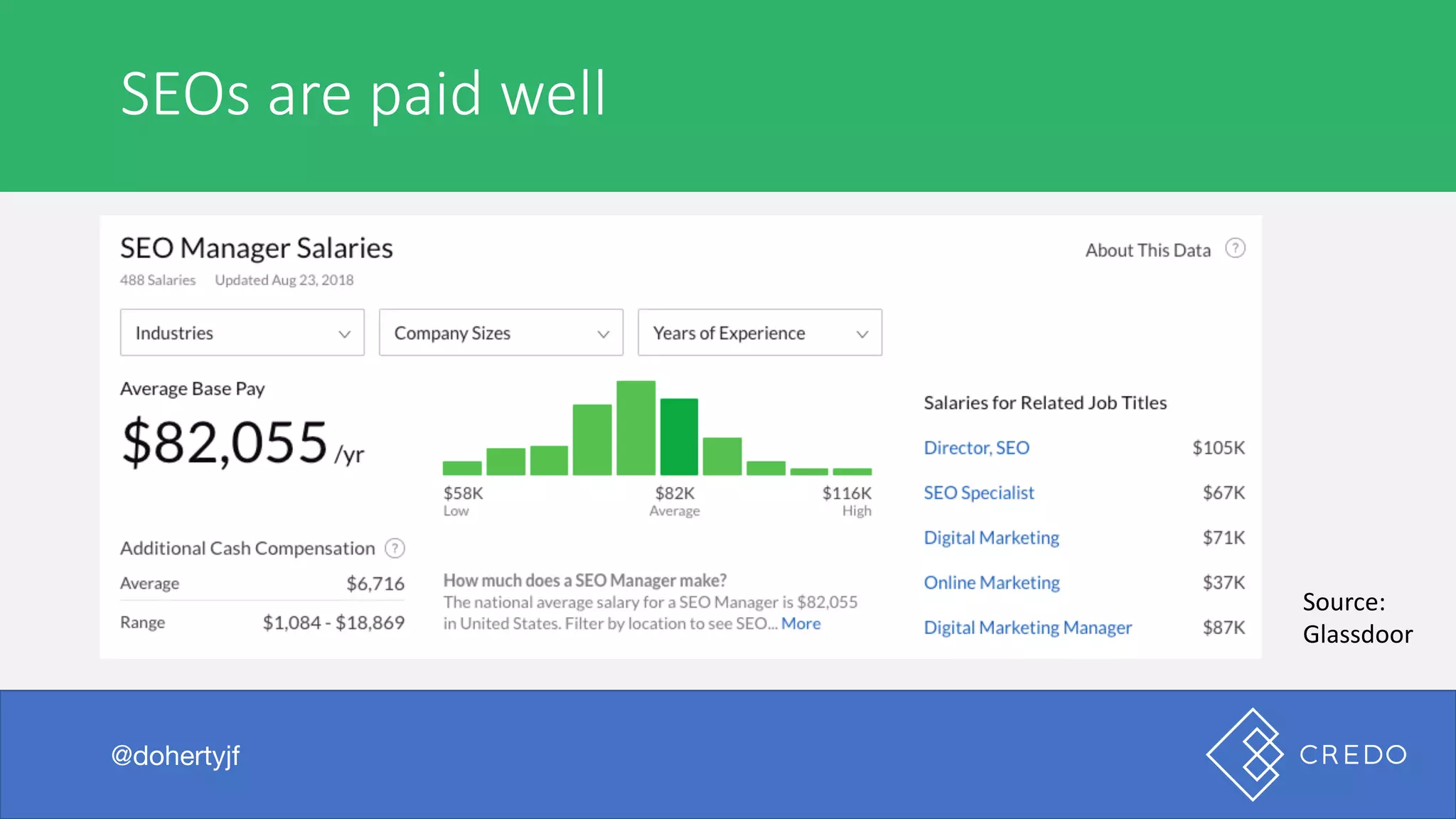
SEOs	are	paid	well
@dohertyjf
Source:	
Glassdoor
I	was	browsing	the	internet	the	other	day
@dohertyjf
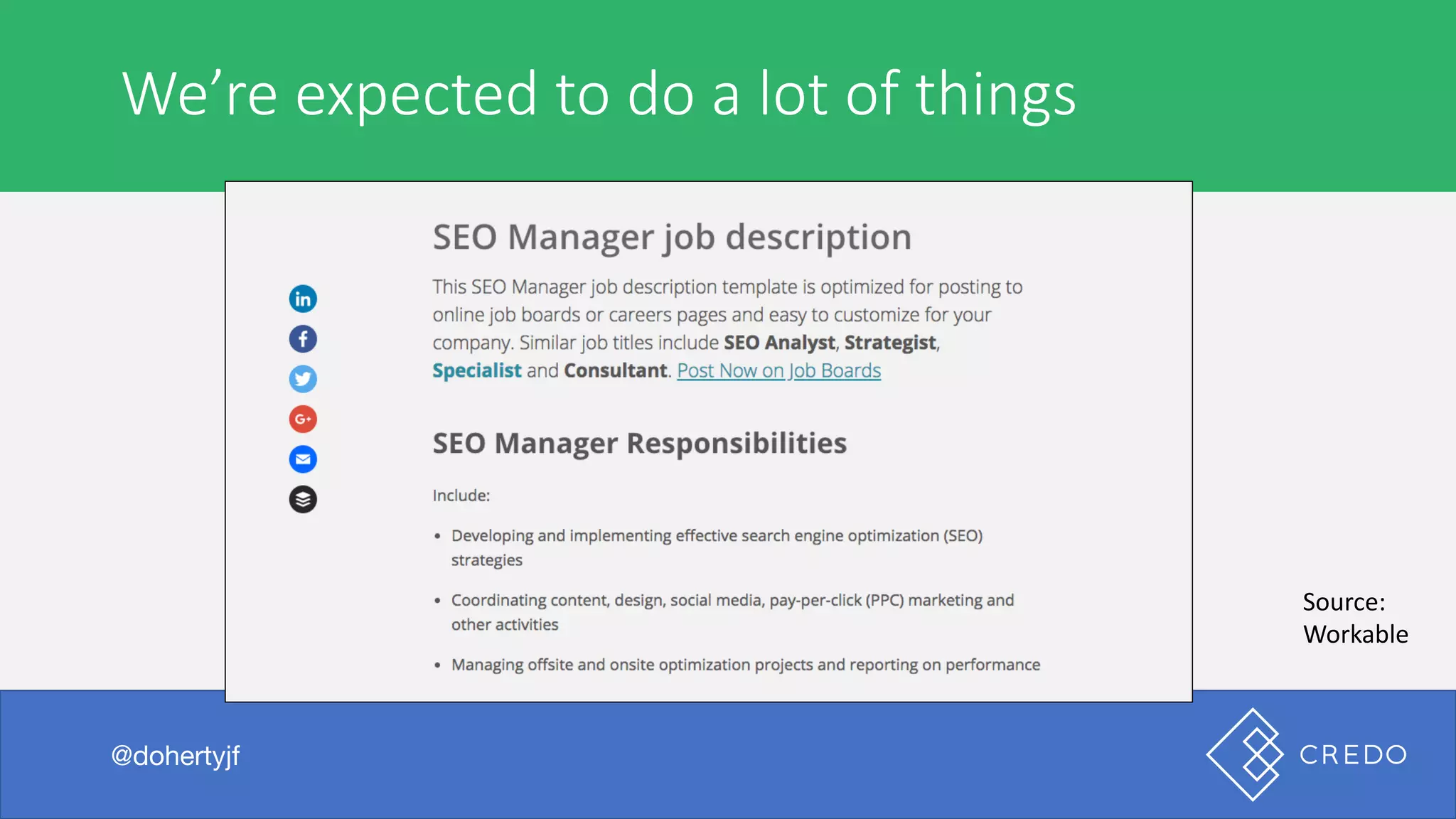
We’re	expected	to	do	a	lot	of	things
@dohertyjf
Source:	
Workable
But	when	I	searched	the	beer…
@dohertyjf
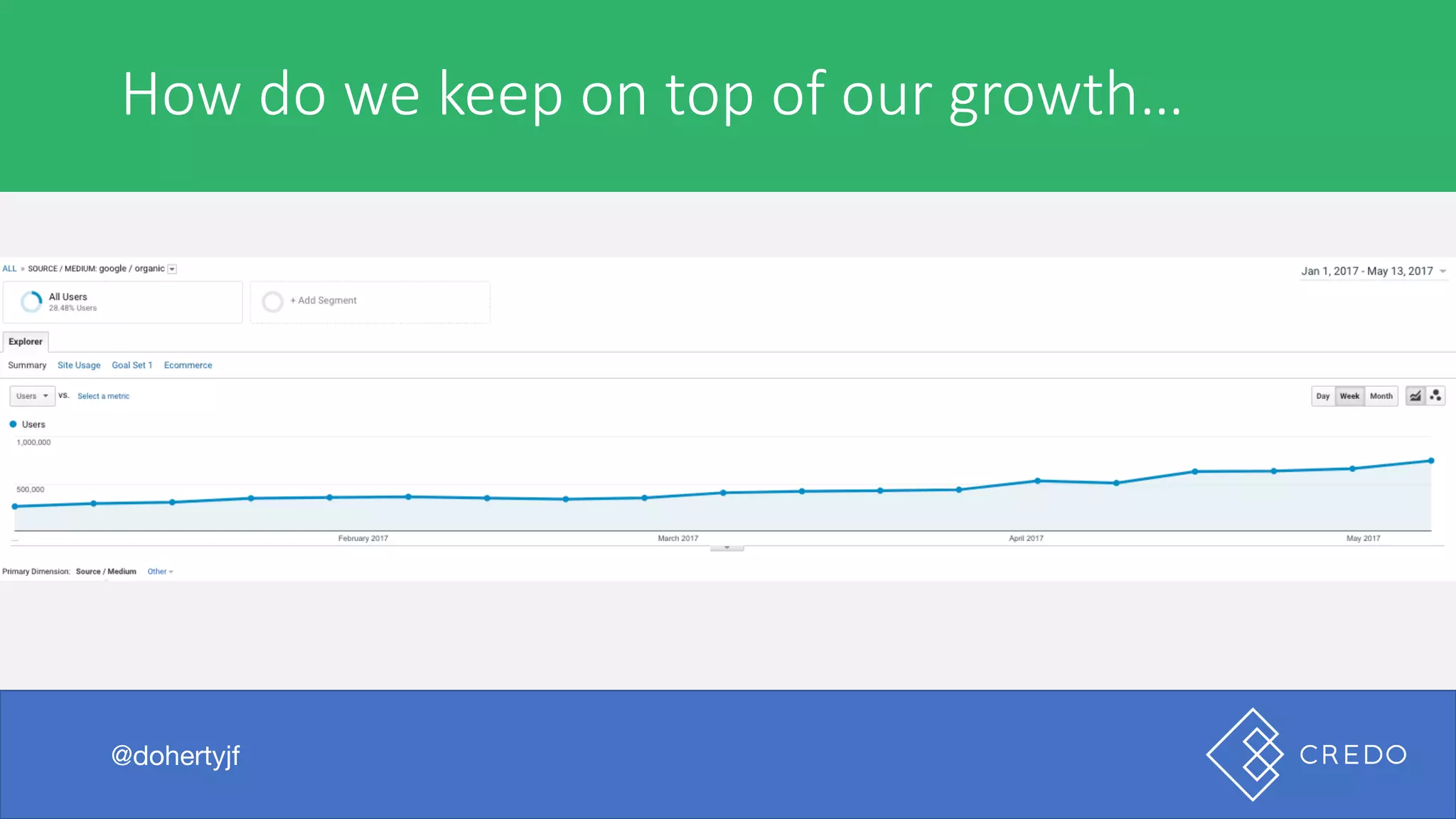
How	do	we	keep	on	top	of	our	growth…
@dohertyjf
But	when	I	searched	the	beer…
@dohertyjf
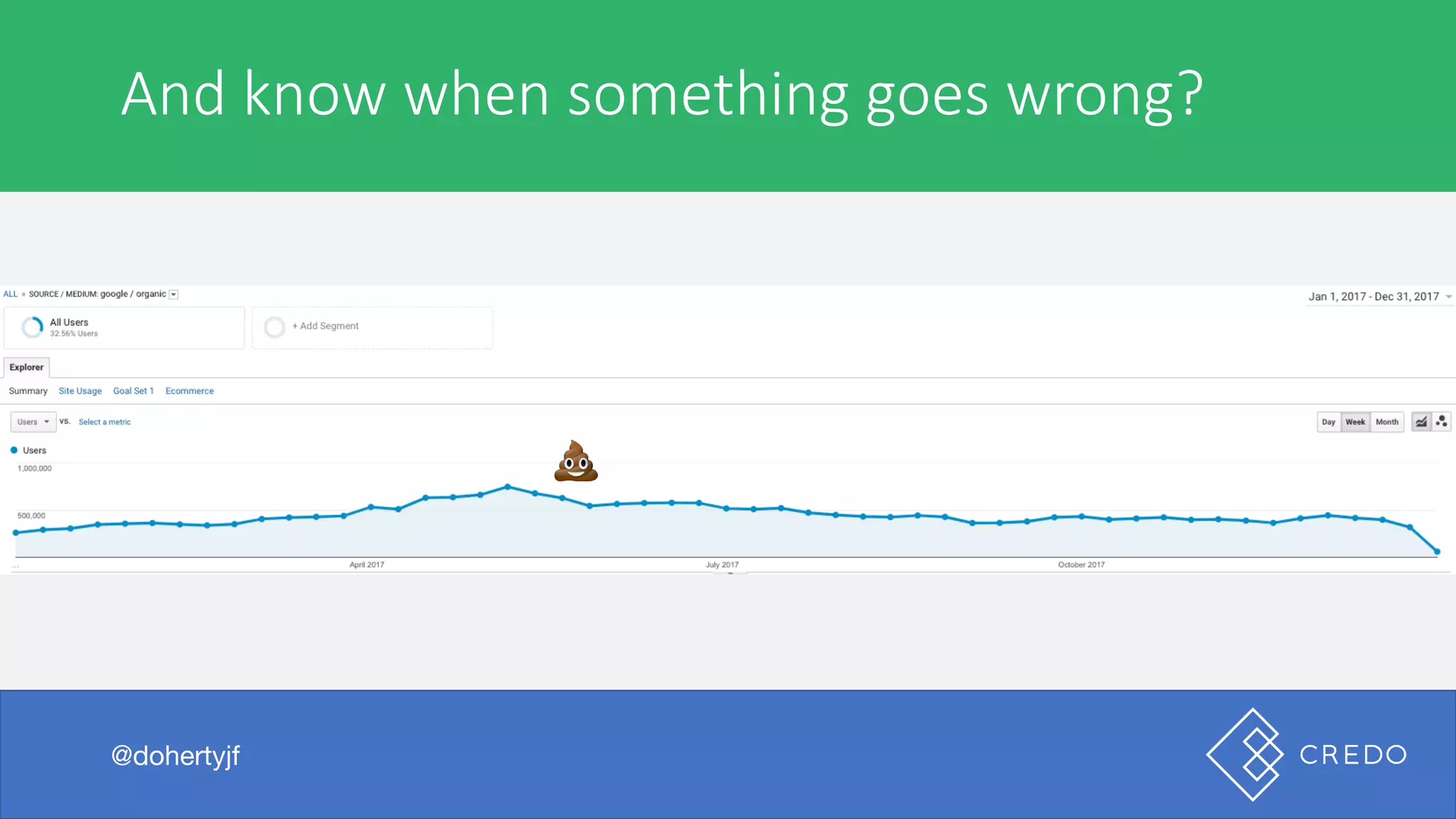
And	know	when	something	goes	wrong?
@dohertyjf
💩
But	when	I	searched	the	beer…
- Multiple product teams shipping new content
- Content teams creating new content
- Users updating things on the site (profile names, etc)
- Servers going up and down
- New links being built and going away
- Routine maintenance
- Google changing its algorithms
- New SERP features
- And the list goes on…
@dohertyjf
Especially	when	all	of	this	is	happening
@dohertyjf
But	when	I	searched	the	beer…
@dohertyjf
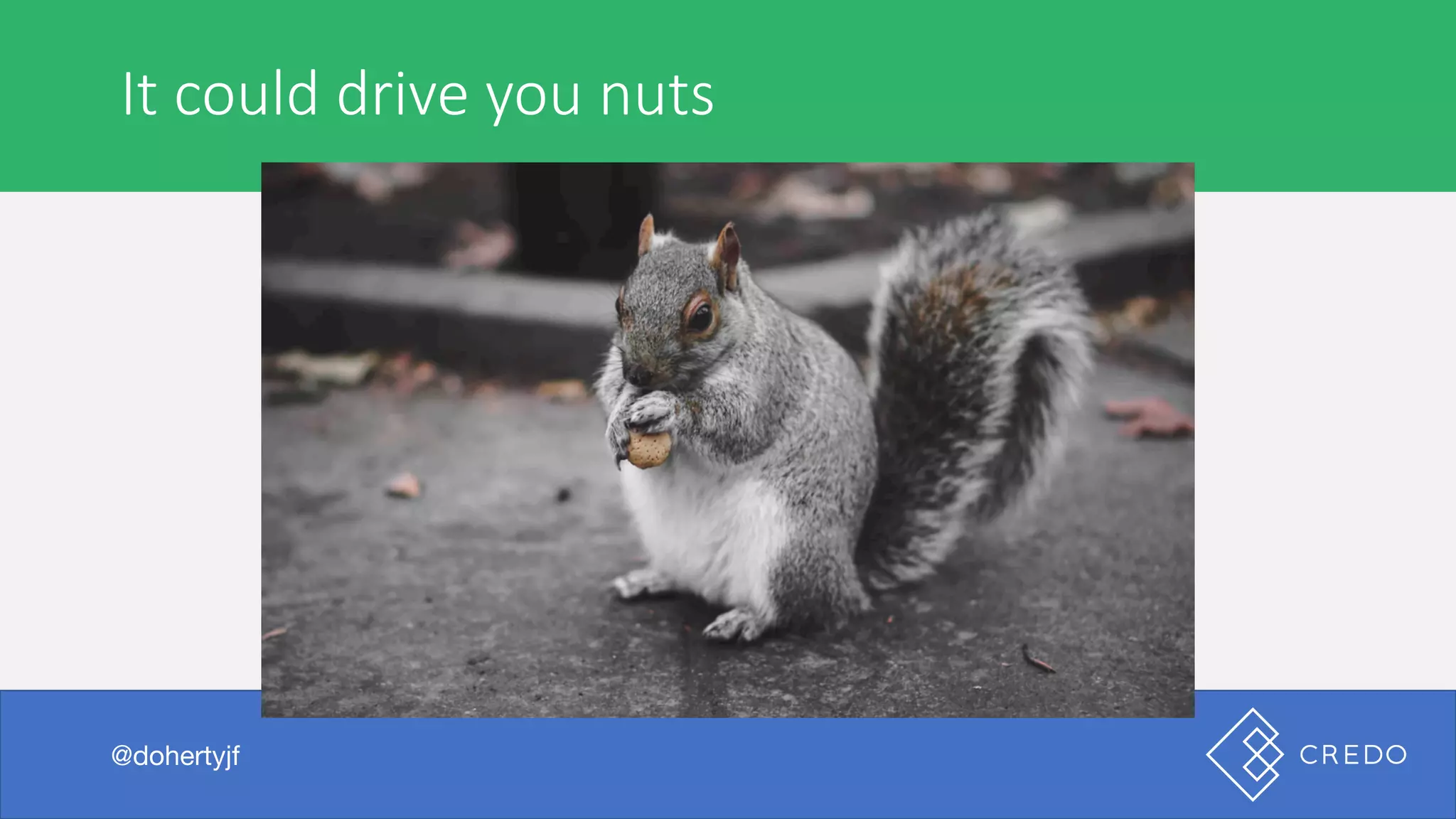
It	could	drive	you	nuts
@dohertyjf
I	see	these	sorts	of	issues	all	the	time
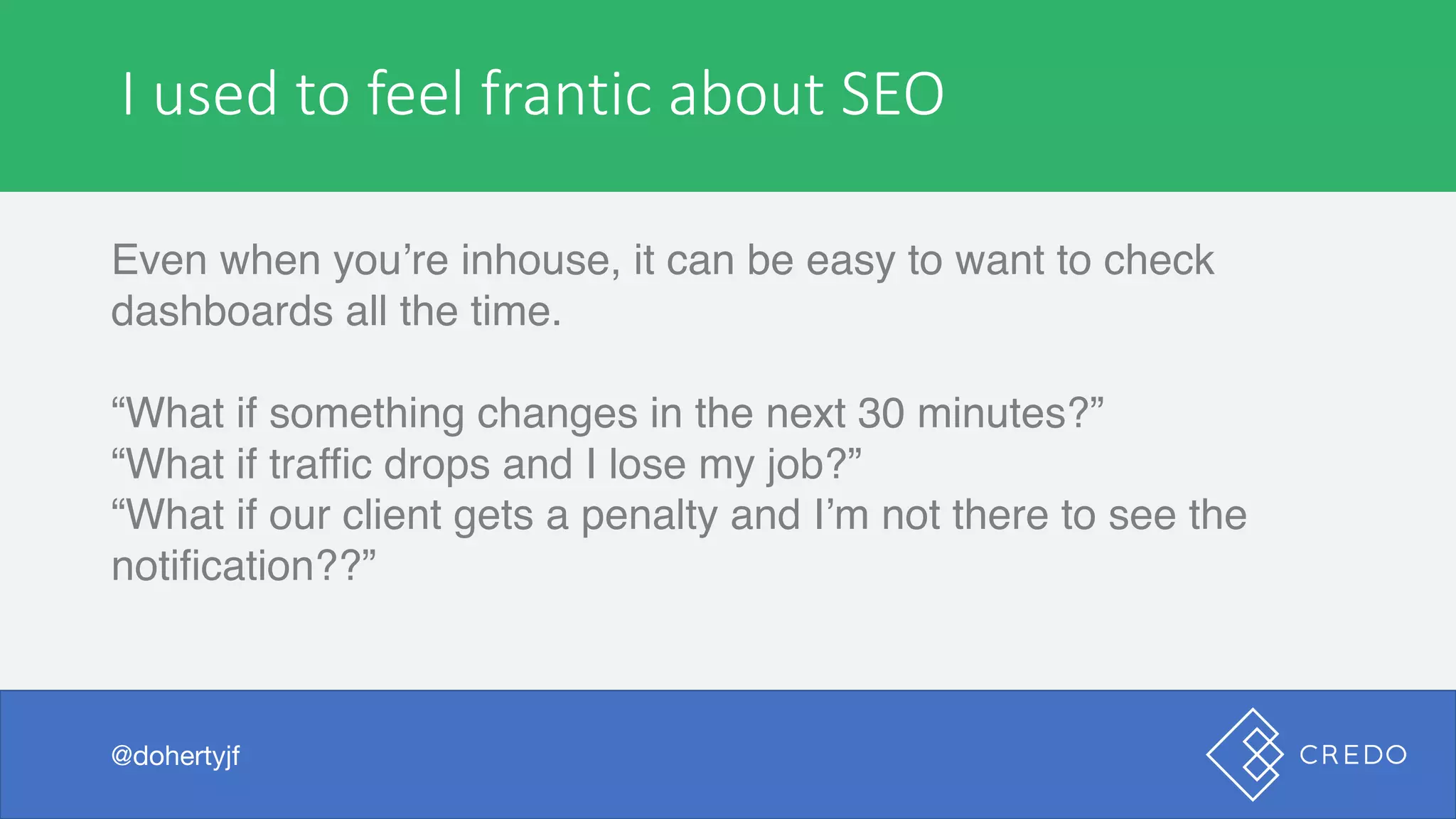
Even when you’re inhouse, it can be easy to want to check
dashboards all the time.
“What if something changes in the next 30 minutes?”
“What if traffic drops and I lose my job?”
“What if our client gets a penalty and I’m not there to see the
notification??”
@dohertyjf
I	used	to	feel	frantic	about	SEO
@dohertyjf
I	see	these	sorts	of	issues	all	the	time
Even when you’re inhouse, it can be easy to want to check
dashboards all the time.
“What if something changes in the next 30 minutes?”
“What if traffic drops and I lose my job?”
“What if our client gets a penalty and I’m not there to see the
notification??”
@dohertyjf
I	used	to	feel	frantic	about	SEO
@dohertyjf
Today	that	ends.
@dohertyjf
Image	via	Yoga	and	
Spa	Magazine
A	marketer	or	agency	is	expensive	to	hire
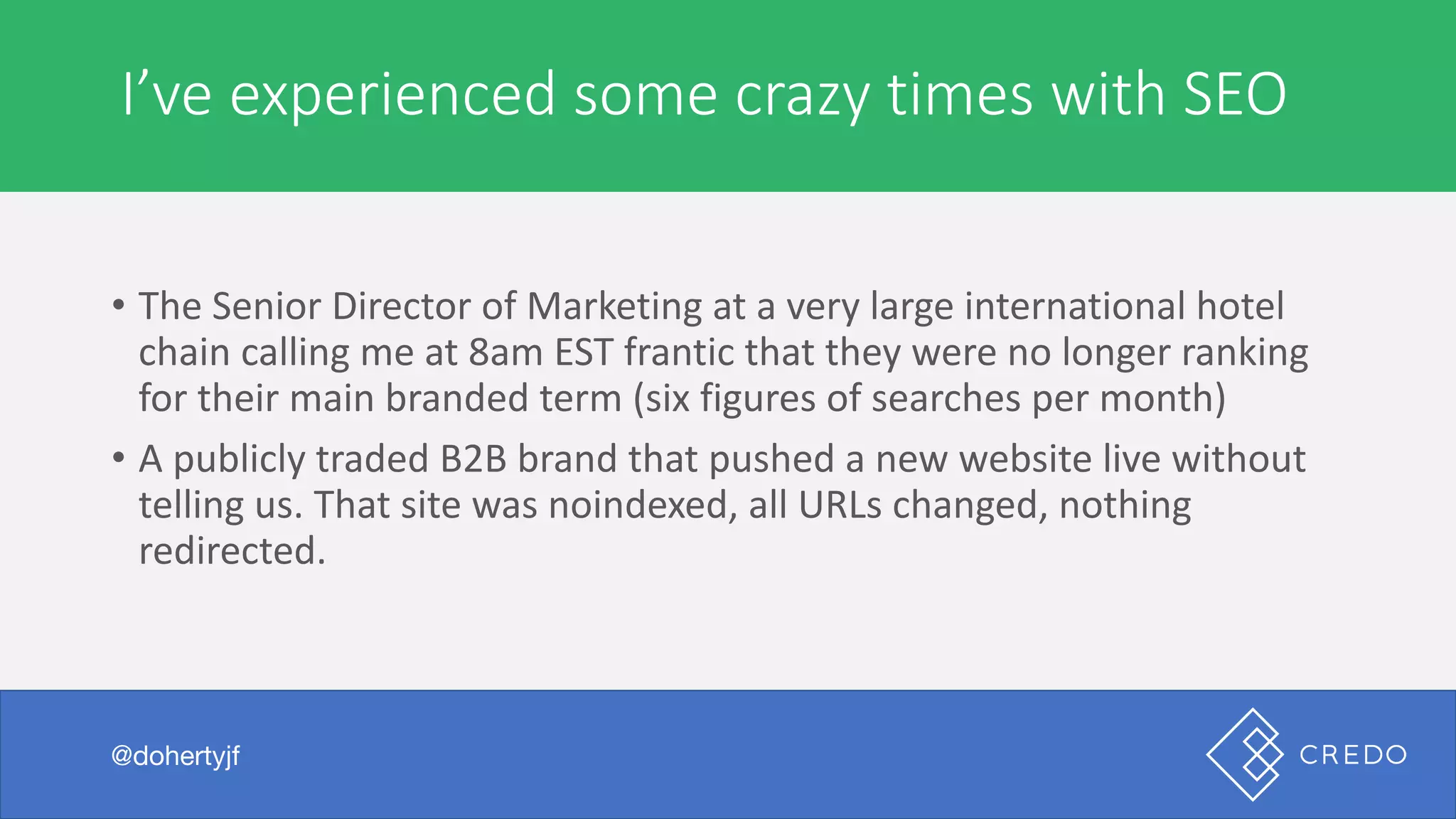
• The	Senior	Director	of	Marketing	at	a	very	large	international	hotel	
chain	calling	me	at	8am	EST	frantic	that	they	were	no	longer	ranking	
for	their	main	branded	term	(six	figures	of	searches	per	month)
• A	publicly	traded	B2B	brand	that	pushed	a	new	website	live	without	
telling	us.	That	site	was	noindexed,	all	URLs	changed,	nothing	
redirected.
@dohertyjf
I’ve	experienced	some	crazy	times	with	SEO
@dohertyjf
A	marketer	or	agency	is	expensive	to	hire
Setting	up	your	processes	to	give	you	consistent	reporting	to	
understand	what	has	changed	on	your	site	and	when	an	issue	becomes	
a	high	priority	won’t	save	you	from	these	sorts	of	fires	happening,	but	
they	can	help	you	put	them	out	and	stay	ahead	of	the	curve	on	things	
becoming	a	larger	issue.
@dohertyjf
What	SEO	monitoring	does	and	does	not	do
@dohertyjf
Who I am
Founder, GetCredo.com
Digital marketing/SEO consultant
10 years of SEO/digital experience in-
house and agency
Built marketing and growth teams at
Zillow in USA
Live in Colorado with my wife
Courtney and dog Butterbean
@dohertyjf@dohertyjf
Personally seen $17M+ in digital
marketing work come through Credo
since October 2015.
Personally sold over $600k of SEO
work in the last 3 years.
Work exclusively on Credo and very
large brands/websites.
@dohertyjf@dohertyjf
What	is	“SEO	monitoring”?
@dohertyjf
SEO	monitoring	is	using	tools,	both	free	and	paid,	to	help	you:
• Keep	track	of	changes	made	on	your	site	so	that	you	can:	
• measure	their	effectiveness	to	your	business;
• Diagnose	when	something	may	have	negatively	affected	your	traffic;
• Keep	on	top	of	movements	across	the	site	made	by	teams	that	you	
are	not	involved	with;
• Spot	broader	trends	of	rankings	that	you	can	capitalize	on	to	see	
growth	across	your	company.
SEO	is	not	rocket	scienceThere’s	a	process	that	worksIt’s	actually	kind	of	awesome
@dohertyjf
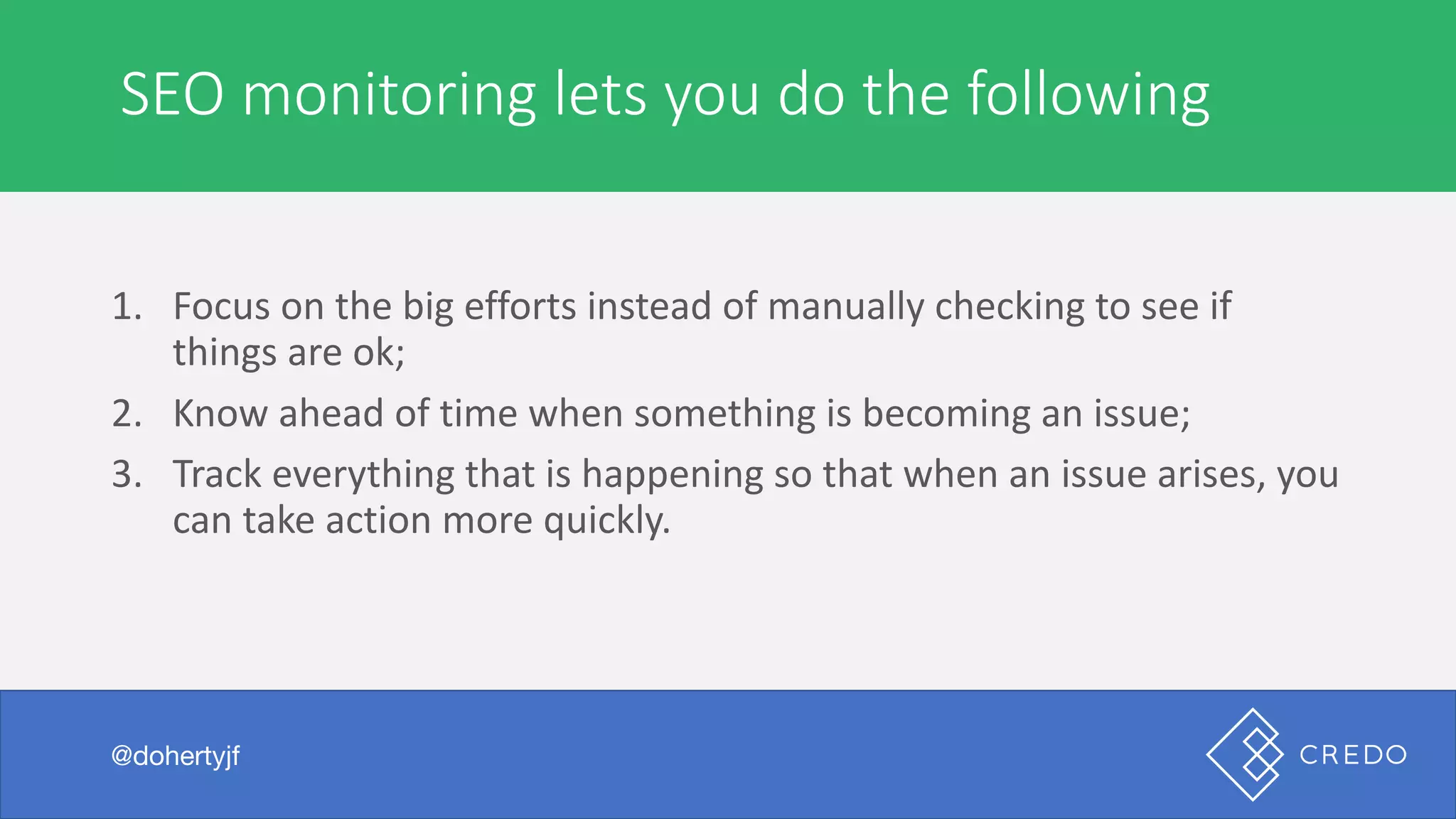
SEO	monitoring	lets	you	do	the	following
@dohertyjf
1. Focus	on	the	big	efforts	instead	of	manually	checking	to	see	if	
things	are	ok;
2. Know	ahead	of	time	when	something	is	becoming	an	issue;
3. Track	everything	that	is	happening	so	that	when	an	issue	arises,	you	
can	take	action	more	quickly.
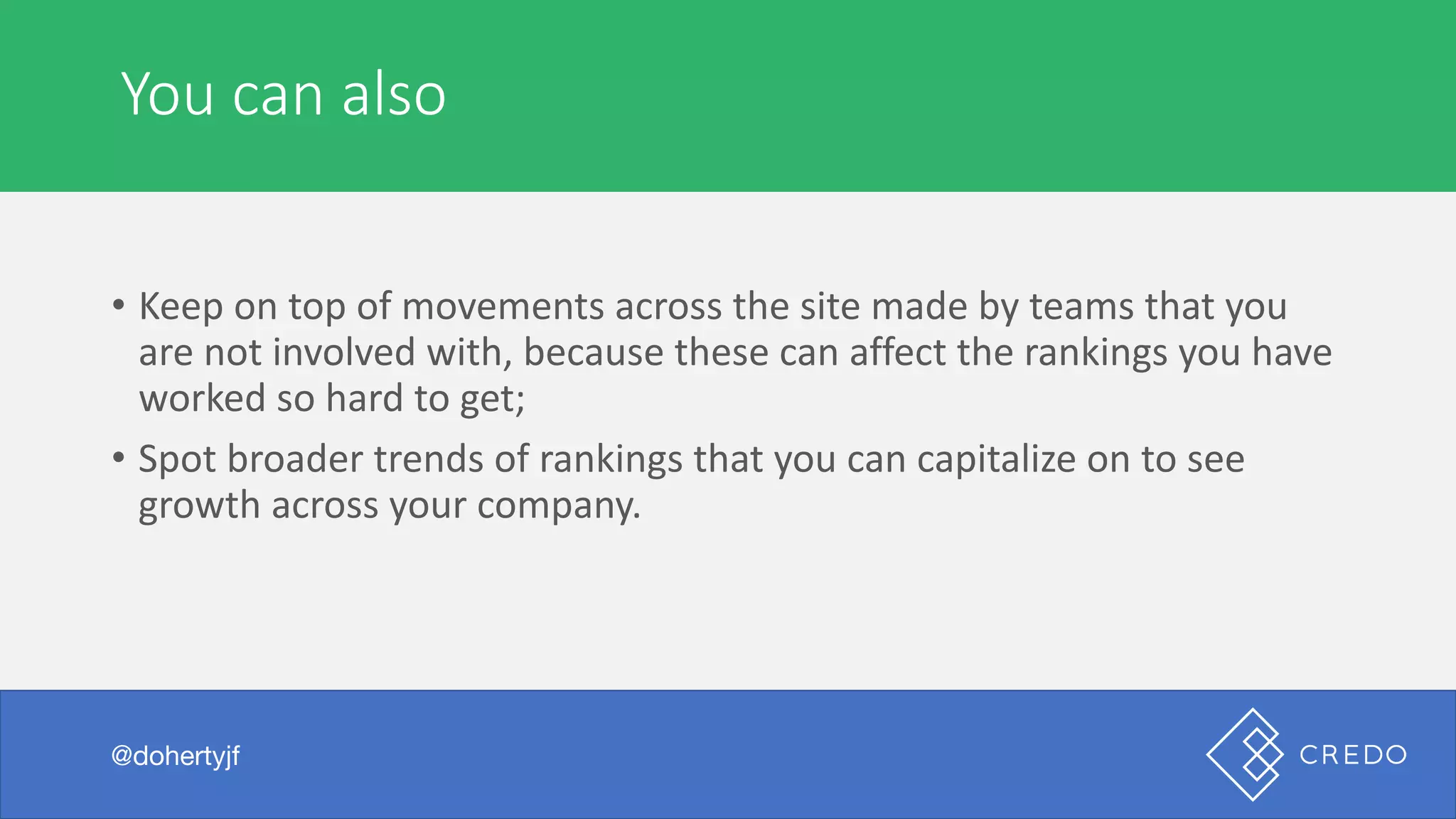
You	can	also
@dohertyjf
• Keep	on	top	of	movements	across	the	site	made	by	teams	that	you	
are	not	involved	with,	because	these	can	affect	the	rankings	you	have	
worked	so	hard	to	get;
• Spot	broader	trends	of	rankings	that	you	can	capitalize	on	to	see	
growth	across	your	company.
What	to	monitor
@dohertyjf
What	to	monitor
Traffic
@dohertyjf
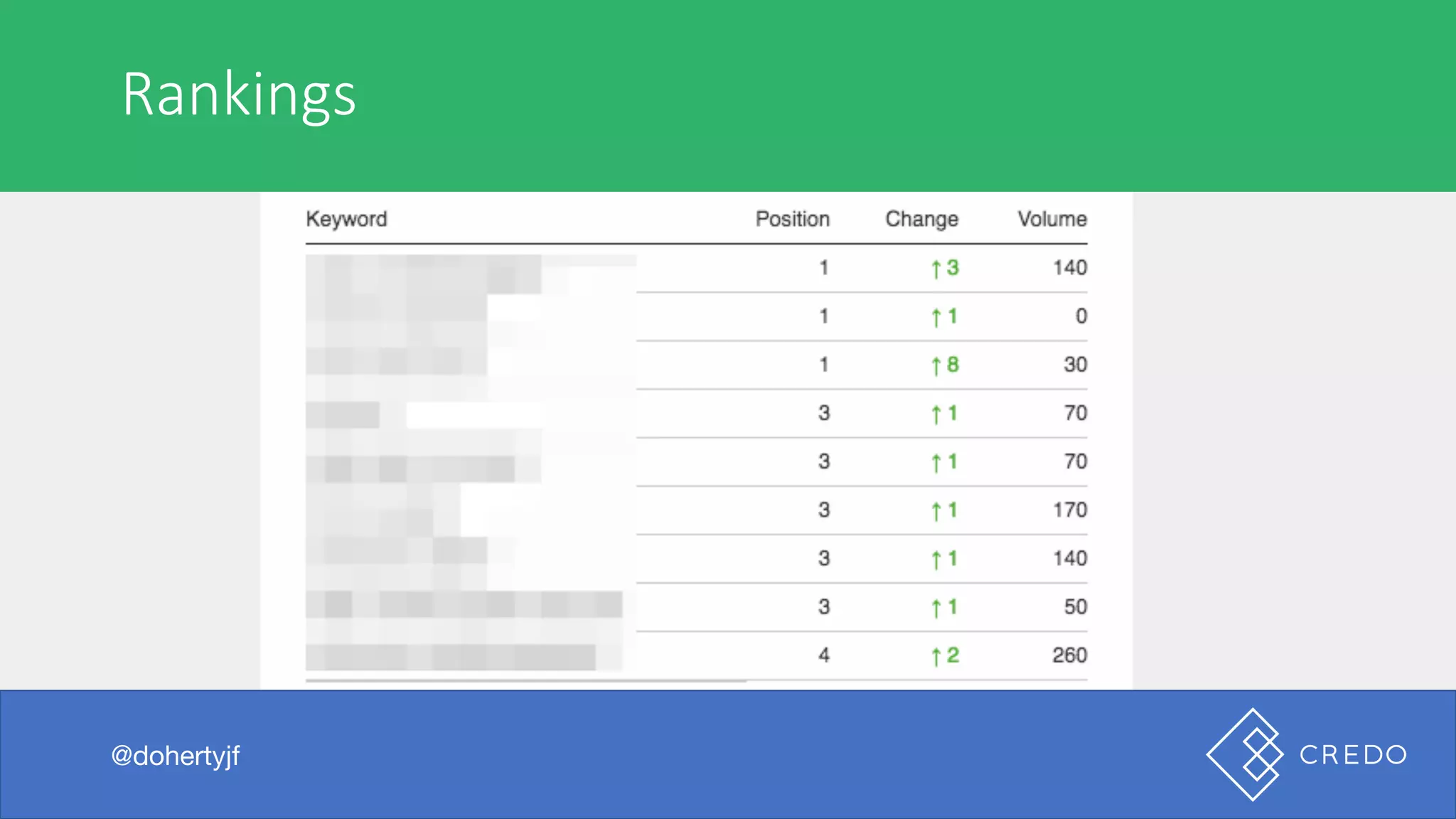
Rankings
@dohertyjf
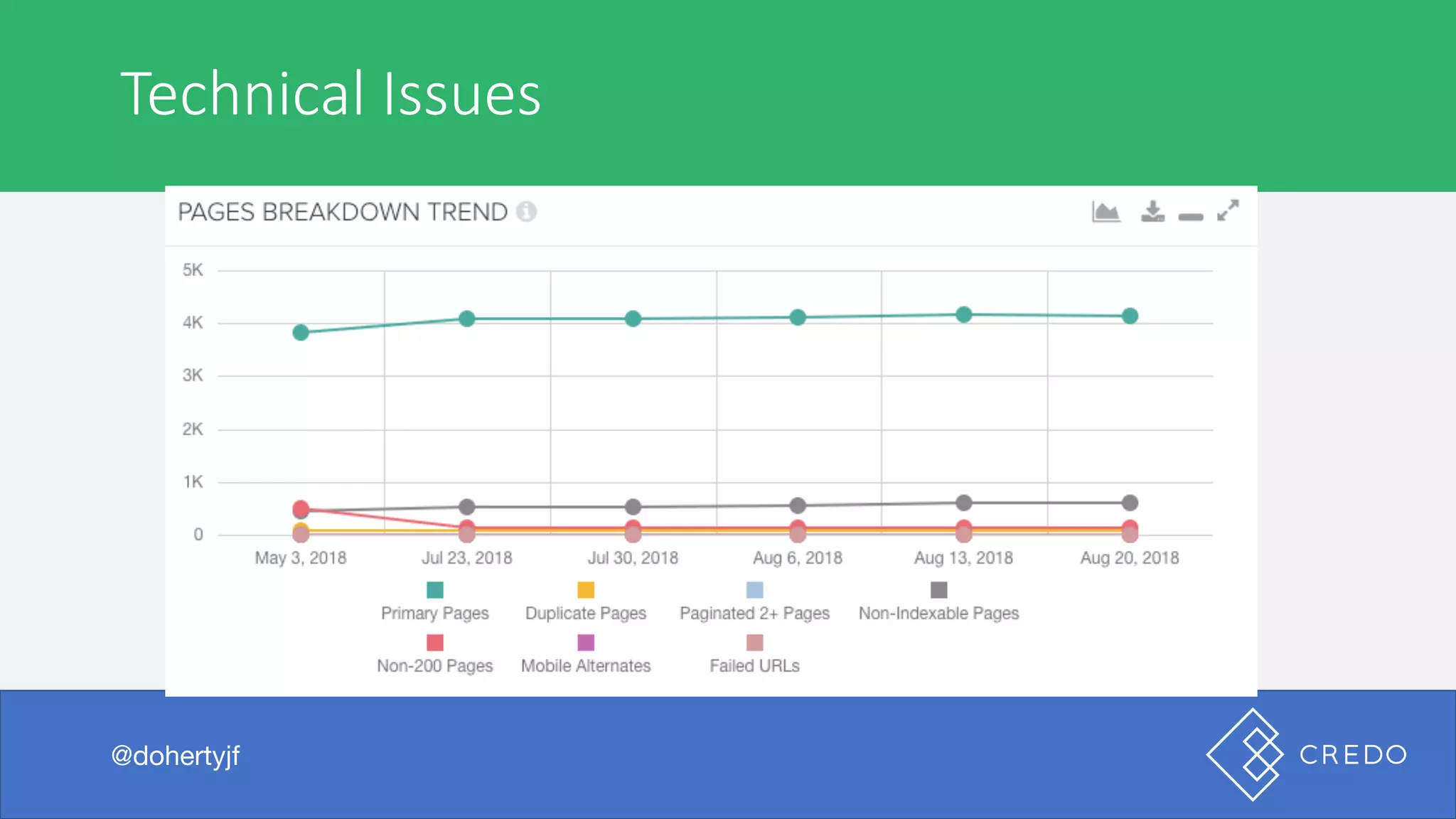
Technical	Issues
@dohertyjf
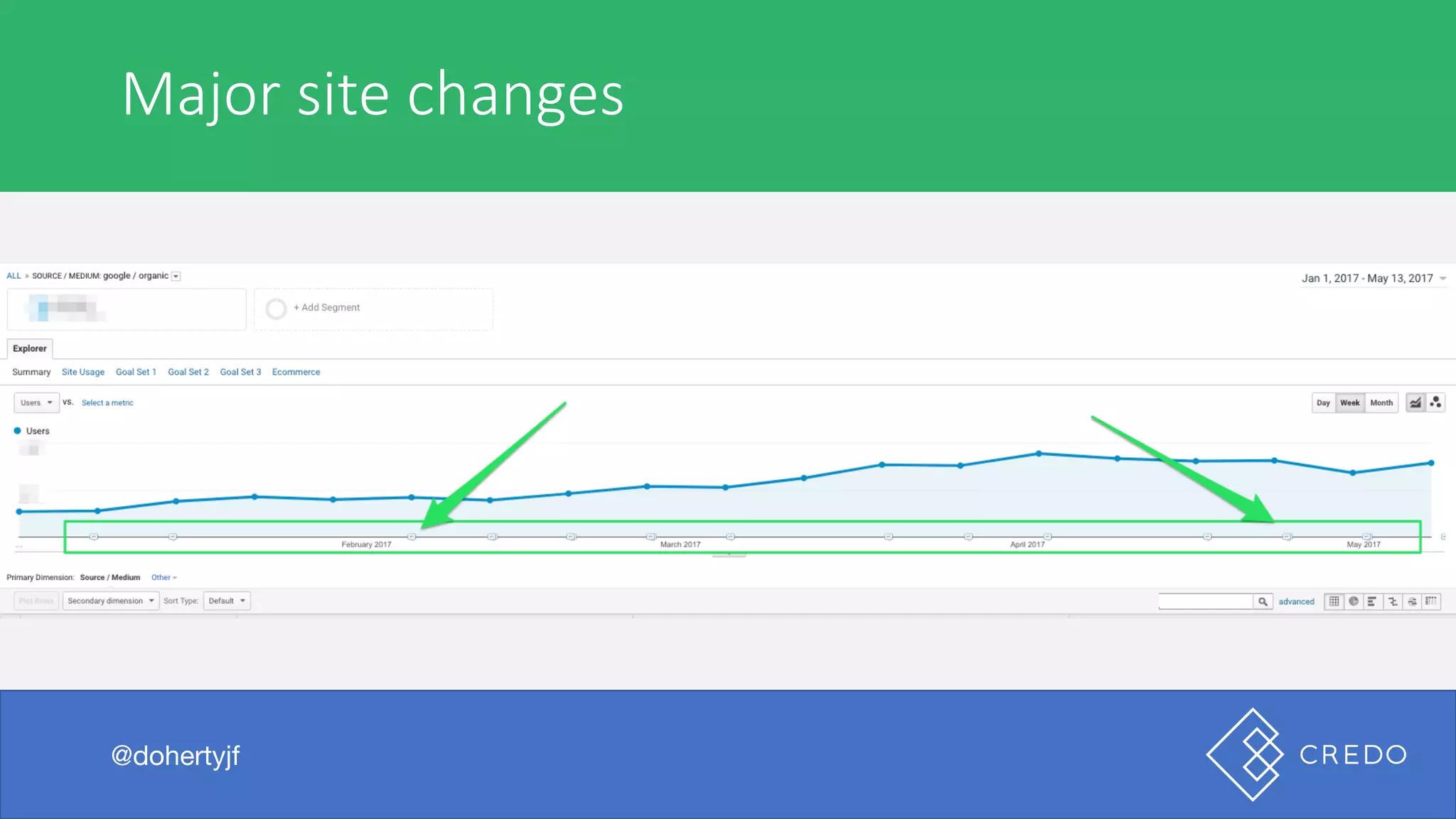
Major	site	changes
@dohertyjf
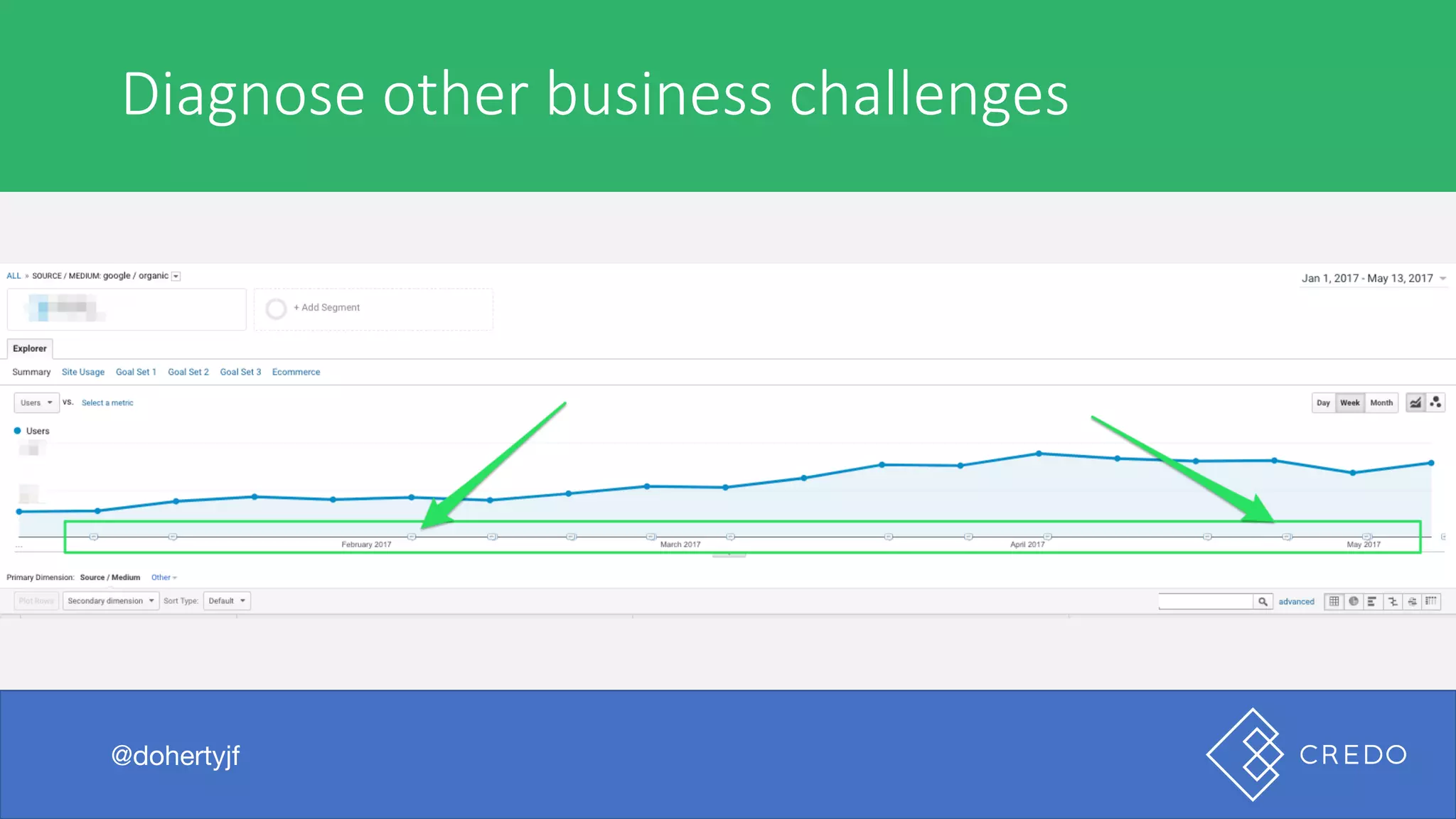
Diagnose	other	business	challenges
@dohertyjf
Traffic	monitoring
@dohertyjf
No	traffic	no	dollars
Your job as an SEO is to drive traffic.
@dohertyjf
No	traffic	no	dollars
Your job as an SEO is to drive traffic acquire visitors to your site
who become customers (whatever that means). That starts with
traffic.
@dohertyjf
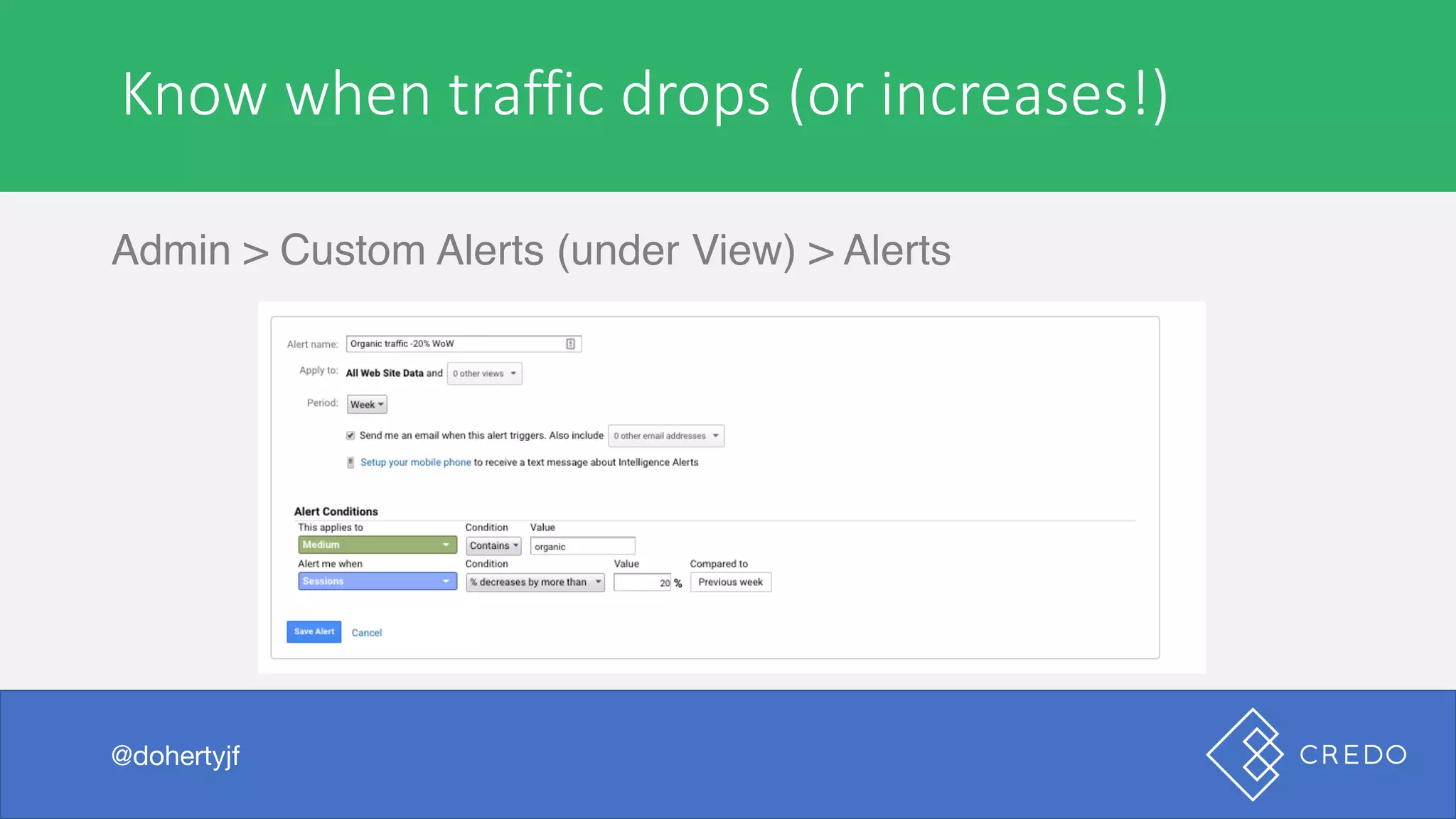
Know	when	traffic	drops	(or	increases!)
Admin > Custom Alerts (under View) > Alerts
@dohertyjf
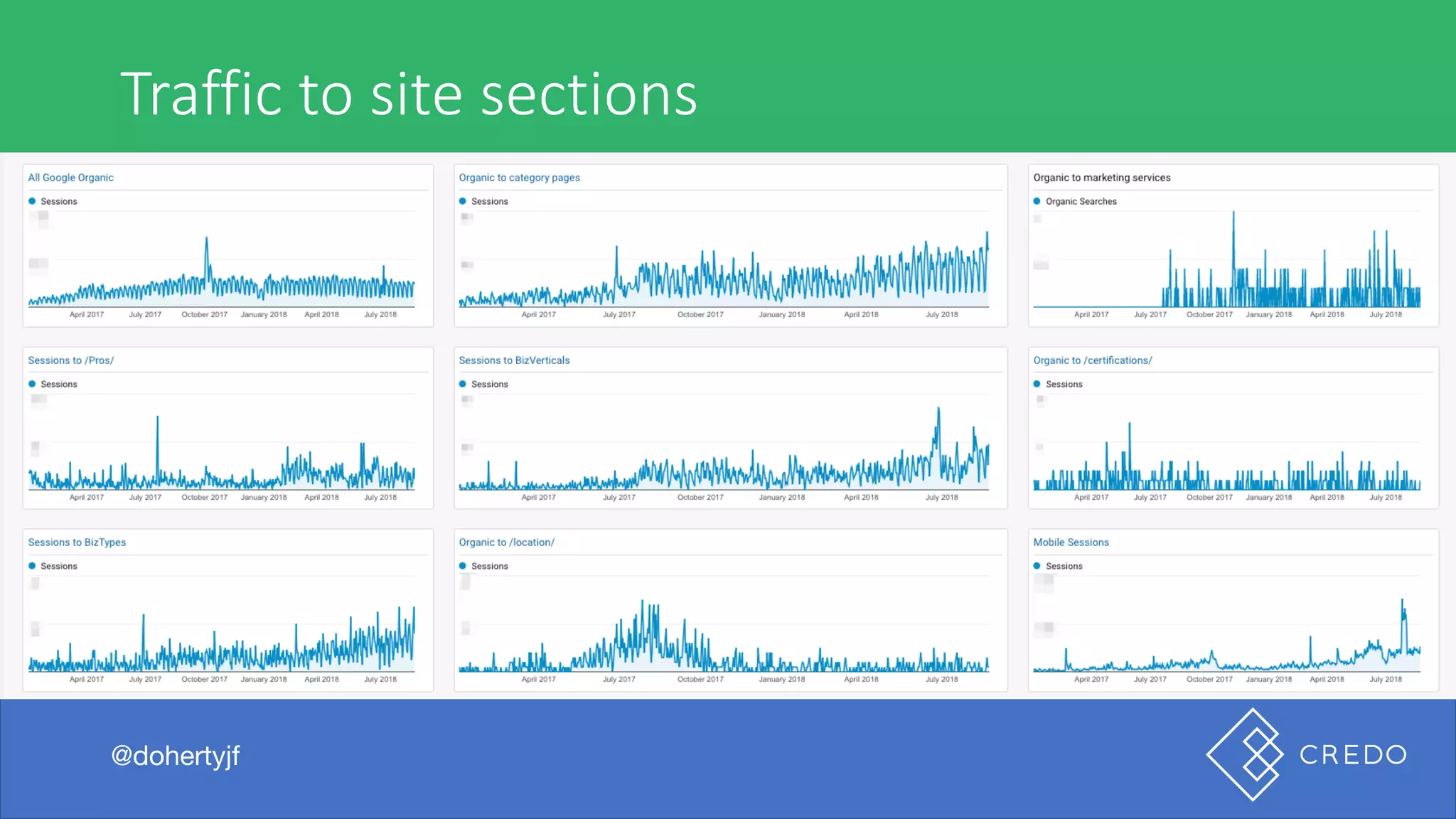
Traffic	to	site	sections
@dohertyjf
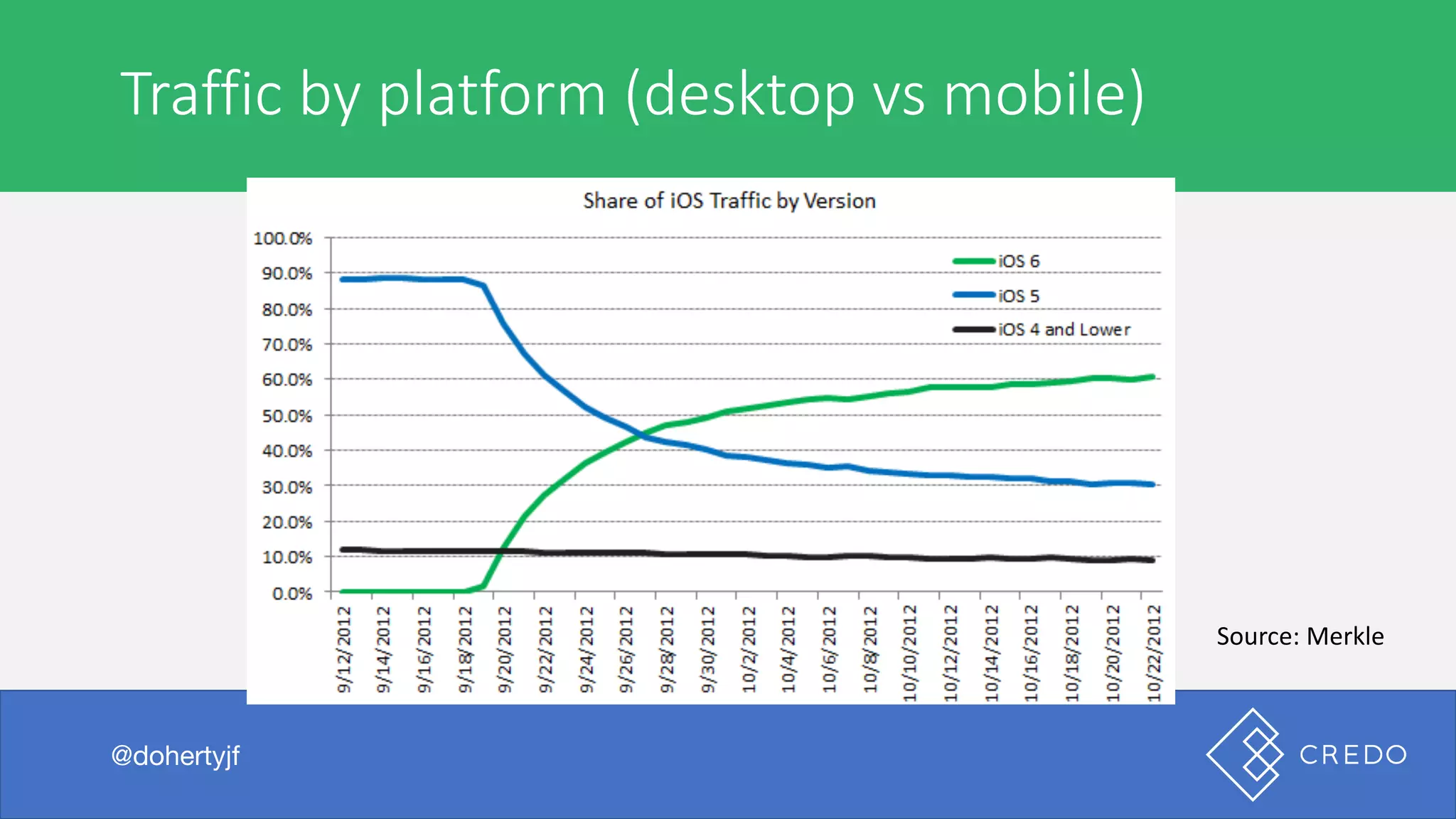
Traffic	by	platform	(desktop	vs	mobile)
@dohertyjf
Source:	Merkle
Rankings	monitoring
@dohertyjf
You	need	to	be	tracking	your	keyword	buckets
The SEO industry has been saying for a long time that “rank
tracking is dead” and that something else is replacing it.
@dohertyjf
You	need	to	be	tracking	your	keyword	buckets
Protip: when someone says something is dead that means that it
is very much alive and still being done for a reason.
@dohertyjf
Notice	I	said	keyword	buckets
As the SEO, your job is to track the data and interpret it for your
boss/clients. Keyword tracking helps you show broader moves as
you optimize towards specific goals. We are not optimizing
toward a few main keywords because that puts the business at
risk, though there are keywords we care about most.
@dohertyjf
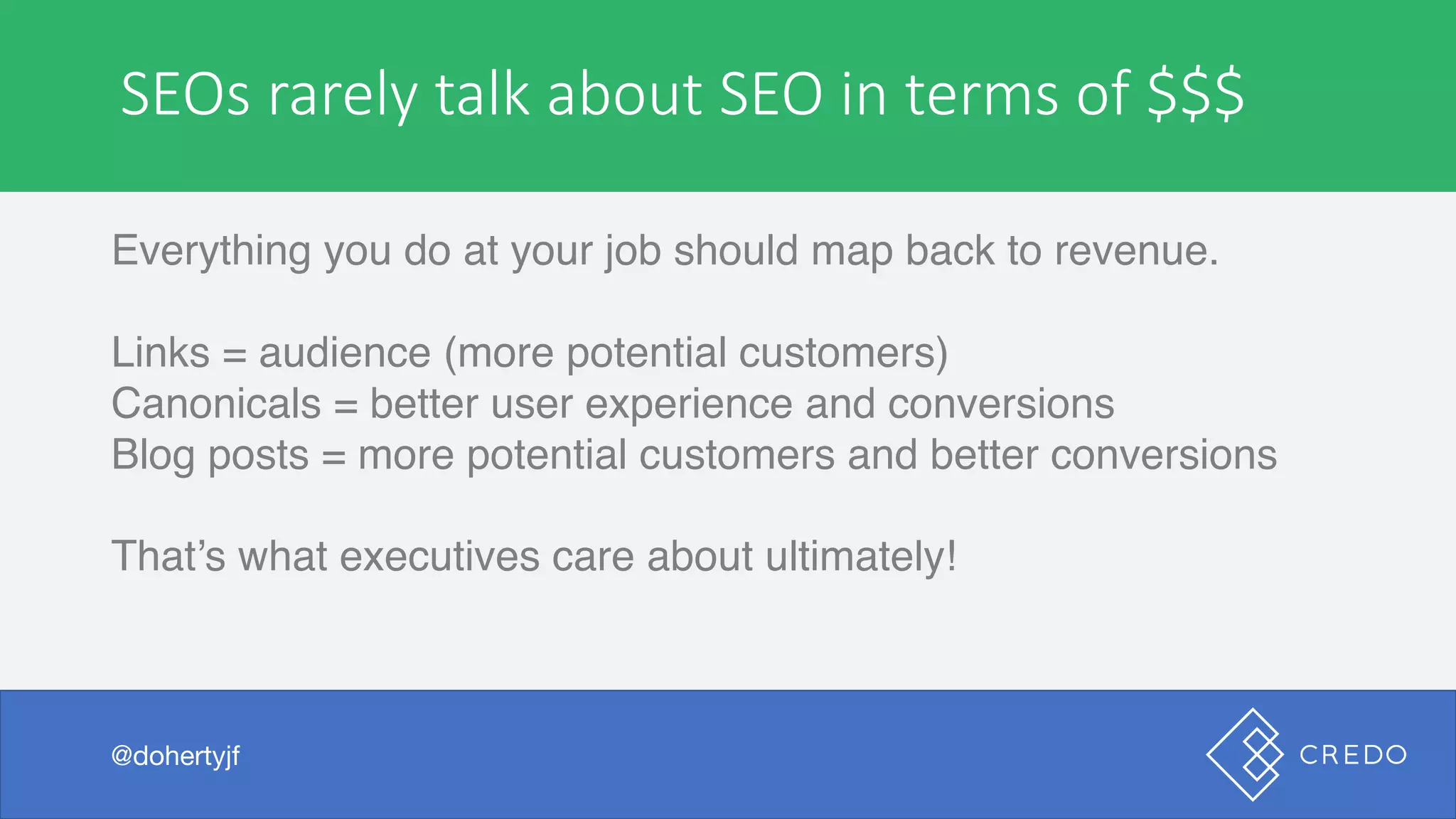
SEOs	rarely	talk	about	SEO	in	terms	of	$$$
Everything you do at your job should map back to revenue.
Links = audience (more potential customers)
Canonicals = better user experience and conversions
Blog posts = more potential customers and better conversions
That’s what executives care about ultimately!
@dohertyjf
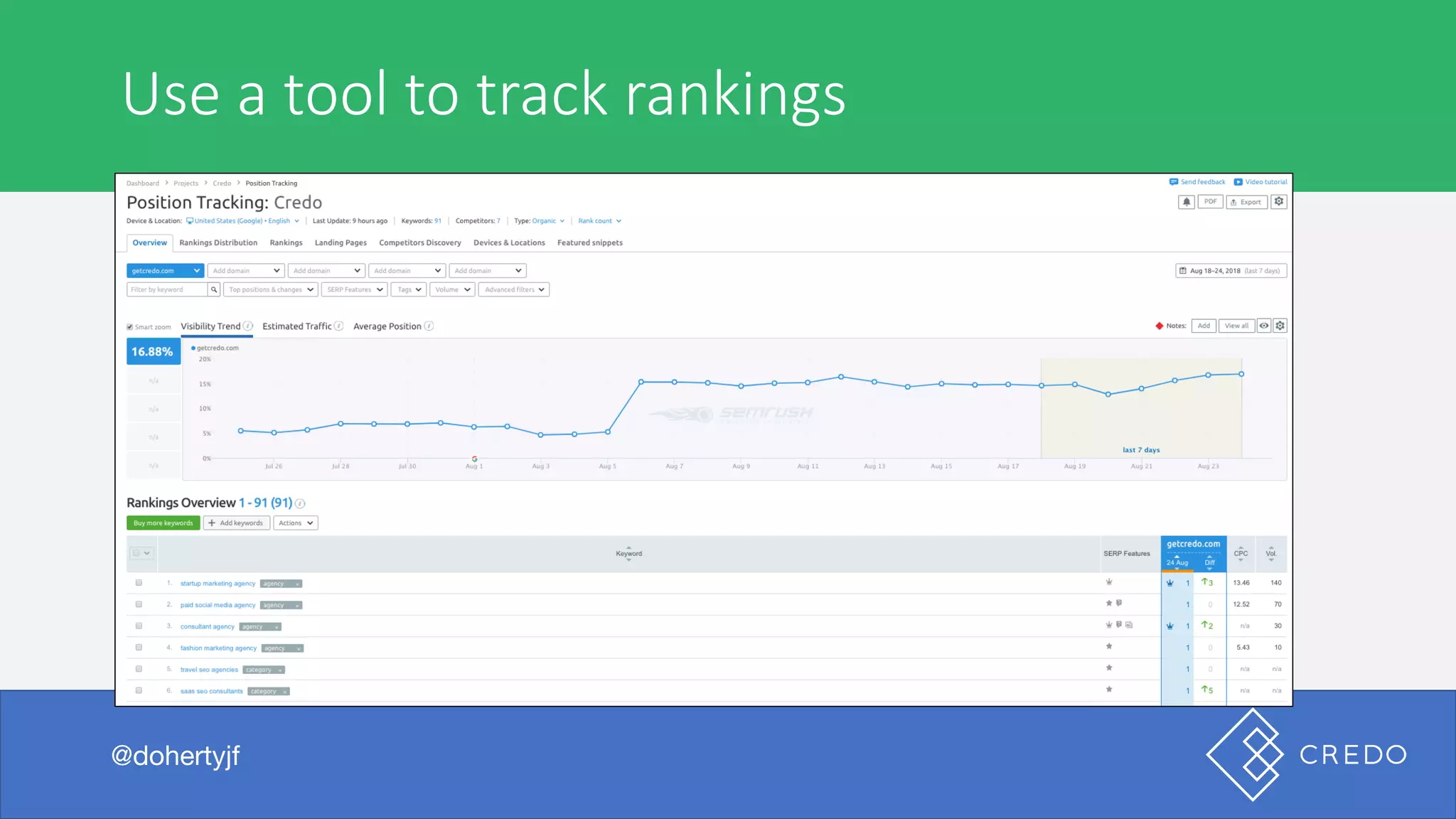
Use	a	tool	to	track	rankings
@dohertyjf
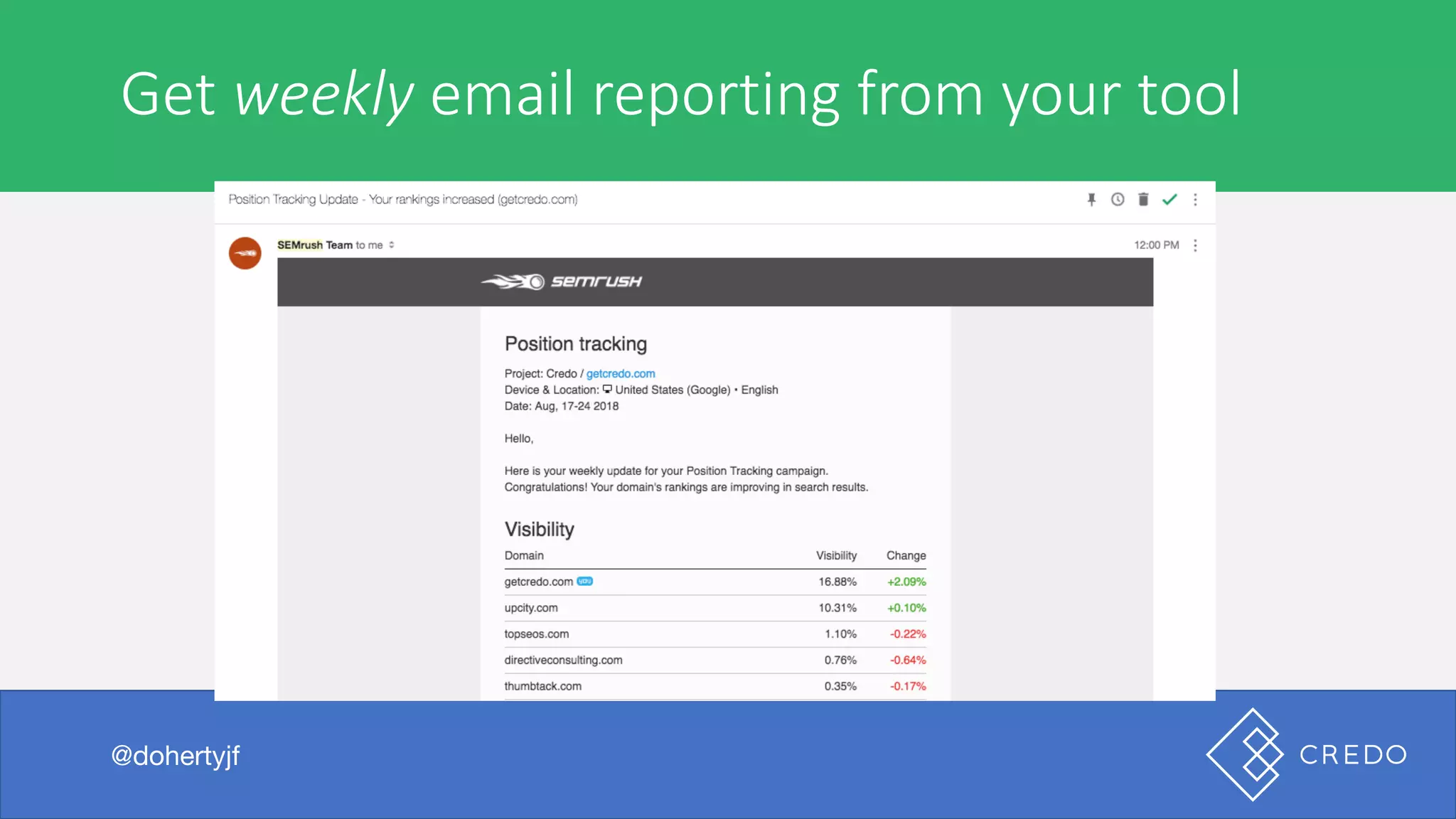
Get	weekly email	reporting	from	your	tool
@dohertyjf
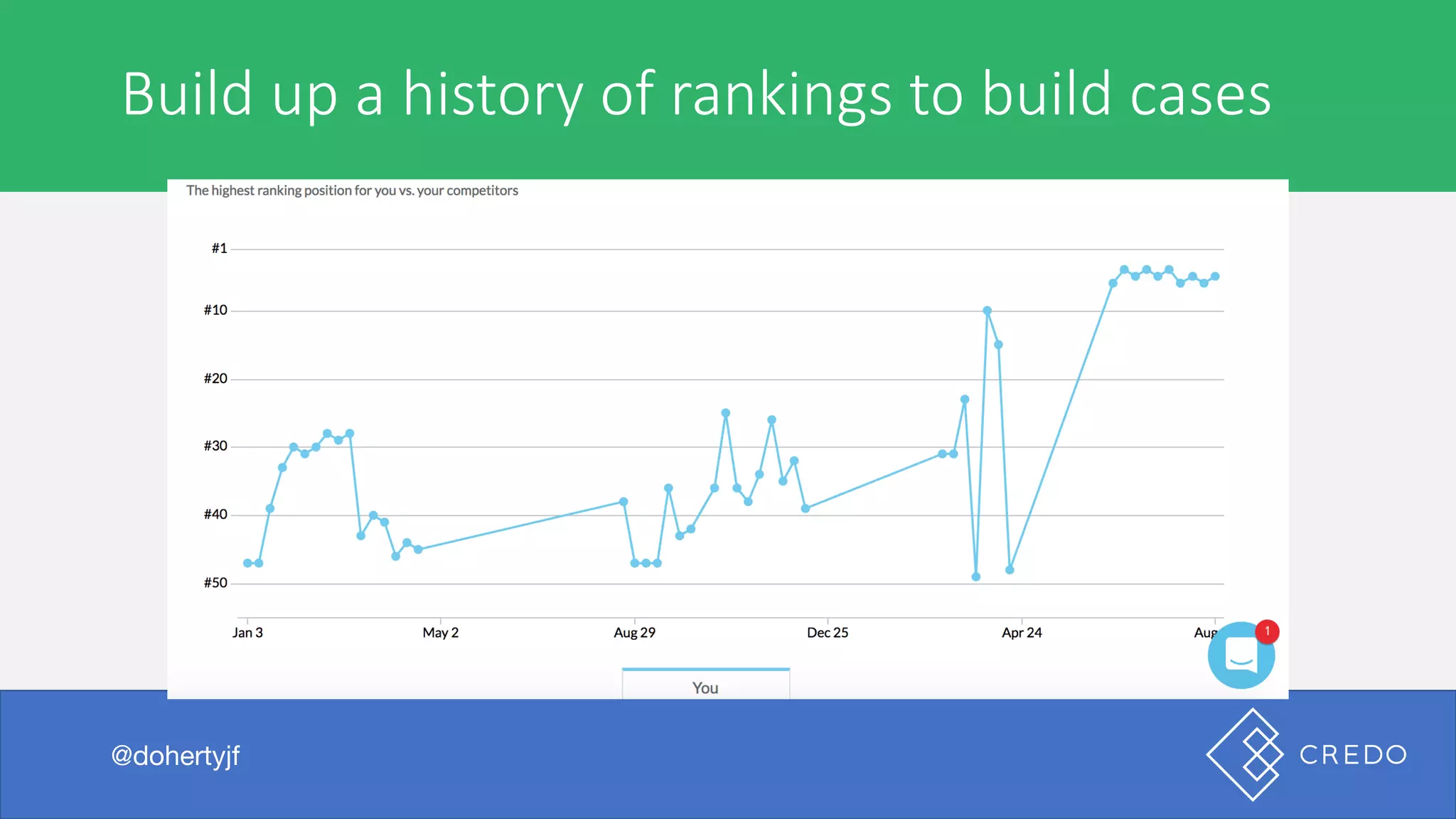
Build	up	a	history	of	rankings	to	build	cases
@dohertyjf
Technical	Issues
@dohertyjf
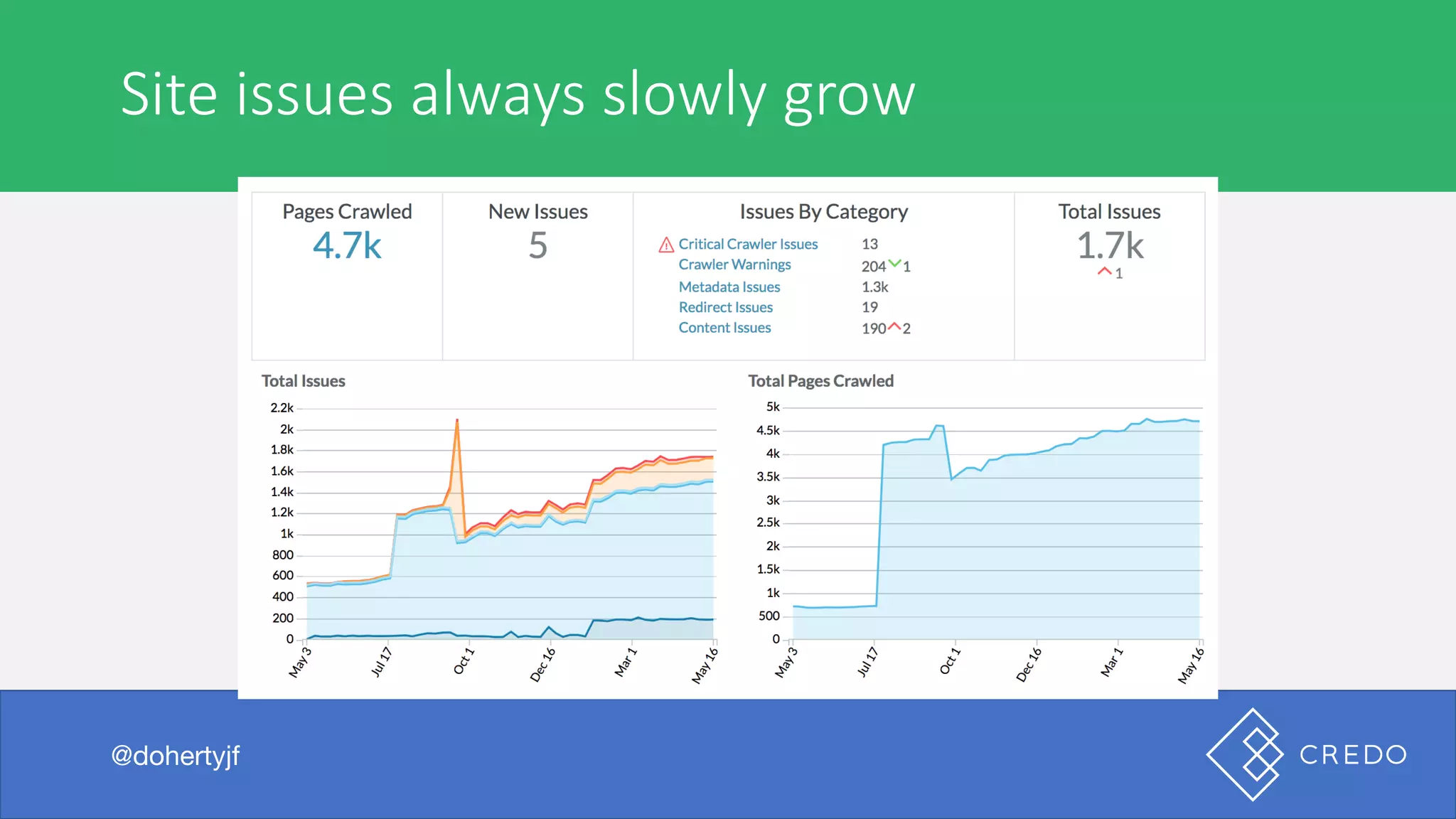
Site	issues	always	slowly	grow
@dohertyjf
Are	you	tracking	these	consistently?
@dohertyjf
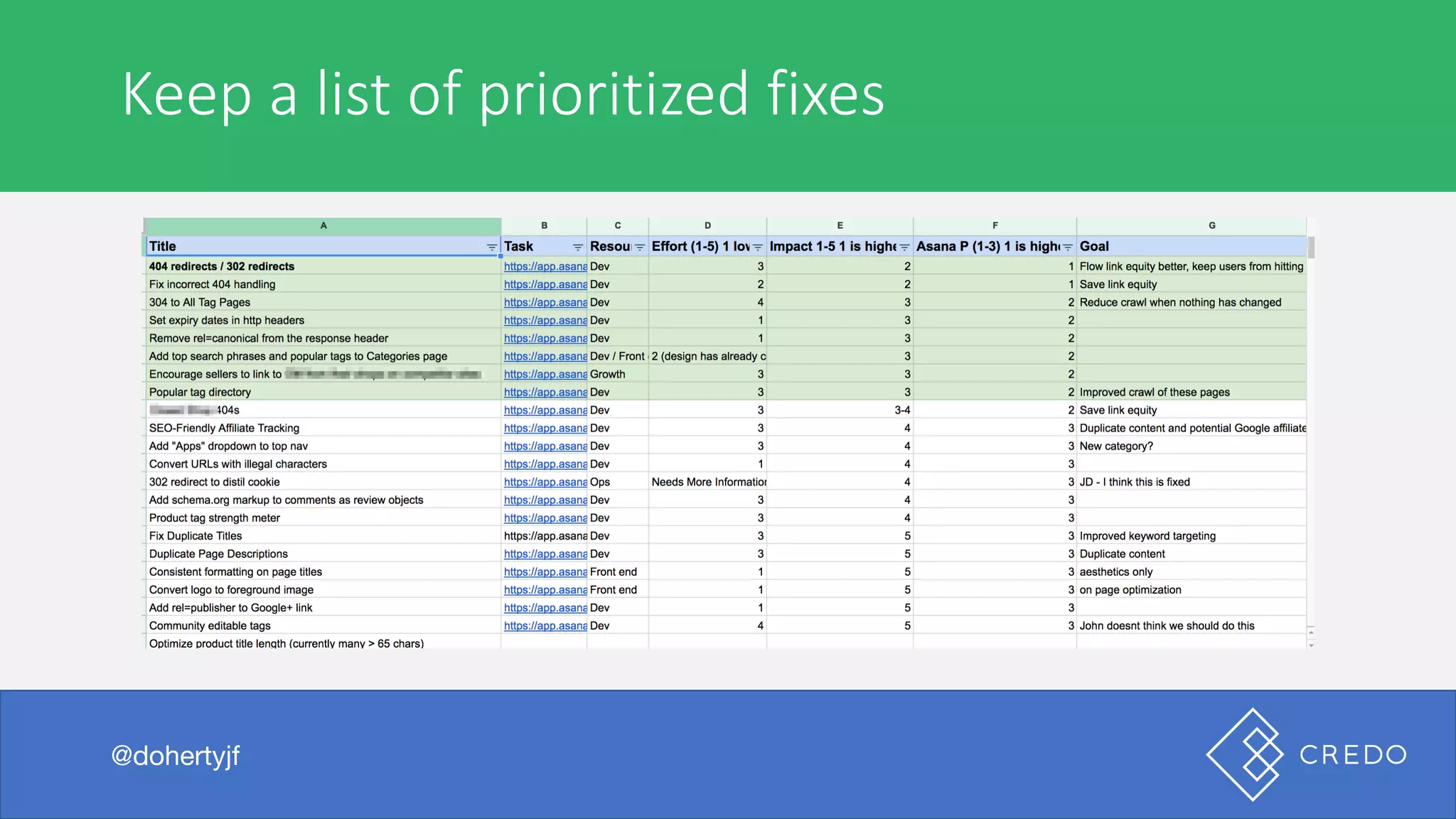
Keep	a	list	of	prioritized	fixes
@dohertyjf
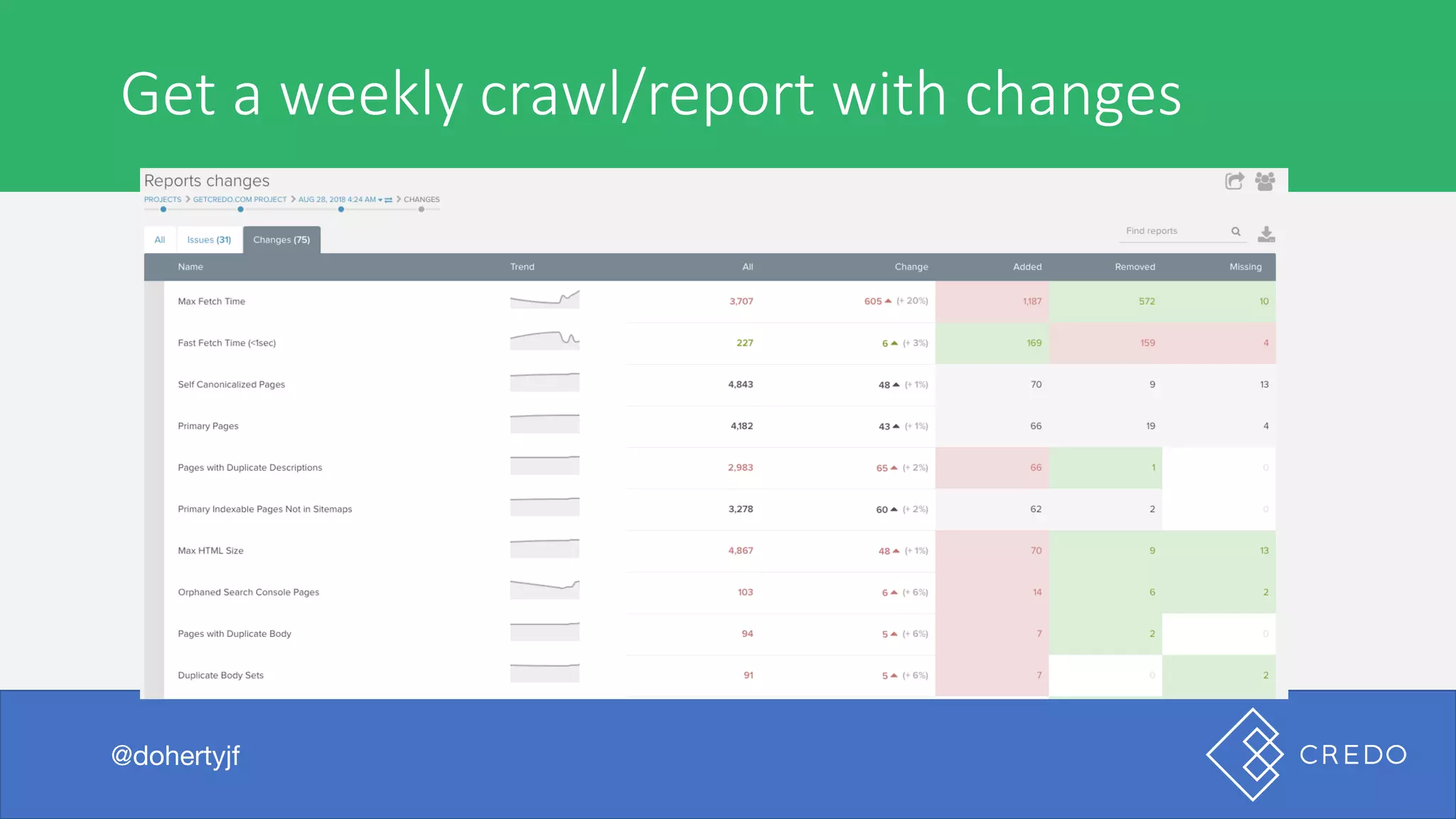
Get	a	weekly	crawl/report	with	changes
@dohertyjf
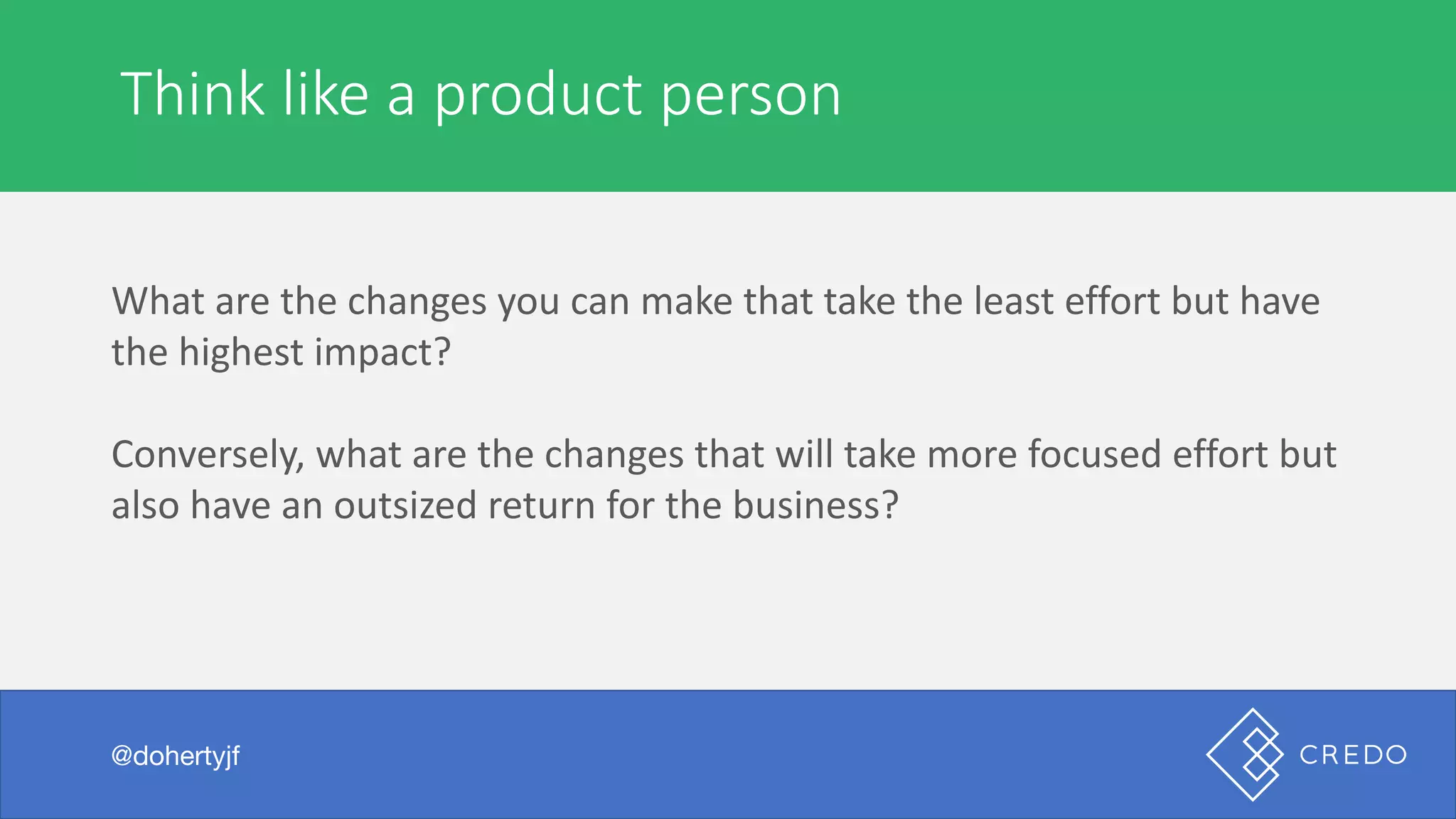
Think	like	a	product	person
@dohertyjf
What	are	the	changes	you	can	make	that	take	the	least	effort	but	have	
the	highest	impact?
Conversely,	what	are	the	changes	that	will	take	more	focused	effort	but	
also	have	an	outsized	return	for	the	business?
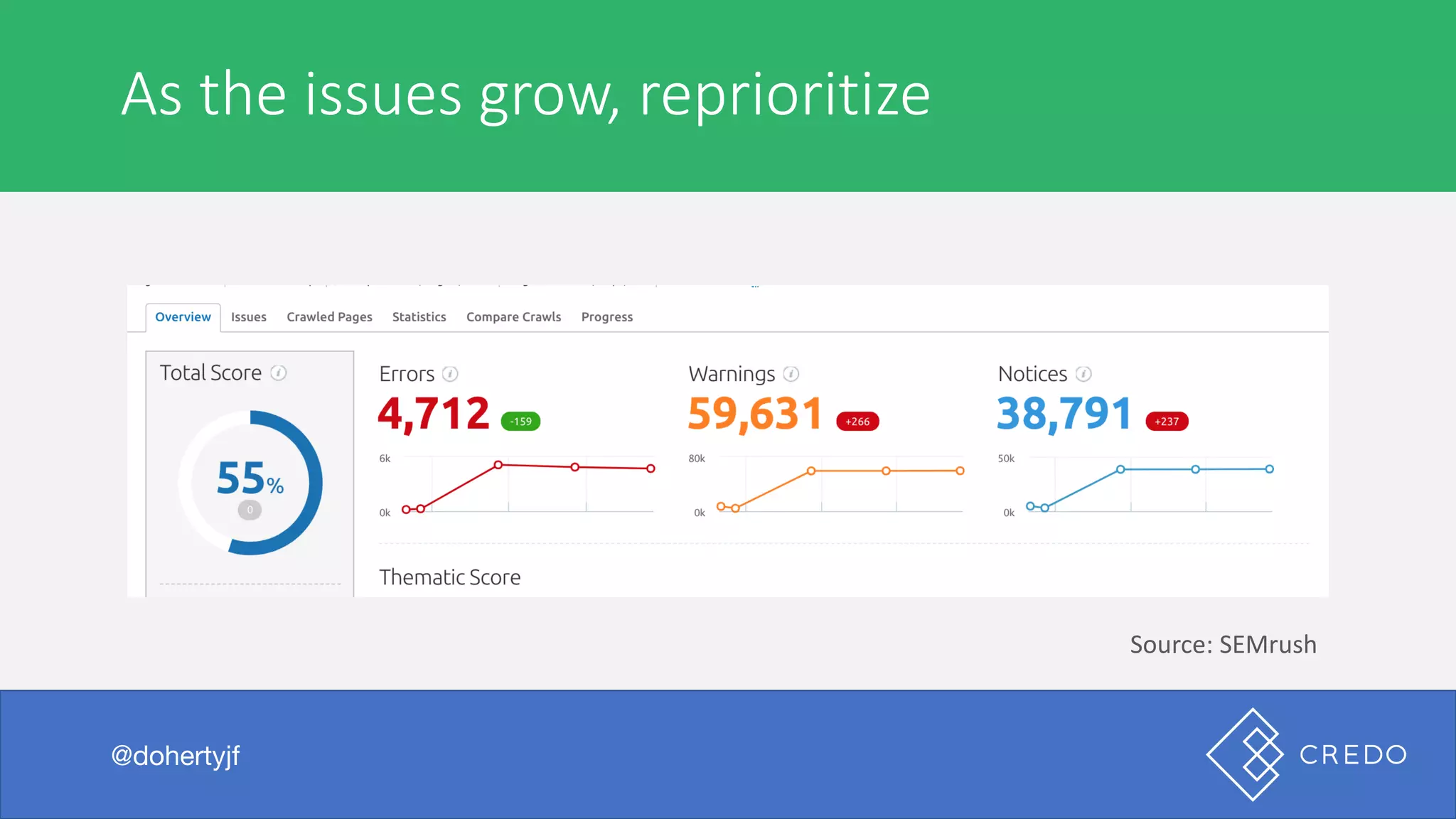
As	the	issues	grow,	reprioritize
@dohertyjf
Source:	SEMrush
Be	prepared	for	exec	answers
@dohertyjf
Execs	love	to	ask	this	question
@dohertyjf
“What	is	the	thing	that	we	could	do	that	would	show	the	biggest	
growth	for	us?”
Do	you	have	an	answer	for	your	site?
@dohertyjf
Most	don’t.	We	fail	to	think	strategically	about	the	things	that	could	be	
tackled.
If	you’ve	been	monitoring,	then	you’ll	have	an	answer.
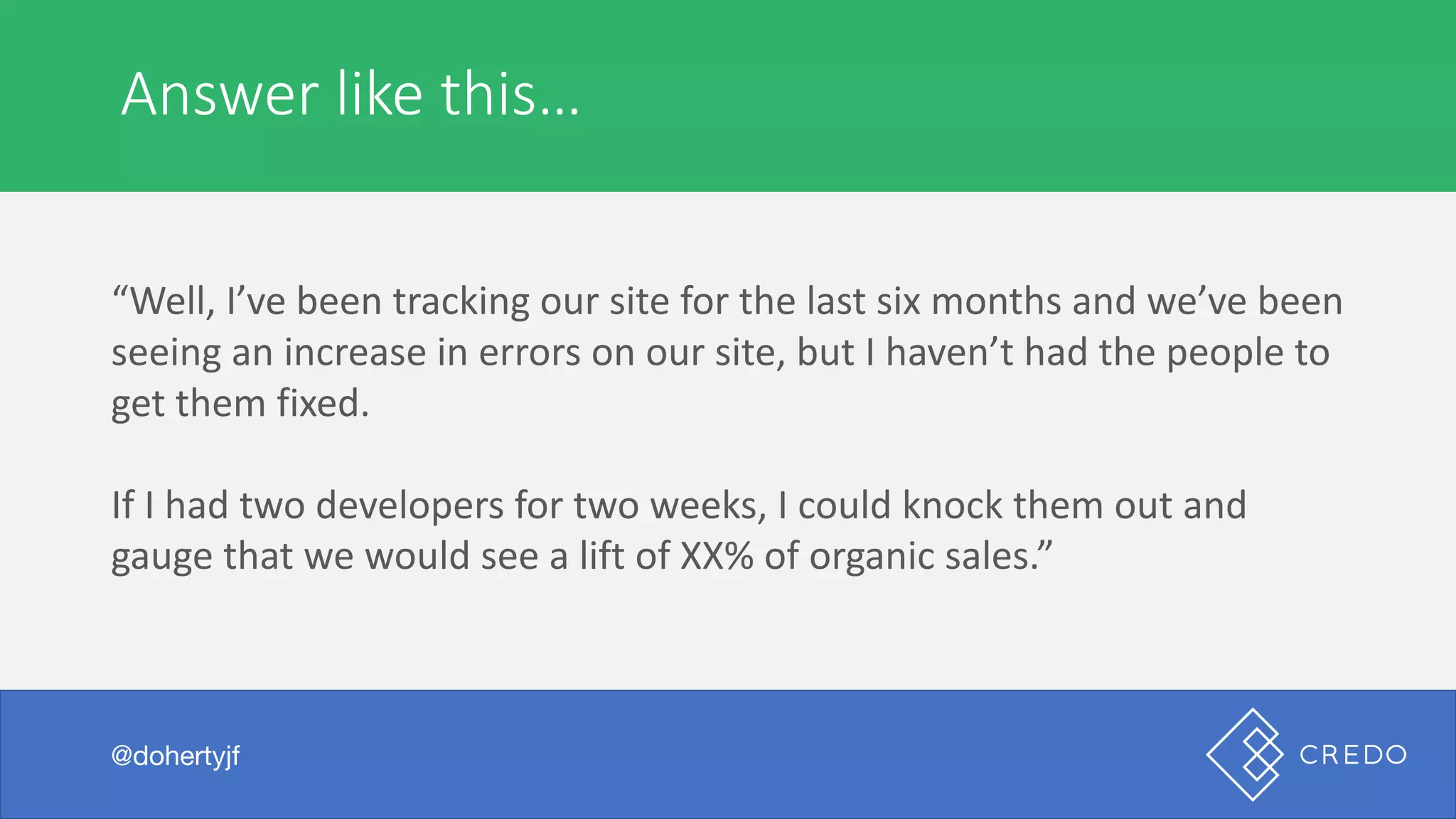
Answer	like	this…
@dohertyjf
“Well,	I’ve	been	tracking	our	site	for	the	last	six	months	and	we’ve	been	
seeing	an	increase	in	errors	on	our	site,	but	I	haven’t	had	the	people	to	
get	them	fixed.
If	I	had	two	developers	for	two	weeks,	I	could	knock	them	out	and	
gauge	that	we	would	see	a	lift	of	XX%	of	organic	sales.”
Let’s	talk	tools
@dohertyjf
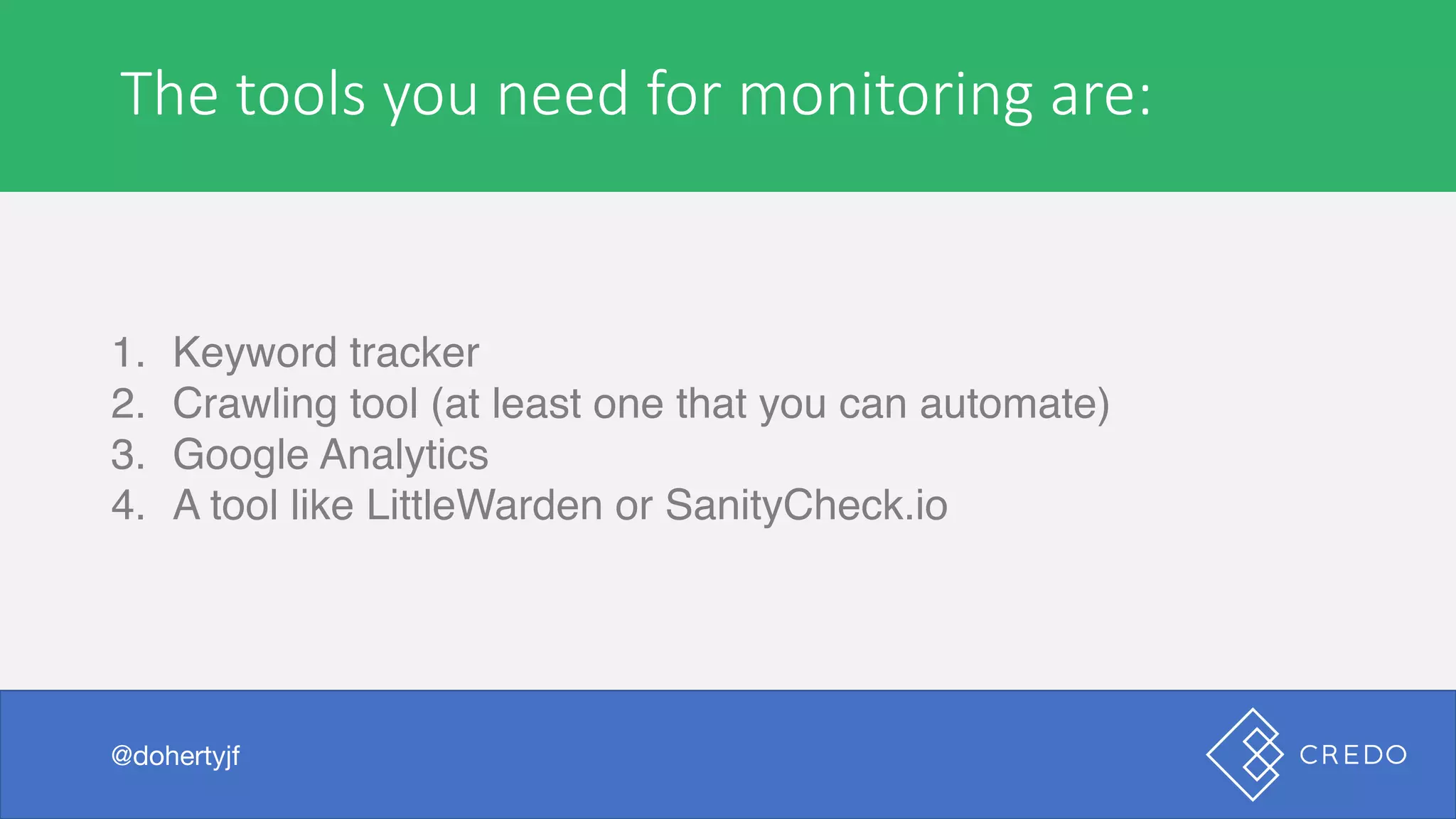
The	tools	you	need	for	monitoring	are:
1. Keyword tracker
2. Crawling tool (at least one that you can automate)
3. Google Analytics
4. A tool like LittleWarden or SanityCheck.io
@dohertyjf
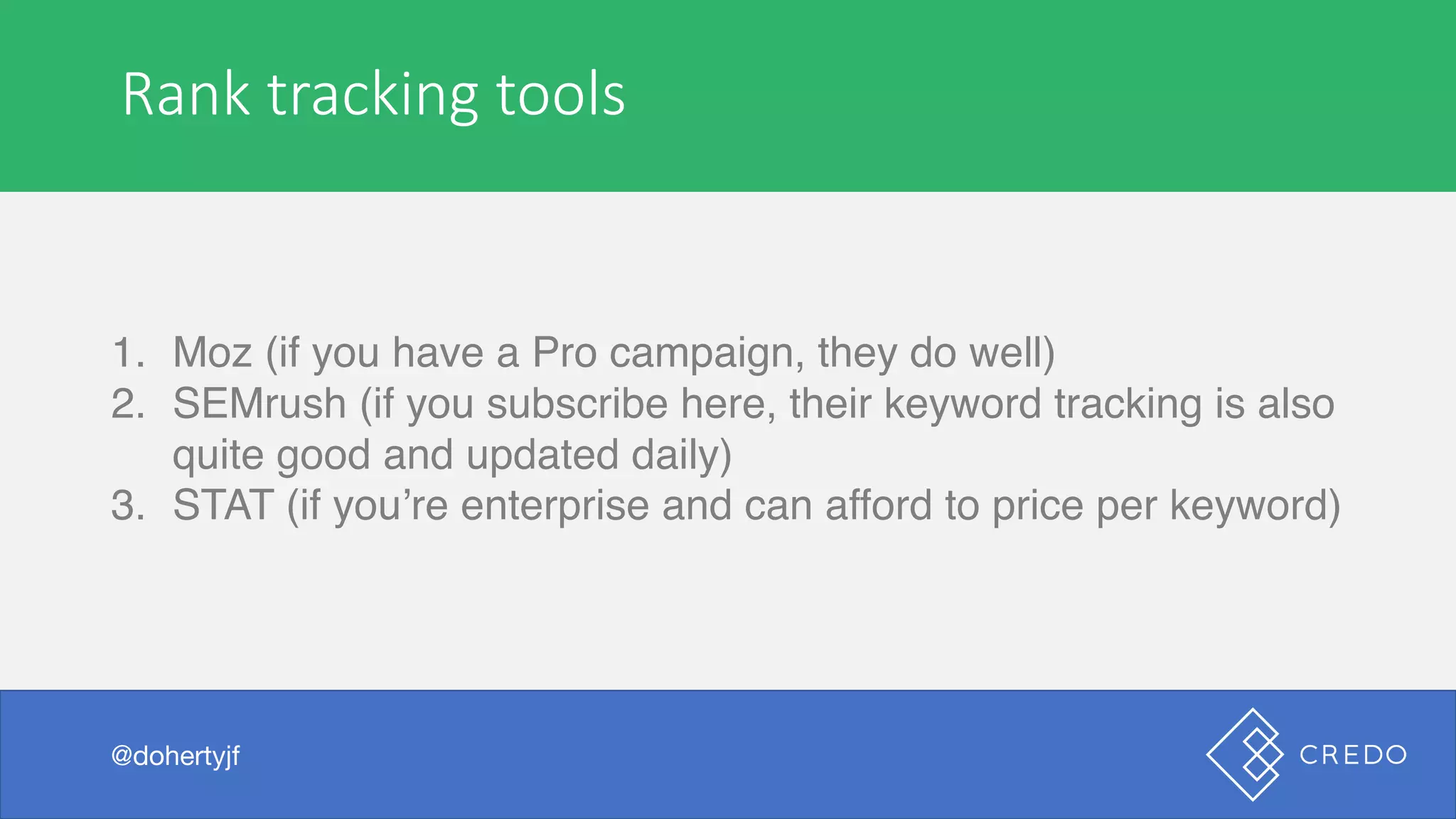
Rank	tracking	tools
1. Moz (if you have a Pro campaign, they do well)
2. SEMrush (if you subscribe here, their keyword tracking is also
quite good and updated daily)
3. STAT (if you’re enterprise and can afford to price per keyword)
@dohertyjf
On-demand	crawling	tools
1. Screaming Frog (you likely already have a license, and if you
do not you should) or Sitebulb
2. Moz (if you have a Pro subscription, you can do on-demand
crawls)
@dohertyjf
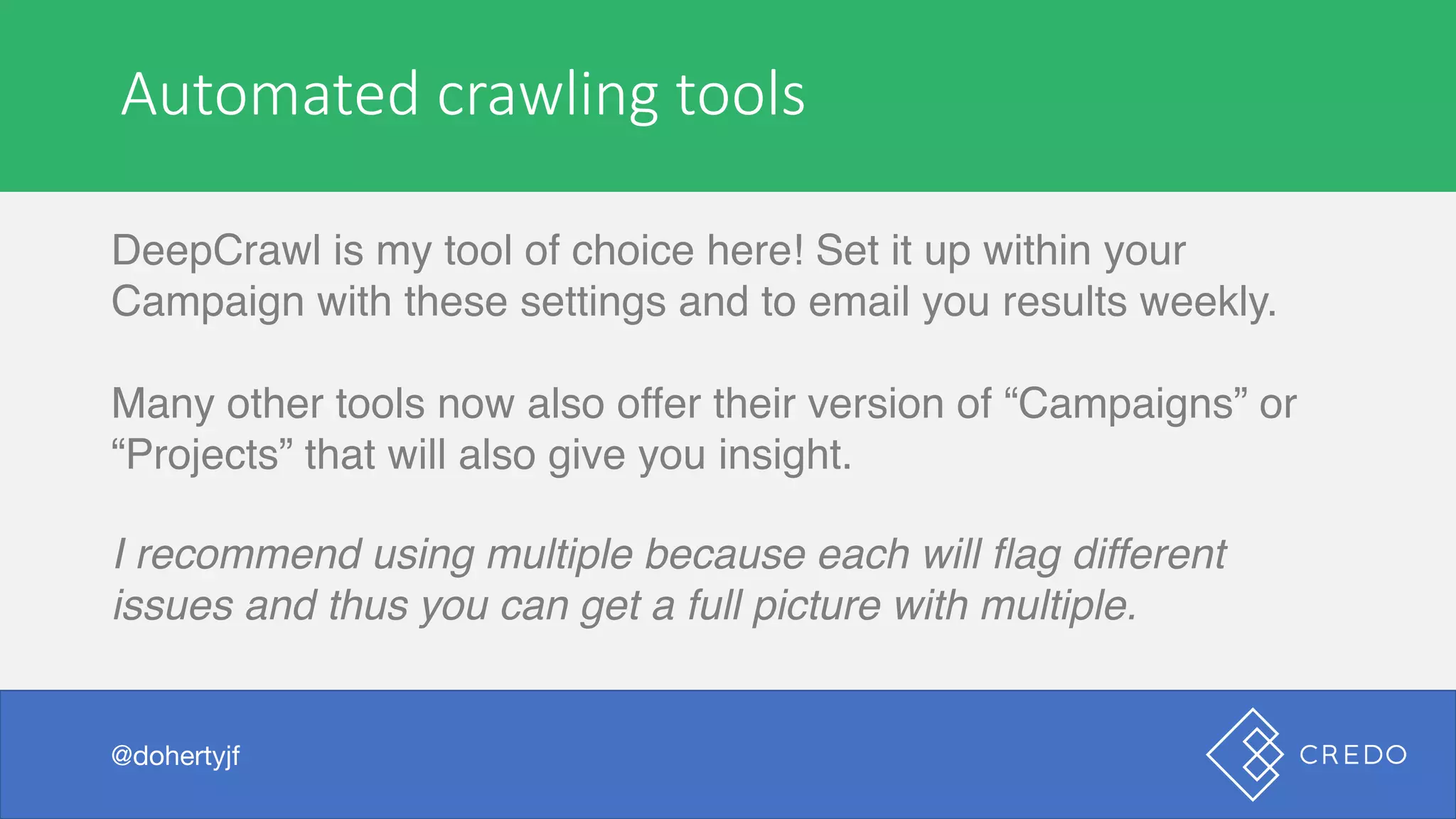
Automated	crawling	tools
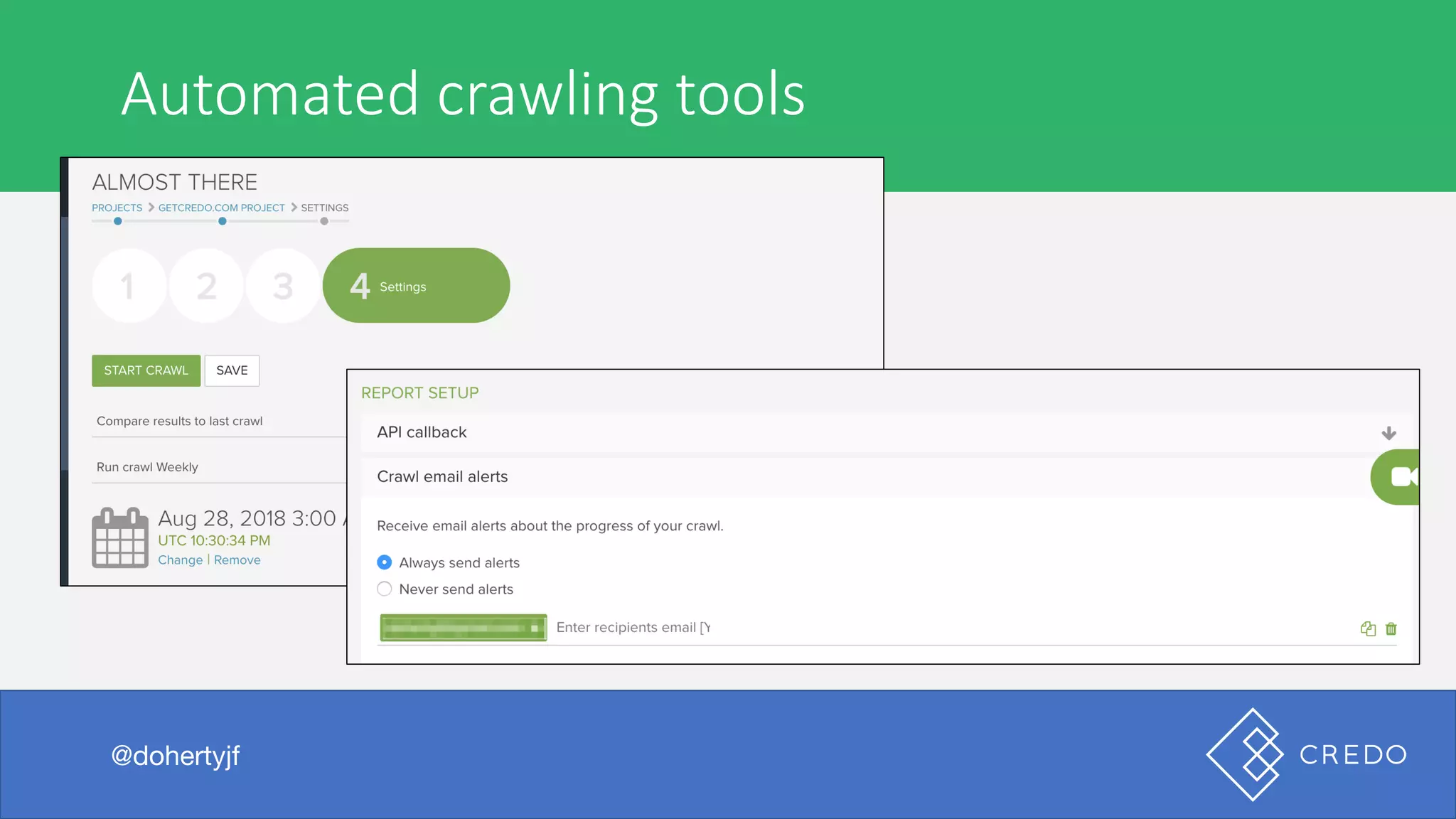
DeepCrawl is my tool of choice here! Set it up within your
Campaign with these settings and to email you results weekly.
Many other tools now also offer their version of “Campaigns” or
“Projects” that will also give you insight.
I recommend using multiple because each will flag different
issues and thus you can get a full picture with multiple.
@dohertyjf
Automated	crawling	tools
@dohertyjf
Popular	use	cases
@dohertyjf
Technical	“We’re	not	ranking	for	our	brand	name!”
@dohertyjf
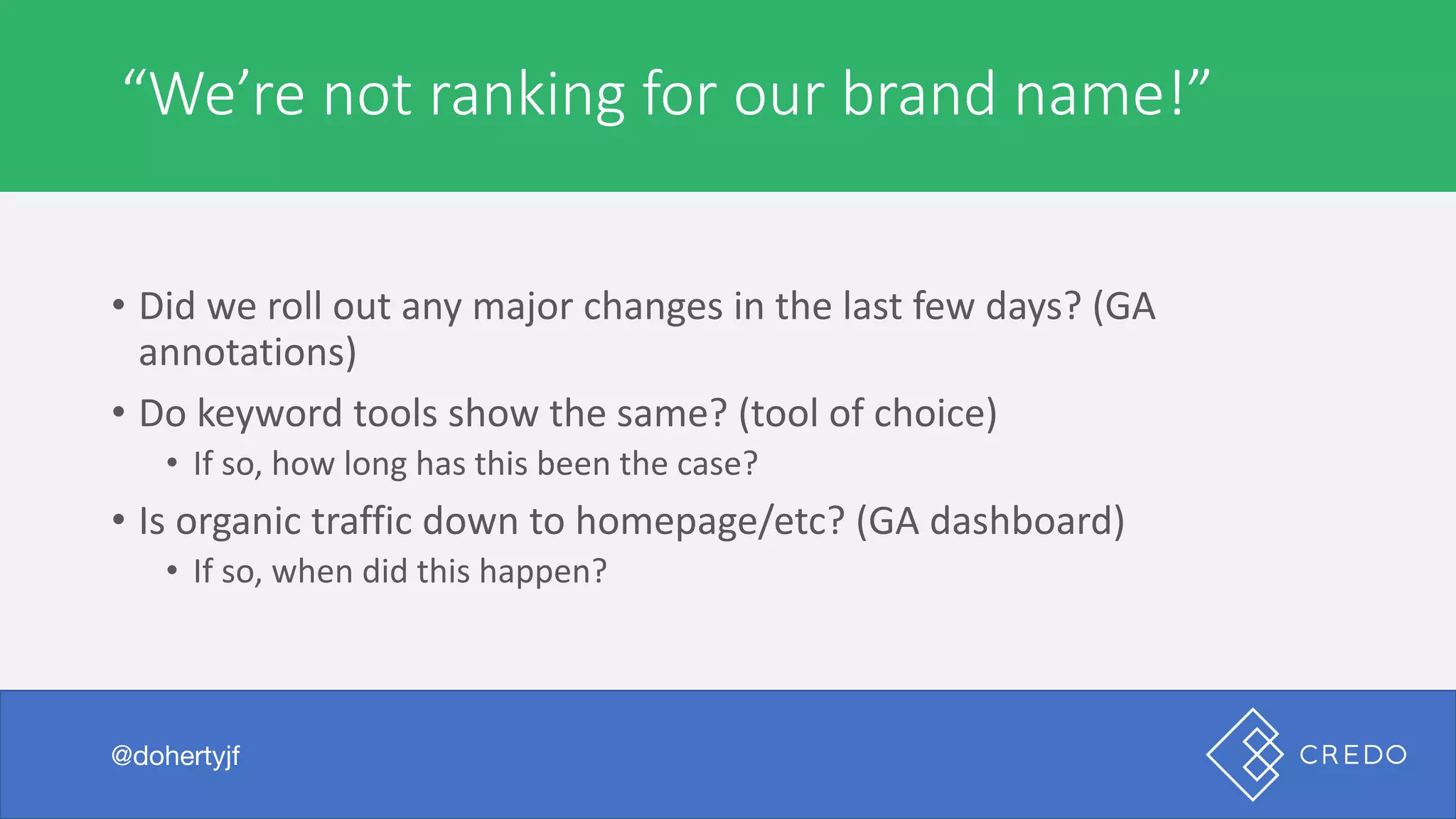
• Did	we	roll	out	any	major	changes	in	the	last	few	days?	(GA	
annotations)
• Do	keyword	tools	show	the	same?	(tool	of	choice)
• If	so,	how	long	has	this	been	the	case?
• Is	organic	traffic	down	to	homepage/etc?	(GA	dashboard)
• If	so,	when	did	this	happen?
Technical	“Leads	dropped!”
@dohertyjf
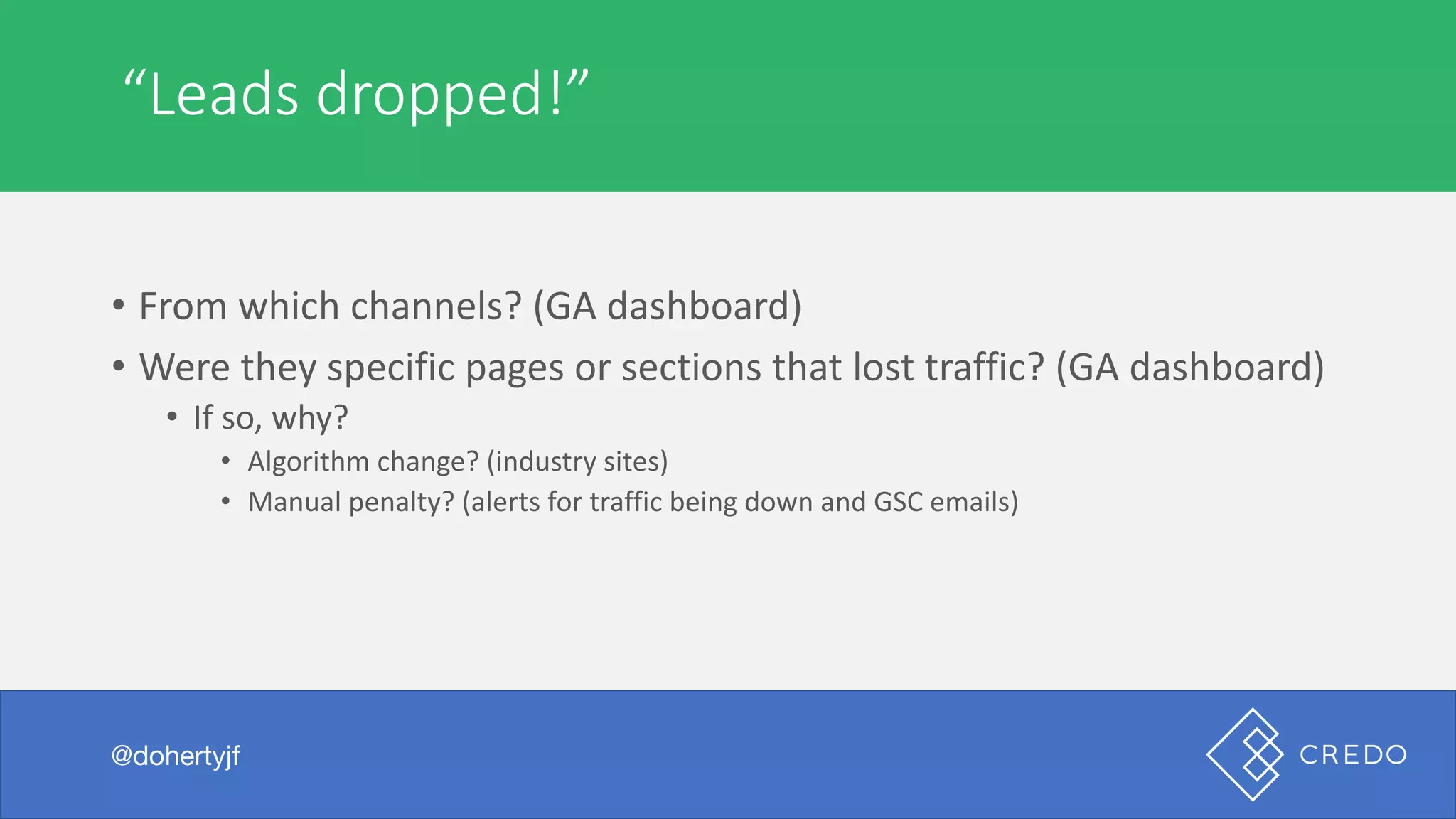
• From	which	channels?	(GA	dashboard)
• Were	they	specific	pages	or	sections	that	lost	traffic?	(GA	dashboard)
• If	so,	why?
• Algorithm	change?	(industry	sites)
• Manual	penalty?	(alerts	for	traffic	being	down	and	GSC	emails)
Go	next	level
@dohertyjf
Technical	Don’t	just	audit	your	site
@dohertyjf
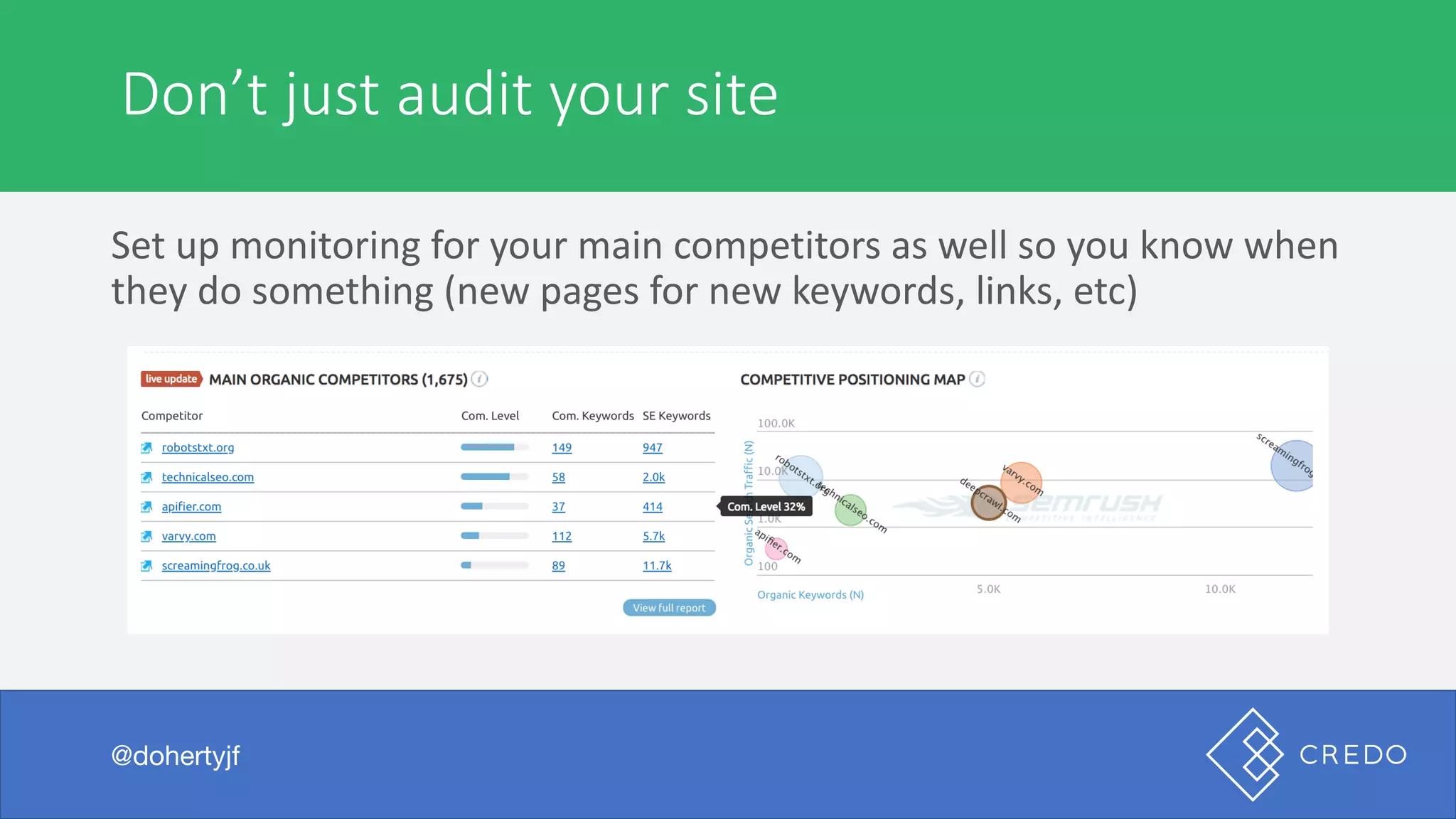
Set	up	monitoring	for	your	main	competitors	as	well	so	you	know	when	
they	do	something	(new	pages	for	new	keywords,	links,	etc)
Thank you!
@dohertyjf
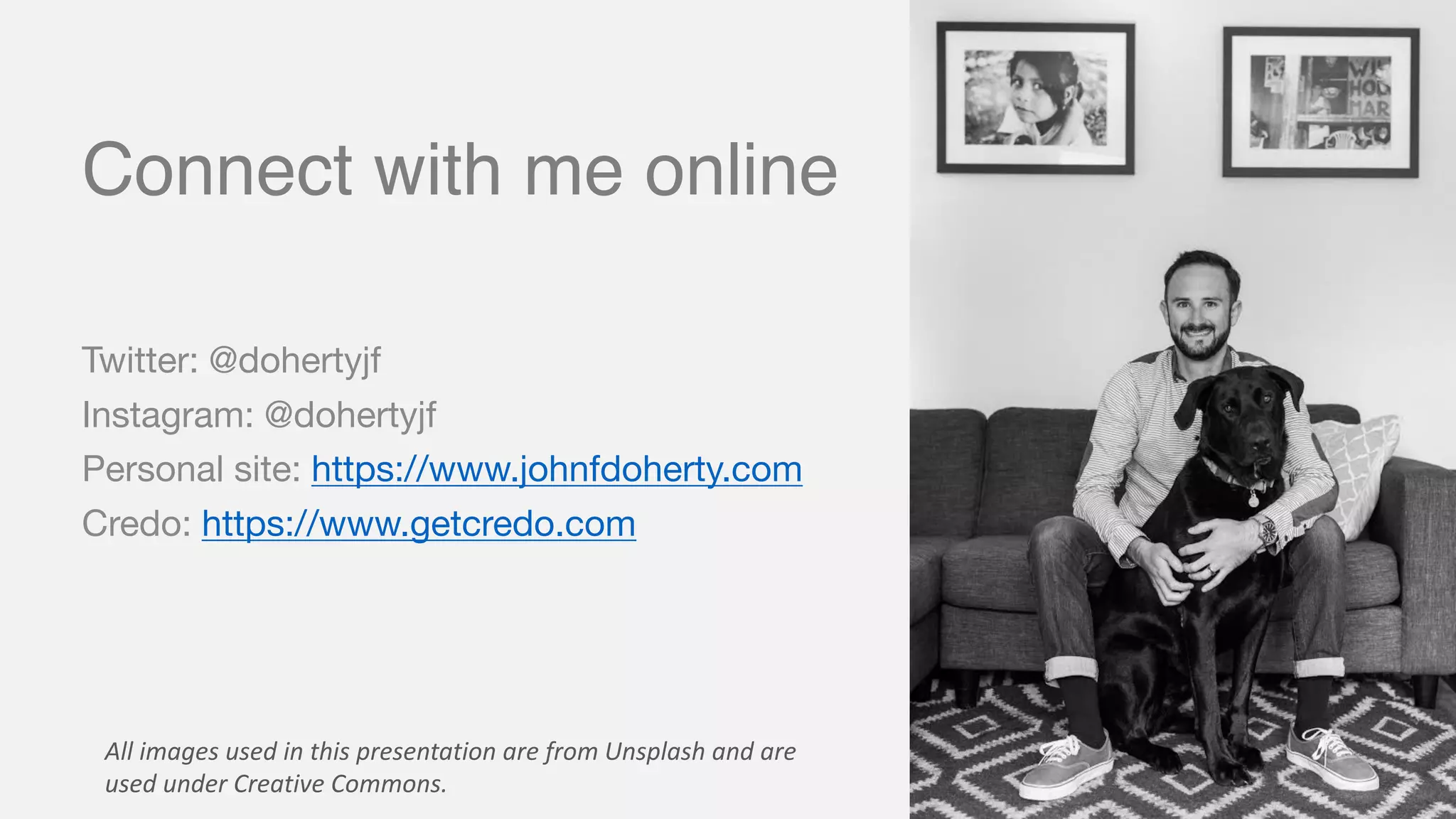
Connect with me online
Twitter: @dohertyjf
Instagram: @dohertyjf
Personal site: https://www.johnfdoherty.com
Credo: https://www.getcredo.com
All	images	used	in	this	presentation	are	from	Unsplash and	are	
used	under	Creative	Commons.

SEO Monitoring - What, Why, and How - DeepCrawl Webinar