OPAC Advanced Search Boolean Keyword Search in the OPAC David Kent, Librarian Peninsula College Library 2008
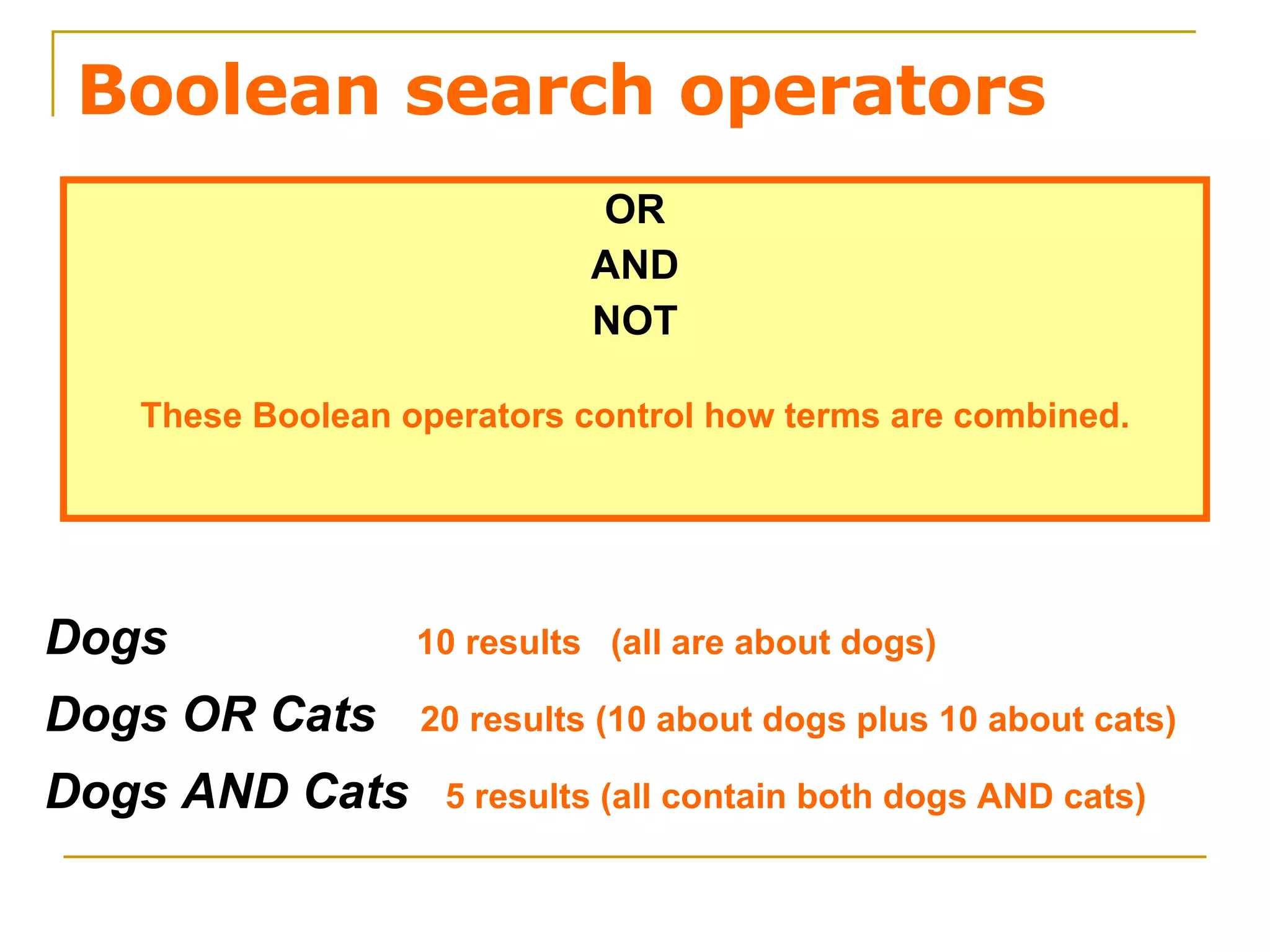
Boolean search operators OR AND NOT These Boolean operators control how terms are combined. Dogs   10 results  (all are about dogs) Dogs OR Cats   20 results (10 about dogs plus 10 about cats) Dogs AND Cats  5 results (all contain both dogs AND cats)
Advanced OPAC Search Screen Advanced Search Tab
Advanced OPAC Search Screen Boolean  Operators: AND, OR, NOT By default  Keyword Anywhere  will search in all fields: Author, Title, Subject, Notes, Publisher, etc. All of these  =  AND Any of these = OR
Sumo NOT Japan The search query above would not retrieve the article cited below. Why not? Sumo wrestling is catching on outside Japan.  USA Today , Sept. 2006 v58 i2 p4 The above article is relevant. But it would not be in the results list, because the dangerous Boolean  NOT  operator would automatically eliminate any article containing the word  Japan .
Using the truncation symbol  ?  retrieves variations of the word: lumbering, lumberyards, lumbermen, etc. Changing the field will control where the terms are searched. The Boolean AND combines the sets of synonymous terms to find only those containing both concepts.
All titles retrieved have one or more of the words --  lumber  or  timber  --  or have the word  logging  in the title, as the search query requested.
OR  is more!  Boolean   AND   is less!  Tribal NOT   is dangerous!  Chant Use the Boolean search operators to improve search precision and retrieve relevant items .
For a Macromedia Flash   Boolean tutorial  developed by Colorado State University, click  here : http://lib.colostate.edu/tutorials/boolean_info.html This ends this  OPAC Advanced Search  tutorial. For more OPAC tutorials, go  here : http:// faculty.pc.ctc.edu/davidk /

Opac Advanced Search

  • 1.
    OPAC Advanced SearchBoolean Keyword Search in the OPAC David Kent, Librarian Peninsula College Library 2008
  • 2.
    Boolean search operatorsOR AND NOT These Boolean operators control how terms are combined. Dogs 10 results (all are about dogs) Dogs OR Cats 20 results (10 about dogs plus 10 about cats) Dogs AND Cats 5 results (all contain both dogs AND cats)
  • 3.
    Advanced OPAC SearchScreen Advanced Search Tab
  • 4.
    Advanced OPAC SearchScreen Boolean Operators: AND, OR, NOT By default Keyword Anywhere will search in all fields: Author, Title, Subject, Notes, Publisher, etc. All of these = AND Any of these = OR
  • 5.
    Sumo NOT JapanThe search query above would not retrieve the article cited below. Why not? Sumo wrestling is catching on outside Japan. USA Today , Sept. 2006 v58 i2 p4 The above article is relevant. But it would not be in the results list, because the dangerous Boolean NOT operator would automatically eliminate any article containing the word Japan .
  • 6.
    Using the truncationsymbol ? retrieves variations of the word: lumbering, lumberyards, lumbermen, etc. Changing the field will control where the terms are searched. The Boolean AND combines the sets of synonymous terms to find only those containing both concepts.
  • 7.
    All titles retrievedhave one or more of the words -- lumber or timber -- or have the word logging in the title, as the search query requested.
  • 8.
    OR ismore! Boolean AND is less! Tribal NOT is dangerous! Chant Use the Boolean search operators to improve search precision and retrieve relevant items .
  • 9.
    For a MacromediaFlash Boolean tutorial developed by Colorado State University, click here : http://lib.colostate.edu/tutorials/boolean_info.html This ends this OPAC Advanced Search tutorial. For more OPAC tutorials, go here : http:// faculty.pc.ctc.edu/davidk /