Download to read offline
![Git Cheat Sheet
Git is a distributed version-control system for tracking changes in source code during
software development.
by lam
Con gure tooling
Con gure user information
for all local repositories
Sets the name you want
attached to your commit
transactions
git config --global use
r.name "[name]"
Sets the email you want
attached to your commit
transactions
git config --global use
r.email "[email addres
s]"
Enables helpful colorization of
command line output
git config --global col
or.ui auto
Create repositories
When starting out with a new
repository, you only need to
do it once; either locally, then
push to GitHub, or by cloning
an existing repository.
Turn an existing directory into
a git repository
git init
Clone (download) a repository
that already exists on GitHub,
including all of the les,
branches, and commits
git clone [url]
The .gitgnore le
Sometimes it may be a good
idea to exclude les from
being tracked with Git. This is
typically done in a special le
named .gitignore . You can
nd helpful templates for
.gitignore les at
github.com/github/gitignore.
Branches
Branches are an important
part of working with Git. Any
commits you make will be
made on the branch you're
currently “checked out” to.
Use git status to see which
branch that is.
Creates a new branch
git branch [branch-nam
e]
Switches to the speci ed
branch and updates the
working directory
git checkout [branch-na
me]
Combines the speci ed
branch’s history into the
current branch. This is usually
done in pull requests but is an
important Git operation.
git merge [branch]
Deletes the speci ed branch
git branch -d [branch-n
Synchronize
changes
Synchronize your local
repository with the remote
repository on GitHub.com
Downloads all history from
the remote tracking branches
git fetch
Combines remote tracking
branch into current local
branch
git merge
Uploads all local branch
commits to GitHub
git push
Updates your current local
working branch with all new
Make changes
Browse and inspect the
evolution of project les
Lists version history for the
current branch
git log
Lists version history for a le,
including renames
git log --follow [file]
Shows content di erences
between two branches
git diff [first-branc
h]...[second-branch]
](https://image.slidesharecdn.com/gitcheatsheet-200609155110/75/Git-cheat-sheet-1-2048.jpg)
![ame]
commits from the
corresponding remote branch
on GitHub. git pull is a
combination of git fetch and
git merge
git pull
Outputs metadata and
content changes of the
speci ed commit
git show [commit]
Snapshots the le in
preparation for versioning
git add [file]
Records le snapshots
permanently in version history
git commit -m "[descrip
tive message]"
Redo commits
Erase mistakes and craft
replacement history
Undoes all commits after
[commit], preserving changes
locally
git reset [commit]
Discards all history and
changes back to the speci ed
commit
git reset --hard [commi
t]
Glossary
an open source, distributed
version-control system
git
a platform for hosting and
collaborating on Git
repositories
GitHub
a Git object, a snapshot of
your entire repository
compressed into a SHA
commit
a lightweight movable pointer
to a commit
branch
a local version of a repository,
including all commits and
branches
clone
a common repository on
GitHub that all team member
use to exchange their changes
remote
a copy of a repository on
GitHub owned by a di erent
user
fork
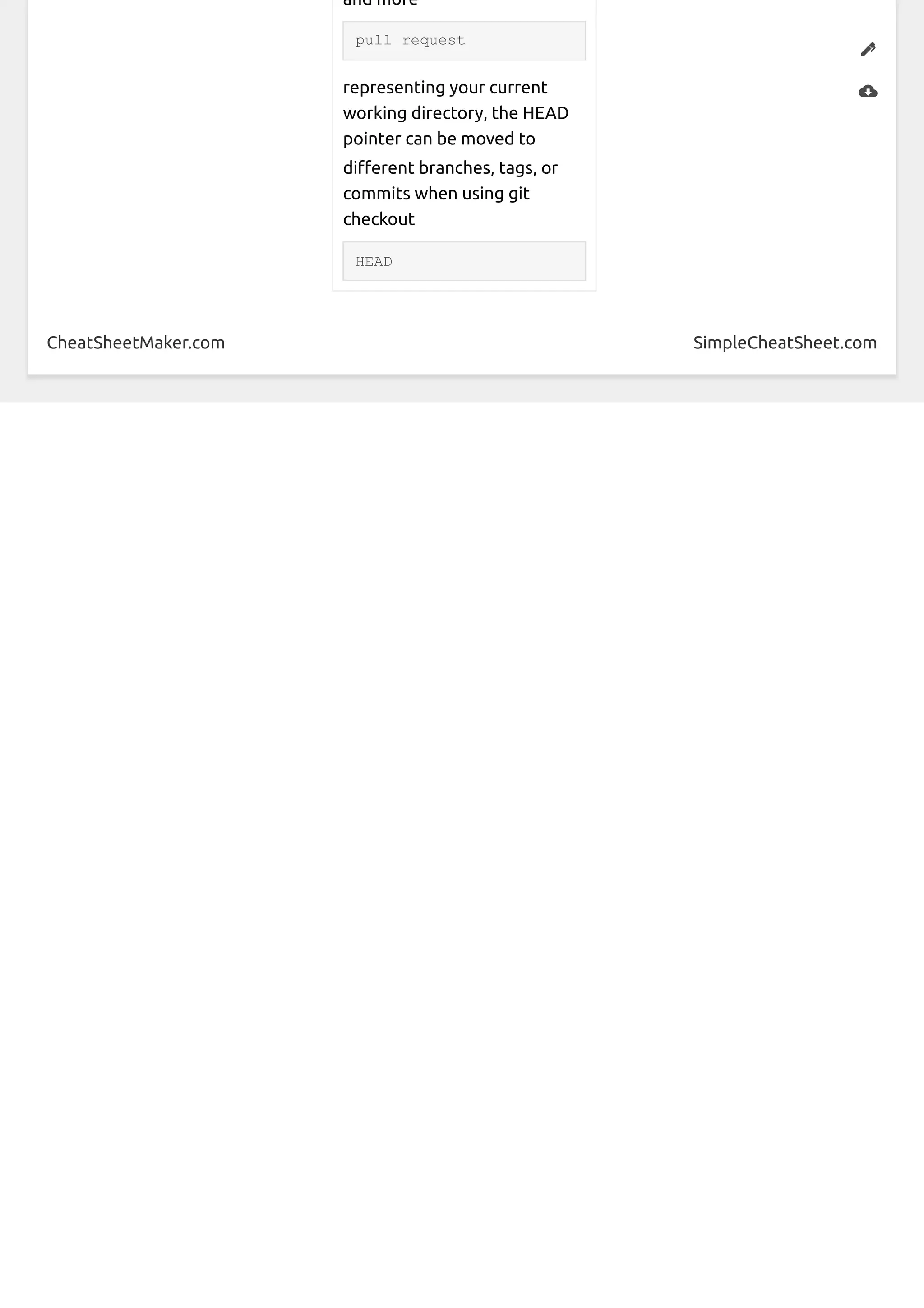
a place to compare and discuss
the di erences introduced on
a branch with reviews,
comments, integrated tests,
](https://image.slidesharecdn.com/gitcheatsheet-200609155110/75/Git-cheat-sheet-2-2048.jpg)

Git is a version control system for tracking changes to source code. The document provides instructions for configuring Git, creating repositories, ignoring files, working with branches, synchronizing changes, making changes to code, undoing commits, and definitions for key Git terms like commit, branch, clone, remote, fork, pull request and HEAD.


