EVALUATING & SELECTING
THEMES
Portland WordCamp 2018
BeckyDavisDesign.com @beckyddesign
WORDPRESS THEMES
• Control the layout structure, look and feel
● Child themes allow for customization without
worrying about breaking things or updates
• Commercial themes often come packaged with
more
● Sliders
● Page builders* – be very careful here
● Other “must-have” plugins
• Thousands and thousands available
PLANNING
• The more you have planned ahead of time, the
better!
• Things you should know:
● Who are your customers or Audience?
● What do you want your customers to do?Call to
call to action
● How will this site solve your customers’
problem?
BeckyDavisDesign.com @beckyddesign
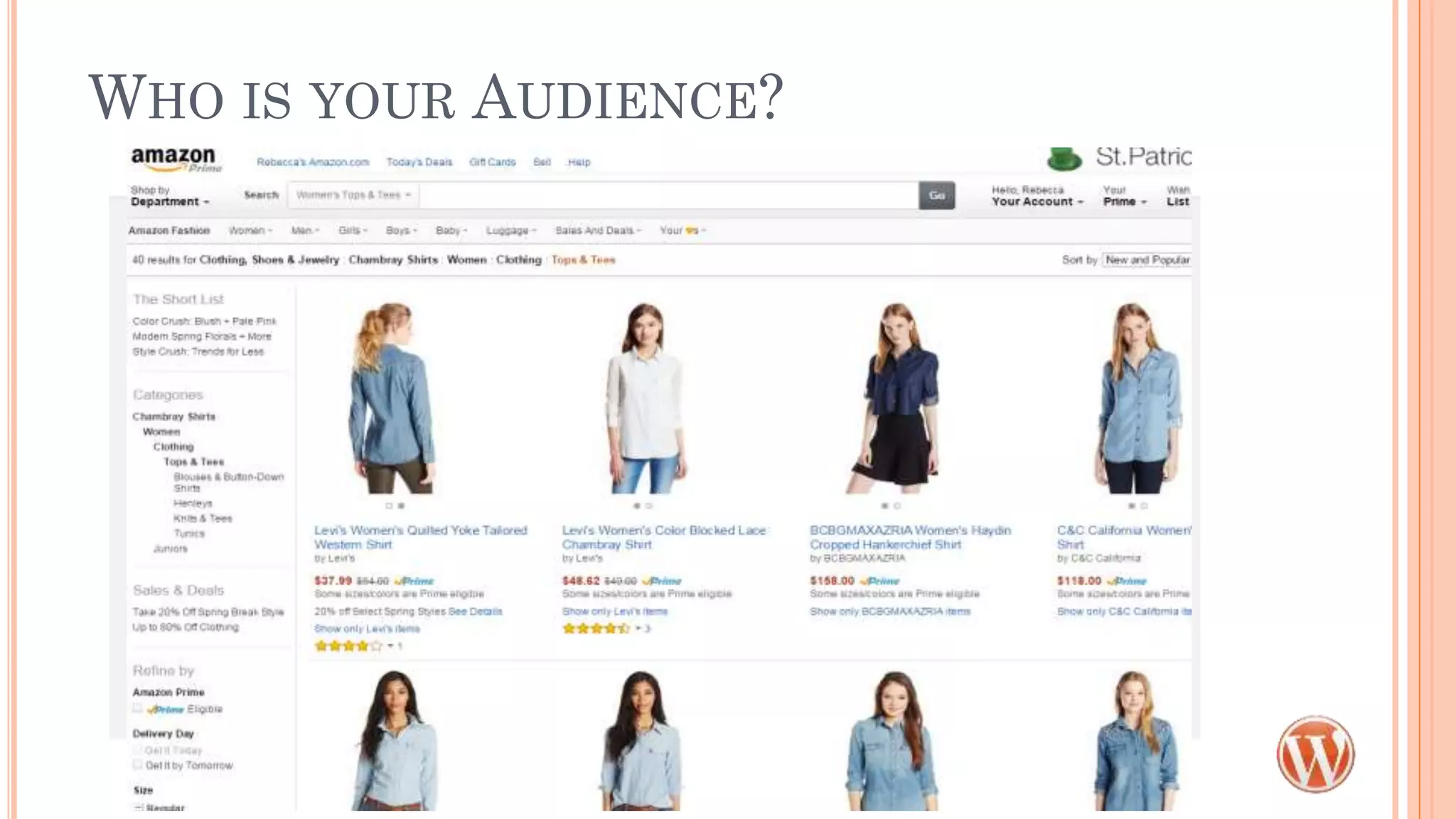
WHO IS YOUR AUDIENCE?
SITE TYPES
• Brochure - Basic static pages, simple form
● What kinds of layouts are available?
• Informational - Regularly Updated
● Do you need something different for Posts vs.
Pages?
• E-commerce
● Look for themes that are built for shopping and
have WooCommerce compatibility
PLANNING
• Things you should have an idea about:
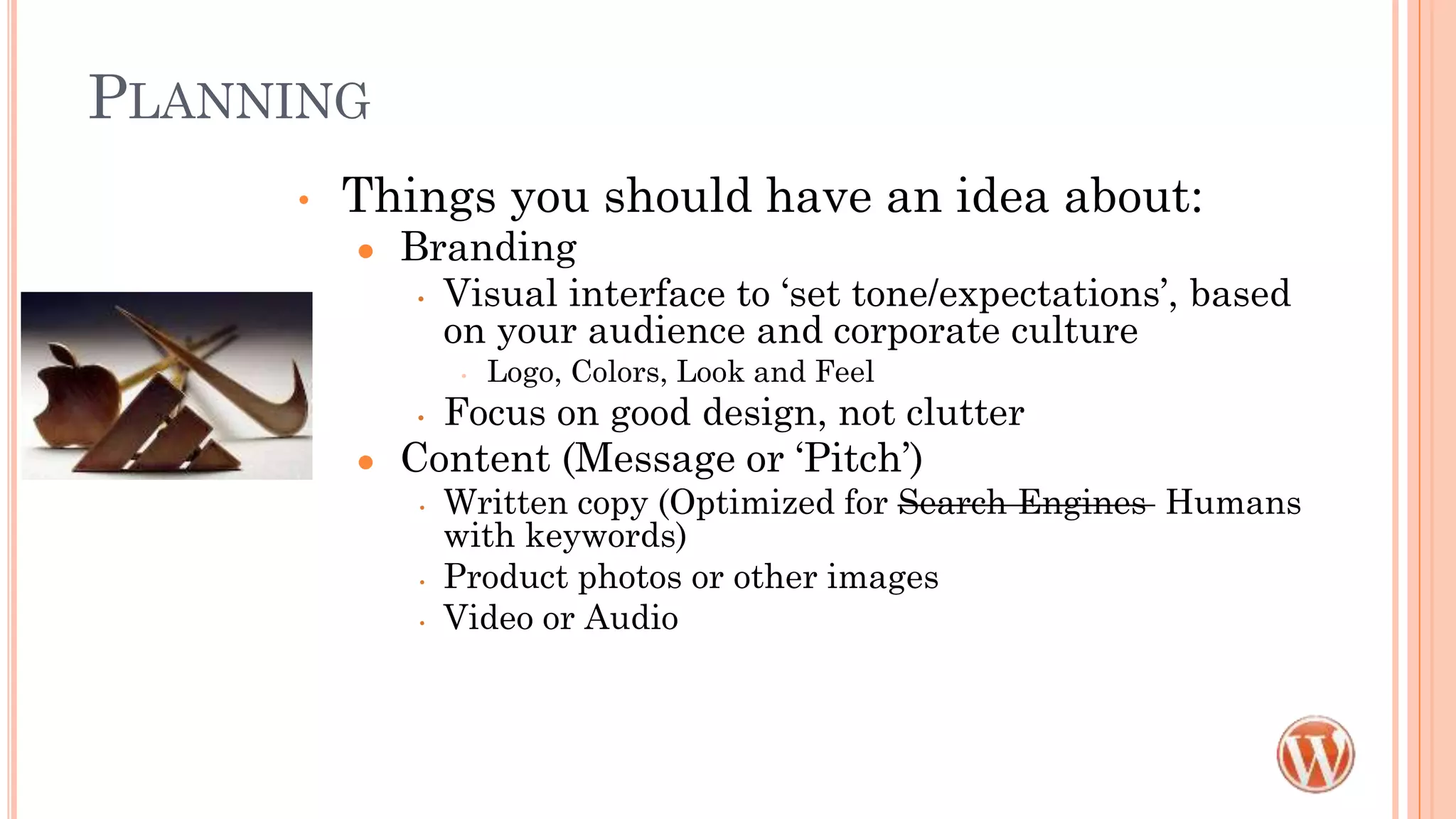
● Branding
• Visual interface to ‘set tone/expectations’, based
on your audience and corporate culture
• Logo, Colors, Look and Feel
• Focus on good design, not clutter
● Content (Message or ‘Pitch’)
• Written copy (Optimized for Search Engines Humans
with keywords)
• Product photos or other images
• Video or Audio
PLANNING
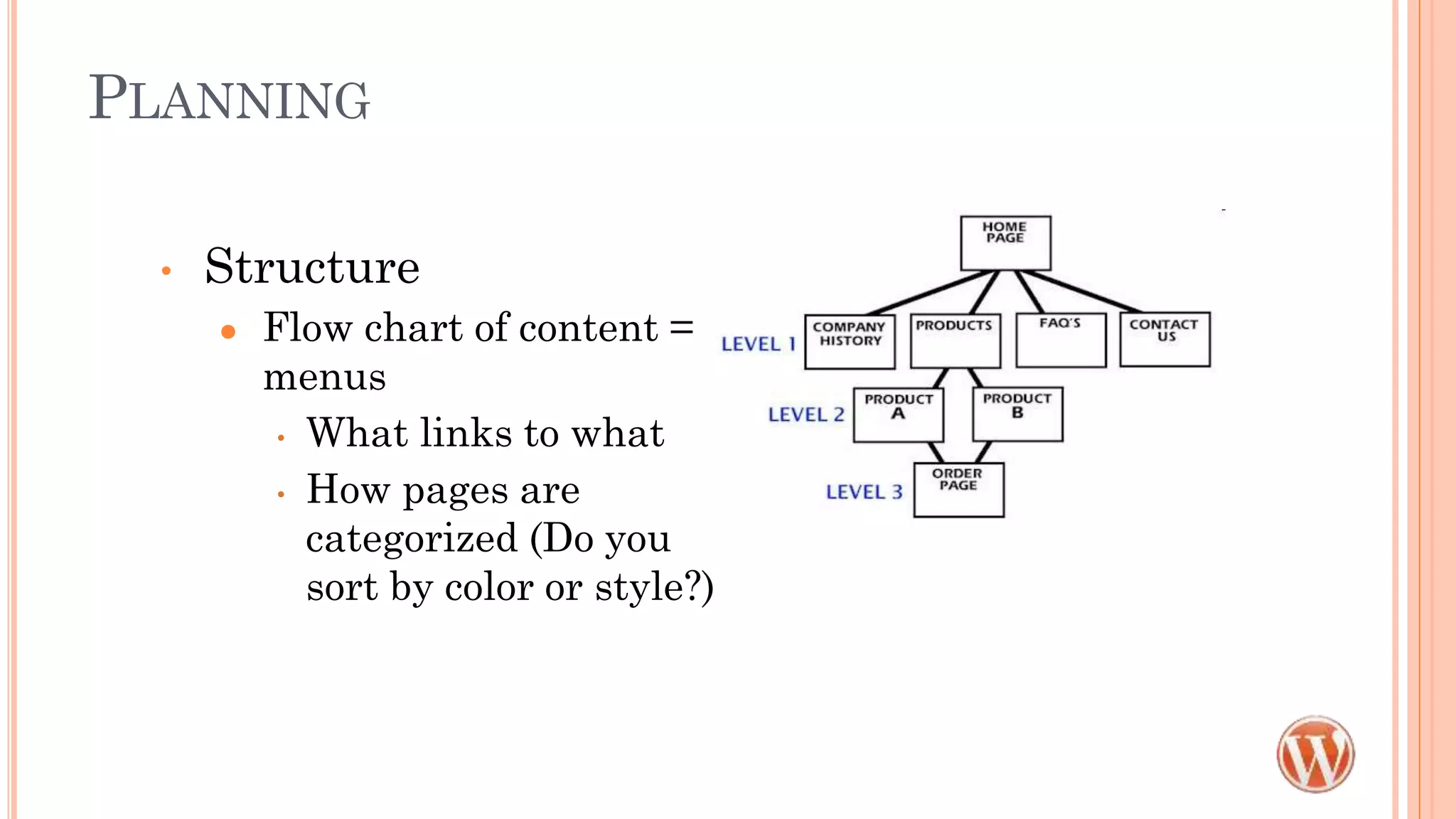
• Structure
● Flow chart of content =
menus
• What links to what
• How pages are
categorized (Do you
sort by color or style?)
MORE PLANNING!
• Examples
● Competition
● What you love (functionality, color, style, etc.)
● What you hate
• What you NEED now, what would be nice later
● Sites can be built in stages, as long as it’s planned for
• Whew! I just wanted to pick a theme!
• Picking a theme without knowing your content is
like buying a house without knowing how much
room you need.
FINDING A THEME IS HARD
• Start here: wordpress.org/themes
● You can do this from the Appearance>Themes as well
● Pick a free one, add some content, take if for a test drive
• Many themes are designed around a business type
or a blog style
• IGNORE the images and content in the demo
• LOOK at the structure instead
• SEPARATE form from function – that’s what
plugins are for
BACK TO YOUR CONTENT
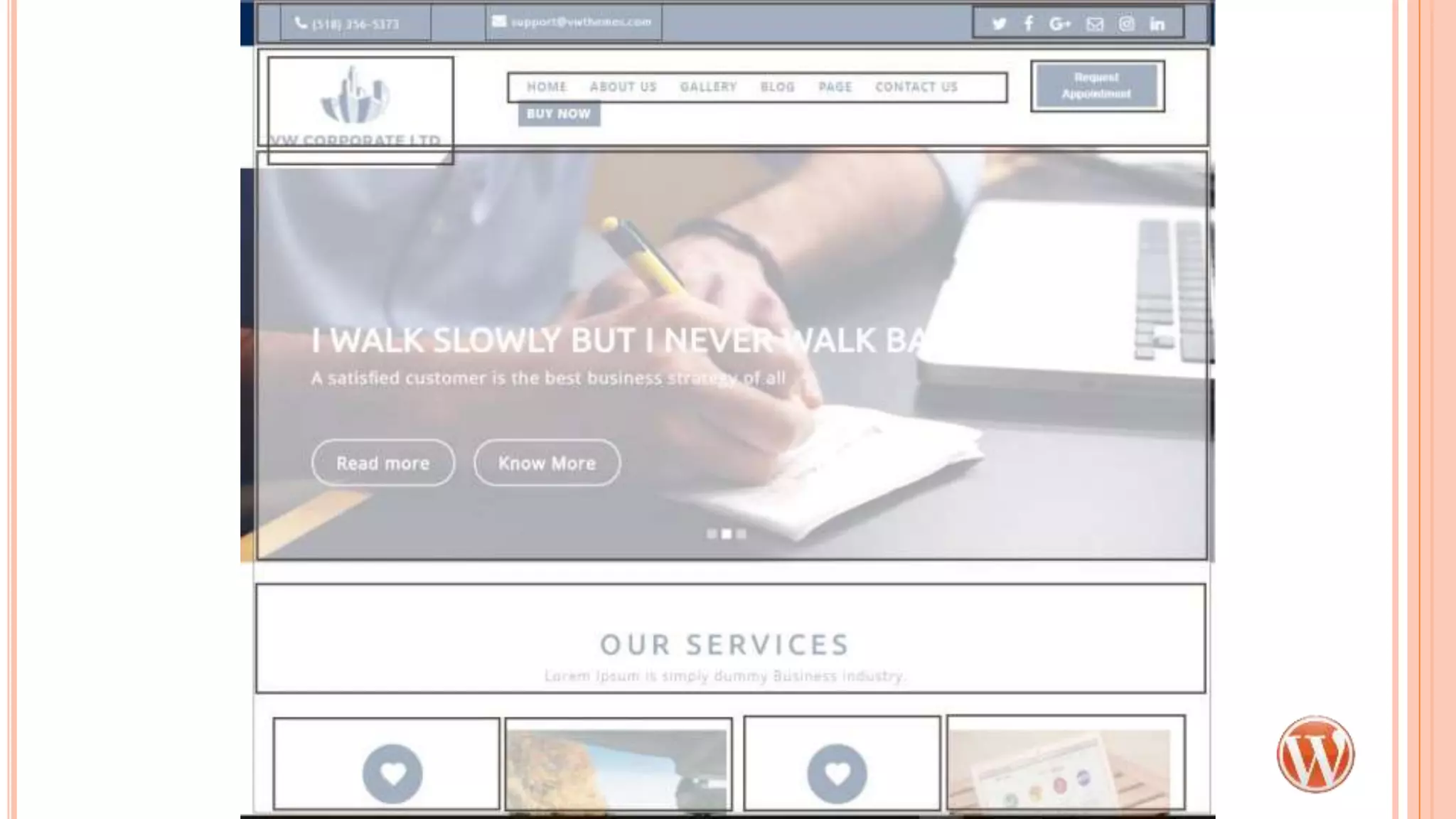
• Do you have giant images for the hero area or slider?
• Do you need separate areas to highlight different
things?
• Will your logo work in the space provided?
• Does the main menu work in space/structure
provided?
• Do you have the skills/software needed to edit photos
to fit?
• Do the colors work for you?
• Are the fonts easy to read?
FEATURES TO LOOK FOR
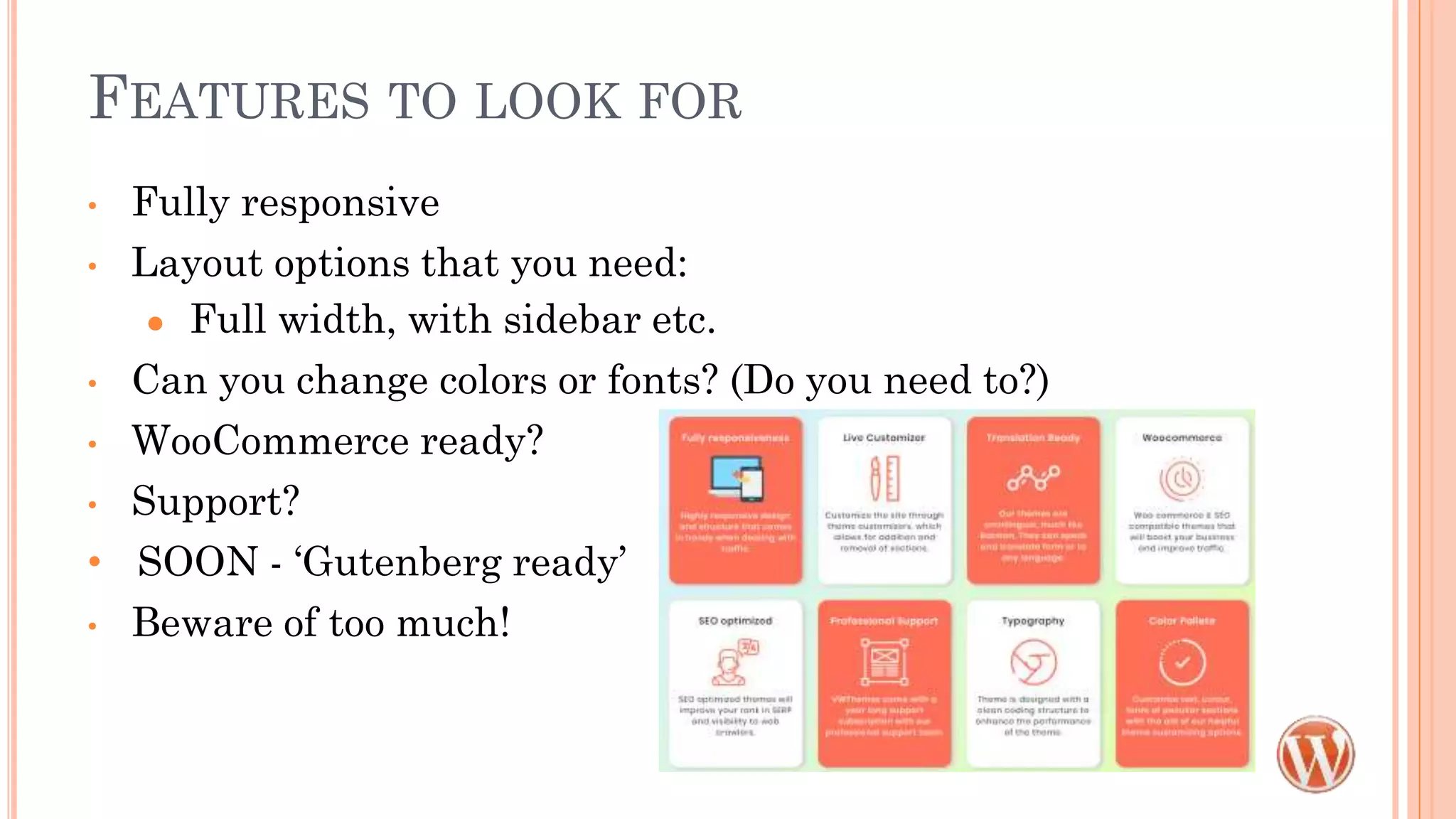
• Fully responsive
• Layout options that you need:
● Full width, with sidebar etc.
• Can you change colors or fonts? (Do you need to?)
• WooCommerce ready?
• Support?
• SOON - ‘Gutenberg ready’
• Beware of too much!
CUSTOMIZER
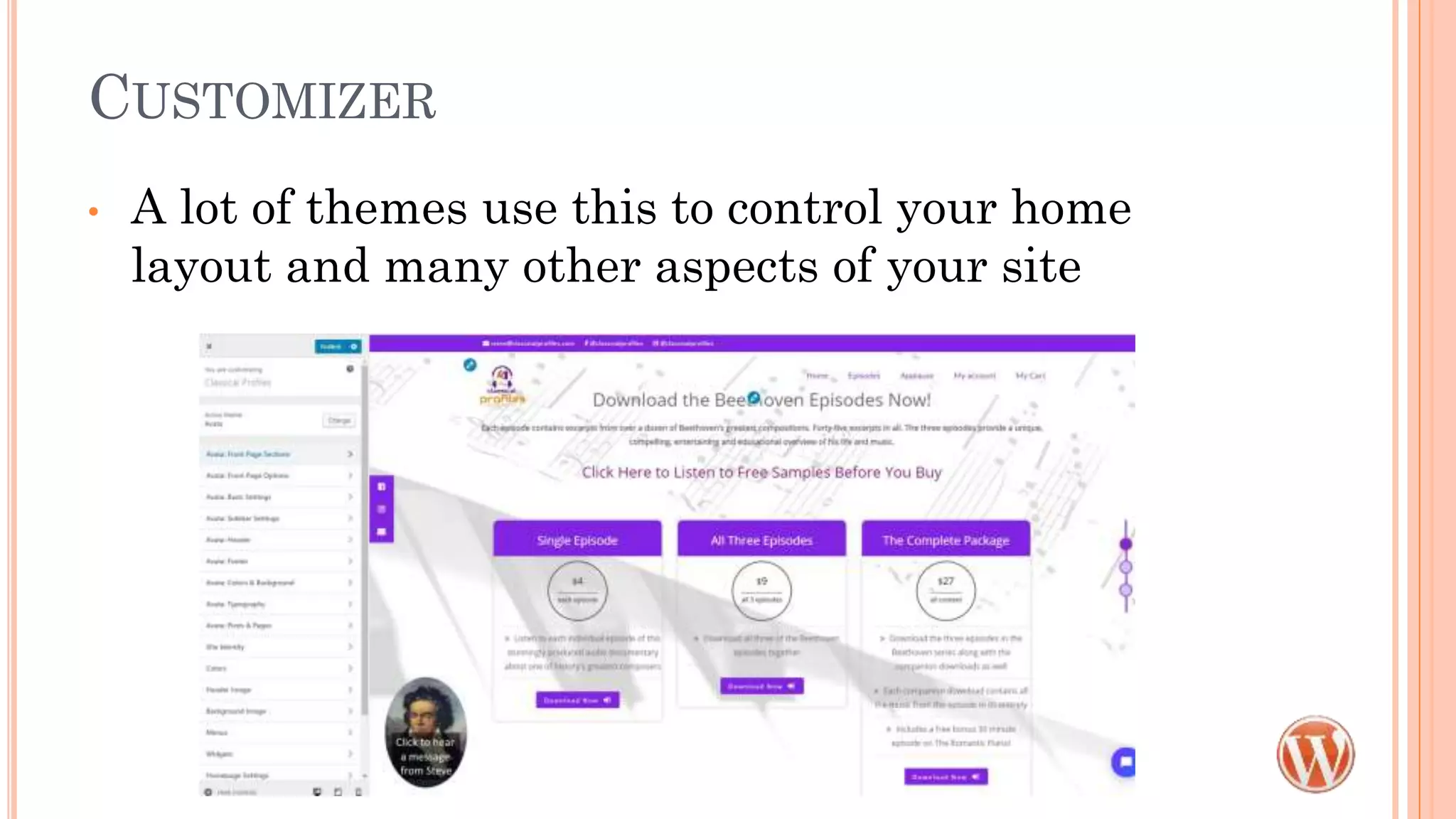
• A lot of themes use this to control your home
layout and many other aspects of your site
PAGE BUILDERS
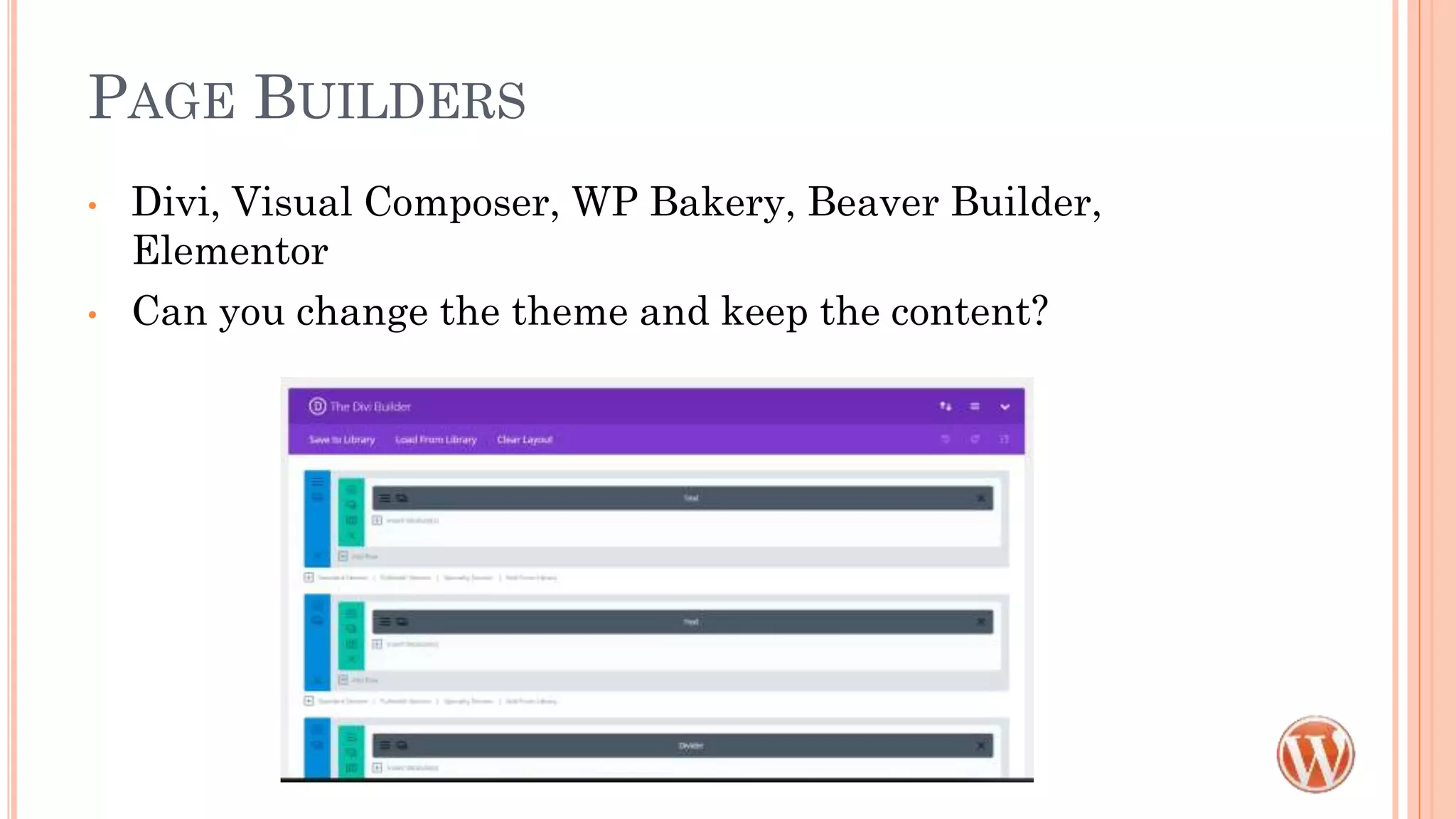
• Divi, Visual Composer, WP Bakery, Beaver Builder,
Elementor
• Can you change the theme and keep the content?
PLUNGE IN AND TEST
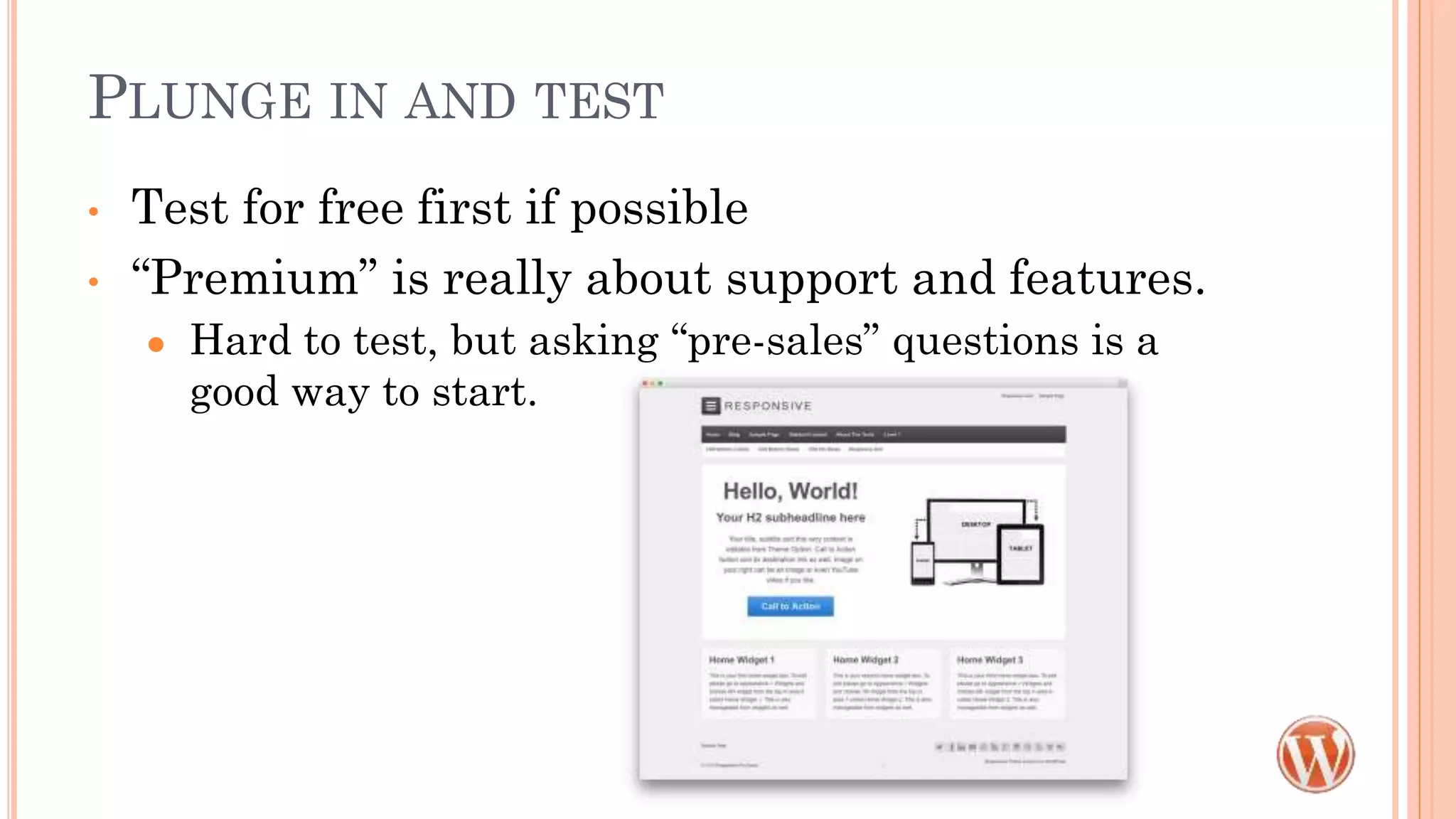
• Test for free first if possible
• “Premium” is really about support and features.
● Hard to test, but asking “pre-sales” questions is a
good way to start.
THEME STRUCTURE
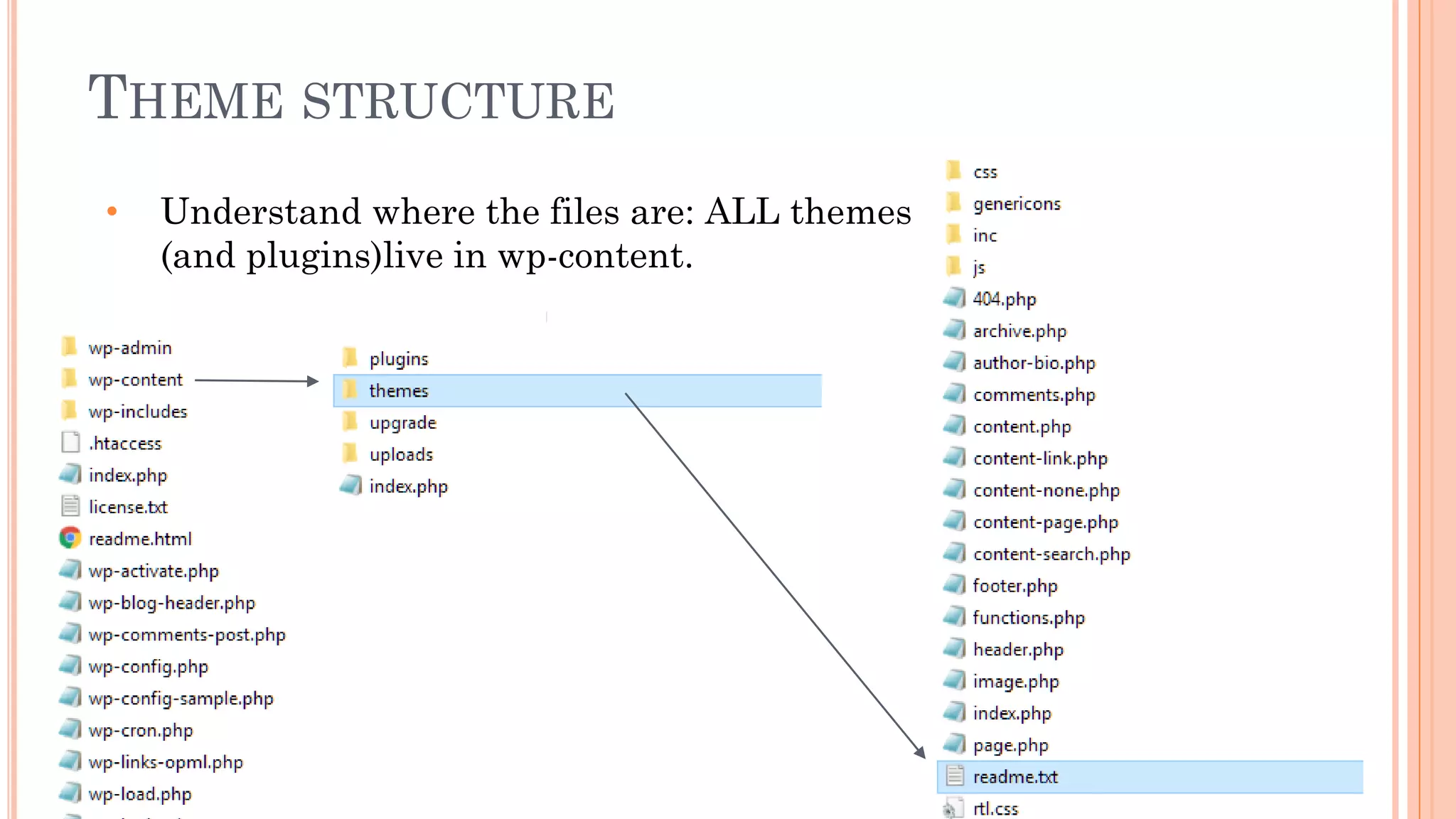
• Understand where the files are: ALL themes
(and plugins)live in wp-content.
POPULAR THEMES
Recommended to me by others, not an endorsement.
• Divi - by Elegant Themes, Visual page builder
• Avada - by Themefusion, Fusion page builder, many (too many?) options
• Astra - Choice of Elementor or Beaver Builder
• X-theme - by Themeco, Cornerstone page builder
• Beaver Builder - Beaver page builder
• StoreFront - The base WooCommerce theme with child options, no page
builder, ecommerce forward
FURTHER READING
• https://wpengine.com/blog/dos-donts-wordpress-theme/
• https://www.wpbeginner.com/wp-themes/selecting-the-
perfect-theme-for-wordpress/
• https://themeisle.com/blog/test-a-wordpress-theme/
• https://pippinsplugins.com/wordpress-page-builder-plugins-
critical-review/ Read this before commiting to a page builder
theme
BeckyDavisDesign.com @beckyddesign

Evaluating & selecting themes

  • 1.
    EVALUATING & SELECTING THEMES PortlandWordCamp 2018 BeckyDavisDesign.com @beckyddesign
  • 2.
    WORDPRESS THEMES • Controlthe layout structure, look and feel ● Child themes allow for customization without worrying about breaking things or updates • Commercial themes often come packaged with more ● Sliders ● Page builders* – be very careful here ● Other “must-have” plugins • Thousands and thousands available
  • 3.
    PLANNING • The moreyou have planned ahead of time, the better! • Things you should know: ● Who are your customers or Audience? ● What do you want your customers to do?Call to call to action ● How will this site solve your customers’ problem? BeckyDavisDesign.com @beckyddesign
  • 4.
    WHO IS YOURAUDIENCE?
  • 5.
    SITE TYPES • Brochure- Basic static pages, simple form ● What kinds of layouts are available? • Informational - Regularly Updated ● Do you need something different for Posts vs. Pages? • E-commerce ● Look for themes that are built for shopping and have WooCommerce compatibility
  • 6.
    PLANNING • Things youshould have an idea about: ● Branding • Visual interface to ‘set tone/expectations’, based on your audience and corporate culture • Logo, Colors, Look and Feel • Focus on good design, not clutter ● Content (Message or ‘Pitch’) • Written copy (Optimized for Search Engines Humans with keywords) • Product photos or other images • Video or Audio
  • 7.
    PLANNING • Structure ● Flowchart of content = menus • What links to what • How pages are categorized (Do you sort by color or style?)
  • 8.
    MORE PLANNING! • Examples ●Competition ● What you love (functionality, color, style, etc.) ● What you hate • What you NEED now, what would be nice later ● Sites can be built in stages, as long as it’s planned for • Whew! I just wanted to pick a theme! • Picking a theme without knowing your content is like buying a house without knowing how much room you need.
  • 9.
    FINDING A THEMEIS HARD • Start here: wordpress.org/themes ● You can do this from the Appearance>Themes as well ● Pick a free one, add some content, take if for a test drive • Many themes are designed around a business type or a blog style • IGNORE the images and content in the demo • LOOK at the structure instead • SEPARATE form from function – that’s what plugins are for
  • 11.
    BACK TO YOURCONTENT • Do you have giant images for the hero area or slider? • Do you need separate areas to highlight different things? • Will your logo work in the space provided? • Does the main menu work in space/structure provided? • Do you have the skills/software needed to edit photos to fit? • Do the colors work for you? • Are the fonts easy to read?
  • 12.
    FEATURES TO LOOKFOR • Fully responsive • Layout options that you need: ● Full width, with sidebar etc. • Can you change colors or fonts? (Do you need to?) • WooCommerce ready? • Support? • SOON - ‘Gutenberg ready’ • Beware of too much!
  • 13.
    CUSTOMIZER • A lotof themes use this to control your home layout and many other aspects of your site
  • 14.
    PAGE BUILDERS • Divi,Visual Composer, WP Bakery, Beaver Builder, Elementor • Can you change the theme and keep the content?
  • 15.
    PLUNGE IN ANDTEST • Test for free first if possible • “Premium” is really about support and features. ● Hard to test, but asking “pre-sales” questions is a good way to start.
  • 16.
    THEME STRUCTURE • Understandwhere the files are: ALL themes (and plugins)live in wp-content.
  • 17.
    POPULAR THEMES Recommended tome by others, not an endorsement. • Divi - by Elegant Themes, Visual page builder • Avada - by Themefusion, Fusion page builder, many (too many?) options • Astra - Choice of Elementor or Beaver Builder • X-theme - by Themeco, Cornerstone page builder • Beaver Builder - Beaver page builder • StoreFront - The base WooCommerce theme with child options, no page builder, ecommerce forward
  • 18.
    FURTHER READING • https://wpengine.com/blog/dos-donts-wordpress-theme/ •https://www.wpbeginner.com/wp-themes/selecting-the- perfect-theme-for-wordpress/ • https://themeisle.com/blog/test-a-wordpress-theme/ • https://pippinsplugins.com/wordpress-page-builder-plugins- critical-review/ Read this before commiting to a page builder theme BeckyDavisDesign.com @beckyddesign