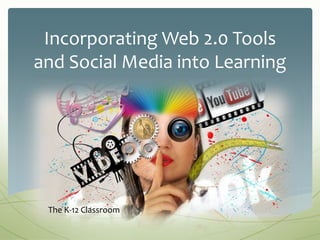
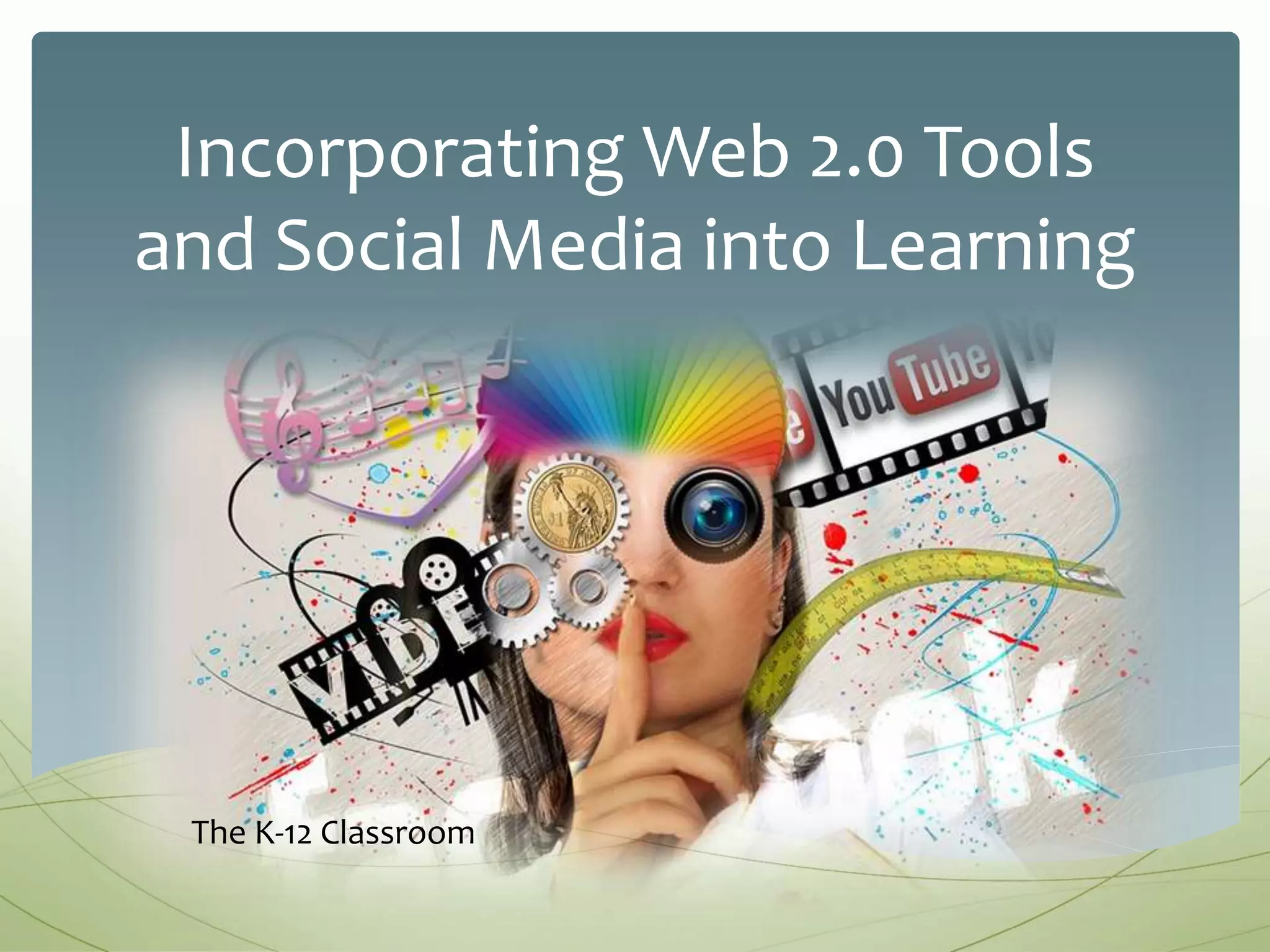
Incorporating Web 2.0 Tools
and Social Media into Learning
The K-12 Classroom
1. Identify and describe how to
effectively incorporate Web 2.0 and
Social media tools into your lessons
and assessments.
Learning Goal
 Web 2.0 tools facilitate personalized learning through
sharing and collaboration (Juskeviciene & Kurilovas, 2013)
 “Learners gather information through connecting
with others’ knowledge” using social media (Chen &
Bryer, 2012)
 Democratic, inclusive, and promotes creativity
(Friedman & Friedman, 2013)
Why?
Deciding on the tool:
 Technologies Available
 Educational purpose/goal
After you have chosen the tool:
 Student safety
 Network security policy
 Parent/School permission
Considerations
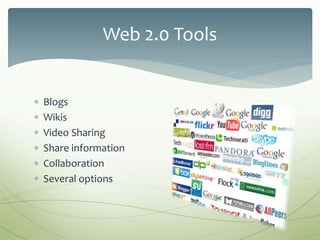
 Blogs
 Wikis
 Video Sharing
 Share information
 Collaboration
 Several options
Web 2.0 Tools
 Journaling/Reflection
 News
 Debates
 Reviews
 Photo Analysis
 Digital Citizenship
 Unit Reflection/Review
 Many More!
Blogs: Application
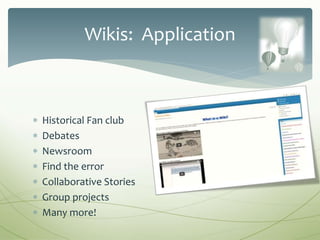
 Historical Fan club
 Debates
 Newsroom
 Find the error
 Collaborative Stories
 Group projects
 Many more!
Wikis: Application
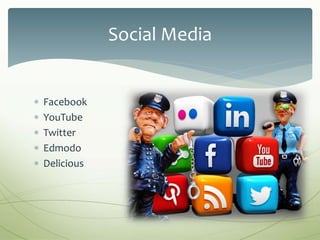
 Facebook
 YouTube
 Twitter
 Edmodo
 Delicious
Social Media
 Historical Figure Fan Page
 Closed Groups for Peer Collaboration
 Political topics
 Primary Source Interviews
 Book Reviews
 Live Student Portfolios
 Resource curation
 Digital Citizenship/Literacy
Facebook: Application
 Assignment/project due dates
 Share class information
 Literacy activities
 Research
 Engage parents and community
 Polling
 Re-tweet educational trends and topics
 Post brain-teasers related to classroom content
Twitter: Application
 Encourages learner-centered active learning (Chen &
Bryer, 2012)
 Promotes personalized learning
 Relevant
 Promote information literacy
 Create life-long learning habits
Conclusion
Chen, B., & Bryer, T. (2012). Investigating instructional strategies for using social media in formal
and informal learning. The International Review of Research in Open and Distributed
Learning, 13(1), 87-104. Retrieved from http://www.irrodl.org/index.php/irrodl
Friedman, L., & Friedman, H. H. (2013). Using social media technologies to enhance online
learning. Journal of Educators Online, 10(1), 1-23.
https://doaj.org/article/8555b1d93cf348e2b7dcf77ad72f1f6c
Juskeviciene, A., & Kurilovas, E. (2014). Recommending Web 2.0 tools to personalize learning.
Informatics in Education, 13(1), 17-31. Retrieved from
https://www.mii.lt/informatics_in_education/contents.htm
References
Slide 1 image: https://pixabay.com/en/social-media-interaction-abstract-1233873/ CC0 Public Domain
Slide 2 image: https://pixabay.com/en/darts-dart-game-bull-s-eye-target-155726/ CC0 Public Domain
Slide 3 image: https://pixabay.com/en/why-text-question-marketing-office-1780726/ CC0 Public Domain
Slide 4 image: https://pixabay.com/en/hatena-think-about-question-1184896/ CC0 Public Domain
Slide 5 image: https://c1.staticflickr.com/1/121/254126209_e34a70abcc.jpg
Slide 6 image: https://pixabay.com/en/children-silhouette-blog-cheers-1499268/ CC0 Public Domain
Slide 7 image: Sarah Lowey. http://sarahlowey.pbworks.com/w/page/14445564/Classroom%20Wikis
Slide 8 image: https://pixabay.com/en/social-media-internet-security-1679307/ CC0 Public Domain
Slide 9 image: https://pixabay.com/en/girl-child-face-head-networks-1328416/ CC0 Public Domain
Slide 1o image: https://pixabay.com/en/social-social-networks-1206614/ CC0 Public Domain
Slide 11 image: https://pixabay.com/en/children-personal-group-young-1562853/ CC0 Public Domain
Image References

Web 2.0 and social media tools

  • 1.
    Incorporating Web 2.0Tools and Social Media into Learning The K-12 Classroom
  • 2.
    1. Identify anddescribe how to effectively incorporate Web 2.0 and Social media tools into your lessons and assessments. Learning Goal
  • 3.
     Web 2.0tools facilitate personalized learning through sharing and collaboration (Juskeviciene & Kurilovas, 2013)  “Learners gather information through connecting with others’ knowledge” using social media (Chen & Bryer, 2012)  Democratic, inclusive, and promotes creativity (Friedman & Friedman, 2013) Why?
  • 4.
    Deciding on thetool:  Technologies Available  Educational purpose/goal After you have chosen the tool:  Student safety  Network security policy  Parent/School permission Considerations
  • 5.
     Blogs  Wikis Video Sharing  Share information  Collaboration  Several options Web 2.0 Tools
  • 6.
     Journaling/Reflection  News Debates  Reviews  Photo Analysis  Digital Citizenship  Unit Reflection/Review  Many More! Blogs: Application
  • 7.
     Historical Fanclub  Debates  Newsroom  Find the error  Collaborative Stories  Group projects  Many more! Wikis: Application
  • 8.
     Facebook  YouTube Twitter  Edmodo  Delicious Social Media
  • 9.
     Historical FigureFan Page  Closed Groups for Peer Collaboration  Political topics  Primary Source Interviews  Book Reviews  Live Student Portfolios  Resource curation  Digital Citizenship/Literacy Facebook: Application
  • 10.
     Assignment/project duedates  Share class information  Literacy activities  Research  Engage parents and community  Polling  Re-tweet educational trends and topics  Post brain-teasers related to classroom content Twitter: Application
  • 11.
     Encourages learner-centeredactive learning (Chen & Bryer, 2012)  Promotes personalized learning  Relevant  Promote information literacy  Create life-long learning habits Conclusion
  • 12.
    Chen, B., &Bryer, T. (2012). Investigating instructional strategies for using social media in formal and informal learning. The International Review of Research in Open and Distributed Learning, 13(1), 87-104. Retrieved from http://www.irrodl.org/index.php/irrodl Friedman, L., & Friedman, H. H. (2013). Using social media technologies to enhance online learning. Journal of Educators Online, 10(1), 1-23. https://doaj.org/article/8555b1d93cf348e2b7dcf77ad72f1f6c Juskeviciene, A., & Kurilovas, E. (2014). Recommending Web 2.0 tools to personalize learning. Informatics in Education, 13(1), 17-31. Retrieved from https://www.mii.lt/informatics_in_education/contents.htm References
  • 13.
    Slide 1 image:https://pixabay.com/en/social-media-interaction-abstract-1233873/ CC0 Public Domain Slide 2 image: https://pixabay.com/en/darts-dart-game-bull-s-eye-target-155726/ CC0 Public Domain Slide 3 image: https://pixabay.com/en/why-text-question-marketing-office-1780726/ CC0 Public Domain Slide 4 image: https://pixabay.com/en/hatena-think-about-question-1184896/ CC0 Public Domain Slide 5 image: https://c1.staticflickr.com/1/121/254126209_e34a70abcc.jpg Slide 6 image: https://pixabay.com/en/children-silhouette-blog-cheers-1499268/ CC0 Public Domain Slide 7 image: Sarah Lowey. http://sarahlowey.pbworks.com/w/page/14445564/Classroom%20Wikis Slide 8 image: https://pixabay.com/en/social-media-internet-security-1679307/ CC0 Public Domain Slide 9 image: https://pixabay.com/en/girl-child-face-head-networks-1328416/ CC0 Public Domain Slide 1o image: https://pixabay.com/en/social-social-networks-1206614/ CC0 Public Domain Slide 11 image: https://pixabay.com/en/children-personal-group-young-1562853/ CC0 Public Domain Image References

Editor's Notes

  • #4 Why should educators consider incorporating Web 2.0 and social media tools into learning and assessments? Research has shown that web 2.0 tools help facilitate personalized learning through sharing and collaboration. Chen and Bryer note that leaners gather information through connecting with others’ knowledge using social media. In other words, social media offers everyone a chance to learn from each other. And lastly, Friedman and Friedman states that web 2.0 tools foster democracy, inclusivity, and also promotes creativity.
  • #5 Before deciding on what particular Web 2.0 or social media tool you would like to incorporate into your classroom, you should consider the available technologies of your school/district, and then decide on the educational purpose or goal. After you have chosen the tool, you will then need to consider student safety, network security policy, and parent and school permission. In other words, do your homework! If your district has a community liaison, you may want to engage him or her in this process.
  • #6 There are an enormous amount of Web 2.0 tools available for K-12 educators. If you are not sure where to start, Blogs or Wikis is a great place for beginners. You can also research the myriad of tools available and choose one that fits your particular teaching style and technological level. https://c1.staticflickr.com/1/121/254126209_e34a70abcc.jpg
  • #7 A simple google search will elicit some great ideas of using blogs with your students. From journaling and reflection, to book reviews, thoughts on current events, debates, photo analysis, digital citizenship, and more, allowing your students to work in this digital media environment will engage them in ways they’re engaged in every day on social media, chat, and email with their peers. http://farm7.static.flickr.com/6086/6157134404_4680b3edf3.jpg https://www.theedublogger.com/2015/10/15/50-ideas-for-student-blogging-and-writing-online/
  • #8 When using a Wiki with your students, the ideas are only limited by your imagination. Start with one activity and build from there. Some ideas include an historical fan club, debates, news or current events, have students find errors in writings and correct them, students can create stories together, round robin style, but documented on the wiki with who posts what and when. Teach students to organize and document group projects. These are just a very few of the possibilities. You are encouraged to google “Using wikis in your classroom” for more ideas!
  • #9 There are numerous social media tools as well. Edmodo is probably the most education friendly tool available to the K-12 landscape. However, for older students, Facebook and Twitter are relevant tools that most older students are already using, so why not start with the familiar? Given the right educational purpose, permissions, and guidelines, these social media tools can become a powerful medium for student-centered learning. https://farm9.static.flickr.com/8246/8468788107_255777d512.jpg
  • #10 A simple google search will yeild a variety of ideas of how to incorporate Facebook into your classroom. Once you have received a green light to move forward with this social media tool, start with one activity then build from there. Elicit feedback from your students and consider the possibilities. Some ideas include historical figure fan pages, primary source interviews, and “live’ student portfolios where students can track their learning progress, and also curate their learning resources. Facebook offers a platform to teach students about digital citizenship and digital literacy—we have an opportunity to teach our young people how to navigate the plethora of information available to them, and we should be taking advantage every chance we get! http://1.bp.blogspot.com/-_1quzP48b5k/VUzlLyjGCvI/AAAAAAAAAJA/YpHNBrsOPmo/s1600/fac.jpg https://upload.wikimedia.org/wikipedia/commons/thumb/1/1b/Facebook_icon.svg/256px-Facebook_icon.svg.png 99 Ways You Should Be Using Facebook in Your Classroom [Updated] May 21st, 2012 written by Staff Writers http://www.onlinecollege.org/2012/05/21/100-ways-you-should-be-using-facebook-in-your-classroom-updated/
  • #11 There are teachers out there using twitter in some very interesting ways! From project due dates, to literacy activities, tweeting and re-tweeting new knowledge, engaging the community, and more, you will be amazed at the ideas your students share with you as you begin this journey. Twitter: https://upload.wikimedia.org/wikipedia/commons/thumb/7/74/Twitter_Logo_Mini.svg/2000px-Twitter_Logo_Mini.svg.png http://www.teachhub.com/50-ways-use-twitter-classroom
  • #12 Incorporating Web 2.0 tools and social media in the classroom encourages learner-centered active learning and promotes personalized learning. Using these tools makes learning relevant and in an age where our students are engaged more and more in social media, it is necessary to meet them on their playing field, so to speak. And most importantly, using these tools will enable us to promote digital and information literacy while creating life long learners.