PowerPoint presentation
Do’s and don'ts
Bullets
Keep
It
Simple
Background
• Pretty, simplistic
• & consistant
Dark Background
Example of dark background
Use light text on dark background
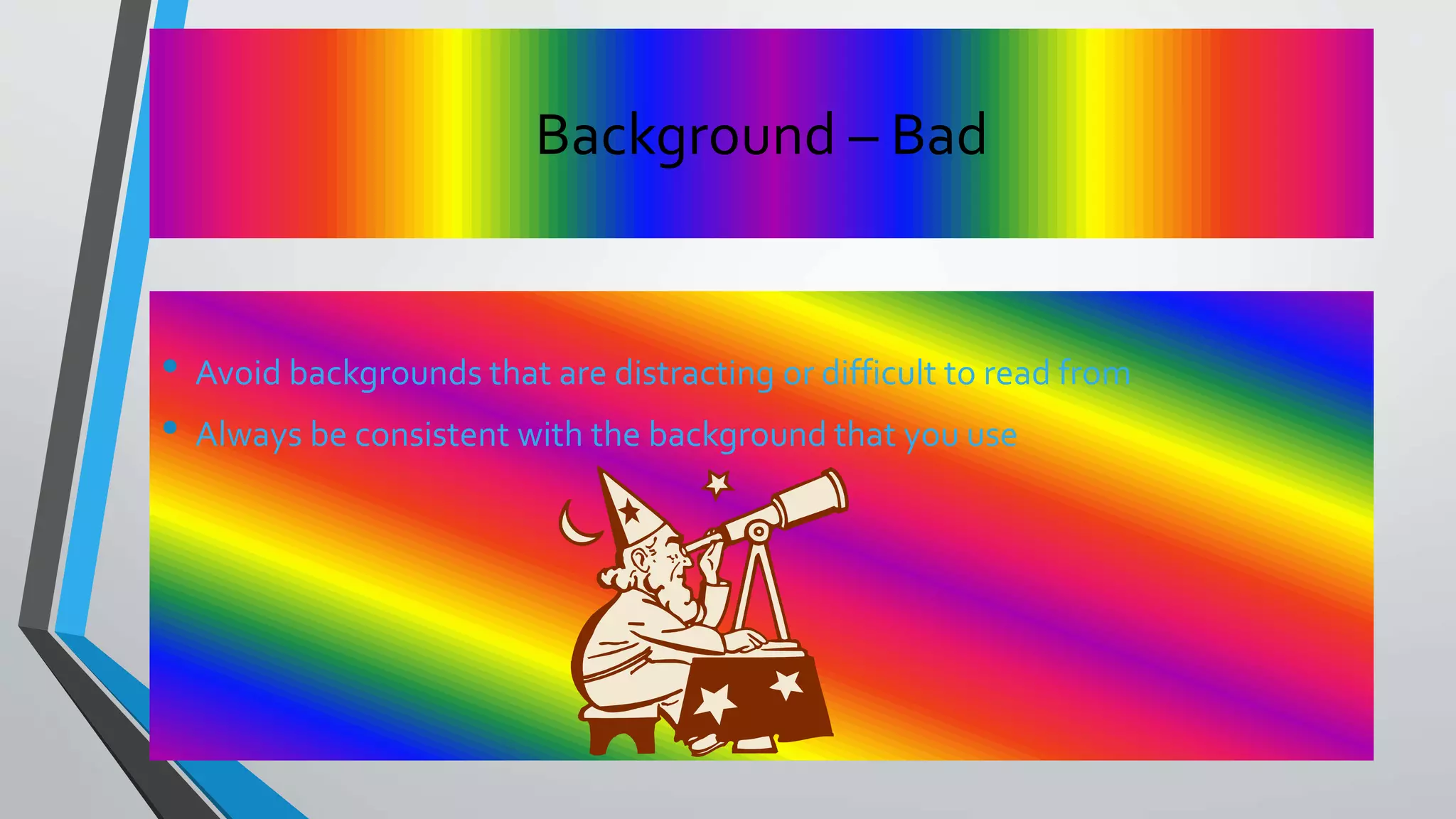
Background – Bad
• Avoid backgrounds that are distracting or difficult to read from
• Always be consistent with the background that you use
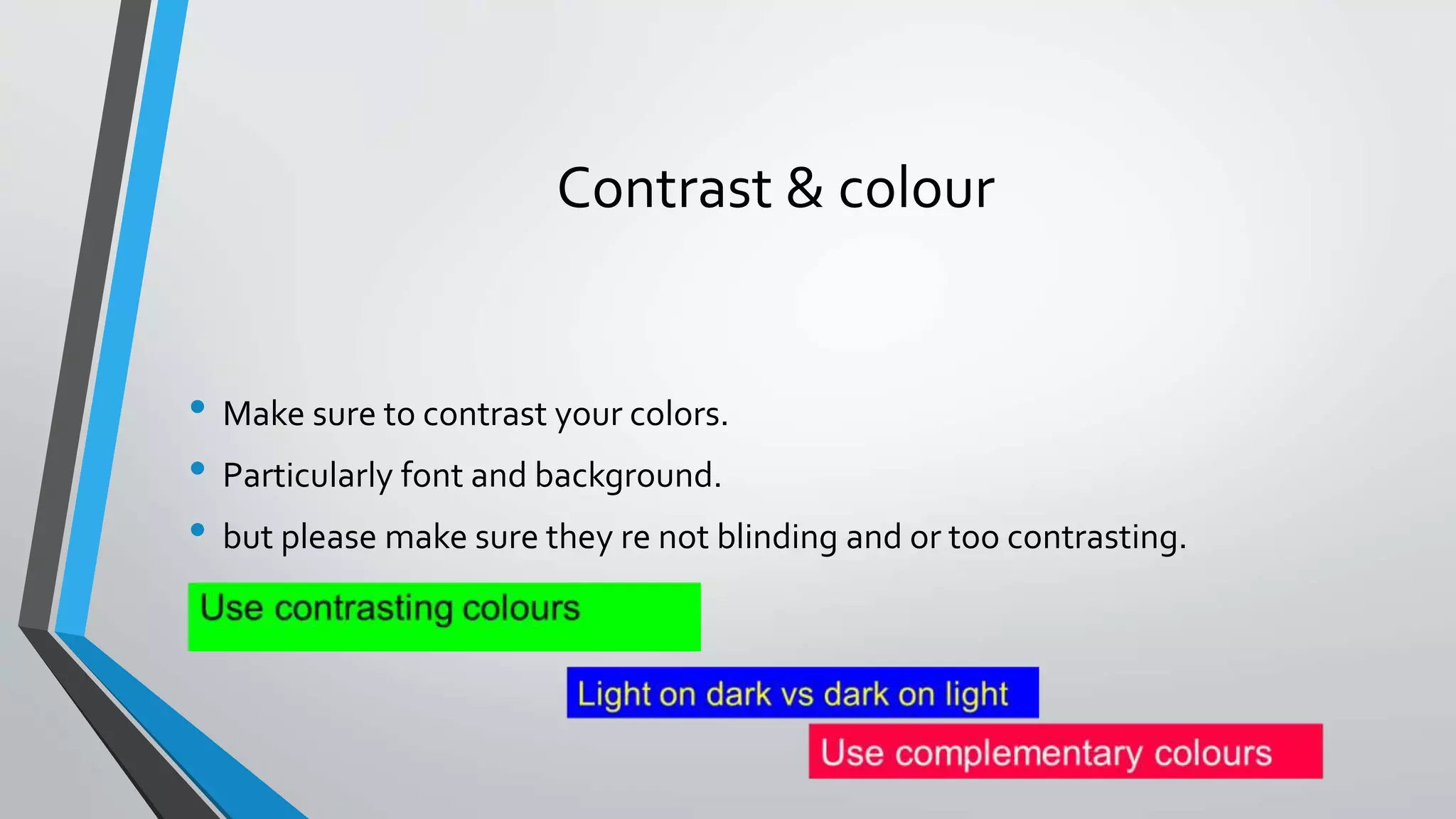
Contrast & colour
• Make sure to contrast your colors.
• Particularly font and background.
• but please make sure they re not blinding and or too contrasting.
Don’t
Choose Serif fonts like;
Times New Roman
They are harder to read on a screen
DO
Use san-serif fonts like;
Ariel, Gil Sans, or Century Gothic
They are easier on the eye
Underline words for emphasis
People mistake these for hyperlinks and
they are harder to read.
Vary a font's size, Style or colour for emphasis
or group words together *
*But avoid doing it all on one slide
Use visually complex fonts
Especiallyavarietyofthem
Choose easy to read fonts
&
Stay in a font family
Use too much information
Choose images
that match
your message
Use too many bullet points
• Avoid too many bullet points
• Fillupthescreenwithlotsandlotsinformationwritteninsentenceform.Orevenb
ulletafterbulletafterbullet.Thevisualsinyourpresentationshouldhelpguideyo
urspeaking,notreplaceit.Peoplecanreadfasterthantheycanspeak,andtheydo
n‟twanttohearyoujustreadfromtheslides.Plus,themoreyouputonaslide,thes
mallerthetextwillgetandthesmallerthetextgets,theharderitistoread.Then,yo
uwillannoyyouraudienceastheytrytofollowalong,butfalterintheirattempts.A
nannoyedaudienceisnotahappyaudienceandanunhappyaudiencewon‟treally
giveyoutheattentionyourhardandcarefullyresearchedpresentationdeserves.
Inotherwords,didyoureallyreadallofthis?Wouldyouexpectyouraudienceto?
Check your spelling
Proofread each slide
Make sure all information is correct
Reference list
http://www.slideshare.net/covs/ppt-dos-and-donts
http://www.slideshare.net/sudarsansahu/powerpoint-do-dont?qid=117dceac-f773-4a18-812f-5e06c1a7ca27&v=&b=&from_search=5
http://www.slideshare.net/ethos3/text-me-dos-donts-of-presentation-design?from_action=save
http://www.slideshare.net/monikadoshi31/dos-and-donts-of-powerpoint-presentations
http://www.slideshare.net/ETRC/power-point-presentations-dos-and-donts
http://www.slideshare.net/Archela/dos-and-donts-of-powerpoint-21565051?qid=dd55a853-1658-4922-a422-
6609d72d55bd&v=&b=&from_search=6
http://www.slideshare.net/mariaverna17/powerpoint-dosdonts-d?qid=4d69a0fc-5101-4cda-879c-c94045947e21&v=&b=&from_search=8

Sandile Radebe do's and don'ts of powerpoint presentation