Hosting a Virtual Party with Live Trivia
And Live Streaming it!
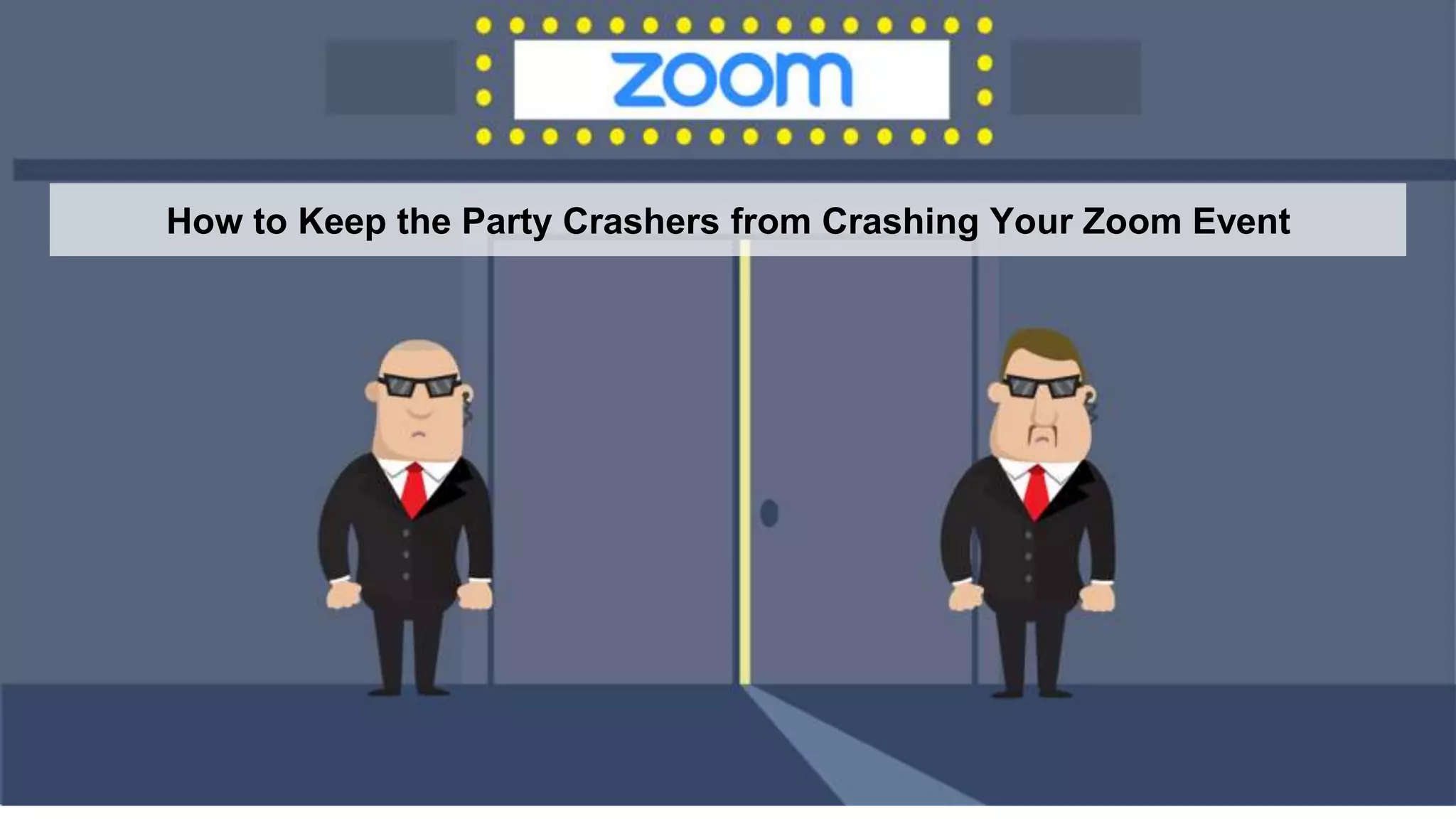
How to Keep the Party Crashers from Crashing Your Zoom Event
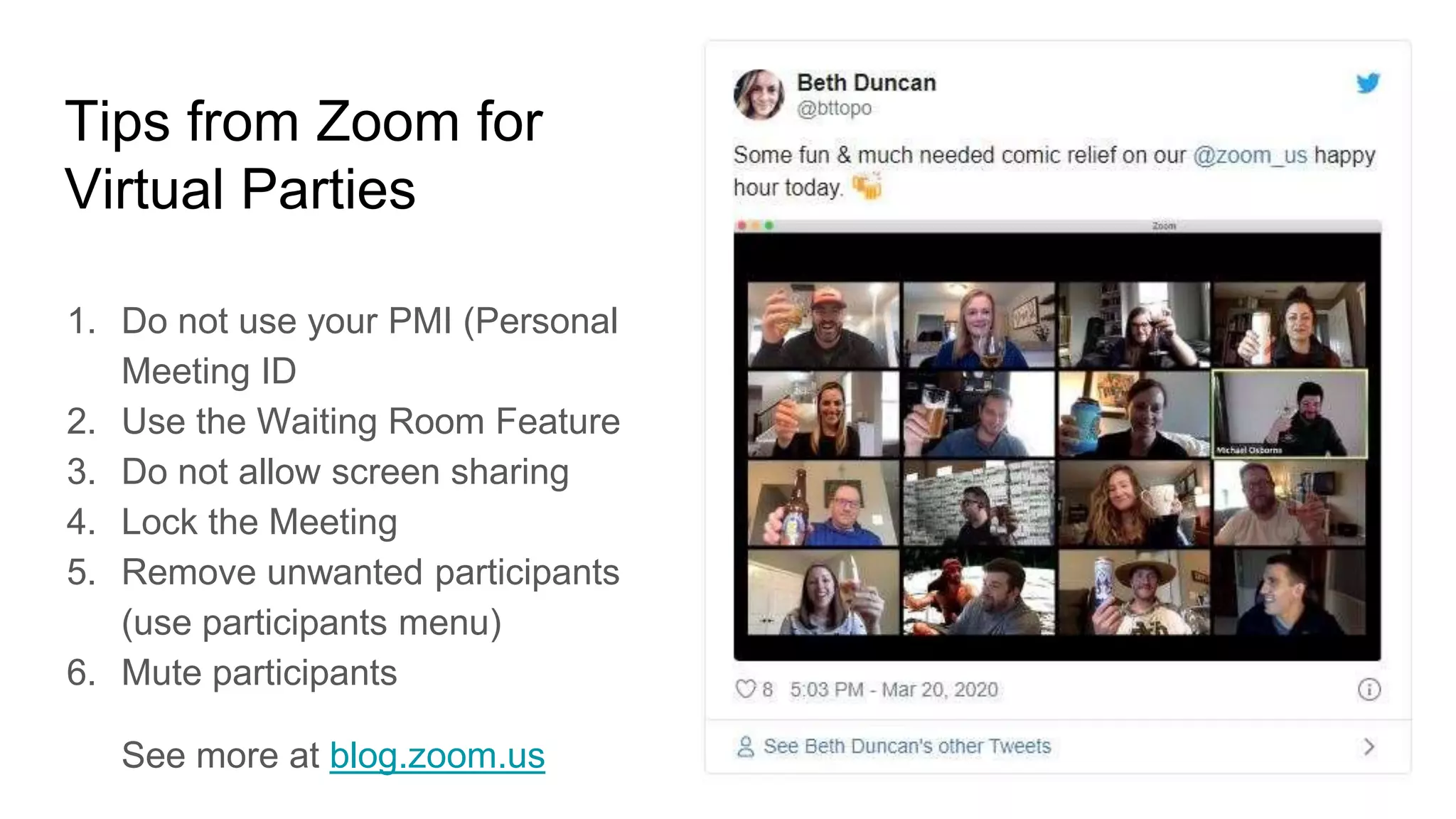
Tips from Zoom for
Virtual Parties
1. Do not use your PMI (Personal
Meeting ID
2. Use the Waiting Room Feature
3. Do not allow screen sharing
4. Lock the Meeting
5. Remove unwanted participants
(use participants menu)
6. Mute participants
See more at blog.zoom.us
Tips from the NY Times
1. Keep it small
2. Get comfy
3. Go for the Grid View
4. Be a good listener
5. End on a High Note
How to Have a Successful
Virtual Happy Hour
By Anna Goldfarb
Source =
https://www.nytimes.com/2020/03/20/well/virus-virtual-happy-
hour.html
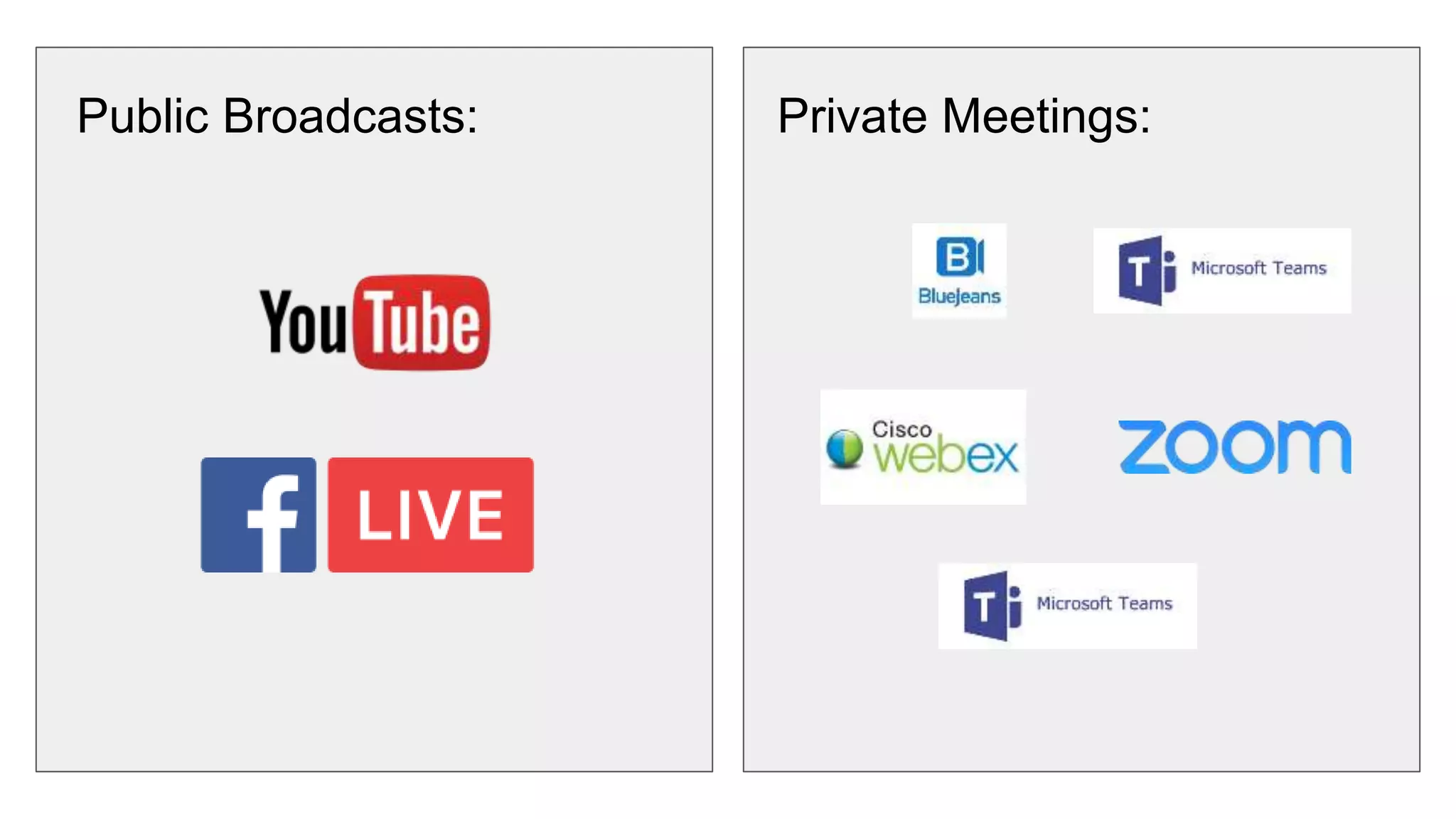
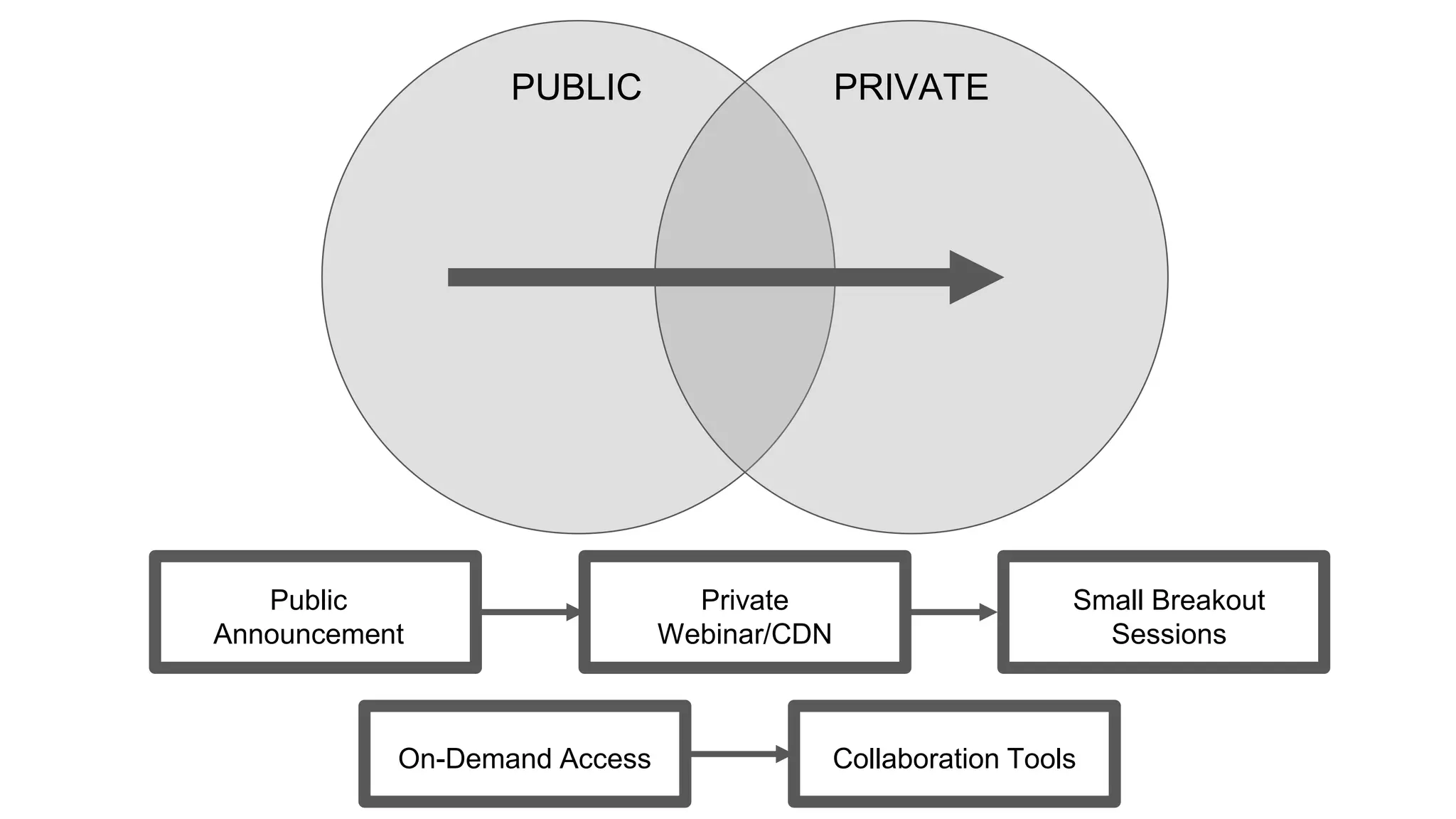
Public Broadcasts: Private Meetings:
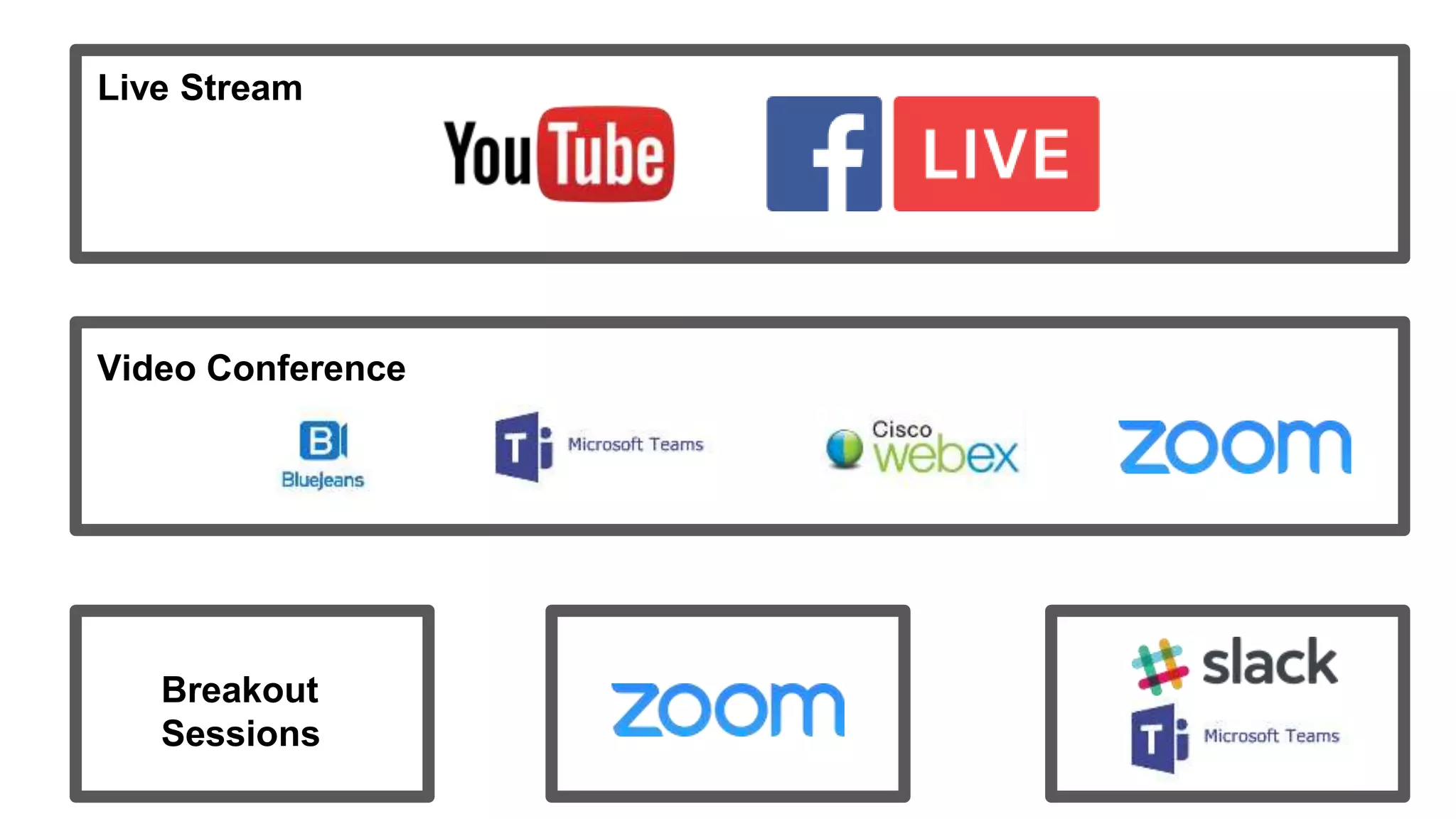
Live Stream
Video Conference
Breakout
Sessions
PUBLIC PRIVATE
Public
Announcement
Private
Webinar/CDN
Small Breakout
Sessions
On-Demand Access Collaboration Tools
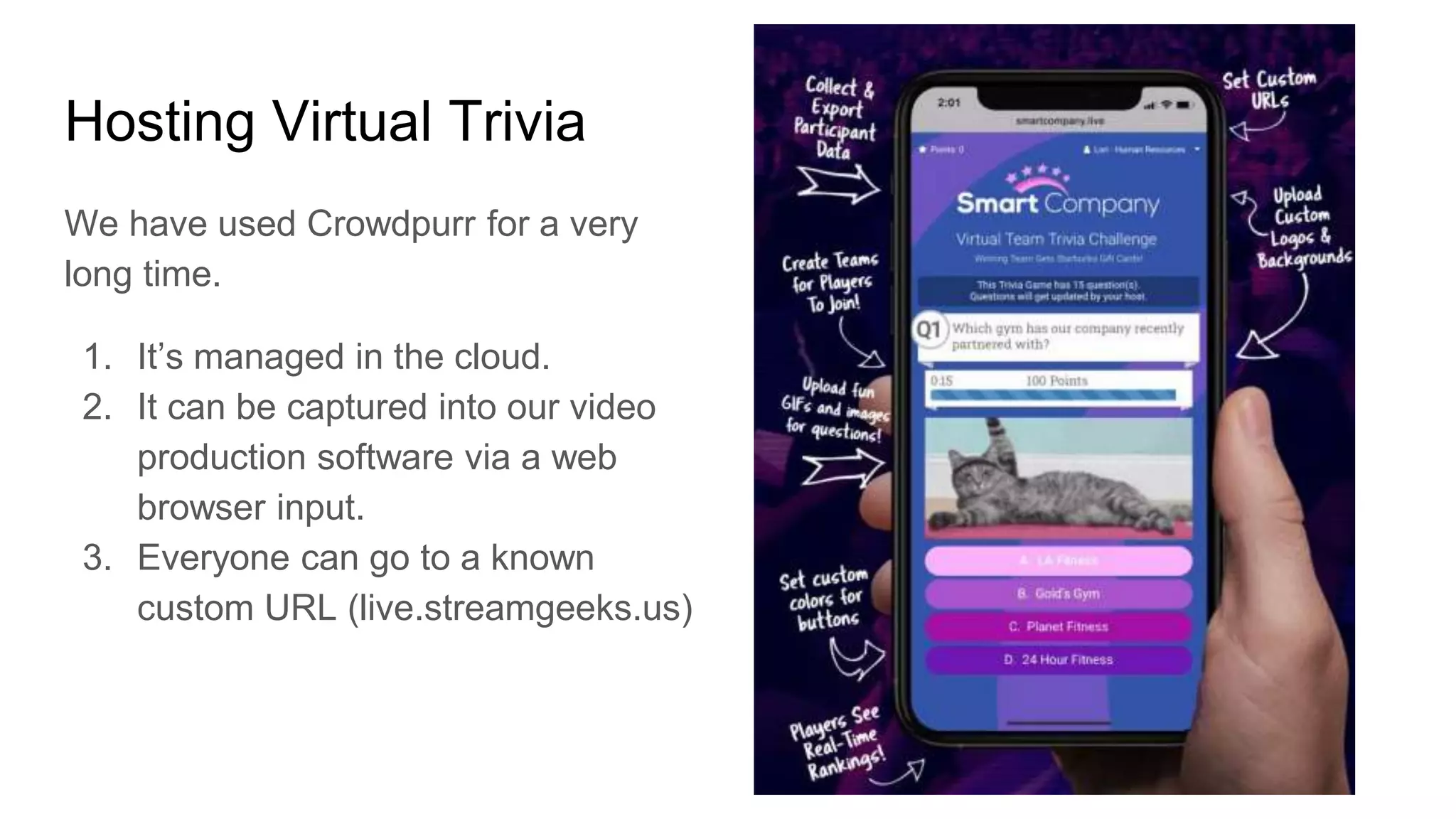
Hosting Virtual Trivia
We have used Crowdpurr for a very
long time.
1. It’s managed in the cloud.
2. It can be captured into our video
production software via a web
browser input.
3. Everyone can go to a known
custom URL (live.streamgeeks.us)
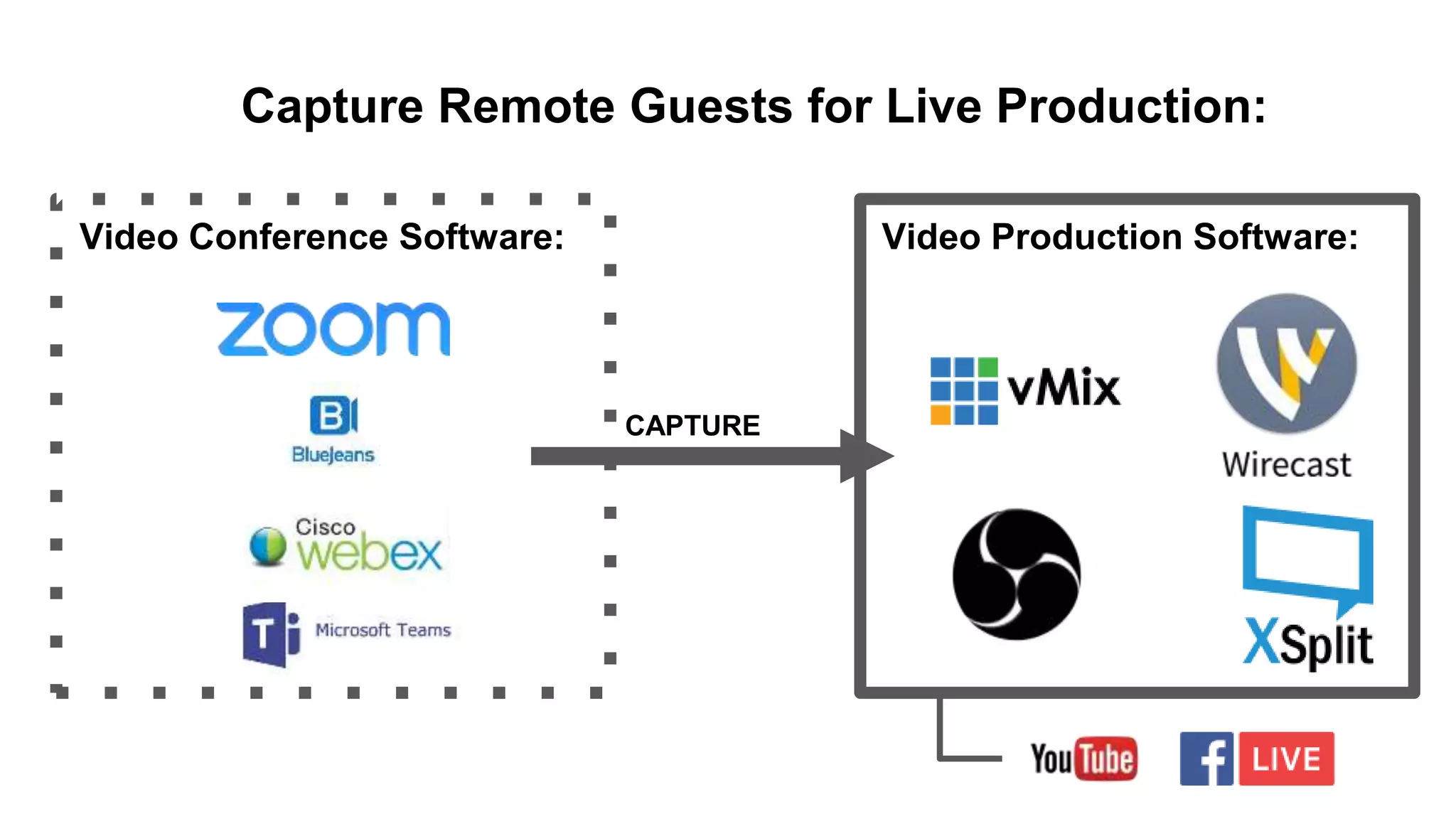
Video Production Software:Video Conference Software:
CAPTURE
Capture Remote Guests for Live Production:
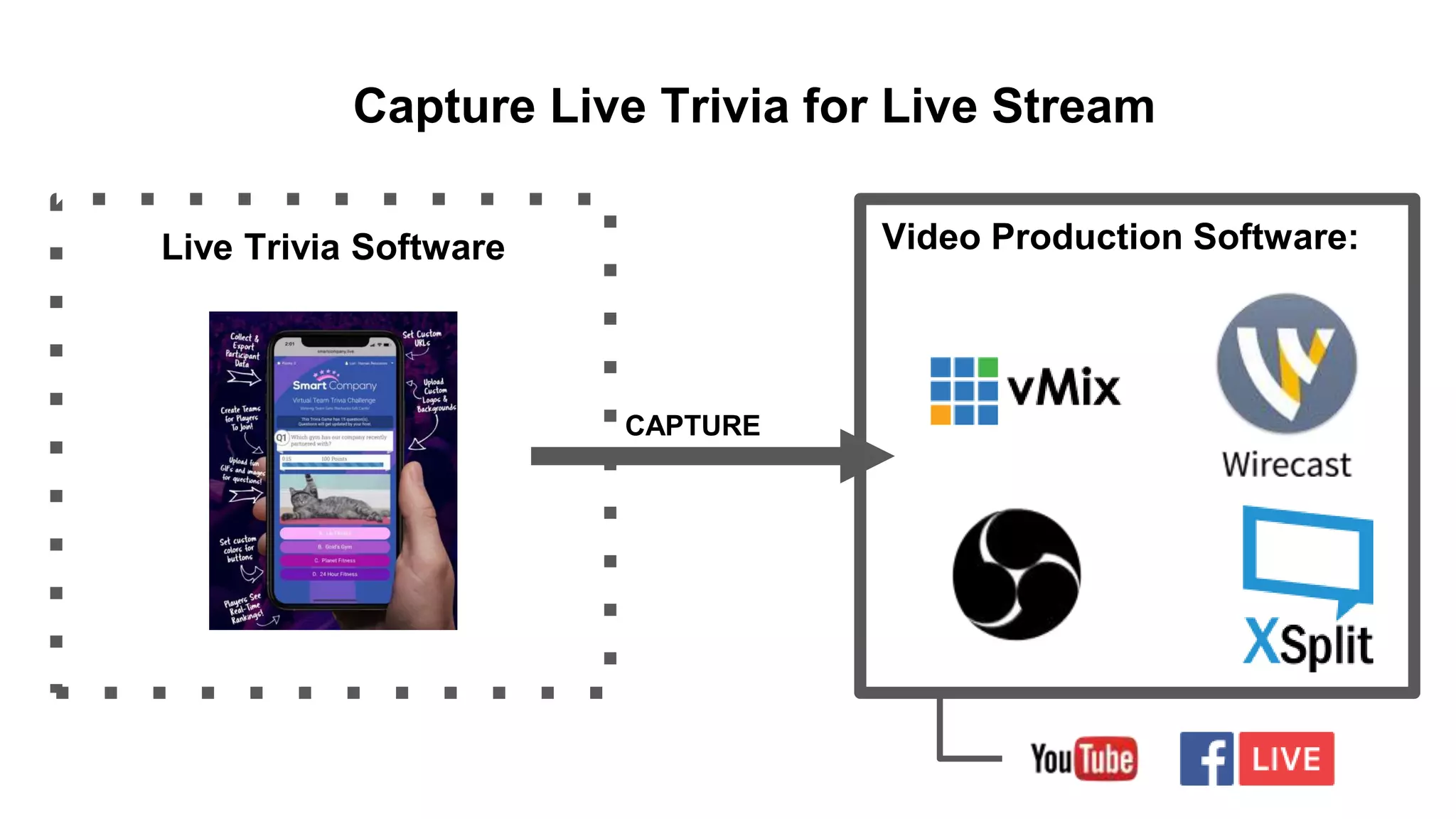
Video Production Software:Live Trivia Software
CAPTURE
Capture Live Trivia for Live Stream
Video Production Software:
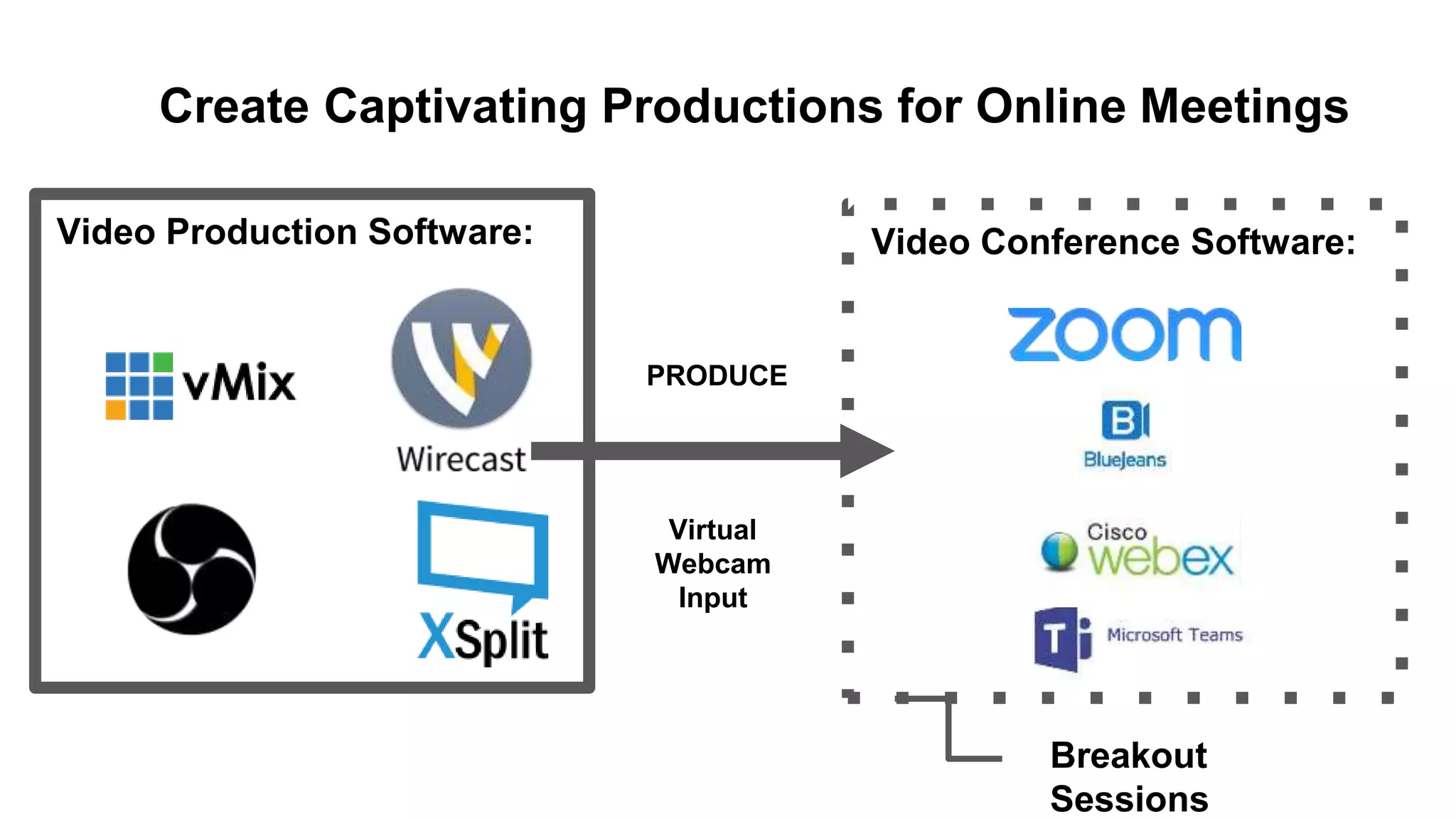
PRODUCE
Video Conference Software:
Create Captivating Productions for Online Meetings
Virtual
Webcam
Input
Breakout
Sessions
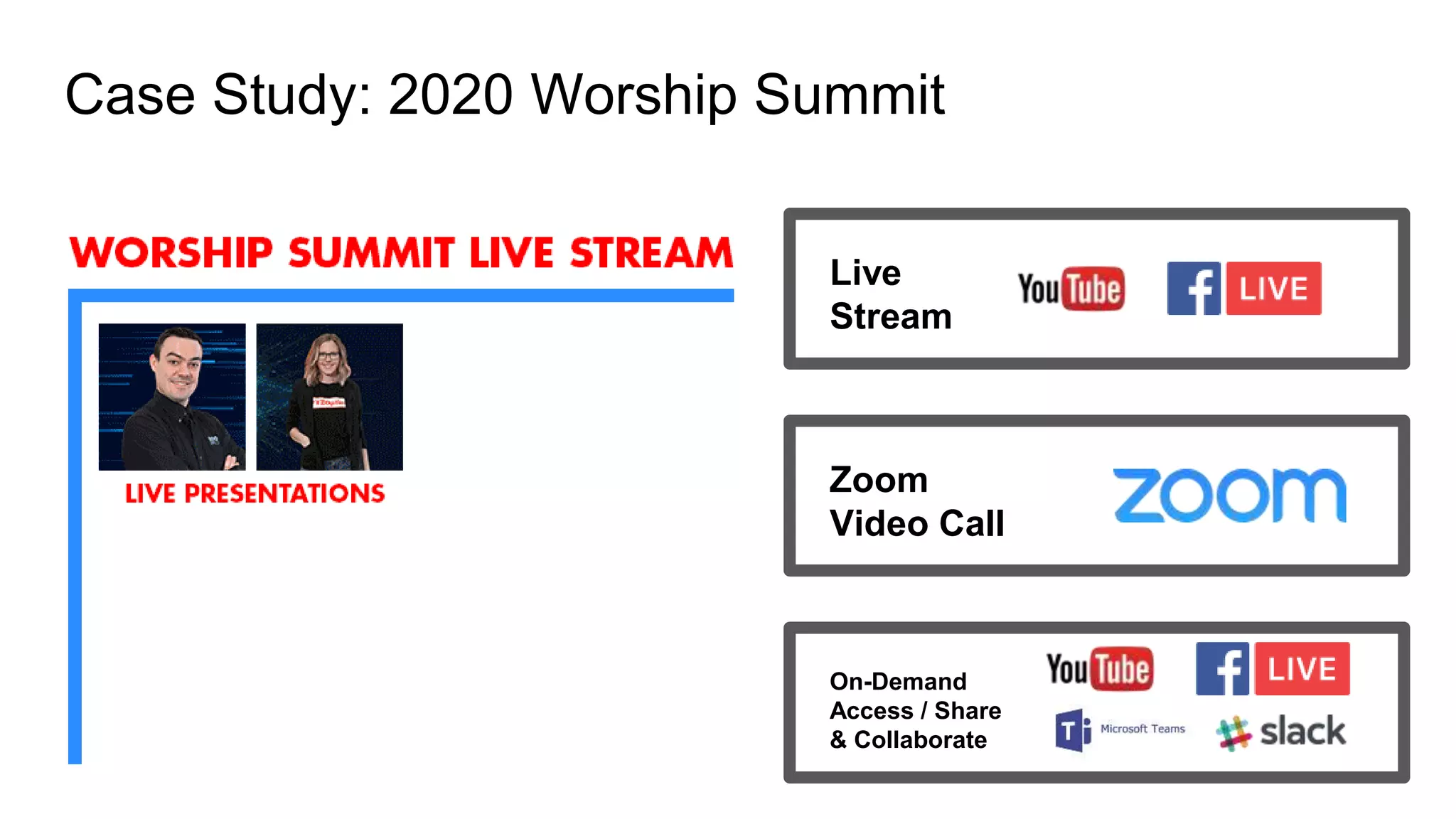
Case Study: 2020 Worship Summit
Live
Stream
Zoom
Video Call
On-Demand
Access / Share
& Collaborate
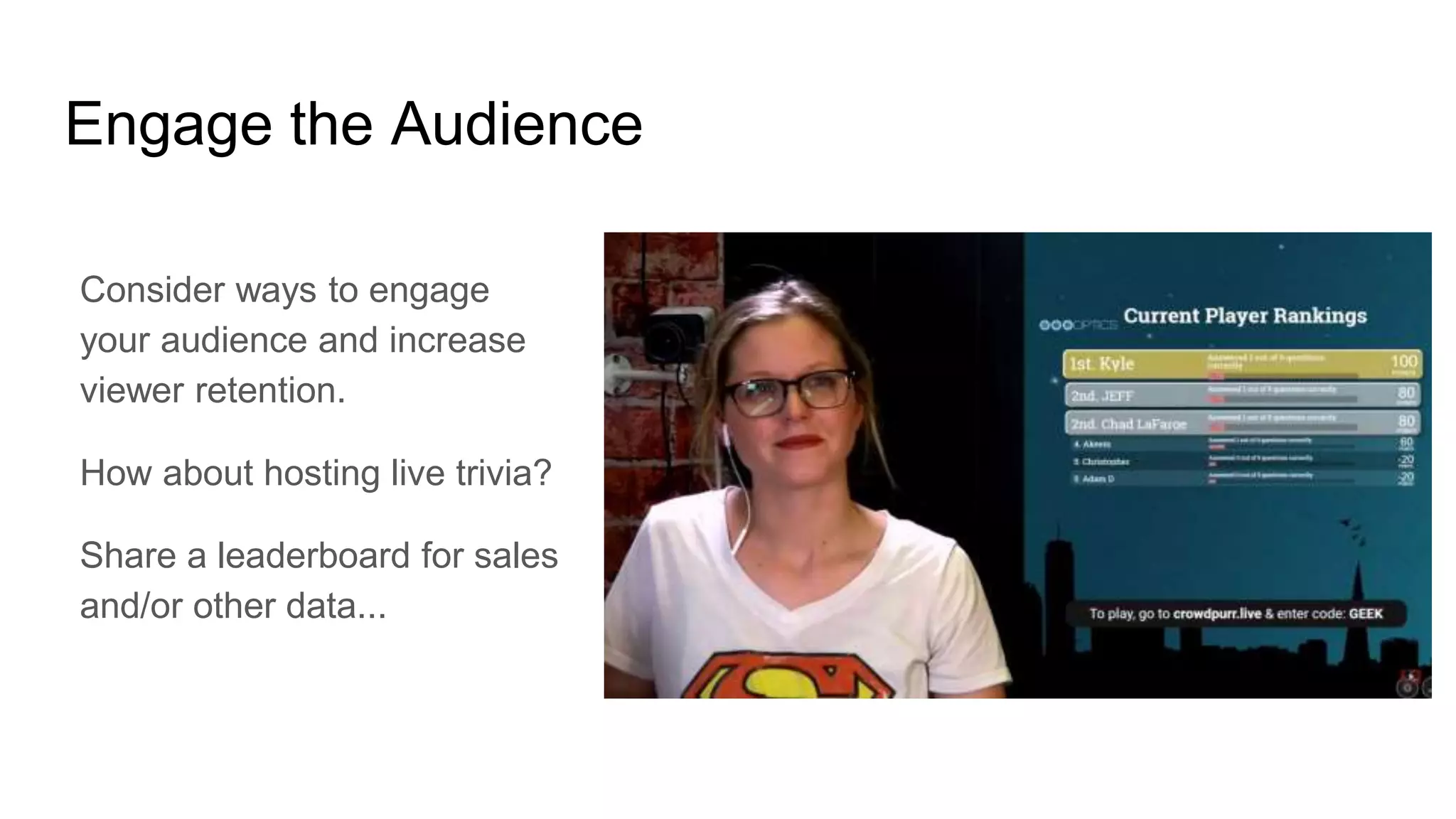
Engage the Audience
Consider ways to engage
your audience and increase
viewer retention.
How about hosting live trivia?
Share a leaderboard for sales
and/or other data...
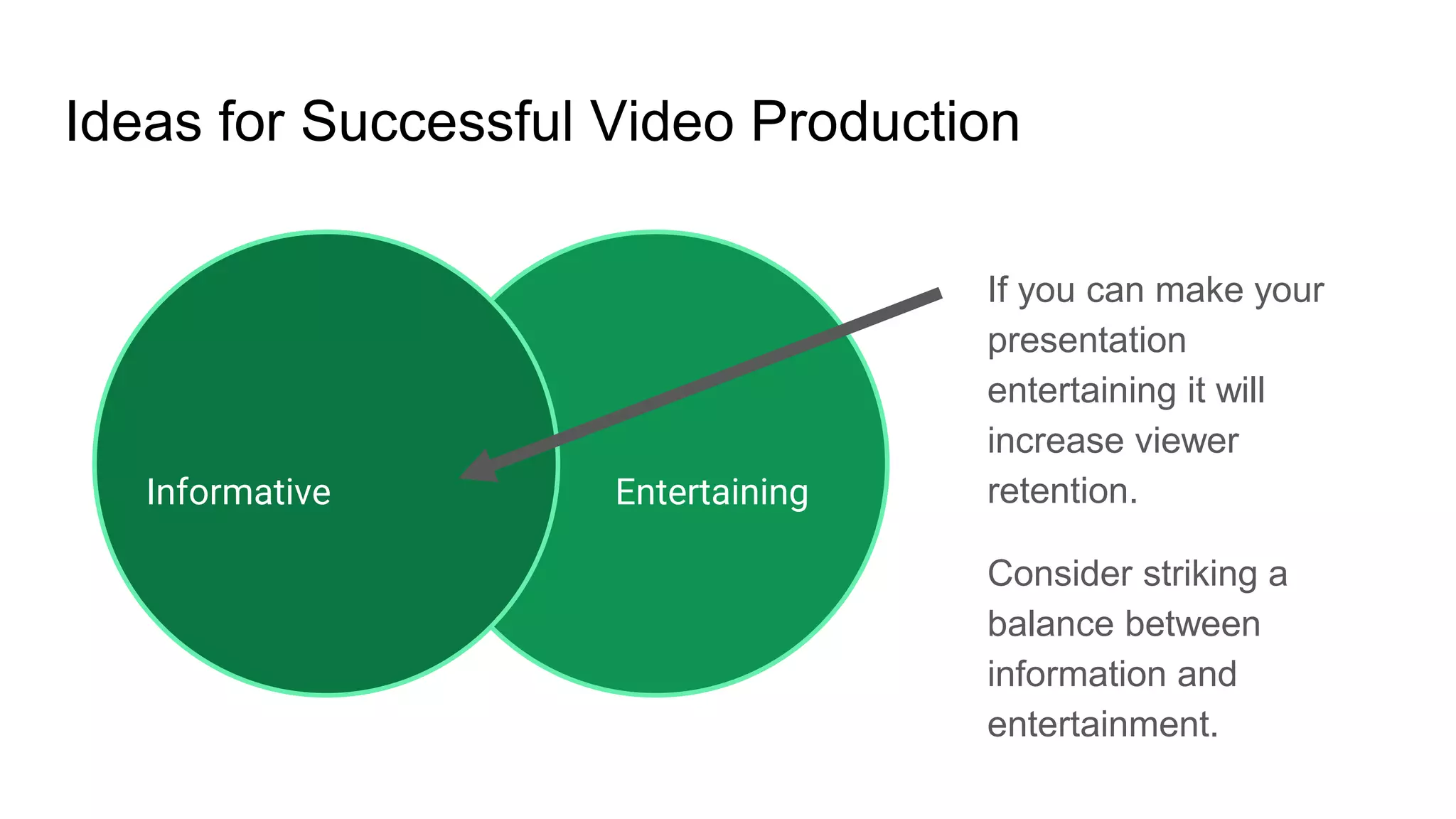
Ideas for Successful Video Production
If you can make your
presentation
entertaining it will
increase viewer
retention.
Consider striking a
balance between
information and
entertainment.
EntertainingInformative

Hosting a virtual party with live trivia