PGDay.Amsterdam 2018 - Stefan Fercot - Save your data with pgBackRest
The document provides a detailed guide on using pgBackRest for data backup and recovery in PostgreSQL. It covers installation, configuration, backup types, and step-by-step recovery procedures including point-in-time recovery. The document emphasizes the importance of following best practices and testing the backup system.
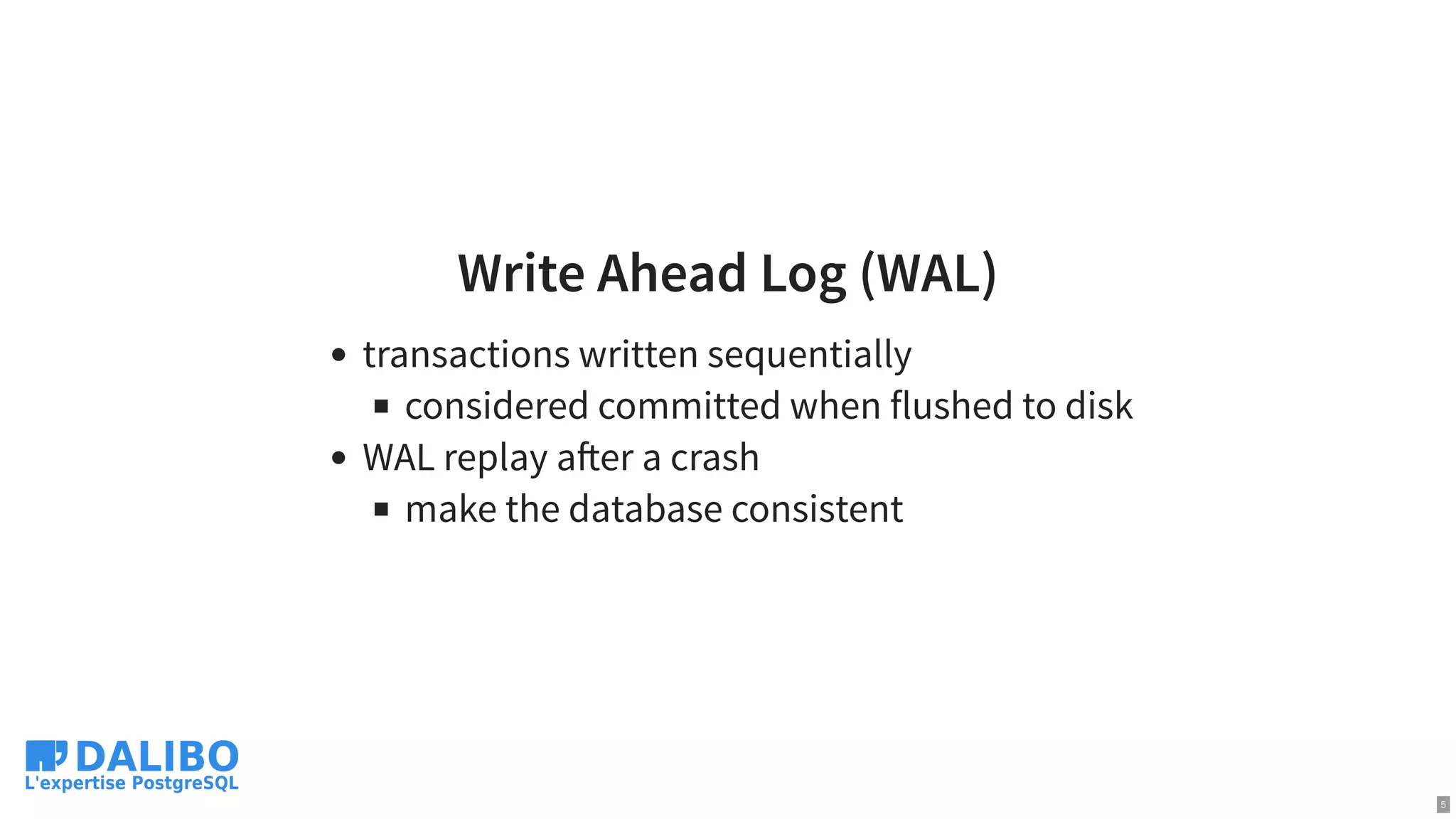
Write Ahead Log(WAL)
transactions written sequentially
considered committed when flushed to disk
WAL replay a er a crash
make the database consistent
5
6.
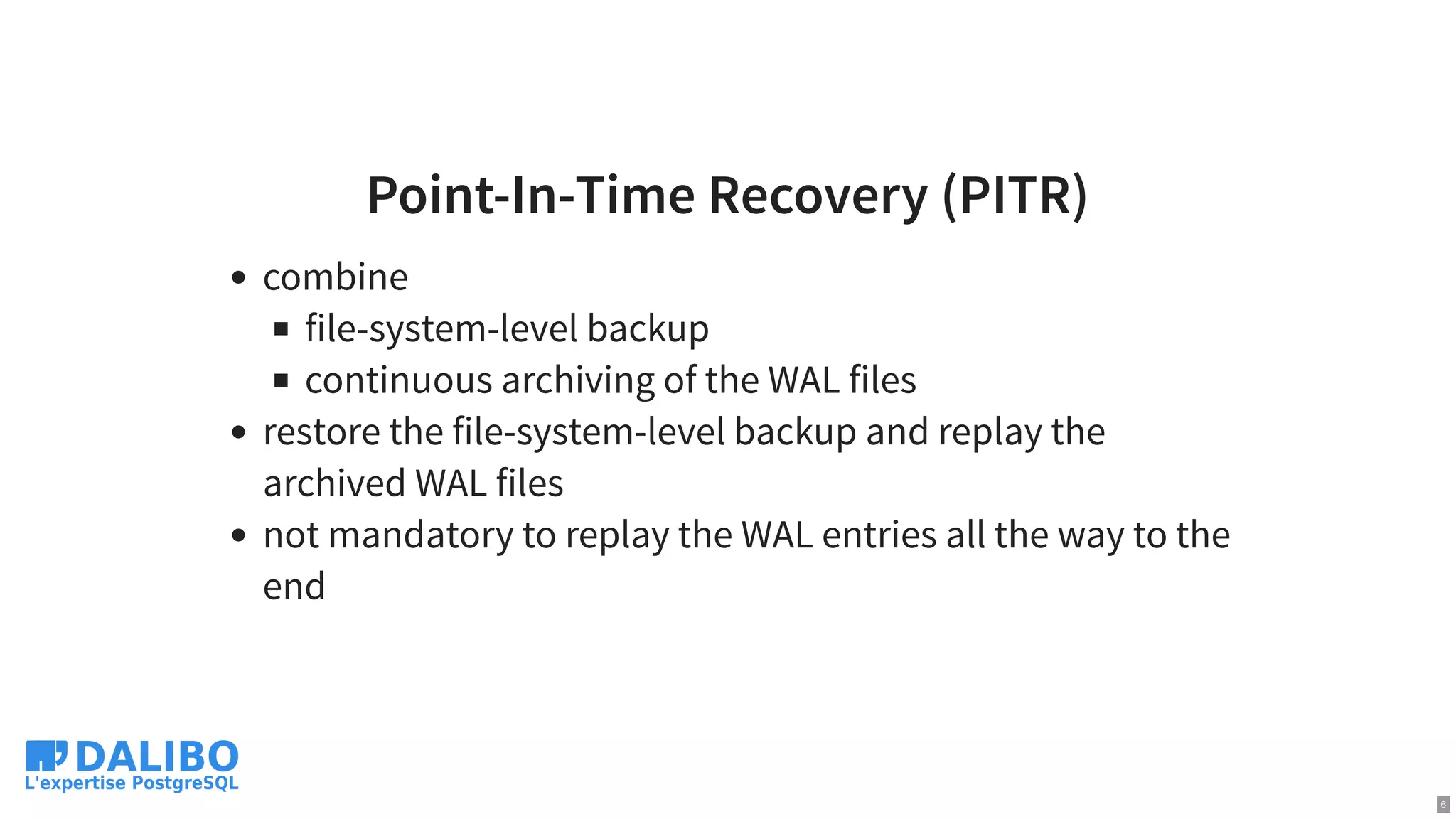
Point-In-Time Recovery (PITR)
combine
file-system-levelbackup
continuous archiving of the WAL files
restore the file-system-level backup and replay the
archived WAL files
not mandatory to replay the WAL entries all the way to the
end
6
7.
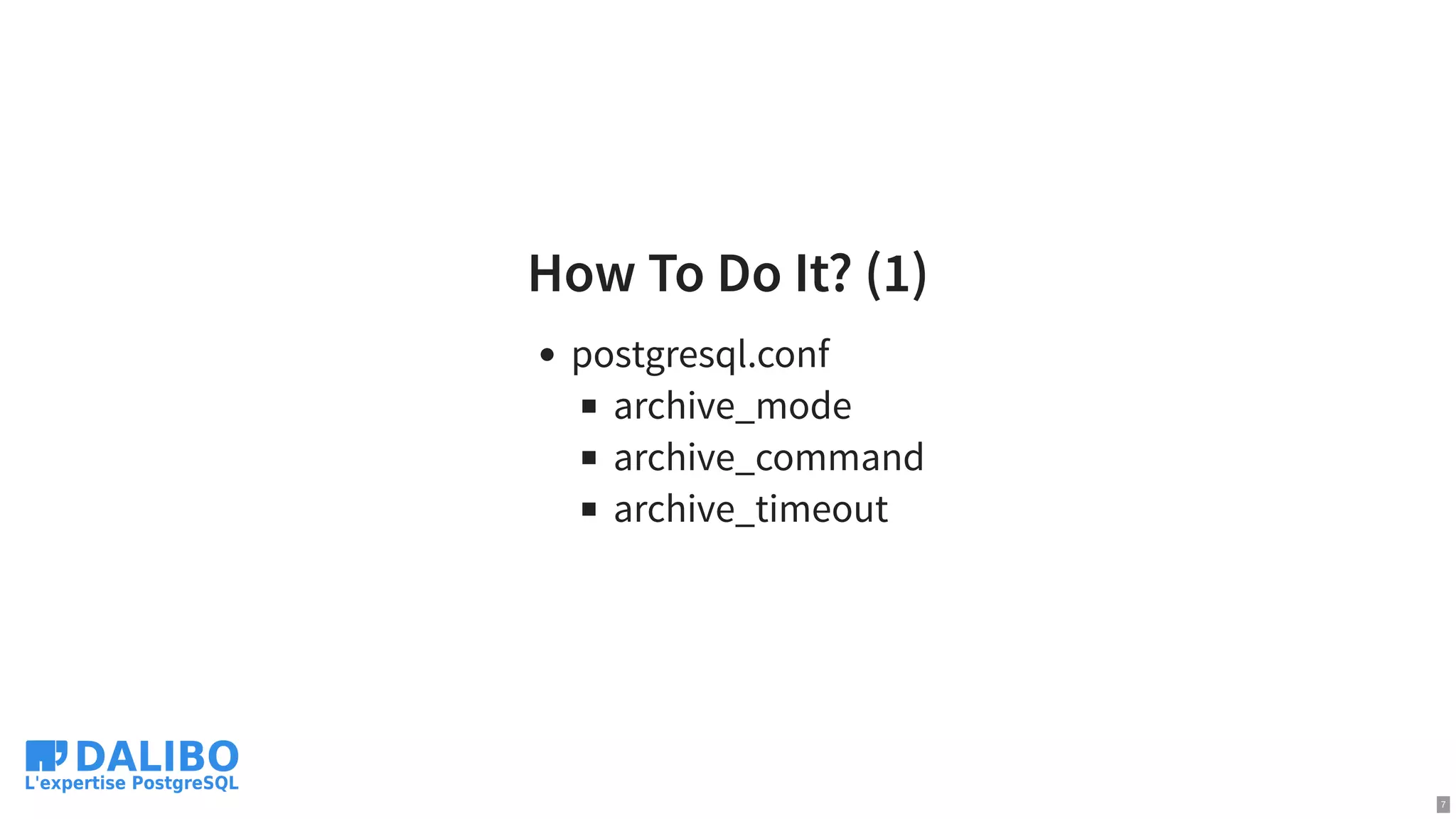
How To DoIt? (1)
postgresql.conf
archive_mode
archive_command
archive_timeout
7
8.
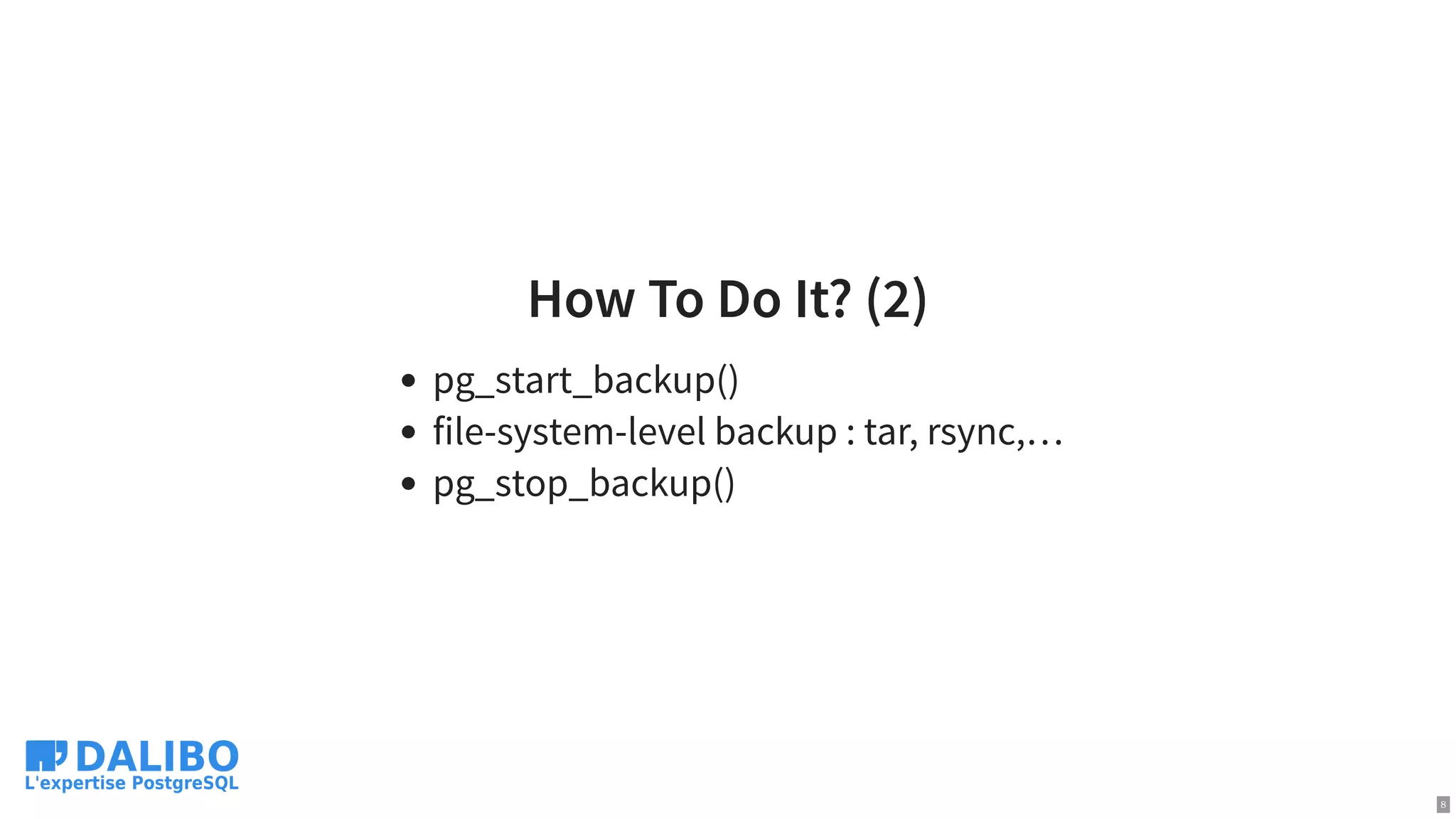
How To DoIt? (2)
pg_start_backup()
file-system-level backup : tar, rsync,…
pg_stop_backup()
8
9.
How To DoIt? (3)
so many ways to get that wrong
what about backup retention?
…
9
10.
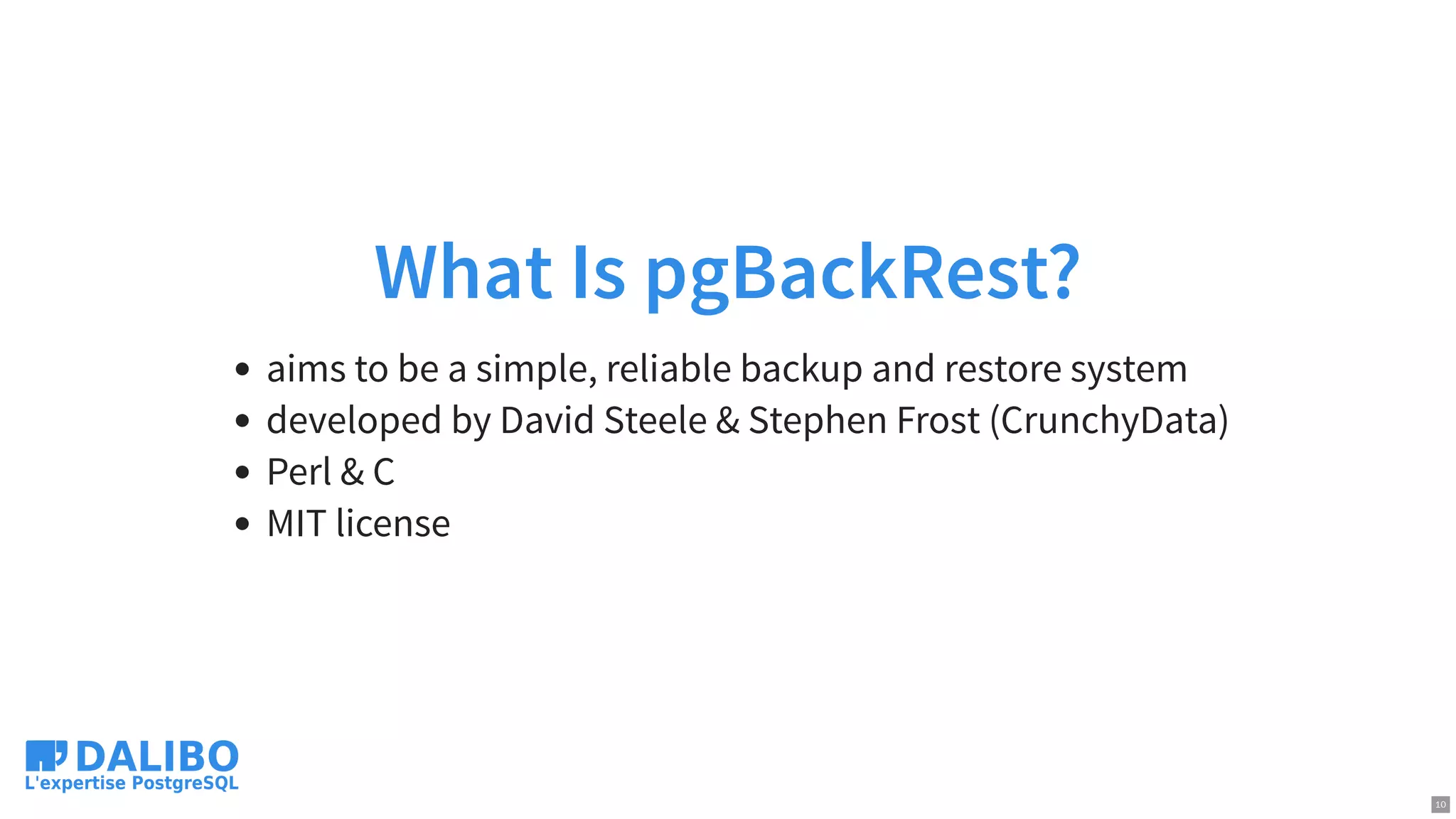
What Is pgBackRest?
aimsto be a simple, reliable backup and restore system
developed by David Steele & Stephen Frost (CrunchyData)
Perl & C
MIT license
10
11.
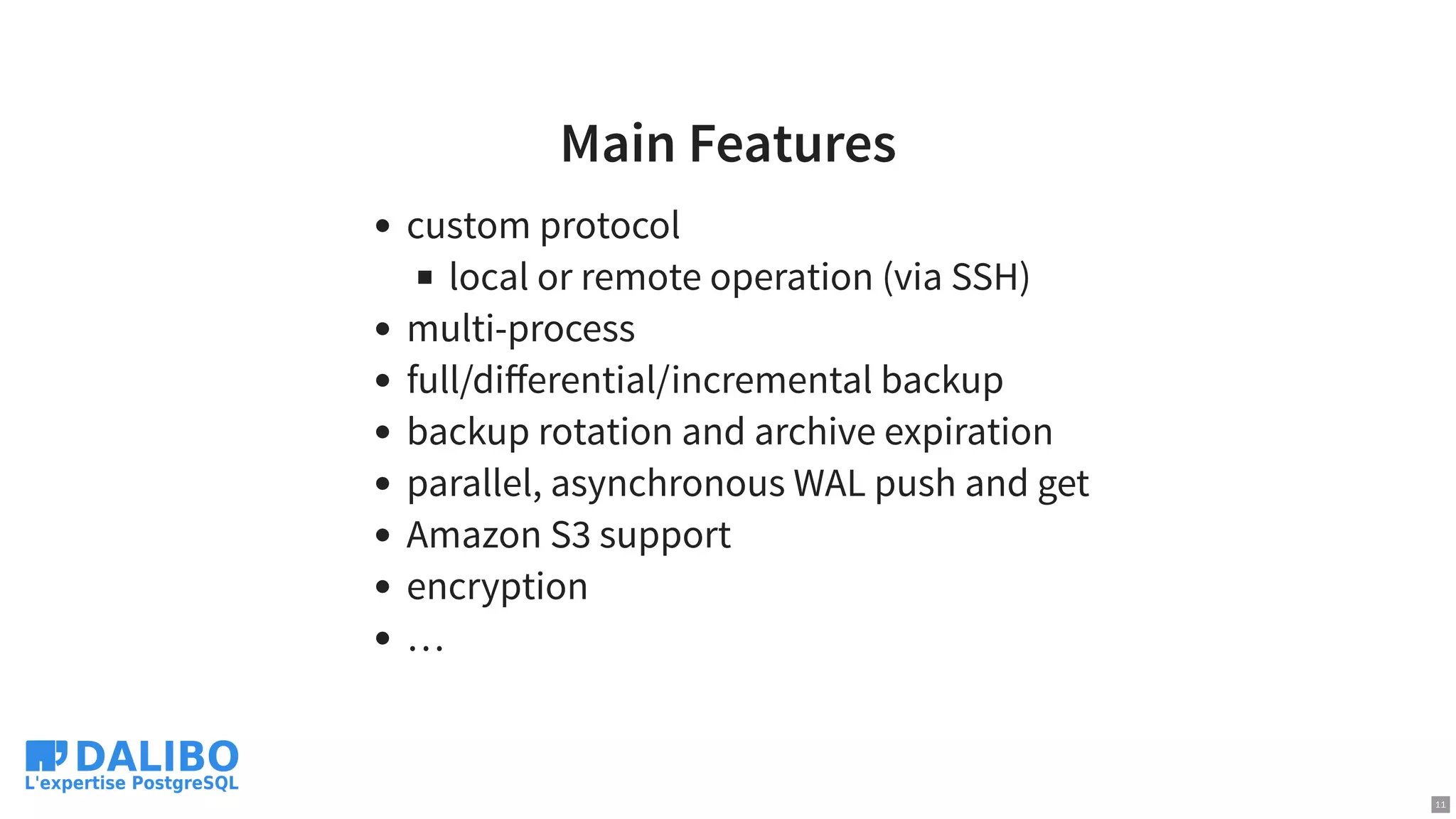
Main Features
custom protocol
localor remote operation (via SSH)
multi-process
full/differential/incremental backup
backup rotation and archive expiration
parallel, asynchronous WAL push and get
Amazon S3 support
encryption
…
11
12.
Installation
Use the PGDGrepository, Luke!
yum / apt-get install pgbackrest
1 package with some (~ 40) dependencies
12
13.
Configuration
/etc/pgbackrest.conf , example:
main configuration in the [global] part
each PostgreSQL cluster to backup has its own
configuration, called stanza
[global]
repo1-path=/var/lib/pgsql/10/backups
log-level-console=info
[my_stanza]
pg1-path=/var/lib/pgsql/10/data
13
14.
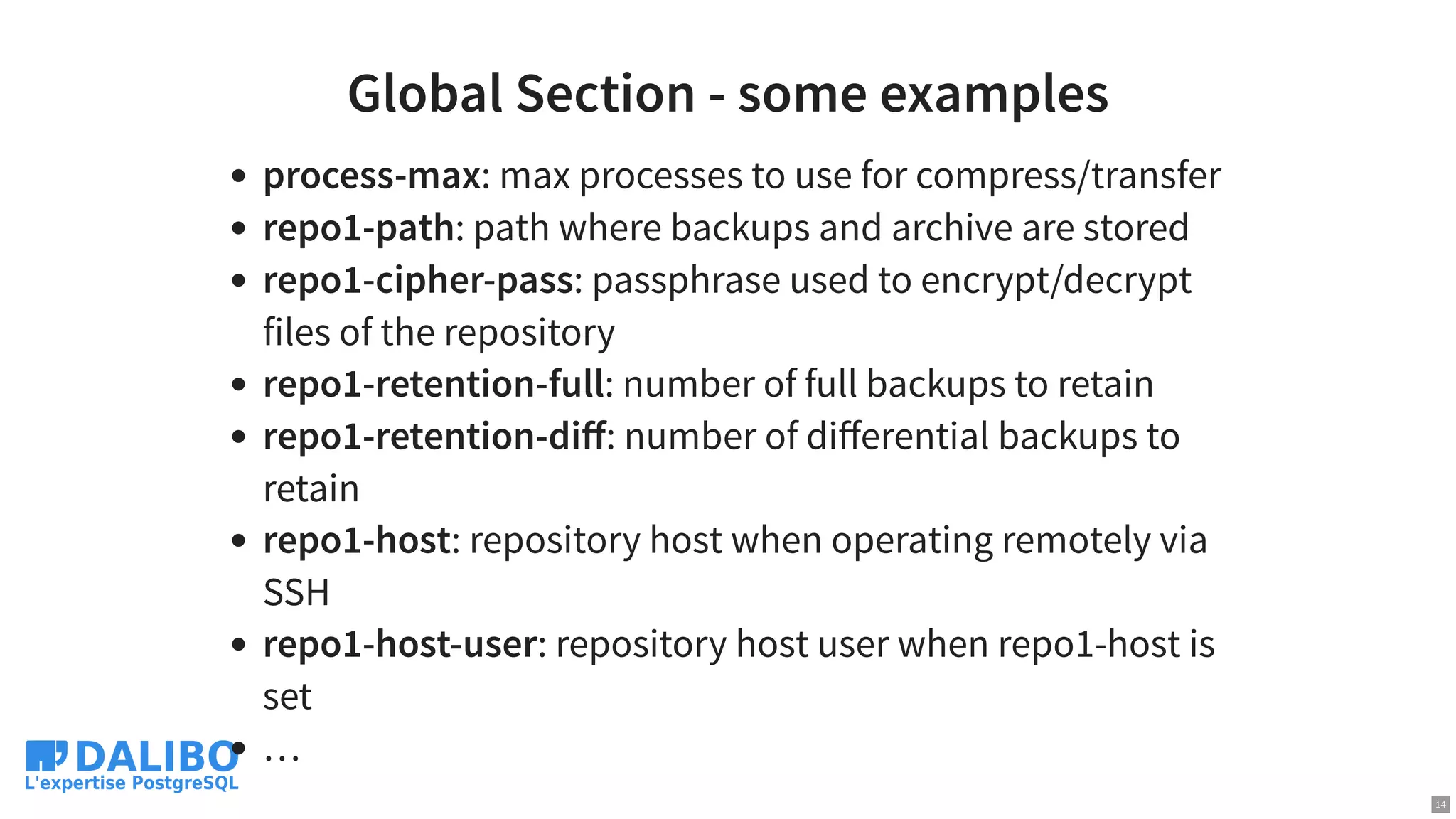
Global Section -some examples
process-max: max processes to use for compress/transfer
repo1-path: path where backups and archive are stored
repo1-cipher-pass: passphrase used to encrypt/decrypt
files of the repository
repo1-retention-full: number of full backups to retain
repo1-retention-diff: number of differential backups to
retain
repo1-host: repository host when operating remotely via
SSH
repo1-host-user: repository host user when repo1-host is
set
…
14
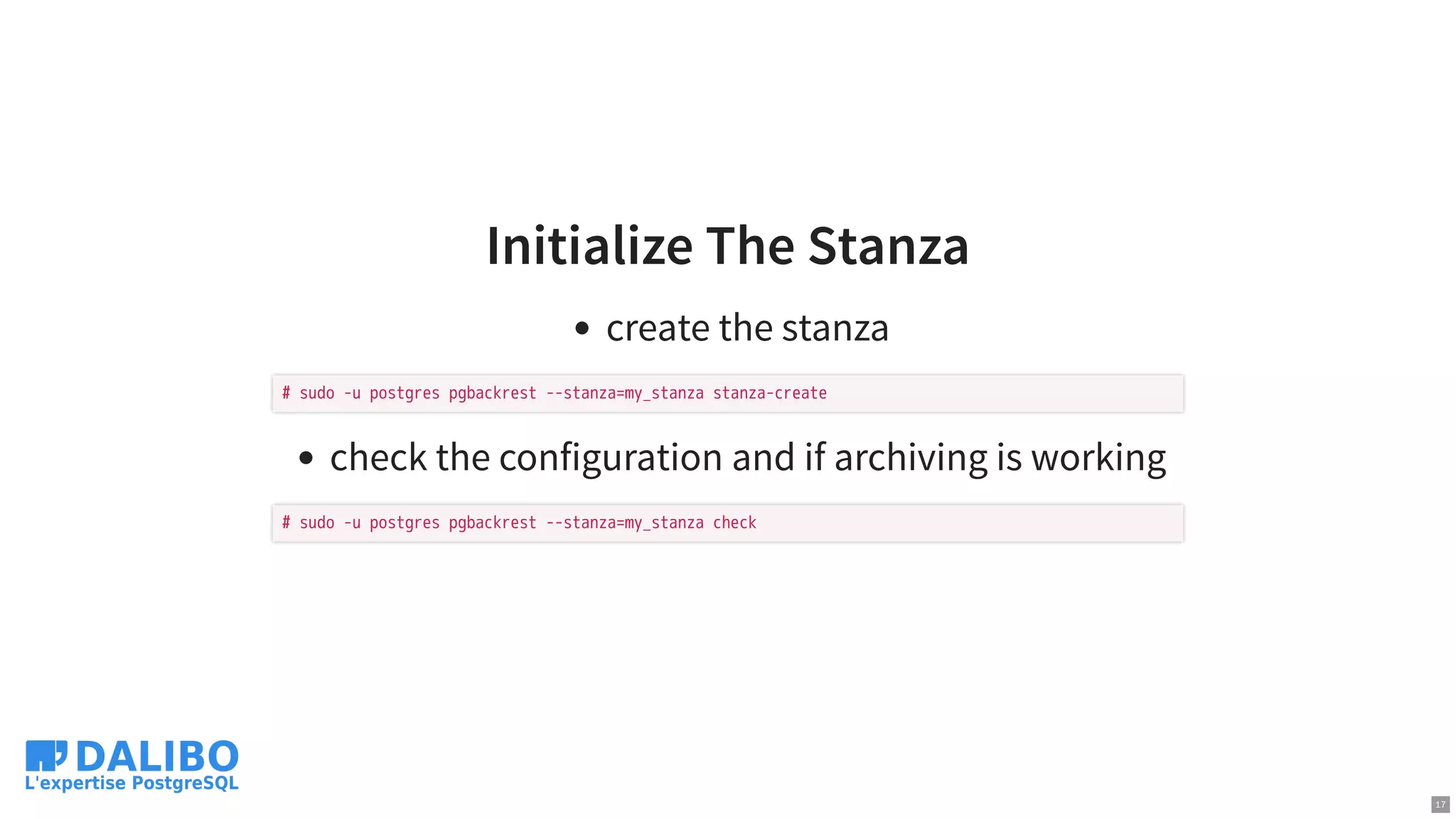
Initialize The Stanza
createthe stanza
check the configuration and if archiving is working
# sudo -u postgres pgbackrest --stanza=my_stanza stanza-create
# sudo -u postgres pgbackrest --stanza=my_stanza check
17
18.
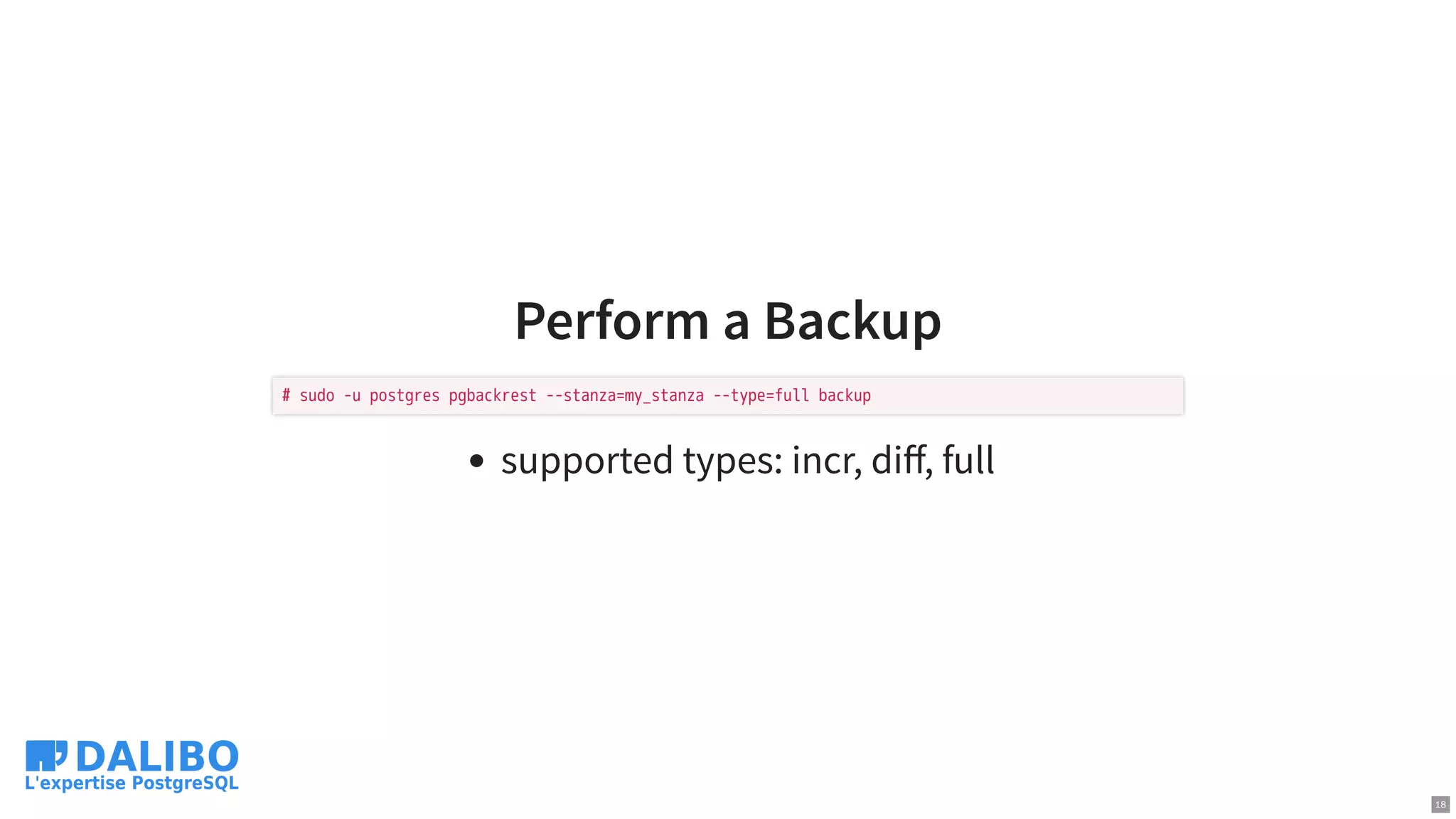
Perform a Backup
supportedtypes: incr, diff, full
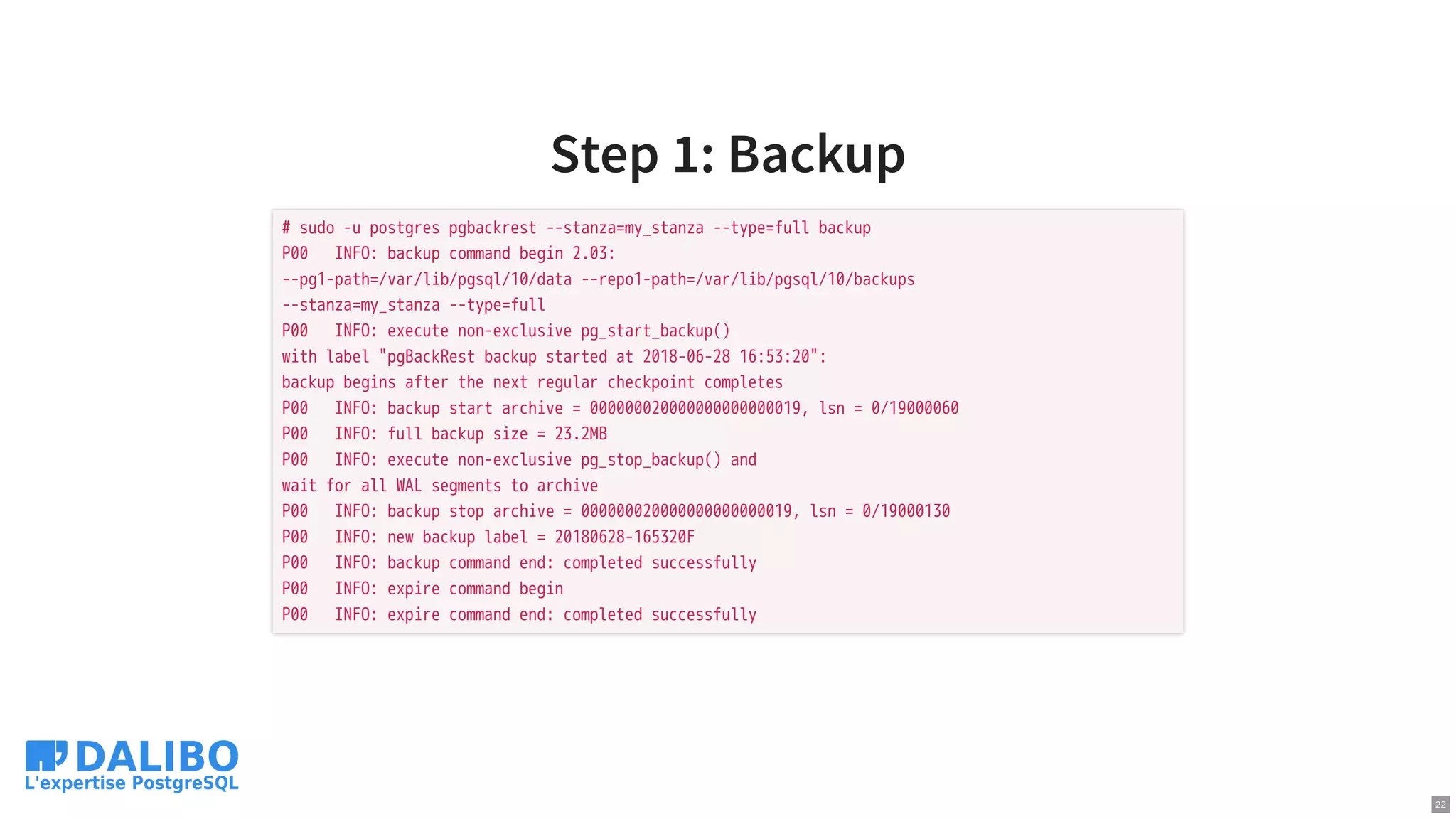
# sudo -u postgres pgbackrest --stanza=my_stanza --type=full backup
18
19.
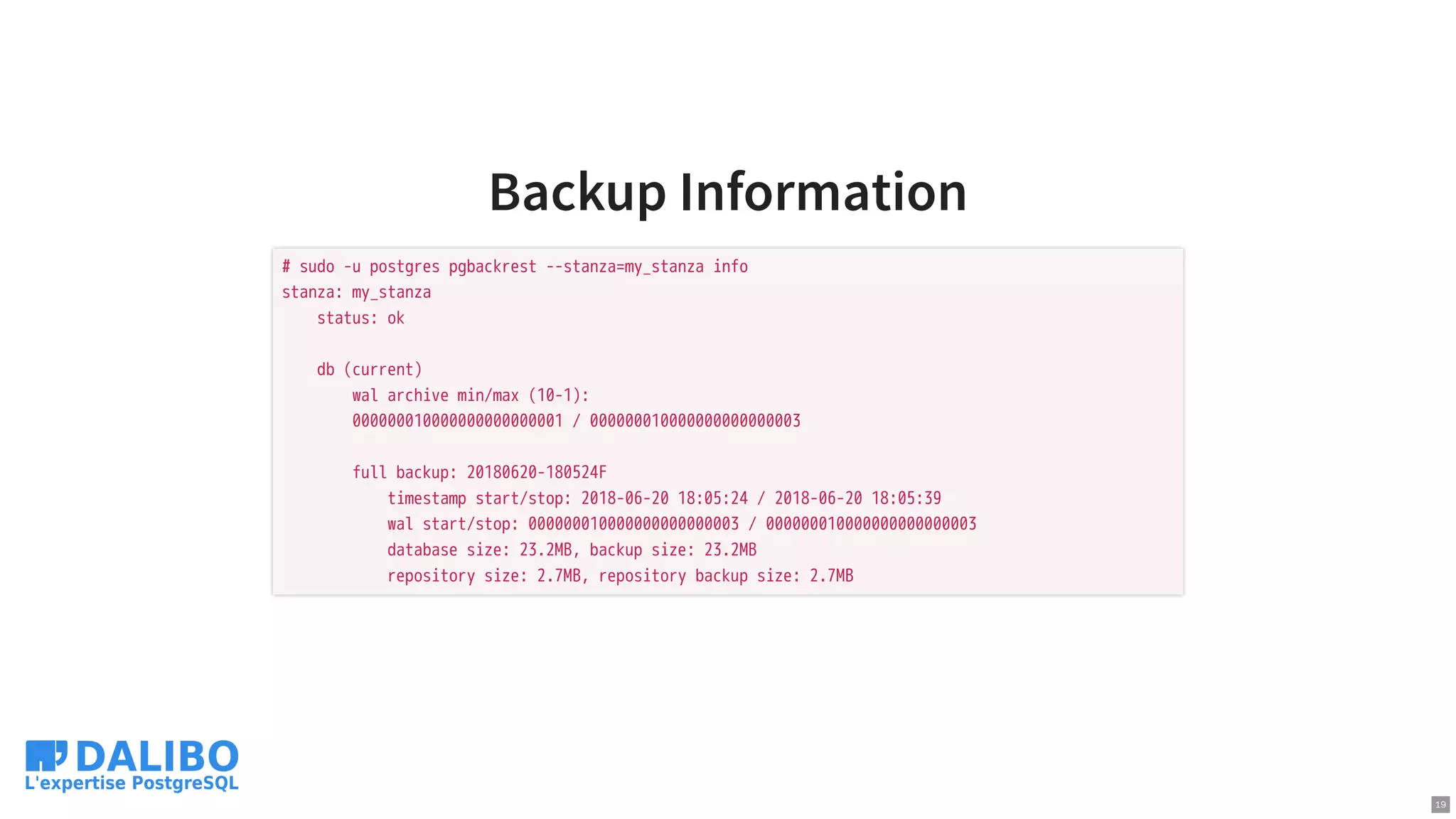
Backup Information
# sudo-u postgres pgbackrest --stanza=my_stanza info
stanza: my_stanza
status: ok
db (current)
wal archive min/max (10-1):
000000010000000000000001 / 000000010000000000000003
full backup: 20180620-180524F
timestamp start/stop: 2018-06-20 18:05:24 / 2018-06-20 18:05:39
wal start/stop: 000000010000000000000003 / 000000010000000000000003
database size: 23.2MB, backup size: 23.2MB
repository size: 2.7MB, repository backup size: 2.7MB
19
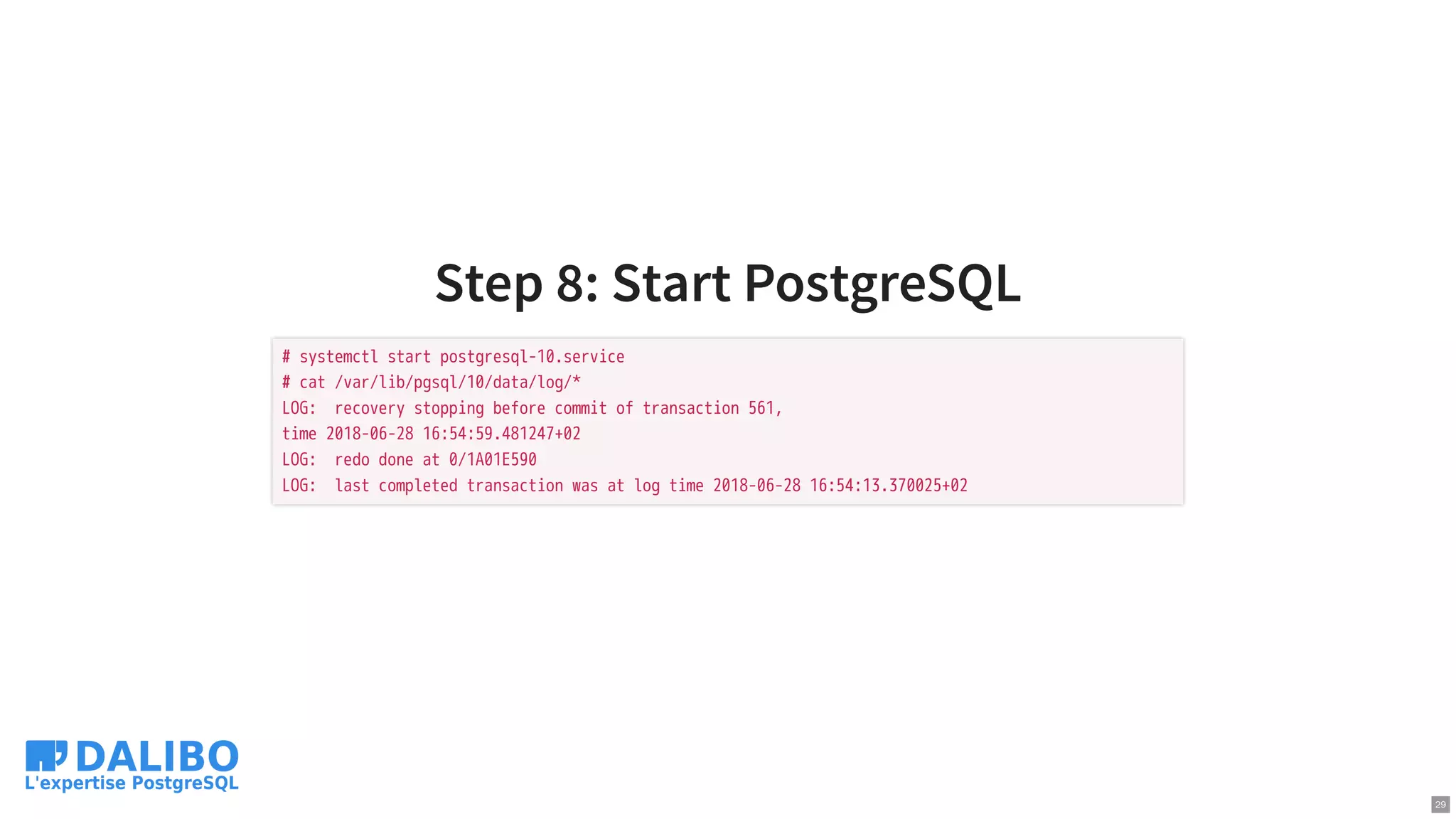
Step 8: StartPostgreSQL
# systemctl start postgresql-10.service
# cat /var/lib/pgsql/10/data/log/*
LOG: recovery stopping before commit of transaction 561,
time 2018-06-28 16:54:59.481247+02
LOG: redo done at 0/1A01E590
LOG: last completed transaction was at log time 2018-06-28 16:54:13.370025+02
29
30.
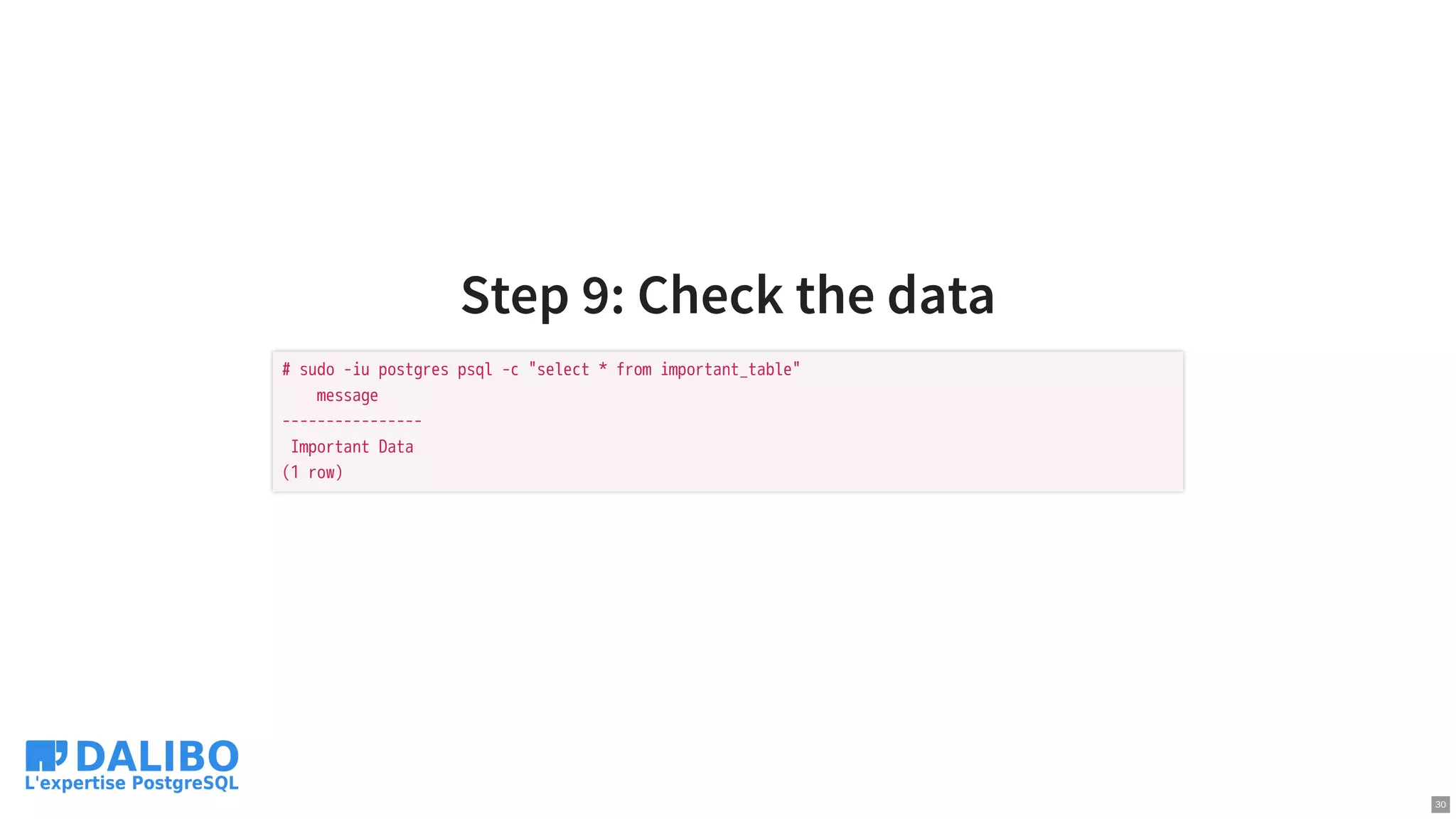
Step 9: Checkthe data
# sudo -iu postgres psql -c "select * from important_table"
message
----------------
Important Data
(1 row)
30
Where
official website:
code:
rpm anddeb: in the PGDG repositories!
user guide:
support:
https://pgbackrest.org
https://github.com/pgbackrest/pgbackrest
https://pgbackrest.org/user-guide.html
https://github.com/pgbackrest/pgbackrest/issues
33