Make Your Content Nimble
CONFAB – The Content Strategy Conference
May 10, 2011
Rachel Lovinger
@rlovinger
#NimbleCS
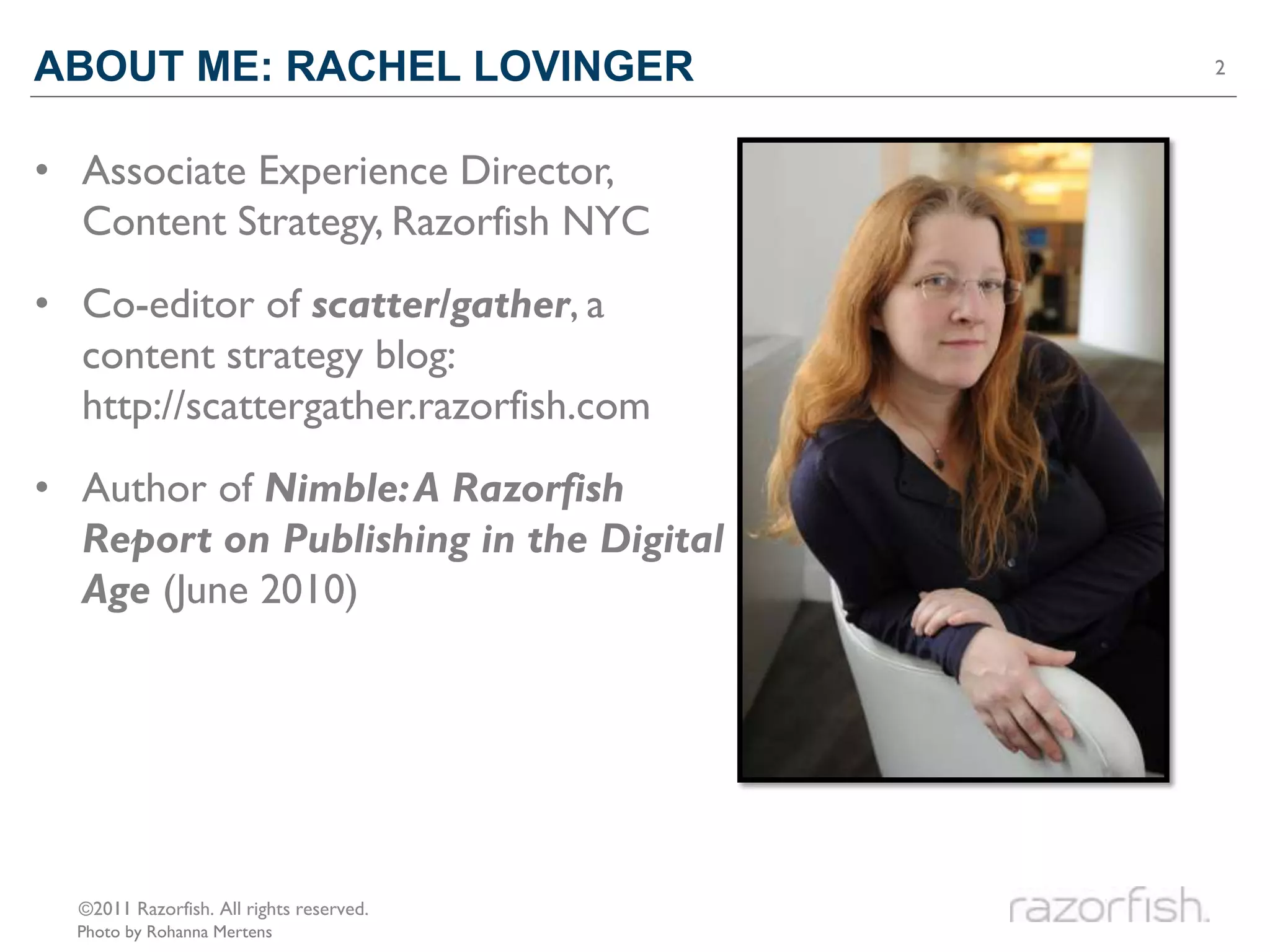
ABOUT ME: RACHEL LOVINGER                 2


• Associate Experience Director,
  Content Strategy, Razorfish NYC
• Co-editor of scatter/gather, a
  content strategy blog:
  http://scattergather.razorfish.com
• Author of Nimble: A Razorfish
  Report on Publishing in the Digital
  Age (June 2010)


  ©2011 Razorfish. All rights reserved.
  Photo by Rohanna Mertens
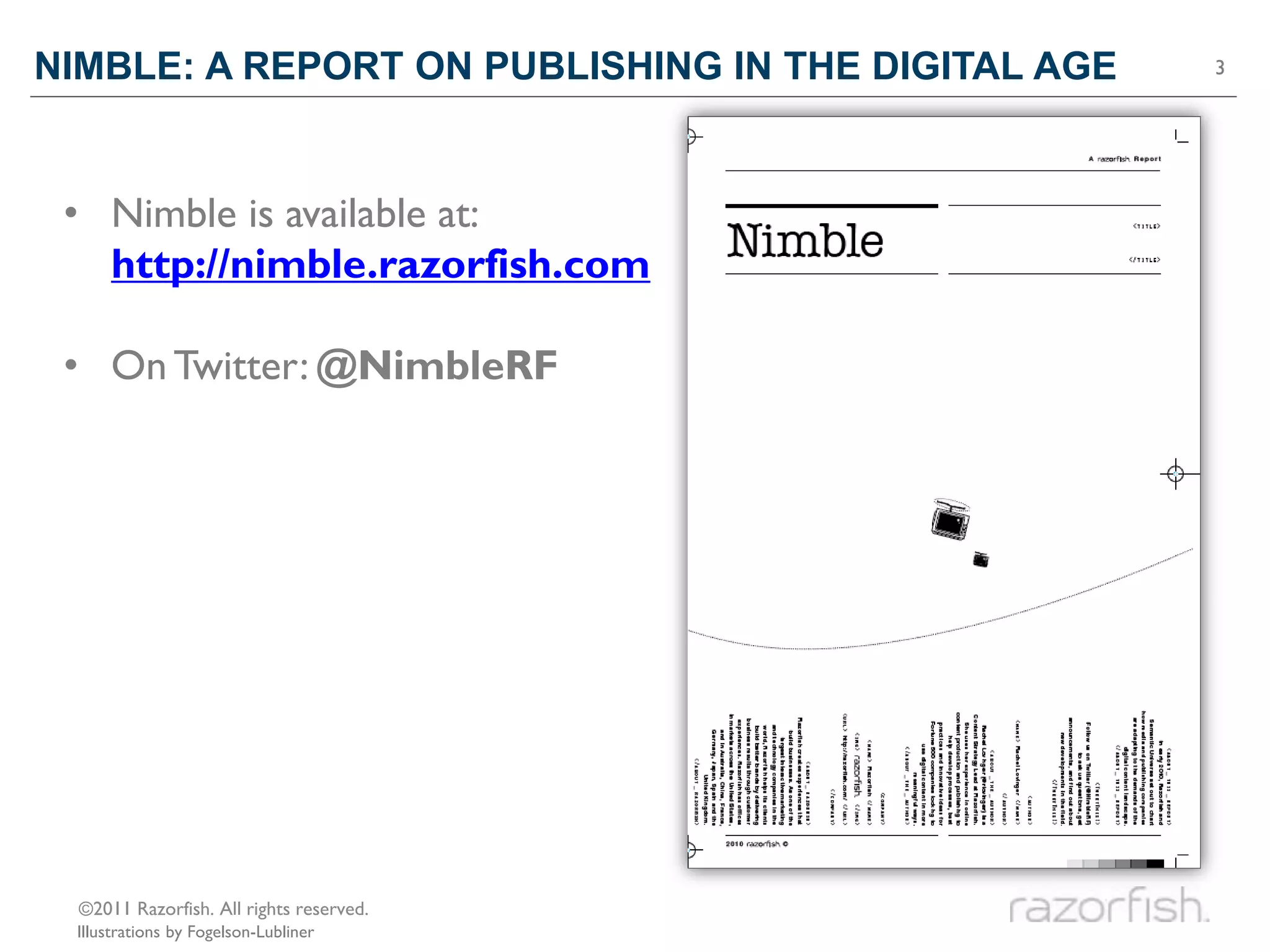
NIMBLE: A REPORT ON PUBLISHING IN THE DIGITAL AGE   3


 • Nimble is available at:
   http://nimble.razorfish.com

 • On Twitter: @NimbleRF


  ©2011 Razorfish. All rights reserved.
 Illustrations by Fogelson-Lubliner
QUALITIES OF
NIMBLE CONTENT
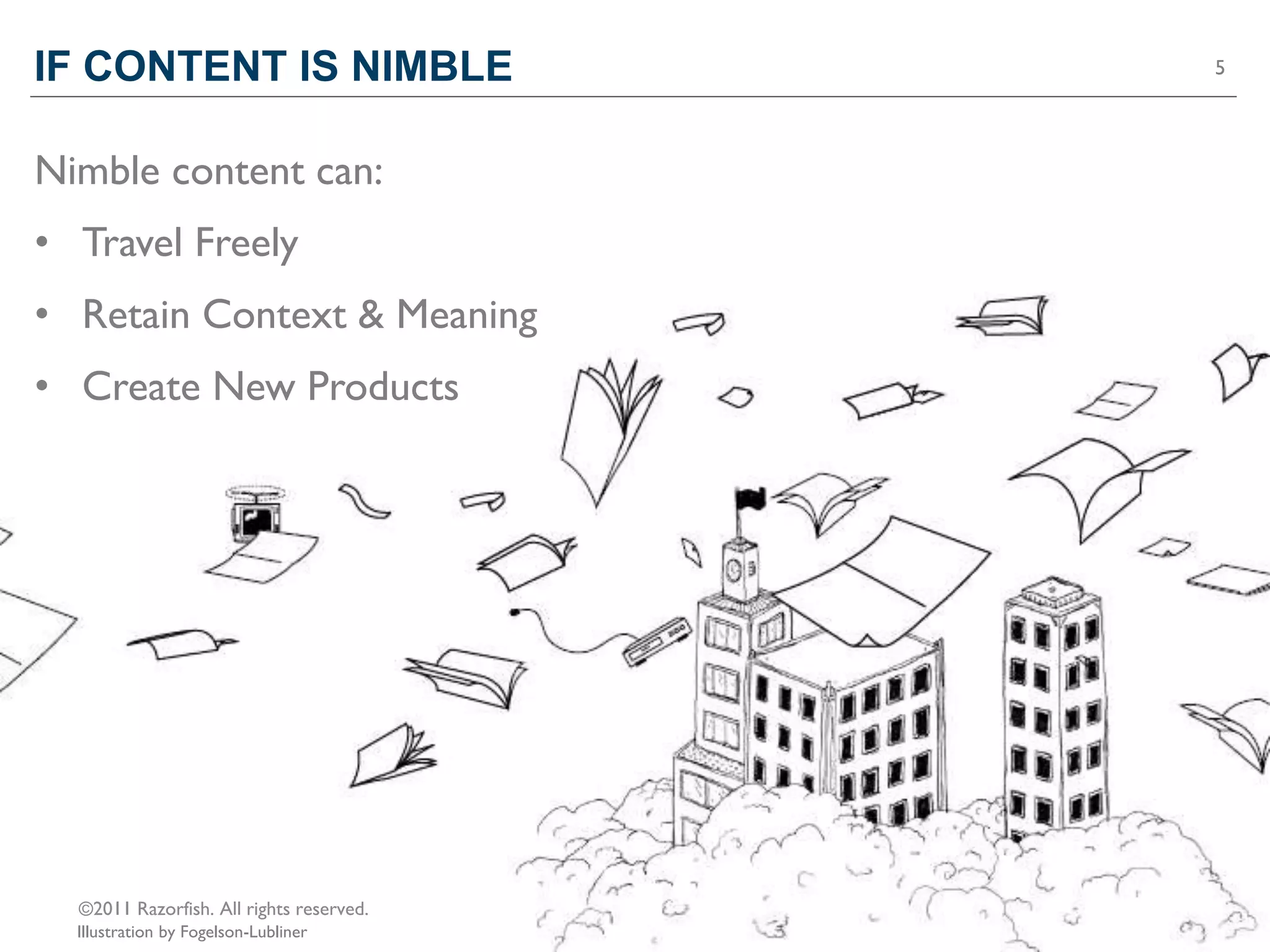
IF CONTENT IS NIMBLE                      5


Nimble content can:
• Travel Freely
• Retain Context & Meaning
• Create New Products


  ©2011 Razorfish. All rights reserved.
  Illustration by Fogelson-Lubliner
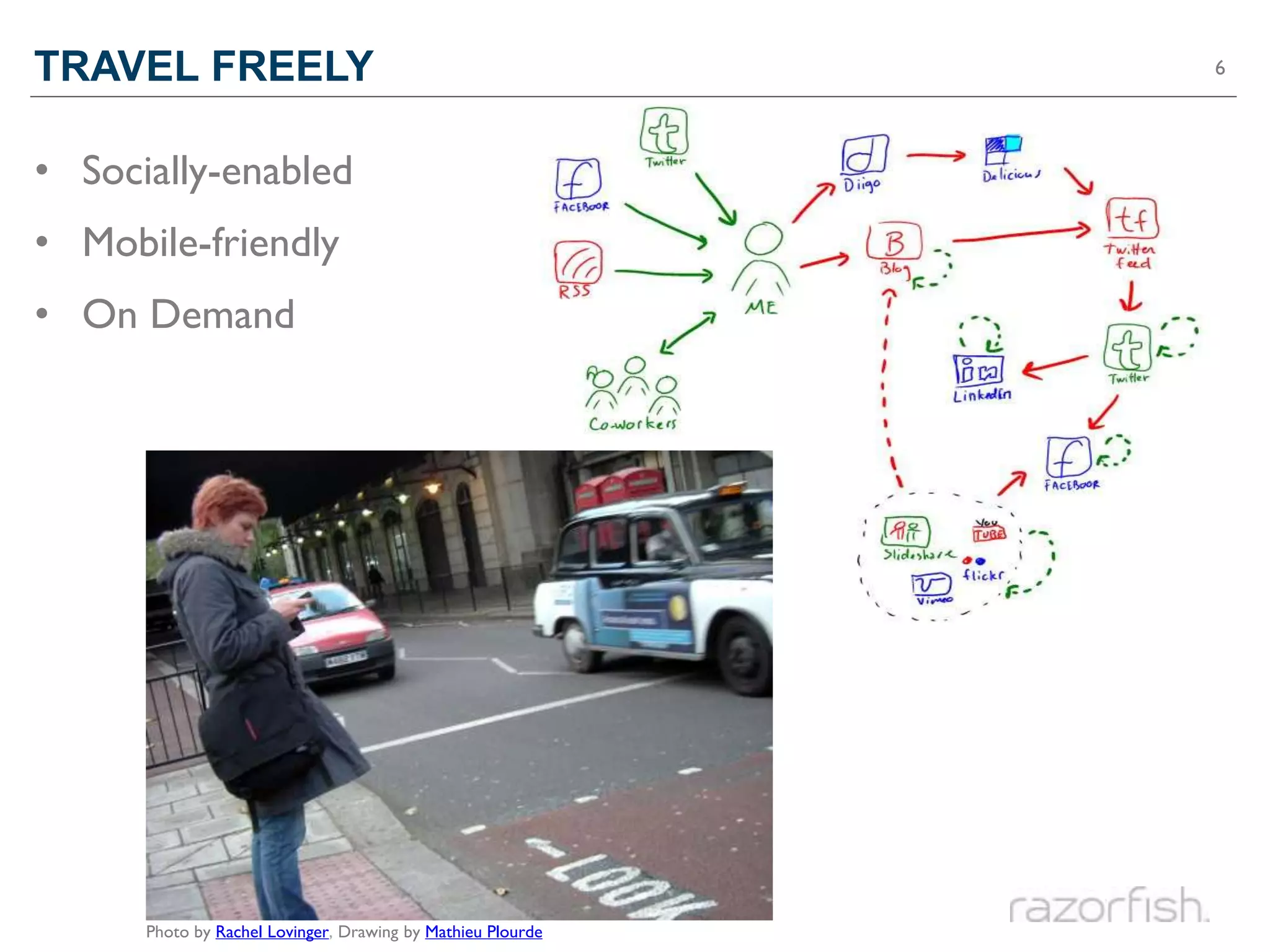
TRAVEL FREELY                                                6


• Socially-enabled
• Mobile-friendly
• On Demand


      Photo by Rachel Lovinger, Drawing by Mathieu Plourde
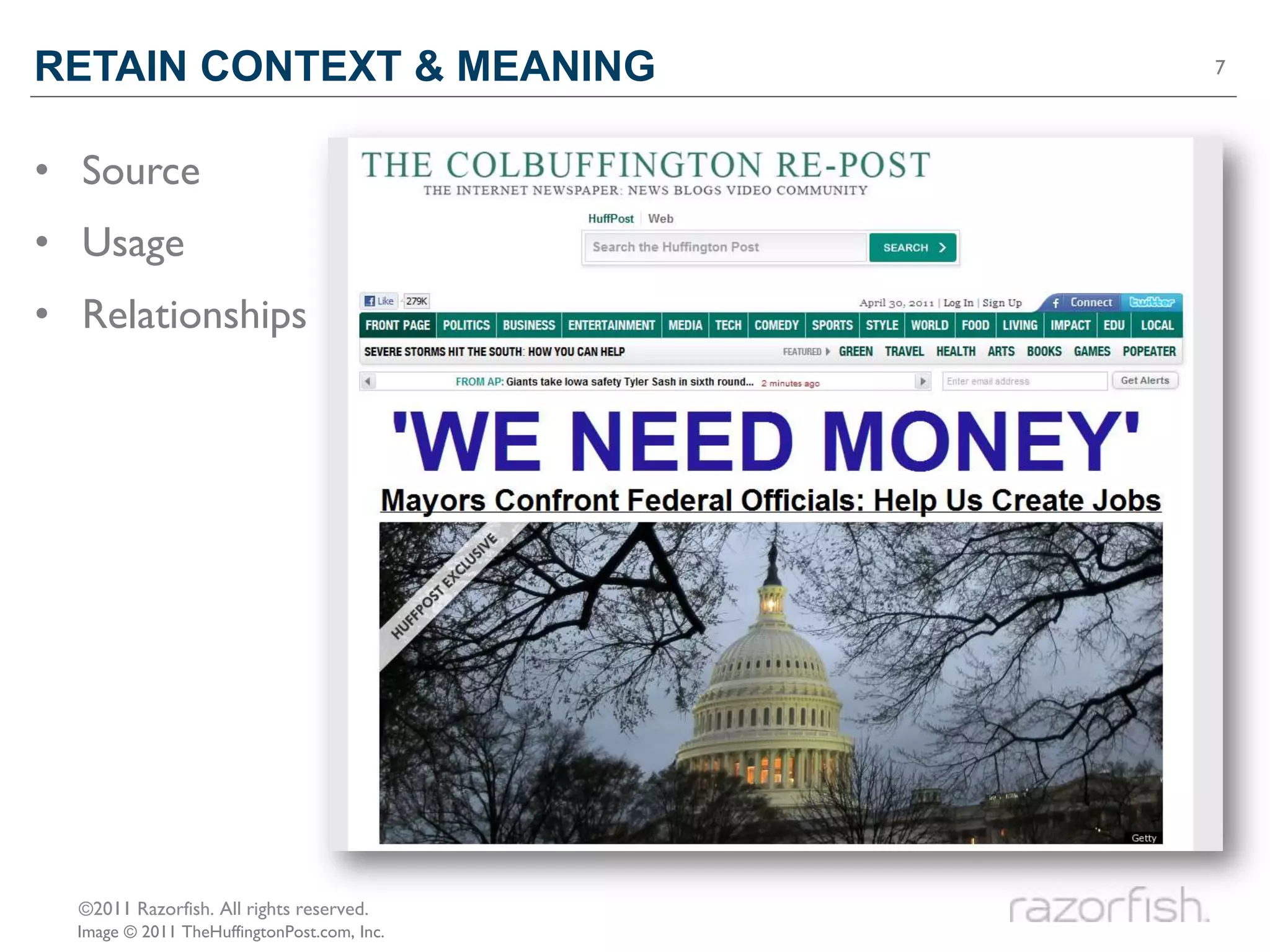
RETAIN CONTEXT & MEANING                     7


• Source
• Usage
• Relationships


  ©2011 Razorfish. All rights reserved.
  Image © 2011 TheHuffingtonPost.com, Inc.
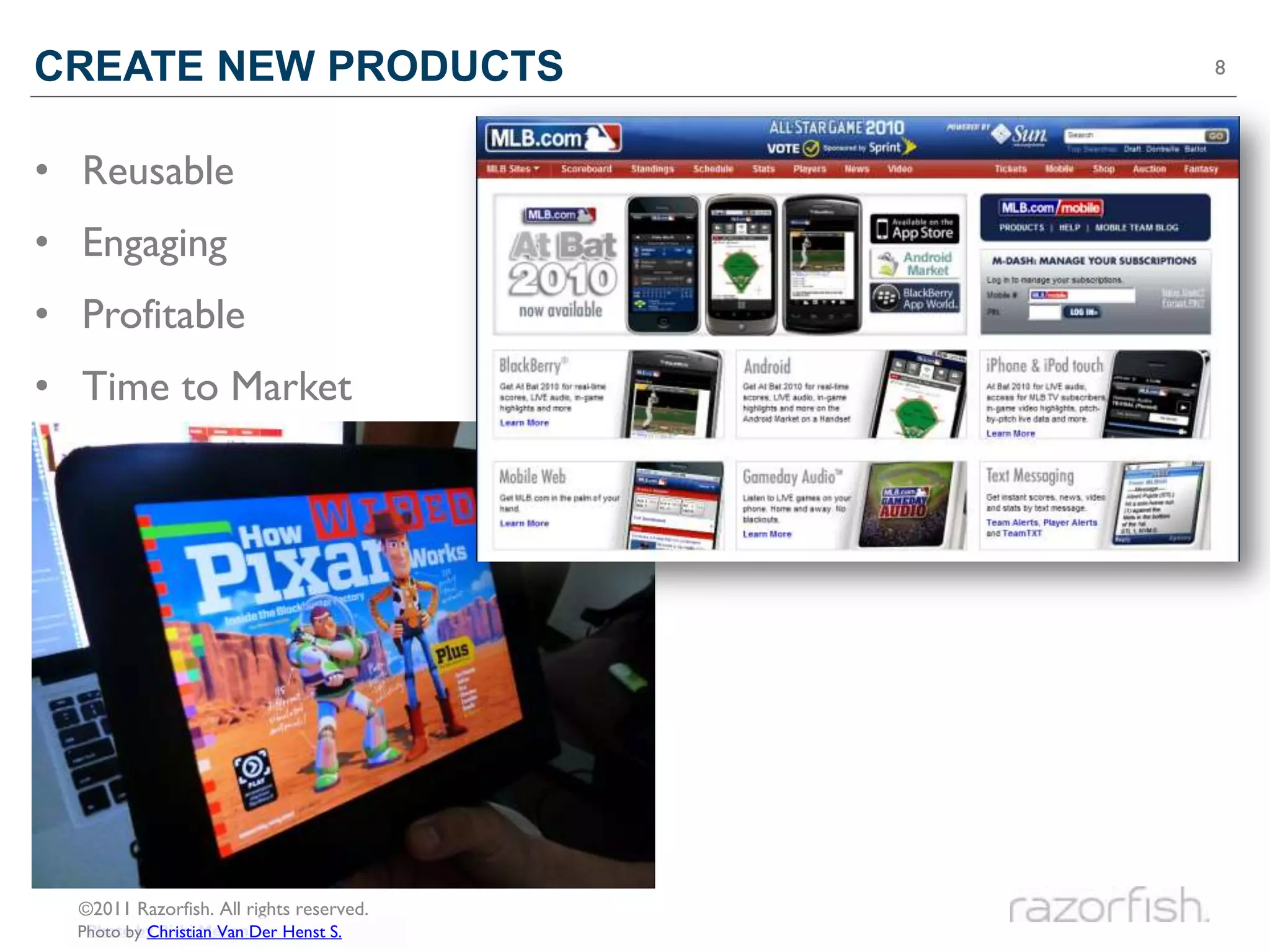
CREATE NEW PRODUCTS                       8


• Reusable
• Engaging
• Profitable
• Time to Market


  ©2011 Razorfish. All rights reserved.
   Photo by Rishi Menon
  Photo by Christian Van Der Henst S.
Qualities of Nimble Content

CONTENT MUST BE…
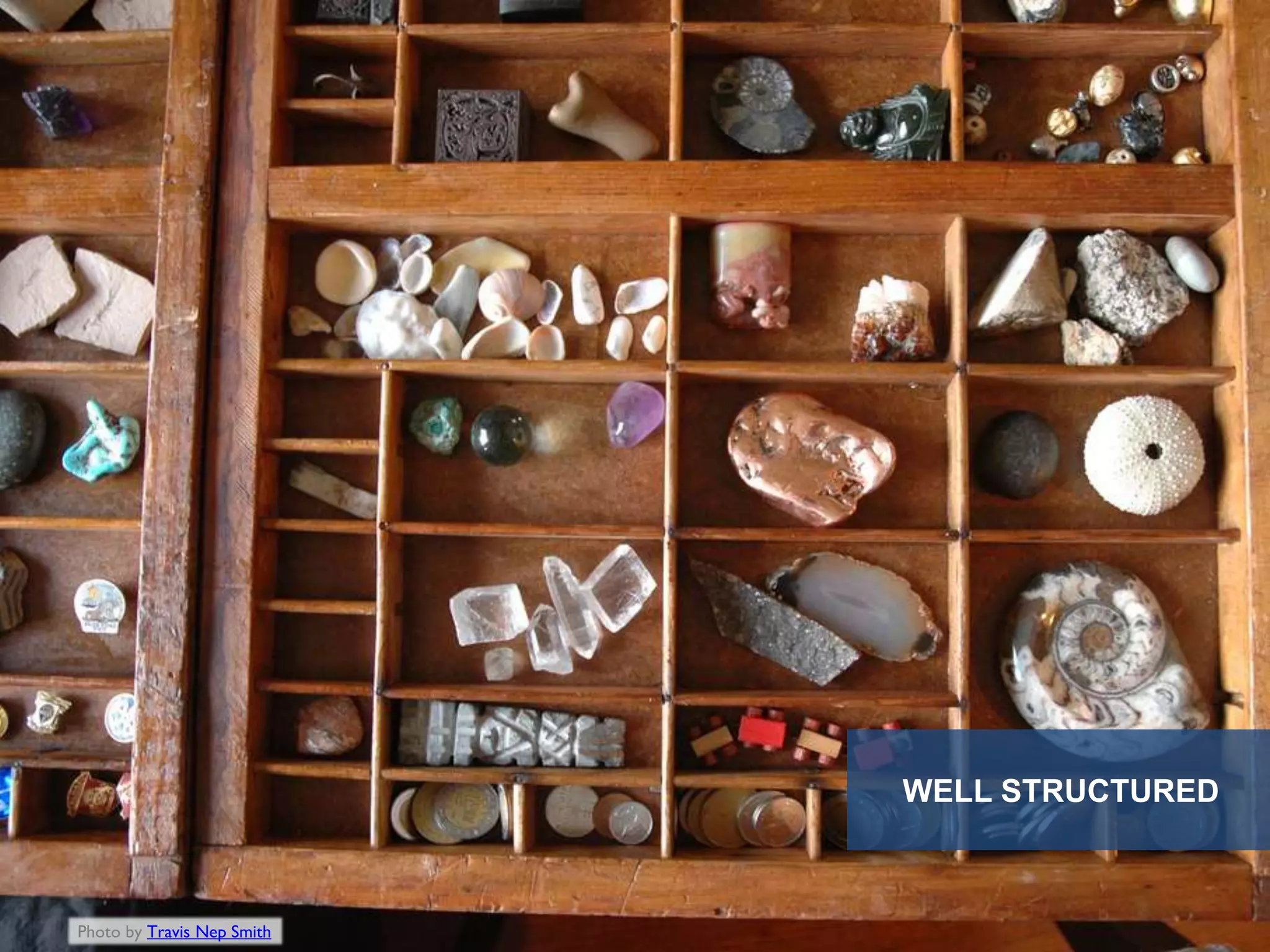
WELL STRUCTURED


Photo by Travis Nep Smith
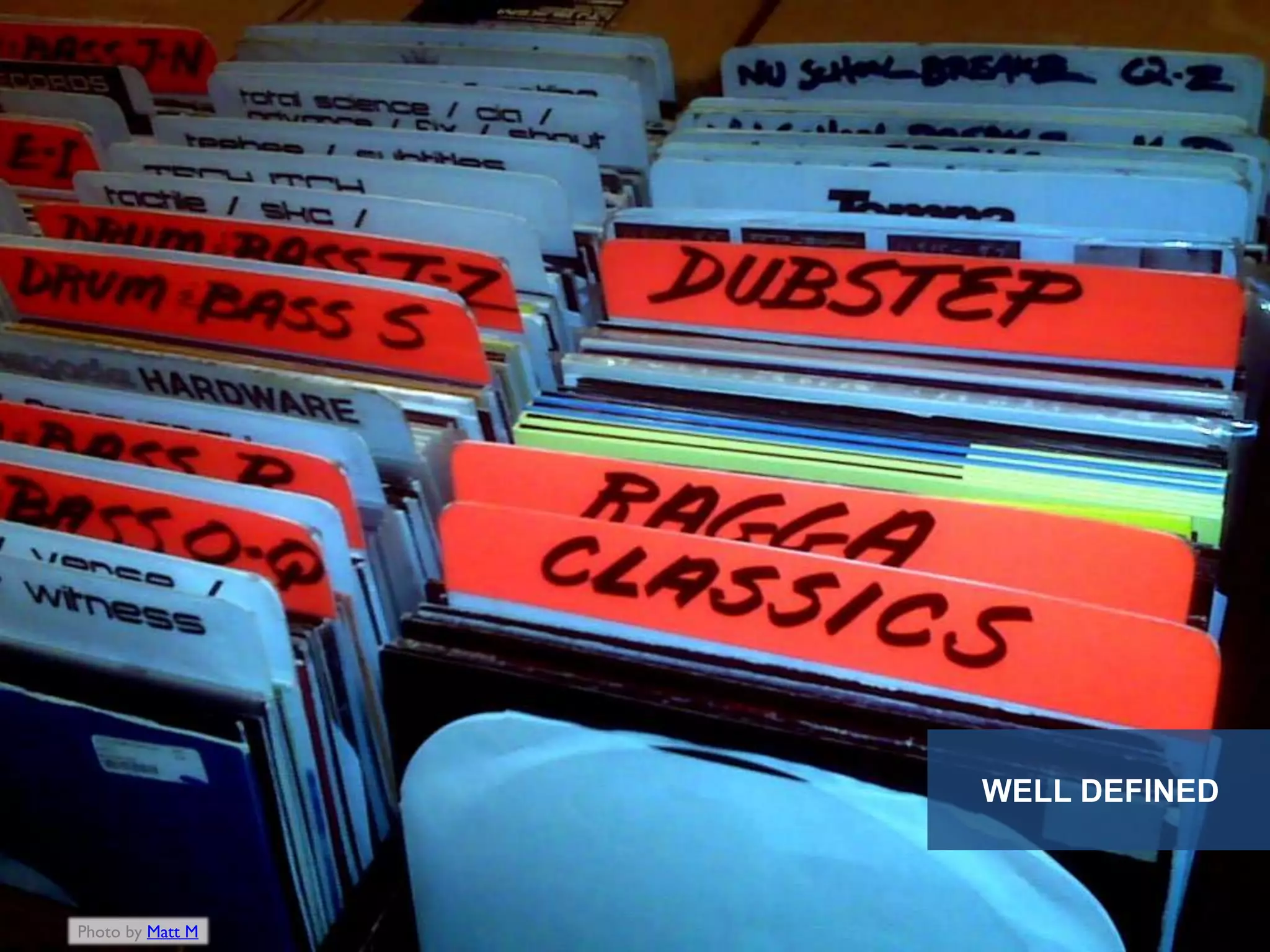
WELL DEFINED


Photo by Matt M
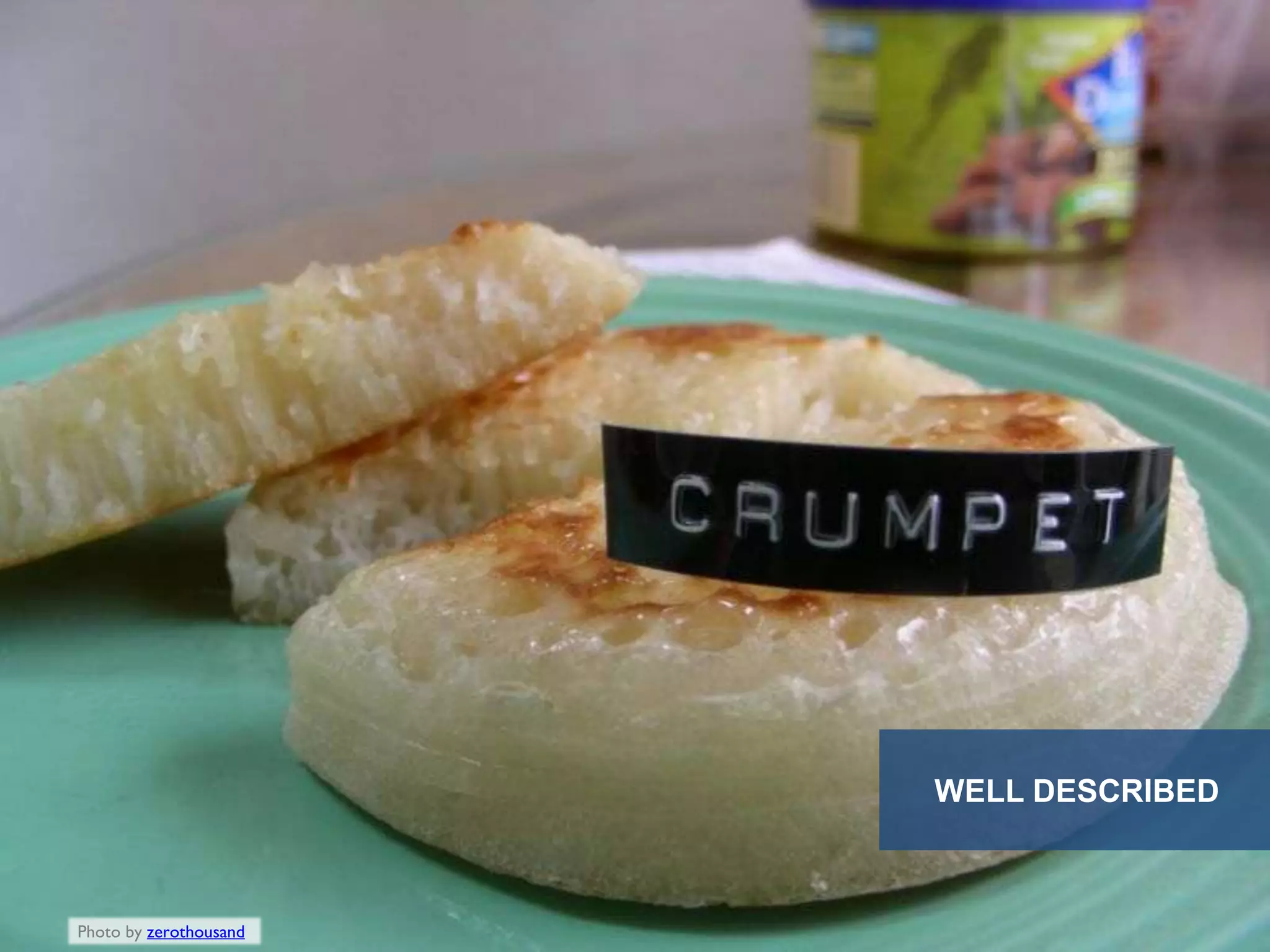
WELL DESCRIBED


Photo by zerothousand
HOW TO MAKE
CONTENT NIMBLE
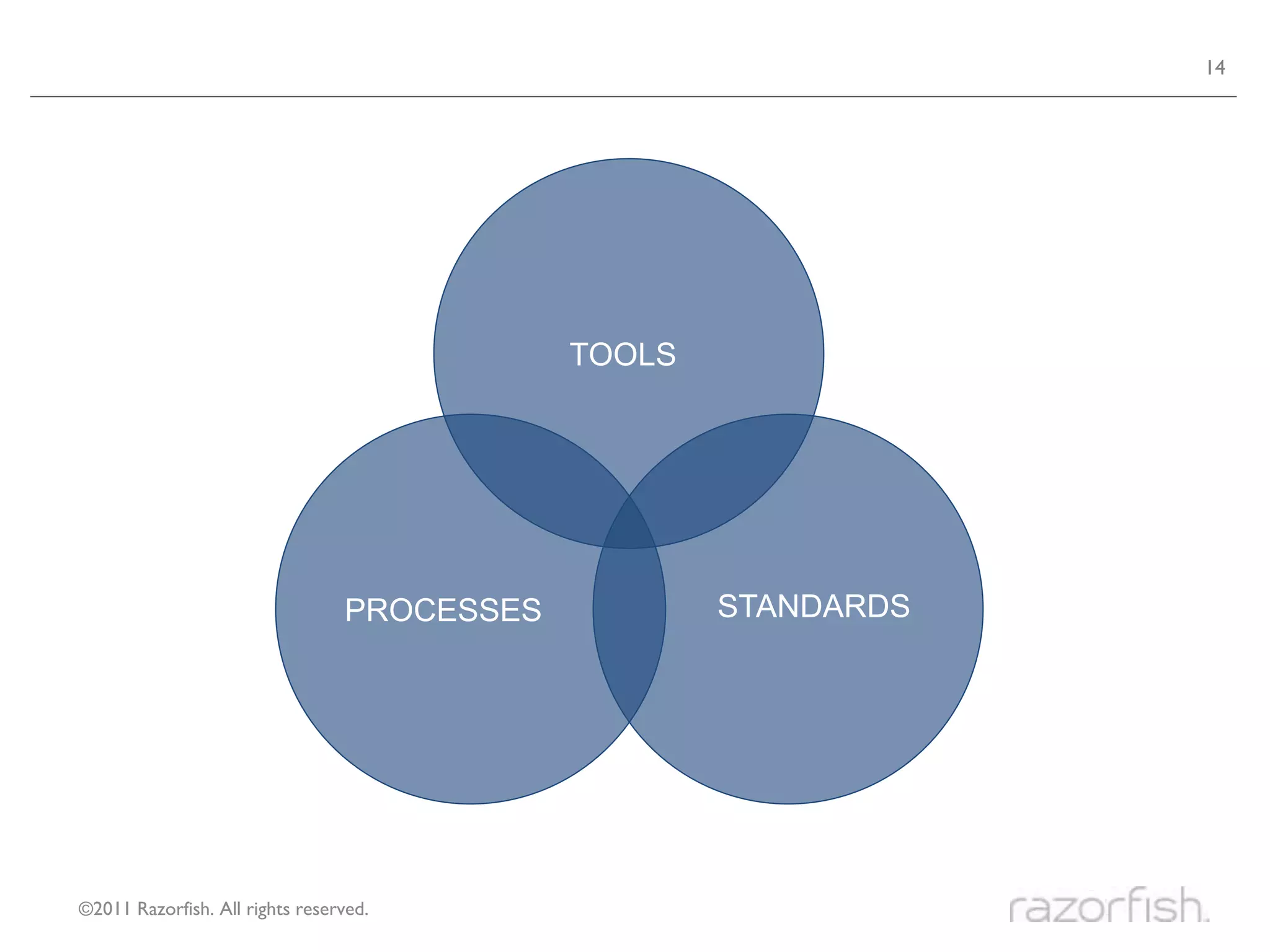
14


                                             TOOLS


                                 PROCESSES           STANDARDS


©2011 Razorfish. All rights reserved.
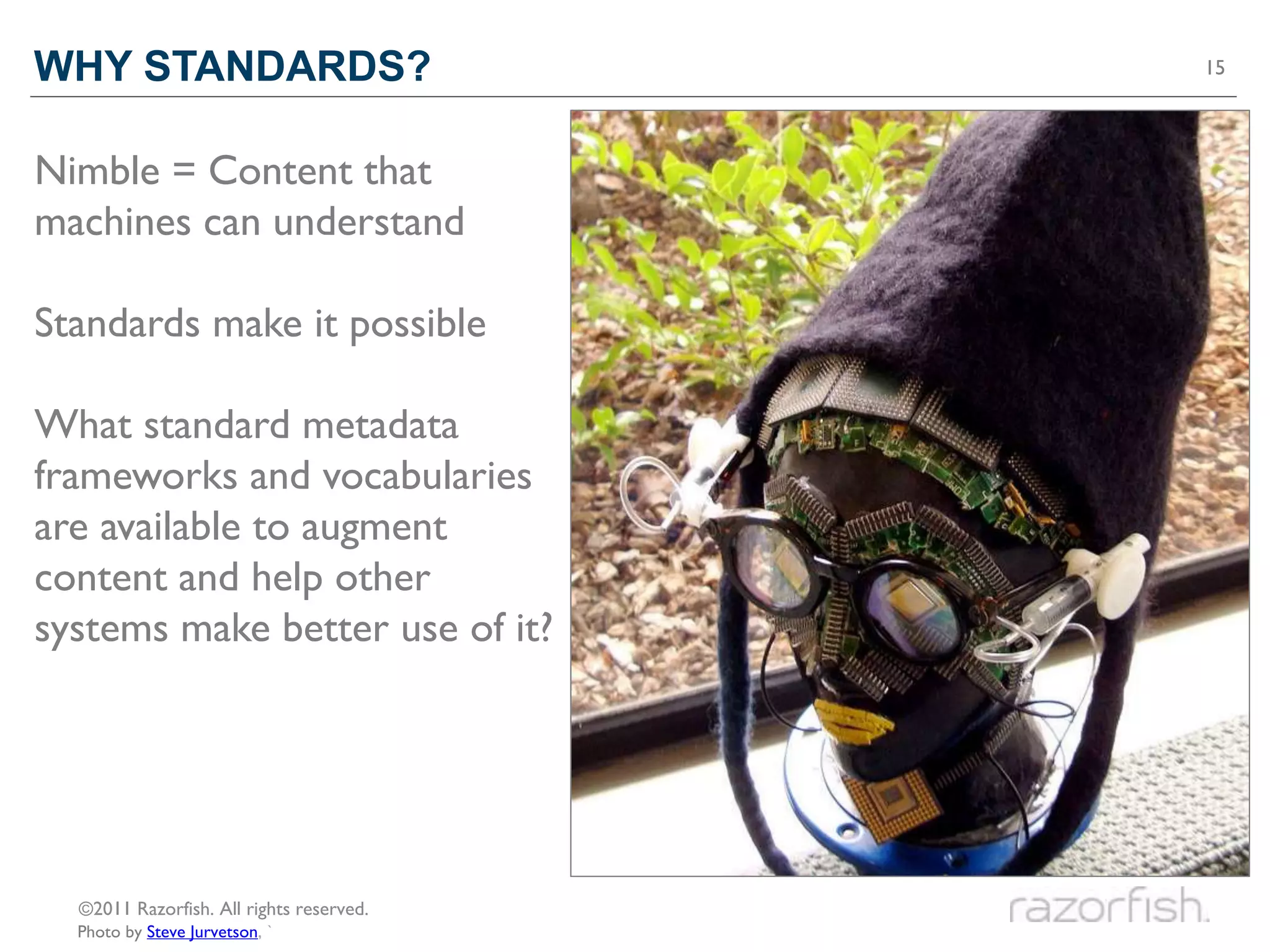
WHY STANDARDS?                            15


Nimble = Content that
machines can understand

Standards make it possible

What standard metadata
frameworks and vocabularies
are available to augment
content and help other
systems make better use of it?


  ©2011 Razorfish. All rights reserved.
  Photo by Steve Jurvetson, `
ICEBERG TIPS


Photo by Nick Russill
17


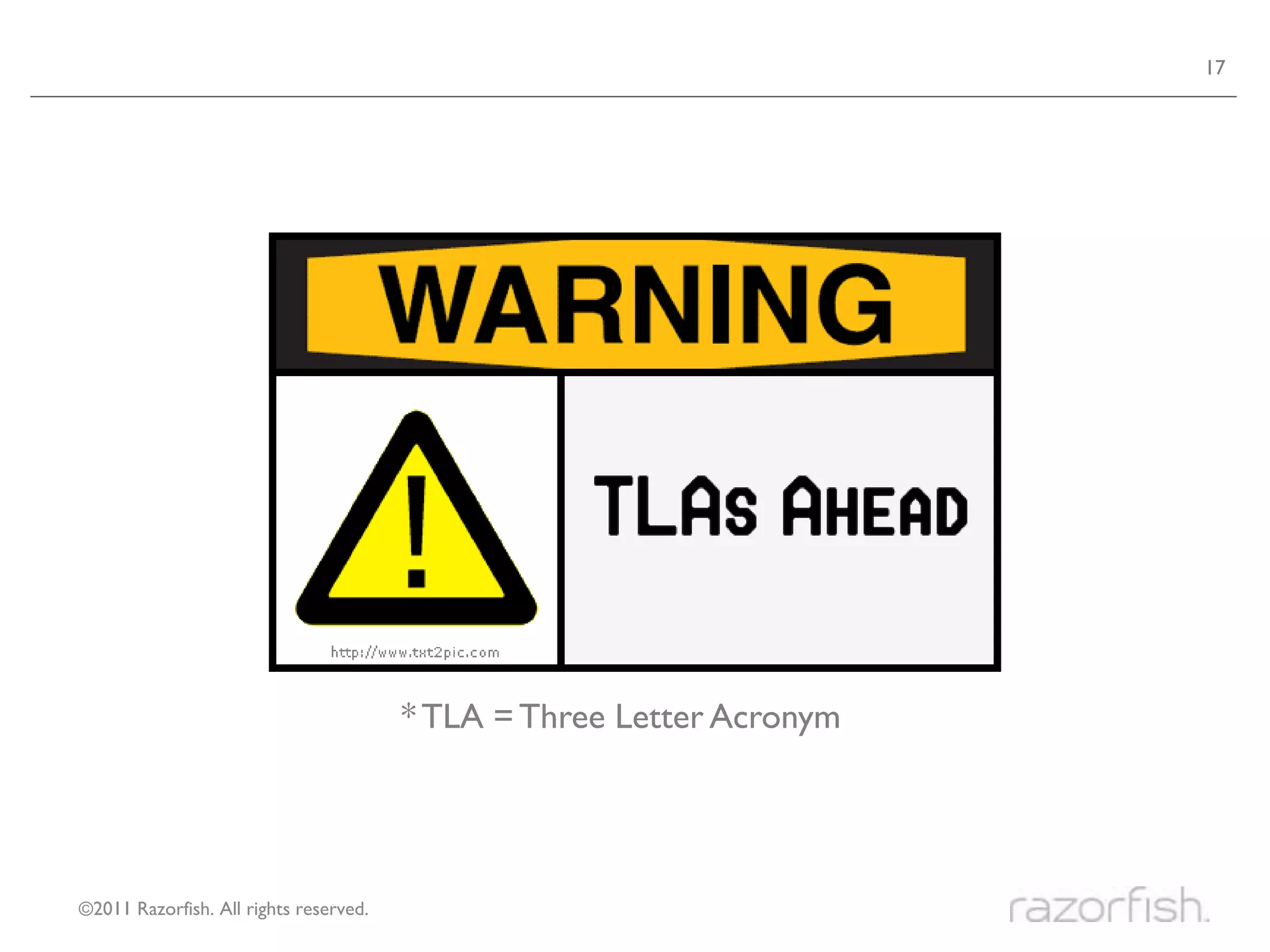
                                        * TLA = Three Letter Acronym


©2011 Razorfish. All rights reserved.
How to make content

WELL STRUCTURED
WELL STRUCTURED                                                    19


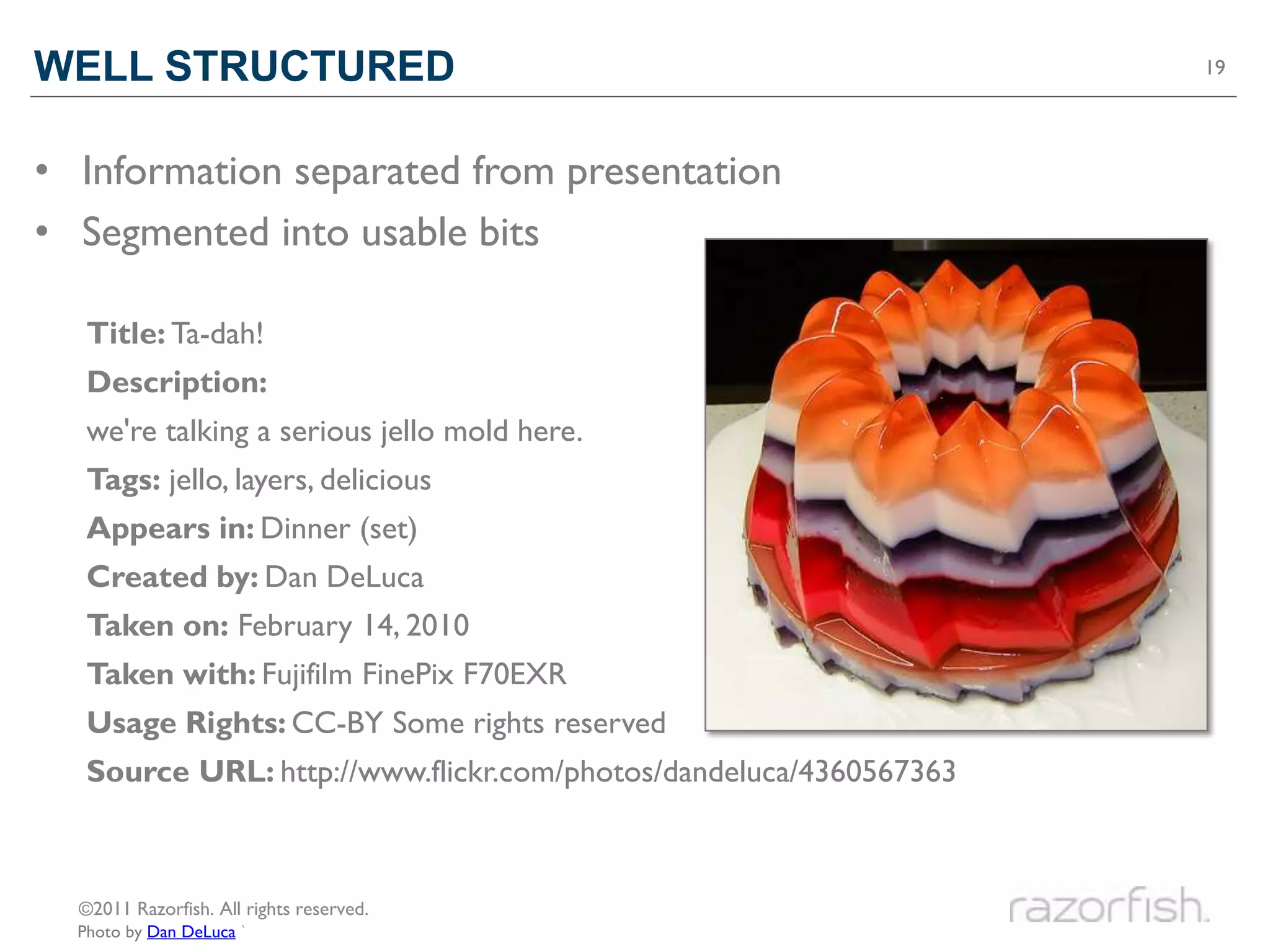
• Information separated from presentation
• Segmented into usable bits

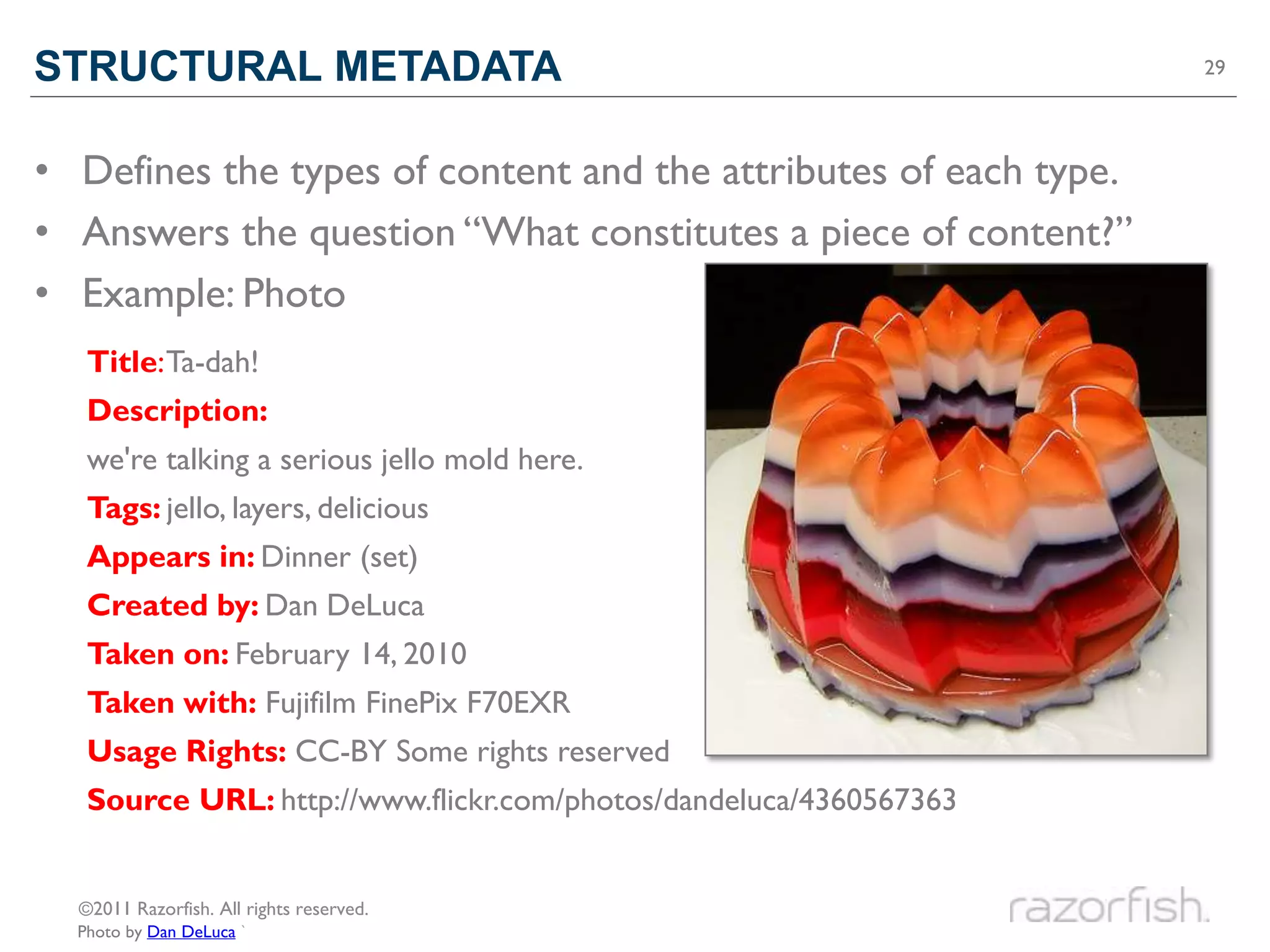
   Title: Ta-dah!
   Description:
   we're talking a serious jello mold here.
   Tags: jello, layers, delicious
   Appears in: Dinner (set)
   Created by: Dan DeLuca
   Taken on: February 14, 2010
   Taken with: Fujifilm FinePix F70EXR
   Usage Rights: CC-BY Some rights reserved
   Source URL: http://www.flickr.com/photos/dandeluca/4360567363


  ©2011 Razorfish. All rights reserved.
  Photo by Dan DeLuca `
HTML5                                                                20


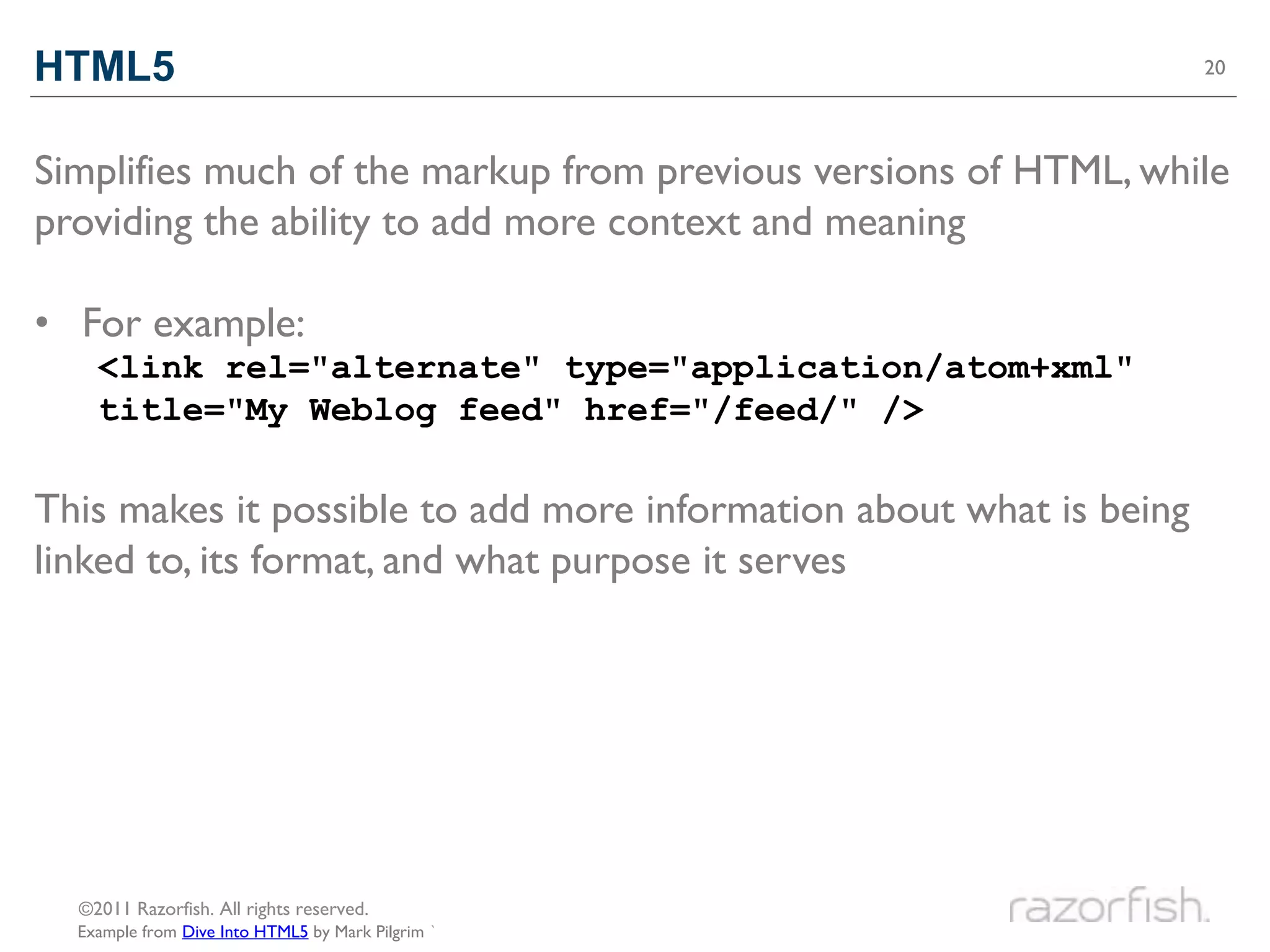
Simplifies much of the markup from previous versions of HTML, while
providing the ability to add more context and meaning

• For example:
    <link rel="alternate" type="application/atom+xml"
    title="My Weblog feed" href="/feed/" />

This makes it possible to add more information about what is being
linked to, its format, and what purpose it serves


  ©2011 Razorfish. All rights reserved.
  Example from Dive Into HTML5 by Mark Pilgrim `
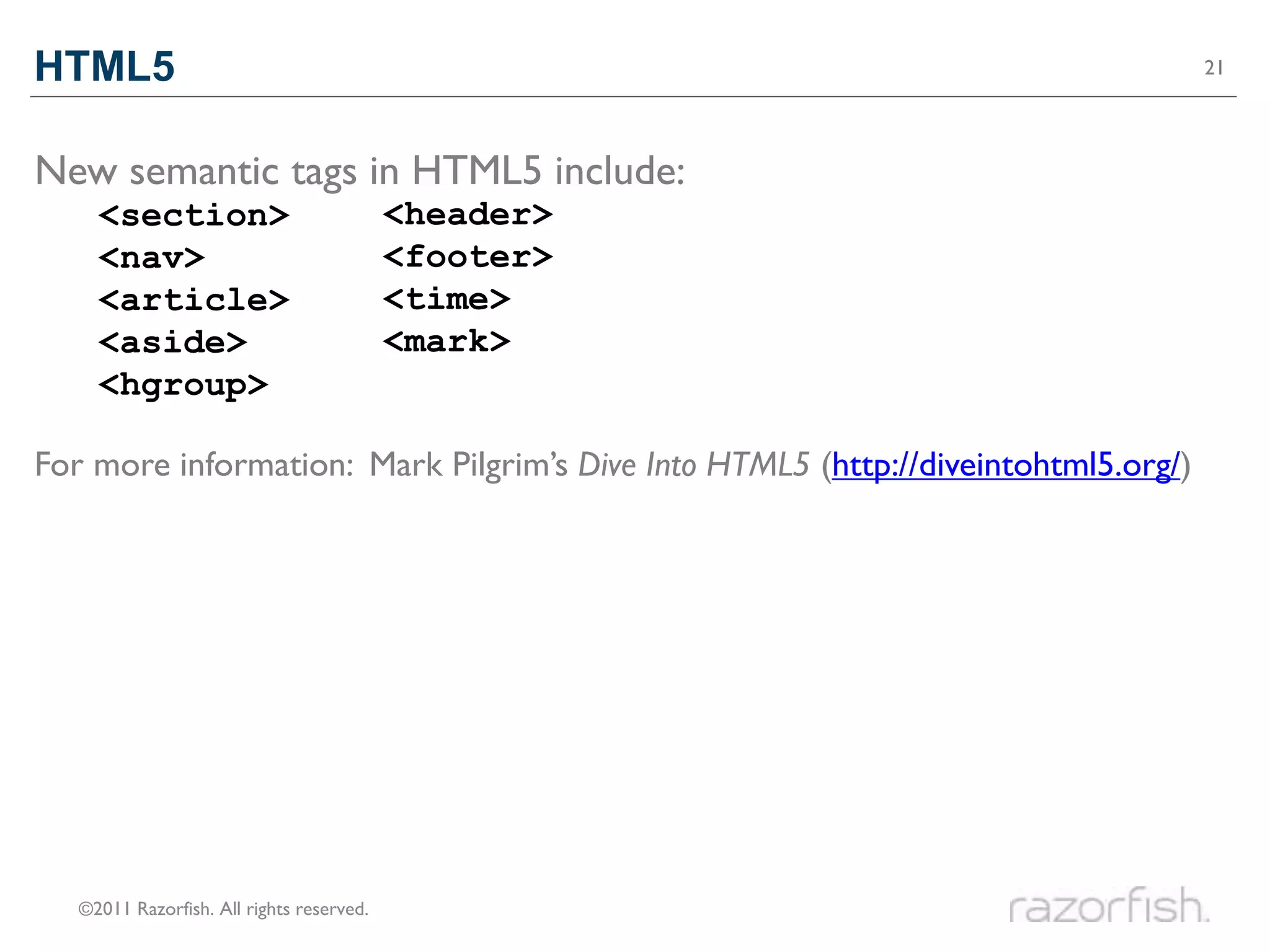
HTML5                                                                              21


New semantic tags in HTML5 include:
     <section>                             <header>
     <nav>                                 <footer>
     <article>                             <time>
     <aside>                               <mark>
     <hgroup>

For more information: Mark Pilgrim’s Dive Into HTML5 (http://diveintohtml5.org/)


   ©2011 Razorfish. All rights reserved.
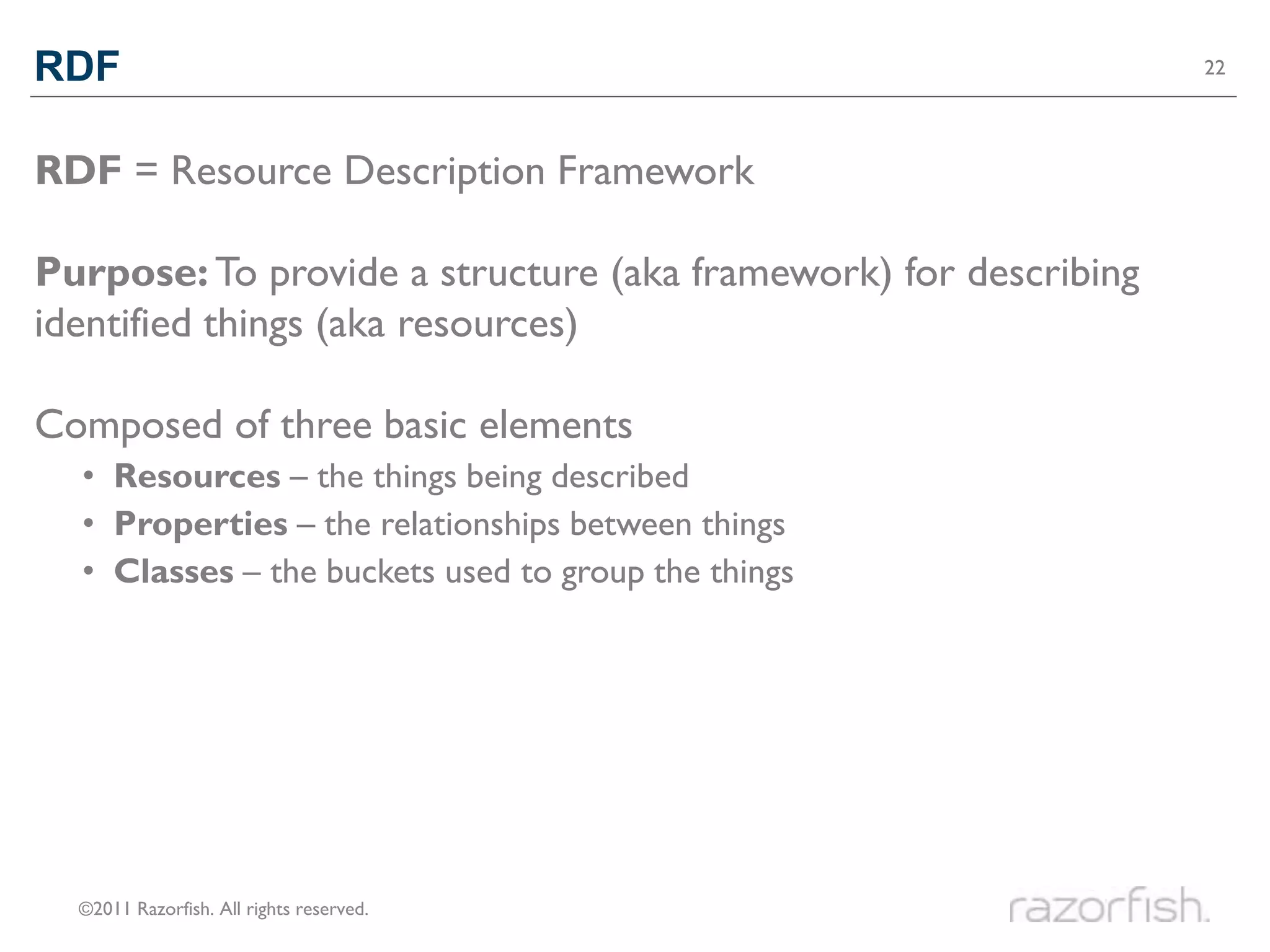
RDF                                                              22


RDF = Resource Description Framework

Purpose: To provide a structure (aka framework) for describing
identified things (aka resources)

Composed of three basic elements
  • Resources – the things being described
  • Properties – the relationships between things
  • Classes – the buckets used to group the things


  ©2011 Razorfish. All rights reserved.
RDF                                                                      23


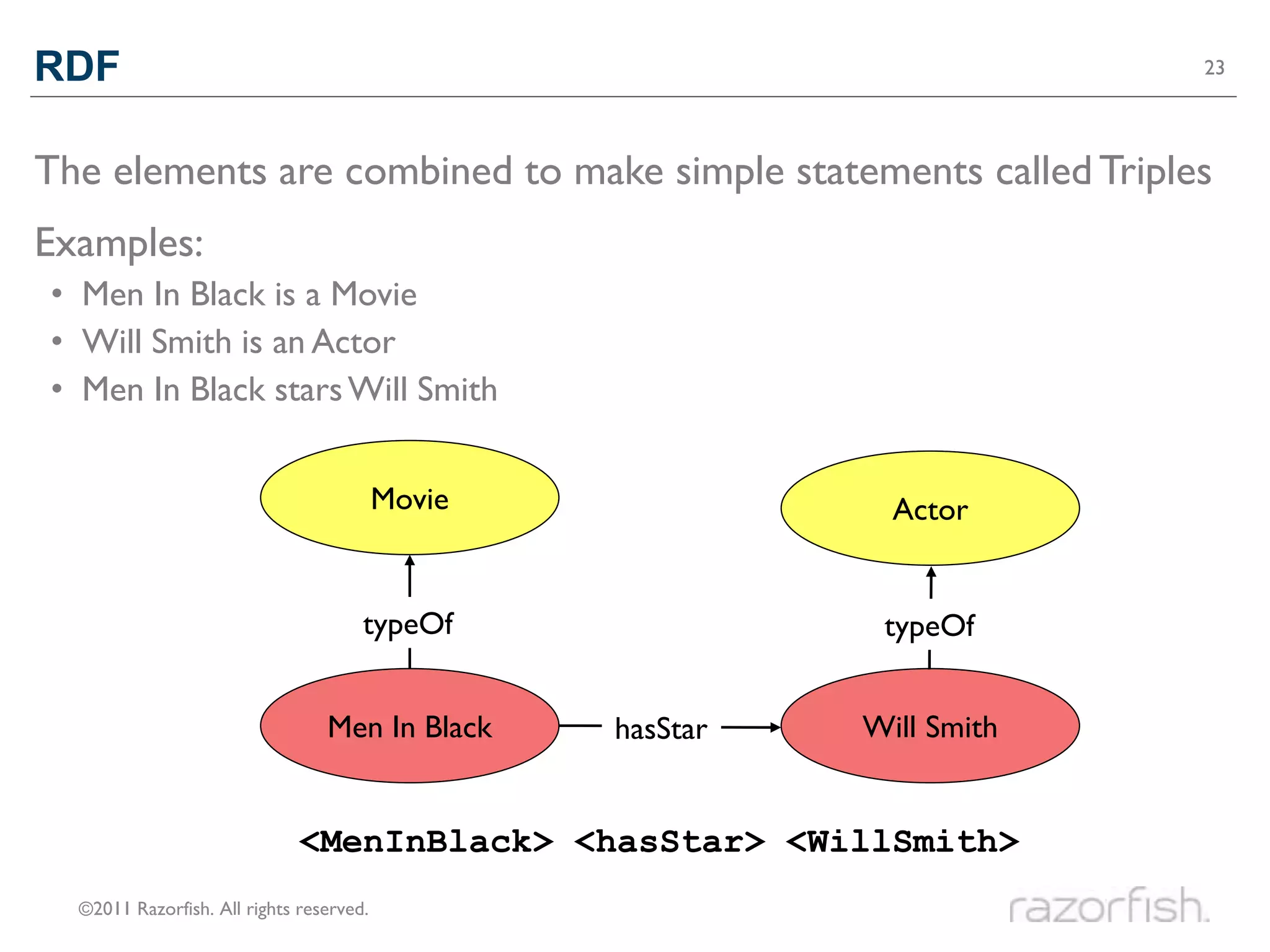
The elements are combined to make simple statements called Triples
Examples:
• Men In Black is a Movie
• Will Smith is an Actor
• Men In Black stars Will Smith


                                          Movie               Actor


                                      typeOf                 typeOf


                                 Men In Black     hasStar   Will Smith


                              <MenInBlack> <hasStar> <WillSmith>
  ©2011 Razorfish. All rights reserved.
RDFA                                                              24


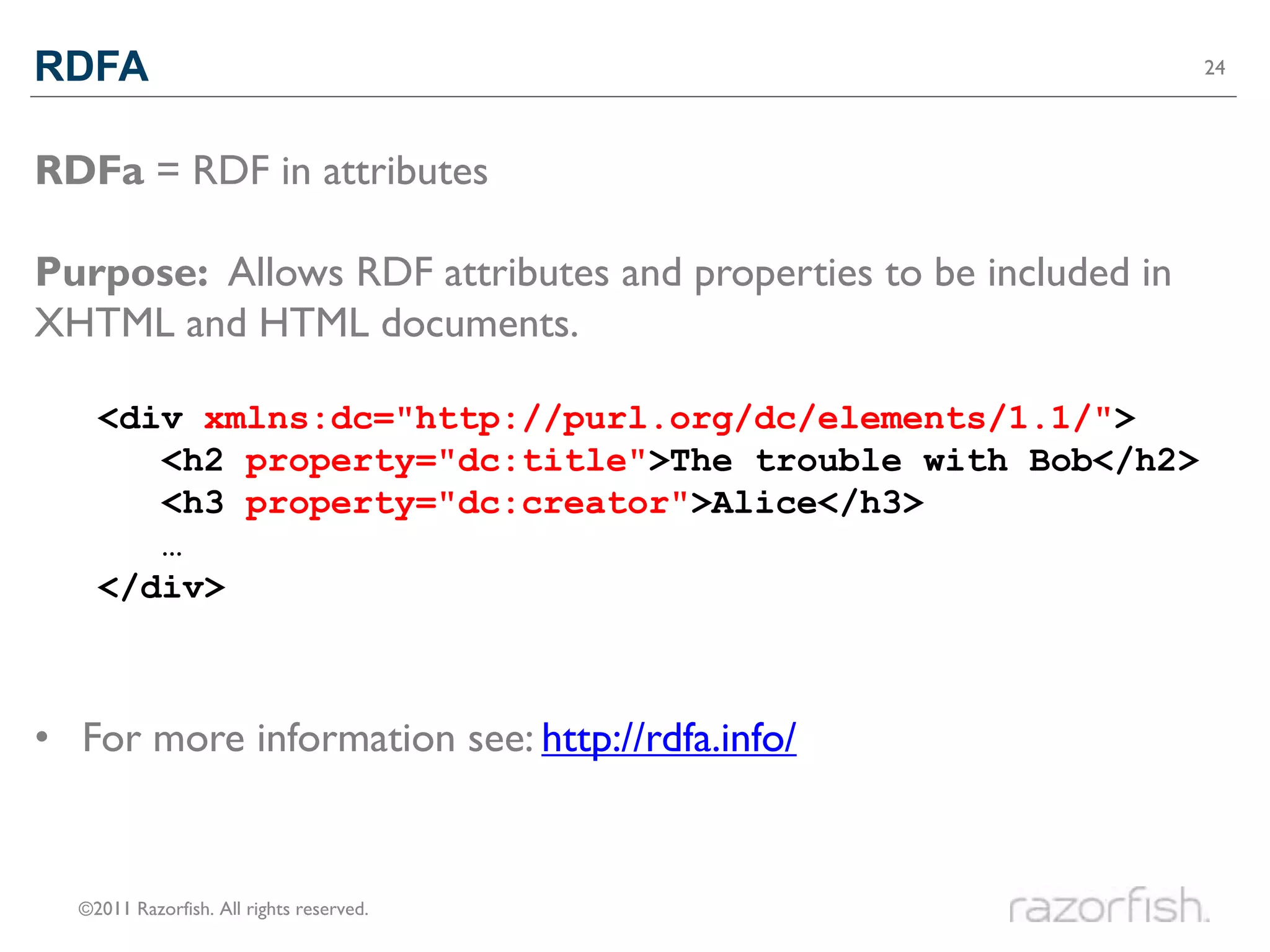
RDFa = RDF in attributes

Purpose: Allows RDF attributes and properties to be included in
XHTML and HTML documents.

    <div>xmlns:dc="http://purl.org/dc/elements/1.1/">
    <div
       <h2 property="dc:title">The trouble with Bob</h2>
       <h2>The trouble with Bob</h2>
       <h3 property="dc:creator">Alice</h3>
       <h3>Alice</h3>
       …
    </div>


• For more information see: http://rdfa.info/


  ©2011 Razorfish. All rights reserved.
OWL                                                               25


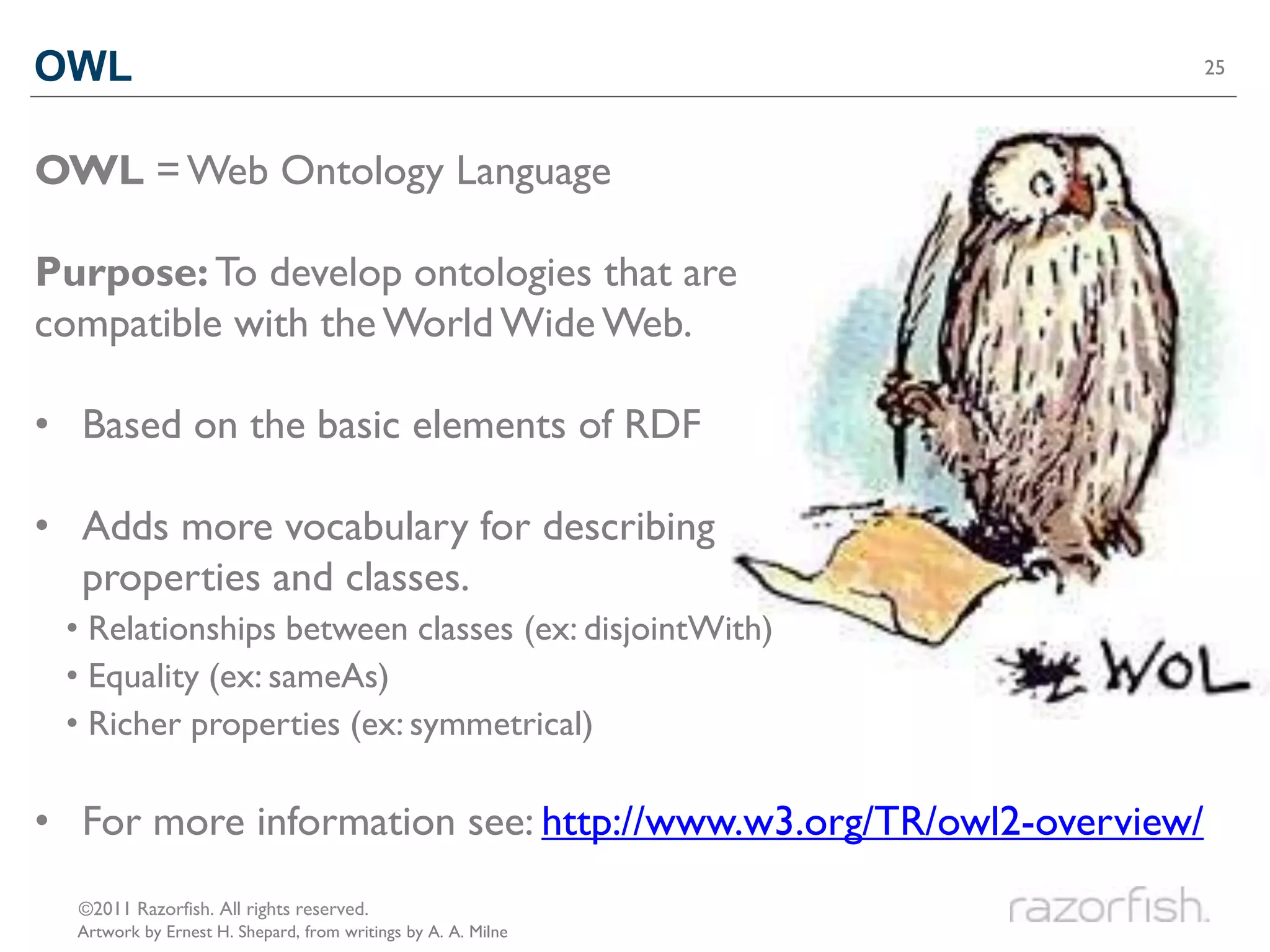
OWL = Web Ontology Language

Purpose: To develop ontologies that are
compatible with the World Wide Web.

• Based on the basic elements of RDF

• Adds more vocabulary for describing
  properties and classes.
 • Relationships between classes (ex: disjointWith)
 • Equality (ex: sameAs)
 • Richer properties (ex: symmetrical)

• For more information see: http://www.w3.org/TR/owl2-overview/
  ©2011 Razorfish. All rights reserved.
  Artwork by Ernest H. Shepard, from writings by A. A. Milne
OWL                                                                     26


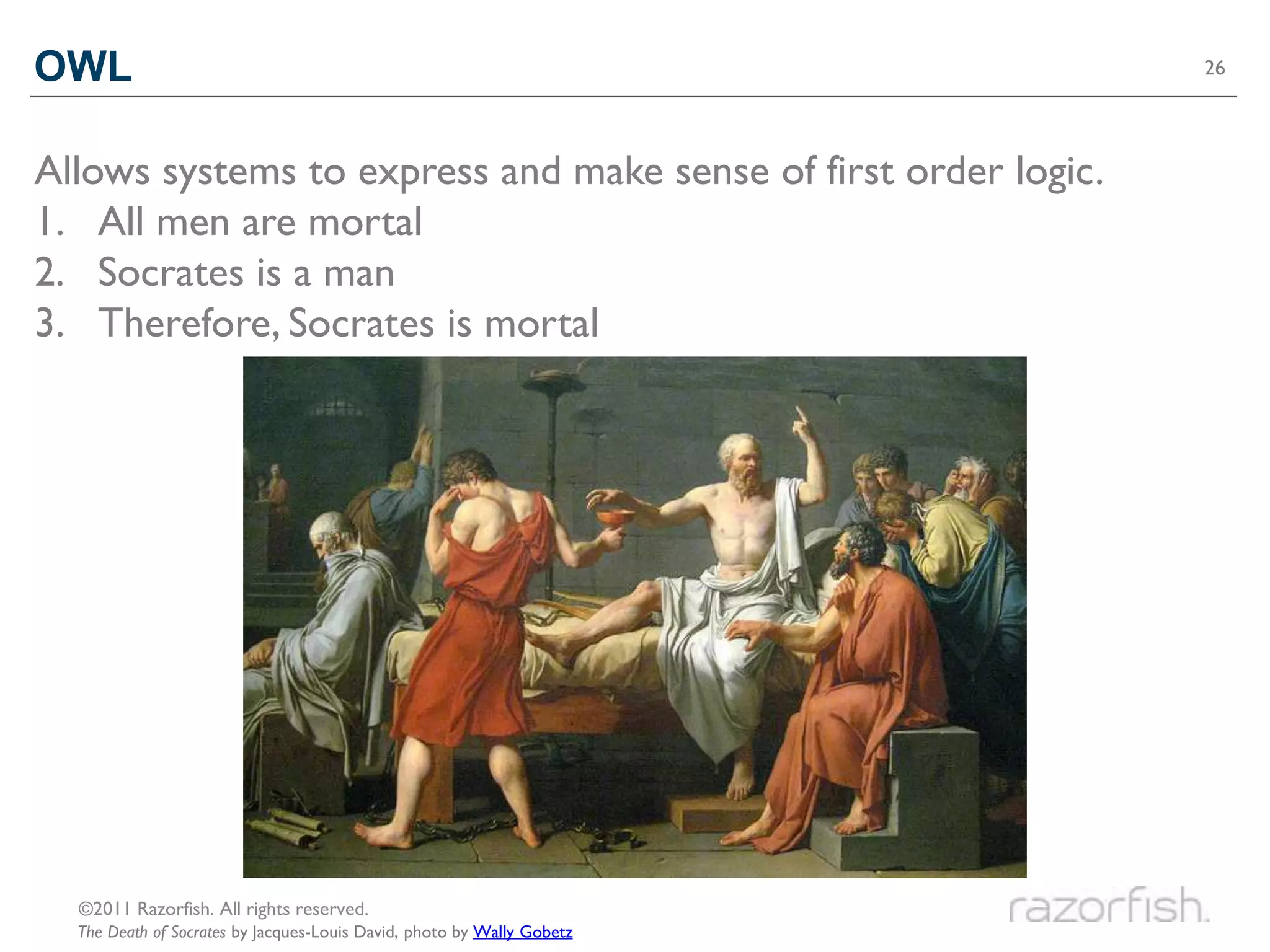
Allows systems to express and make sense of first order logic.
1. All men are mortal
2. Socrates is a man
3. Therefore, Socrates is mortal


  ©2011 Razorfish. All rights reserved.
  The Death of Socrates by Jacques-Louis David, photo by Wally Gobetz
SKOS                                                                                 27


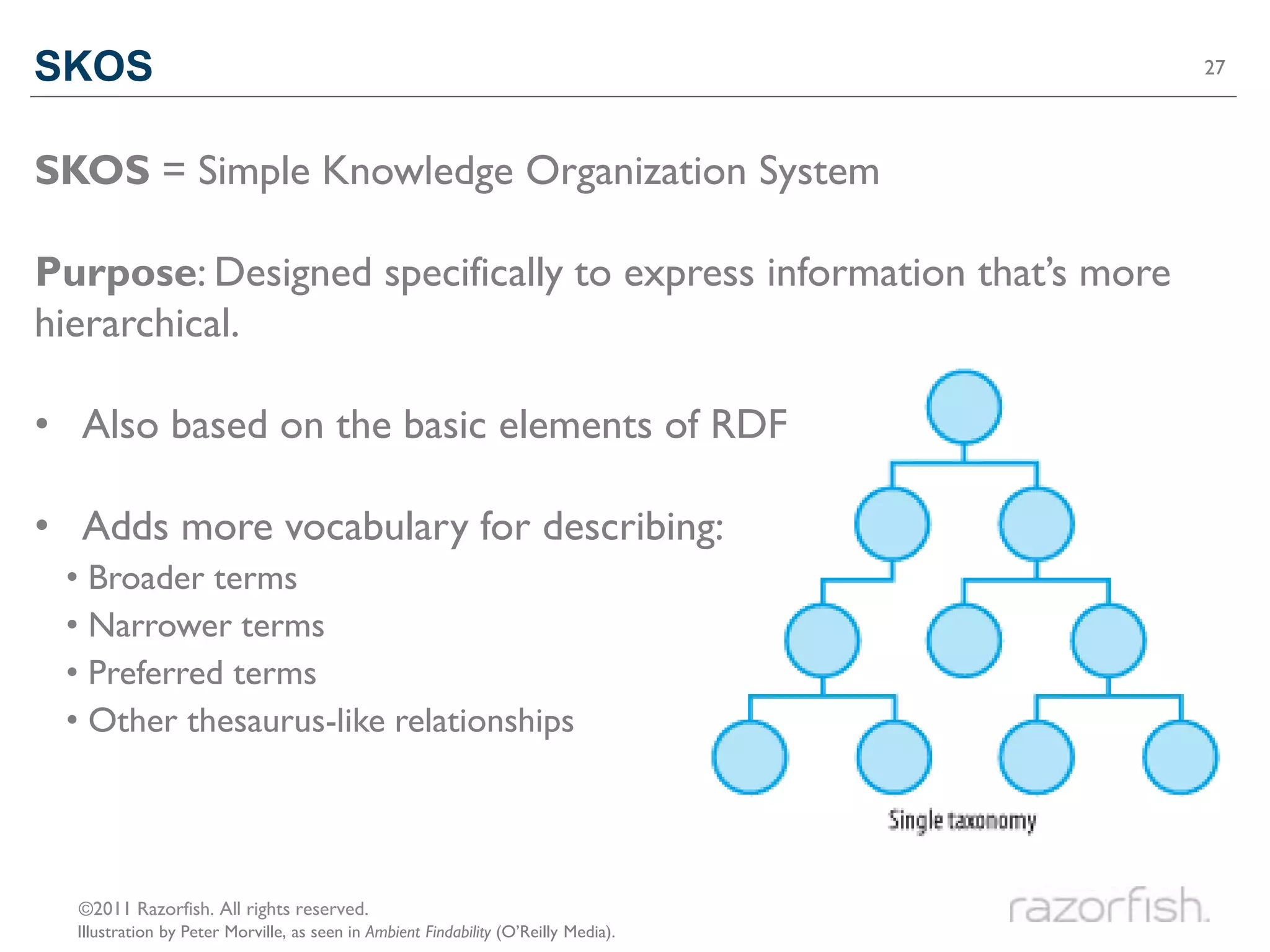
SKOS = Simple Knowledge Organization System

Purpose: Designed specifically to express information that’s more
hierarchical.

• Also based on the basic elements of RDF

• Adds more vocabulary for describing:
 • Broader terms
 • Narrower terms
 • Preferred terms
 • Other thesaurus-like relationships


  ©2011 Razorfish. All rights reserved.
  Illustration by Peter Morville, as seen in Ambient Findability (O’Reilly Media).
CONTENT MANAGEMENT SYSTEMS                28


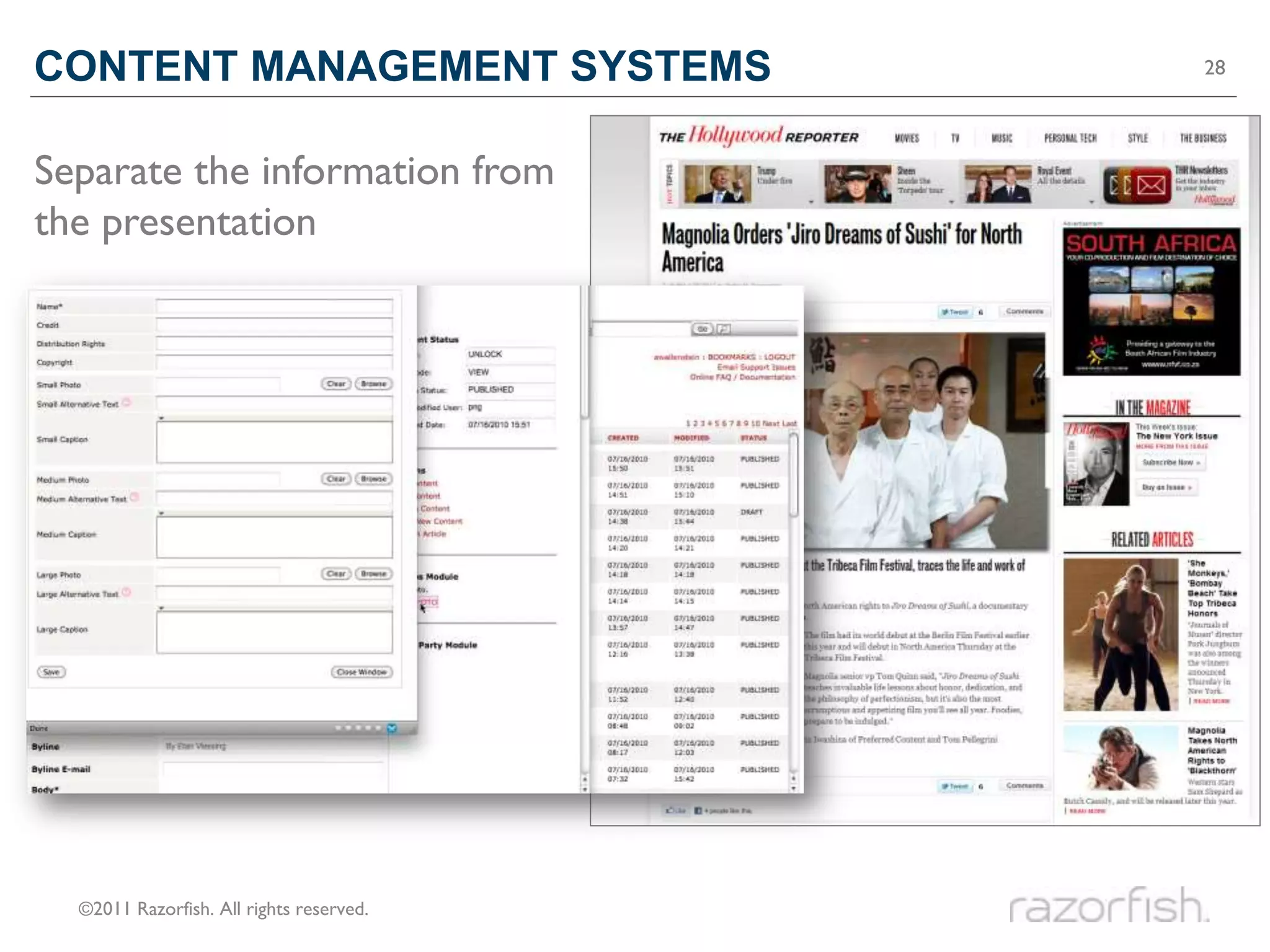
Separate the information from
the presentation


  ©2011 Razorfish. All rights reserved.
STRUCTURAL METADATA                                                29


• Defines the types of content and the attributes of each type.
• Answers the question “What constitutes a piece of content?”
• Example: Photo
   Title: Ta-dah!
   Description:
   we're talking a serious jello mold here.
   Tags: jello, layers, delicious
   Appears in: Dinner (set)
   Created by: Dan DeLuca
   Taken on: February 14, 2010
   Taken with: Fujifilm FinePix F70EXR
   Usage Rights: CC-BY Some rights reserved
   Source URL: http://www.flickr.com/photos/dandeluca/4360567363


  ©2011 Razorfish. All rights reserved.
  Photo by Dan DeLuca `
CREATING STRUCTURAL METADATA                                                                      30


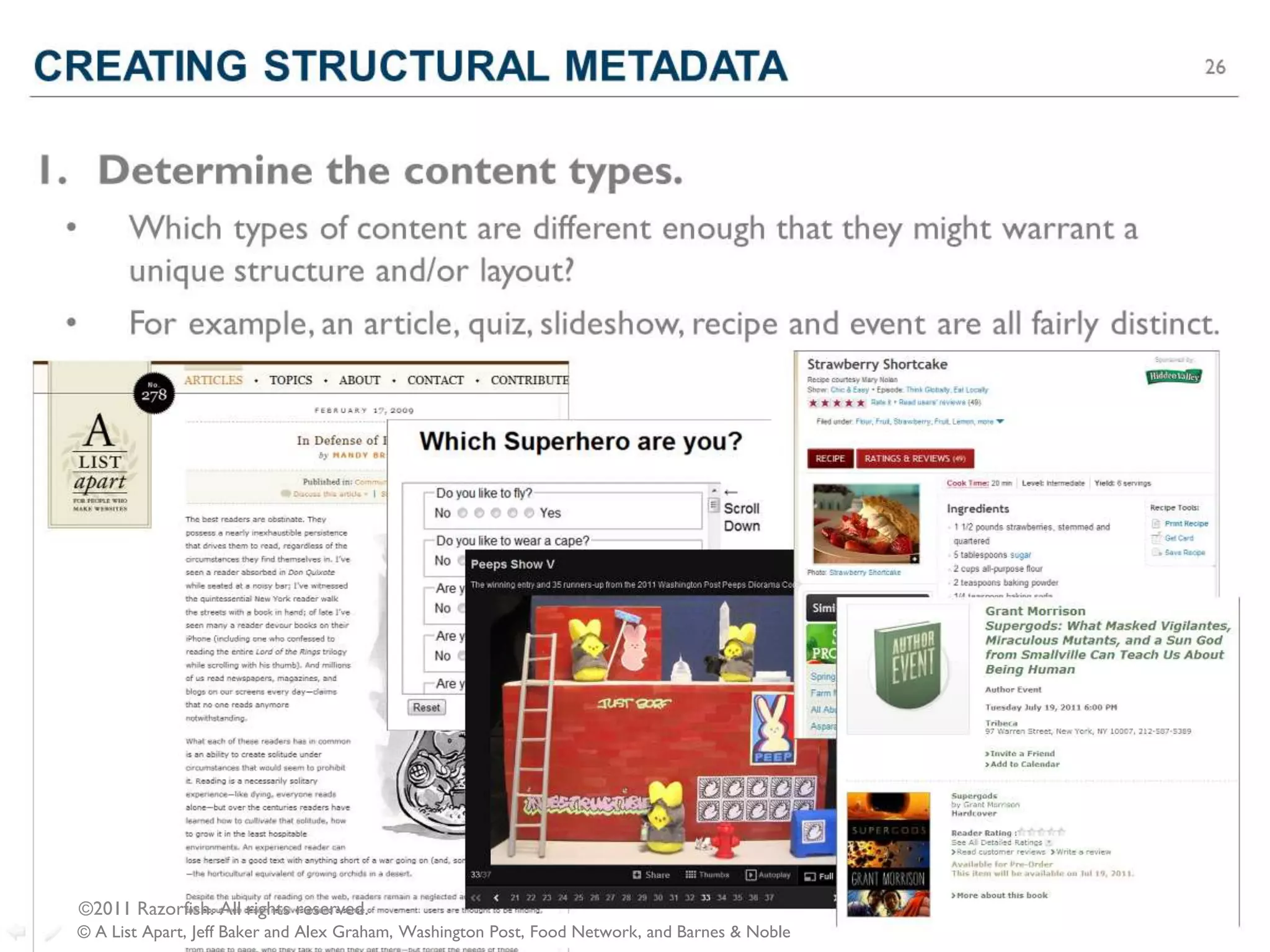
1. Determine the content types.
 •         Which types of content are different enough that they might warrant a
           unique structure and/or layout?
 •         For example, an article, quiz, slideshow, recipe and event are all fairly distinct.


     ©2011 Razorfish. All rights reserved.
  © A List Apart, Jeff Baker and Alex Graham, Washington Post, Food Network, and Barnes & Noble
CREATING STRUCTURAL METADATA                                                             31


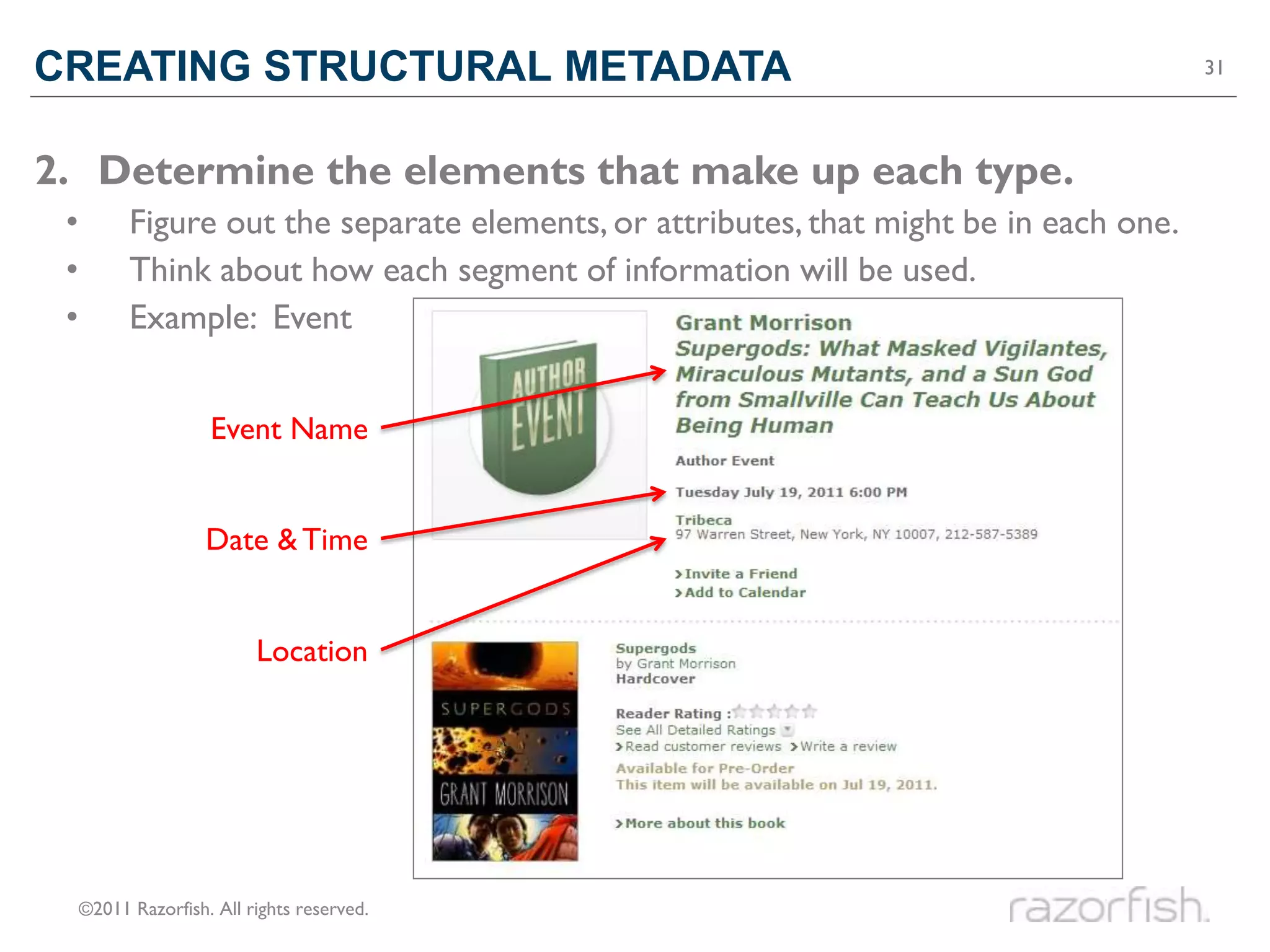
2. Determine the elements that make up each type.
 •         Figure out the separate elements, or attributes, that might be in each one.
 •         Think about how each segment of information will be used.
 •         Example: Event


                     Event Name


                     Date & Time


                           Location


     ©2011 Razorfish. All rights reserved.
CREATING STRUCTURAL METADATA                                                        32


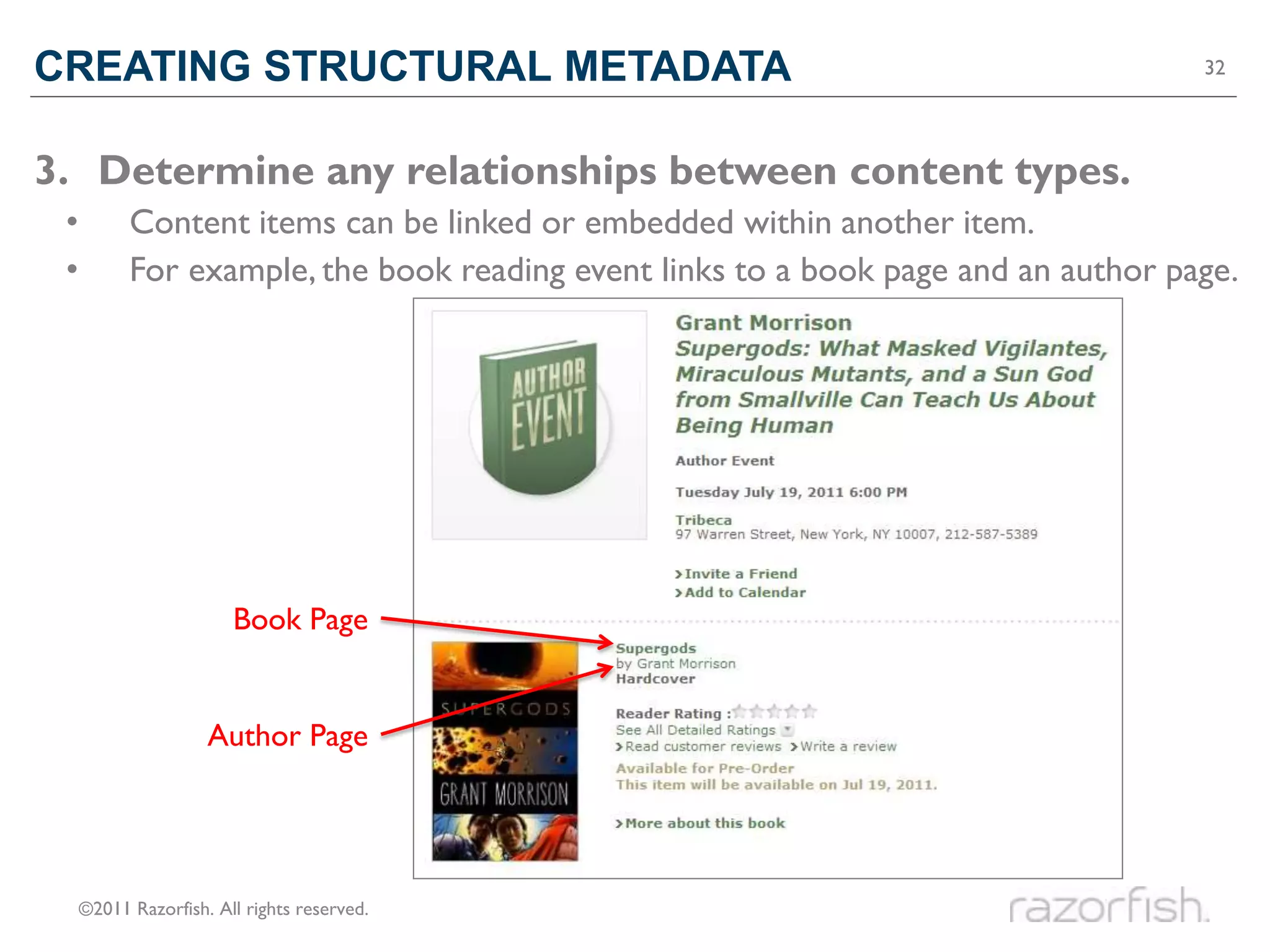
3. Determine any relationships between content types.
 •         Content items can be linked or embedded within another item.
 •         For example, the book reading event links to a book page and an author page.


                        Book Page


                     Author Page


     ©2011 Razorfish. All rights reserved.
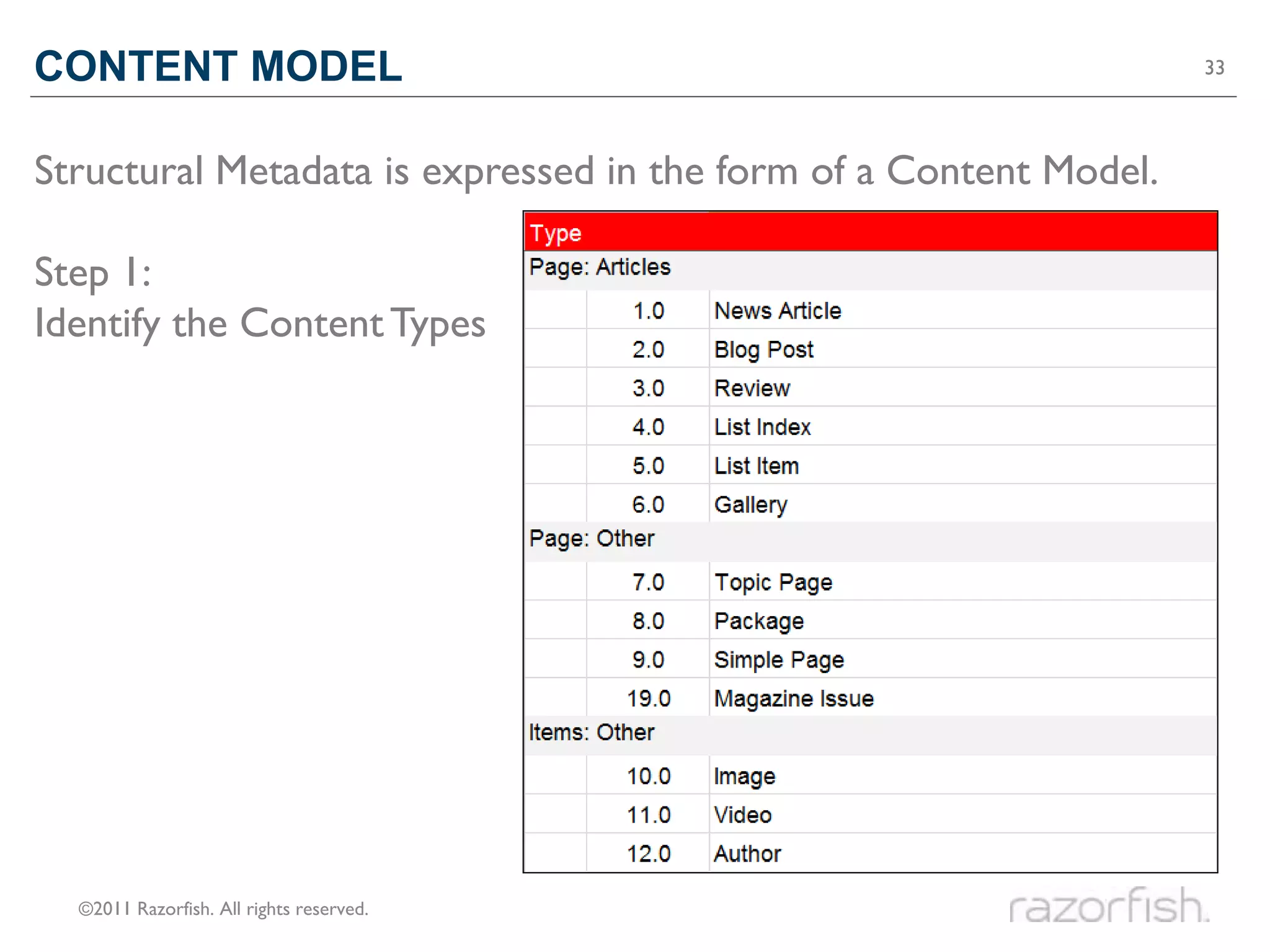
CONTENT MODEL                                                      33


Structural Metadata is expressed in the form of a Content Model.

Step 1:
Identify the Content Types


  ©2011 Razorfish. All rights reserved.
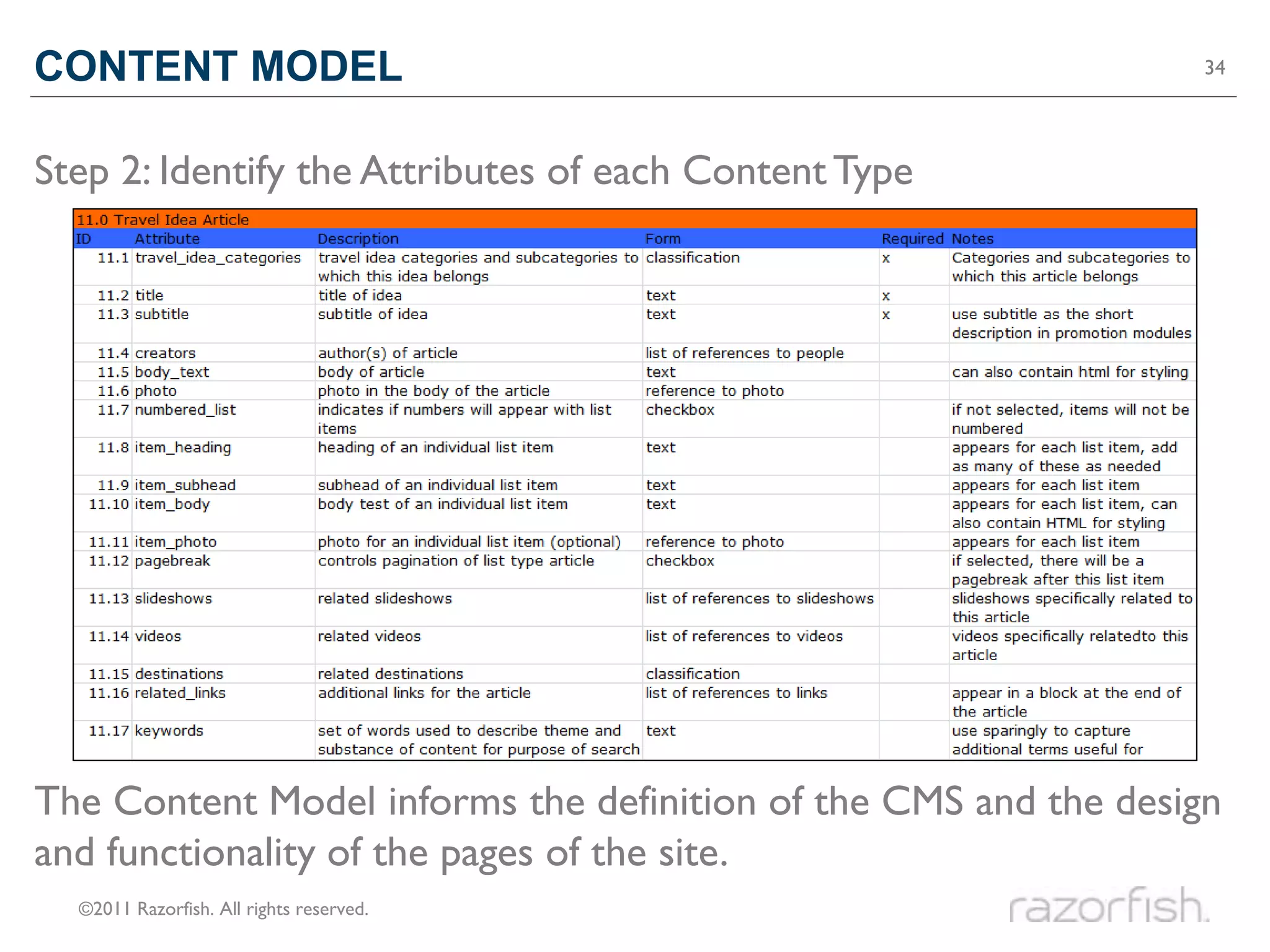
CONTENT MODEL                                                    34


Step 2: Identify the Attributes of each Content Type


The Content Model informs the definition of the CMS and the design
and functionality of the pages of the site.
  ©2011 Razorfish. All rights reserved.
How to make content

WELL DEFINED
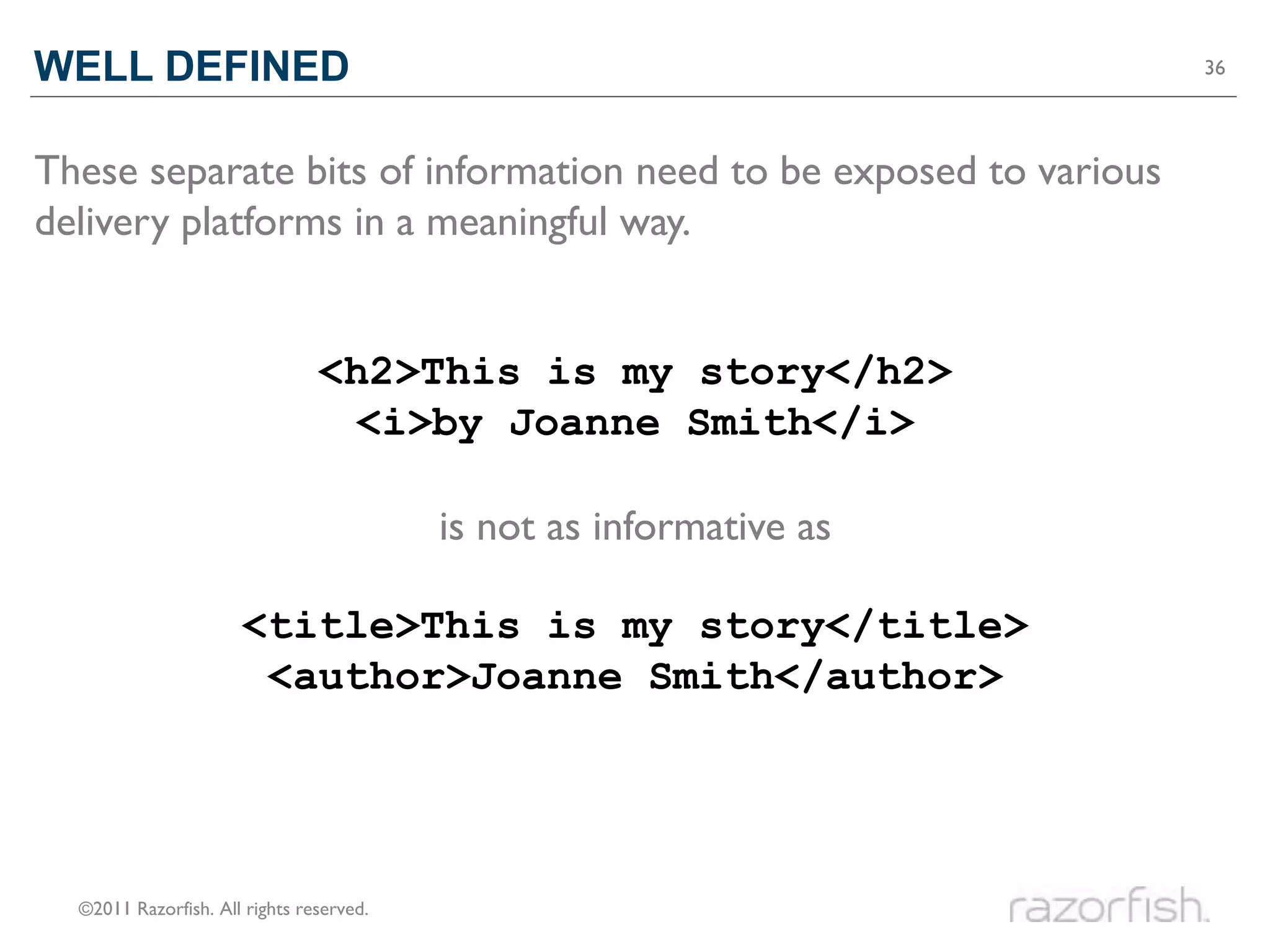
WELL DEFINED                                                         36


These separate bits of information need to be exposed to various
delivery platforms in a meaningful way.


                                <h2>This is my story</h2>
                                 <i>by Joanne Smith</i>

                                          is not as informative as

                      <title>This is my story</title>
                       <author>Joanne Smith</author>


  ©2011 Razorfish. All rights reserved.
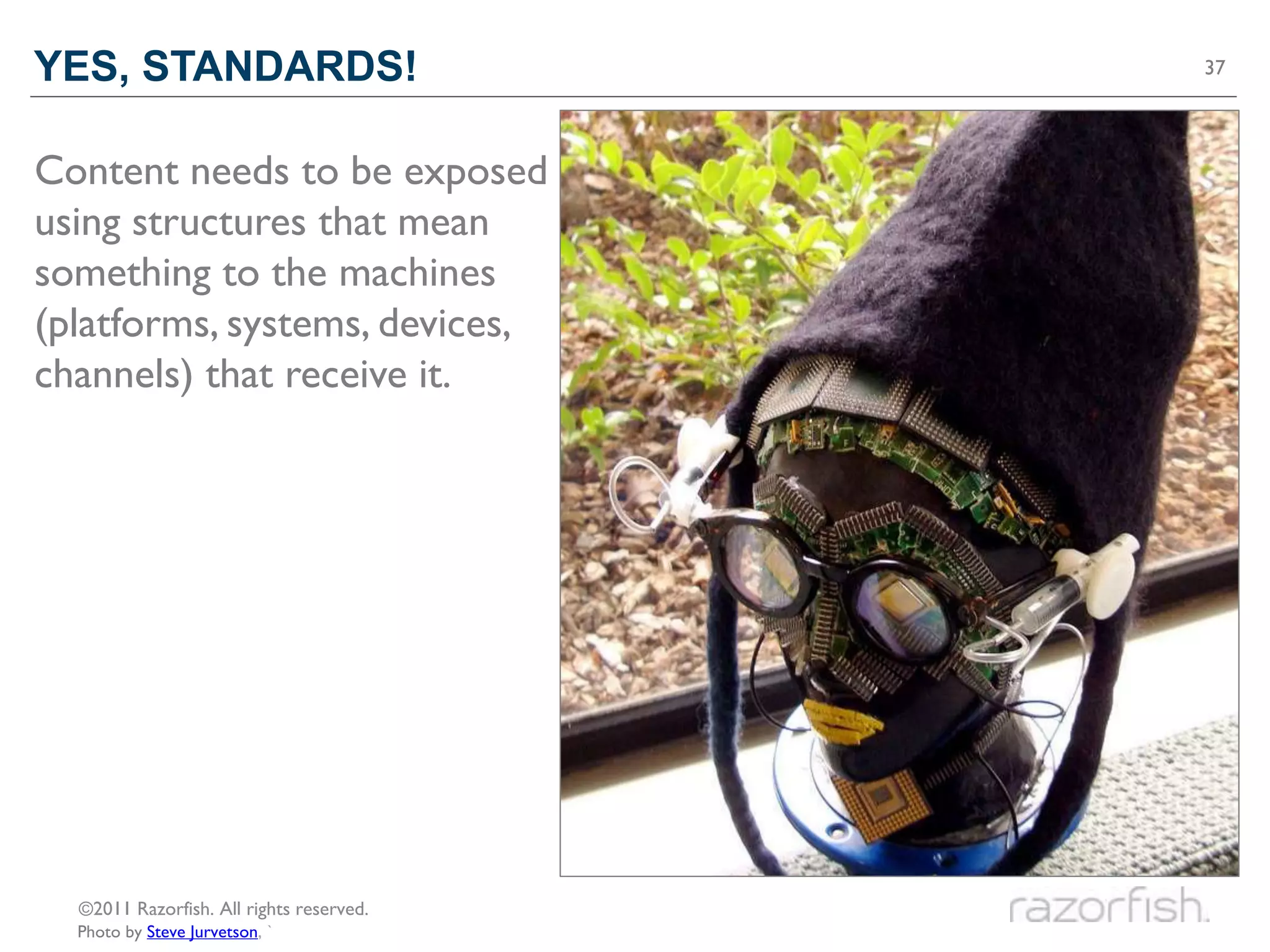
YES, STANDARDS!                           37


Content needs to be exposed
using structures that mean
something to the machines
(platforms, systems, devices,
channels) that receive it.


  ©2011 Razorfish. All rights reserved.
  Photo by Steve Jurvetson, `
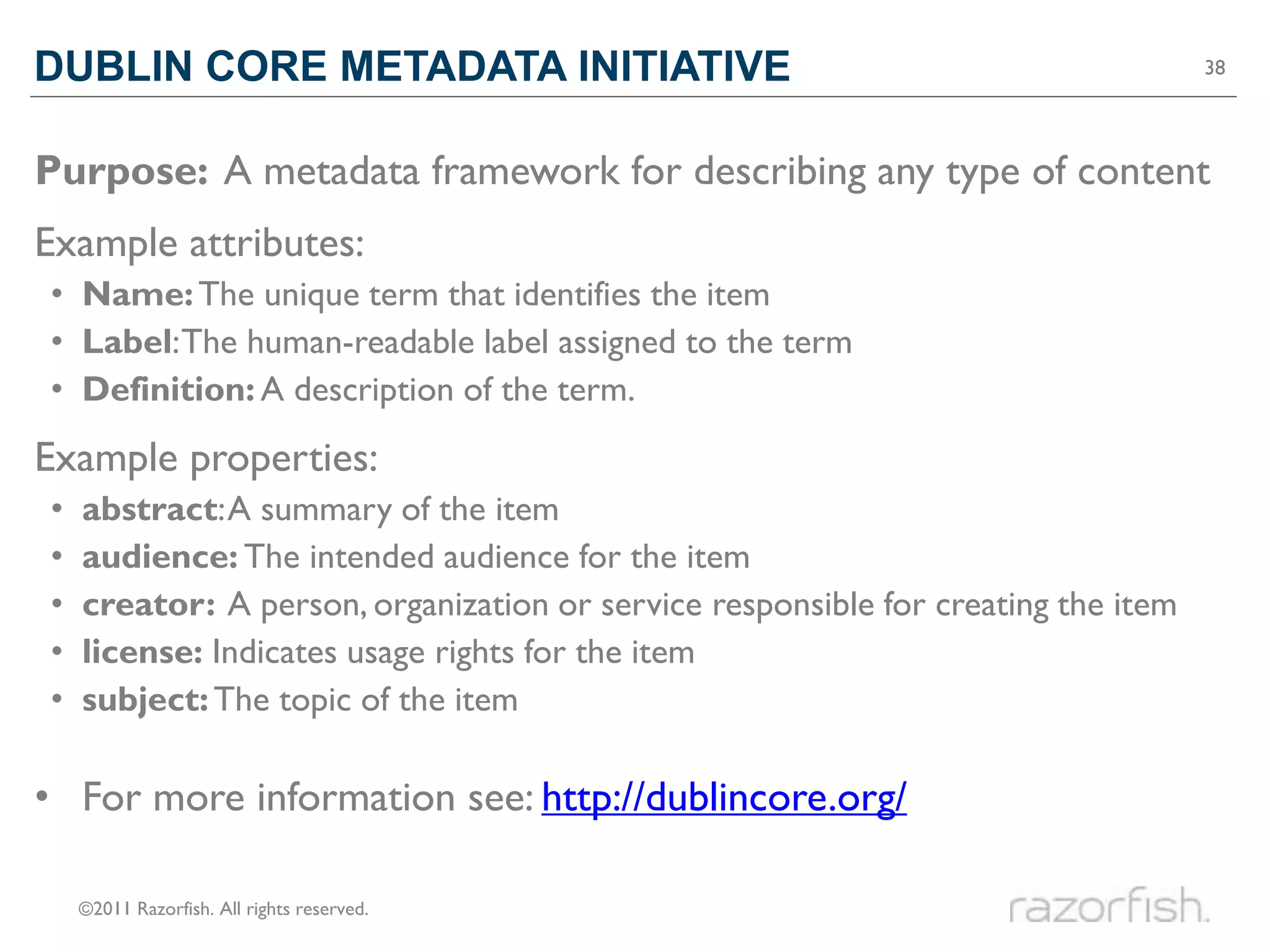
DUBLIN CORE METADATA INITIATIVE                                                    38


Purpose: A metadata framework for describing any type of content
Example attributes:
• Name: The unique term that identifies the item
• Label: The human-readable label assigned to the term
• Definition: A description of the term.
Example properties:
•   abstract: A summary of the item
•   audience: The intended audience for the item
•   creator: A person, organization or service responsible for creating the item
•   license: Indicates usage rights for the item
•   subject: The topic of the item

• For more information see: http://dublincore.org/

    ©2011 Razorfish. All rights reserved.
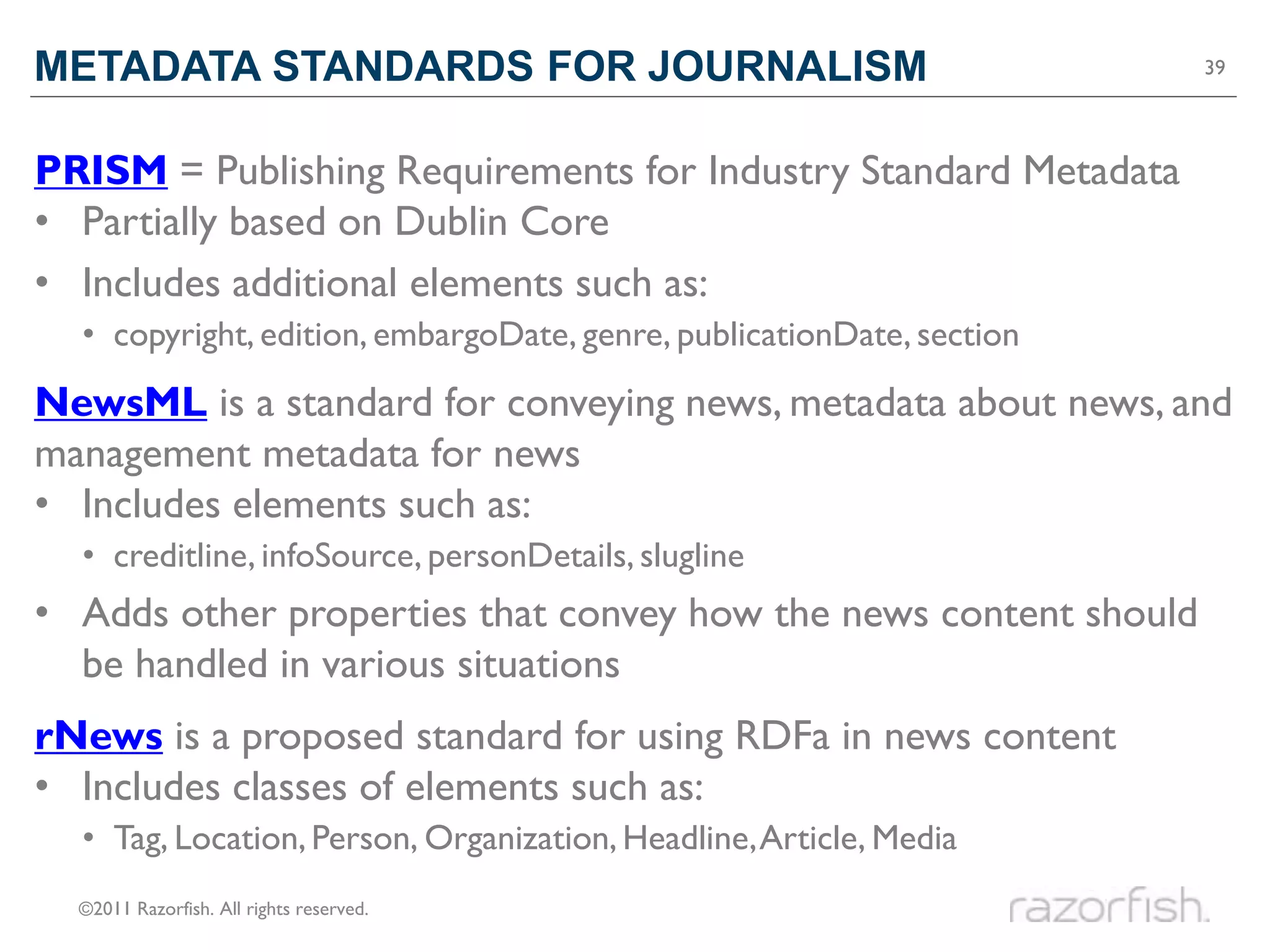
METADATA STANDARDS FOR JOURNALISM                                      39


PRISM = Publishing Requirements for Industry Standard Metadata
• Partially based on Dublin Core
• Includes additional elements such as:
  • copyright, edition, embargoDate, genre, publicationDate, section
NewsML is a standard for conveying news, metadata about news, and
management metadata for news
• Includes elements such as:
  • creditline, infoSource, personDetails, slugline
• Adds other properties that convey how the news content should
  be handled in various situations
rNews is a proposed standard for using RDFa in news content
• Includes classes of elements such as:
  • Tag, Location, Person, Organization, Headline, Article, Media
  ©2011 Razorfish. All rights reserved.
METADATA STANDARDS FOR IMAGES                                                   40


EXIF = Exchangeable Image File Format
• Based on TIFF (Tagged Image File Format) attributes
• Metadata is embedded in images by most digital cameras
• Includes elements such as:
  • Image height & width, orientation, camera make & model, date taken, aperture,
    flash, ISO speed, exposure time, white balance, digital zoom ratio, saturation
XMP = Extensible Metadata Platform
• Developed by Adobe, allows people and tools to embed more
  metadata, which can then be read by other publishing systems
• Incorporated into other standards initiatives, such as Dublin Core,
  PRISM, Creative Commons, W3C, AdsML, etc.
• Includes all DCMI elements, plus others such as:
  • ModifyDate, Rating, CreatorTool, DerivedFrom, and Rights Managment

  ©2011 Razorfish. All rights reserved.
METADATA STANDARDS FOR VIDEOS                                                      41


MPEG-7 is a standard from the Moving Picture Experts Group
• Used to add descriptive metadata to audio and visual content
• Intended to be interpretable by a broad a set of tools and systems
• Includes elements such as:
• MediaFormat, MediaQuality, Classification, Related Material, Rights, Segment,
  UserInteraction, Color Descriptors, Texture Descriptors, Shape Descriptors,
  Motion Descriptors, Localization, Face Recognition
Media RSS is an RSS module that can allows for more detailed
information about media content
• Created by Yahoo!, transitioning to the RSS Advisory Board
• Includes elements such as:
• URL, bitrate, channels, duration, rating, keywords, thumbnail, player, credit,
  copyright, community, price, location, subTitle

  ©2011 Razorfish. All rights reserved.
METADATA STANDARDS FOR SOCIAL CONNECTIONS                                         42


FOAF = Friend of a Friend
• Describes people, their connections, and the things they create
• Incorporated into many other standard vocabularies & tools
• Includes elements such as:
  • Agent, Person, Group, Project, age, familyName, givenName, knows, interest,
    isPrimaryTopicOf, myersBriggs, publications, openID, workplaceHomepage
SIOC = Semantically-Interlinked Online Communities
• Integrates personal profile and social networking information
• Usually used in conjunction with FOAF
• Includes elements such as:
  • Community, Forum, Item, Post, Role, Thread, UserAccount, about, creator_of,
    follows, last_activity_date, member_of, related_to, subscriber_of


  ©2011 Razorfish. All rights reserved.
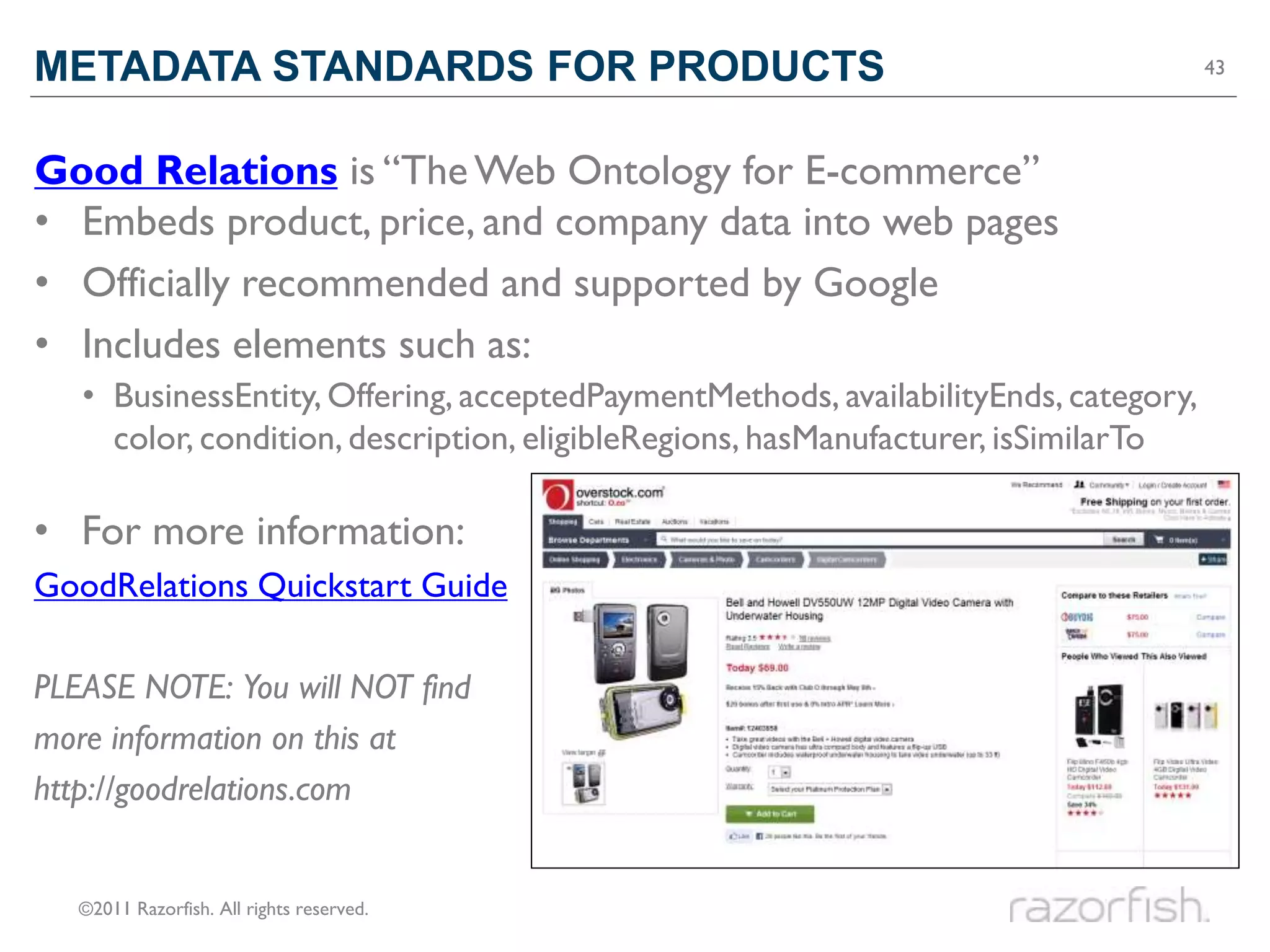
METADATA STANDARDS FOR PRODUCTS                                                      43


Good Relations is “The Web Ontology for E-commerce”
• Embeds product, price, and company data into web pages
• Officially recommended and supported by Google
• Includes elements such as:
   • BusinessEntity, Offering, acceptedPaymentMethods, availabilityEnds, category,
     color, condition, description, eligibleRegions, hasManufacturer, isSimilarTo

• For more information:
GoodRelations Quickstart Guide

PLEASE NOTE: You will NOT find
more information on this at
http://goodrelations.com


   ©2011 Razorfish. All rights reserved.
A FEW MORE POINTS                                                   44


• Additional standards will continue to be developed.

• We need content management tools that will help retain, create,
  and surface (i.e. publish) this metadata with the content.

• It is not trivial to create this metadata.
  • Retain!
  • Crowdsource!
  • Share!


  ©2011 Razorfish. All rights reserved.
How to make content

WELL DESCRIBED
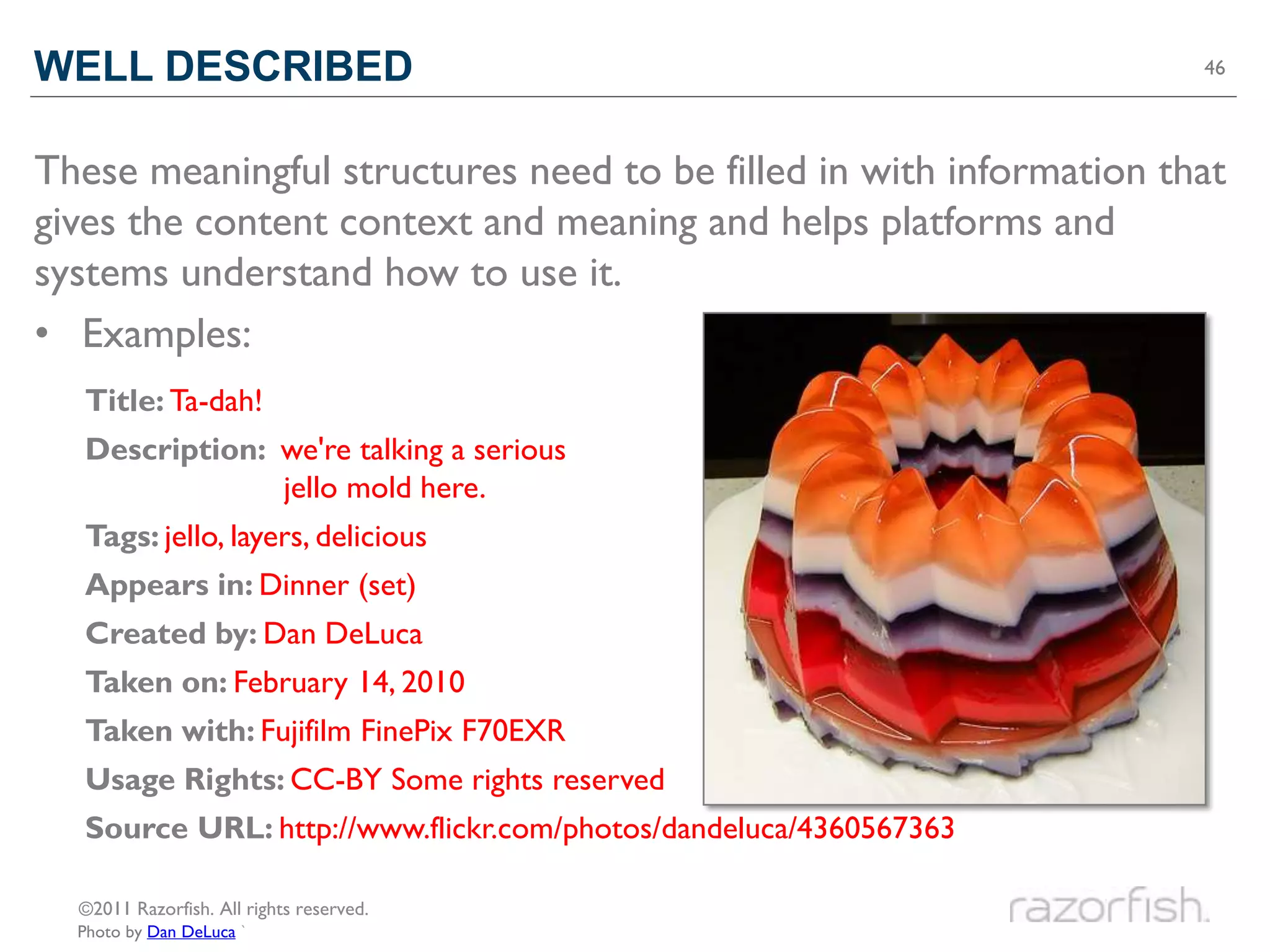
WELL DESCRIBED                                                      46


These meaningful structures need to be filled in with information that
gives the content context and meaning and helps platforms and
systems understand how to use it.
• Examples:
  Title: Ta-dah!
  Description: we're talking a serious
               jello mold here.
  Tags: jello, layers, delicious
  Appears in: Dinner (set)
  Created by: Dan DeLuca
  Taken on: February 14, 2010
  Taken with: Fujifilm FinePix F70EXR
  Usage Rights: CC-BY Some rights reserved
  Source URL: http://www.flickr.com/photos/dandeluca/4360567363

  ©2011 Razorfish. All rights reserved.
  Photo by Dan DeLuca `
WELL DESCRIBED                                                       47


• Subjects, people, places, events, and products


• Where did the content come from?
• Are there restrictions on how it can be used?
• Is the content time-sensitive or evergreen?
• Is the content part of a larger story or set of content, without
  which it doesn’t make as much sense?
• What information is included when people share the content via
  social media?


  ©2011 Razorfish. All rights reserved.
VOCABULARIES                                                           48


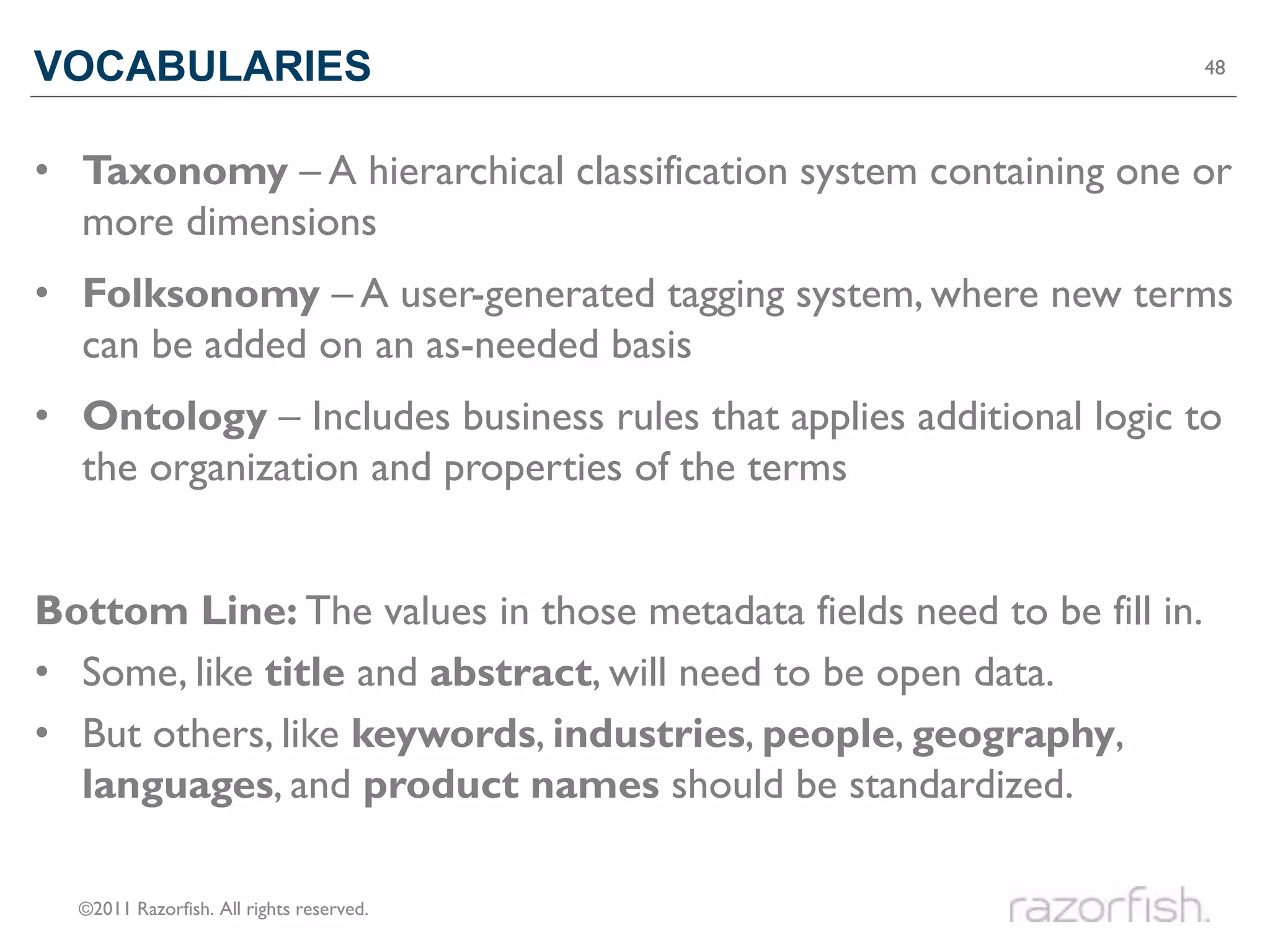
• Taxonomy – A hierarchical classification system containing one or
  more dimensions
• Folksonomy – A user-generated tagging system, where new terms
  can be added on an as-needed basis
• Ontology – Includes business rules that applies additional logic to
  the organization and properties of the terms


Bottom Line: The values in those metadata fields need to be fill in.
• Some, like title and abstract, will need to be open data.
• But others, like keywords, industries, people, geography,
  languages, and product names should be standardized.
  ©2011 Razorfish. All rights reserved.
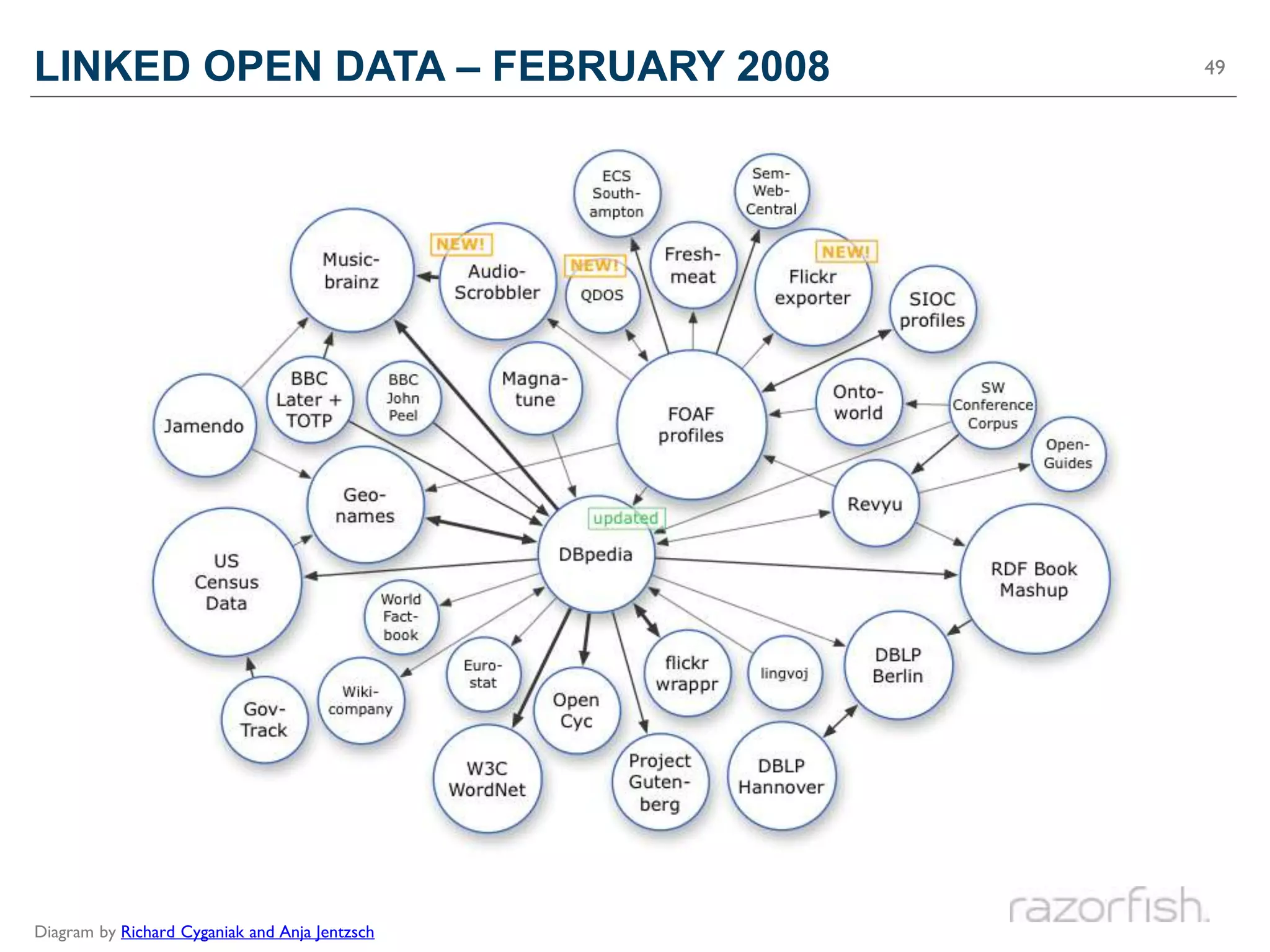
LINKED OPEN DATA – FEBRUARY 2008                49


Diagram by Richard Cyganiak and Anja Jentzsch
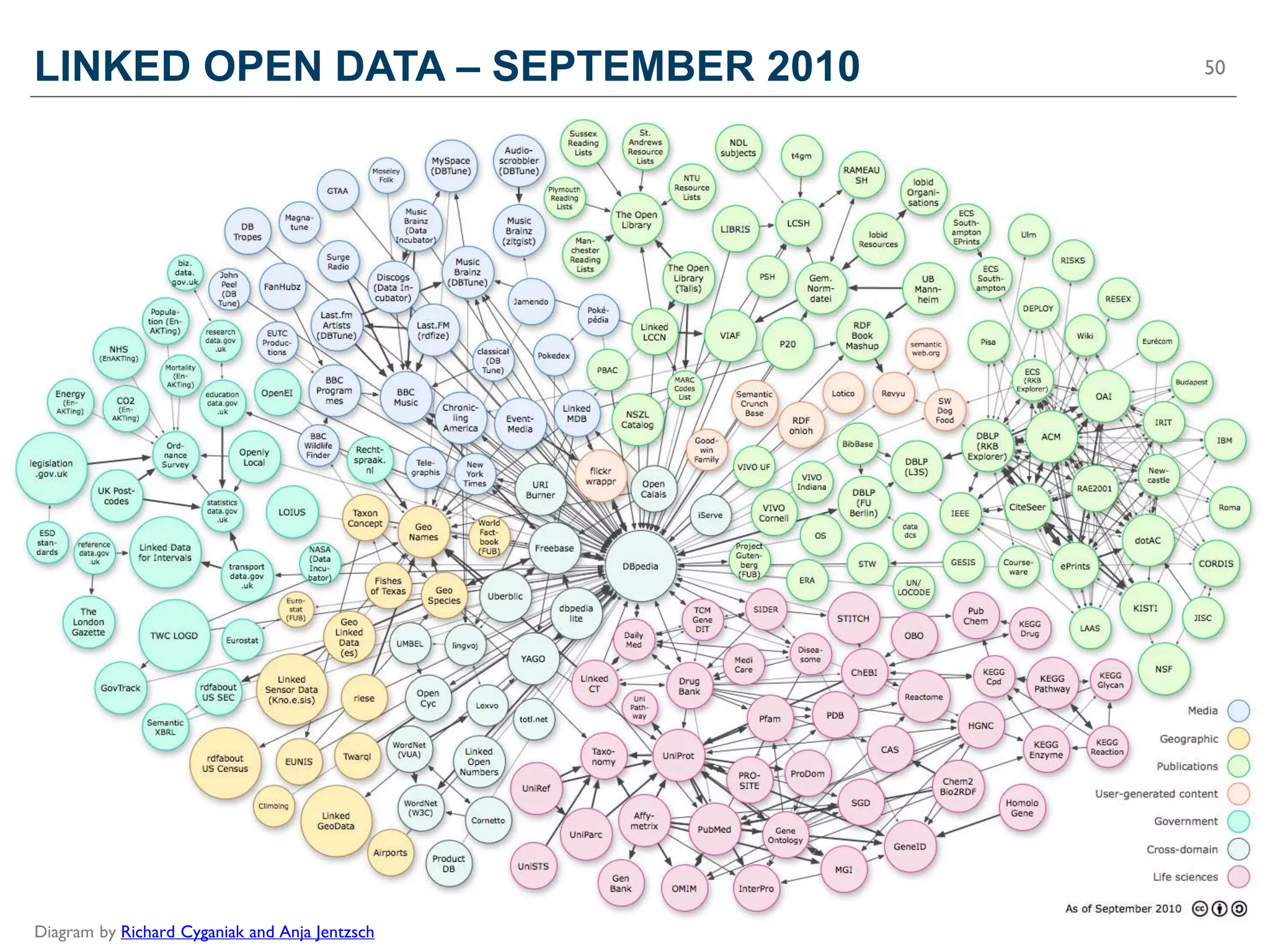
LINKED OPEN DATA – SEPTEMBER 2010               50


Diagram by Richard Cyganiak and Anja Jentzsch
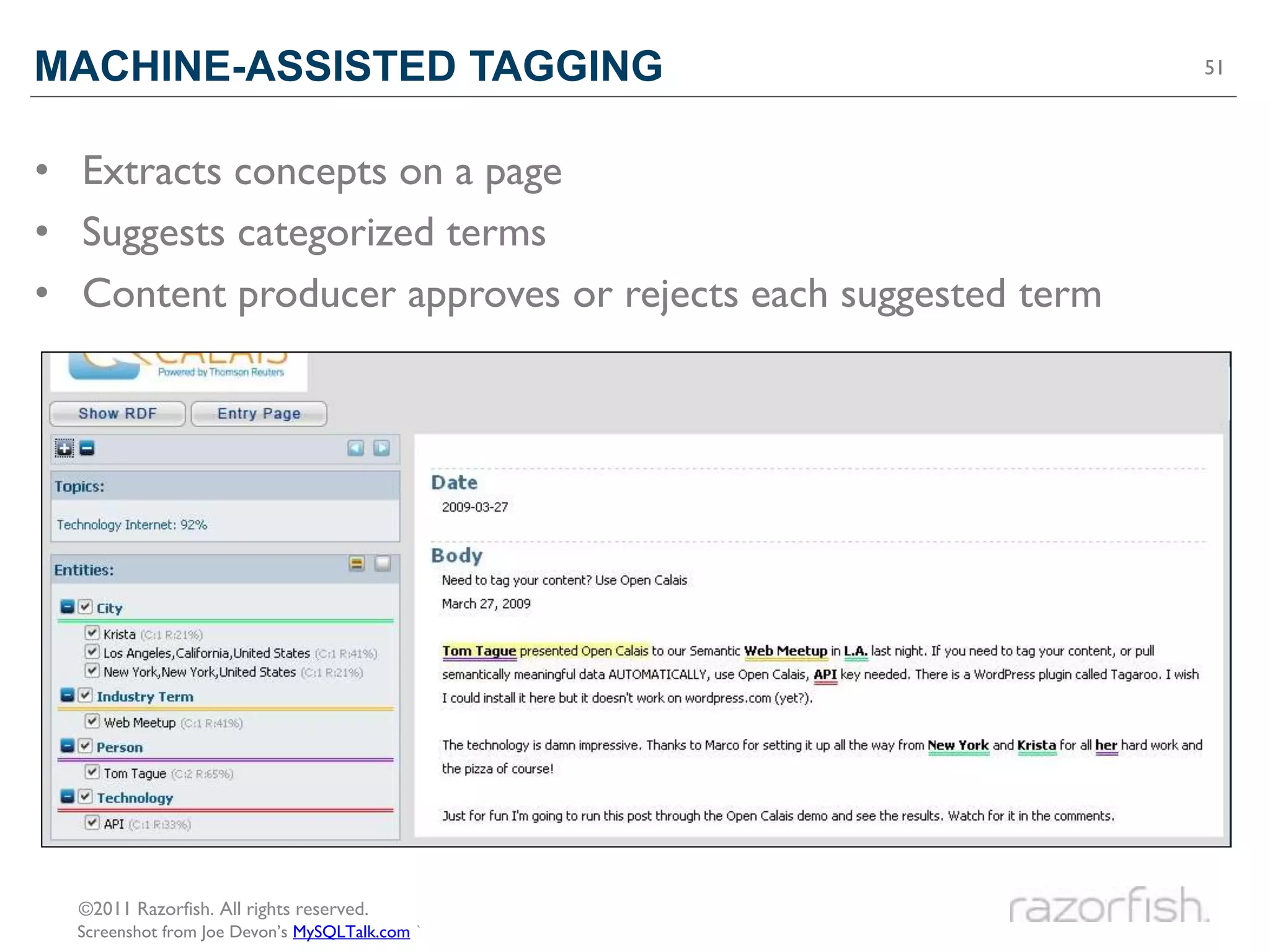
MACHINE-ASSISTED TAGGING                                     51


• Extracts concepts on a page
• Suggests categorized terms
• Content producer approves or rejects each suggested term


  ©2011 Razorfish. All rights reserved.
  Screenshot from Joe Devon’s MySQLTalk.com `
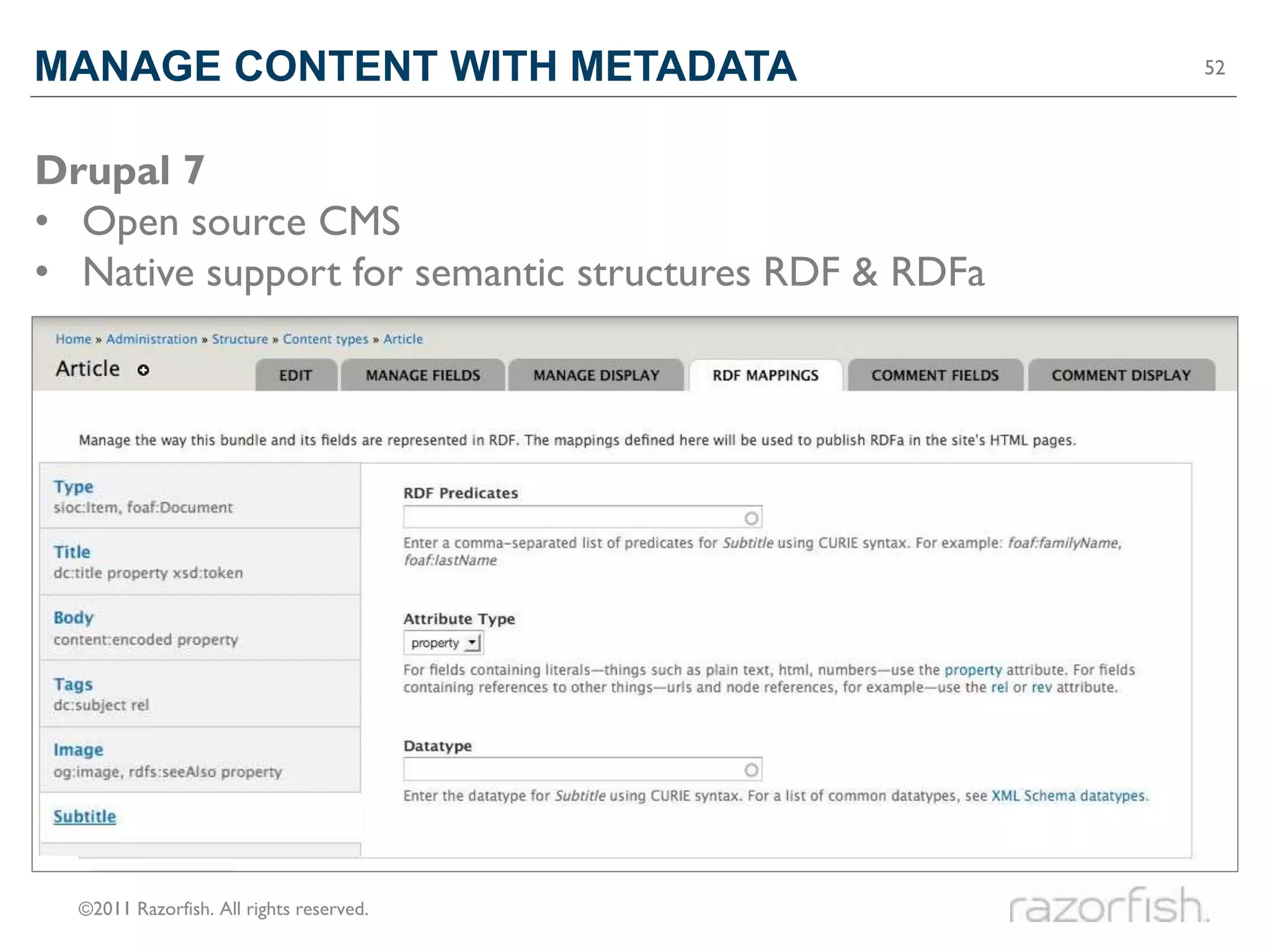
MANAGE CONTENT WITH METADATA                          52


Drupal 7
• Open source CMS
• Native support for semantic structures RDF & RDFa


  ©2011 Razorfish. All rights reserved.
53
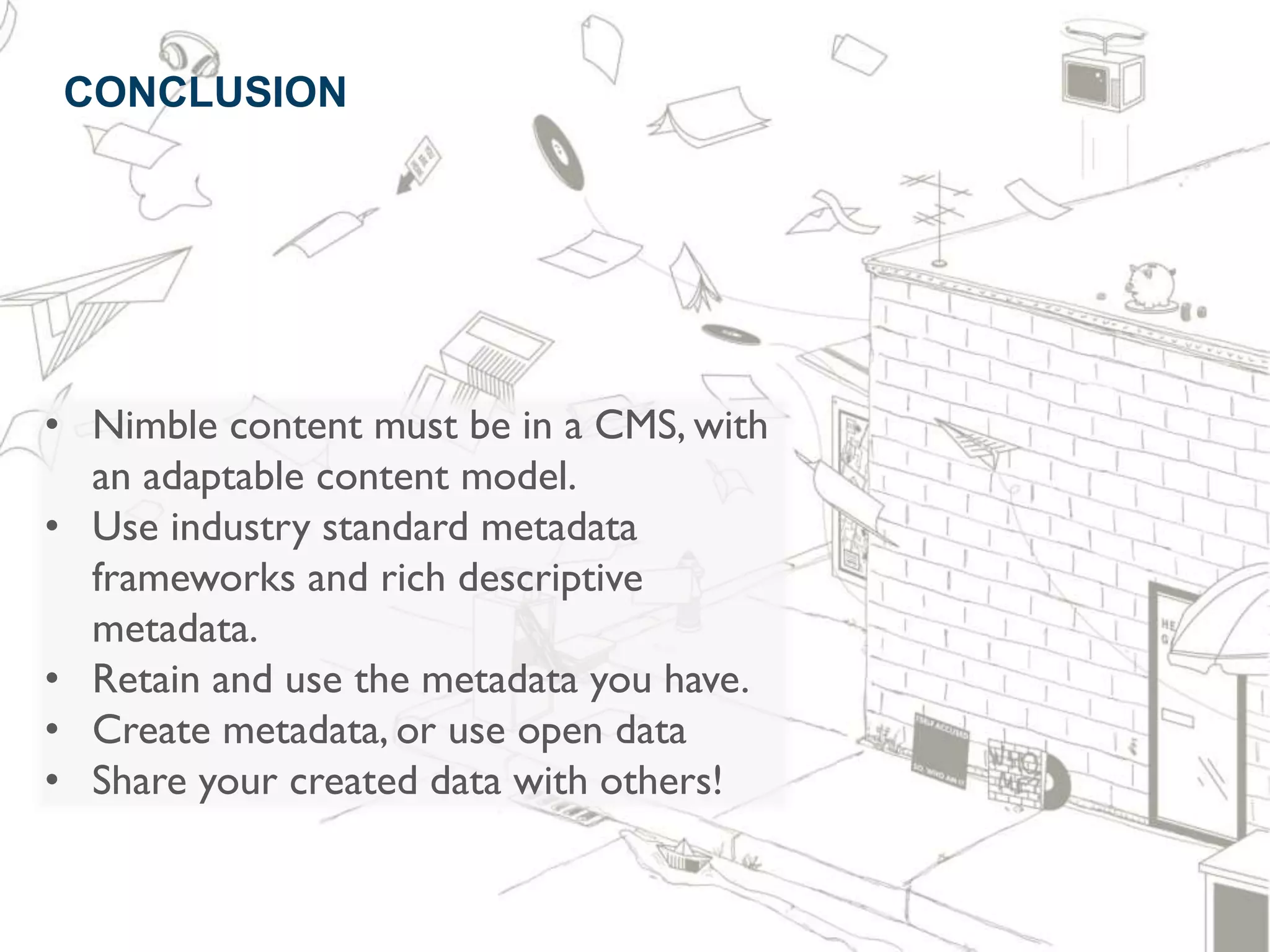
 CONCLUSION


• Nimble content must be in a CMS, with
  an adaptable content model.
• Use industry standard metadata
  frameworks and rich descriptive
  metadata.
• Retain and use the metadata you have.
• Create metadata, or use open data
• Share your created data with others!

Make Your Content Nimble - Confab

  • 1.
    Make Your ContentNimble CONFAB – The Content Strategy Conference May 10, 2011 Rachel Lovinger @rlovinger #NimbleCS
  • 2.
    ABOUT ME: RACHELLOVINGER 2 • Associate Experience Director, Content Strategy, Razorfish NYC • Co-editor of scatter/gather, a content strategy blog: http://scattergather.razorfish.com • Author of Nimble: A Razorfish Report on Publishing in the Digital Age (June 2010) ©2011 Razorfish. All rights reserved. Photo by Rohanna Mertens
  • 3.
    NIMBLE: A REPORTON PUBLISHING IN THE DIGITAL AGE 3 • Nimble is available at: http://nimble.razorfish.com • On Twitter: @NimbleRF ©2011 Razorfish. All rights reserved. Illustrations by Fogelson-Lubliner
  • 4.
  • 5.
    IF CONTENT ISNIMBLE 5 Nimble content can: • Travel Freely • Retain Context & Meaning • Create New Products ©2011 Razorfish. All rights reserved. Illustration by Fogelson-Lubliner
  • 6.
    TRAVEL FREELY 6 • Socially-enabled • Mobile-friendly • On Demand Photo by Rachel Lovinger, Drawing by Mathieu Plourde
  • 7.
    RETAIN CONTEXT &MEANING 7 • Source • Usage • Relationships ©2011 Razorfish. All rights reserved. Image © 2011 TheHuffingtonPost.com, Inc.
  • 8.
    CREATE NEW PRODUCTS 8 • Reusable • Engaging • Profitable • Time to Market ©2011 Razorfish. All rights reserved. Photo by Rishi Menon Photo by Christian Van Der Henst S.
  • 9.
    Qualities of NimbleContent CONTENT MUST BE…
  • 10.
    WELL STRUCTURED Photo byTravis Nep Smith
  • 11.
  • 12.
  • 13.
  • 14.
    14 TOOLS PROCESSES STANDARDS ©2011 Razorfish. All rights reserved.
  • 15.
    WHY STANDARDS? 15 Nimble = Content that machines can understand Standards make it possible What standard metadata frameworks and vocabularies are available to augment content and help other systems make better use of it? ©2011 Razorfish. All rights reserved. Photo by Steve Jurvetson, `
  • 16.
  • 17.
    17 * TLA = Three Letter Acronym ©2011 Razorfish. All rights reserved.
  • 18.
    How to makecontent WELL STRUCTURED
  • 19.
    WELL STRUCTURED 19 • Information separated from presentation • Segmented into usable bits Title: Ta-dah! Description: we're talking a serious jello mold here. Tags: jello, layers, delicious Appears in: Dinner (set) Created by: Dan DeLuca Taken on: February 14, 2010 Taken with: Fujifilm FinePix F70EXR Usage Rights: CC-BY Some rights reserved Source URL: http://www.flickr.com/photos/dandeluca/4360567363 ©2011 Razorfish. All rights reserved. Photo by Dan DeLuca `
  • 20.
    HTML5 20 Simplifies much of the markup from previous versions of HTML, while providing the ability to add more context and meaning • For example: <link rel="alternate" type="application/atom+xml" title="My Weblog feed" href="/feed/" /> This makes it possible to add more information about what is being linked to, its format, and what purpose it serves ©2011 Razorfish. All rights reserved. Example from Dive Into HTML5 by Mark Pilgrim `
  • 21.
    HTML5 21 New semantic tags in HTML5 include: <section> <header> <nav> <footer> <article> <time> <aside> <mark> <hgroup> For more information: Mark Pilgrim’s Dive Into HTML5 (http://diveintohtml5.org/) ©2011 Razorfish. All rights reserved.
  • 22.
    RDF 22 RDF = Resource Description Framework Purpose: To provide a structure (aka framework) for describing identified things (aka resources) Composed of three basic elements • Resources – the things being described • Properties – the relationships between things • Classes – the buckets used to group the things ©2011 Razorfish. All rights reserved.
  • 23.
    RDF 23 The elements are combined to make simple statements called Triples Examples: • Men In Black is a Movie • Will Smith is an Actor • Men In Black stars Will Smith Movie Actor typeOf typeOf Men In Black hasStar Will Smith <MenInBlack> <hasStar> <WillSmith> ©2011 Razorfish. All rights reserved.
  • 24.
    RDFA 24 RDFa = RDF in attributes Purpose: Allows RDF attributes and properties to be included in XHTML and HTML documents. <div>xmlns:dc="http://purl.org/dc/elements/1.1/"> <div <h2 property="dc:title">The trouble with Bob</h2> <h2>The trouble with Bob</h2> <h3 property="dc:creator">Alice</h3> <h3>Alice</h3> … </div> • For more information see: http://rdfa.info/ ©2011 Razorfish. All rights reserved.
  • 25.
    OWL 25 OWL = Web Ontology Language Purpose: To develop ontologies that are compatible with the World Wide Web. • Based on the basic elements of RDF • Adds more vocabulary for describing properties and classes. • Relationships between classes (ex: disjointWith) • Equality (ex: sameAs) • Richer properties (ex: symmetrical) • For more information see: http://www.w3.org/TR/owl2-overview/ ©2011 Razorfish. All rights reserved. Artwork by Ernest H. Shepard, from writings by A. A. Milne
  • 26.
    OWL 26 Allows systems to express and make sense of first order logic. 1. All men are mortal 2. Socrates is a man 3. Therefore, Socrates is mortal ©2011 Razorfish. All rights reserved. The Death of Socrates by Jacques-Louis David, photo by Wally Gobetz
  • 27.
    SKOS 27 SKOS = Simple Knowledge Organization System Purpose: Designed specifically to express information that’s more hierarchical. • Also based on the basic elements of RDF • Adds more vocabulary for describing: • Broader terms • Narrower terms • Preferred terms • Other thesaurus-like relationships ©2011 Razorfish. All rights reserved. Illustration by Peter Morville, as seen in Ambient Findability (O’Reilly Media).
  • 28.
    CONTENT MANAGEMENT SYSTEMS 28 Separate the information from the presentation ©2011 Razorfish. All rights reserved.
  • 29.
    STRUCTURAL METADATA 29 • Defines the types of content and the attributes of each type. • Answers the question “What constitutes a piece of content?” • Example: Photo Title: Ta-dah! Description: we're talking a serious jello mold here. Tags: jello, layers, delicious Appears in: Dinner (set) Created by: Dan DeLuca Taken on: February 14, 2010 Taken with: Fujifilm FinePix F70EXR Usage Rights: CC-BY Some rights reserved Source URL: http://www.flickr.com/photos/dandeluca/4360567363 ©2011 Razorfish. All rights reserved. Photo by Dan DeLuca `
  • 30.
    CREATING STRUCTURAL METADATA 30 1. Determine the content types. • Which types of content are different enough that they might warrant a unique structure and/or layout? • For example, an article, quiz, slideshow, recipe and event are all fairly distinct. ©2011 Razorfish. All rights reserved. © A List Apart, Jeff Baker and Alex Graham, Washington Post, Food Network, and Barnes & Noble
  • 31.
    CREATING STRUCTURAL METADATA 31 2. Determine the elements that make up each type. • Figure out the separate elements, or attributes, that might be in each one. • Think about how each segment of information will be used. • Example: Event Event Name Date & Time Location ©2011 Razorfish. All rights reserved.
  • 32.
    CREATING STRUCTURAL METADATA 32 3. Determine any relationships between content types. • Content items can be linked or embedded within another item. • For example, the book reading event links to a book page and an author page. Book Page Author Page ©2011 Razorfish. All rights reserved.
  • 33.
    CONTENT MODEL 33 Structural Metadata is expressed in the form of a Content Model. Step 1: Identify the Content Types ©2011 Razorfish. All rights reserved.
  • 34.
    CONTENT MODEL 34 Step 2: Identify the Attributes of each Content Type The Content Model informs the definition of the CMS and the design and functionality of the pages of the site. ©2011 Razorfish. All rights reserved.
  • 35.
    How to makecontent WELL DEFINED
  • 36.
    WELL DEFINED 36 These separate bits of information need to be exposed to various delivery platforms in a meaningful way. <h2>This is my story</h2> <i>by Joanne Smith</i> is not as informative as <title>This is my story</title> <author>Joanne Smith</author> ©2011 Razorfish. All rights reserved.
  • 37.
    YES, STANDARDS! 37 Content needs to be exposed using structures that mean something to the machines (platforms, systems, devices, channels) that receive it. ©2011 Razorfish. All rights reserved. Photo by Steve Jurvetson, `
  • 38.
    DUBLIN CORE METADATAINITIATIVE 38 Purpose: A metadata framework for describing any type of content Example attributes: • Name: The unique term that identifies the item • Label: The human-readable label assigned to the term • Definition: A description of the term. Example properties: • abstract: A summary of the item • audience: The intended audience for the item • creator: A person, organization or service responsible for creating the item • license: Indicates usage rights for the item • subject: The topic of the item • For more information see: http://dublincore.org/ ©2011 Razorfish. All rights reserved.
  • 39.
    METADATA STANDARDS FORJOURNALISM 39 PRISM = Publishing Requirements for Industry Standard Metadata • Partially based on Dublin Core • Includes additional elements such as: • copyright, edition, embargoDate, genre, publicationDate, section NewsML is a standard for conveying news, metadata about news, and management metadata for news • Includes elements such as: • creditline, infoSource, personDetails, slugline • Adds other properties that convey how the news content should be handled in various situations rNews is a proposed standard for using RDFa in news content • Includes classes of elements such as: • Tag, Location, Person, Organization, Headline, Article, Media ©2011 Razorfish. All rights reserved.
  • 40.
    METADATA STANDARDS FORIMAGES 40 EXIF = Exchangeable Image File Format • Based on TIFF (Tagged Image File Format) attributes • Metadata is embedded in images by most digital cameras • Includes elements such as: • Image height & width, orientation, camera make & model, date taken, aperture, flash, ISO speed, exposure time, white balance, digital zoom ratio, saturation XMP = Extensible Metadata Platform • Developed by Adobe, allows people and tools to embed more metadata, which can then be read by other publishing systems • Incorporated into other standards initiatives, such as Dublin Core, PRISM, Creative Commons, W3C, AdsML, etc. • Includes all DCMI elements, plus others such as: • ModifyDate, Rating, CreatorTool, DerivedFrom, and Rights Managment ©2011 Razorfish. All rights reserved.
  • 41.
    METADATA STANDARDS FORVIDEOS 41 MPEG-7 is a standard from the Moving Picture Experts Group • Used to add descriptive metadata to audio and visual content • Intended to be interpretable by a broad a set of tools and systems • Includes elements such as: • MediaFormat, MediaQuality, Classification, Related Material, Rights, Segment, UserInteraction, Color Descriptors, Texture Descriptors, Shape Descriptors, Motion Descriptors, Localization, Face Recognition Media RSS is an RSS module that can allows for more detailed information about media content • Created by Yahoo!, transitioning to the RSS Advisory Board • Includes elements such as: • URL, bitrate, channels, duration, rating, keywords, thumbnail, player, credit, copyright, community, price, location, subTitle ©2011 Razorfish. All rights reserved.
  • 42.
    METADATA STANDARDS FORSOCIAL CONNECTIONS 42 FOAF = Friend of a Friend • Describes people, their connections, and the things they create • Incorporated into many other standard vocabularies & tools • Includes elements such as: • Agent, Person, Group, Project, age, familyName, givenName, knows, interest, isPrimaryTopicOf, myersBriggs, publications, openID, workplaceHomepage SIOC = Semantically-Interlinked Online Communities • Integrates personal profile and social networking information • Usually used in conjunction with FOAF • Includes elements such as: • Community, Forum, Item, Post, Role, Thread, UserAccount, about, creator_of, follows, last_activity_date, member_of, related_to, subscriber_of ©2011 Razorfish. All rights reserved.
  • 43.
    METADATA STANDARDS FORPRODUCTS 43 Good Relations is “The Web Ontology for E-commerce” • Embeds product, price, and company data into web pages • Officially recommended and supported by Google • Includes elements such as: • BusinessEntity, Offering, acceptedPaymentMethods, availabilityEnds, category, color, condition, description, eligibleRegions, hasManufacturer, isSimilarTo • For more information: GoodRelations Quickstart Guide PLEASE NOTE: You will NOT find more information on this at http://goodrelations.com ©2011 Razorfish. All rights reserved.
  • 44.
    A FEW MOREPOINTS 44 • Additional standards will continue to be developed. • We need content management tools that will help retain, create, and surface (i.e. publish) this metadata with the content. • It is not trivial to create this metadata. • Retain! • Crowdsource! • Share! ©2011 Razorfish. All rights reserved.
  • 45.
    How to makecontent WELL DESCRIBED
  • 46.
    WELL DESCRIBED 46 These meaningful structures need to be filled in with information that gives the content context and meaning and helps platforms and systems understand how to use it. • Examples: Title: Ta-dah! Description: we're talking a serious jello mold here. Tags: jello, layers, delicious Appears in: Dinner (set) Created by: Dan DeLuca Taken on: February 14, 2010 Taken with: Fujifilm FinePix F70EXR Usage Rights: CC-BY Some rights reserved Source URL: http://www.flickr.com/photos/dandeluca/4360567363 ©2011 Razorfish. All rights reserved. Photo by Dan DeLuca `
  • 47.
    WELL DESCRIBED 47 • Subjects, people, places, events, and products • Where did the content come from? • Are there restrictions on how it can be used? • Is the content time-sensitive or evergreen? • Is the content part of a larger story or set of content, without which it doesn’t make as much sense? • What information is included when people share the content via social media? ©2011 Razorfish. All rights reserved.
  • 48.
    VOCABULARIES 48 • Taxonomy – A hierarchical classification system containing one or more dimensions • Folksonomy – A user-generated tagging system, where new terms can be added on an as-needed basis • Ontology – Includes business rules that applies additional logic to the organization and properties of the terms Bottom Line: The values in those metadata fields need to be fill in. • Some, like title and abstract, will need to be open data. • But others, like keywords, industries, people, geography, languages, and product names should be standardized. ©2011 Razorfish. All rights reserved.
  • 49.
    LINKED OPEN DATA– FEBRUARY 2008 49 Diagram by Richard Cyganiak and Anja Jentzsch
  • 50.
    LINKED OPEN DATA– SEPTEMBER 2010 50 Diagram by Richard Cyganiak and Anja Jentzsch
  • 51.
    MACHINE-ASSISTED TAGGING 51 • Extracts concepts on a page • Suggests categorized terms • Content producer approves or rejects each suggested term ©2011 Razorfish. All rights reserved. Screenshot from Joe Devon’s MySQLTalk.com `
  • 52.
    MANAGE CONTENT WITHMETADATA 52 Drupal 7 • Open source CMS • Native support for semantic structures RDF & RDFa ©2011 Razorfish. All rights reserved.
  • 53.
    53 CONCLUSION • Nimblecontent must be in a CMS, with an adaptable content model. • Use industry standard metadata frameworks and rich descriptive metadata. • Retain and use the metadata you have. • Create metadata, or use open data • Share your created data with others!