Connect your Android to the real world 
with Bluetooth Low Energy 
Gabor Paller 
gaborpaller@gmail.com 
Sfonge Ltd. & LRG Ltd. 
http://www.sfonge.com 
http://www.lrg.hu/
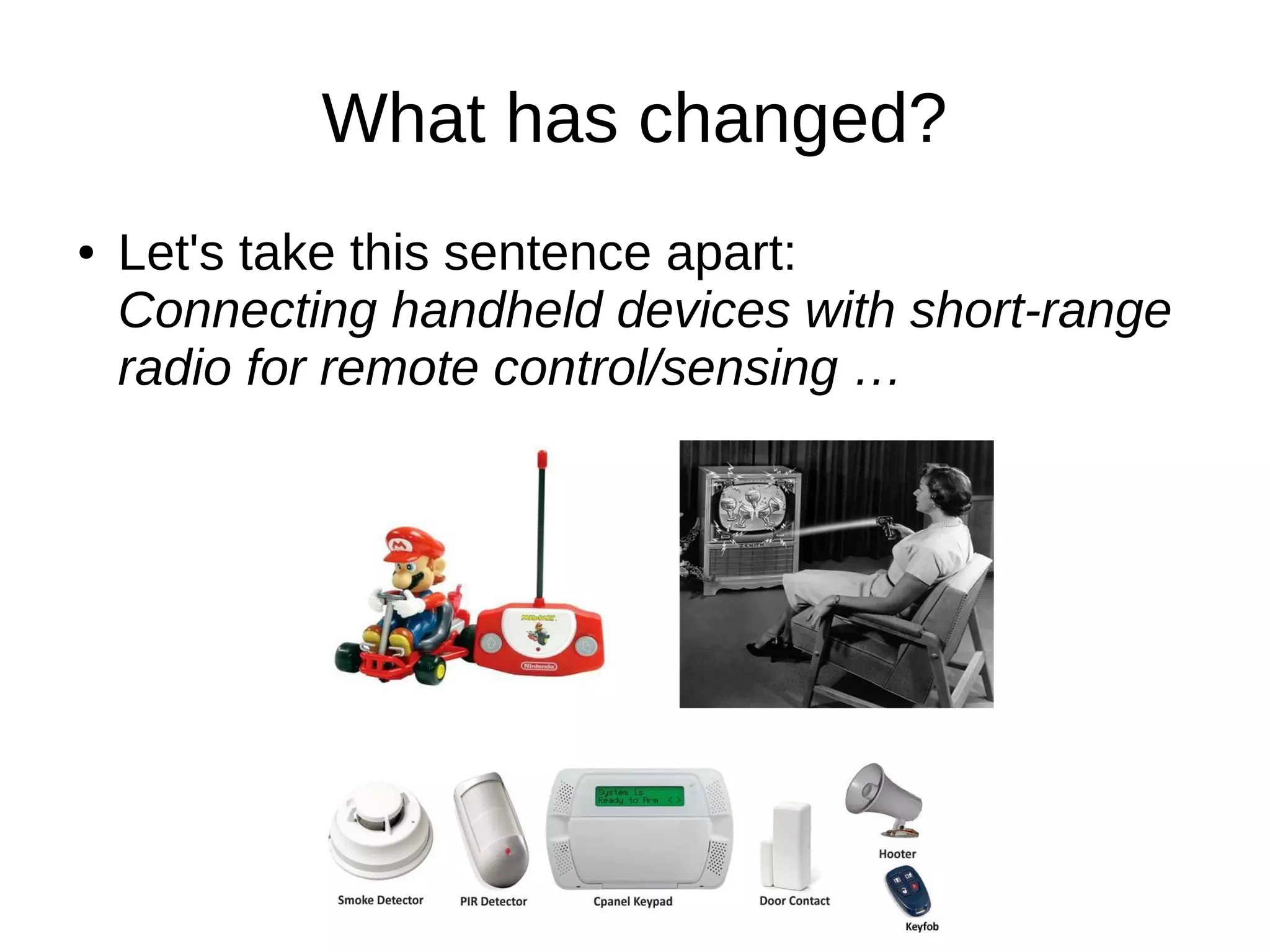
What has changed? 
● Let's take this sentence apart: 
Connecting handheld devices with short-range 
radio for remote control/sensing …
The singularity is near ... 
● Radio standard: 
Single, widely deployed short-range 
communication protocol specially tailored to 
devices ...
The singularity is near ... 
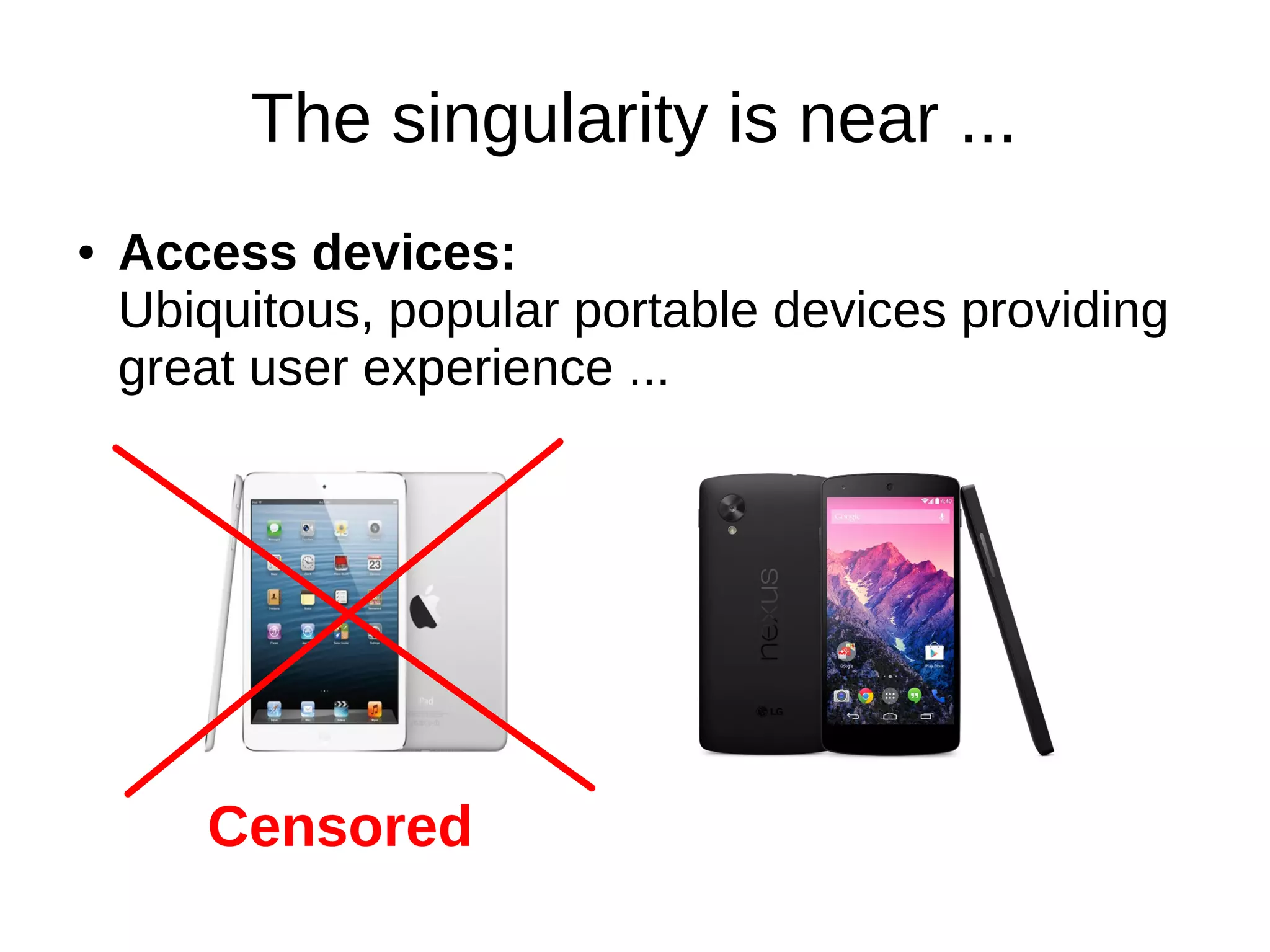
● Access devices: 
Ubiquitous, popular portable devices providing 
great user experience ... 
Censored
The singularity is near ... 
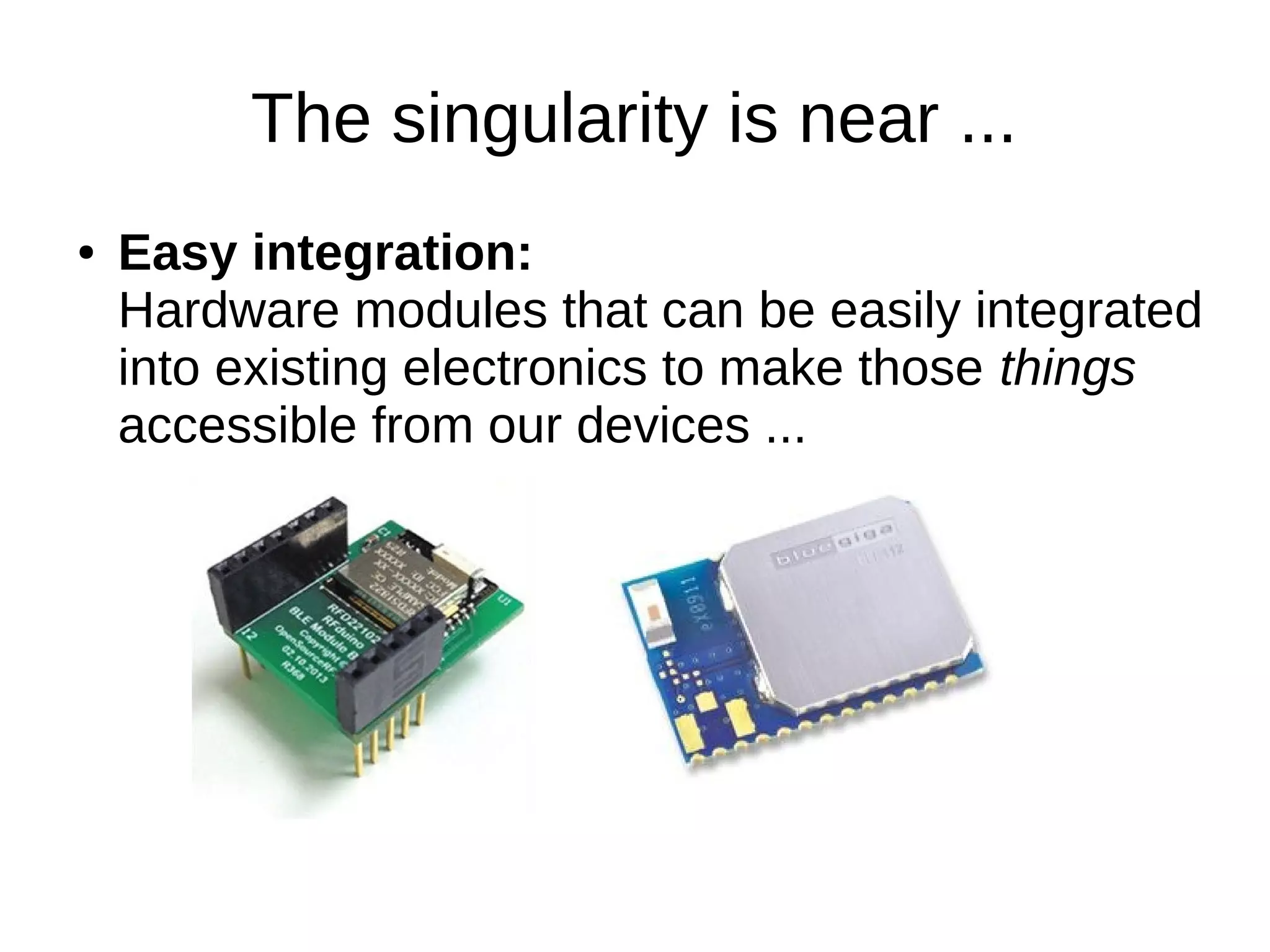
● Easy integration: 
Hardware modules that can be easily integrated 
into existing electronics to make those things 
accessible from our devices ...
Disruption, hockey stick, synergy … 
Just kidding :-)
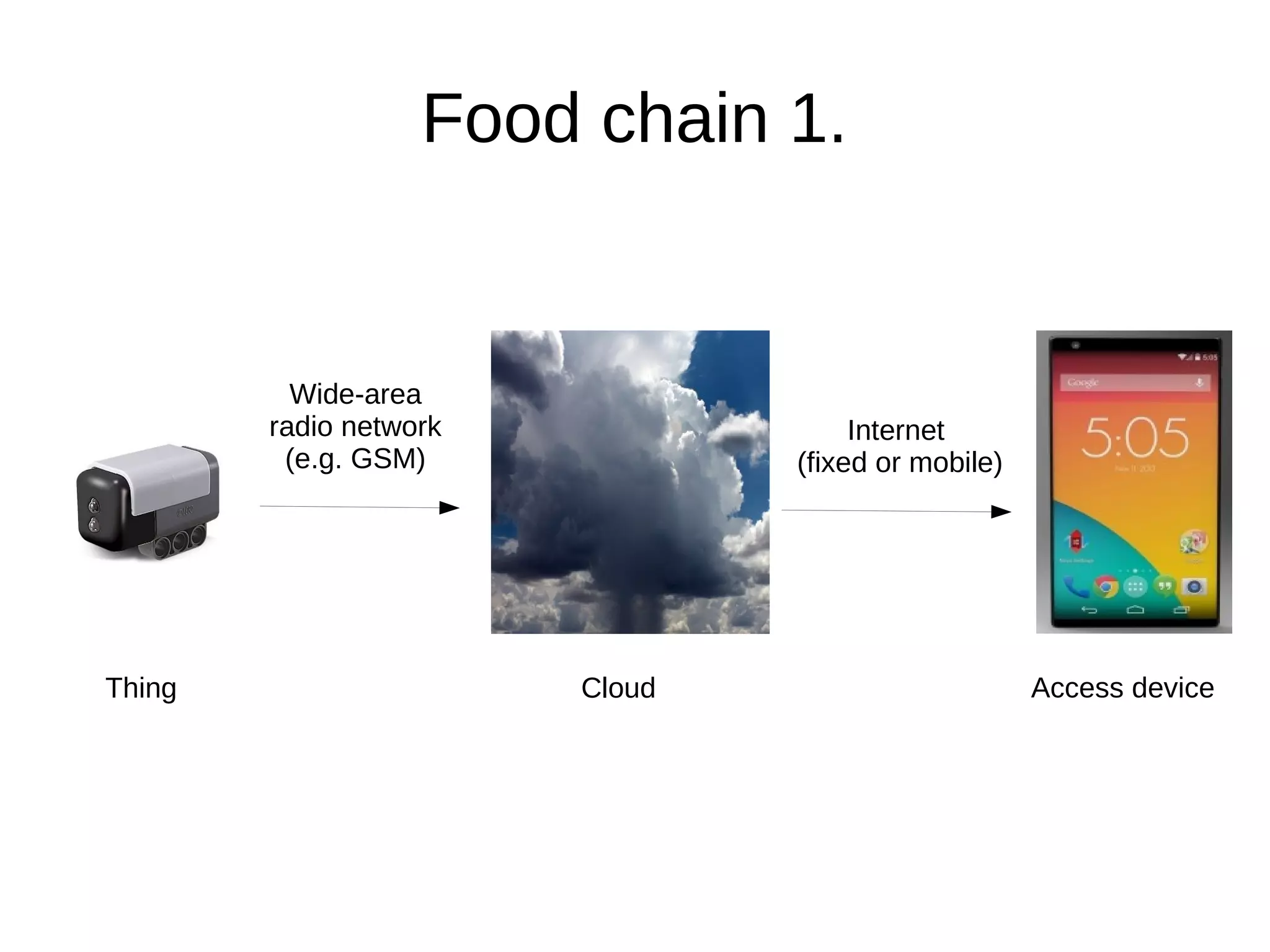
Food chain 1. 
Wide-area 
radio network 
(e.g. GSM) 
Internet 
(fixed or mobile) 
Thing Cloud Access device
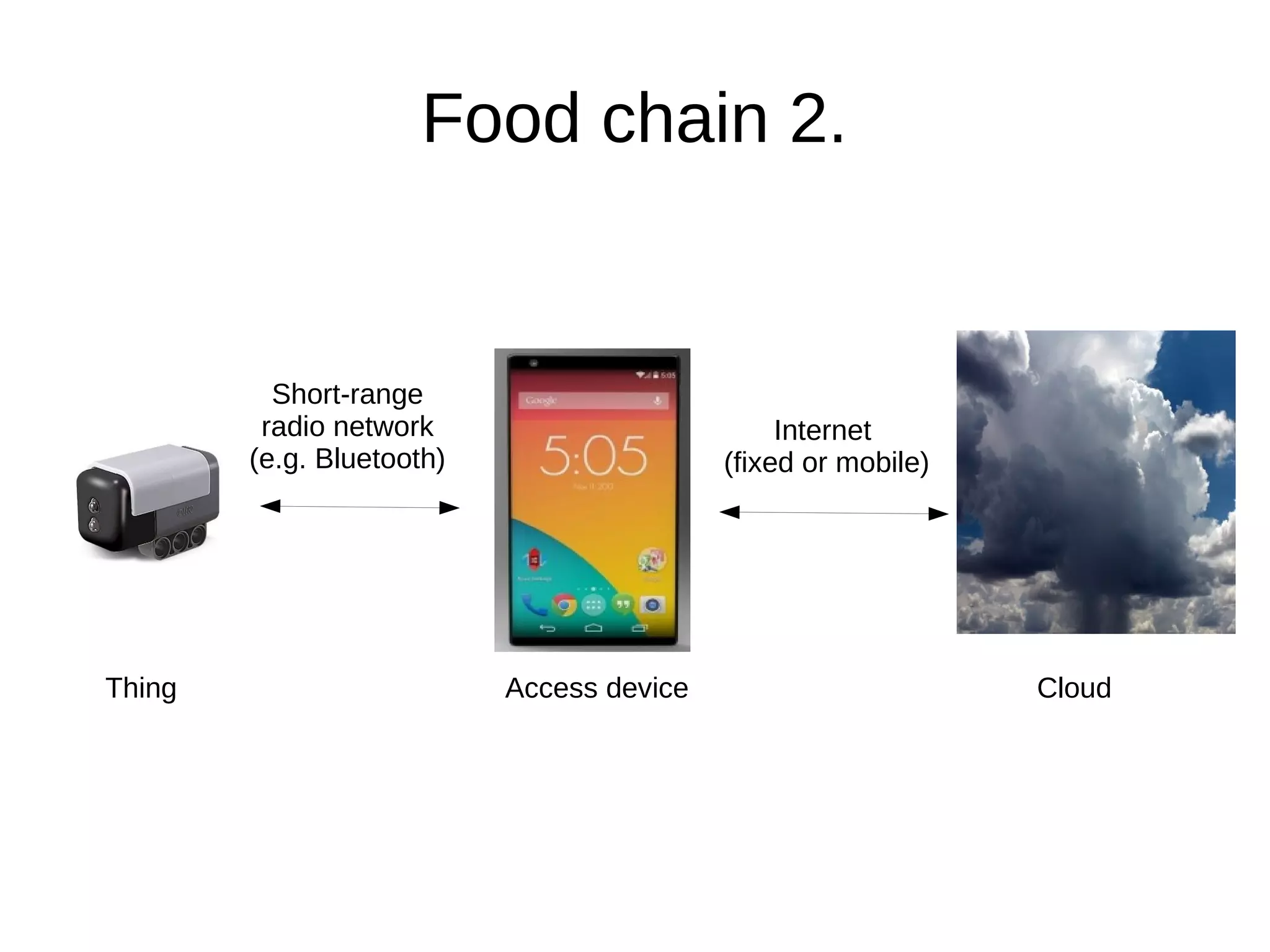
Food chain 2. 
Short-range 
radio network 
(e.g. Bluetooth) 
Internet 
(fixed or mobile) 
Thing Access device Cloud
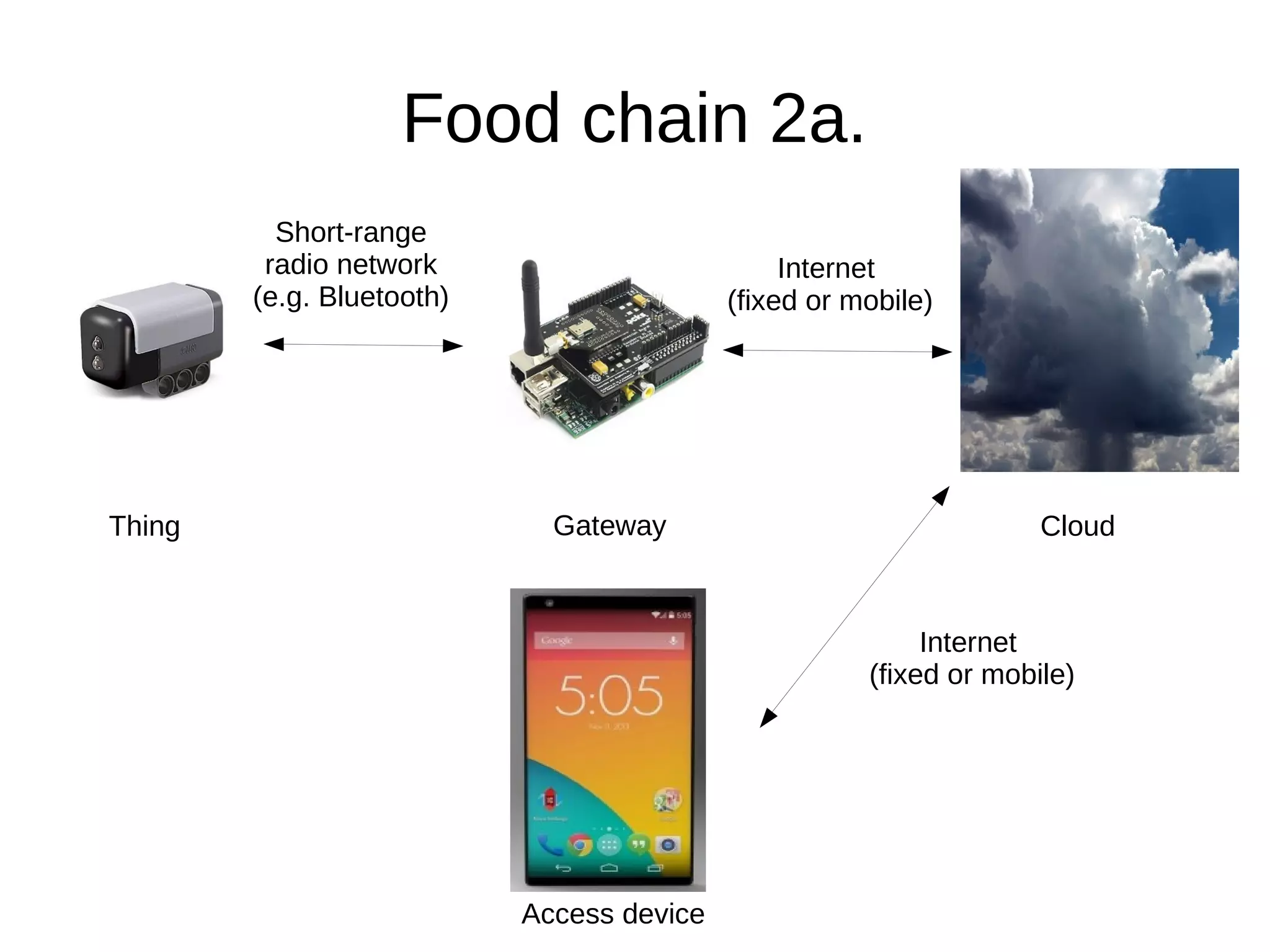
Food chain 2a. 
Cloud 
Access device 
Thing 
Short-range 
radio network 
(e.g. Bluetooth) 
Internet 
(fixed or mobile) 
Gateway 
Internet 
(fixed or mobile)
From this point I will talk about BLE only
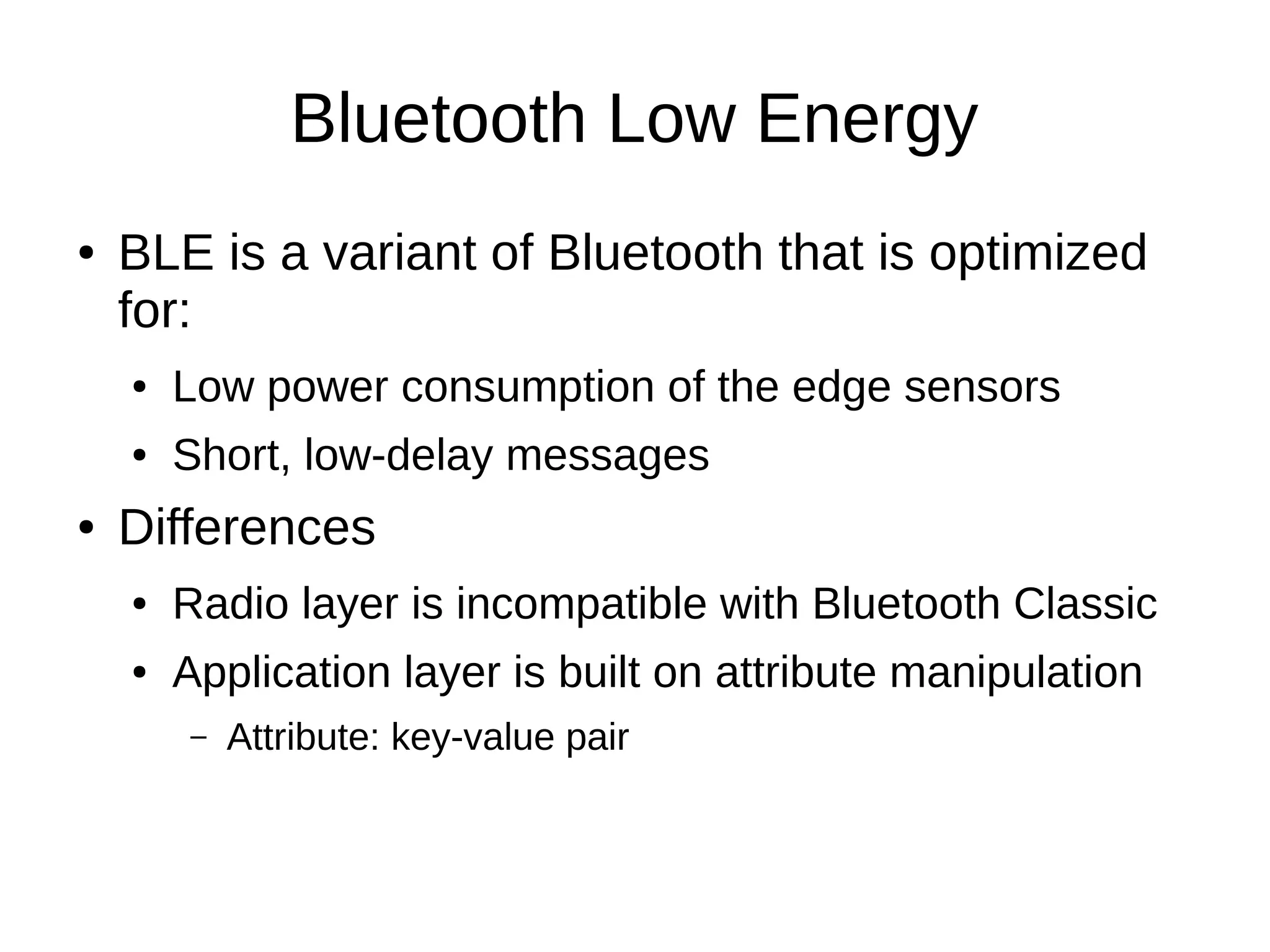
Bluetooth Low Energy 
● BLE is a variant of Bluetooth that is optimized 
for: 
● Low power consumption of the edge sensors 
● Short, low-delay messages 
● Differences 
● Radio layer is incompatible with Bluetooth Classic 
● Application layer is built on attribute manipulation 
– Attribute: key-value pair
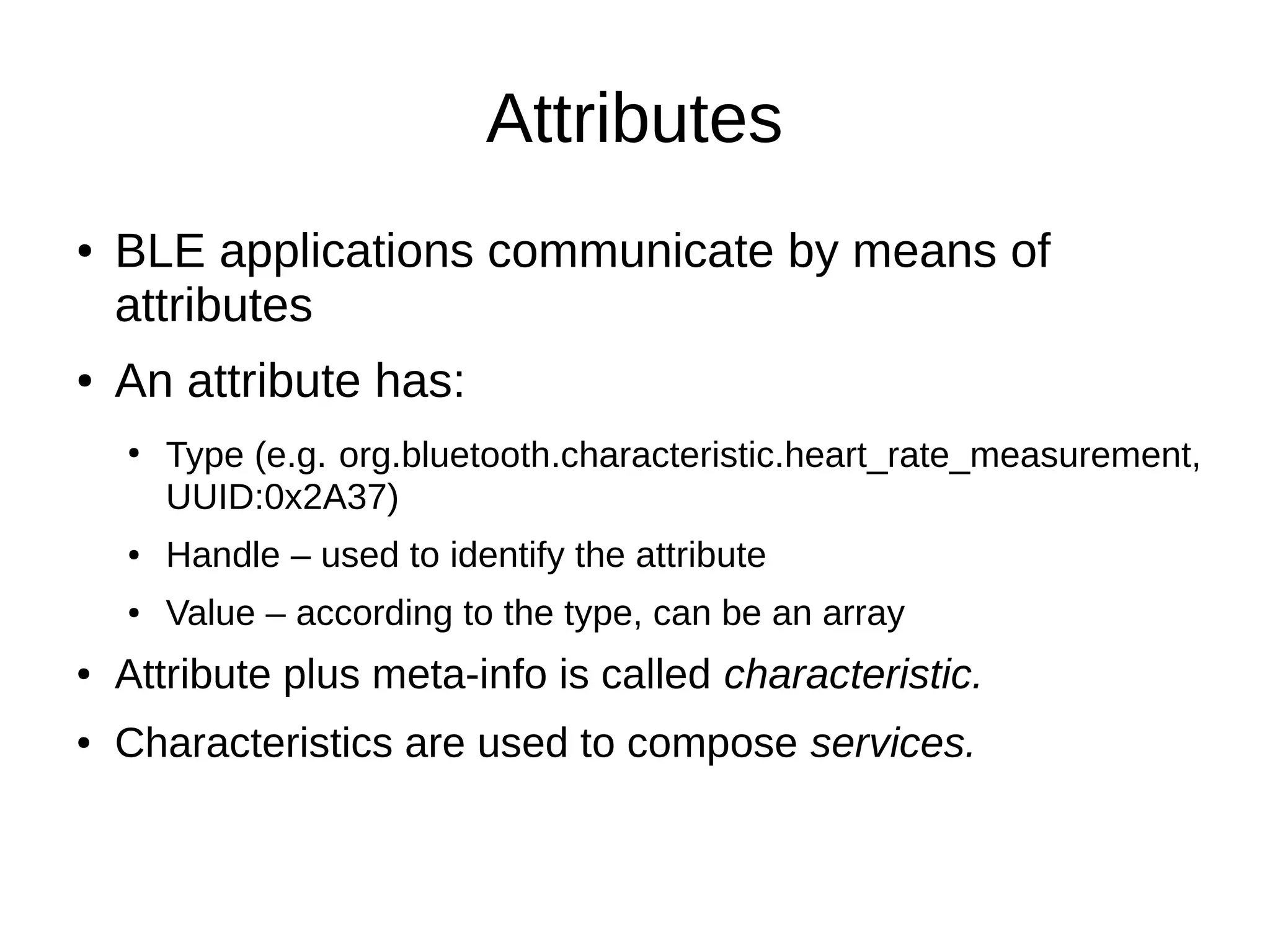
Attributes 
● BLE applications communicate by means of 
attributes 
● An attribute has: 
● Type (e.g. org.bluetooth.characteristic.heart_rate_measurement, 
UUID:0x2A37) 
● Handle – used to identify the attribute 
● Value – according to the type, can be an array 
● Attribute plus meta-info is called characteristic. 
● Characteristics are used to compose services.
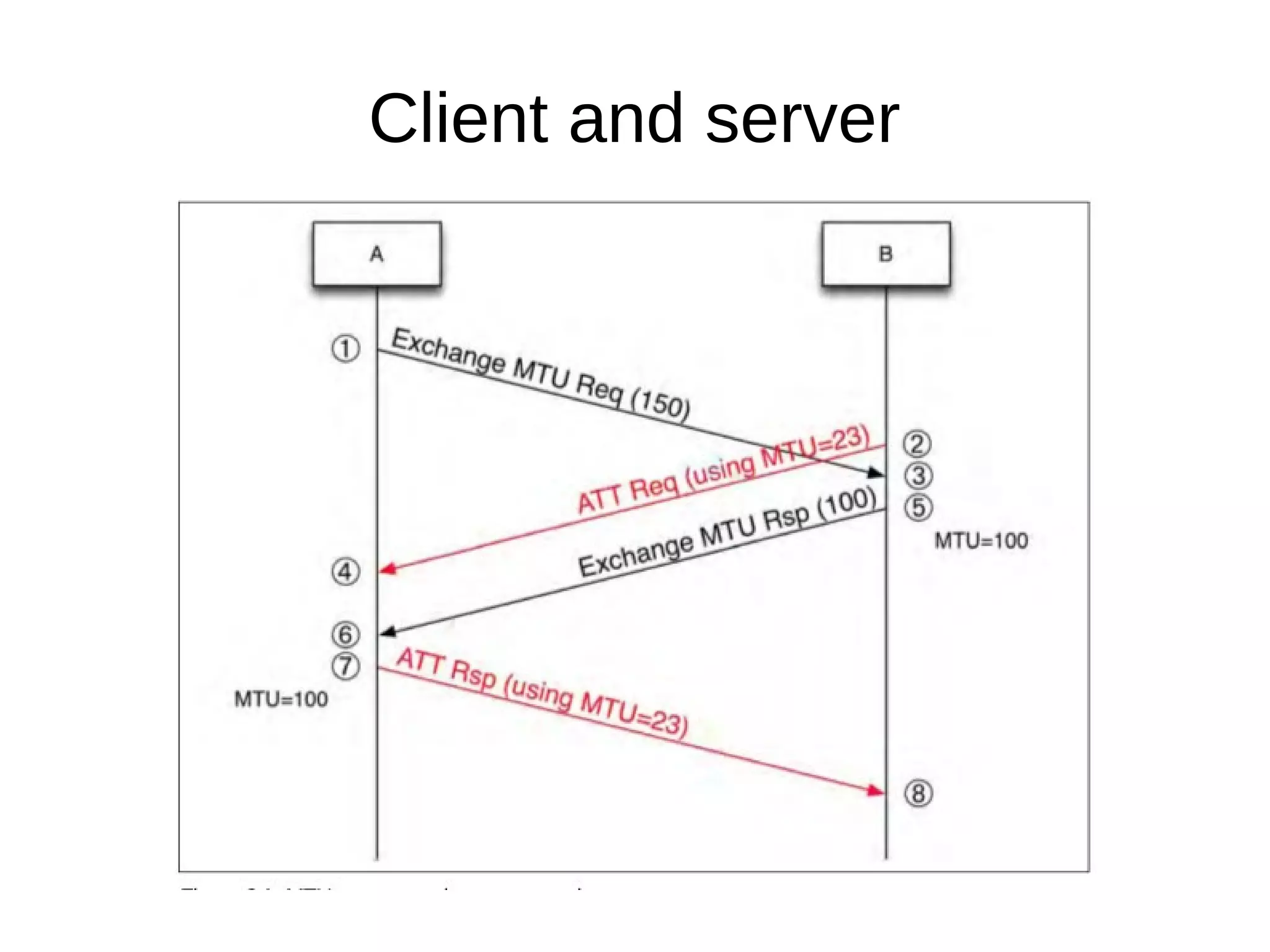
Client and server
ATT operations – client-initiated 
● Find Information Request – get attribute handles/types in handle range 
● Find By Type Value Request – get attribute handles that match a type value 
● Read By Type Request – get attribute values where the type is known 
● Read Request – get attribute value by handle 
● Read Blob Request – read specific part of a long attribute value 
● Read Multiple Request – read two or more attributes 
● Read by Group – read attributes belonging to a group 
● Write Request – write an attribute 
● Signed Write Request – write an attribute, protected by digital signature 
● Prepare Write Request – write an attribute, waiting for a commit 
● Execute Write Request – commit prepared write requests
ATT operations – server-initiated 
● Handle value notification – server sends the 
current value of an attribute 
● Handle value indication – server sends the 
current value of an attribute, expects a 
confirmation response
Generic Attribute Profile (GATT) 
● Composition of services from attributes of given 
types. 
● Descriptor: attribute that adds meta-info about a 
characteristic's value 
● Characteristic: single value, any number of 
descriptors. 
● Service: set of characteristics. 
● GATT profiles: set of standard services.
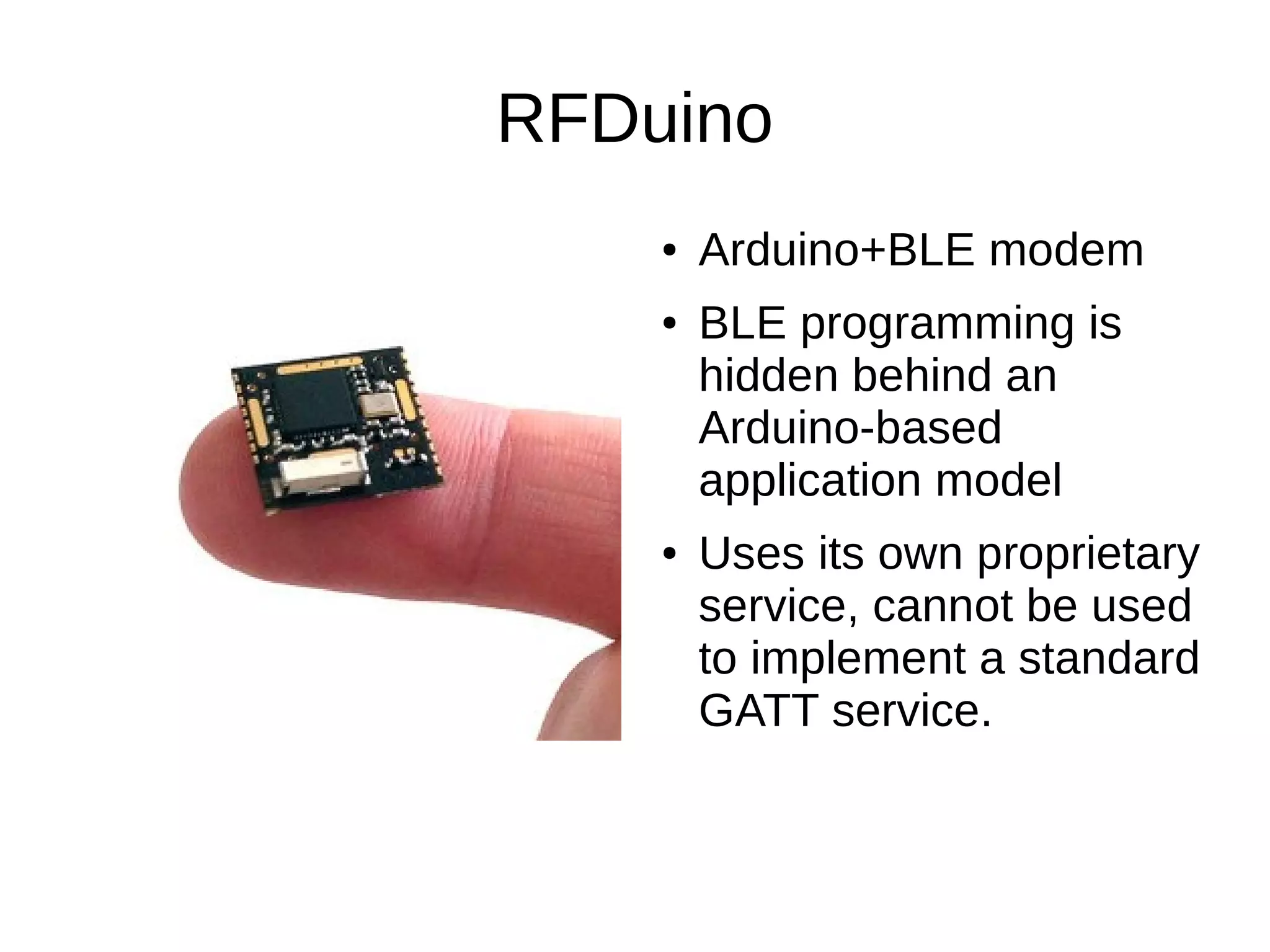
RFDuino 
● Arduino+BLE modem 
● BLE programming is 
hidden behind an 
Arduino-based 
application model 
● Uses its own proprietary 
service, cannot be used 
to implement a standard 
GATT service.
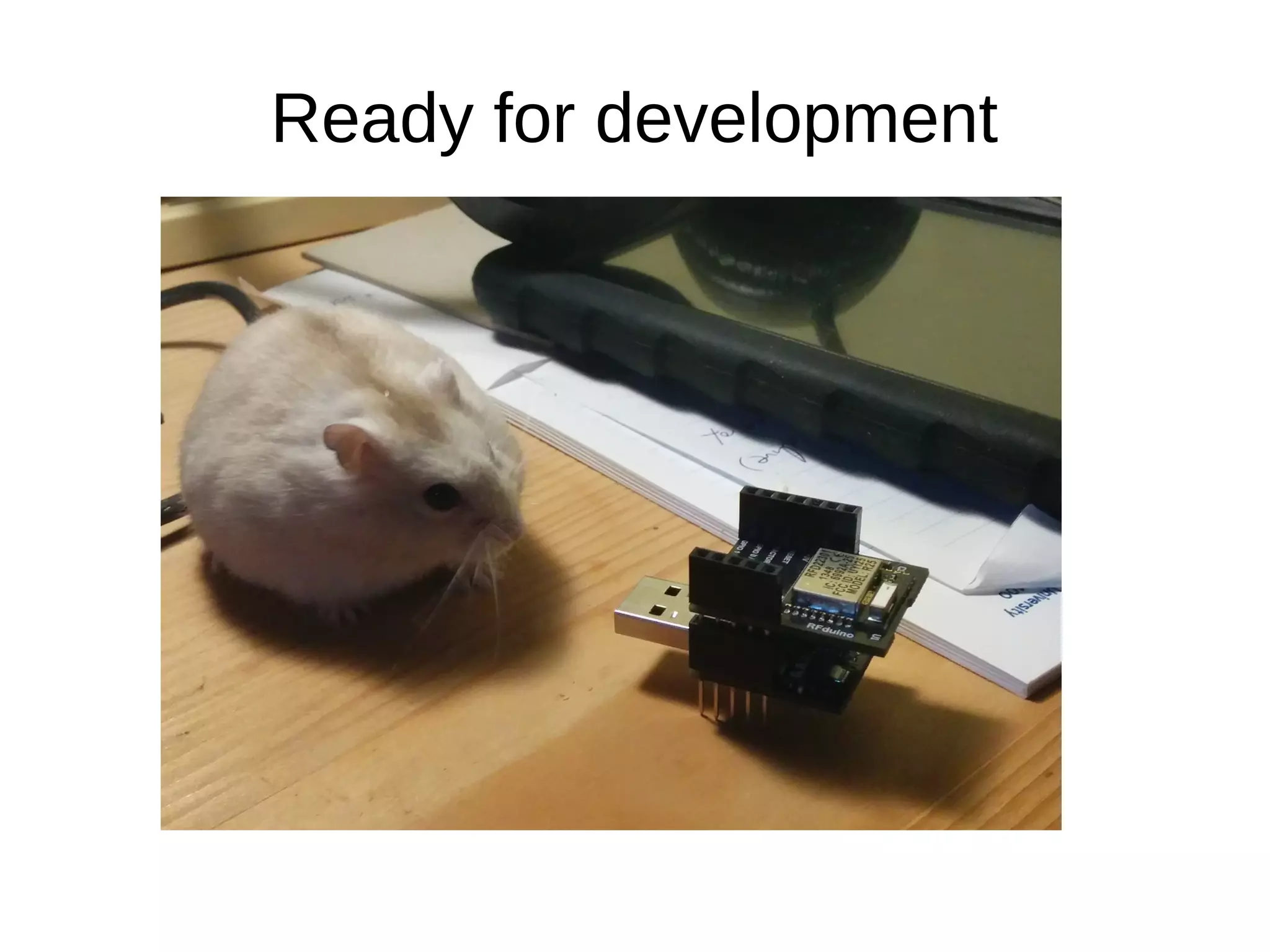
Ready for development
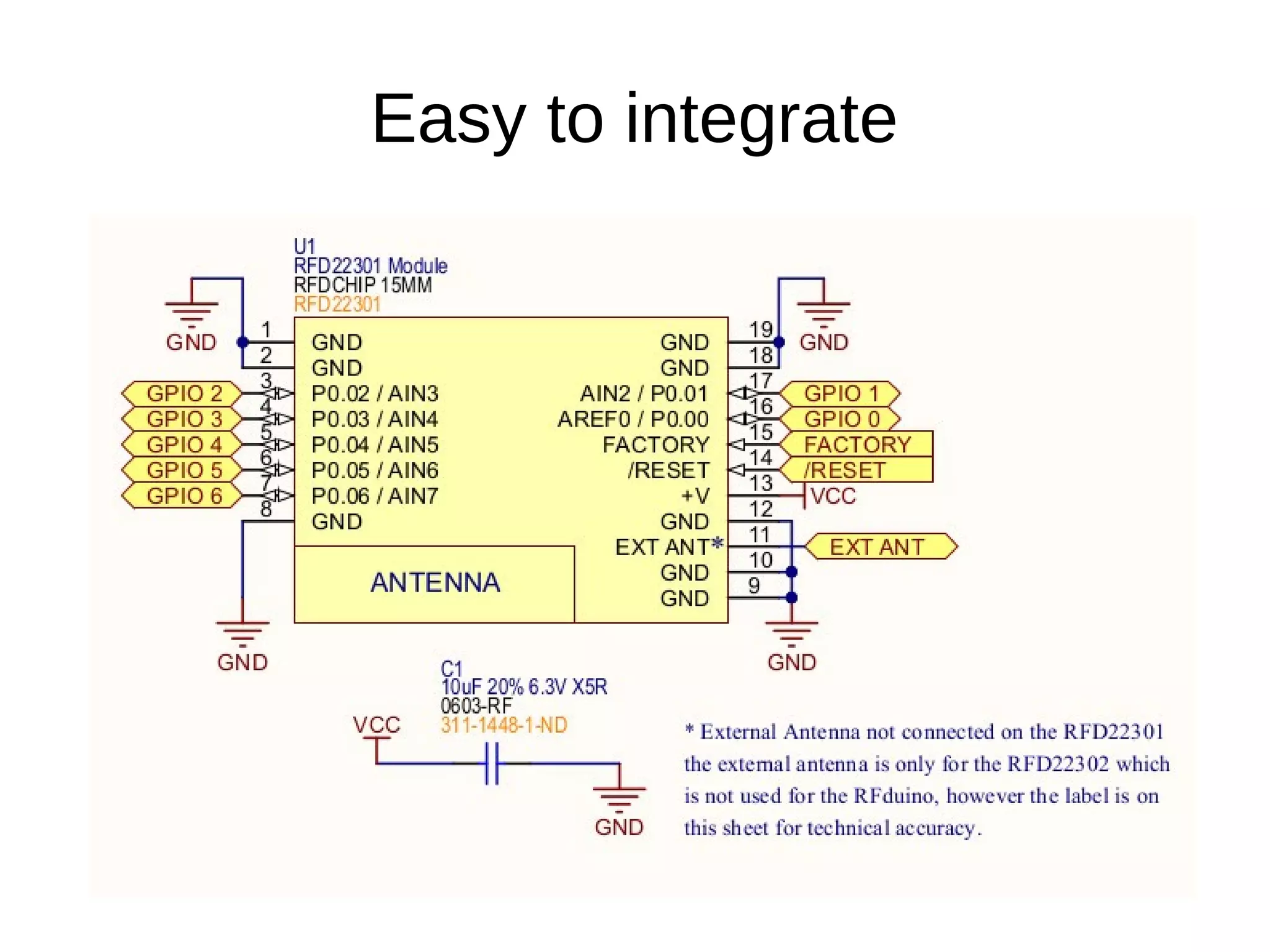
Easy to integrate
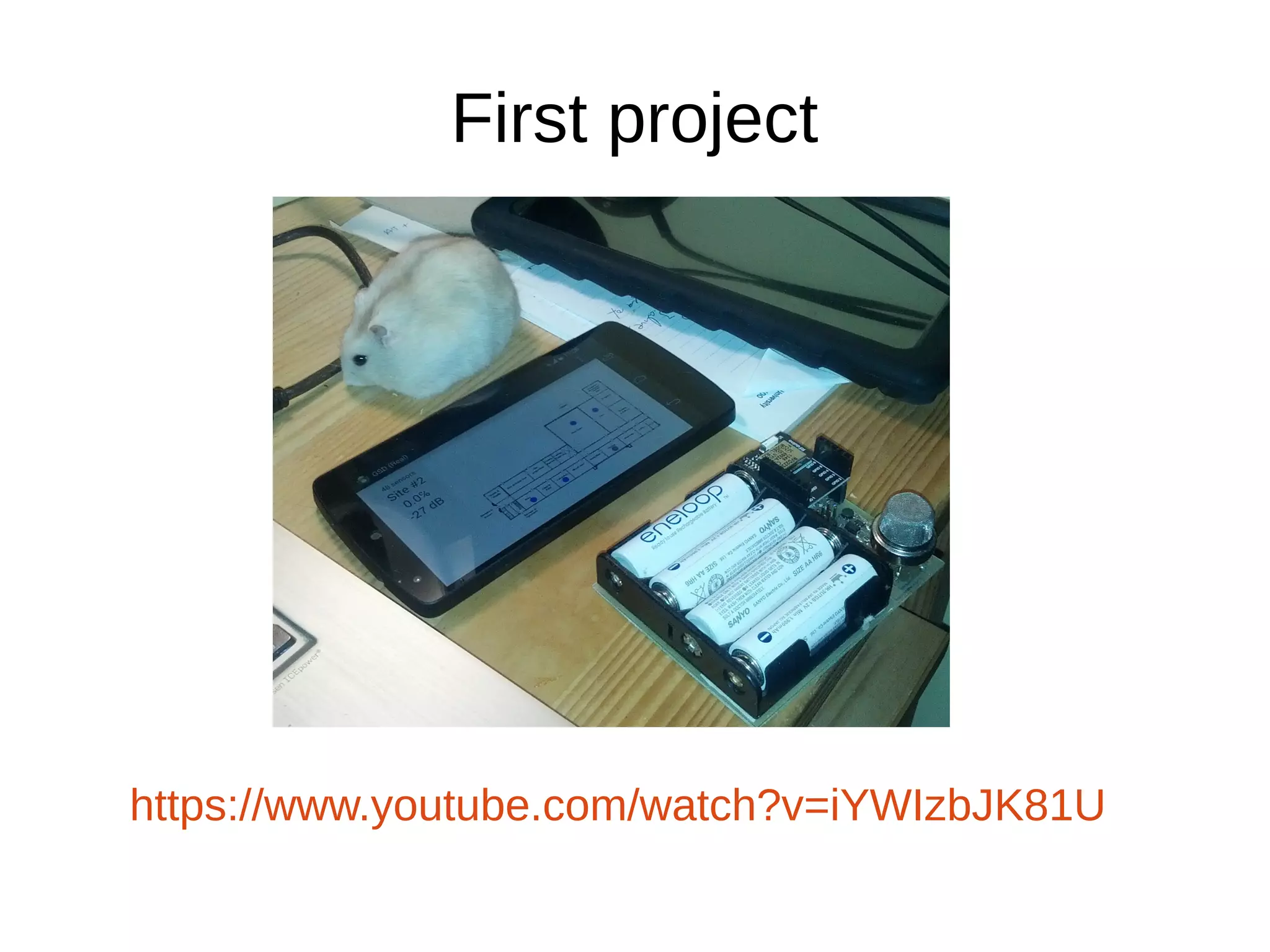
First project 
https://www.youtube.com/watch?v=iYWIzbJK81U
Connectionless 
● BLE has space in its advertisement packets for application-specific 
data. 
● The whole advertisement packet is 31 bytes long 
● 1 byte length field 
● Local Name: 2 bytes overhead+name characters 
● Service Data: 4 bytes overhead+service data payload 
● With 1 character local name, max. length of payload: 23 
bytes 
● RFDuino advertisement packet max. length of payload: 15 
bytes
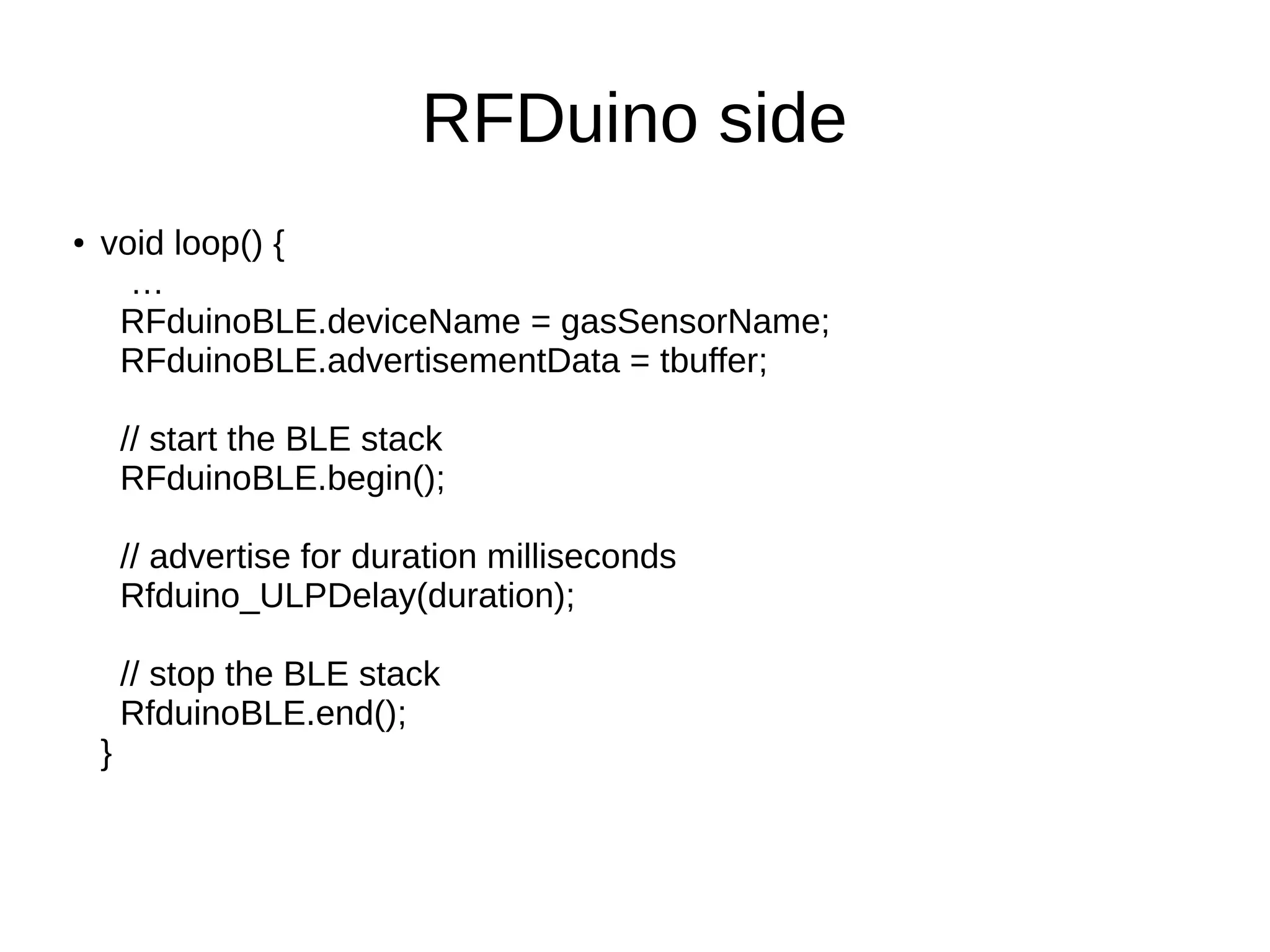
RFDuino side 
● void loop() { 
… 
RFduinoBLE.deviceName = gasSensorName; 
RFduinoBLE.advertisementData = tbuffer; 
// start the BLE stack 
RFduinoBLE.begin(); 
// advertise for duration milliseconds 
Rfduino_ULPDelay(duration); 
// stop the BLE stack 
RfduinoBLE.end(); 
}
Android side 
● Start BLE scan with callback: 
mBluetoothAdapter.startLeScan(mLeScanCallback); 
● In the callback obtain the advertisement data: 
public void onLeScan(final BluetoothDevice device, int 
rssi, byte[] scanRecord) 
● Use device to obtain peripheral's info like device name or 
address. 
● Use rssi (received signal strength indicator) to estimate the 
distance of the peripheral from the access device. 
● Use scanRecord to retrieve the service data including the 
measurement from the sensor.
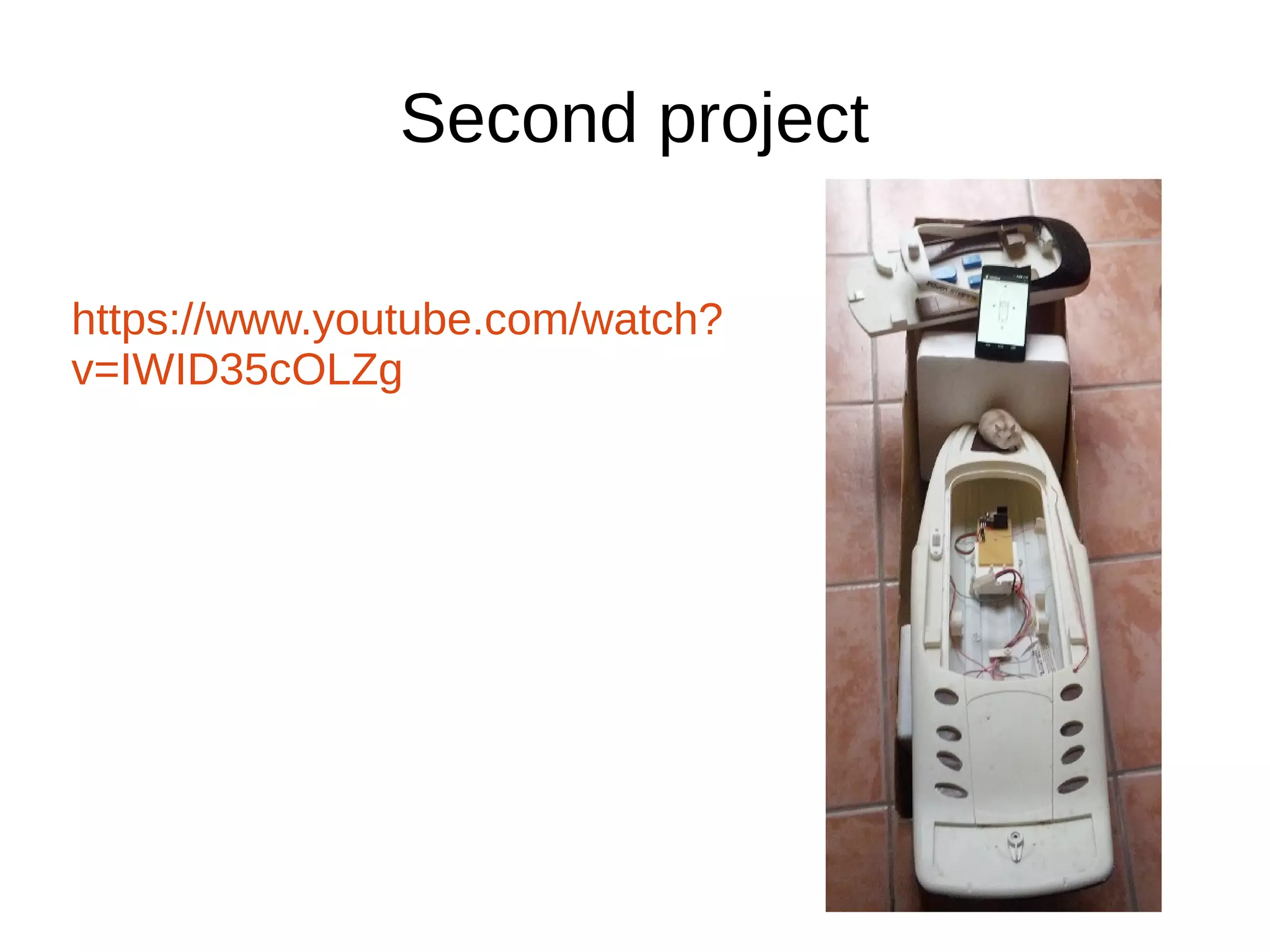
Second project 
https://www.youtube.com/watch? 
v=IWID35cOLZg
Connection-oriented 
● RFDuino cannot be used with its default 
firmware to implement any standard GATT 
profile. 
● It uses its own proprietary profile. 
● This solution also has a huge advantage: 
Arduino code does not have to deal with BLE 
artifacts like characteristics, etc.
RFDuino characteristics 
● RFDuino server exposes “read” and “write” 
characteristics. 
● If you want to send data to the RFDuino, write the “write” 
characteristic. 
● Data from the other end is received from the “read” 
characteristic. 
● It is possible to subscribe for incoming data 
● There is a “disconnect” characteristic. When “disconnect” 
is written by the access device, the peripheral 
disconnects.
RFDuino side 
● void RFduinoBLE_onConnect() - invoked when 
the other end tries to connect to the peripheral. 
● void RFduinoBLE_onDisconnect() - invoked 
when the other end disconnects. 
● void RFduinoBLE_onReceive(char *data, int len) 
– invoked when data is sent from the other end. 
● RFduinoBLE.send(v) – send data to the other 
end.
Android side 
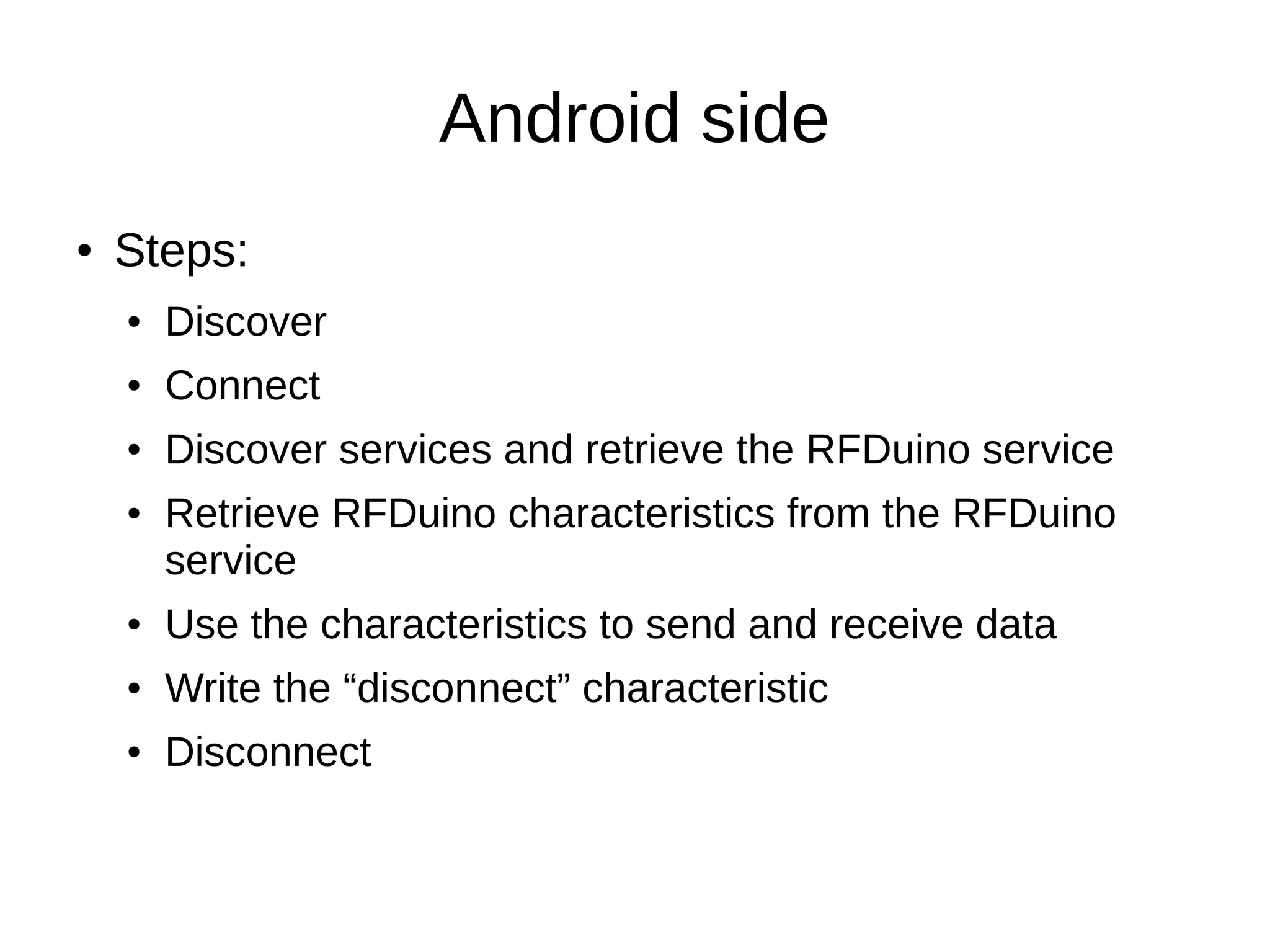
● Steps: 
● Discover 
● Connect 
● Discover services and retrieve the RFDuino service 
● Retrieve RFDuino characteristics from the RFDuino 
service 
● Use the characteristics to send and receive data 
● Write the “disconnect” characteristic 
● Disconnect
Discover 
● bluetoothAdapter.startLeScan(leScanCallback); 
● public void onLeScan(final BluetoothDevice 
device, int rssi, byte[] scanRecord) { ...
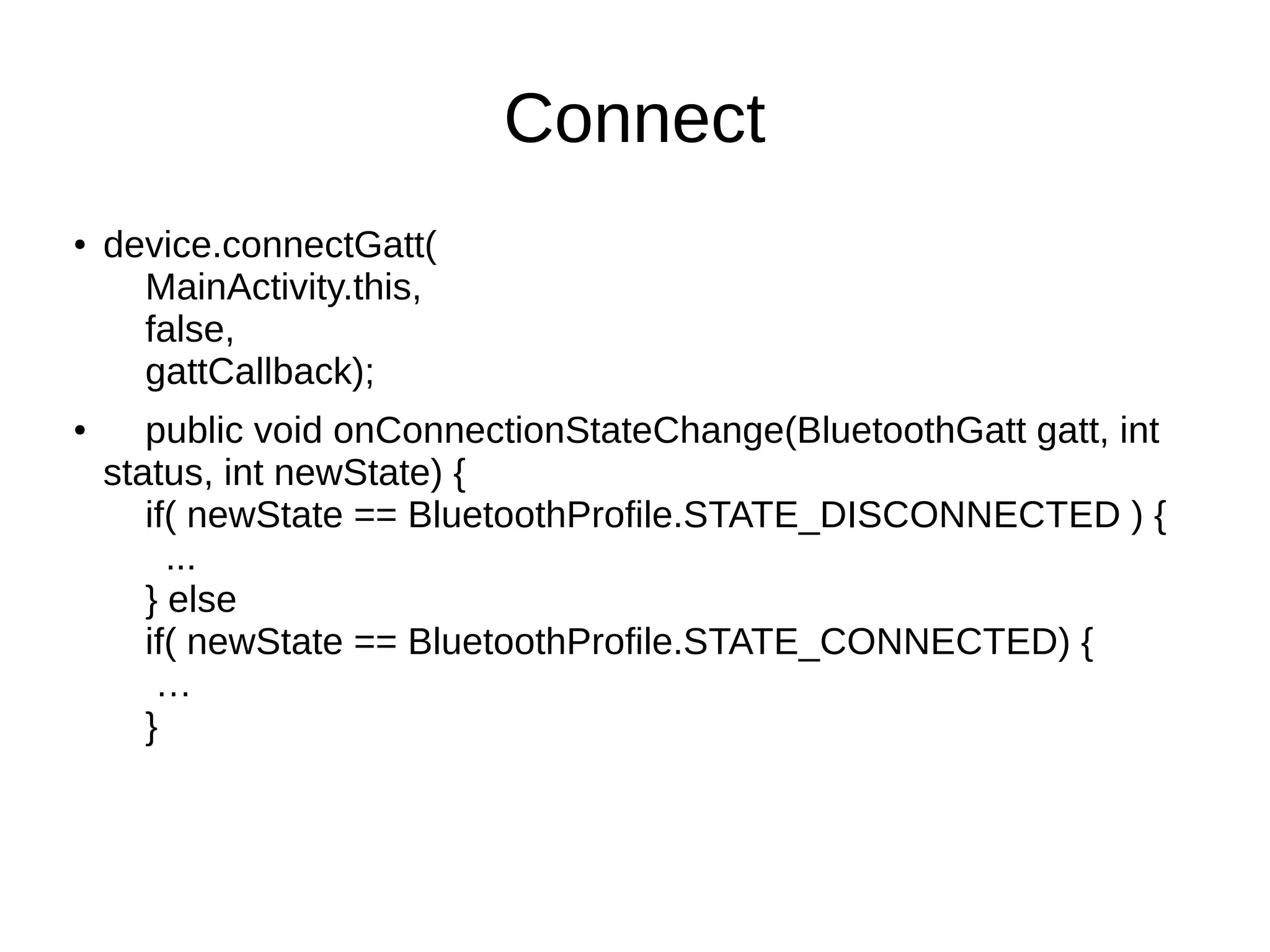
Connect 
● device.connectGatt( 
MainActivity.this, 
false, 
gattCallback); 
● public void onConnectionStateChange(BluetoothGatt gatt, int 
status, int newState) { 
if( newState == BluetoothProfile.STATE_DISCONNECTED ) { 
... 
} else 
if( newState == BluetoothProfile.STATE_CONNECTED) { 
… 
}
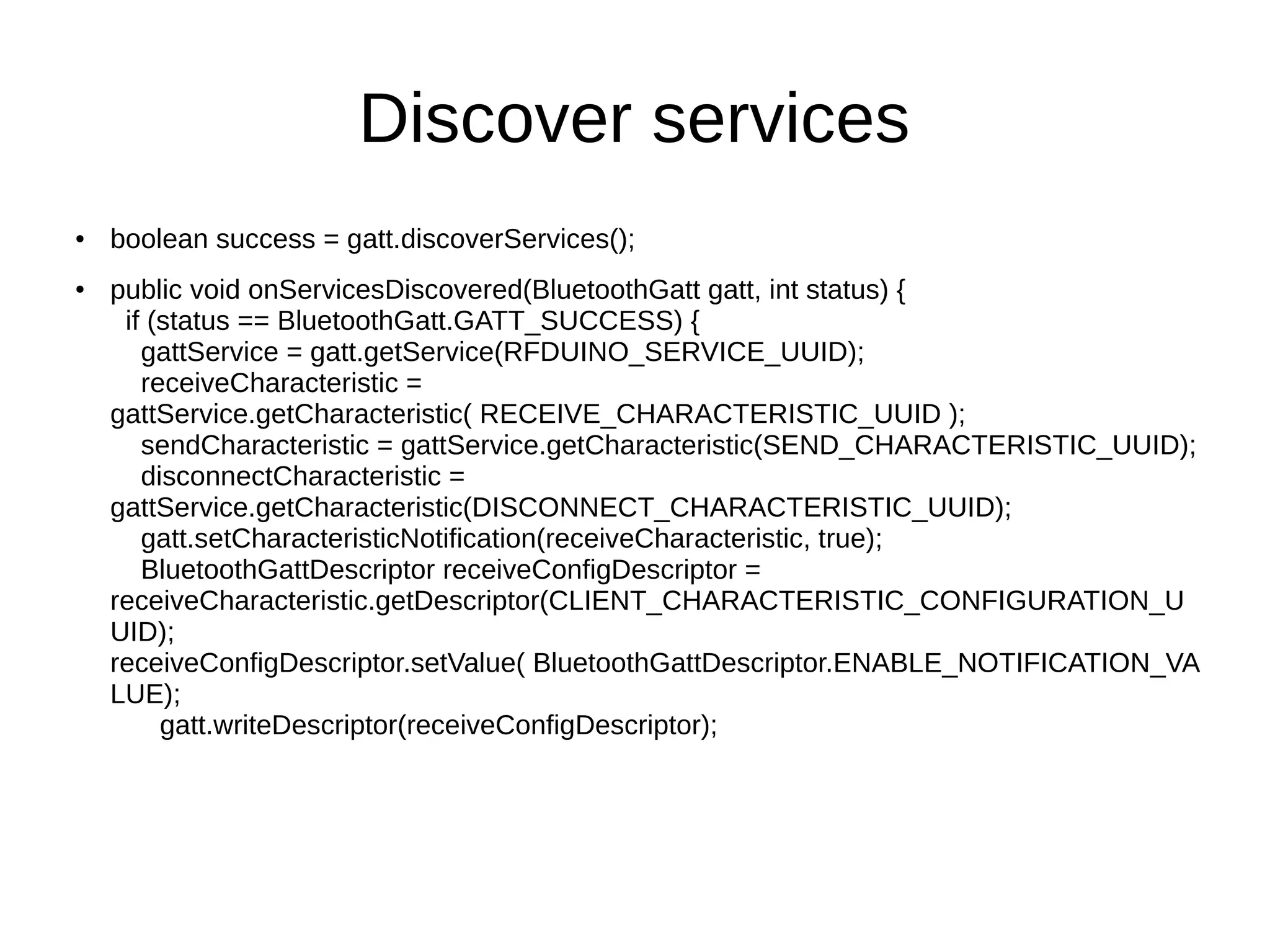
Discover services 
● boolean success = gatt.discoverServices(); 
● public void onServicesDiscovered(BluetoothGatt gatt, int status) { 
if (status == BluetoothGatt.GATT_SUCCESS) { 
gattService = gatt.getService(RFDUINO_SERVICE_UUID); 
receiveCharacteristic = 
gattService.getCharacteristic( RECEIVE_CHARACTERISTIC_UUID ); 
sendCharacteristic = gattService.getCharacteristic(SEND_CHARACTERISTIC_UUID); 
disconnectCharacteristic = 
gattService.getCharacteristic(DISCONNECT_CHARACTERISTIC_UUID); 
gatt.setCharacteristicNotification(receiveCharacteristic, true); 
BluetoothGattDescriptor receiveConfigDescriptor = 
receiveCharacteristic.getDescriptor(CLIENT_CHARACTERISTIC_CONFIGURATION_U 
UID); 
receiveConfigDescriptor.setValue( BluetoothGattDescriptor.ENABLE_NOTIFICATION_VA 
LUE); 
gatt.writeDescriptor(receiveConfigDescriptor);
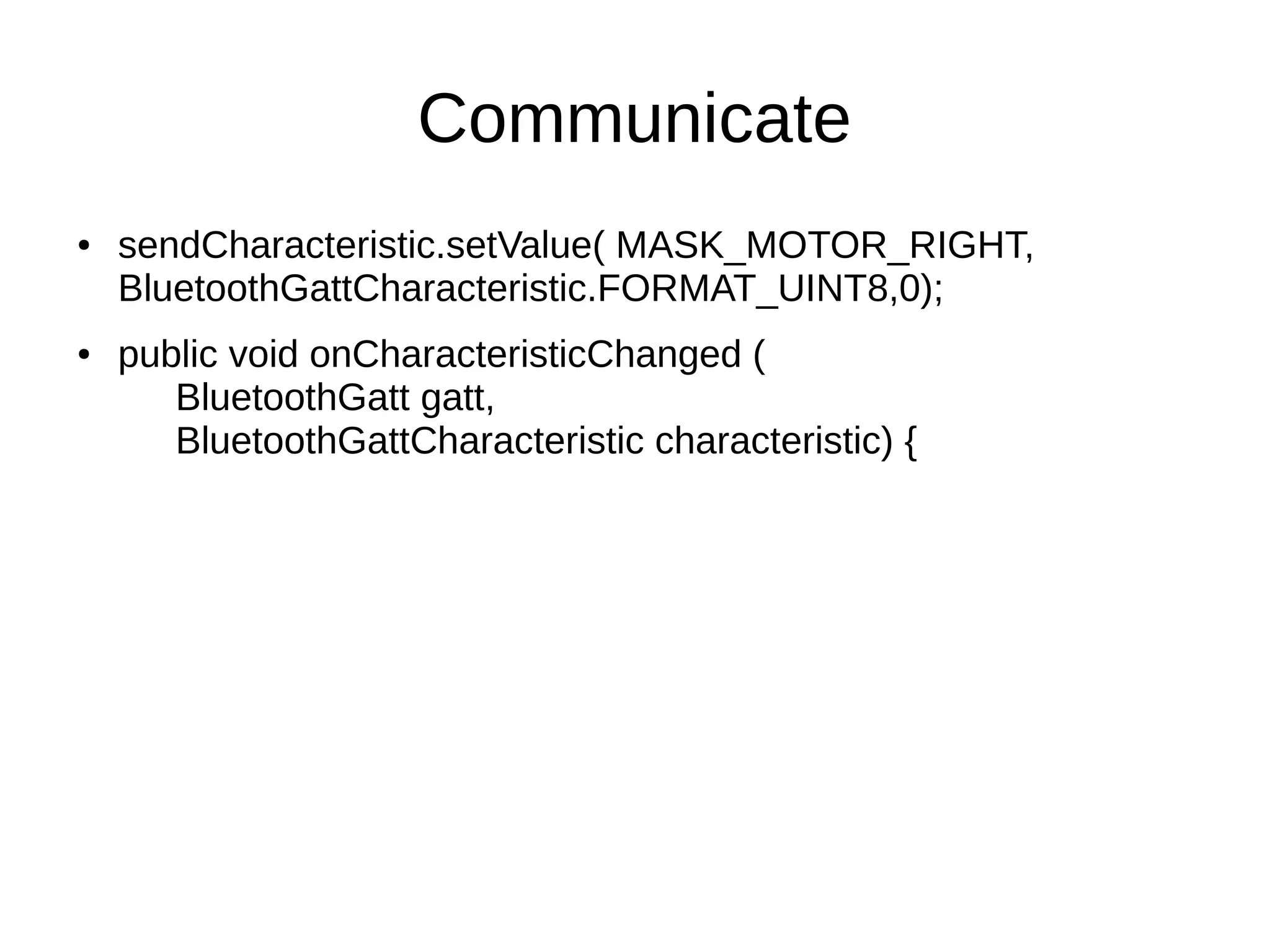
Communicate 
● sendCharacteristic.setValue( MASK_MOTOR_RIGHT, 
BluetoothGattCharacteristic.FORMAT_UINT8,0); 
● public void onCharacteristicChanged ( 
BluetoothGatt gatt, 
BluetoothGattCharacteristic characteristic) {
Disconnect 
● disconnectCharacteristic.setValue(""); 
● 
disconnectCharacteristic.setWriteType( BluetoothGattCharacteri 
stic.WRITE_TYPE_NO_RESPONSE); 
● gatt.writeCharacteristic(disconnectCharacteristic); 
● gatt.disconnect();
Resources 
● Connectionless: 
http://mylifewithandroid.blogspot.hu/2014/09/ga 
s-sensor-prototype-explained.html 
● Connection-oriented: 
http://www.sfonge.com/forum/topic/motor-boat-c 
ontrol-bluetooth-low-energy 
● Hamsters: contact personally
Questions?

Connect your Android to the real world with Bluetooth Low Energy

  • 1.
    Connect your Androidto the real world with Bluetooth Low Energy Gabor Paller gaborpaller@gmail.com Sfonge Ltd. & LRG Ltd. http://www.sfonge.com http://www.lrg.hu/
  • 2.
    What has changed? ● Let's take this sentence apart: Connecting handheld devices with short-range radio for remote control/sensing …
  • 3.
    The singularity isnear ... ● Radio standard: Single, widely deployed short-range communication protocol specially tailored to devices ...
  • 4.
    The singularity isnear ... ● Access devices: Ubiquitous, popular portable devices providing great user experience ... Censored
  • 5.
    The singularity isnear ... ● Easy integration: Hardware modules that can be easily integrated into existing electronics to make those things accessible from our devices ...
  • 6.
    Disruption, hockey stick,synergy … Just kidding :-)
  • 7.
    Food chain 1. Wide-area radio network (e.g. GSM) Internet (fixed or mobile) Thing Cloud Access device
  • 8.
    Food chain 2. Short-range radio network (e.g. Bluetooth) Internet (fixed or mobile) Thing Access device Cloud
  • 9.
    Food chain 2a. Cloud Access device Thing Short-range radio network (e.g. Bluetooth) Internet (fixed or mobile) Gateway Internet (fixed or mobile)
  • 10.
    From this pointI will talk about BLE only
  • 11.
    Bluetooth Low Energy ● BLE is a variant of Bluetooth that is optimized for: ● Low power consumption of the edge sensors ● Short, low-delay messages ● Differences ● Radio layer is incompatible with Bluetooth Classic ● Application layer is built on attribute manipulation – Attribute: key-value pair
  • 12.
    Attributes ● BLEapplications communicate by means of attributes ● An attribute has: ● Type (e.g. org.bluetooth.characteristic.heart_rate_measurement, UUID:0x2A37) ● Handle – used to identify the attribute ● Value – according to the type, can be an array ● Attribute plus meta-info is called characteristic. ● Characteristics are used to compose services.
  • 13.
  • 14.
    ATT operations –client-initiated ● Find Information Request – get attribute handles/types in handle range ● Find By Type Value Request – get attribute handles that match a type value ● Read By Type Request – get attribute values where the type is known ● Read Request – get attribute value by handle ● Read Blob Request – read specific part of a long attribute value ● Read Multiple Request – read two or more attributes ● Read by Group – read attributes belonging to a group ● Write Request – write an attribute ● Signed Write Request – write an attribute, protected by digital signature ● Prepare Write Request – write an attribute, waiting for a commit ● Execute Write Request – commit prepared write requests
  • 15.
    ATT operations –server-initiated ● Handle value notification – server sends the current value of an attribute ● Handle value indication – server sends the current value of an attribute, expects a confirmation response
  • 16.
    Generic Attribute Profile(GATT) ● Composition of services from attributes of given types. ● Descriptor: attribute that adds meta-info about a characteristic's value ● Characteristic: single value, any number of descriptors. ● Service: set of characteristics. ● GATT profiles: set of standard services.
  • 17.
    RFDuino ● Arduino+BLEmodem ● BLE programming is hidden behind an Arduino-based application model ● Uses its own proprietary service, cannot be used to implement a standard GATT service.
  • 18.
  • 19.
  • 20.
  • 21.
    Connectionless ● BLEhas space in its advertisement packets for application-specific data. ● The whole advertisement packet is 31 bytes long ● 1 byte length field ● Local Name: 2 bytes overhead+name characters ● Service Data: 4 bytes overhead+service data payload ● With 1 character local name, max. length of payload: 23 bytes ● RFDuino advertisement packet max. length of payload: 15 bytes
  • 22.
    RFDuino side ●void loop() { … RFduinoBLE.deviceName = gasSensorName; RFduinoBLE.advertisementData = tbuffer; // start the BLE stack RFduinoBLE.begin(); // advertise for duration milliseconds Rfduino_ULPDelay(duration); // stop the BLE stack RfduinoBLE.end(); }
  • 23.
    Android side ●Start BLE scan with callback: mBluetoothAdapter.startLeScan(mLeScanCallback); ● In the callback obtain the advertisement data: public void onLeScan(final BluetoothDevice device, int rssi, byte[] scanRecord) ● Use device to obtain peripheral's info like device name or address. ● Use rssi (received signal strength indicator) to estimate the distance of the peripheral from the access device. ● Use scanRecord to retrieve the service data including the measurement from the sensor.
  • 24.
  • 25.
    Connection-oriented ● RFDuinocannot be used with its default firmware to implement any standard GATT profile. ● It uses its own proprietary profile. ● This solution also has a huge advantage: Arduino code does not have to deal with BLE artifacts like characteristics, etc.
  • 26.
    RFDuino characteristics ●RFDuino server exposes “read” and “write” characteristics. ● If you want to send data to the RFDuino, write the “write” characteristic. ● Data from the other end is received from the “read” characteristic. ● It is possible to subscribe for incoming data ● There is a “disconnect” characteristic. When “disconnect” is written by the access device, the peripheral disconnects.
  • 27.
    RFDuino side ●void RFduinoBLE_onConnect() - invoked when the other end tries to connect to the peripheral. ● void RFduinoBLE_onDisconnect() - invoked when the other end disconnects. ● void RFduinoBLE_onReceive(char *data, int len) – invoked when data is sent from the other end. ● RFduinoBLE.send(v) – send data to the other end.
  • 28.
    Android side ●Steps: ● Discover ● Connect ● Discover services and retrieve the RFDuino service ● Retrieve RFDuino characteristics from the RFDuino service ● Use the characteristics to send and receive data ● Write the “disconnect” characteristic ● Disconnect
  • 29.
    Discover ● bluetoothAdapter.startLeScan(leScanCallback); ● public void onLeScan(final BluetoothDevice device, int rssi, byte[] scanRecord) { ...
  • 30.
    Connect ● device.connectGatt( MainActivity.this, false, gattCallback); ● public void onConnectionStateChange(BluetoothGatt gatt, int status, int newState) { if( newState == BluetoothProfile.STATE_DISCONNECTED ) { ... } else if( newState == BluetoothProfile.STATE_CONNECTED) { … }
  • 31.
    Discover services ●boolean success = gatt.discoverServices(); ● public void onServicesDiscovered(BluetoothGatt gatt, int status) { if (status == BluetoothGatt.GATT_SUCCESS) { gattService = gatt.getService(RFDUINO_SERVICE_UUID); receiveCharacteristic = gattService.getCharacteristic( RECEIVE_CHARACTERISTIC_UUID ); sendCharacteristic = gattService.getCharacteristic(SEND_CHARACTERISTIC_UUID); disconnectCharacteristic = gattService.getCharacteristic(DISCONNECT_CHARACTERISTIC_UUID); gatt.setCharacteristicNotification(receiveCharacteristic, true); BluetoothGattDescriptor receiveConfigDescriptor = receiveCharacteristic.getDescriptor(CLIENT_CHARACTERISTIC_CONFIGURATION_U UID); receiveConfigDescriptor.setValue( BluetoothGattDescriptor.ENABLE_NOTIFICATION_VA LUE); gatt.writeDescriptor(receiveConfigDescriptor);
  • 32.
    Communicate ● sendCharacteristic.setValue(MASK_MOTOR_RIGHT, BluetoothGattCharacteristic.FORMAT_UINT8,0); ● public void onCharacteristicChanged ( BluetoothGatt gatt, BluetoothGattCharacteristic characteristic) {
  • 33.
    Disconnect ● disconnectCharacteristic.setValue(""); ● disconnectCharacteristic.setWriteType( BluetoothGattCharacteri stic.WRITE_TYPE_NO_RESPONSE); ● gatt.writeCharacteristic(disconnectCharacteristic); ● gatt.disconnect();
  • 34.
    Resources ● Connectionless: http://mylifewithandroid.blogspot.hu/2014/09/ga s-sensor-prototype-explained.html ● Connection-oriented: http://www.sfonge.com/forum/topic/motor-boat-c ontrol-bluetooth-low-energy ● Hamsters: contact personally
  • 35.