LIBRARY 2.0 JUMPSTART YOUR LIBRARY WITH BLOGGING & TWITTER Nathan T. Wright & Hillary Brown  /  Lava Row
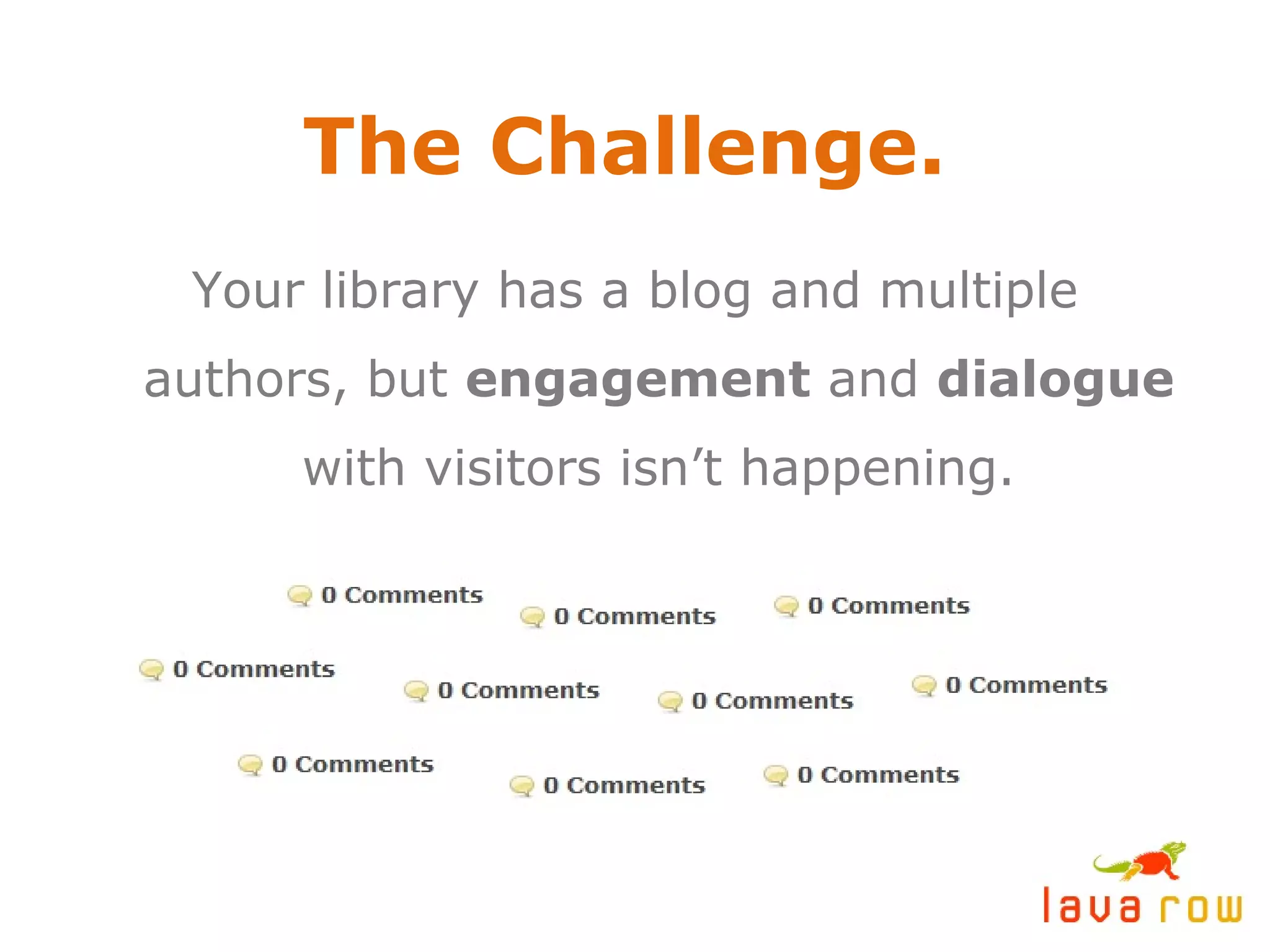
The Challenge. Your library has a blog and multiple authors, but  engagement  and  dialogue  with visitors isn’t happening.
Why should libraries have a blog in the first place? Usage of library websites  decreased  from 2005 to 2007. * Build it and they will come  – this approach to a web presence doesn’t work. Your target demographic is using search engines and the  social web  to find information. “ Life online is moving beyond browsing and searching to interacting, creating, collaborating and community.”  * *  From the 2007  OCLC  report  Sharing, Privacy and Trust in Our Networked World
How to gauge a successful blogging initiative Hits, user sessions and referring traffic are important,  but  engagement  (comments) is the big measuring stick. A young blog (less than a year old) should be happy with an average of 2-3 comments per post. Don’t expect to be  The Huffington Post  any time soon. Take baby steps!
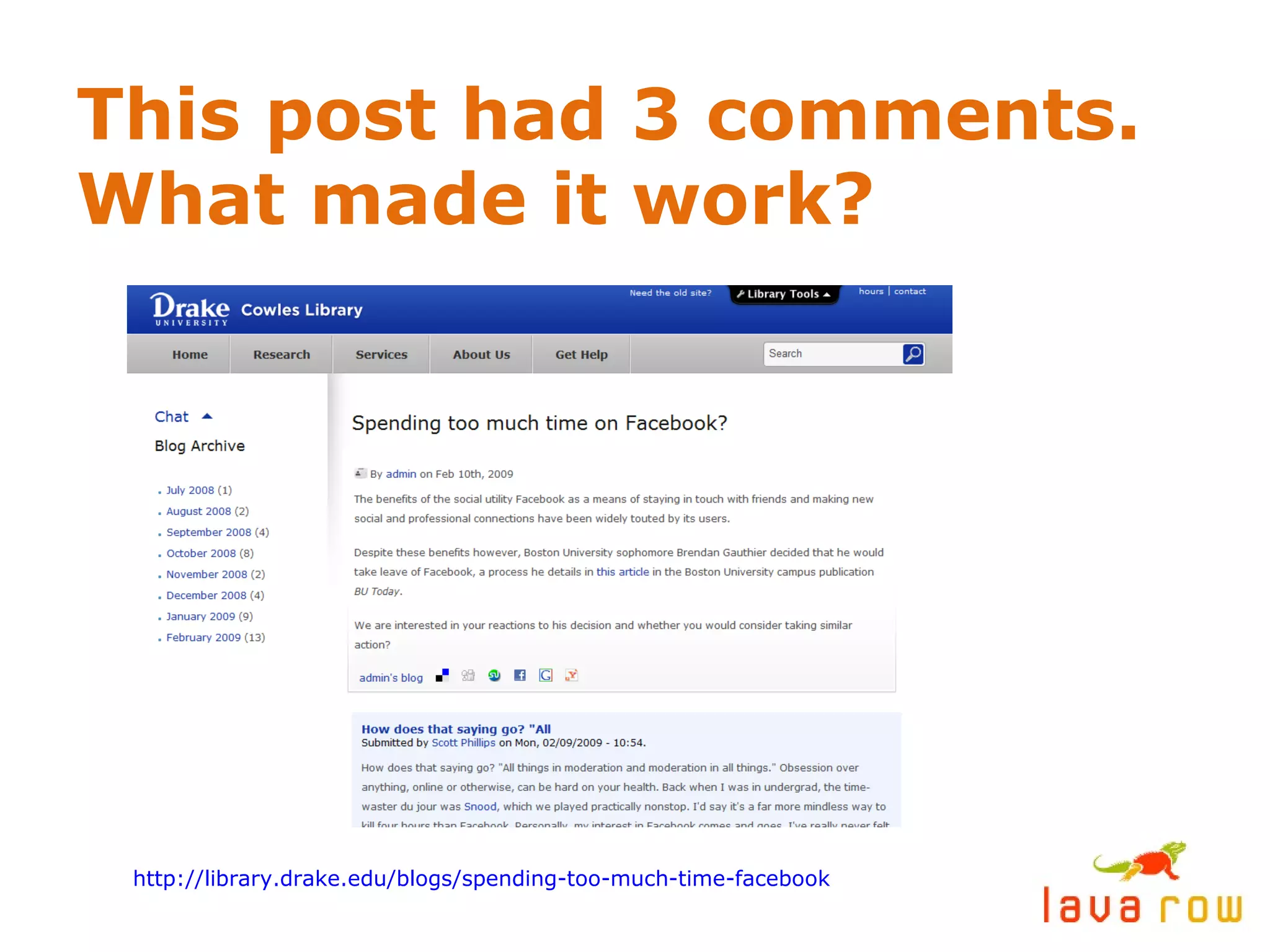
This post had 3 comments. What made it work? http://library.drake.edu/blogs/spending-too-much-time-facebook
What made it work? The title was used as a “ hook ” to pull readers into the post. Subject matter (social networking fatigue) was  relevant  and  timely  to the demographic. The post ended with a  challenge  for readers to chime in and participate.
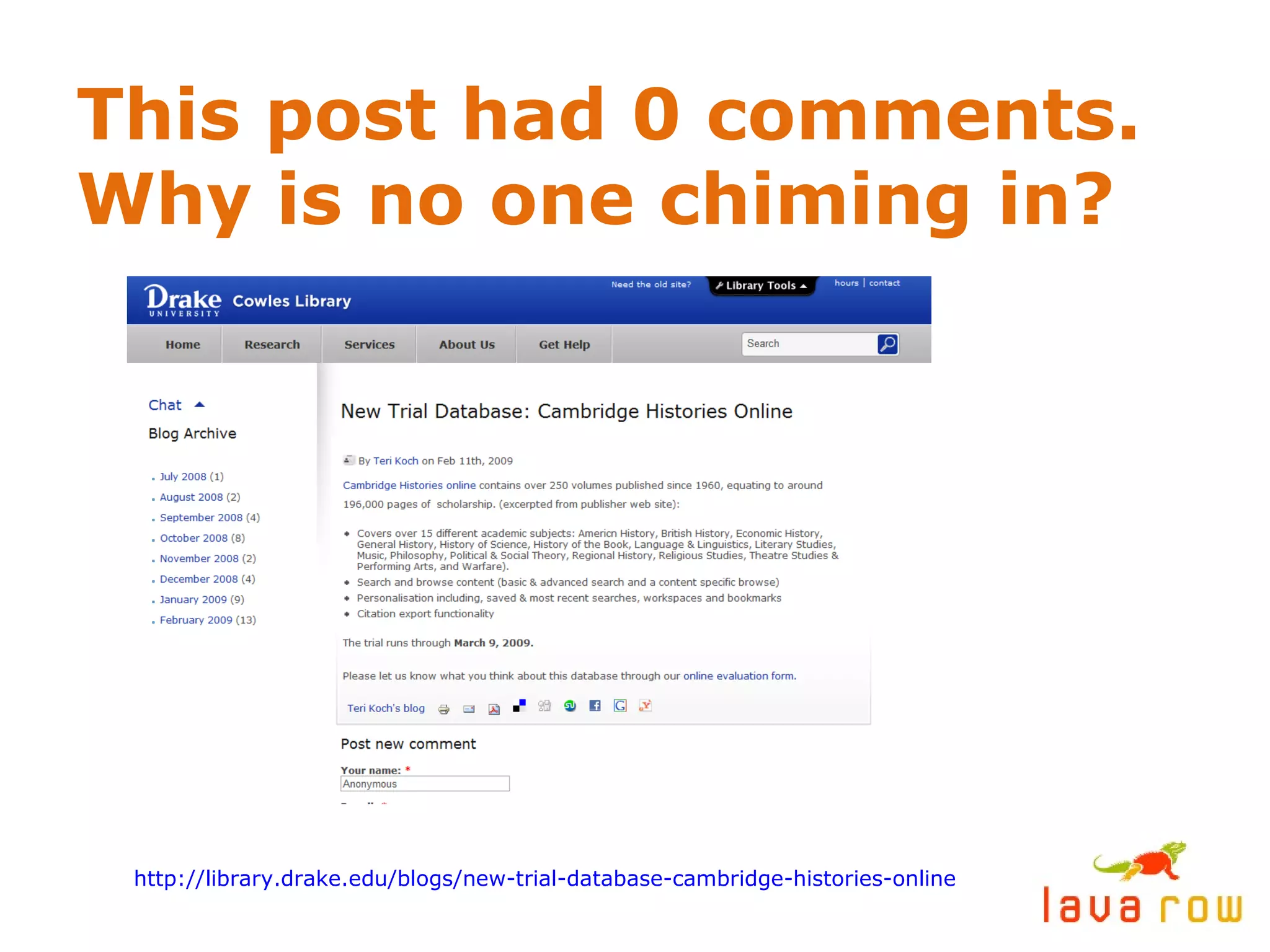
This post had 0 comments. Why is no one chiming in? http://library.drake.edu/blogs/new-trial-database-cambridge-histories-online
Why is no one chiming in? Subject matter is a bulletin / announcement. There is zero incentive for  dialogue . Writing style is very formal, not  conversational  or  candid . (People prefer to connect with people.) Majority of content is an excerpt from an outside source, with  no opinion  added.
Hints for creating engaging blog content Recap:  Hook the reader, offer relevant and timely content, encourage participation. Recap:  Be human. Write in a conversational style and add your two cents. Review  new books, in addition to announcing them. Tell the reader  why  they should be interested. Make it about  others , not just you. Feature guest posts or reviews from select library visitors.
More hints for creating engaging blog content Spice it up with  multimedia content  – Splurge on a $150 Flip Cam *  and easily create your own videos. Record and post audio podcasts. Use  images, graphics and subheads  whenever possible. Give your readers’ eyes a rest. Take a stand.  Have an opinion. A good, intelligent debate will always heat up your comments section. *  Check out  Flip Cams  at  http://www.theflip.com
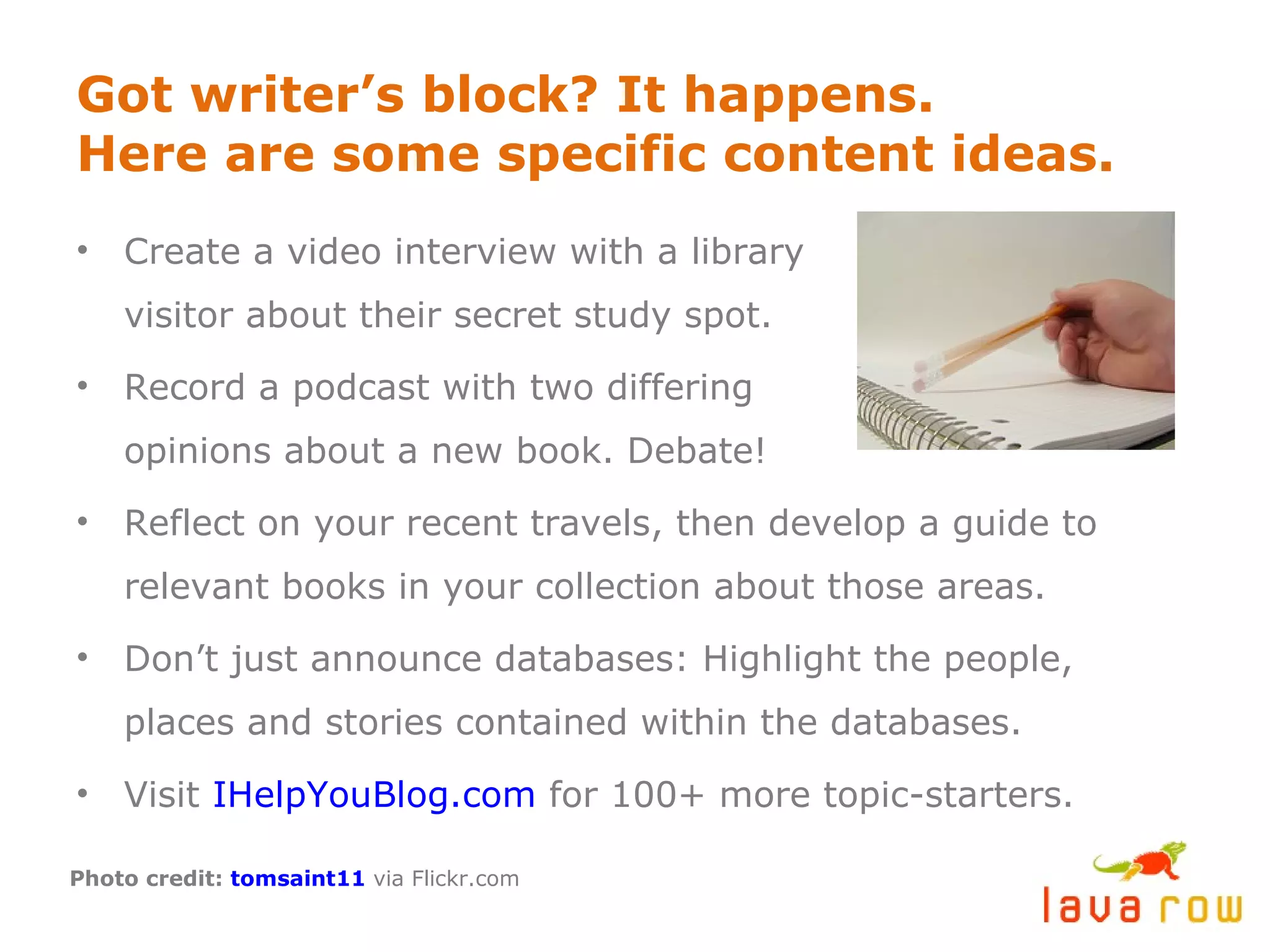
Got writer’s block? It happens. Here are some specific content ideas. Create a video interview with a library visitor about their secret study spot. Record a podcast with two differing opinions about a new book. Debate! Reflect on your recent travels, then develop a guide to relevant books in your collection about those areas. Don’t just announce databases: Highlight the people, places and stories contained within the databases. Visit  IHelpYouBlog.com  for 100+ more topic-starters. Photo credit:  tomsaint11  via Flickr.com
Develop a commenting moderation policy Negative comments are inevitable. If they are intelligent and on-topic, go ahead and post them. This is an opportunity to post your side of the story and/or clear up misinformation – on your own turf. You reserve the right to disallow slanderous, mean-spirited, vulgar and off-topic comments. Try to respond to any comments with questions within 24 hours.
IN SUMMARY… Blogs are  conversations , not one-way streets.
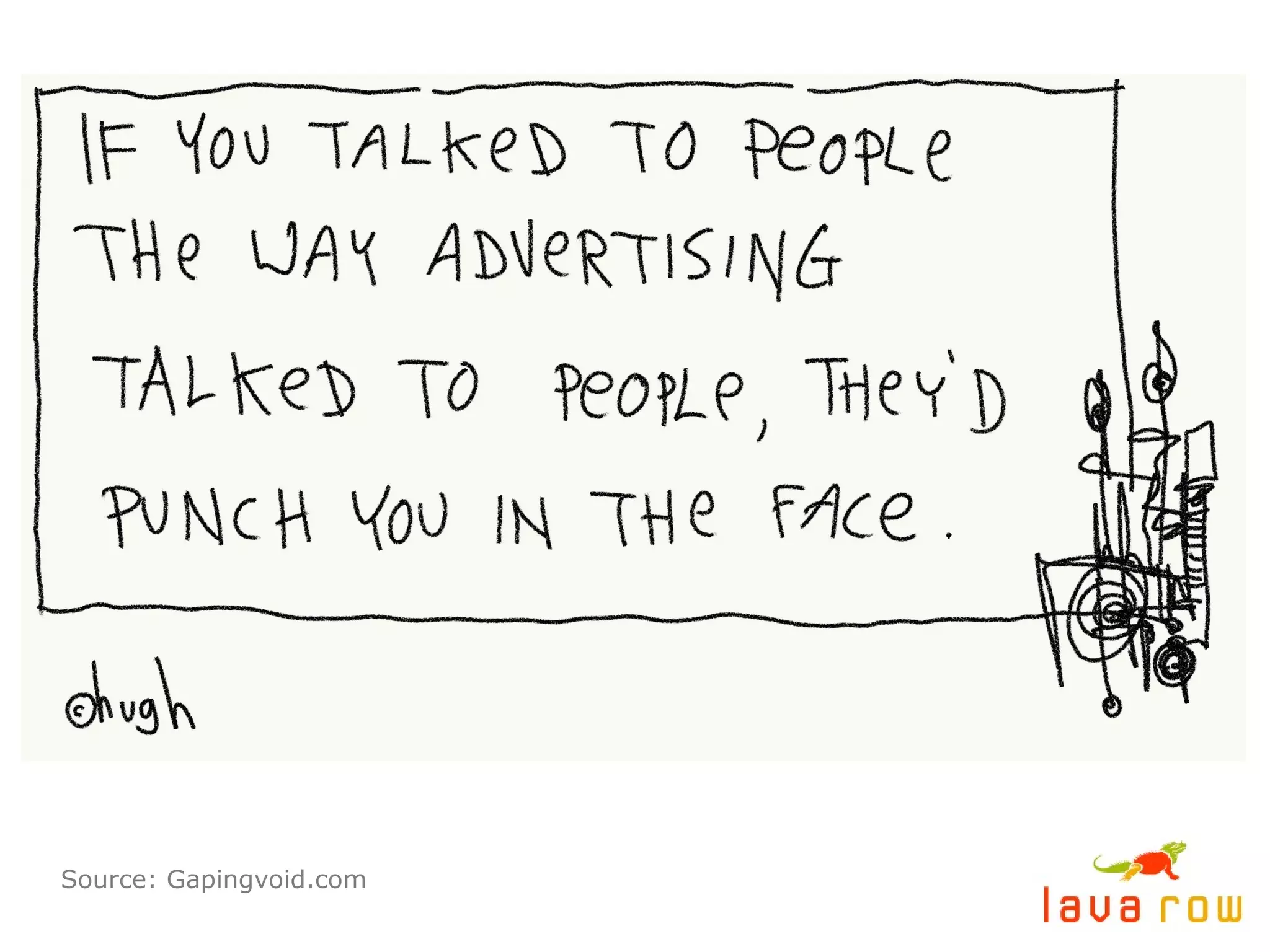
Source: Gapingvoid.com
Thinking outside the blog One of the most effective ways to drive traffic to your blog is to participate in conversations on  other blogs . Subscribe to bloggers in an RSS Reader who frequently write about subjects relevant to yours. By joining their conversations, you’re joining their community. Over time this can drive readers back to you. Use  Twitter  as another touch-point to reach and engage your demographic.
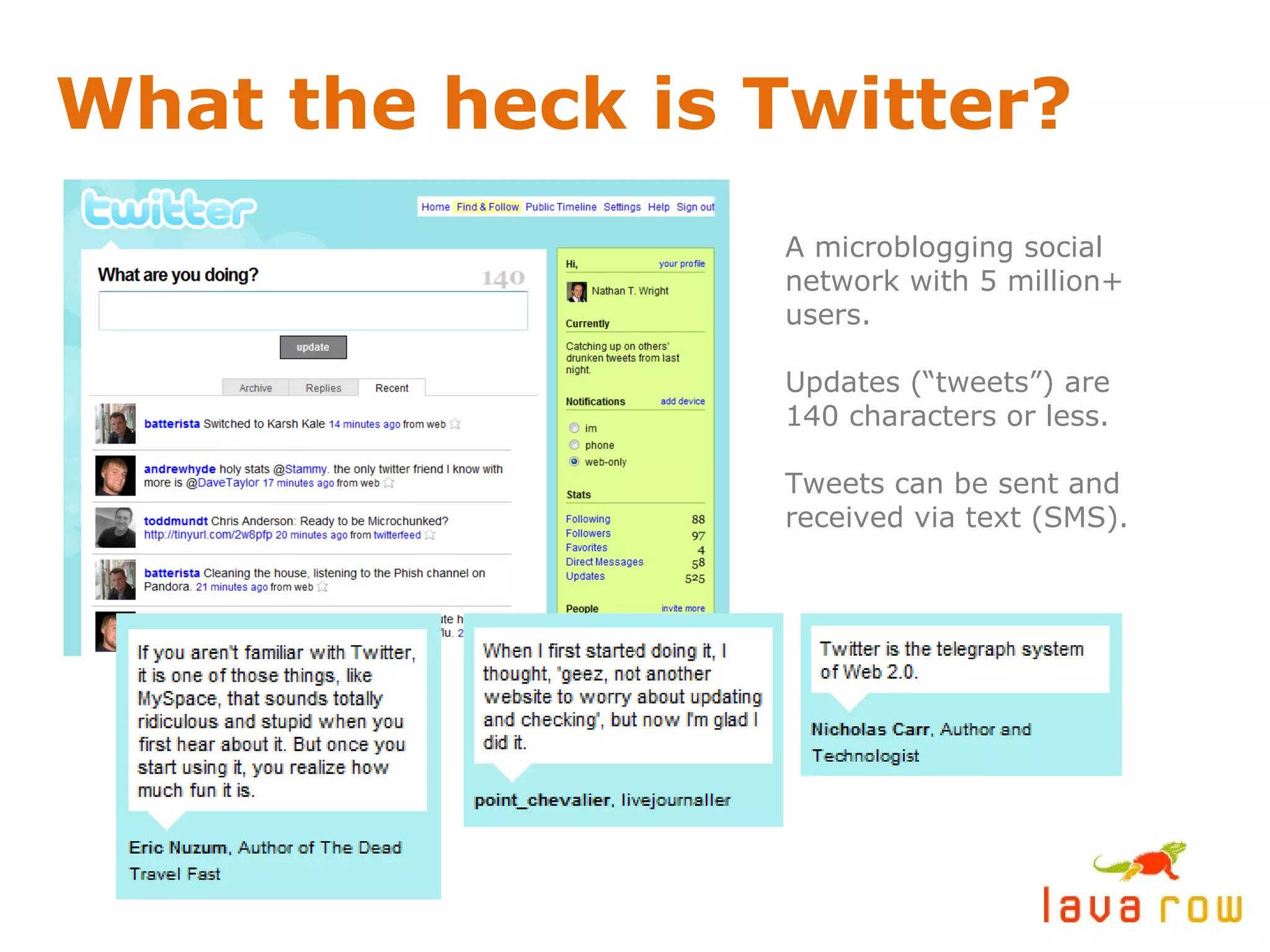
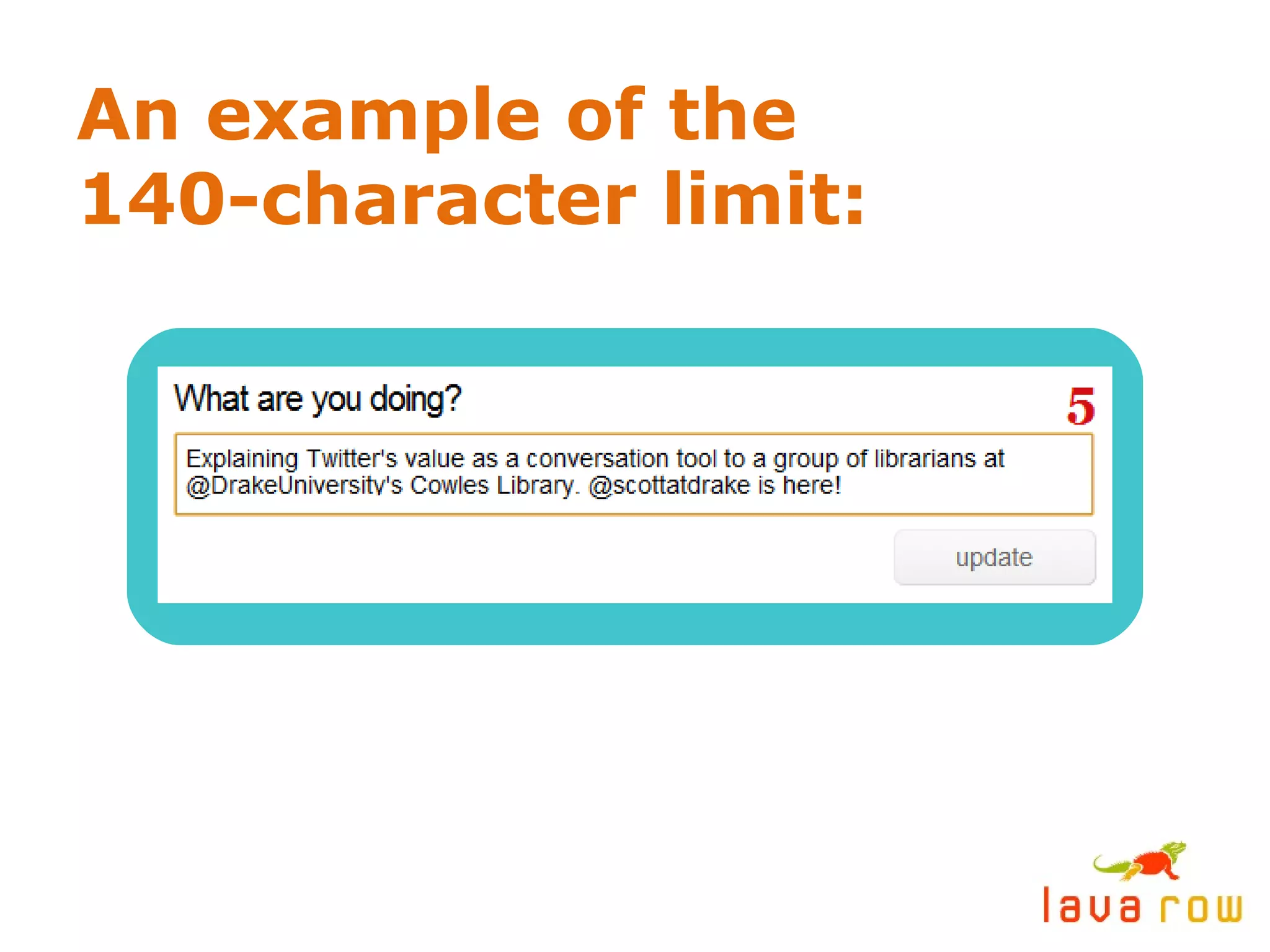
What the heck is Twitter? A microblogging social network with 5 million+ users. Updates (“tweets”) are 140 characters or less. Tweets can be sent and received via text (SMS).
An example of the 140-character limit:
Twitter Explained: Your consciousness, syndicated. An online, 24/7 cocktail party. Powerful in  hyperlocal  geographic pockets. Twitter users gather in real life – “ tweetups .” Great way to connect w/ local & nat’l media. Best  focus group  ever! Efficient  communication.
Getting started on Twitter: Subscribe to  relevant tweeps  - other librarians on Twitter, students at Drake University. (Yes, it’s acceptable to “follow” someone on Twitter who you haven’t met yet.) Post  often  and be  responsive . Answer questions. You get out of it what you put into it. To reference other users in your updates, use the  @ symbol  in front of their username. (Example: @hillabean) Mingle, don’t shout. Behave like you would at a networking event or cocktail party. This builds your  social capital .
How libraries are using Twitter: Announcements / news: Special events, hours, exhibits, new resources, services and arrivals. Customer service. Networking with librarian colleagues across the world. One-to-one communication with individuals about requested materials. Public relations / marketing / brand-building. Opportunities to push readers back to blog content. Conversations w/ clients and patrons.
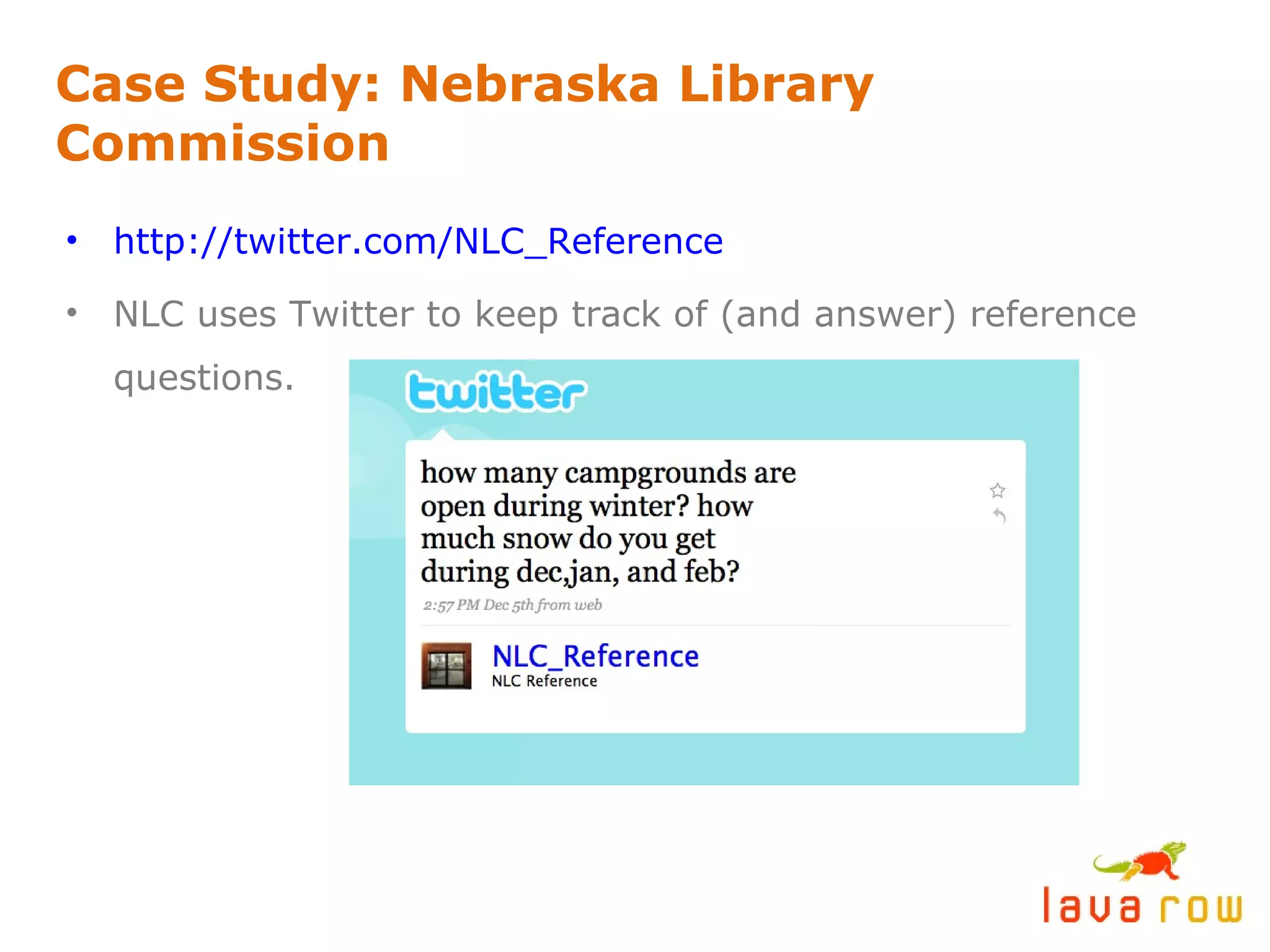
Case Study: Nebraska Library Commission http://twitter.com/NLC_Reference   NLC uses Twitter to keep track of (and answer) reference questions.
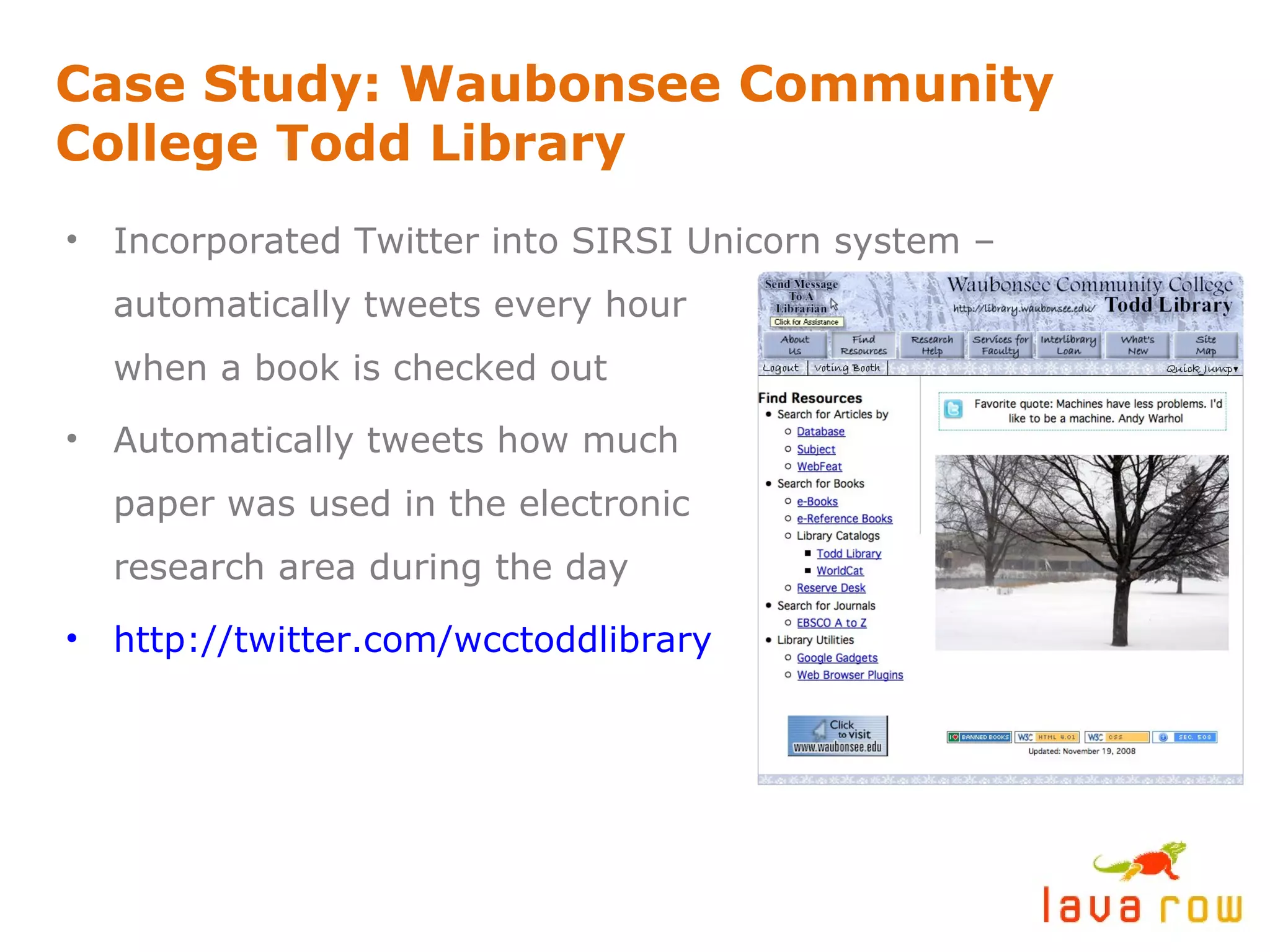
Case Study: Waubonsee Community College Todd Library Incorporated Twitter into SIRSI Unicorn system – automatically tweets every hour when a book is checked out Automatically tweets how much paper was used in the electronic research area during the day http://twitter.com/wcctoddlibrary
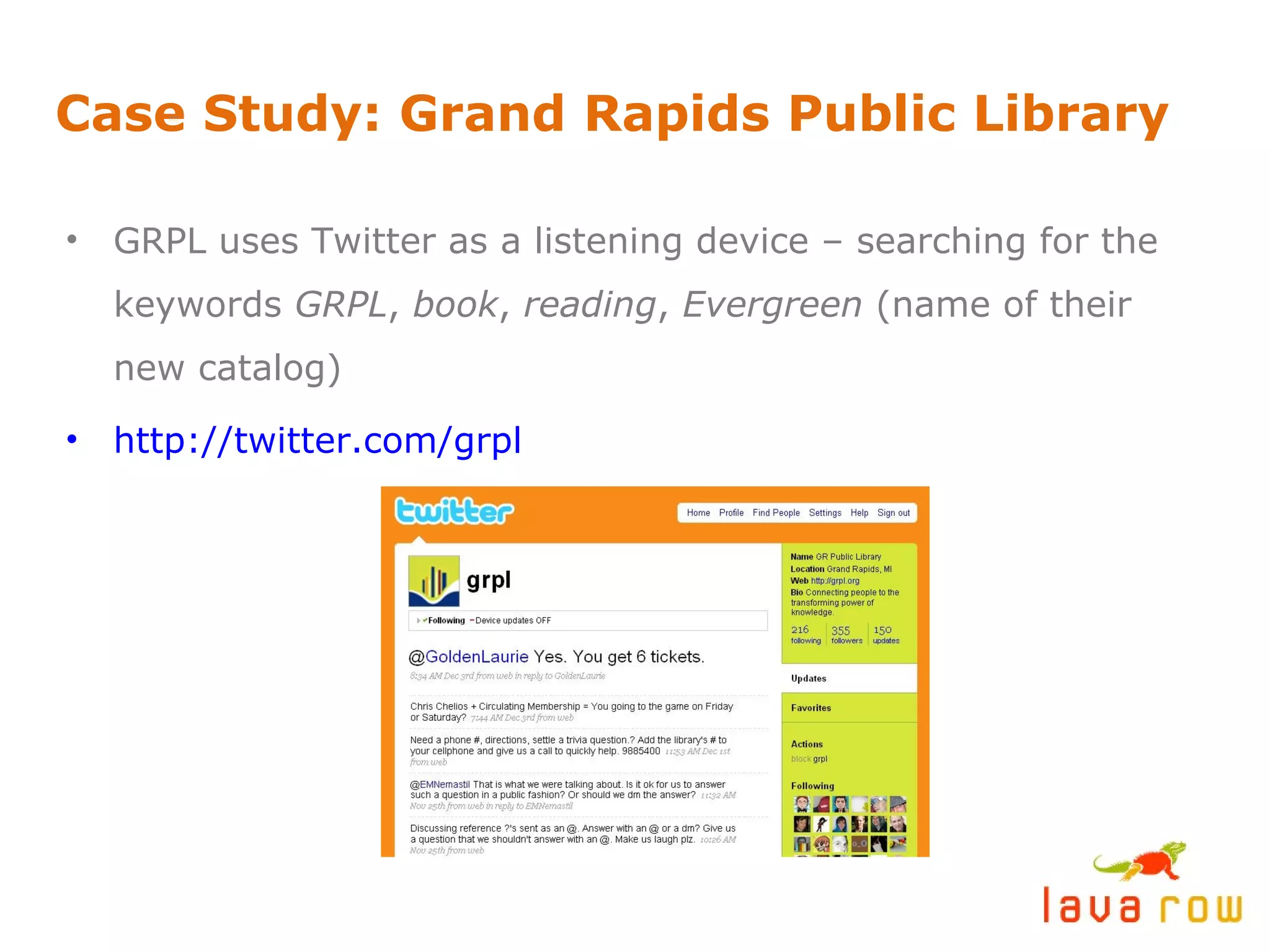
Case Study: Grand Rapids Public Library GRPL uses Twitter as a listening device – searching for the keywords  GRPL ,  book ,  reading ,  Evergreen  (name of their new catalog) http://twitter.com/grpl
Some amazing Library 2.0 resources: TheShiftedLibrarian.com  (blog) OCLC 2007 Report:  Sharing, Privacy and Trust in Our Networked World Arizona State University Libraries LibraryCrunch.com  – for the Next Generation Library (blog) Library 2.0  – a social networking for librarians interested in social media and Web 2.0 technology. 3,700+ members. The Ubiquitous Librarian  (blog)
twitter:  @nathantwright twitter:  @hillabean [email_address] [email_address] http://www.lavarow.com http://www.slideshare.net/nathantwright

Library 2.0: Jump start your library with blogging and Twitter

  • 1.
    LIBRARY 2.0 JUMPSTARTYOUR LIBRARY WITH BLOGGING & TWITTER Nathan T. Wright & Hillary Brown / Lava Row
  • 2.
    The Challenge. Yourlibrary has a blog and multiple authors, but engagement and dialogue with visitors isn’t happening.
  • 3.
    Why should librarieshave a blog in the first place? Usage of library websites decreased from 2005 to 2007. * Build it and they will come – this approach to a web presence doesn’t work. Your target demographic is using search engines and the social web to find information. “ Life online is moving beyond browsing and searching to interacting, creating, collaborating and community.” * * From the 2007 OCLC report Sharing, Privacy and Trust in Our Networked World
  • 4.
    How to gaugea successful blogging initiative Hits, user sessions and referring traffic are important, but engagement (comments) is the big measuring stick. A young blog (less than a year old) should be happy with an average of 2-3 comments per post. Don’t expect to be The Huffington Post any time soon. Take baby steps!
  • 5.
    This post had3 comments. What made it work? http://library.drake.edu/blogs/spending-too-much-time-facebook
  • 6.
    What made itwork? The title was used as a “ hook ” to pull readers into the post. Subject matter (social networking fatigue) was relevant and timely to the demographic. The post ended with a challenge for readers to chime in and participate.
  • 7.
    This post had0 comments. Why is no one chiming in? http://library.drake.edu/blogs/new-trial-database-cambridge-histories-online
  • 8.
    Why is noone chiming in? Subject matter is a bulletin / announcement. There is zero incentive for dialogue . Writing style is very formal, not conversational or candid . (People prefer to connect with people.) Majority of content is an excerpt from an outside source, with no opinion added.
  • 9.
    Hints for creatingengaging blog content Recap: Hook the reader, offer relevant and timely content, encourage participation. Recap: Be human. Write in a conversational style and add your two cents. Review new books, in addition to announcing them. Tell the reader why they should be interested. Make it about others , not just you. Feature guest posts or reviews from select library visitors.
  • 10.
    More hints forcreating engaging blog content Spice it up with multimedia content – Splurge on a $150 Flip Cam * and easily create your own videos. Record and post audio podcasts. Use images, graphics and subheads whenever possible. Give your readers’ eyes a rest. Take a stand. Have an opinion. A good, intelligent debate will always heat up your comments section. * Check out Flip Cams at http://www.theflip.com
  • 11.
    Got writer’s block?It happens. Here are some specific content ideas. Create a video interview with a library visitor about their secret study spot. Record a podcast with two differing opinions about a new book. Debate! Reflect on your recent travels, then develop a guide to relevant books in your collection about those areas. Don’t just announce databases: Highlight the people, places and stories contained within the databases. Visit IHelpYouBlog.com for 100+ more topic-starters. Photo credit: tomsaint11 via Flickr.com
  • 12.
    Develop a commentingmoderation policy Negative comments are inevitable. If they are intelligent and on-topic, go ahead and post them. This is an opportunity to post your side of the story and/or clear up misinformation – on your own turf. You reserve the right to disallow slanderous, mean-spirited, vulgar and off-topic comments. Try to respond to any comments with questions within 24 hours.
  • 13.
    IN SUMMARY… Blogsare conversations , not one-way streets.
  • 14.
  • 15.
    Thinking outside theblog One of the most effective ways to drive traffic to your blog is to participate in conversations on other blogs . Subscribe to bloggers in an RSS Reader who frequently write about subjects relevant to yours. By joining their conversations, you’re joining their community. Over time this can drive readers back to you. Use Twitter as another touch-point to reach and engage your demographic.
  • 16.
    What the heckis Twitter? A microblogging social network with 5 million+ users. Updates (“tweets”) are 140 characters or less. Tweets can be sent and received via text (SMS).
  • 17.
    An example ofthe 140-character limit:
  • 18.
    Twitter Explained: Yourconsciousness, syndicated. An online, 24/7 cocktail party. Powerful in hyperlocal geographic pockets. Twitter users gather in real life – “ tweetups .” Great way to connect w/ local & nat’l media. Best focus group ever! Efficient communication.
  • 19.
    Getting started onTwitter: Subscribe to relevant tweeps - other librarians on Twitter, students at Drake University. (Yes, it’s acceptable to “follow” someone on Twitter who you haven’t met yet.) Post often and be responsive . Answer questions. You get out of it what you put into it. To reference other users in your updates, use the @ symbol in front of their username. (Example: @hillabean) Mingle, don’t shout. Behave like you would at a networking event or cocktail party. This builds your social capital .
  • 20.
    How libraries areusing Twitter: Announcements / news: Special events, hours, exhibits, new resources, services and arrivals. Customer service. Networking with librarian colleagues across the world. One-to-one communication with individuals about requested materials. Public relations / marketing / brand-building. Opportunities to push readers back to blog content. Conversations w/ clients and patrons.
  • 21.
    Case Study: NebraskaLibrary Commission http://twitter.com/NLC_Reference NLC uses Twitter to keep track of (and answer) reference questions.
  • 22.
    Case Study: WaubonseeCommunity College Todd Library Incorporated Twitter into SIRSI Unicorn system – automatically tweets every hour when a book is checked out Automatically tweets how much paper was used in the electronic research area during the day http://twitter.com/wcctoddlibrary
  • 23.
    Case Study: GrandRapids Public Library GRPL uses Twitter as a listening device – searching for the keywords GRPL , book , reading , Evergreen (name of their new catalog) http://twitter.com/grpl
  • 24.
    Some amazing Library2.0 resources: TheShiftedLibrarian.com (blog) OCLC 2007 Report: Sharing, Privacy and Trust in Our Networked World Arizona State University Libraries LibraryCrunch.com – for the Next Generation Library (blog) Library 2.0 – a social networking for librarians interested in social media and Web 2.0 technology. 3,700+ members. The Ubiquitous Librarian (blog)
  • 25.
    twitter: @nathantwrighttwitter: @hillabean [email_address] [email_address] http://www.lavarow.com http://www.slideshare.net/nathantwright