BEST PRACTICES
IN MOODLE COURSE DESIGN
Michelle Moore
Chief Evangelist

@michelledmoore
DISCLAIMER
 Best practices are still evolving
 Know and consider your audience

 Do what you can
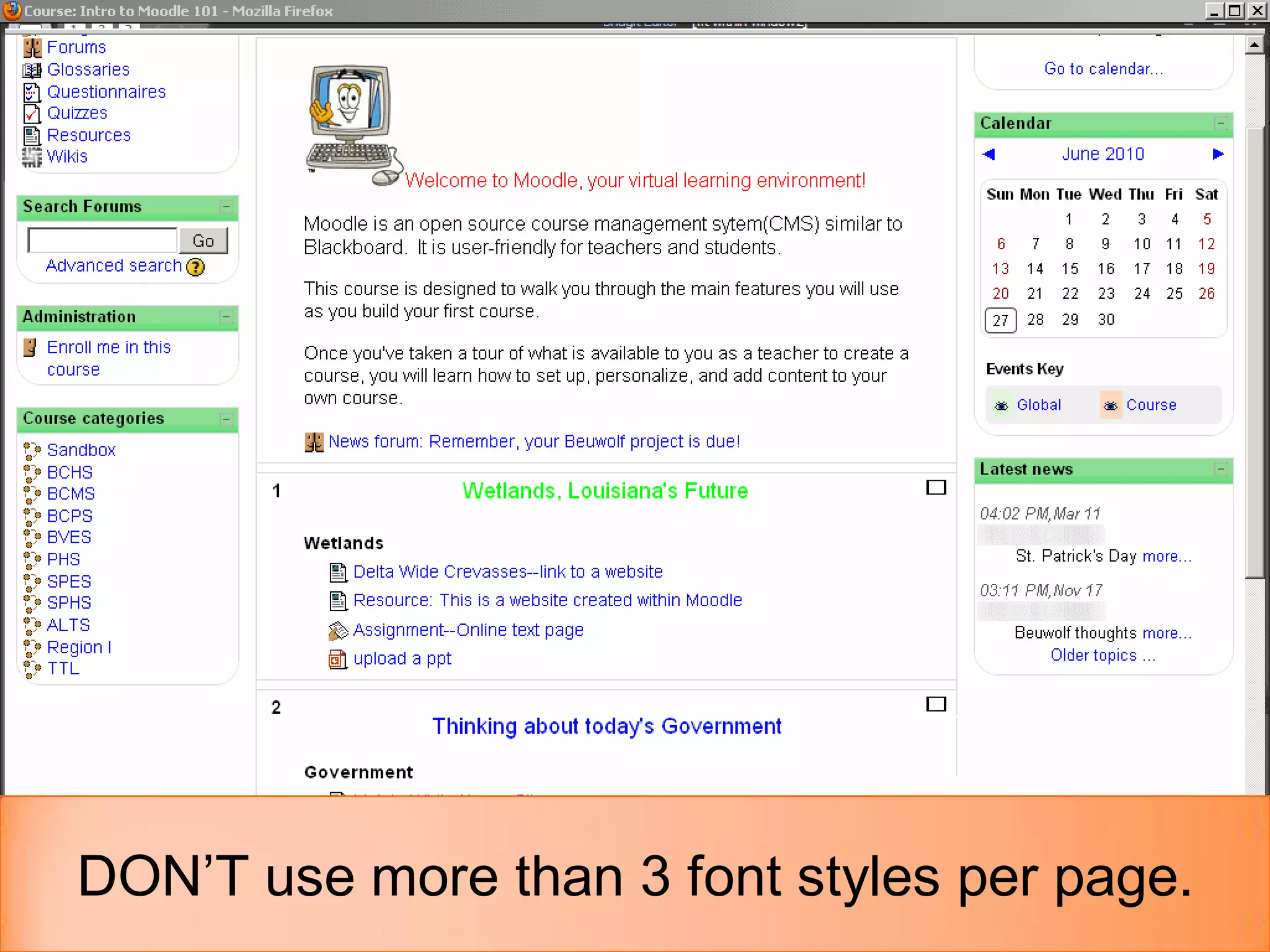
DON’T use more than 3 font styles per page.
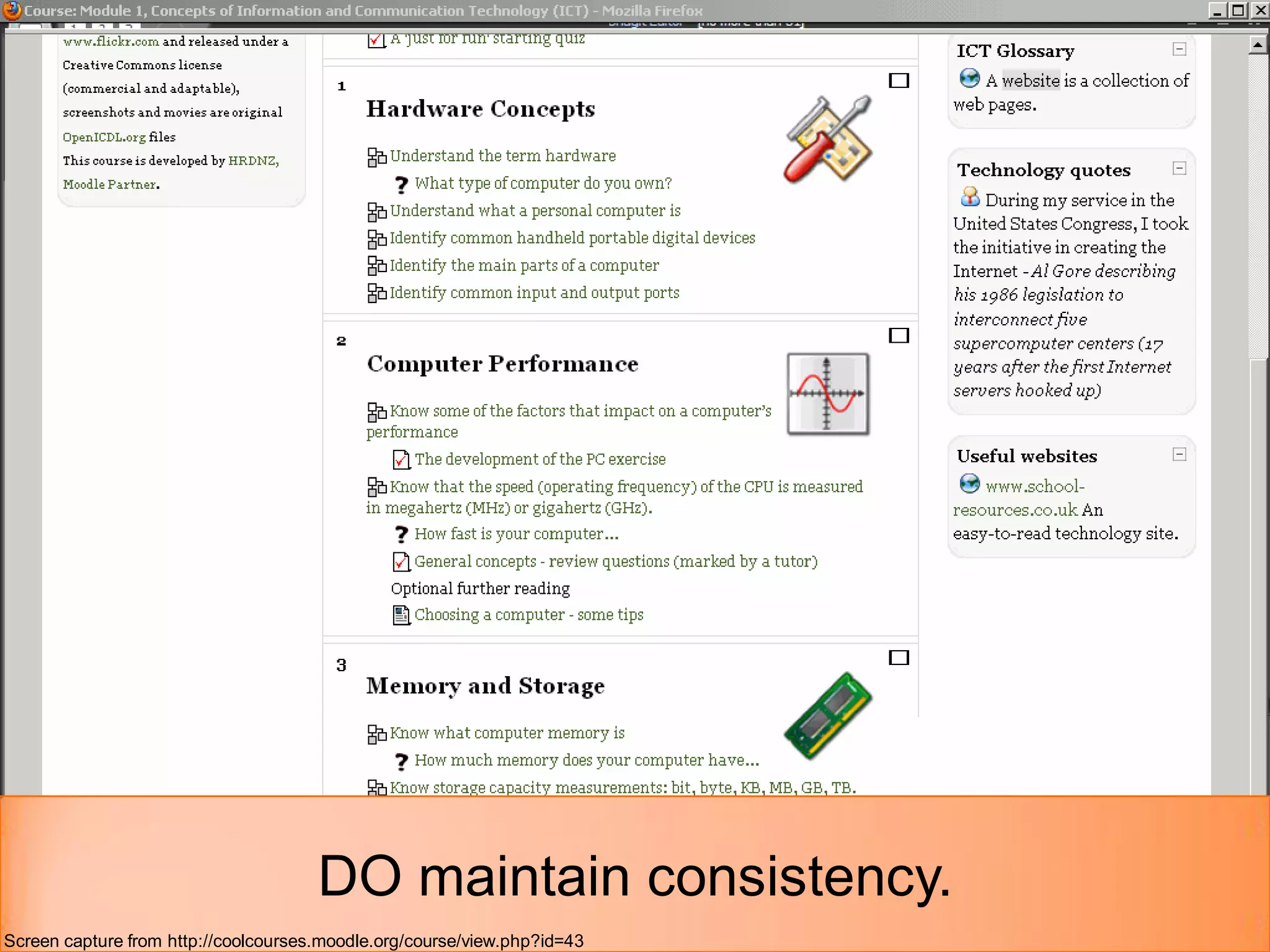
DO maintain consistency.
Screen capture from http://coolcourses.moodle.org/course/view.php?id=43
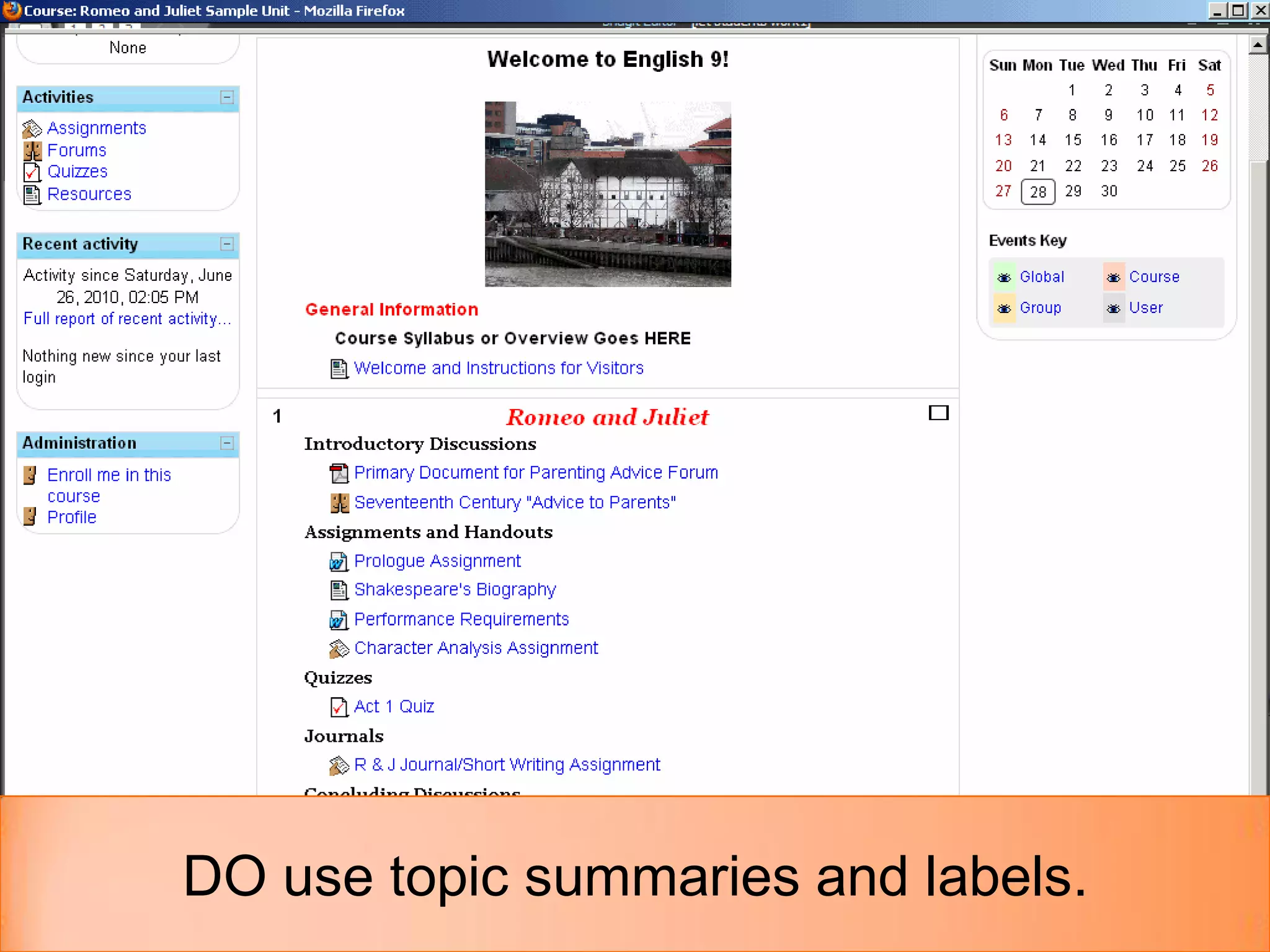
DO use topic summaries and labels.
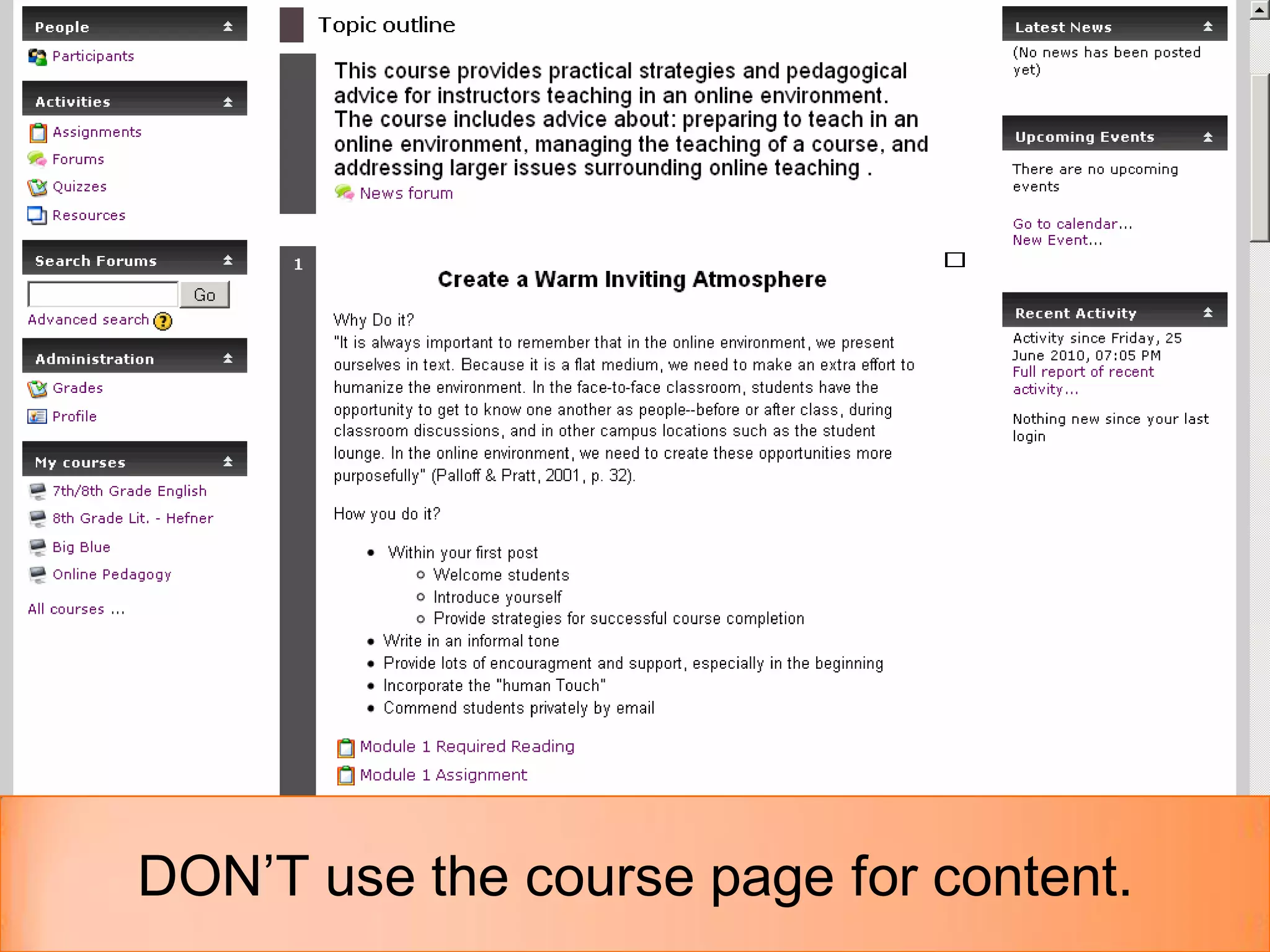
DON’T use the course page for content.
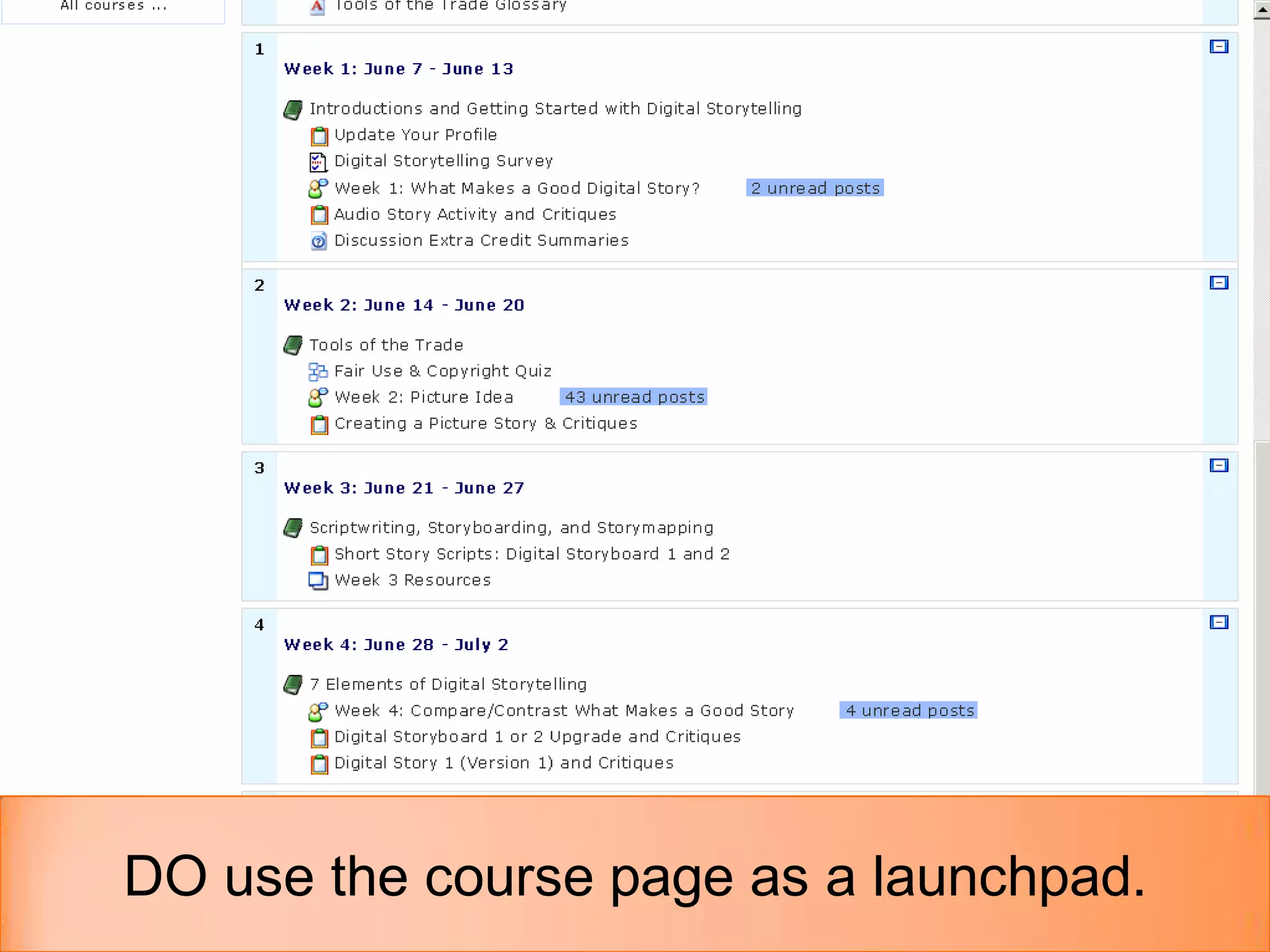
DO use the course page as a launchpad.
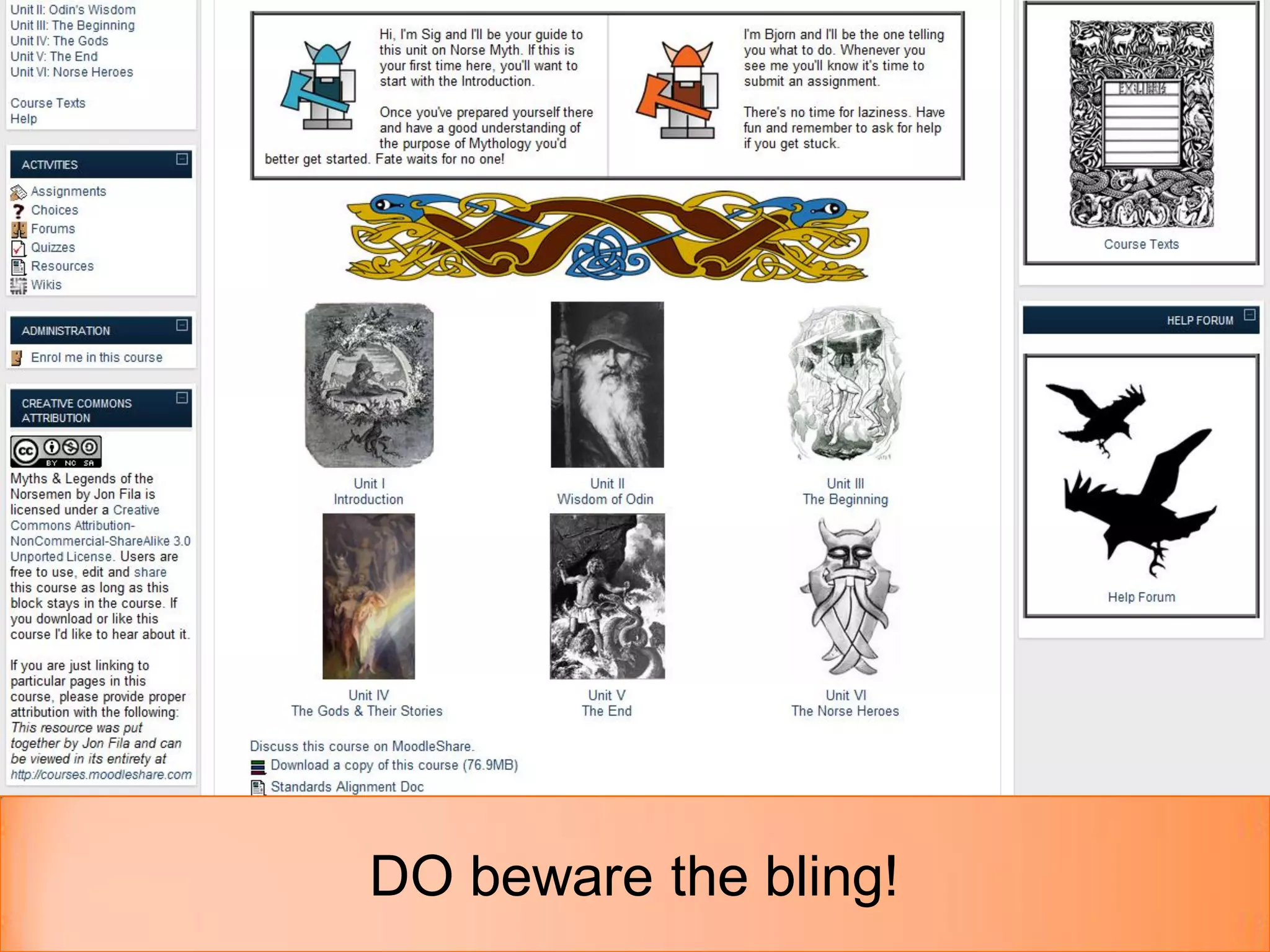
DO beware the bling!
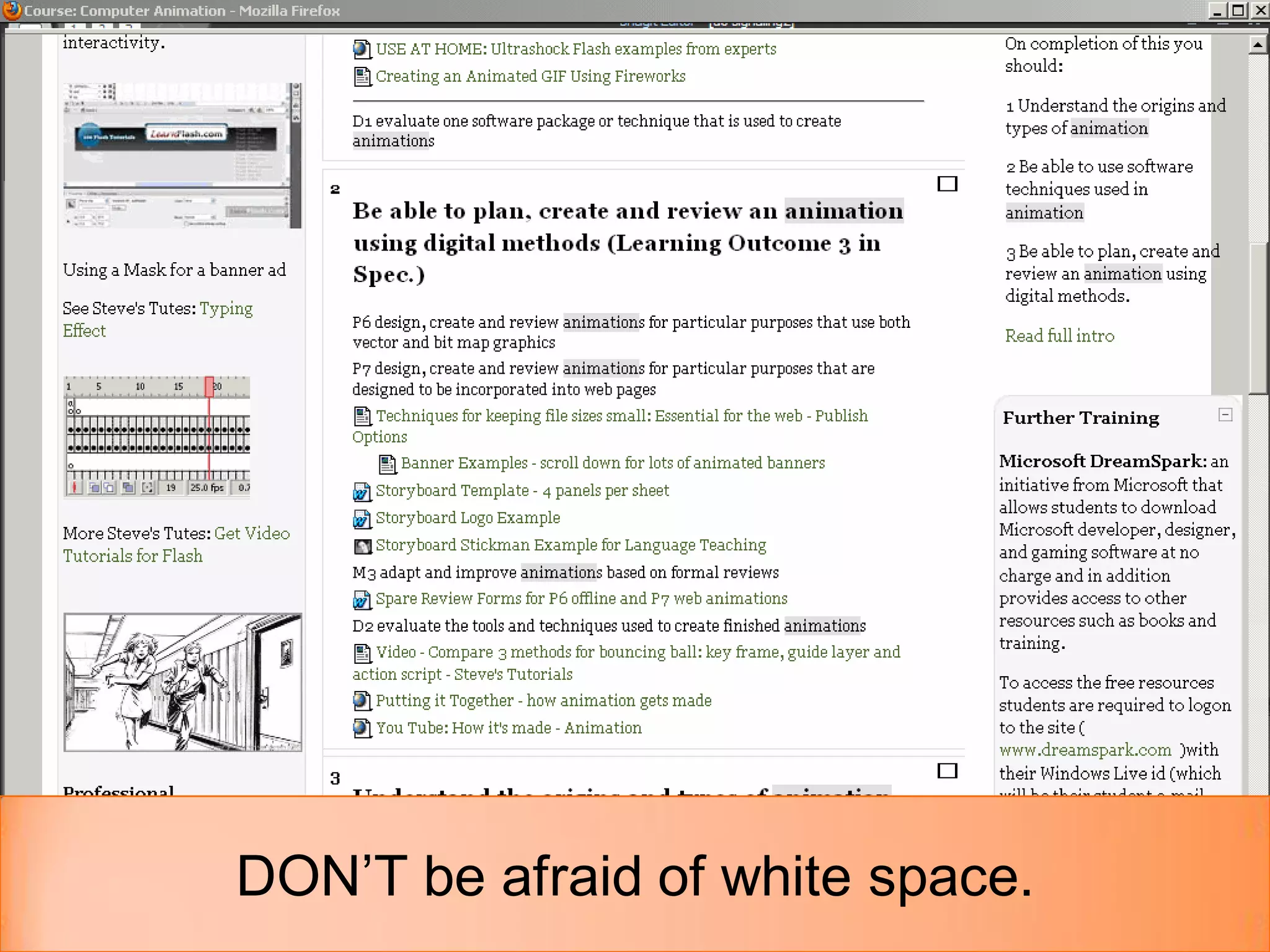
DON’T be afraid of white space.
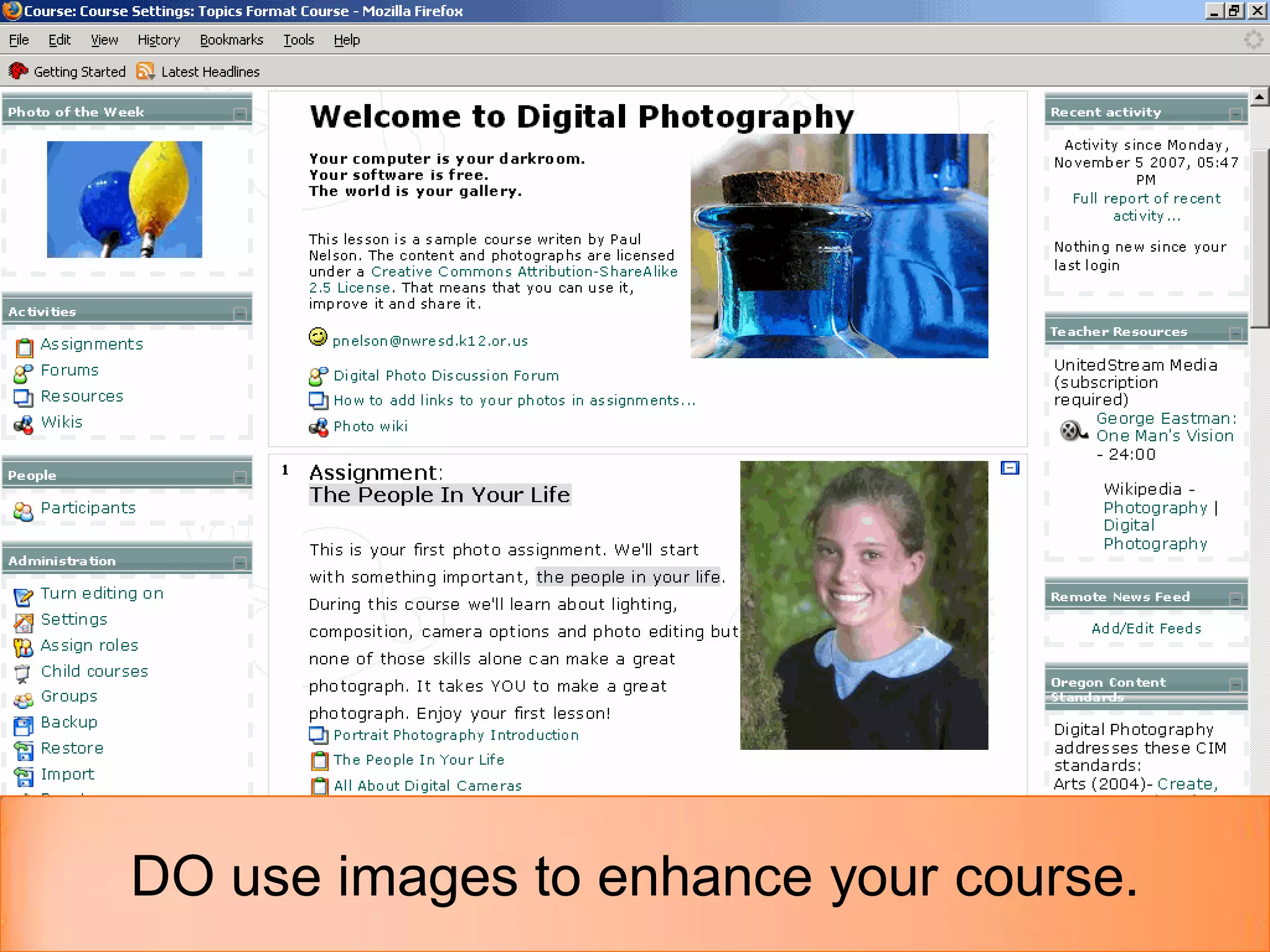
DO use images to enhance your course.
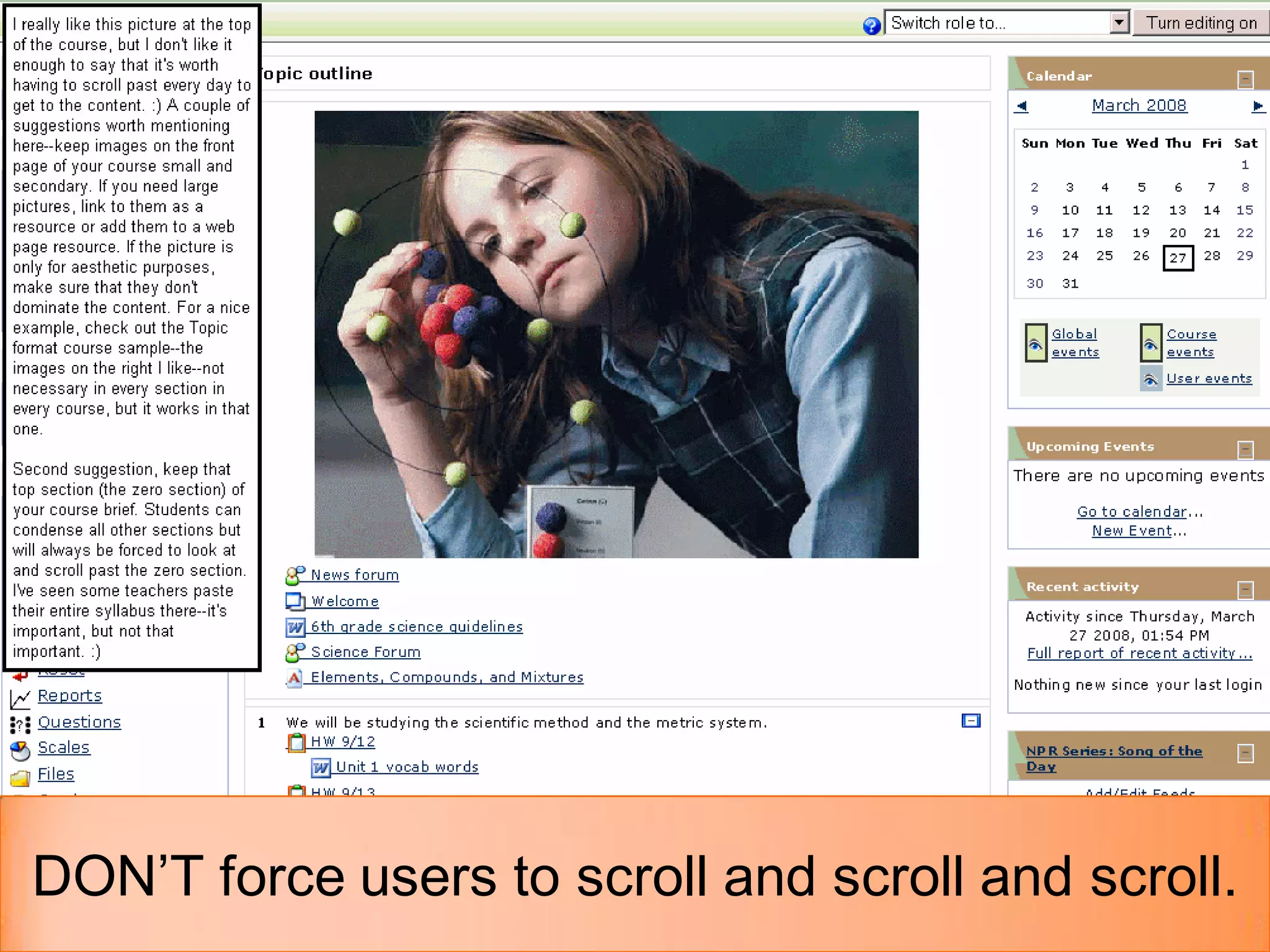
DON’T force users to scroll and scroll and scroll.
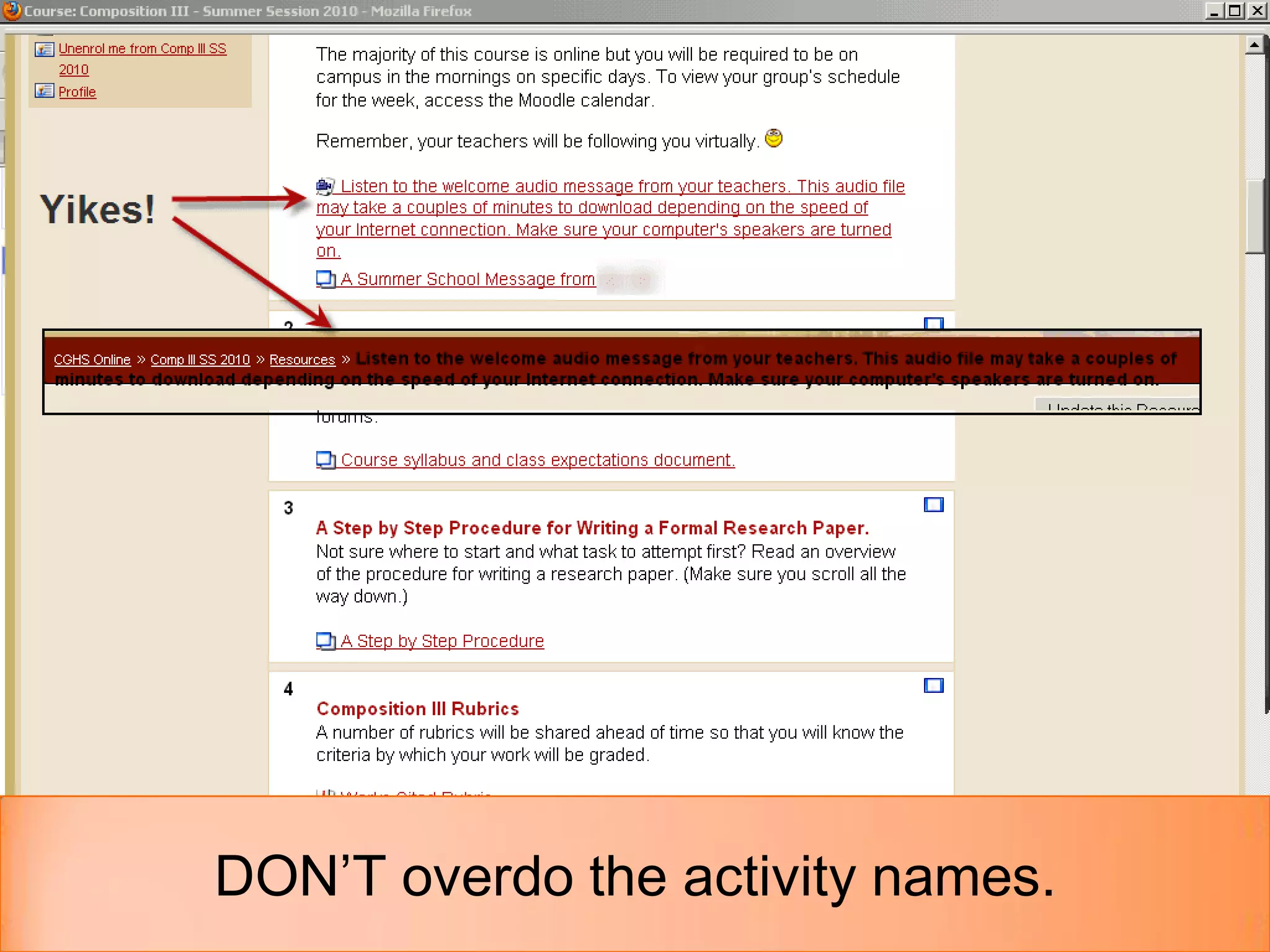
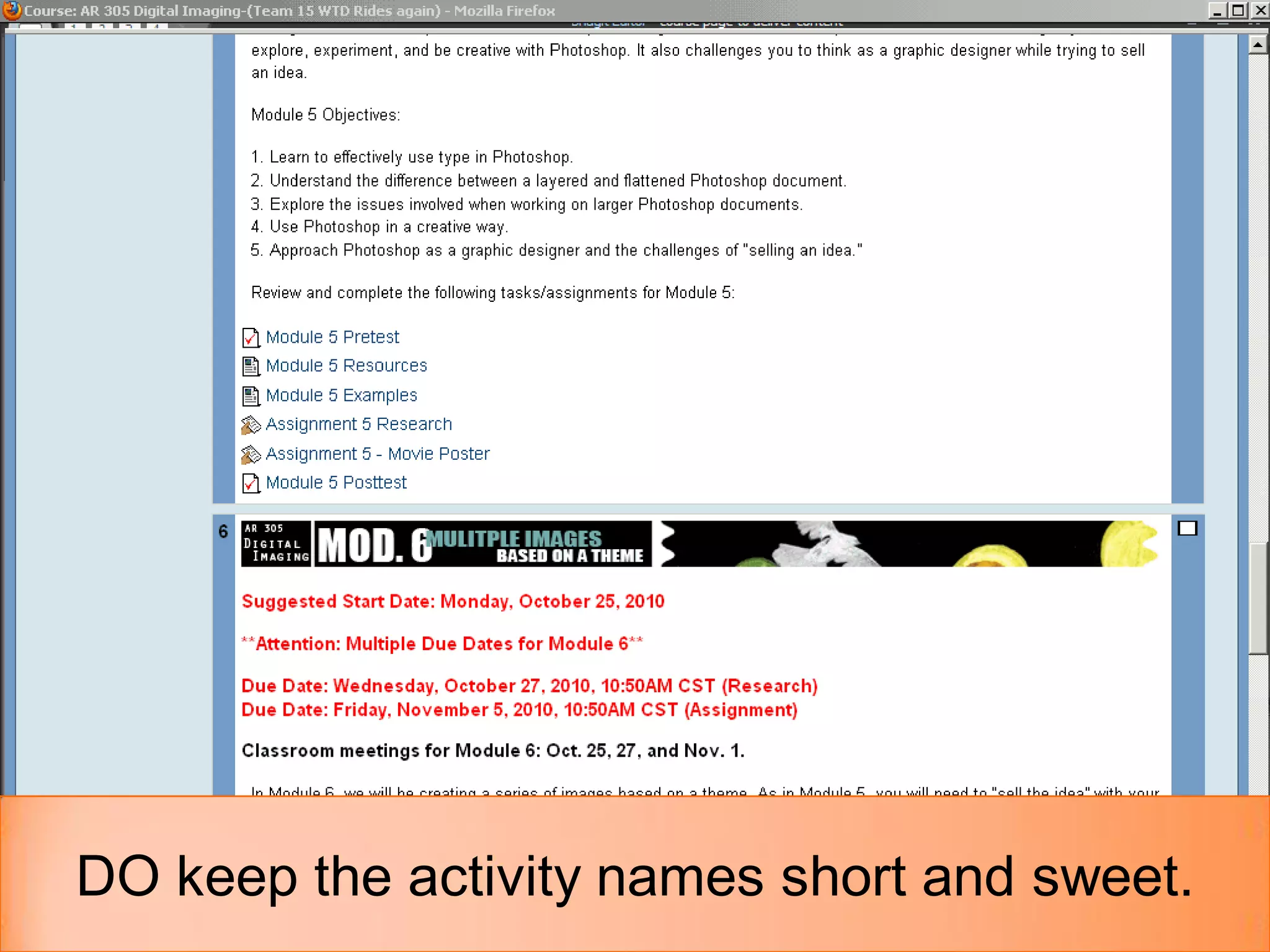
DON’T overdo the activity names.
DO keep the activity names short and sweet.
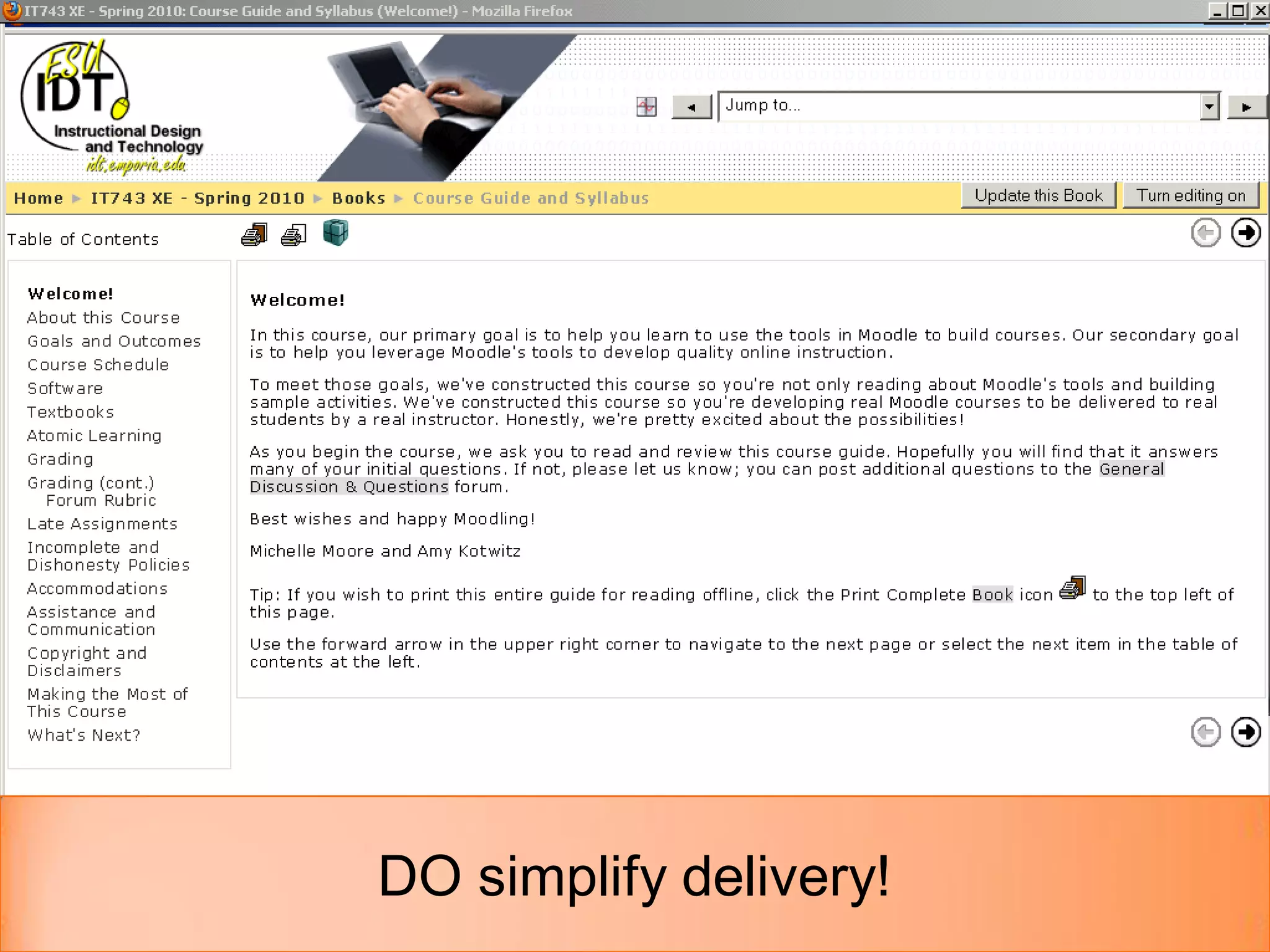
DO simplify delivery!
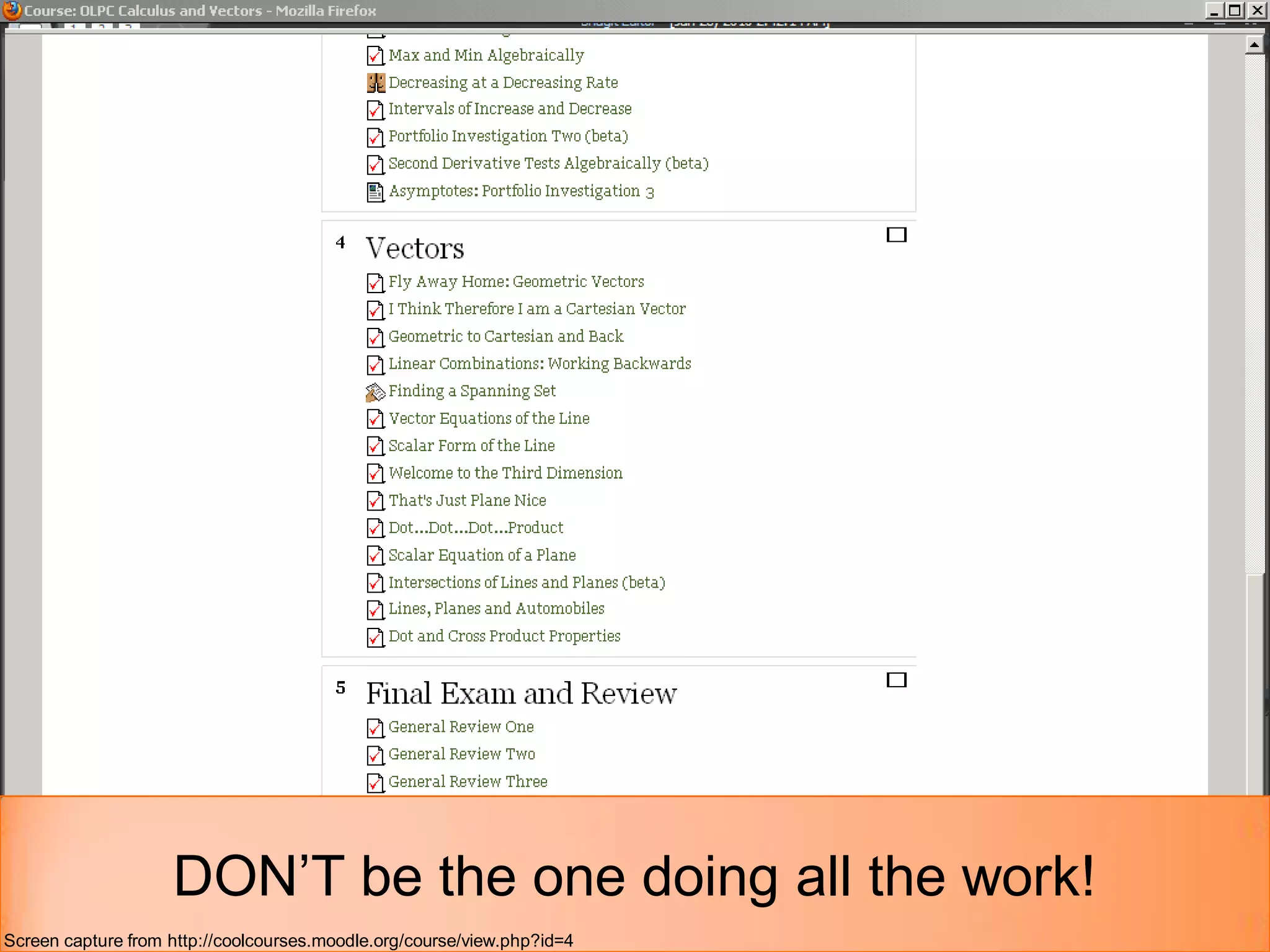
DON’T be the one doing all the work!
Screen capture from http://coolcourses.moodle.org/course/view.php?id=4
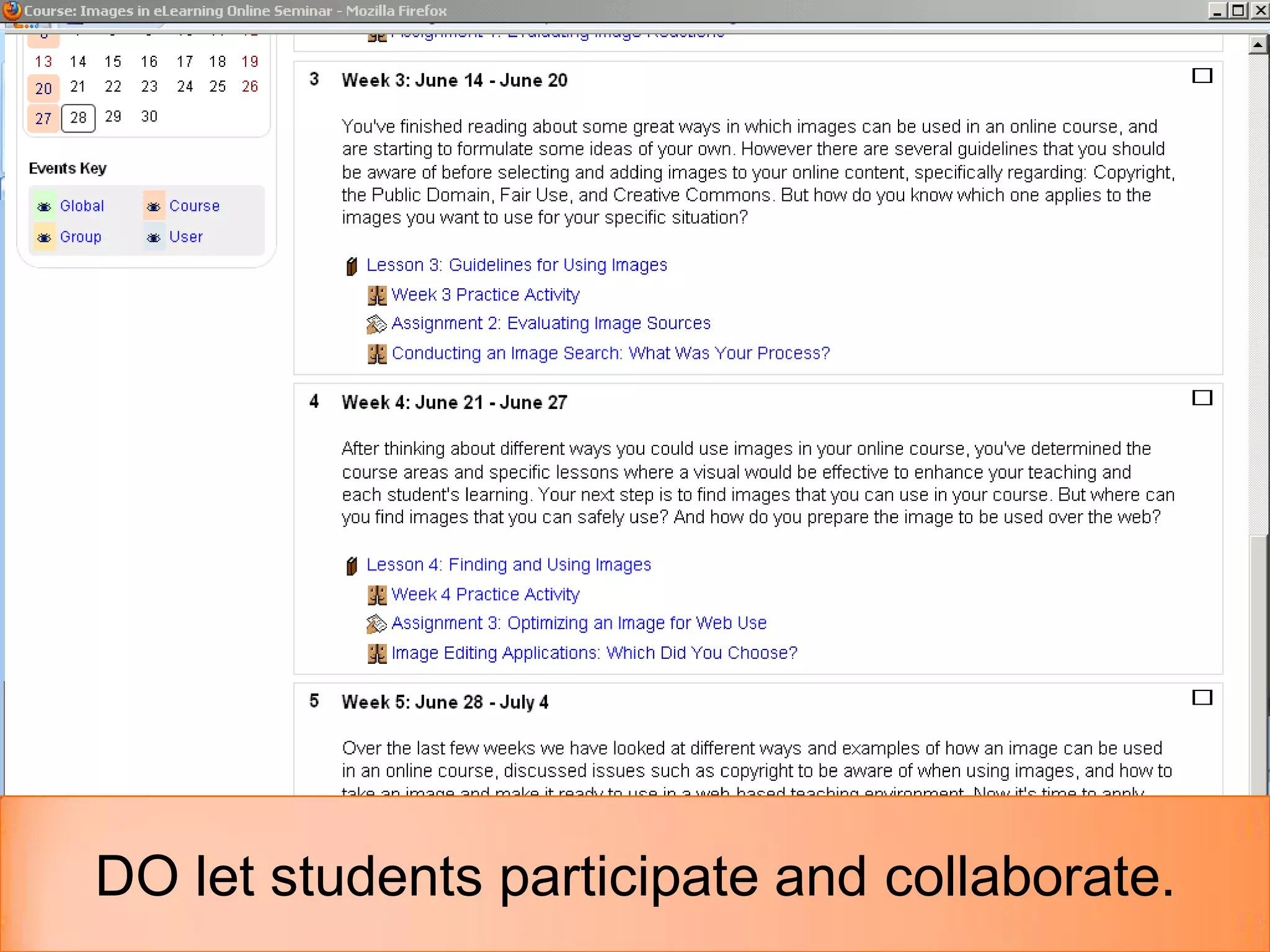
DO let students participate and collaborate.
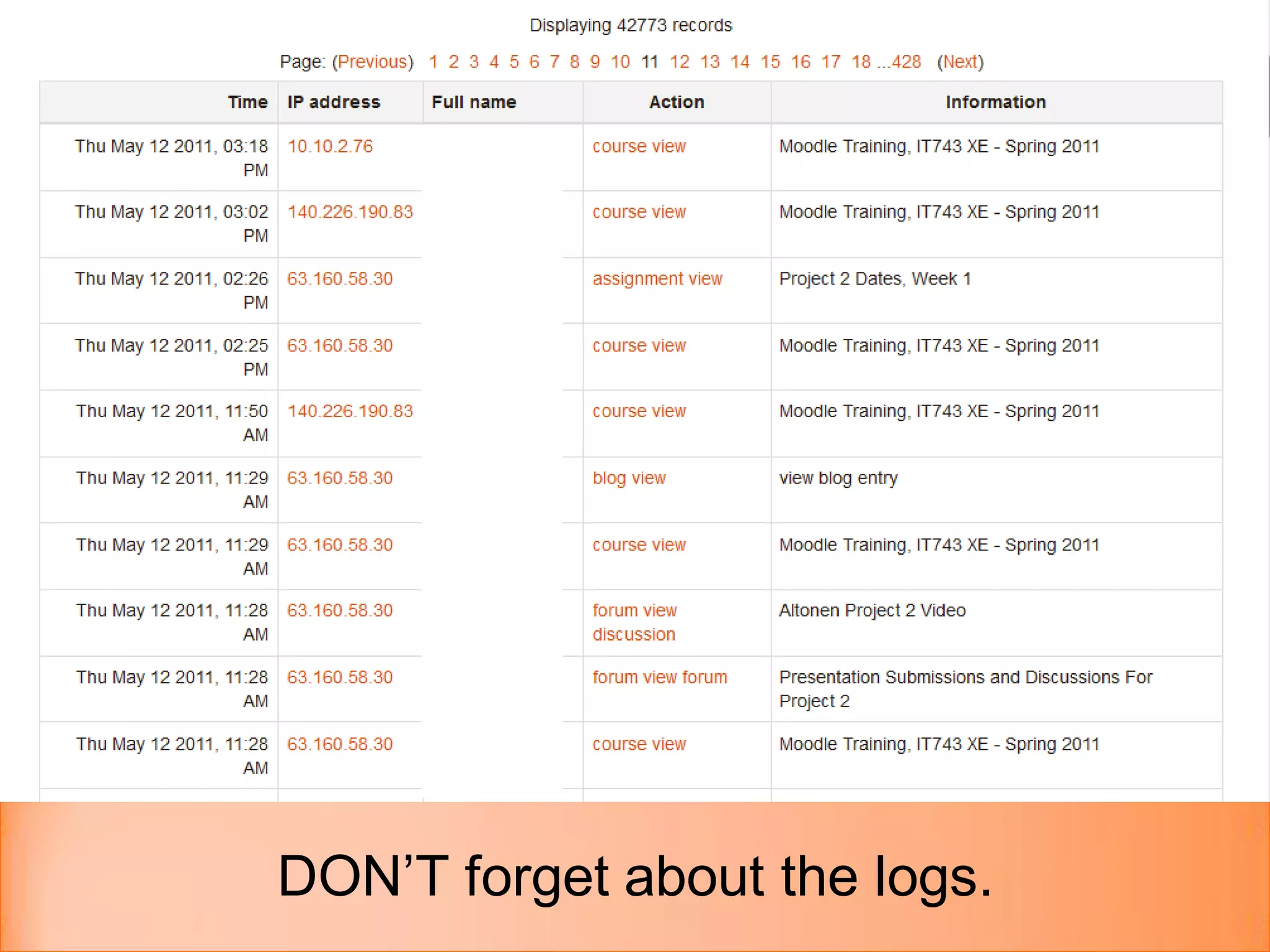
DON’T forget about the logs.
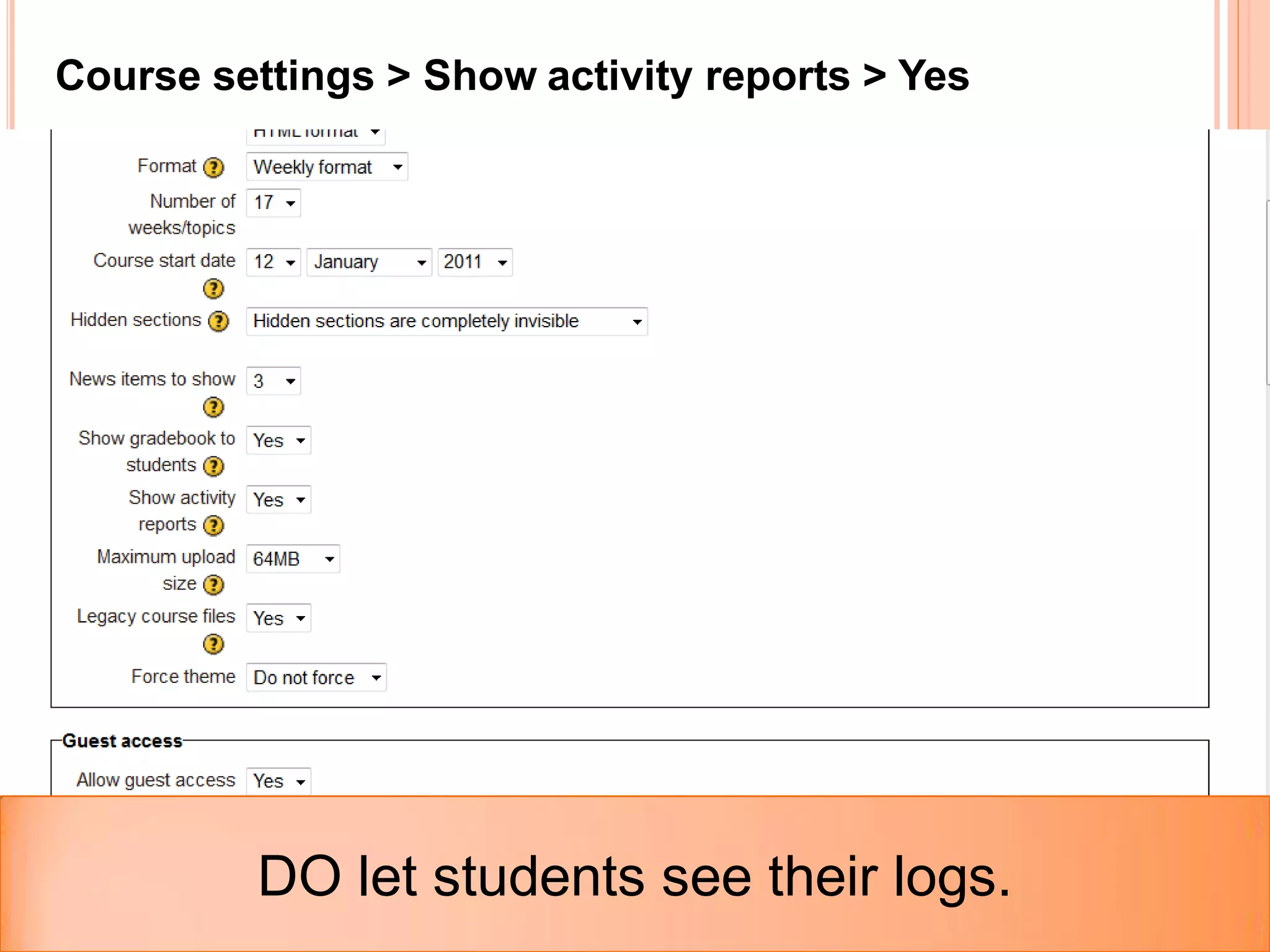
Course settings > Show activity reports > Yes


         DO let students see their logs.
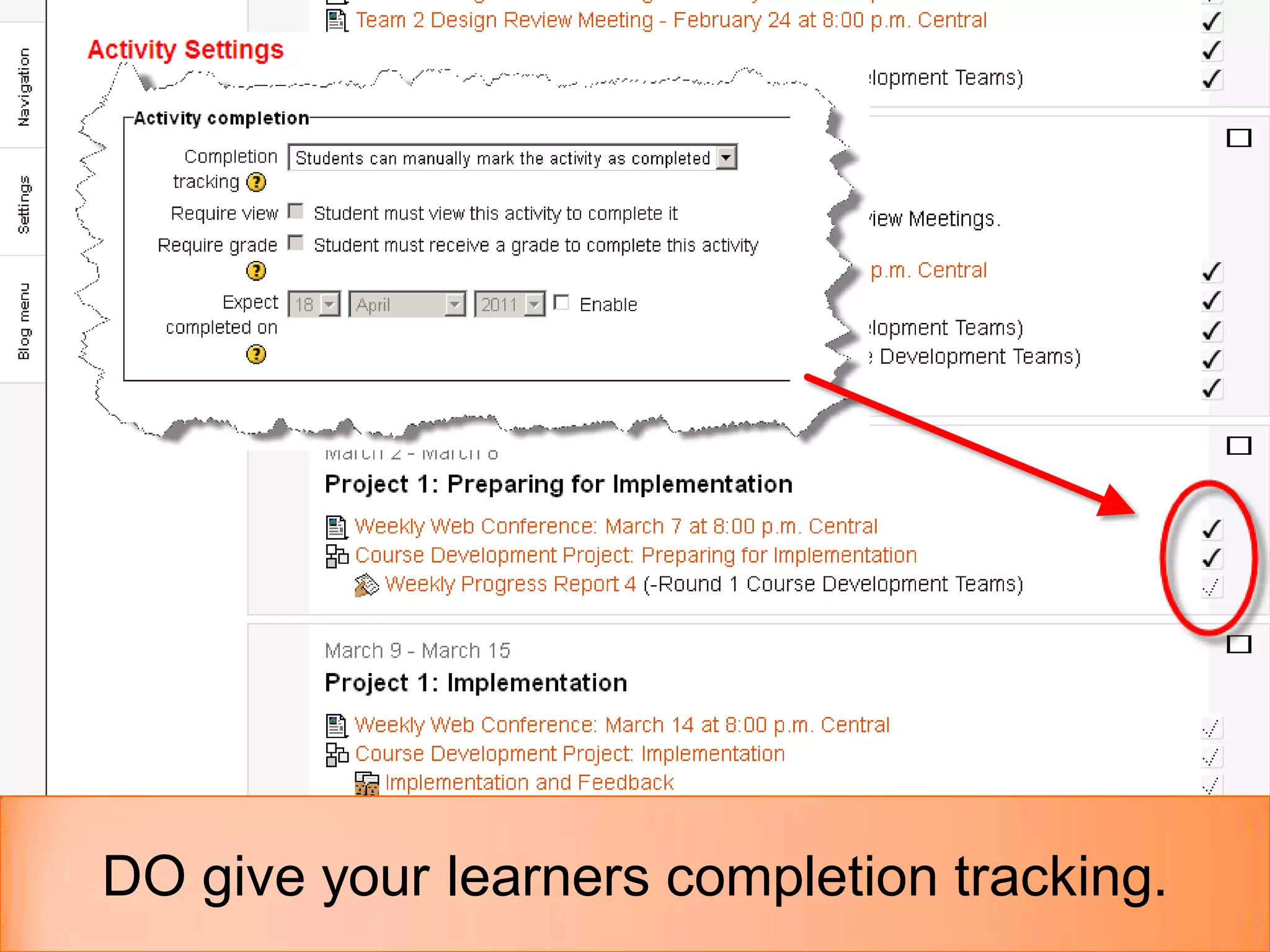
DO give your learners completion tracking.
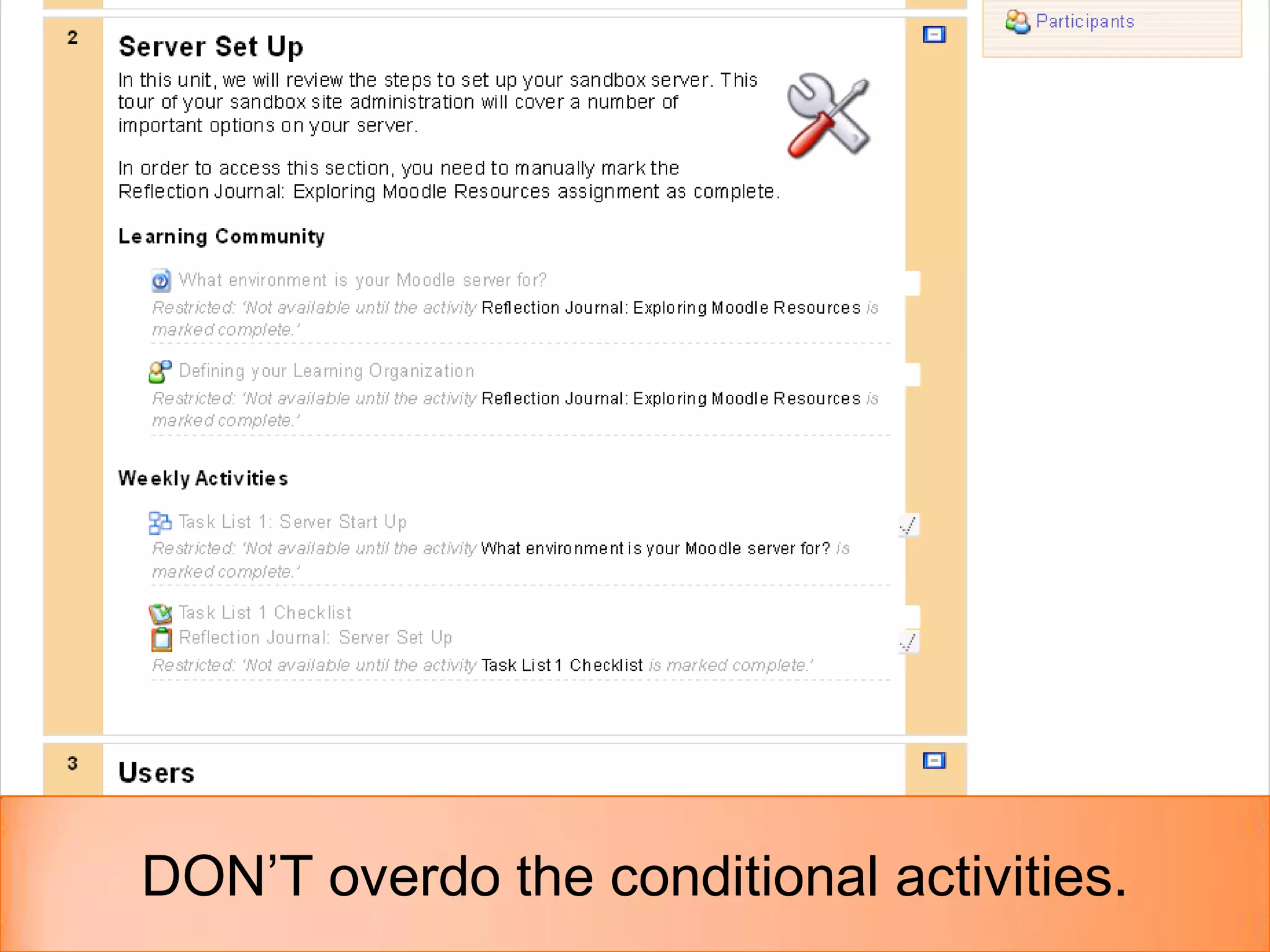
DON’T overdo the conditional activities.
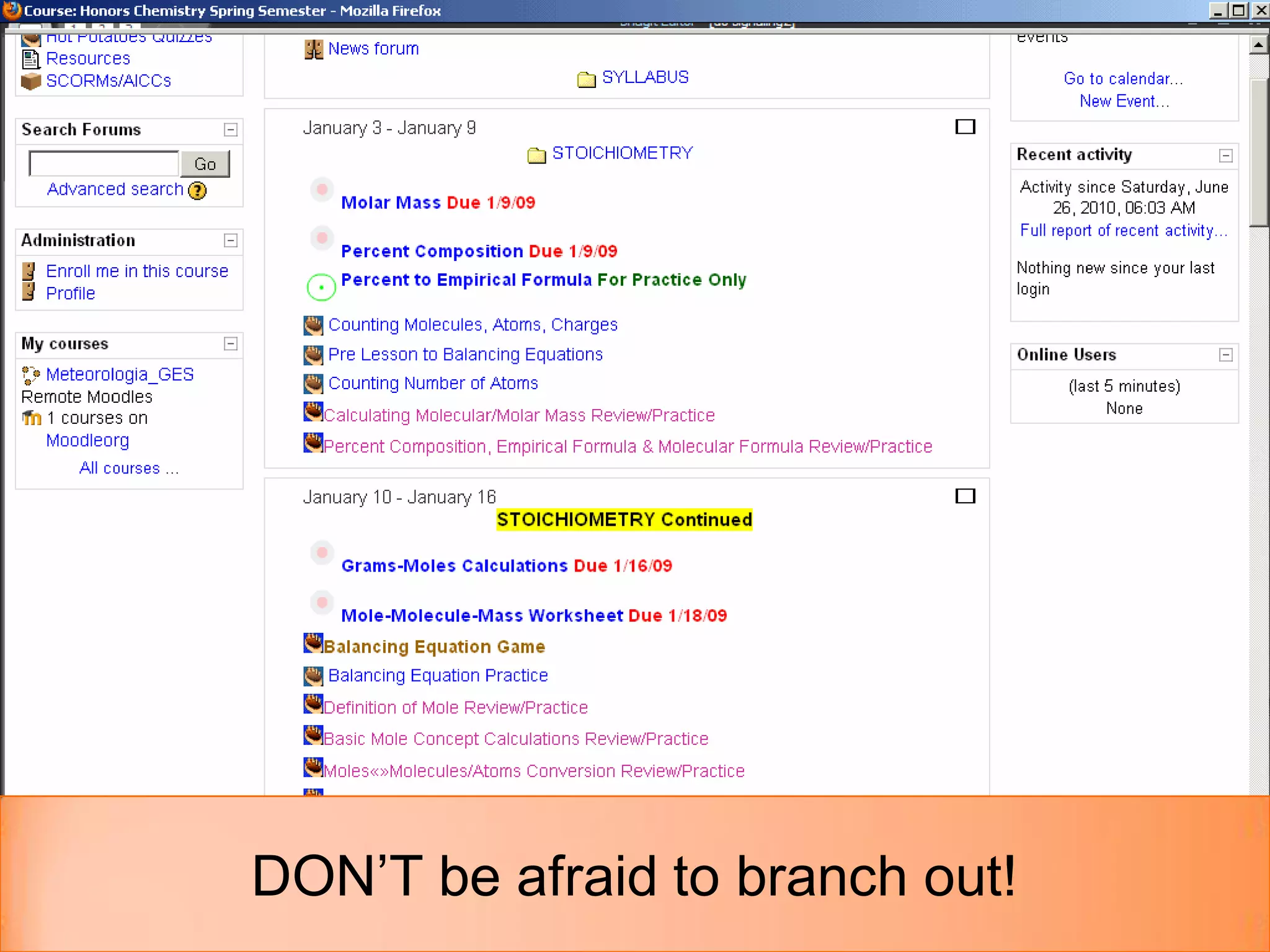
DON’T be afraid to branch out!
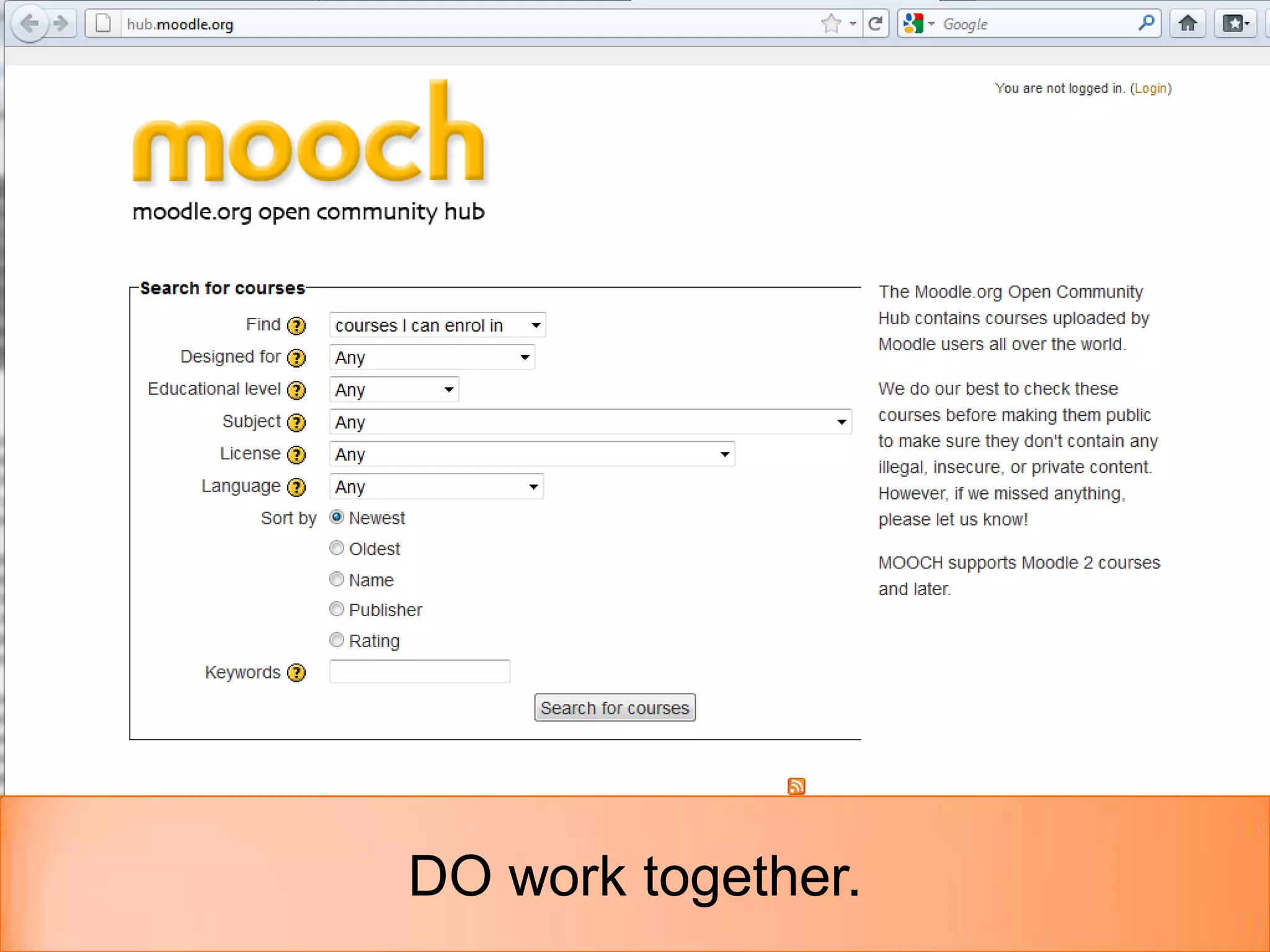
DO work together.
THANK YOU!
   Remote-Learner
     540-943-7831
     http://remote-learner.net

   Michelle Moore
     Email: michelle@remote-learner.net
     Twitter: @michelledmoore
     Blog: http://moodleandmoore.com
     Slides: http://slideshare.net/michelledmoore

Best practices in Moodle Course Design

Editor's Notes

  • #5 Do maintain consistency.Consistency of font styles, content delivery, and layout.
  • #6 Don’t use course front page to deliver your content.
  • #7 Do use course page to launch content.
  • #8 Let students do the work.
  • #10 No side to side scrolling.
  • #11 Do make sure your content fits on your learner’s screens.
  • #12 Consider activity tracking.
  • #13 Watch those activity names.
  • #14 Keep names short and sweet
  • #15 Do use labels to organize course activities.
  • #16 Don’t be afraid of white space.
  • #21 Mix it up.