![Overall, document management and
broadcast-oriented communication tools
. . . comprise 95% of all [LMS] user
actions.
- Charles Severance and Stephanie D. Teasley
http://misc.si.umich.edu/media/papers/p758-severance.pdf
DON’T think “bulletin board.”
www.flickr.com/photos/andrewmalone/2355592191](https://image.slidesharecdn.com/moodle2-bestpracticesforcoursecreators-ieukmoot2012-120402015425-phpapp01/75/Moodle-2-Best-Practices-for-Course-Creators-Ireland-and-UK-Moodlemoot-2012-4-2048.jpg)
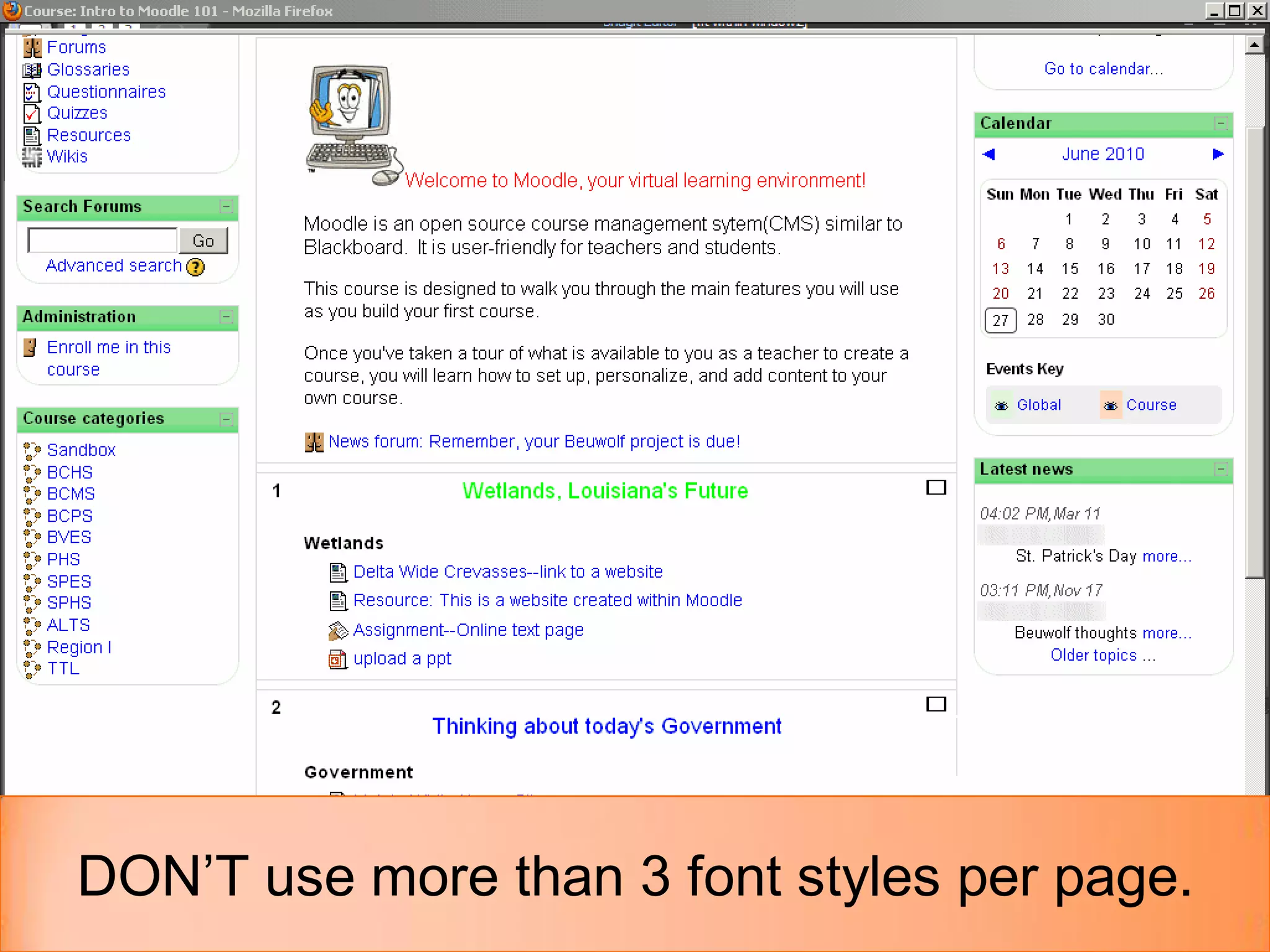
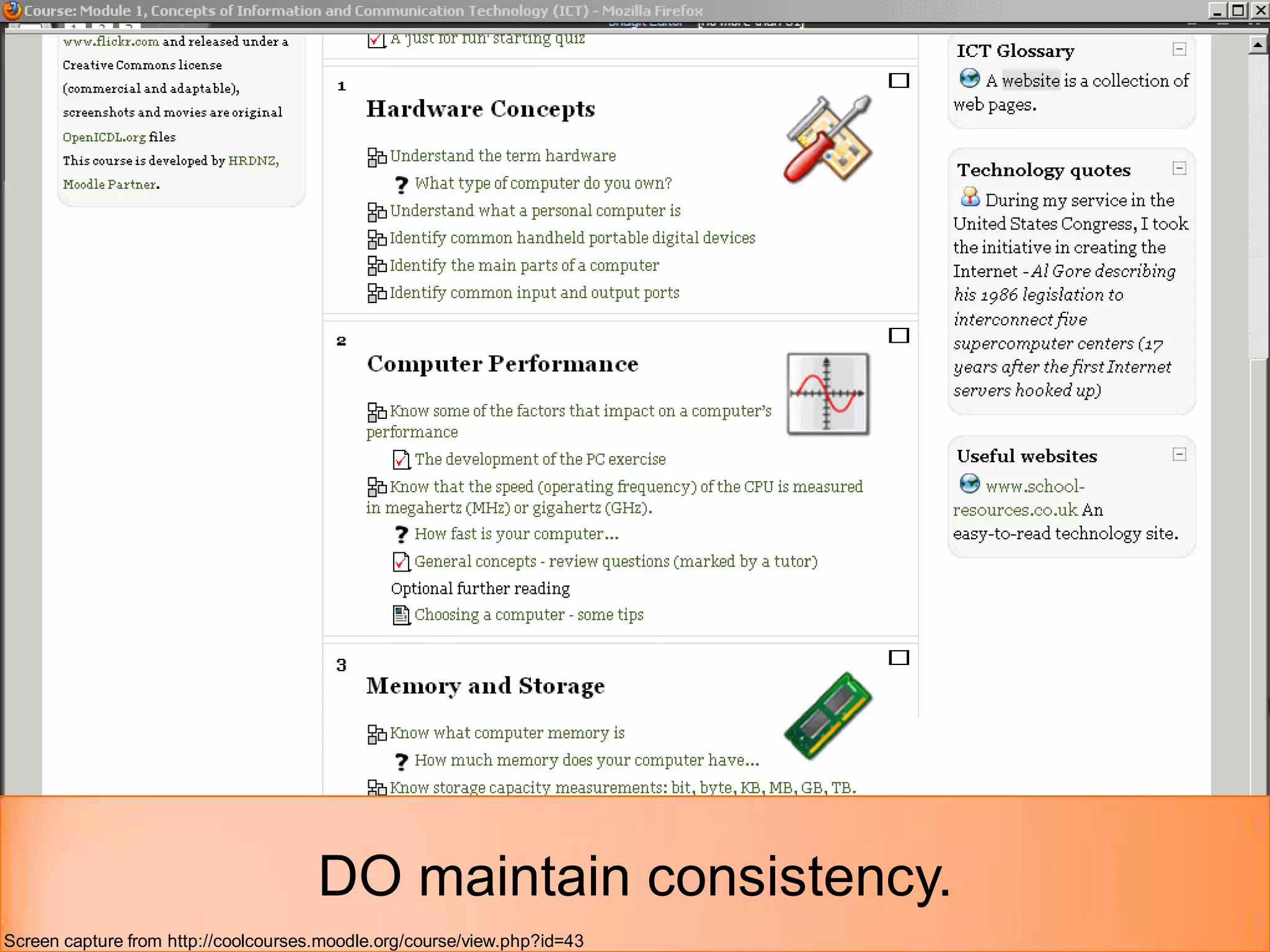
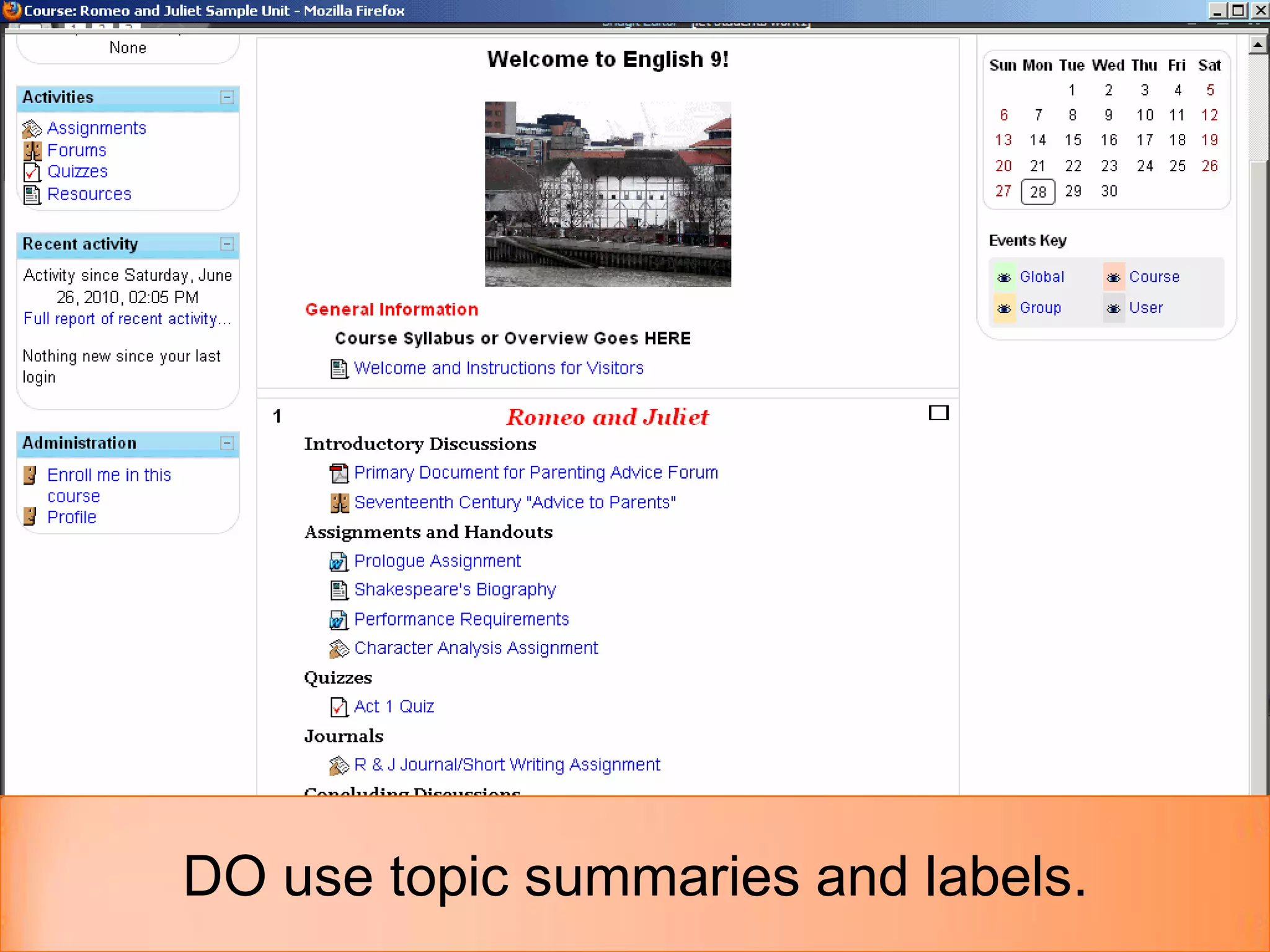
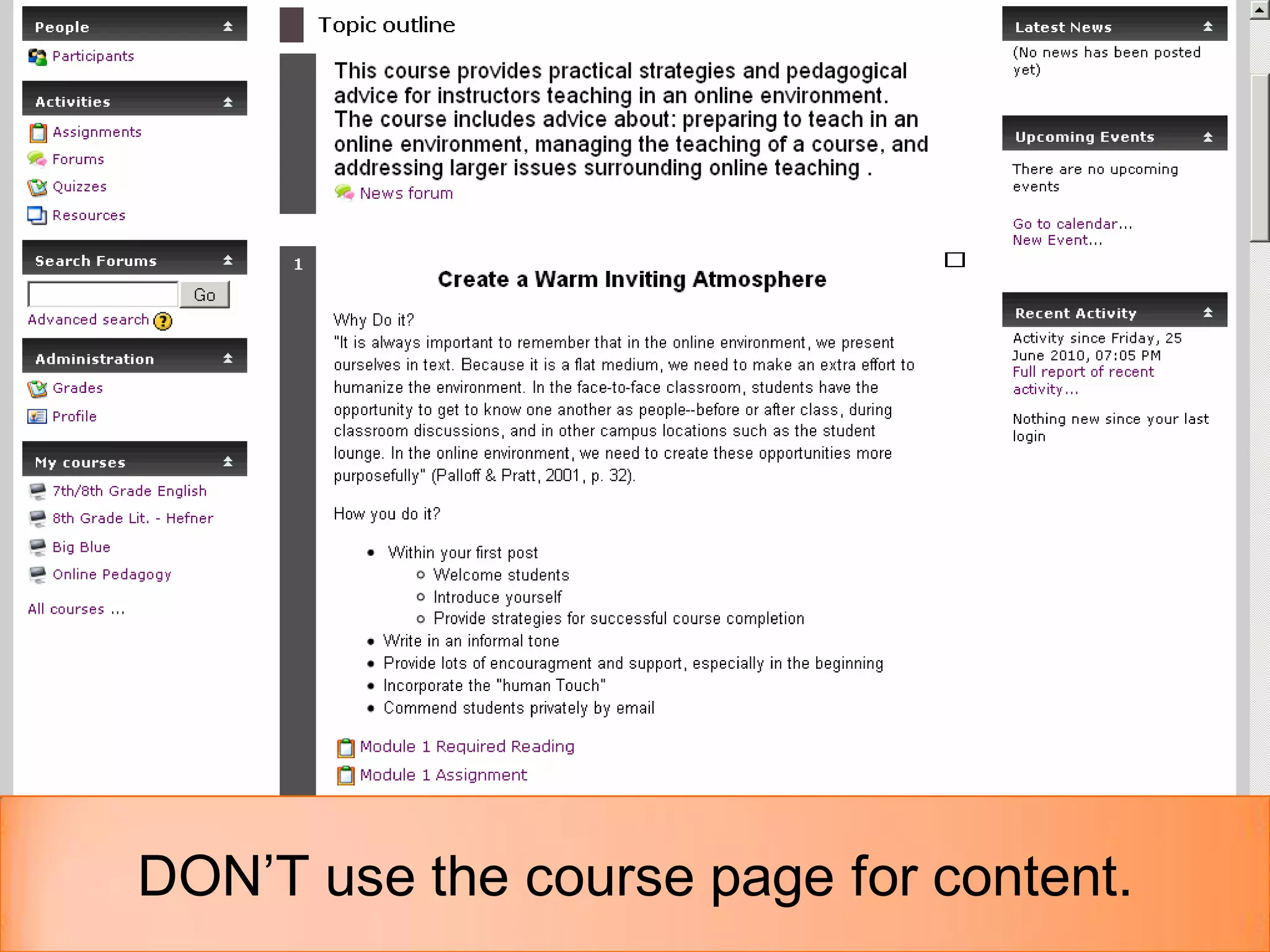
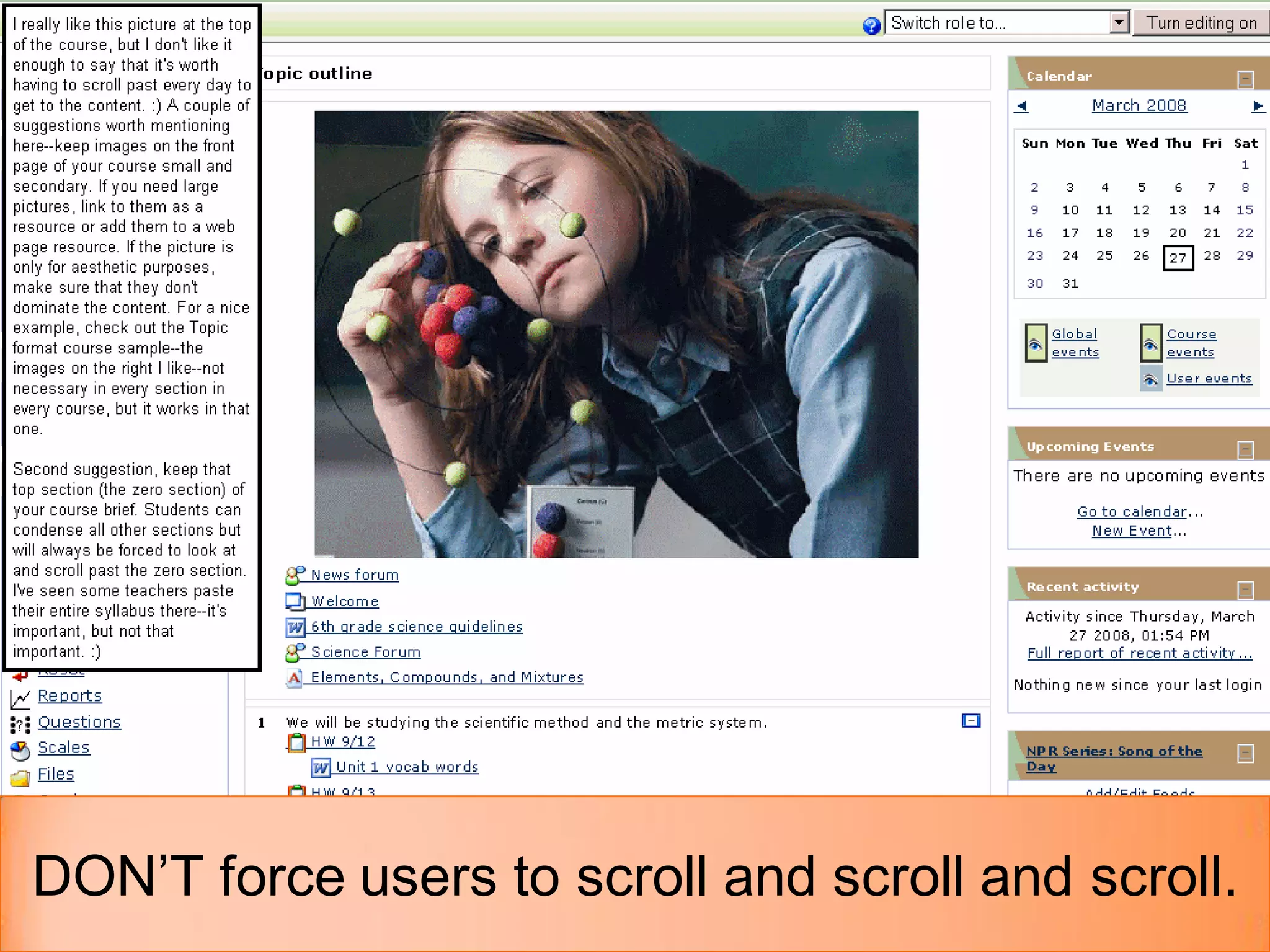
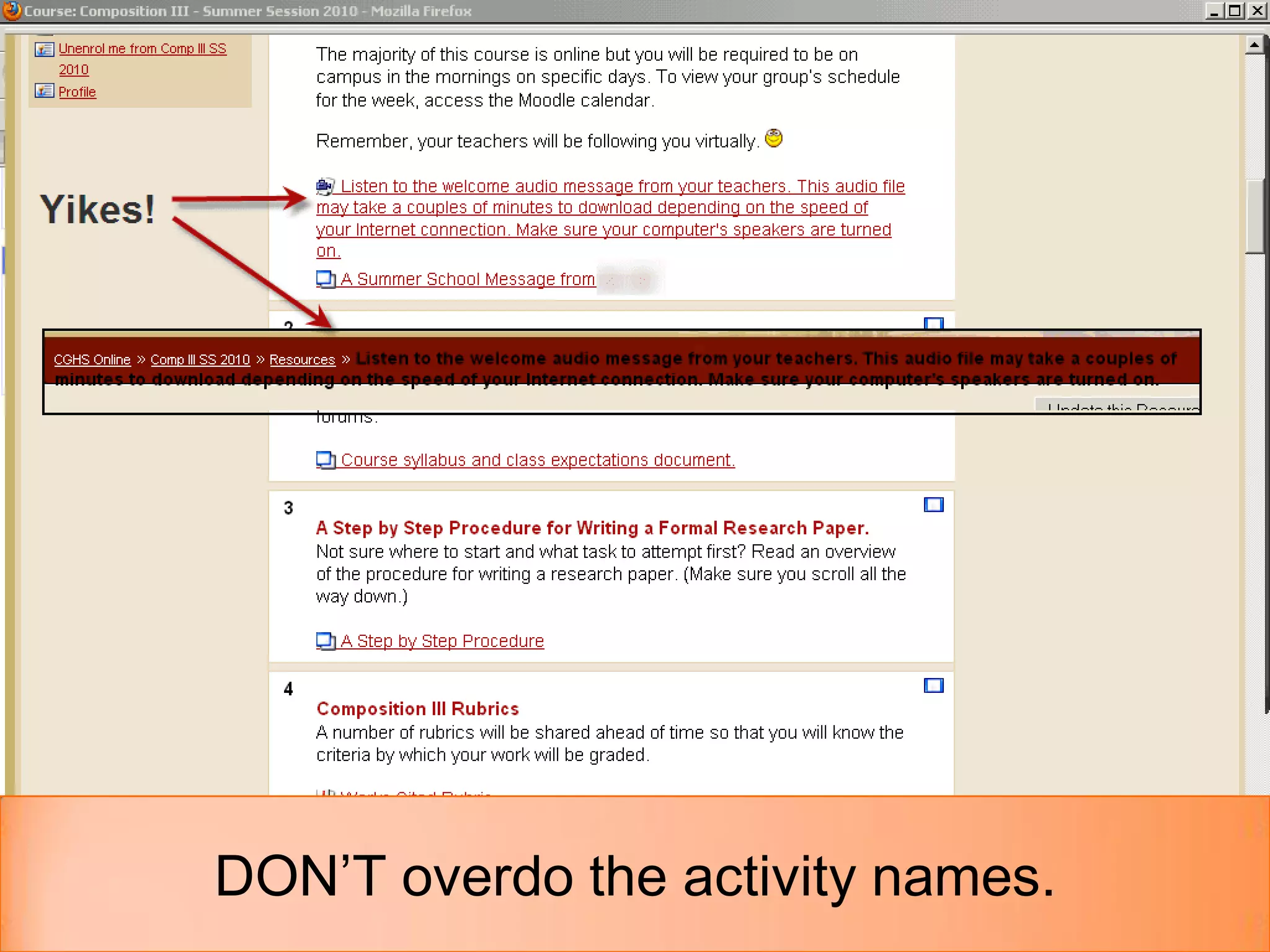
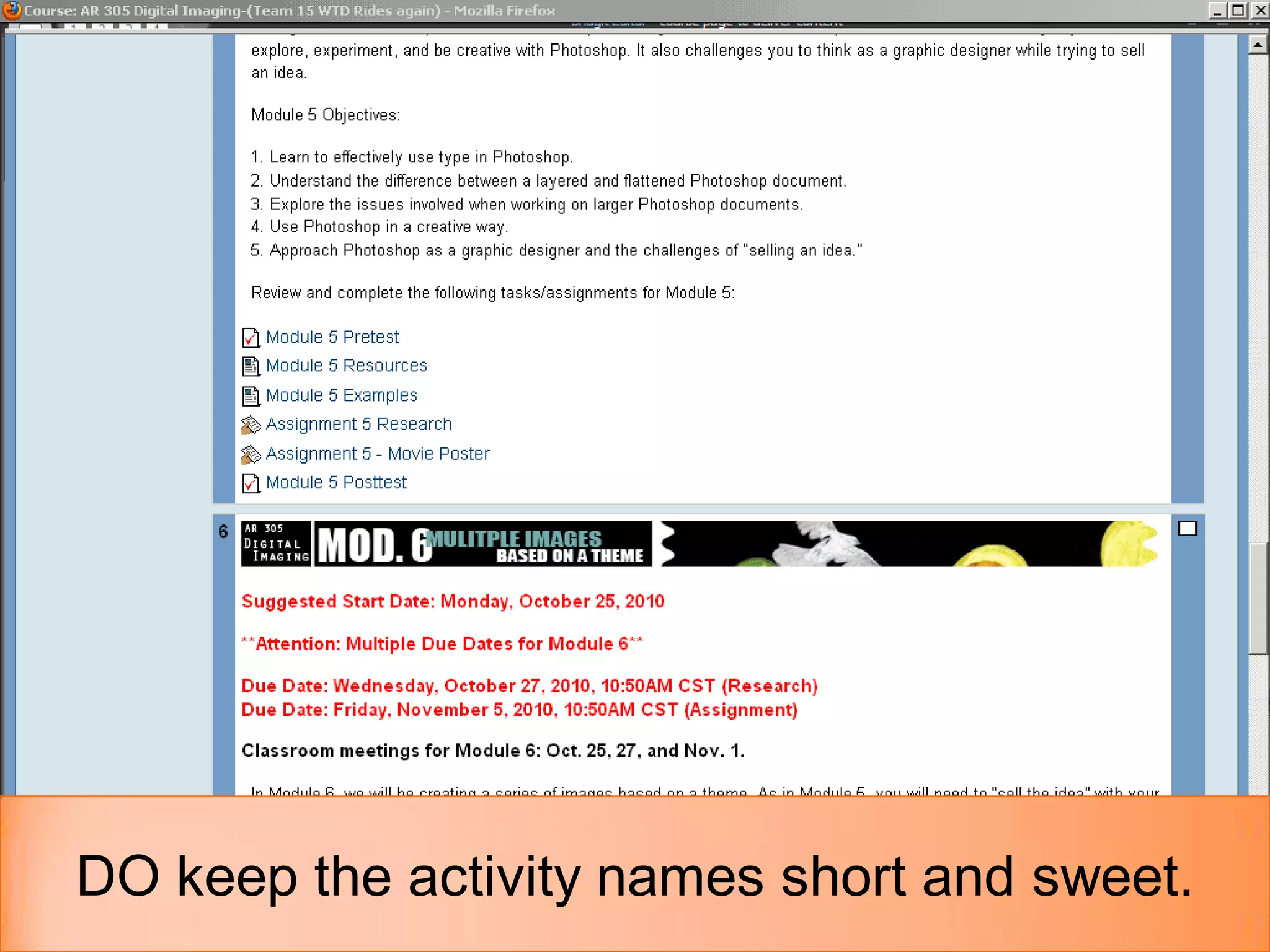
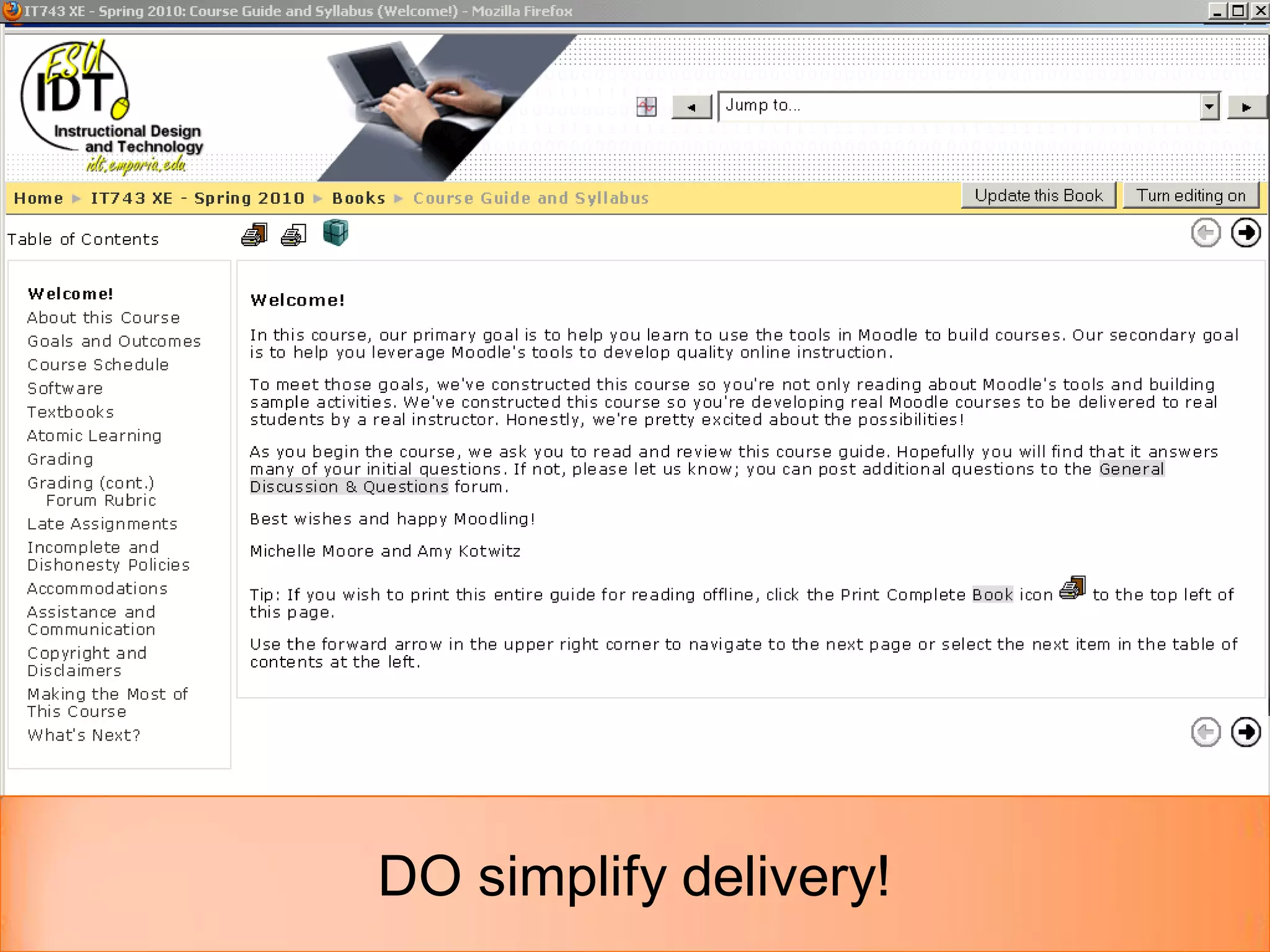
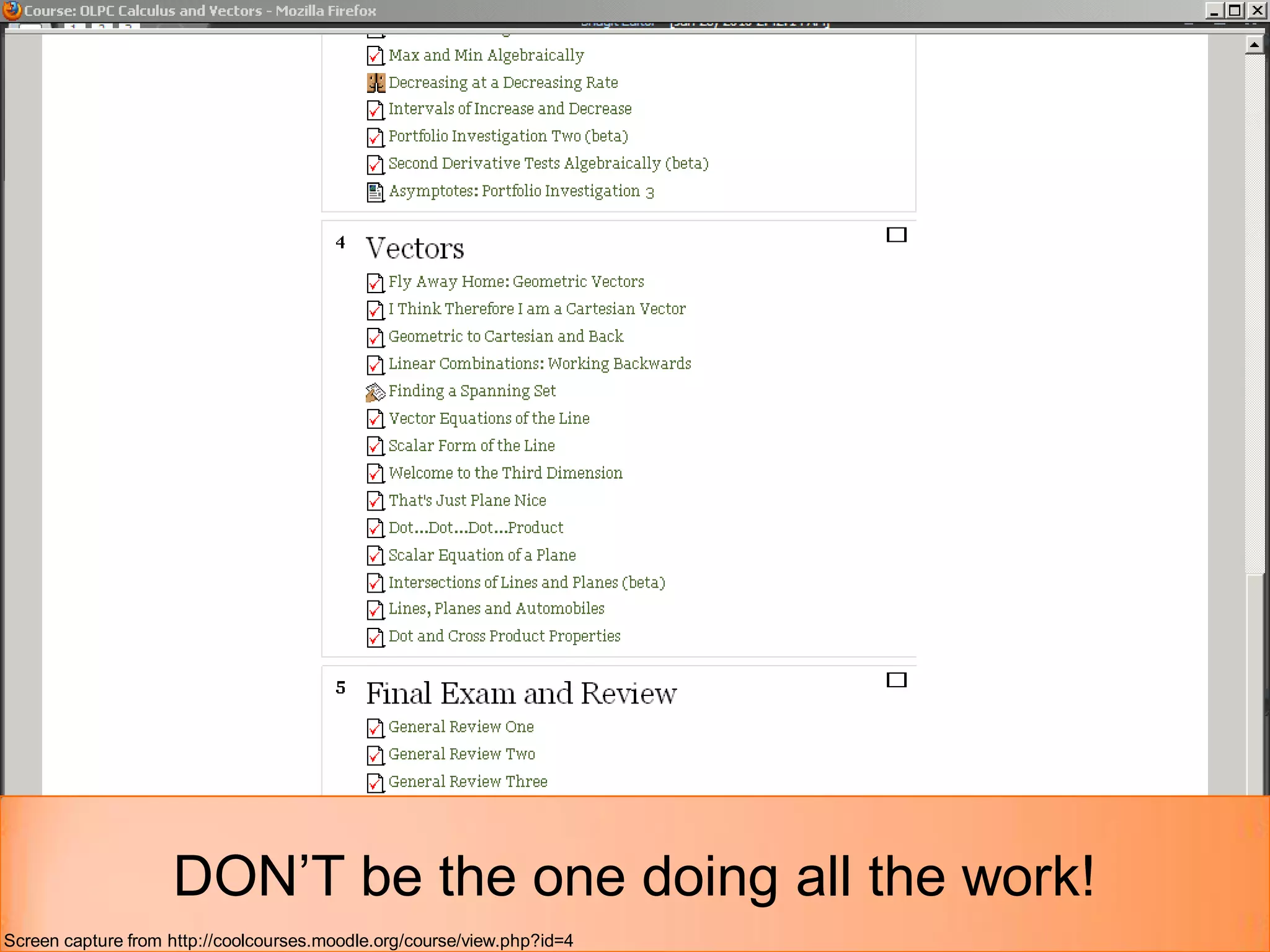
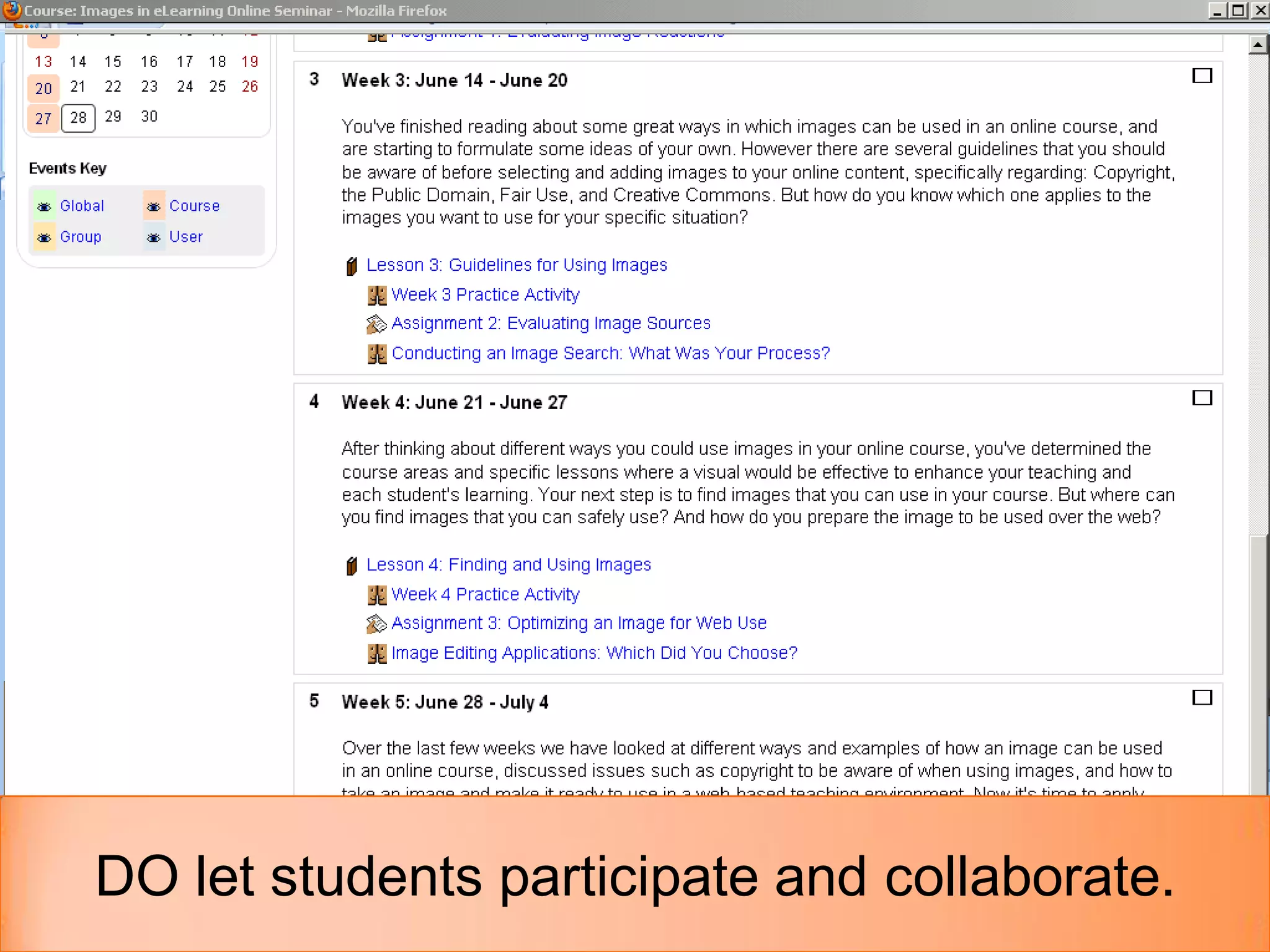


The document presents best practices for course creators using Moodle, emphasizing the importance of understanding the audience and maintaining consistency in course design. Key recommendations include using limited font styles, facilitating collaboration among students, and simplifying the delivery of content. It also cautions against overloading the course with unnecessary elements while encouraging reflection on user engagement and feedback.


