Docker
and
Puppet
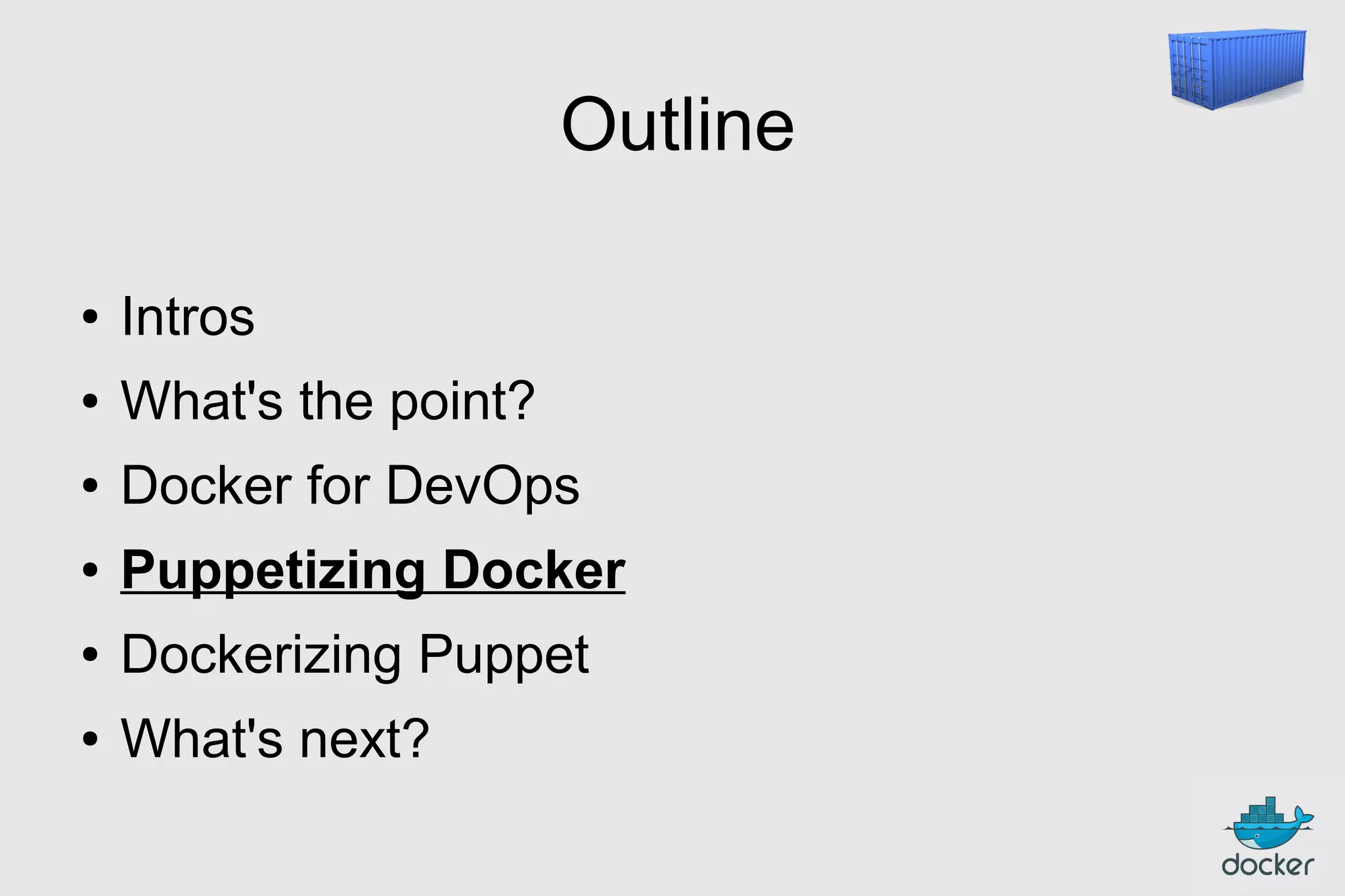
Outline
●

Intros

●

What's the point?

●

Docker for DevOps

●

Puppetizing Docker

●

Dockerizing Puppet

●

What's next?
Outline
●

Intros

●

What's the point?

●

Docker for DevOps

●

Puppetizing Docker

●

Dockerizing Puppet

●

What's next?
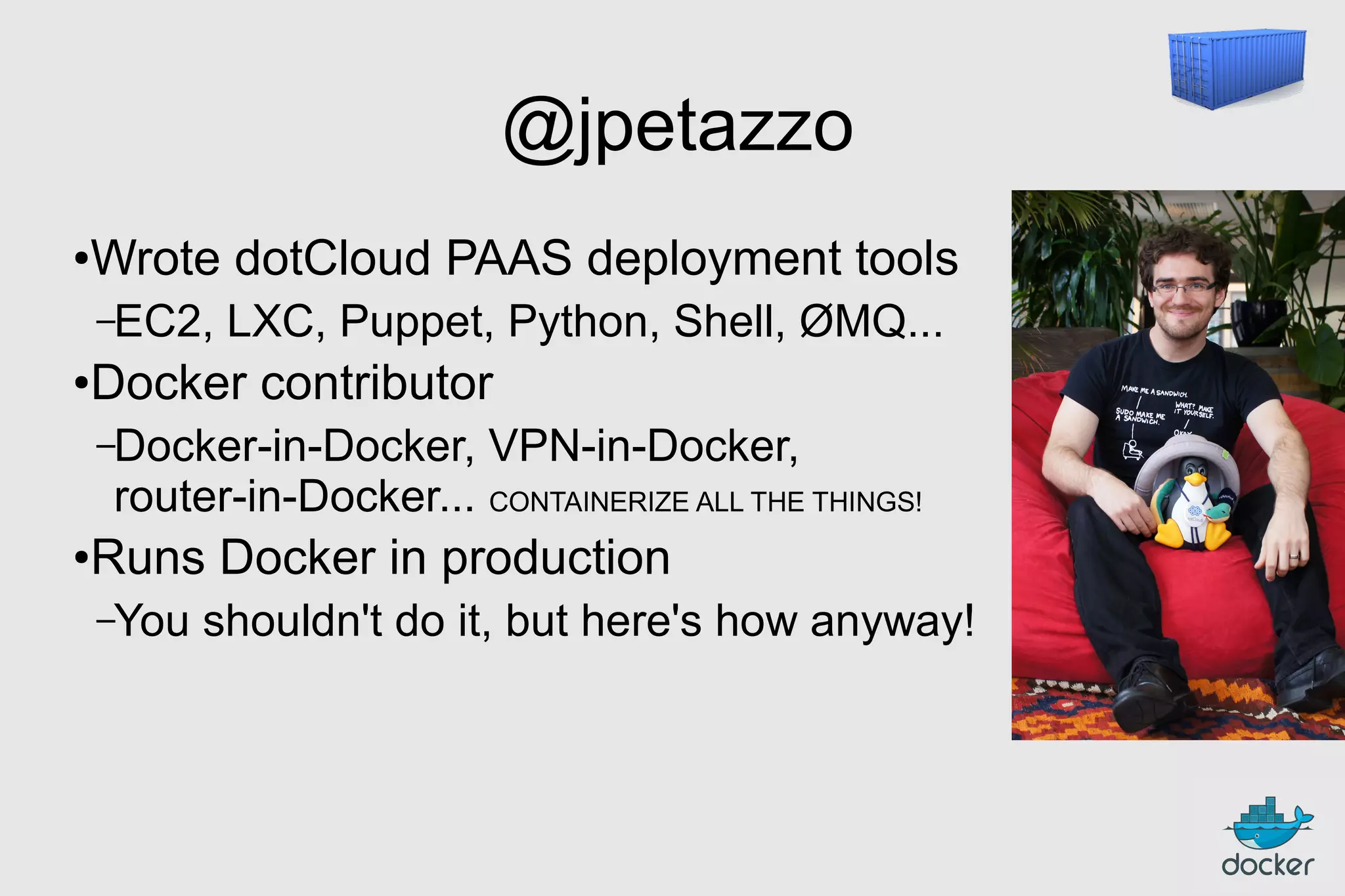
@jpetazzo
●

Wrote dotCloud PAAS deployment tools
–EC2,

●

LXC, Puppet, Python, Shell, ØMQ...

Docker contributor
–Docker-in-Docker,

VPN-in-Docker,

router-in-Docker... CONTAINERIZE ALL THE THINGS!
●

Runs Docker in production
–You

shouldn't do it, but here's how anyway!
You
●

Puppet?

●

Production?

●

Cloud?

●

Docker?
Outline
●

Intros

●

What's the point?

●

Docker for DevOps

●

Puppetizing Docker

●

Dockerizing Puppet

●

What's next?
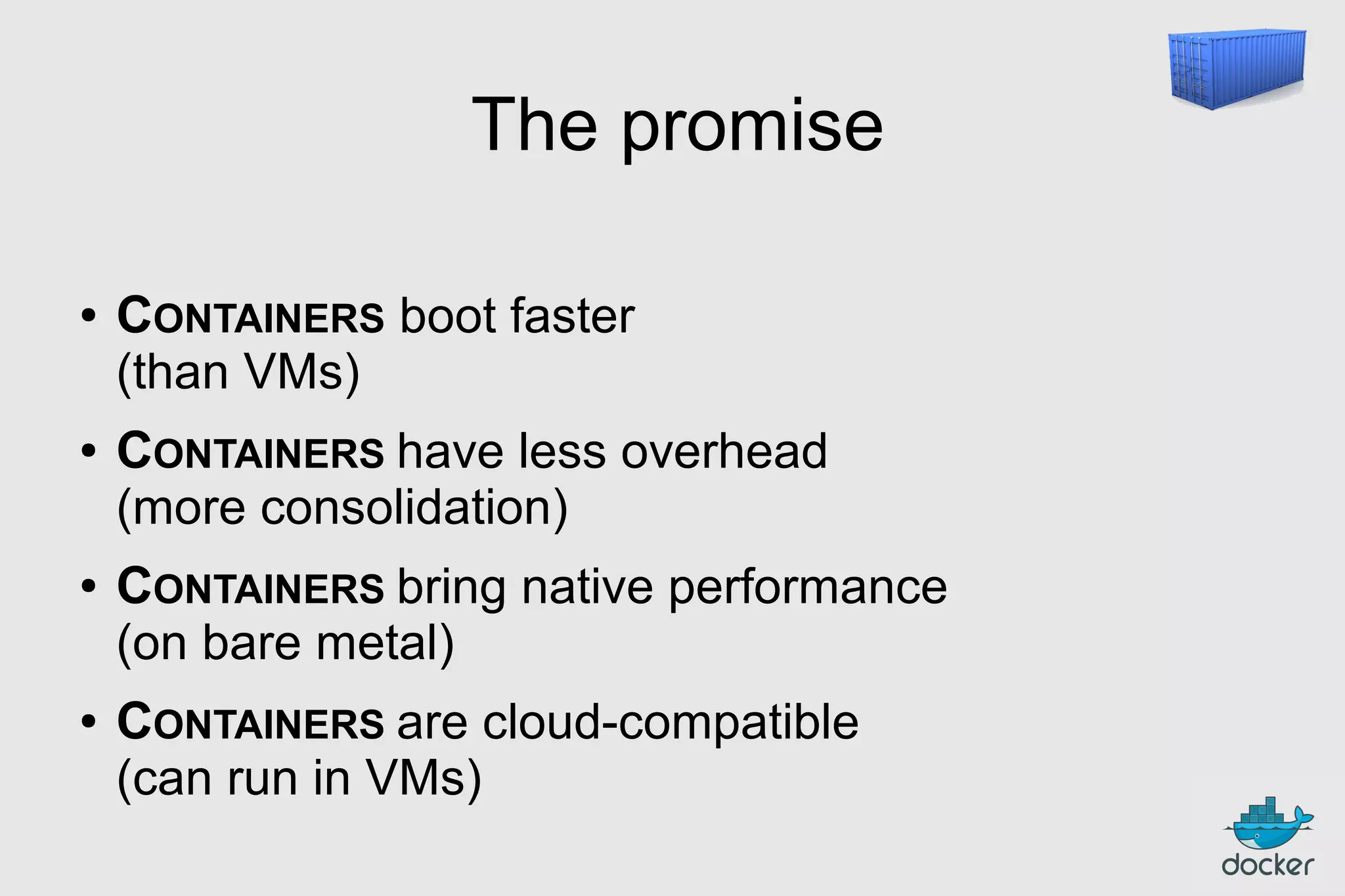
The promise
●

●

●

●

CONTAINERS boot faster
(than VMs)
CONTAINERS have less overhead
(more consolidation)
CONTAINERS bring native performance
(on bare metal)
CONTAINERS are cloud-compatible
(can run in VMs)
Outline
●

Intros

●

What's the point?

●

Docker for DevOps

●

Puppetizing Docker

●

Dockerizing Puppet

●

What's next?
Hypervisor for containers
●

Xen, KVM, VMWare... deal with VMs

●

Docker deals with containers (currently LXC)
Wait, what's a container?
High level approach:
it's a lightweight VM
●

own process space

●

own network interface

●

can run stuff as root

●

can have its own /sbin/init
(different from the host)

« Machine Container »
Low level approach:
it's chroot on steroids
●

can also not have its own /sbin/init

●

container = isolated process(es)

●

share kernel with host

●

no device emulation (neither HVM nor PV)

« Application Container »
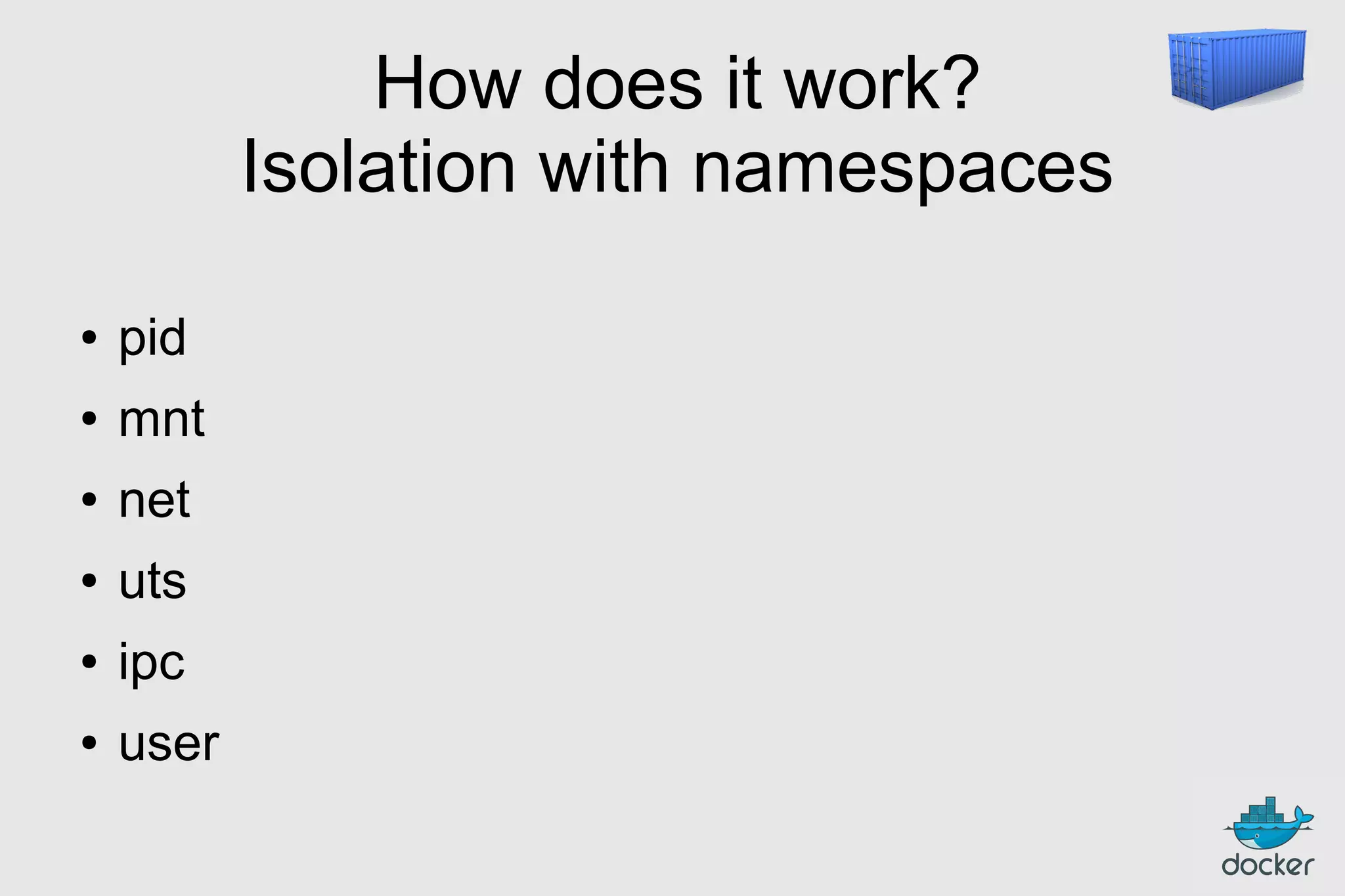
How does it work?
Isolation with namespaces
●

pid

●

mnt

●

net

●

uts

●

ipc

●

user
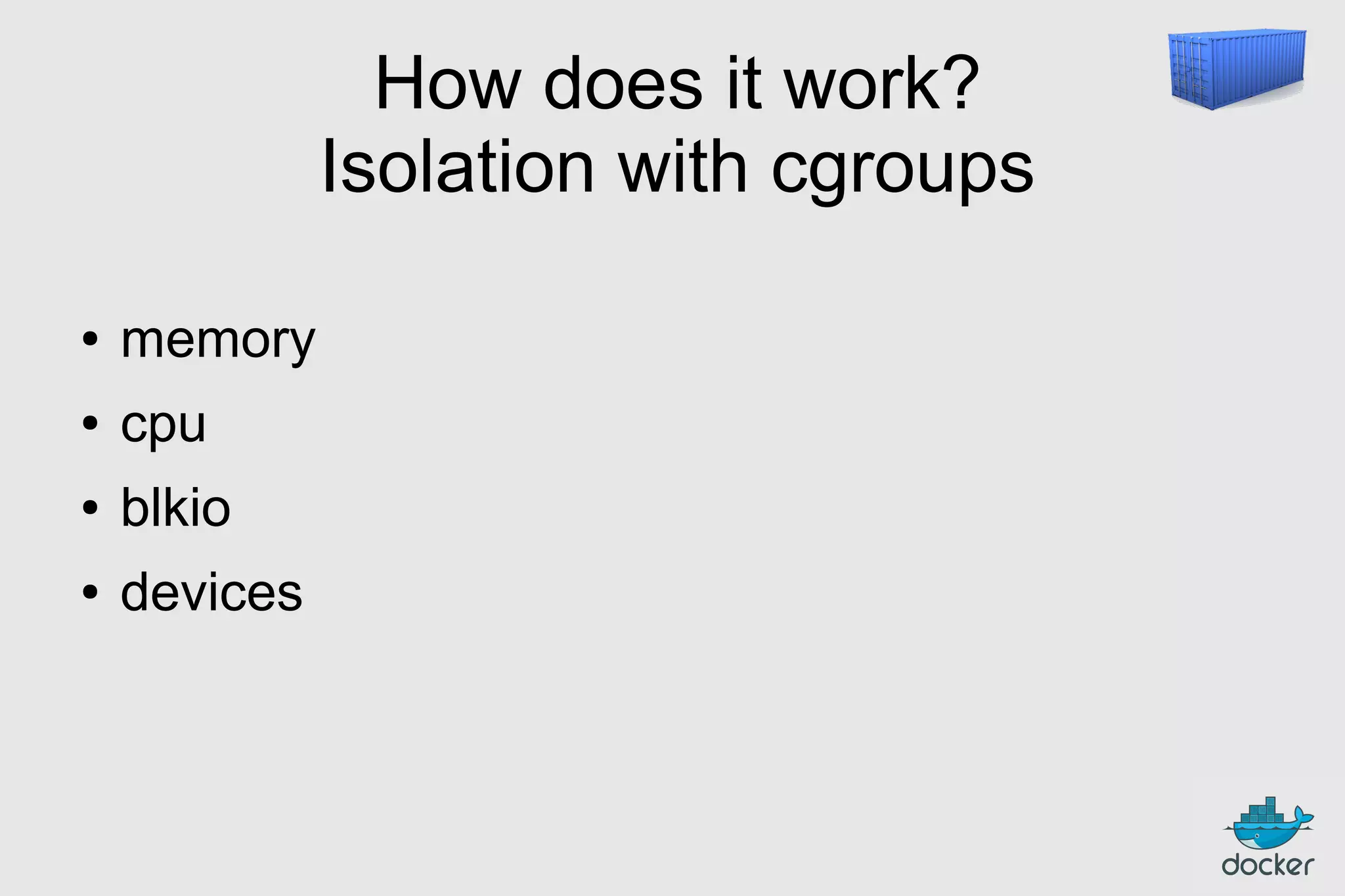
How does it work?
Isolation with cgroups
●

memory

●

cpu

●

blkio

●

devices
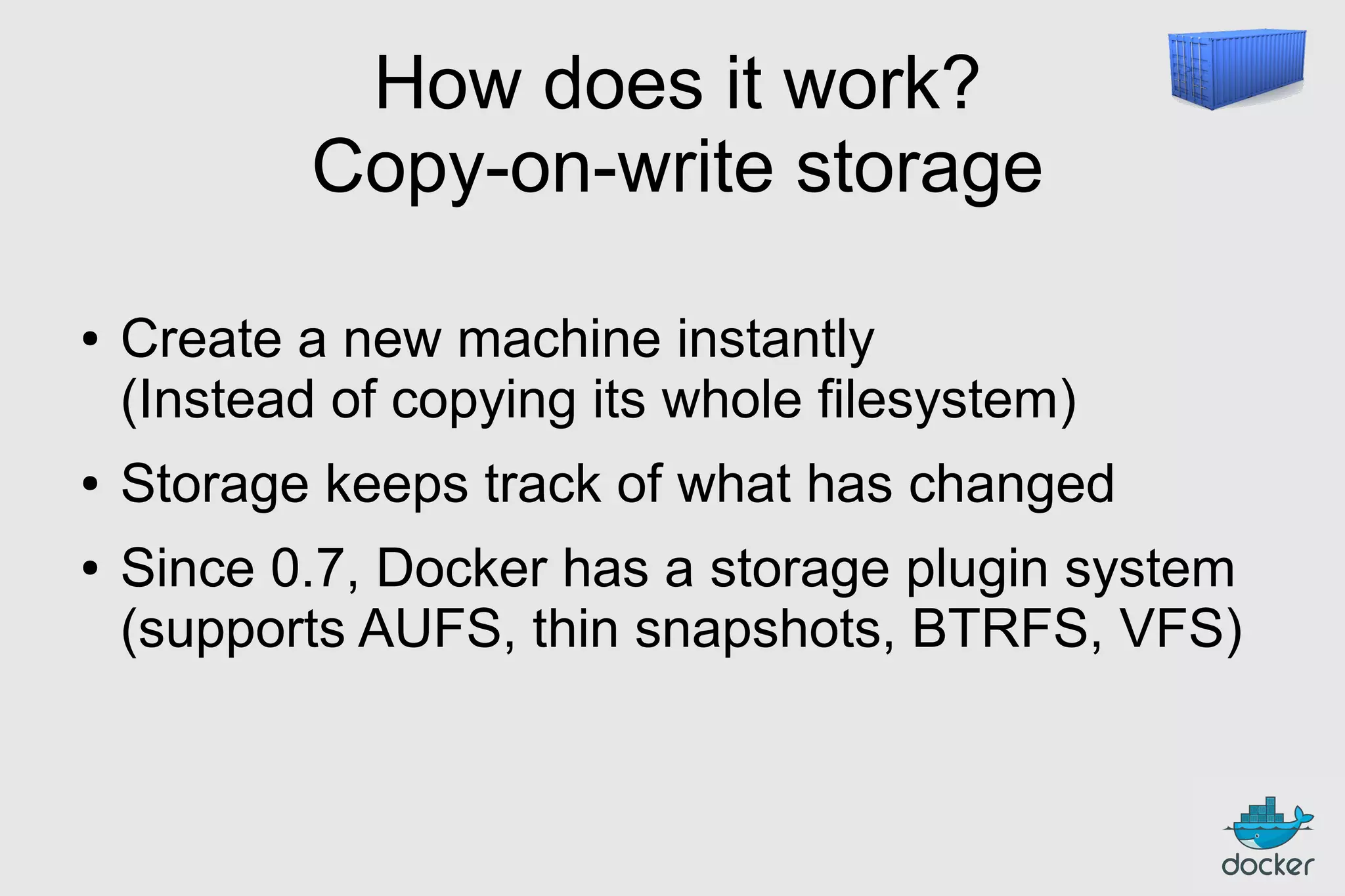
How does it work?
Copy-on-write storage
●

●
●

Create a new machine instantly
(Instead of copying its whole filesystem)
Storage keeps track of what has changed
Since 0.7, Docker has a storage plugin system
(supports AUFS, thin snapshots, BTRFS, VFS)
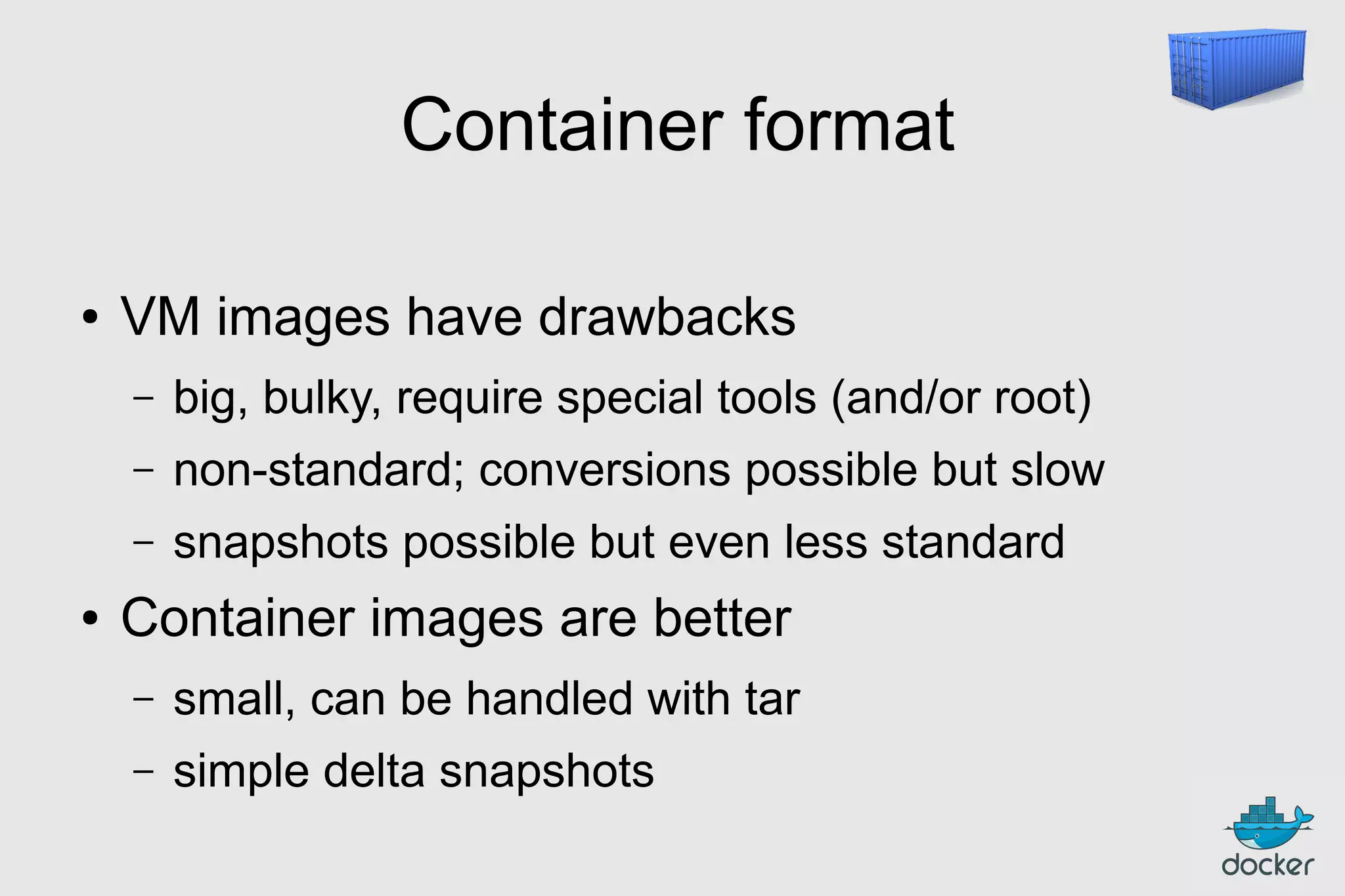
Container format
●

VM images have drawbacks
–
–

non-standard; conversions possible but slow

–
●

big, bulky, require special tools (and/or root)
snapshots possible but even less standard

Container images are better
–

small, can be handled with tar

–

simple delta snapshots
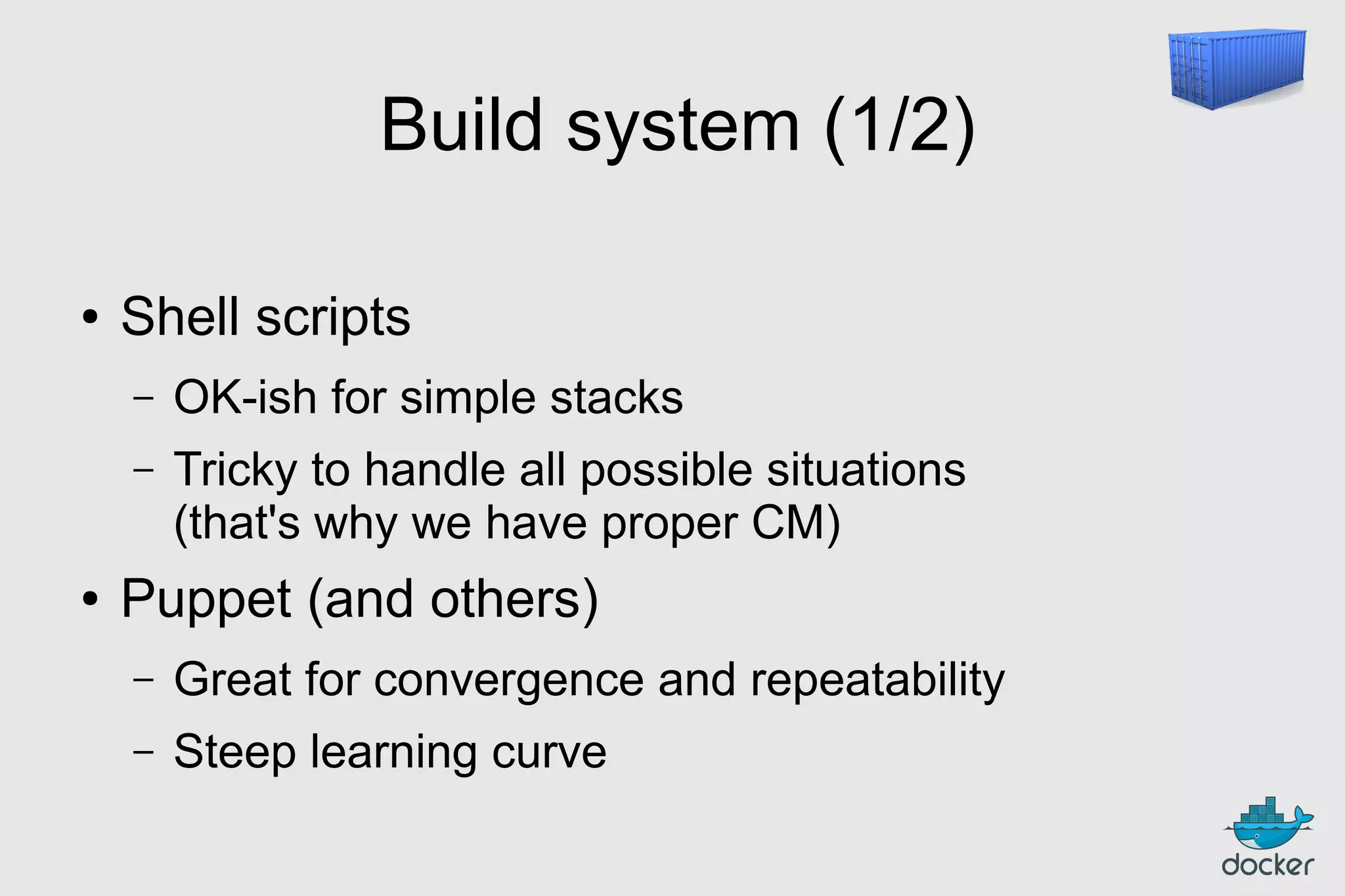
Build system (1/2)
●

Shell scripts
–
–

●

OK-ish for simple stacks
Tricky to handle all possible situations
(that's why we have proper CM)

Puppet (and others)
–

Great for convergence and repeatability

–

Steep learning curve
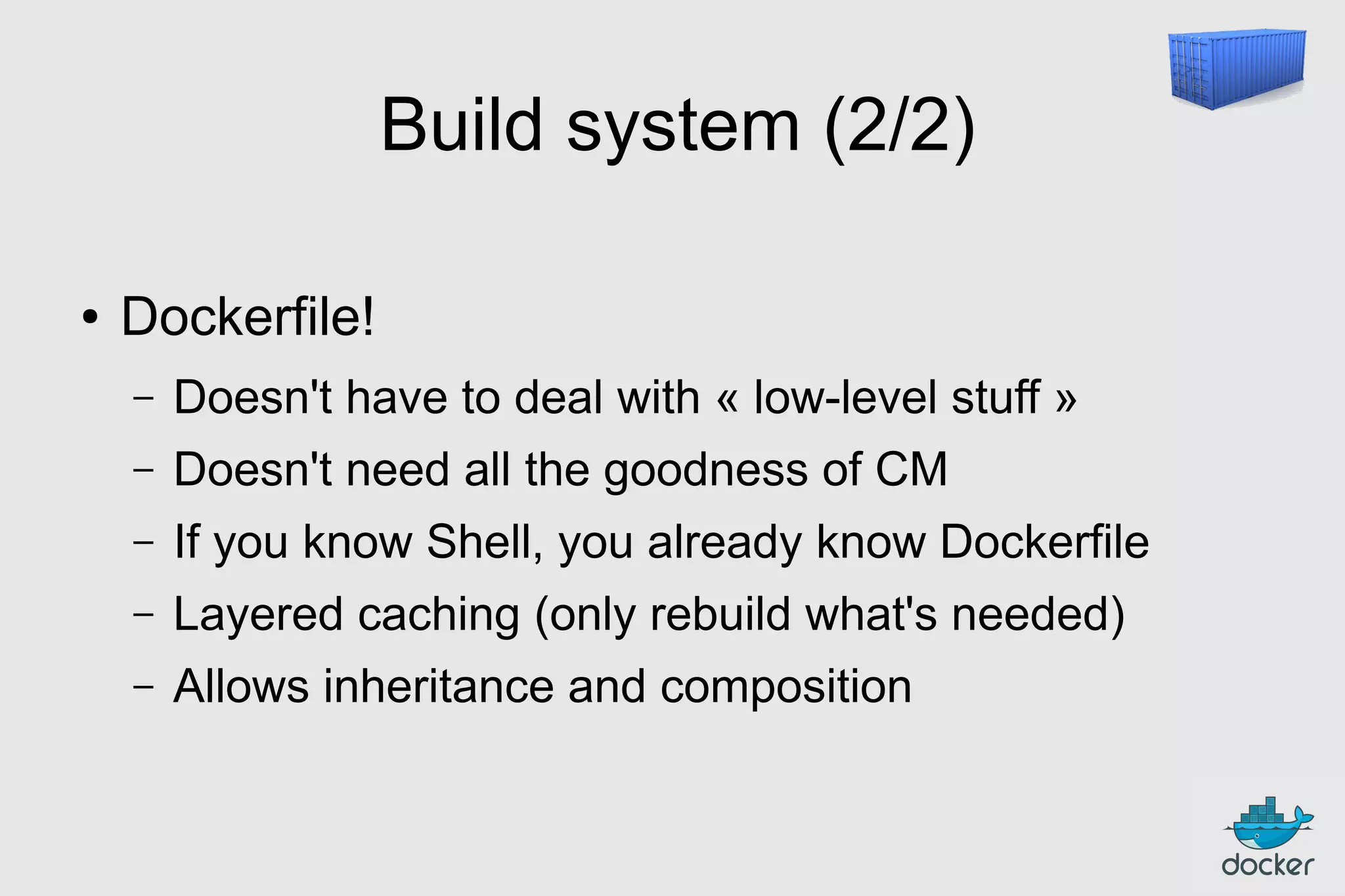
Build system (2/2)
●

Dockerfile!
–

Doesn't have to deal with « low-level stuff »

–

Doesn't need all the goodness of CM

–

If you know Shell, you already know Dockerfile

–

Layered caching (only rebuild what's needed)

–

Allows inheritance and composition
FROM ubuntu
RUN
RUN
RUN
RUN
RUN

apt-get
apt-get
apt-get
apt-get
apt-get

-y update
install -y
install -y
install -y
install -y

g++
erlang-dev erlang-manpages erlang-base-hipe ...
libmozjs185-dev libicu-dev libtool ...
make wget

RUN wget http://.../apache-couchdb-1.3.1.tar.gz | tar -C /tmp -zxfRUN cd /tmp/apache-couchdb-* && ./configure && make install
RUN printf "[httpd]nport = 8101nbind_address = 0.0.0.0" >
/usr/local/etc/couchdb/local.d/docker.ini

EXPOSE 8101
CMD ["/usr/local/bin/couchdb"]

docker build -t jpetazzo/couchdb .
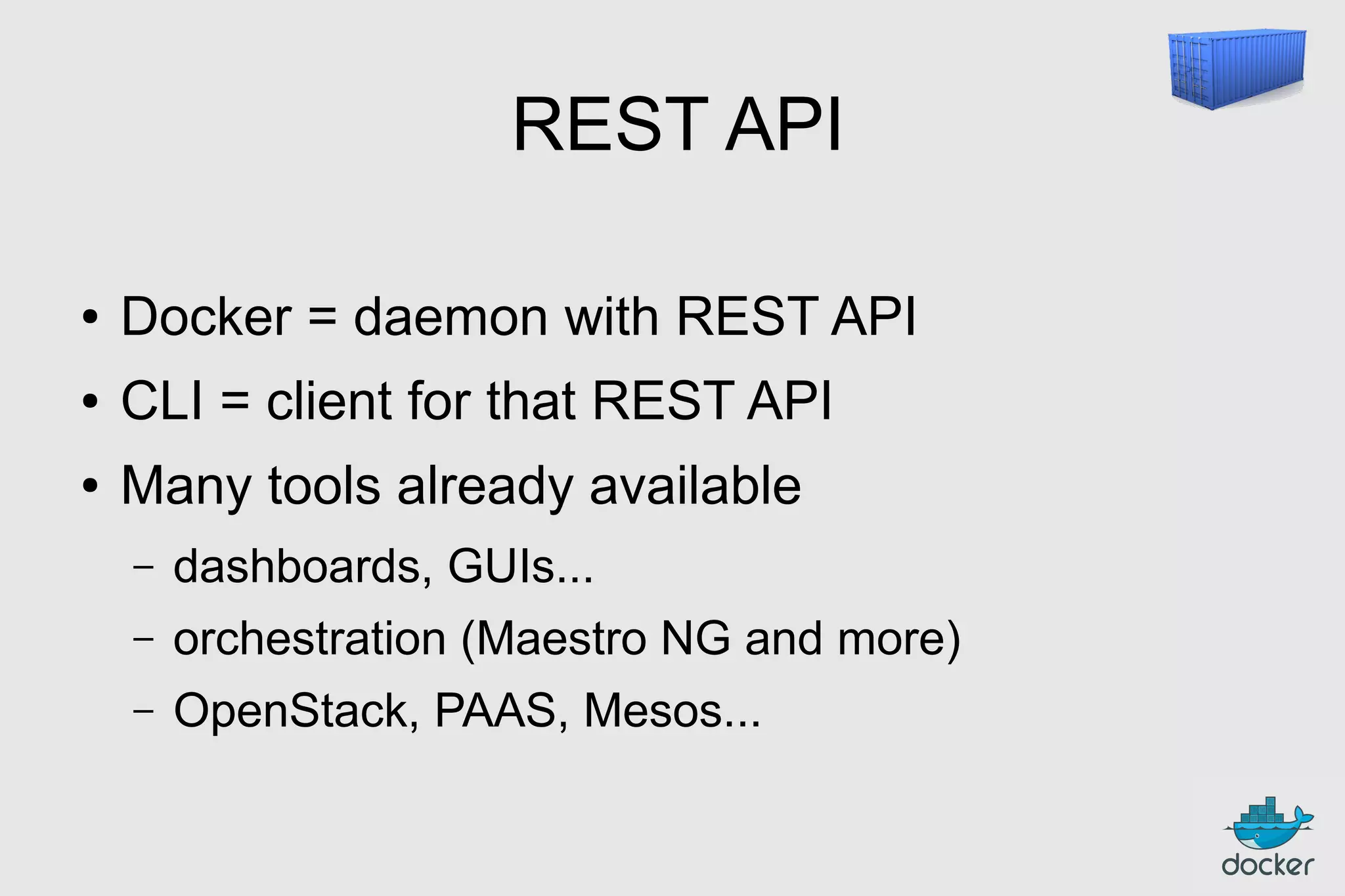
REST API
●

Docker = daemon with REST API

●

CLI = client for that REST API

●

Many tools already available
–

dashboards, GUIs...

–

orchestration (Maestro NG and more)

–

OpenStack, PAAS, Mesos...
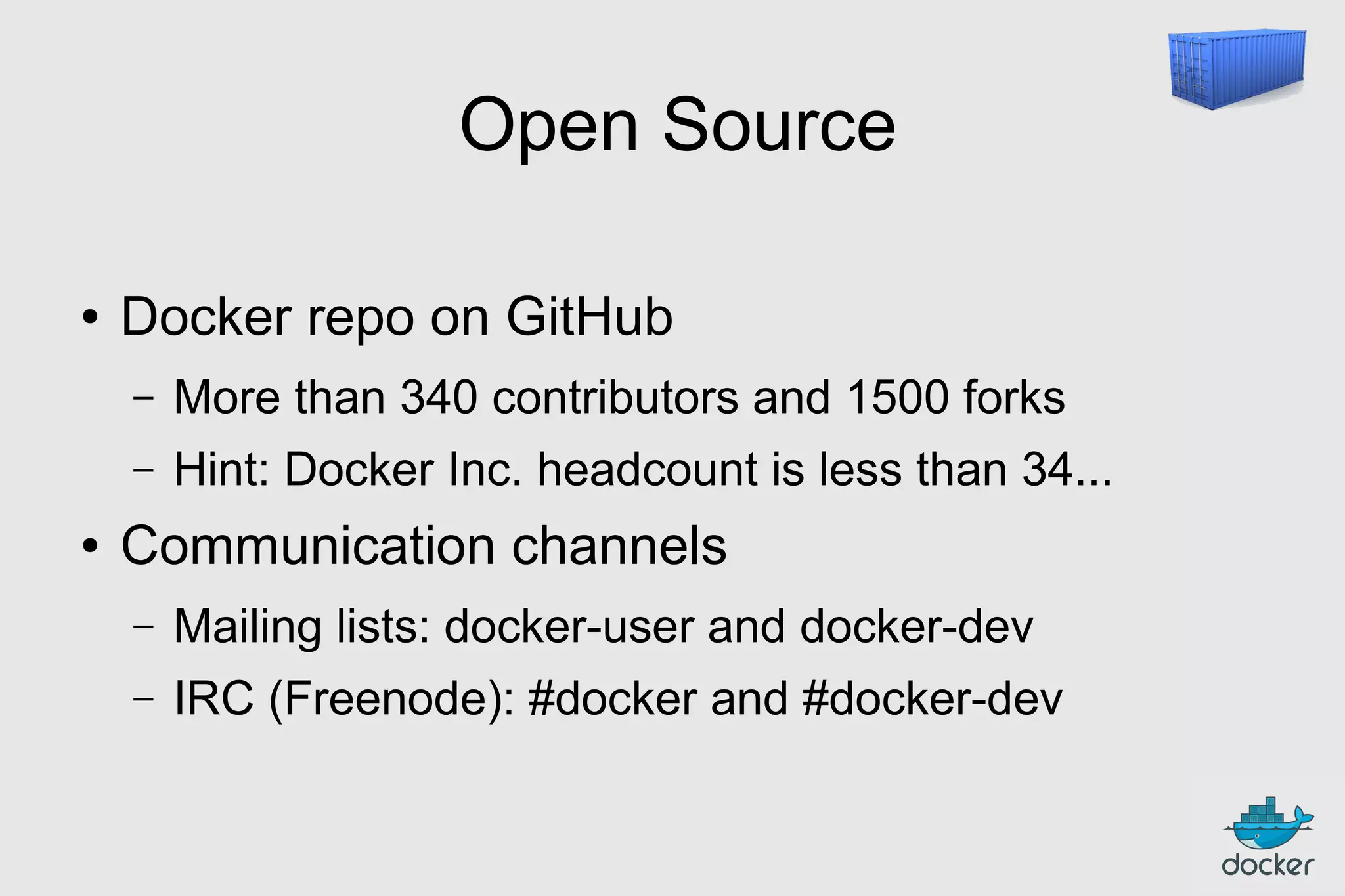
Open Source
●

Docker repo on GitHub
–
–

●

More than 340 contributors and 1500 forks
Hint: Docker Inc. headcount is less than 34...

Communication channels
–

Mailing lists: docker-user and docker-dev

–

IRC (Freenode): #docker and #docker-dev
Outline
●

Intros

●

What's the point?

●

Docker for DevOps

●

Puppetizing Docker

●

Dockerizing Puppet

●

What's next?
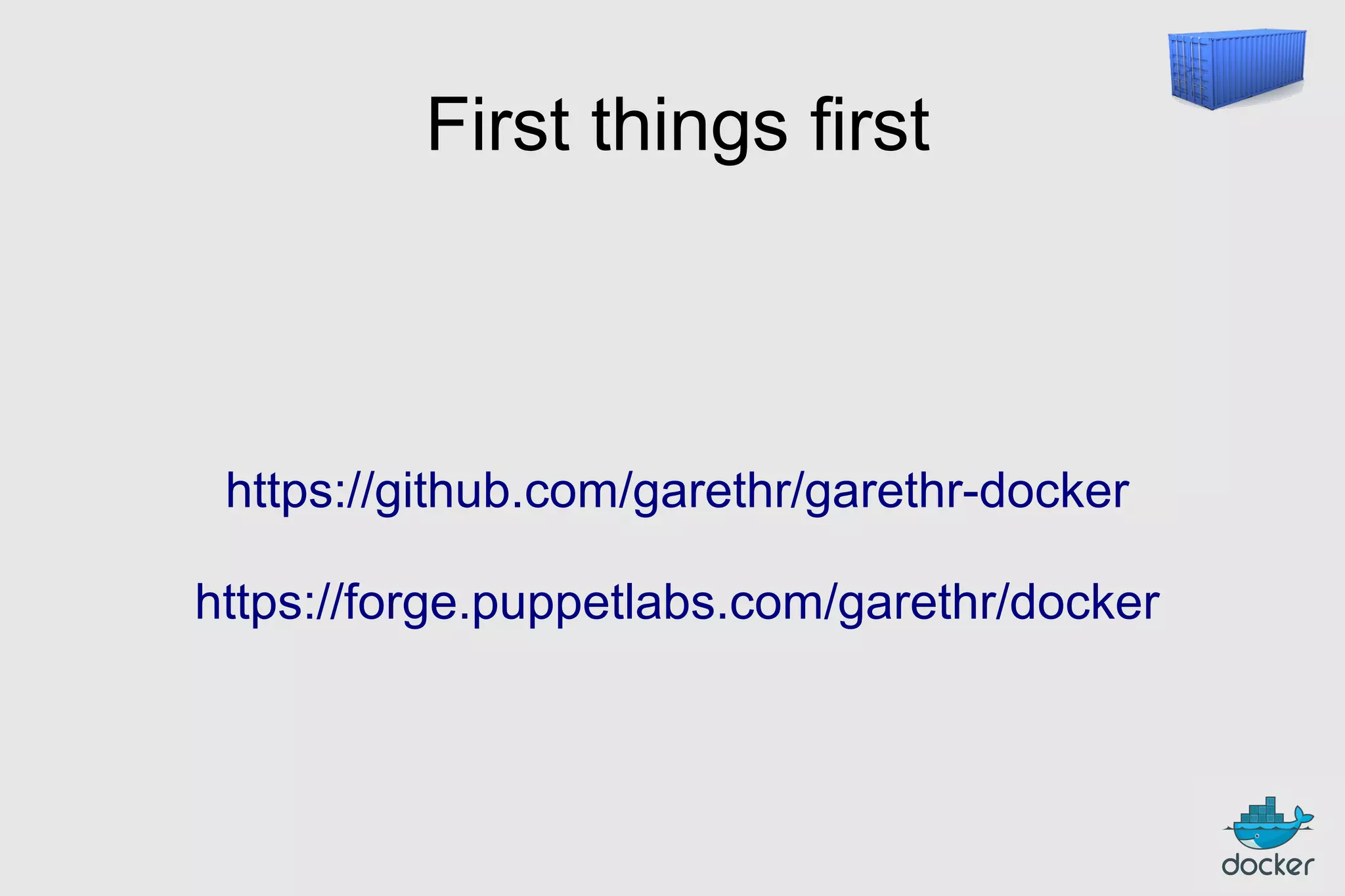
First things first

https://github.com/garethr/garethr-docker
https://forge.puppetlabs.com/garethr/docker
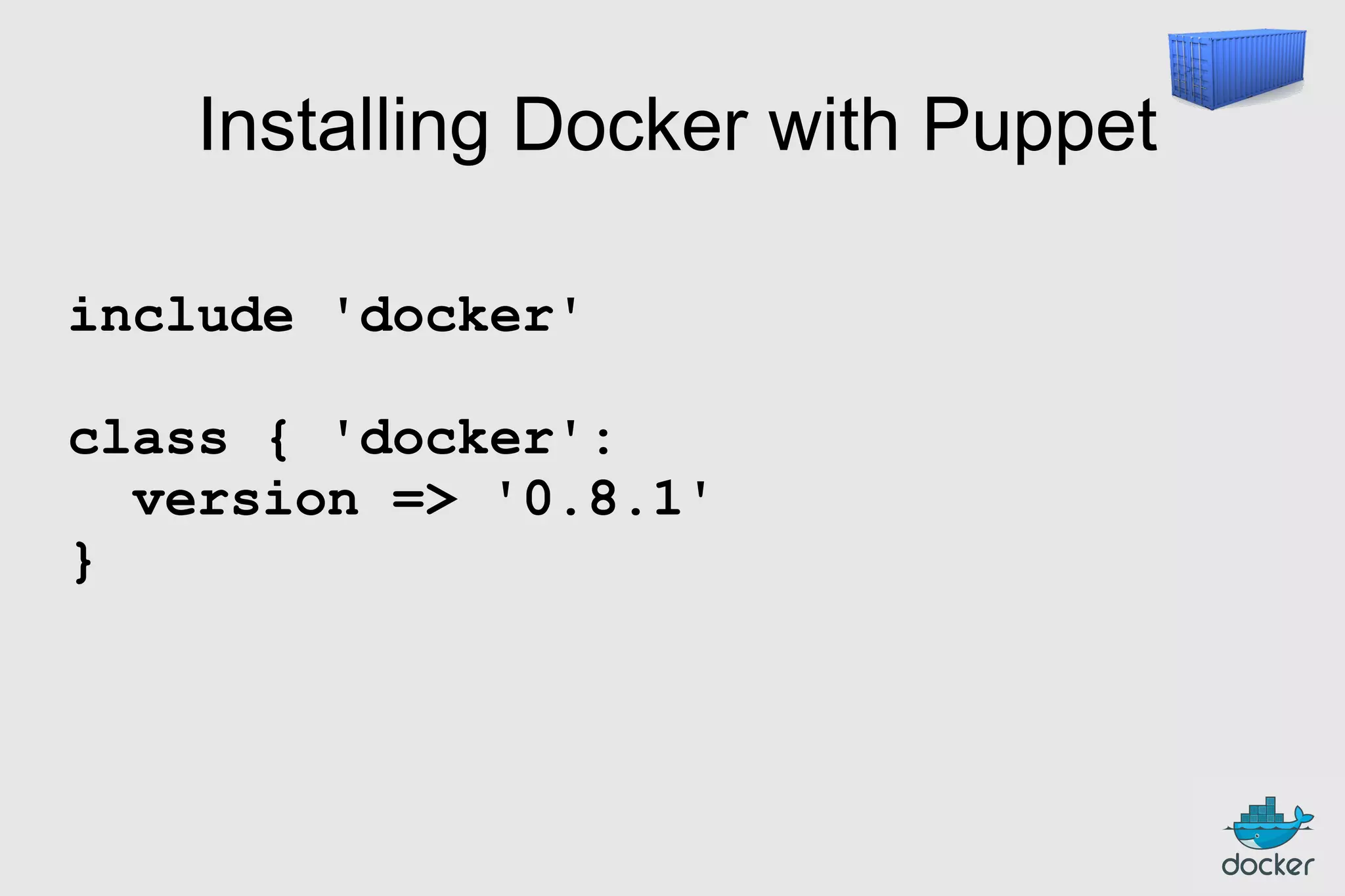
Installing Docker with Puppet
include 'docker'
class { 'docker':
version => '0.8.1'
}
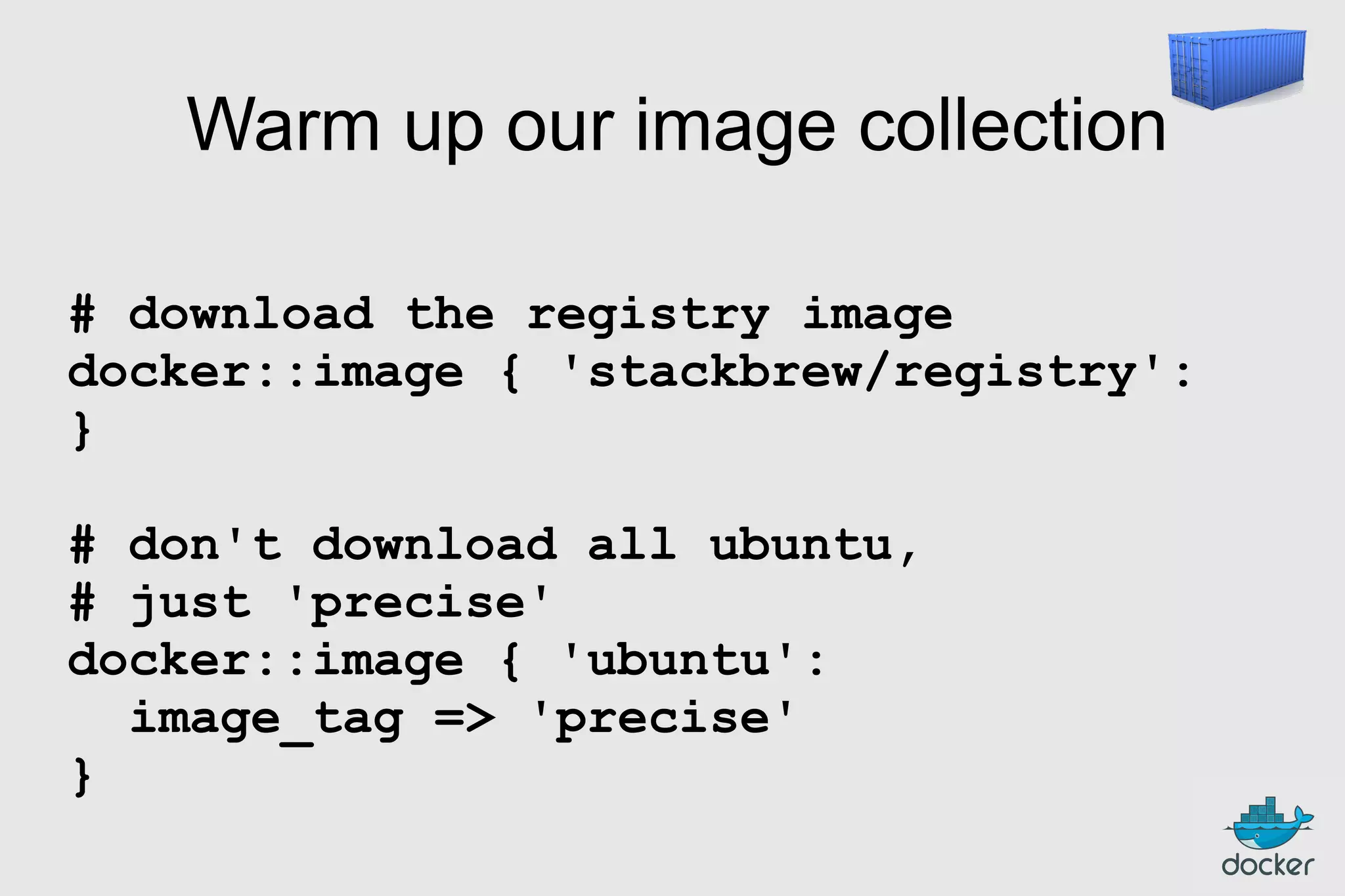
Warm up our image collection
# download the registry image
docker::image { 'stackbrew/registry':
}
# don't download all ubuntu,
# just 'precise'
docker::image { 'ubuntu':
image_tag => 'precise'
}
Run containers
docker::run { 'slavedb':
image
=> 'jpetazzo/postgresql'

}

command
ports
links
use_name
volumes
volumes_from
memory_limit
username
hostname
env
dns
restart_service

=>
=>
=>
=>
=>
=>
=>
=>
=>
=>
=>
=>

'…'
['5432', '22'],
['masterdb:master'],
true,
['/var/lib/postgresql'],
'420fc7e8aa20',
100000000, # bytes
'postgres',
'sdb.prod.dckr.io',
['FUZZINESS=42', FOO=BAR', 'FOO2=BAR2'],
['8.8.8.8', '8.8.4.4'],
true
Outline
●

Intros

●

What's the point?

●

Docker for DevOps

●

Puppetizing Docker

●

Dockerizing Puppet

●

What's next?
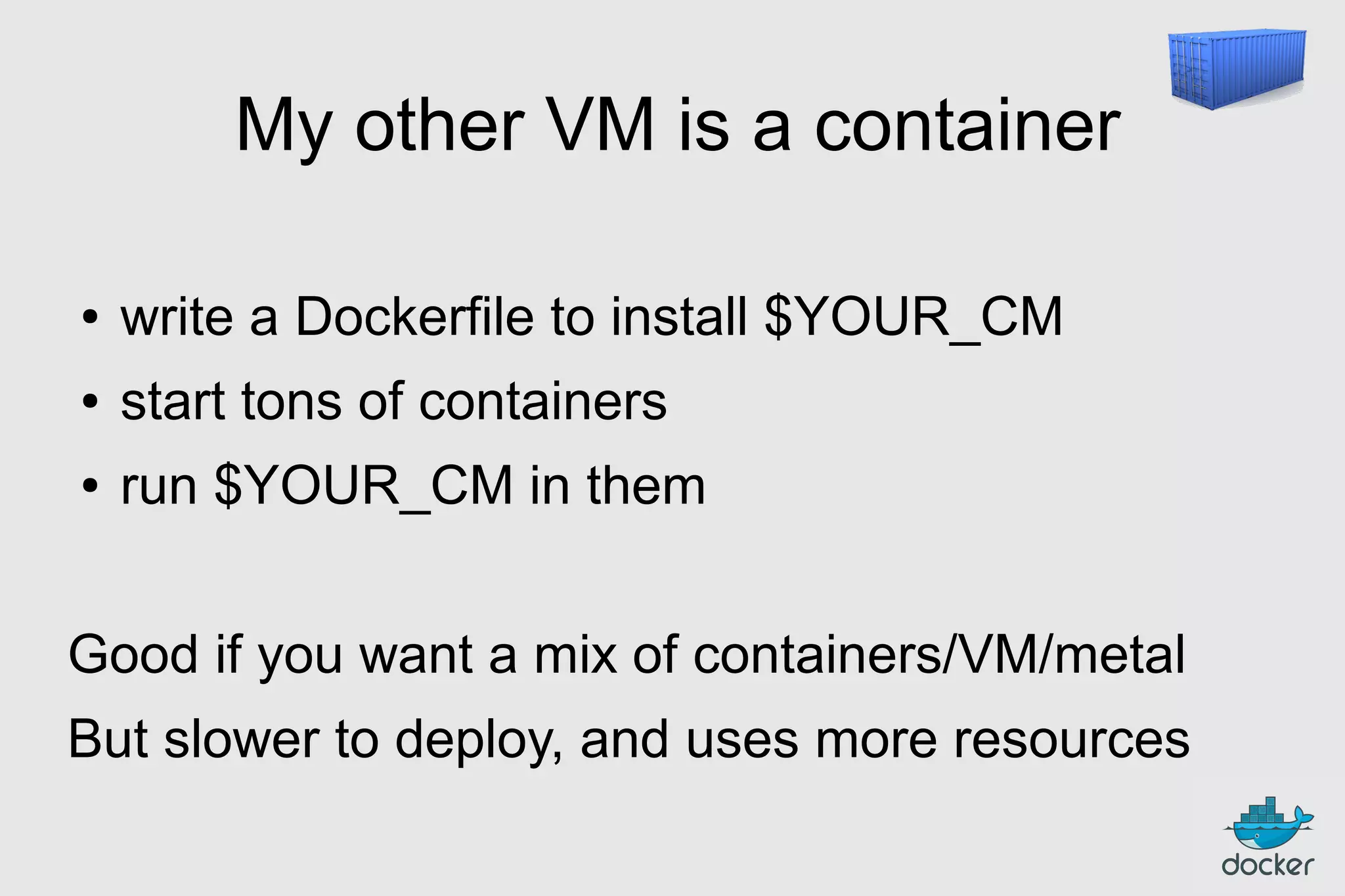
My other VM is a container
●

write a Dockerfile to install $YOUR_CM

●

start tons of containers

●

run $YOUR_CM in them

Good if you want a mix of containers/VM/metal
But slower to deploy, and uses more resources
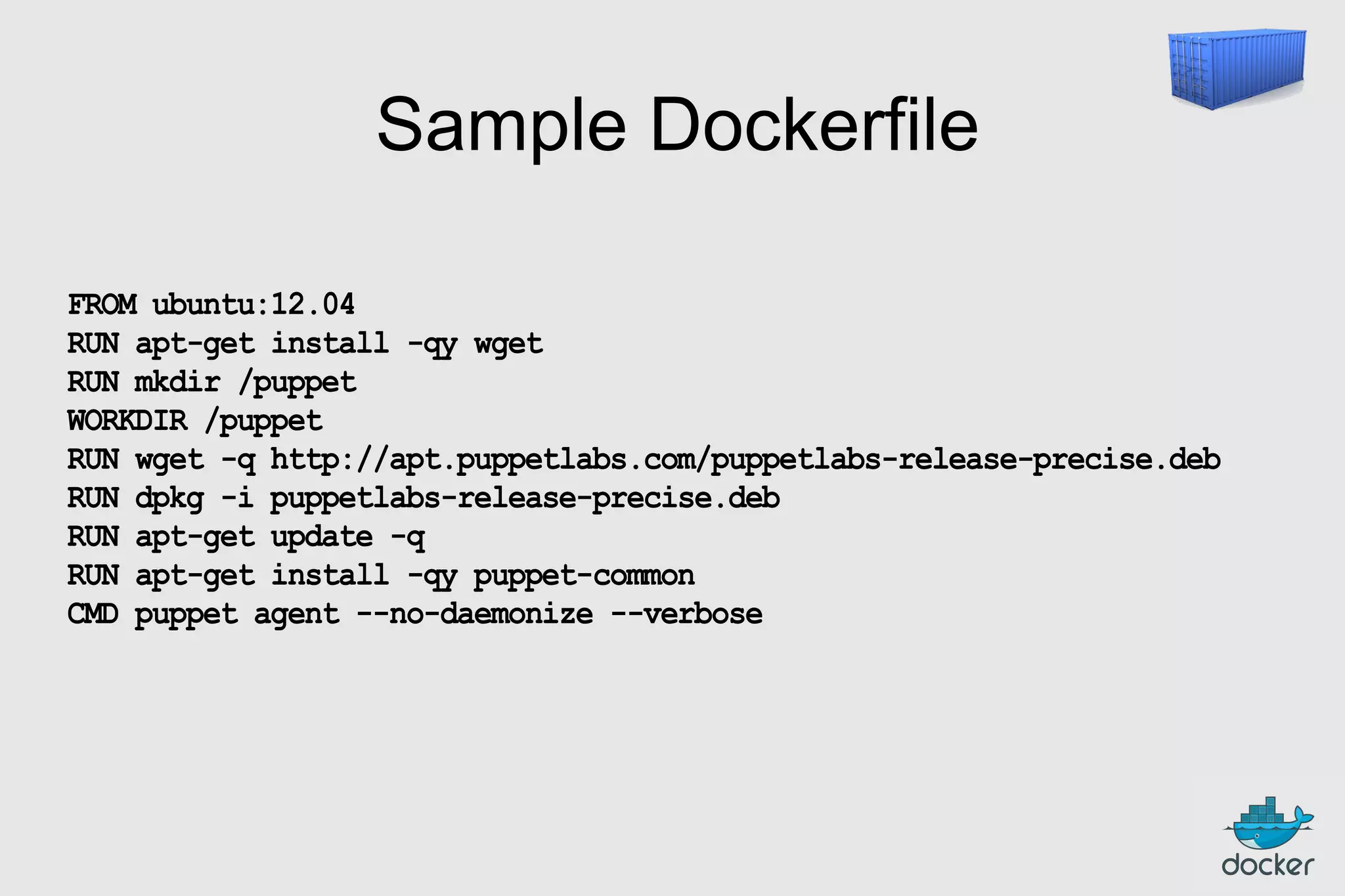
Sample Dockerfile
FROM ubuntu:12.04
RUN apt-get install -qy wget
RUN mkdir /puppet
WORKDIR /puppet
RUN wget -q http://apt.puppetlabs.com/puppetlabs-release-precise.deb
RUN dpkg -i puppetlabs-release-precise.deb
RUN apt-get update -q
RUN apt-get install -qy puppet-common
CMD puppet agent --no-daemonize --verbose
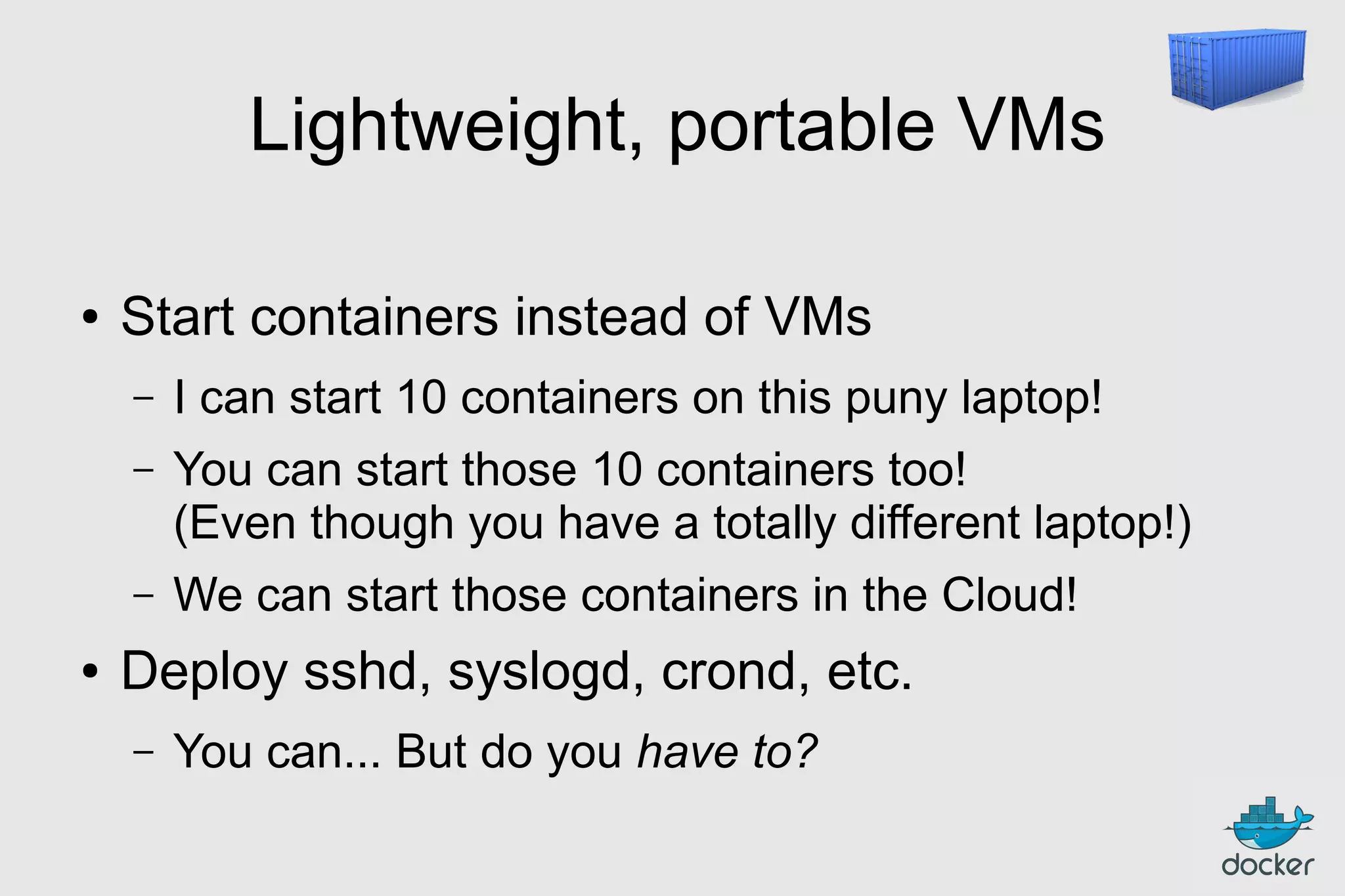
Lightweight, portable VMs
●

Start containers instead of VMs
–
–

You can start those 10 containers too!
(Even though you have a totally different laptop!)

–
●

I can start 10 containers on this puny laptop!

We can start those containers in the Cloud!

Deploy sshd, syslogd, crond, etc.
–

You can... But do you have to?
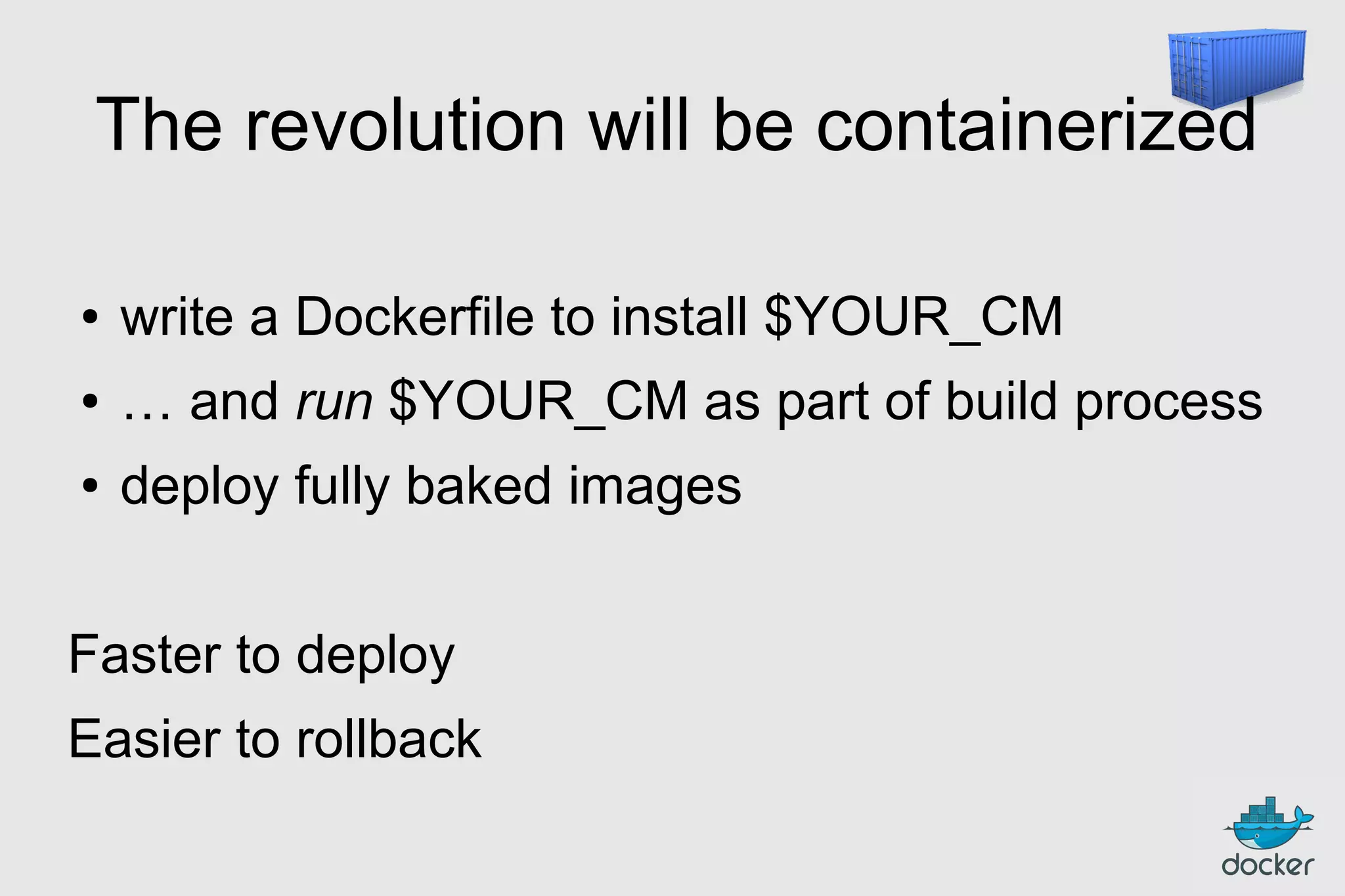
The revolution will be containerized
●

write a Dockerfile to install $YOUR_CM

●

… and run $YOUR_CM as part of build process

●

deploy fully baked images

Faster to deploy
Easier to rollback
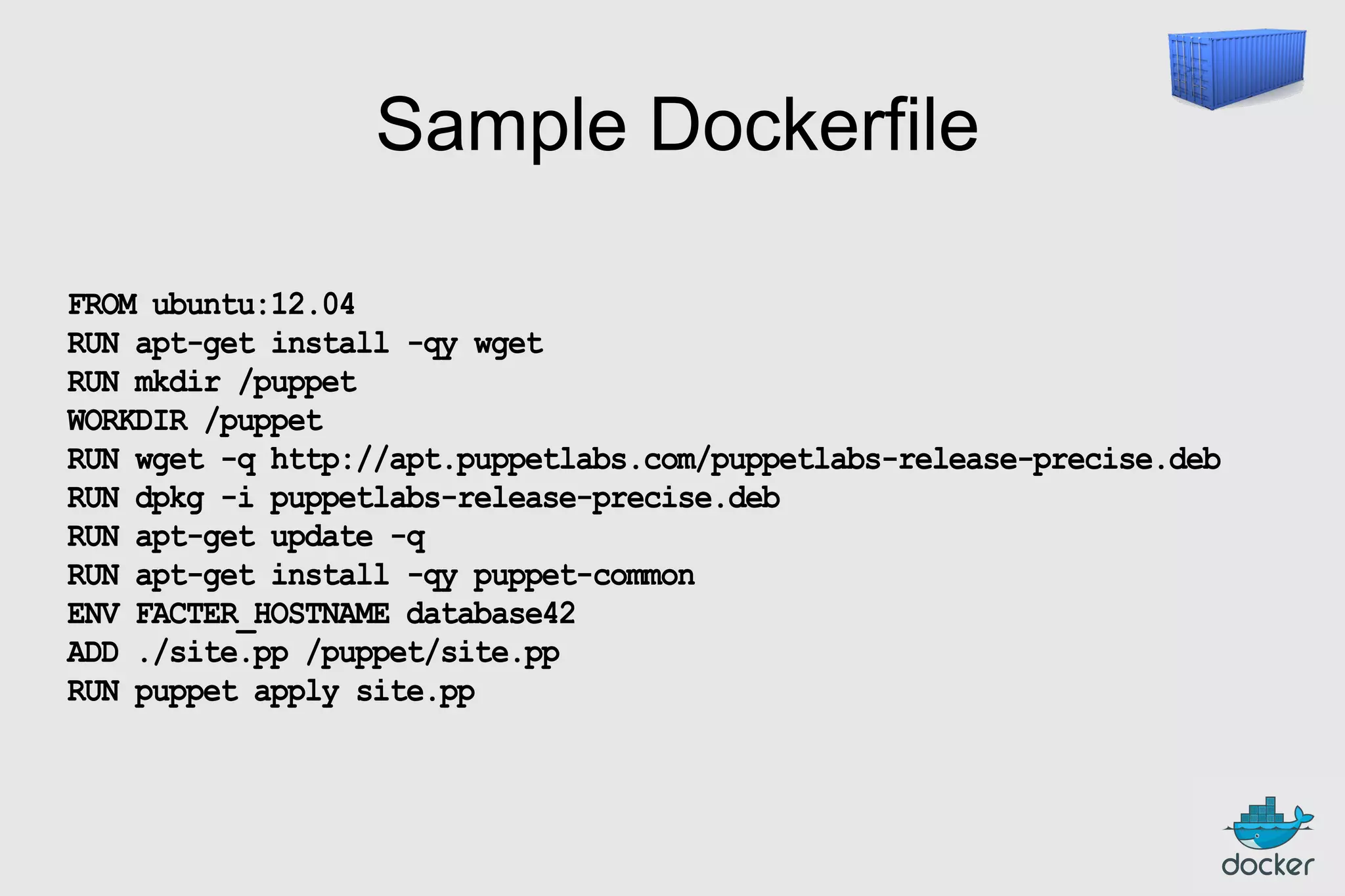
Sample Dockerfile
FROM ubuntu:12.04
RUN apt-get install -qy wget
RUN mkdir /puppet
WORKDIR /puppet
RUN wget -q http://apt.puppetlabs.com/puppetlabs-release-precise.deb
RUN dpkg -i puppetlabs-release-precise.deb
RUN apt-get update -q
RUN apt-get install -qy puppet-common
ENV FACTER_HOSTNAME database42
ADD ./site.pp /puppet/site.pp
RUN puppet apply site.pp
Outline
●

Intros

●

What's the point?

●

Docker for DevOps

●

Puppetizing Docker

●

Dockerizing Puppet

●

What's next?
Docker provisioner
What if...
●

●

●

Puppet doesn't act on the system,
outputs a Dockerfile instead?
Puppet builds this Dockerfile,
and pushes the resulting image to a registry?
One node can build images,
while other nodes run those images?
A better Puppet agent
●

Puppet agent is OK on « big » machines

●

Not so much on small containers

●

●

Can we run a single agent,
and have it « rotate » between containers?
Can we run that agent...
… in a container?
Thank you! Questions?
http://docker.io/
http://docker.com/
@docker
@jpetazzo

Docker and Puppet — Puppet Camp L.A. — SCALE12X

  • 1.
  • 2.
    Outline ● Intros ● What's the point? ● Dockerfor DevOps ● Puppetizing Docker ● Dockerizing Puppet ● What's next?
  • 3.
    Outline ● Intros ● What's the point? ● Dockerfor DevOps ● Puppetizing Docker ● Dockerizing Puppet ● What's next?
  • 4.
    @jpetazzo ● Wrote dotCloud PAASdeployment tools –EC2, ● LXC, Puppet, Python, Shell, ØMQ... Docker contributor –Docker-in-Docker, VPN-in-Docker, router-in-Docker... CONTAINERIZE ALL THE THINGS! ● Runs Docker in production –You shouldn't do it, but here's how anyway!
  • 5.
  • 6.
    Outline ● Intros ● What's the point? ● Dockerfor DevOps ● Puppetizing Docker ● Dockerizing Puppet ● What's next?
  • 8.
    The promise ● ● ● ● CONTAINERS bootfaster (than VMs) CONTAINERS have less overhead (more consolidation) CONTAINERS bring native performance (on bare metal) CONTAINERS are cloud-compatible (can run in VMs)
  • 9.
    Outline ● Intros ● What's the point? ● Dockerfor DevOps ● Puppetizing Docker ● Dockerizing Puppet ● What's next?
  • 10.
    Hypervisor for containers ● Xen,KVM, VMWare... deal with VMs ● Docker deals with containers (currently LXC)
  • 11.
    Wait, what's acontainer?
  • 12.
    High level approach: it'sa lightweight VM ● own process space ● own network interface ● can run stuff as root ● can have its own /sbin/init (different from the host) « Machine Container »
  • 13.
    Low level approach: it'schroot on steroids ● can also not have its own /sbin/init ● container = isolated process(es) ● share kernel with host ● no device emulation (neither HVM nor PV) « Application Container »
  • 14.
    How does itwork? Isolation with namespaces ● pid ● mnt ● net ● uts ● ipc ● user
  • 15.
    How does itwork? Isolation with cgroups ● memory ● cpu ● blkio ● devices
  • 16.
    How does itwork? Copy-on-write storage ● ● ● Create a new machine instantly (Instead of copying its whole filesystem) Storage keeps track of what has changed Since 0.7, Docker has a storage plugin system (supports AUFS, thin snapshots, BTRFS, VFS)
  • 17.
    Container format ● VM imageshave drawbacks – – non-standard; conversions possible but slow – ● big, bulky, require special tools (and/or root) snapshots possible but even less standard Container images are better – small, can be handled with tar – simple delta snapshots
  • 18.
    Build system (1/2) ● Shellscripts – – ● OK-ish for simple stacks Tricky to handle all possible situations (that's why we have proper CM) Puppet (and others) – Great for convergence and repeatability – Steep learning curve
  • 19.
    Build system (2/2) ● Dockerfile! – Doesn'thave to deal with « low-level stuff » – Doesn't need all the goodness of CM – If you know Shell, you already know Dockerfile – Layered caching (only rebuild what's needed) – Allows inheritance and composition
  • 20.
    FROM ubuntu RUN RUN RUN RUN RUN apt-get apt-get apt-get apt-get apt-get -y update install-y install -y install -y install -y g++ erlang-dev erlang-manpages erlang-base-hipe ... libmozjs185-dev libicu-dev libtool ... make wget RUN wget http://.../apache-couchdb-1.3.1.tar.gz | tar -C /tmp -zxfRUN cd /tmp/apache-couchdb-* && ./configure && make install RUN printf "[httpd]nport = 8101nbind_address = 0.0.0.0" > /usr/local/etc/couchdb/local.d/docker.ini EXPOSE 8101 CMD ["/usr/local/bin/couchdb"] docker build -t jpetazzo/couchdb .
  • 21.
    REST API ● Docker =daemon with REST API ● CLI = client for that REST API ● Many tools already available – dashboards, GUIs... – orchestration (Maestro NG and more) – OpenStack, PAAS, Mesos...
  • 22.
    Open Source ● Docker repoon GitHub – – ● More than 340 contributors and 1500 forks Hint: Docker Inc. headcount is less than 34... Communication channels – Mailing lists: docker-user and docker-dev – IRC (Freenode): #docker and #docker-dev
  • 24.
    Outline ● Intros ● What's the point? ● Dockerfor DevOps ● Puppetizing Docker ● Dockerizing Puppet ● What's next?
  • 25.
  • 26.
    Installing Docker withPuppet include 'docker' class { 'docker': version => '0.8.1' }
  • 27.
    Warm up ourimage collection # download the registry image docker::image { 'stackbrew/registry': } # don't download all ubuntu, # just 'precise' docker::image { 'ubuntu': image_tag => 'precise' }
  • 28.
    Run containers docker::run {'slavedb': image => 'jpetazzo/postgresql' } command ports links use_name volumes volumes_from memory_limit username hostname env dns restart_service => => => => => => => => => => => => '…' ['5432', '22'], ['masterdb:master'], true, ['/var/lib/postgresql'], '420fc7e8aa20', 100000000, # bytes 'postgres', 'sdb.prod.dckr.io', ['FUZZINESS=42', FOO=BAR', 'FOO2=BAR2'], ['8.8.8.8', '8.8.4.4'], true
  • 29.
    Outline ● Intros ● What's the point? ● Dockerfor DevOps ● Puppetizing Docker ● Dockerizing Puppet ● What's next?
  • 30.
    My other VMis a container ● write a Dockerfile to install $YOUR_CM ● start tons of containers ● run $YOUR_CM in them Good if you want a mix of containers/VM/metal But slower to deploy, and uses more resources
  • 31.
    Sample Dockerfile FROM ubuntu:12.04 RUNapt-get install -qy wget RUN mkdir /puppet WORKDIR /puppet RUN wget -q http://apt.puppetlabs.com/puppetlabs-release-precise.deb RUN dpkg -i puppetlabs-release-precise.deb RUN apt-get update -q RUN apt-get install -qy puppet-common CMD puppet agent --no-daemonize --verbose
  • 32.
    Lightweight, portable VMs ● Startcontainers instead of VMs – – You can start those 10 containers too! (Even though you have a totally different laptop!) – ● I can start 10 containers on this puny laptop! We can start those containers in the Cloud! Deploy sshd, syslogd, crond, etc. – You can... But do you have to?
  • 33.
    The revolution willbe containerized ● write a Dockerfile to install $YOUR_CM ● … and run $YOUR_CM as part of build process ● deploy fully baked images Faster to deploy Easier to rollback
  • 34.
    Sample Dockerfile FROM ubuntu:12.04 RUNapt-get install -qy wget RUN mkdir /puppet WORKDIR /puppet RUN wget -q http://apt.puppetlabs.com/puppetlabs-release-precise.deb RUN dpkg -i puppetlabs-release-precise.deb RUN apt-get update -q RUN apt-get install -qy puppet-common ENV FACTER_HOSTNAME database42 ADD ./site.pp /puppet/site.pp RUN puppet apply site.pp
  • 36.
    Outline ● Intros ● What's the point? ● Dockerfor DevOps ● Puppetizing Docker ● Dockerizing Puppet ● What's next?
  • 37.
    Docker provisioner What if... ● ● ● Puppetdoesn't act on the system, outputs a Dockerfile instead? Puppet builds this Dockerfile, and pushes the resulting image to a registry? One node can build images, while other nodes run those images?
  • 38.
    A better Puppetagent ● Puppet agent is OK on « big » machines ● Not so much on small containers ● ● Can we run a single agent, and have it « rotate » between containers? Can we run that agent... … in a container?
  • 39.