Download to read offline






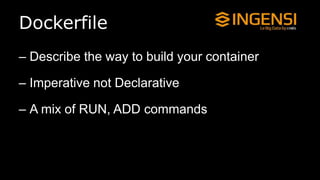
![Dockerfile, nginx
FROM ubuntu
MAINTAINER your@email.com
# Install deps
RUN sudo apt-get update && sudo apt-get install -y nginx
[ . . . ]
# Add some static files
ADD my-static-dir /usr/share/nginx/html/
# Expose ports
EXPOSE 80 443
# Run the server
CMD nginx](https://image.slidesharecdn.com/2014-12-03-dockerdevopstours-150414044328-conversion-gate01/85/2014-12-03-docker-devops-tours-15-320.jpg)

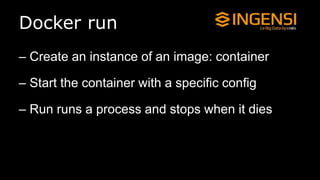
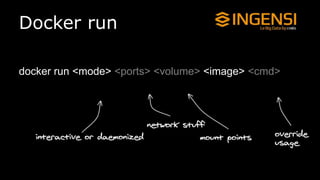

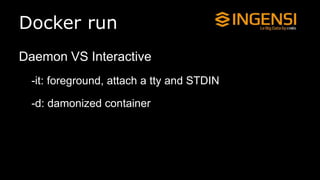
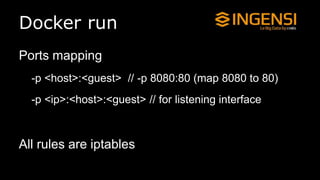
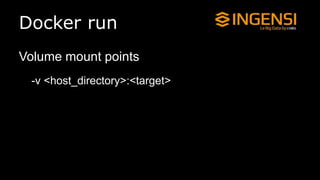
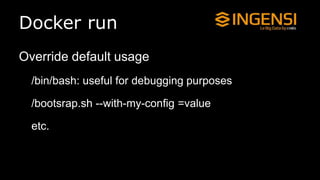
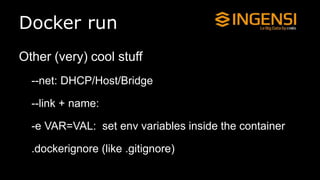
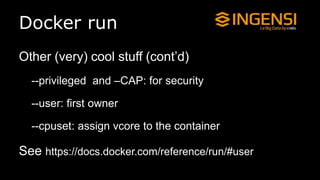

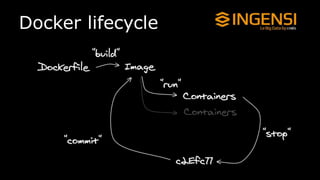
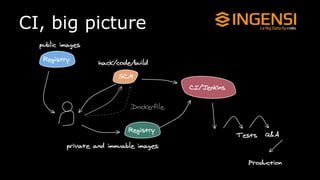

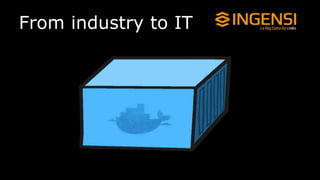
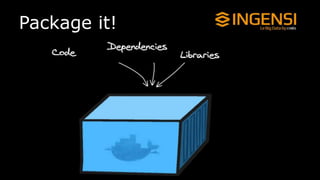
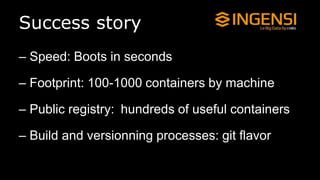
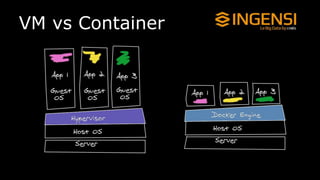
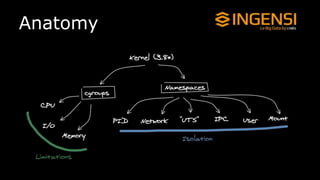
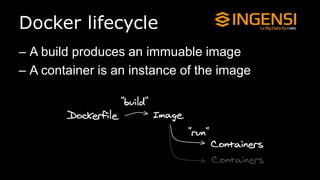
This document provides an overview of Docker, including an analogy to describe containers, examples of how Docker can speed up development and deployment by packaging applications into containers, and a breakdown of key Docker concepts and commands like Dockerfile, docker build, docker run, docker images, and docker containers. It demonstrates how to build and run a simple nginx container, and discusses how Docker can help with continuous integration/deployment by allowing applications to be packaged and run consistently across different environments.


![[@NaukriEngineering] Docker 101](https://cdn.slidesharecdn.com/ss_thumbnails/dockerbasics1-161109085245-thumbnail.jpg?width=640&height=640&fit=bounds)


