Stupid Video Tricks
Chris Adamson • @invalidname
CocoaConf Chicago, 2014
AV Foundation
• Framework for working with time-based media
• Audio, video, timed text (captions / subtitles),
timecode
• iOS 4.0 and up, Mac OS X 10.7 (Lion) and up
• Replacing QuickTime on Mac
AV Foundation: The Normal
Person’s View
• Time-based media: AVAsset, AVComposition,
AVMutableComposition
• Capture: AVCaptureSession, AVCaptureInput,
AVCaptureOutput, AVCaptureVideoPreviewLayer
• Playback: AVPlayer, AVPlayerLayer
• Obj-C Core Audio wrapper classes: AVAudioSession,
AVAudioRecorder, AVAudioPlayer
• See Janie Clayton-Hasz’s talk
AVFoundation: The
Ambitious Person’s View
• AVTrack: One of multiple sources of timed media
within an AVAsset
• AVVideoCompositionInstruction: Describes how
multiple video tracks are composited during a given
time range
• AVAssetExportSession: Exports an asset to a flat file
(typically .mov), optionally using the composition
instructions
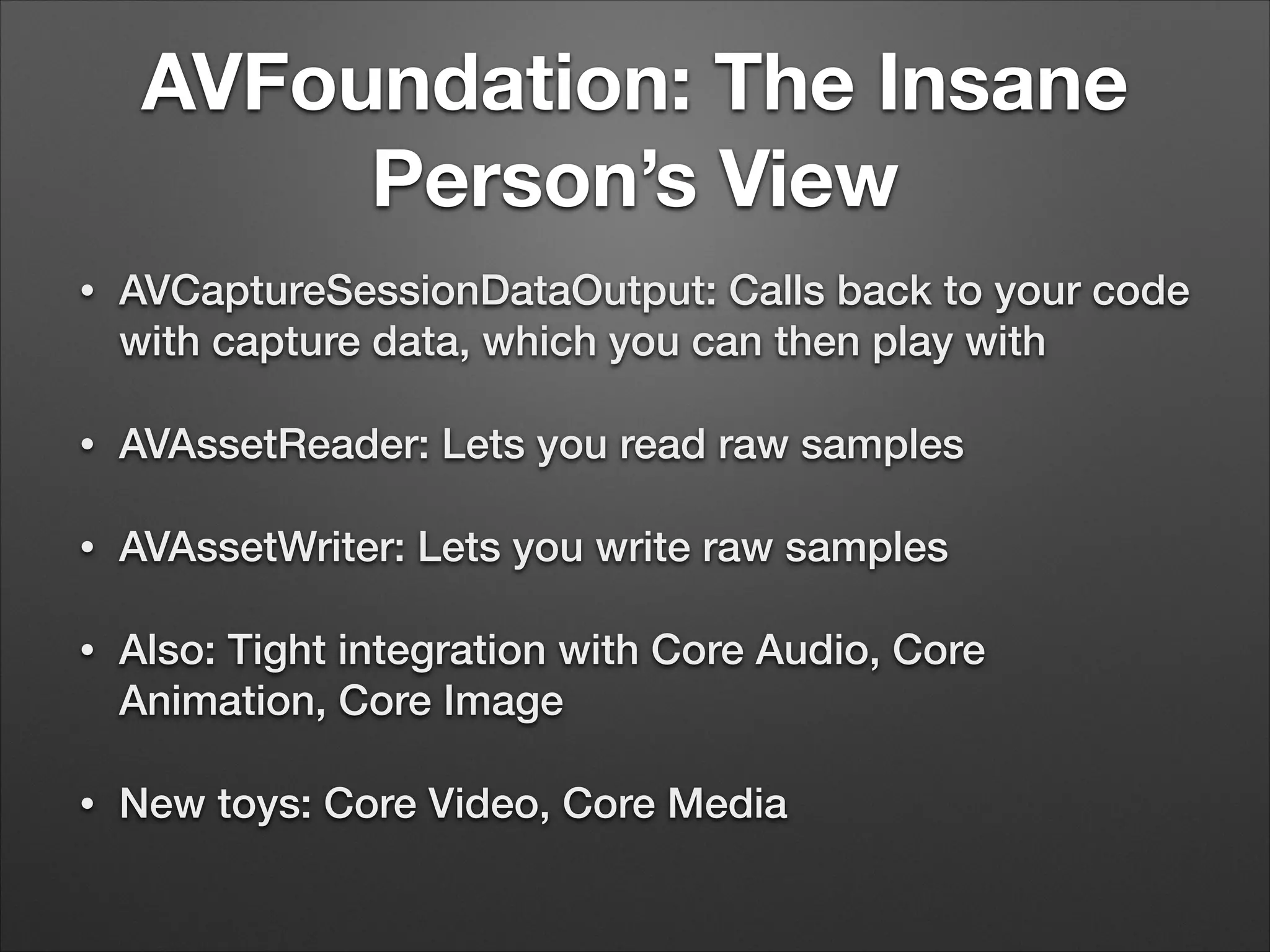
AVFoundation: The Insane
Person’s View
• AVCaptureSessionDataOutput: Calls back to your code
with capture data, which you can then play with
• AVAssetReader: Lets you read raw samples
• AVAssetWriter: Lets you write raw samples
• Also: Tight integration with Core Audio, Core
Animation, Core Image
• New toys: Core Video, Core Media
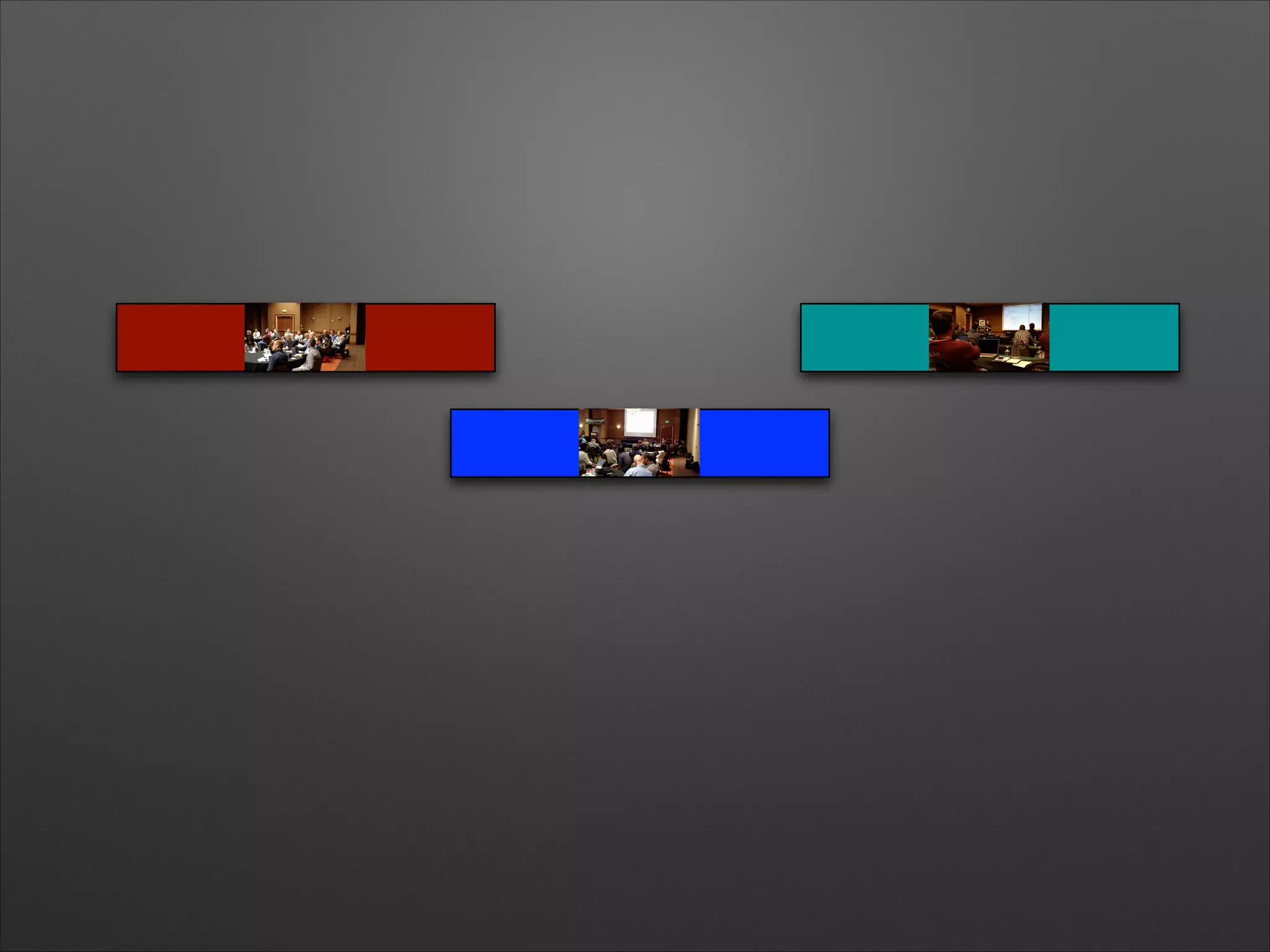
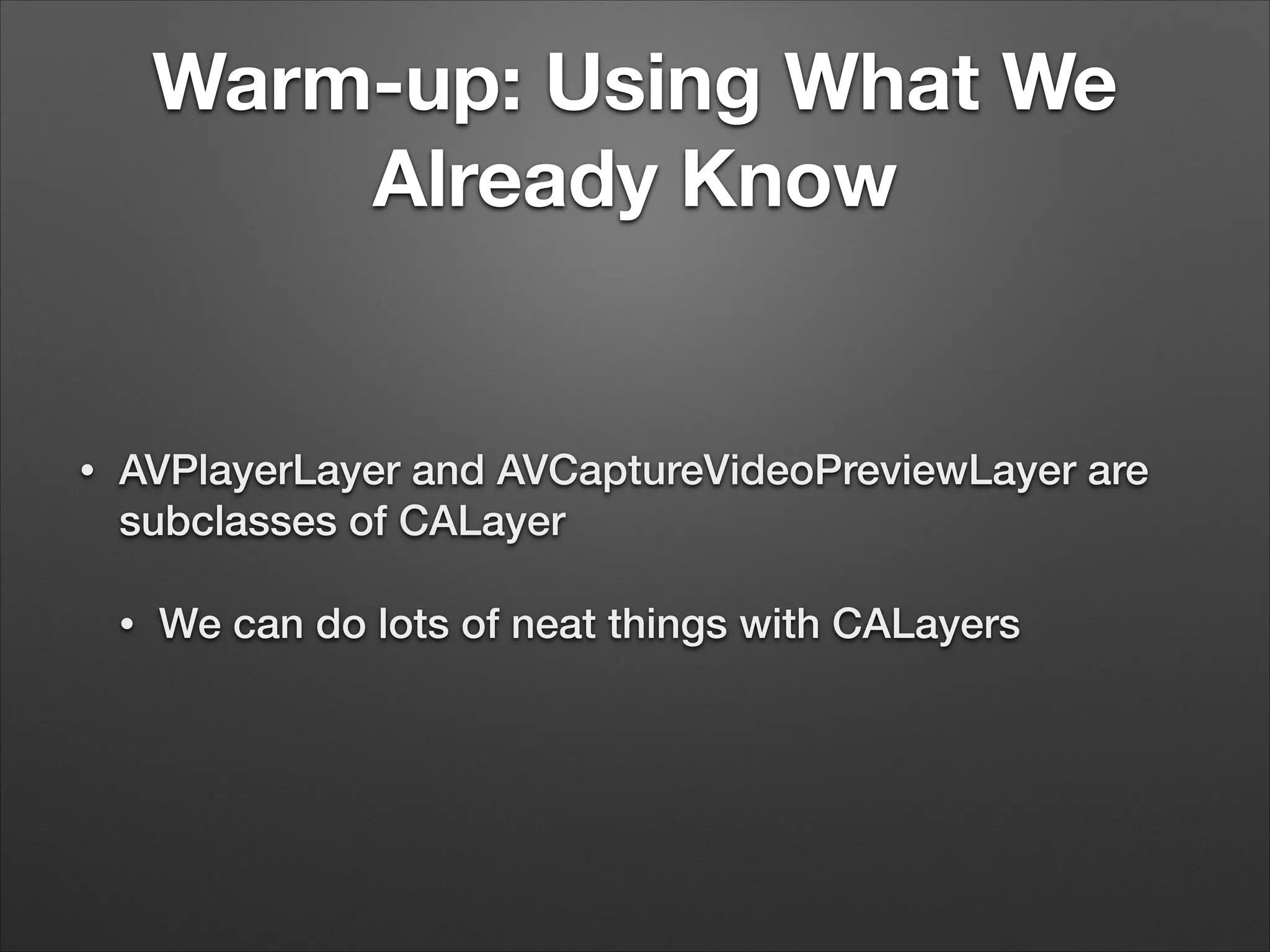
Warm-up: Using What We
Already Know
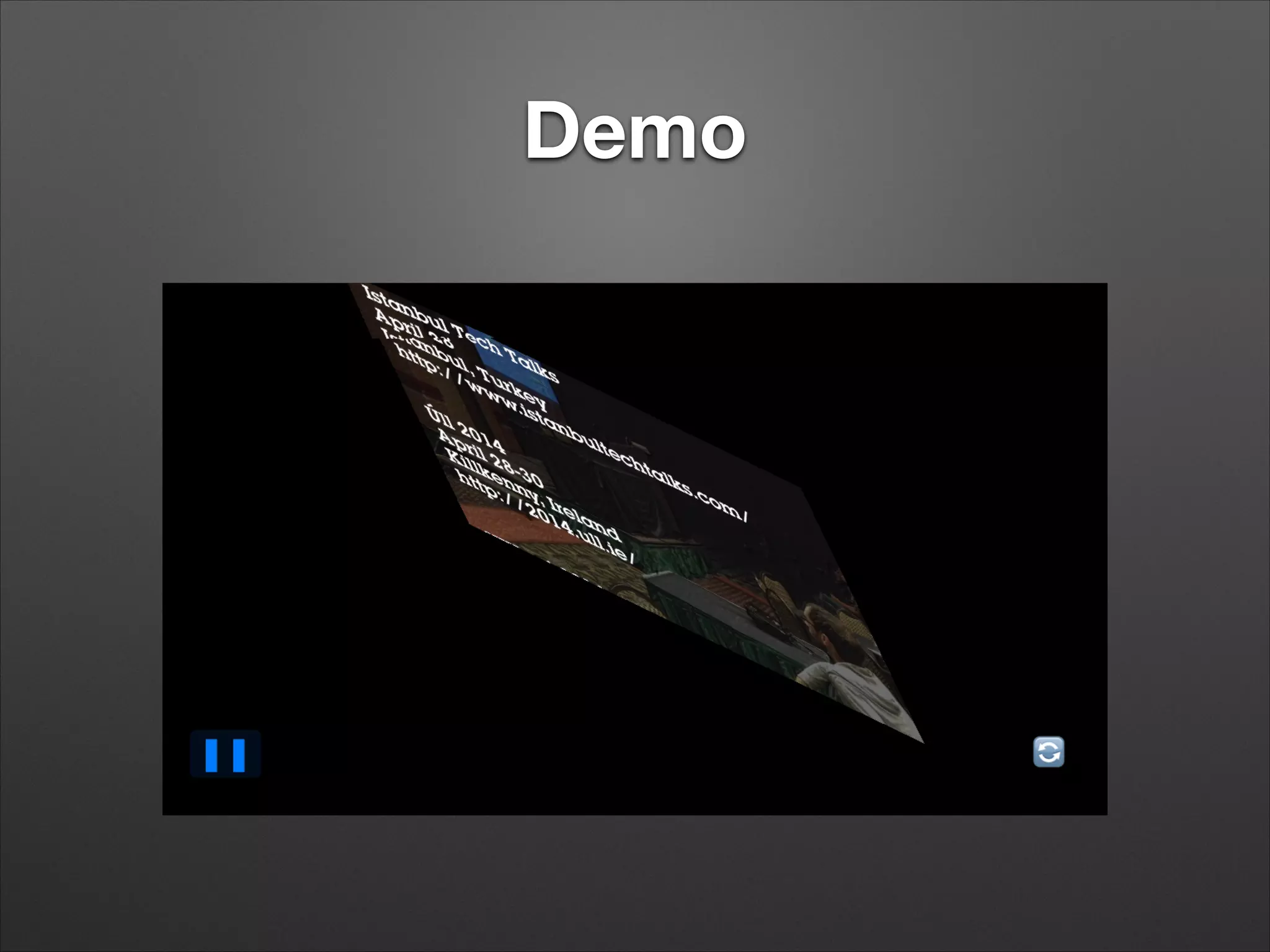
• AVPlayerLayer and AVCaptureVideoPreviewLayer are
subclasses of CALayer
• We can do lots of neat things with CALayers
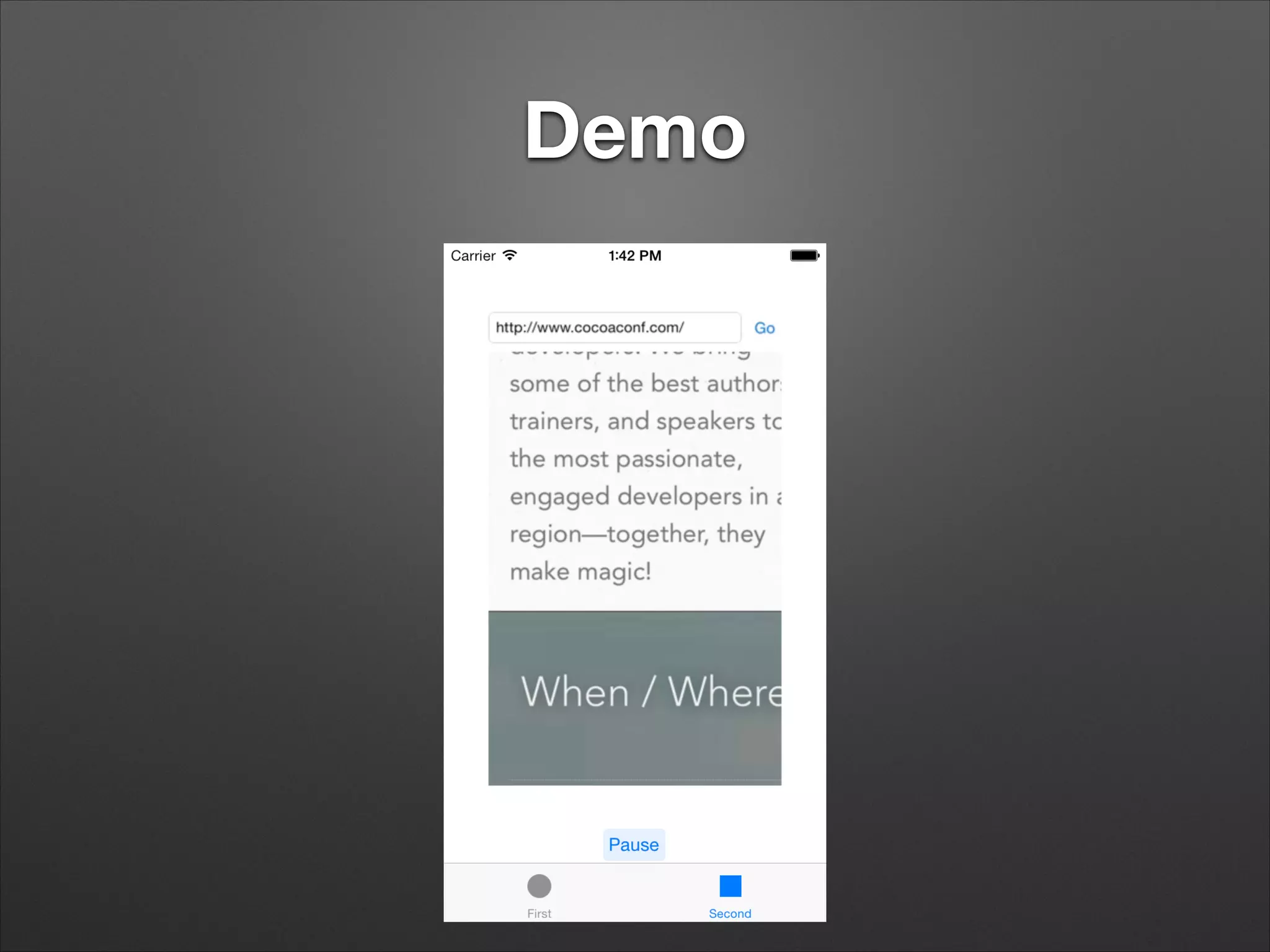
Demo
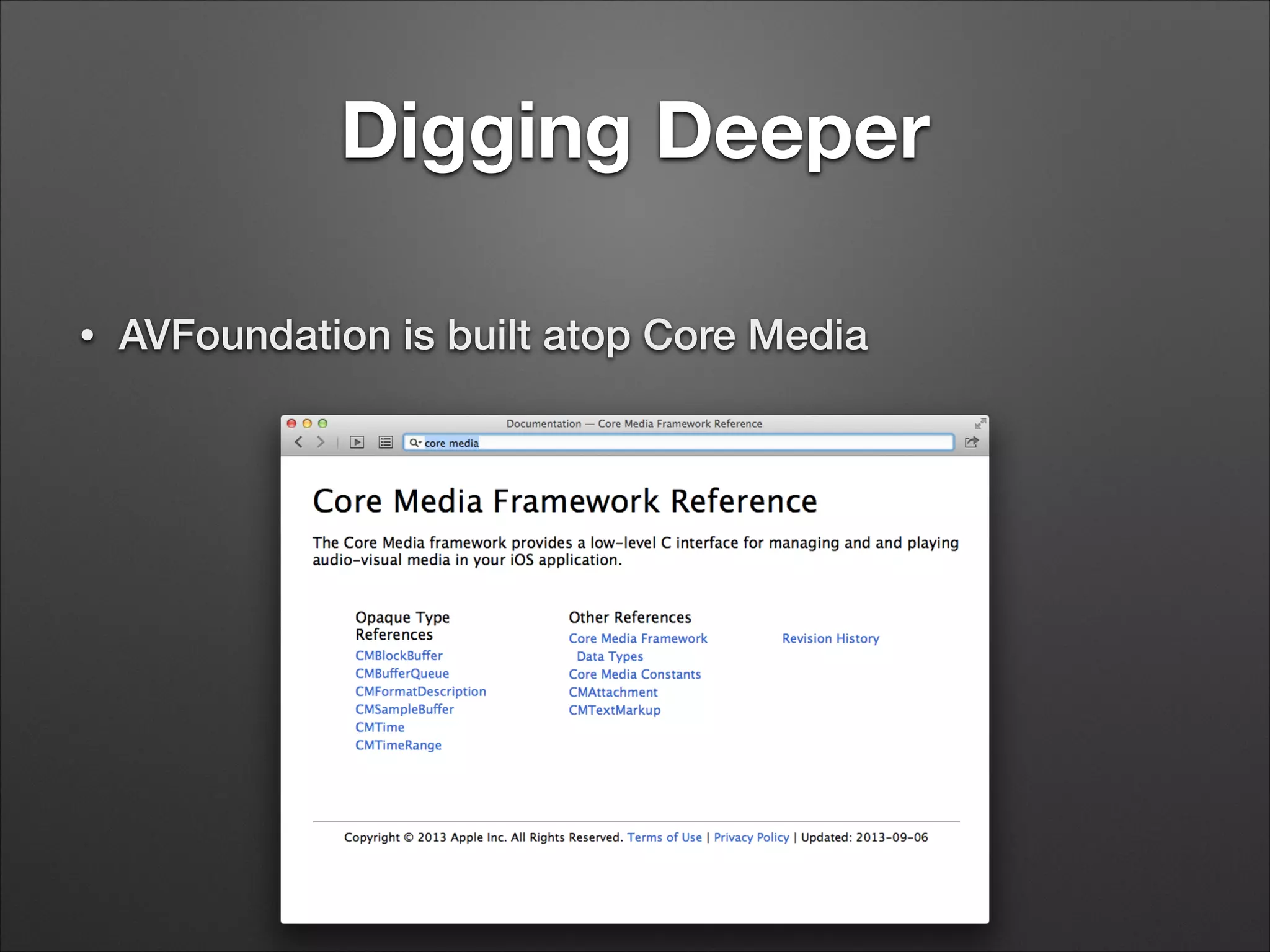
Digging Deeper
• AVFoundation is built atop Core Media
Core Media
• Opaque types to represent time: CMTime,
CMTimeRange
• Opaque types to represent media samples and their
contents: CMSampleBuffer, CMBlockBuffer,
CMFormatDescription
Wait, I Can Work With Raw
Samples?
• Yes! If you’re that insane!
• AVCaptureDataOutput provides CMSampleBuffers in
sample delegate callback
• AVAssetReader provides CMSampleBuffers read
from disk
• AVAssetWriter accepts CMSampleBuffers to write to
disk
CMSampleBuffer
• Provides timing information for one or more samples:
when does this play and for how long
• Contains either
• CVImageBuffer – visual data (video frames)
• CMBlockBuffer — arbitrary data (sound, subtitles,
timecodes)
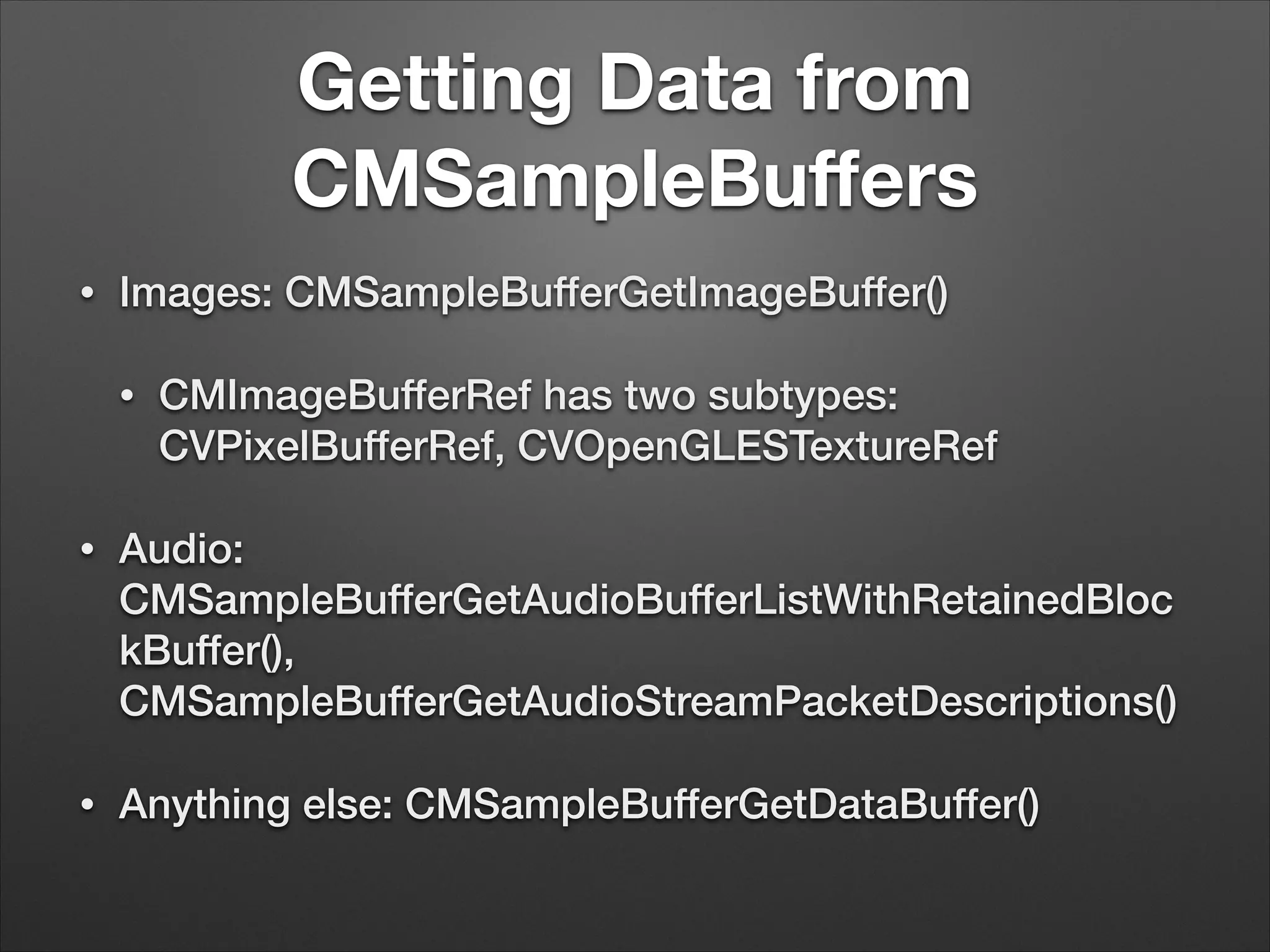
Getting Data from
CMSampleBuffers
• Images: CMSampleBufferGetImageBuffer()
• CMImageBufferRef has two subtypes:
CVPixelBufferRef, CVOpenGLESTextureRef
• Audio:
CMSampleBufferGetAudioBufferListWithRetainedBloc
kBuffer(),
CMSampleBufferGetAudioStreamPacketDescriptions()
• Anything else: CMSampleBufferGetDataBuffer()
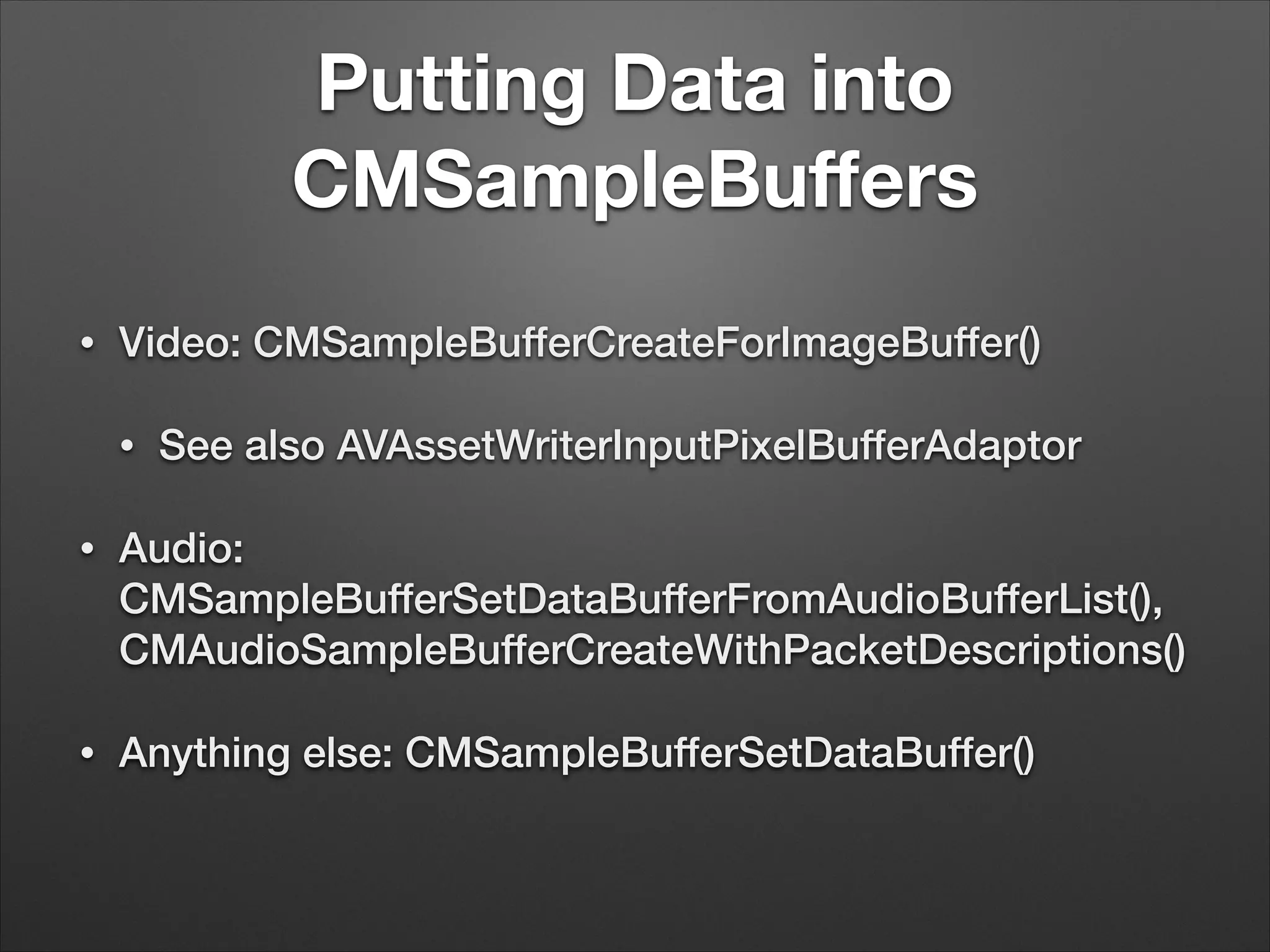
Putting Data into
CMSampleBuffers
• Video: CMSampleBufferCreateForImageBuffer()
• See also AVAssetWriterInputPixelBufferAdaptor
• Audio:
CMSampleBufferSetDataBufferFromAudioBufferList(),
CMAudioSampleBufferCreateWithPacketDescriptions()
• Anything else: CMSampleBufferSetDataBuffer()
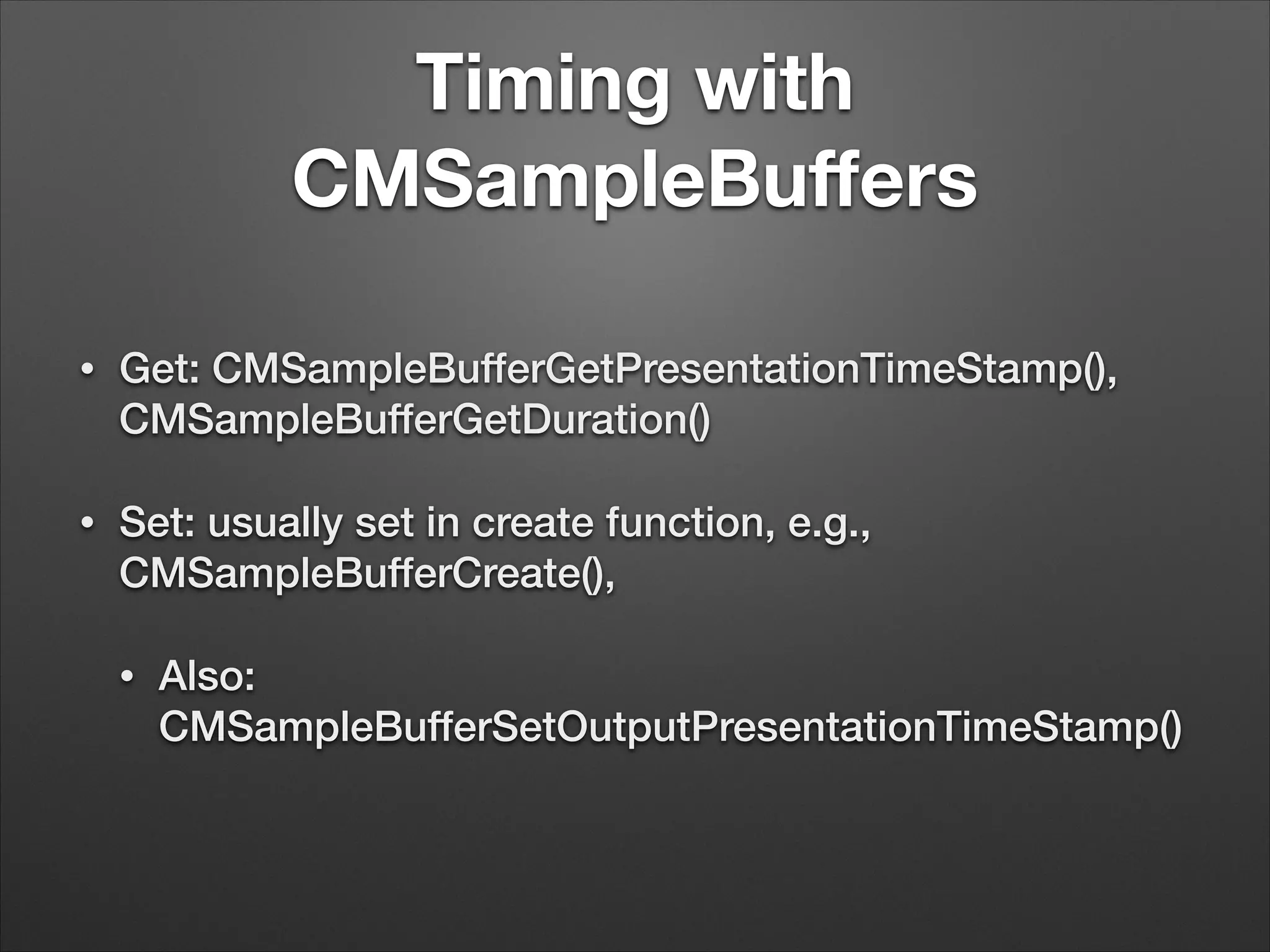
Timing with
CMSampleBuffers
• Get: CMSampleBufferGetPresentationTimeStamp(),
CMSampleBufferGetDuration()
• Set: usually set in create function, e.g.,
CMSampleBufferCreate(),
• Also:
CMSampleBufferSetOutputPresentationTimeStamp()
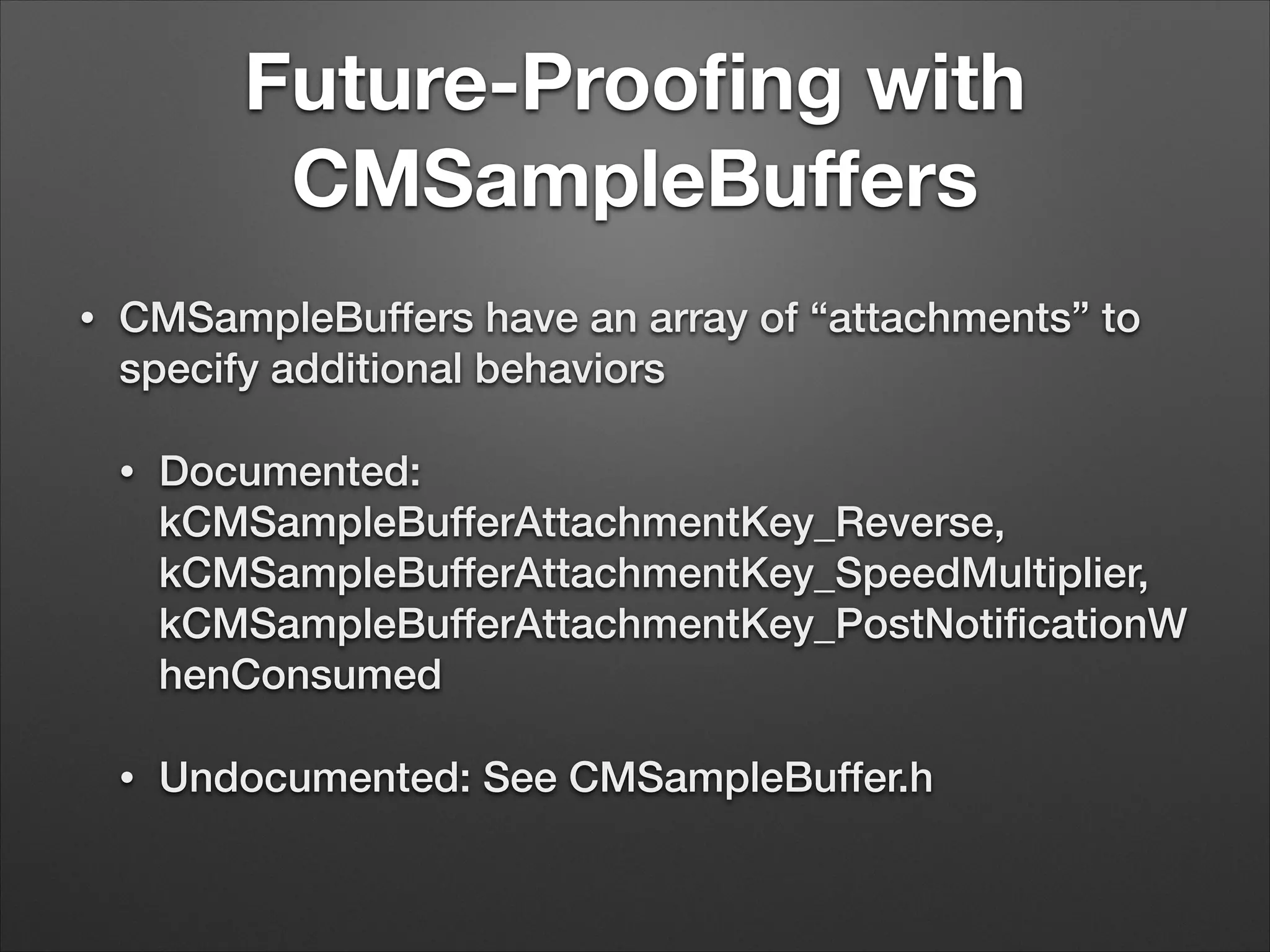
Future-Proofing with
CMSampleBuffers
• CMSampleBuffers have an array of “attachments” to
specify additional behaviors
• Documented:
kCMSampleBufferAttachmentKey_Reverse,
kCMSampleBufferAttachmentKey_SpeedMultiplier,
kCMSampleBufferAttachmentKey_PostNotificationW
henConsumed
• Undocumented: See CMSampleBuffer.h
Demo
Creating the AVAssetWriter
self.assetWriter = [[AVAssetWriter alloc] initWithURL:movieURL
fileType: AVFileTypeQuickTimeMovie
error: &movieError];
NSDictionary *assetWriterInputSettings = [NSDictionary dictionaryWithObjectsAndKeys:
AVVideoCodecH264, AVVideoCodecKey,
[NSNumber numberWithInt:FRAME_WIDTH], AVVideoWidthKey,
[NSNumber numberWithInt:FRAME_HEIGHT], AVVideoHeightKey,
nil];
self.assetWriterInput = [AVAssetWriterInput assetWriterInputWithMediaType: AVMediaTypeVideo
outputSettings:assetWriterInputSettings];
self.assetWriterInput.expectsMediaDataInRealTime = YES;
[self.assetWriter addInput:self.assetWriterInput];
self.assetWriterPixelBufferAdaptor = [[AVAssetWriterInputPixelBufferAdaptor alloc]
initWithAssetWriterInput:self.assetWriterInput
sourcePixelBufferAttributes:nil];
[self.assetWriter startWriting];
!
self.firstFrameWallClockTime = CFAbsoluteTimeGetCurrent();
[self.assetWriter startSessionAtSourceTime: CMTimeMake(0, TIME_SCALE)];
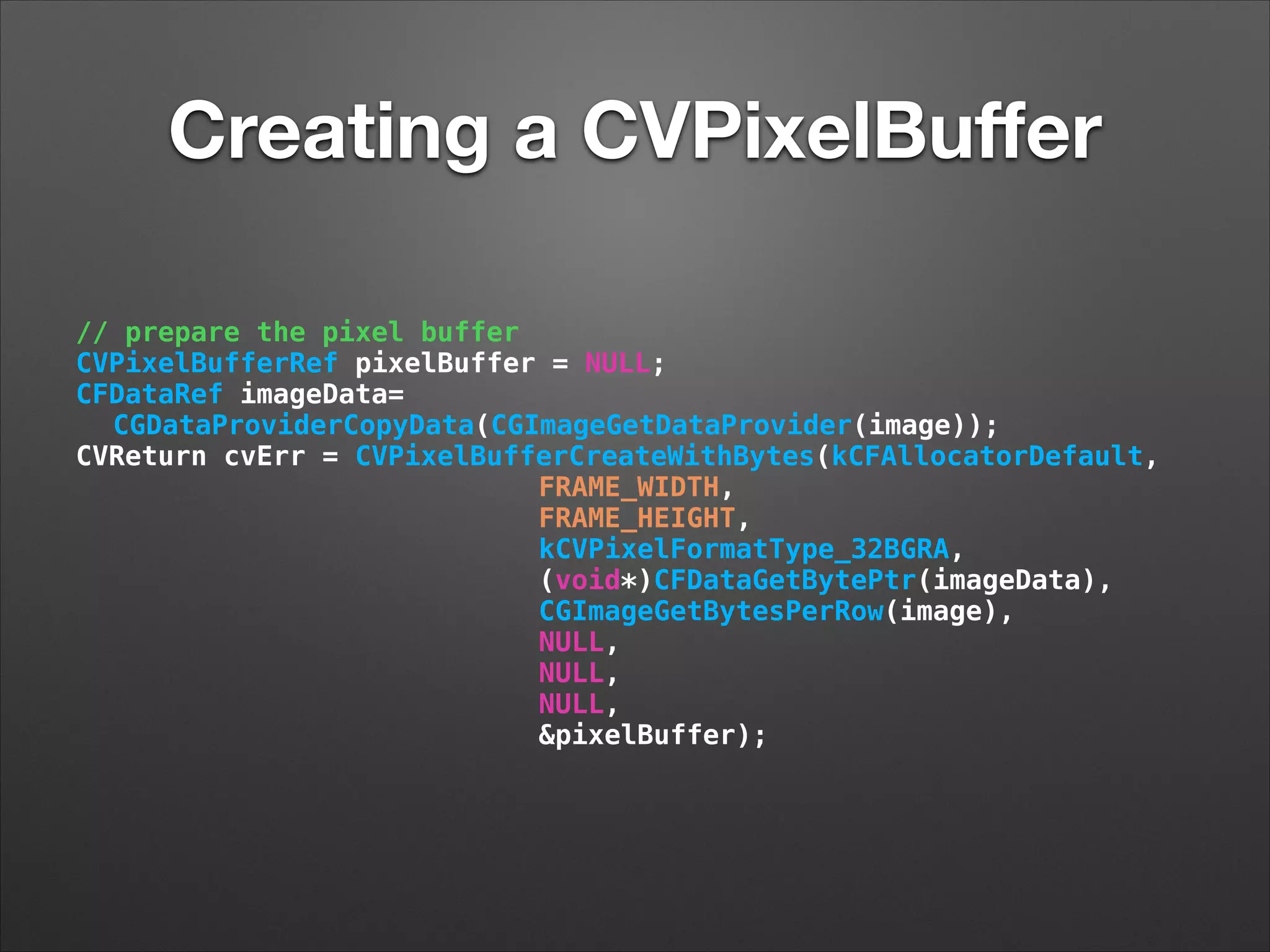
Creating a CVPixelBuffer
// prepare the pixel buffer
CVPixelBufferRef pixelBuffer = NULL;
CFDataRef imageData=
CGDataProviderCopyData(CGImageGetDataProvider(image));
CVReturn cvErr = CVPixelBufferCreateWithBytes(kCFAllocatorDefault,
FRAME_WIDTH,
FRAME_HEIGHT,
kCVPixelFormatType_32BGRA,
(void*)CFDataGetBytePtr(imageData),
CGImageGetBytesPerRow(image),
NULL,
NULL,
NULL,
&pixelBuffer);
Write CMSampleBuffer w/
time
// calculate the time
CFAbsoluteTime thisFrameWallClockTime = CFAbsoluteTimeGetCurrent();
CFTimeInterval elapsedTime = thisFrameWallClockTime - self.firstFrameWallClockTime;
CMTime presentationTime = CMTimeMake (elapsedTime * TIME_SCALE, TIME_SCALE);
// write the sample
BOOL appended = [self.assetWriterPixelBufferAdaptor appendPixelBuffer:pixelBuffer
withPresentationTime:presentationTime];
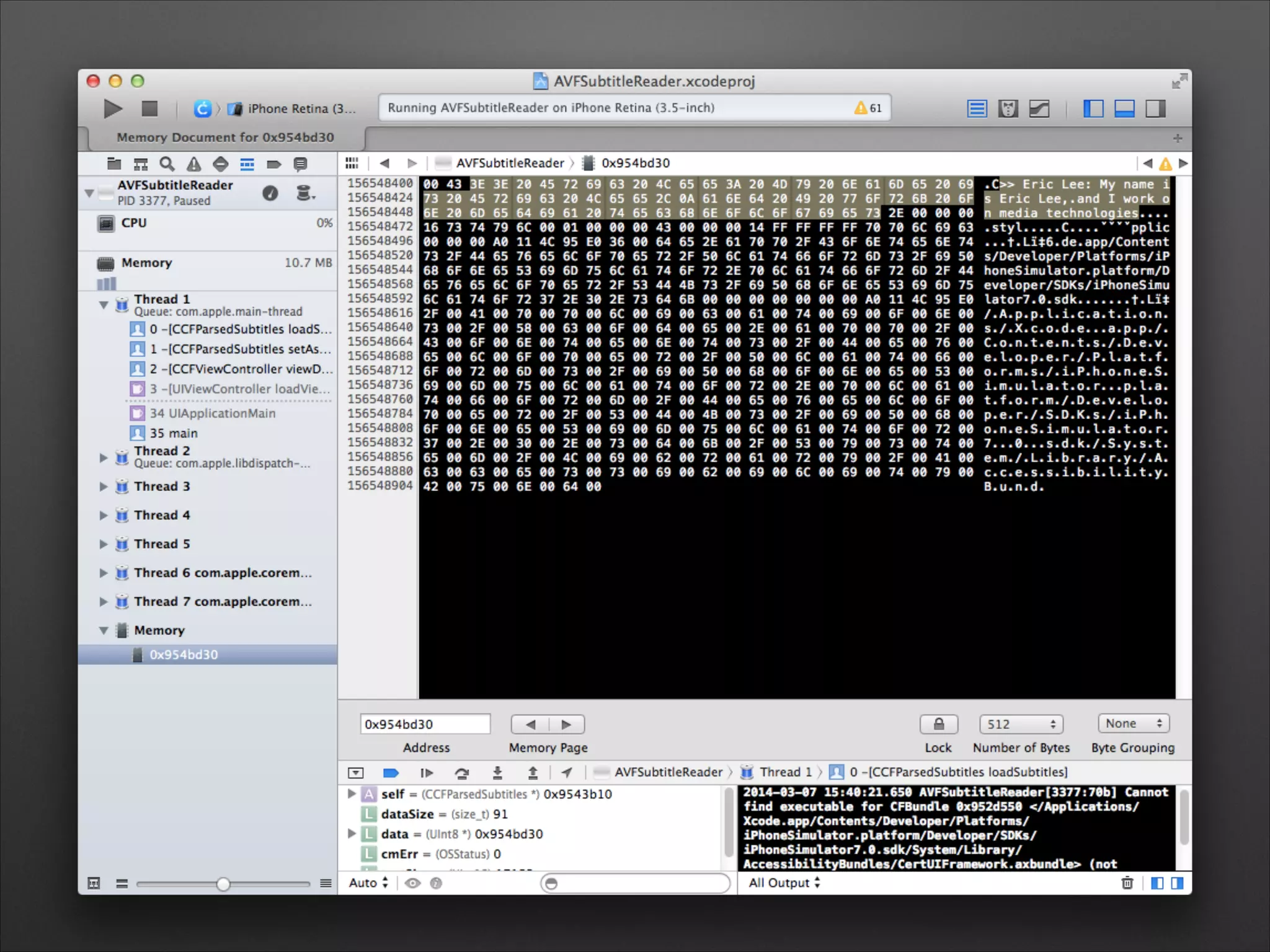
Scraping Subtitle Tracks
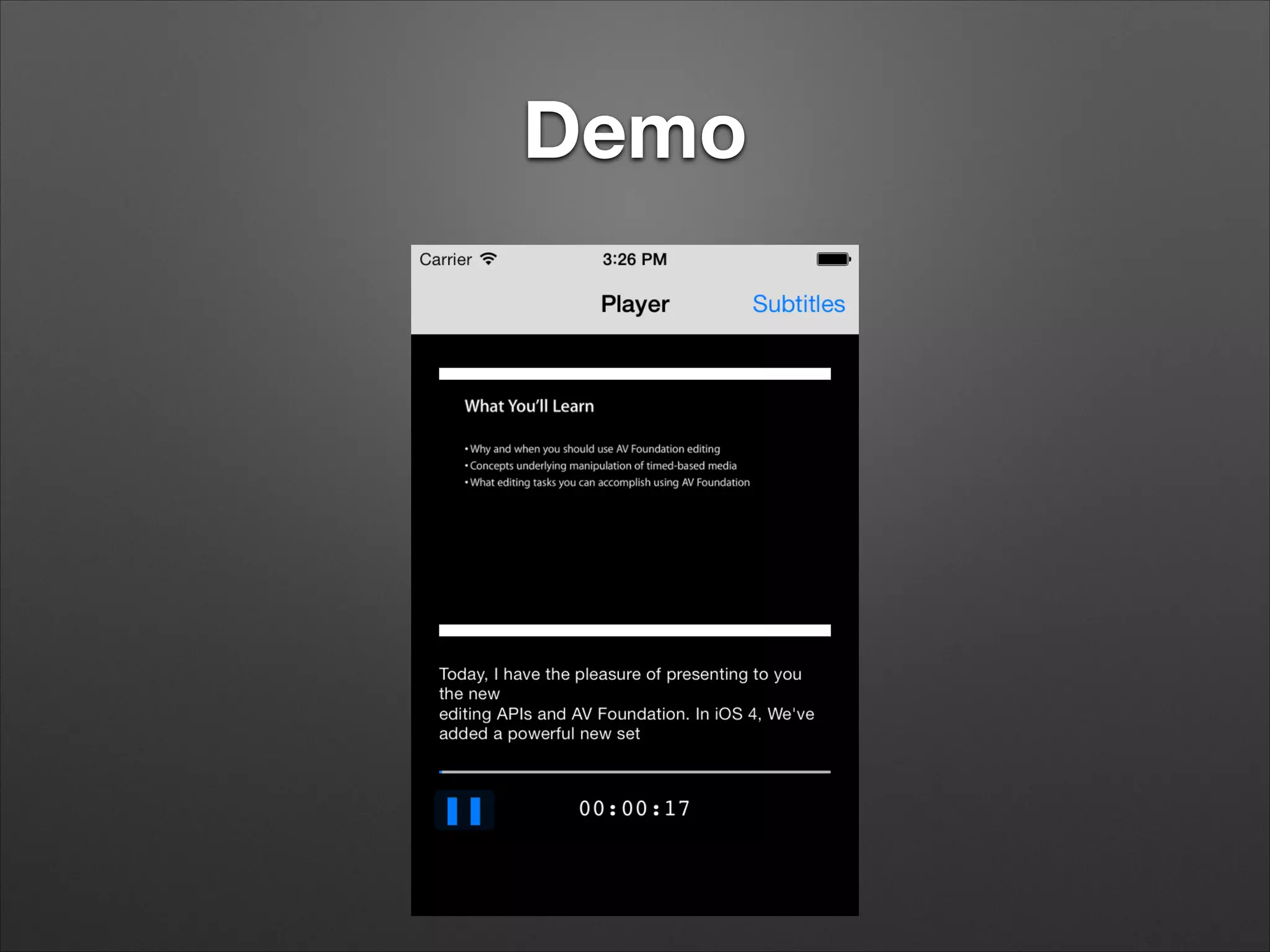
Demo
How the Heck Does that
Work?
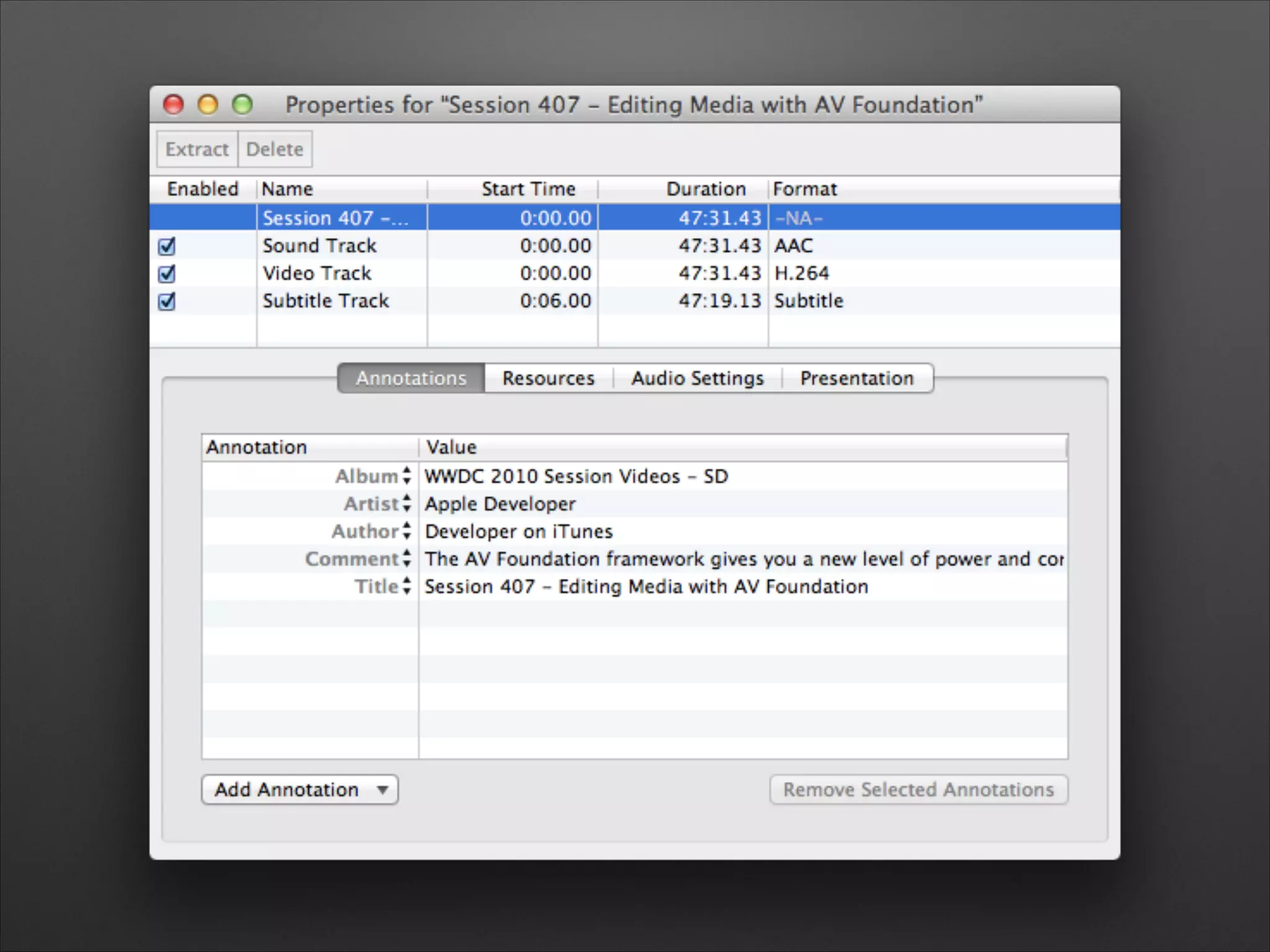
• Movies have tracks, tracks have media, media have
sample data
• All contents of a QuickTime file are defined in the
QuickTime File Format documentation
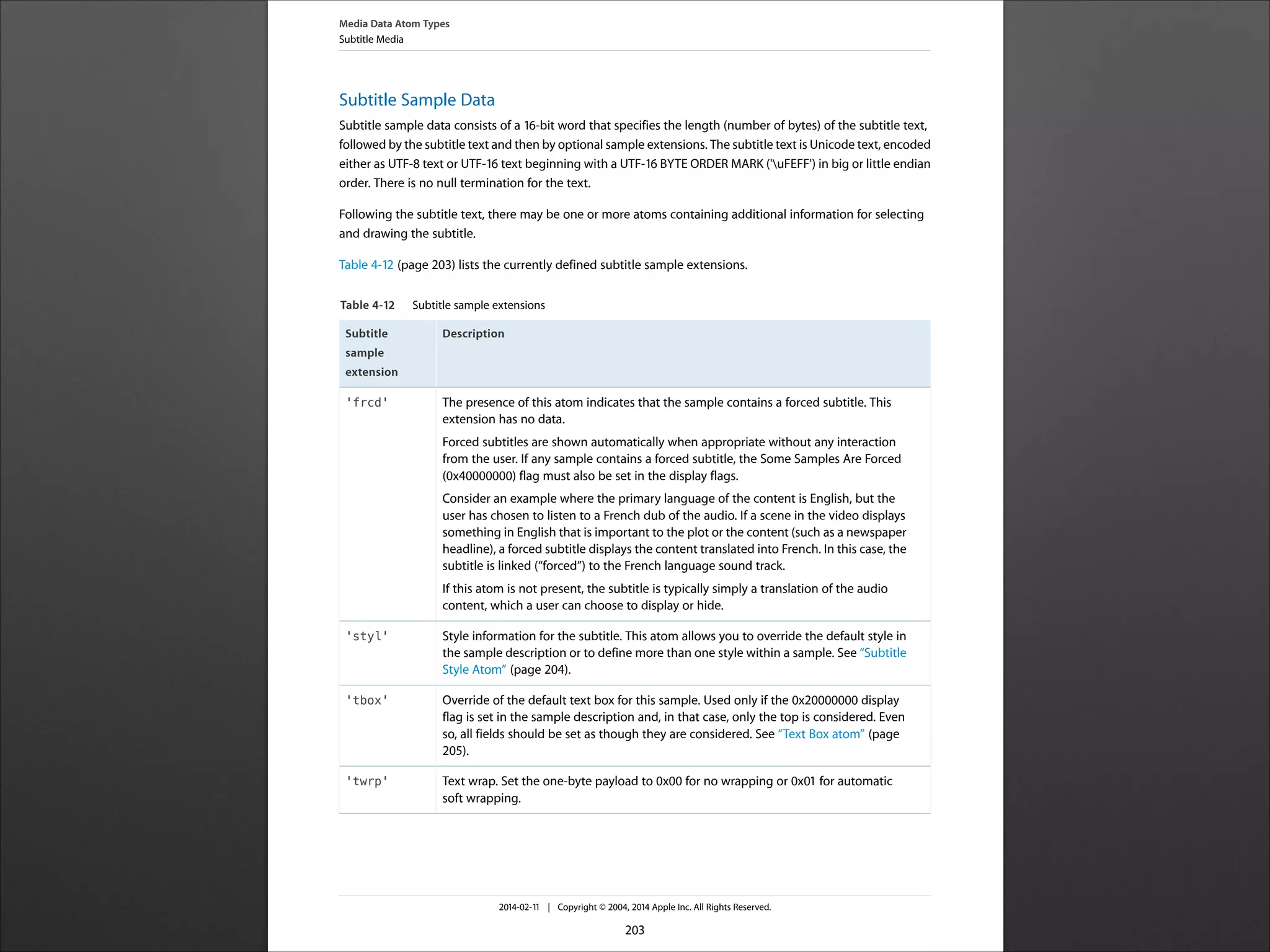
Subtitle Sample Data
Subtitle sample data consists of a 16-‐bit word that specifies the length (number of bytes) of the subtitle text,
followed by the subtitle text and then by optional sample extensions. The subtitle text is Unicode text, encoded
either as UTF-‐8 text or UTF-‐16 text beginning with a UTF-‐16 BYTE ORDER MARK ('uFEFF') in big or little endian
order. There is no null termination for the text.
Following the subtitle text, there may be one or more atoms containing additional information for selecting
and drawing the subtitle.
Table 4-‐12 (page 203) lists the currently defined subtitle sample extensions.
Table 4-12 Subtitle sample extensions
DescriptionSubtitle
sample
extension
The presence of this atom indicates that the sample contains a forced subtitle. This
extension has no data.
Forced subtitles are shown automatically when appropriate without any interaction
from the user. If any sample contains a forced subtitle, the Some Samples Are Forced
(0x40000000) flag must also be set in the display flags.
Consider an example where the primary language of the content is English, but the
user has chosen to listen to a French dub of the audio. If a scene in the video displays
something in English that is important to the plot or the content (such as a newspaper
headline), a forced subtitle displays the content translated into French. In this case, the
subtitle is linked (“forced”) to the French language sound track.
If this atom is not present, the subtitle is typically simply a translation of the audio
content, which a user can choose to display or hide.
'frcd'
Style information for the subtitle. This atom allows you to override the default style in
the sample description or to define more than one style within a sample. See “Subtitle
Style Atom” (page 204).
'styl'
Override of the default text box for this sample. Used only if the 0x20000000 display
flag is set in the sample description and, in that case, only the top is considered. Even
so, all fields should be set as though they are considered. See “Text Box atom” (page
205).
'tbox'
Text wrap. Set the one-‐byte payload to 0x00 for no wrapping or 0x01 for automatic
soft wrapping.
'twrp'
Media Data Atom Types
Subtitle Media
2014-‐02-‐11 | Copyright © 2004, 2014 Apple Inc. All Rights Reserved.
203
Subtitle Sample Data!
Subtitle sample data consists of a 16-bit word that
specifies the length (number of bytes) of the subtitle text,
followed by the subtitle text and then by optional sample
extensions. The subtitle text is Unicode text, encoded
either as UTF-8 text or UTF-16 text beginning with a
UTF-16 BYTE ORDER MARK ('uFEFF') in big or little
endian order. There is no null termination for the text.!
Following the subtitle text, there may be one or more
atoms containing additional information for selecting and
drawing the subtitle.!
I Iz In Ur Subtitle Track…
AVAssetReaderTrackOutput *subtitleTrackOutput =
[AVAssetReaderTrackOutput assetReaderTrackOutputWithTrack:subtitleTracks[0]
outputSettings:nil];
!
// ...
while (reading) {
CMSampleBufferRef sampleBuffer = [subtitleTrackOutput copyNextSampleBuffer];
if (sampleBuffer == NULL) {
AVAssetReaderStatus status = subtitleReader.status;
if ((status == AVAssetReaderStatusCompleted) ||
(status == AVAssetReaderStatusFailed) ||
(status == AVAssetReaderStatusCancelled)) {
reading = NO;
NSLog (@"ending with reader status %d", status);
}
} else {
CMTime presentationTime = CMSampleBufferGetPresentationTimeStamp(sampleBuffer) ;
CMTime duration = CMSampleBufferGetDuration(sampleBuffer);
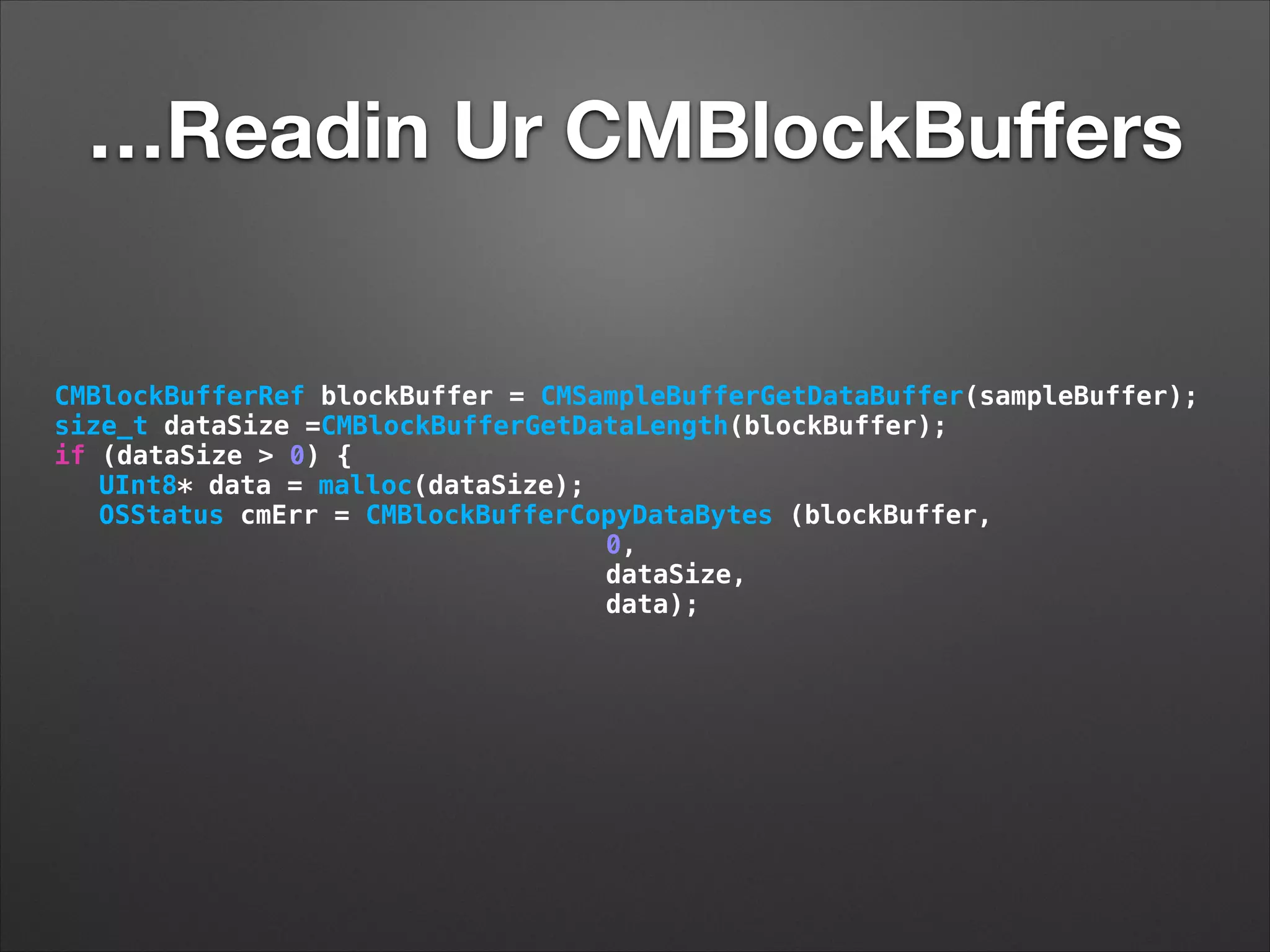
…Readin Ur CMBlockBuffers
CMBlockBufferRef blockBuffer = CMSampleBufferGetDataBuffer(sampleBuffer);
size_t dataSize =CMBlockBufferGetDataLength(blockBuffer);
if (dataSize > 0) {
UInt8* data = malloc(dataSize);
OSStatus cmErr = CMBlockBufferCopyDataBytes (blockBuffer,
0,
dataSize,
data);
Fun With CVImageBuffers
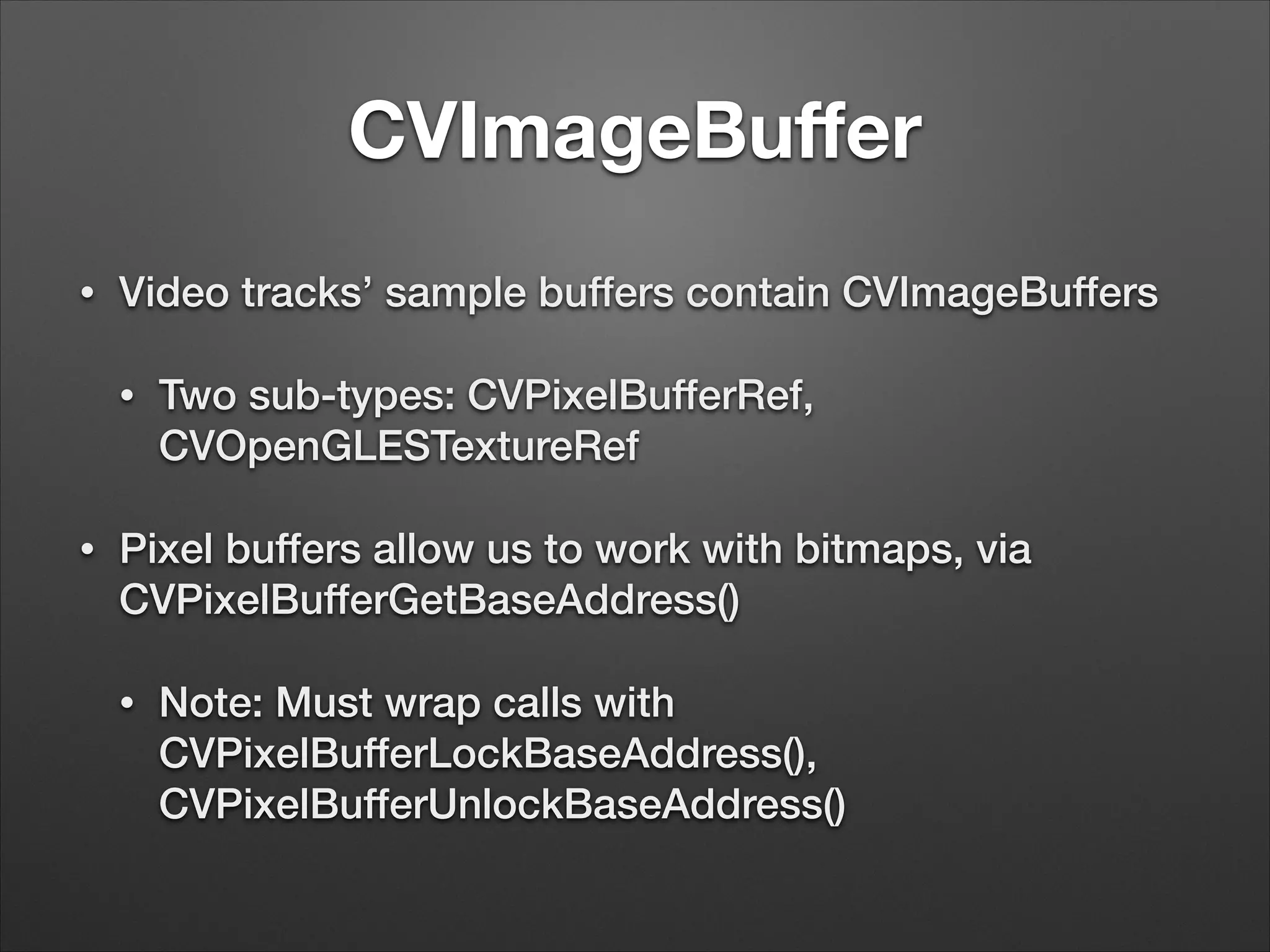
CVImageBuffer
• Video tracks’ sample buffers contain CVImageBuffers
• Two sub-types: CVPixelBufferRef,
CVOpenGLESTextureRef
• Pixel buffers allow us to work with bitmaps, via
CVPixelBufferGetBaseAddress()
• Note: Must wrap calls with
CVPixelBufferLockBaseAddress(),
CVPixelBufferUnlockBaseAddress()
Use & Abuse of Pixel Buffers
• Straightforward to call -[CIImage
imageWithCVImageBuffer:] (OS X) or -[CIImage
imageWithCVPixelBuffer:] (iOS)
• However, drawing it into a CIContext requires being
backed by a CAEAGLLayer
• So this part is going to be OS X-based for now…
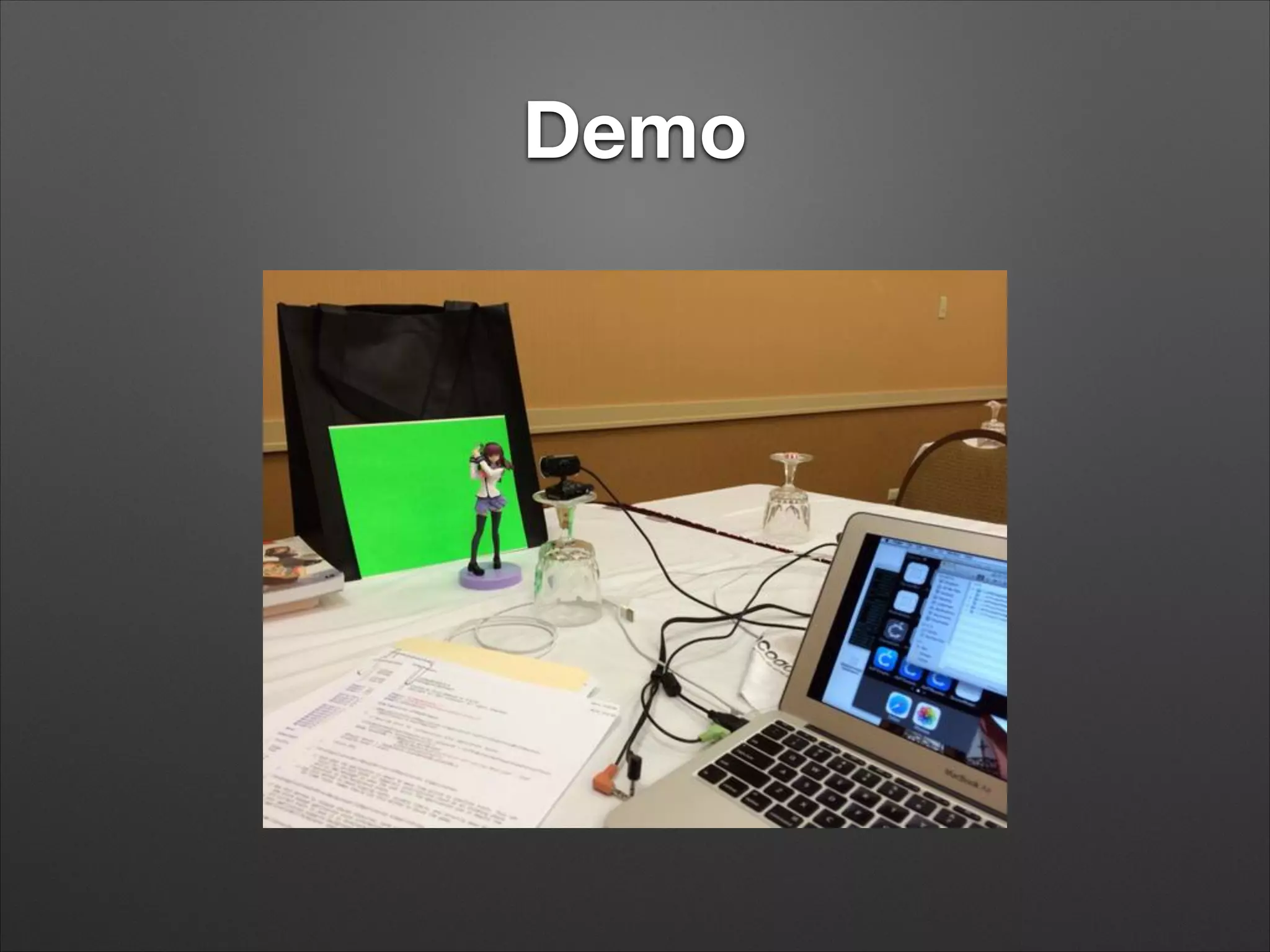
Demo
Core Image Filters
• Create by name with +[CIFilter filterWithName:]
• Several dozen built into OS X, iOS
• Set parameters with -[CIFilter setValue:forKey:]
• Keys are in Core Image Filter Reference. Input image is
kCIInputImageKey
• Make sure your filter is in category CIEffectVideo
• Retrieve filtered image with -[filter valueForKey:
kCIOutputImageKey]
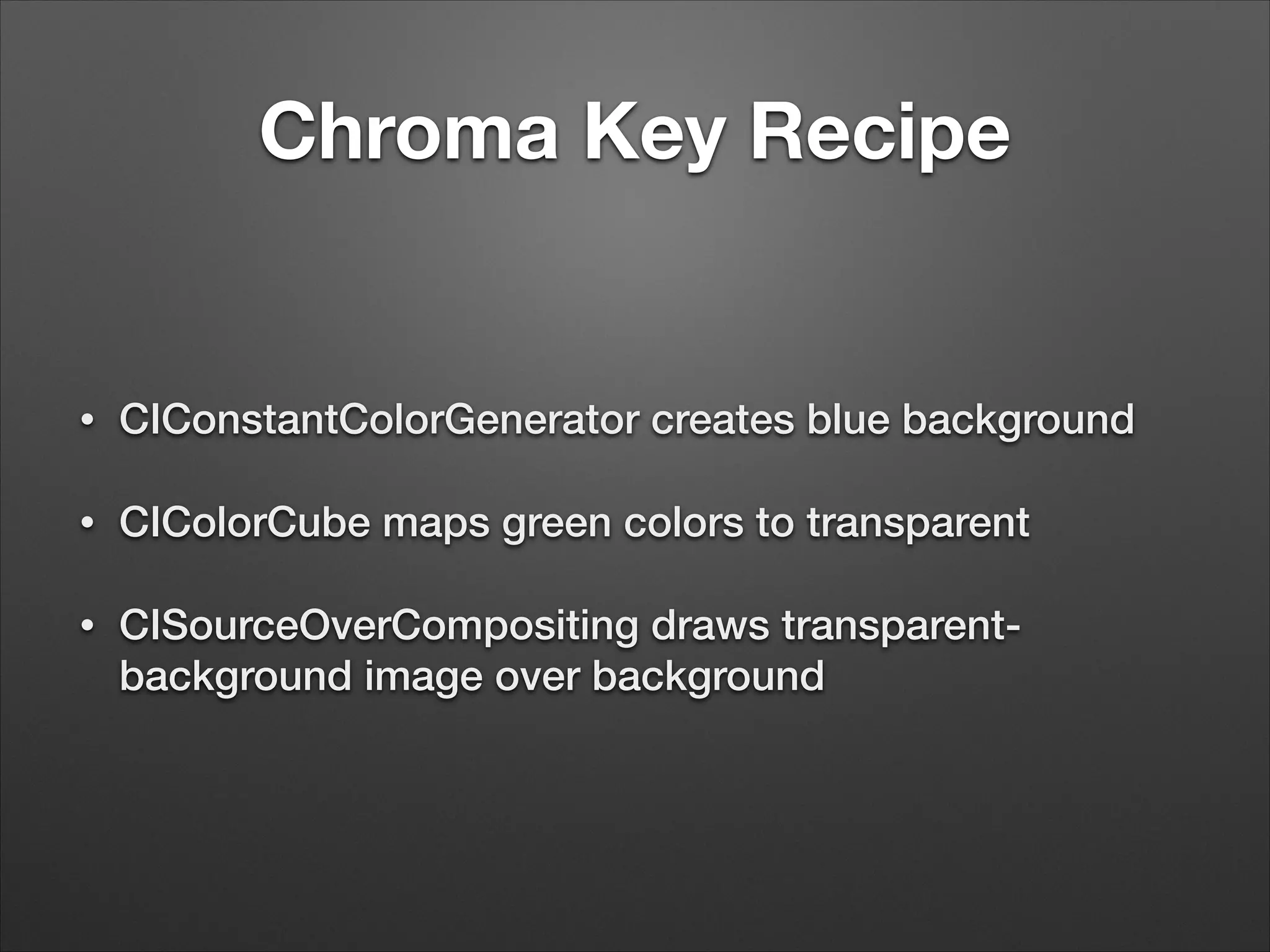
Chroma Key Recipe
• CIConstantColorGenerator creates blue background
• CIColorCube maps green colors to transparent
• CISourceOverCompositing draws transparent-
background image over background
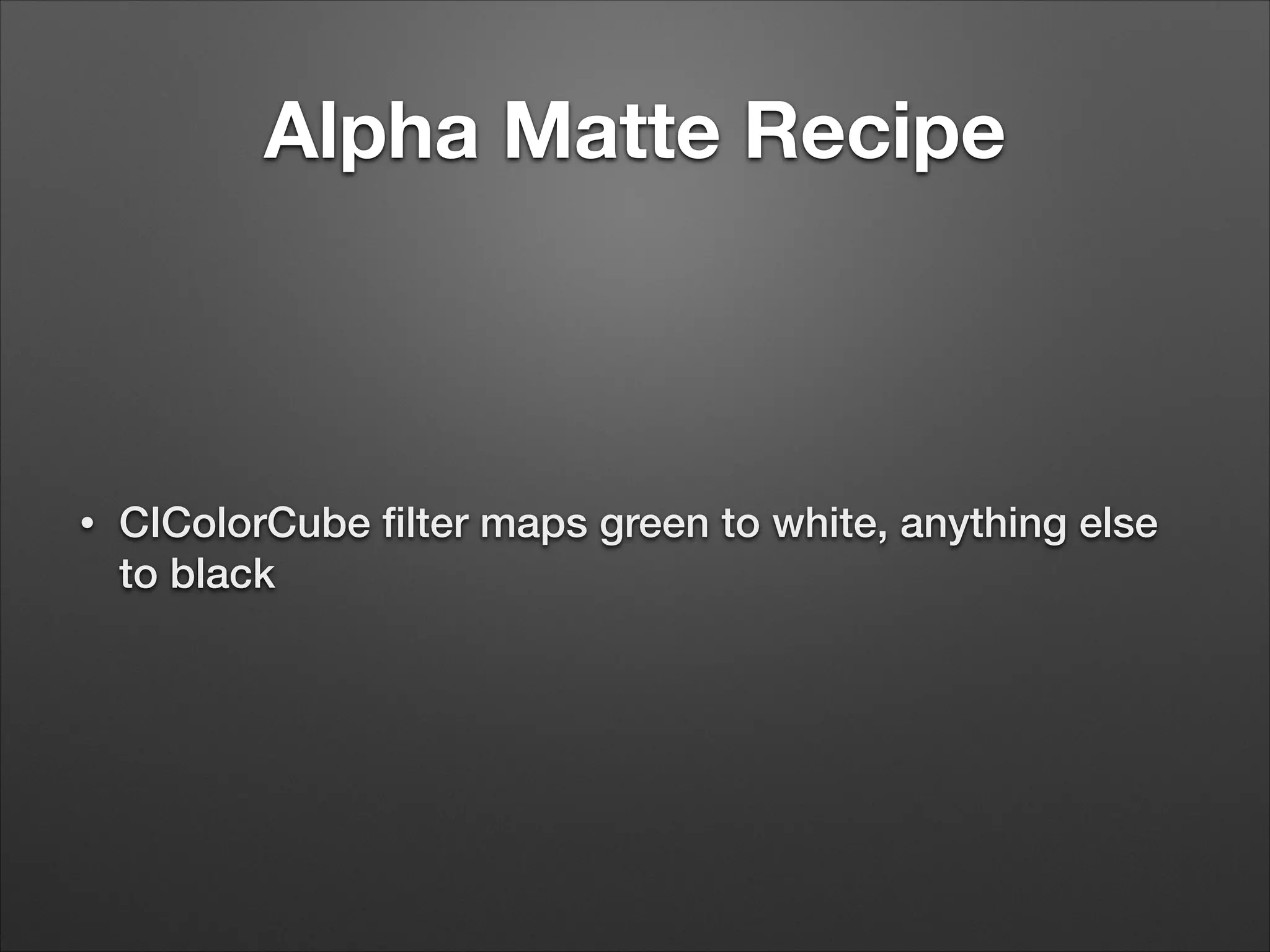
Alpha Matte Recipe
• CIColorCube filter maps green to white, anything else
to black
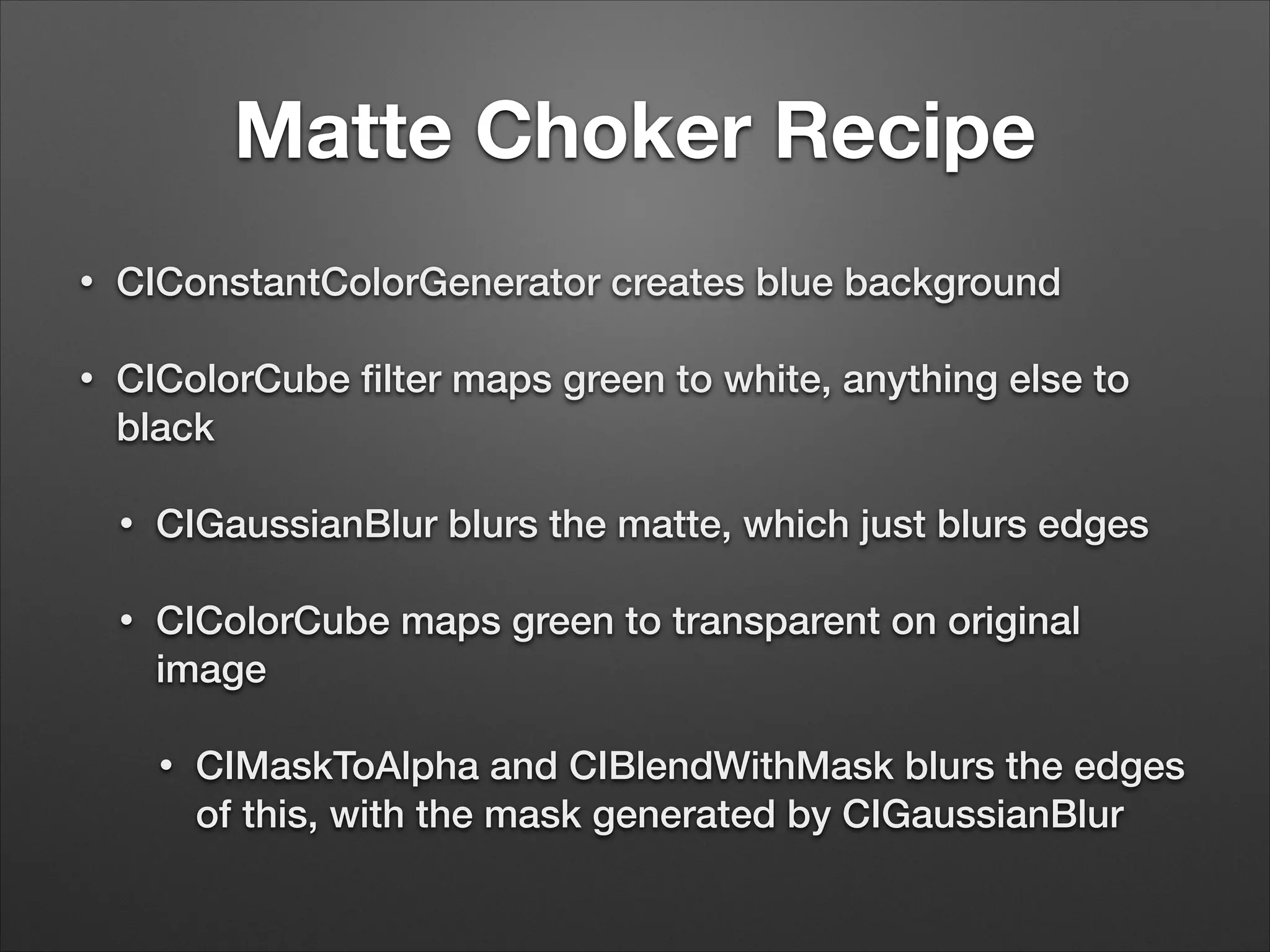
Matte Choker Recipe
• CIConstantColorGenerator creates blue background
• CIColorCube filter maps green to white, anything else to
black
• CIGaussianBlur blurs the matte, which just blurs edges
• CIColorCube maps green to transparent on original
image
• CIMaskToAlpha and CIBlendWithMask blurs the edges
of this, with the mask generated by CIGaussianBlur
Post-Filtering
• -[CIImage drawImage:inRect:fromRect:] into a
CIContext backed by an NSBitmapImageRep
• Take these pixels and write them to a new
CVPixelBuffer (if you’re writing to disk)
CVImageBufferRef outCVBuffer = NULL;
void* pixels = [self.filterGraphicsBitmap bitmapData];
NSDictionary *pixelBufferAttributes = @{
(id)kCVPixelBufferPixelFormatTypeKey: @(kCVPixelFormatType_32ARGB),
(id)kCVPixelBufferCGBitmapContextCompatibilityKey: @(YES),
(id)kCVPixelBufferCGImageCompatibilityKey: @(YES)
};
!
err = CVPixelBufferCreateWithBytes(kCFAllocatorDefault,
self.outputSize.width,
self.outputSize.height,
kCVPixelFormatType_32ARGB,
pixels,
[self.filterGraphicsBitmap bytesPerRow],
NULL, // callback
NULL, // callback context
(__bridge CFDictionaryRef) pixelBufferAttributes,
&outCVBuffer);
Further Thoughts
• First step to doing anything low level with AV
Foundation is to work with CMSampleBuffers
• -[AVAssetReaderOutput copyNextSampleBuffer], -
[AVAsetWriterInput appendSampleBuffer:]
• -[AVCaptureVideoDataOutputSampleBufferDelegate
captureOutput:didOutputSampleBuffer:fromConnecti
on:]
Further Thoughts
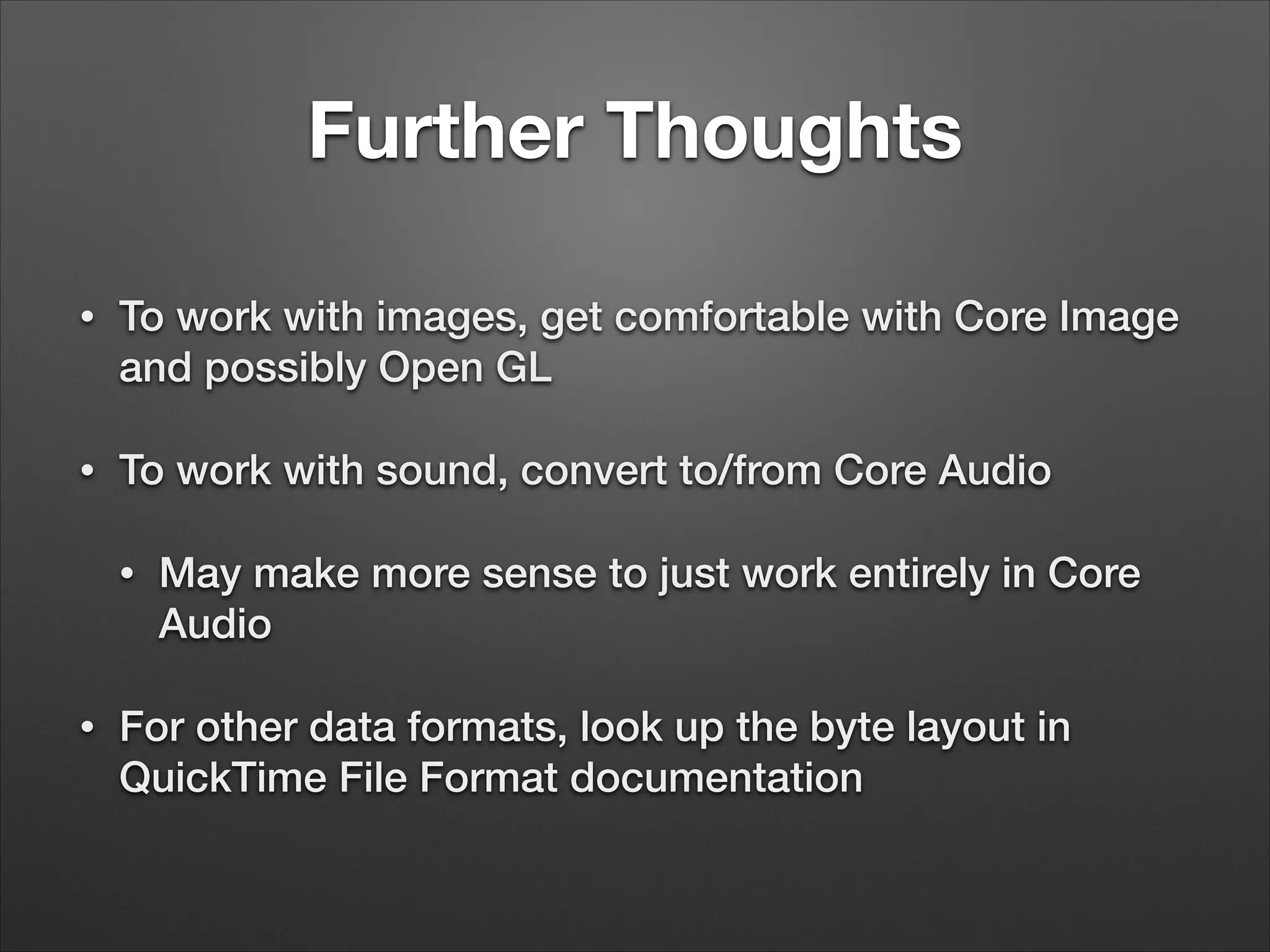
• To work with images, get comfortable with Core Image
and possibly Open GL
• To work with sound, convert to/from Core Audio
• May make more sense to just work entirely in Core
Audio
• For other data formats, look up the byte layout in
QuickTime File Format documentation
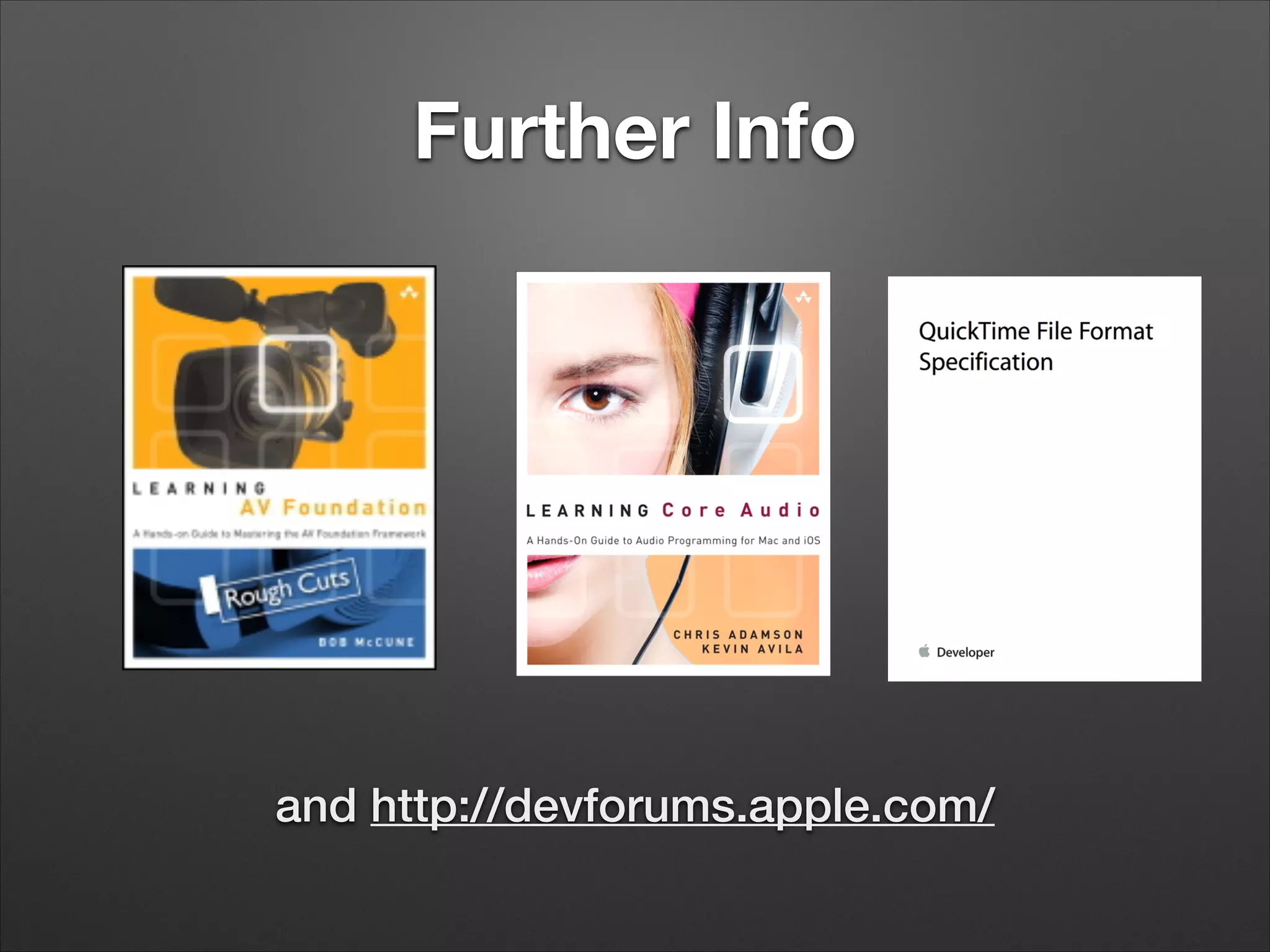
Further Info
and http://devforums.apple.com/
Further Questions…
@invalidname (Twitter, app.net)
invalidname@gmail.com
http://www.subfurther.com/blog

Stupid Video Tricks

  • 1.
    Stupid Video Tricks ChrisAdamson • @invalidname CocoaConf Chicago, 2014
  • 2.
    AV Foundation • Frameworkfor working with time-based media • Audio, video, timed text (captions / subtitles), timecode • iOS 4.0 and up, Mac OS X 10.7 (Lion) and up • Replacing QuickTime on Mac
  • 3.
    AV Foundation: TheNormal Person’s View • Time-based media: AVAsset, AVComposition, AVMutableComposition • Capture: AVCaptureSession, AVCaptureInput, AVCaptureOutput, AVCaptureVideoPreviewLayer • Playback: AVPlayer, AVPlayerLayer • Obj-C Core Audio wrapper classes: AVAudioSession, AVAudioRecorder, AVAudioPlayer • See Janie Clayton-Hasz’s talk
  • 4.
    AVFoundation: The Ambitious Person’sView • AVTrack: One of multiple sources of timed media within an AVAsset • AVVideoCompositionInstruction: Describes how multiple video tracks are composited during a given time range • AVAssetExportSession: Exports an asset to a flat file (typically .mov), optionally using the composition instructions
  • 7.
    AVFoundation: The Insane Person’sView • AVCaptureSessionDataOutput: Calls back to your code with capture data, which you can then play with • AVAssetReader: Lets you read raw samples • AVAssetWriter: Lets you write raw samples • Also: Tight integration with Core Audio, Core Animation, Core Image • New toys: Core Video, Core Media
  • 8.
    Warm-up: Using WhatWe Already Know • AVPlayerLayer and AVCaptureVideoPreviewLayer are subclasses of CALayer • We can do lots of neat things with CALayers
  • 9.
  • 10.
    Digging Deeper • AVFoundationis built atop Core Media
  • 11.
    Core Media • Opaquetypes to represent time: CMTime, CMTimeRange • Opaque types to represent media samples and their contents: CMSampleBuffer, CMBlockBuffer, CMFormatDescription
  • 12.
    Wait, I CanWork With Raw Samples? • Yes! If you’re that insane! • AVCaptureDataOutput provides CMSampleBuffers in sample delegate callback • AVAssetReader provides CMSampleBuffers read from disk • AVAssetWriter accepts CMSampleBuffers to write to disk
  • 13.
    CMSampleBuffer • Provides timinginformation for one or more samples: when does this play and for how long • Contains either • CVImageBuffer – visual data (video frames) • CMBlockBuffer — arbitrary data (sound, subtitles, timecodes)
  • 14.
    Getting Data from CMSampleBuffers •Images: CMSampleBufferGetImageBuffer() • CMImageBufferRef has two subtypes: CVPixelBufferRef, CVOpenGLESTextureRef • Audio: CMSampleBufferGetAudioBufferListWithRetainedBloc kBuffer(), CMSampleBufferGetAudioStreamPacketDescriptions() • Anything else: CMSampleBufferGetDataBuffer()
  • 15.
    Putting Data into CMSampleBuffers •Video: CMSampleBufferCreateForImageBuffer() • See also AVAssetWriterInputPixelBufferAdaptor • Audio: CMSampleBufferSetDataBufferFromAudioBufferList(), CMAudioSampleBufferCreateWithPacketDescriptions() • Anything else: CMSampleBufferSetDataBuffer()
  • 16.
    Timing with CMSampleBuffers • Get:CMSampleBufferGetPresentationTimeStamp(), CMSampleBufferGetDuration() • Set: usually set in create function, e.g., CMSampleBufferCreate(), • Also: CMSampleBufferSetOutputPresentationTimeStamp()
  • 17.
    Future-Proofing with CMSampleBuffers • CMSampleBuffershave an array of “attachments” to specify additional behaviors • Documented: kCMSampleBufferAttachmentKey_Reverse, kCMSampleBufferAttachmentKey_SpeedMultiplier, kCMSampleBufferAttachmentKey_PostNotificationW henConsumed • Undocumented: See CMSampleBuffer.h
  • 18.
  • 19.
    Creating the AVAssetWriter self.assetWriter= [[AVAssetWriter alloc] initWithURL:movieURL fileType: AVFileTypeQuickTimeMovie error: &movieError]; NSDictionary *assetWriterInputSettings = [NSDictionary dictionaryWithObjectsAndKeys: AVVideoCodecH264, AVVideoCodecKey, [NSNumber numberWithInt:FRAME_WIDTH], AVVideoWidthKey, [NSNumber numberWithInt:FRAME_HEIGHT], AVVideoHeightKey, nil]; self.assetWriterInput = [AVAssetWriterInput assetWriterInputWithMediaType: AVMediaTypeVideo outputSettings:assetWriterInputSettings]; self.assetWriterInput.expectsMediaDataInRealTime = YES; [self.assetWriter addInput:self.assetWriterInput]; self.assetWriterPixelBufferAdaptor = [[AVAssetWriterInputPixelBufferAdaptor alloc] initWithAssetWriterInput:self.assetWriterInput sourcePixelBufferAttributes:nil]; [self.assetWriter startWriting]; ! self.firstFrameWallClockTime = CFAbsoluteTimeGetCurrent(); [self.assetWriter startSessionAtSourceTime: CMTimeMake(0, TIME_SCALE)];
  • 20.
    Creating a CVPixelBuffer //prepare the pixel buffer CVPixelBufferRef pixelBuffer = NULL; CFDataRef imageData= CGDataProviderCopyData(CGImageGetDataProvider(image)); CVReturn cvErr = CVPixelBufferCreateWithBytes(kCFAllocatorDefault, FRAME_WIDTH, FRAME_HEIGHT, kCVPixelFormatType_32BGRA, (void*)CFDataGetBytePtr(imageData), CGImageGetBytesPerRow(image), NULL, NULL, NULL, &pixelBuffer);
  • 21.
    Write CMSampleBuffer w/ time //calculate the time CFAbsoluteTime thisFrameWallClockTime = CFAbsoluteTimeGetCurrent(); CFTimeInterval elapsedTime = thisFrameWallClockTime - self.firstFrameWallClockTime; CMTime presentationTime = CMTimeMake (elapsedTime * TIME_SCALE, TIME_SCALE); // write the sample BOOL appended = [self.assetWriterPixelBufferAdaptor appendPixelBuffer:pixelBuffer withPresentationTime:presentationTime];
  • 22.
  • 23.
  • 24.
    How the HeckDoes that Work? • Movies have tracks, tracks have media, media have sample data • All contents of a QuickTime file are defined in the QuickTime File Format documentation
  • 26.
    Subtitle Sample Data Subtitlesample data consists of a 16-‐bit word that specifies the length (number of bytes) of the subtitle text, followed by the subtitle text and then by optional sample extensions. The subtitle text is Unicode text, encoded either as UTF-‐8 text or UTF-‐16 text beginning with a UTF-‐16 BYTE ORDER MARK ('uFEFF') in big or little endian order. There is no null termination for the text. Following the subtitle text, there may be one or more atoms containing additional information for selecting and drawing the subtitle. Table 4-‐12 (page 203) lists the currently defined subtitle sample extensions. Table 4-12 Subtitle sample extensions DescriptionSubtitle sample extension The presence of this atom indicates that the sample contains a forced subtitle. This extension has no data. Forced subtitles are shown automatically when appropriate without any interaction from the user. If any sample contains a forced subtitle, the Some Samples Are Forced (0x40000000) flag must also be set in the display flags. Consider an example where the primary language of the content is English, but the user has chosen to listen to a French dub of the audio. If a scene in the video displays something in English that is important to the plot or the content (such as a newspaper headline), a forced subtitle displays the content translated into French. In this case, the subtitle is linked (“forced”) to the French language sound track. If this atom is not present, the subtitle is typically simply a translation of the audio content, which a user can choose to display or hide. 'frcd' Style information for the subtitle. This atom allows you to override the default style in the sample description or to define more than one style within a sample. See “Subtitle Style Atom” (page 204). 'styl' Override of the default text box for this sample. Used only if the 0x20000000 display flag is set in the sample description and, in that case, only the top is considered. Even so, all fields should be set as though they are considered. See “Text Box atom” (page 205). 'tbox' Text wrap. Set the one-‐byte payload to 0x00 for no wrapping or 0x01 for automatic soft wrapping. 'twrp' Media Data Atom Types Subtitle Media 2014-‐02-‐11 | Copyright © 2004, 2014 Apple Inc. All Rights Reserved. 203
  • 27.
    Subtitle Sample Data! Subtitlesample data consists of a 16-bit word that specifies the length (number of bytes) of the subtitle text, followed by the subtitle text and then by optional sample extensions. The subtitle text is Unicode text, encoded either as UTF-8 text or UTF-16 text beginning with a UTF-16 BYTE ORDER MARK ('uFEFF') in big or little endian order. There is no null termination for the text.! Following the subtitle text, there may be one or more atoms containing additional information for selecting and drawing the subtitle.!
  • 28.
    I Iz InUr Subtitle Track… AVAssetReaderTrackOutput *subtitleTrackOutput = [AVAssetReaderTrackOutput assetReaderTrackOutputWithTrack:subtitleTracks[0] outputSettings:nil]; ! // ... while (reading) { CMSampleBufferRef sampleBuffer = [subtitleTrackOutput copyNextSampleBuffer]; if (sampleBuffer == NULL) { AVAssetReaderStatus status = subtitleReader.status; if ((status == AVAssetReaderStatusCompleted) || (status == AVAssetReaderStatusFailed) || (status == AVAssetReaderStatusCancelled)) { reading = NO; NSLog (@"ending with reader status %d", status); } } else { CMTime presentationTime = CMSampleBufferGetPresentationTimeStamp(sampleBuffer) ; CMTime duration = CMSampleBufferGetDuration(sampleBuffer);
  • 29.
    …Readin Ur CMBlockBuffers CMBlockBufferRefblockBuffer = CMSampleBufferGetDataBuffer(sampleBuffer); size_t dataSize =CMBlockBufferGetDataLength(blockBuffer); if (dataSize > 0) { UInt8* data = malloc(dataSize); OSStatus cmErr = CMBlockBufferCopyDataBytes (blockBuffer, 0, dataSize, data);
  • 31.
  • 32.
    CVImageBuffer • Video tracks’sample buffers contain CVImageBuffers • Two sub-types: CVPixelBufferRef, CVOpenGLESTextureRef • Pixel buffers allow us to work with bitmaps, via CVPixelBufferGetBaseAddress() • Note: Must wrap calls with CVPixelBufferLockBaseAddress(), CVPixelBufferUnlockBaseAddress()
  • 33.
    Use & Abuseof Pixel Buffers • Straightforward to call -[CIImage imageWithCVImageBuffer:] (OS X) or -[CIImage imageWithCVPixelBuffer:] (iOS) • However, drawing it into a CIContext requires being backed by a CAEAGLLayer • So this part is going to be OS X-based for now…
  • 34.
  • 35.
    Core Image Filters •Create by name with +[CIFilter filterWithName:] • Several dozen built into OS X, iOS • Set parameters with -[CIFilter setValue:forKey:] • Keys are in Core Image Filter Reference. Input image is kCIInputImageKey • Make sure your filter is in category CIEffectVideo • Retrieve filtered image with -[filter valueForKey: kCIOutputImageKey]
  • 36.
    Chroma Key Recipe •CIConstantColorGenerator creates blue background • CIColorCube maps green colors to transparent • CISourceOverCompositing draws transparent- background image over background
  • 37.
    Alpha Matte Recipe •CIColorCube filter maps green to white, anything else to black
  • 38.
    Matte Choker Recipe •CIConstantColorGenerator creates blue background • CIColorCube filter maps green to white, anything else to black • CIGaussianBlur blurs the matte, which just blurs edges • CIColorCube maps green to transparent on original image • CIMaskToAlpha and CIBlendWithMask blurs the edges of this, with the mask generated by CIGaussianBlur
  • 39.
    Post-Filtering • -[CIImage drawImage:inRect:fromRect:]into a CIContext backed by an NSBitmapImageRep • Take these pixels and write them to a new CVPixelBuffer (if you’re writing to disk)
  • 40.
    CVImageBufferRef outCVBuffer =NULL; void* pixels = [self.filterGraphicsBitmap bitmapData]; NSDictionary *pixelBufferAttributes = @{ (id)kCVPixelBufferPixelFormatTypeKey: @(kCVPixelFormatType_32ARGB), (id)kCVPixelBufferCGBitmapContextCompatibilityKey: @(YES), (id)kCVPixelBufferCGImageCompatibilityKey: @(YES) }; ! err = CVPixelBufferCreateWithBytes(kCFAllocatorDefault, self.outputSize.width, self.outputSize.height, kCVPixelFormatType_32ARGB, pixels, [self.filterGraphicsBitmap bytesPerRow], NULL, // callback NULL, // callback context (__bridge CFDictionaryRef) pixelBufferAttributes, &outCVBuffer);
  • 41.
    Further Thoughts • Firststep to doing anything low level with AV Foundation is to work with CMSampleBuffers • -[AVAssetReaderOutput copyNextSampleBuffer], - [AVAsetWriterInput appendSampleBuffer:] • -[AVCaptureVideoDataOutputSampleBufferDelegate captureOutput:didOutputSampleBuffer:fromConnecti on:]
  • 42.
    Further Thoughts • Towork with images, get comfortable with Core Image and possibly Open GL • To work with sound, convert to/from Core Audio • May make more sense to just work entirely in Core Audio • For other data formats, look up the byte layout in QuickTime File Format documentation
  • 43.
  • 44.
    Further Questions… @invalidname (Twitter,app.net) invalidname@gmail.com http://www.subfurther.com/blog