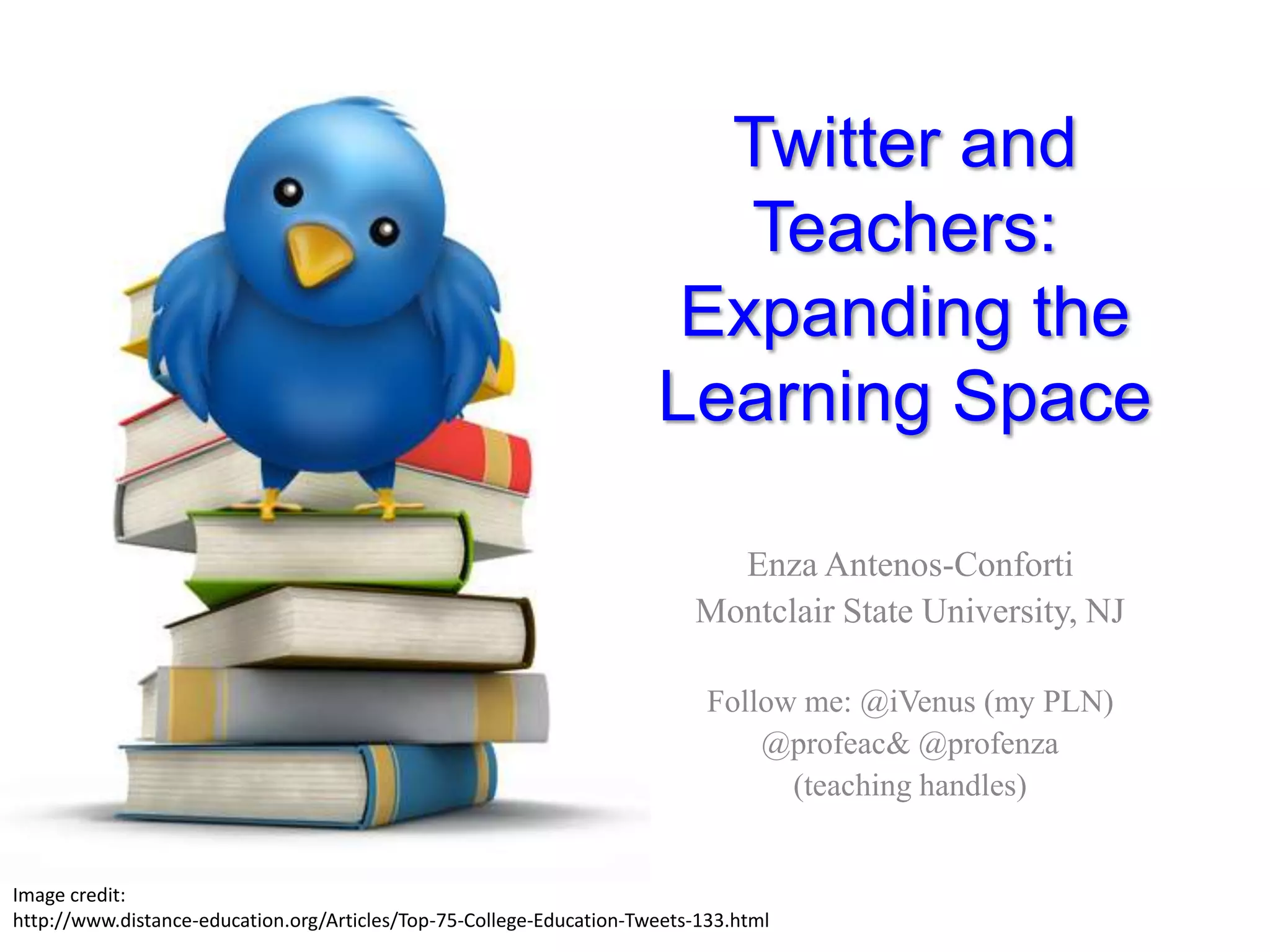
Twitter and Teachers:Expanding the Learning SpaceEnza Antenos-ConfortiMontclair State University, NJFollow me: @iVenus (my PLN)@profeac& @profenza(teaching handles)Image credit: http://www.distance-education.org/Articles/Top-75-College-Education-Tweets-133.html
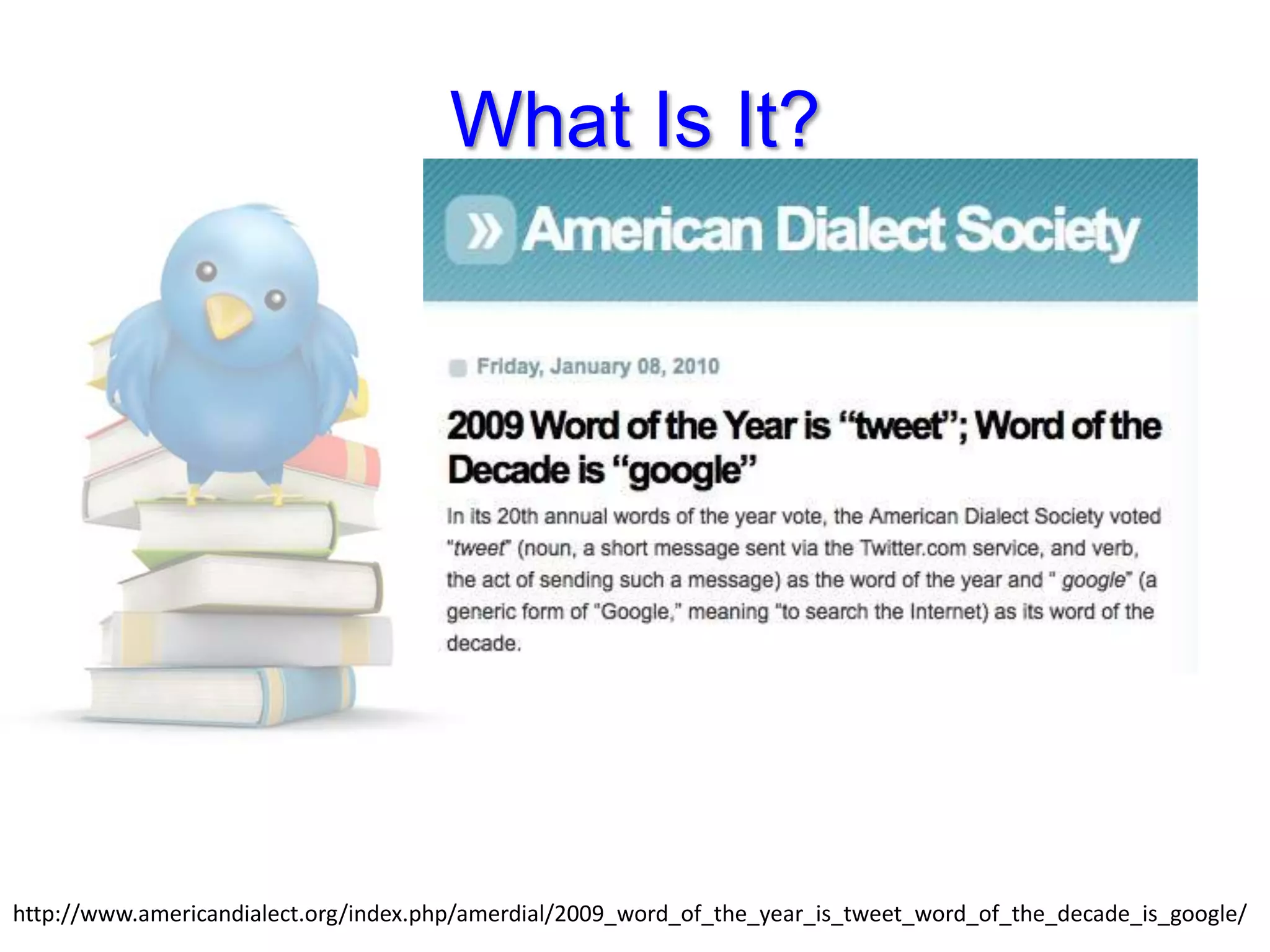
What Is It?http://www.americandialect.org/index.php/amerdial/2009_word_of_the_year_is_tweet_word_of_the_decade_is_google/
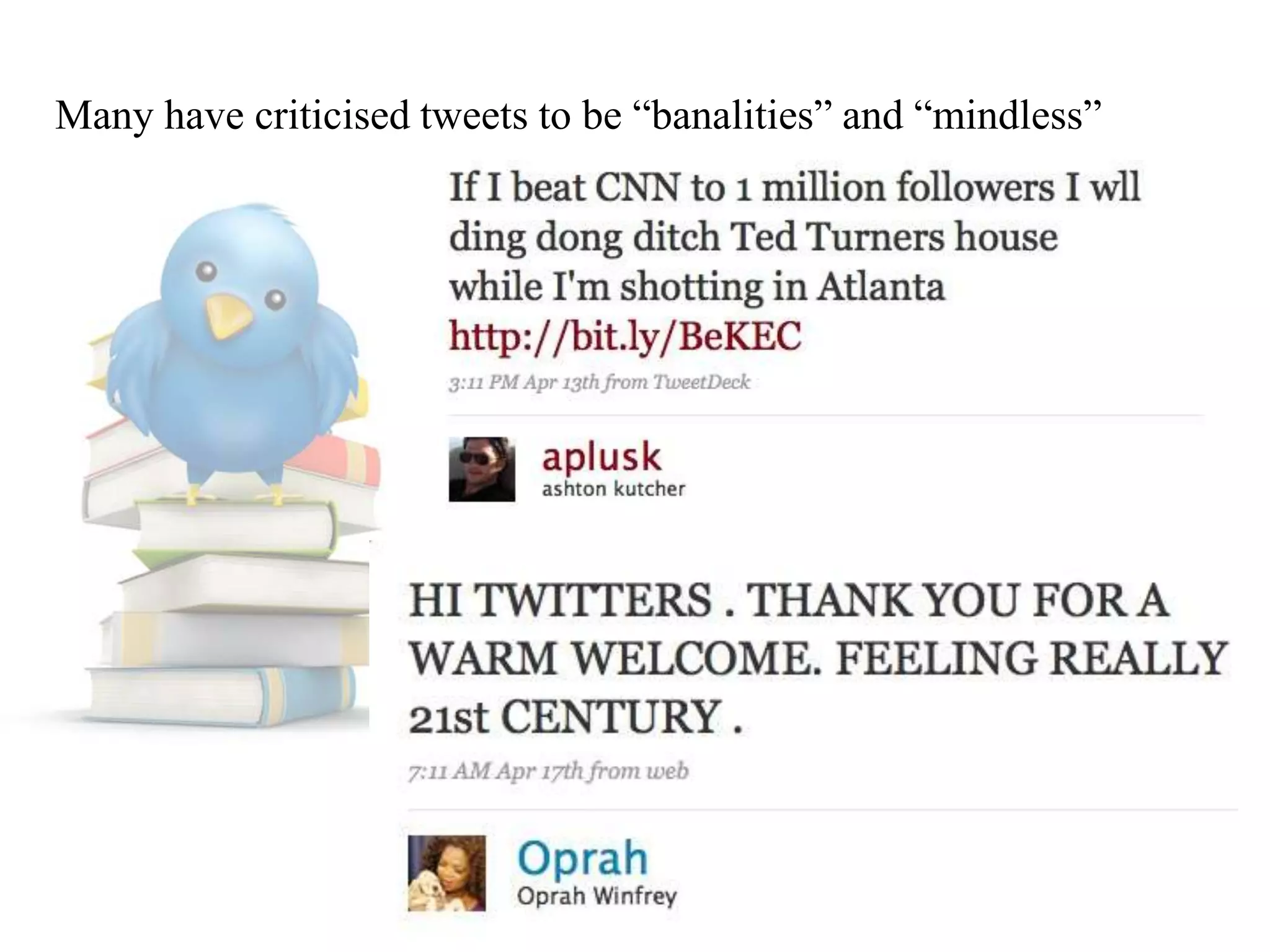
Many have criticised tweets to be “banalities” and “mindless”
Why and What Do We Tweet?Tweets are a source of information; people in certain places, at certain events, sharing at a global levelTweets his way out of an Egyptian jail (U of California-Berkley student, James Buck—April 2008)Earthquake in China (May 2008)Landing on the Hudson (US Airways Flight—Jan 2009)Earthquake in Italy (April 2009)Mumbai Terror Attacks (Nov 2009)
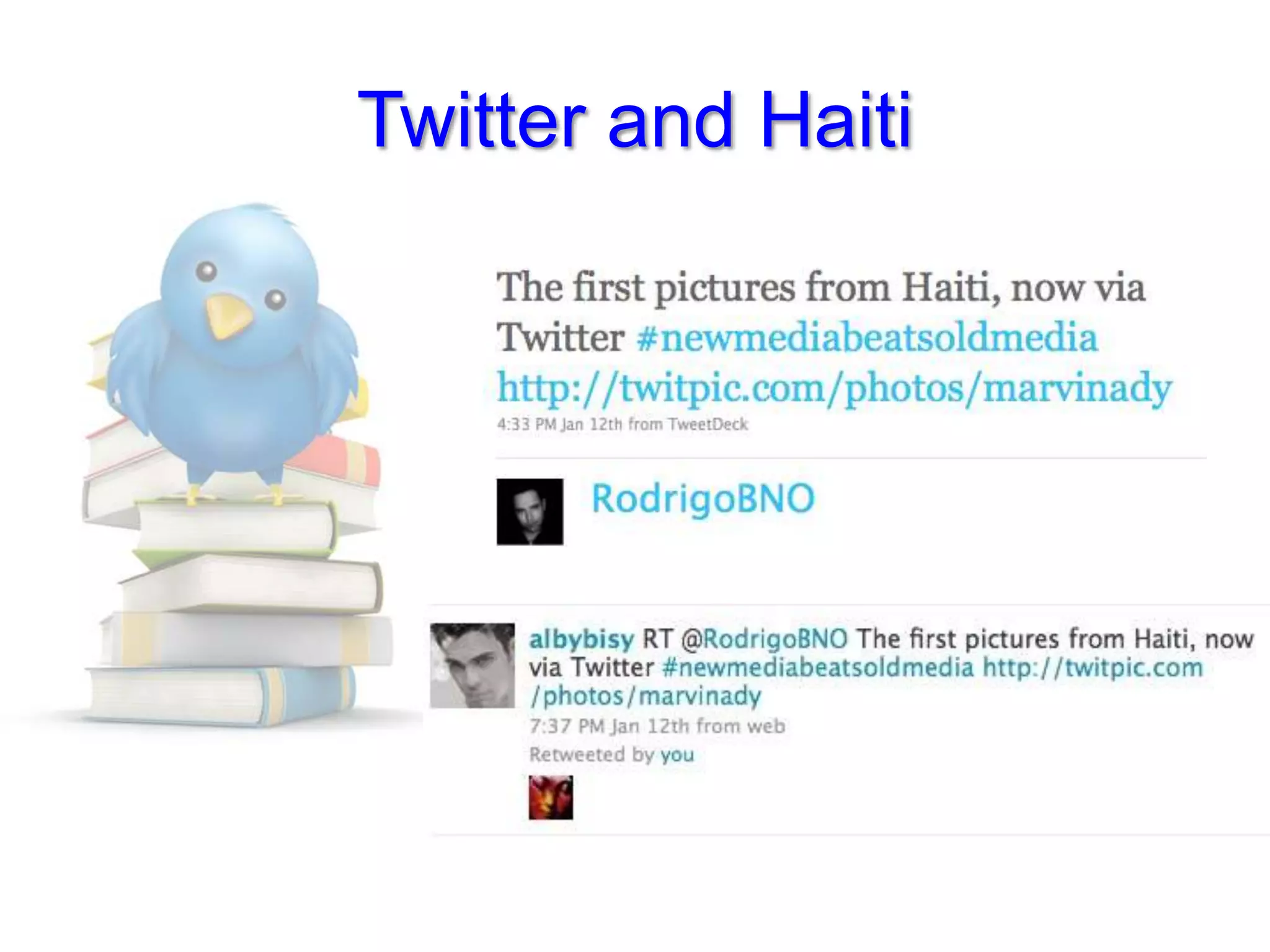
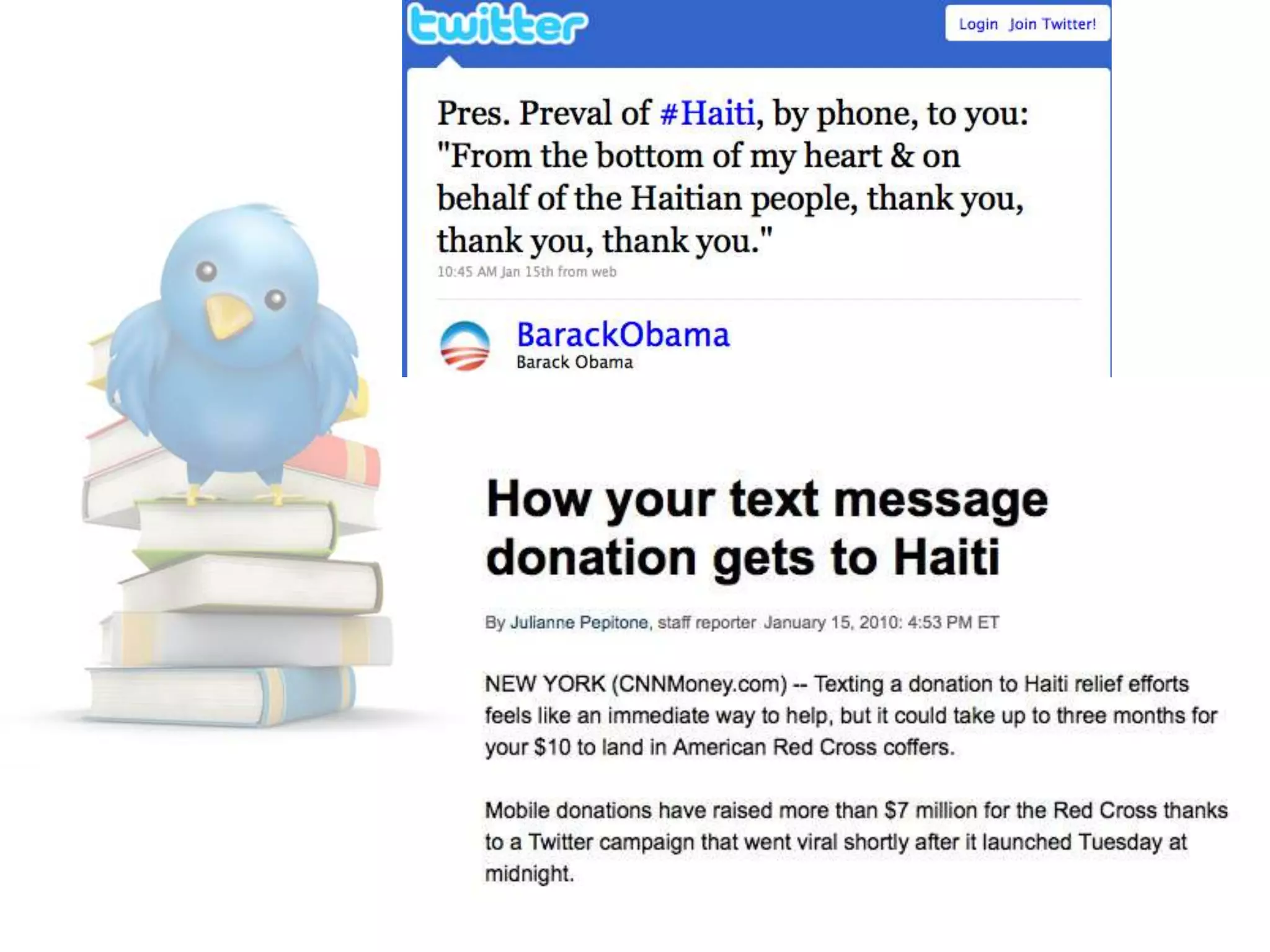
Twitter and Haiti
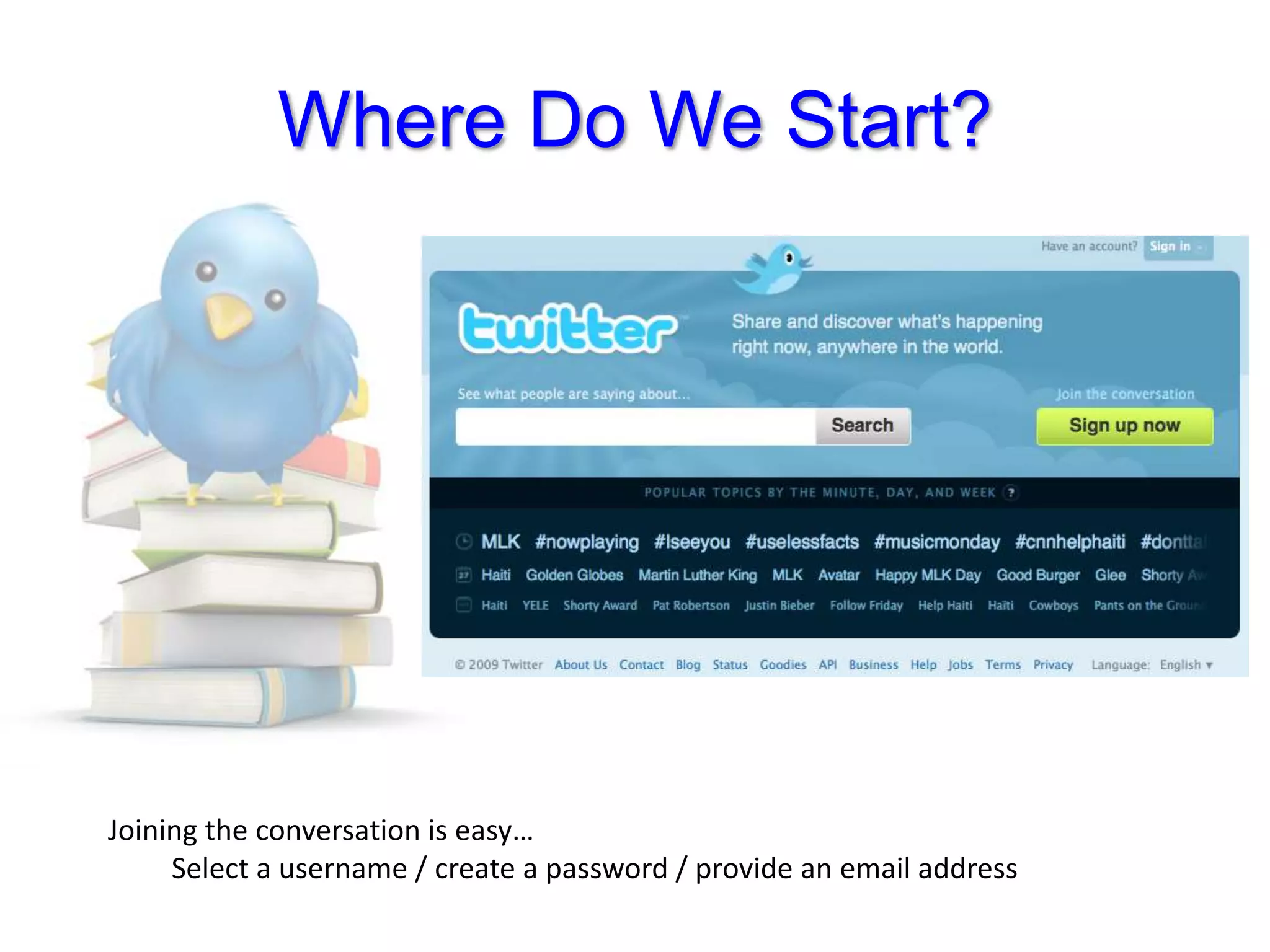
Where Do We Start?Joining the conversation is easy…	Select a username / create a password / provide an email address
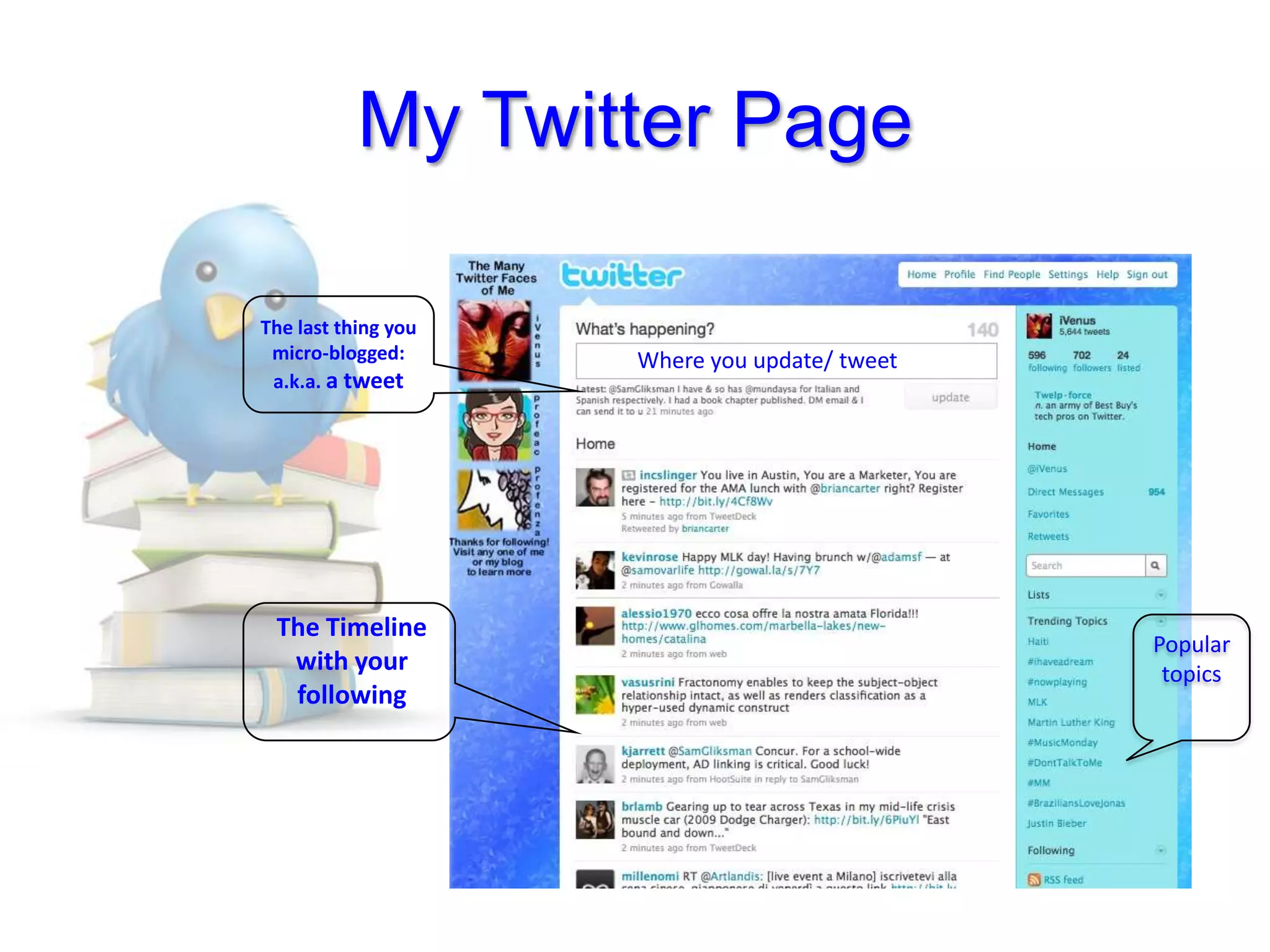
My Twitter PageThe last thing youmicro-blogged:a.k.a. a tweetWhere you update/ tweetThe Timeline with your followingPopulartopics
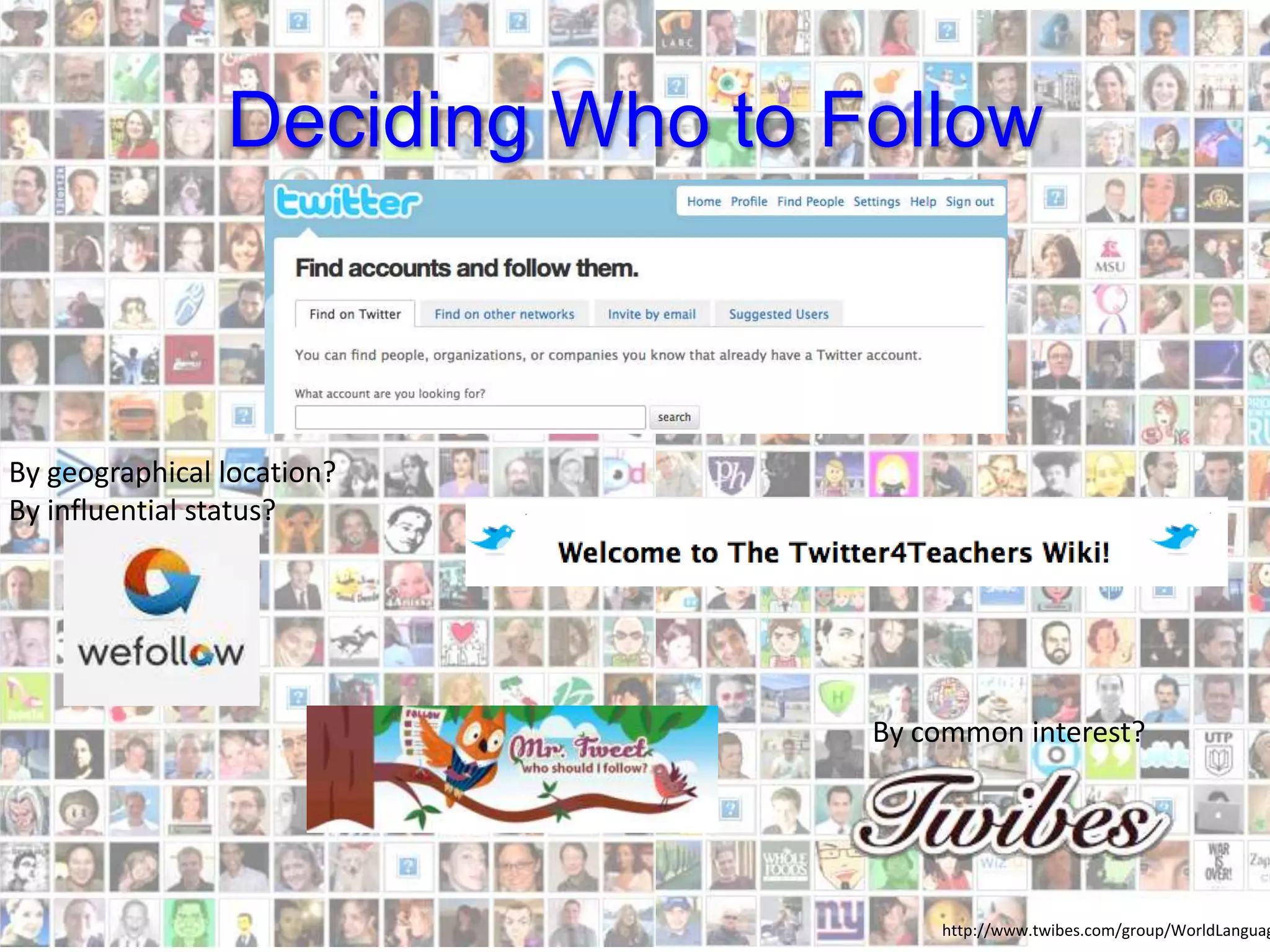
Deciding Who to FollowBy common interest?By geographical location?By influential status?http://www.twibes.com/group/WorldLanguages
Let’s tweetTweets are self-perpetuatinggenerativeauthenticTweeps / Twitterers (users)interpret inputproduce output engage in conversations
Twitter term: Mention (aka Reply)The @Replies feature was introduced because we noticed lots of folks putting the @ symbol in front of Twitter usernames as a way of addressing one another. For example: @biz what are you drinking in your avatar? (It's a soy latte.)@username also now in the middle of tweets as a way to simply reference another account
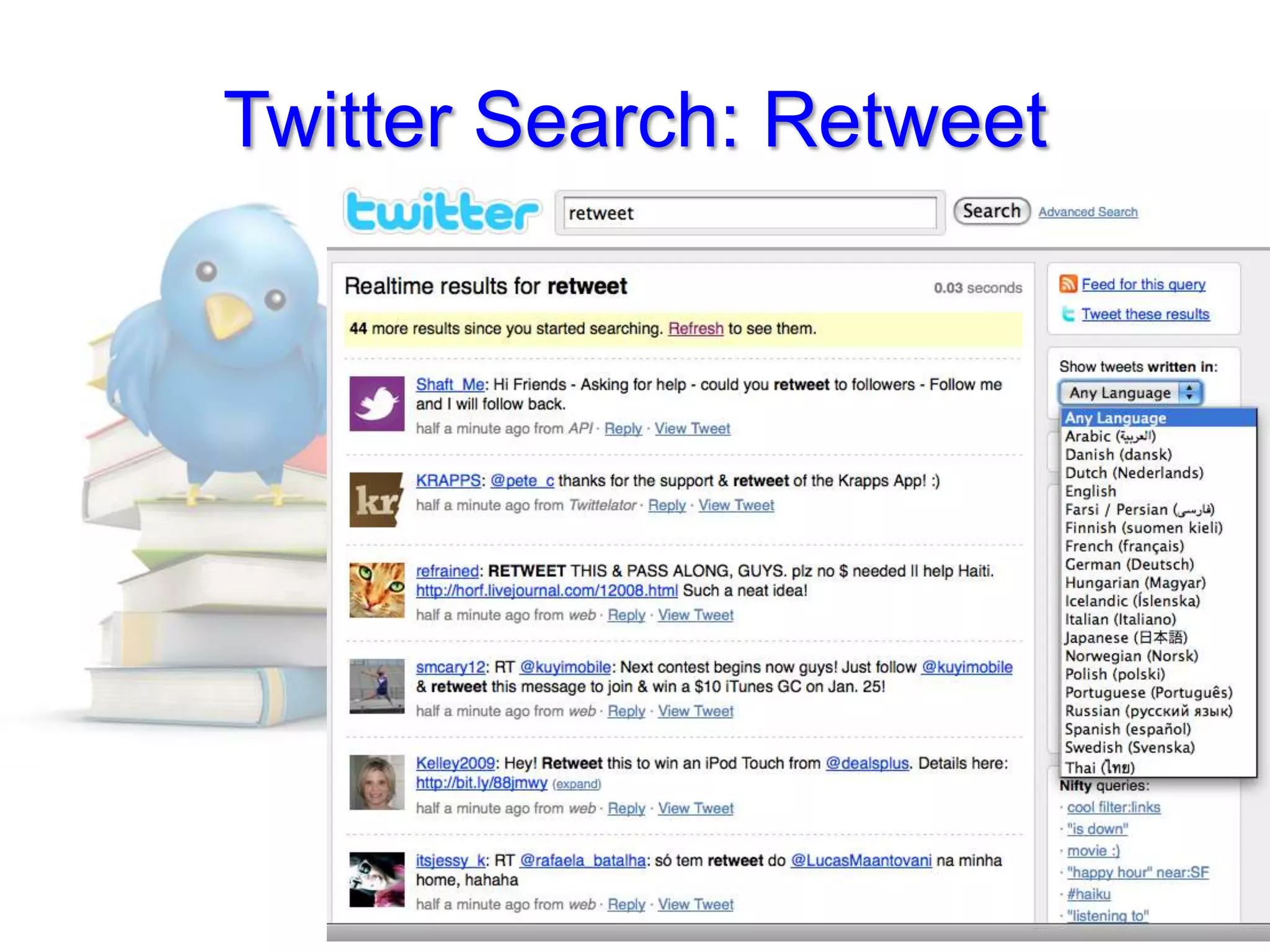
Twitter term: RetweetSharing and crediting sources
Twitter Search: Retweet
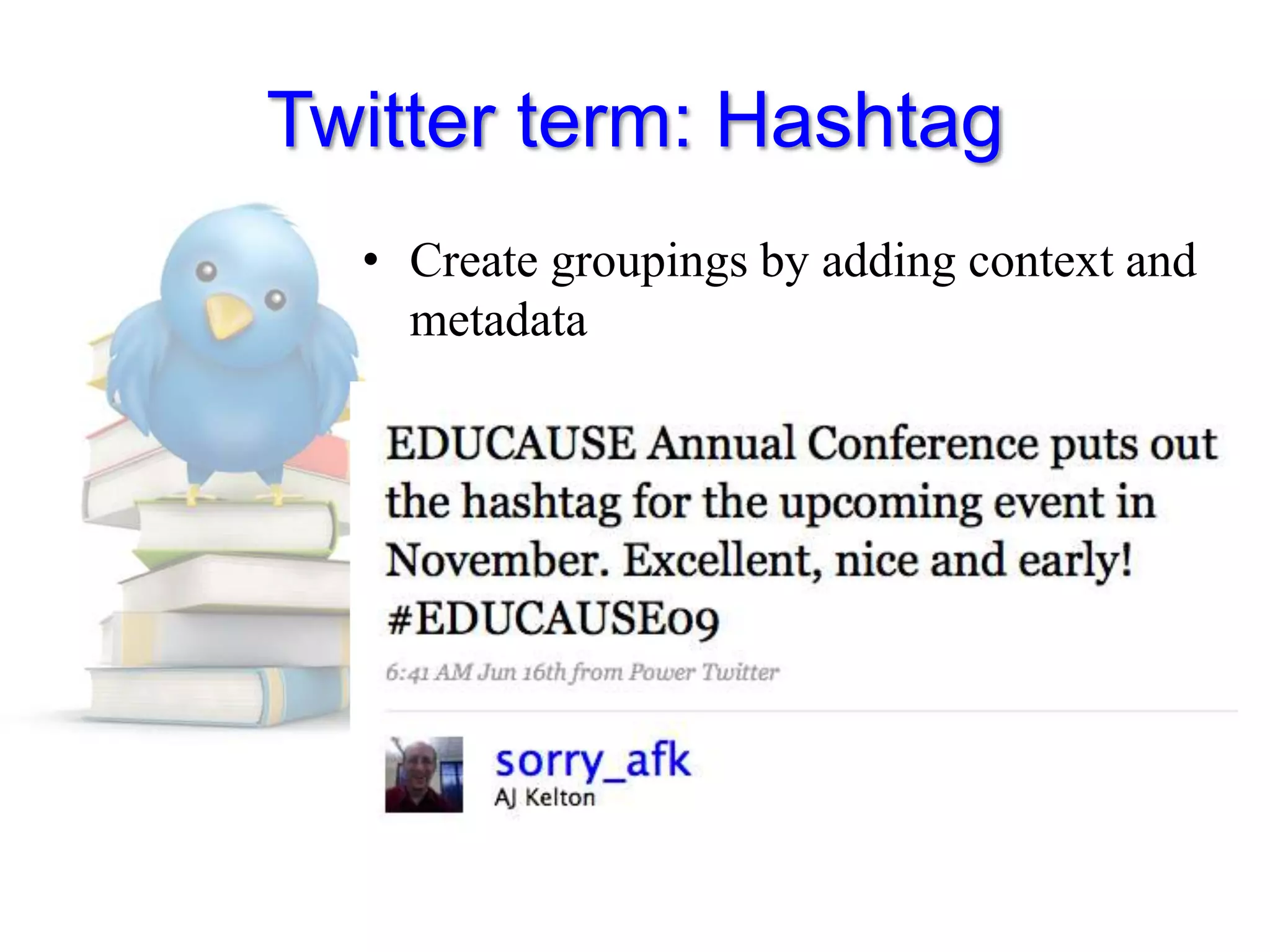
Twitter term: HashtagCreate groupings by adding context and metadata
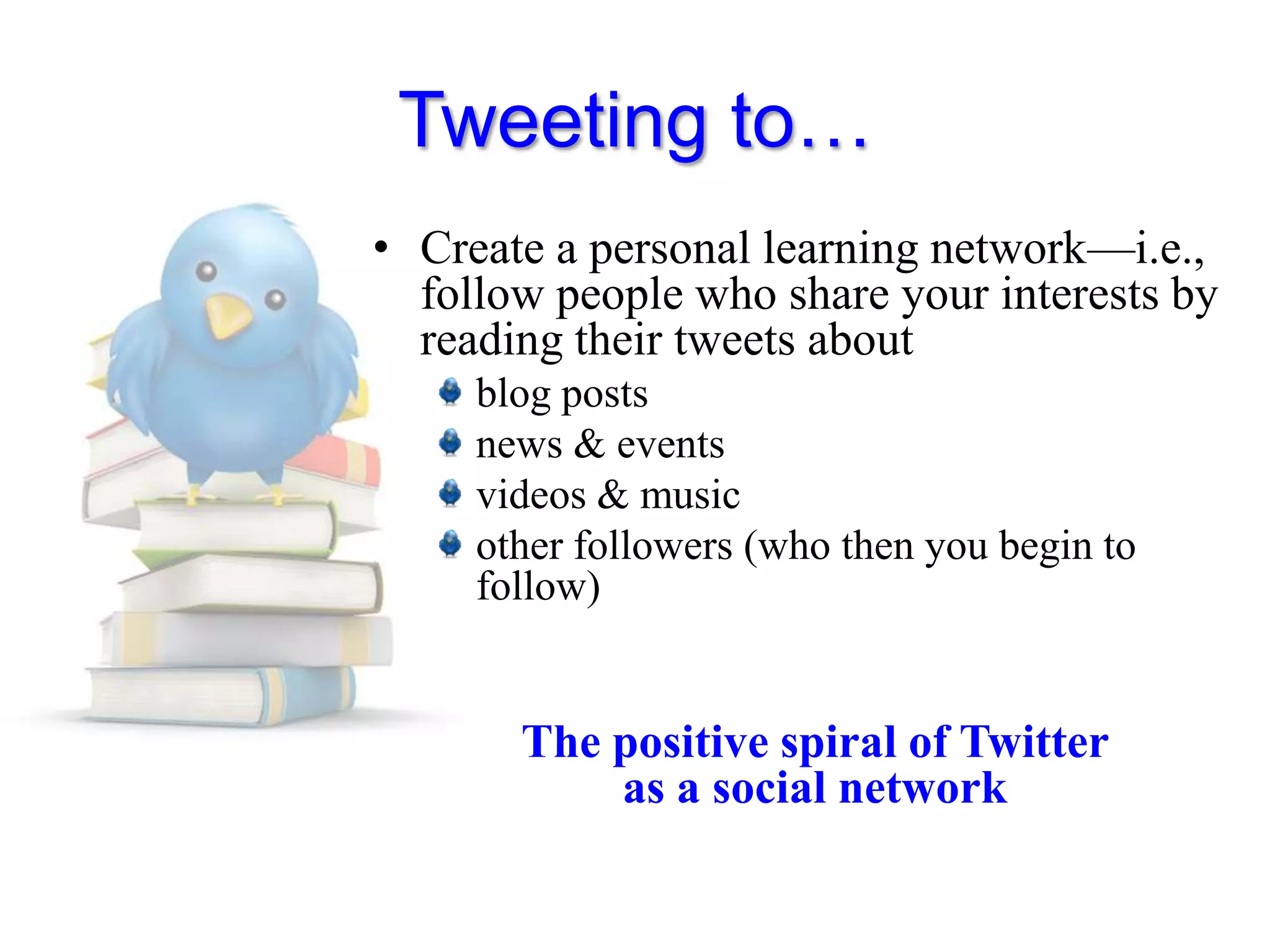
Tweeting to…Create a personal learning network—i.e., follow people who share your interests by reading their tweets aboutblog postsnews & eventsvideos & musicother followers (who then you begin to follow)The positive spiral of Twitter as a social network
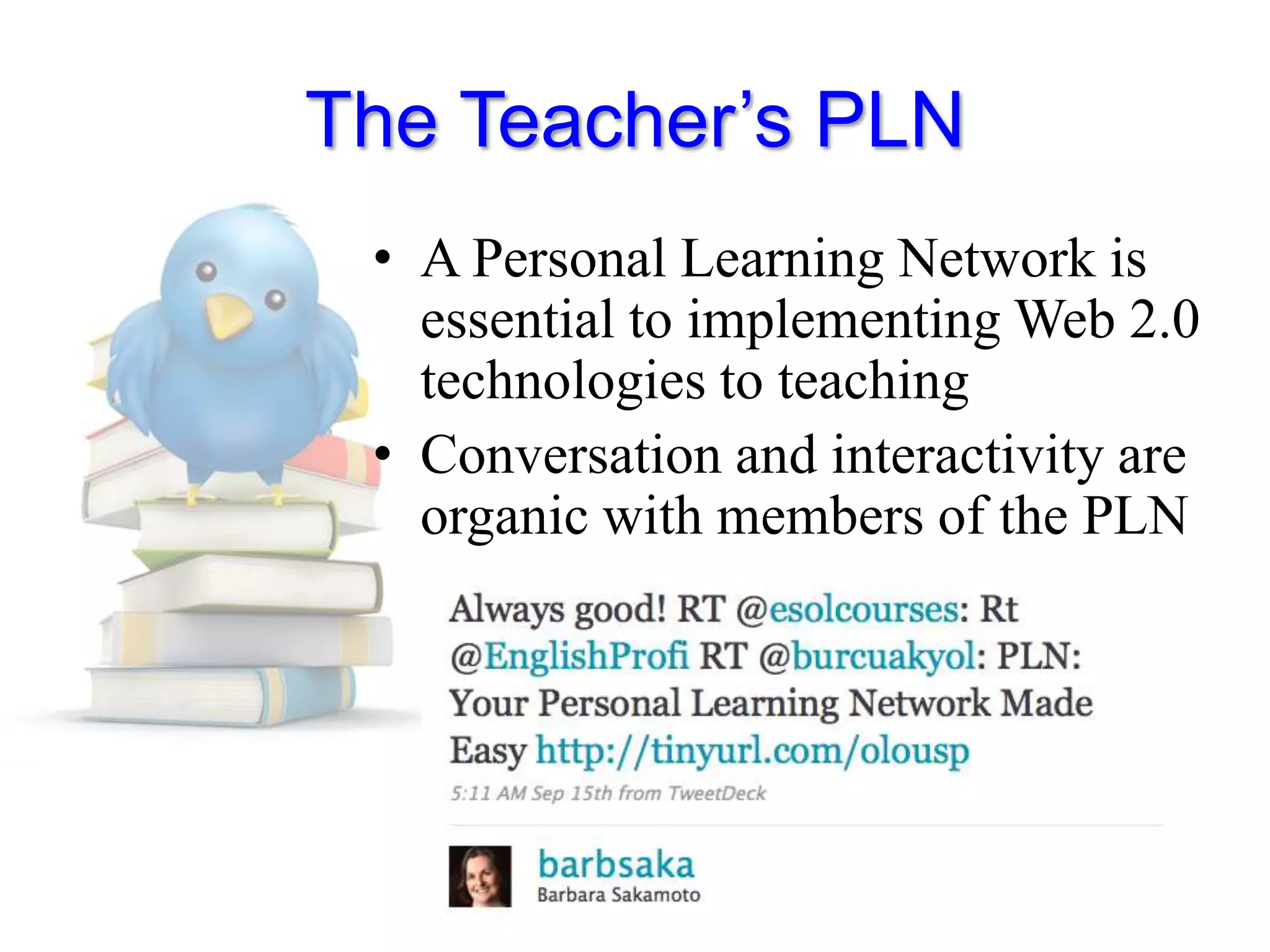
The Teacher’s PLNA Personal Learning Network is essential to implementing Web 2.0 technologies to teachingConversation and interactivity are organic with members of the PLN
Teaching with TwitterCreate a Twitter handle for academic use onlyUse class time to have students create their handle, follow classmates and tweet for the first timePrompt them initially to have them feel comfortable with TweetingDevelop your best practices for course objectives
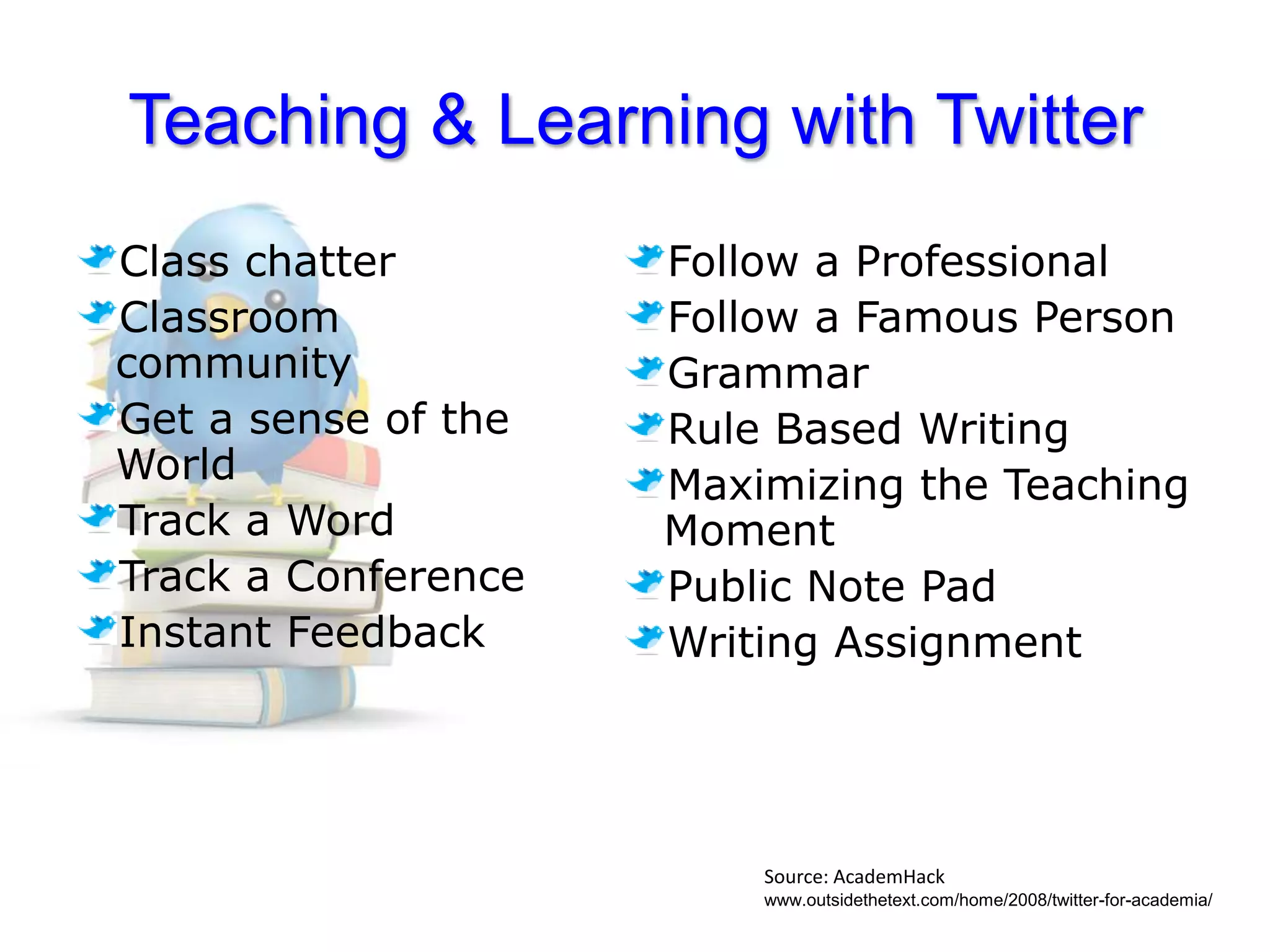
Teaching & Learning with TwitterClass chatter Classroom communityGet a sense of the WorldTrack a WordTrack a ConferenceInstant FeedbackFollow a ProfessionalFollow a Famous PersonGrammarRule Based WritingMaximizing the Teaching MomentPublic Note PadWriting AssignmentSource: AcademHackwww.outsidethetext.com/home/2008/twitter-for-academia/
In & Outside of the ClassroomBEYONDHave them talk about themselves (recycle grammar and vocabulary)Have them investigate topics related to syllabi contentHave them investigate language use (vocabulary building)INHave them brainstorm ideas and post them
Get instant feedback on topics using it as poll device using hashtags
Allow them to ask questions and get feedback instantaneously from a larger language communitySome Great Ideas!http://www.slideshare.net/travelinlibrarian/twenty-five-interesting-ways-to-use-tw

Bloomfield College Tech Showcase

  • 1.
    Twitter and Teachers:Expandingthe Learning SpaceEnza Antenos-ConfortiMontclair State University, NJFollow me: @iVenus (my PLN)@profeac& @profenza(teaching handles)Image credit: http://www.distance-education.org/Articles/Top-75-College-Education-Tweets-133.html
  • 2.
  • 3.
    Many have criticisedtweets to be “banalities” and “mindless”
  • 4.
    Why and WhatDo We Tweet?Tweets are a source of information; people in certain places, at certain events, sharing at a global levelTweets his way out of an Egyptian jail (U of California-Berkley student, James Buck—April 2008)Earthquake in China (May 2008)Landing on the Hudson (US Airways Flight—Jan 2009)Earthquake in Italy (April 2009)Mumbai Terror Attacks (Nov 2009)
  • 5.
  • 7.
    Where Do WeStart?Joining the conversation is easy… Select a username / create a password / provide an email address
  • 8.
    My Twitter PageThelast thing youmicro-blogged:a.k.a. a tweetWhere you update/ tweetThe Timeline with your followingPopulartopics
  • 9.
    Deciding Who toFollowBy common interest?By geographical location?By influential status?http://www.twibes.com/group/WorldLanguages
  • 10.
    Let’s tweetTweets areself-perpetuatinggenerativeauthenticTweeps / Twitterers (users)interpret inputproduce output engage in conversations
  • 11.
    Twitter term: Mention(aka Reply)The @Replies feature was introduced because we noticed lots of folks putting the @ symbol in front of Twitter usernames as a way of addressing one another. For example: @biz what are you drinking in your avatar? (It's a soy latte.)@username also now in the middle of tweets as a way to simply reference another account
  • 12.
    Twitter term: RetweetSharingand crediting sources
  • 13.
  • 14.
    Twitter term: HashtagCreategroupings by adding context and metadata
  • 15.
    Tweeting to…Create apersonal learning network—i.e., follow people who share your interests by reading their tweets aboutblog postsnews & eventsvideos & musicother followers (who then you begin to follow)The positive spiral of Twitter as a social network
  • 16.
    The Teacher’s PLNAPersonal Learning Network is essential to implementing Web 2.0 technologies to teachingConversation and interactivity are organic with members of the PLN
  • 17.
    Teaching with TwitterCreatea Twitter handle for academic use onlyUse class time to have students create their handle, follow classmates and tweet for the first timePrompt them initially to have them feel comfortable with TweetingDevelop your best practices for course objectives
  • 18.
    Teaching & Learningwith TwitterClass chatter Classroom communityGet a sense of the WorldTrack a WordTrack a ConferenceInstant FeedbackFollow a ProfessionalFollow a Famous PersonGrammarRule Based WritingMaximizing the Teaching MomentPublic Note PadWriting AssignmentSource: AcademHackwww.outsidethetext.com/home/2008/twitter-for-academia/
  • 19.
    In & Outsideof the ClassroomBEYONDHave them talk about themselves (recycle grammar and vocabulary)Have them investigate topics related to syllabi contentHave them investigate language use (vocabulary building)INHave them brainstorm ideas and post them
  • 20.
    Get instant feedbackon topics using it as poll device using hashtags
  • 21.
    Allow them toask questions and get feedback instantaneously from a larger language communitySome Great Ideas!http://www.slideshare.net/travelinlibrarian/twenty-five-interesting-ways-to-use-tw
  • 22.
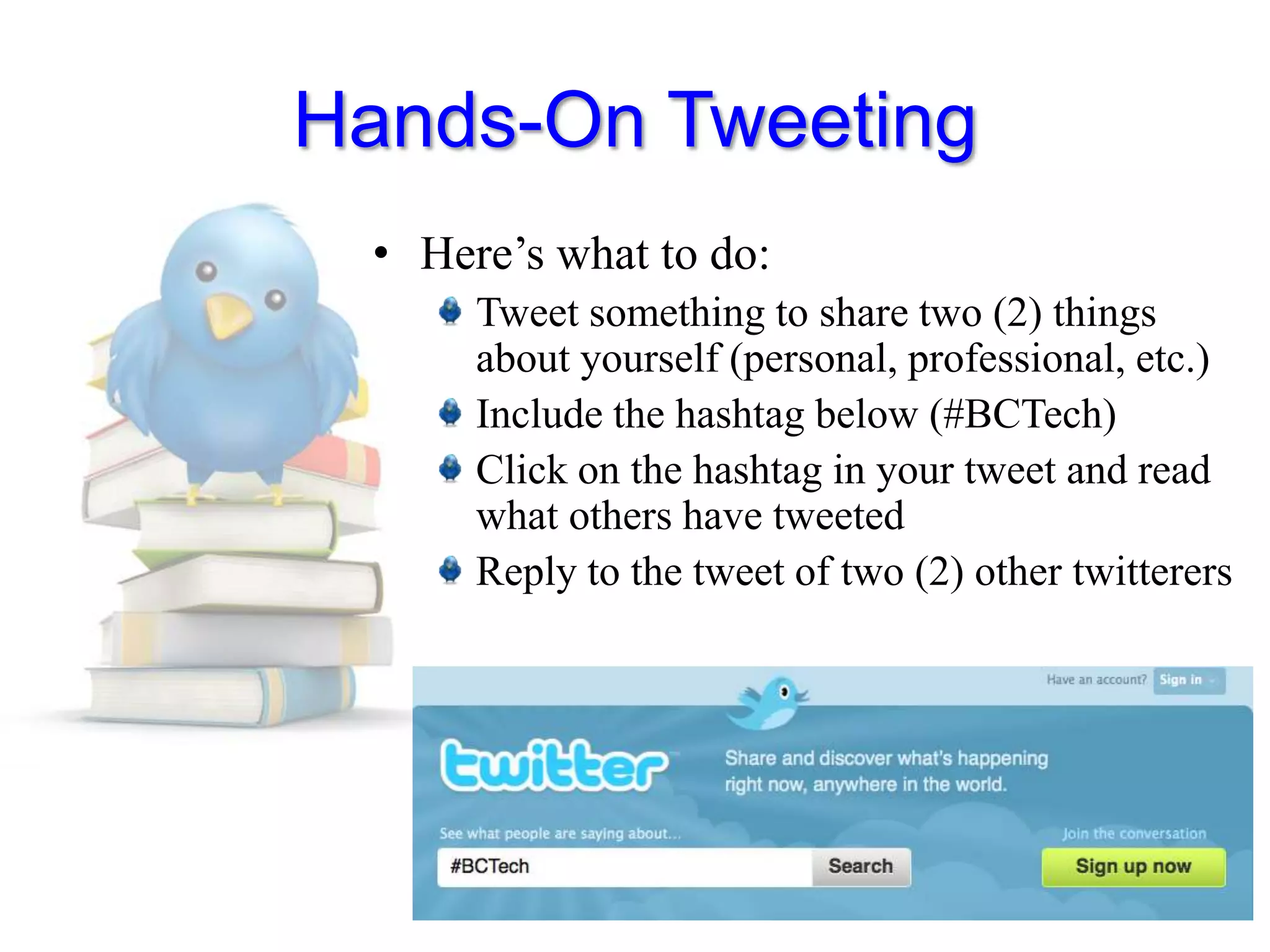
    Hands-On TweetingHere’s whatto do:Tweet something to share two (2) things about yourself (personal, professional, etc.)Include the hashtag below (#BCTech)Click on the hashtag in your tweet and read what others have tweetedReply to the tweet of two (2) other twitterers

Editor's Notes

  • #5 Blocked in China