
Delivering a Search-Driven UX
        with SharePoint & FAST

                #CS716
             Aonghus Fraser


#CS716
Aonghus (Gus) Fraser
 SharePoint         Lead Consultant @ C5 Alliance
     ~60 Consultants; ~18 SharePoint & CRM*
     Working with SharePoint since WSS 2.0
     Developer background (MCPD, MCSD etc.)
     Email: af@c5.je
     Twitter: @gusfraser
     Blog: http://techblurt.com


*probably the highest concentration of SharePoint on the planet (unconfirmed)
Agenda
 Introductions
 The Anatomy of a Search Application
 When/Why Search-Driven UX
 Case Study: States Assembly
 Demo
 Lessons Learned & Top Tips


#CS716
Agenda
 Introductions
 The Anatomy of a Search Application
 When/Why Search-Driven UX
 Case Study: States Assembly
 Demo
 Lessons Learned & Top Tips


#CS716
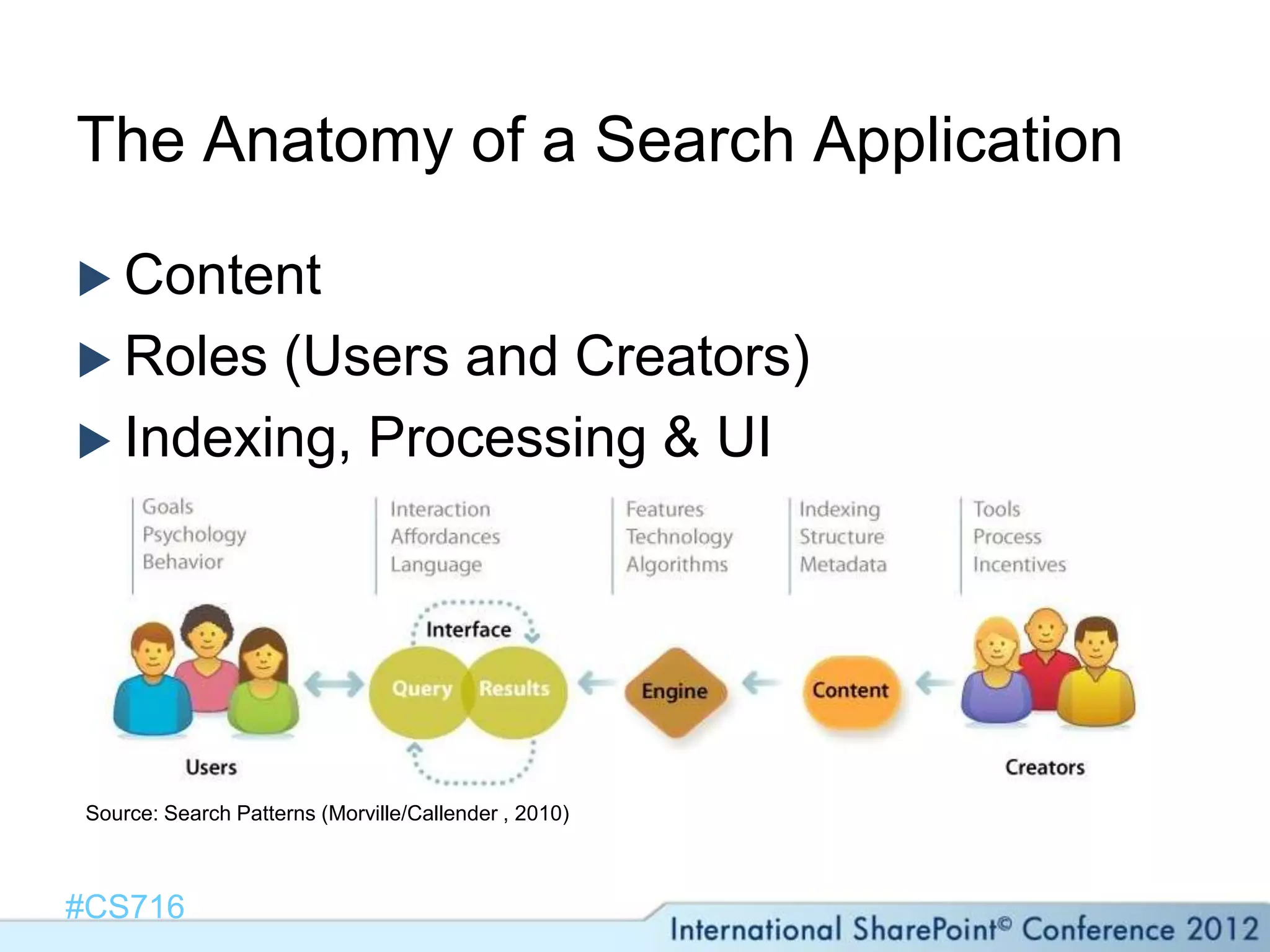
The Anatomy of a Search Application

 Content
 Roles (Users and Creators)
 Indexing, Processing & UI


Source: Search Patterns (Morville/Callender , 2010)


#CS716
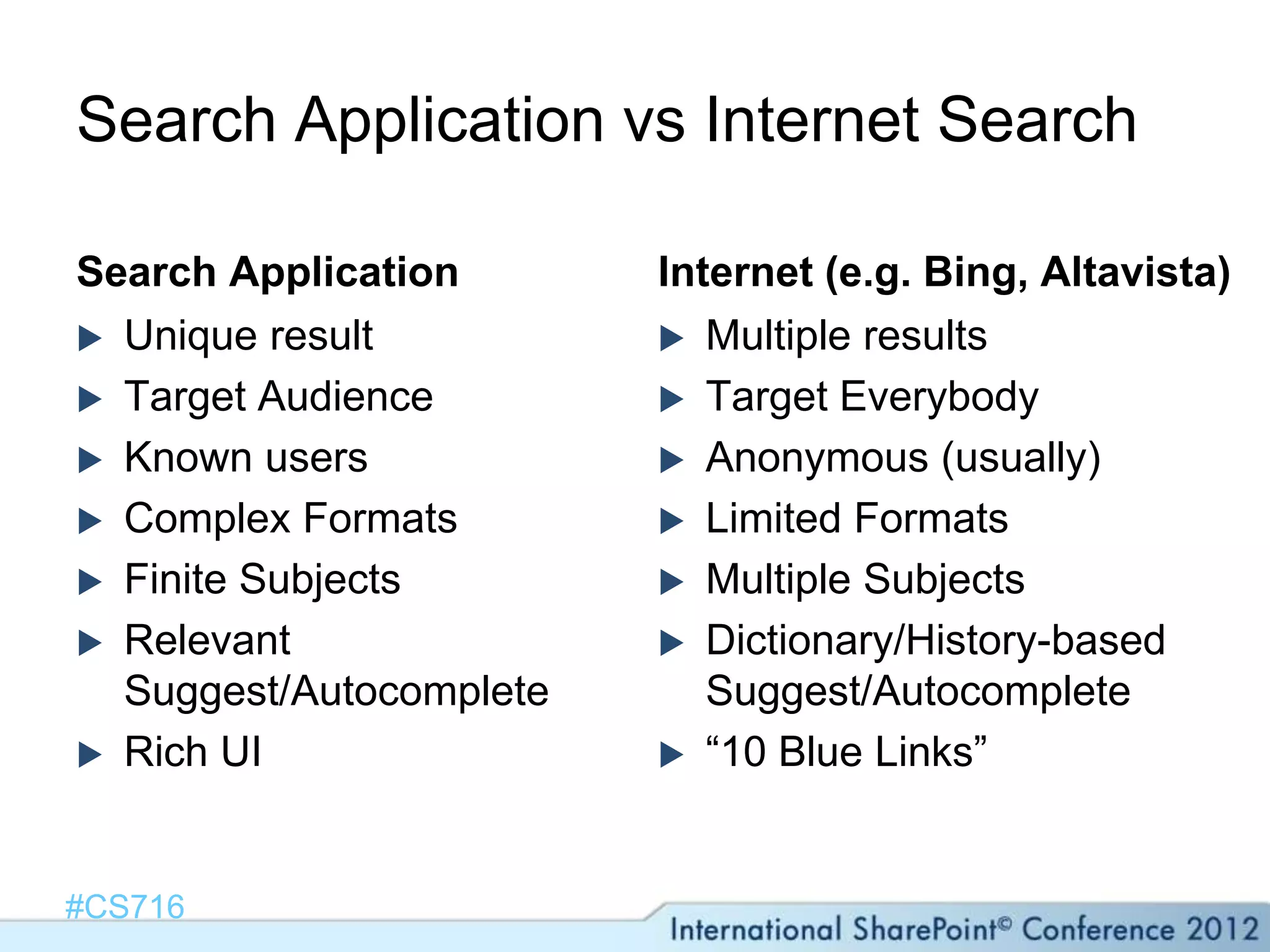
Search Application vs Internet Search

Search Application       Internet (e.g. Bing, Altavista)
 Unique result           Multiple results
 Target Audience         Target Everybody
 Known users             Anonymous (usually)
 Complex Formats         Limited Formats
 Finite Subjects         Multiple Subjects
 Relevant                Dictionary/History-based
  Suggest/Autocomplete      Suggest/Autocomplete
 Rich UI                 “10 Blue Links”


#CS716
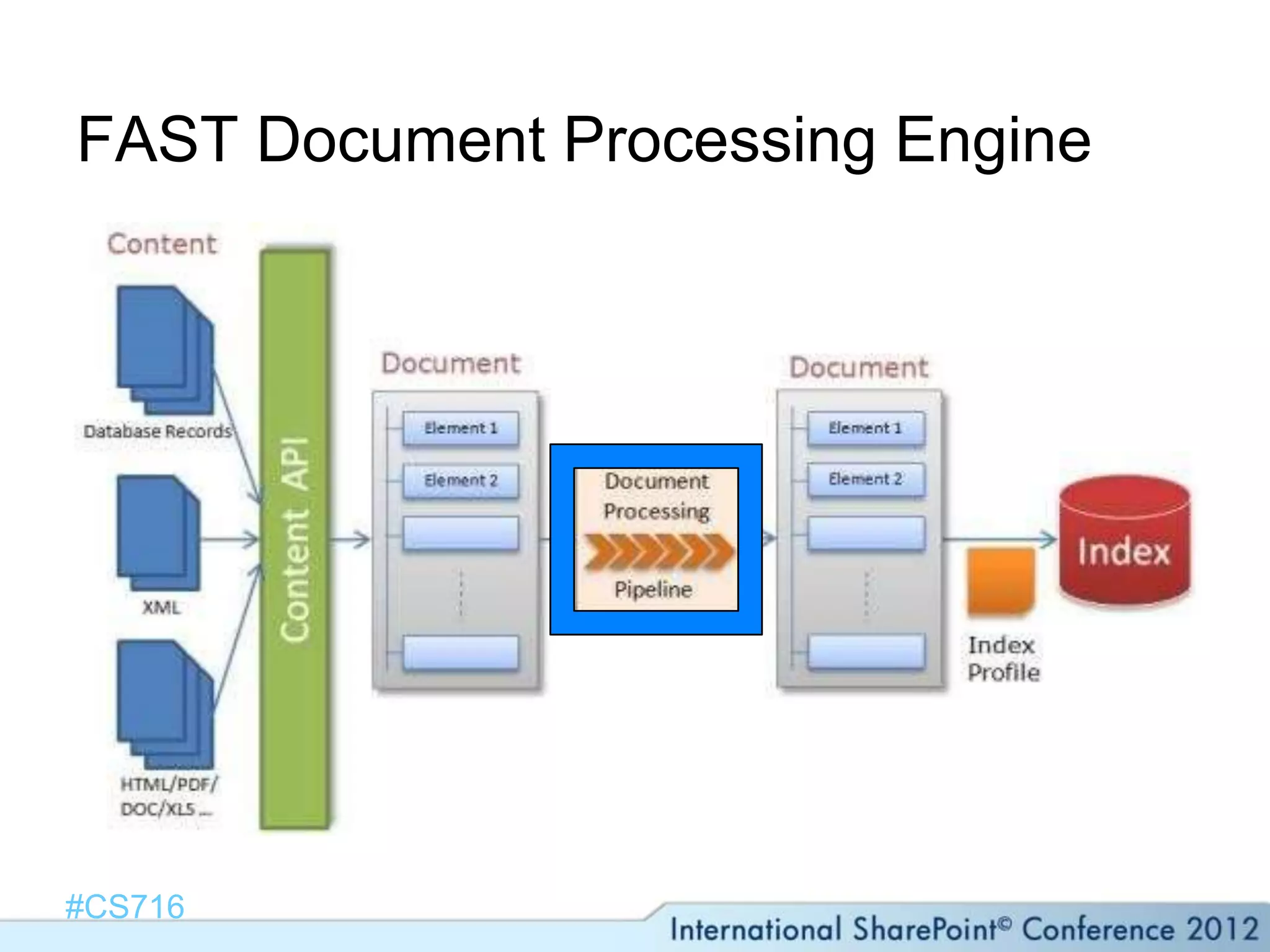
FAST Document Processing Engine


#CS716
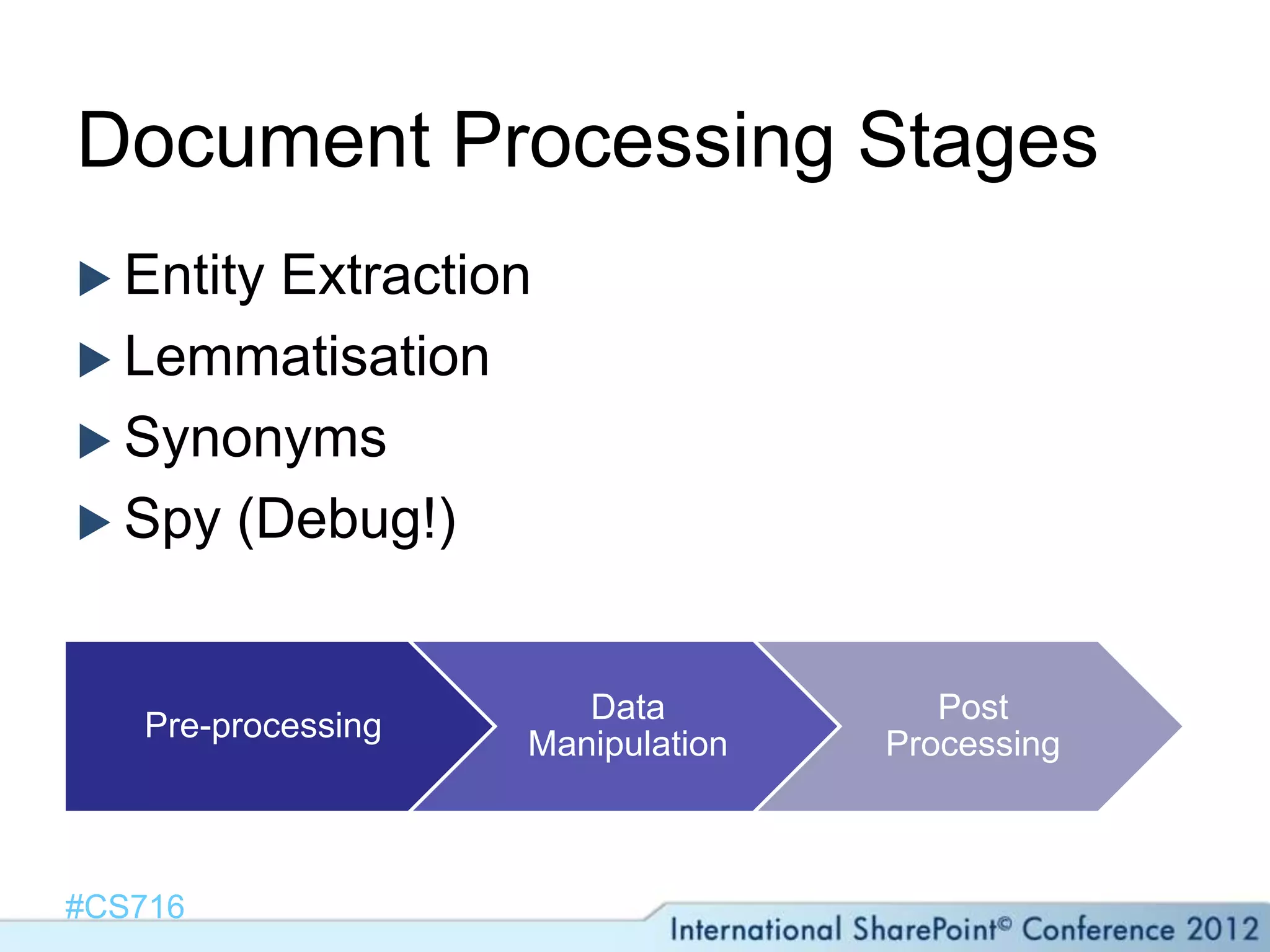
Document Processing Stages
 EntityExtraction
 Lemmatisation
 Synonyms
 Spy (Debug!)


                       Data           Post
   Pre-processing
                    Manipulation   Processing


#CS716
Agenda
 Introductions
 The Anatomy of a Search Application
 When/Why Search-Driven UX
 Case Study: States Assembly
 Demo
 Lessons Learned & Top Tips


#CS716
When/Why Search-Driven UX?
 Unknown     keywords
    Start with refiners
 Manual    metadata
    “People” issues
 QueryingAcross Site Collections
 Everybody is searching for something
    User Context


#CS716
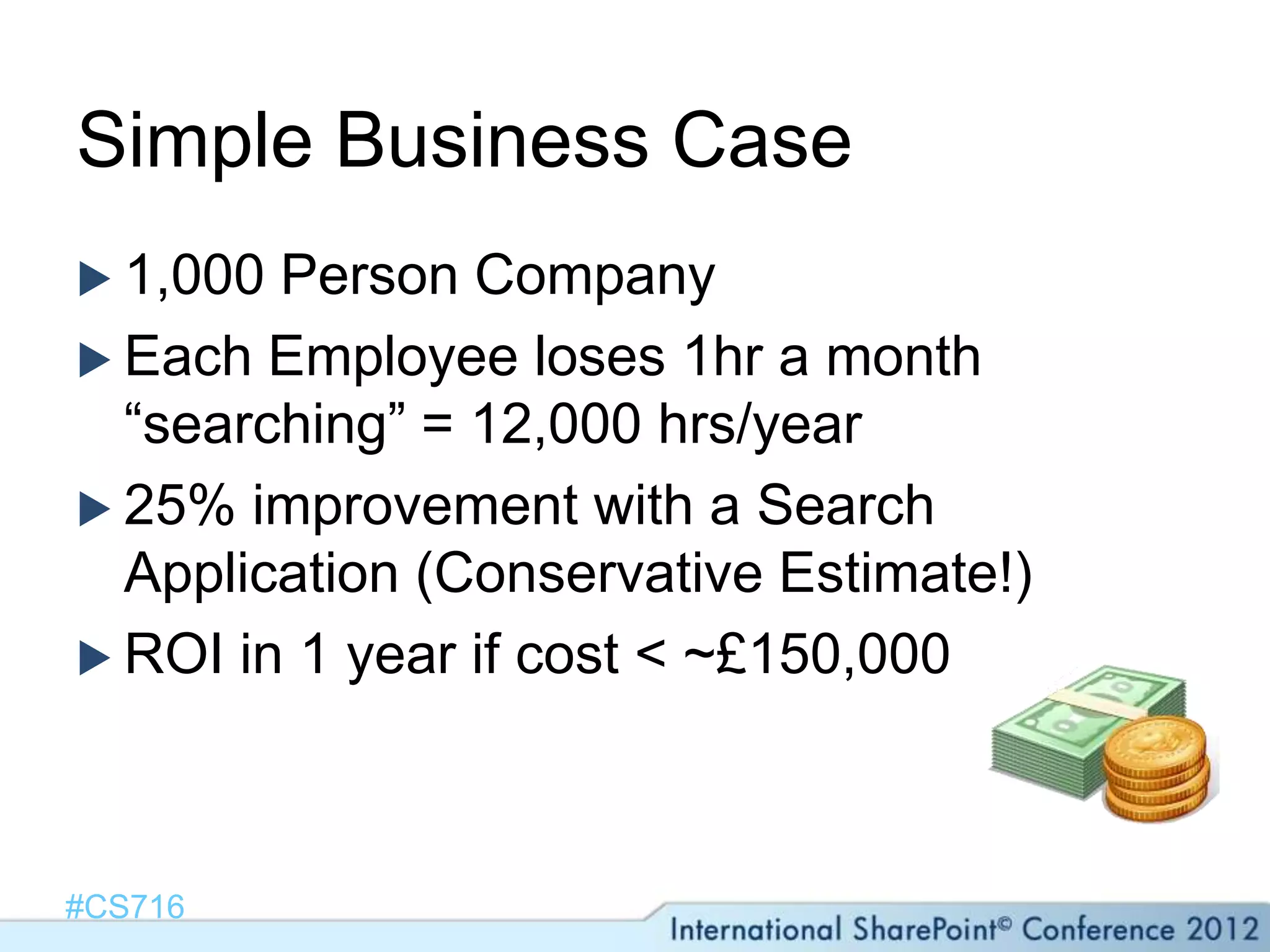
Simple Business Case
 1,000 Person Company
 Each Employee loses 1hr a month
  “searching” = 12,000 hrs/year
 25% improvement with a Search
  Application (Conservative Estimate!)
 ROI in 1 year if cost < ~£150,000


#CS716
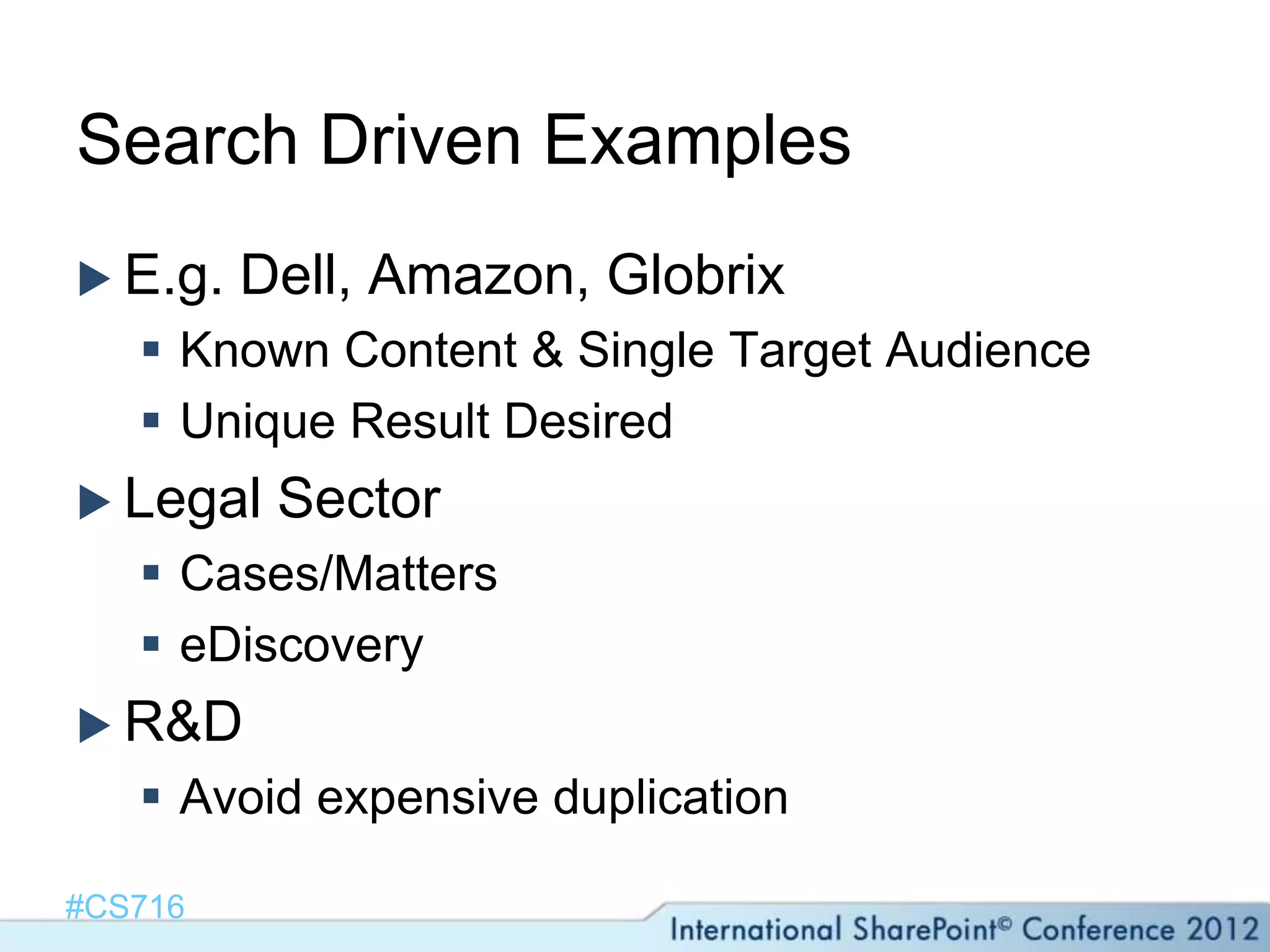
Search Driven Examples
 E.g.   Dell, Amazon, Globrix
    Known Content & Single Target Audience
    Unique Result Desired
 Legal   Sector
    Cases/Matters
    eDiscovery
 R&D
    Avoid expensive duplication

#CS716
Agenda
 Introductions
 The Anatomy of a Search Application
 When/Why Search-Driven UX
 Case Study: States Assembly
 Demo
 Lessons Learned & Top Tips


#CS716
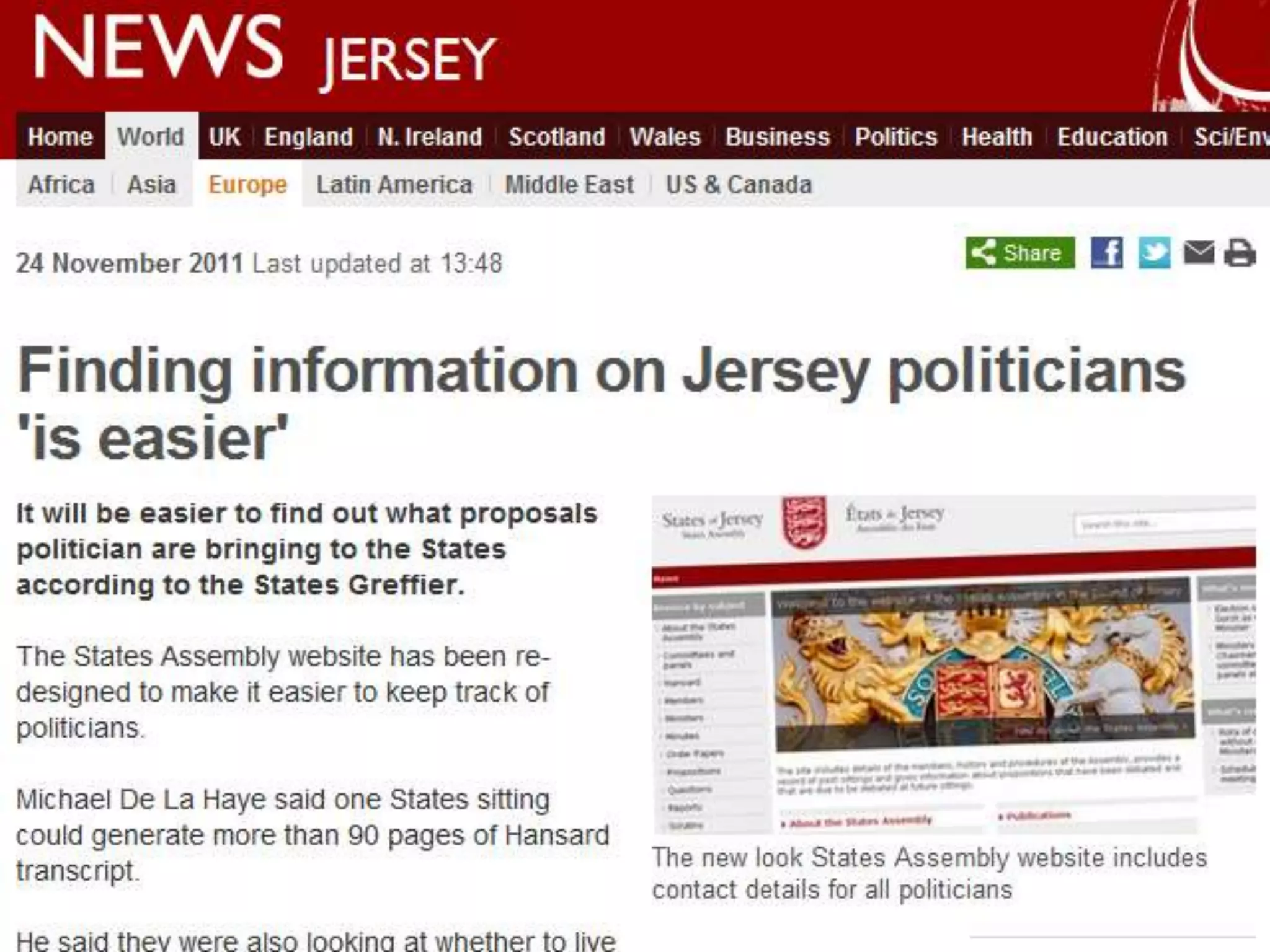
States Assembly
 States of Jersey Government records
  since 1981
 Minutes, Propositions, Statements, Votes,
  Hansards
 ~17,000 unstructured .doc, .pdf
 Migration from a specialised custom
  ASP.NET solution


#CS716
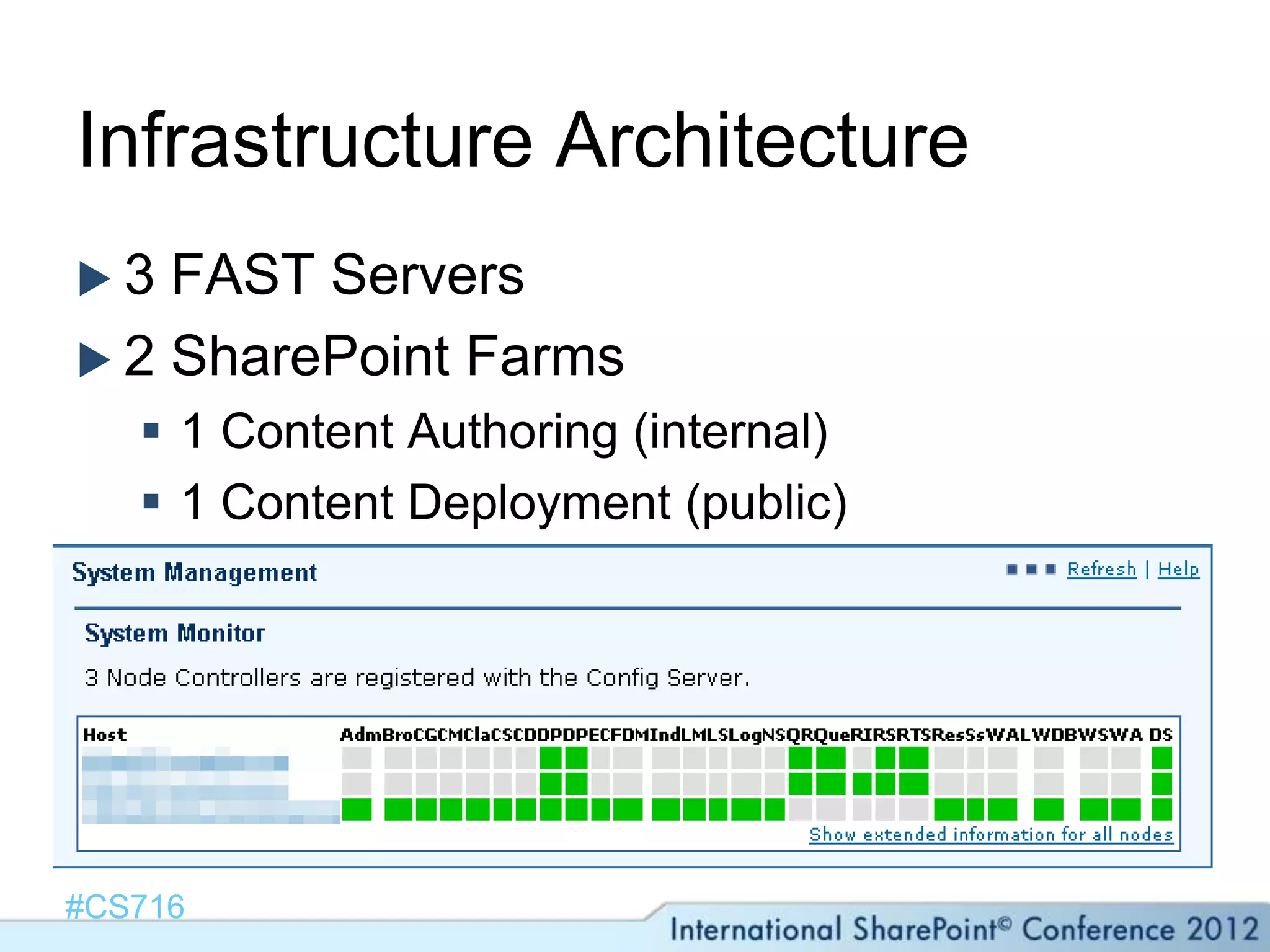
Infrastructure Architecture
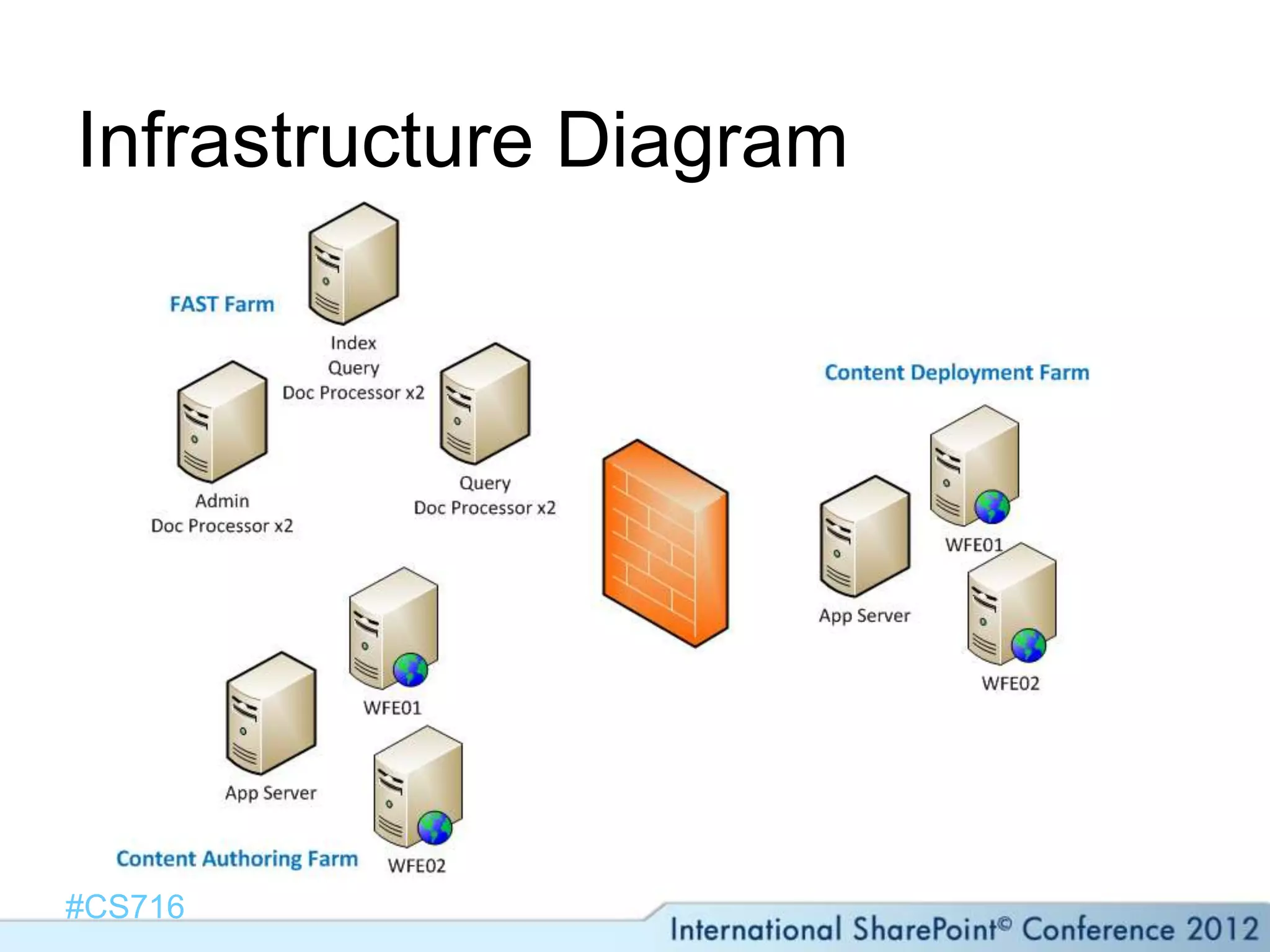
3  FAST Servers
 2 SharePoint Farms
    1 Content Authoring (internal)
    1 Content Deployment (public)


#CS716
Infrastructure Diagram


#CS716
Methodology & Objectives
 Always  query FAST (FQL) where possible
 No SharePoint API or CAML calls
 Relevant Autocomplete
 Best Hit & Hit Highlighting should link to
  specific location in the document


#CS716
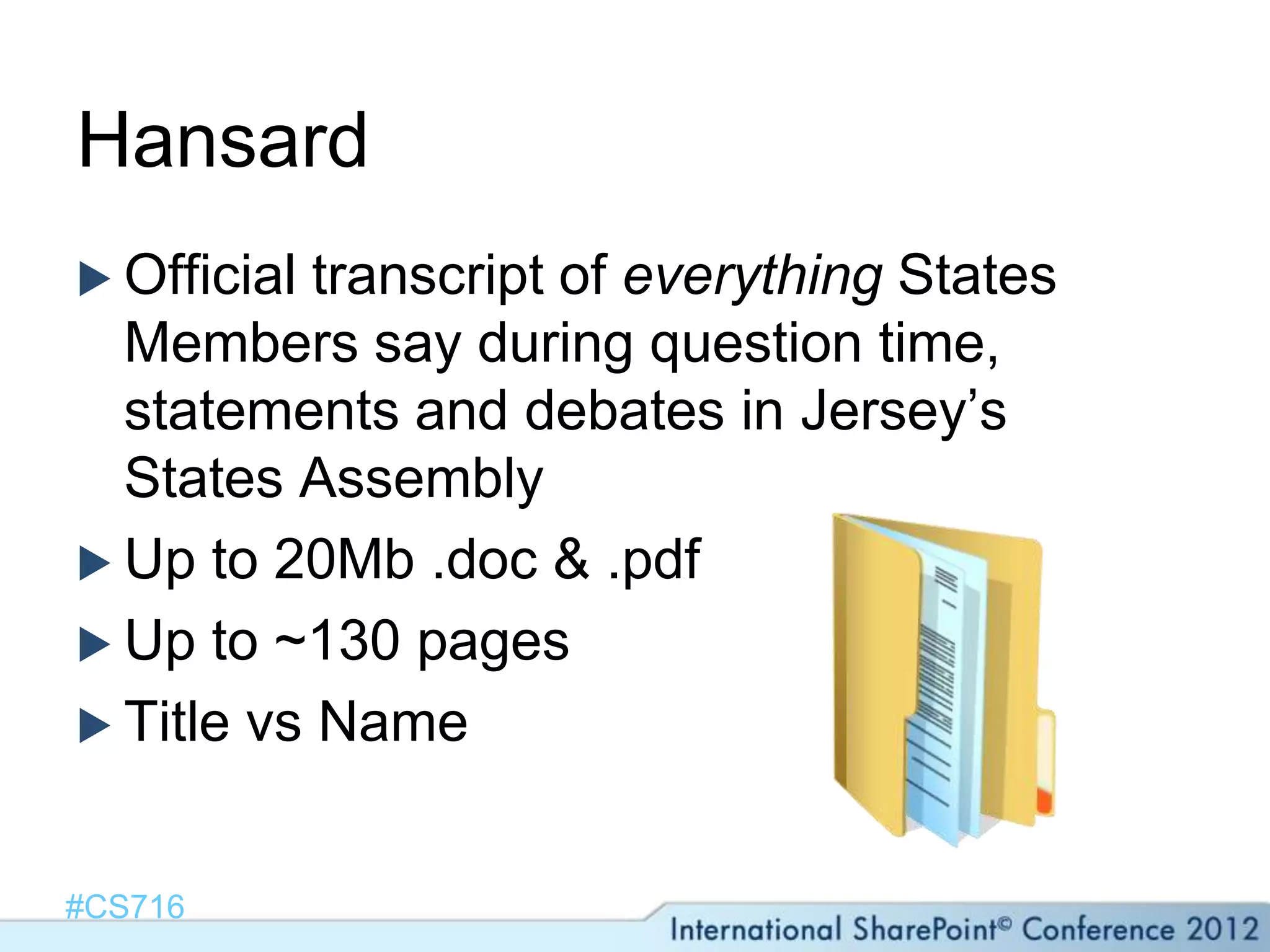
Hansard
 Official transcript of everything States
  Members say during question time,
  statements and debates in Jersey’s
  States Assembly
 Up to 20Mb .doc & .pdf
 Up to ~130 pages
 Title vs Name


#CS716
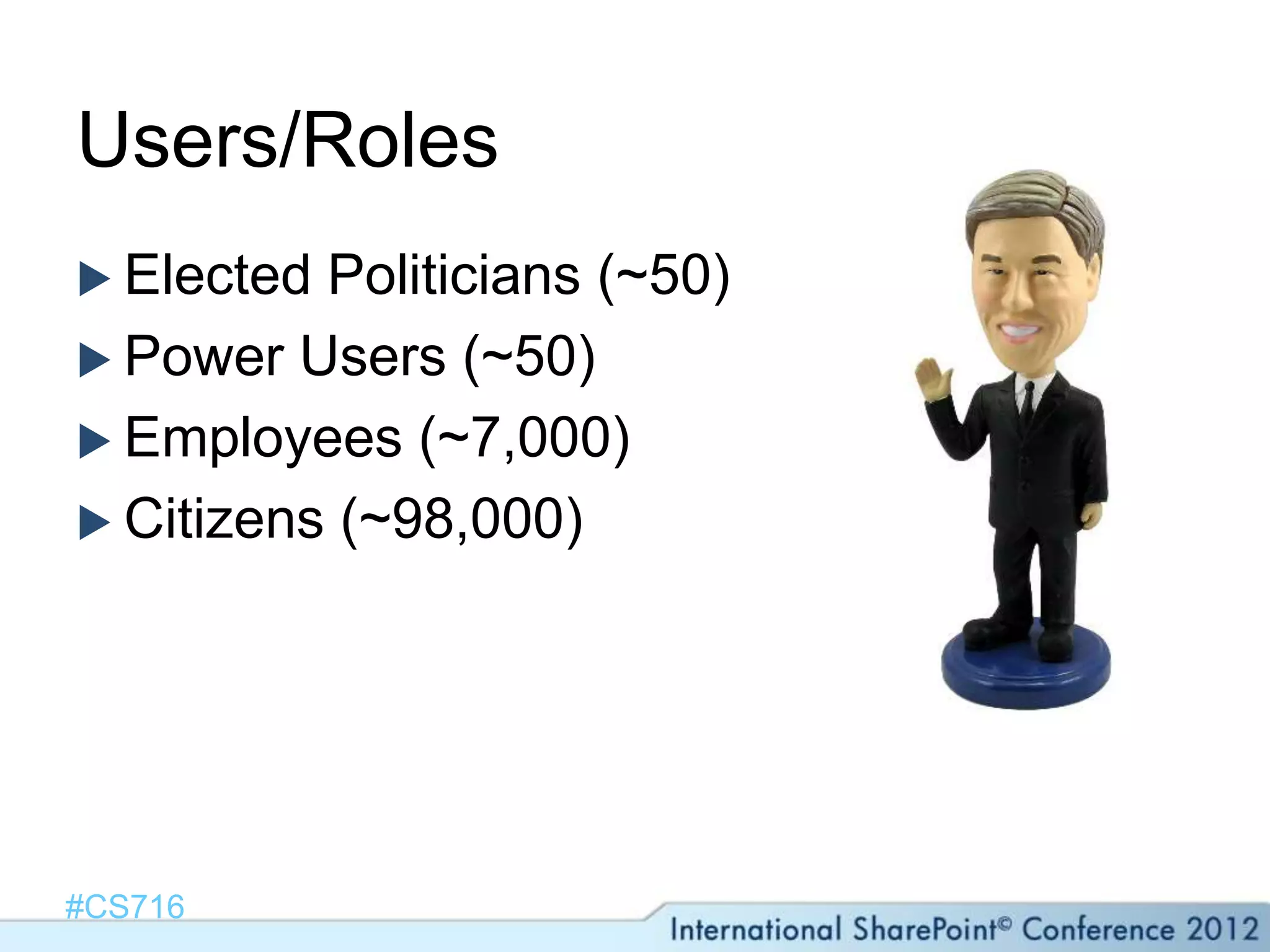
Users/Roles
 Elected Politicians (~50)
 Power Users (~50)
 Employees (~7,000)
 Citizens (~98,000)


#CS716
Problems Encountered
 GrevilleBathe Fund
 Lack of well-defined test cases
    How fuzzy?
 Comparison   with previous system
 Irrelevant autosuggest
 Synonyms


#CS716
All States of Jersey Documents since 1981

STATES ASSEMBLY
How we did it
A   lot of synonyms
    Continue to build from search history
 Custom regular expressions
 Custom pipeline stage: entity extraction
 Rank profile prioritising proximity & body
 Relevant cached autocomplete
 Feedback form


#CS716
#CS716
Agenda
 Introductions
 The Anatomy of a Search Application
 When/Why Search-Driven UX
 Case Study: States Assembly
 Demo
 Lessons Learned & Top Tips


#CS716
Lessons Learned & Top Tips
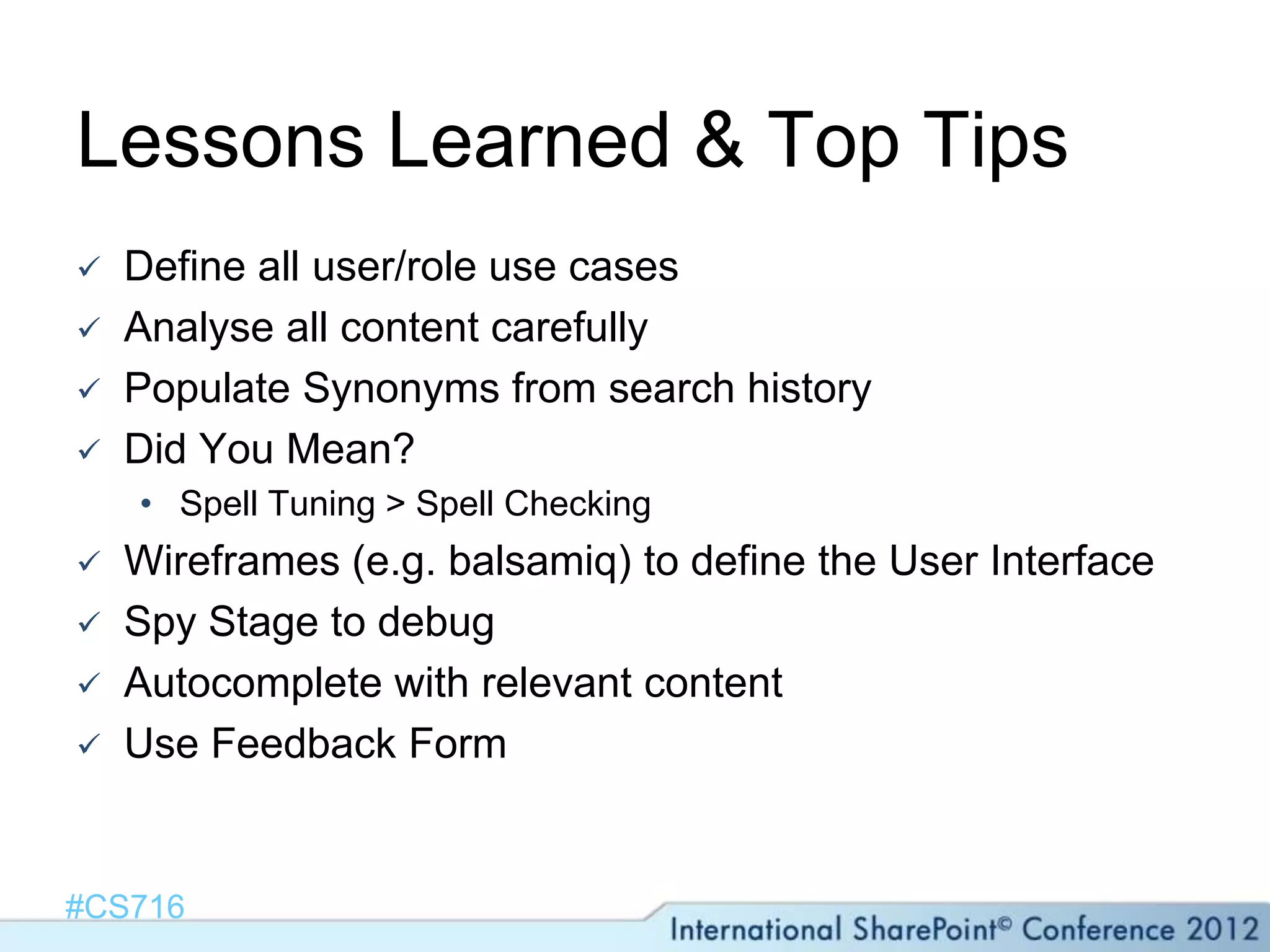
   Define all user/role use cases
   Analyse all content carefully
   Populate Synonyms from search history
   Did You Mean?
    • Spell Tuning > Spell Checking
   Wireframes (e.g. balsamiq) to define the User Interface
   Spy Stage to debug
   Autocomplete with relevant content
   Use Feedback Form


#CS716
Summary
 Plan for Search up-front
 Understand & define
  roles/personas/content
 Consider FAST for pipeline extensibility,
  rank tuning & personalisation
 Beware of upgrade/migration


#CS716
Thank you for attending!


                @gusfraser
                 #CS716


#CS716
References & Useful Links

   http://www.amazon.co.uk/Search-Patterns-Discovery-Peter-
    Morville/dp/0596802277
   http://www.amazon.co.uk/Working-Microsoft-Search-Server-
    SharePoint/dp/0735662223
   http://social.technet.microsoft.com/wiki/contents/articles/2149.survi
    val-guide-fast-search-server-2010-for-sharepoint-en-us.aspx
   http://techmikael.blogspot.co.uk
   http://fs4sp.blogspot.co.uk
   http://spsearchparts.codeplex.com/
   http://fs4splogger.codeplex.com/


#CS716

Delivering a Search-Driven User Experience with SharePoint and FAST

  • 1.
    Delivering a Search-DrivenUX with SharePoint & FAST #CS716 Aonghus Fraser #CS716
  • 2.
    Aonghus (Gus) Fraser SharePoint Lead Consultant @ C5 Alliance  ~60 Consultants; ~18 SharePoint & CRM*  Working with SharePoint since WSS 2.0  Developer background (MCPD, MCSD etc.)  Email: af@c5.je  Twitter: @gusfraser  Blog: http://techblurt.com *probably the highest concentration of SharePoint on the planet (unconfirmed)
  • 4.
    Agenda  Introductions  TheAnatomy of a Search Application  When/Why Search-Driven UX  Case Study: States Assembly  Demo  Lessons Learned & Top Tips #CS716
  • 5.
    Agenda  Introductions  TheAnatomy of a Search Application  When/Why Search-Driven UX  Case Study: States Assembly  Demo  Lessons Learned & Top Tips #CS716
  • 6.
    The Anatomy ofa Search Application  Content  Roles (Users and Creators)  Indexing, Processing & UI Source: Search Patterns (Morville/Callender , 2010) #CS716
  • 7.
    Search Application vsInternet Search Search Application Internet (e.g. Bing, Altavista)  Unique result  Multiple results  Target Audience  Target Everybody  Known users  Anonymous (usually)  Complex Formats  Limited Formats  Finite Subjects  Multiple Subjects  Relevant  Dictionary/History-based Suggest/Autocomplete Suggest/Autocomplete  Rich UI  “10 Blue Links” #CS716
  • 8.
  • 9.
    Document Processing Stages EntityExtraction  Lemmatisation  Synonyms  Spy (Debug!) Data Post Pre-processing Manipulation Processing #CS716
  • 10.
    Agenda  Introductions  TheAnatomy of a Search Application  When/Why Search-Driven UX  Case Study: States Assembly  Demo  Lessons Learned & Top Tips #CS716
  • 11.
    When/Why Search-Driven UX? Unknown keywords  Start with refiners  Manual metadata  “People” issues  QueryingAcross Site Collections  Everybody is searching for something  User Context #CS716
  • 12.
    Simple Business Case 1,000 Person Company  Each Employee loses 1hr a month “searching” = 12,000 hrs/year  25% improvement with a Search Application (Conservative Estimate!)  ROI in 1 year if cost < ~£150,000 #CS716
  • 13.
    Search Driven Examples E.g. Dell, Amazon, Globrix  Known Content & Single Target Audience  Unique Result Desired  Legal Sector  Cases/Matters  eDiscovery  R&D  Avoid expensive duplication #CS716
  • 14.
    Agenda  Introductions  TheAnatomy of a Search Application  When/Why Search-Driven UX  Case Study: States Assembly  Demo  Lessons Learned & Top Tips #CS716
  • 15.
    States Assembly  Statesof Jersey Government records since 1981  Minutes, Propositions, Statements, Votes, Hansards  ~17,000 unstructured .doc, .pdf  Migration from a specialised custom ASP.NET solution #CS716
  • 16.
    Infrastructure Architecture 3 FAST Servers  2 SharePoint Farms  1 Content Authoring (internal)  1 Content Deployment (public) #CS716
  • 17.
  • 18.
    Methodology & Objectives Always query FAST (FQL) where possible  No SharePoint API or CAML calls  Relevant Autocomplete  Best Hit & Hit Highlighting should link to specific location in the document #CS716
  • 19.
    Hansard  Official transcriptof everything States Members say during question time, statements and debates in Jersey’s States Assembly  Up to 20Mb .doc & .pdf  Up to ~130 pages  Title vs Name #CS716
  • 20.
    Users/Roles  Elected Politicians(~50)  Power Users (~50)  Employees (~7,000)  Citizens (~98,000) #CS716
  • 21.
    Problems Encountered  GrevilleBatheFund  Lack of well-defined test cases  How fuzzy?  Comparison with previous system  Irrelevant autosuggest  Synonyms #CS716
  • 22.
    All States ofJersey Documents since 1981 STATES ASSEMBLY
  • 23.
    How we didit A lot of synonyms  Continue to build from search history  Custom regular expressions  Custom pipeline stage: entity extraction  Rank profile prioritising proximity & body  Relevant cached autocomplete  Feedback form #CS716
  • 24.
  • 25.
    Agenda  Introductions  TheAnatomy of a Search Application  When/Why Search-Driven UX  Case Study: States Assembly  Demo  Lessons Learned & Top Tips #CS716
  • 26.
    Lessons Learned &Top Tips  Define all user/role use cases  Analyse all content carefully  Populate Synonyms from search history  Did You Mean? • Spell Tuning > Spell Checking  Wireframes (e.g. balsamiq) to define the User Interface  Spy Stage to debug  Autocomplete with relevant content  Use Feedback Form #CS716
  • 27.
    Summary  Plan forSearch up-front  Understand & define roles/personas/content  Consider FAST for pipeline extensibility, rank tuning & personalisation  Beware of upgrade/migration #CS716
  • 28.
    Thank you forattending! @gusfraser #CS716 #CS716
  • 29.
    References & UsefulLinks  http://www.amazon.co.uk/Search-Patterns-Discovery-Peter- Morville/dp/0596802277  http://www.amazon.co.uk/Working-Microsoft-Search-Server- SharePoint/dp/0735662223  http://social.technet.microsoft.com/wiki/contents/articles/2149.survi val-guide-fast-search-server-2010-for-sharepoint-en-us.aspx  http://techmikael.blogspot.co.uk  http://fs4sp.blogspot.co.uk  http://spsearchparts.codeplex.com/  http://fs4splogger.codeplex.com/ #CS716

Editor's Notes

  • #3 This is the case study track, so I&apos;m going to tell the story of how we built an advanced Government search-driven SharePoint Site underpinned by FAST Search.  However it&apos;s not JUST about a particular element of functionality in FAST or in SharePoint or in Search applications generally - Hopefully in about an hour you will realise you NEED a Search Application in your organisation, and if you have one, you will hopefully pick up something that may improve your current one! I&apos;m not claiming that the case study is &quot;the best&quot; however we went through a lot of pain in this exercise, if I can save you some of that, my job will be done. I would really like to hear from anybody afterward about successes as well as any failures. This is not a technical deep dive, although I have a developer background, this session is about the What, When, Why and How to provide better user experiences for your users through search driven applicationsfeel free to contact me after the session
  • #5 IT Pro? Dev? IW? Who uses FAST of any description? Good Conference?
  • #6 What is a Search Application? Anatomy because it can be broken down
  • #7 users, creators, content, engine, and interface.Morville, Peter; Callender, Jeffery (2010-01-14). Search Patterns (Kindle Location 605). OReilly Media - A. Kindle Edition. Platform-agnostic Business Requirements hard to define… especially with upgrades!!
  • #8 Enterprise vs Consumer.. Although a Search Application can be consumer-focused (e.g. e-commerce, travel etc. )“intuitive, meaningful and scalable access to the content”
  • #9 We are interested in the Document Processing pipelineIn FS4SP documents are crawled by the connectorDocument processing stages include We used FAST ESP
  • #10 Query Expansion Spy: Output
  • #11 What is a Search Application? Anatomy because it can be broken down
  • #12 Manual metadata – don’t trust people!
  • #14 Intelligent Linguistic Processing Visual Results“No Keyword”
  • #16 The minutes of meetings of the States started in 1524Beware of migrations…!!!
  • #21 Politicians:Votes &amp; PropositionsPower Users: Very specific information regular usersEmployees: All information about a given topicResidents: Anything – Votes typically, activity
  • #31 Gartner&apos;s MarketScope for Enterprise Search examines a group of generalist vendors, many of which our clients frequently ask about, which deliver simply priced, solid enterprise search functionality for common use cases.What You Need to KnowEnterprise search — the simplest and most frequently deployed aspect of information access technology — now dominates the dialogue between organizations and vendors about how to improve people&apos;s ability to find information in numerous and disparate repositories. Major vendors have come to dominate the market and, not surprisingly, they dominate the questions that Gartner&apos;s clients ask of its analysts. Nevertheless, some smaller vendors remain very effective at delivering the capabilities necessary to create search installations.Simpler projects, such as making an intranet searchable, fall within the scope of this document. Organizations that require specialized search-based applications (knowledge management for a high-tech electronics manufacturer, for example, or collaboration support for pharmaceutical researchers) will want to find a vendor with specialized vocabularies, ontologies and workflow.The best initial step in selecting an enterprise search vendor is to staff the project with professionals who can make decisions about project scope and establish requirements based on that knowledge. Vendors that offer basic solutions and more sophisticated products appear in this MarketScope; organizations that want the most sophisticated platforms or search-based applications, and which are willing to explore vendors that are less well established, should consider those vendors that were excluded because they did not meet the criteria for this report.Gartner puts the compound annual growth rate for the enterprise search market at 11.7% from 2007 to 2013. We believe that the market in 2010 was worth $1.37 billion, and this figure will grow to $1.89 billion in 2013Strengths:Microsoft&apos;s broad product line beyond search makes it attractive for projects that have a larger footprint.It is particularly strong at transparently revealing the logical elements that lead to a particular result being returned to users.It has invested significantly in federation as a means of broadening search, while seeking to preserve comparative relevance scoring and results interfaces.It addresses social search effectively, allowing users to collaborate on information gathering.Cautions:Clients express concern that Microsoft will focus on SharePoint to the detriment of non-SharePoint features.Pricing for the Fast search engine is difficult to calculate and deliver for clients not on the SharePoint ECAL.