The Lifecycle of a FAST
Search Implementation
    Rem Purushothaman
        Search Practice Lead
Rem Purushothaman
                Search Practice Lead

                Contact:
                rem.purushothaman@perficient.com
                312.589.3371
                @RemSearchPro


www.perficient.com
Prepare
Prepare

You’ve decided to implement FAST. Now what?
      Build your team. What kind of skill sets do you need?

            Solution Architect

            Project Manager

            Business Analyst

            SharePoint Developers

            QA and Testers

            Operations Personnel

      Get your team trained on FAST Search

      Understand at a high level what needs to be accomplished in each of the project phases

            Envision, Plan, Build, Stabilize, Deploy

            Operations
Envision
Envision

Determine what needs to be accomplished.
      High level search requirements

            Custom UI for Search?

            Identify content that needs to be crawled and indexed. Do you need custom connectors?

            How do you measure relevancy?

            Security Considerations

            Linguistics (Synonyms, Spell Check Exceptions)

            Integration to other systems

      Initial Architecture and Environment Sizing

            Number of servers (Dev, QA, Staging/Performance, Production)

            Failover, Index Redundancy, High Availability

            Initial specifications for crawling and indexing performance

            Initial specifications for query and search performance
Plan
Plan

This is the most important phase of any search project.
      Gather detailed search requirements for the UI

            Identify metadata that needs to be displayed in the results. Are multiple search result
             pages needed?

            Identify Refiners for each search result page

            Is there a need for a custom UI and web parts?

            If necessary, design the services layer and integration to external systems

      Content Sources

            Identify content sources (crawl rules) and access restrictions (security considerations)

            Identify content metadata (properties, fields, elements) to be crawled

            Estimate work required to crawl content using custom connectors

            Identify special security requirement. If necessary, map custom security model to Active
             Directory for security trimming

            Determine if any of the content sources have to be cleaned up before crawling
Plan

   Crawling and Indexing

         Map crawl properties (content metadata) to managed properties (indexed items)

         Identify custom relevancy models

         Identify managed properties to be indexed

         Identify full text index priority

         Identify Linguistic Components - keywords, synonyms, best bets, type ahead

   Testing

         Create content set for testing

         Create plan for performance testing

   Operations

         Identify plans for incremental updates and deletes

         Create plans for identifying and managing the incremental growth of the index

         Identify how to monitor and manage search issues
Build
Build

Put it all together. Good planning will have big payoffs.
       Build the UI and Services Layer

             Search and Search Results Pages including Advanced Search

             If necessary, build the Services Layer and integrate to external systems

             Custom Web Parts (refiners, federation)

       Crawling and Indexing

             Set up Content Sources (Custom Connectors) and Crawl Rules

                 Optional: Custom pipeline development

                 Optional: External process to pre-process & scrub the content

                 Optional: Map custom security to AD

             Set up Crawled and Managed Properties

             Set up Type Ahead, Keywords, Best Bests, Synonyms, Refiners

             Crawl and Index the Content (rinse and repeat)
Stabilize
Stabilize

Getting results back from search doesn’t mean the results are valid.

        Application and Search Related Testing

              Its critical that the QA understand how FAST works to test it properly

              Use external tools to test queries outside of the SharePoint Search Center

              Validate search result relevancy, document counts, and refiner counts

              Validate Security Trimming

              Validate Linguistics (spell check, synonyms, stemming, stop words, etc..)

        Performance Testing

              Ideally, the performance test environment should be approximately half the size of the
               production environment

              Performance test early in the project life cycle and then on a regular basis

              Compile a list of expensive queries that will really stress the system

              Determine the max QPS system can handle

              Determine max number of documents that can be supported in a column
Deploy
Deploy

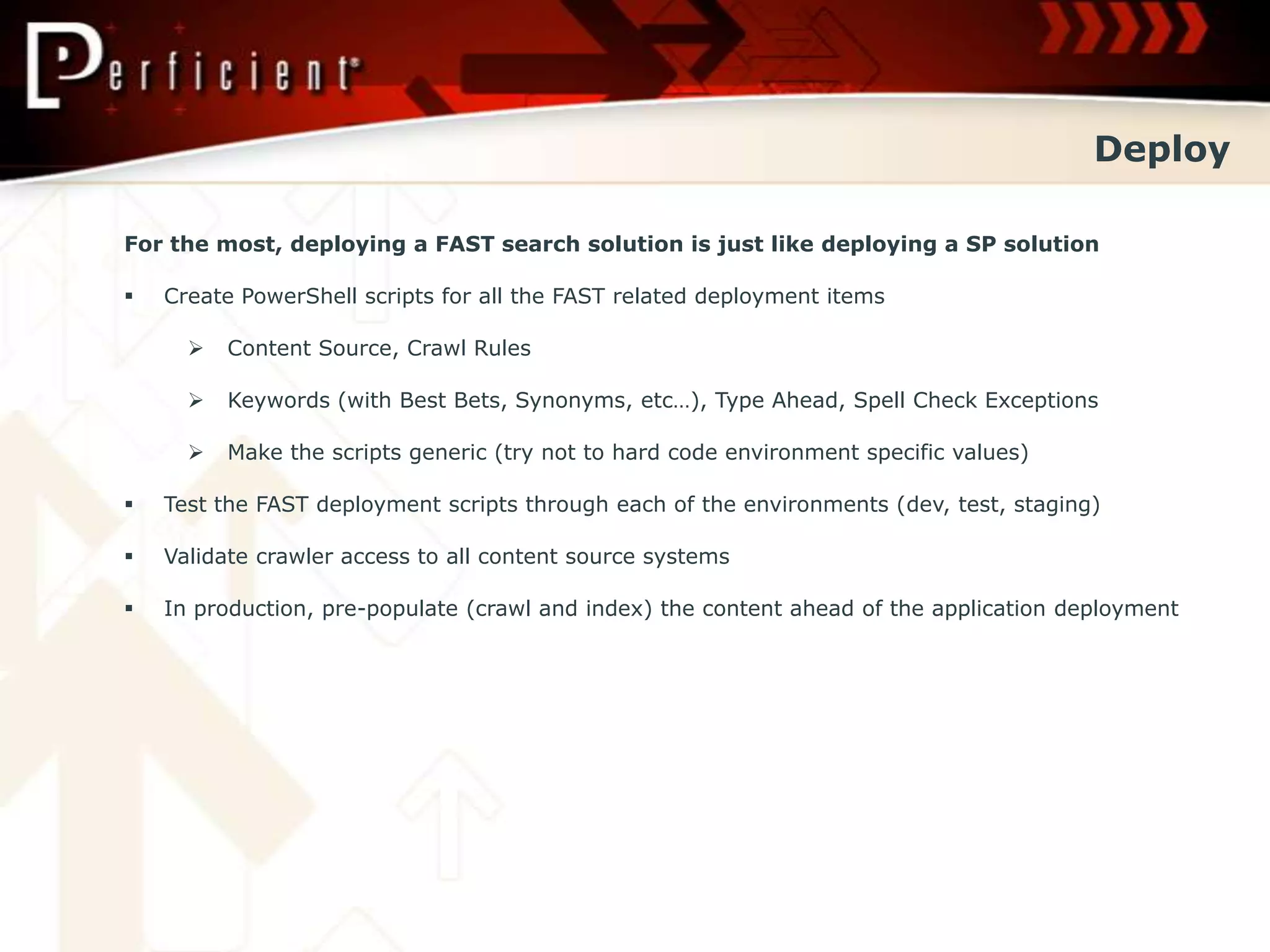
For the most, deploying a FAST search solution is just like deploying a SP solution

   Create PowerShell scripts for all the FAST related deployment items

         Content Source, Crawl Rules

         Keywords (with Best Bets, Synonyms, etc…), Type Ahead, Spell Check Exceptions

         Make the scripts generic (try not to hard code environment specific values)

   Test the FAST deployment scripts through each of the environments (dev, test, staging)

   Validate crawler access to all content source systems

   In production, pre-populate (crawl and index) the content ahead of the application deployment
Best Practices
Best Practices

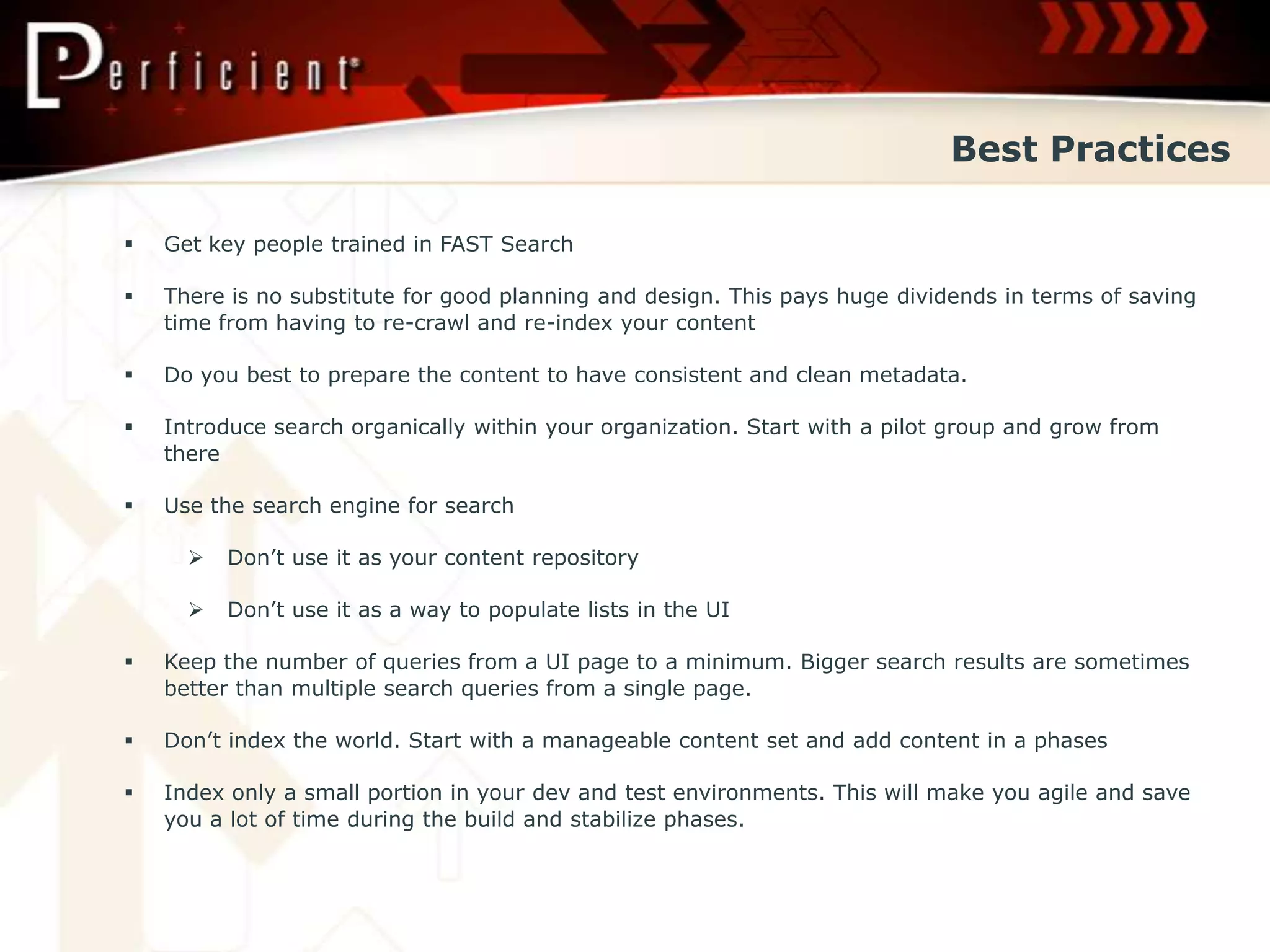
   Get key people trained in FAST Search

   There is no substitute for good planning and design. This pays huge dividends in terms of saving
    time from having to re-crawl and re-index your content

   Do you best to prepare the content to have consistent and clean metadata.

   Introduce search organically within your organization. Start with a pilot group and grow from
    there

   Use the search engine for search

         Don’t use it as your content repository

         Don’t use it as a way to populate lists in the UI

   Keep the number of queries from a UI page to a minimum. Bigger search results are sometimes
    better than multiple search queries from a single page.

   Don’t index the world. Start with a manageable content set and add content in a phases

   Index only a small portion in your dev and test environments. This will make you agile and save
    you a lot of time during the build and stabilize phases.
Best Practices

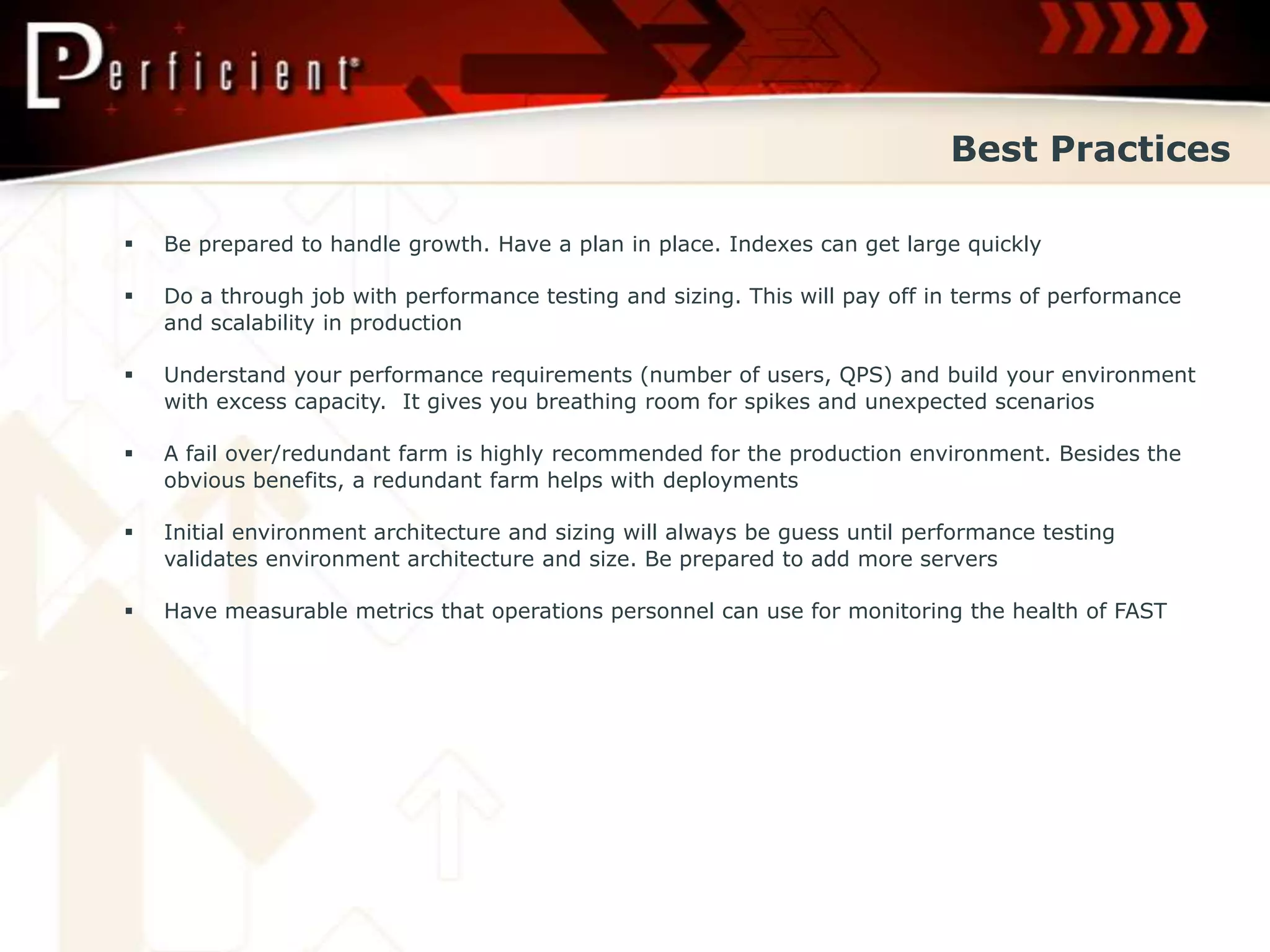
   Be prepared to handle growth. Have a plan in place. Indexes can get large quickly

   Do a through job with performance testing and sizing. This will pay off in terms of performance
    and scalability in production

   Understand your performance requirements (number of users, QPS) and build your environment
    with excess capacity. It gives you breathing room for spikes and unexpected scenarios

   A fail over/redundant farm is highly recommended for the production environment. Besides the
    obvious benefits, a redundant farm helps with deployments

   Initial environment architecture and sizing will always be guess until performance testing
    validates environment architecture and size. Be prepared to add more servers

   Have measurable metrics that operations personnel can use for monitoring the health of FAST
Q&A

Lifecycle of a FAST Search Implementation

  • 1.
    The Lifecycle ofa FAST Search Implementation Rem Purushothaman Search Practice Lead
  • 2.
    Rem Purushothaman Search Practice Lead Contact: rem.purushothaman@perficient.com 312.589.3371 @RemSearchPro www.perficient.com
  • 3.
  • 4.
    Prepare You’ve decided toimplement FAST. Now what?  Build your team. What kind of skill sets do you need?  Solution Architect  Project Manager  Business Analyst  SharePoint Developers  QA and Testers  Operations Personnel  Get your team trained on FAST Search  Understand at a high level what needs to be accomplished in each of the project phases  Envision, Plan, Build, Stabilize, Deploy  Operations
  • 5.
  • 6.
    Envision Determine what needsto be accomplished.  High level search requirements  Custom UI for Search?  Identify content that needs to be crawled and indexed. Do you need custom connectors?  How do you measure relevancy?  Security Considerations  Linguistics (Synonyms, Spell Check Exceptions)  Integration to other systems  Initial Architecture and Environment Sizing  Number of servers (Dev, QA, Staging/Performance, Production)  Failover, Index Redundancy, High Availability  Initial specifications for crawling and indexing performance  Initial specifications for query and search performance
  • 7.
  • 8.
    Plan This is themost important phase of any search project.  Gather detailed search requirements for the UI  Identify metadata that needs to be displayed in the results. Are multiple search result pages needed?  Identify Refiners for each search result page  Is there a need for a custom UI and web parts?  If necessary, design the services layer and integration to external systems  Content Sources  Identify content sources (crawl rules) and access restrictions (security considerations)  Identify content metadata (properties, fields, elements) to be crawled  Estimate work required to crawl content using custom connectors  Identify special security requirement. If necessary, map custom security model to Active Directory for security trimming  Determine if any of the content sources have to be cleaned up before crawling
  • 9.
    Plan  Crawling and Indexing  Map crawl properties (content metadata) to managed properties (indexed items)  Identify custom relevancy models  Identify managed properties to be indexed  Identify full text index priority  Identify Linguistic Components - keywords, synonyms, best bets, type ahead  Testing  Create content set for testing  Create plan for performance testing  Operations  Identify plans for incremental updates and deletes  Create plans for identifying and managing the incremental growth of the index  Identify how to monitor and manage search issues
  • 10.
  • 11.
    Build Put it alltogether. Good planning will have big payoffs.  Build the UI and Services Layer  Search and Search Results Pages including Advanced Search  If necessary, build the Services Layer and integrate to external systems  Custom Web Parts (refiners, federation)  Crawling and Indexing  Set up Content Sources (Custom Connectors) and Crawl Rules  Optional: Custom pipeline development  Optional: External process to pre-process & scrub the content  Optional: Map custom security to AD  Set up Crawled and Managed Properties  Set up Type Ahead, Keywords, Best Bests, Synonyms, Refiners  Crawl and Index the Content (rinse and repeat)
  • 12.
  • 13.
    Stabilize Getting results backfrom search doesn’t mean the results are valid.  Application and Search Related Testing  Its critical that the QA understand how FAST works to test it properly  Use external tools to test queries outside of the SharePoint Search Center  Validate search result relevancy, document counts, and refiner counts  Validate Security Trimming  Validate Linguistics (spell check, synonyms, stemming, stop words, etc..)  Performance Testing  Ideally, the performance test environment should be approximately half the size of the production environment  Performance test early in the project life cycle and then on a regular basis  Compile a list of expensive queries that will really stress the system  Determine the max QPS system can handle  Determine max number of documents that can be supported in a column
  • 14.
  • 15.
    Deploy For the most,deploying a FAST search solution is just like deploying a SP solution  Create PowerShell scripts for all the FAST related deployment items  Content Source, Crawl Rules  Keywords (with Best Bets, Synonyms, etc…), Type Ahead, Spell Check Exceptions  Make the scripts generic (try not to hard code environment specific values)  Test the FAST deployment scripts through each of the environments (dev, test, staging)  Validate crawler access to all content source systems  In production, pre-populate (crawl and index) the content ahead of the application deployment
  • 16.
  • 17.
    Best Practices  Get key people trained in FAST Search  There is no substitute for good planning and design. This pays huge dividends in terms of saving time from having to re-crawl and re-index your content  Do you best to prepare the content to have consistent and clean metadata.  Introduce search organically within your organization. Start with a pilot group and grow from there  Use the search engine for search  Don’t use it as your content repository  Don’t use it as a way to populate lists in the UI  Keep the number of queries from a UI page to a minimum. Bigger search results are sometimes better than multiple search queries from a single page.  Don’t index the world. Start with a manageable content set and add content in a phases  Index only a small portion in your dev and test environments. This will make you agile and save you a lot of time during the build and stabilize phases.
  • 18.
    Best Practices  Be prepared to handle growth. Have a plan in place. Indexes can get large quickly  Do a through job with performance testing and sizing. This will pay off in terms of performance and scalability in production  Understand your performance requirements (number of users, QPS) and build your environment with excess capacity. It gives you breathing room for spikes and unexpected scenarios  A fail over/redundant farm is highly recommended for the production environment. Besides the obvious benefits, a redundant farm helps with deployments  Initial environment architecture and sizing will always be guess until performance testing validates environment architecture and size. Be prepared to add more servers  Have measurable metrics that operations personnel can use for monitoring the health of FAST
  • 19.