House with No Walls:
Creating a Site Structure
for Tomorrow
Lisa Ghisolf, Gizmo Creative Factory
@gizmodesign * gizmo-design.com
It’s the “un-fun” stuff
• We are long past “brochureware” sites [sort of]
• Content strategy: More than just what you’ll say
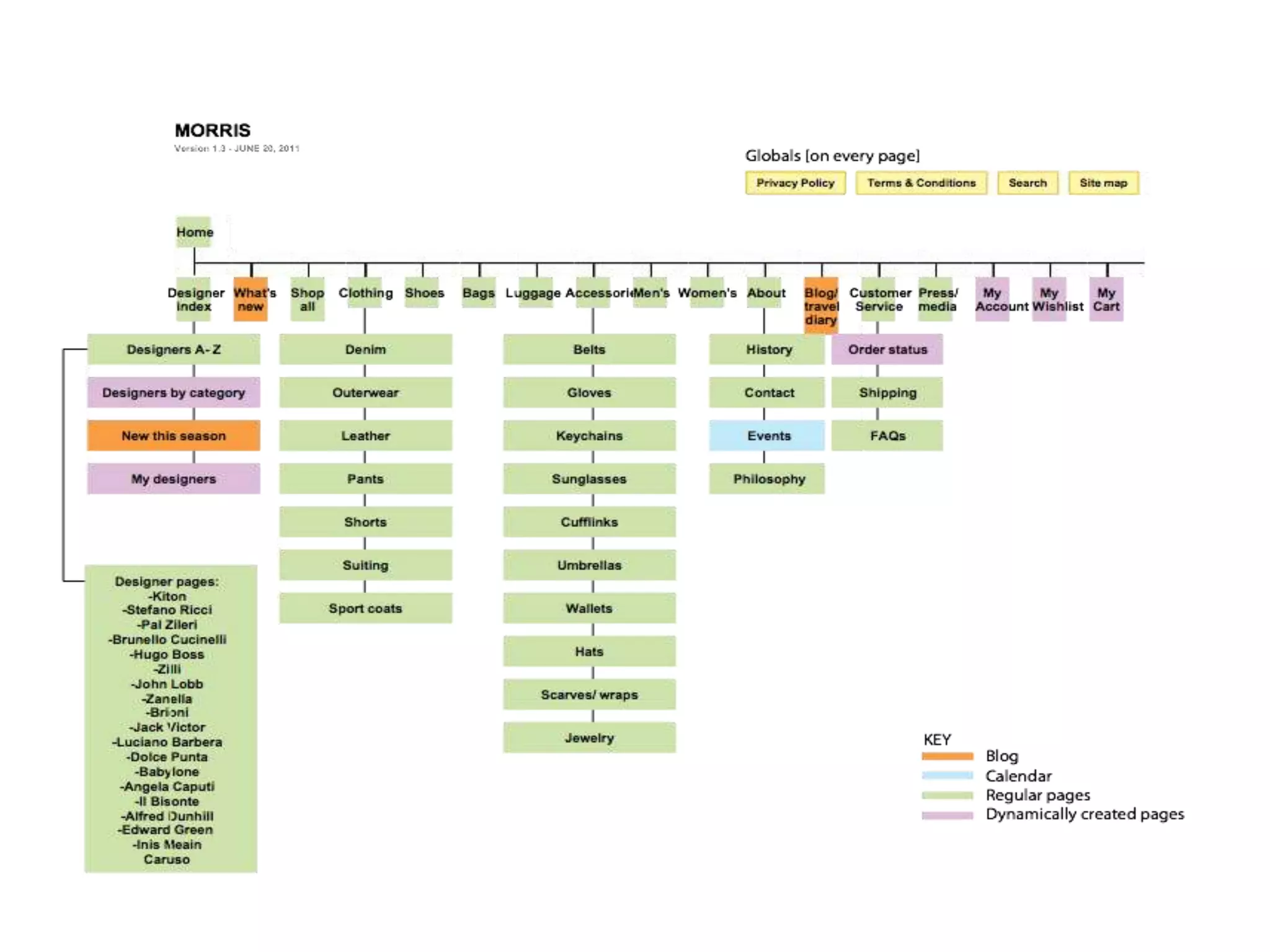
• Sitemaps: What you need, pathways
• Functionality: Phased functionality aligned with business
objectives [especially in e-commerce!]
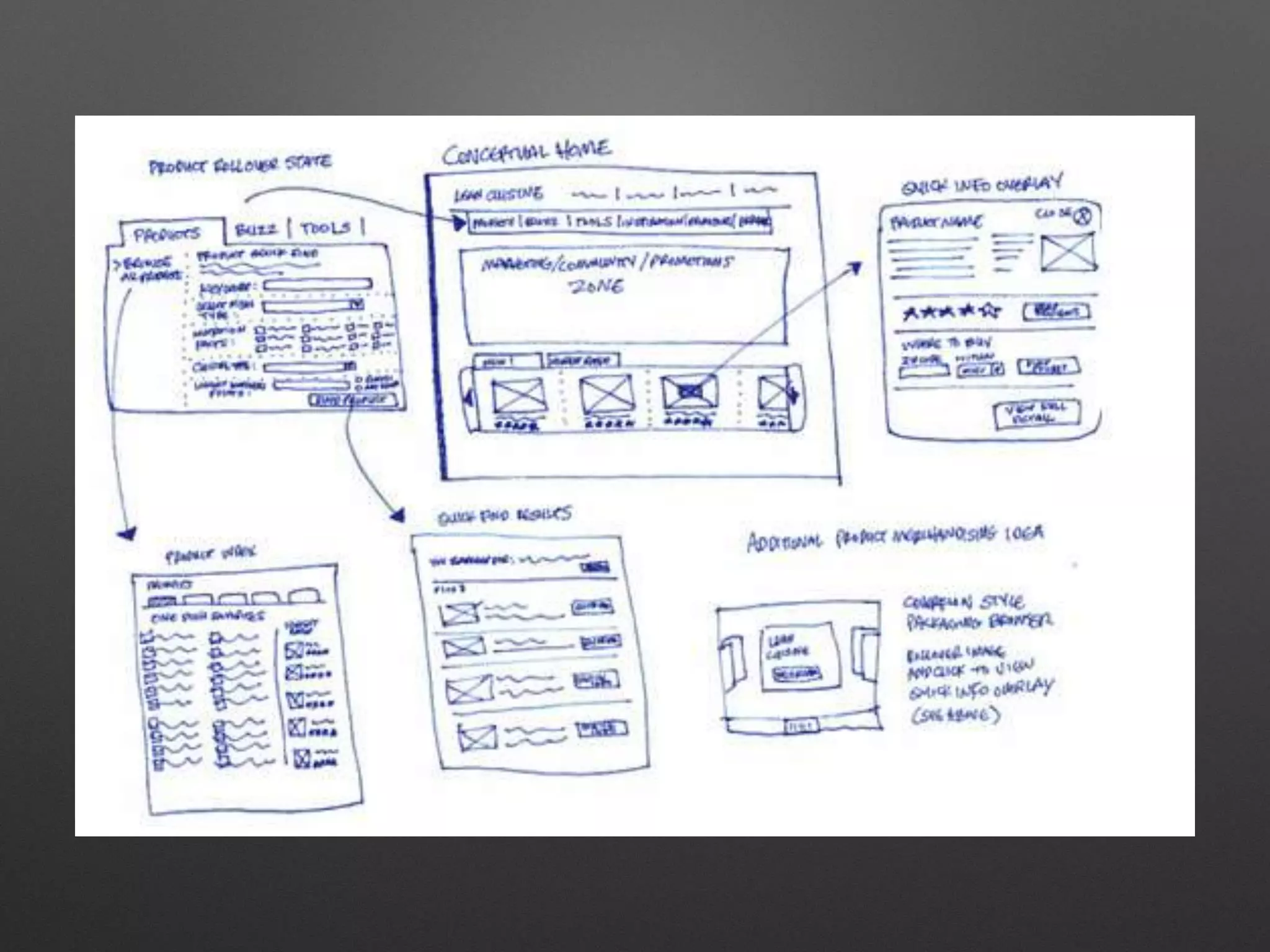
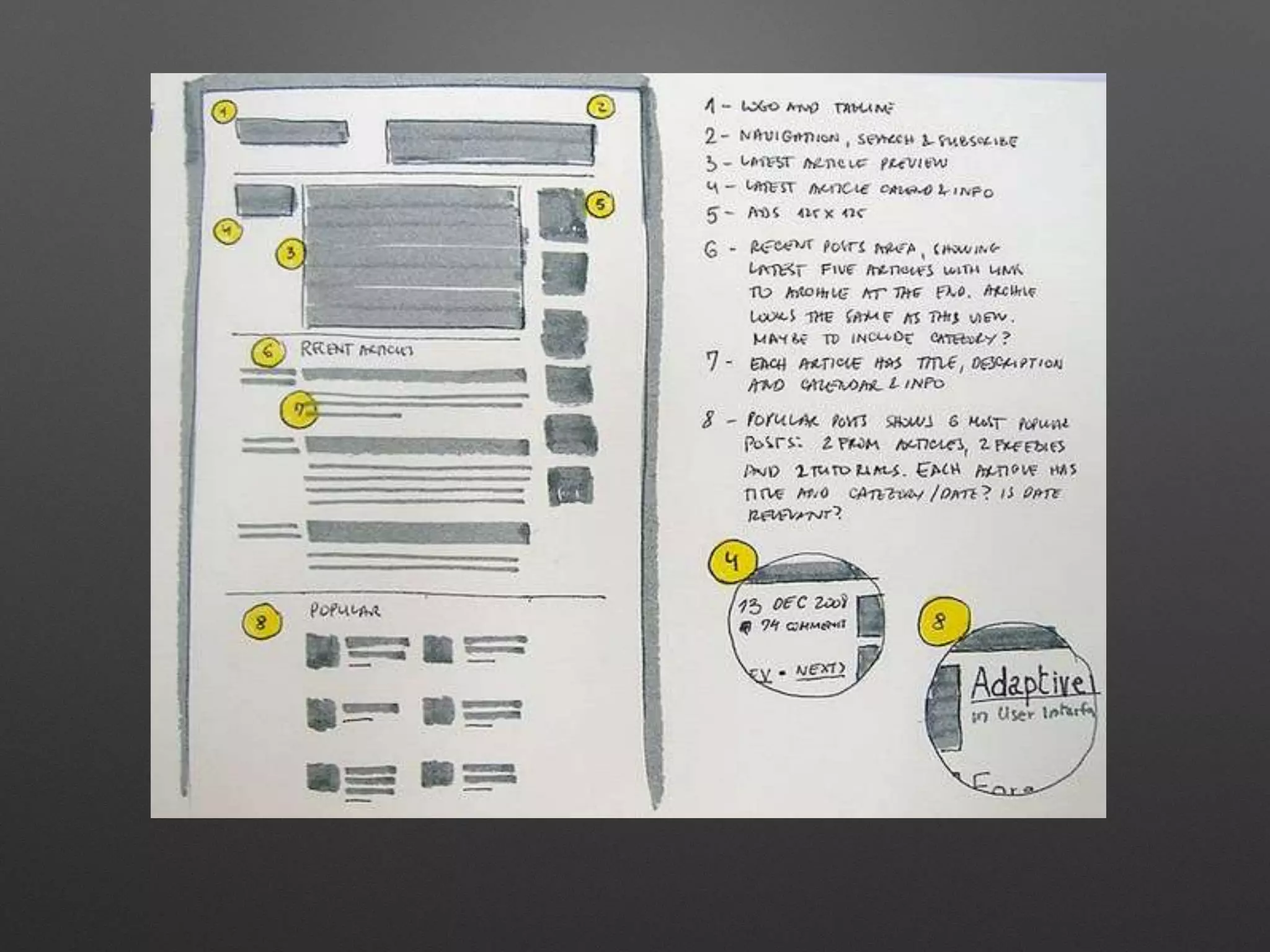
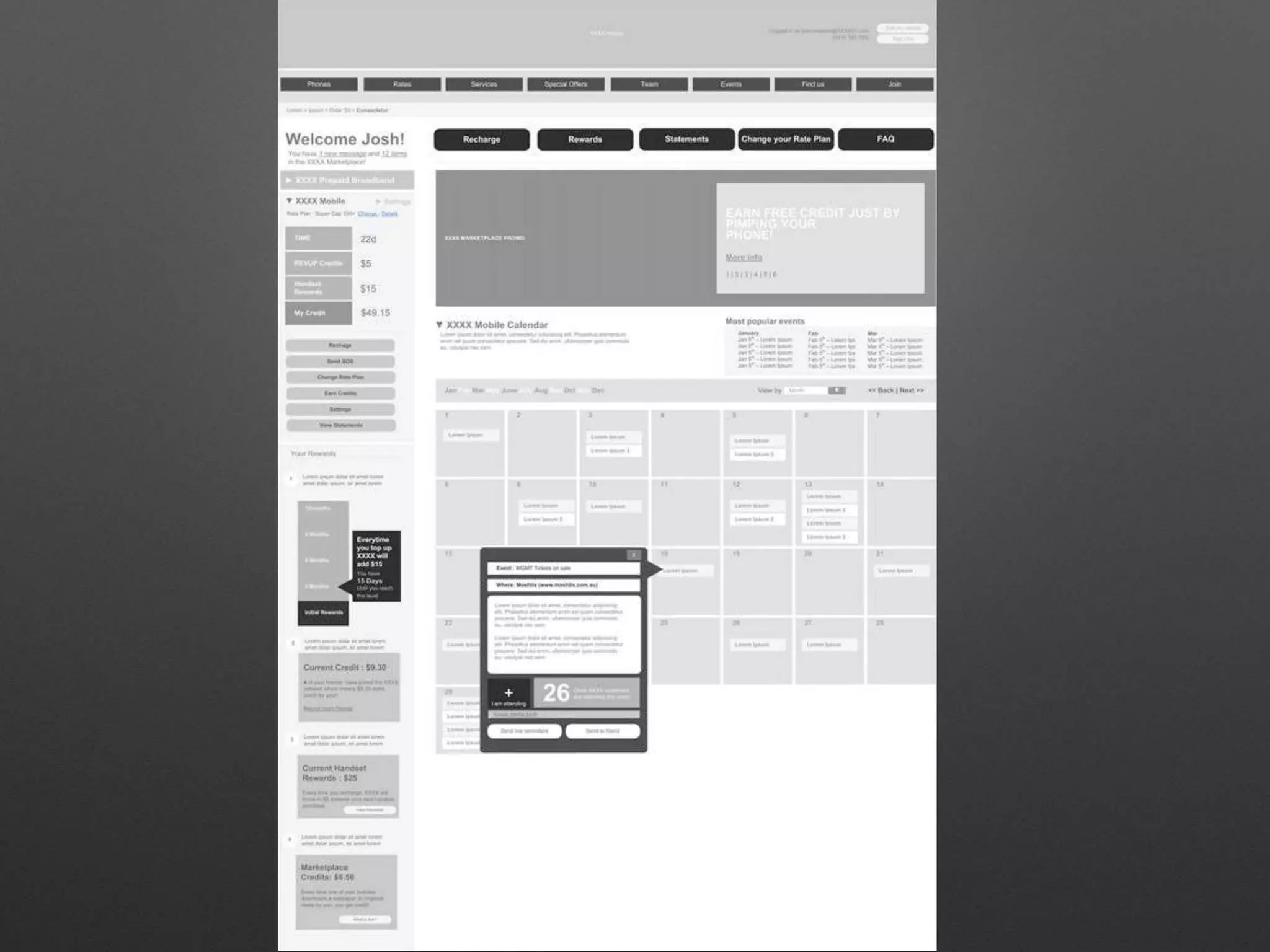
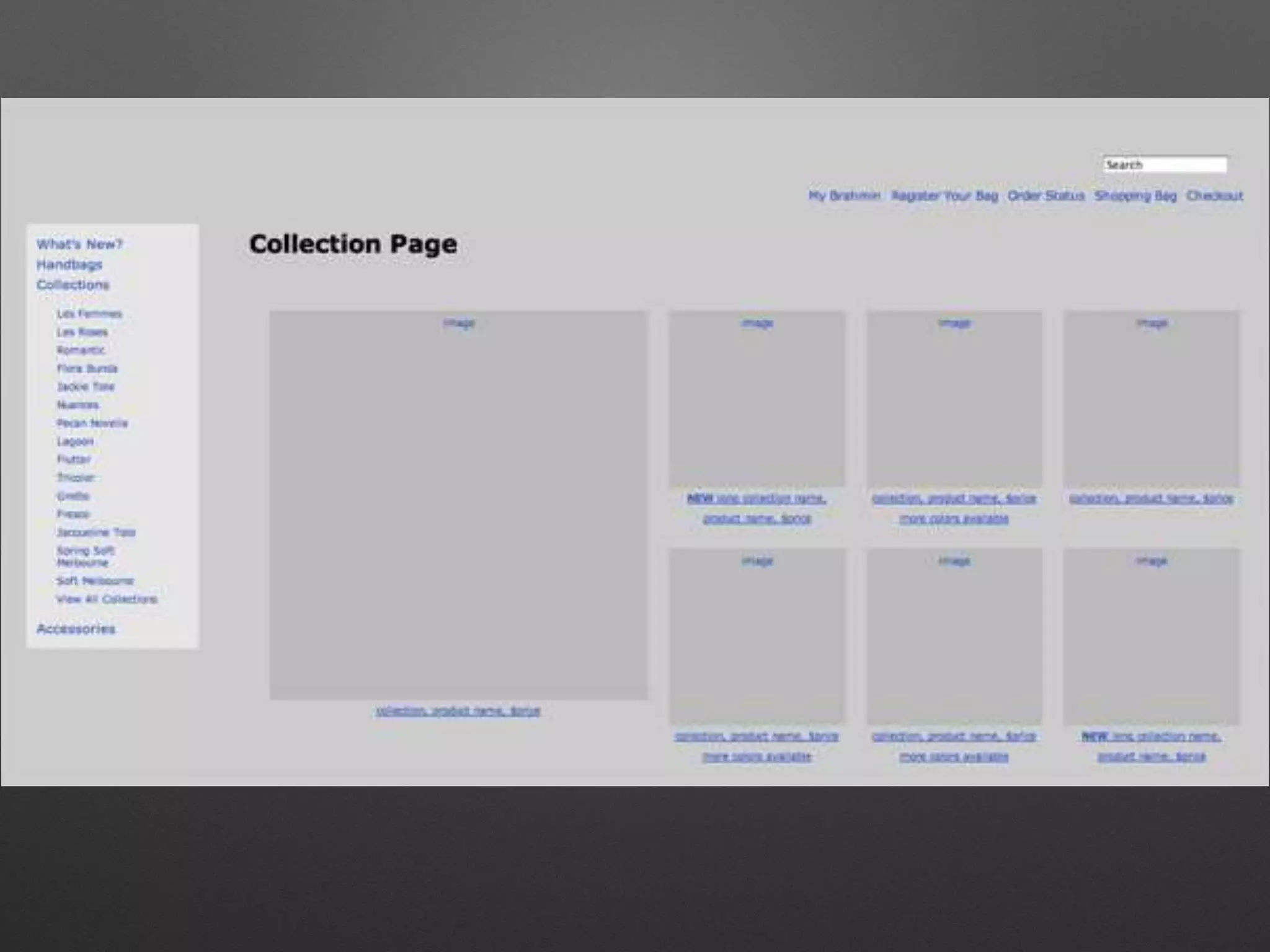
• Wireframes: What lives on each page
• Prototypes: Functional model/test site
Basically...
• Who (your audiences)
• Why (your goals)
• How (functional)
But… why?
• Test processes (e-commerce)
• Test content
• Bring clients in quickly
• Iterate quickly
• User experience starts early in the process
• “Design in the browser”
Content strategy
• User, user, user! Who are your audiences?
Think about what they — not you — are
expecting to see.
• Look at your content: how ME-centric is it?
• Good content is: up-to-date, user-centric,
useful, u-findable.
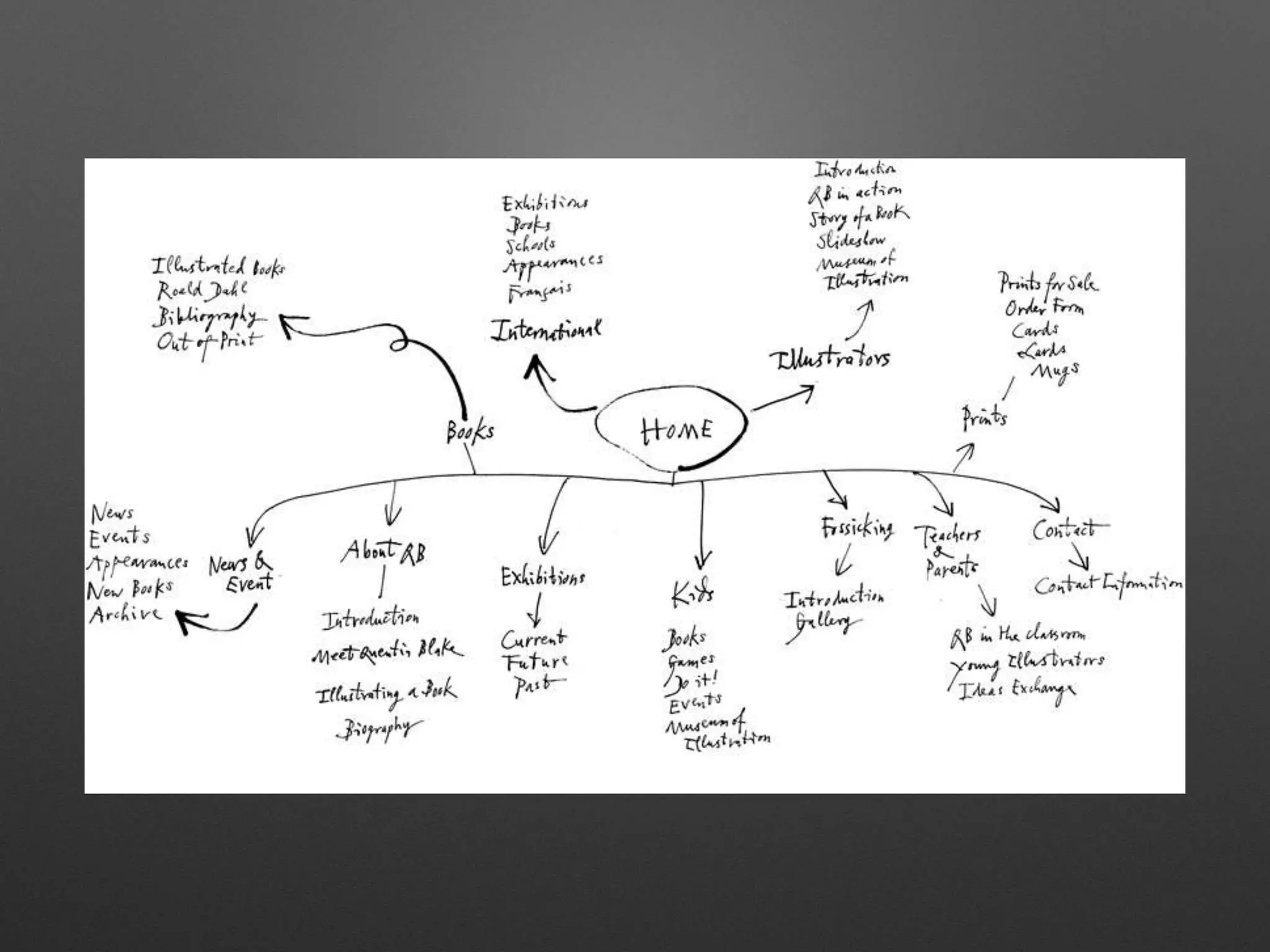
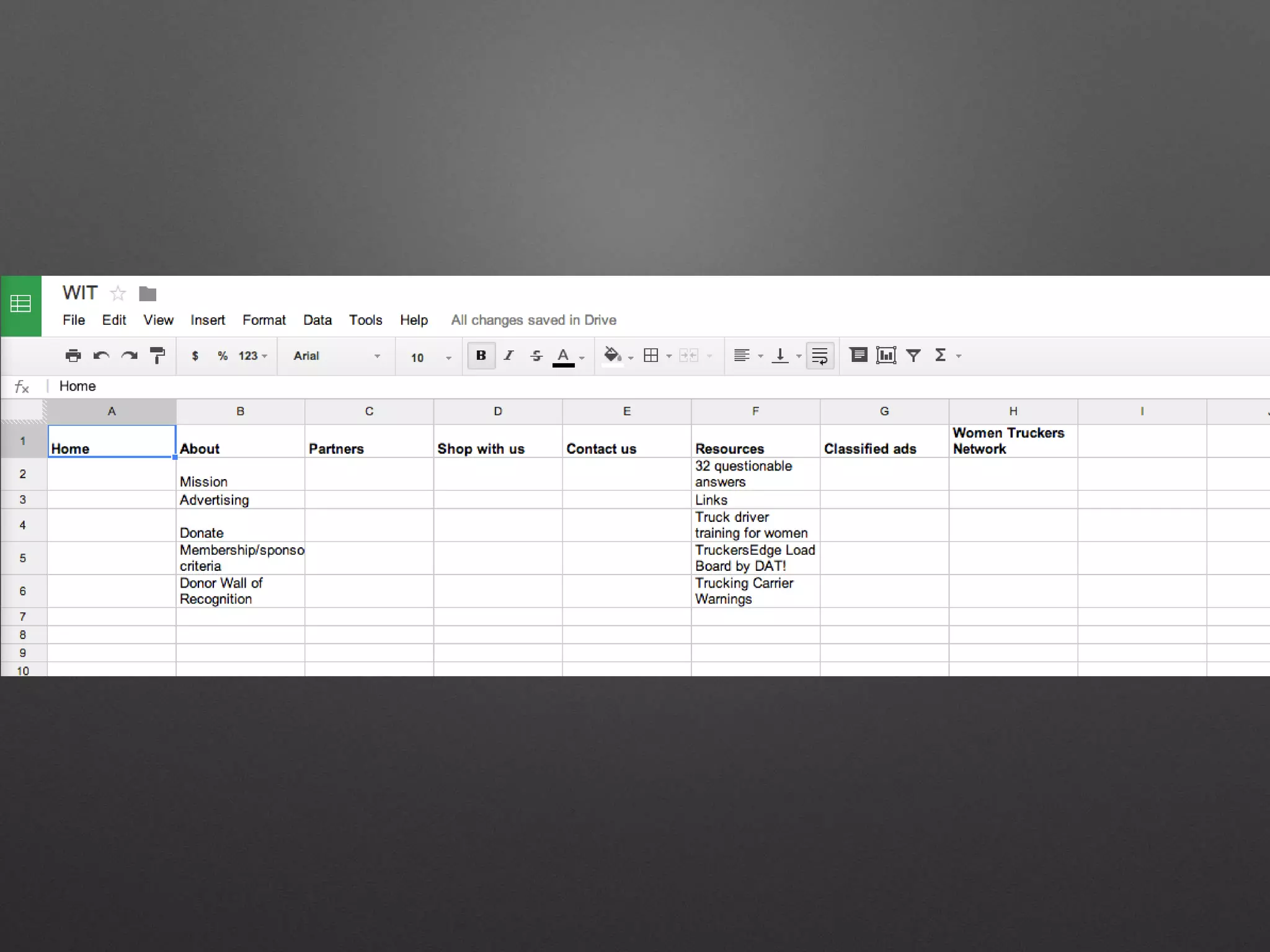
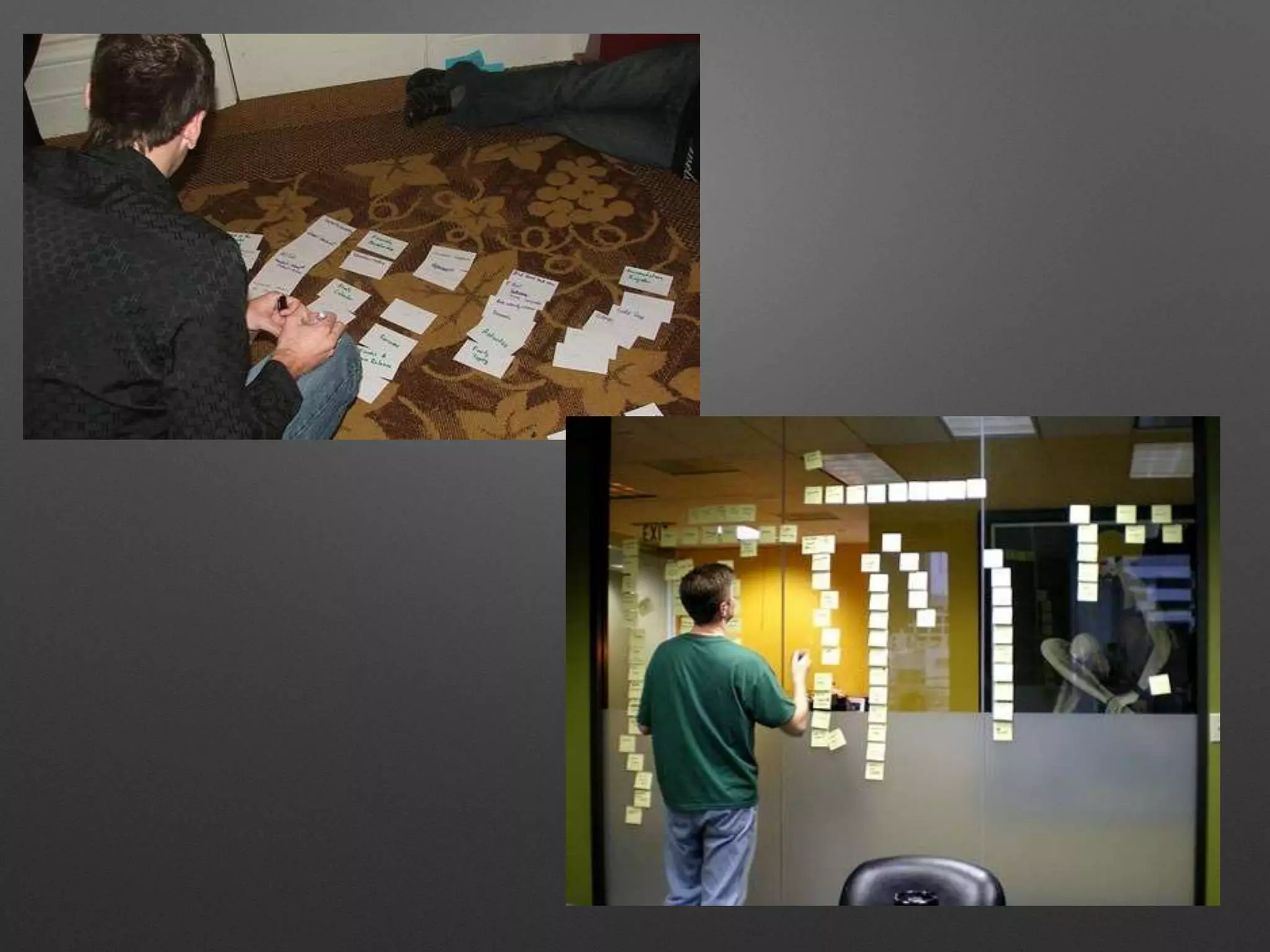
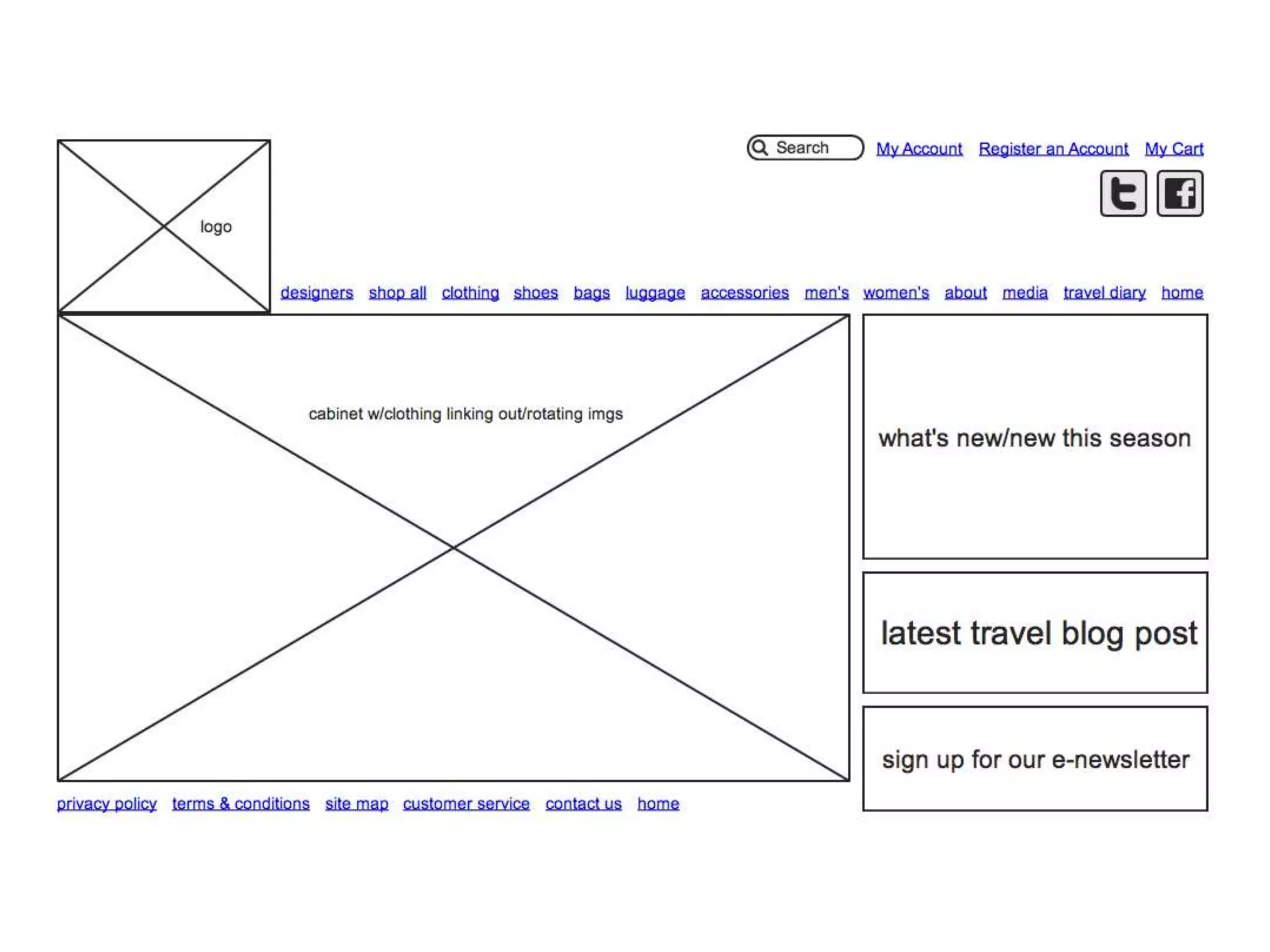
Sitemap to wireframe
• Visualize your structure & how users will
react: Flowchart it out!
• What is the process? What is interlinked?
• Consistency is key
Sitemap & Wireframe Tools
• Sitemaps
• Powermapper.com
• Slickplan.com
• Wireframes
• Gomockingbird.com
• Balsamiq.com
• Both
• Jumpchart.com [w/WP export!]
• gliffy.com
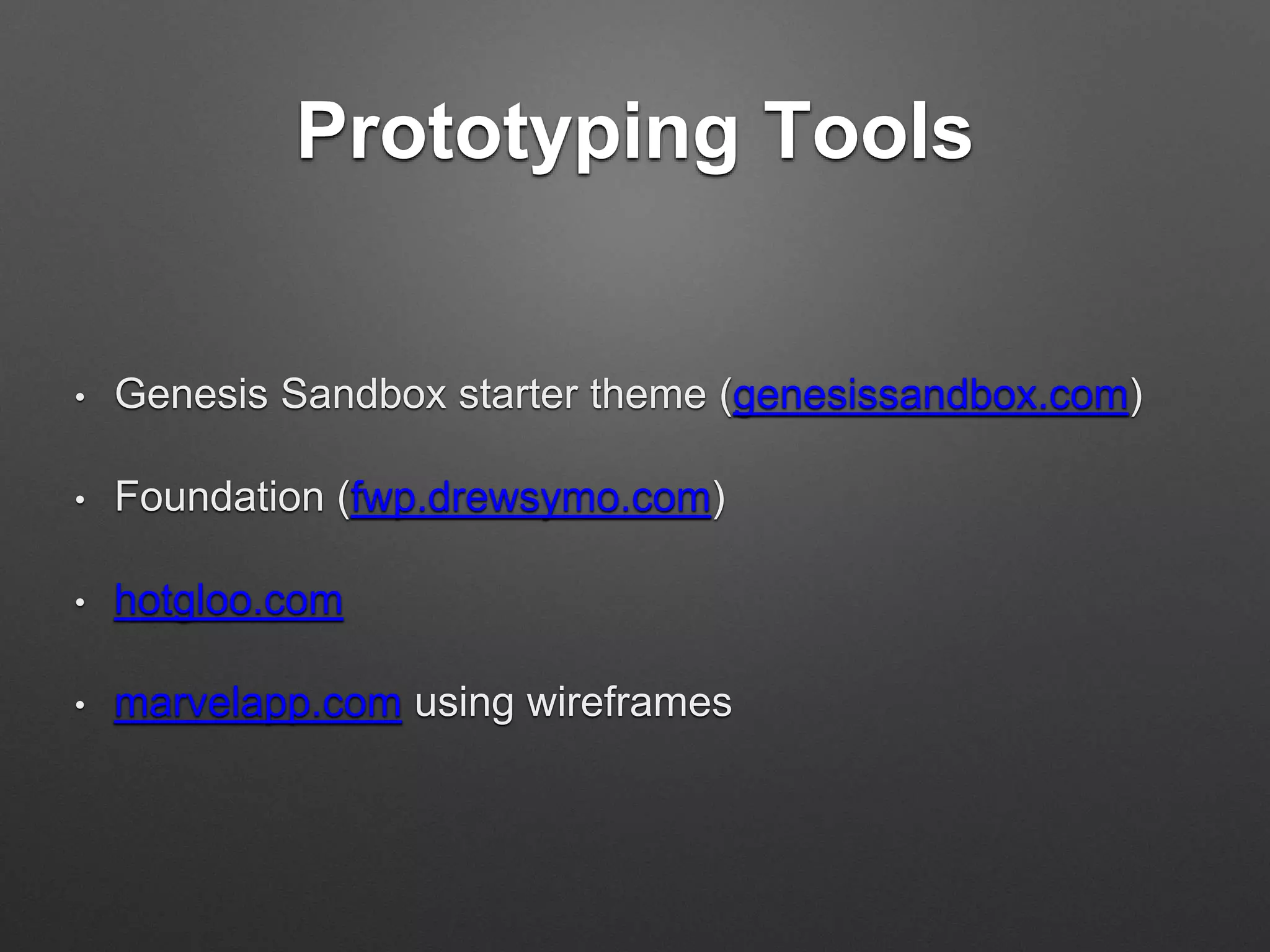
Prototyping Tools
• Genesis Sandbox starter theme (genesissandbox.com)
• Foundation (fwp.drewsymo.com)
• hotgloo.com
• marvelapp.com using wireframes
What’s next? Mobile
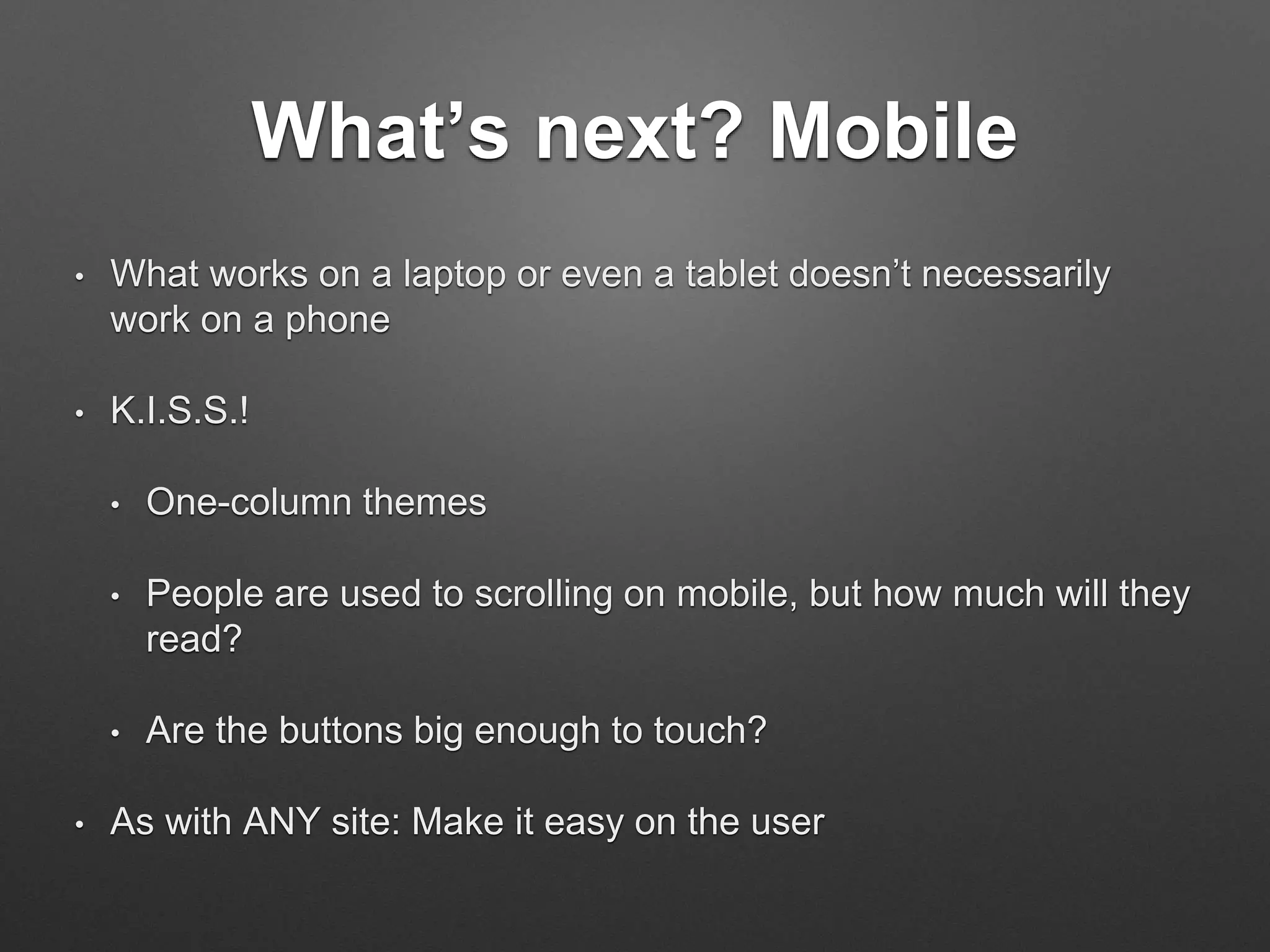
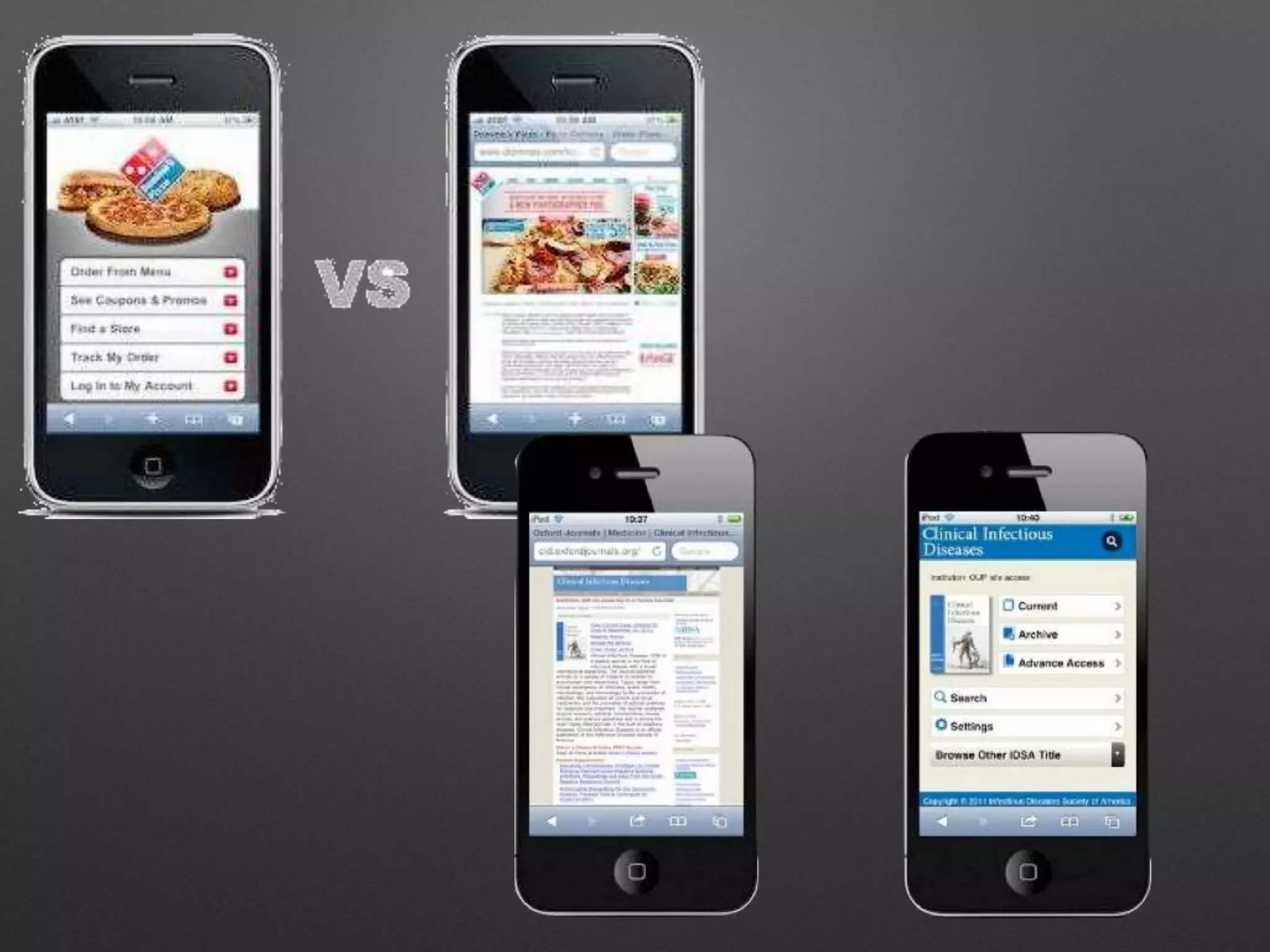
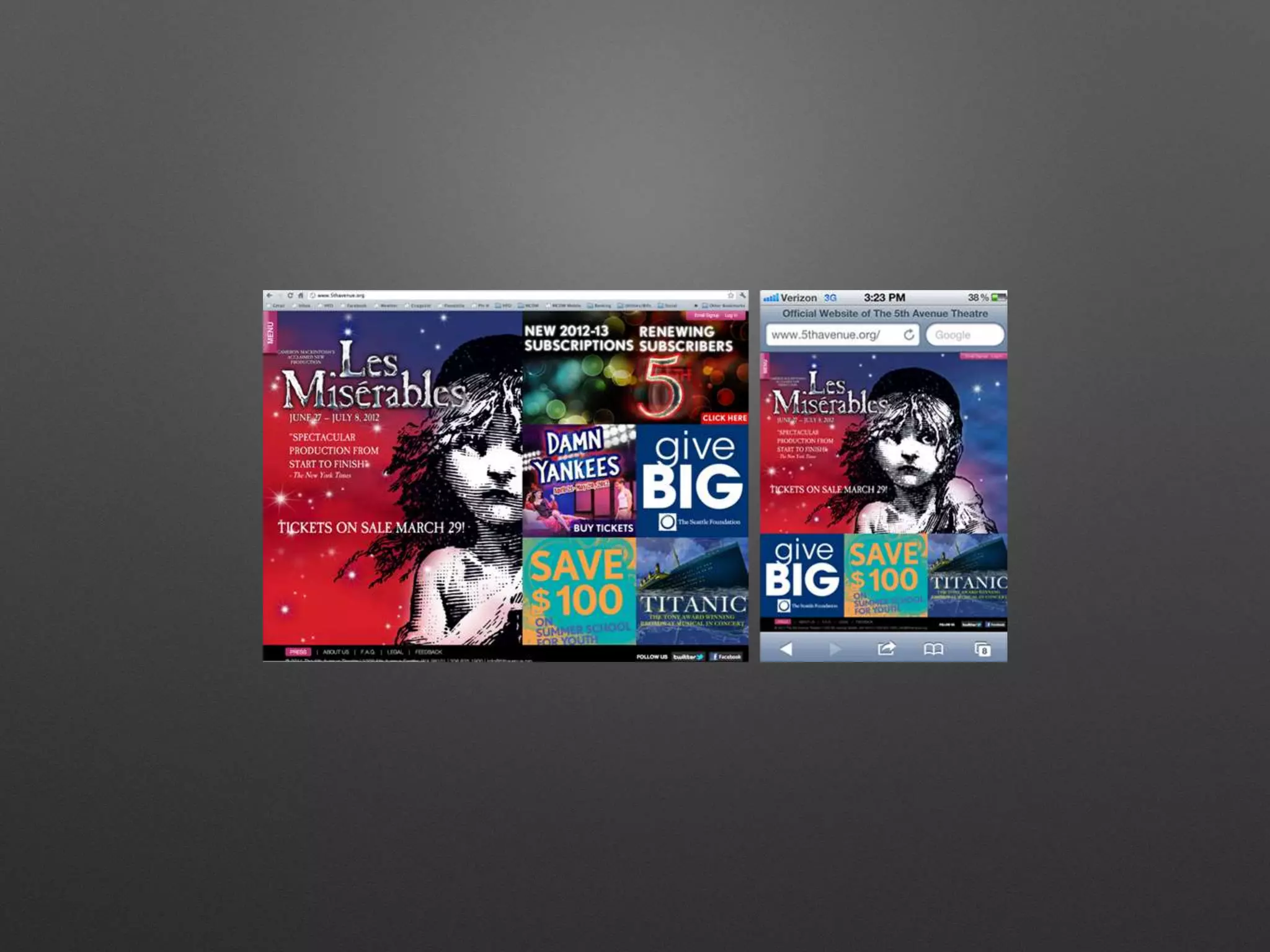
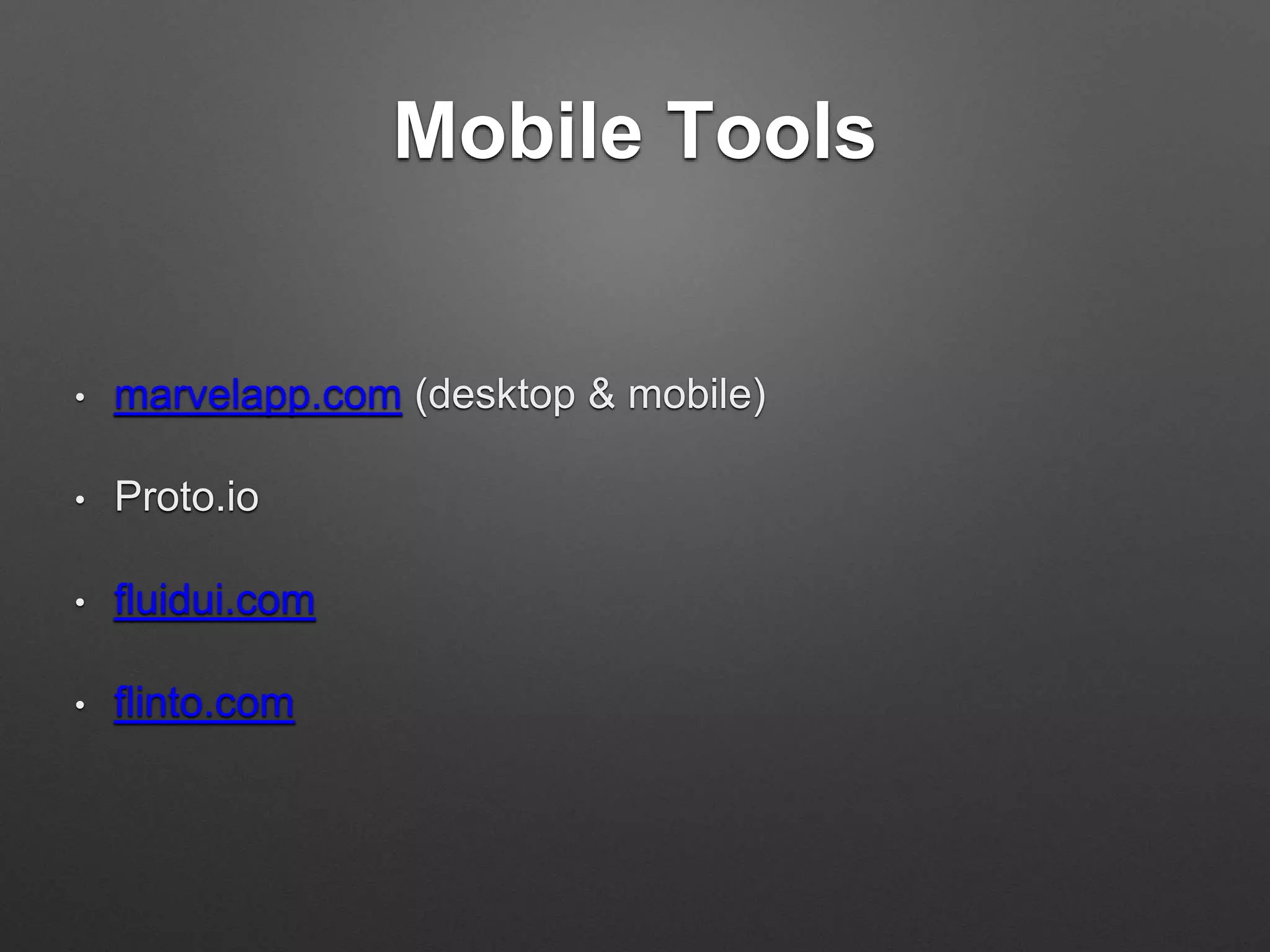
• What works on a laptop or even a tablet doesn’t necessarily
work on a phone
• K.I.S.S.!
• One-column themes
• People are used to scrolling on mobile, but how much will they
read?
• Are the buttons big enough to touch?
• As with ANY site: Make it easy on the user
Mobile Tools
• marvelapp.com (desktop & mobile)
• Proto.io
• fluidui.com
• flinto.com
Thank you!
Lisa Ghisolf, Gizmo Creative Factory
@gizmodesign * gizmo-design.com
slideshare.com/gizmodesign

House with no walls: Building a site plan for the future

  • 1.
    House with NoWalls: Creating a Site Structure for Tomorrow Lisa Ghisolf, Gizmo Creative Factory @gizmodesign * gizmo-design.com
  • 4.
    It’s the “un-fun”stuff • We are long past “brochureware” sites [sort of] • Content strategy: More than just what you’ll say • Sitemaps: What you need, pathways • Functionality: Phased functionality aligned with business objectives [especially in e-commerce!] • Wireframes: What lives on each page • Prototypes: Functional model/test site
  • 5.
    Basically... • Who (youraudiences) • Why (your goals) • How (functional)
  • 6.
    But… why? • Testprocesses (e-commerce) • Test content • Bring clients in quickly • Iterate quickly • User experience starts early in the process • “Design in the browser”
  • 7.
    Content strategy • User,user, user! Who are your audiences? Think about what they — not you — are expecting to see. • Look at your content: how ME-centric is it? • Good content is: up-to-date, user-centric, useful, u-findable.
  • 8.
    Sitemap to wireframe •Visualize your structure & how users will react: Flowchart it out! • What is the process? What is interlinked? • Consistency is key
  • 24.
    Sitemap & WireframeTools • Sitemaps • Powermapper.com • Slickplan.com • Wireframes • Gomockingbird.com • Balsamiq.com • Both • Jumpchart.com [w/WP export!] • gliffy.com
  • 25.
    Prototyping Tools • GenesisSandbox starter theme (genesissandbox.com) • Foundation (fwp.drewsymo.com) • hotgloo.com • marvelapp.com using wireframes
  • 26.
    What’s next? Mobile •What works on a laptop or even a tablet doesn’t necessarily work on a phone • K.I.S.S.! • One-column themes • People are used to scrolling on mobile, but how much will they read? • Are the buttons big enough to touch? • As with ANY site: Make it easy on the user
  • 30.
    Mobile Tools • marvelapp.com(desktop & mobile) • Proto.io • fluidui.com • flinto.com
  • 31.
    Thank you! Lisa Ghisolf,Gizmo Creative Factory @gizmodesign * gizmo-design.com slideshare.com/gizmodesign