Types of wikis


      by Fiona Beal
 fiona@schoolnet.org.za
What can you do with a wiki?

I have taken an excerpt from a site called 50
things you can do with a wiki - that shows a
number of amazing ways in which you can use a
wiki.
http://www.smartteaching.org/blog/2008/08/50-ways-to-u
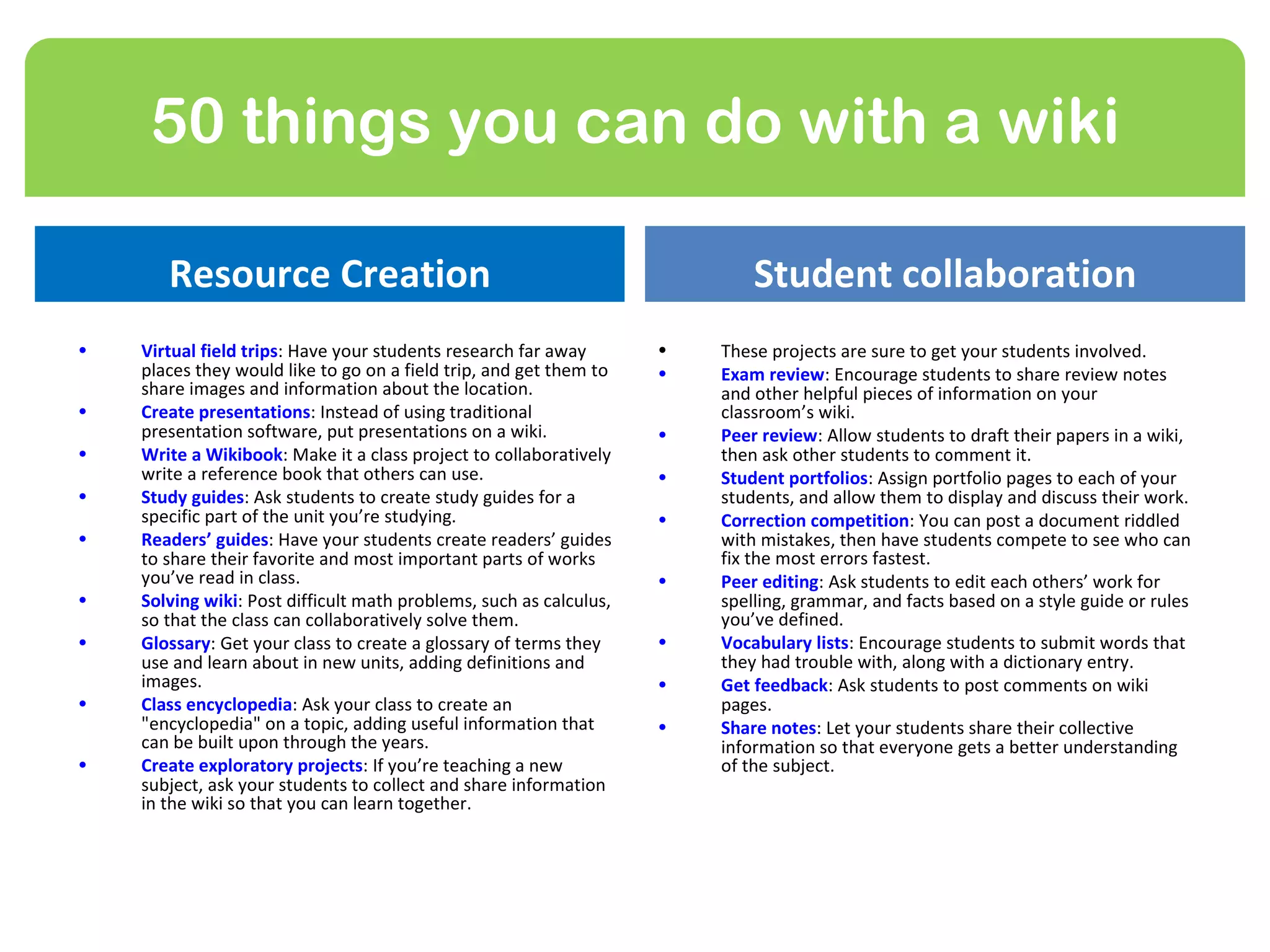
50 things you can do with a wiki

       Resource Creation                                                    Student collaboration
•   Virtual field trips: Have your students research far away       •   These projects are sure to get your students involved.
    places they would like to go on a field trip, and get them to   •   Exam review: Encourage students to share review notes
    share images and information about the location.                    and other helpful pieces of information on your
•   Create presentations: Instead of using traditional                  classroom’s wiki.
    presentation software, put presentations on a wiki.             •   Peer review: Allow students to draft their papers in a wiki,
•   Write a Wikibook: Make it a class project to collaboratively        then ask other students to comment it.
    write a reference book that others can use.                     •   Student portfolios: Assign portfolio pages to each of your
•   Study guides: Ask students to create study guides for a             students, and allow them to display and discuss their work.
    specific part of the unit you’re studying.                      •   Correction competition: You can post a document riddled
•   Readers’ guides: Have your students create readers’ guides          with mistakes, then have students compete to see who can
    to share their favorite and most important parts of works           fix the most errors fastest.
    you’ve read in class.                                           •   Peer editing: Ask students to edit each others’ work for
•   Solving wiki: Post difficult math problems, such as calculus,       spelling, grammar, and facts based on a style guide or rules
    so that the class can collaboratively solve them.                   you’ve defined.
•   Glossary: Get your class to create a glossary of terms they     •   Vocabulary lists: Encourage students to submit words that
    use and learn about in new units, adding definitions and            they had trouble with, along with a dictionary entry.
    images.                                                         •   Get feedback: Ask students to post comments on wiki
•   Class encyclopedia: Ask your class to create an                     pages.
    "encyclopedia" on a topic, adding useful information that       •   Share notes: Let your students share their collective
    can be built upon through the years.                                information so that everyone gets a better understanding
•   Create exploratory projects: If you’re teaching a new               of the subject.
    subject, ask your students to collect and share information
    in the wiki so that you can learn together.
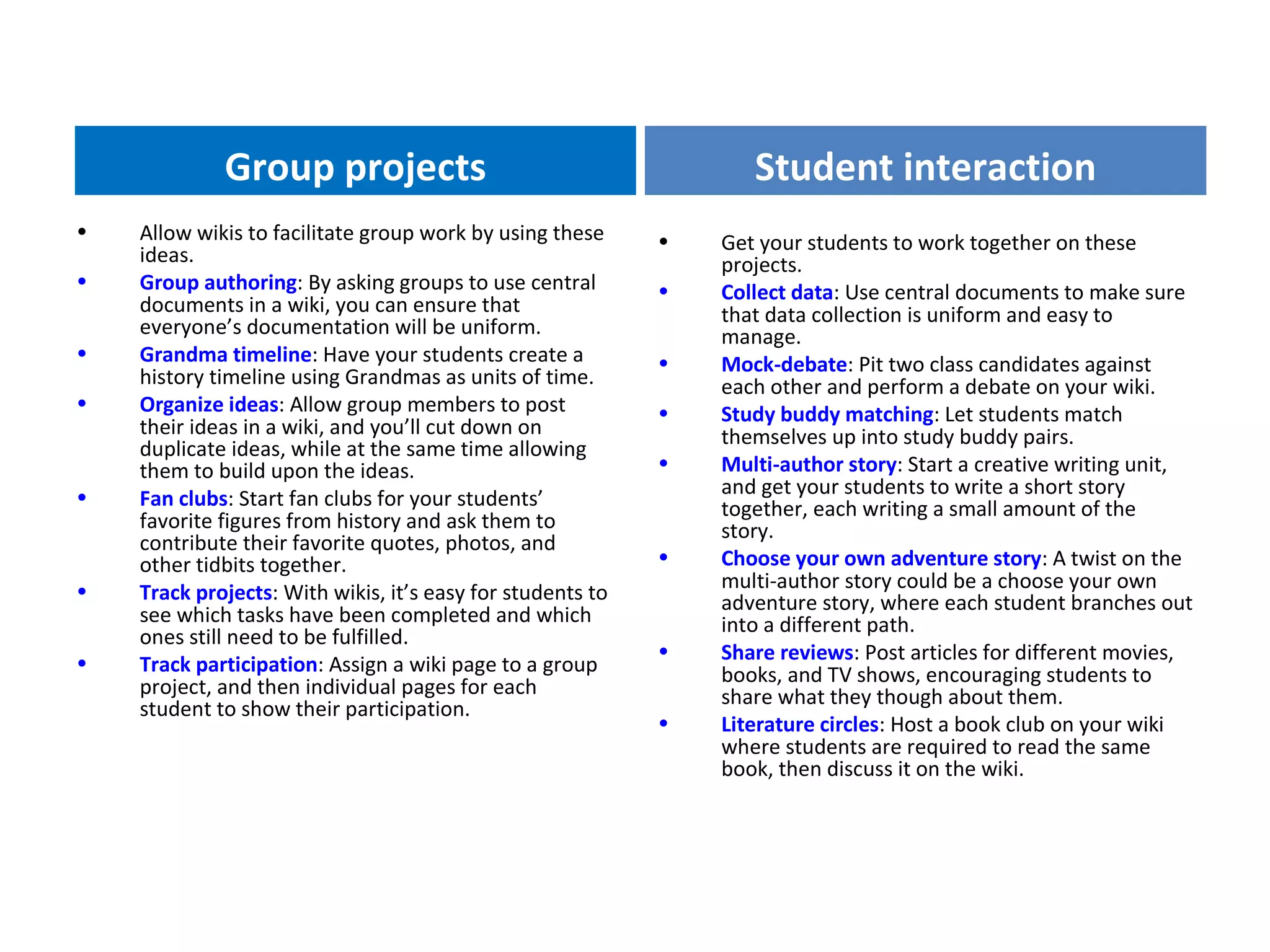
Group projects                                        Student interaction
•   Allow wikis to facilitate group work by using these     •   Get your students to work together on these
    ideas.                                                      projects.
•   Group authoring: By asking groups to use central        •   Collect data: Use central documents to make sure
    documents in a wiki, you can ensure that                    that data collection is uniform and easy to
    everyone’s documentation will be uniform.                   manage.
•   Grandma timeline: Have your students create a           •   Mock-debate: Pit two class candidates against
    history timeline using Grandmas as units of time.           each other and perform a debate on your wiki.
•   Organize ideas: Allow group members to post             •   Study buddy matching: Let students match
    their ideas in a wiki, and you’ll cut down on               themselves up into study buddy pairs.
    duplicate ideas, while at the same time allowing
    them to build upon the ideas.                           •   Multi-author story: Start a creative writing unit,
•                                                               and get your students to write a short story
    Fan clubs: Start fan clubs for your students’               together, each writing a small amount of the
    favorite figures from history and ask them to               story.
    contribute their favorite quotes, photos, and
    other tidbits together.                                 •   Choose your own adventure story: A twist on the
•                                                               multi-author story could be a choose your own
    Track projects: With wikis, it’s easy for students to       adventure story, where each student branches out
    see which tasks have been completed and which               into a different path.
    ones still need to be fulfilled.
                                                            •   Share reviews: Post articles for different movies,
•   Track participation: Assign a wiki page to a group          books, and TV shows, encouraging students to
    project, and then individual pages for each                 share what they though about them.
    student to show their participation.
                                                            •   Literature circles: Host a book club on your wiki
                                                                where students are required to read the same
                                                                book, then discuss it on the wiki.
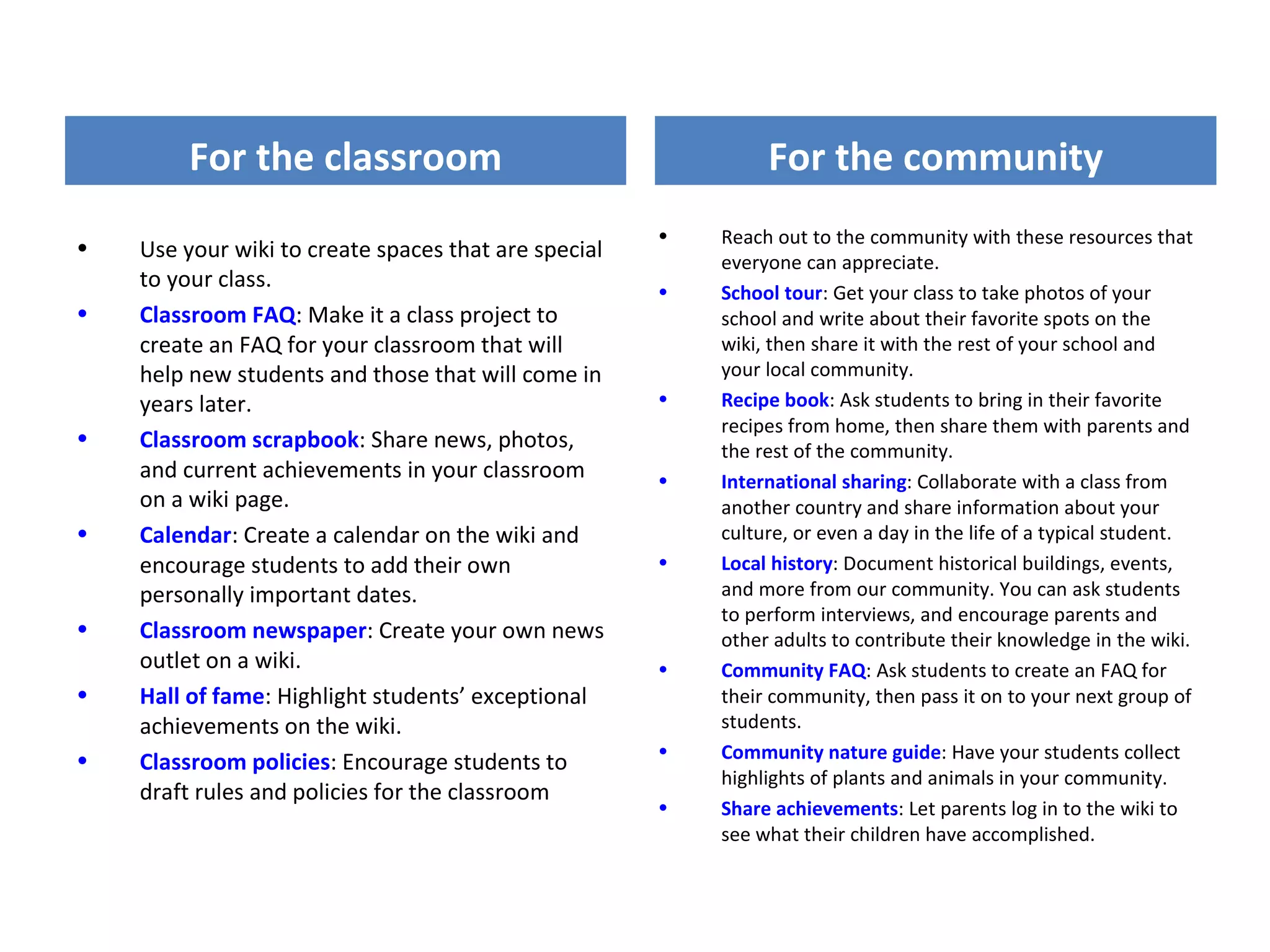
For the classroom                                      For the community
                                                      •   Reach out to the community with these resources that
•   Use your wiki to create spaces that are special       everyone can appreciate.
    to your class.                                    •   School tour: Get your class to take photos of your
•   Classroom FAQ: Make it a class project to             school and write about their favorite spots on the
    create an FAQ for your classroom that will            wiki, then share it with the rest of your school and
    help new students and those that will come in         your local community.
    years later.                                      •   Recipe book: Ask students to bring in their favorite
                                                          recipes from home, then share them with parents and
•   Classroom scrapbook: Share news, photos,              the rest of the community.
    and current achievements in your classroom        •   International sharing: Collaborate with a class from
    on a wiki page.                                       another country and share information about your
•   Calendar: Create a calendar on the wiki and           culture, or even a day in the life of a typical student.
    encourage students to add their own               •   Local history: Document historical buildings, events,
    personally important dates.                           and more from our community. You can ask students
                                                          to perform interviews, and encourage parents and
•   Classroom newspaper: Create your own news             other adults to contribute their knowledge in the wiki.
    outlet on a wiki.                                 •   Community FAQ: Ask students to create an FAQ for
•   Hall of fame: Highlight students’ exceptional         their community, then pass it on to your next group of
    achievements on the wiki.                             students.
•                                                     •   Community nature guide: Have your students collect
    Classroom policies: Encourage students to
                                                          highlights of plants and animals in your community.
    draft rules and policies for the classroom
                                                      •   Share achievements: Let parents log in to the wiki to
                                                          see what their children have accomplished.
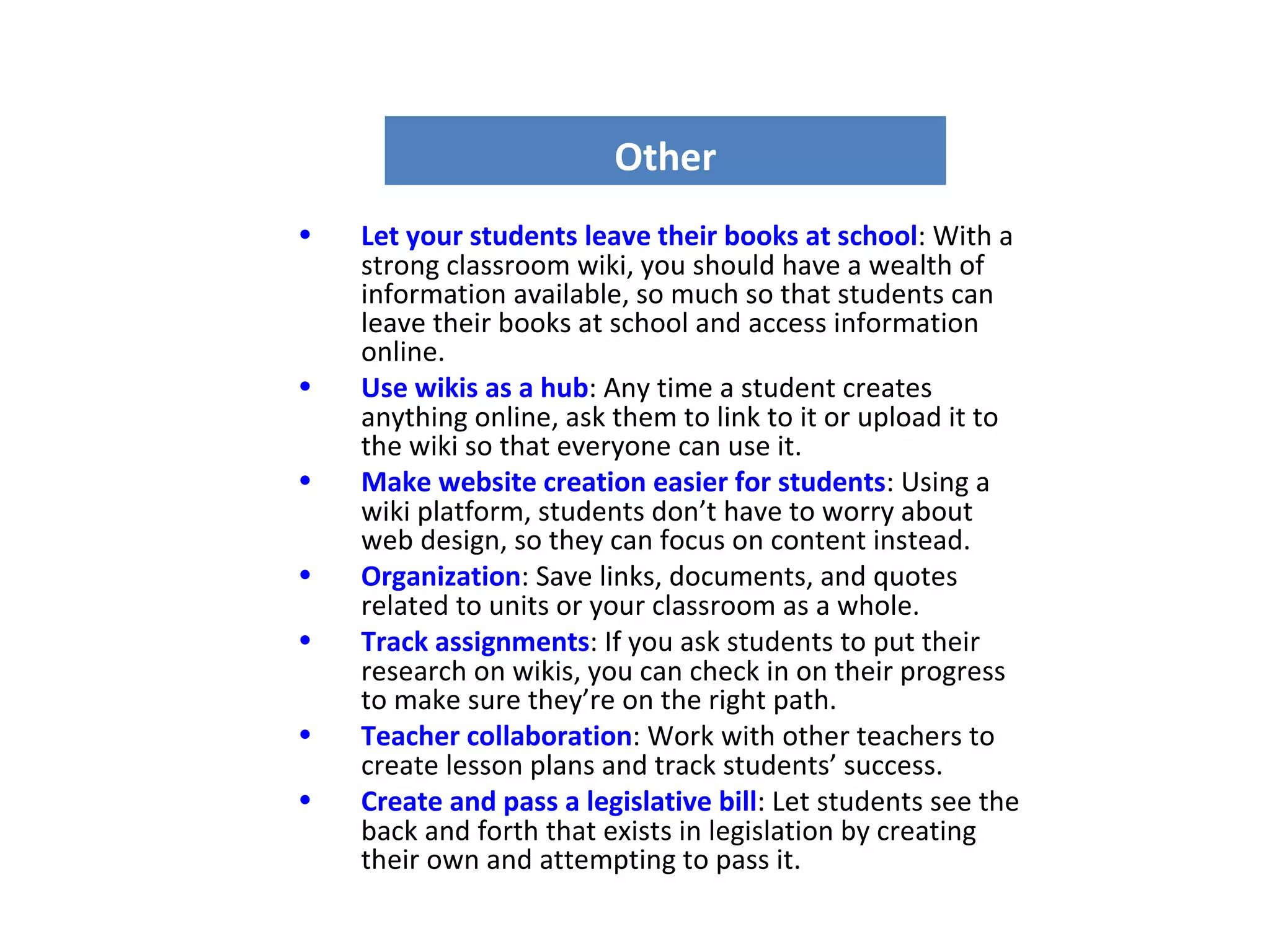
Other
•   Let your students leave their books at school: With a
    strong classroom wiki, you should have a wealth of
    information available, so much so that students can
    leave their books at school and access information
    online.
•   Use wikis as a hub: Any time a student creates
    anything online, ask them to link to it or upload it to
    the wiki so that everyone can use it.
•   Make website creation easier for students: Using a
    wiki platform, students don’t have to worry about
    web design, so they can focus on content instead.
•   Organization: Save links, documents, and quotes
    related to units or your classroom as a whole.
•   Track assignments: If you ask students to put their
    research on wikis, you can check in on their progress
    to make sure they’re on the right path.
•   Teacher collaboration: Work with other teachers to
    create lesson plans and track students’ success.
•   Create and pass a legislative bill: Let students see the
    back and forth that exists in legislation by creating
    their own and attempting to pass it.
Examples of wikis for us to consider

•   A wiki for a project just with your class or group
•   Use wikis for collaborative global projects
•   Have a wiki as a resource wiki
•   Use a wiki as a classroom wiki
•   Introduce a subject wiki
•   Use a wiki as a place for housing all your projects
•   Use a wiki to write a book together
•   Use a wiki to create a resume
•   Use a wiki as a textbook
Use a wiki for a project just with
                 your class

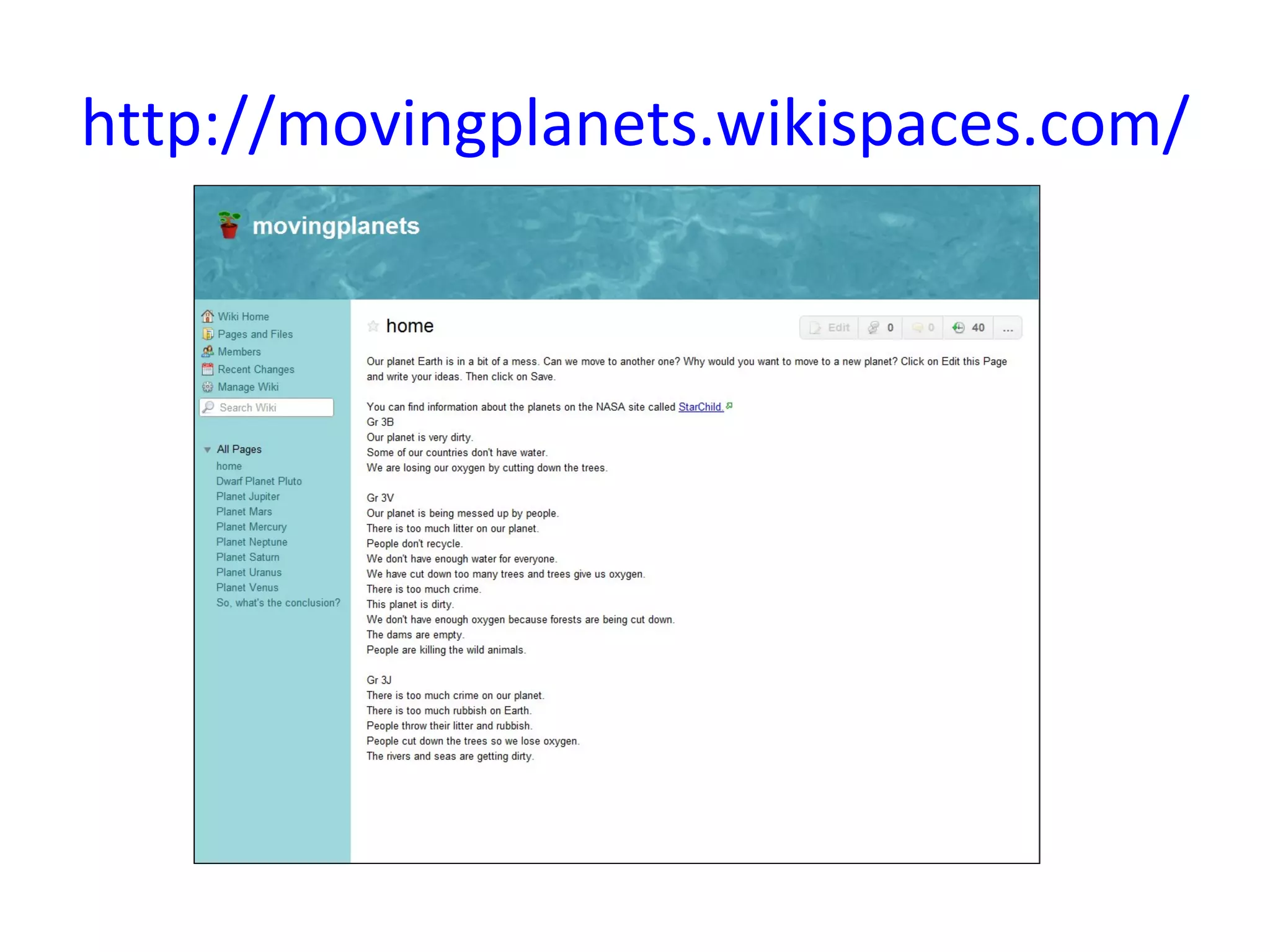
1) One way to use a wiki is for a classroom
project. The first example is from Brenda
Hallowes in Port Elizabeth who used a wiki to
teach her Grade 3 class about the planets.

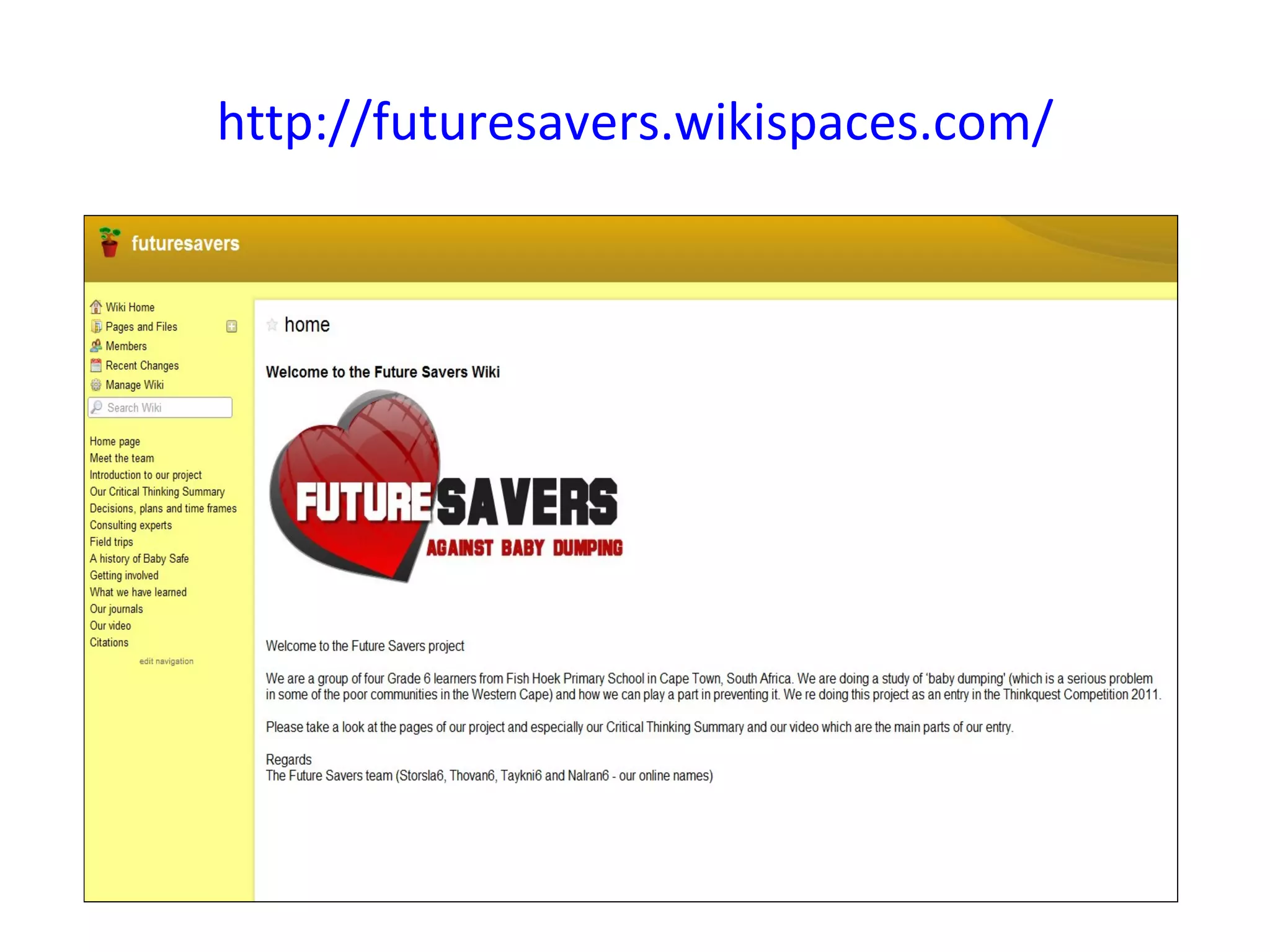
2) Future Savers, is an example of a Grade 6
project that I oversaw, and the group entered it
for the Thinkquest competition.
http://movingplanets.wikispaces.com/
http://futuresavers.wikispaces.com/
Use wikis for collaborative global
               projects

Using a wiki is one of the best ways to conduct
a global project as all the parties concerned can
easily write on the wiki without having any
knowledge of HTML.
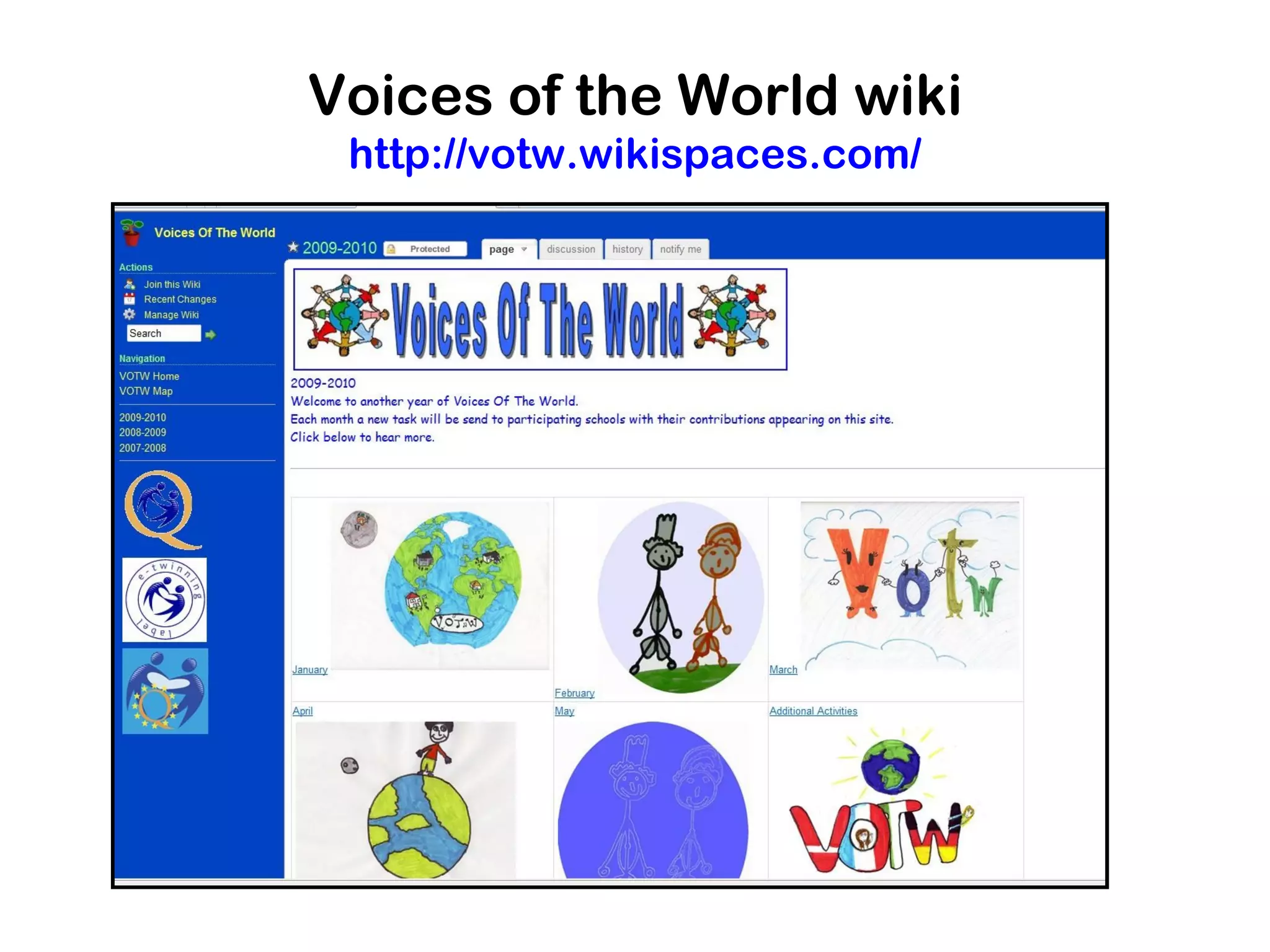
Voices of the World wiki
 http://votw.wikispaces.com/
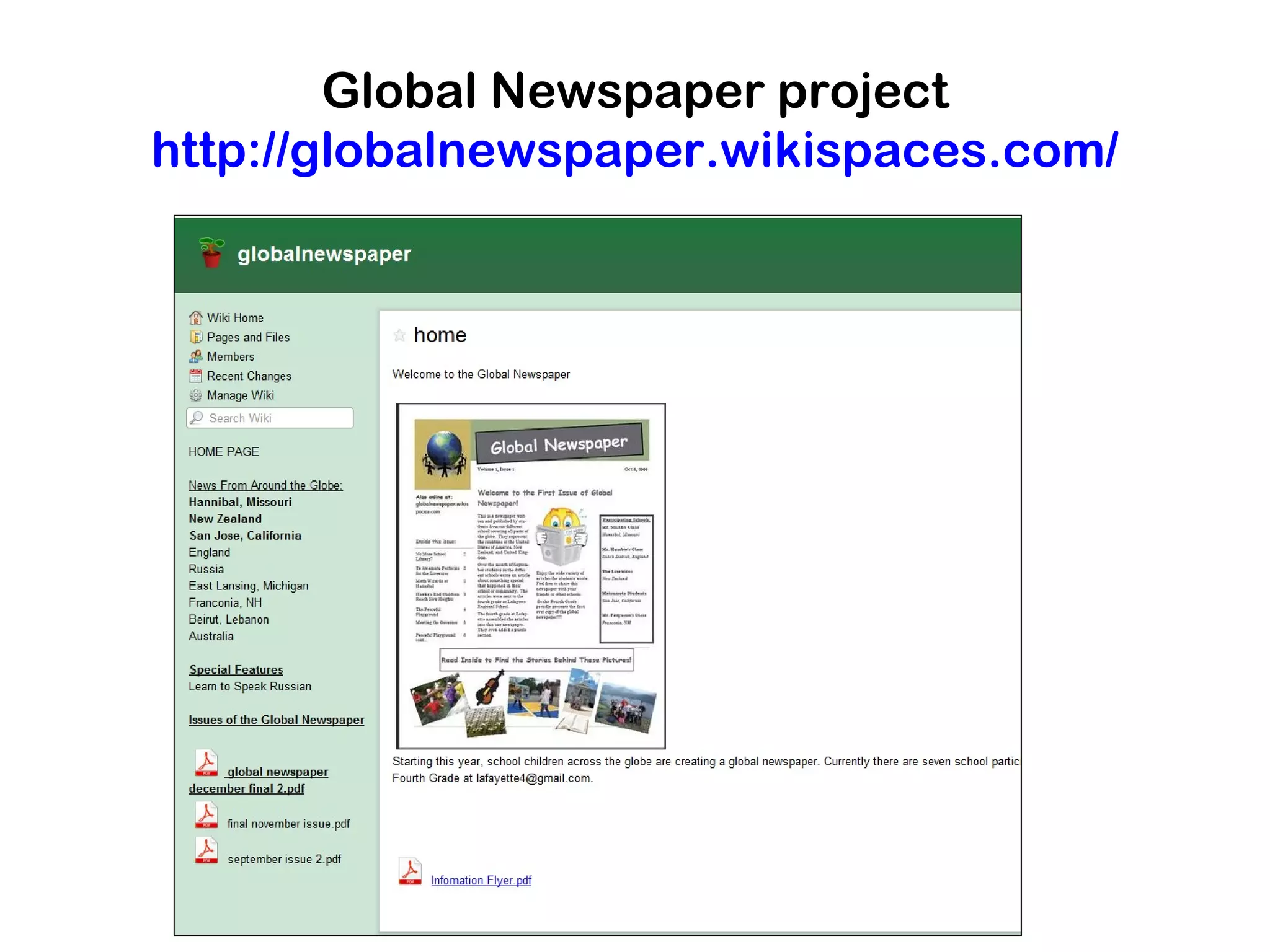
Global Newspaper project
http://globalnewspaper.wikispaces.com/
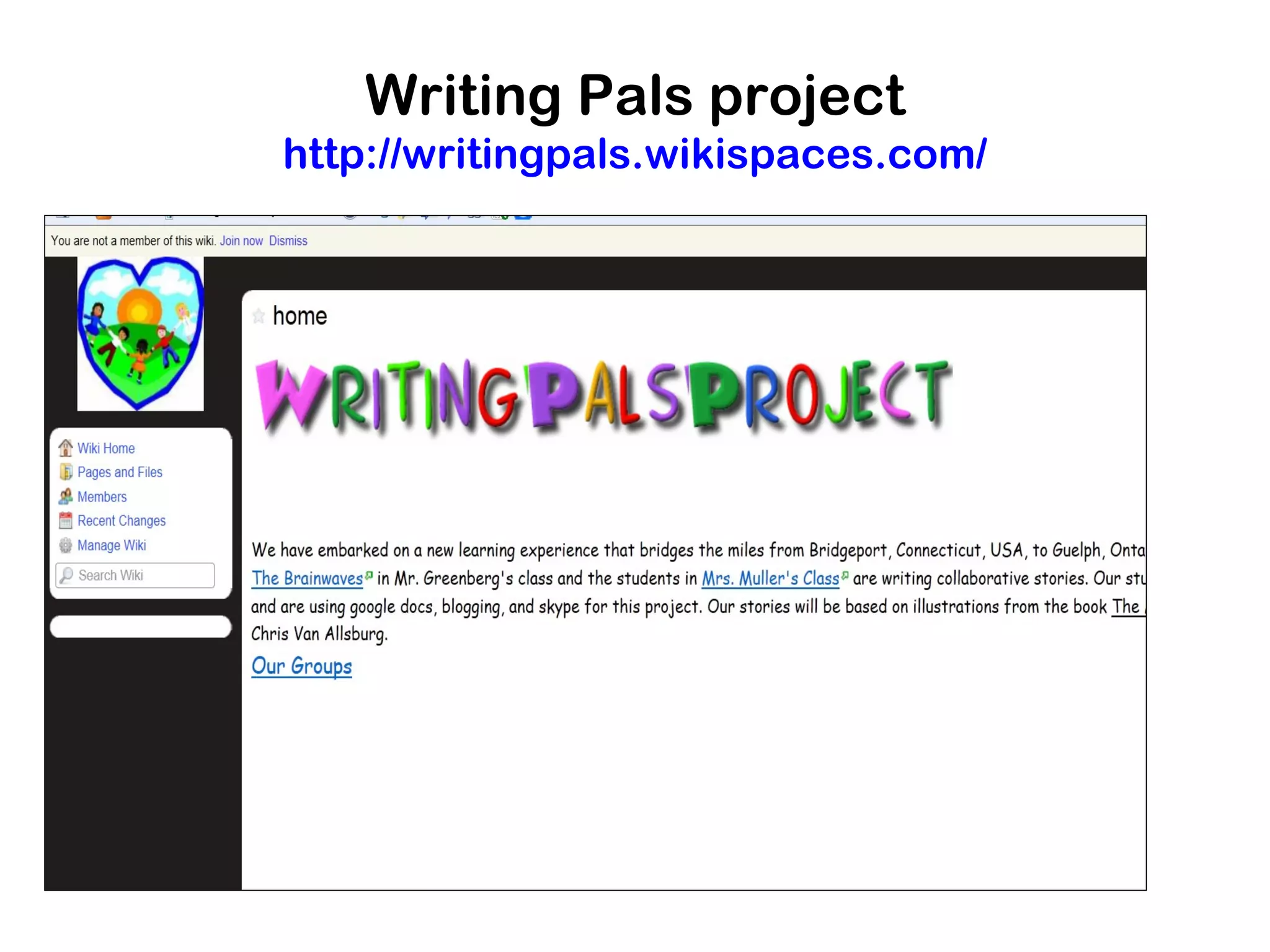
Writing Pals project
http://writingpals.wikispaces.com/
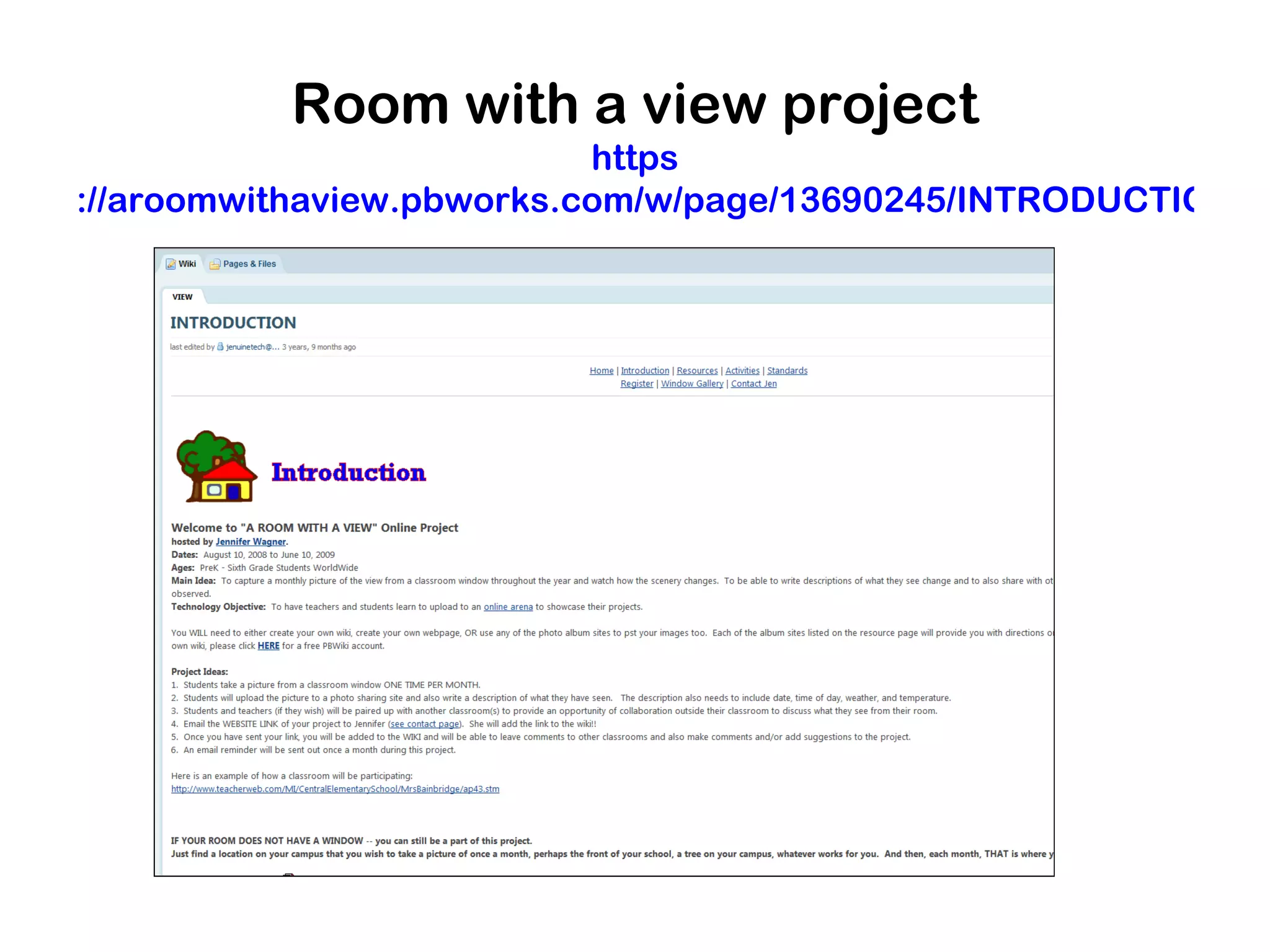
Room with a view project
https://aroomwithaview.pbworks.com/w/page/13690245/INTRODUCTIO
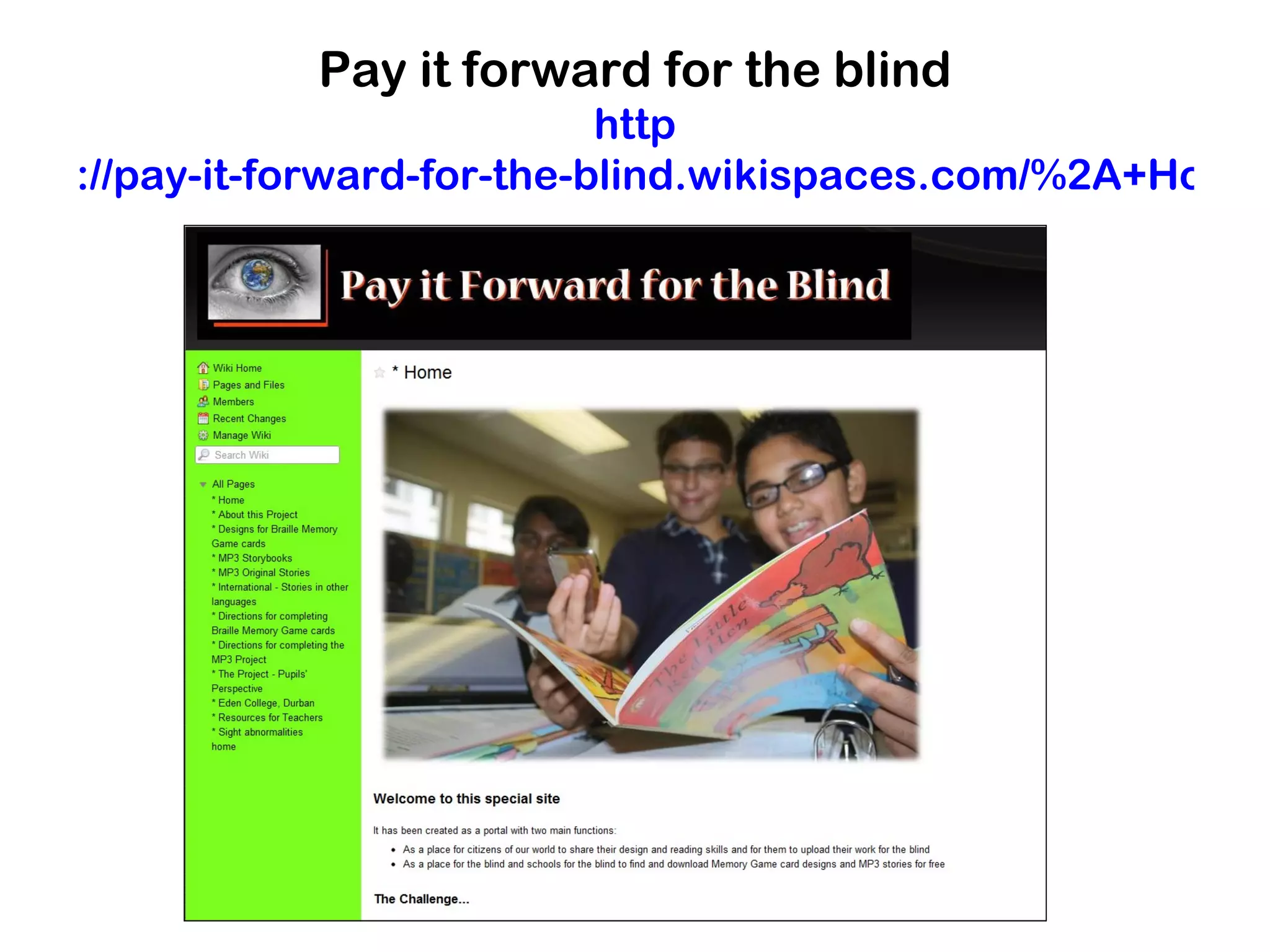
Pay it forward for the blind
http://pay-it-forward-for-the-blind.wikispaces.com/%2A+Ho
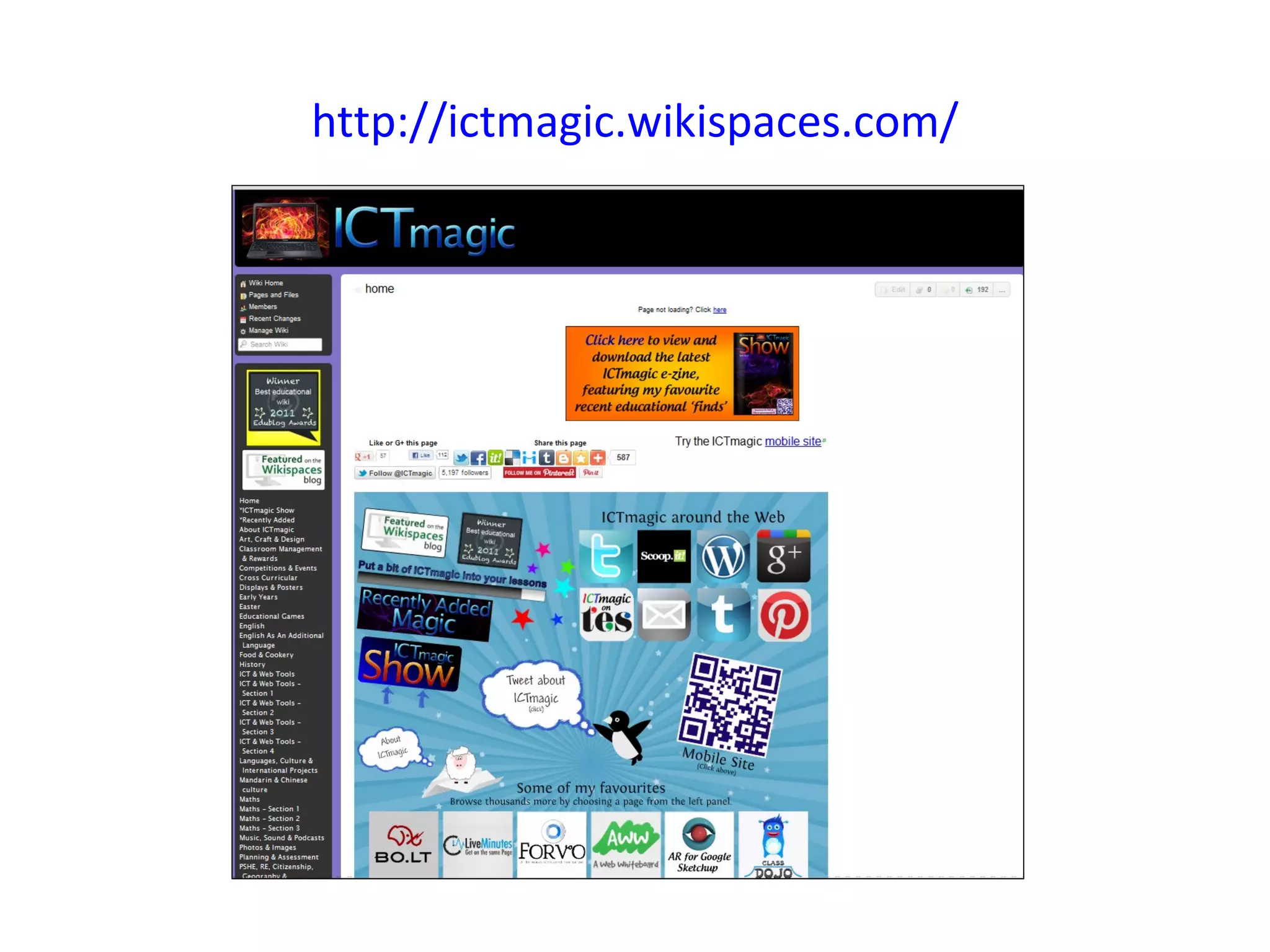
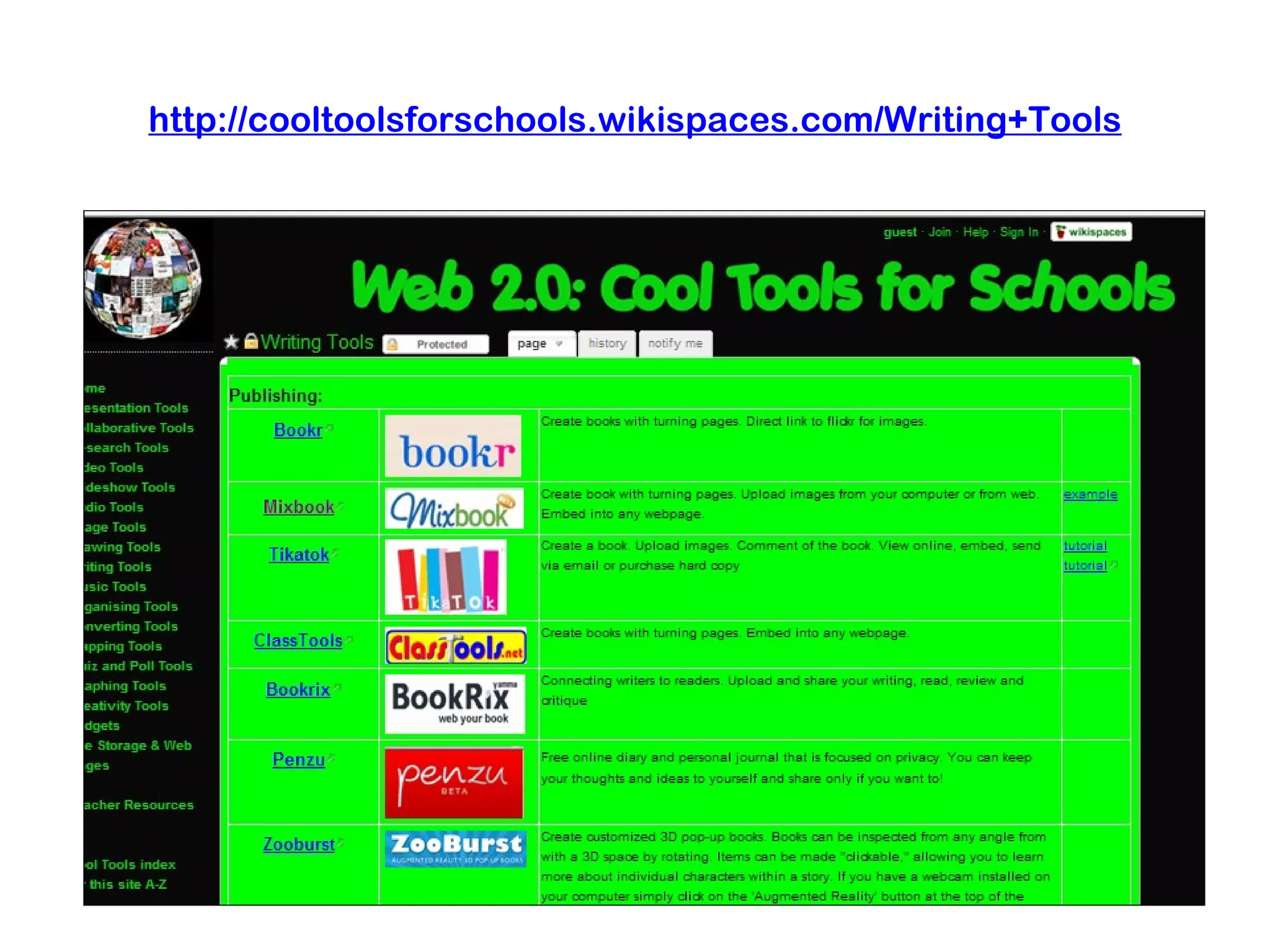
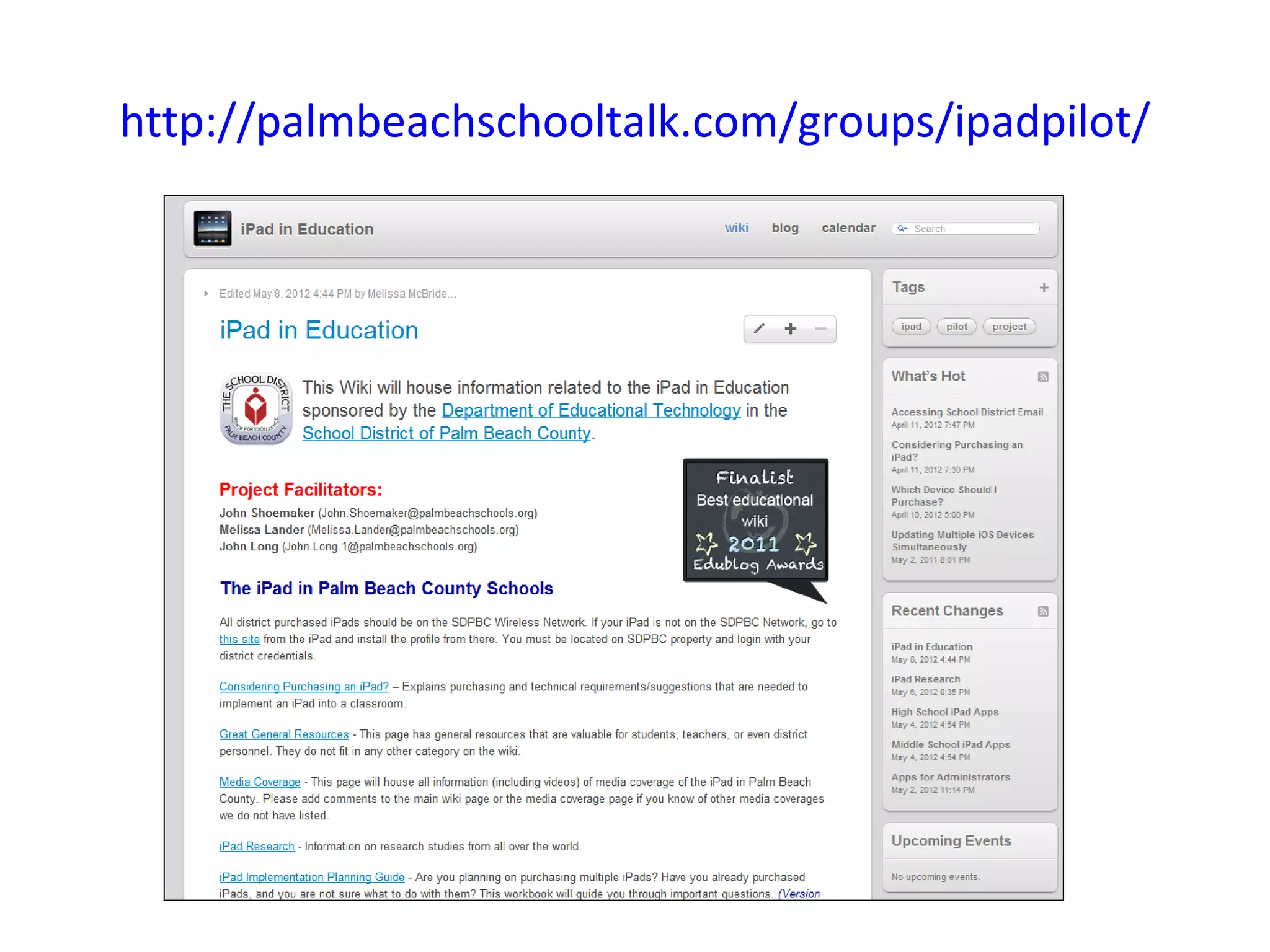
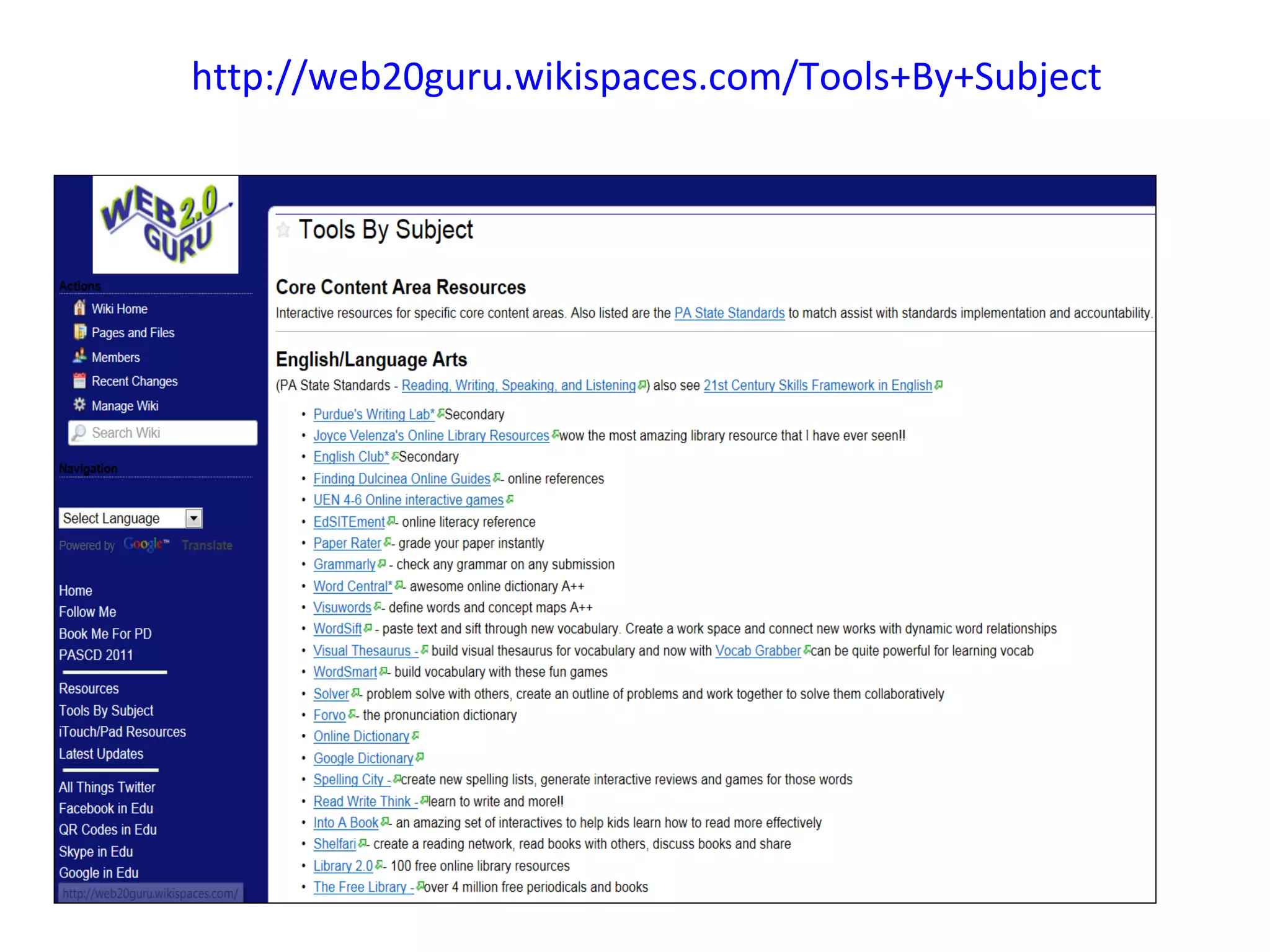
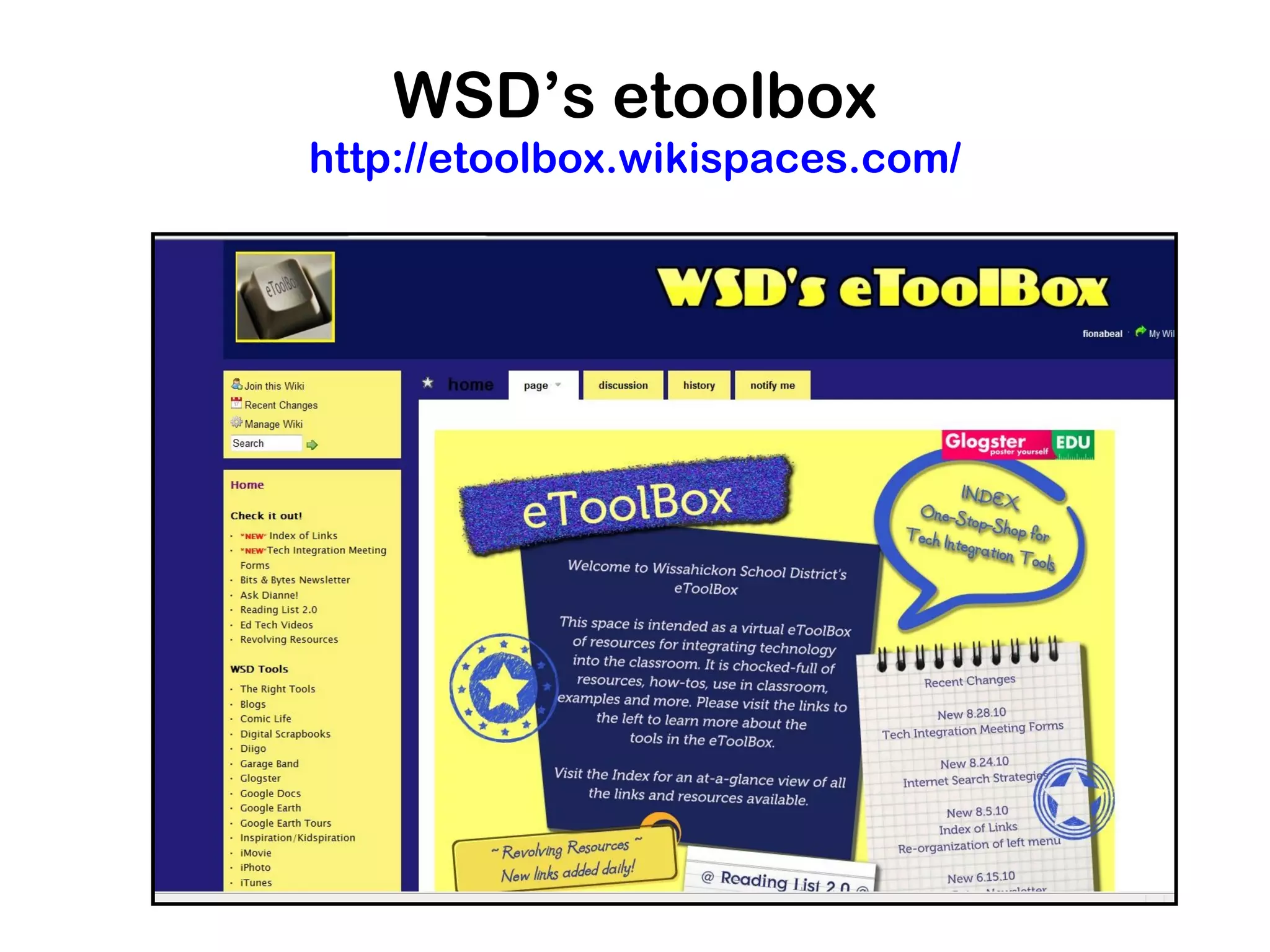
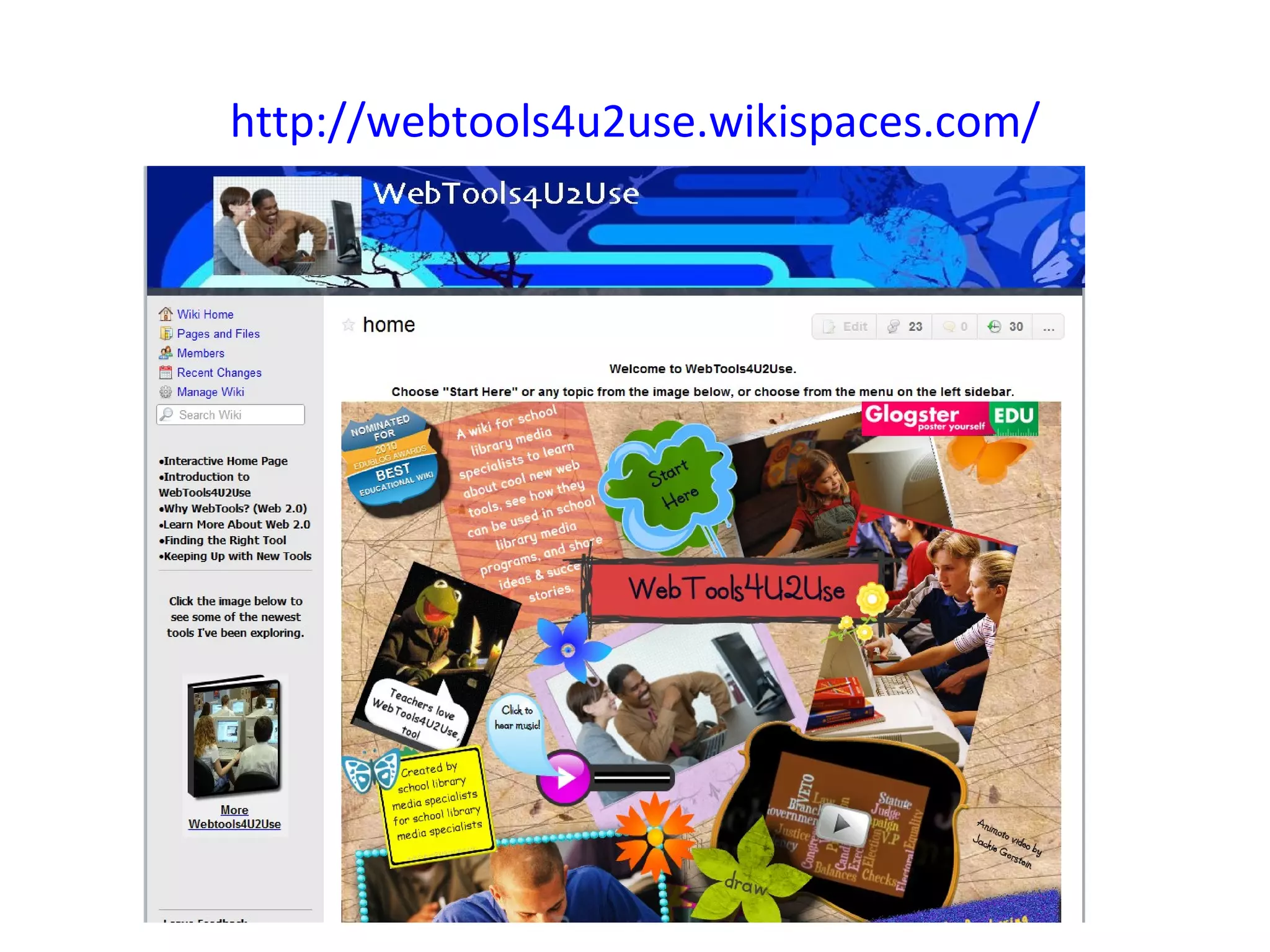
Use a wiki as a resource wiki


Many educators are now starting
resourse wikis of one kind or another. A
wiki can be a fantastic way to share the
collection of resources you have found
http://ictmagic.wikispaces.com/
http://cooltoolsforschools.wikispaces.com/Writing+Tools
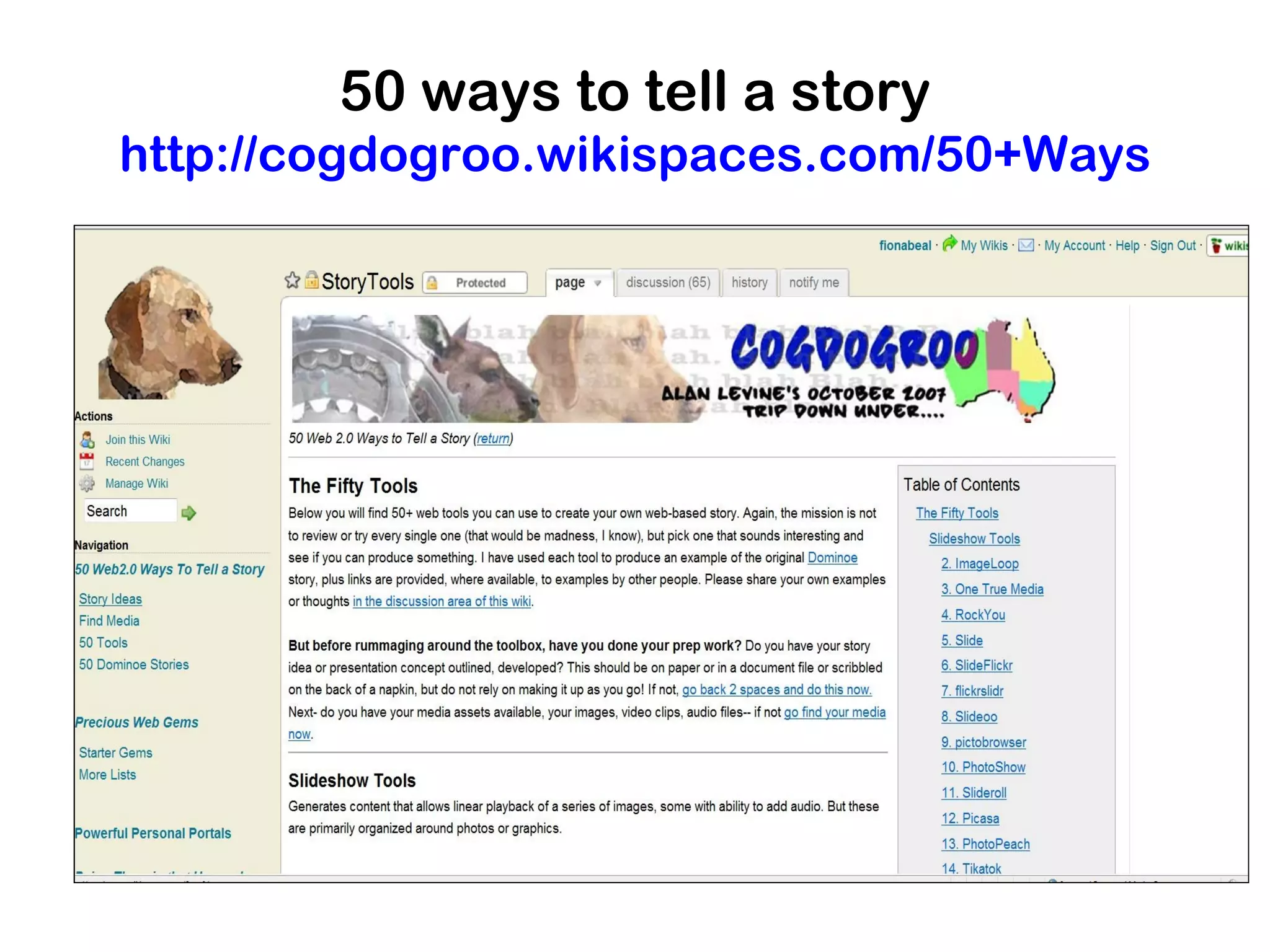
50 ways to tell a story
http://cogdogroo.wikispaces.com/50+Ways
http://palmbeachschooltalk.com/groups/ipadpilot/
http://web20guru.wikispaces.com/Tools+By+Subject
WSD’s etoolbox
http://etoolbox.wikispaces.com/
http://webtools4u2use.wikispaces.com/
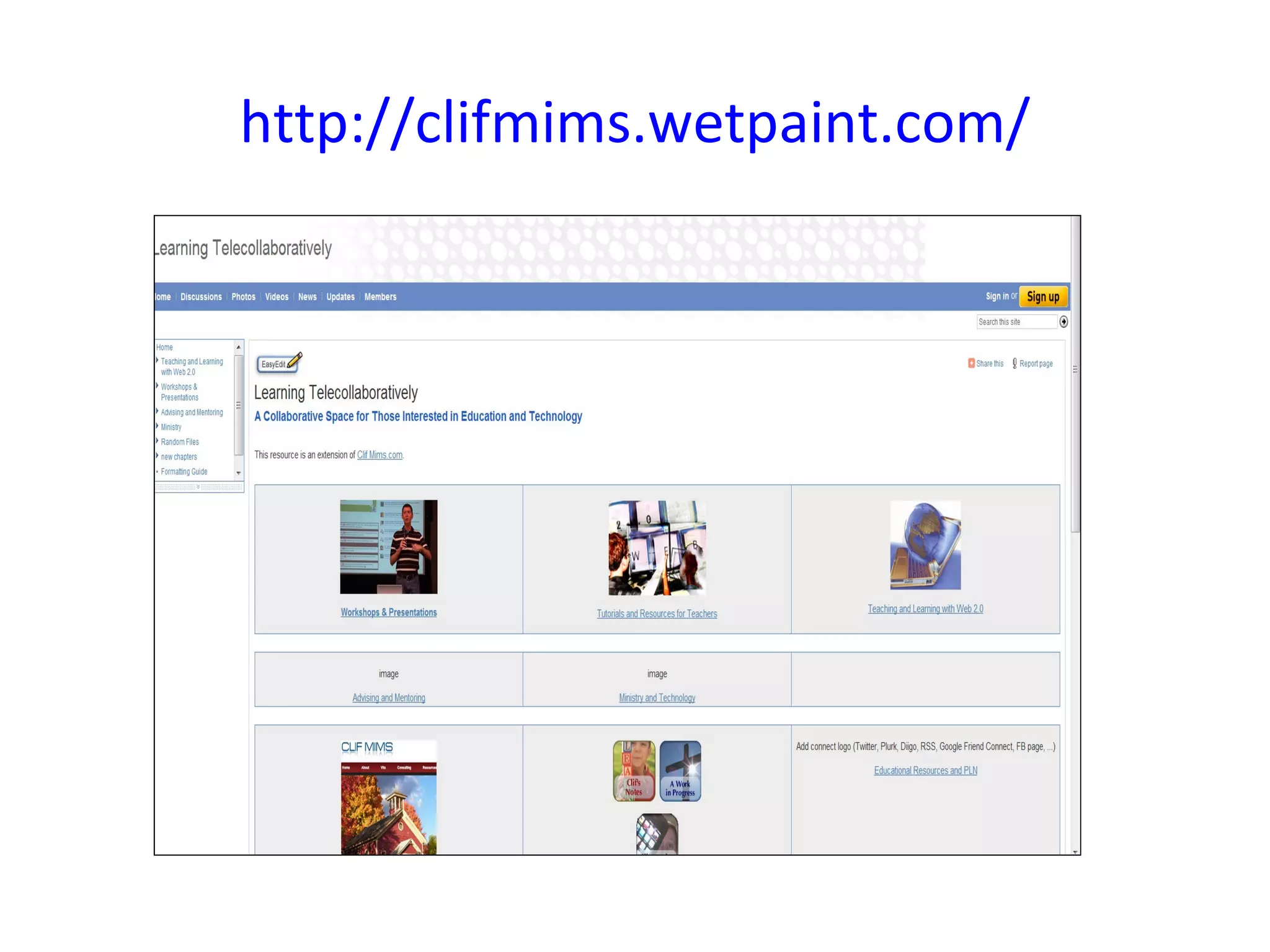
http://clifmims.wetpaint.com/
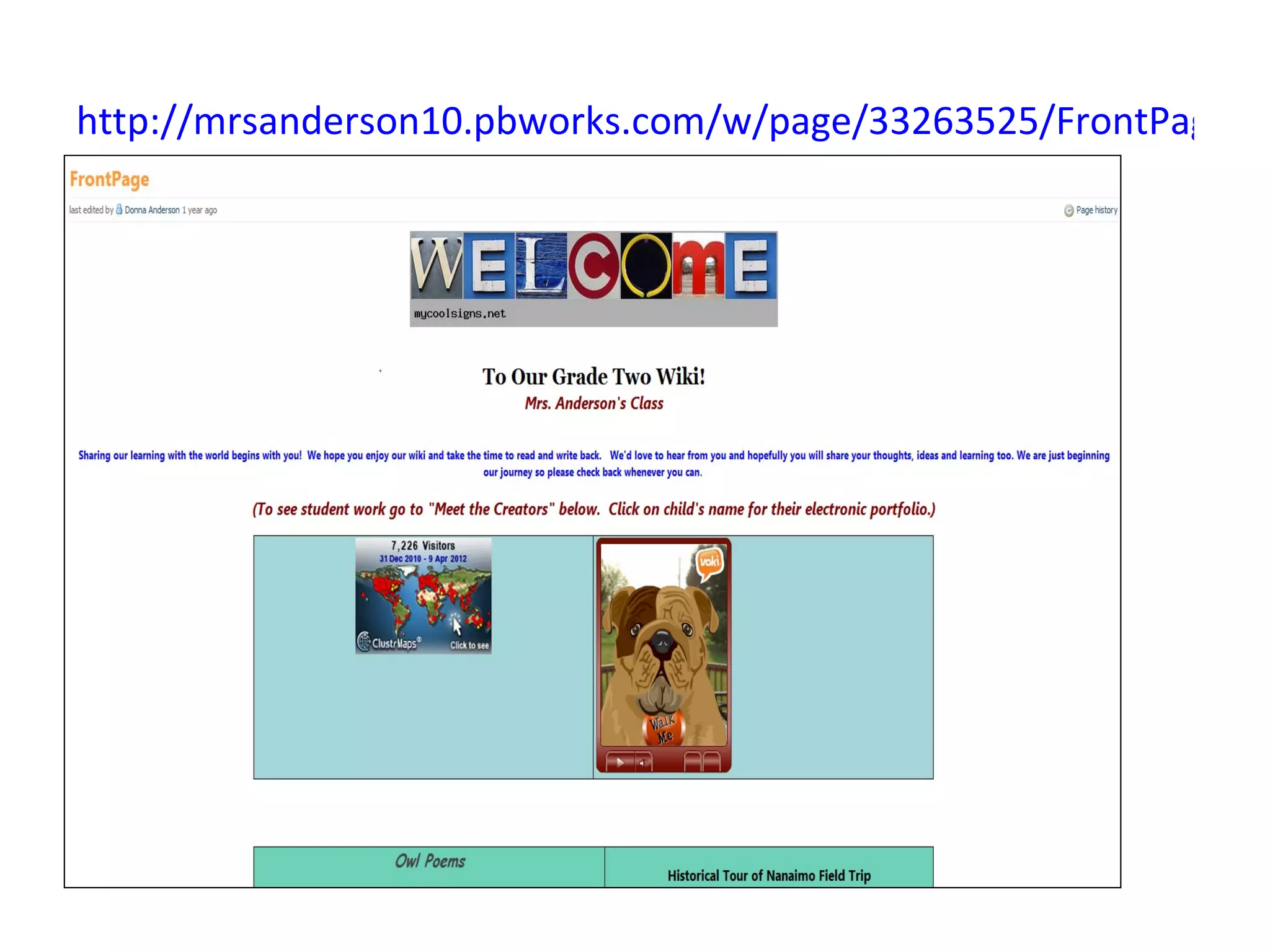
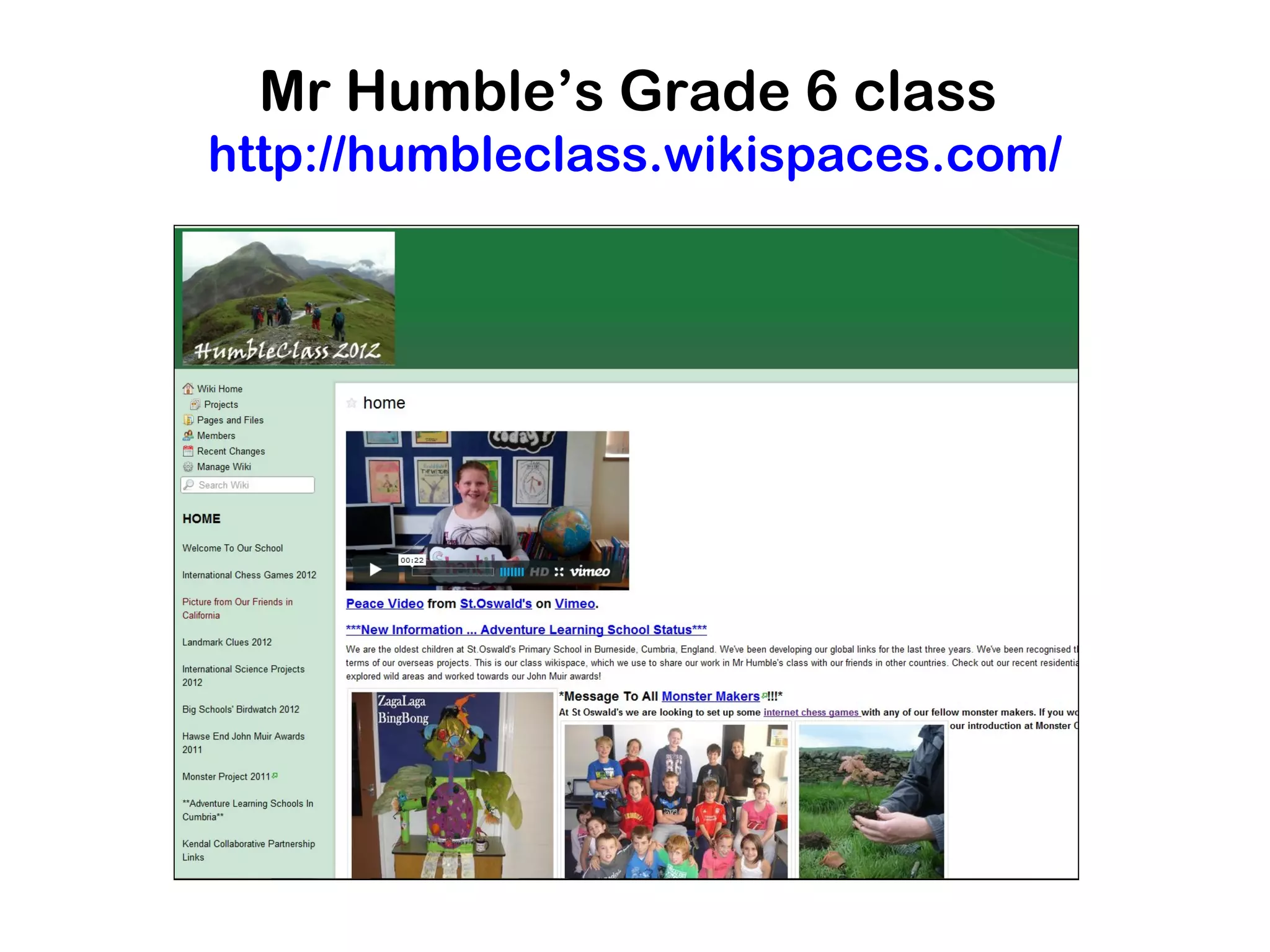
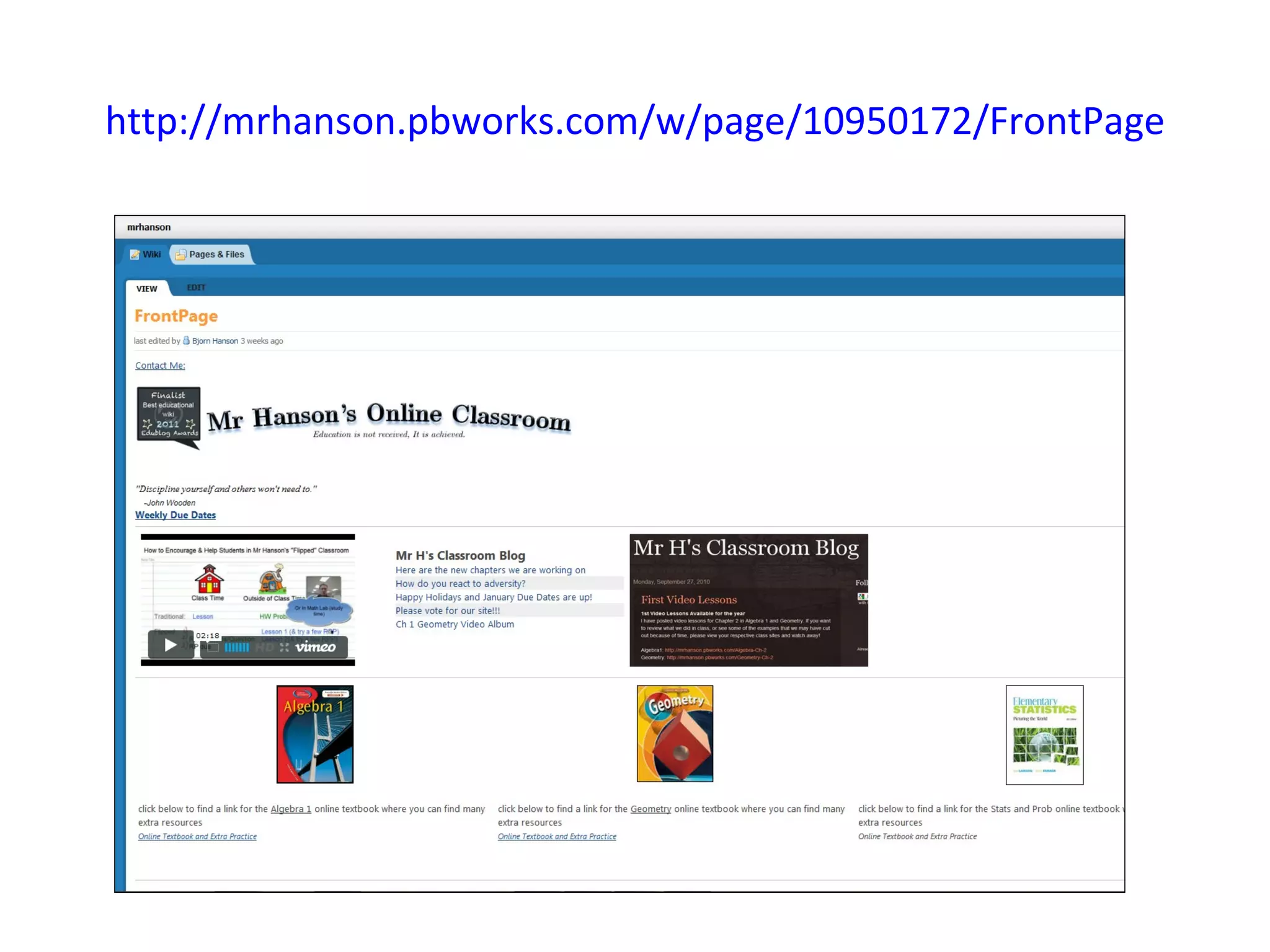
Introduce a classroom wiki


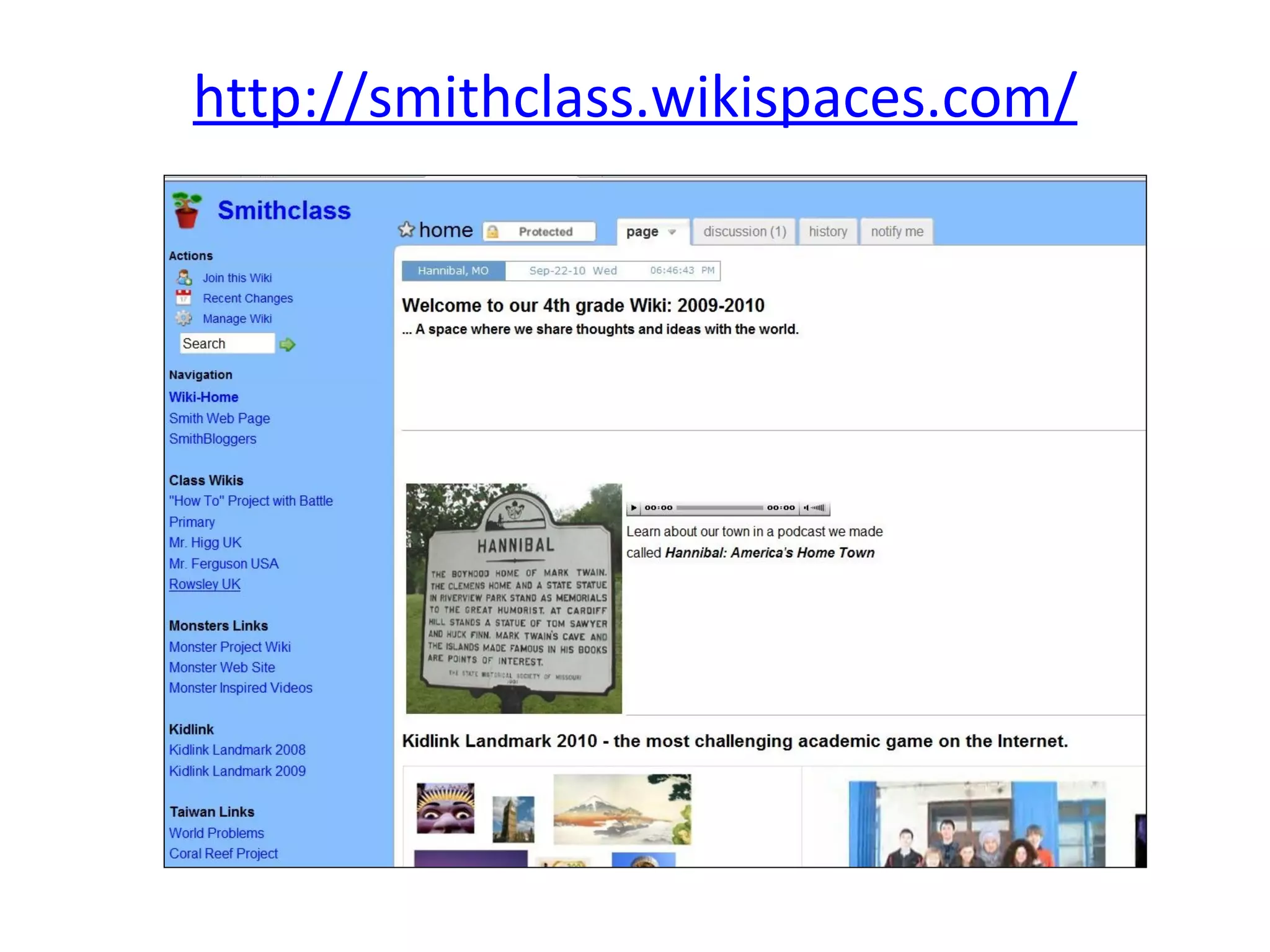
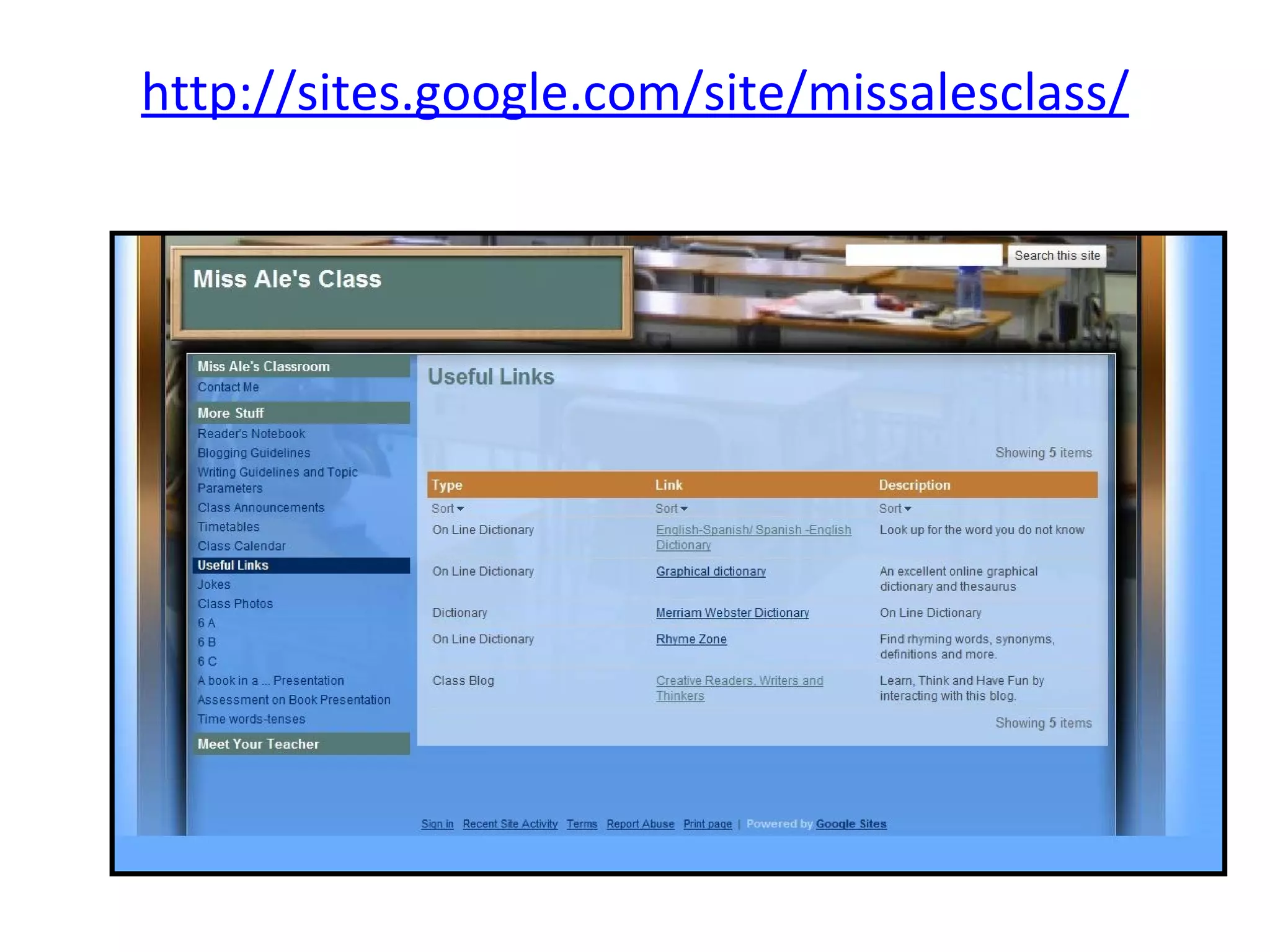
This idea appeals to me. One could have a
classroom blog AND a classroom wiki and use
the wiki to display work and use as a class
website, while the blog shows the day to day
happenings the class.
http://smithclass.wikispaces.com/
http://sites.google.com/site/missalesclass/
http://mrsanderson10.pbworks.com/w/page/33263525/FrontPage
Mr Humble’s Grade 6 class
http://humbleclass.wikispaces.com/
http://mrhanson.pbworks.com/w/page/10950172/FrontPage
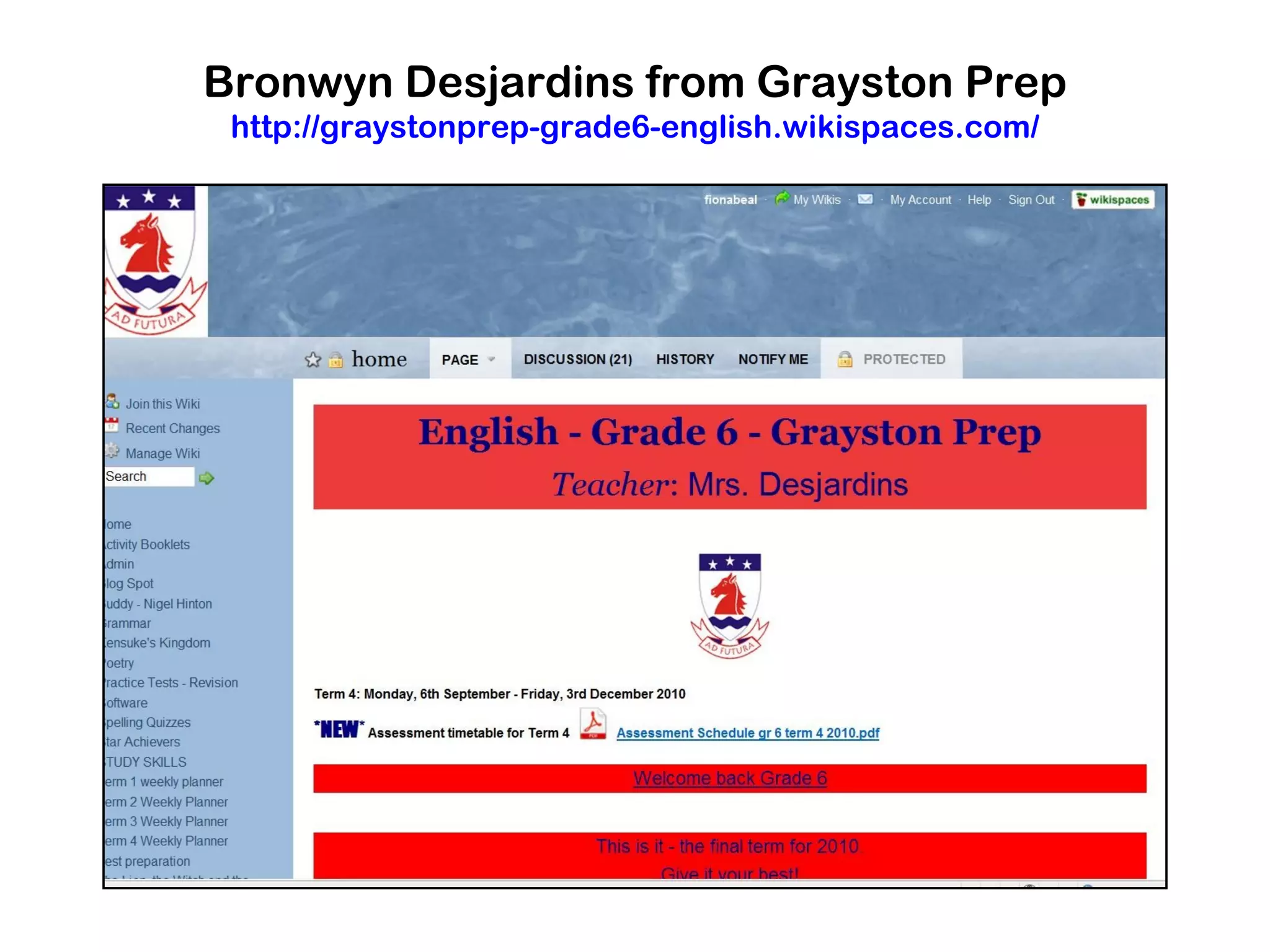
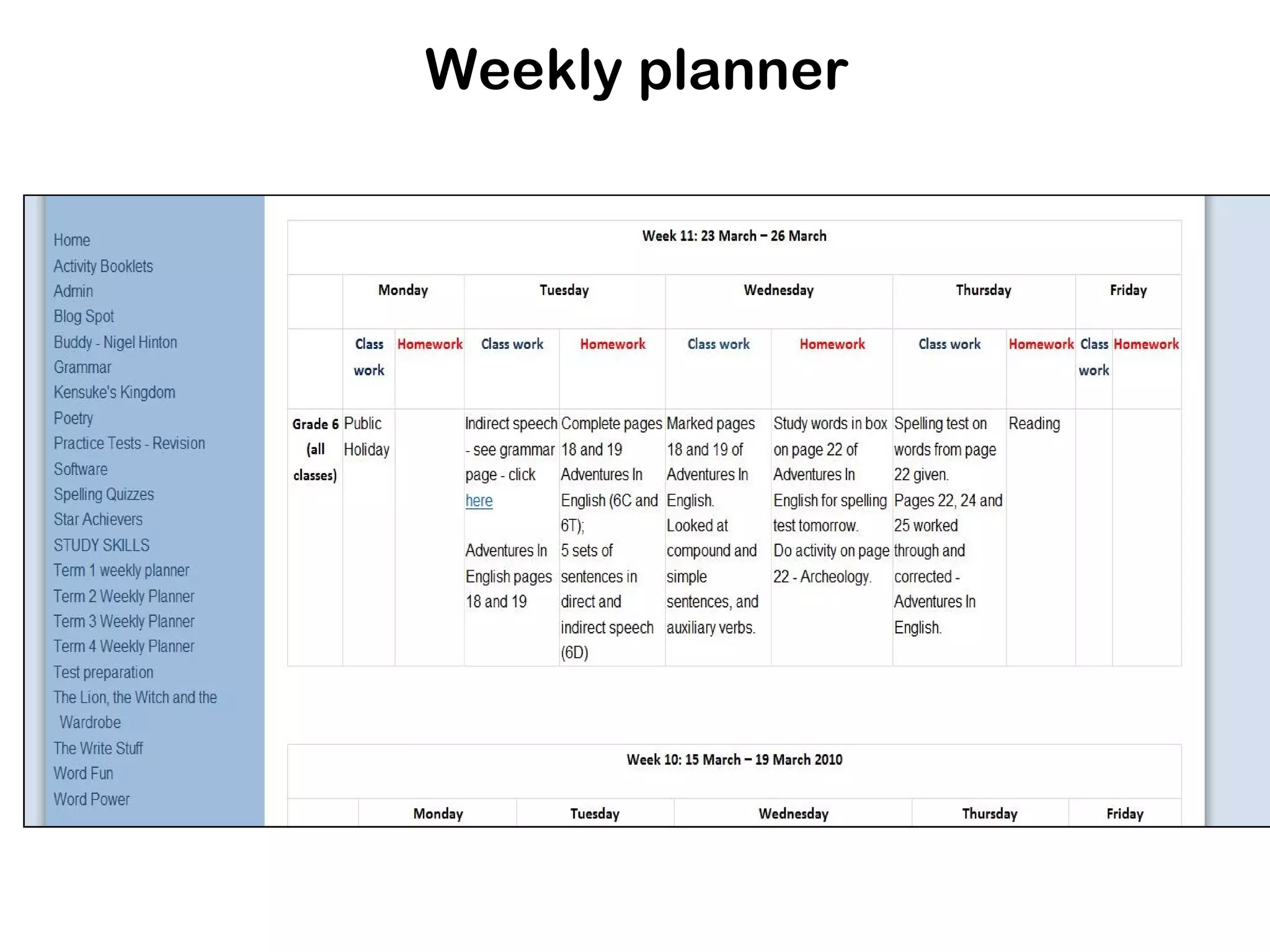
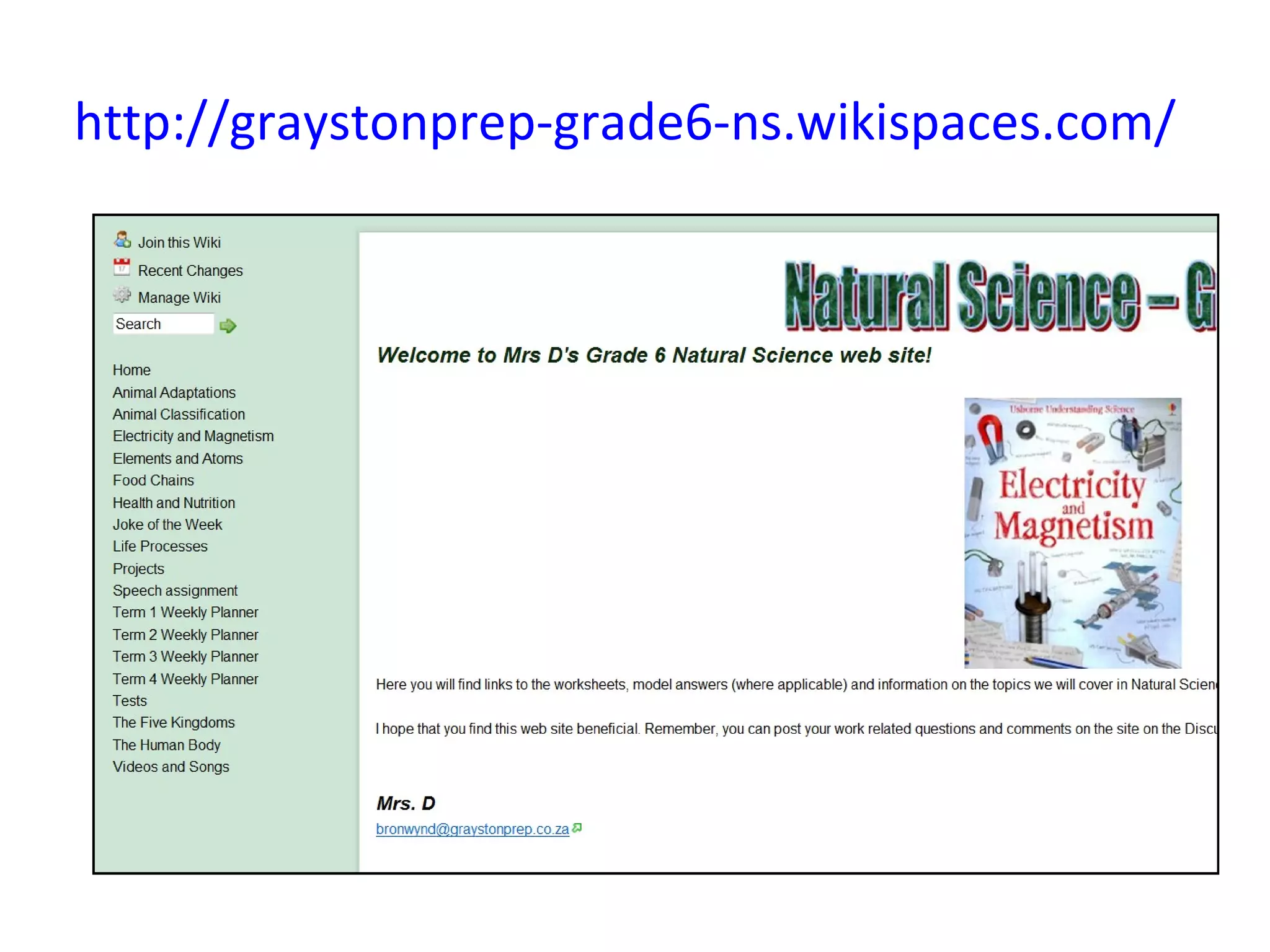
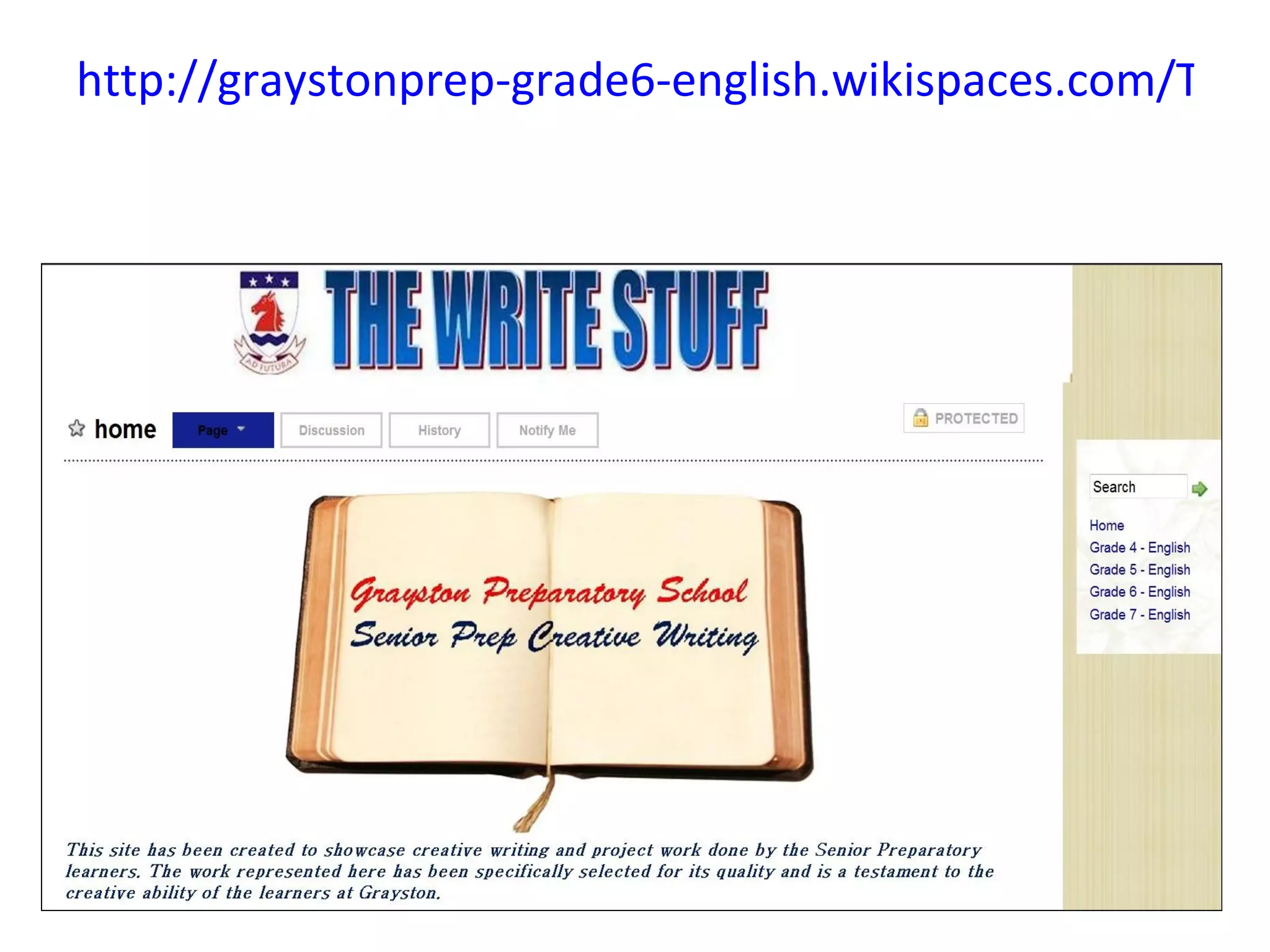
An example of the use of a classroom wiki


The following four slides show the wiki Bronwyn
  Desjardine from Grayston Prep in
  Johannesburg entered for the Innovative
  Teacher competition several years ago. She
  used wikis for Science and English.
Bronwyn Desjardins from Grayston Prep
 http://graystonprep-grade6-english.wikispaces.com/
Weekly planner
http://graystonprep-grade6-ns.wikispaces.com/
http://graystonprep-grade6-english.wikispaces.com/The+
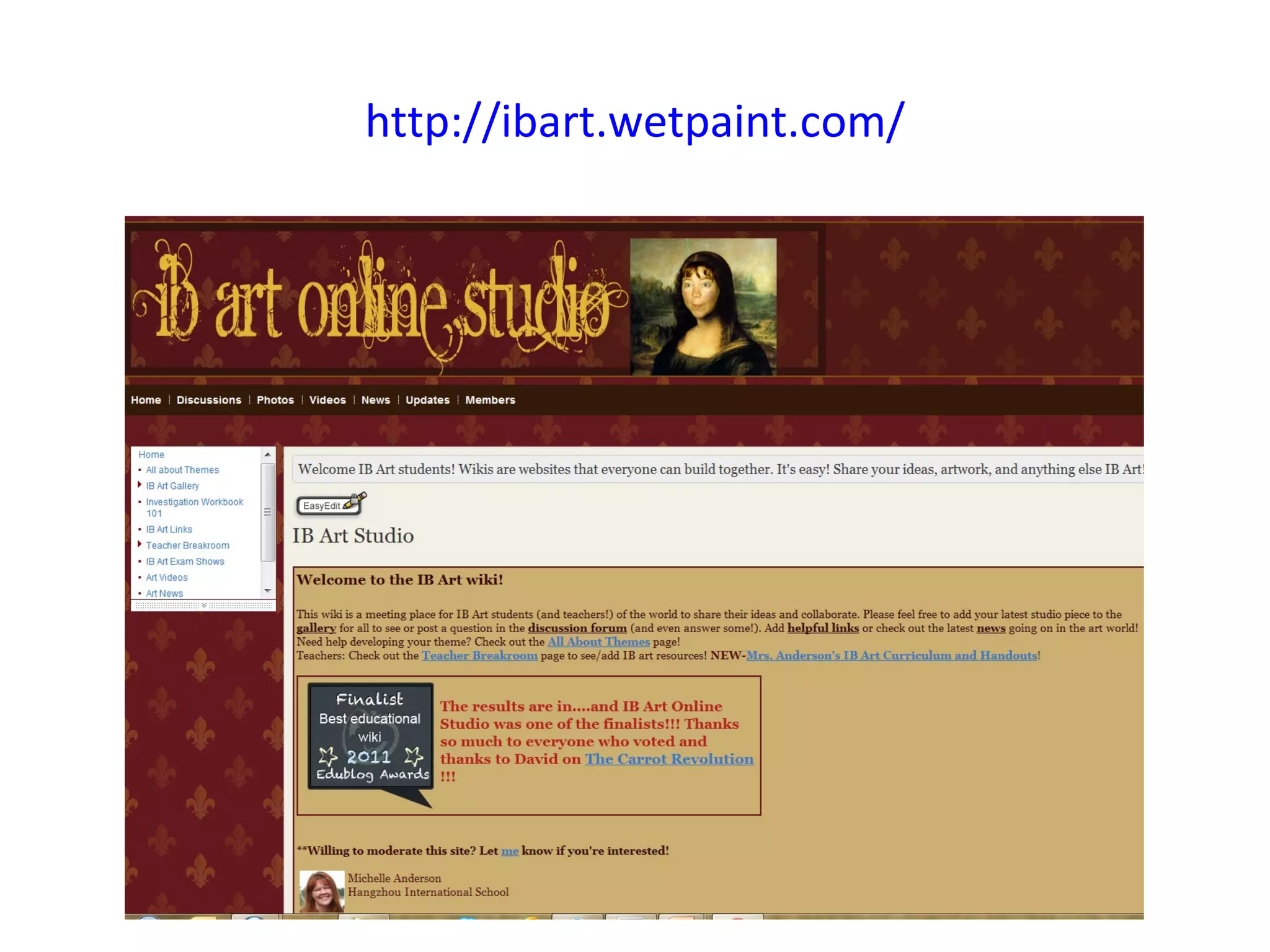
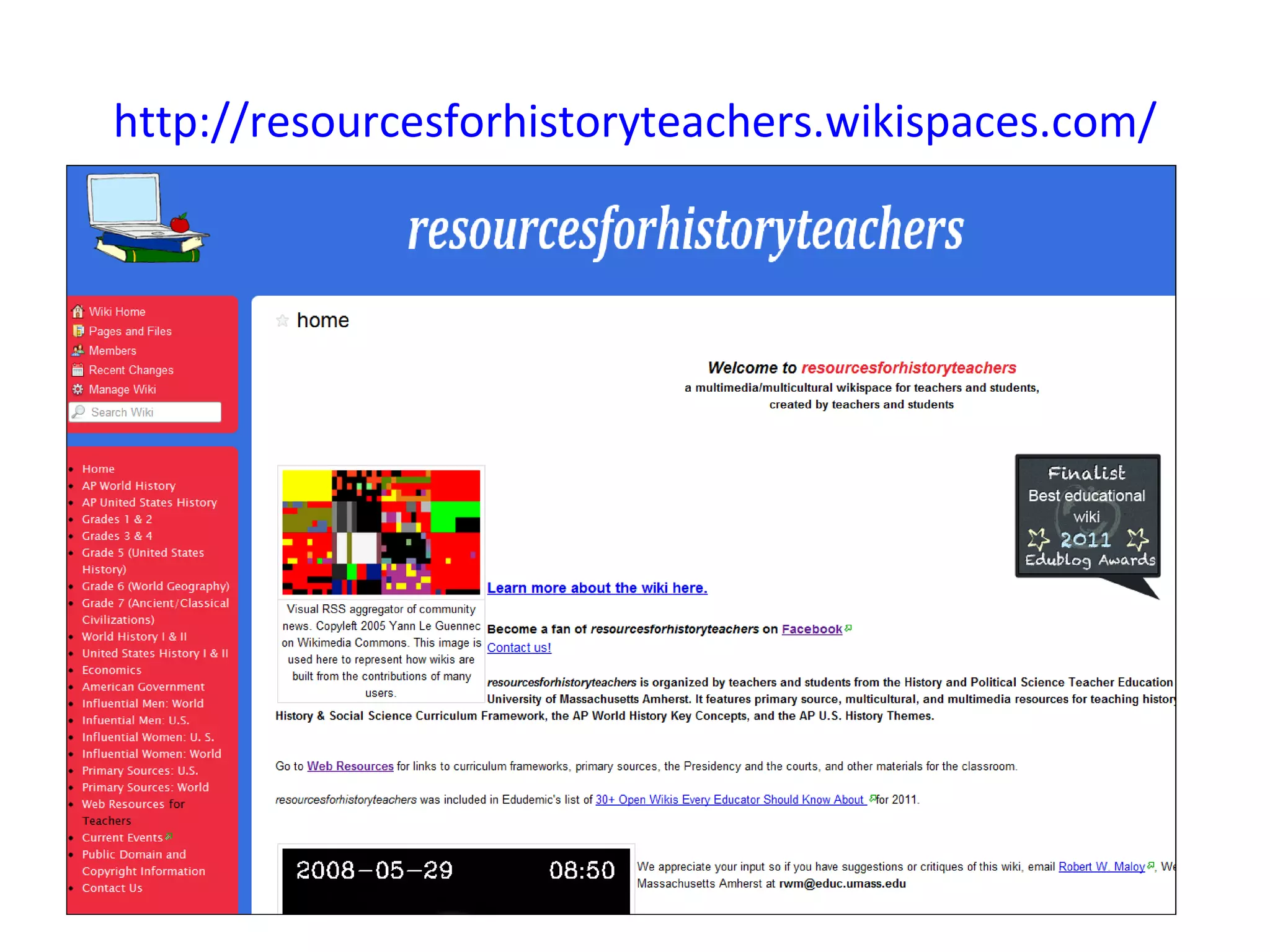
Use a wiki as a subject wiki


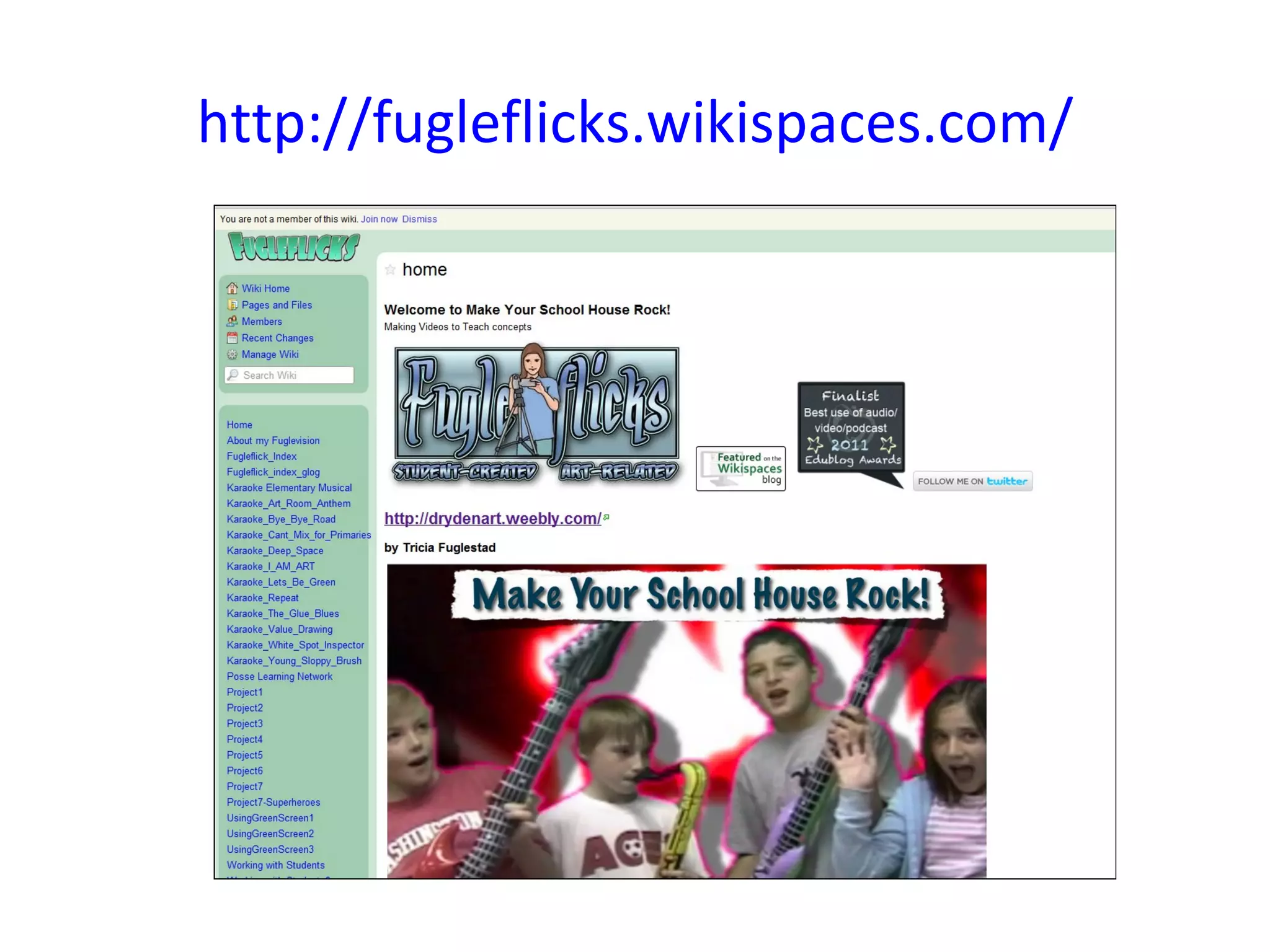
The first wiki in the slides below came
second in the Edublogs Awards last
year. It was created as a subject wiki
for History.
http://resourcesforhistoryteachers.wikispaces.com/
http://fugleflicks.wikispaces.com/
http://ibart.wetpaint.com/
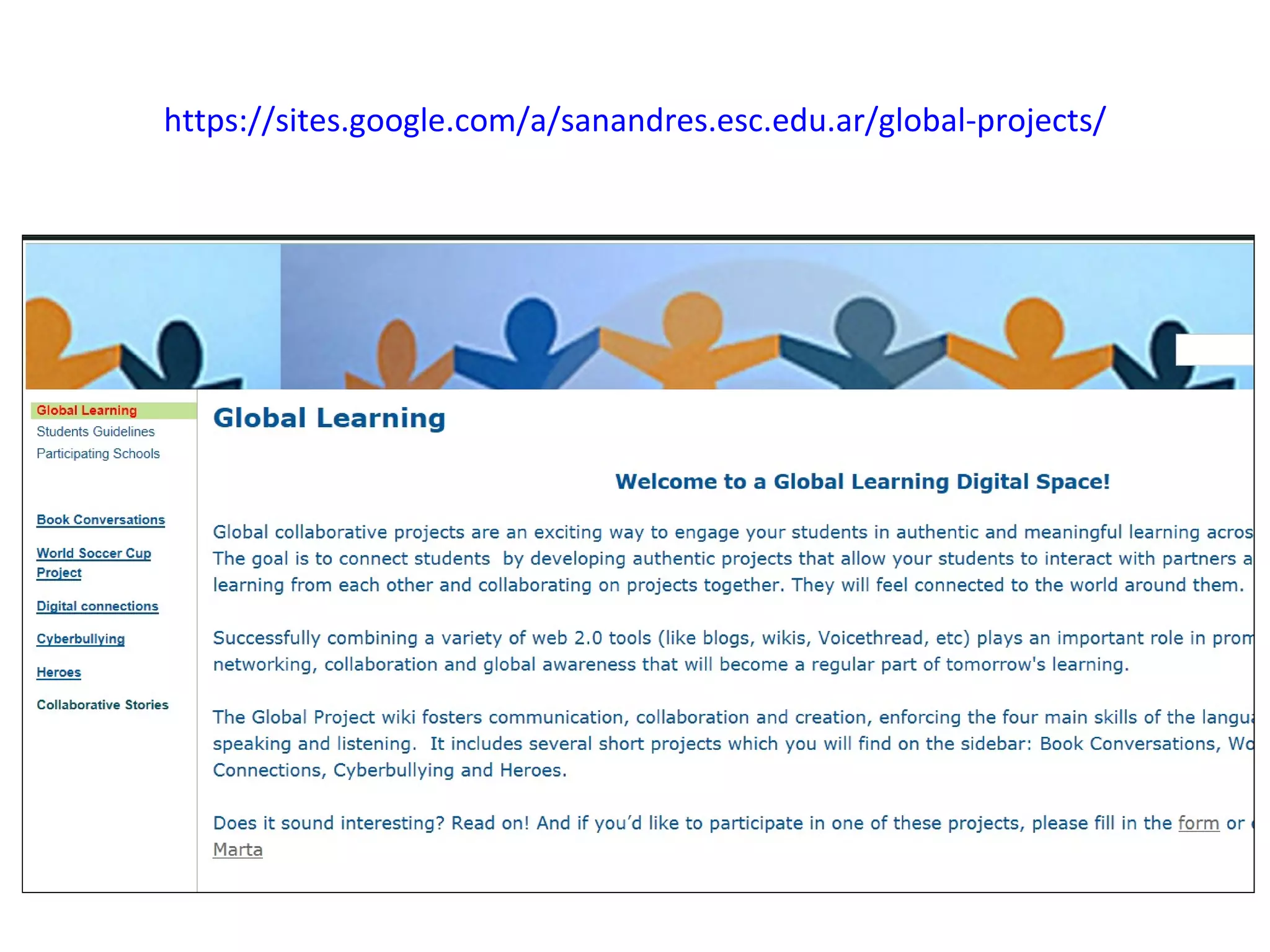
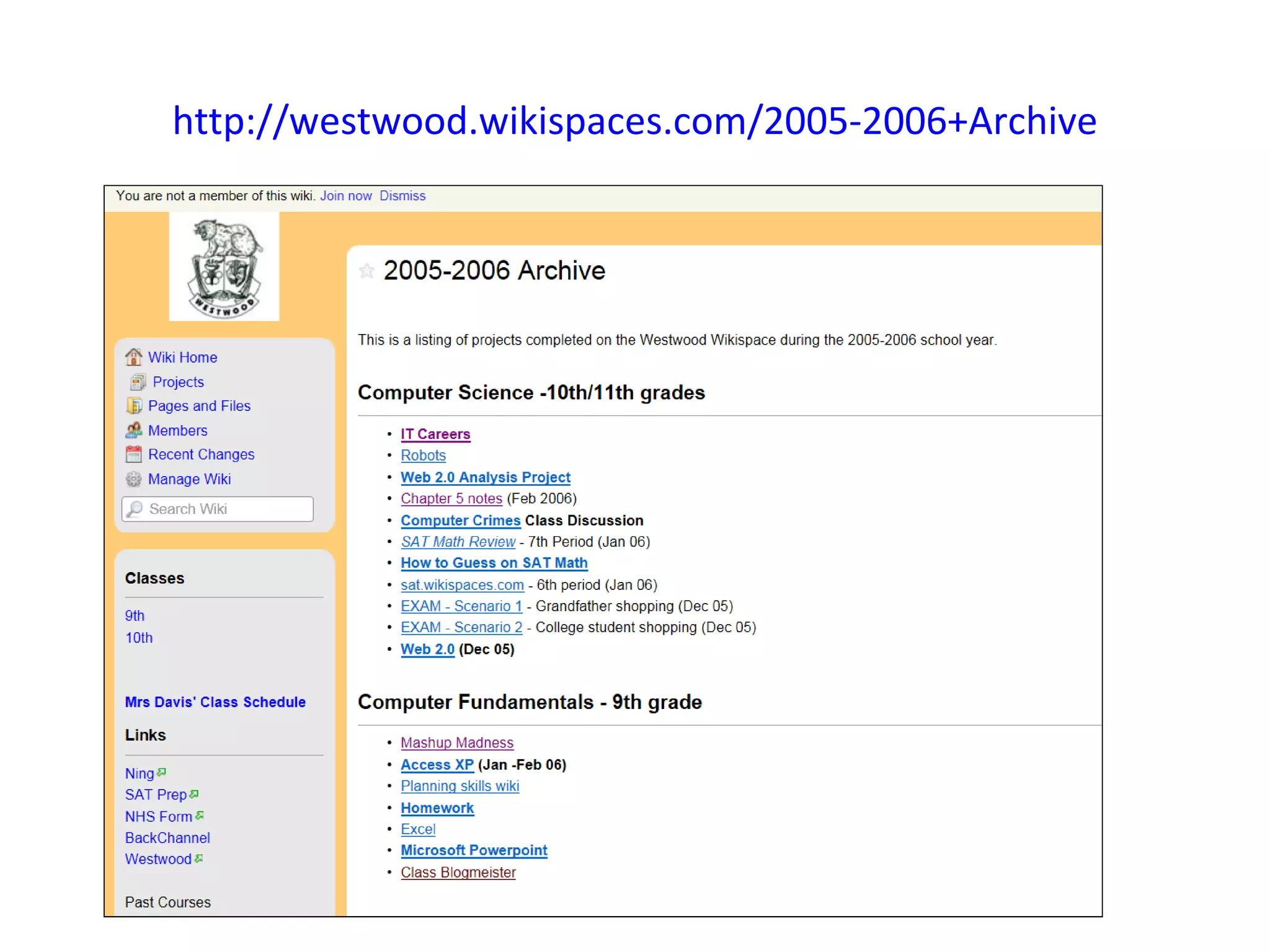
A place for housing all your projects


  If you facilitate a number of
  different projects during your
  year, a wiki is a great way to
  keep everything together in
  one place with links.
https://sites.google.com/a/sanandres.esc.edu.ar/global-projects/
http://westwood.wikispaces.com/2005-2006+Archive
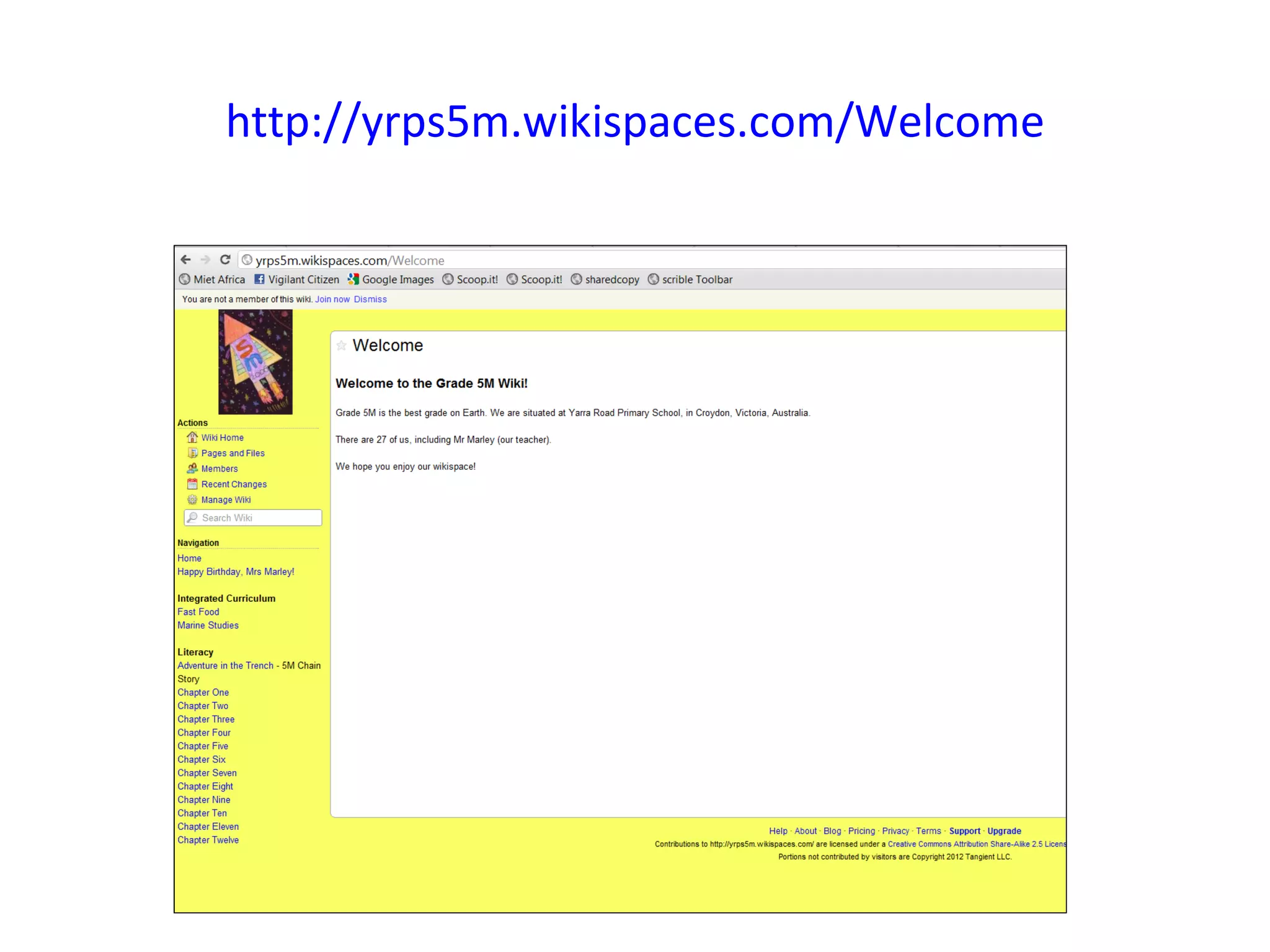
Write a book together


To me this is a fascinating idea
– to write a class novel
together using a wiki.
http://yrps5m.wikispaces.com/Welcome
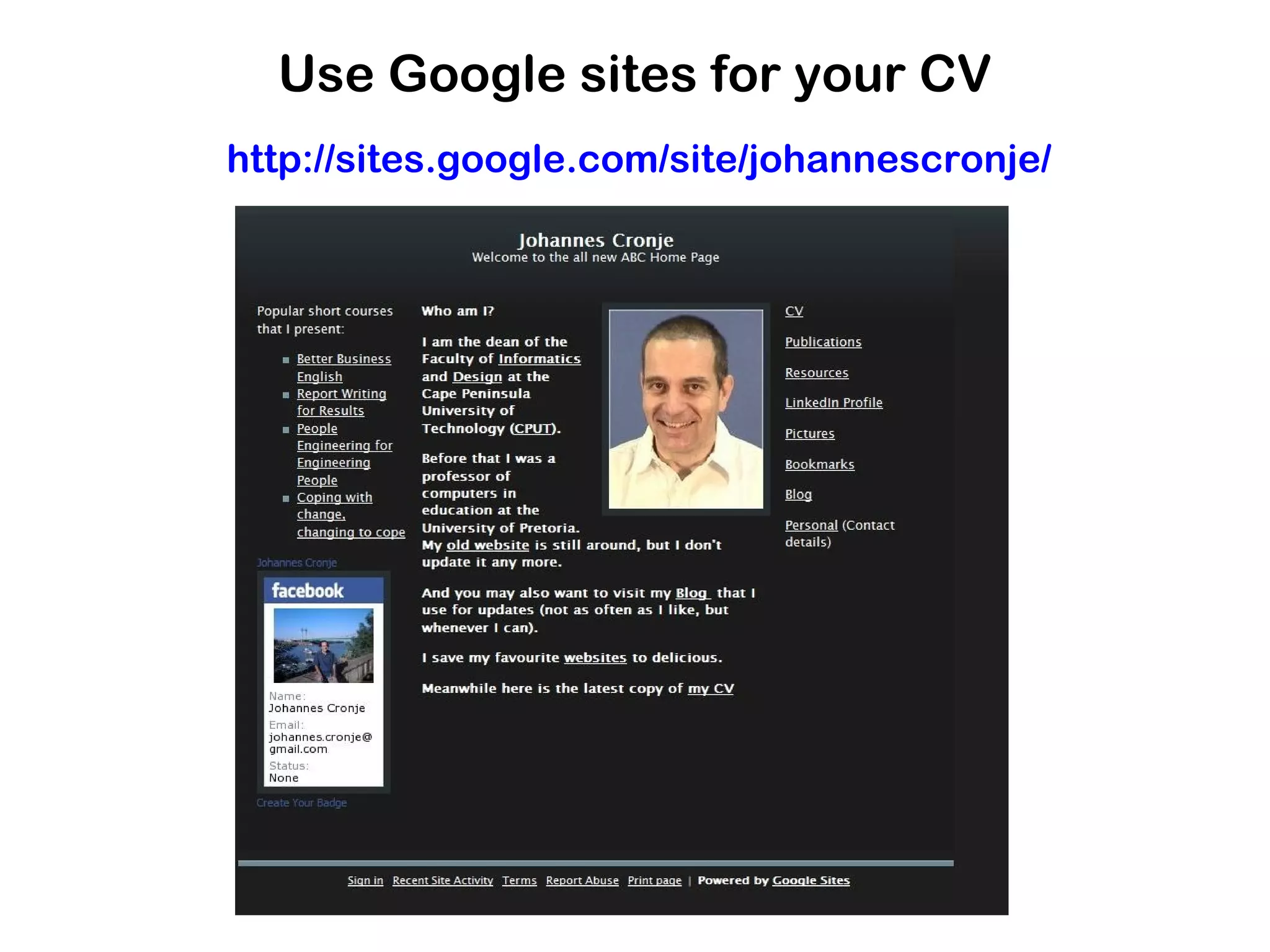
For creating an online resume


The idea of an online resume is
becoming more and more popular.
Here is an example from Johannes
Cronje from Cape Town.
Use Google sites for your CV
http://sites.google.com/site/johannescronje/
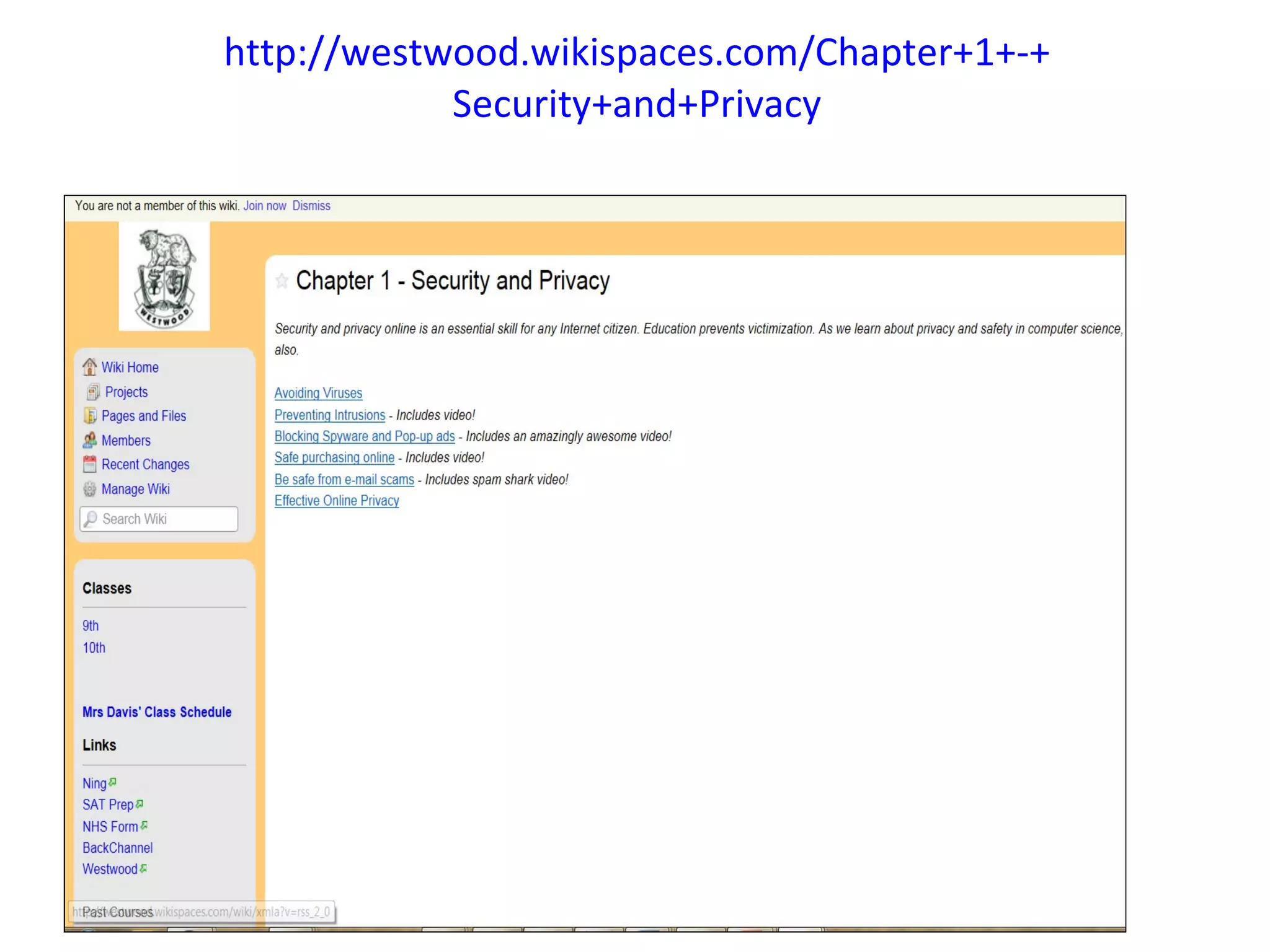
A textbook

This could be a valuable exercise. Write a
textbook for your subject with the class writing
parts of it.
http://westwood.wikispaces.com/Chapter+1+-+
            Security+and+Privacy
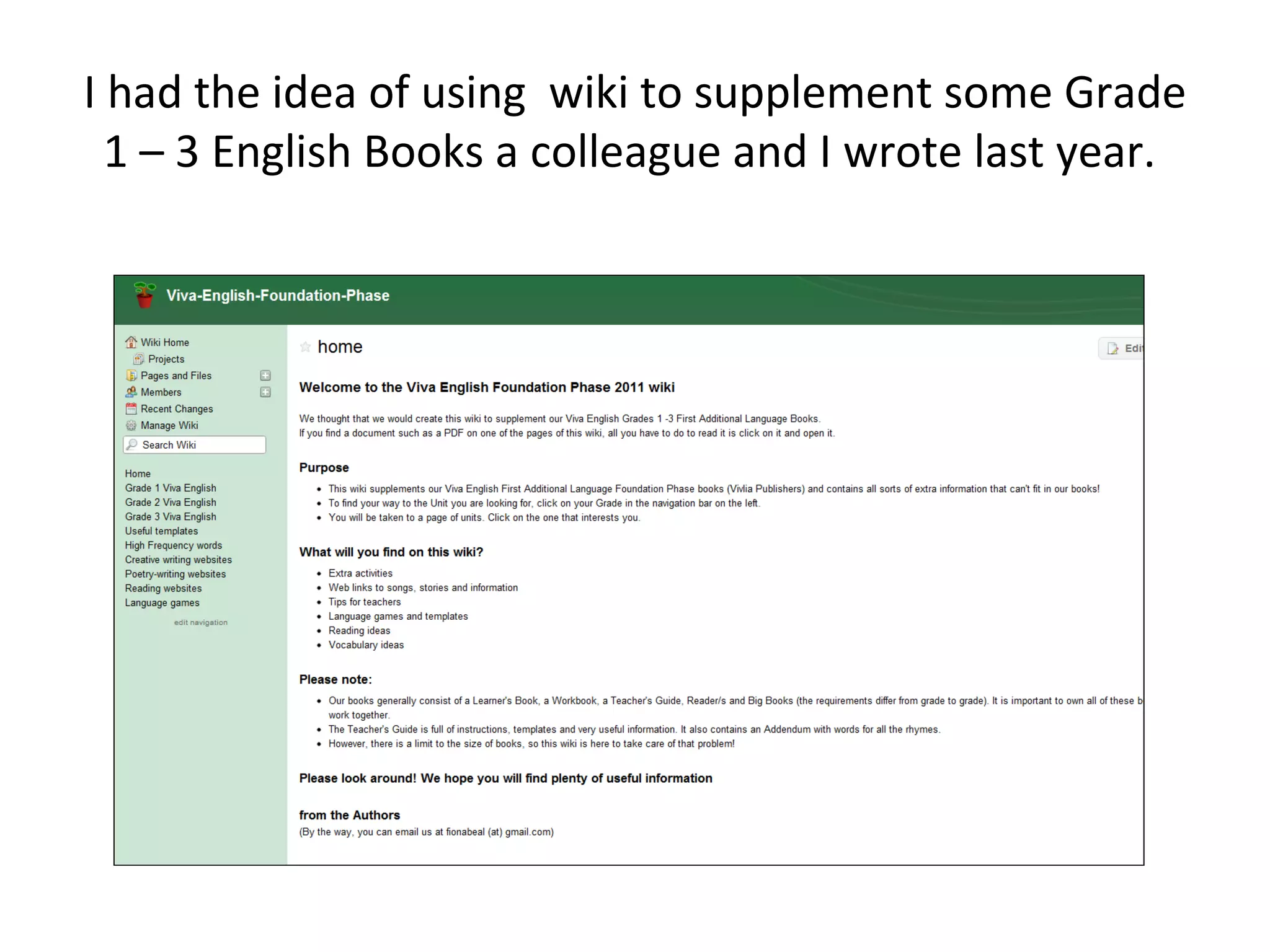
I had the idea of using wiki to supplement some Grade
  1 – 3 English Books a colleague and I wrote last year.
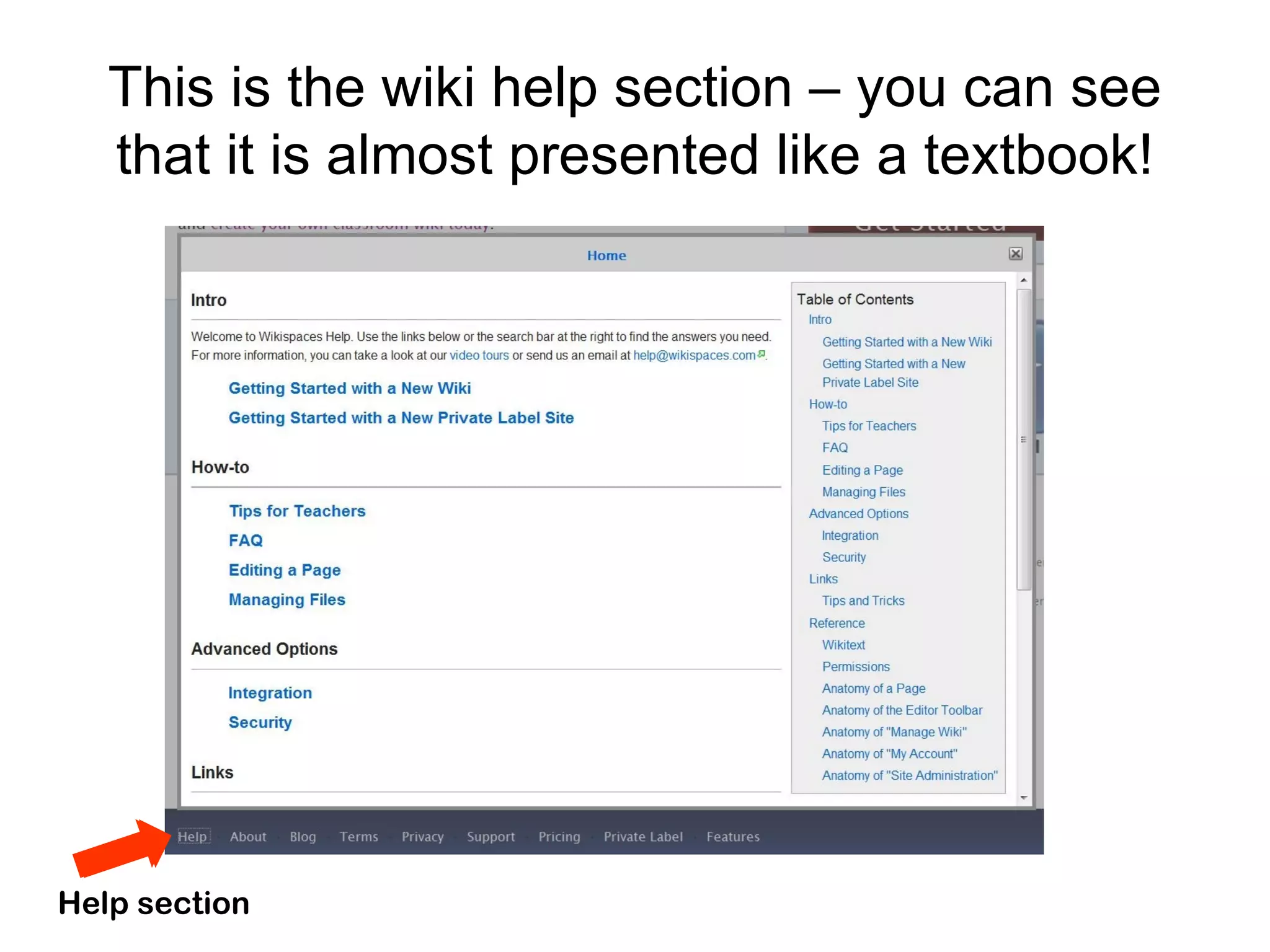
This is the wiki help section – you can see
   that it is almost presented like a textbook!


Help section
More ideas for ways to use a
               wiki
There is a lot of interest in wikis. Here are some
sites giving ideas on how to use a wiki in the
classroom or where to find example of wikis.
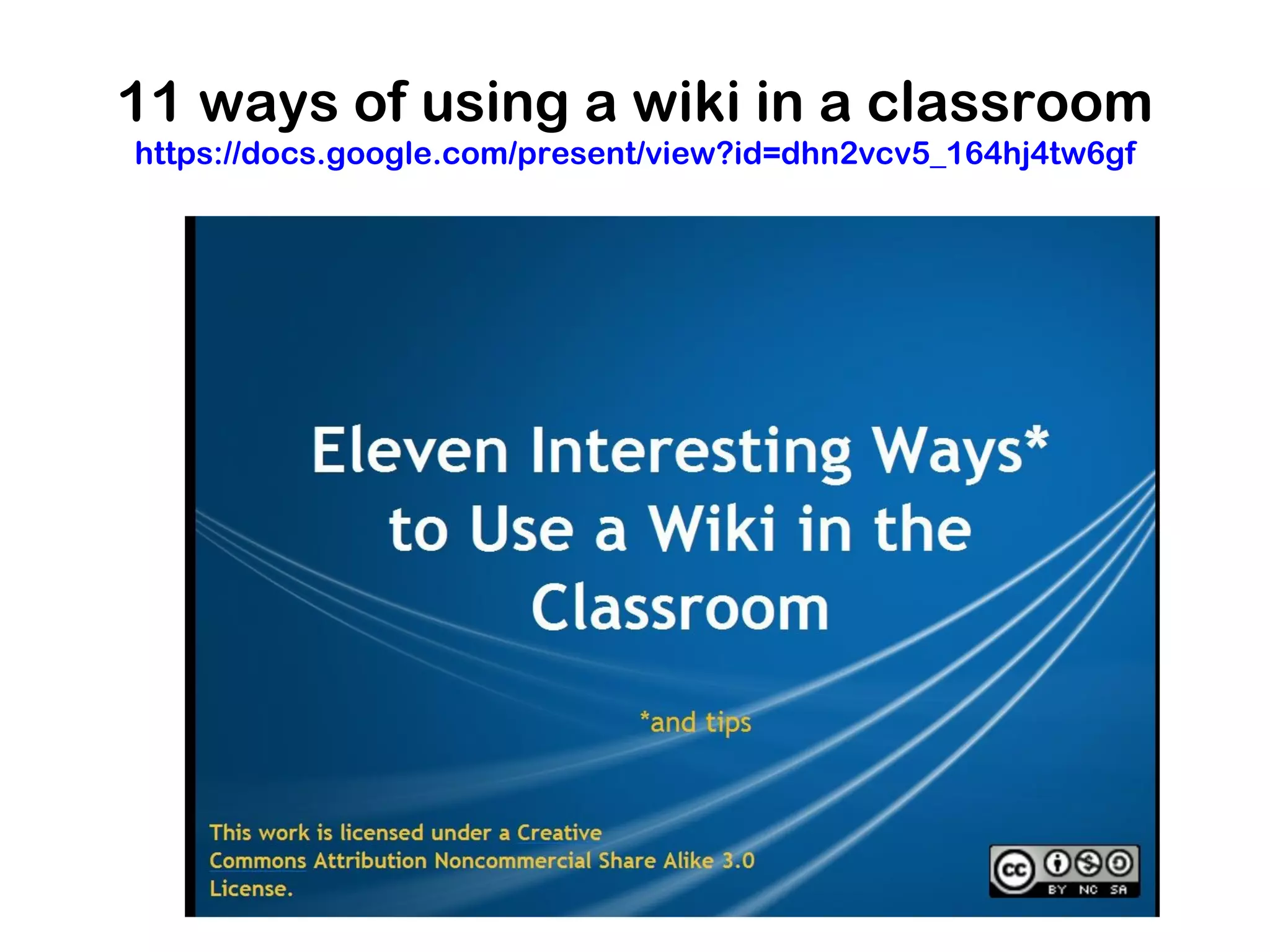
11 ways of using a wiki in a classroom
https://docs.google.com/present/view?id=dhn2vcv5_164hj4tw6gf
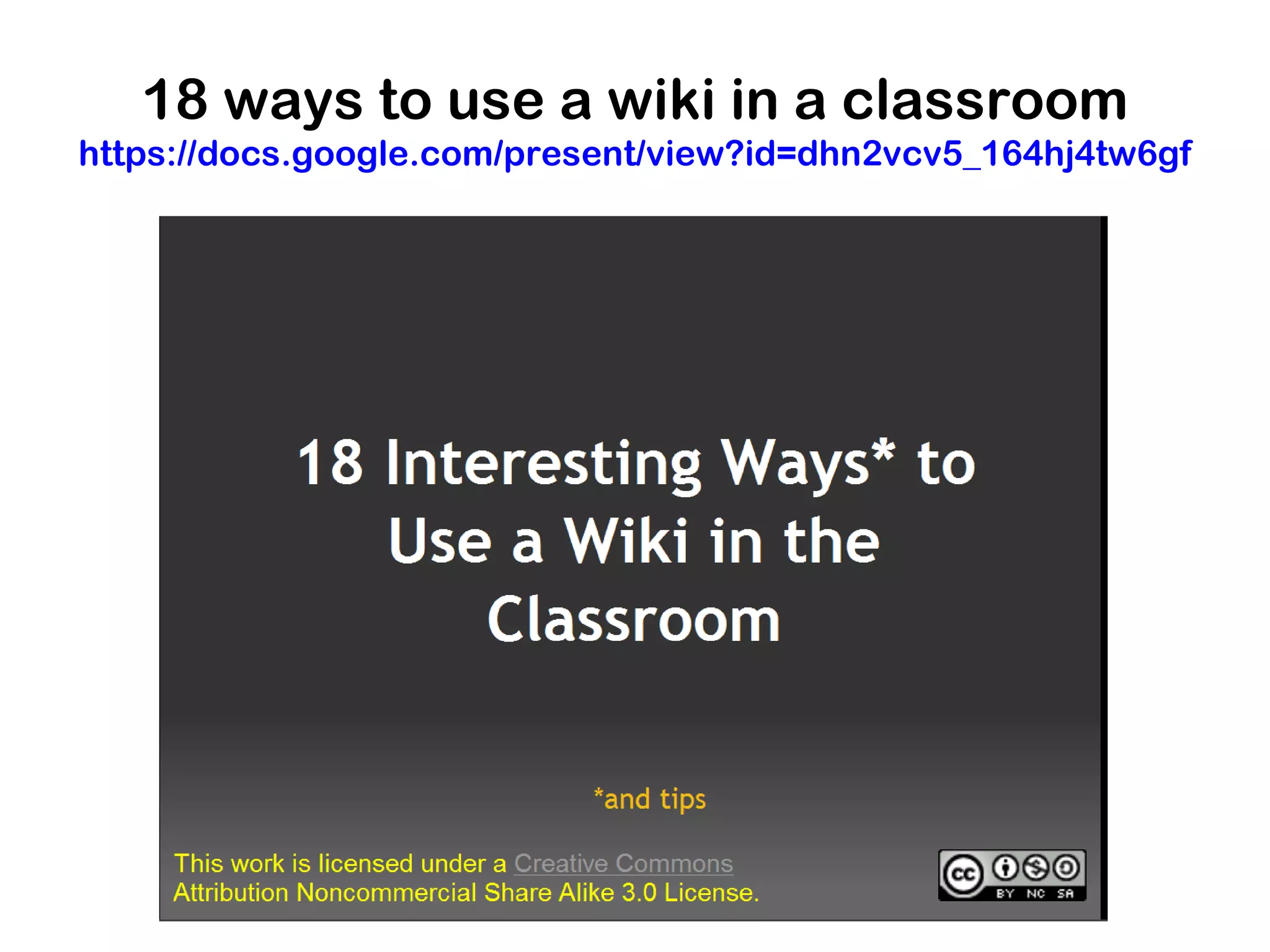
18 ways to use a wiki in a classroom
https://docs.google.com/present/view?id=dhn2vcv5_164hj4tw6gf
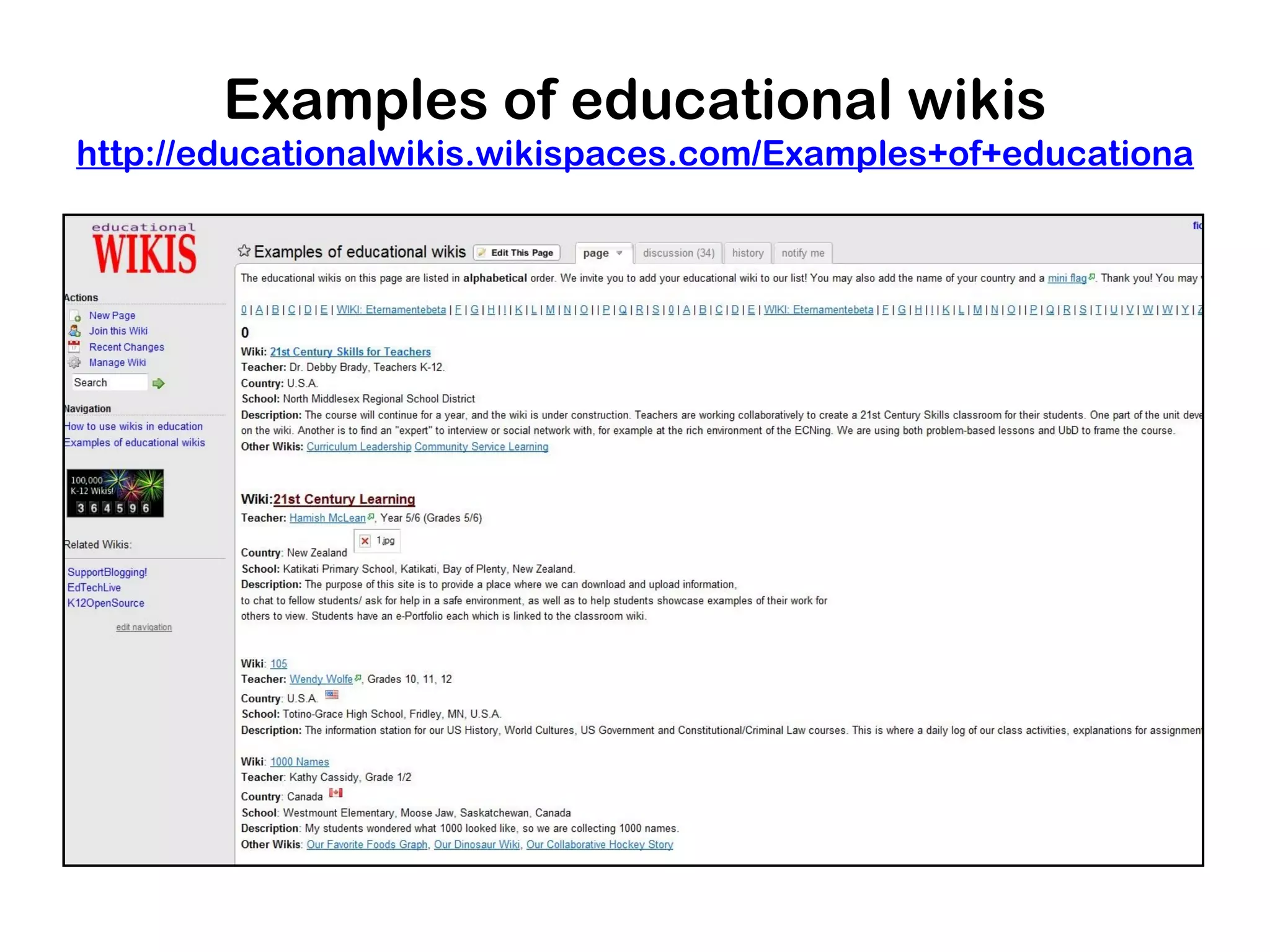
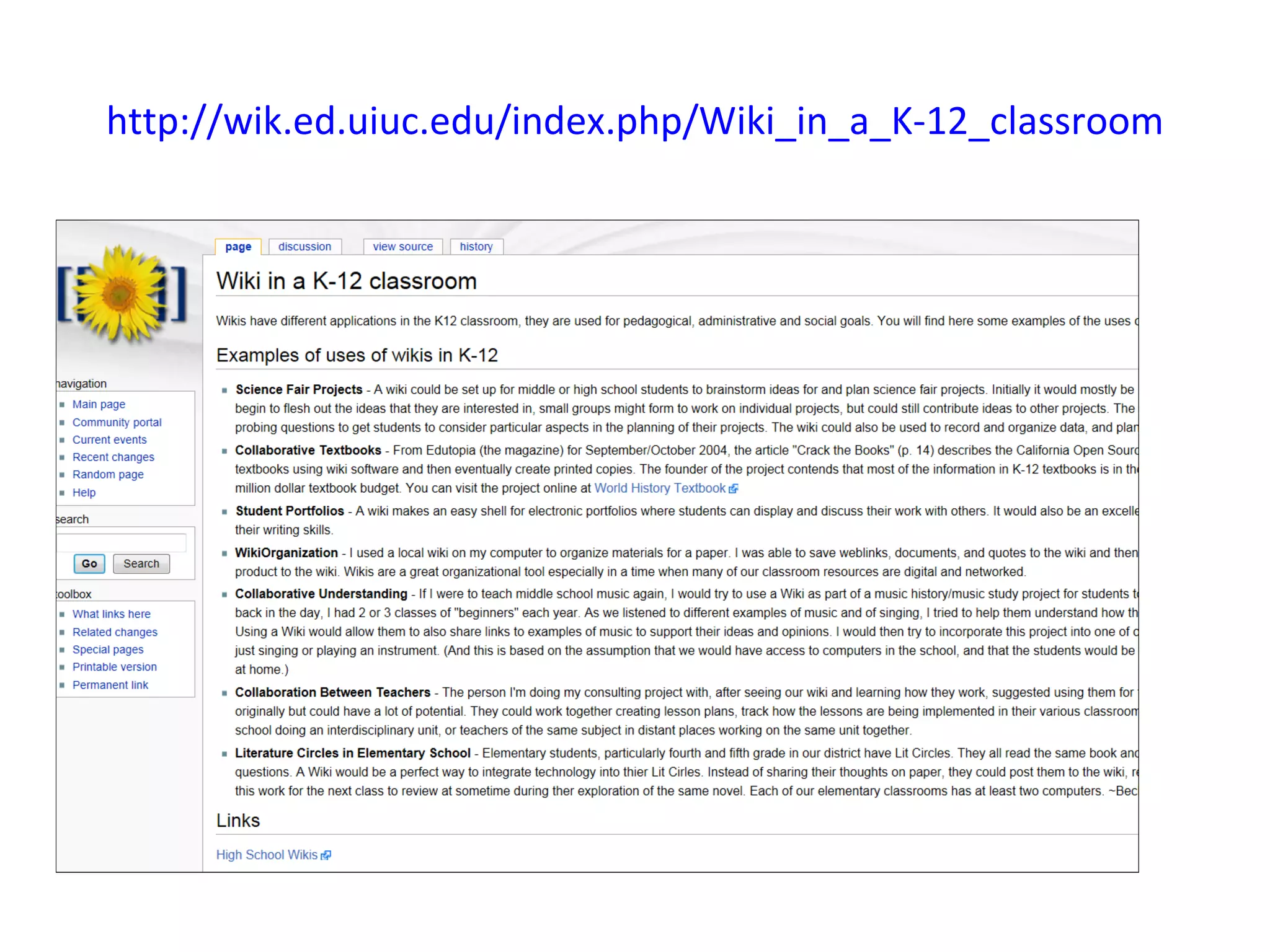
Examples of educational wikis
http://educationalwikis.wikispaces.com/Examples+of+educational+wik
http://wik.ed.uiuc.edu/index.php/Wiki_in_a_K-12_classroom
In conclusion…

Please think about the type of wiki you would like
to create. You could just use it for collecting good
resources on your subject if nothing else catches
your attention while you are on the course.

                     Good luck!

Types of wikis

  • 1.
    Types of wikis by Fiona Beal fiona@schoolnet.org.za
  • 2.
    What can youdo with a wiki? I have taken an excerpt from a site called 50 things you can do with a wiki - that shows a number of amazing ways in which you can use a wiki. http://www.smartteaching.org/blog/2008/08/50-ways-to-u
  • 3.
    50 things youcan do with a wiki Resource Creation Student collaboration • Virtual field trips: Have your students research far away • These projects are sure to get your students involved. places they would like to go on a field trip, and get them to • Exam review: Encourage students to share review notes share images and information about the location. and other helpful pieces of information on your • Create presentations: Instead of using traditional classroom’s wiki. presentation software, put presentations on a wiki. • Peer review: Allow students to draft their papers in a wiki, • Write a Wikibook: Make it a class project to collaboratively then ask other students to comment it. write a reference book that others can use. • Student portfolios: Assign portfolio pages to each of your • Study guides: Ask students to create study guides for a students, and allow them to display and discuss their work. specific part of the unit you’re studying. • Correction competition: You can post a document riddled • Readers’ guides: Have your students create readers’ guides with mistakes, then have students compete to see who can to share their favorite and most important parts of works fix the most errors fastest. you’ve read in class. • Peer editing: Ask students to edit each others’ work for • Solving wiki: Post difficult math problems, such as calculus, spelling, grammar, and facts based on a style guide or rules so that the class can collaboratively solve them. you’ve defined. • Glossary: Get your class to create a glossary of terms they • Vocabulary lists: Encourage students to submit words that use and learn about in new units, adding definitions and they had trouble with, along with a dictionary entry. images. • Get feedback: Ask students to post comments on wiki • Class encyclopedia: Ask your class to create an pages. "encyclopedia" on a topic, adding useful information that • Share notes: Let your students share their collective can be built upon through the years. information so that everyone gets a better understanding • Create exploratory projects: If you’re teaching a new of the subject. subject, ask your students to collect and share information in the wiki so that you can learn together.
  • 4.
    Group projects Student interaction • Allow wikis to facilitate group work by using these • Get your students to work together on these ideas. projects. • Group authoring: By asking groups to use central • Collect data: Use central documents to make sure documents in a wiki, you can ensure that that data collection is uniform and easy to everyone’s documentation will be uniform. manage. • Grandma timeline: Have your students create a • Mock-debate: Pit two class candidates against history timeline using Grandmas as units of time. each other and perform a debate on your wiki. • Organize ideas: Allow group members to post • Study buddy matching: Let students match their ideas in a wiki, and you’ll cut down on themselves up into study buddy pairs. duplicate ideas, while at the same time allowing them to build upon the ideas. • Multi-author story: Start a creative writing unit, • and get your students to write a short story Fan clubs: Start fan clubs for your students’ together, each writing a small amount of the favorite figures from history and ask them to story. contribute their favorite quotes, photos, and other tidbits together. • Choose your own adventure story: A twist on the • multi-author story could be a choose your own Track projects: With wikis, it’s easy for students to adventure story, where each student branches out see which tasks have been completed and which into a different path. ones still need to be fulfilled. • Share reviews: Post articles for different movies, • Track participation: Assign a wiki page to a group books, and TV shows, encouraging students to project, and then individual pages for each share what they though about them. student to show their participation. • Literature circles: Host a book club on your wiki where students are required to read the same book, then discuss it on the wiki.
  • 5.
    For the classroom For the community • Reach out to the community with these resources that • Use your wiki to create spaces that are special everyone can appreciate. to your class. • School tour: Get your class to take photos of your • Classroom FAQ: Make it a class project to school and write about their favorite spots on the create an FAQ for your classroom that will wiki, then share it with the rest of your school and help new students and those that will come in your local community. years later. • Recipe book: Ask students to bring in their favorite recipes from home, then share them with parents and • Classroom scrapbook: Share news, photos, the rest of the community. and current achievements in your classroom • International sharing: Collaborate with a class from on a wiki page. another country and share information about your • Calendar: Create a calendar on the wiki and culture, or even a day in the life of a typical student. encourage students to add their own • Local history: Document historical buildings, events, personally important dates. and more from our community. You can ask students to perform interviews, and encourage parents and • Classroom newspaper: Create your own news other adults to contribute their knowledge in the wiki. outlet on a wiki. • Community FAQ: Ask students to create an FAQ for • Hall of fame: Highlight students’ exceptional their community, then pass it on to your next group of achievements on the wiki. students. • • Community nature guide: Have your students collect Classroom policies: Encourage students to highlights of plants and animals in your community. draft rules and policies for the classroom • Share achievements: Let parents log in to the wiki to see what their children have accomplished.
  • 6.
    Other • Let your students leave their books at school: With a strong classroom wiki, you should have a wealth of information available, so much so that students can leave their books at school and access information online. • Use wikis as a hub: Any time a student creates anything online, ask them to link to it or upload it to the wiki so that everyone can use it. • Make website creation easier for students: Using a wiki platform, students don’t have to worry about web design, so they can focus on content instead. • Organization: Save links, documents, and quotes related to units or your classroom as a whole. • Track assignments: If you ask students to put their research on wikis, you can check in on their progress to make sure they’re on the right path. • Teacher collaboration: Work with other teachers to create lesson plans and track students’ success. • Create and pass a legislative bill: Let students see the back and forth that exists in legislation by creating their own and attempting to pass it.
  • 7.
    Examples of wikisfor us to consider • A wiki for a project just with your class or group • Use wikis for collaborative global projects • Have a wiki as a resource wiki • Use a wiki as a classroom wiki • Introduce a subject wiki • Use a wiki as a place for housing all your projects • Use a wiki to write a book together • Use a wiki to create a resume • Use a wiki as a textbook
  • 8.
    Use a wikifor a project just with your class 1) One way to use a wiki is for a classroom project. The first example is from Brenda Hallowes in Port Elizabeth who used a wiki to teach her Grade 3 class about the planets. 2) Future Savers, is an example of a Grade 6 project that I oversaw, and the group entered it for the Thinkquest competition.
  • 9.
  • 10.
  • 11.
    Use wikis forcollaborative global projects Using a wiki is one of the best ways to conduct a global project as all the parties concerned can easily write on the wiki without having any knowledge of HTML.
  • 12.
    Voices of theWorld wiki http://votw.wikispaces.com/
  • 13.
  • 14.
  • 15.
    Room with aview project https://aroomwithaview.pbworks.com/w/page/13690245/INTRODUCTIO
  • 16.
    Pay it forwardfor the blind http://pay-it-forward-for-the-blind.wikispaces.com/%2A+Ho
  • 17.
    Use a wikias a resource wiki Many educators are now starting resourse wikis of one kind or another. A wiki can be a fantastic way to share the collection of resources you have found
  • 18.
  • 19.
  • 20.
    50 ways totell a story http://cogdogroo.wikispaces.com/50+Ways
  • 21.
  • 22.
  • 23.
  • 24.
  • 25.
  • 26.
    Introduce a classroomwiki This idea appeals to me. One could have a classroom blog AND a classroom wiki and use the wiki to display work and use as a class website, while the blog shows the day to day happenings the class.
  • 27.
  • 28.
  • 29.
  • 30.
    Mr Humble’s Grade6 class http://humbleclass.wikispaces.com/
  • 31.
  • 32.
    An example ofthe use of a classroom wiki The following four slides show the wiki Bronwyn Desjardine from Grayston Prep in Johannesburg entered for the Innovative Teacher competition several years ago. She used wikis for Science and English.
  • 33.
    Bronwyn Desjardins fromGrayston Prep http://graystonprep-grade6-english.wikispaces.com/
  • 34.
  • 35.
  • 36.
  • 37.
    Use a wikias a subject wiki The first wiki in the slides below came second in the Edublogs Awards last year. It was created as a subject wiki for History.
  • 38.
  • 39.
  • 40.
  • 41.
    A place forhousing all your projects If you facilitate a number of different projects during your year, a wiki is a great way to keep everything together in one place with links.
  • 42.
  • 43.
  • 44.
    Write a booktogether To me this is a fascinating idea – to write a class novel together using a wiki.
  • 45.
  • 46.
    For creating anonline resume The idea of an online resume is becoming more and more popular. Here is an example from Johannes Cronje from Cape Town.
  • 47.
    Use Google sitesfor your CV http://sites.google.com/site/johannescronje/
  • 48.
    A textbook This couldbe a valuable exercise. Write a textbook for your subject with the class writing parts of it.
  • 49.
  • 50.
    I had theidea of using wiki to supplement some Grade 1 – 3 English Books a colleague and I wrote last year.
  • 51.
    This is thewiki help section – you can see that it is almost presented like a textbook! Help section
  • 52.
    More ideas forways to use a wiki There is a lot of interest in wikis. Here are some sites giving ideas on how to use a wiki in the classroom or where to find example of wikis.
  • 53.
    11 ways ofusing a wiki in a classroom https://docs.google.com/present/view?id=dhn2vcv5_164hj4tw6gf
  • 54.
    18 ways touse a wiki in a classroom https://docs.google.com/present/view?id=dhn2vcv5_164hj4tw6gf
  • 55.
    Examples of educationalwikis http://educationalwikis.wikispaces.com/Examples+of+educational+wik
  • 56.
  • 57.
    In conclusion… Please thinkabout the type of wiki you would like to create. You could just use it for collecting good resources on your subject if nothing else catches your attention while you are on the course. Good luck!

Editor's Notes