
Email:eportfolios@gmail.comTwitter hashtag:#eportfoliosStudent-Centered Interactive E-Portfolios Dr. Helen BarrettwithTwitter:@eportfolioselectronicportfolios.org/slideshare.net/eportfolios/
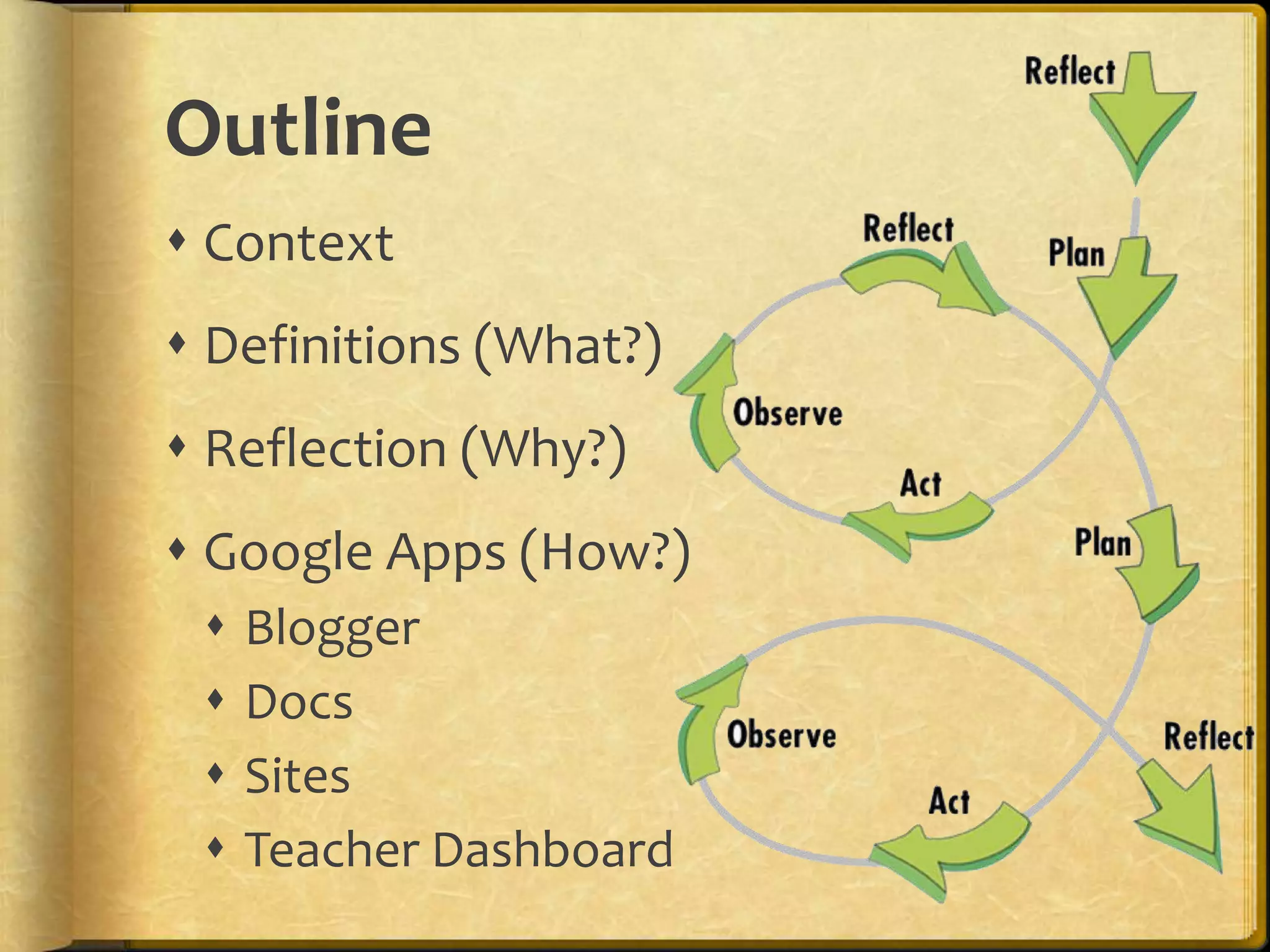
Outline ContextDefinitions (What?)Reflection (Why?)Google Apps (How?) BloggerDocsSitesTeacher Dashboard
Purpose & ObjectivesParticipants will gain an overview of the various Google Tools and how they can be used to develop ePortfolios.Participants will see examples of ePortfolios created in K-12 schools using GoogleAppshttp://sites.google.com/site/eportfolioapps/http://slideshare.net/eportfolios
ContextWhy…Electronic Portfolios Now?
National Educational Technology Plan (2010)Technology also gives students opportunities for taking ownership of their learning. Student-managed electronic learning portfolios can be part of a persistent learning record and help students develop the self-awareness required to set their own learning goals, express their own views of their strengths, weaknesses, and achievements, and take responsibility for them. Educators can use them to gauge students’ development, and they also can be shared with peers, parents, and others who are part of students’ extended network. (p.12)
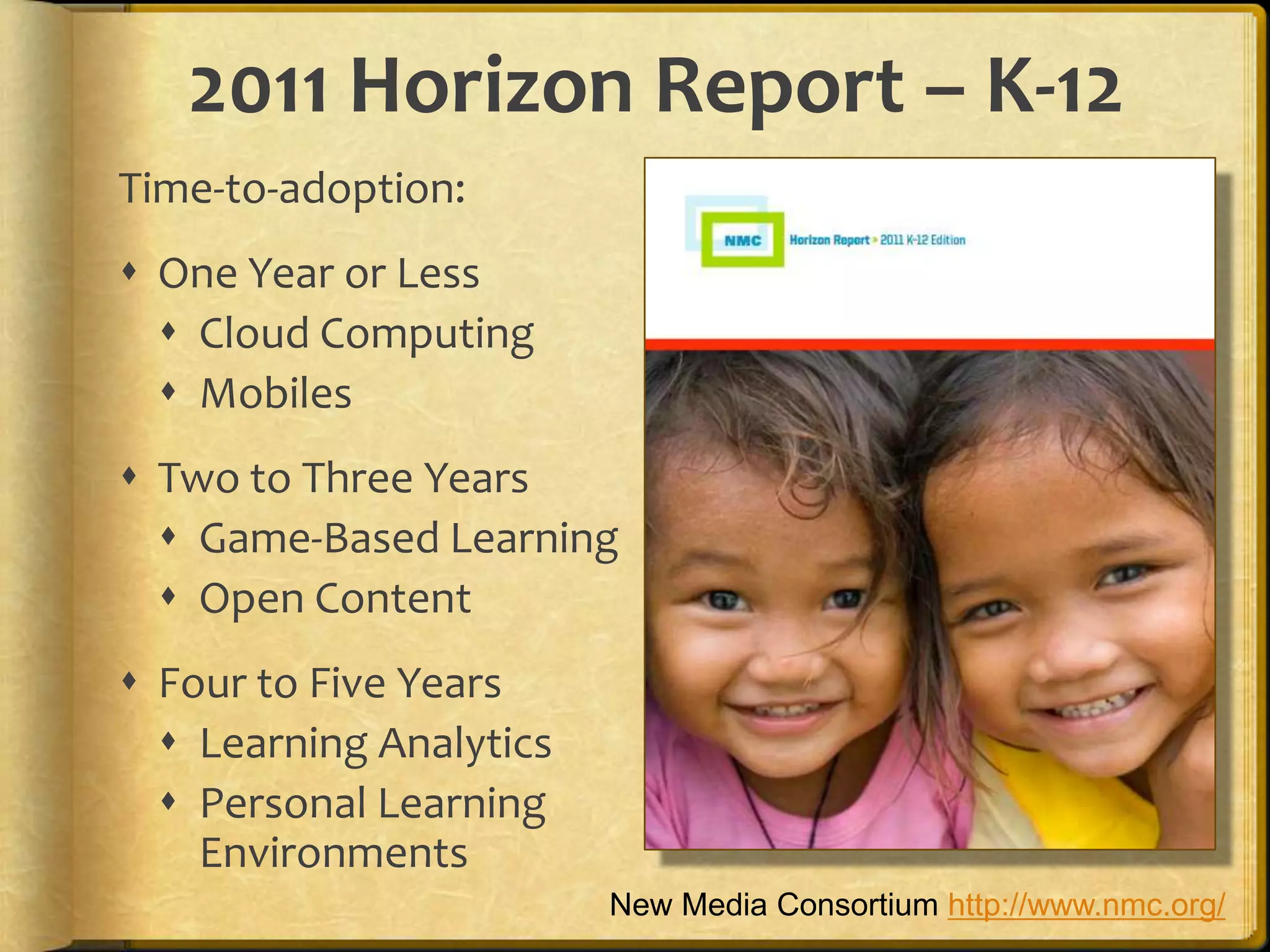
2011 Horizon Report – K-12Time-to-adoption: One Year or LessCloud ComputingMobiles Two to Three YearsGame-Based LearningOpen Content Four to Five YearsLearning AnalyticsPersonal Learning Environments New Media Consortium http://www.nmc.org/
What are Interactive Portfolios?Portfolios using Web 2.0 tools to:  reflect on learning in multiple formats
 showcase work online to multiple audiences
 dialogue about learning artifacts/reflections
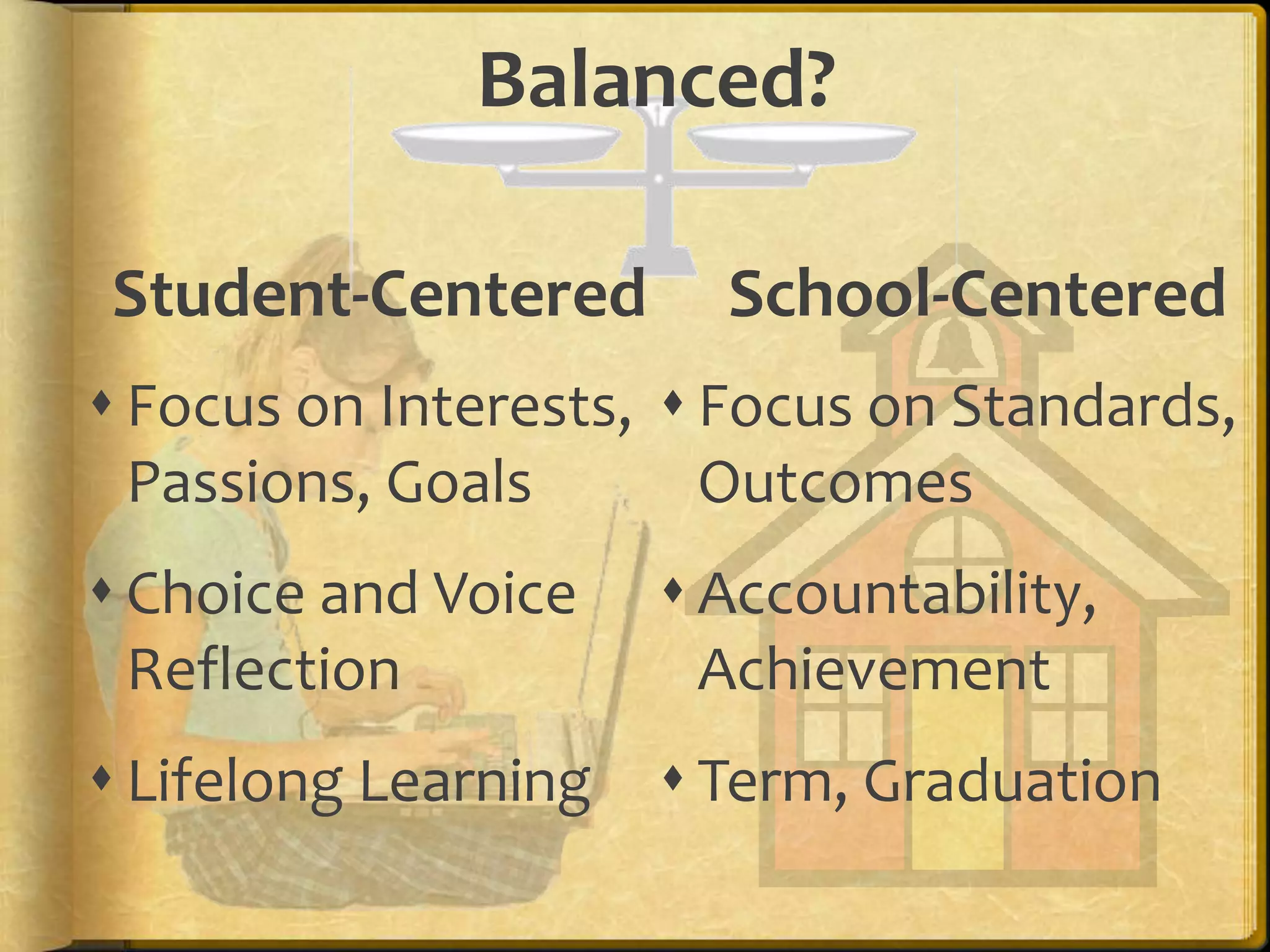
 provide feedback to improve learning Balanced?Student-CenteredSchool-CenteredFocus on Interests, Passions, GoalsChoice and VoiceReflectionLifelong LearningFocus on Standards, OutcomesAccountability, Achievement Term, Graduation
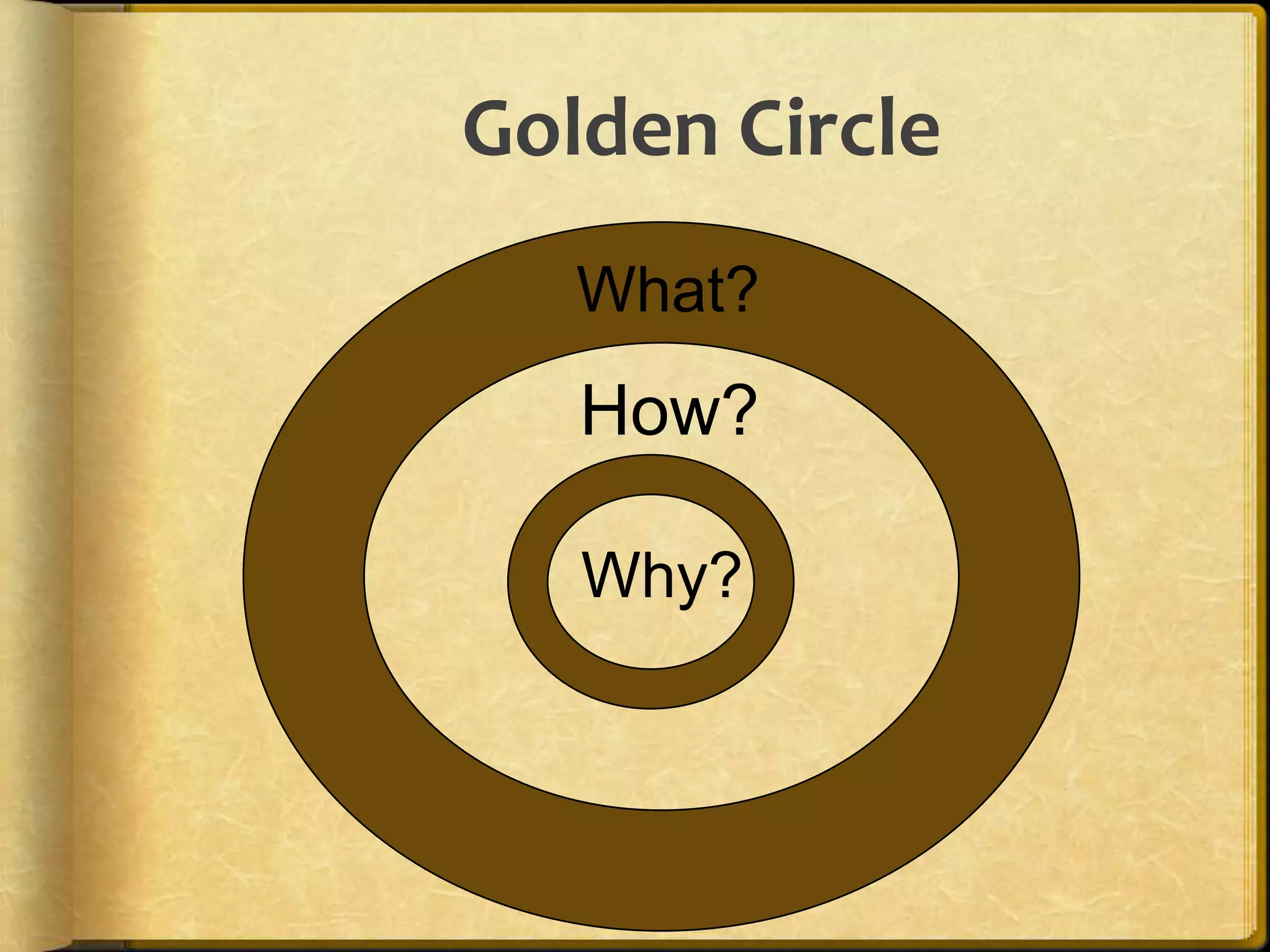
Golden Circle        What?How?Why?9
WHAT?Audio • Video • Text • ImagesDigital RepositoryElectronic PortfolioSocial NetworksMultimedia Artifacts
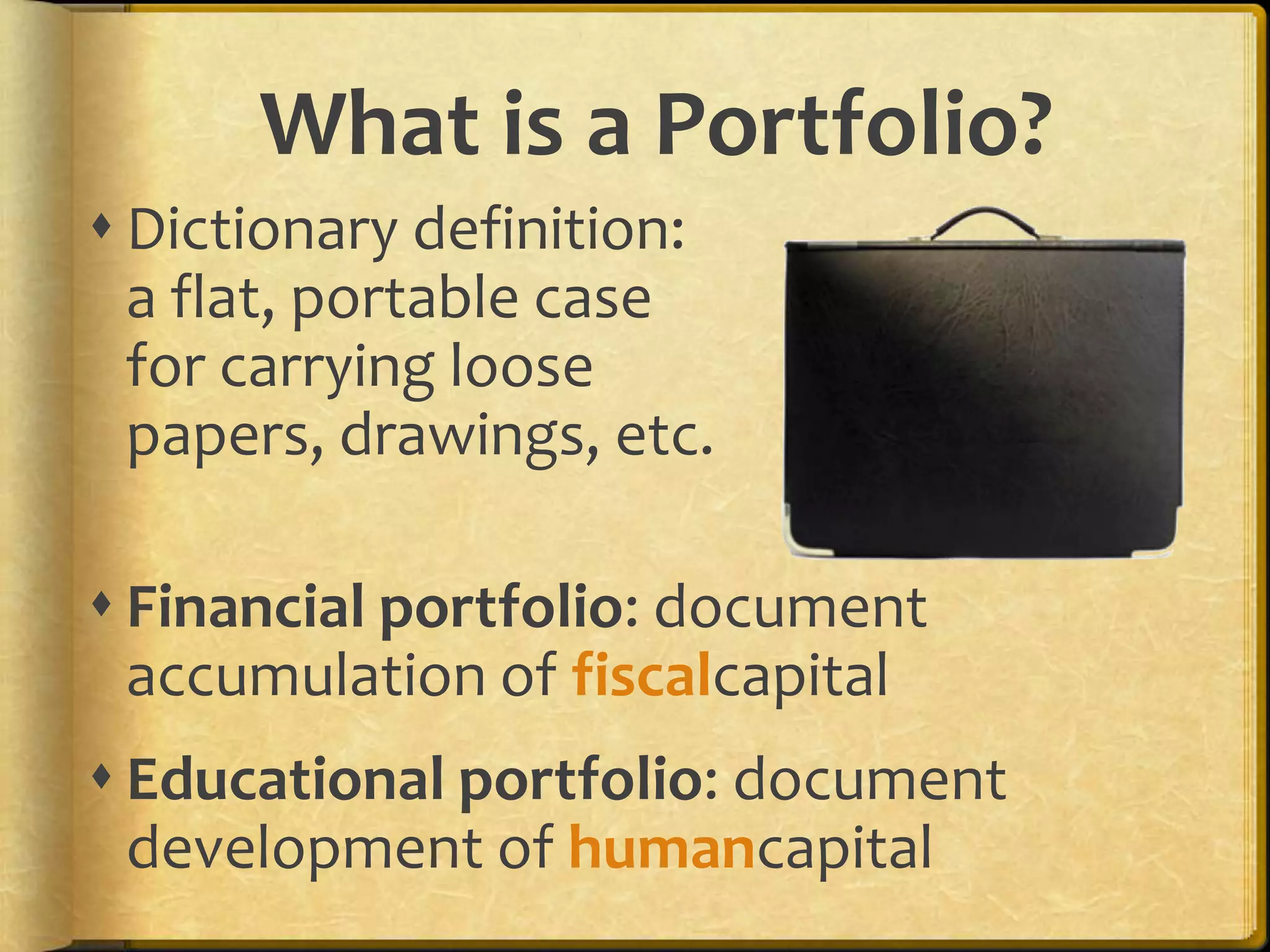
What is a Portfolio?Dictionary definition: a flat, portable case for carrying loose papers, drawings, etc.Financial portfolio: document accumulation of fiscalcapitalEducational portfolio: document development of humancapital
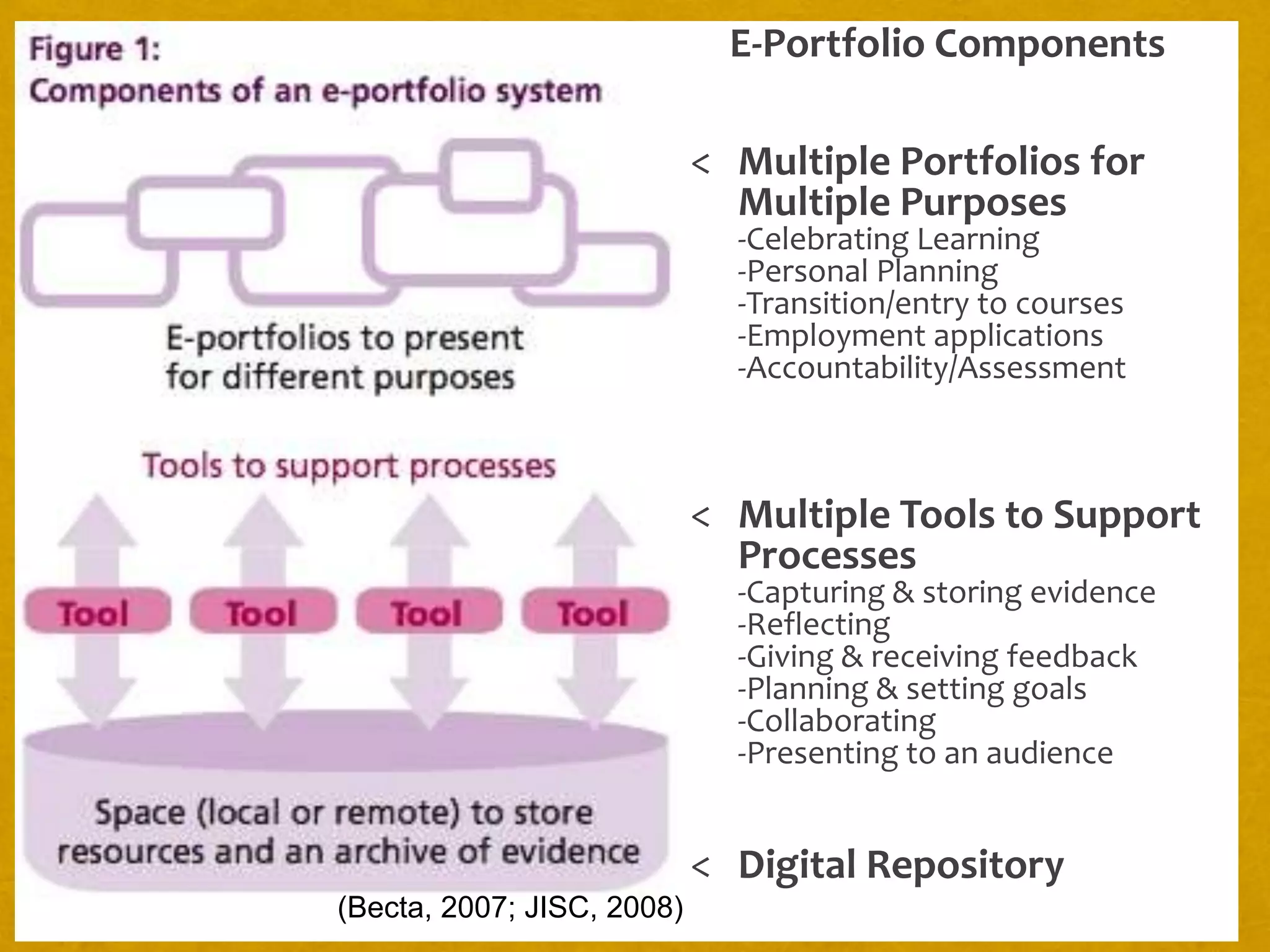
E-Portfolio ComponentsMultiple Portfolios for Multiple Purposes-Celebrating Learning-Personal Planning-Transition/entry to courses-Employment applications-Accountability/Assessment
Multiple Tools to Support Processes-Capturing & storing evidence-Reflecting-Giving & receiving feedback-Planning & setting goals-Collaborating-Presenting to an audience
Digital Repository(Becta, 2007; JISC, 2008)
WHY?AssessmentReflectionIdentityGuidanceLearningShowcaseAccountabilityEmployment
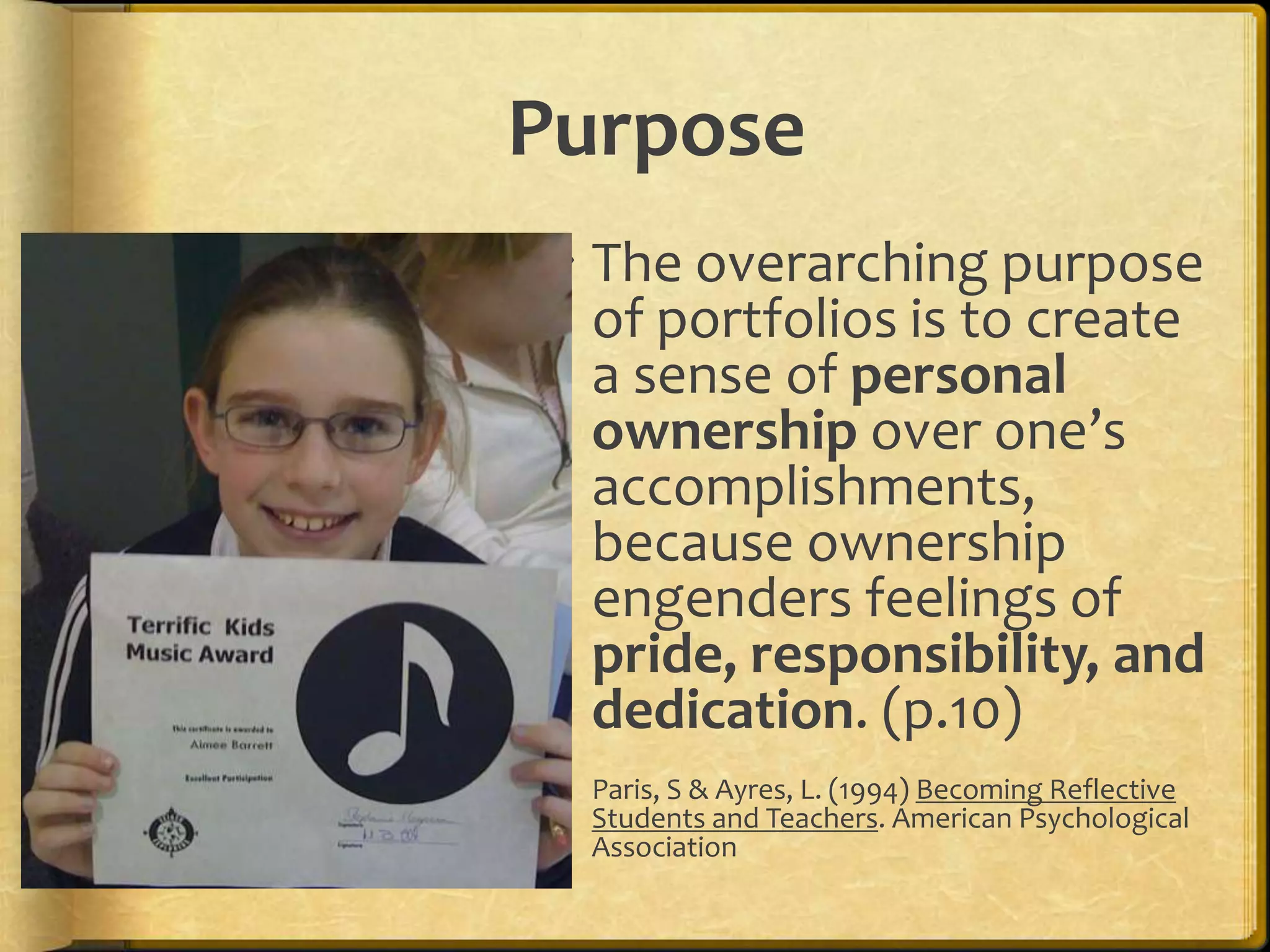
PurposeThe overarching purpose of portfolios is to create a sense of personal ownership over one’s accomplishments, because ownership engenders feelings of pride, responsibility, and dedication. (p.10)Paris, S & Ayres, L. (1994) Becoming Reflective Students and Teachers. American Psychological Association
United #7 ePortfolio Vision Statement (Draft)By implementing e-portfolios, United#7 will empower students to become active participants in their own personalized education. Through use of reflection, technology, and collaboration, students and teachers will develop skills that will lead them to achieve  their lifelong goals.
From Mead School District’s Student Portfolio Handbook:	Remember, you are telling us a story, and not just any story. Your portfolio is meant to be your story of your life over the last four years as well as the story of where your life might be going during the next four years: tell it with pride!
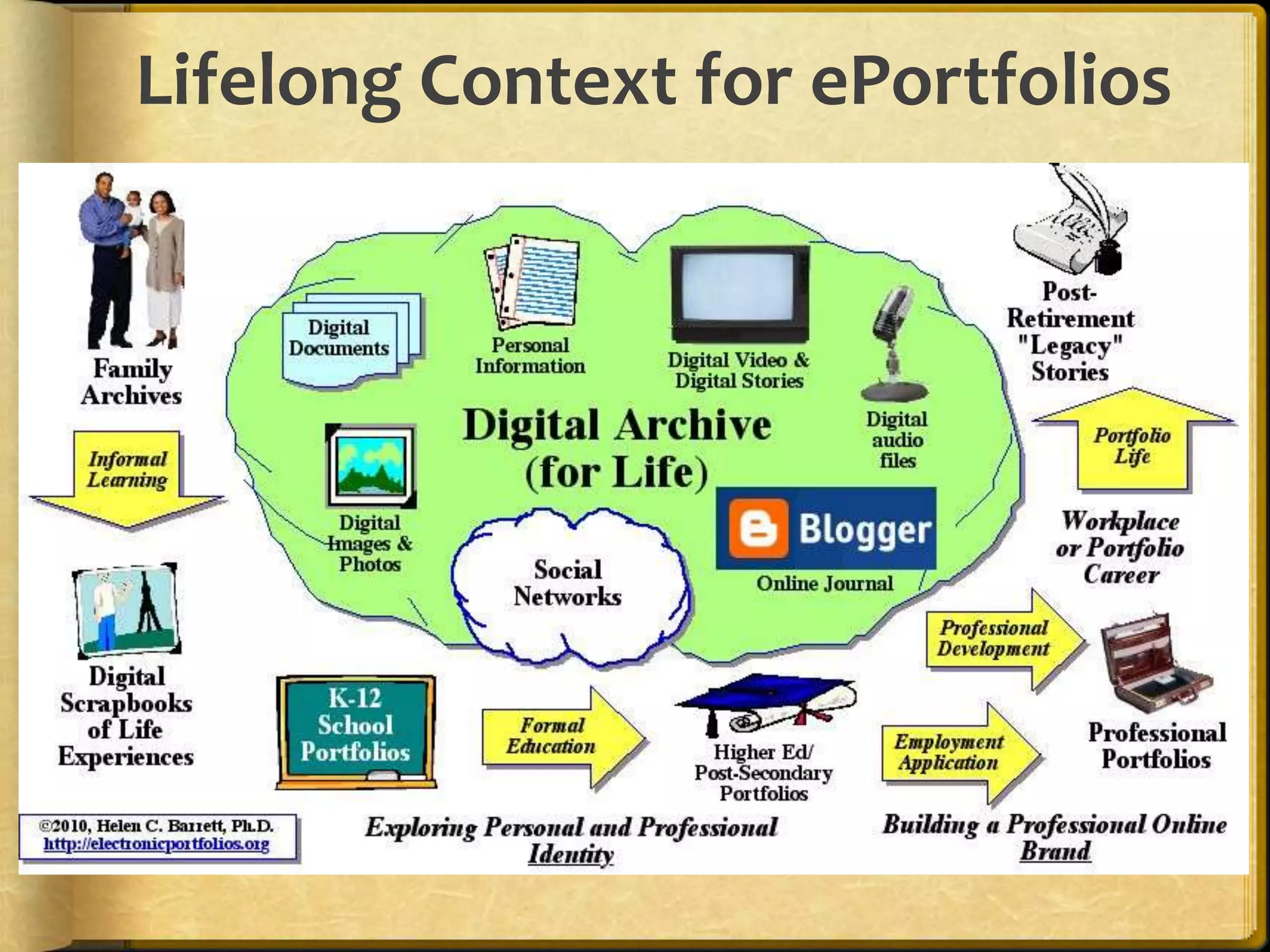
Lifelong Context for ePortfolios
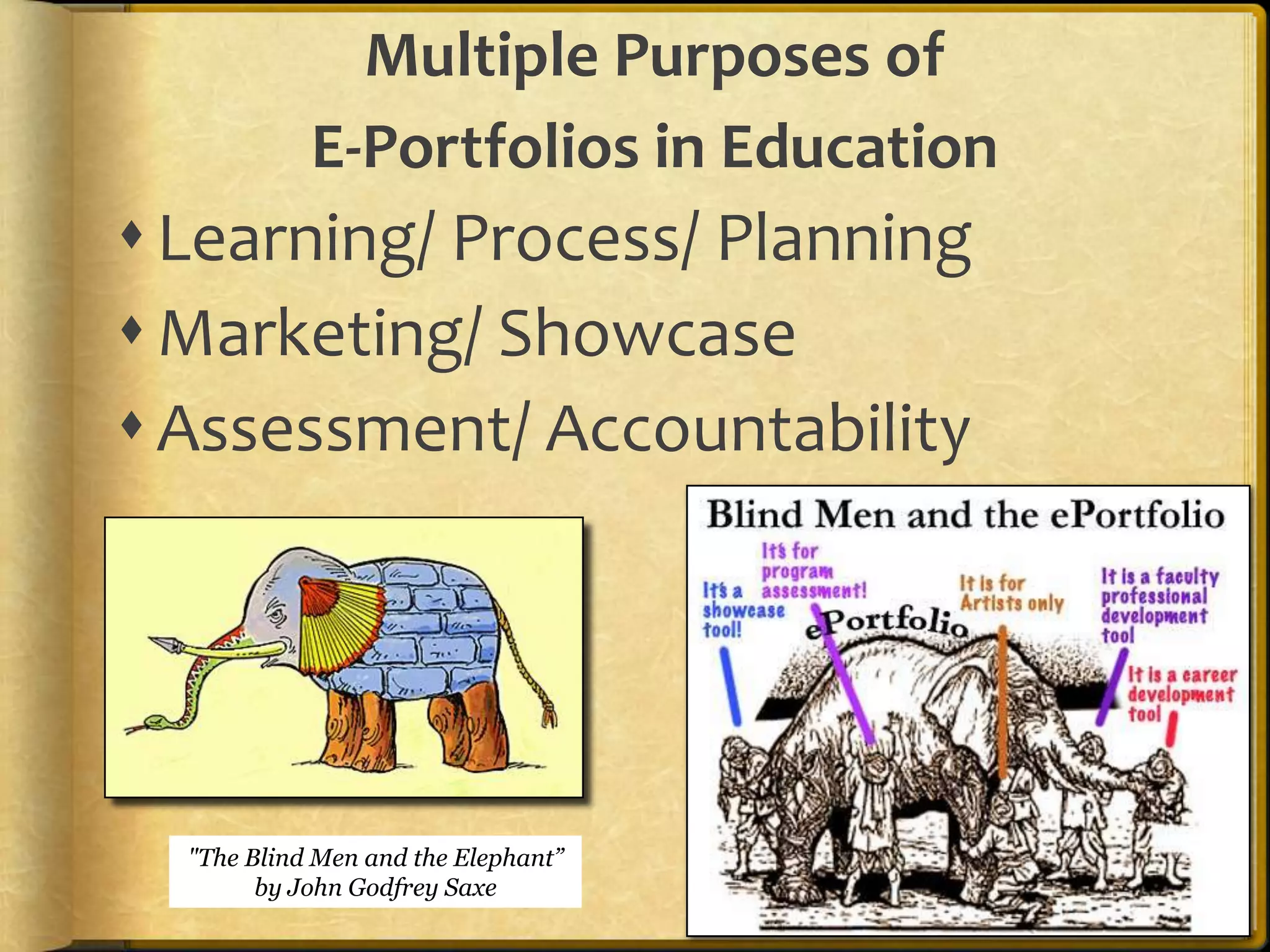
Multiple Purposes of E-Portfolios in EducationLearning/ Process/ PlanningMarketing/ Showcase Assessment/ Accountability"The Blind Men and the Elephant” by John Godfrey Saxe
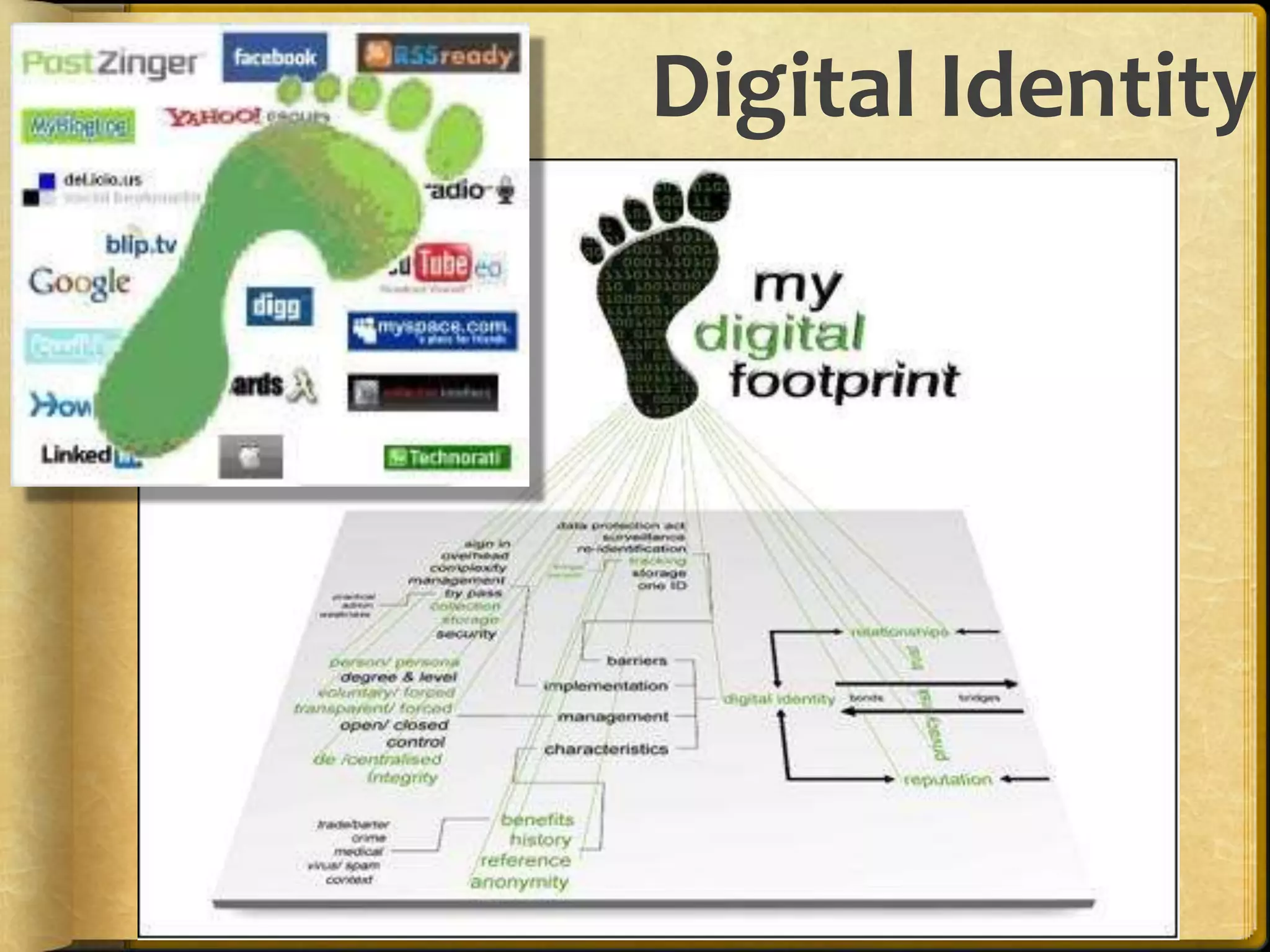
Digital IdentityCreating a positive digital footprint
Passion and Self-Directed LearningLisa Nielsen’s “The Innovative Educator” blog entries:Preparing Students for Successby Helping Them Discover and Develop Their Passions (Renzulli’s Total Talent Portfolio)10 Ways Technology Supports21st Century Learners in Being Self Directedhttp://theinnovativeeducator.blogspot.com/
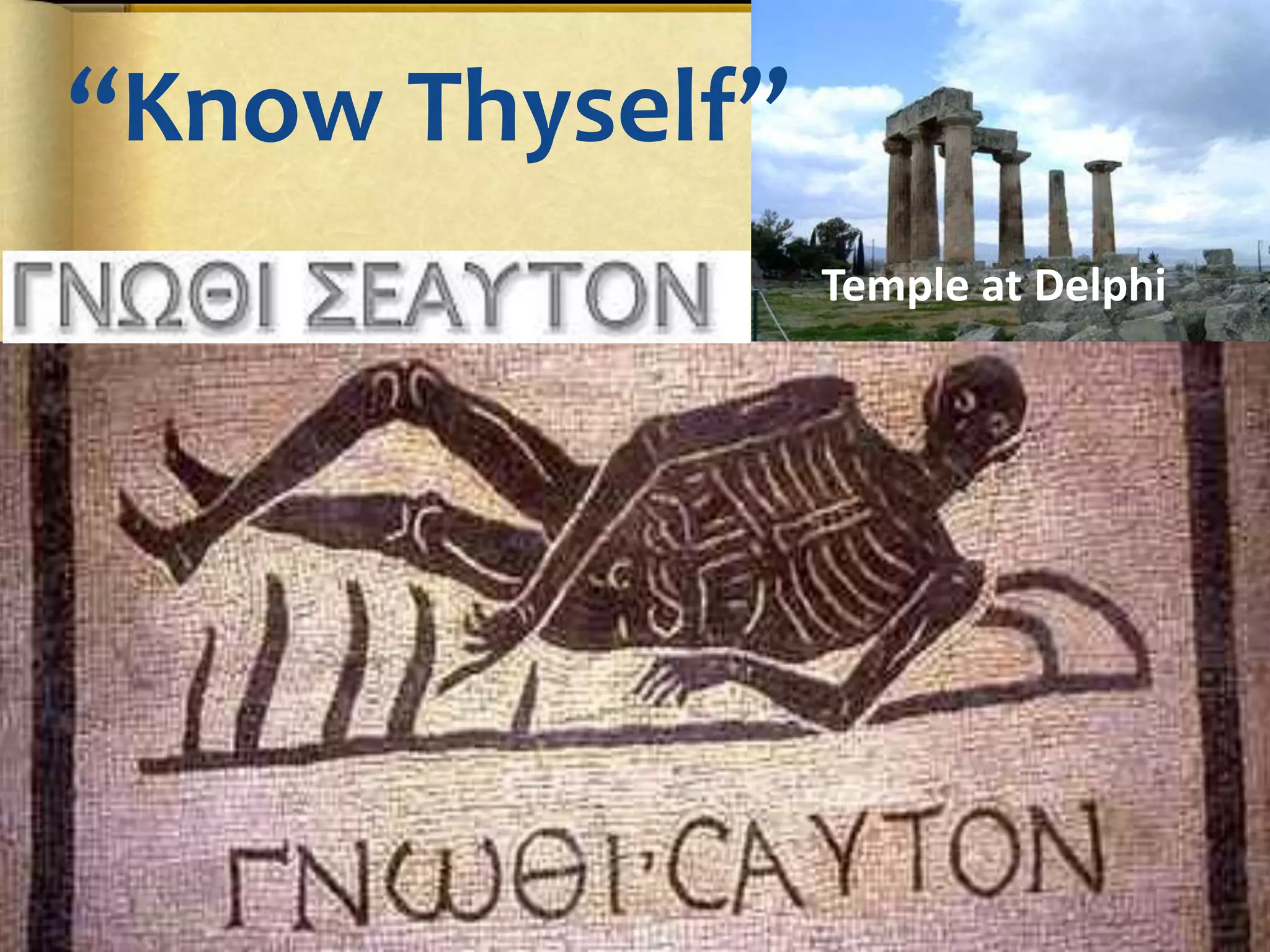
“Know Thyself”Temple at Delphi
Managing OneselfPeter Drucker, (2005) Harvard Business Review“Success in the knowledge economy comes to those who know themselves – their strengths, their values, and how best they perform.”Purpose: Use ePortfolios for managing knowledge workers' career developmentWhat are my strengths?How do I perform?What are my values?Where do I belong?What should I contribute?Responsibility for RelationshipsThe Second Half of your Life
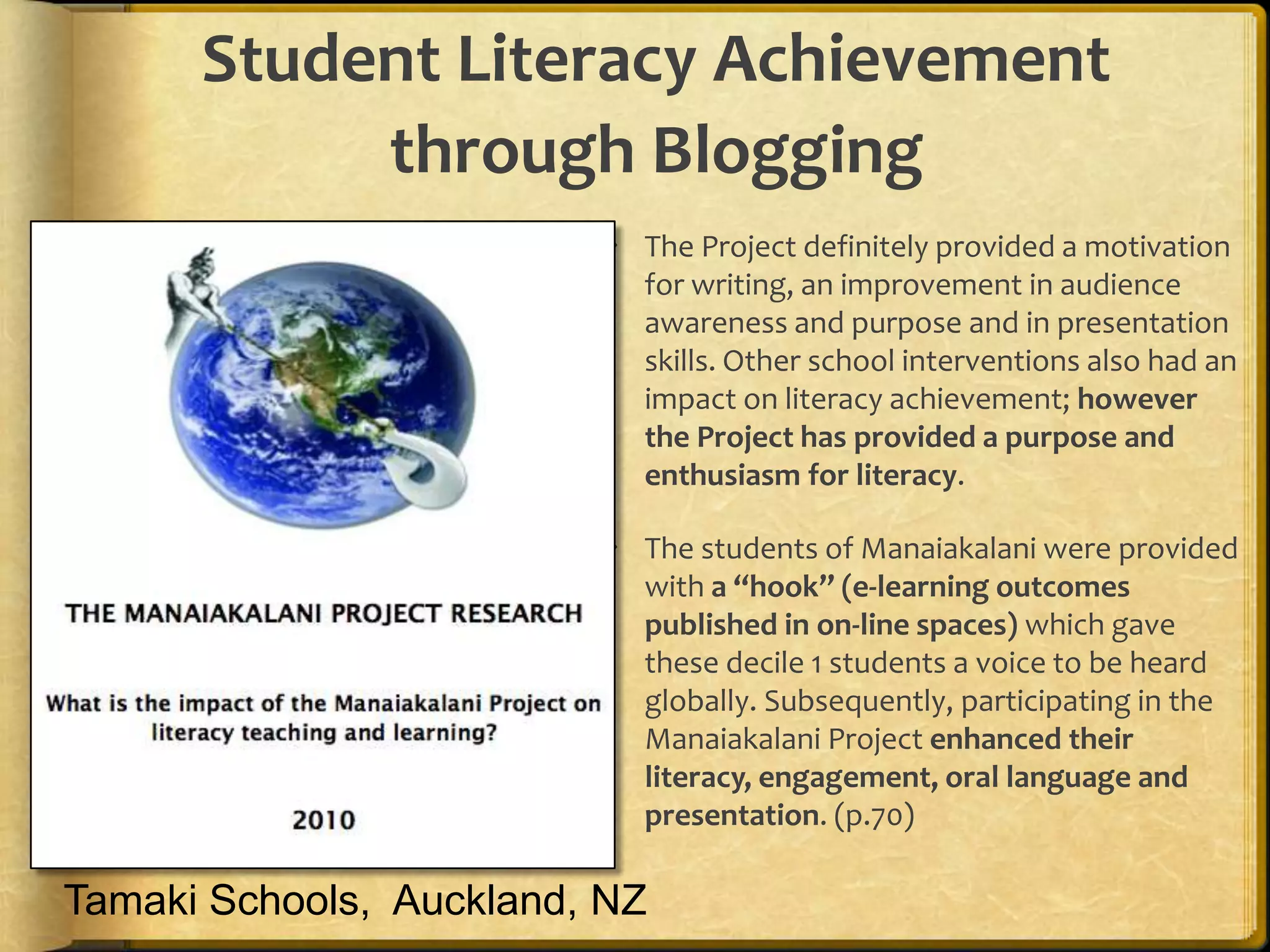
Student Literacy Achievement through BloggingThe Project definitely provided a motivation for writing, an improvement in audience awareness and purpose and in presentation skills. Other school interventions also had an impact on literacy achievement; however the Project has provided a purpose and enthusiasm for literacy.The students of Manaiakalani were provided with a “hook” (e-learning outcomes published in on-line spaces) which gave these decile 1 students a voice to be heard globally. Subsequently, participating in the Manaiakalani Project enhanced their literacy, engagement, oral language and presentation. (p.70)Tamaki Schools,  Auckland, NZ
HOW?WorkspaceToolsShowcase“Capture the Moment”
Process/ProductePortfoliois both process and product”
Process: A series of events (time and effort) to produce a result- From Old French procesJourney
Product: the outcome/results or “thinginess” of an activity/processDestination
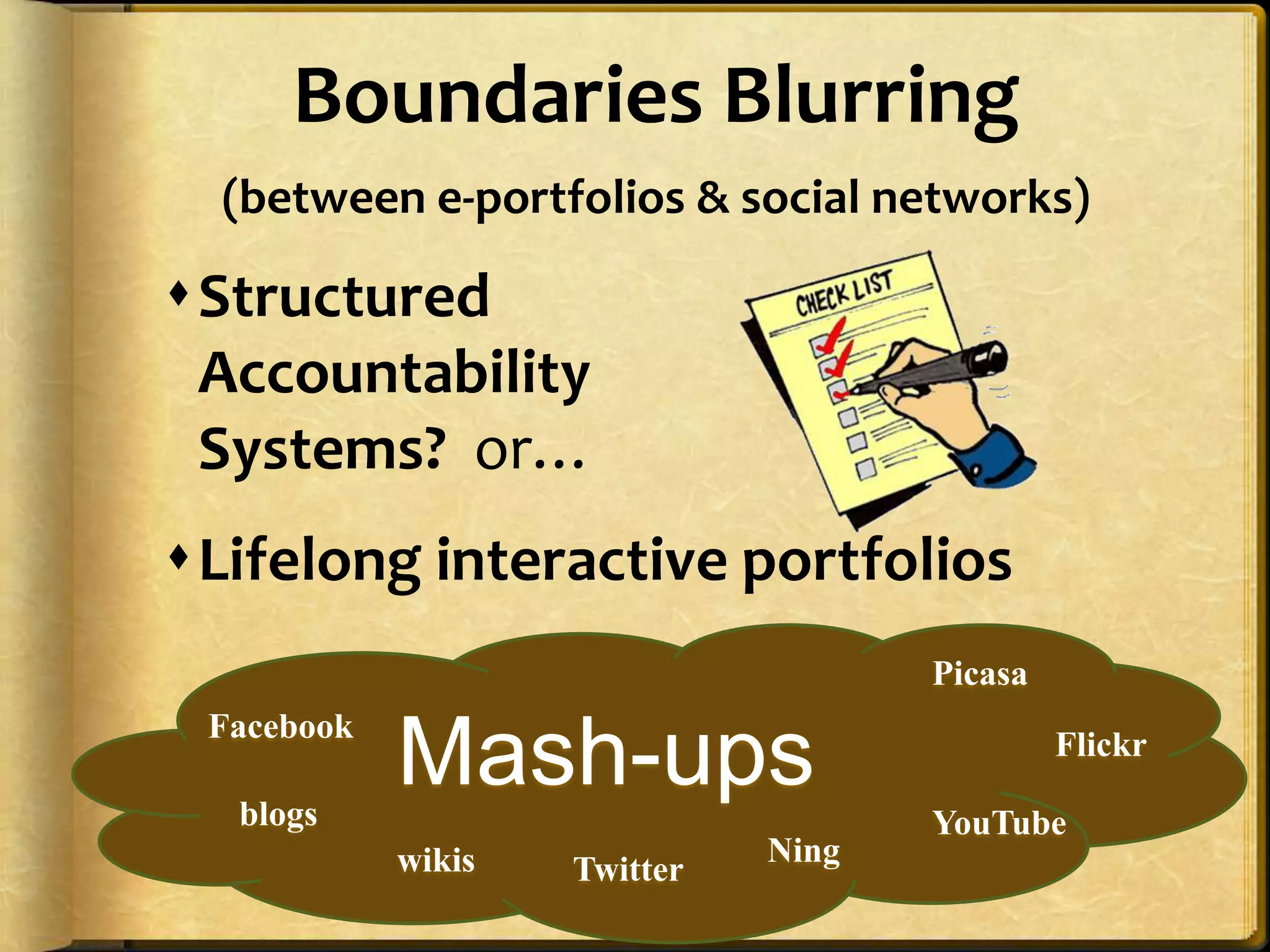
WiktionaryBoundaries Blurring (between e-portfolios & social networks)Structured Accountability Systems?  or…Lifelong interactive portfoliosPicasaMash-upsFacebookFlickrblogsYouTubeNingwikisTwitter26
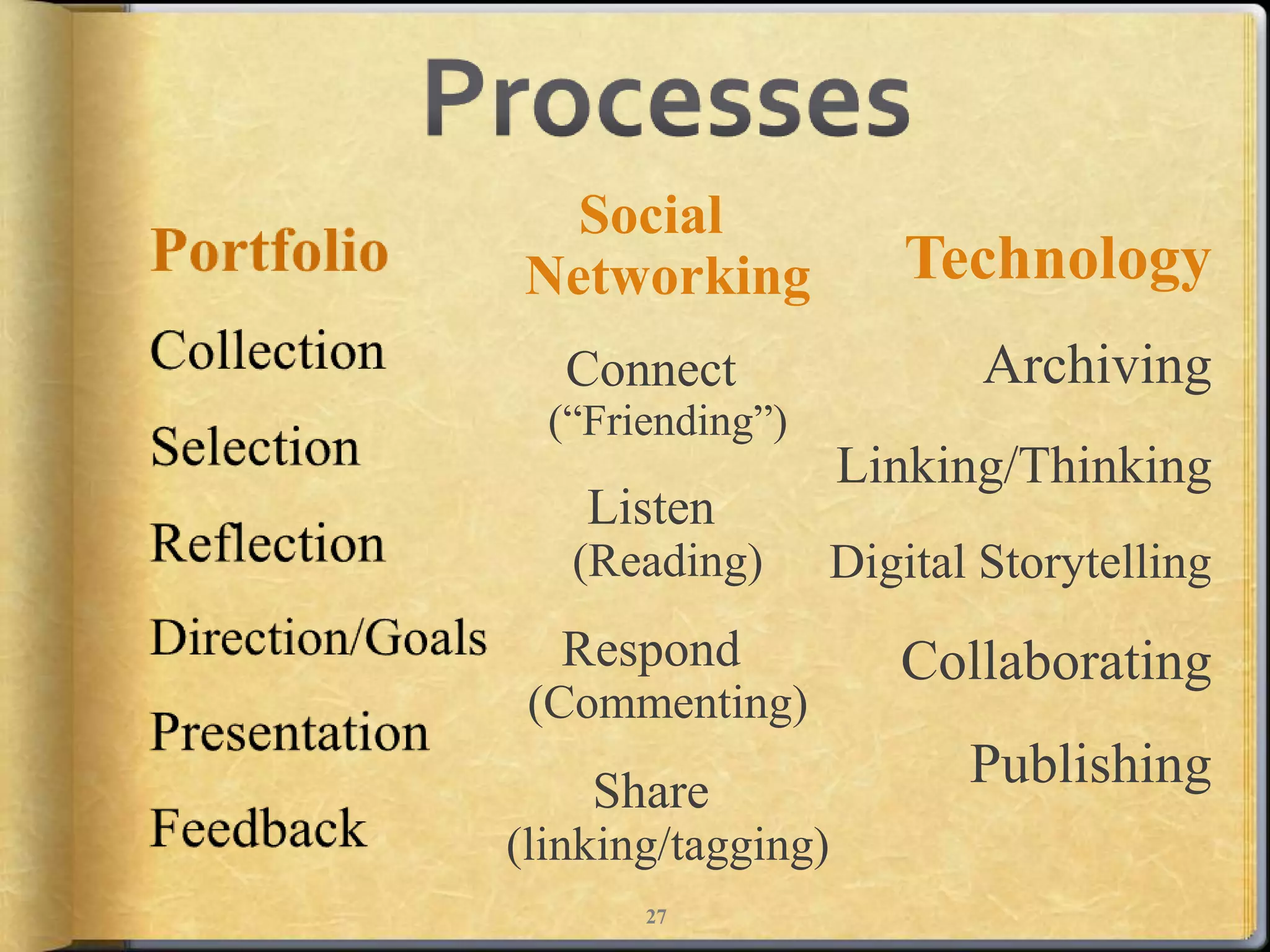
ProcessesSocial NetworkingConnect(“Friending”)Listen(Reading)Respond(Commenting)Share(linking/tagging)PortfolioCollectionSelectionReflectionDirection/GoalsPresentationFeedbackTechnology  ArchivingLinking/ThinkingDigital Storytelling  Collaborating  Publishing27
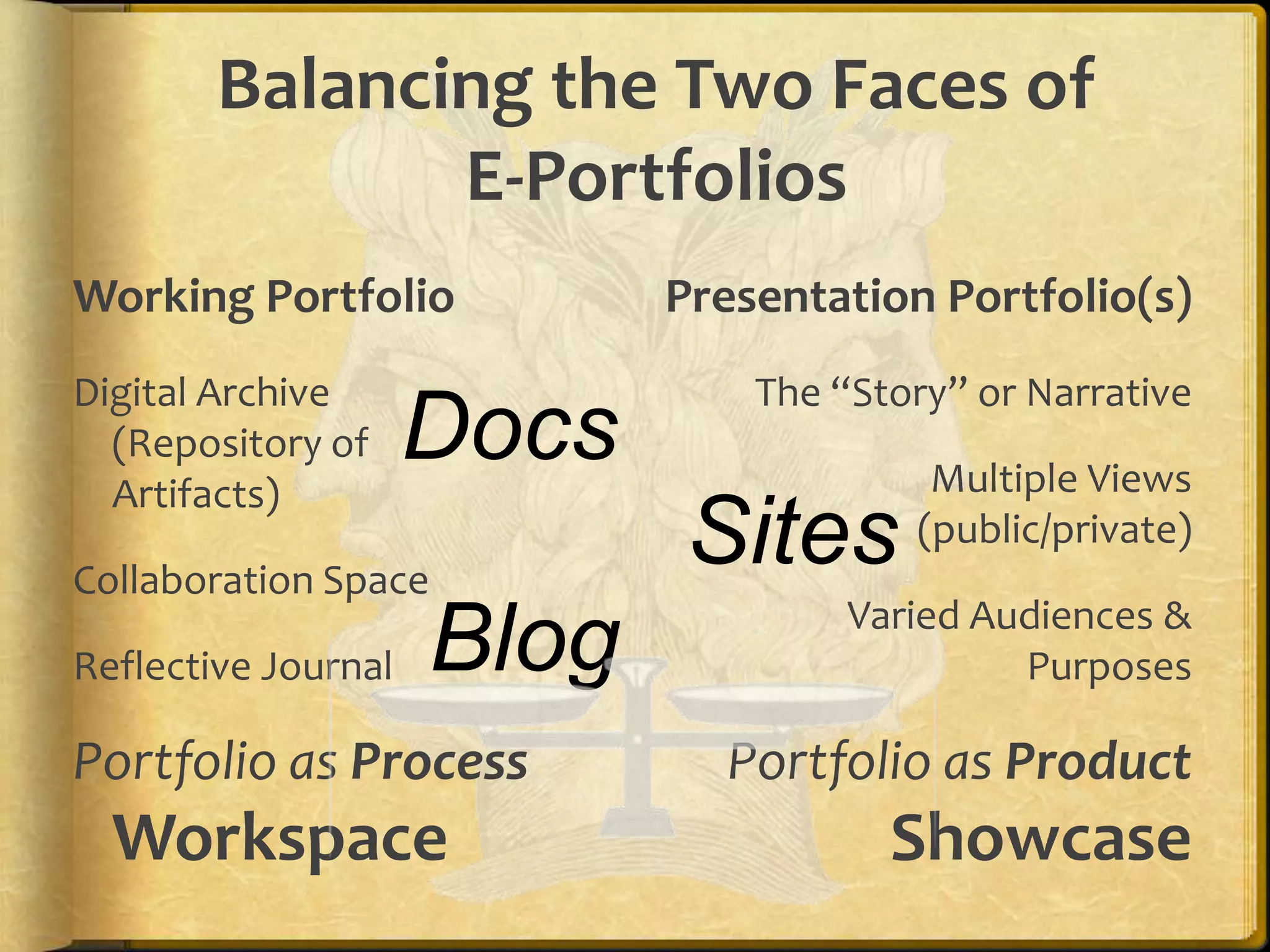
Balancing the Two Faces of E-PortfoliosWorking PortfolioPresentation Portfolio(s)DocsDigital Archive (Repository of Artifacts)Collaboration SpaceReflective JournalPortfolio as ProcessWorkspaceThe “Story” or NarrativeMultiple Views (public/private)Varied Audiences & PurposesPortfolio as ProductShowcaseSitesBlog
Why?Integrated EcoSystemSingle Sign-OnWalled GardenTransferable
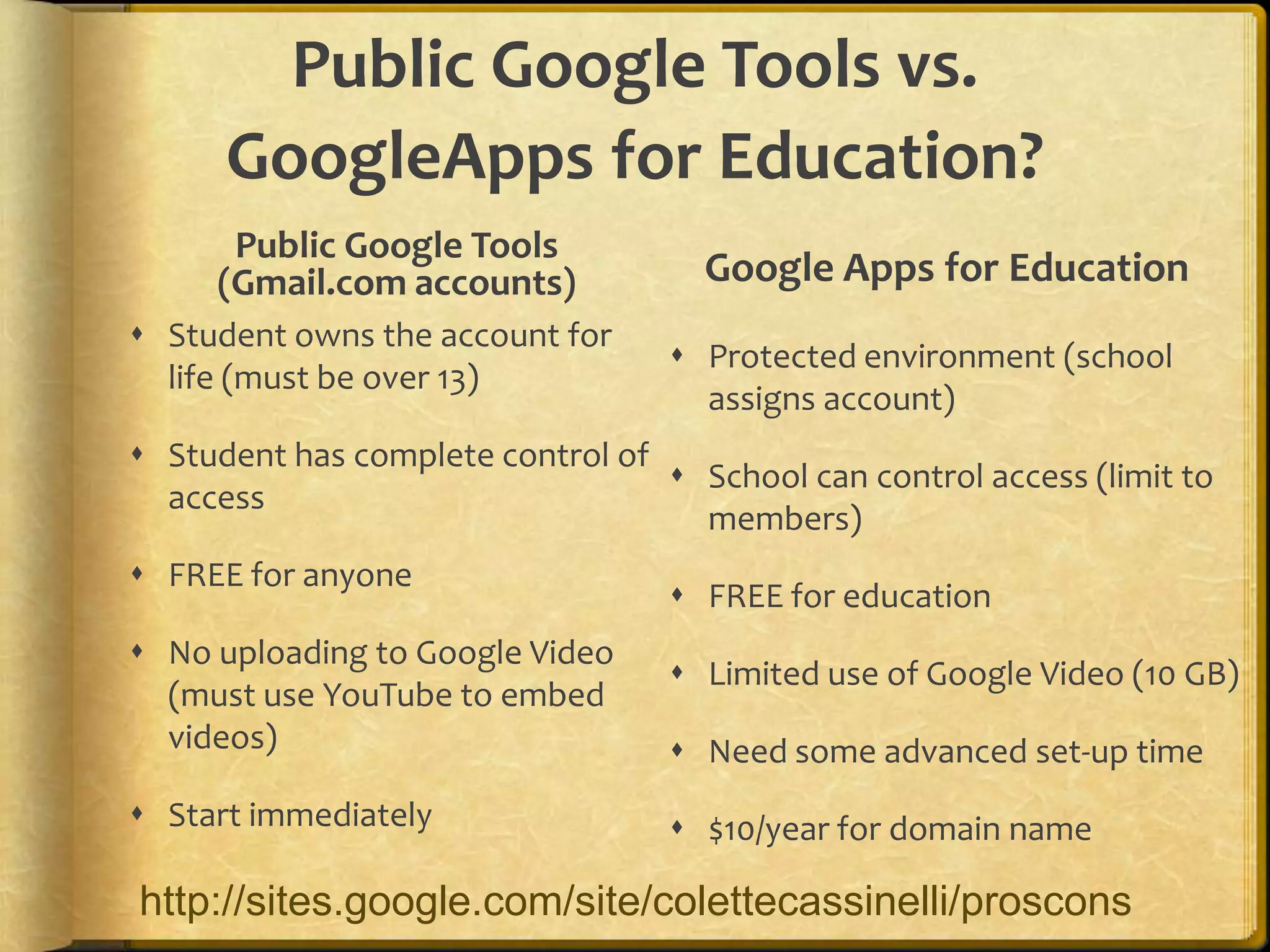
Public Google Tools vs. GoogleApps for Education?Public Google Tools (Gmail.com accounts)Google Apps for EducationStudent owns the account for life (must be over 13)Student has complete control of accessFREE for anyoneNo uploading to Google Video (must use YouTube to embed videos)Start immediatelyProtected environment (school assigns account)School can control access (limit to members)FREE for educationLimited use of Google Video (10 GB)Need some advanced set-up time$10/year for domain namehttp://sites.google.com/site/colettecassinelli/proscons
Using Google Apps
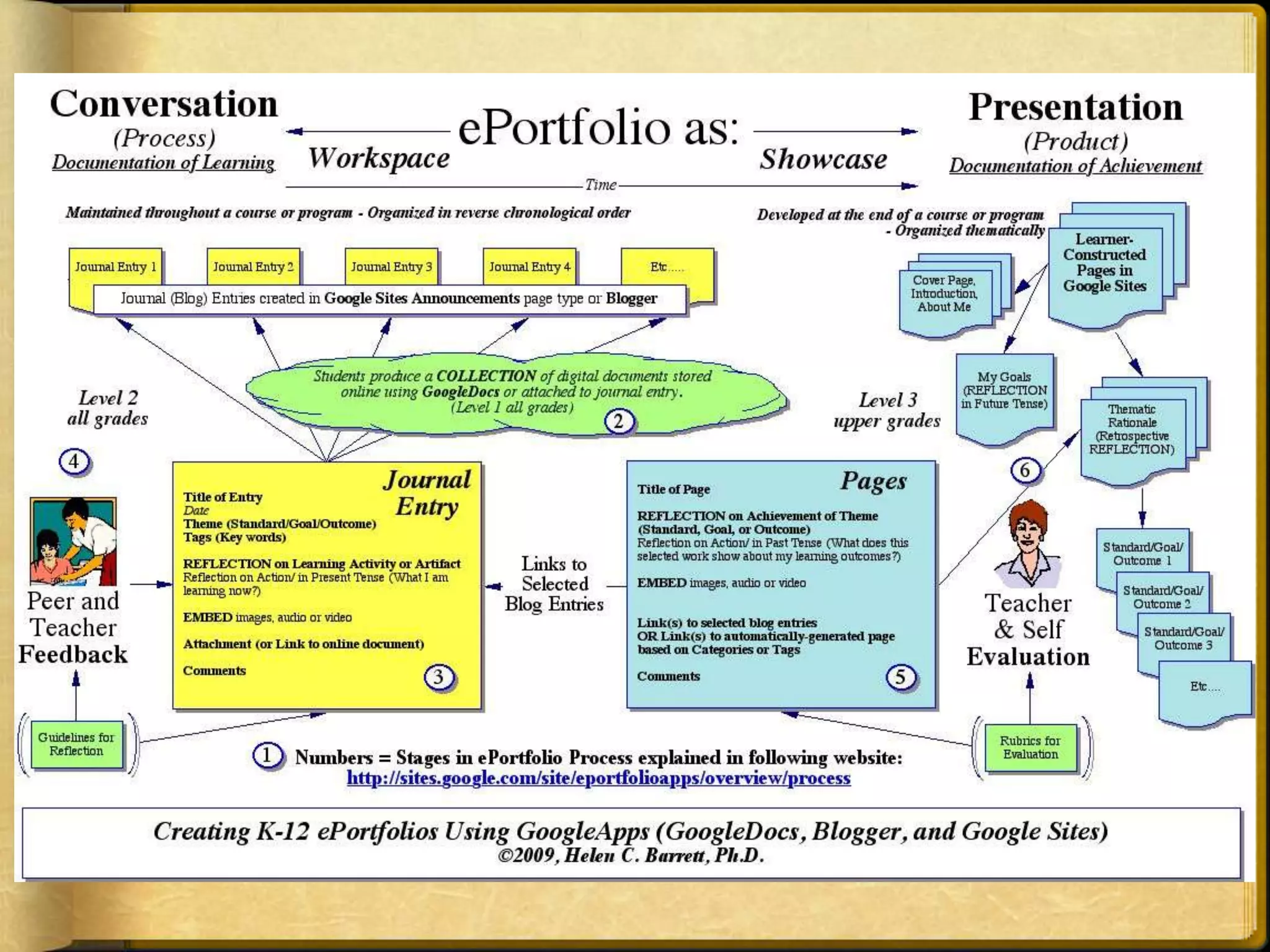
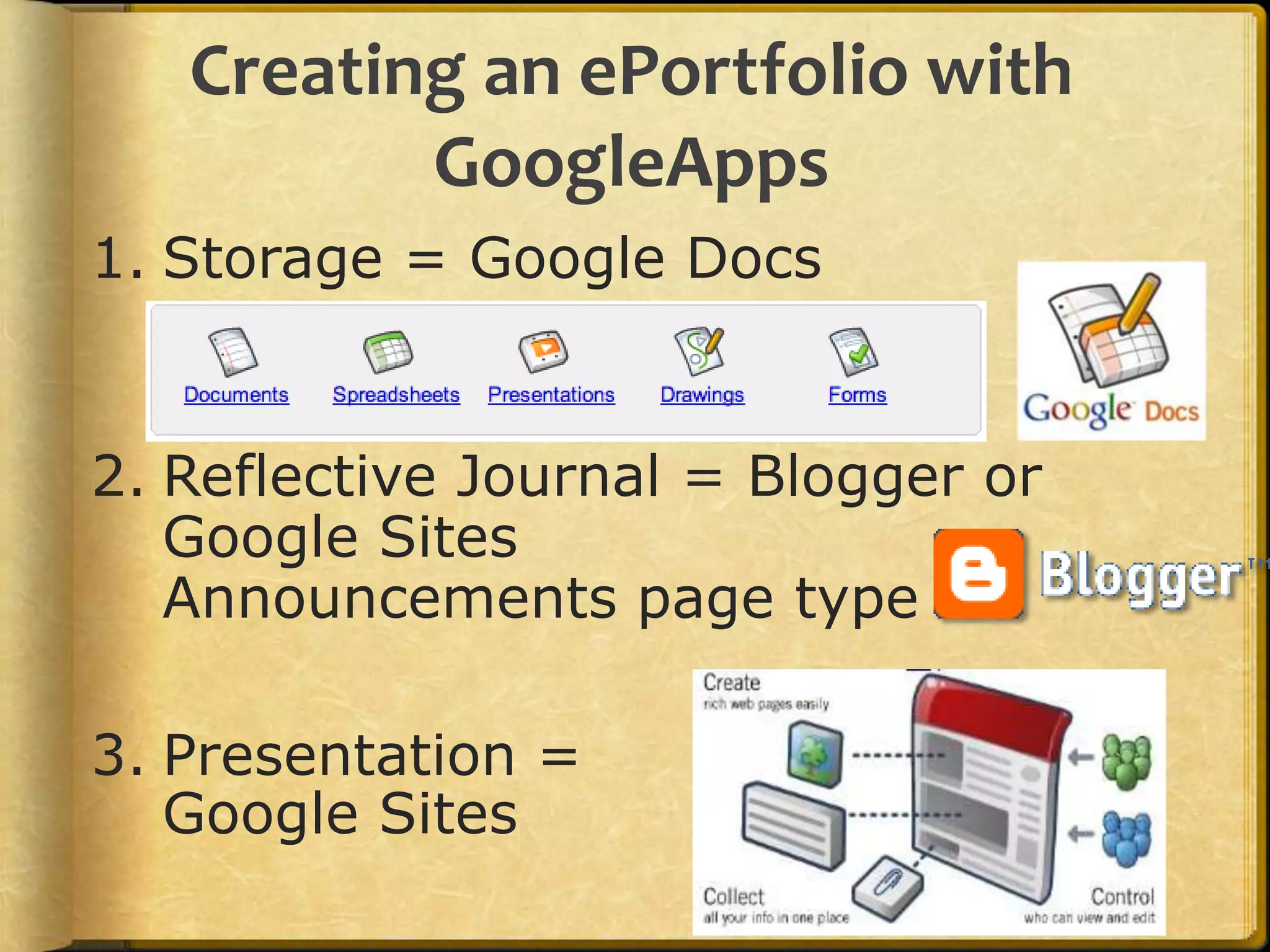
Creating an ePortfolio with GoogleAppsStorage = Google DocsReflective Journal = Blogger or Google Sites Announcements page type Presentation =Google Sites
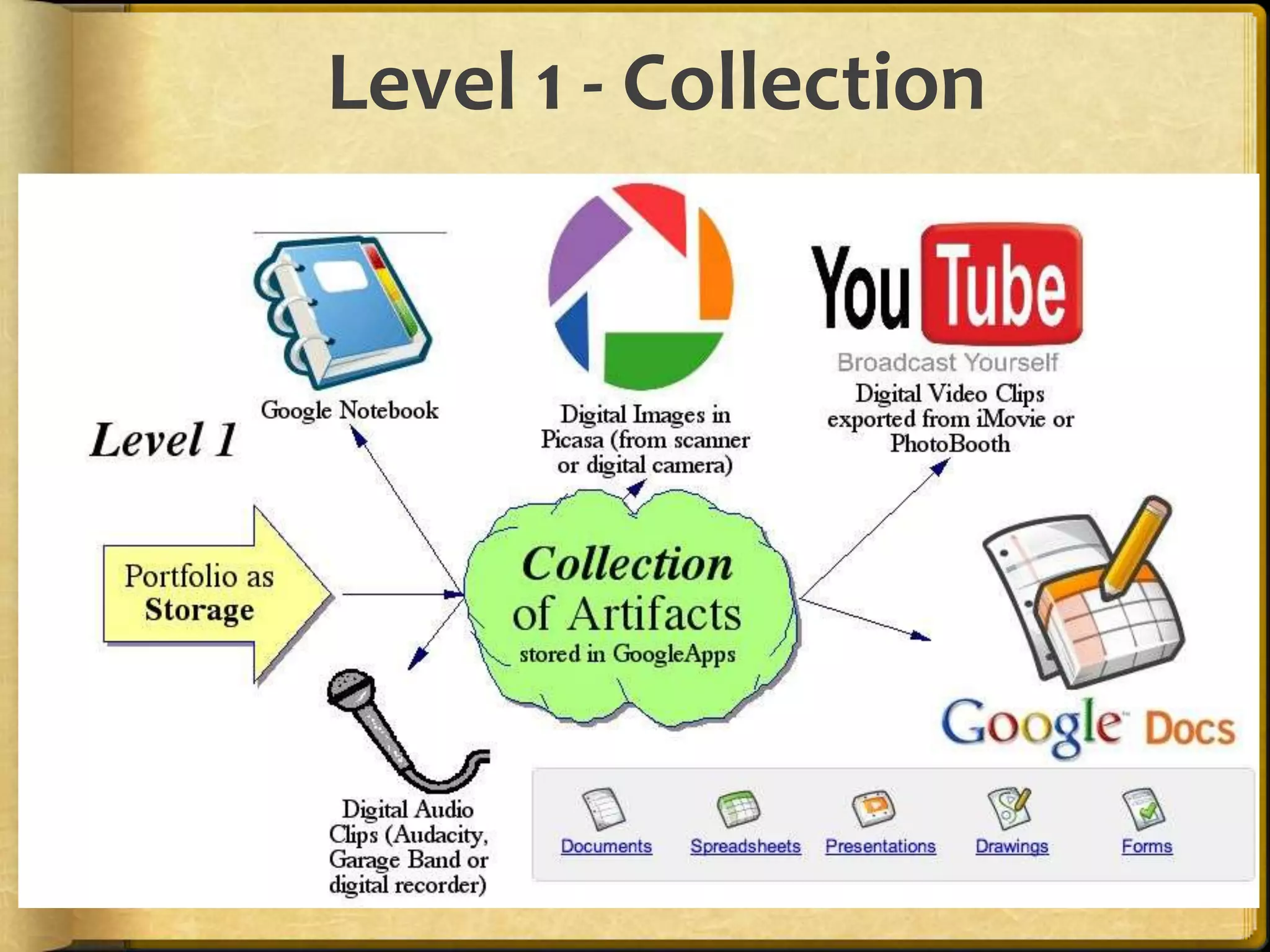
Level 1 - Collection
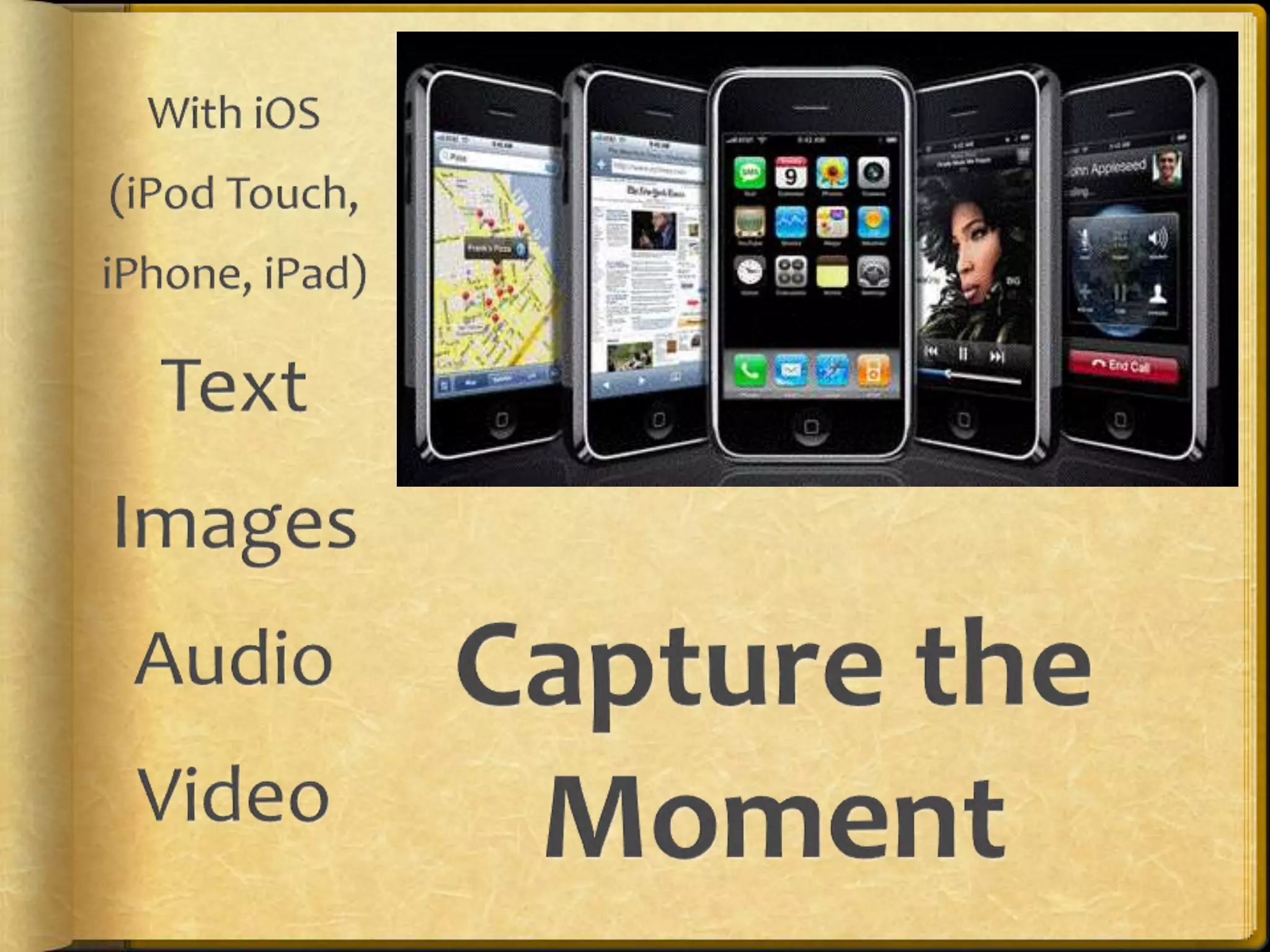
With iOS (iPod Touch, iPhone, iPad) Text    Images   Audio  VideoCapture the Moment
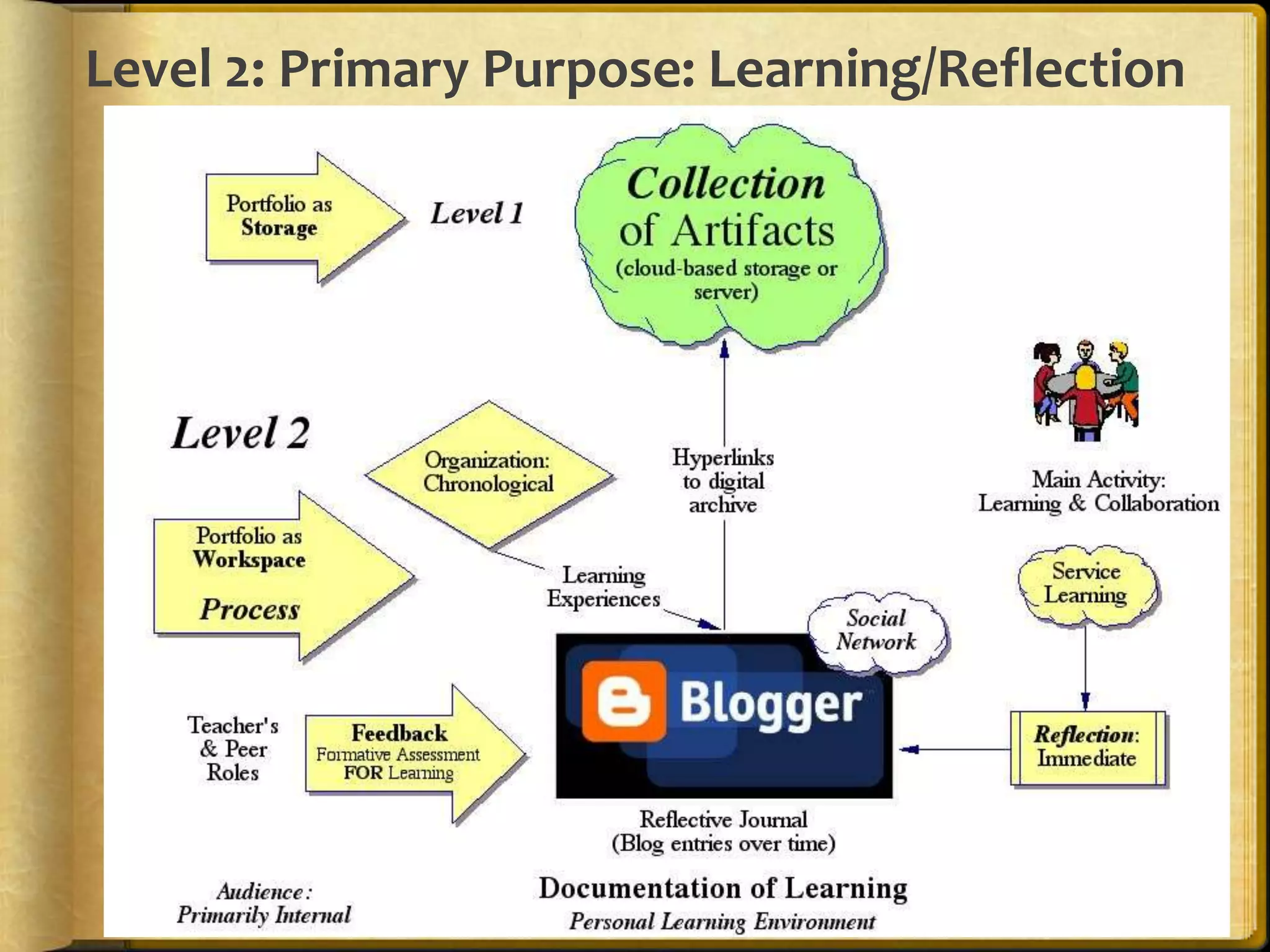
Level 2: Primary Purpose: Learning/Reflection
Post to                       from MobileSend email to pre-arranged email addressUse BlogPressiOS app ($2.99) or Blogsy for iPad  ($4.99)  Set up Blogger Mobile and send SMS
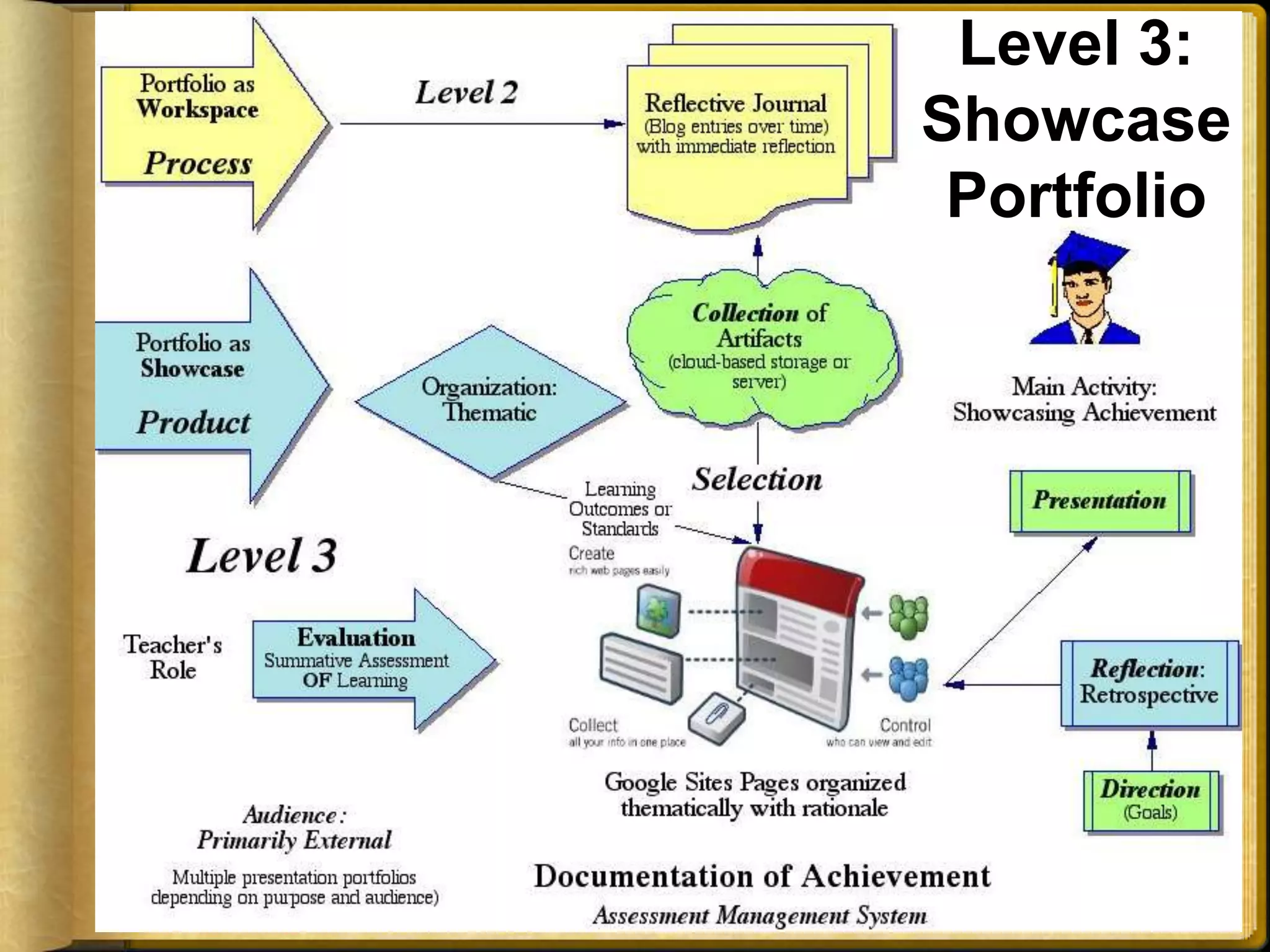
Level 3: Showcase PortfolioLevel 3: Primary Purpose: Showcase/Accountability
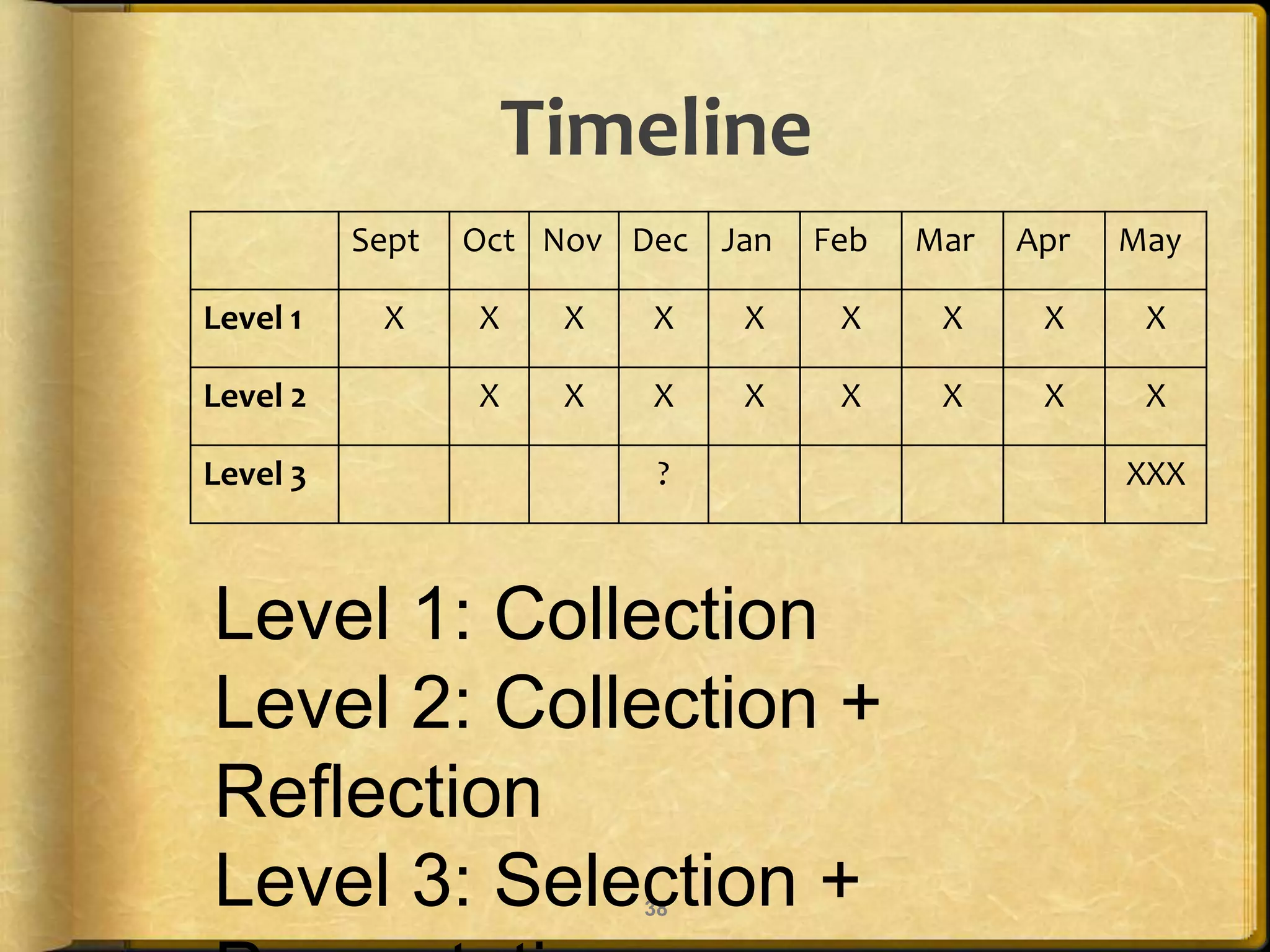
Timeline38Level 1: CollectionLevel 2: Collection + ReflectionLevel 3: Selection + Presentation
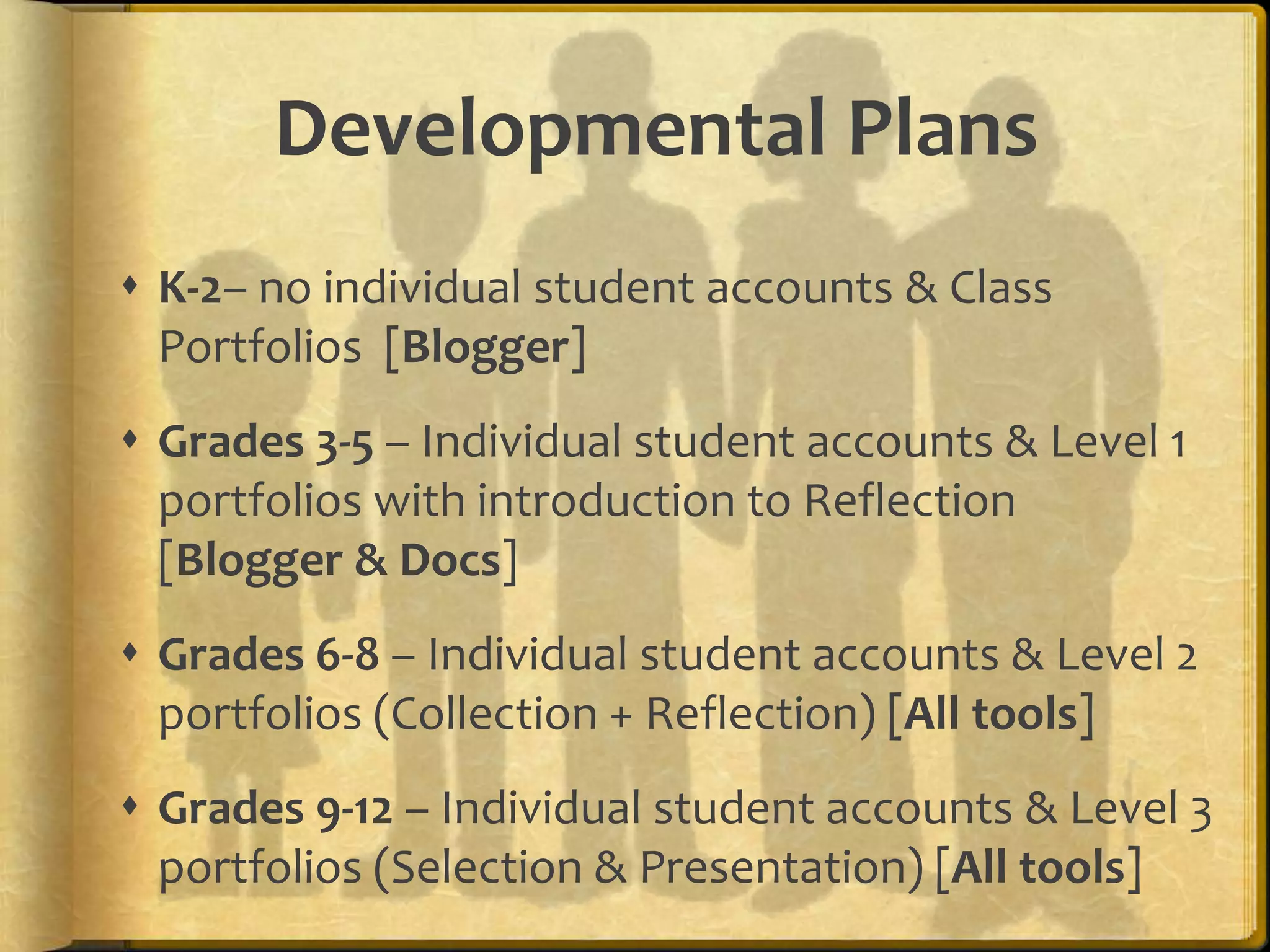
Developmental PlansK-2– no individual student accounts & Class Portfolios  [Blogger]Grades 3-5 – Individual student accounts & Level 1 portfolios with introduction to Reflection [Blogger & Docs]Grades 6-8 – Individual student accounts & Level 2 portfolios (Collection + Reflection) [All tools]Grades 9-12 – Individual student accounts & Level 3 portfolios (Selection & Presentation) [All tools]
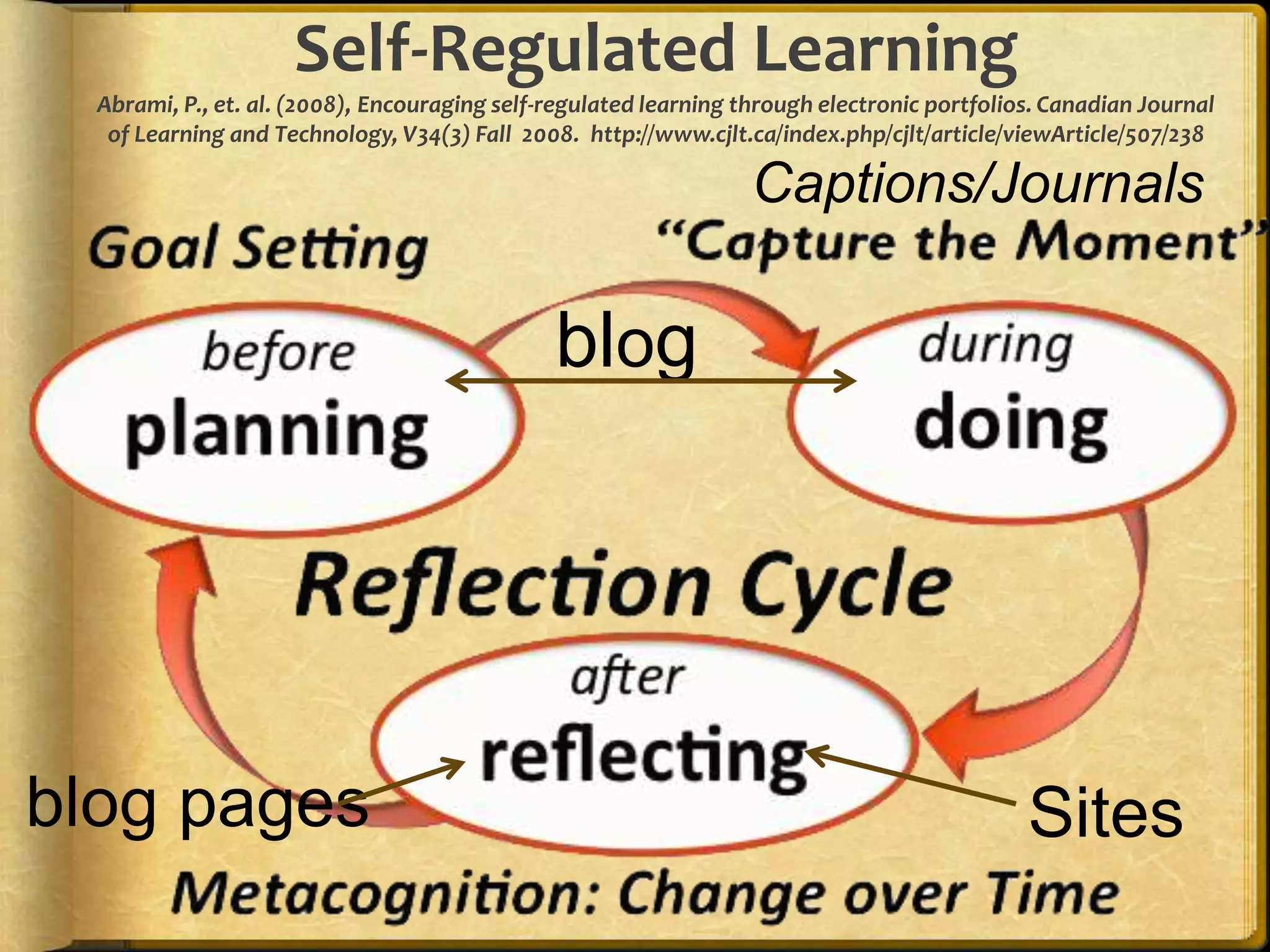
Self-Regulated LearningAbrami, P., et. al. (2008), Encouraging self-regulated learning through electronic portfolios. Canadian Journal of Learning and Technology, V34(3) Fall  2008.  http://www.cjlt.ca/index.php/cjlt/article/viewArticle/507/238 Captions/Journalsblogblog pagesSites
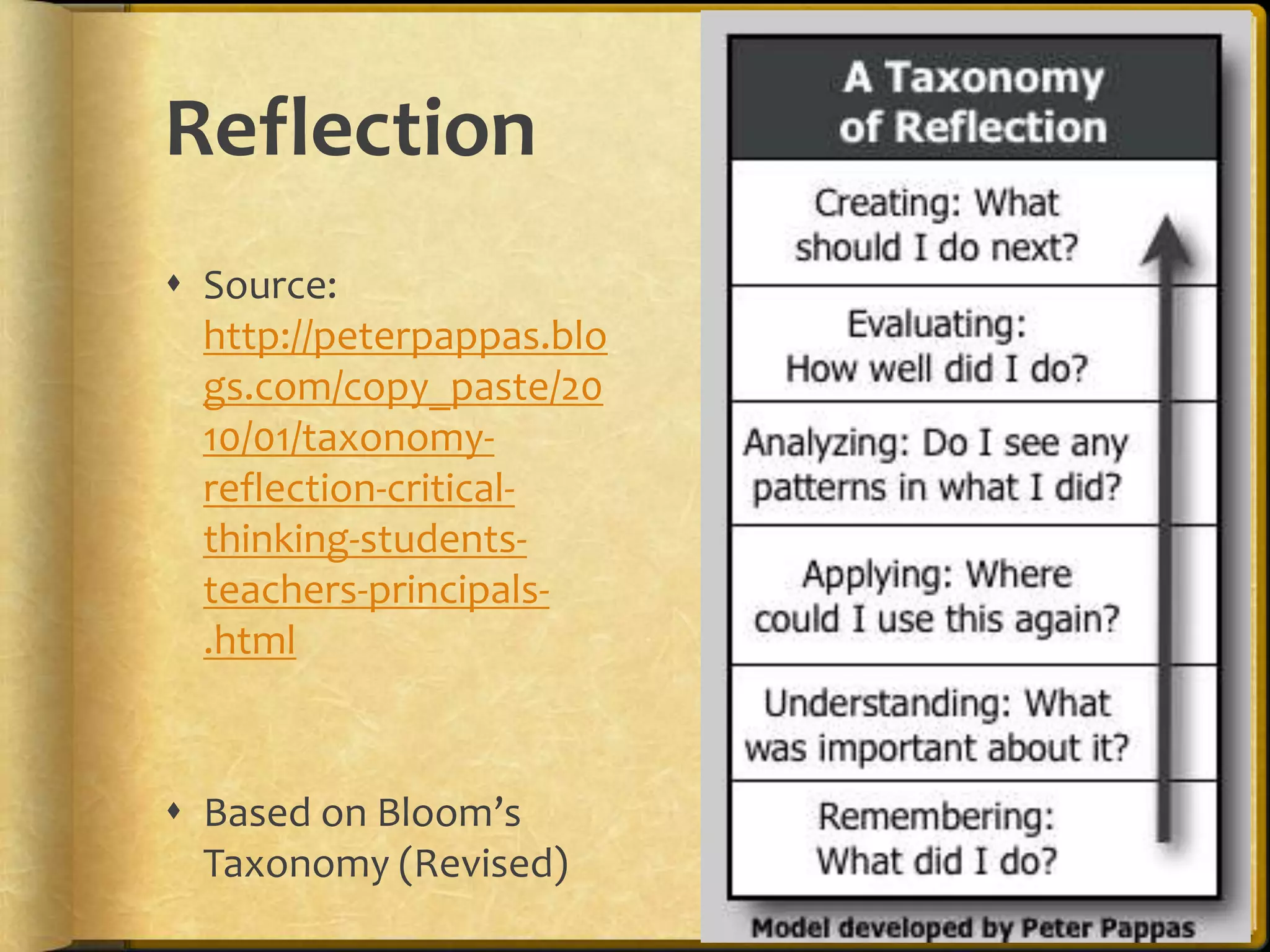
ReflectionSource: http://peterpappas.blogs.com/copy_paste/2010/01/taxonomy-reflection-critical-thinking-students-teachers-principals-.htmlBased on Bloom’s Taxonomy (Revised)
ExamplesOnline Portfolios & Blogs
Student examplesHunter Park Kindergarten & Abigail's E-Profile (NZ) – BloggerKim Cofino’s 6th graders (Japan) - BloggerPt. England School (NZ) - BloggerRyan’s Senior Project (US) – Google SitesMy Google Sites Presentation Portfolio
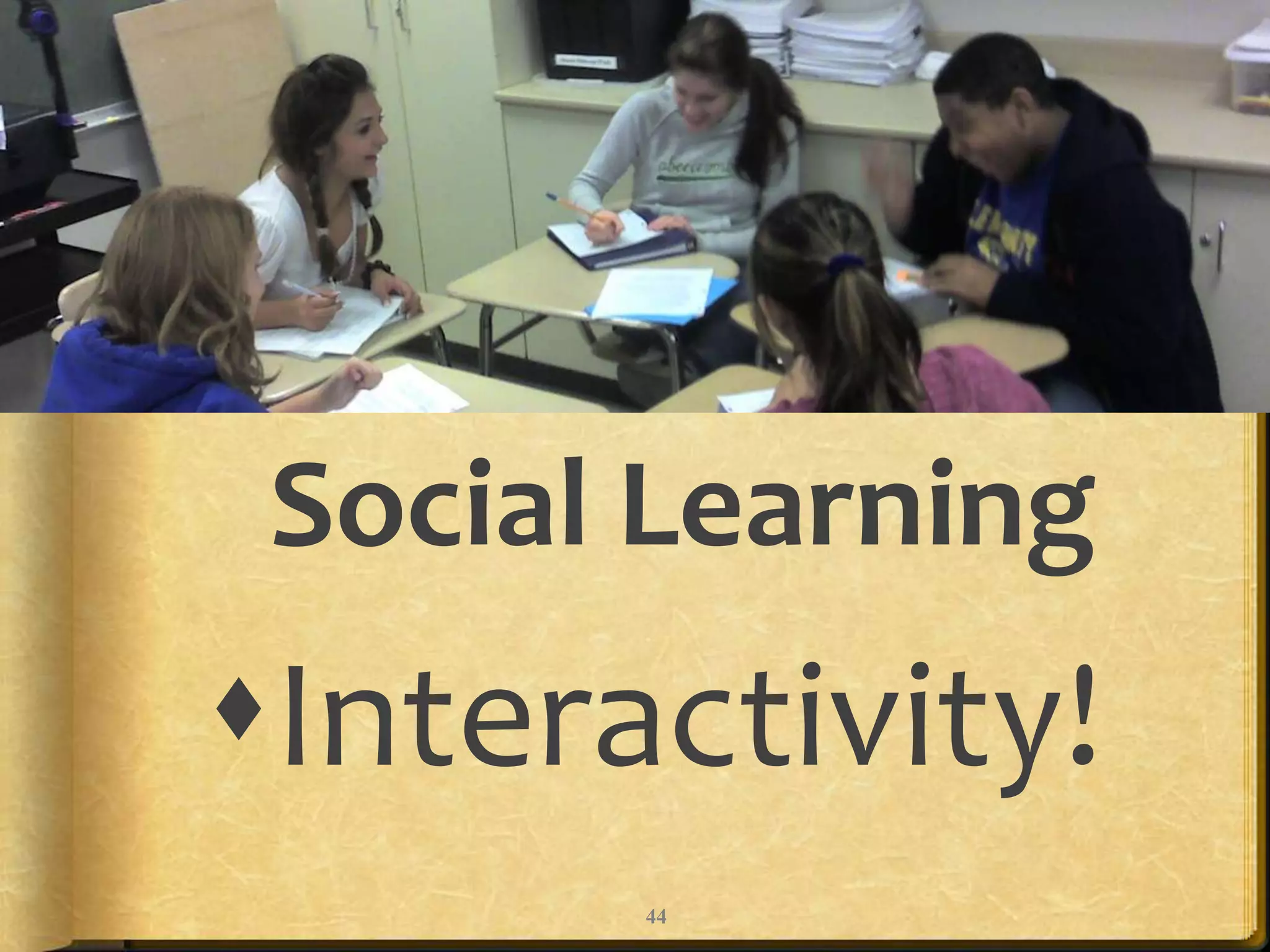
Social LearningInteractivity!44
Student Engagement!CQ + PQ > IQ (Friedman, 2006)[Curiosity + Passion > Intelligence]Find voice and passions through choice and personalization!Portfolio as StoryPositive Digital Identity Development - Branding“Academic MySpace”45
Successful ePortfolio Process:Develop multimedia artifacts through Project-Based Learning with Docs  & Learning with Laptops/Mobiles Engage students in reflection to facilitate deep learning through…Digital storytelling Journal/Blog & Presentation Portfolios – Balance Workspace + Showcase
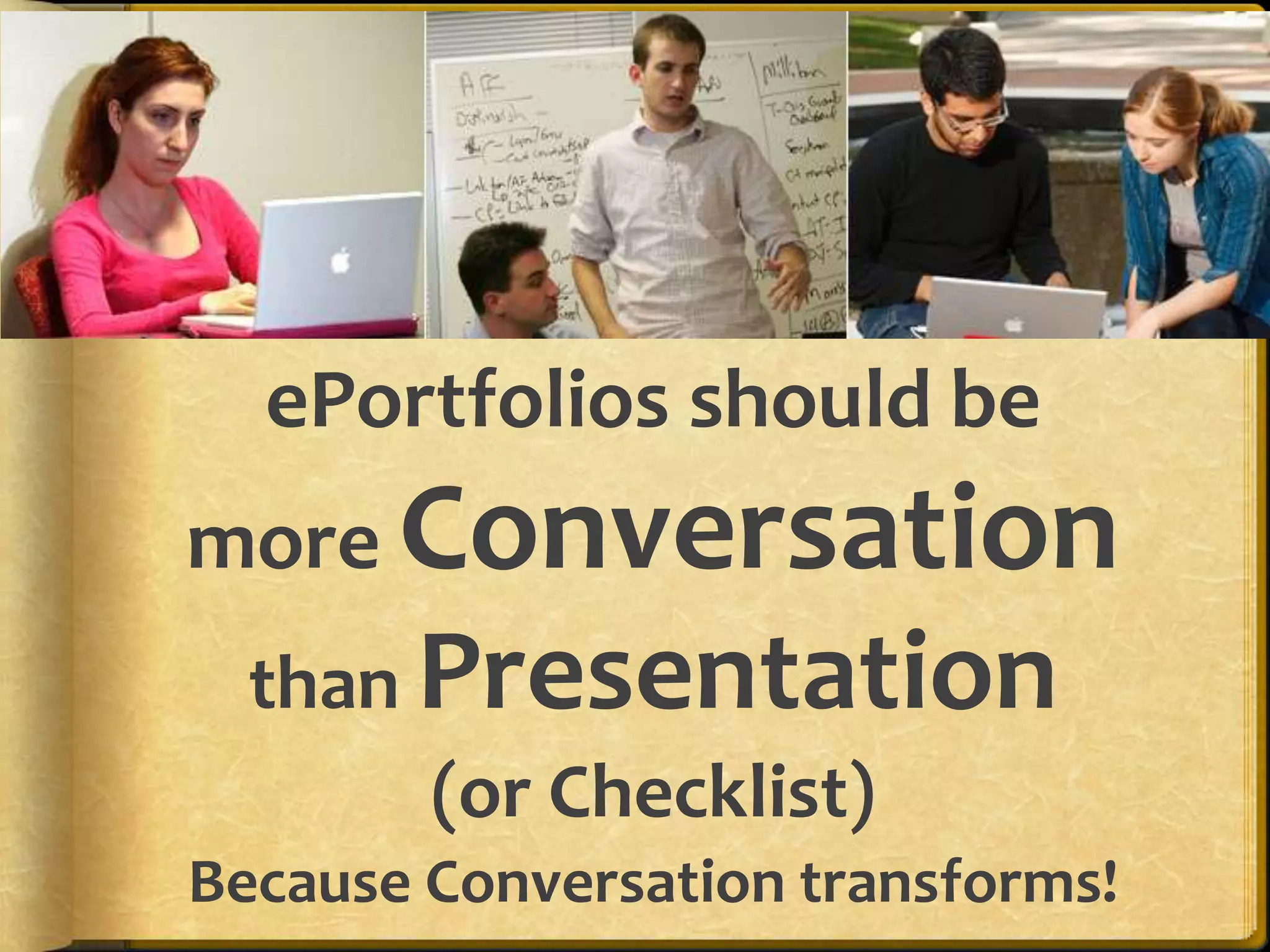
ePortfolios should be more Conversationthan Presentation(or Checklist)Because Conversation transforms!
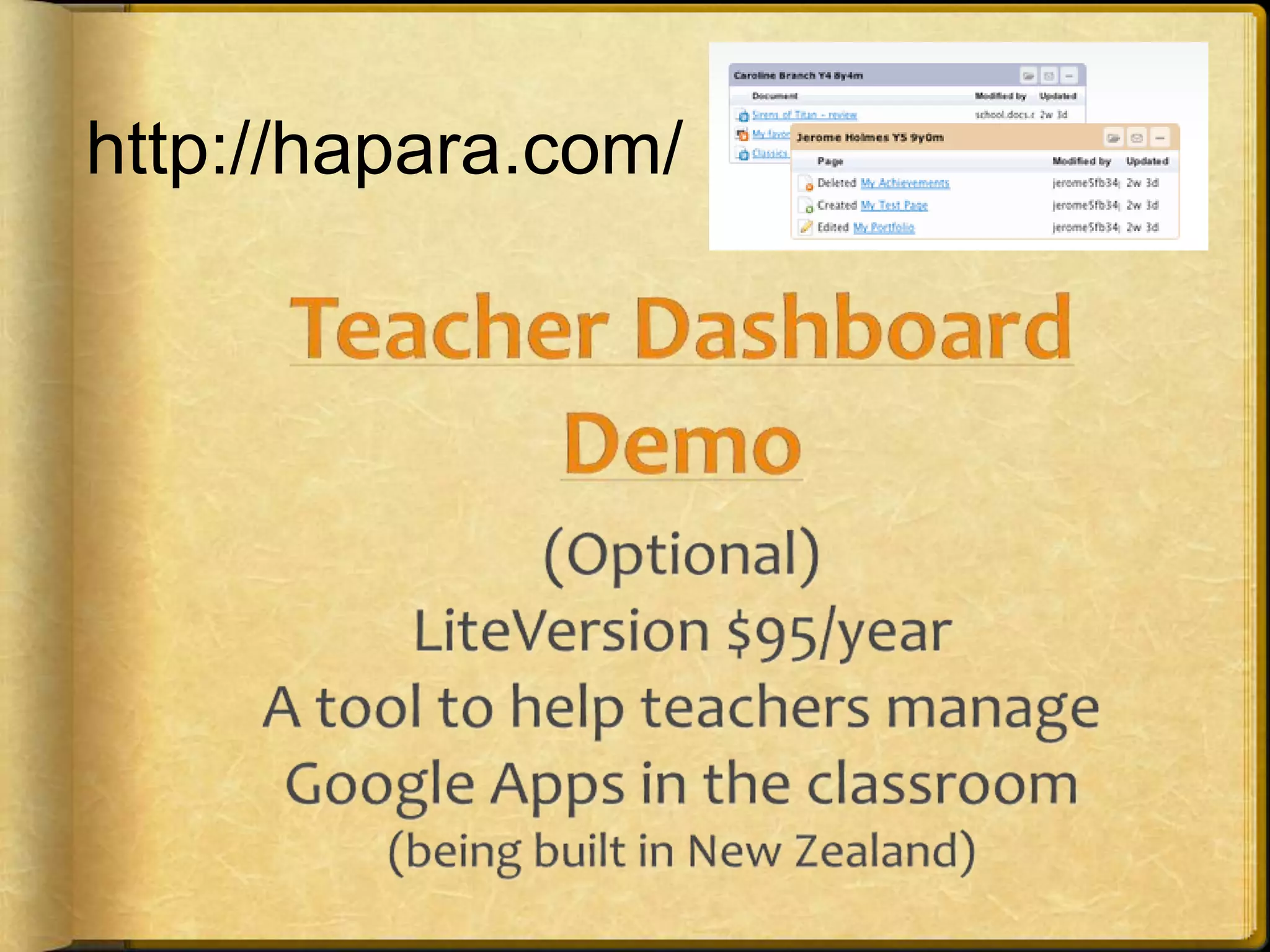
Teacher Dashboard Demo(Optional)LiteVersion $95/yearA tool to help teachers manage Google Apps in the classroom(being built in New Zealand)http://hapara.com/
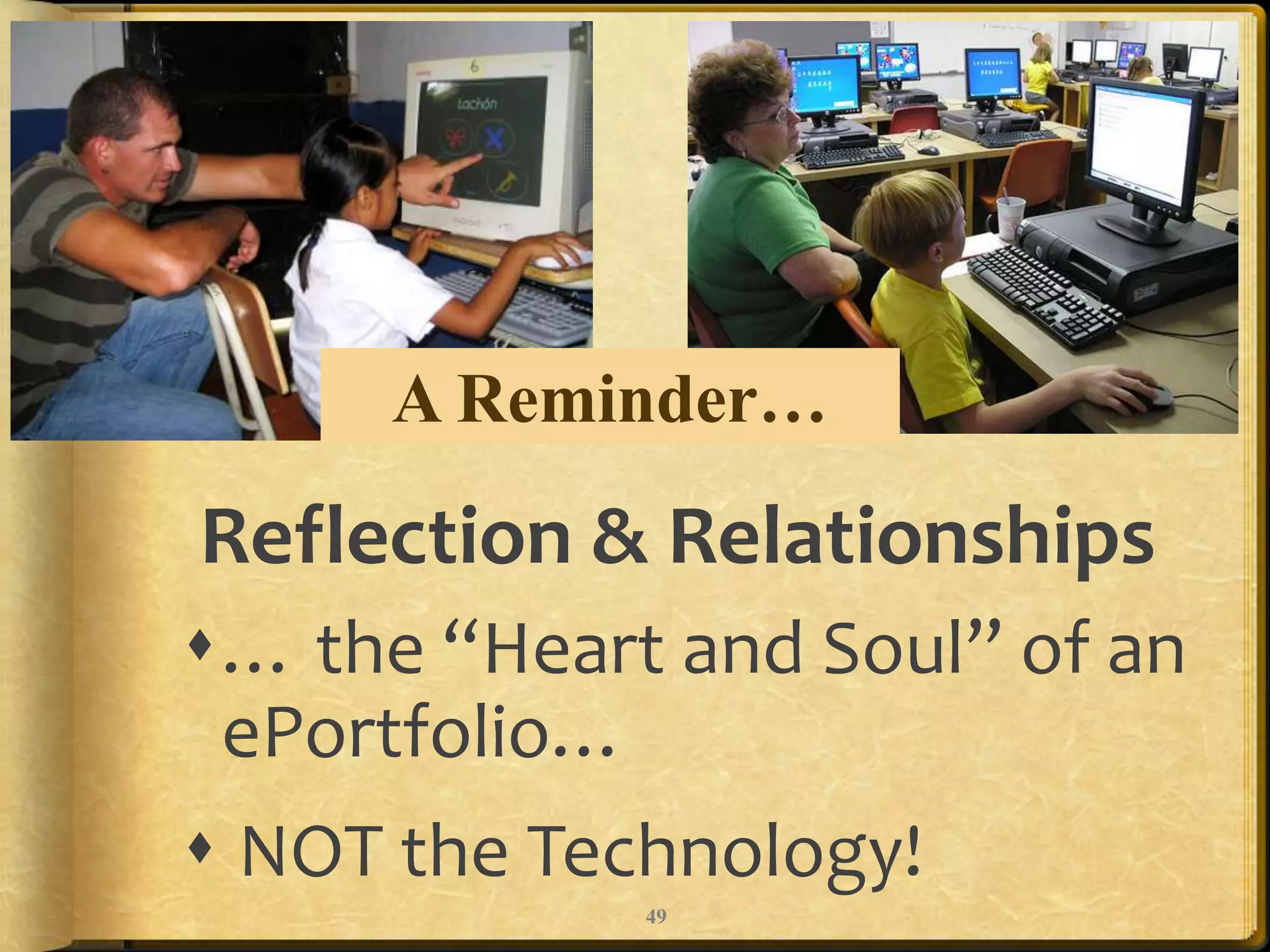
A Reminder…Reflection & Relationships… the “Heart and Soul” of an ePortfolio… NOT the Technology!49
Portfolios help learners find their Voice… and explore their Purpose and Passions through Choice!

Iste google apps2011

  • 1.
    Email:eportfolios@gmail.comTwitter hashtag:#eportfoliosStudent-Centered InteractiveE-Portfolios Dr. Helen BarrettwithTwitter:@eportfolioselectronicportfolios.org/slideshare.net/eportfolios/
  • 2.
    Outline ContextDefinitions (What?)Reflection(Why?)Google Apps (How?) BloggerDocsSitesTeacher Dashboard
  • 3.
    Purpose & ObjectivesParticipantswill gain an overview of the various Google Tools and how they can be used to develop ePortfolios.Participants will see examples of ePortfolios created in K-12 schools using GoogleAppshttp://sites.google.com/site/eportfolioapps/http://slideshare.net/eportfolios
  • 4.
  • 5.
    National Educational TechnologyPlan (2010)Technology also gives students opportunities for taking ownership of their learning. Student-managed electronic learning portfolios can be part of a persistent learning record and help students develop the self-awareness required to set their own learning goals, express their own views of their strengths, weaknesses, and achievements, and take responsibility for them. Educators can use them to gauge students’ development, and they also can be shared with peers, parents, and others who are part of students’ extended network. (p.12)
  • 6.
    2011 Horizon Report– K-12Time-to-adoption: One Year or LessCloud ComputingMobiles Two to Three YearsGame-Based LearningOpen Content Four to Five YearsLearning AnalyticsPersonal Learning Environments New Media Consortium http://www.nmc.org/
  • 7.
    What are InteractivePortfolios?Portfolios using Web 2.0 tools to: reflect on learning in multiple formats
  • 8.
    showcase workonline to multiple audiences
  • 9.
    dialogue aboutlearning artifacts/reflections
  • 10.
    provide feedbackto improve learning Balanced?Student-CenteredSchool-CenteredFocus on Interests, Passions, GoalsChoice and VoiceReflectionLifelong LearningFocus on Standards, OutcomesAccountability, Achievement Term, Graduation
  • 11.
    Golden Circle What?How?Why?9
  • 12.
    WHAT?Audio • Video• Text • ImagesDigital RepositoryElectronic PortfolioSocial NetworksMultimedia Artifacts
  • 13.
    What is aPortfolio?Dictionary definition: a flat, portable case for carrying loose papers, drawings, etc.Financial portfolio: document accumulation of fiscalcapitalEducational portfolio: document development of humancapital
  • 14.
    E-Portfolio ComponentsMultiple Portfoliosfor Multiple Purposes-Celebrating Learning-Personal Planning-Transition/entry to courses-Employment applications-Accountability/Assessment
  • 15.
    Multiple Tools toSupport Processes-Capturing & storing evidence-Reflecting-Giving & receiving feedback-Planning & setting goals-Collaborating-Presenting to an audience
  • 16.
  • 17.
  • 18.
    PurposeThe overarching purposeof portfolios is to create a sense of personal ownership over one’s accomplishments, because ownership engenders feelings of pride, responsibility, and dedication. (p.10)Paris, S & Ayres, L. (1994) Becoming Reflective Students and Teachers. American Psychological Association
  • 19.
    United #7 ePortfolioVision Statement (Draft)By implementing e-portfolios, United#7 will empower students to become active participants in their own personalized education. Through use of reflection, technology, and collaboration, students and teachers will develop skills that will lead them to achieve their lifelong goals.
  • 20.
    From Mead SchoolDistrict’s Student Portfolio Handbook: Remember, you are telling us a story, and not just any story. Your portfolio is meant to be your story of your life over the last four years as well as the story of where your life might be going during the next four years: tell it with pride!
  • 21.
  • 22.
    Multiple Purposes ofE-Portfolios in EducationLearning/ Process/ PlanningMarketing/ Showcase Assessment/ Accountability"The Blind Men and the Elephant” by John Godfrey Saxe
  • 23.
    Digital IdentityCreating apositive digital footprint
  • 24.
    Passion and Self-DirectedLearningLisa Nielsen’s “The Innovative Educator” blog entries:Preparing Students for Successby Helping Them Discover and Develop Their Passions (Renzulli’s Total Talent Portfolio)10 Ways Technology Supports21st Century Learners in Being Self Directedhttp://theinnovativeeducator.blogspot.com/
  • 25.
  • 26.
    Managing OneselfPeter Drucker,(2005) Harvard Business Review“Success in the knowledge economy comes to those who know themselves – their strengths, their values, and how best they perform.”Purpose: Use ePortfolios for managing knowledge workers' career developmentWhat are my strengths?How do I perform?What are my values?Where do I belong?What should I contribute?Responsibility for RelationshipsThe Second Half of your Life
  • 27.
    Student Literacy Achievementthrough BloggingThe Project definitely provided a motivation for writing, an improvement in audience awareness and purpose and in presentation skills. Other school interventions also had an impact on literacy achievement; however the Project has provided a purpose and enthusiasm for literacy.The students of Manaiakalani were provided with a “hook” (e-learning outcomes published in on-line spaces) which gave these decile 1 students a voice to be heard globally. Subsequently, participating in the Manaiakalani Project enhanced their literacy, engagement, oral language and presentation. (p.70)Tamaki Schools, Auckland, NZ
  • 28.
  • 29.
  • 30.
    Process: A seriesof events (time and effort) to produce a result- From Old French procesJourney
  • 31.
    Product: the outcome/resultsor “thinginess” of an activity/processDestination
  • 32.
    WiktionaryBoundaries Blurring (betweene-portfolios & social networks)Structured Accountability Systems? or…Lifelong interactive portfoliosPicasaMash-upsFacebookFlickrblogsYouTubeNingwikisTwitter26
  • 33.
  • 34.
    Balancing the TwoFaces of E-PortfoliosWorking PortfolioPresentation Portfolio(s)DocsDigital Archive (Repository of Artifacts)Collaboration SpaceReflective JournalPortfolio as ProcessWorkspaceThe “Story” or NarrativeMultiple Views (public/private)Varied Audiences & PurposesPortfolio as ProductShowcaseSitesBlog
  • 35.
  • 36.
    Public Google Toolsvs. GoogleApps for Education?Public Google Tools (Gmail.com accounts)Google Apps for EducationStudent owns the account for life (must be over 13)Student has complete control of accessFREE for anyoneNo uploading to Google Video (must use YouTube to embed videos)Start immediatelyProtected environment (school assigns account)School can control access (limit to members)FREE for educationLimited use of Google Video (10 GB)Need some advanced set-up time$10/year for domain namehttp://sites.google.com/site/colettecassinelli/proscons
  • 37.
  • 38.
    Creating an ePortfoliowith GoogleAppsStorage = Google DocsReflective Journal = Blogger or Google Sites Announcements page type Presentation =Google Sites
  • 39.
    Level 1 -Collection
  • 40.
    With iOS (iPodTouch, iPhone, iPad) Text Images Audio VideoCapture the Moment
  • 41.
    Level 2: PrimaryPurpose: Learning/Reflection
  • 42.
    Post to from MobileSend email to pre-arranged email addressUse BlogPressiOS app ($2.99) or Blogsy for iPad ($4.99) Set up Blogger Mobile and send SMS
  • 43.
    Level 3: ShowcasePortfolioLevel 3: Primary Purpose: Showcase/Accountability
  • 44.
    Timeline38Level 1: CollectionLevel2: Collection + ReflectionLevel 3: Selection + Presentation
  • 45.
    Developmental PlansK-2– noindividual student accounts & Class Portfolios [Blogger]Grades 3-5 – Individual student accounts & Level 1 portfolios with introduction to Reflection [Blogger & Docs]Grades 6-8 – Individual student accounts & Level 2 portfolios (Collection + Reflection) [All tools]Grades 9-12 – Individual student accounts & Level 3 portfolios (Selection & Presentation) [All tools]
  • 46.
    Self-Regulated LearningAbrami, P.,et. al. (2008), Encouraging self-regulated learning through electronic portfolios. Canadian Journal of Learning and Technology, V34(3) Fall 2008. http://www.cjlt.ca/index.php/cjlt/article/viewArticle/507/238 Captions/Journalsblogblog pagesSites
  • 47.
  • 48.
  • 49.
    Student examplesHunter ParkKindergarten & Abigail's E-Profile (NZ) – BloggerKim Cofino’s 6th graders (Japan) - BloggerPt. England School (NZ) - BloggerRyan’s Senior Project (US) – Google SitesMy Google Sites Presentation Portfolio
  • 50.
  • 51.
    Student Engagement!CQ +PQ > IQ (Friedman, 2006)[Curiosity + Passion > Intelligence]Find voice and passions through choice and personalization!Portfolio as StoryPositive Digital Identity Development - Branding“Academic MySpace”45
  • 52.
    Successful ePortfolio Process:Developmultimedia artifacts through Project-Based Learning with Docs & Learning with Laptops/Mobiles Engage students in reflection to facilitate deep learning through…Digital storytelling Journal/Blog & Presentation Portfolios – Balance Workspace + Showcase
  • 53.
    ePortfolios should bemore Conversationthan Presentation(or Checklist)Because Conversation transforms!
  • 54.
    Teacher Dashboard Demo(Optional)LiteVersion$95/yearA tool to help teachers manage Google Apps in the classroom(being built in New Zealand)http://hapara.com/
  • 55.
    A Reminder…Reflection &Relationships… the “Heart and Soul” of an ePortfolio… NOT the Technology!49
  • 56.
    Portfolios help learnersfind their Voice… and explore their Purpose and Passions through Choice!
  • 57.
    Is the FutureofePortfolio Development in your pocket?“Capture the Moment” with iOS, Android devices
  • 58.
  • 59.
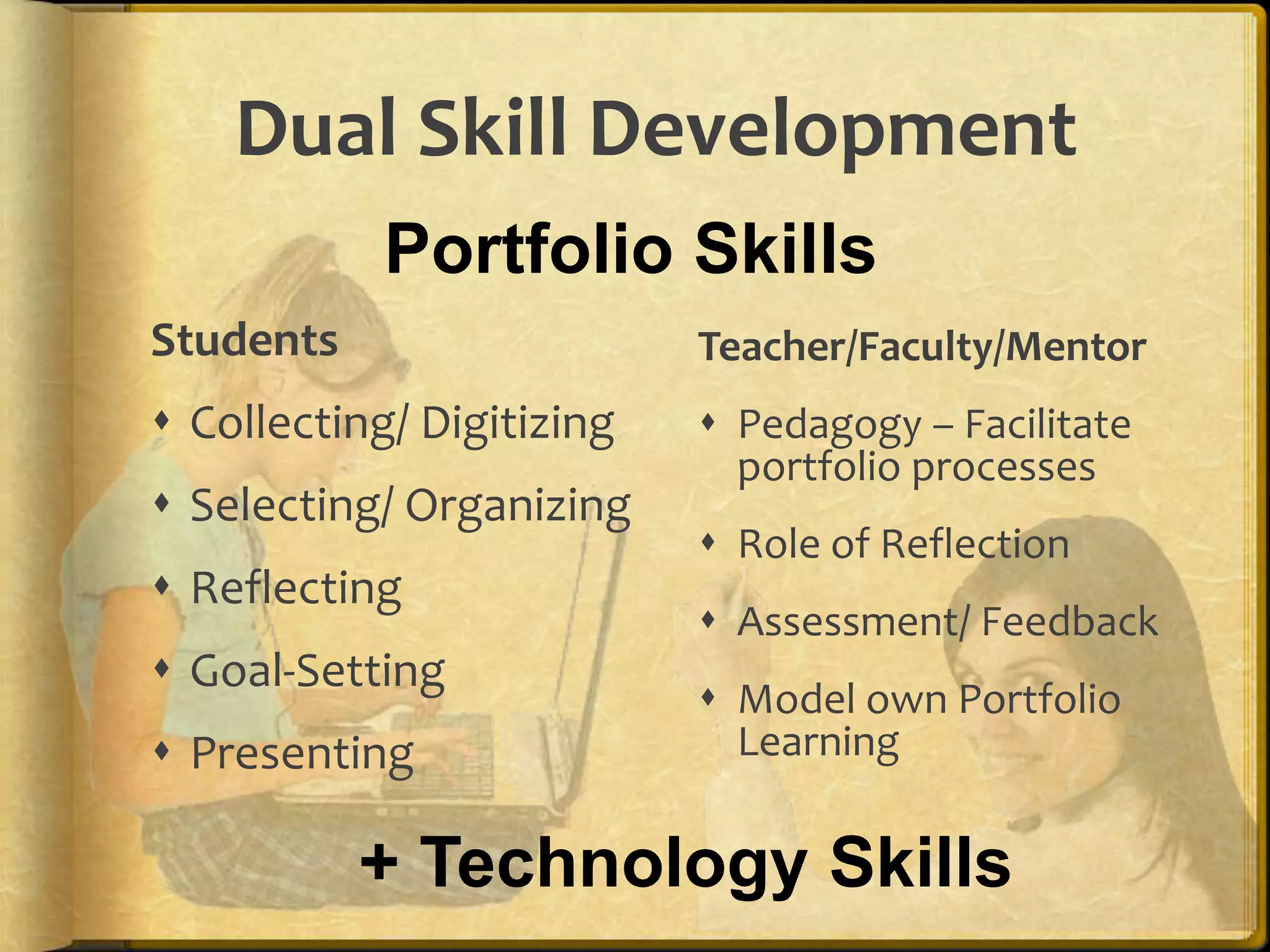
    Dual Skill DevelopmentPortfolioSkillsStudentsCollecting/ DigitizingSelecting/ OrganizingReflectingGoal-SettingPresentingTeacher/Faculty/MentorPedagogy – Facilitate portfolio processesRole of ReflectionAssessment/ FeedbackModel own Portfolio Learning+ Technology Skills
  • 60.
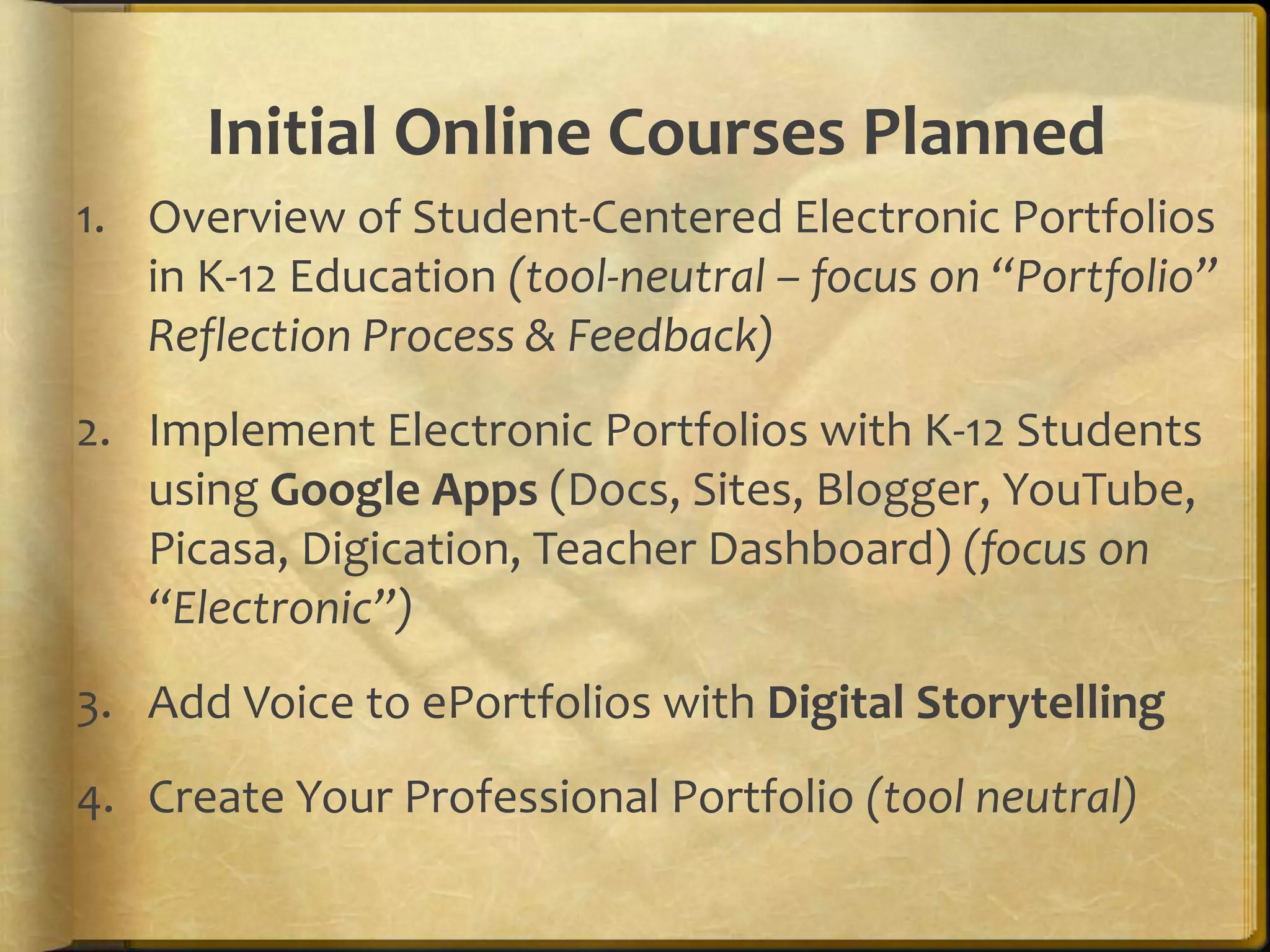
    Initial Online CoursesPlannedOverview of Student-Centered Electronic Portfolios in K-12 Education (tool-neutral – focus on “Portfolio” Reflection Process & Feedback)Implement Electronic Portfolios with K-12 Students using Google Apps (Docs, Sites, Blogger, YouTube, Picasa, Digication, Teacher Dashboard) (focus on “Electronic”)Add Voice to ePortfolios with Digital StorytellingCreate Your Professional Portfolio (tool neutral)
  • 61.
    My Final Wish…dynamiccelebrations stories of deep learningacross the lifespan55
  • 62.
    Dr. Helen BarrettResearcher& ConsultantElectronic Portfolios & Digital Storytelling for Lifelong and Life Wide LearningFounding Faculty, REAL*ePortfolio Academy for K-12 Teachers*Reflection, Engagement, Assessment for Learningeportfolios@gmail.comhttp://electronicportfolios.org/Twitter: @eportfolioshttp://slideshare.net/eportfolios

Editor's Notes

  • #3 Oregon was the first state to adopt GoogleApps for all K-12 schools. These powerful tools are ready-made for teachers and students to maintain electronic portfolios. Get an overview of creating artifacts using Google Docs and Picasa, a reflective learning portfolio using Blogger, and a showcase/assessment/presentation portfolio with Google Sites.
  • #18 Portfolios in Formal Education: Exploring Personal and Professional IdentityBuilding a Professional Online Brand.
  • #22 Who knows what this means?
  • #23 Success in the knowledge economy comes to those who know themselves – their strengths, their values, and how best they perform.
  • #24 Added Google Docs in 2010.
  • #25 How do we implement ePortfolios in a manner that engages students and helps achieve the purposes?
  • #30 Collection -- Creating the Digital Archive (regularly – weekly/monthly)Digital Conversion (Collection)Artifacts represent integration of technology in one curriculum area (i.e., Language Arts) Stored in GoogleDocs
  • #31 Collection/Reflection (Immediate Reflection on Learning & Artifacts in Collection) (regularly) organized chronologically (in a blog?)Captions (Background Information on assignment, Response)Artifacts represent integration of technology in most curriculum areas (i.e., Language Arts, Social Studies, Science, Math) (in GoogleDocs?)
  • #32 Selection/Reflection and Direction (each semester? End of year?) organized thematically (in web pages or wiki)Why did I choose these pieces? What am I most proud to highlight about my work?What do they show about my learning? What more can I learn (Goals for the Future)?Presentation (annually)
  • #42 Reflection = higher retention (SPU’s iTunesU videos)
  • #46 Begin to develop successful ePortfolio Processes this week through your PD. Here are the strategies you need to include: Students develop multimedia artifacts through Project-Based Learning & Learning with Laptops.Engage students in reflection to facilitate deep learning through Digital Storytelling and Journals/Blogs & Presentation Portfolios.
  • #47 “Portfolios should be less about tellingand more about talking!” Julie Hughes, University of Wolverhampton