RESPONSIVE DESIGN
      @doxaras
     @niobiumlabs
RESPONSIVE WEB DESIGN
TH
     EN
       EED
APPLE IS EVIL
HTML5 APPS
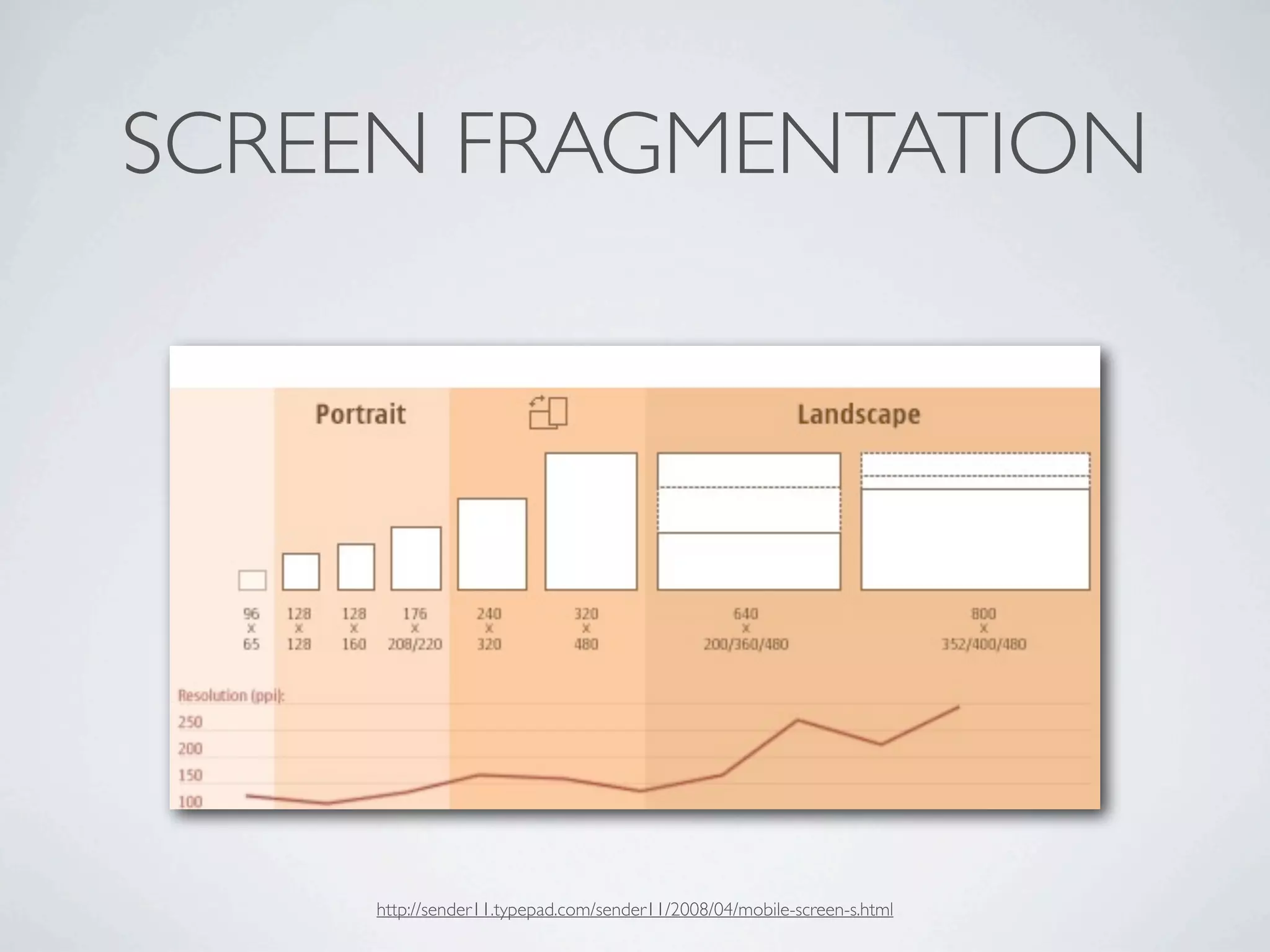
SCREEN FRAGMENTATION


    http://sender11.typepad.com/sender11/2008/04/mobile-screen-s.html
JSFIDDLE DEMO
 http://jsfiddle.net/doxaras/nCGUu/
GOOGLE’S APPROACH


http://androidandme.com/2012/02/applications/goodbye-old-browser-chrome-to-become-the-standard-browser-on-android-4-0-and-above/
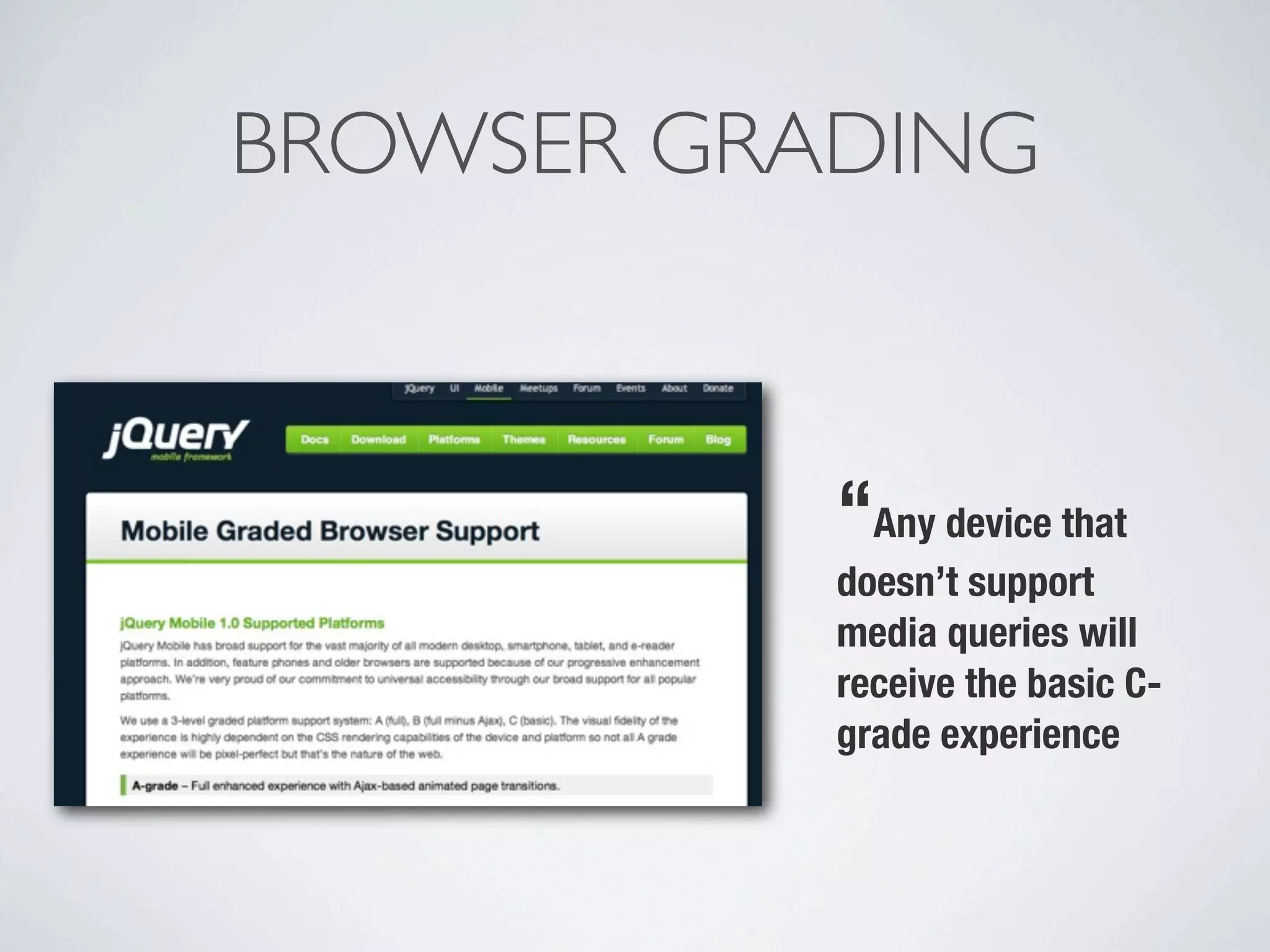
BROWSER GRADING


           “Any device that
           doesn’t support
           media queries will
           receive the basic C-
           grade experience
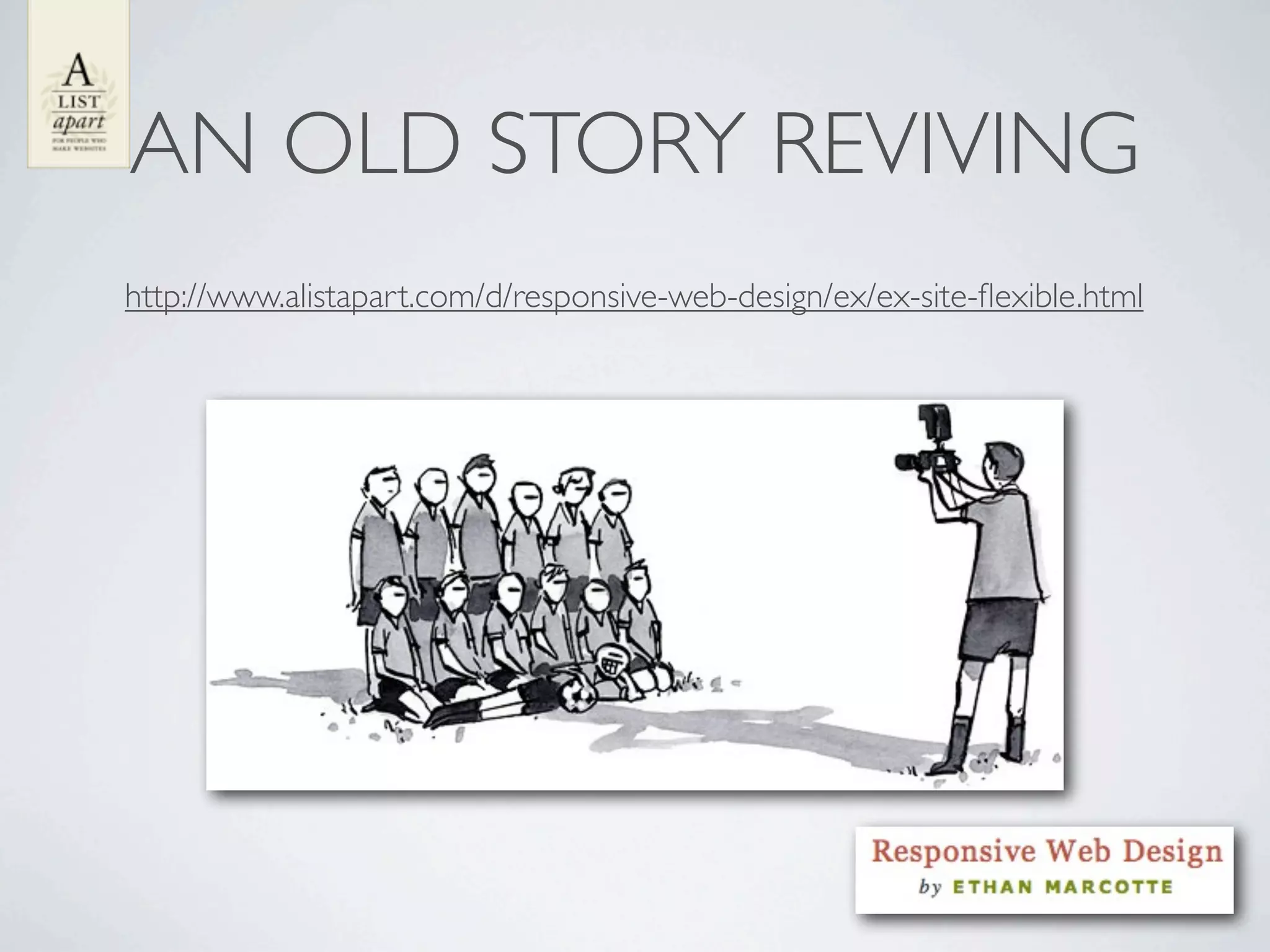
AN OLD STORY REVIVING
http://www.alistapart.com/d/responsive-web-design/ex/ex-site-flexible.html
LETS GET THING FROM THE
       BEGINNING
fluid   elastic   fixed
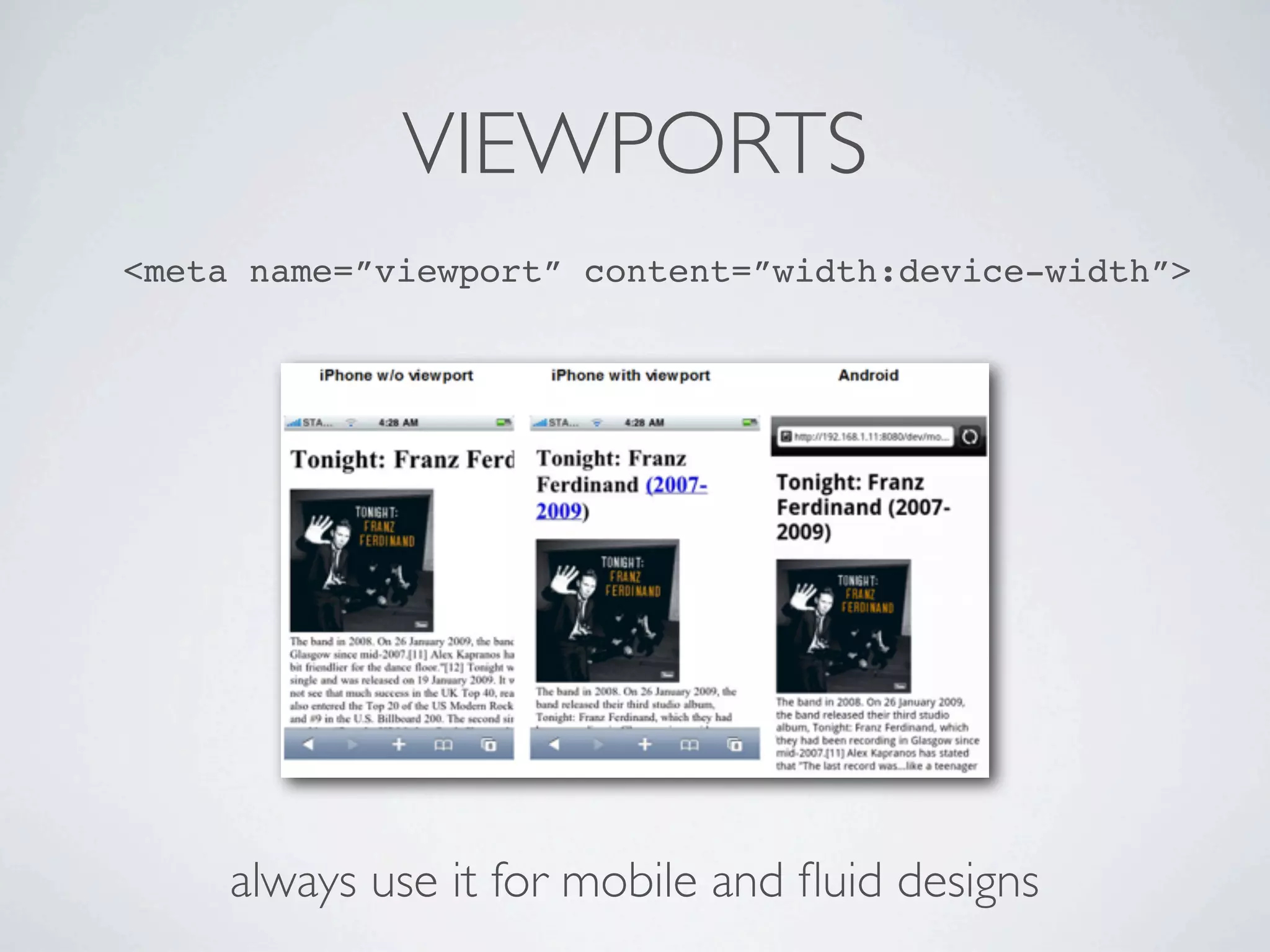
VIEWPORTS
<meta name=”viewport” content=”width:device-width”>


     always use it for mobile and fluid designs
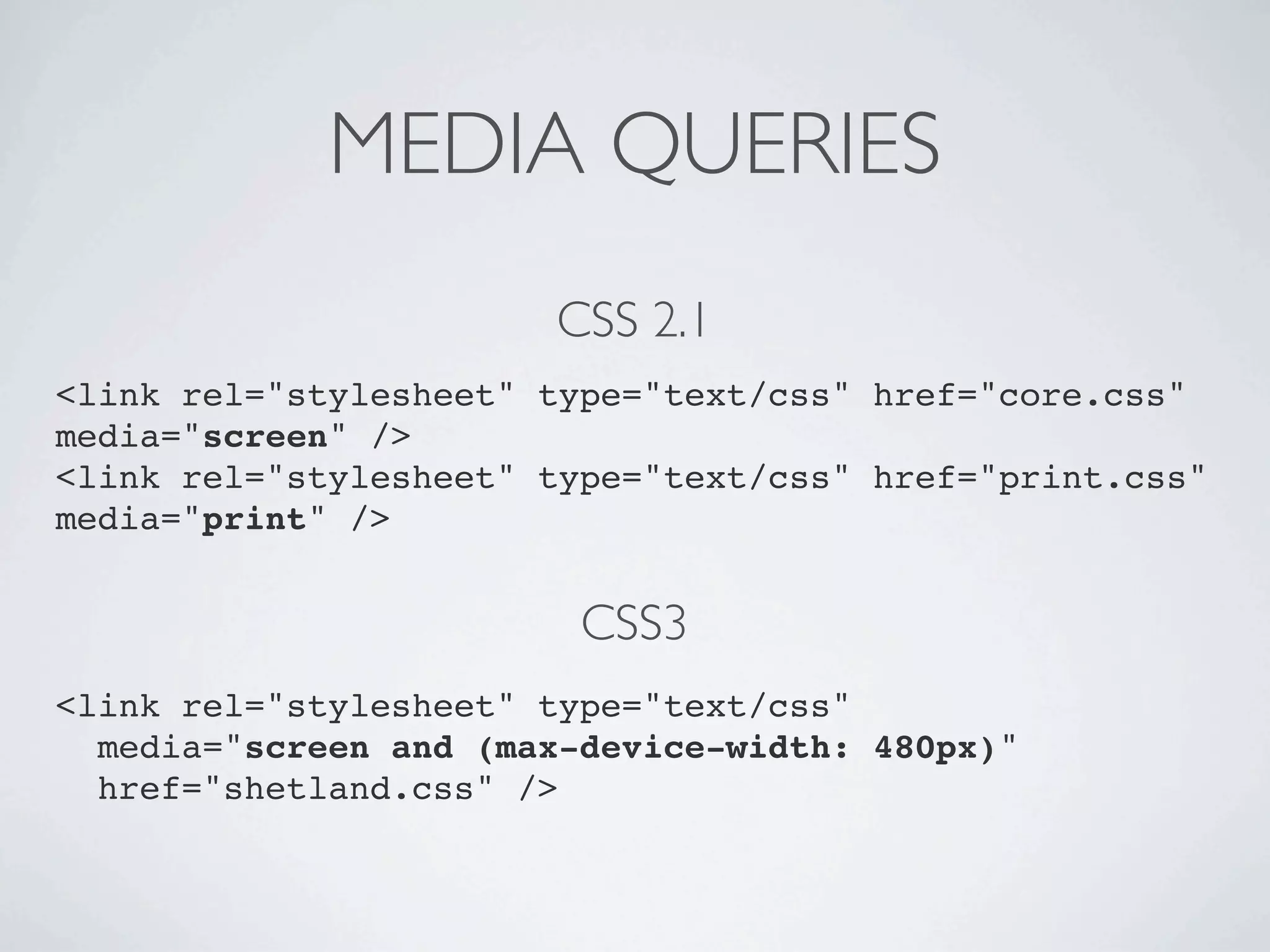
MEDIA QUERIES
                       CSS 2.1
<link rel="stylesheet" type="text/css" href="core.css"
media="screen" />
<link rel="stylesheet" type="text/css" href="print.css"
media="print" />


                         CSS3
<link rel="stylesheet" type="text/css"
  media="screen and (max-device-width: 480px)"
  href="shetland.css" />
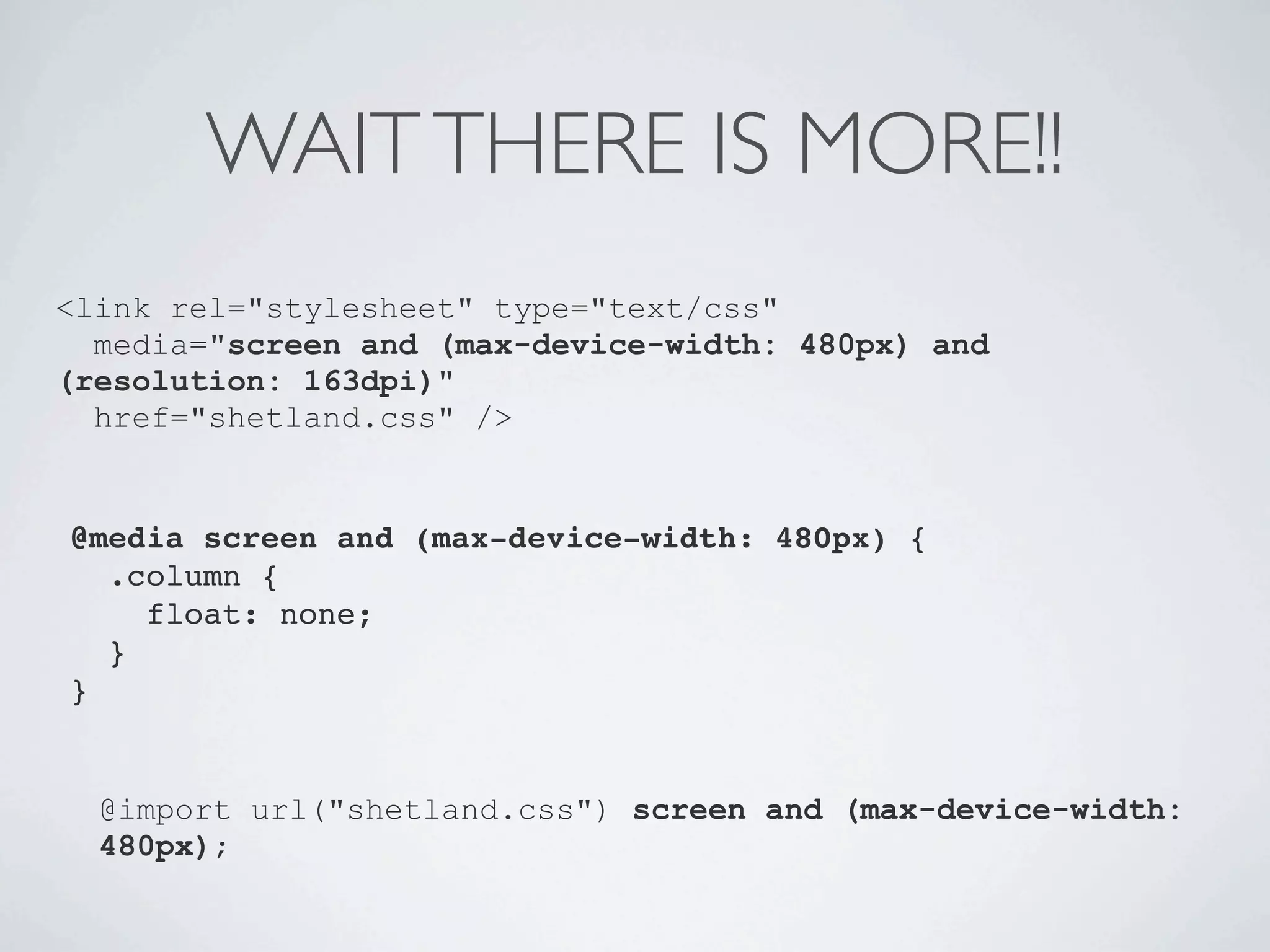
WAIT THERE IS MORE!!
<link rel="stylesheet" type="text/css"
  media="screen and (max-device-width: 480px) and
(resolution: 163dpi)"
  href="shetland.css" />


@media screen and (max-device-width: 480px) {
  .column {
    float: none;
  }
}


  @import url("shetland.css") screen and (max-device-width:
  480px);
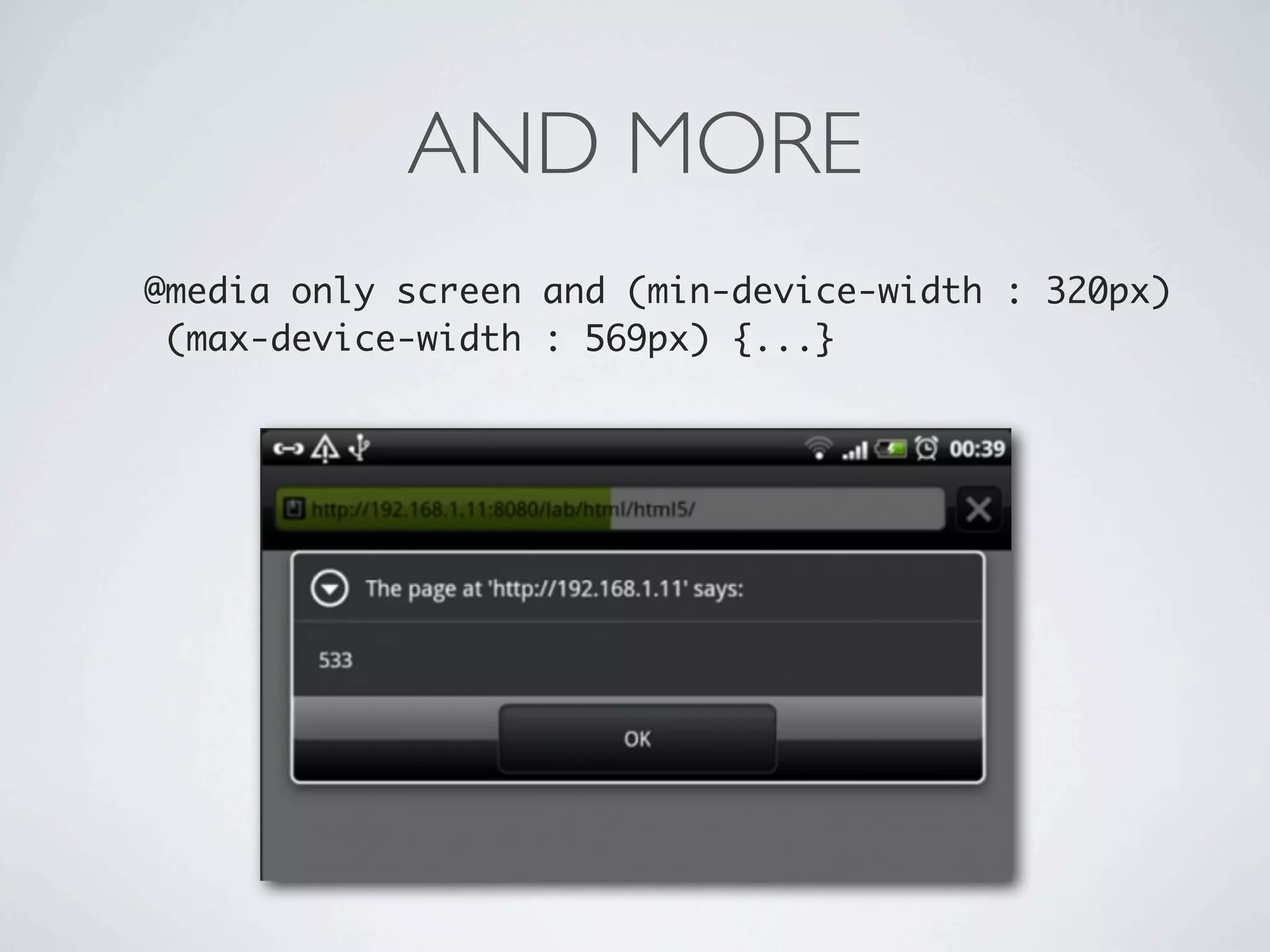
AND MORE
@media only screen and (min-device-width : 320px)
 (max-device-width : 569px) {...}
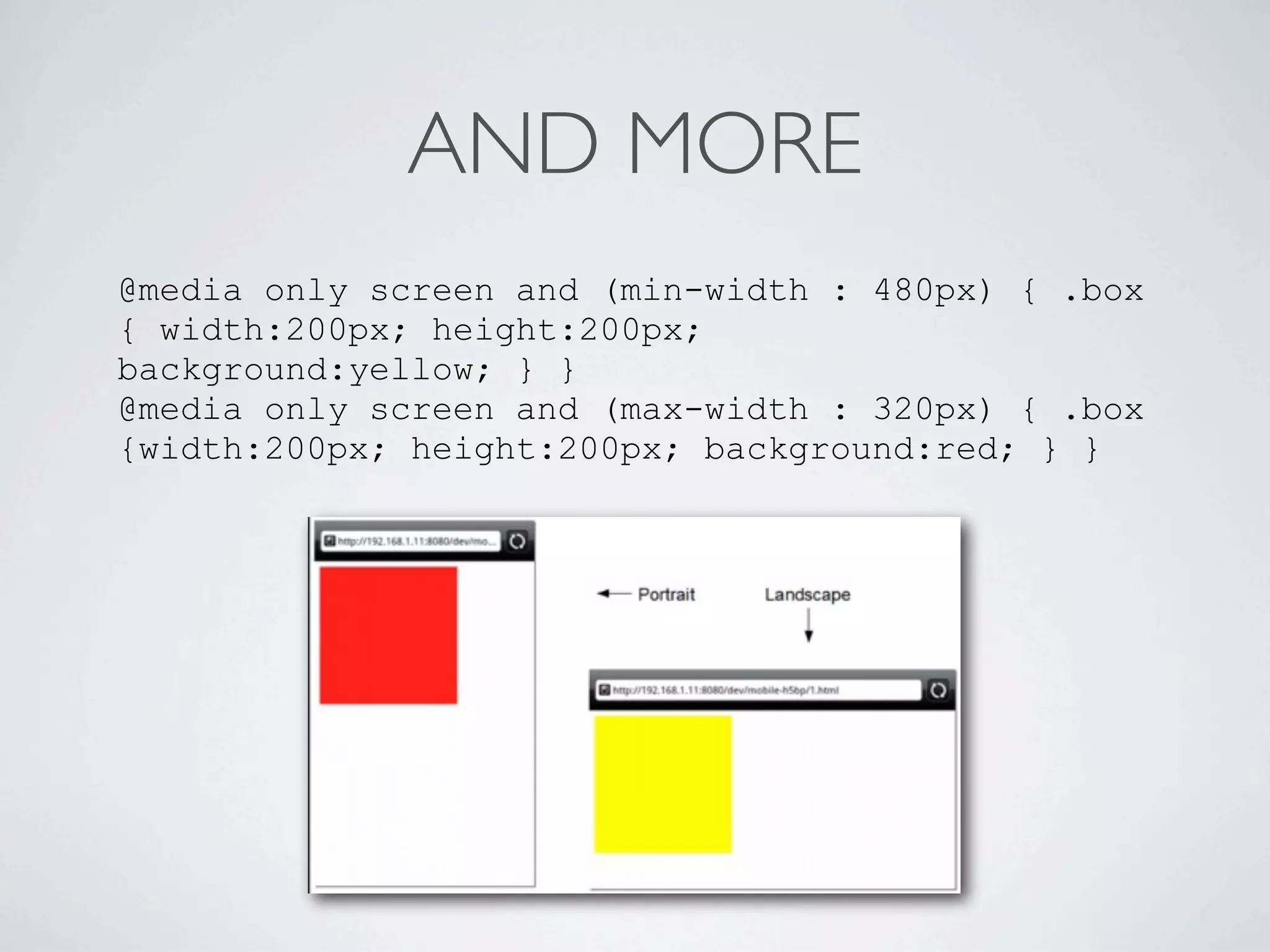
AND MORE
@media only screen and (min-width : 480px) { .box
{ width:200px; height:200px;
background:yellow; } }
@media only screen and (max-width : 320px) { .box
{width:200px; height:200px; background:red; } }
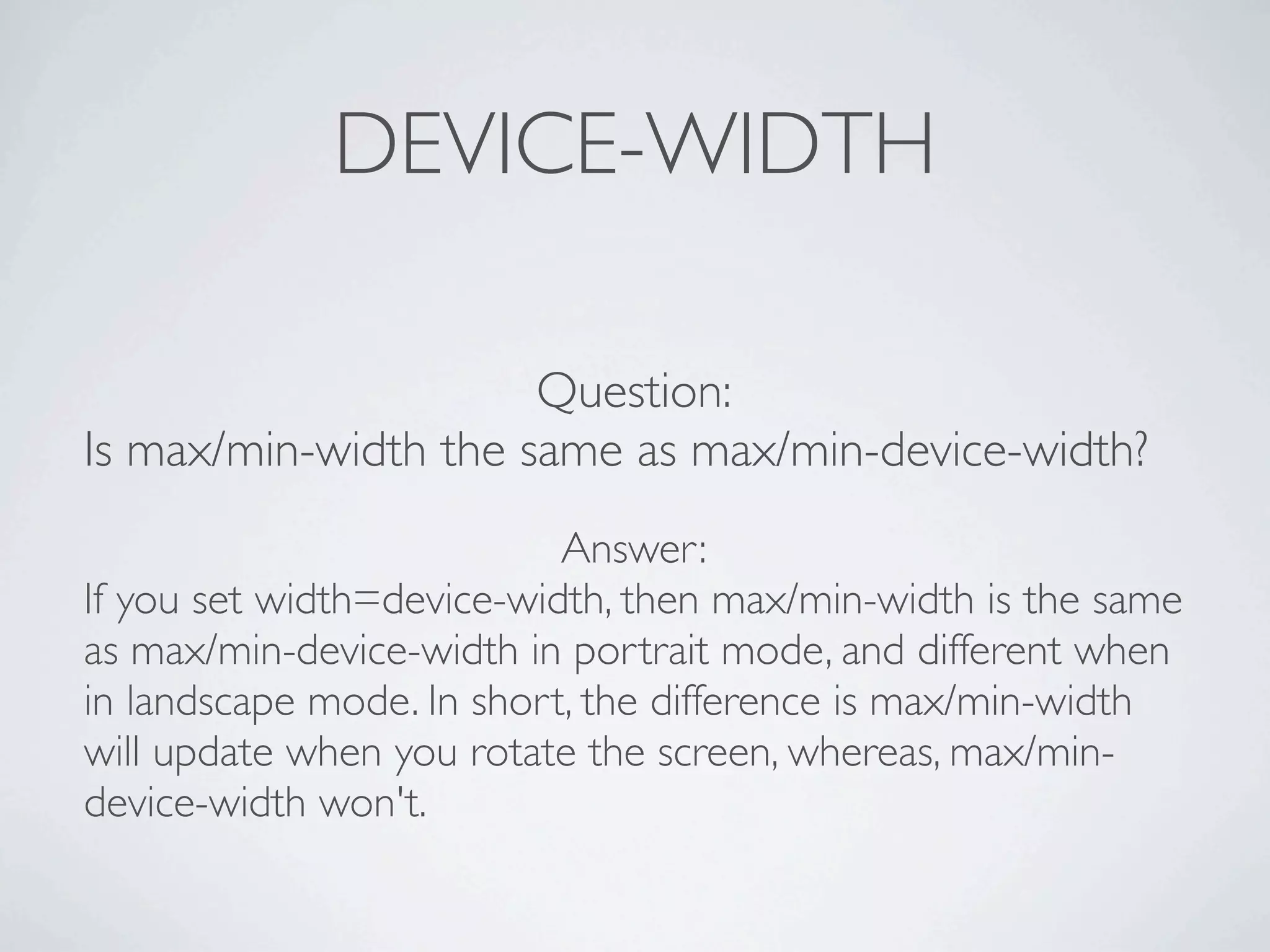
DEVICE-WIDTH

                      Question:
Is max/min-width the same as max/min-device-width?
                           Answer:
If you set width=device-width, then max/min-width is the same
as max/min-device-width in portrait mode, and different when
in landscape mode. In short, the difference is max/min-width
will update when you rotate the screen, whereas, max/min-
device-width won't.
DEVICE-PIXEL

device-pixel-ratio could help you know the resolution of the device
screen, iPhone 4 and certain other smartphones have pixel ration equal
or higher than 1.5, so if you want to target high resolution devices, you
can use the media query below:

@media only screen
and (-webkit-min-device-pixel-ratio : 1.5),
           only screen and (-o-min-device-pixel-ratio: 3/2),
            only screen and (min-device-pixel-ratio : 1.5) {
       .imagebox {background:(url:"images/high/demo.jpg");}
}

     image will be downloaded even if the page doesn't fit the rule above!!
ORIENTATION

iPad introduced 'orientation' to help with detecting orientation change, below
is how you can specify landscape and portrait style
/* iPads (landscape) ----------- */
@media only screen and (min-device-width : 768px) and (max-
device-width : 1024px) and (orientation : landscape) {
  /* Styles */
}

/* iPads (portrait) ----------- */
@media only screen and (min-device-width : 768px) and (max-
device-width : 1024px) and (orientation : portrait) {
  /* Styles */
}
IT
              OT
        I   G
    K
O
US
     ET
          HE
               FO
                    RC
                      E
JSFIDDLE DEMO
 http://jsfiddle.net/doxaras/LeB47/
TYPOGRAPHY
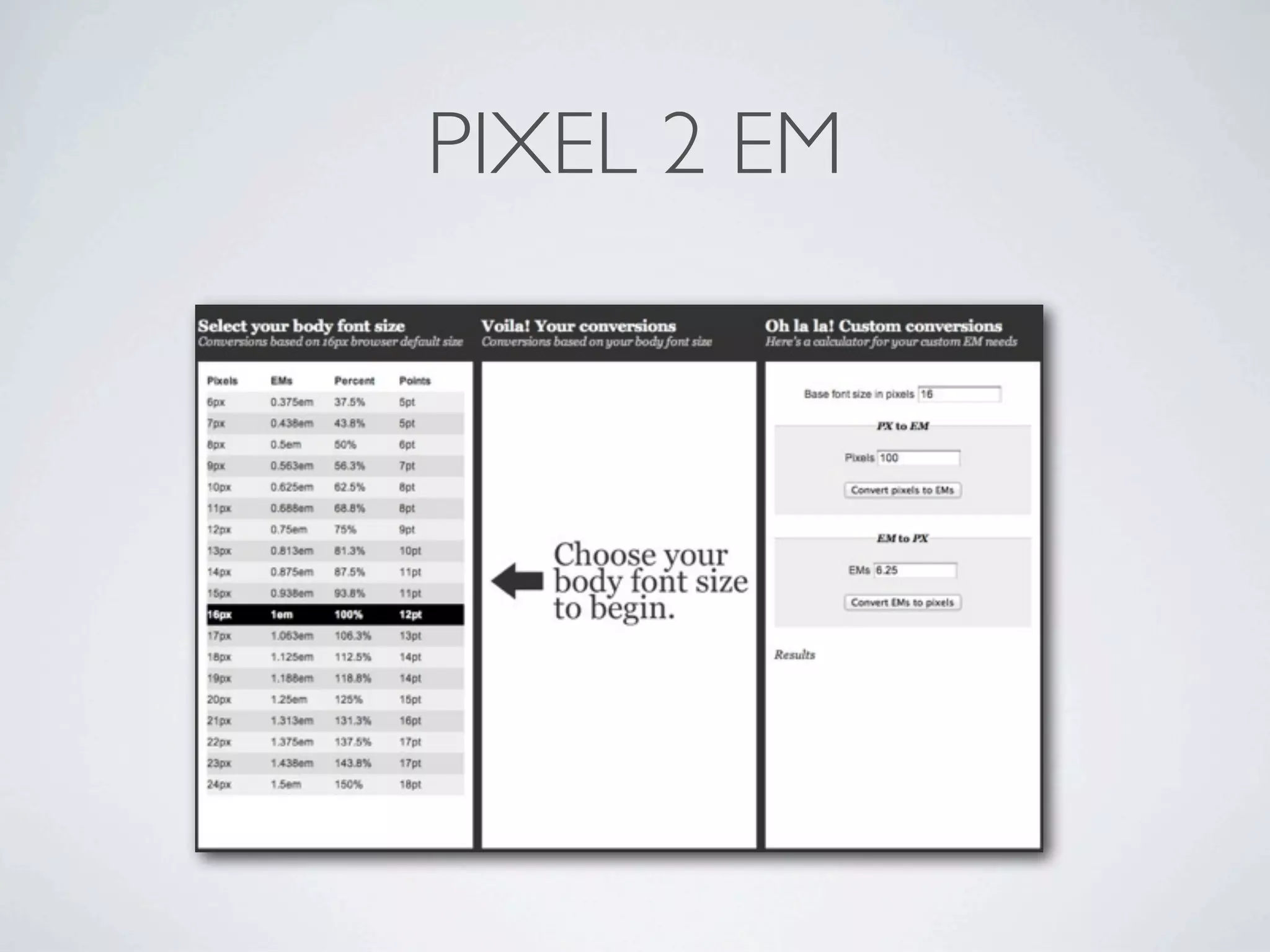
62.5% RULE (EM2PX)


• modern   browsers have a 16px font default size*
•body{font-size:62.5%}

• 16x62.5=10px

•p{font-size:1.3em;}


                         add html{font-size:16px; } just to be sure
IMAGES
SIZING
.figure {
  float: right;
  margin-bottom: 0.5em;
  margin-left: 2.53164557%; /* 12px / 474px */
  width: 48.7341772%; /* 231px / 474px */
}


                          img {
                            max-width: 100%;
                          }


http://www.alistapart.com/articles/fluid-images/
SIZING


img { max-width: 100%; }


<img src="smallRes.jpg"
data-fullsrc="largeRes.jpg">
JSFIDDLE DEMO
 http://jsfiddle.net/doxaras/T66wQ/
DESIGN PATTERNS
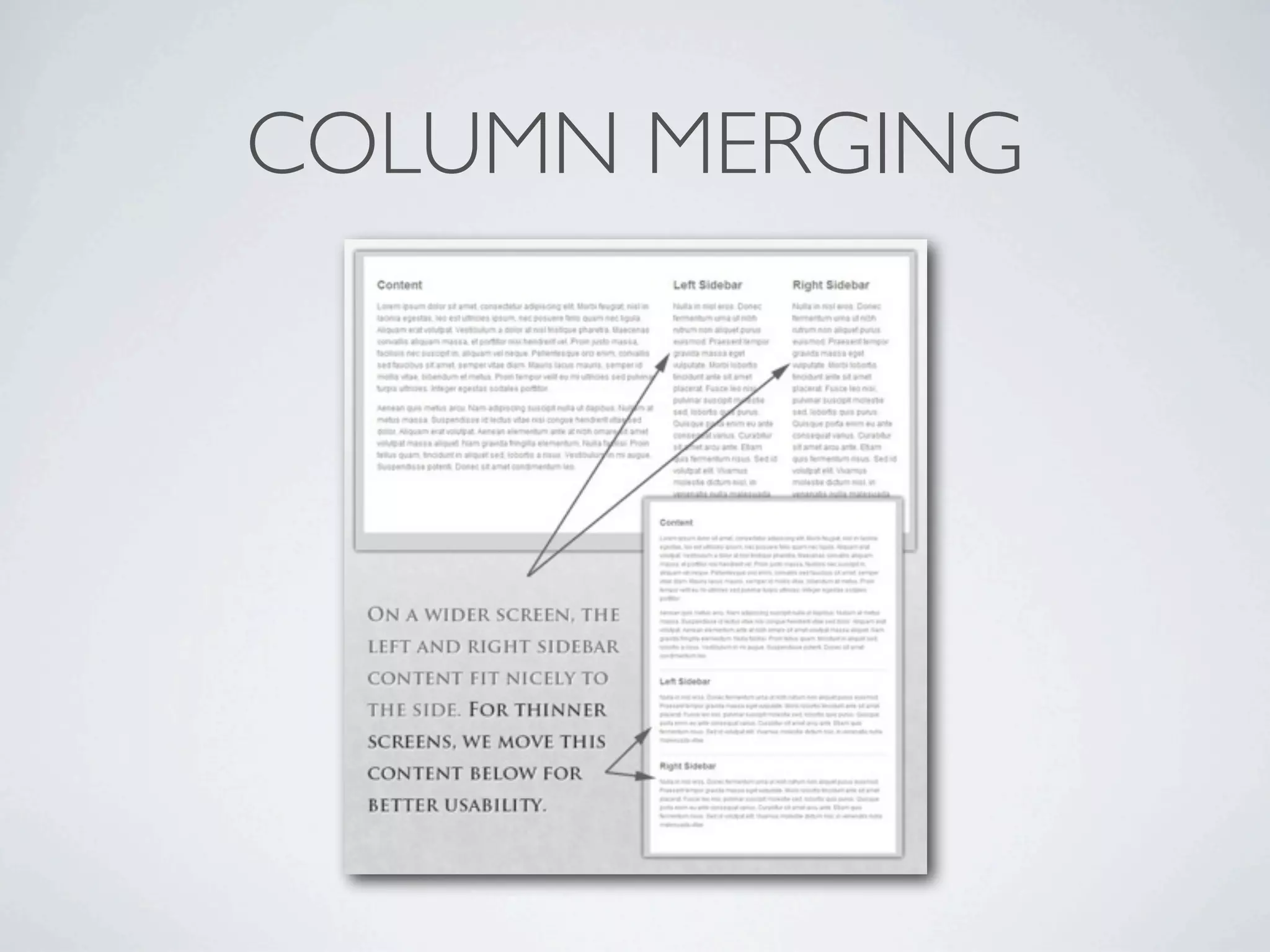
COLUMN MERGING
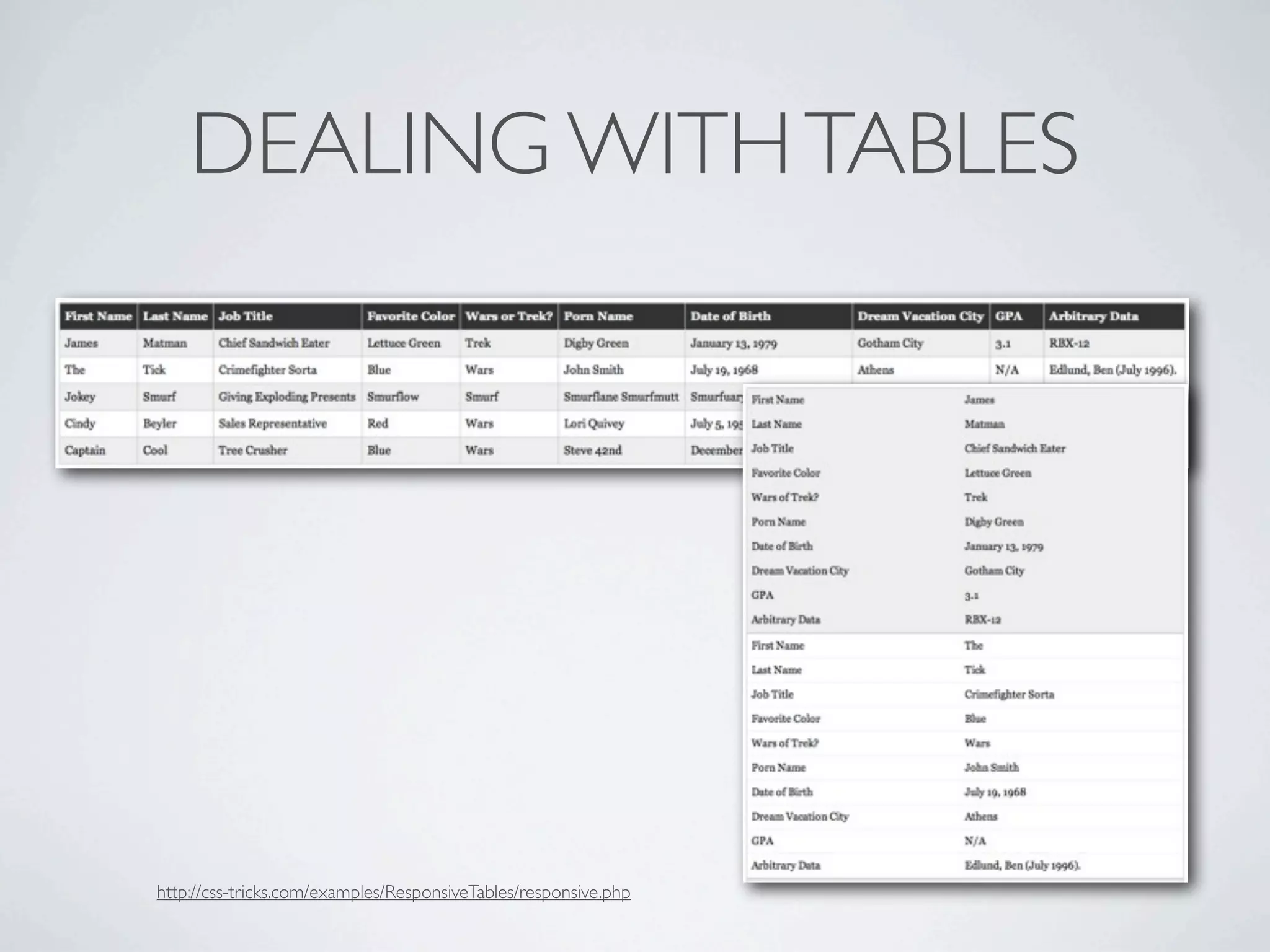
DEALING WITH TABLES


http://css-tricks.com/examples/ResponsiveTables/responsive.php
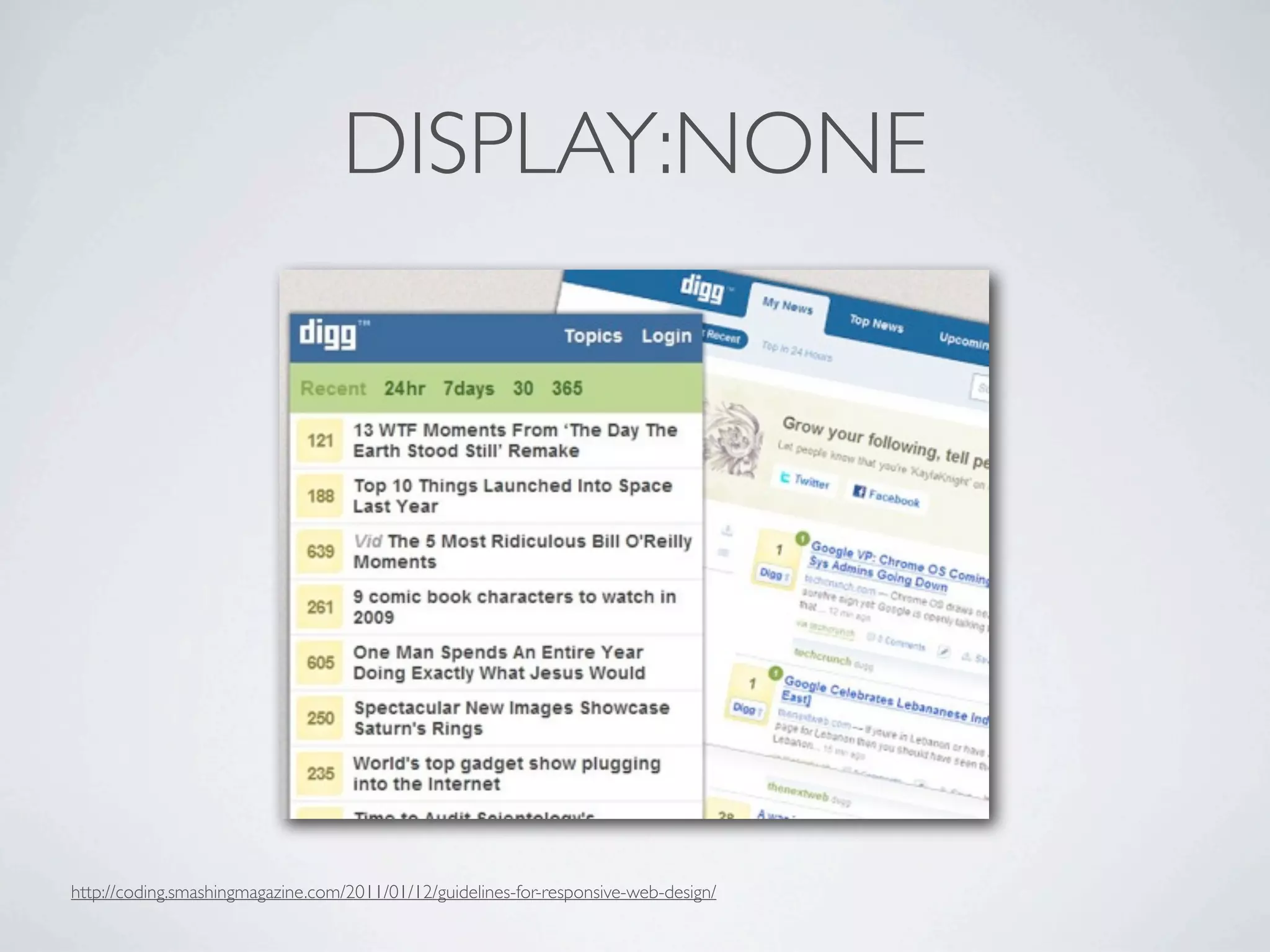
DISPLAY:NONE


http://coding.smashingmagazine.com/2011/01/12/guidelines-for-responsive-web-design/
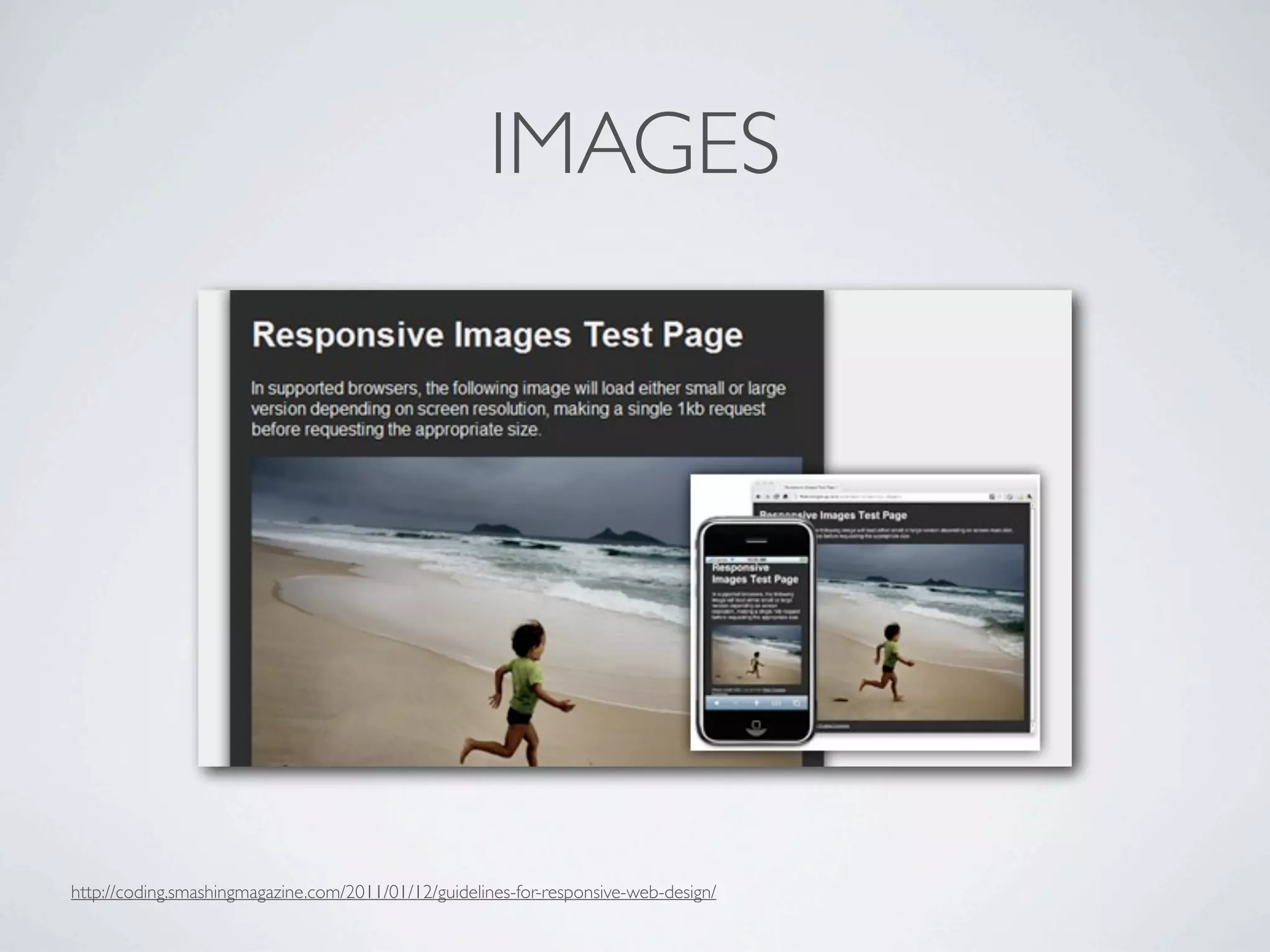
IMAGES


http://coding.smashingmagazine.com/2011/01/12/guidelines-for-responsive-web-design/
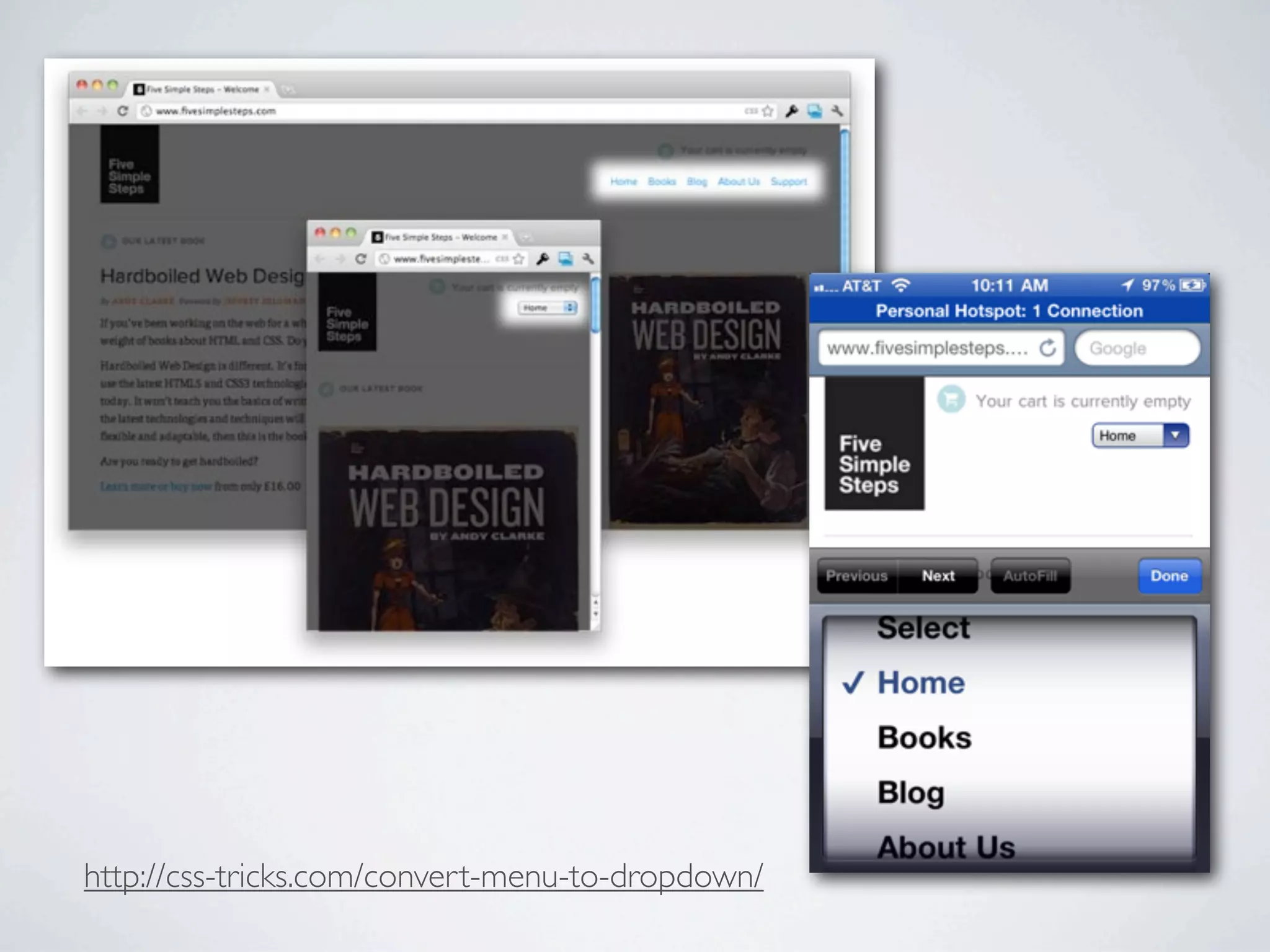
http://css-tricks.com/convert-menu-to-dropdown/
JSFIDDLE DEMO
 http://jsfiddle.net/doxaras/CKPnJ/
THE TOOLS
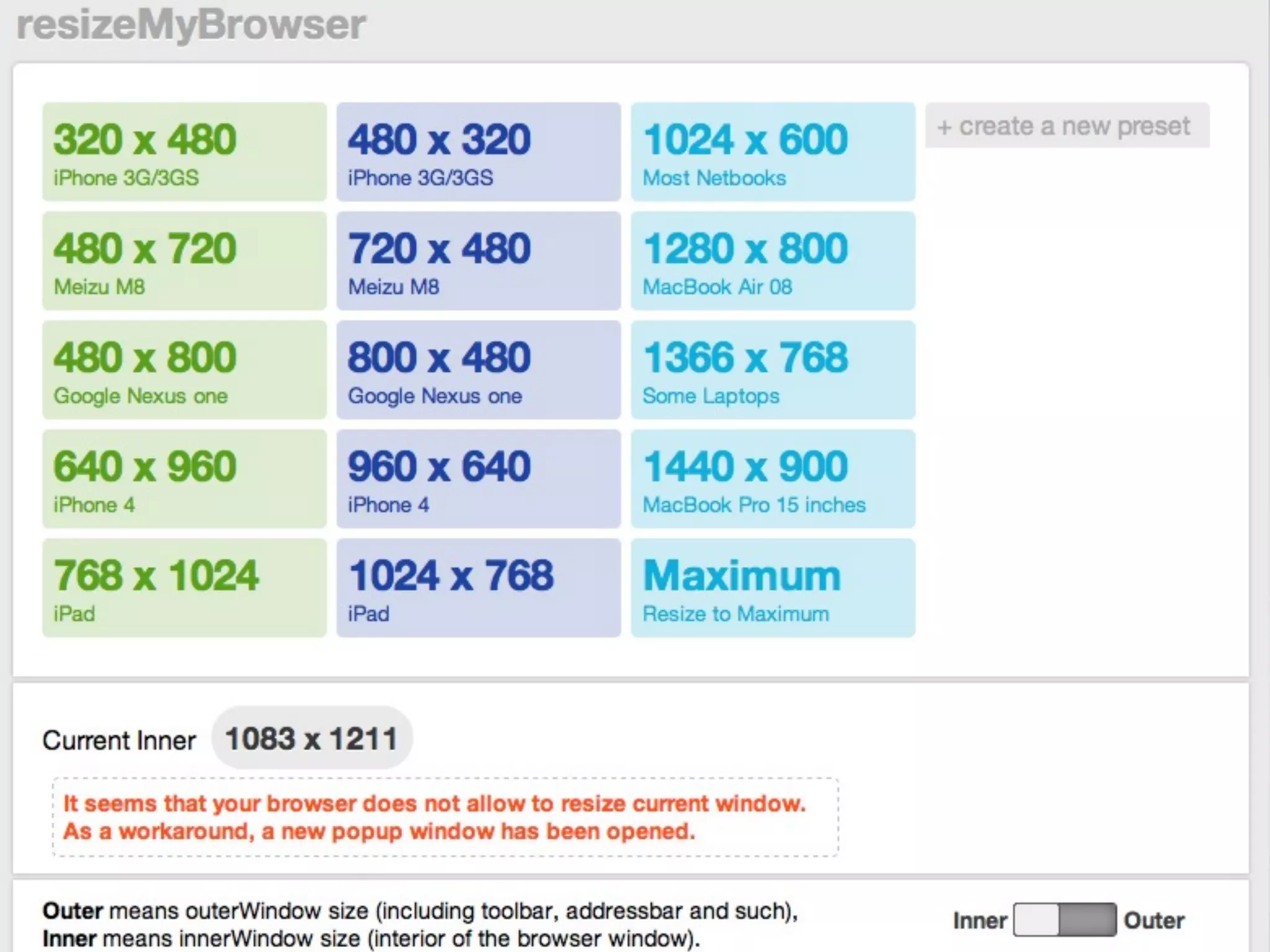
WEB DEVELOPER
PIXEL 2 EM
APART.JS
LETTERING.JS
FITTEXT.JS
FLUID 960
MODERNIZR
RESPOND.JS


• really   small script < 1kb
• enabling   old browsers IE7 IE8
• responsive    is not just a mobile problem
• backwords     compatibility of your designs
LESS FRAMEWORK
TIPS & TRICKS
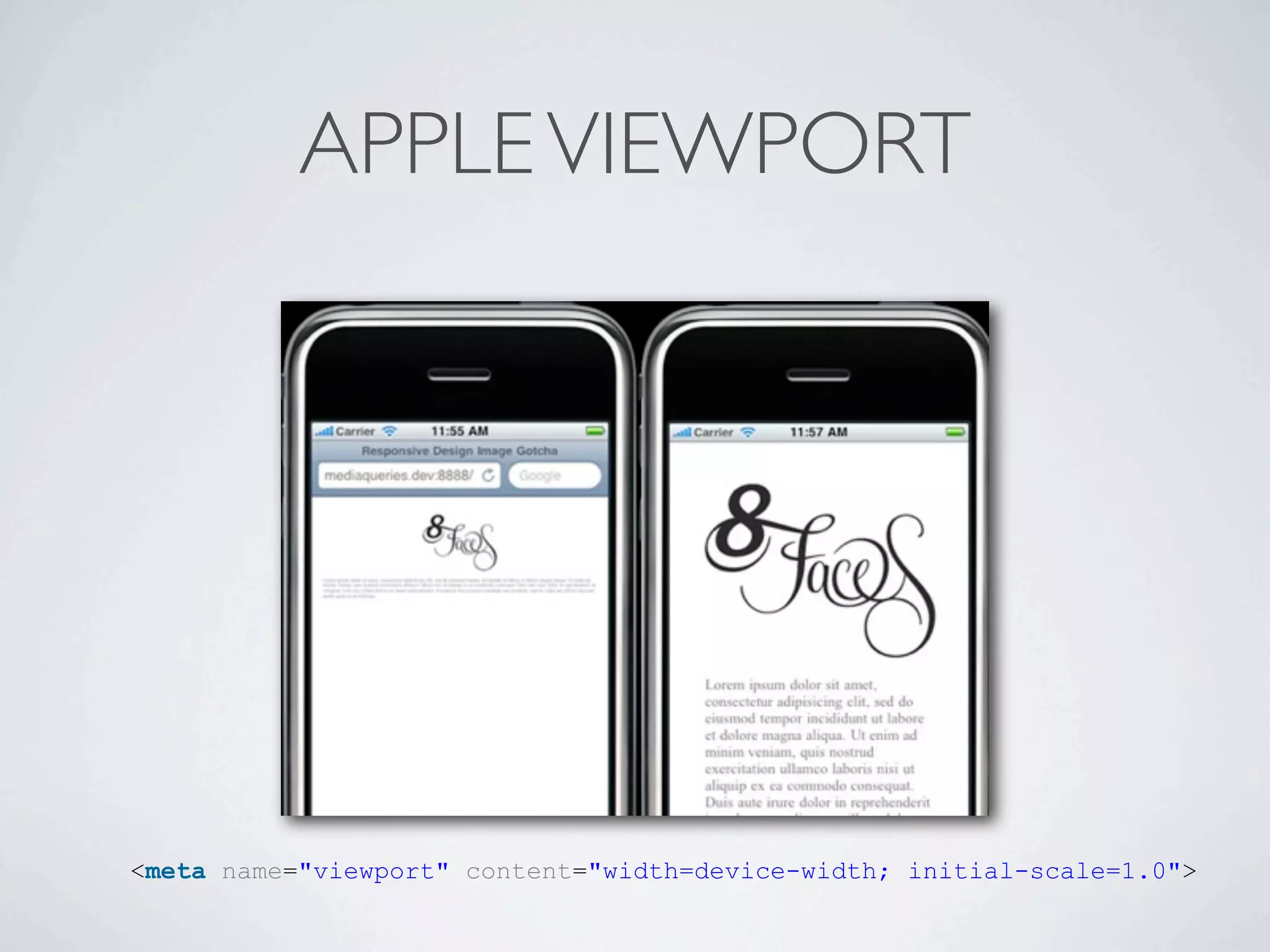
APPLE VIEWPORT


<meta name="viewport" content="width=device-width; initial-scale=1.0">
SELECTORS SHOULD BE PRESENT ALSO IN THE
         PLAIN CSS DOCUMENTS
EM’S AND PX’S


• local   DOM scope overrides the default 62.5% rule

• left   and right

• top    and line-height should be em’s

• avoid    nested em definitions
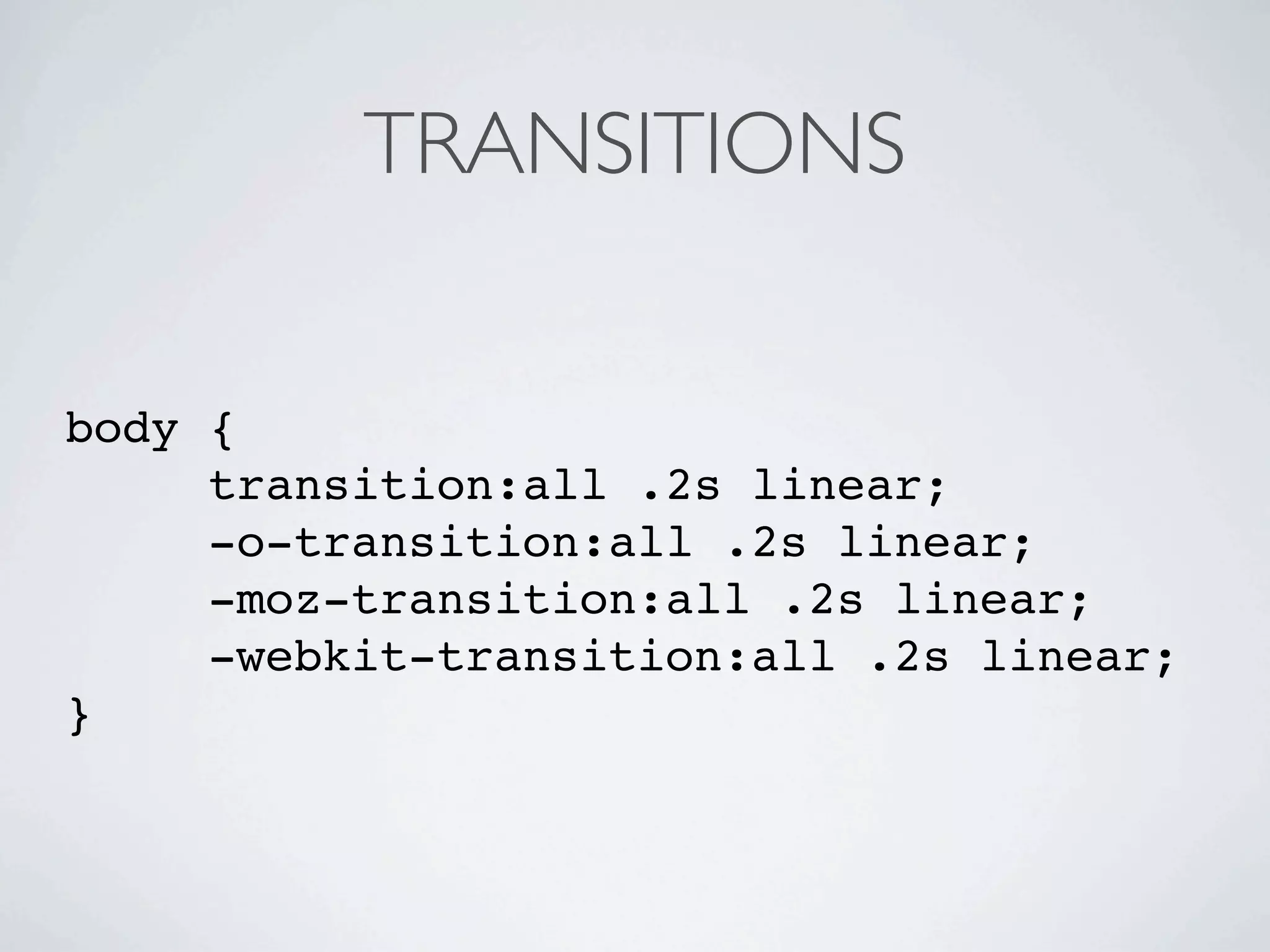
TRANSITIONS


body {
     transition:all .2s linear;
     -o-transition:all .2s linear;
     -moz-transition:all .2s linear;
     -webkit-transition:all .2s linear;
}
RETINA DISPLAY SELECTORS


<link rel="stylesheet"
media="only screen and (-webkit-
min-device-pixel-ratio: 2)"
type="text/css"
href="../iphone4.css" />
HIDE NAVIGATION

// When ready...
window.addEventListener("load",function() {
  // Set a timeout...
  setTimeout(function(){
    // Hide the address bar!
    window.scrollTo(0, 1);
  }, 0);
});
META TAG FOR NAME


<meta name="apple-mobile-
web-app-capable"
content="yes" />
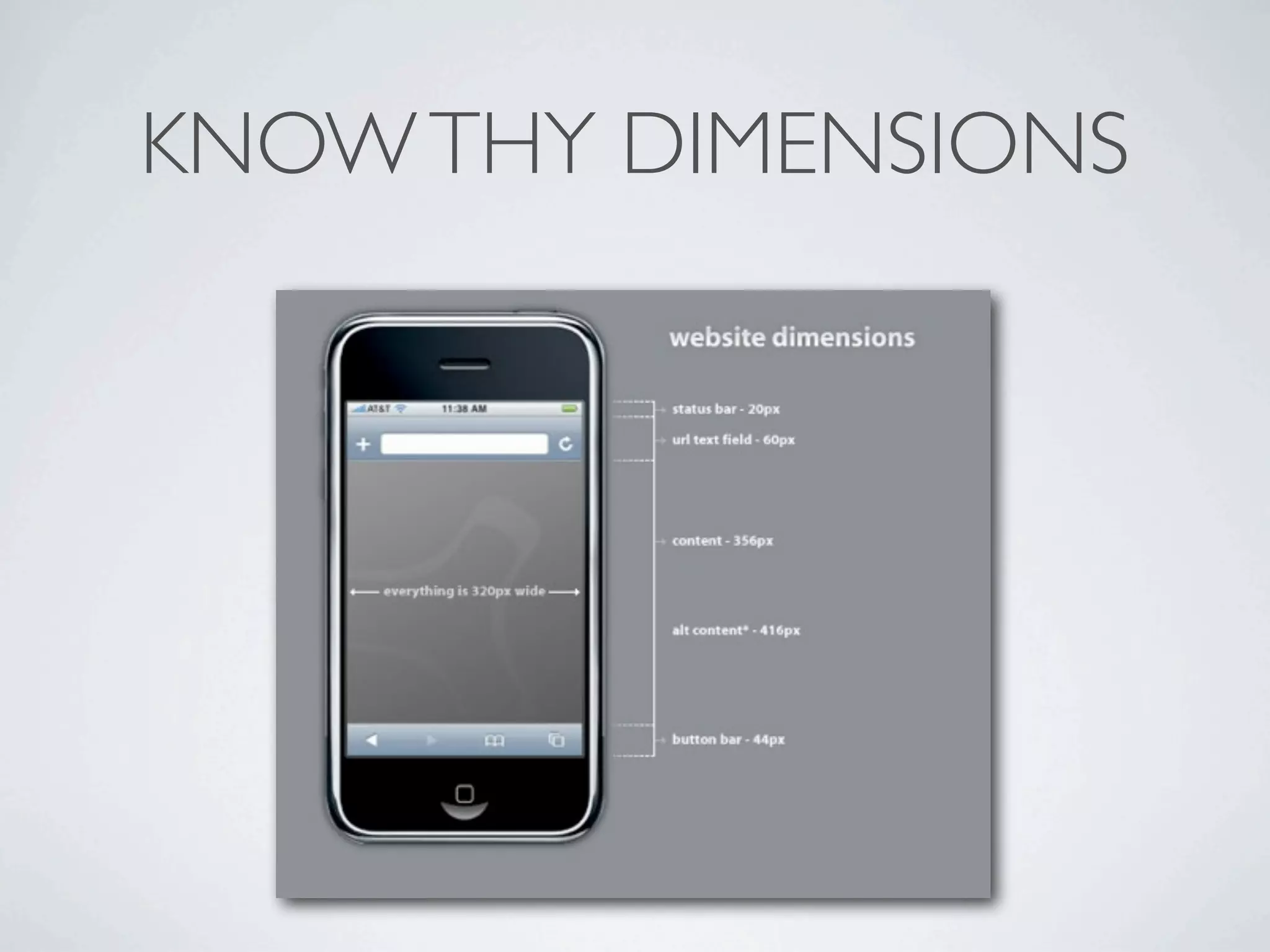
KNOW THY DIMENSIONS

Responsive design