Django and Docker: a marriage
made in heaven
Ken Cochrane
DjangoCon US 2013
1
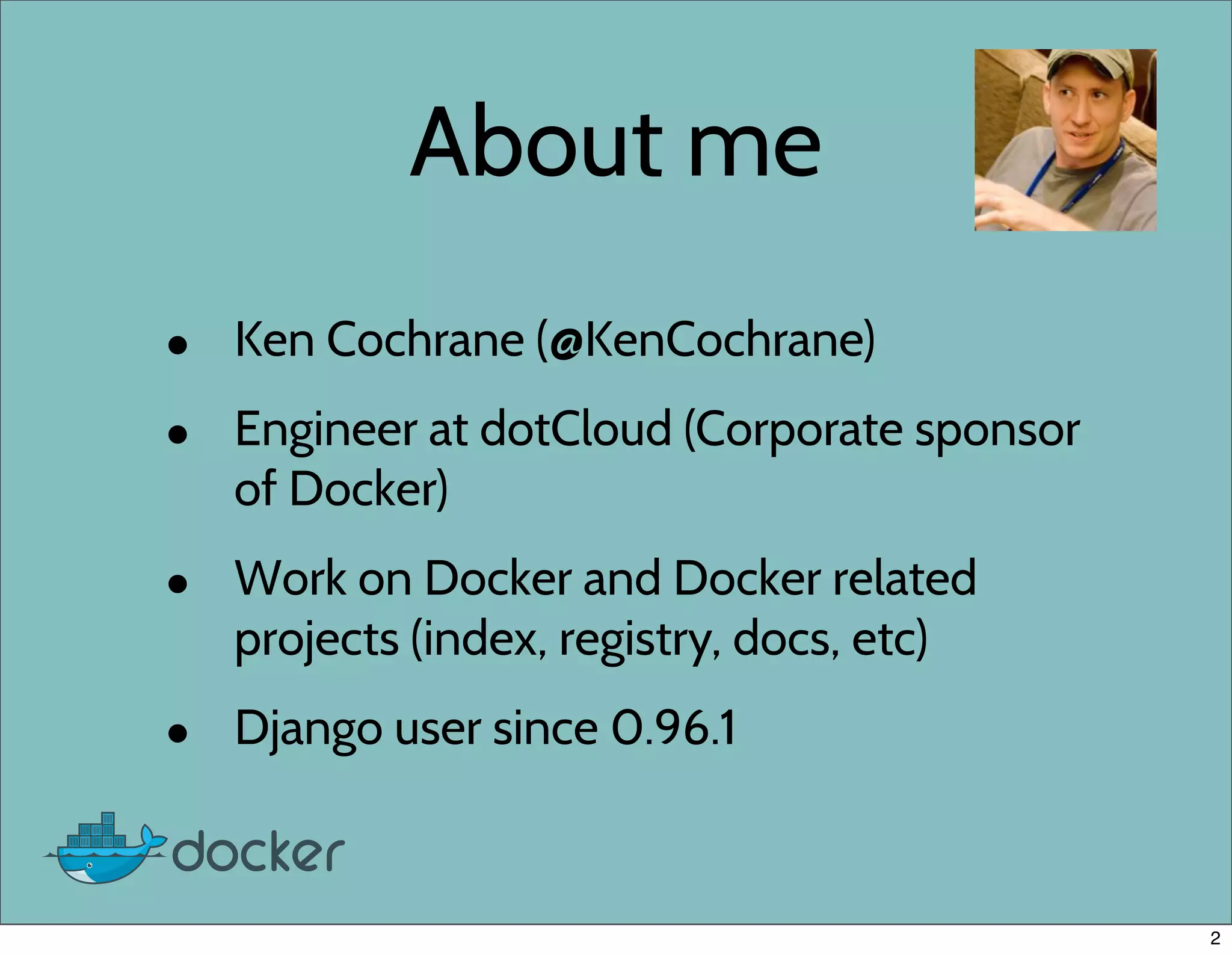
About me
• Ken Cochrane (@KenCochrane)
• Engineer at dotCloud (Corporate sponsor
of Docker)
• Work on Docker and Docker related
projects (index, registry, docs, etc)
• Django user since 0.96.1
2
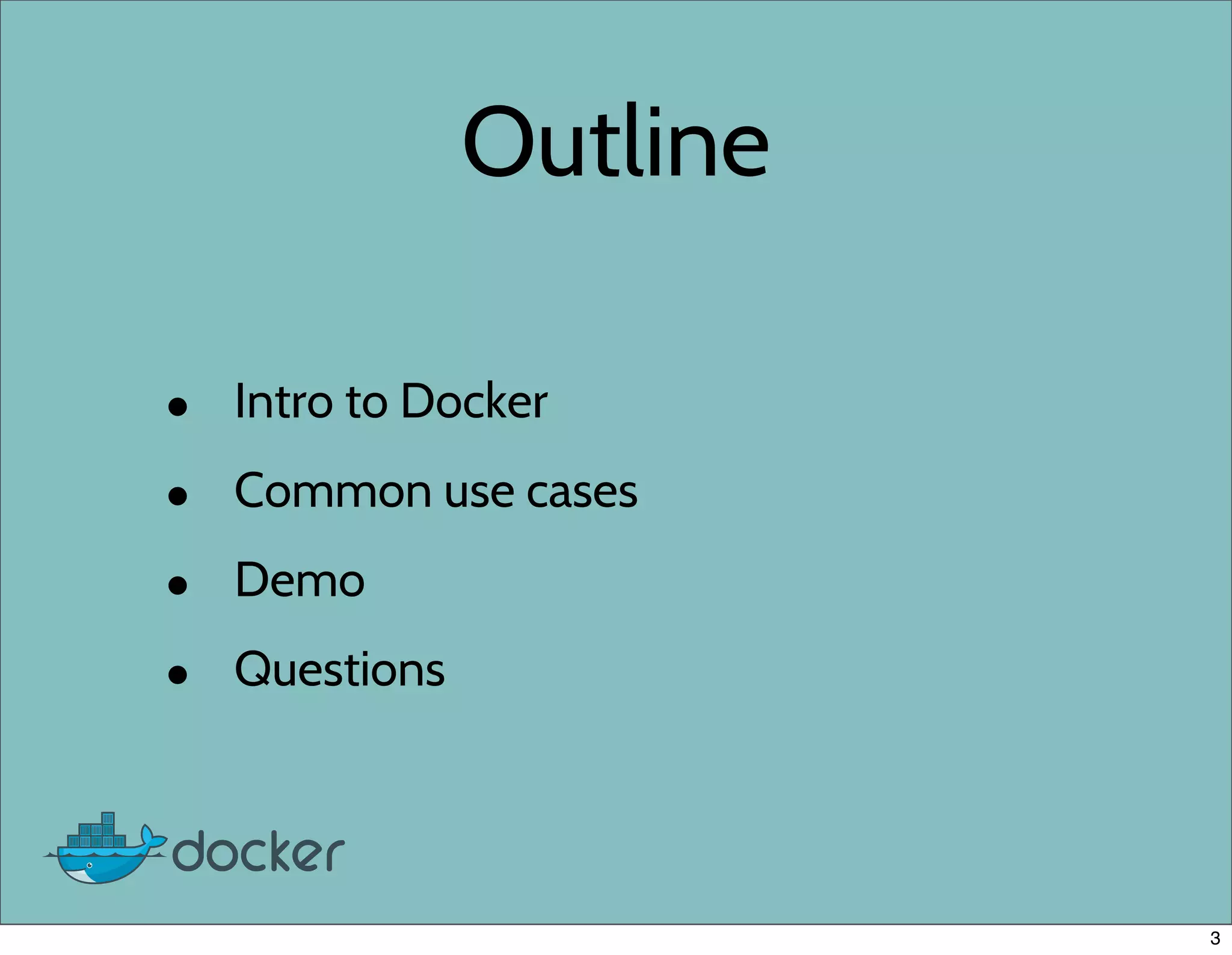
Outline
• Intro to Docker
• Common use cases
• Demo
• Questions
3
Quick survey
4
Quick survey
• How many people have heard of Docker
before today?
4
Quick survey
• How many people have heard of Docker
before today?
• How many people have tried Docker?
4
Quick survey
• How many people have heard of Docker
before today?
• How many people have tried Docker?
• How many people are using Docker on a
project today?
4
Where did Docker come from?
• Docker is a rewrite of similar code
that currently powers the dotCloud
PaaS
• Original version written in Python,
new version written in Go.
• Still a very young project, but mature
for it’s age.
5
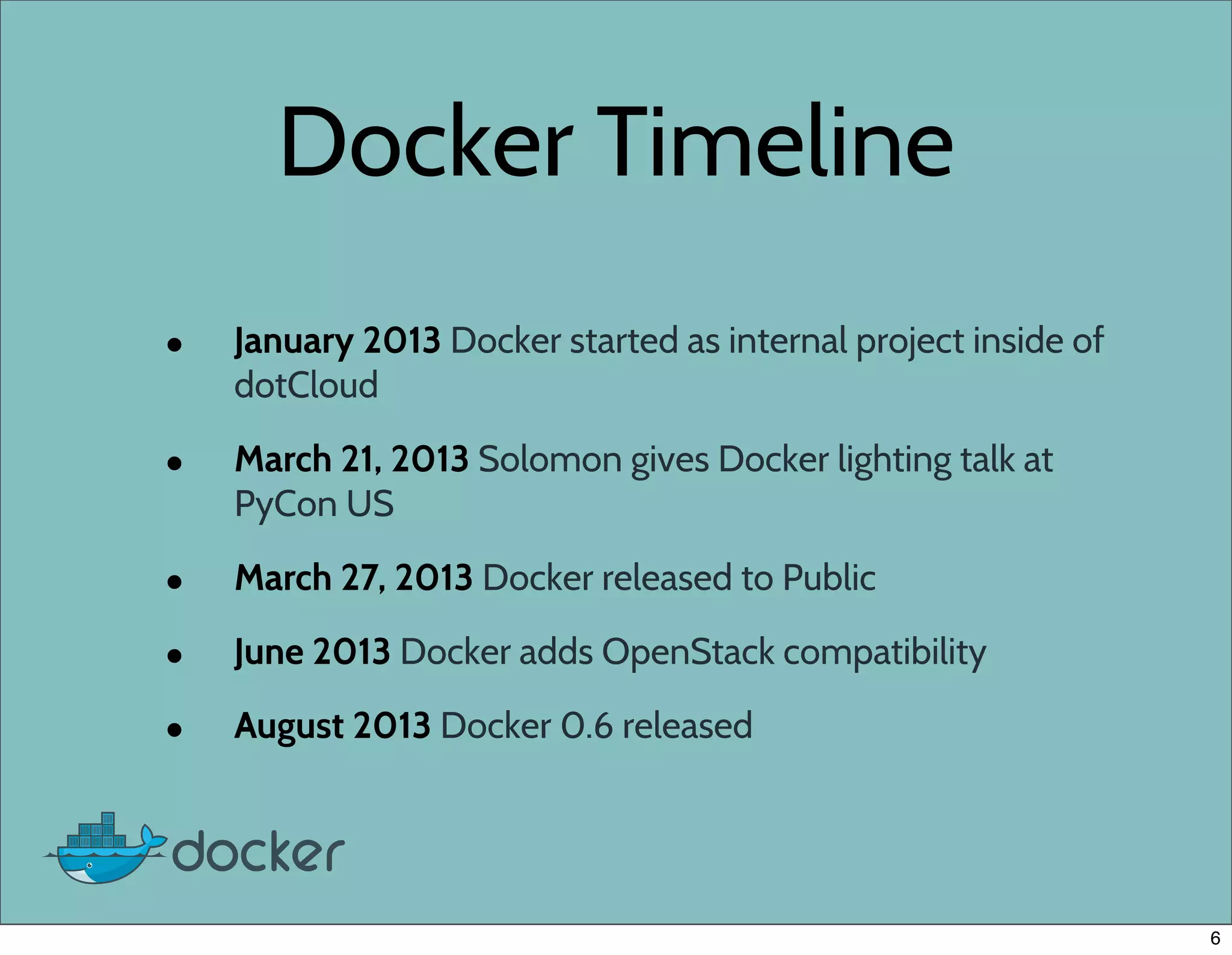
Docker Timeline
• January 2013 Docker started as internal project inside of
dotCloud
• March 21, 2013 Solomon gives Docker lighting talk at
PyCon US
• March 27, 2013 Docker released to Public
• June 2013 Docker adds OpenStack compatibility
• August 2013 Docker 0.6 released
6
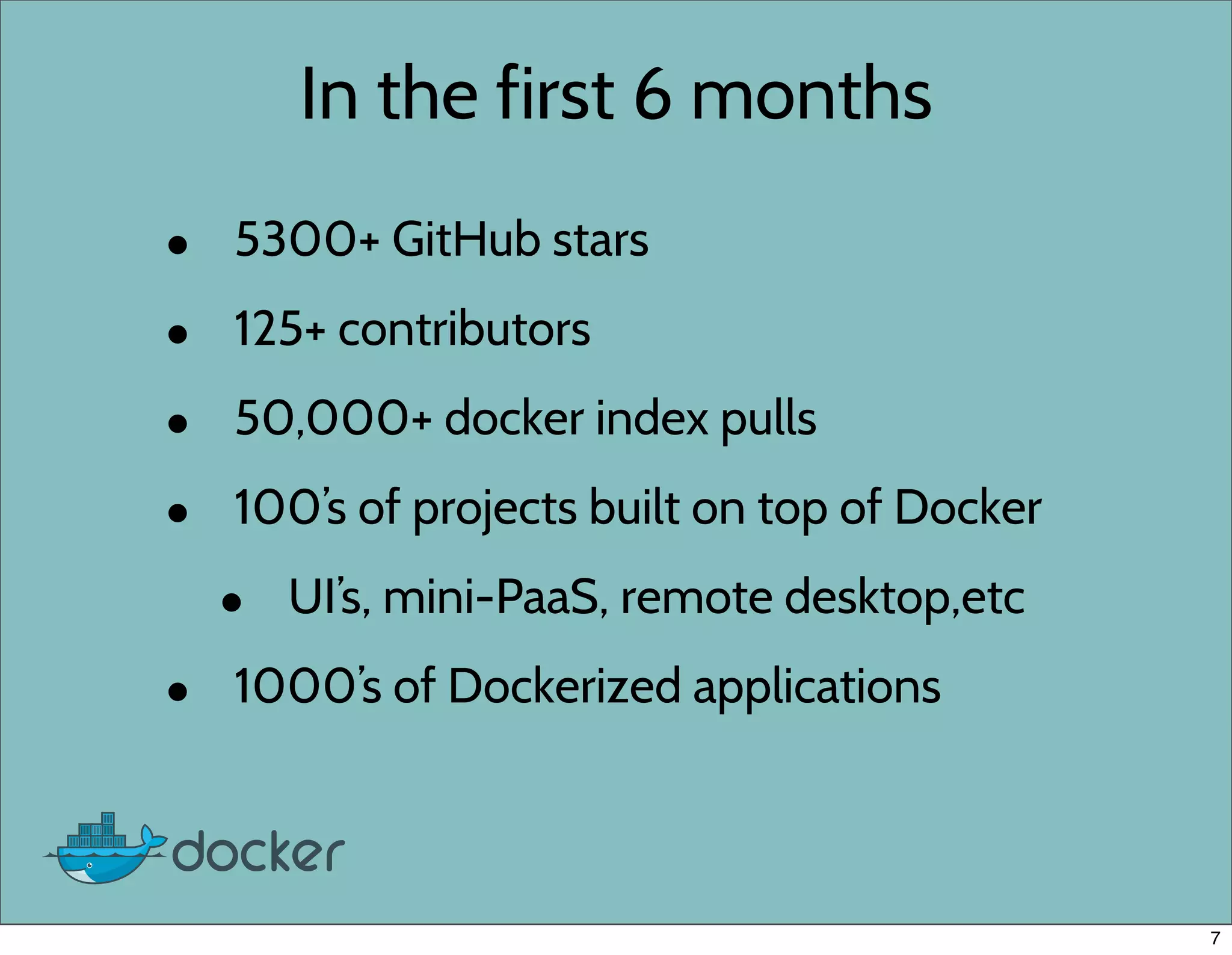
In the first 6 months
• 5300+ GitHub stars
• 125+ contributors
• 50,000+ docker index pulls
• 100’s of projects built on top of Docker
• UI’s, mini-PaaS, remote desktop,etc
• 1000’s of Dockerized applications
7
What is Docker?
• Docker is an open-source engine that
automates the deployment of any
application as a lightweight, portable,
self-sufficient container that will run
virtually anywhere.
8
How does Docker work?
• LinuX Containers (LXC)
• Control Groups & Namespaces
• AUFS
9
LinuX Containers (LXC)
• lets you run a Linux system within another
Linux system
• A container is a group of processes on a Linux
box, put together in an isolated environment
• Inside the box, looks like a VM.
• Outside of the box, it looks like normal
processes.
• chroot on steroids
10
Why Containers?
• Speed: Boots in seconds.
• Footprint: 100-1000 containers on one
machine. Small disk requirements
11
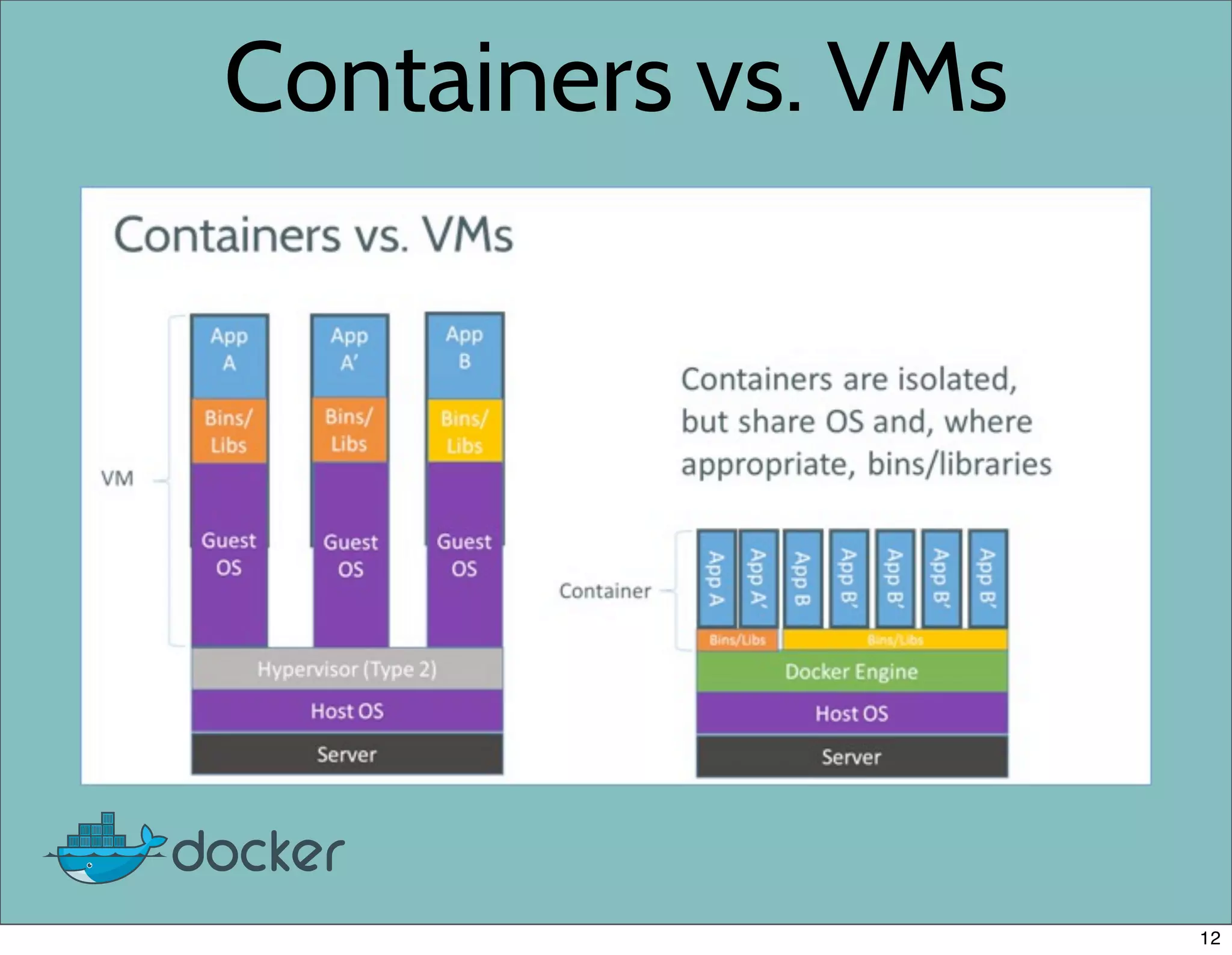
Containers vs. VMs
12
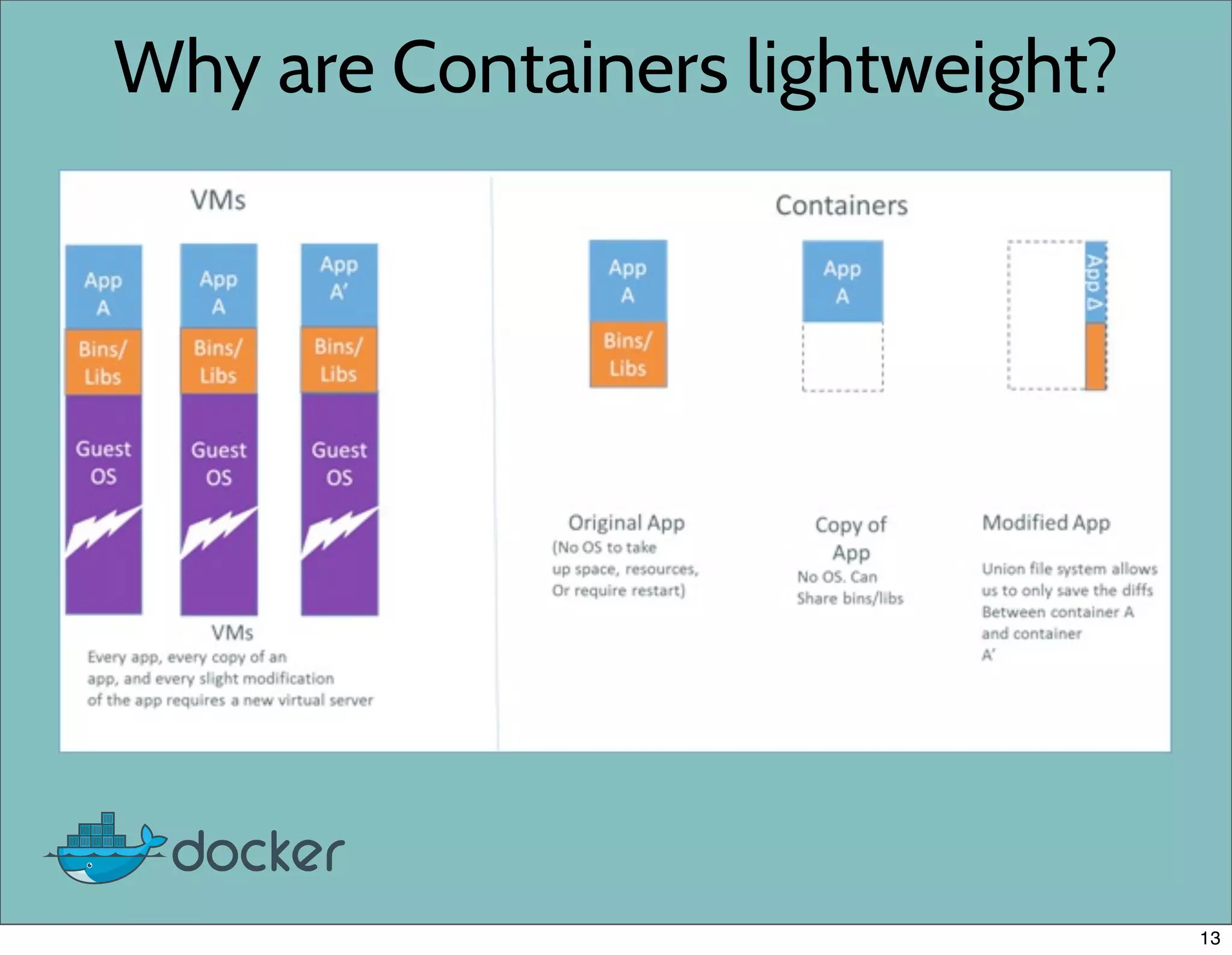
Why are Containers lightweight?
13
Installing Docker
14
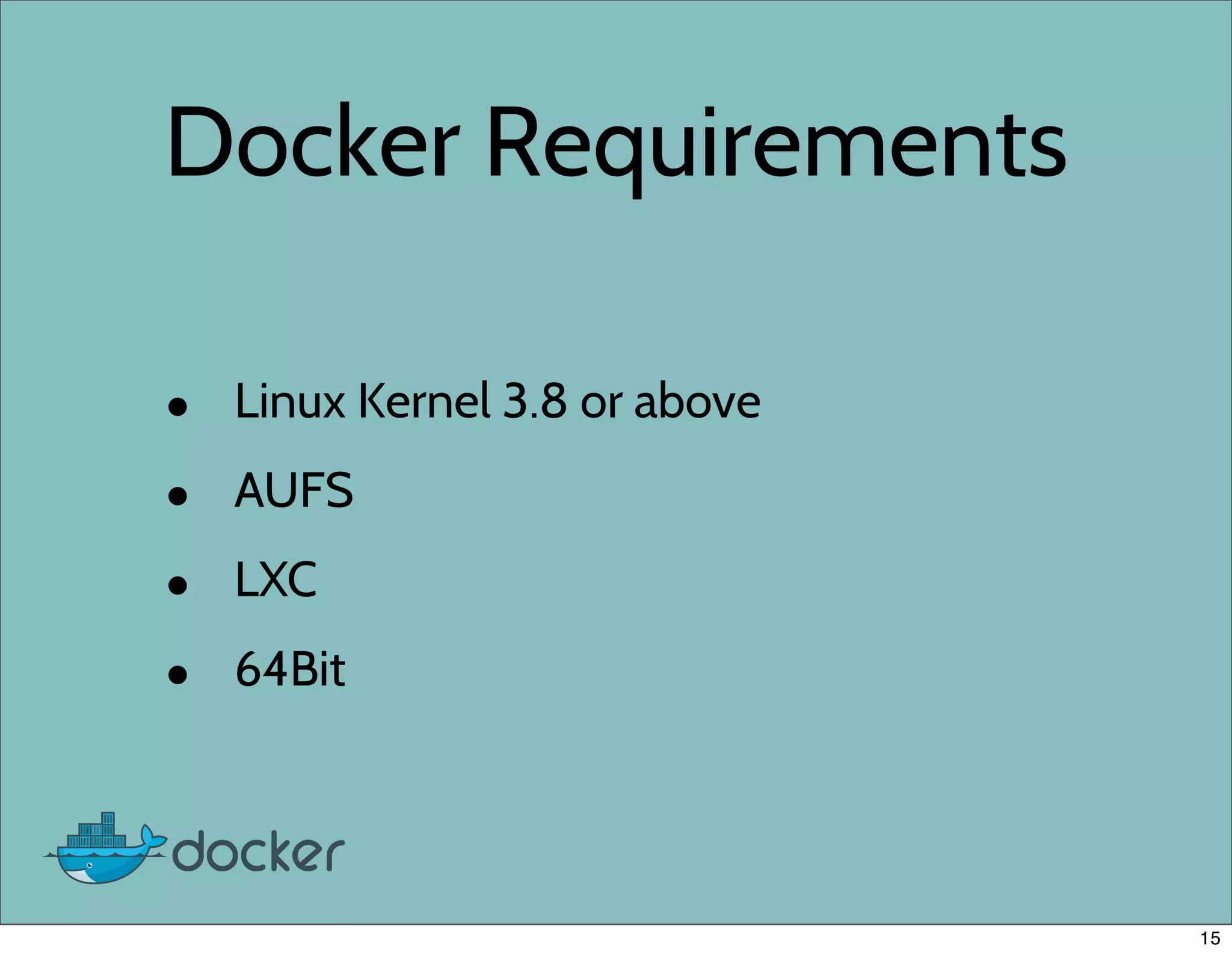
Docker Requirements
• Linux Kernel 3.8 or above
• AUFS
• LXC
• 64Bit
15
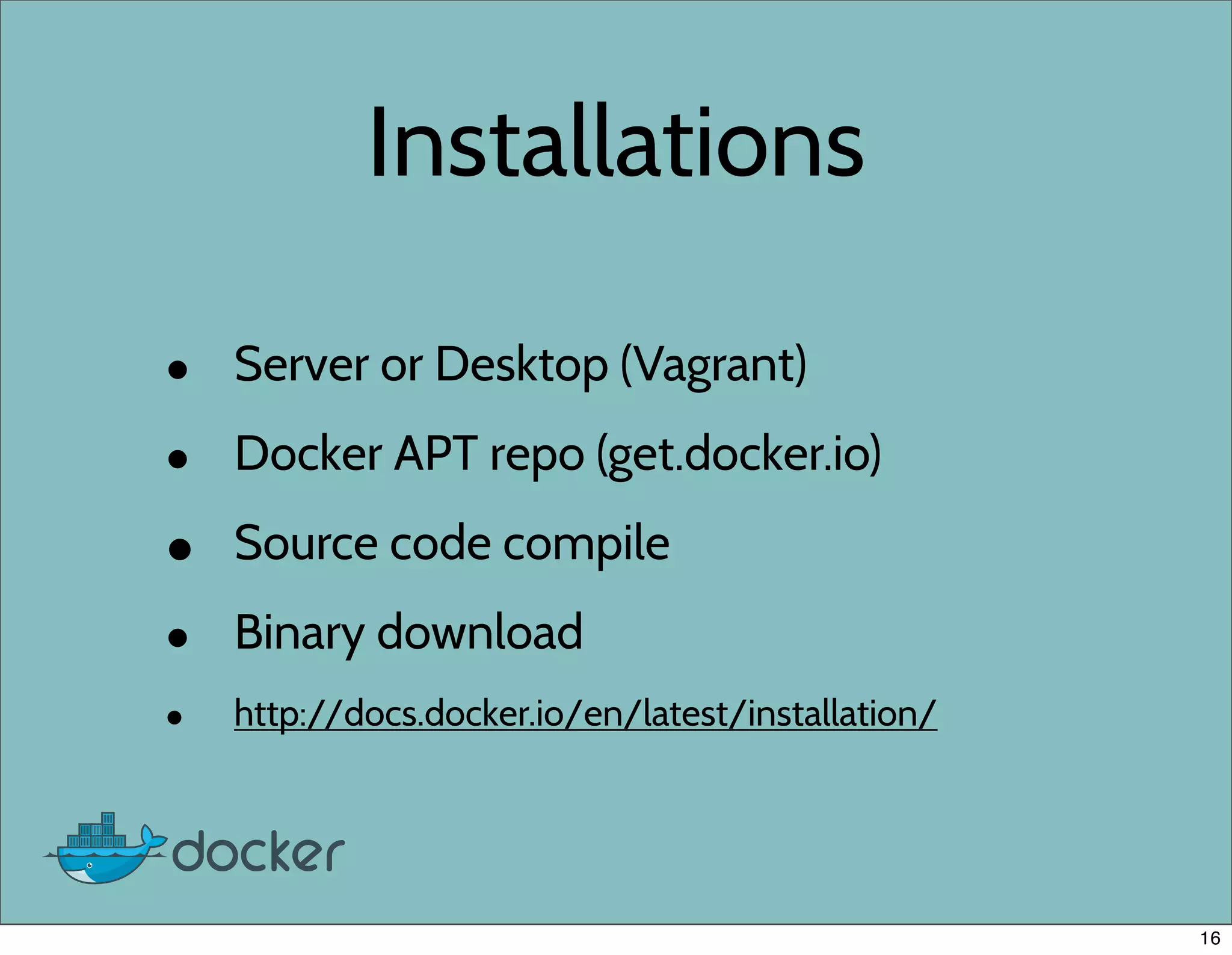
Installations
• Server or Desktop (Vagrant)
• Docker APT repo (get.docker.io)
• Source code compile
• Binary download
• http://docs.docker.io/en/latest/installation/
16
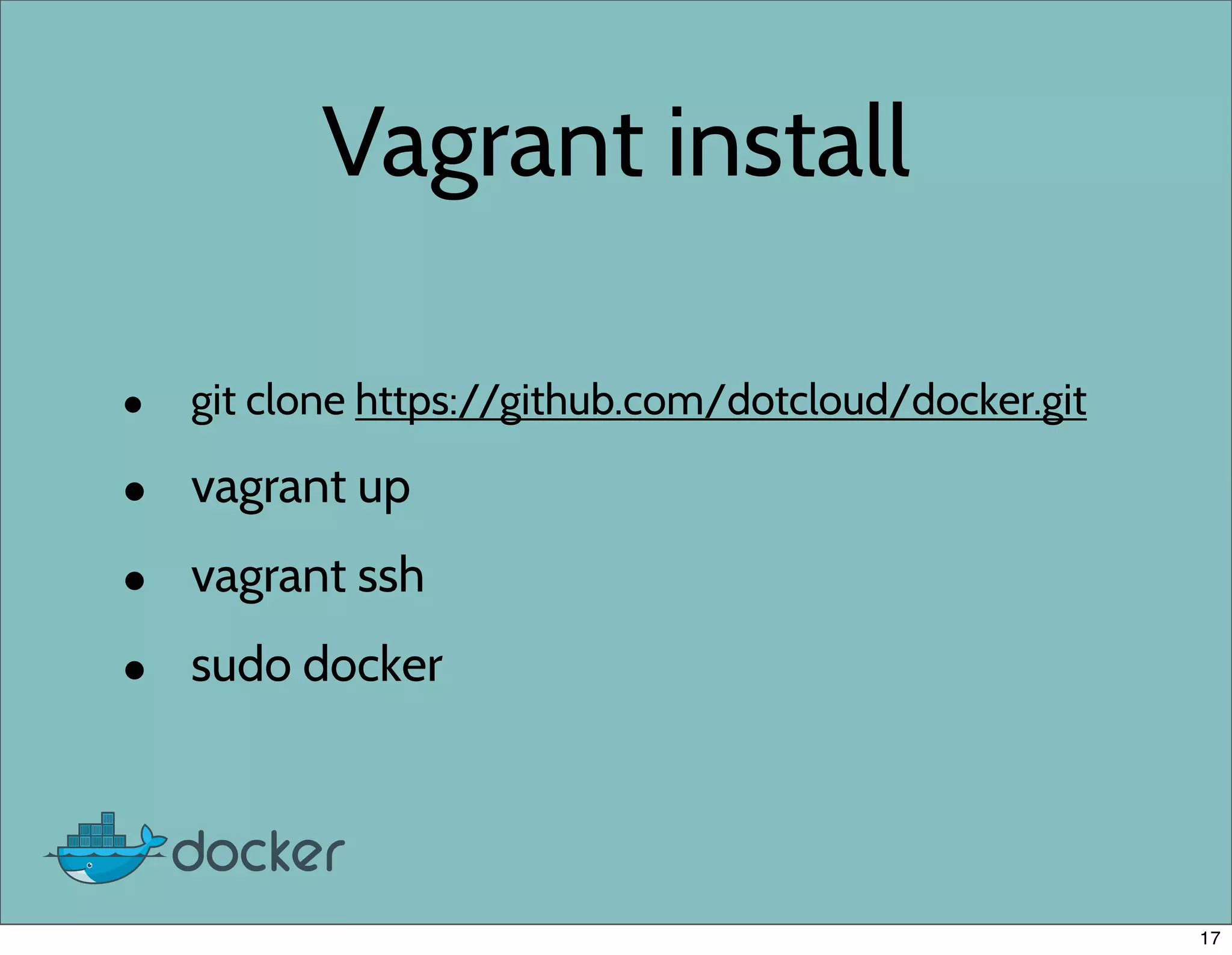
Vagrant install
• git clone https://github.com/dotcloud/docker.git
• vagrant up
• vagrant ssh
• sudo docker
17
Binary install
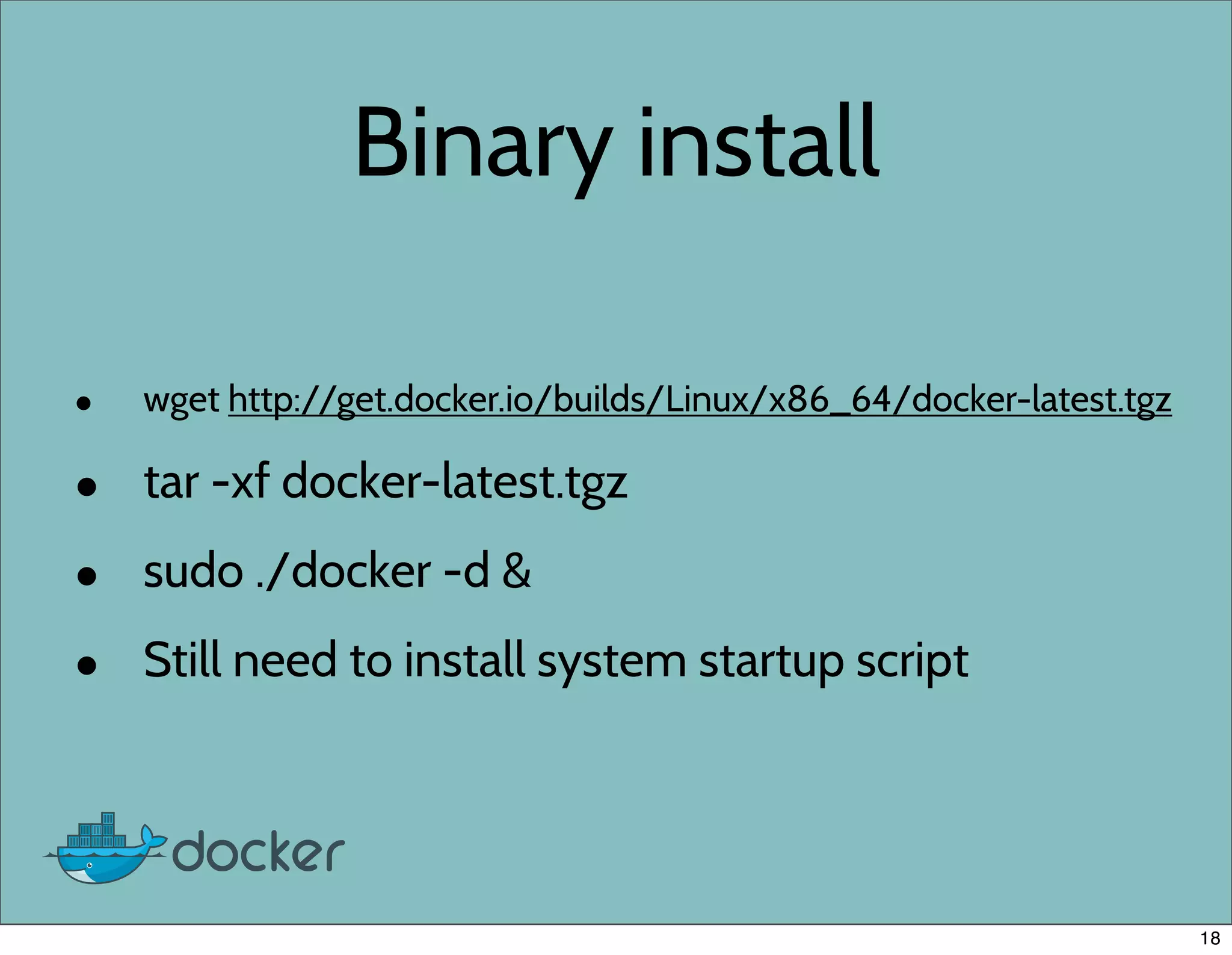
• wget http://get.docker.io/builds/Linux/x86_64/docker-latest.tgz
• tar -xf docker-latest.tgz
• sudo ./docker -d &
• Still need to install system startup script
18
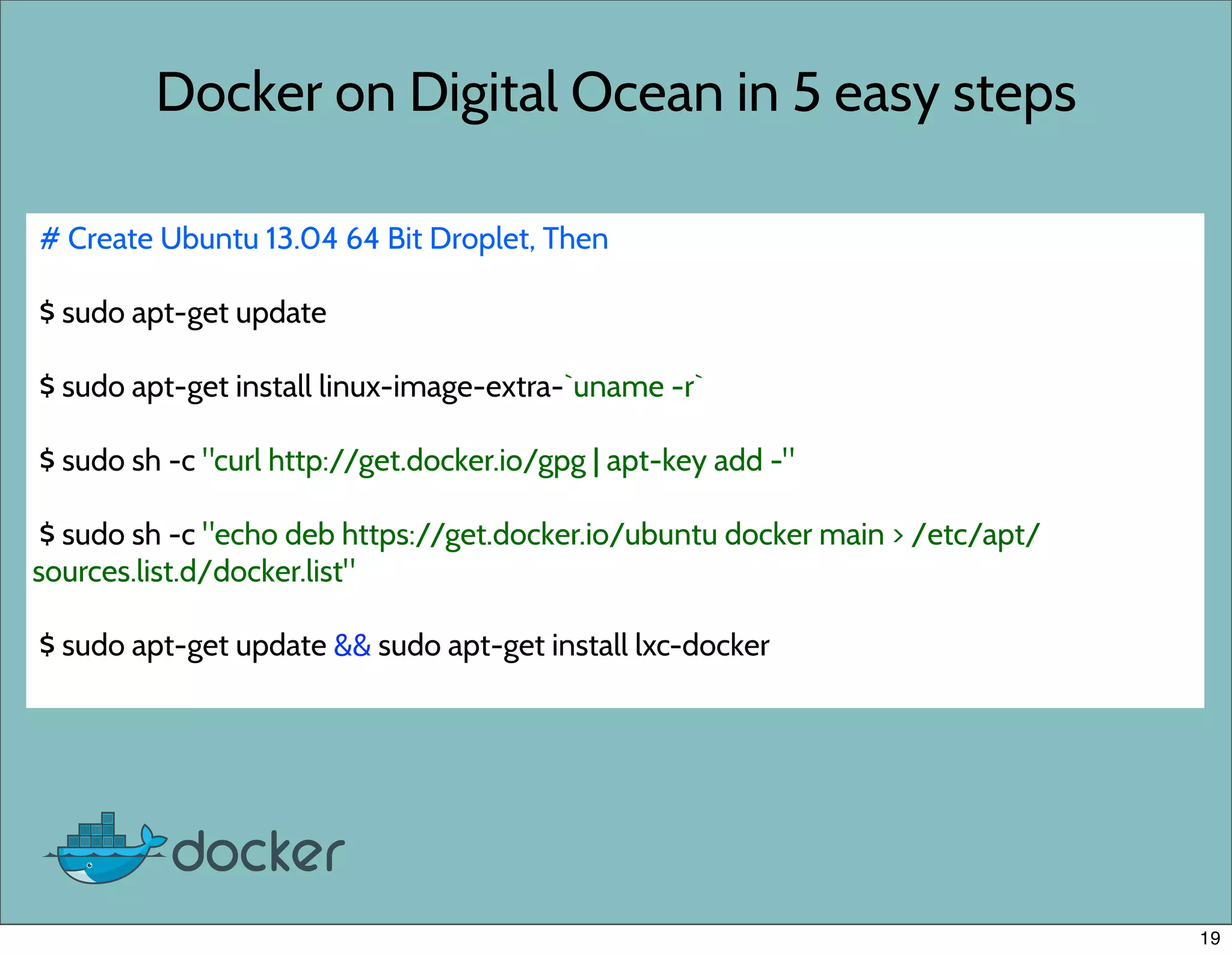
Docker on Digital Ocean in 5 easy steps
# Create Ubuntu 13.04 64 Bit Droplet, Then
$ sudo apt-get update
$ sudo apt-get install linux-image-extra-`uname -r`
$ sudo sh -c "curl http://get.docker.io/gpg | apt-key add -"
$ sudo sh -c "echo deb https://get.docker.io/ubuntu docker main > /etc/apt/
sources.list.d/docker.list"
$ sudo apt-get update && sudo apt-get install lxc-docker
19
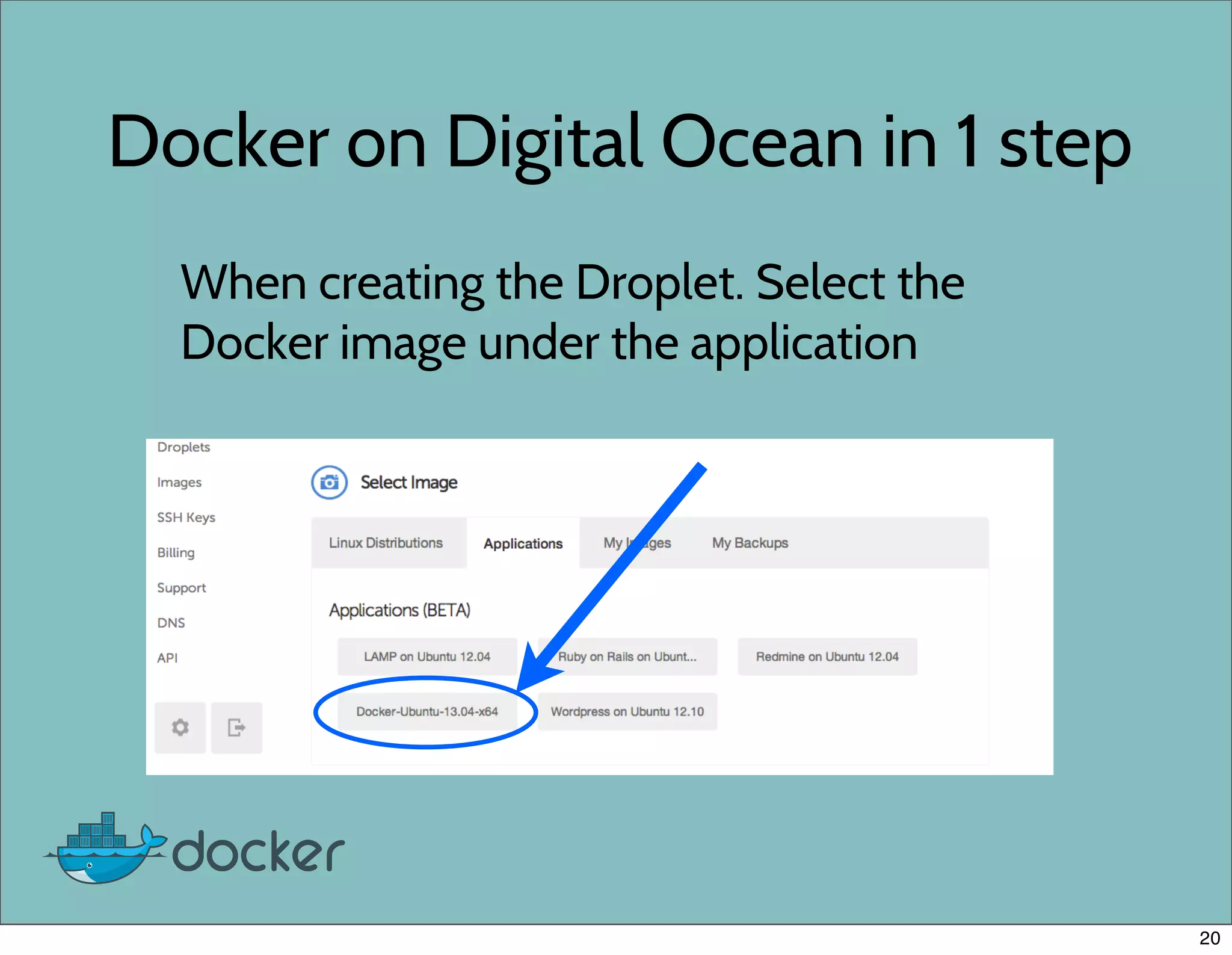
Docker on Digital Ocean in 1 step
When creating the Droplet. Select the
Docker image under the application
20
Awesome Sauce
• The Awesome folks at Digital Ocean has given everyone
here a great deal.
• No more excuses! Try Docker for Free on Digital Ocean
• Go to http://tinyurl.com/docker10 and enter in the
promo code DJANGOCON2013 when prompted for a
$10 credit. SSD backed VPS servers as low as $5/month
Do it now, before the deal expires.
• http://tinyurl.com/docker10
21
Use Cases
22
Docker Use Cases
• Local Dev environment
• Deployment
• Unit testing
• parallelize tests
• one db per test
• system tests
23
Testing
24
Unit testing
• Use containers to isolate tests into their own
environment.
• No more worrying about tests not cleaning
up after themselves.
• Parallelize the tests across multiple machines
25
System Testing
• Easily create all the different system
configurations to test against
• No need to worry about breaking or rebuilding a
test server
• Test Fabric scripts
• http://agiliq.com/blog/2013/06/self-testing-fabfile-using-docker/
26
Continuous Integration
• Run unit tests after each source commit
• StriderCD.com - Open source CI server
• Uses Docker Containers to run CI tests
before deployment.
• TravisCI is also playing with Docker
27
Deployment
28
Docker Deployment
• dokku
• Flynn.io
• deis.io
• chef, puppet, salt, ansible, etc
29
Dokku
• Open source PaaS
• Docker powered mini-heroku
• Less than 100 lines of Bash
• Heroku buildpacks
• Git push deployment
• https://github.com/progrium/dokku
30
Flynn.io
• Open source PaaS written in Go
• Uses Docker to manage containers
• One of the founders is author of Dokku
• Still in development
31
deis.io
• Open source written in Python
• Git push deployments
• Docker images, chef recipes or Heroku
buildpacks
• Supports scaling and application
formation
32
Chef
• chef-docker
• docker-cookbook
33
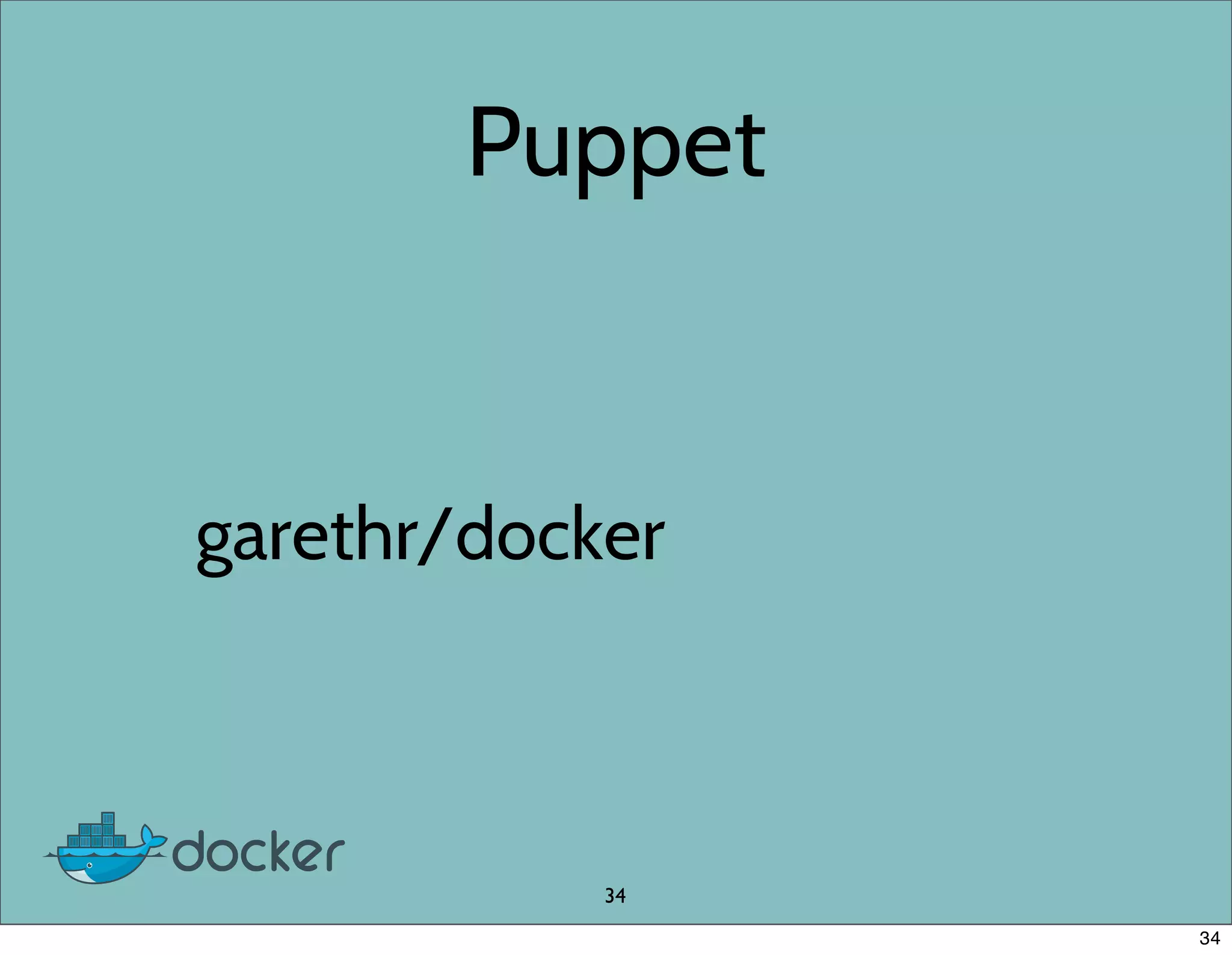
Puppet
garethr/docker
34
34
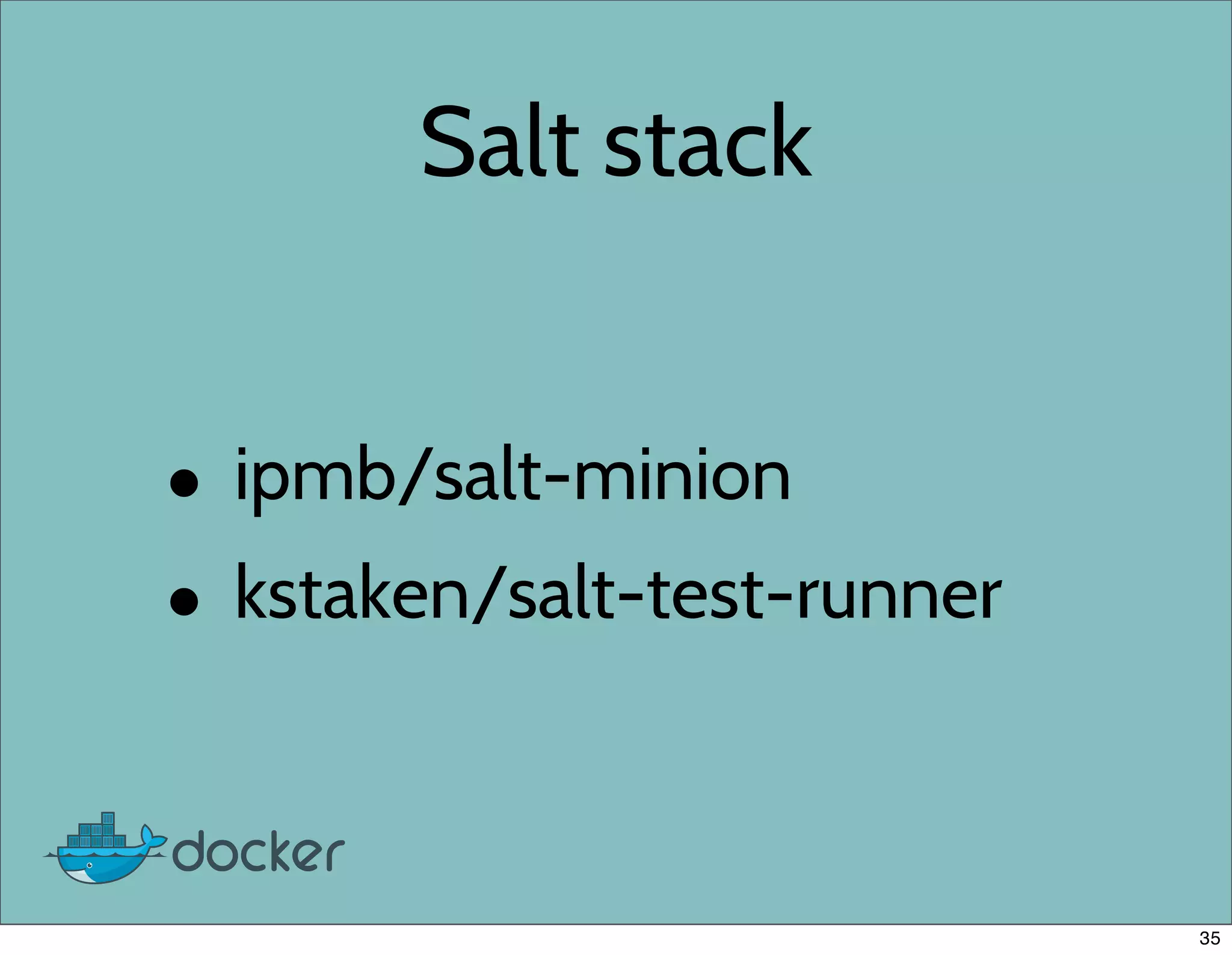
Salt stack
• ipmb/salt-minion
• kstaken/salt-test-runner
35
Ansible
• cove/docker-ansible
• bryfry/ansible-docker
36
Local Development
37
Local Dev Setup
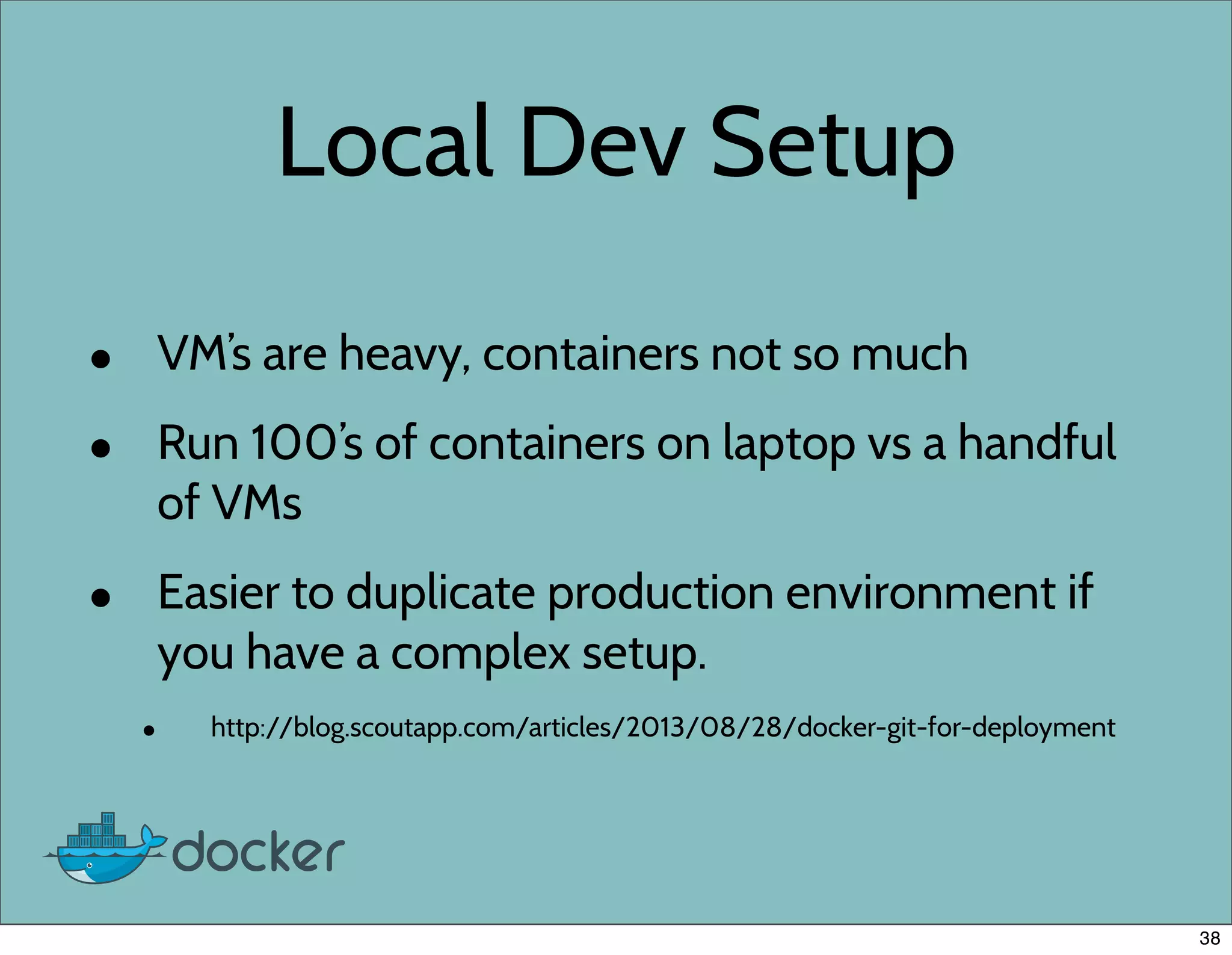
• VM’s are heavy, containers not so much
• Run 100’s of containers on laptop vs a handful
of VMs
• Easier to duplicate production environment if
you have a complex setup.
• http://blog.scoutapp.com/articles/2013/08/28/docker-git-for-deployment
38
Cool Projects Using
Docker
39
Cool projects
• npmt.abru.pt: Node.js Module (NPM) testing
• ptone/jiffylab: Zero configuration Python/Unix web
based teaching environment
• kitchen-Docker: Docker driver for Ruby’s test kitchen
• MemcachedAsaService.com
• Try RethinkDB, openstack-docker
• Many many more.
40
npmt.abru.pt
• Autonomously Testing All NPM modules
• One container per module is created then
destroyed when test is finished.
• 39496 modules verified
41
kitchen-docker
• A Ruby framework for running integration
tests in an isolated environment
• Uses Docker to run tests in containers
• https://github.com/portertech/kitchen-docker
42
JiffyLab
• Created by Preston Holmes
• Provides an entirely web based
environment for instruction.
• Python and UNIX shell env running in it’s
own Docker container
• https://github.com/ptone/jiffylab
43
Memcached SaaS
• Built as a class project
• Memcached SaaS built on top of Docker
• Built with Ruby on Rails
• https://github.com/jbarbier/SaaS_Memcached/
44
Try RethinkDB
• SaaS that let you try out RethinkDB
• One DB per container
• Containers killed within 24 hours
• 1000’s of containers on one host
45
openstack-docker
• Deploy lightweight linux containers on
Openstack
• https://github.com/dotcloud/openstack-
docker
46
Using Docker
47
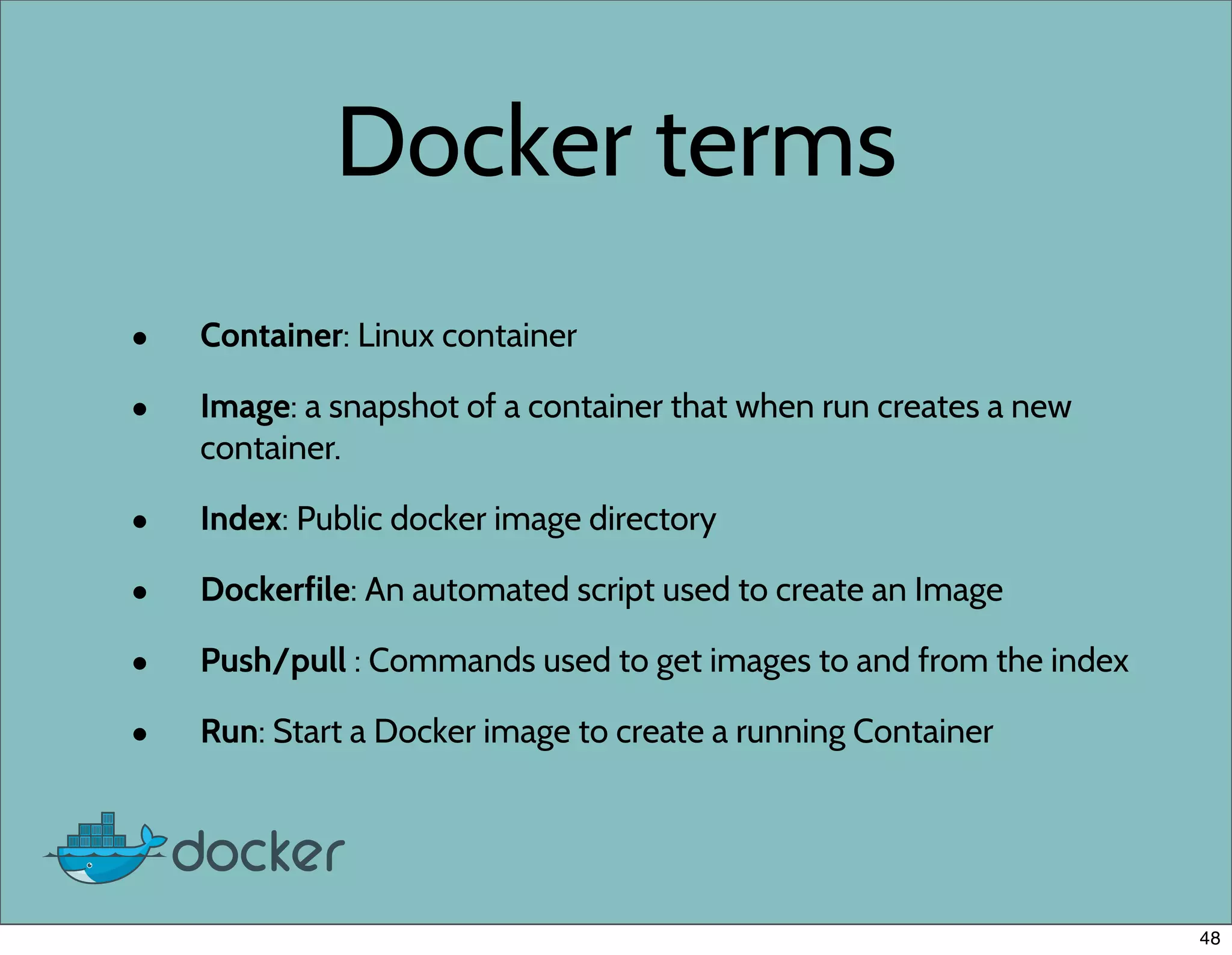
Docker terms
• Container: Linux container
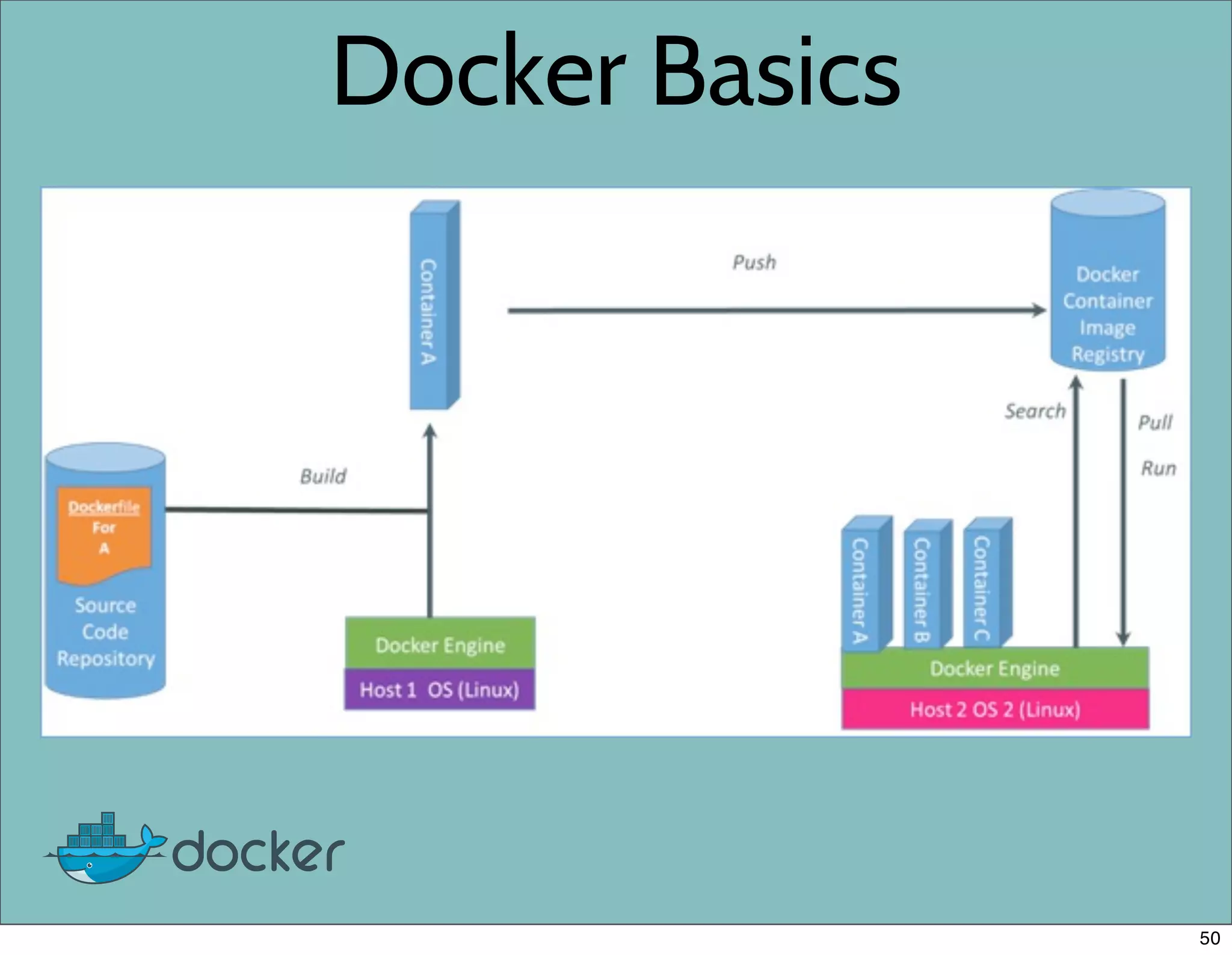
• Image: a snapshot of a container that when run creates a new
container.
• Index: Public docker image directory
• Dockerfile: An automated script used to create an Image
• Push/pull : Commands used to get images to and from the index
• Run: Start a Docker image to create a running Container
48
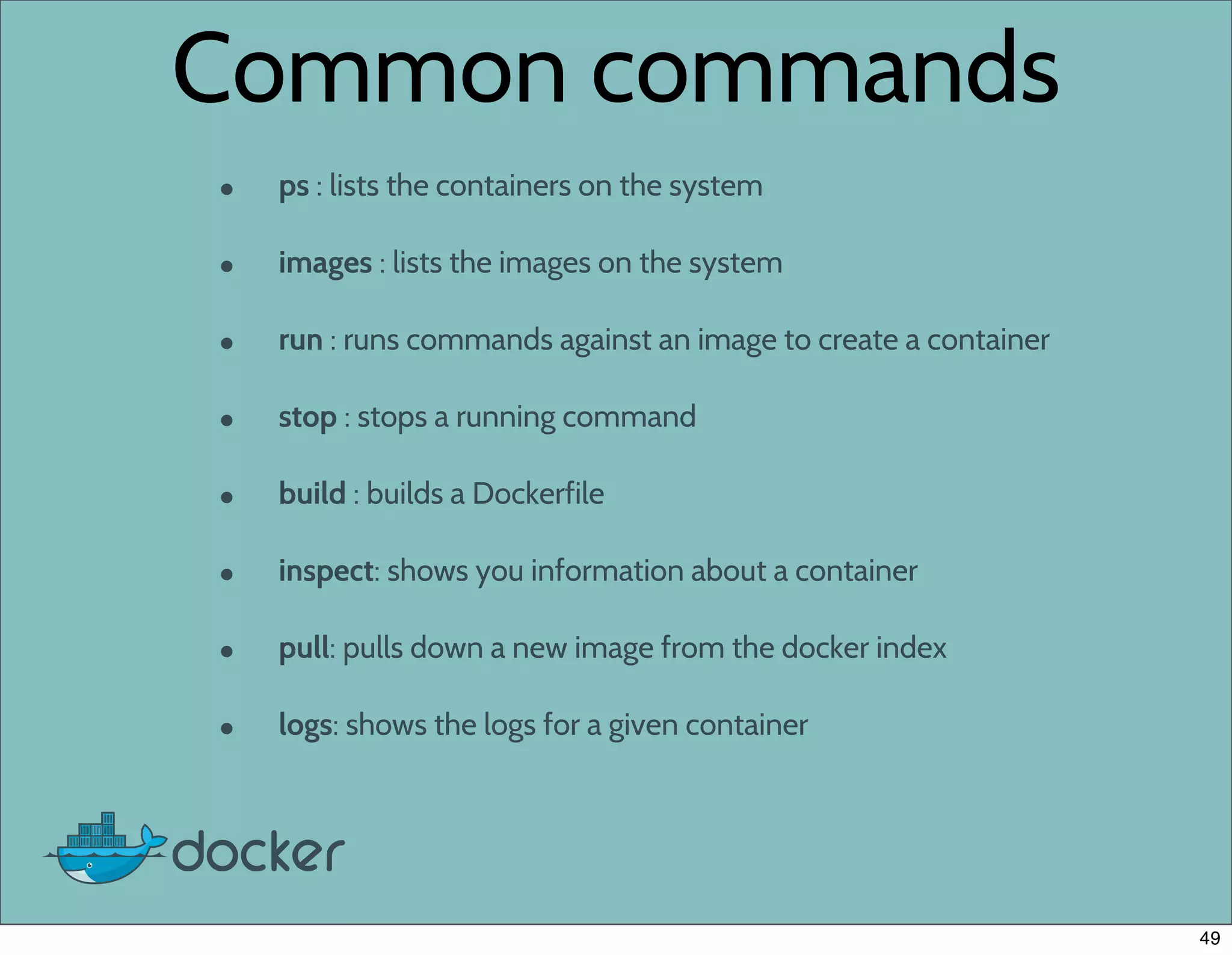
Common commands
• ps : lists the containers on the system
• images : lists the images on the system
• run : runs commands against an image to create a container
• stop : stops a running command
• build : builds a Dockerfile
• inspect: shows you information about a container
• pull: pulls down a new image from the docker index
• logs: shows the logs for a given container
49
Docker Basics
50
Changes and Updates
51
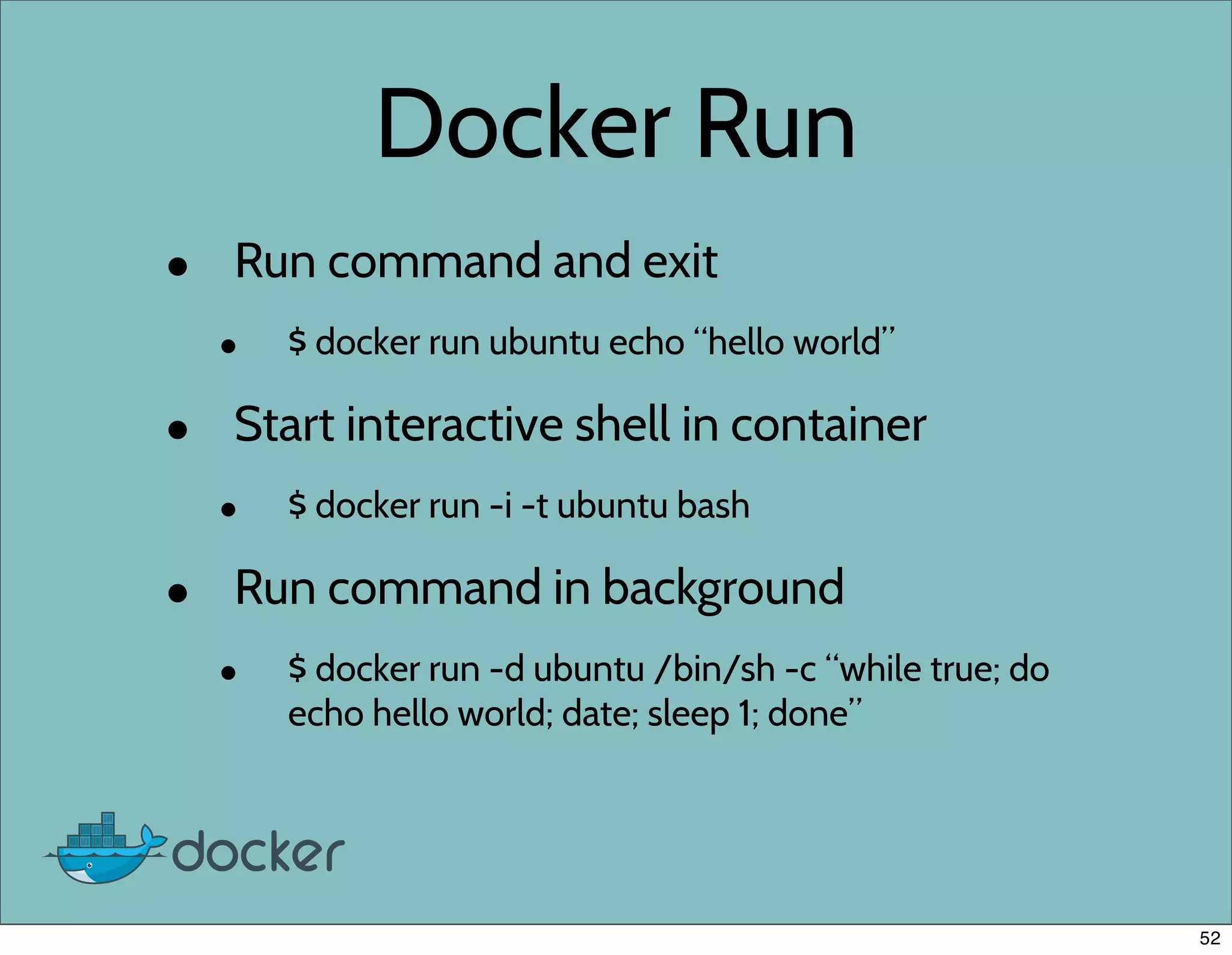
Docker Run
• Run command and exit
• $ docker run ubuntu echo “hello world”
• Start interactive shell in container
• $ docker run -i -t ubuntu bash
• Run command in background
• $ docker run -d ubuntu /bin/sh -c “while true; do
echo hello world; date; sleep 1; done”
52
Dockerfiles
53
Dockerfiles
• Simple scripting language
• Automate the creation of docker images
• Built in caching
• Add them to any project repo to
Dockerize the project.
• Online tutorial
• http://www.docker.io/learn/dockerfile/
54
Building Images by hand
# start a ubuntu 12.10 container
$ docker run -i -t ubuntu:12.10 bash
# update the apt repo
[a2bc13] $ apt-get update
# install curl
[a2bc13] $ apt-get install curl
# exit out of container
[a2bc13] $ exit
# save changes to container as an image
$ docker commit -m "comment" a2bc13 username/image
55
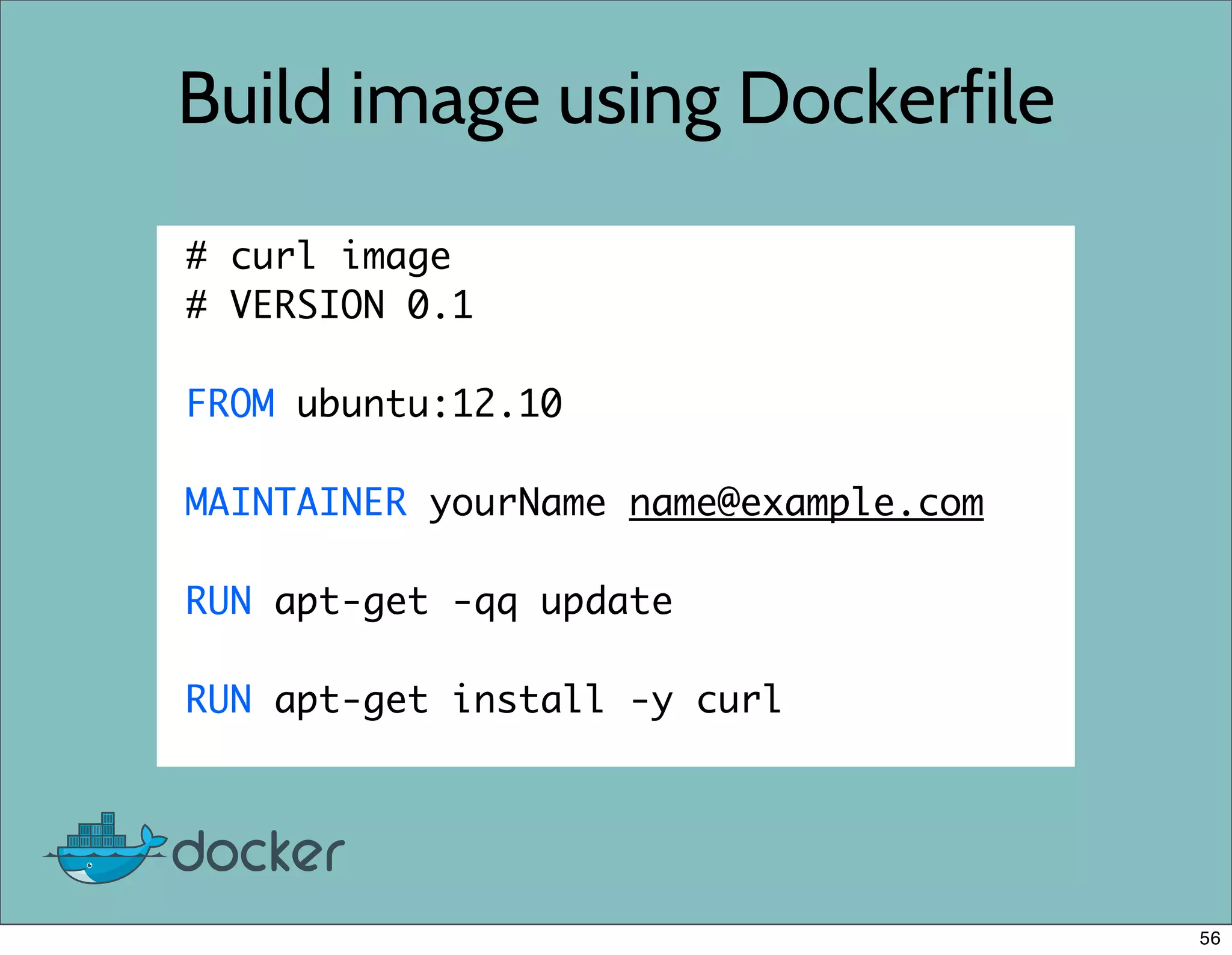
Build image using Dockerfile
# curl image
# VERSION 0.1
FROM ubuntu:12.10
MAINTAINER yourName name@example.com
RUN apt-get -qq update
RUN apt-get install -y curl
56
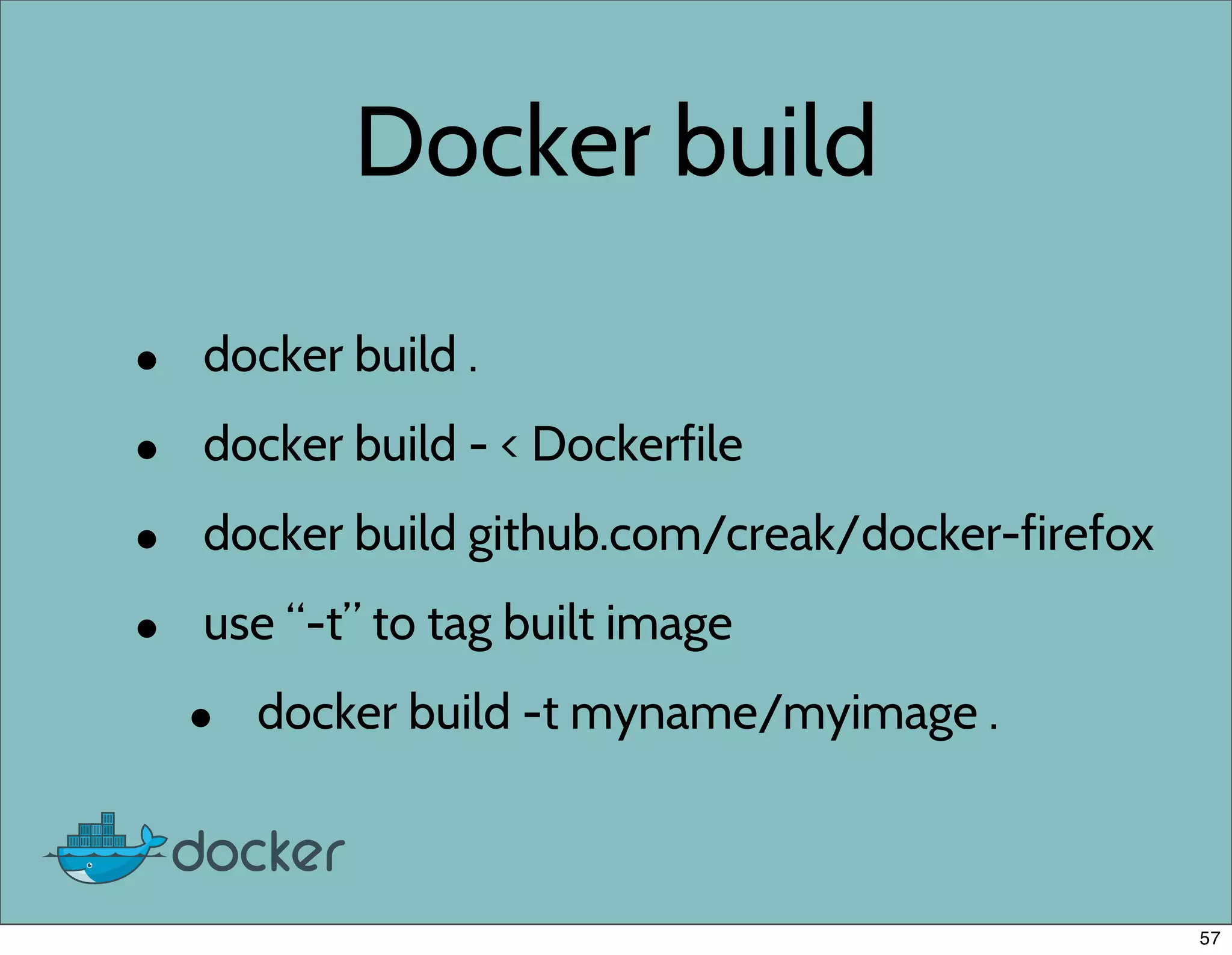
Docker build
• docker build .
• docker build - < Dockerfile
• docker build github.com/creak/docker-firefox
• use “-t” to tag built image
• docker build -t myname/myimage .
57
Redis Dockerfile example
# Redis
# VERSION 0.1
FROM johncosta/redis
MAINTAINER yourName name@example.com
EXPOSE 6379
RUN mkdir /redis
ENTRYPOINT ["/usr/bin/redis-server"]
CMD ["--dir", "/redis"]
58
Docker Index
59
Docker index
• Similar to PyPI but for Docker images
• Public directory to store and download
reusable docker images
• Docker image meta data
• Account required to publish images (free)
• Written in Django
• https://index.docker.io
60
Docker registry
• Open source Python Flask app
• https://github.com/dotcloud/docker-registry
• Manages the storage of the images
• Install private registry for private images
61
Docker API
62
Docker API
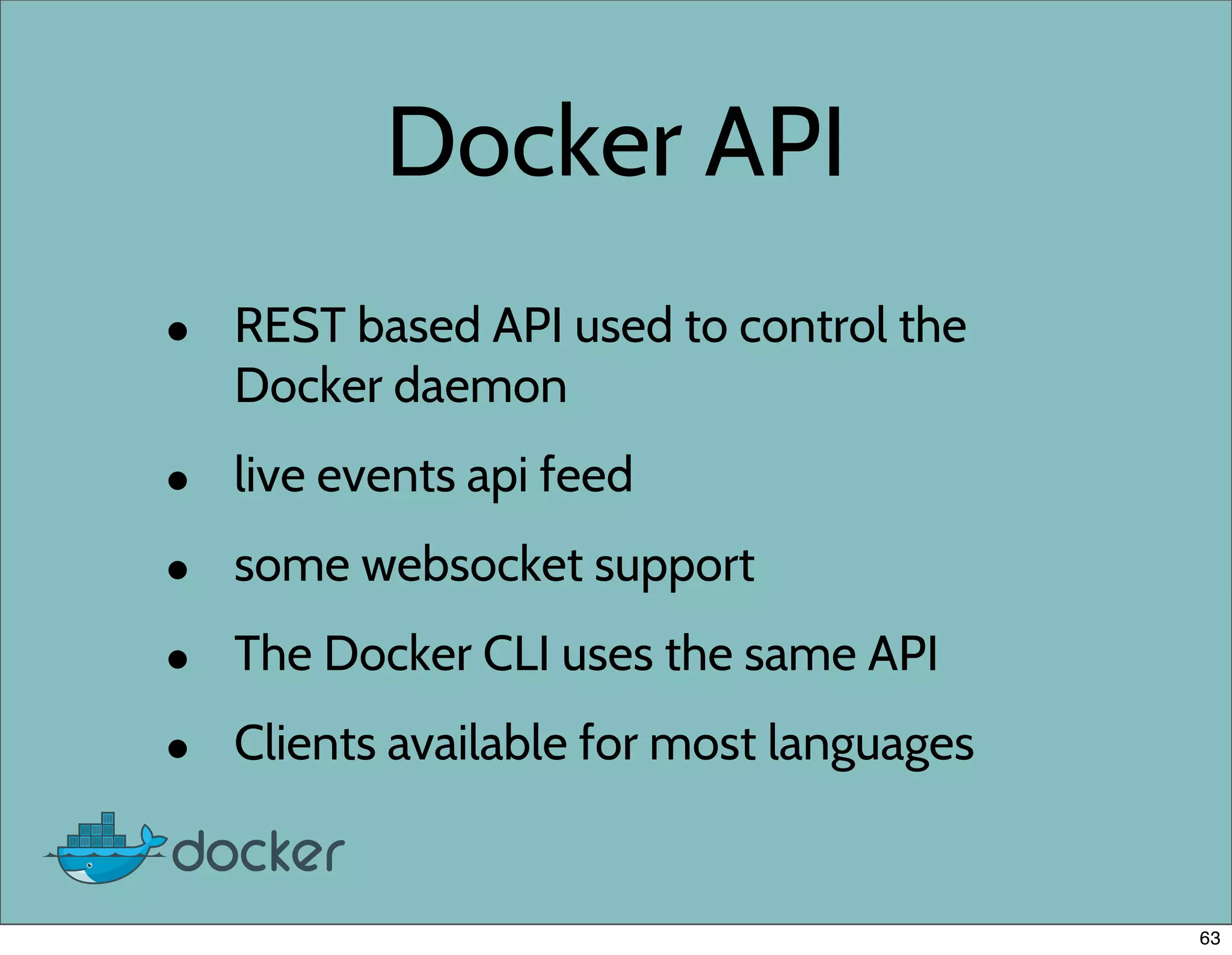
• REST based API used to control the
Docker daemon
• live events api feed
• some websocket support
• The Docker CLI uses the same API
• Clients available for most languages
63
Docker clients
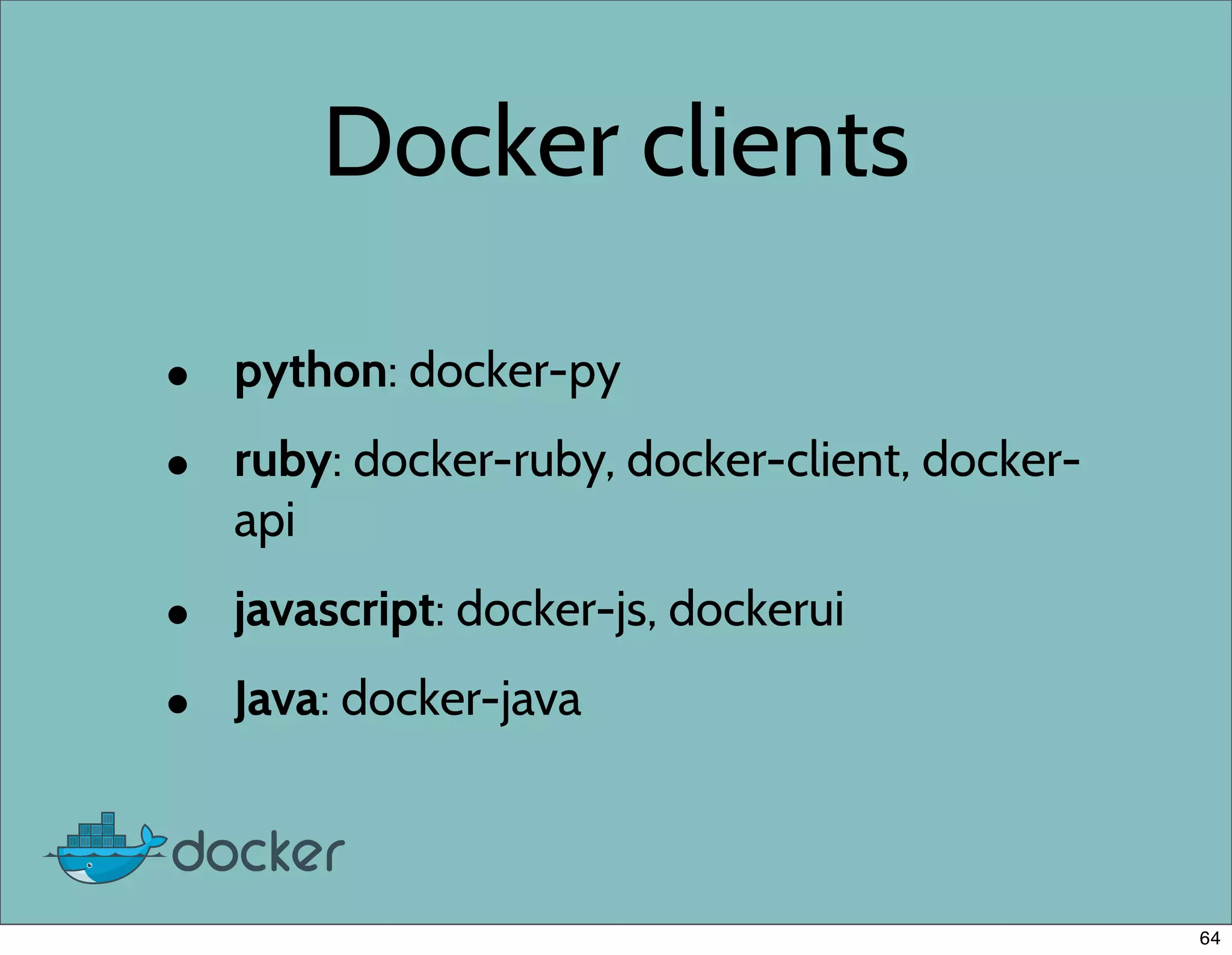
• python: docker-py
• ruby: docker-ruby, docker-client, docker-
api
• javascript: docker-js, dockerui
• Java: docker-java
64
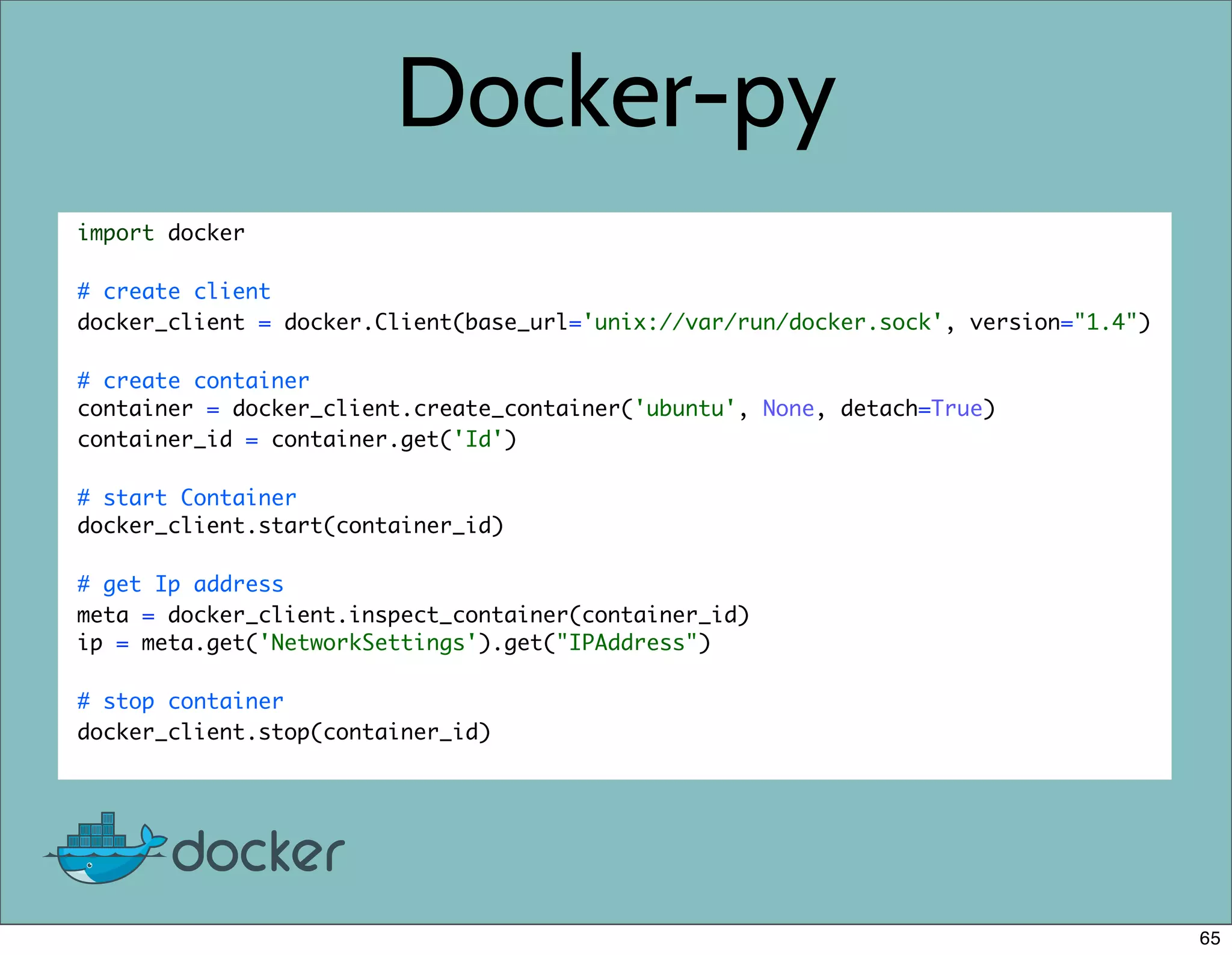
Docker-py
import docker
# create client
docker_client = docker.Client(base_url='unix://var/run/docker.sock', version="1.4")
# create container
container = docker_client.create_container('ubuntu', None, detach=True)
container_id = container.get('Id')
# start Container
docker_client.start(container_id)
# get Ip address
meta = docker_client.inspect_container(container_id)
ip = meta.get('NetworkSettings').get("IPAddress")
# stop container
docker_client.stop(container_id)
65
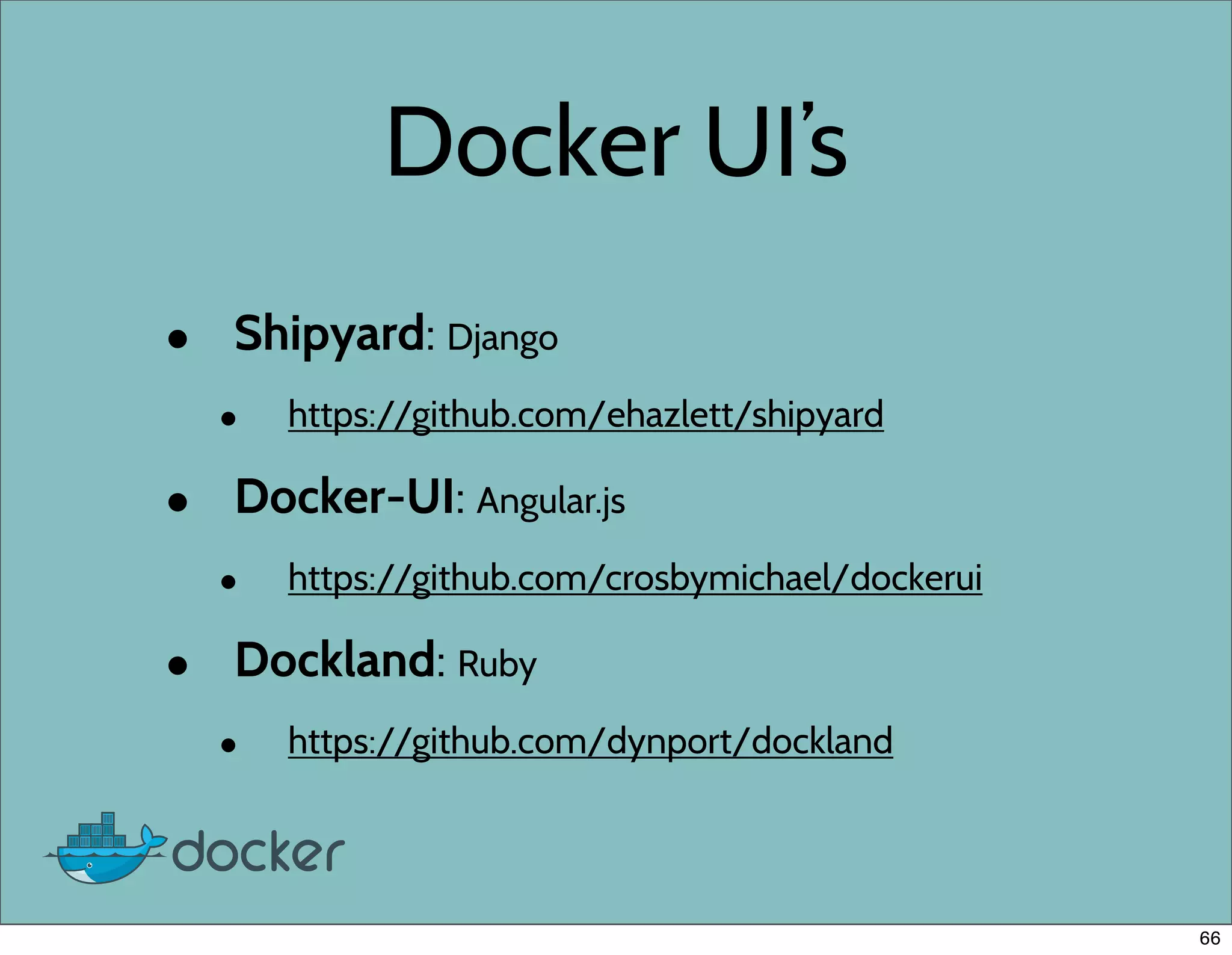
Docker UI’s
• Shipyard: Django
• https://github.com/ehazlett/shipyard
• Docker-UI: Angular.js
• https://github.com/crosbymichael/dockerui
• Dockland: Ruby
• https://github.com/dynport/dockland
66
Demo
67
Coming Soon
68
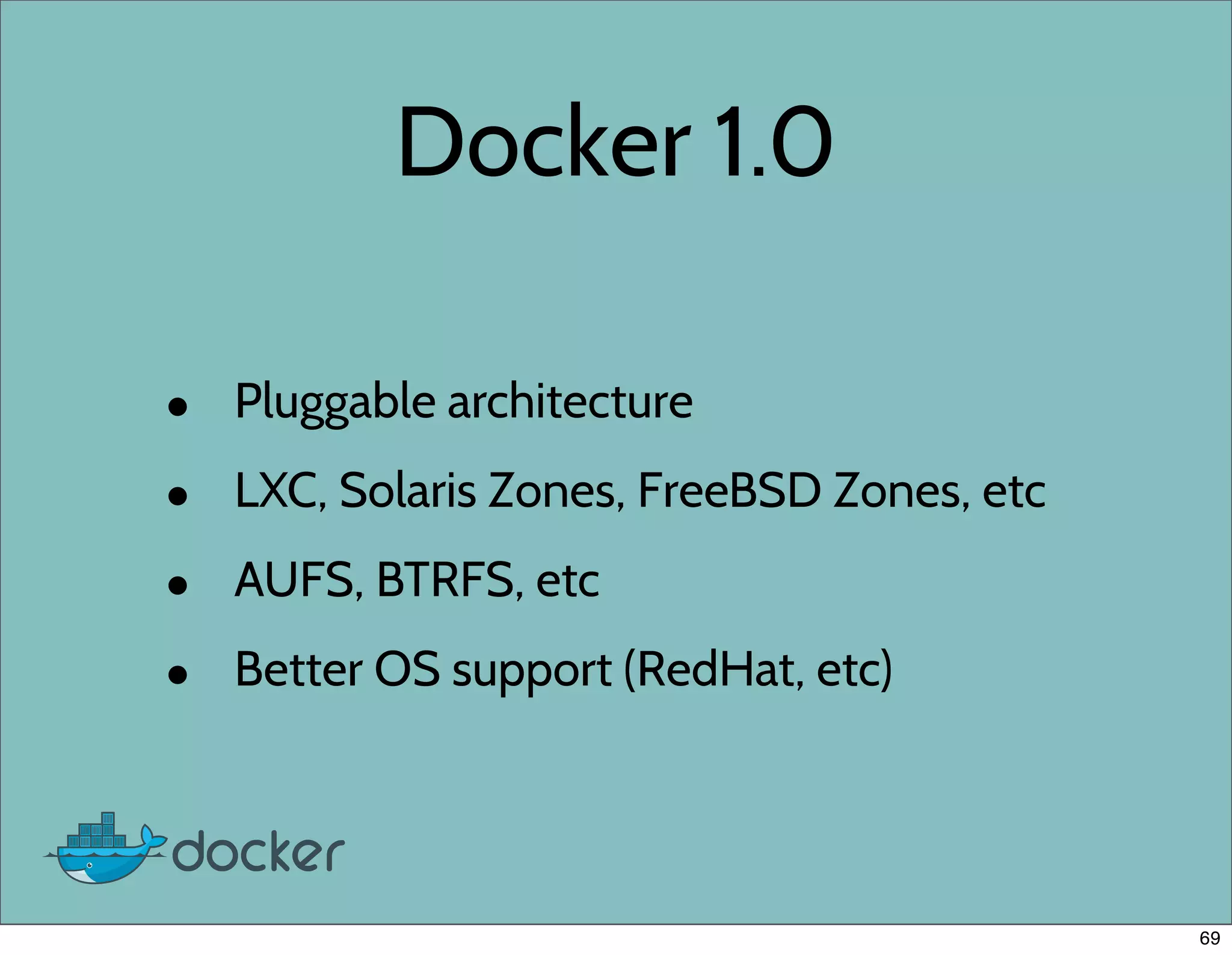
Docker 1.0
• Pluggable architecture
• LXC, Solaris Zones, FreeBSD Zones, etc
• AUFS, BTRFS, etc
• Better OS support (RedHat, etc)
69
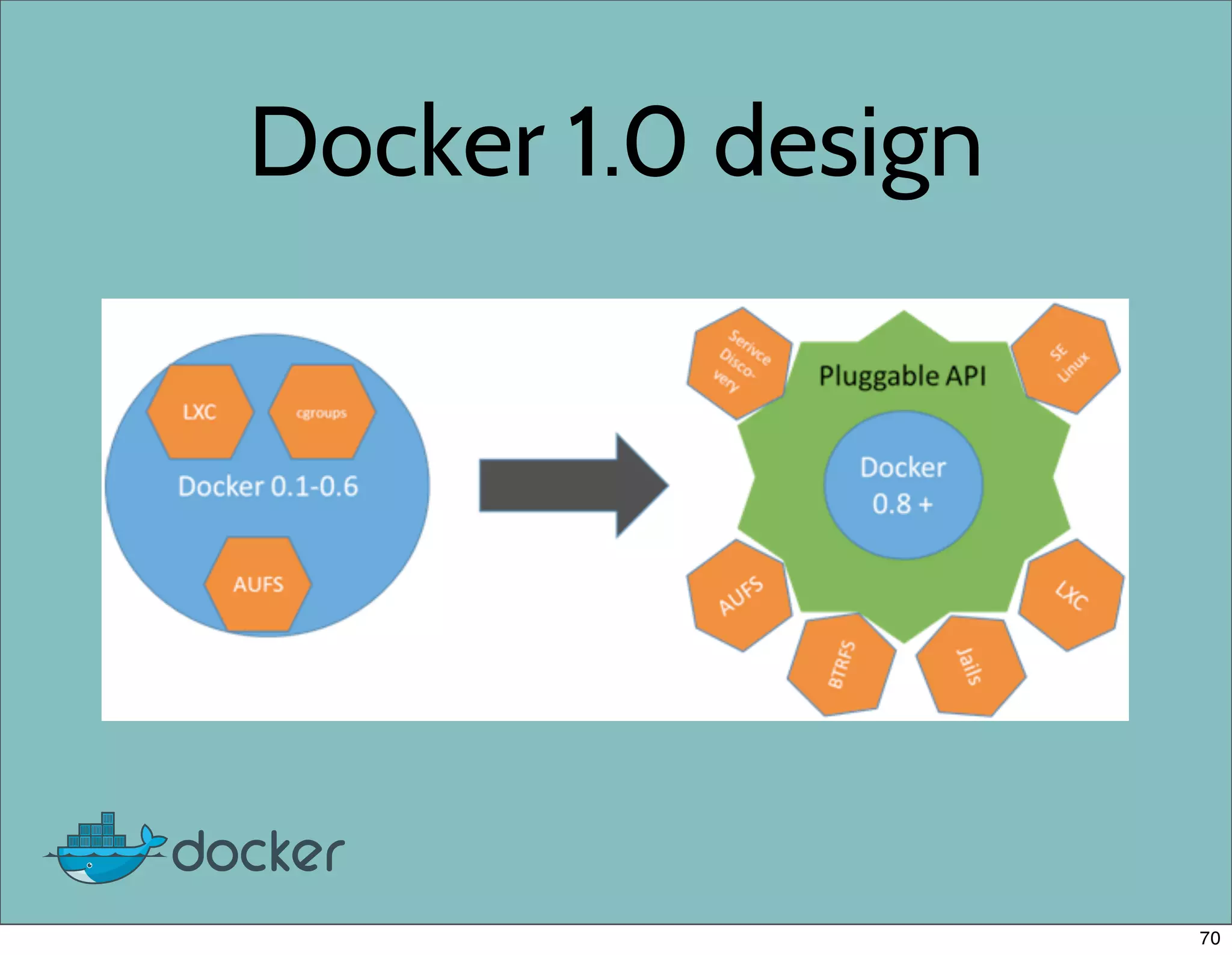
Docker 1.0 design
70
Want to Learn more?
• Website: http://www.docker.io
• Documentation: http://docs.docker.io
• Github: https://github.com/dotcloud/docker
• IRC: freenode #docker
• Twitter: follow @docker
• Google group: groups.google.com/forum/#!forum/docker-
user
• Meetups: Boston, New York, London, Paris, San Francisco,
and more coming soon. Go to website for details.
71
Docker OpenSpace
• Questions, installation help, etc
• Today (Monday) @ 2-3pm
• Grand suite 5
72
Docker Swag
• I have a limited amount of Docker swag
to give away.
• T-shirts
• Stickers
• Send me a tweet @KenCochrane if you
want one.
73
Questions?
74
Thank you!
@KenCochrane
75

Docker at Djangocon 2013 | Talk by Ken Cochrane

  • 1.
    Django and Docker:a marriage made in heaven Ken Cochrane DjangoCon US 2013 1
  • 2.
    About me • KenCochrane (@KenCochrane) • Engineer at dotCloud (Corporate sponsor of Docker) • Work on Docker and Docker related projects (index, registry, docs, etc) • Django user since 0.96.1 2
  • 3.
    Outline • Intro toDocker • Common use cases • Demo • Questions 3
  • 4.
  • 5.
    Quick survey • Howmany people have heard of Docker before today? 4
  • 6.
    Quick survey • Howmany people have heard of Docker before today? • How many people have tried Docker? 4
  • 7.
    Quick survey • Howmany people have heard of Docker before today? • How many people have tried Docker? • How many people are using Docker on a project today? 4
  • 8.
    Where did Dockercome from? • Docker is a rewrite of similar code that currently powers the dotCloud PaaS • Original version written in Python, new version written in Go. • Still a very young project, but mature for it’s age. 5
  • 9.
    Docker Timeline • January2013 Docker started as internal project inside of dotCloud • March 21, 2013 Solomon gives Docker lighting talk at PyCon US • March 27, 2013 Docker released to Public • June 2013 Docker adds OpenStack compatibility • August 2013 Docker 0.6 released 6
  • 10.
    In the first6 months • 5300+ GitHub stars • 125+ contributors • 50,000+ docker index pulls • 100’s of projects built on top of Docker • UI’s, mini-PaaS, remote desktop,etc • 1000’s of Dockerized applications 7
  • 11.
    What is Docker? •Docker is an open-source engine that automates the deployment of any application as a lightweight, portable, self-sufficient container that will run virtually anywhere. 8
  • 12.
    How does Dockerwork? • LinuX Containers (LXC) • Control Groups & Namespaces • AUFS 9
  • 13.
    LinuX Containers (LXC) •lets you run a Linux system within another Linux system • A container is a group of processes on a Linux box, put together in an isolated environment • Inside the box, looks like a VM. • Outside of the box, it looks like normal processes. • chroot on steroids 10
  • 14.
    Why Containers? • Speed:Boots in seconds. • Footprint: 100-1000 containers on one machine. Small disk requirements 11
  • 15.
  • 16.
    Why are Containerslightweight? 13
  • 17.
  • 18.
    Docker Requirements • LinuxKernel 3.8 or above • AUFS • LXC • 64Bit 15
  • 19.
    Installations • Server orDesktop (Vagrant) • Docker APT repo (get.docker.io) • Source code compile • Binary download • http://docs.docker.io/en/latest/installation/ 16
  • 20.
    Vagrant install • gitclone https://github.com/dotcloud/docker.git • vagrant up • vagrant ssh • sudo docker 17
  • 21.
    Binary install • wgethttp://get.docker.io/builds/Linux/x86_64/docker-latest.tgz • tar -xf docker-latest.tgz • sudo ./docker -d & • Still need to install system startup script 18
  • 22.
    Docker on DigitalOcean in 5 easy steps # Create Ubuntu 13.04 64 Bit Droplet, Then $ sudo apt-get update $ sudo apt-get install linux-image-extra-`uname -r` $ sudo sh -c "curl http://get.docker.io/gpg | apt-key add -" $ sudo sh -c "echo deb https://get.docker.io/ubuntu docker main > /etc/apt/ sources.list.d/docker.list" $ sudo apt-get update && sudo apt-get install lxc-docker 19
  • 23.
    Docker on DigitalOcean in 1 step When creating the Droplet. Select the Docker image under the application 20
  • 24.
    Awesome Sauce • TheAwesome folks at Digital Ocean has given everyone here a great deal. • No more excuses! Try Docker for Free on Digital Ocean • Go to http://tinyurl.com/docker10 and enter in the promo code DJANGOCON2013 when prompted for a $10 credit. SSD backed VPS servers as low as $5/month Do it now, before the deal expires. • http://tinyurl.com/docker10 21
  • 25.
  • 26.
    Docker Use Cases •Local Dev environment • Deployment • Unit testing • parallelize tests • one db per test • system tests 23
  • 27.
  • 28.
    Unit testing • Usecontainers to isolate tests into their own environment. • No more worrying about tests not cleaning up after themselves. • Parallelize the tests across multiple machines 25
  • 29.
    System Testing • Easilycreate all the different system configurations to test against • No need to worry about breaking or rebuilding a test server • Test Fabric scripts • http://agiliq.com/blog/2013/06/self-testing-fabfile-using-docker/ 26
  • 30.
    Continuous Integration • Rununit tests after each source commit • StriderCD.com - Open source CI server • Uses Docker Containers to run CI tests before deployment. • TravisCI is also playing with Docker 27
  • 31.
  • 32.
    Docker Deployment • dokku •Flynn.io • deis.io • chef, puppet, salt, ansible, etc 29
  • 33.
    Dokku • Open sourcePaaS • Docker powered mini-heroku • Less than 100 lines of Bash • Heroku buildpacks • Git push deployment • https://github.com/progrium/dokku 30
  • 34.
    Flynn.io • Open sourcePaaS written in Go • Uses Docker to manage containers • One of the founders is author of Dokku • Still in development 31
  • 35.
    deis.io • Open sourcewritten in Python • Git push deployments • Docker images, chef recipes or Heroku buildpacks • Supports scaling and application formation 32
  • 36.
  • 37.
  • 38.
    Salt stack • ipmb/salt-minion •kstaken/salt-test-runner 35
  • 39.
  • 40.
  • 41.
    Local Dev Setup •VM’s are heavy, containers not so much • Run 100’s of containers on laptop vs a handful of VMs • Easier to duplicate production environment if you have a complex setup. • http://blog.scoutapp.com/articles/2013/08/28/docker-git-for-deployment 38
  • 42.
  • 43.
    Cool projects • npmt.abru.pt:Node.js Module (NPM) testing • ptone/jiffylab: Zero configuration Python/Unix web based teaching environment • kitchen-Docker: Docker driver for Ruby’s test kitchen • MemcachedAsaService.com • Try RethinkDB, openstack-docker • Many many more. 40
  • 44.
    npmt.abru.pt • Autonomously TestingAll NPM modules • One container per module is created then destroyed when test is finished. • 39496 modules verified 41
  • 45.
    kitchen-docker • A Rubyframework for running integration tests in an isolated environment • Uses Docker to run tests in containers • https://github.com/portertech/kitchen-docker 42
  • 46.
    JiffyLab • Created byPreston Holmes • Provides an entirely web based environment for instruction. • Python and UNIX shell env running in it’s own Docker container • https://github.com/ptone/jiffylab 43
  • 47.
    Memcached SaaS • Builtas a class project • Memcached SaaS built on top of Docker • Built with Ruby on Rails • https://github.com/jbarbier/SaaS_Memcached/ 44
  • 48.
    Try RethinkDB • SaaSthat let you try out RethinkDB • One DB per container • Containers killed within 24 hours • 1000’s of containers on one host 45
  • 49.
    openstack-docker • Deploy lightweightlinux containers on Openstack • https://github.com/dotcloud/openstack- docker 46
  • 50.
  • 51.
    Docker terms • Container:Linux container • Image: a snapshot of a container that when run creates a new container. • Index: Public docker image directory • Dockerfile: An automated script used to create an Image • Push/pull : Commands used to get images to and from the index • Run: Start a Docker image to create a running Container 48
  • 52.
    Common commands • ps: lists the containers on the system • images : lists the images on the system • run : runs commands against an image to create a container • stop : stops a running command • build : builds a Dockerfile • inspect: shows you information about a container • pull: pulls down a new image from the docker index • logs: shows the logs for a given container 49
  • 53.
  • 54.
  • 55.
    Docker Run • Runcommand and exit • $ docker run ubuntu echo “hello world” • Start interactive shell in container • $ docker run -i -t ubuntu bash • Run command in background • $ docker run -d ubuntu /bin/sh -c “while true; do echo hello world; date; sleep 1; done” 52
  • 56.
  • 57.
    Dockerfiles • Simple scriptinglanguage • Automate the creation of docker images • Built in caching • Add them to any project repo to Dockerize the project. • Online tutorial • http://www.docker.io/learn/dockerfile/ 54
  • 58.
    Building Images byhand # start a ubuntu 12.10 container $ docker run -i -t ubuntu:12.10 bash # update the apt repo [a2bc13] $ apt-get update # install curl [a2bc13] $ apt-get install curl # exit out of container [a2bc13] $ exit # save changes to container as an image $ docker commit -m "comment" a2bc13 username/image 55
  • 59.
    Build image usingDockerfile # curl image # VERSION 0.1 FROM ubuntu:12.10 MAINTAINER yourName name@example.com RUN apt-get -qq update RUN apt-get install -y curl 56
  • 60.
    Docker build • dockerbuild . • docker build - < Dockerfile • docker build github.com/creak/docker-firefox • use “-t” to tag built image • docker build -t myname/myimage . 57
  • 61.
    Redis Dockerfile example #Redis # VERSION 0.1 FROM johncosta/redis MAINTAINER yourName name@example.com EXPOSE 6379 RUN mkdir /redis ENTRYPOINT ["/usr/bin/redis-server"] CMD ["--dir", "/redis"] 58
  • 62.
  • 63.
    Docker index • Similarto PyPI but for Docker images • Public directory to store and download reusable docker images • Docker image meta data • Account required to publish images (free) • Written in Django • https://index.docker.io 60
  • 64.
    Docker registry • Opensource Python Flask app • https://github.com/dotcloud/docker-registry • Manages the storage of the images • Install private registry for private images 61
  • 65.
  • 66.
    Docker API • RESTbased API used to control the Docker daemon • live events api feed • some websocket support • The Docker CLI uses the same API • Clients available for most languages 63
  • 67.
    Docker clients • python:docker-py • ruby: docker-ruby, docker-client, docker- api • javascript: docker-js, dockerui • Java: docker-java 64
  • 68.
    Docker-py import docker # createclient docker_client = docker.Client(base_url='unix://var/run/docker.sock', version="1.4") # create container container = docker_client.create_container('ubuntu', None, detach=True) container_id = container.get('Id') # start Container docker_client.start(container_id) # get Ip address meta = docker_client.inspect_container(container_id) ip = meta.get('NetworkSettings').get("IPAddress") # stop container docker_client.stop(container_id) 65
  • 69.
    Docker UI’s • Shipyard:Django • https://github.com/ehazlett/shipyard • Docker-UI: Angular.js • https://github.com/crosbymichael/dockerui • Dockland: Ruby • https://github.com/dynport/dockland 66
  • 70.
  • 71.
  • 72.
    Docker 1.0 • Pluggablearchitecture • LXC, Solaris Zones, FreeBSD Zones, etc • AUFS, BTRFS, etc • Better OS support (RedHat, etc) 69
  • 73.
  • 74.
    Want to Learnmore? • Website: http://www.docker.io • Documentation: http://docs.docker.io • Github: https://github.com/dotcloud/docker • IRC: freenode #docker • Twitter: follow @docker • Google group: groups.google.com/forum/#!forum/docker- user • Meetups: Boston, New York, London, Paris, San Francisco, and more coming soon. Go to website for details. 71
  • 75.
    Docker OpenSpace • Questions,installation help, etc • Today (Monday) @ 2-3pm • Grand suite 5 72
  • 76.
    Docker Swag • Ihave a limited amount of Docker swag to give away. • T-shirts • Stickers • Send me a tweet @KenCochrane if you want one. 73
  • 77.
  • 78.