Deploying containers
and managing them
on multiple Docker hosts
Outline
●

why?

●

mix

●

mux

●

allocating ressources

●

general scheduling

●

networking

●

discussion
Outline
●

why?

●

mix

●

mux

●

allocating ressources

●

general scheduling

●

networking

●

discussion
Why?
●

Docker is awesome on a single host

●

how do you deploy on multiple hosts?

●

●

how do you satisfy constraints?
(ressources like CPU, RAM, disk; latency...)
how do you link containers?
Outline
●

why?

●

mix

●

mux

●

allocating ressources

●

general scheduling

●

networking

●

discussion
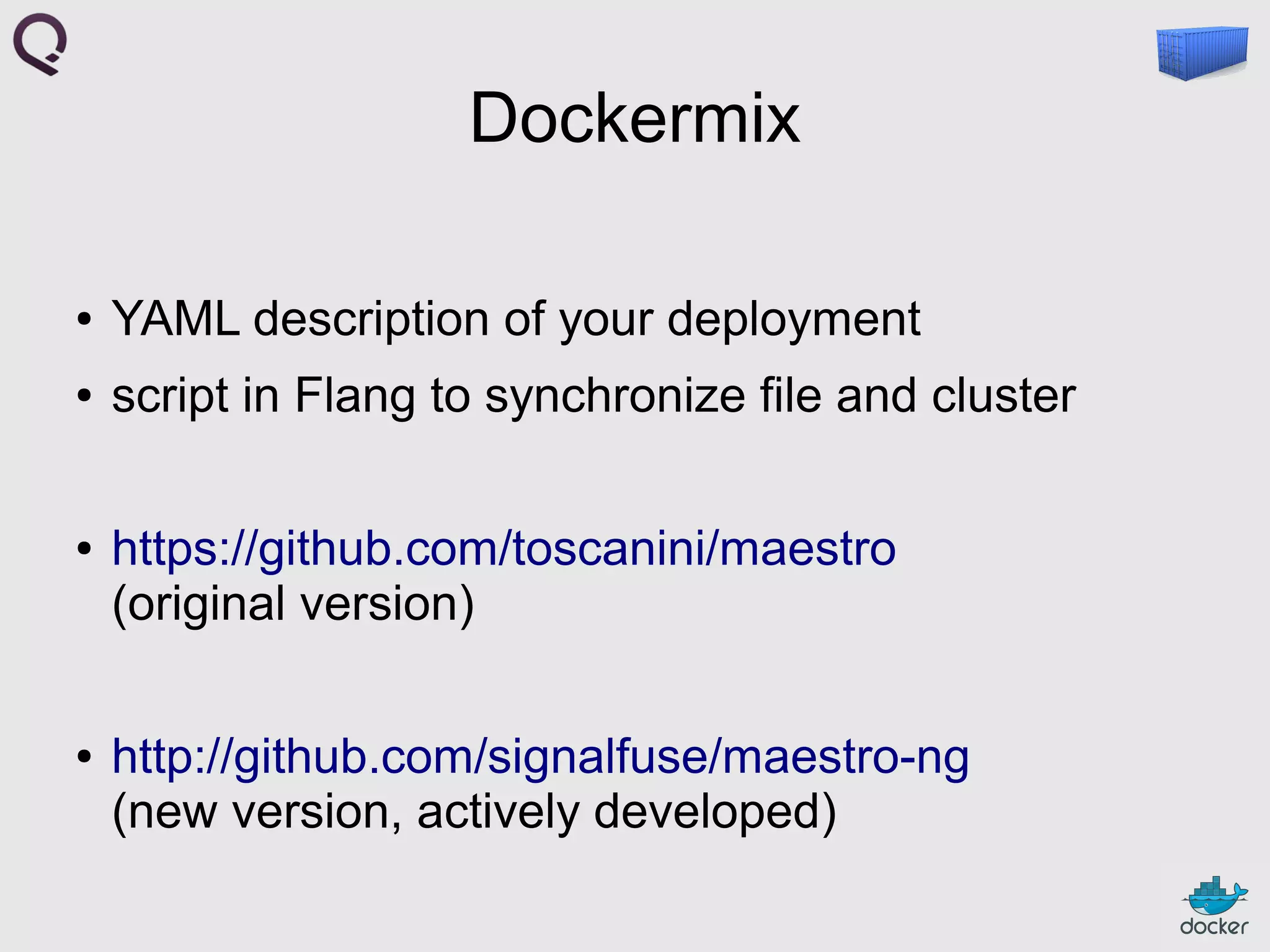
Dockermix
●

YAML description of your deployment

●

script in Flang to synchronize file and cluster

●

●

https://github.com/toscanini/maestro
(original version)
http://github.com/signalfuse/maestro-ng
(new version, actively developed)
# multi-node ZooKeeper + multi-node Kafka for Maestro.
ships:
# docker_port remains at default 4243 on all our hosts
vm1:
ip: 192.168.10.2
vm2:
ip: 192.168.11.2
services:
# 2-node ZooKeeper cluster.|
zookeeper:
image: mpetazzoni/zookeeper:3.4.5
instances:
zk-node-1:
ship: vm1
ports:
client: 2181
peer: 2888
leader_election: 3888
volumes:
/var/lib/zookeeper: /home/vagrant/data/zookeeper
zk-node-2:
ship: vm2
ports:
client: 2181
peer: 2888
leader_election: 3888
volumes:
/var/lib/zookeeper: /home/vagrant/data/zookeeper
# 2-node Kafka cluster, requires ZooKeeper.
kafka:
image: mpetazzoni/kafka:latest
requires: [zookeeper]
...
Outline
●

why?

●

mix

●

mux

●

allocating ressources

●

general scheduling

●

networking

●

discussion
Dockermux
●

my other VM is a container

●

and this is how I ship
Dockermux
●

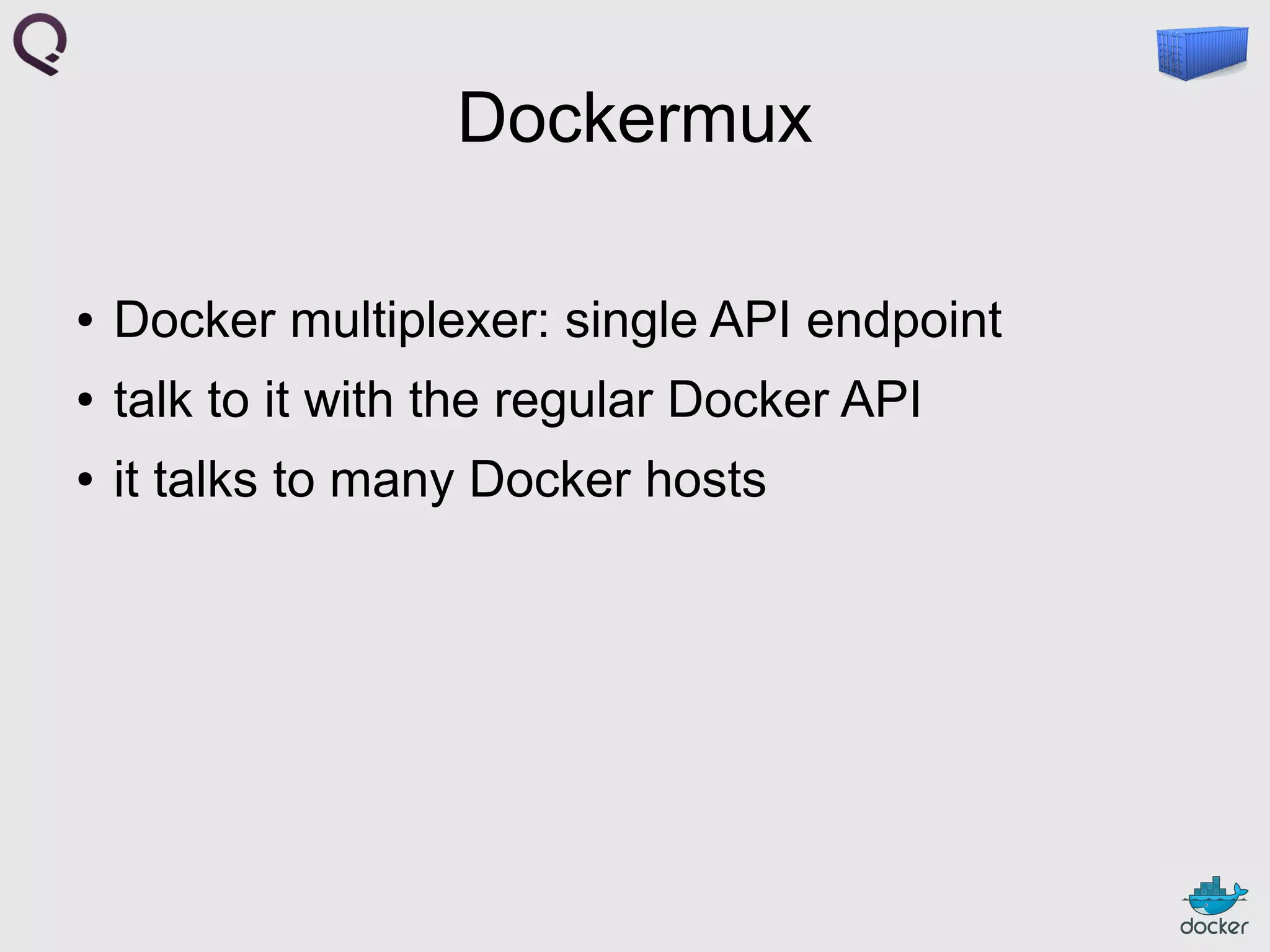
Docker multiplexer: single API endpoint

●

talk to it with the regular Docker API

●

it talks to many Docker hosts
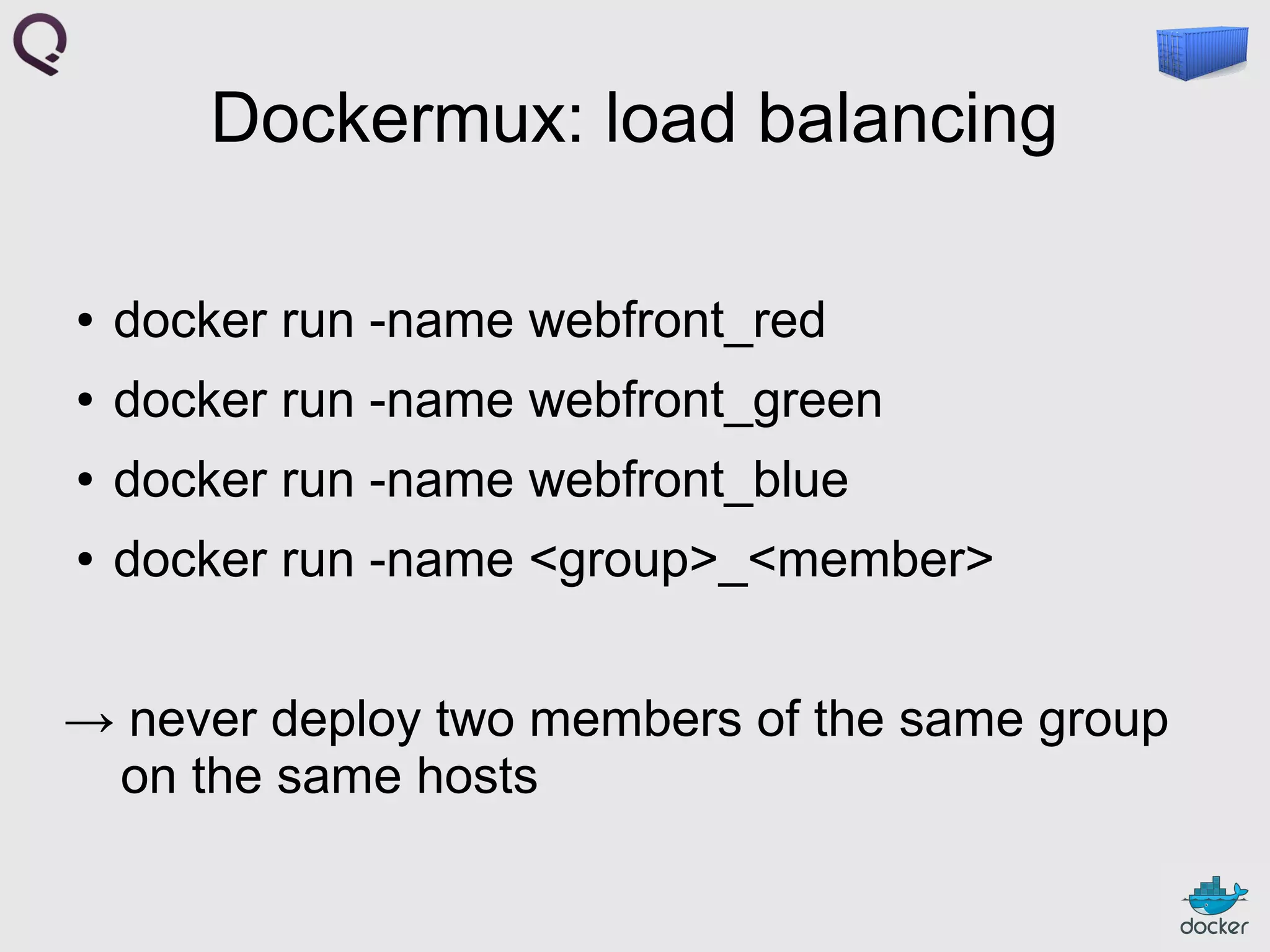
Dockermux: load balancing
●

docker run -name webfront_red

●

docker run -name webfront_green

●

docker run -name webfront_blue

●

docker run -name <group>_<member>

→ never deploy two members of the same group
on the same hosts
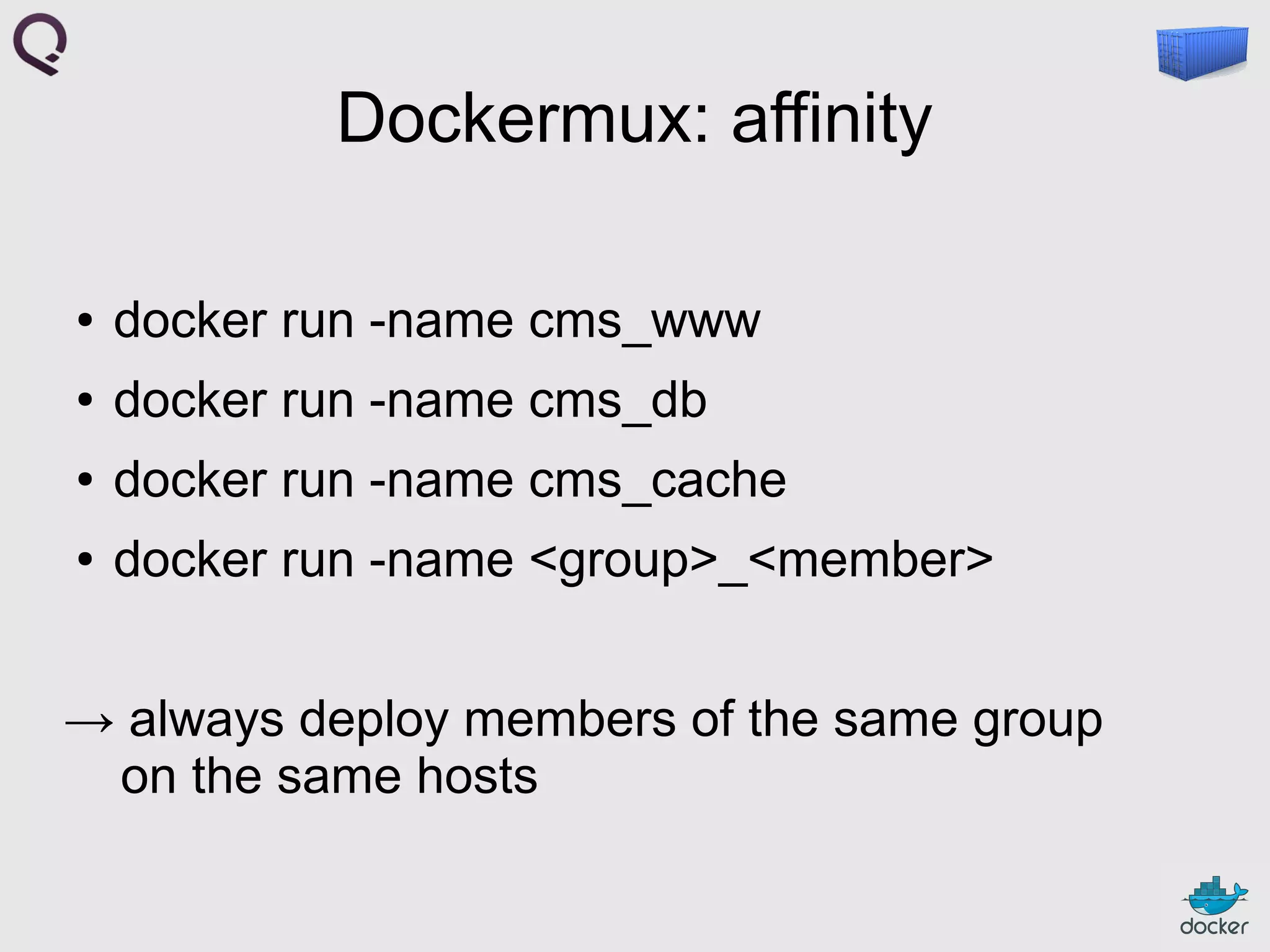
Dockermux: affinity
●

docker run -name cms_www

●

docker run -name cms_db

●

docker run -name cms_cache

●

docker run -name <group>_<member>

→ always deploy members of the same group
on the same hosts
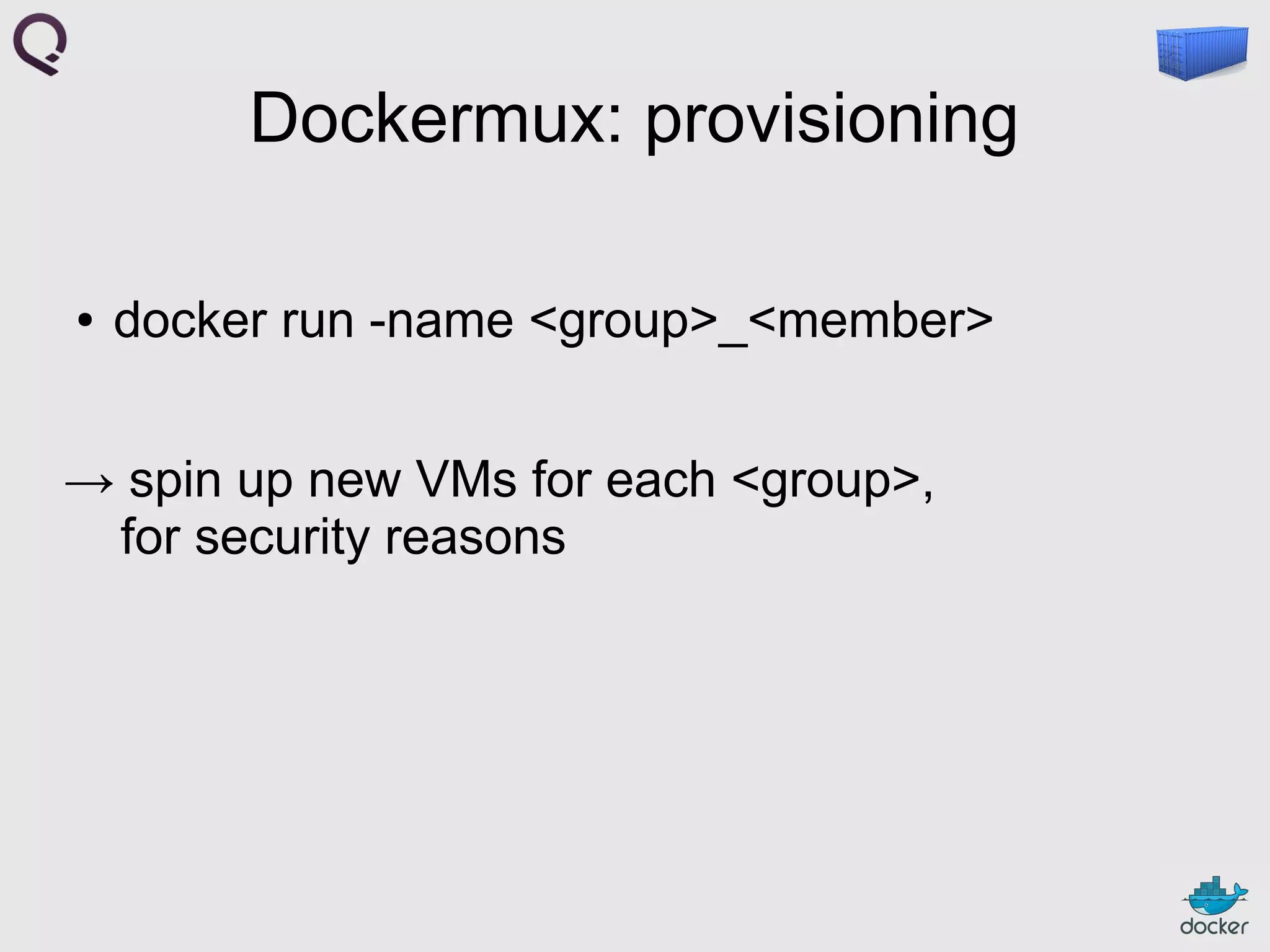
Dockermux: provisioning
●

docker run -name <group>_<member>

→ spin up new VMs for each <group>,
for security reasons
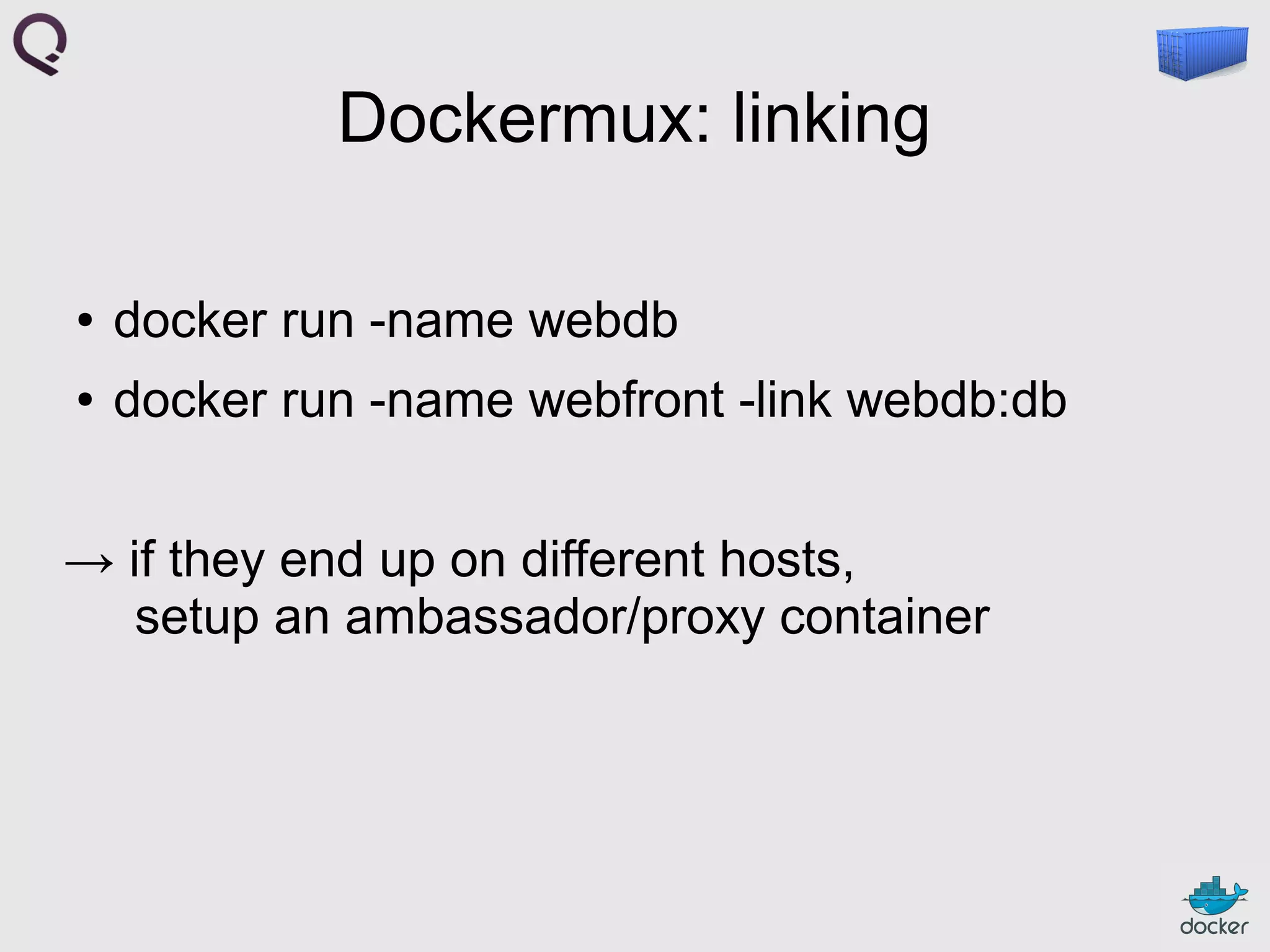
Dockermux: linking
●

docker run -name webdb

●

docker run -name webfront -link webdb:db

→ if they end up on different hosts,
setup an ambassador/proxy container
Outline
●

why?

●

mix

●

mux

●

allocating ressources

●

general scheduling

●

networking

●

discussion
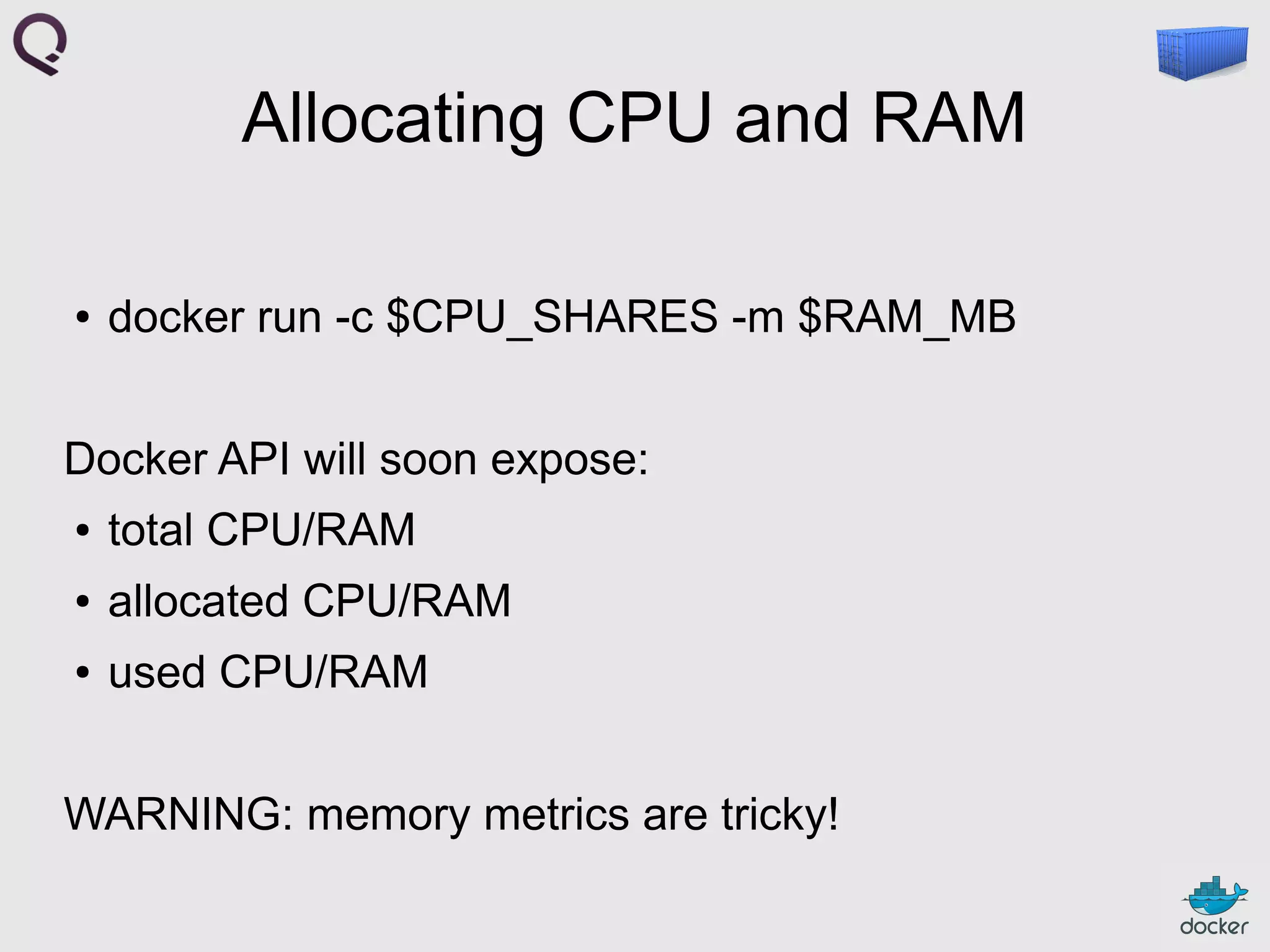
Allocating CPU and RAM
●

docker run -c $CPU_SHARES -m $RAM_MB

Docker API will soon expose:
●

total CPU/RAM

●

allocated CPU/RAM

●

used CPU/RAM

WARNING: memory metrics are tricky!
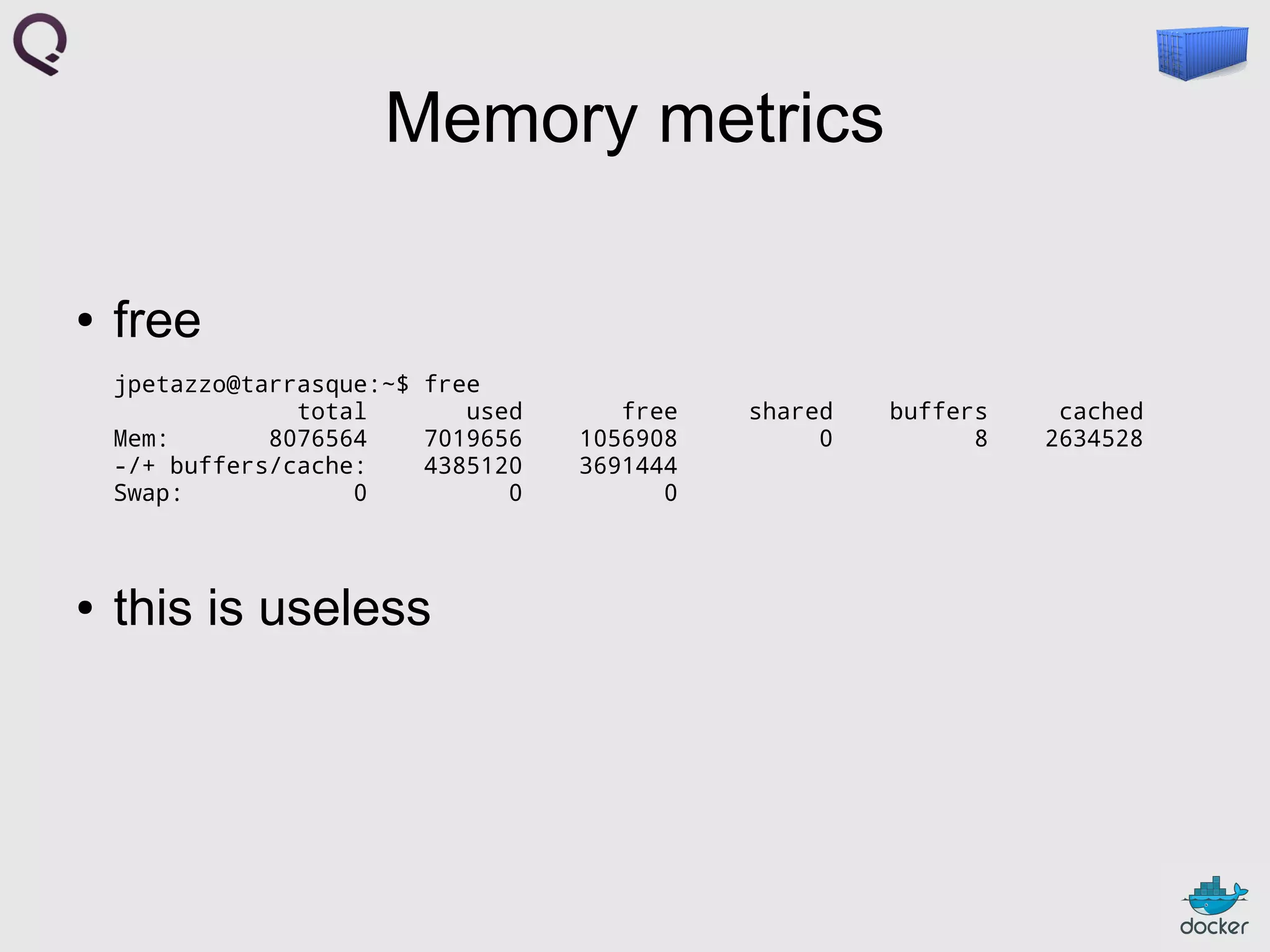
Memory metrics
●

free
jpetazzo@tarrasque:~$ free
total
used
Mem:
8076564
7019656
-/+ buffers/cache:
4385120
Swap:
0
0

●

this is useless

free
1056908
3691444
0

shared
0

buffers
8

cached
2634528
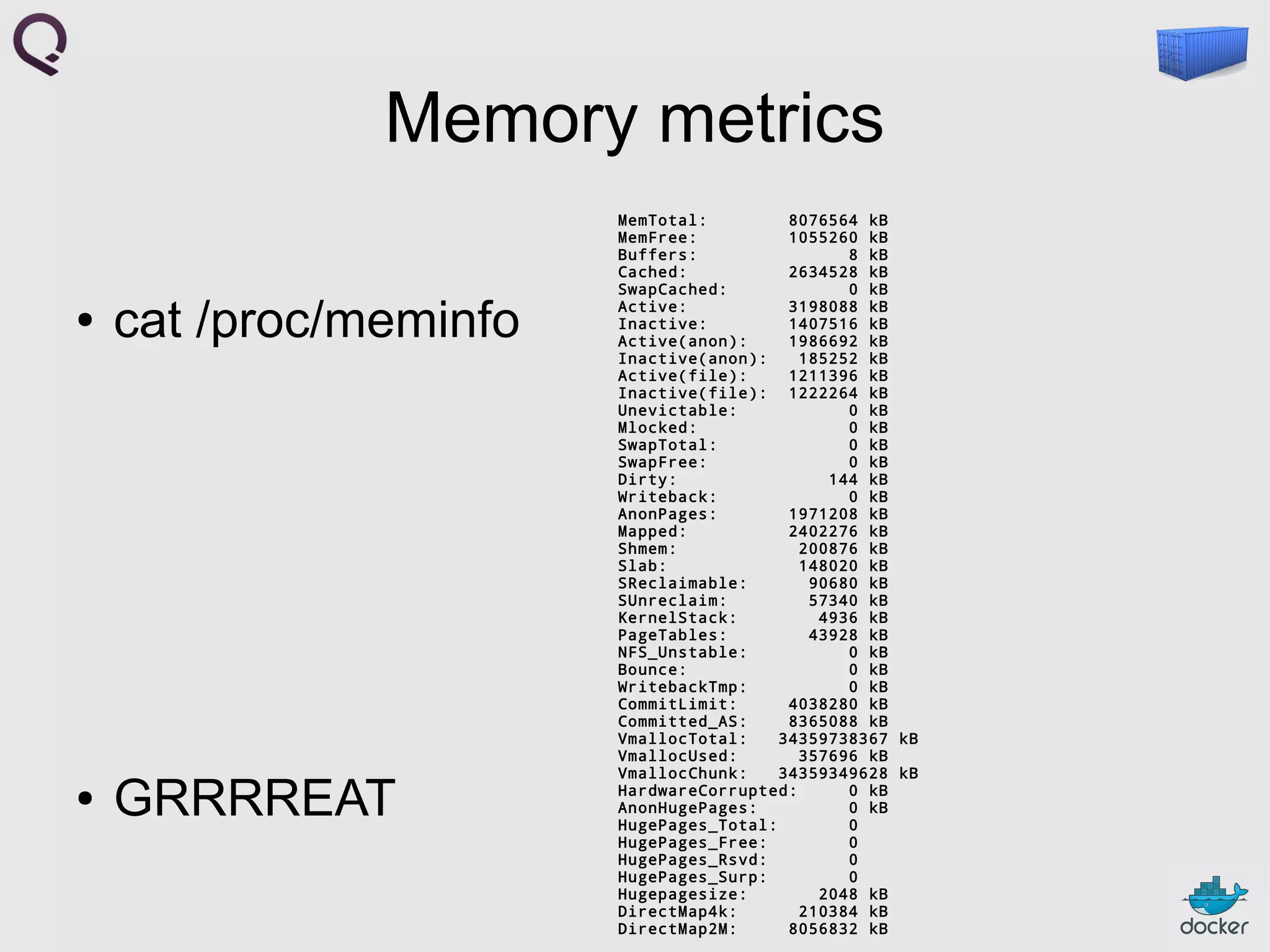
Memory metrics
●

cat /proc/meminfo

●

GRRRREAT

MemTotal:
8076564 kB
MemFree:
1055260 kB
Buffers:
8 kB
Cached:
2634528 kB
SwapCached:
0 kB
Active:
3198088 kB
Inactive:
1407516 kB
Active(anon):
1986692 kB
Inactive(anon):
185252 kB
Active(file):
1211396 kB
Inactive(file): 1222264 kB
Unevictable:
0 kB
Mlocked:
0 kB
SwapTotal:
0 kB
SwapFree:
0 kB
Dirty:
144 kB
Writeback:
0 kB
AnonPages:
1971208 kB
Mapped:
2402276 kB
Shmem:
200876 kB
Slab:
148020 kB
SReclaimable:
90680 kB
SUnreclaim:
57340 kB
KernelStack:
4936 kB
PageTables:
43928 kB
NFS_Unstable:
0 kB
Bounce:
0 kB
WritebackTmp:
0 kB
CommitLimit:
4038280 kB
Committed_AS:
8365088 kB
VmallocTotal:
34359738367 kB
VmallocUsed:
357696 kB
VmallocChunk:
34359349628 kB
HardwareCorrupted:
0 kB
AnonHugePages:
0 kB
HugePages_Total:
0
HugePages_Free:
0
HugePages_Rsvd:
0
HugePages_Surp:
0
Hugepagesize:
2048 kB
DirectMap4k:
210384 kB
DirectMap2M:
8056832 kB
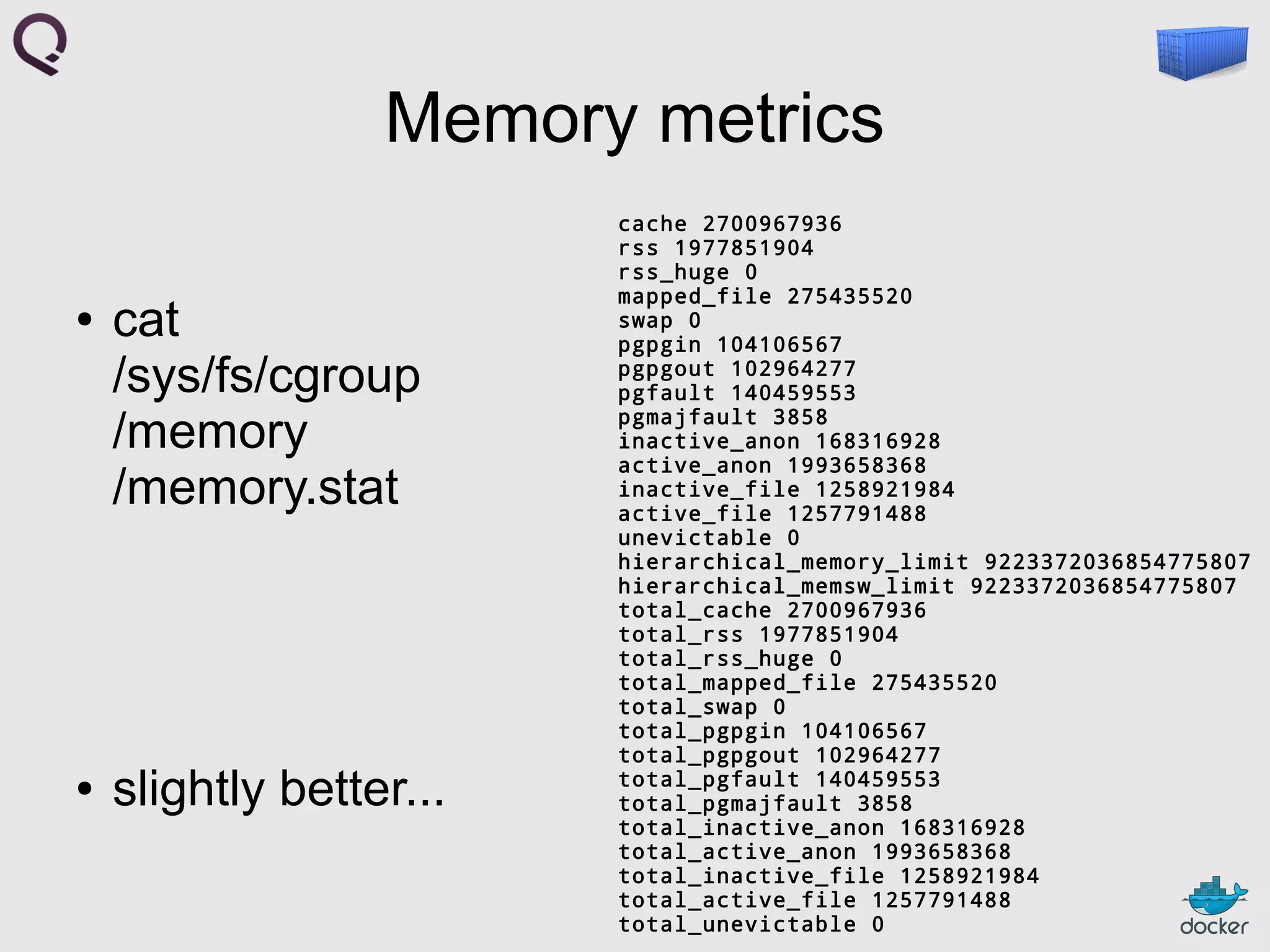
Memory metrics
●

●

cat
/sys/fs/cgroup
/memory
/memory.stat

slightly better...

cache 2700967936
rss 1977851904
rss_huge 0
mapped_file 275435520
swap 0
pgpgin 104106567
pgpgout 102964277
pgfault 140459553
pgmajfault 3858
inactive_anon 168316928
active_anon 1993658368
inactive_file 1258921984
active_file 1257791488
unevictable 0
hierarchical_memory_limit 9223372036854775807
hierarchical_memsw_limit 9223372036854775807
total_cache 2700967936
total_rss 1977851904
total_rss_huge 0
total_mapped_file 275435520
total_swap 0
total_pgpgin 104106567
total_pgpgout 102964277
total_pgfault 140459553
total_pgmajfault 3858
total_inactive_anon 168316928
total_active_anon 1993658368
total_inactive_file 1258921984
total_active_file 1257791488
total_unevictable 0
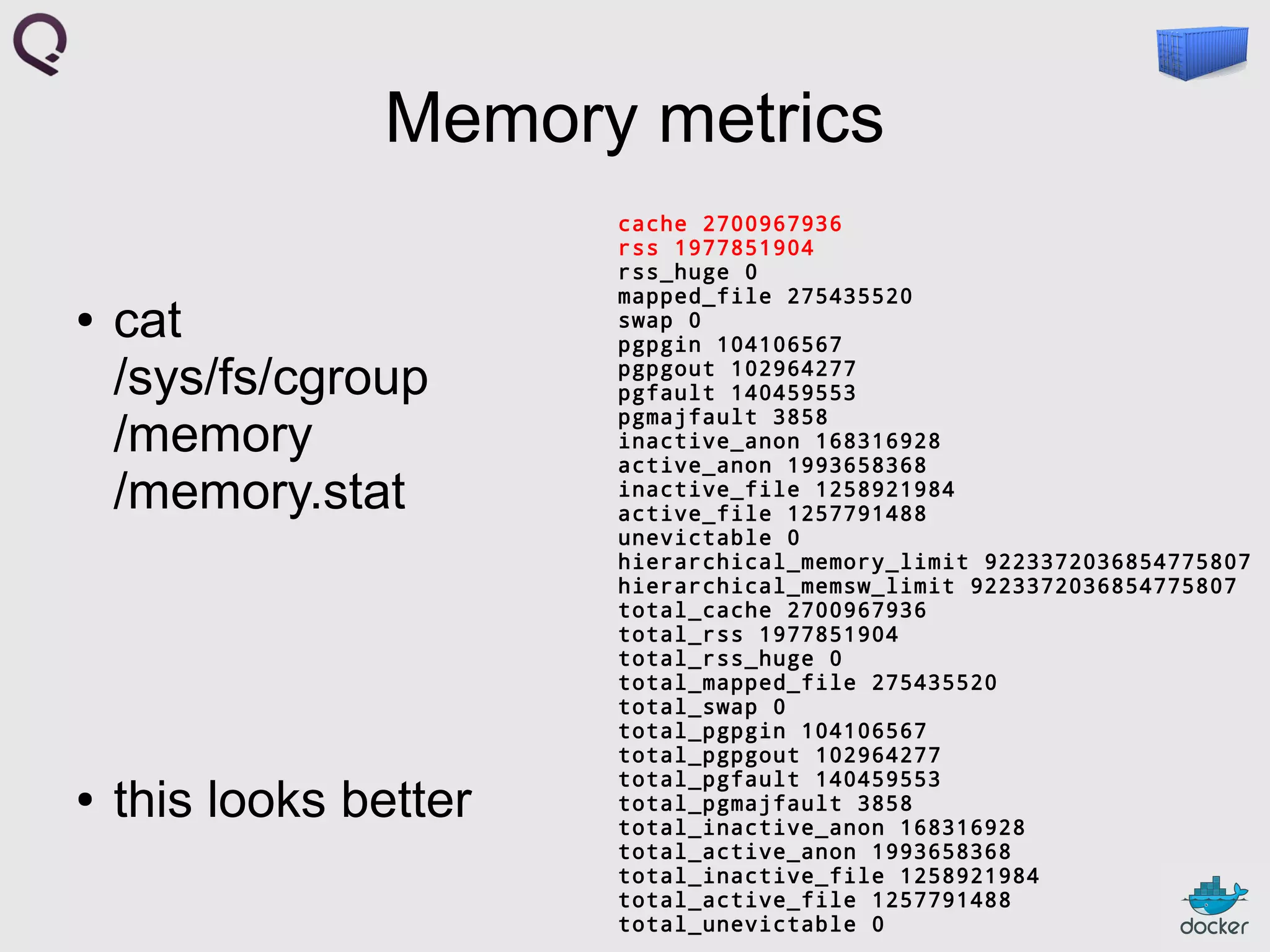
Memory metrics
●

●

cat
/sys/fs/cgroup
/memory
/memory.stat

this looks better

cache 2700967936
rss 1977851904
rss_huge 0
mapped_file 275435520
swap 0
pgpgin 104106567
pgpgout 102964277
pgfault 140459553
pgmajfault 3858
inactive_anon 168316928
active_anon 1993658368
inactive_file 1258921984
active_file 1257791488
unevictable 0
hierarchical_memory_limit 9223372036854775807
hierarchical_memsw_limit 9223372036854775807
total_cache 2700967936
total_rss 1977851904
total_rss_huge 0
total_mapped_file 275435520
total_swap 0
total_pgpgin 104106567
total_pgpgout 102964277
total_pgfault 140459553
total_pgmajfault 3858
total_inactive_anon 168316928
total_active_anon 1993658368
total_inactive_file 1258921984
total_active_file 1257791488
total_unevictable 0
Memory metrics
●

●

cat
/sys/fs/cgroup
/memory
/memory.stat

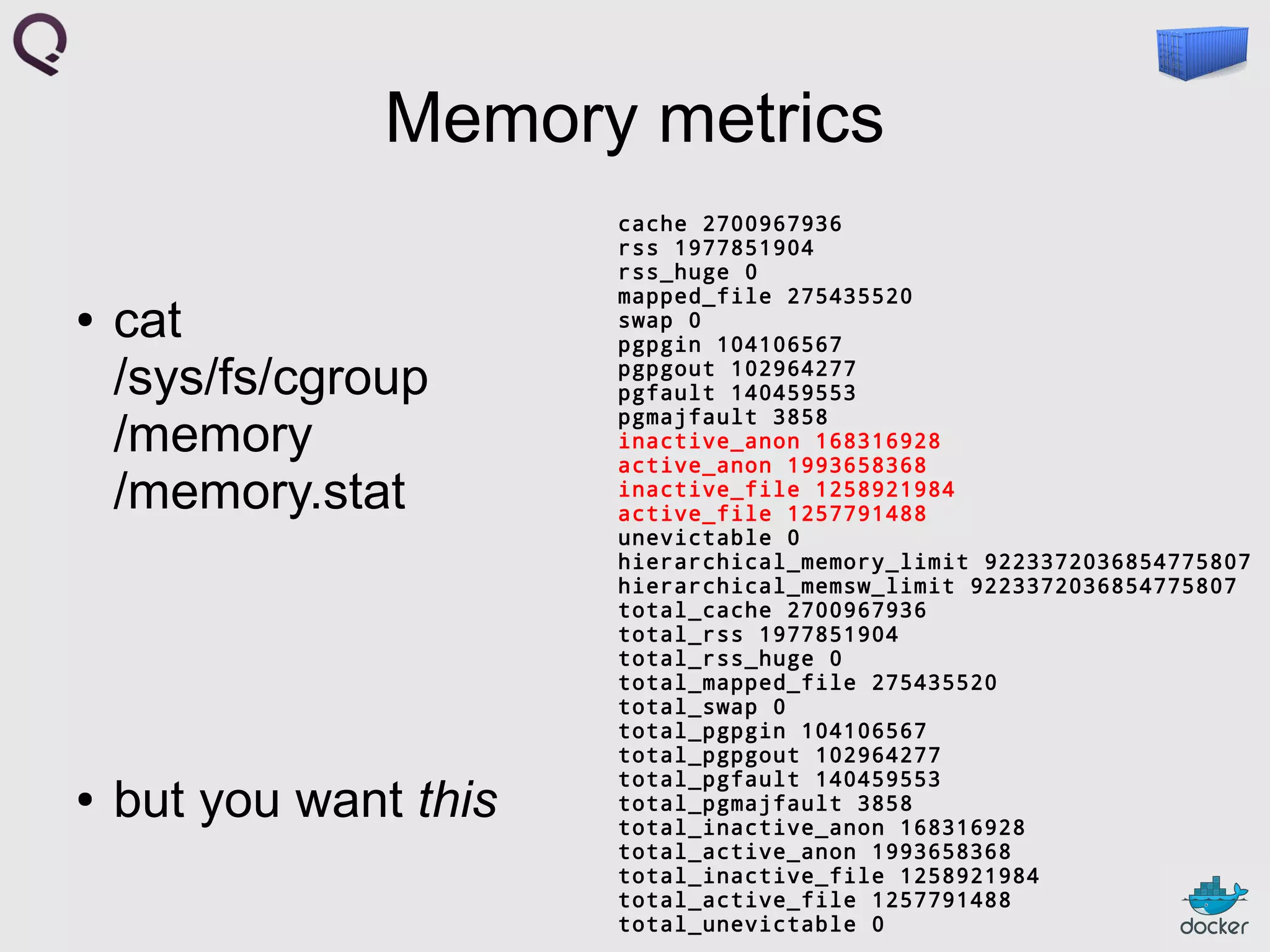
but you want this

cache 2700967936
rss 1977851904
rss_huge 0
mapped_file 275435520
swap 0
pgpgin 104106567
pgpgout 102964277
pgfault 140459553
pgmajfault 3858
inactive_anon 168316928
active_anon 1993658368
inactive_file 1258921984
active_file 1257791488
unevictable 0
hierarchical_memory_limit 9223372036854775807
hierarchical_memsw_limit 9223372036854775807
total_cache 2700967936
total_rss 1977851904
total_rss_huge 0
total_mapped_file 275435520
total_swap 0
total_pgpgin 104106567
total_pgpgout 102964277
total_pgfault 140459553
total_pgmajfault 3858
total_inactive_anon 168316928
total_active_anon 1993658368
total_inactive_file 1258921984
total_active_file 1257791488
total_unevictable 0
Outline
●

why?

●

mix

●

mux

●

allocating ressources

●

general scheduling

●

networking

●

discussion
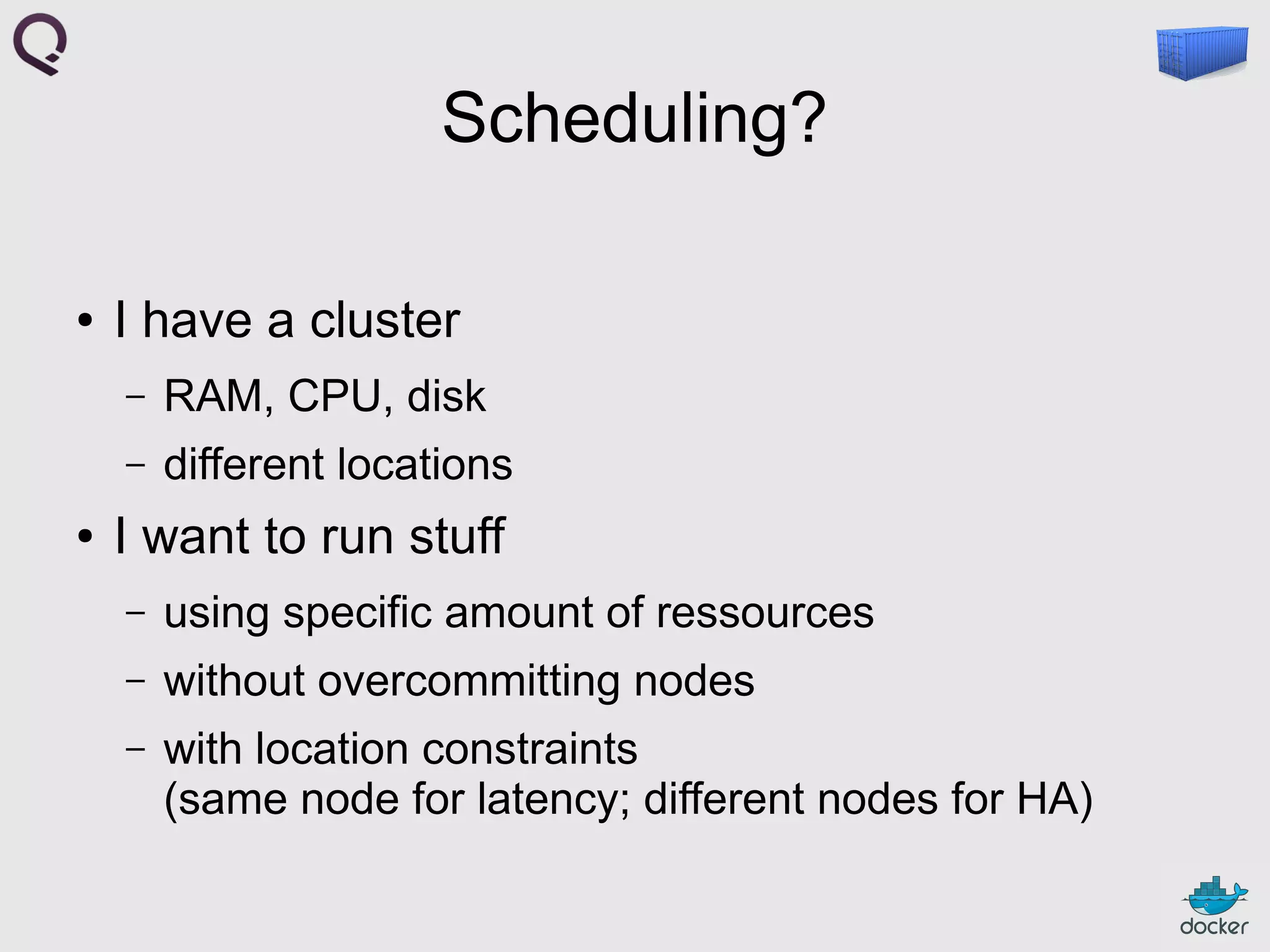
Scheduling?
●

I have a cluster
–
–

●

RAM, CPU, disk
different locations

I want to run stuff
–

using specific amount of ressources

–

without overcommitting nodes

–

with location constraints
(same node for latency; different nodes for HA)
Ideas for scheduling
●

mesos

●

omega

●

scampi (Flynn)

●

...
Outline
●

why?

●

mix

●

mux

●

allocating ressources

●

general scheduling

●

networking

●

discussion
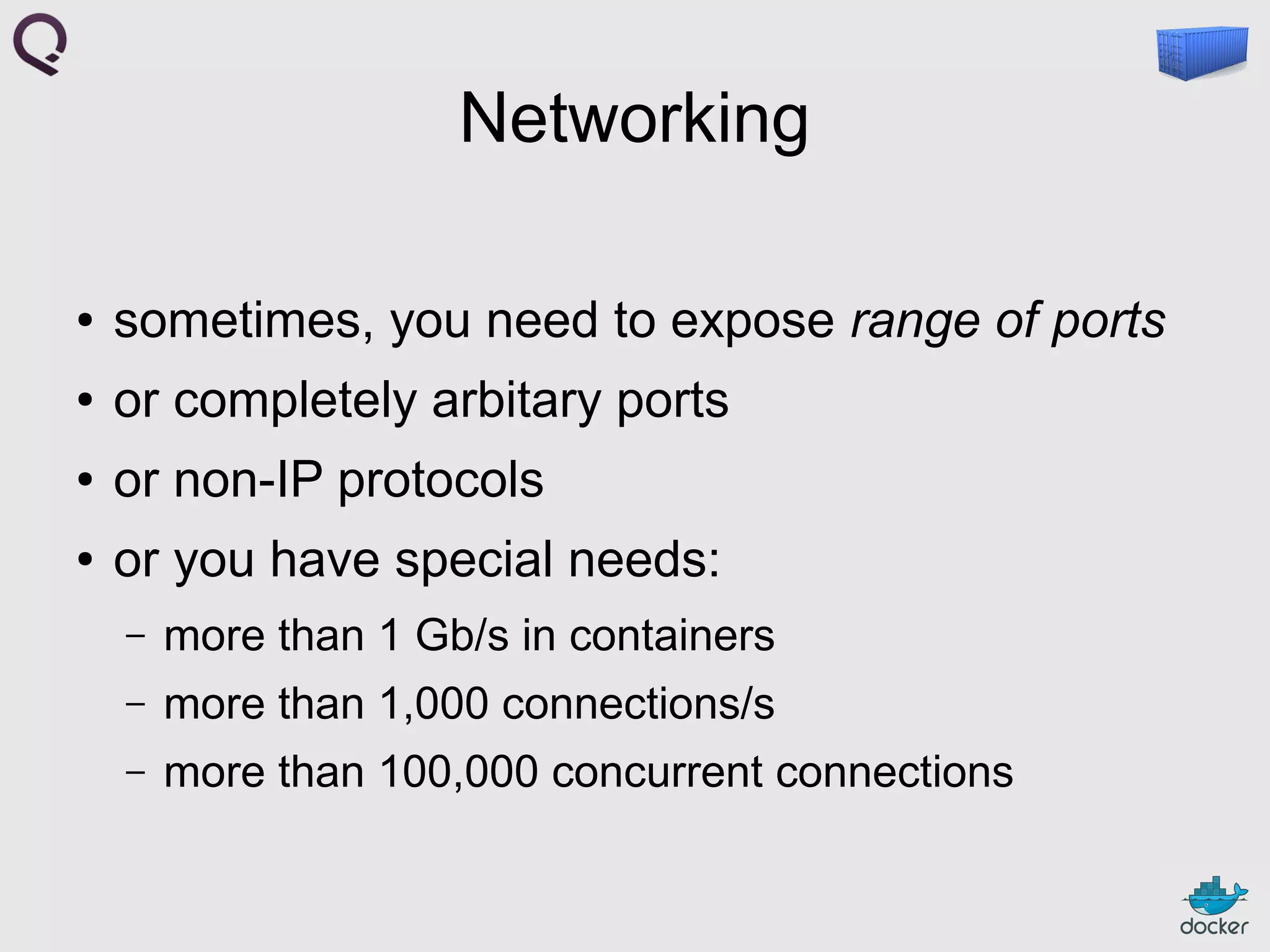
Networking
●

sometimes, you need to expose range of ports

●

or completely arbitary ports

●

or non-IP protocols

●

or you have special needs:
–

more than 1 Gb/s in containers

–

more than 1,000 connections/s

–

more than 100,000 concurrent connections
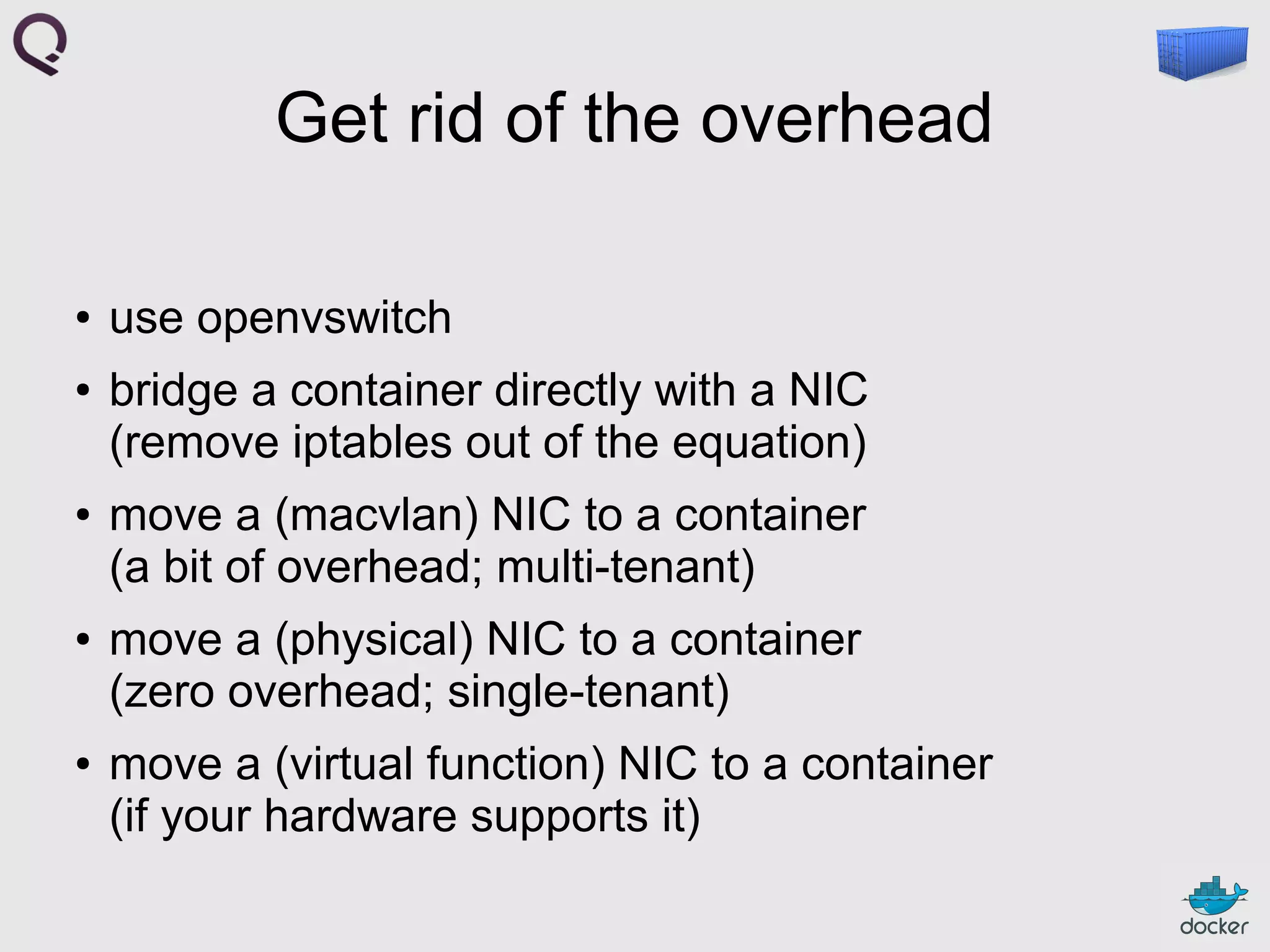
Get rid of the overhead
●

●

●

●

●

use openvswitch
bridge a container directly with a NIC
(remove iptables out of the equation)
move a (macvlan) NIC to a container
(a bit of overhead; multi-tenant)
move a (physical) NIC to a container
(zero overhead; single-tenant)
move a (virtual function) NIC to a container
(if your hardware supports it)
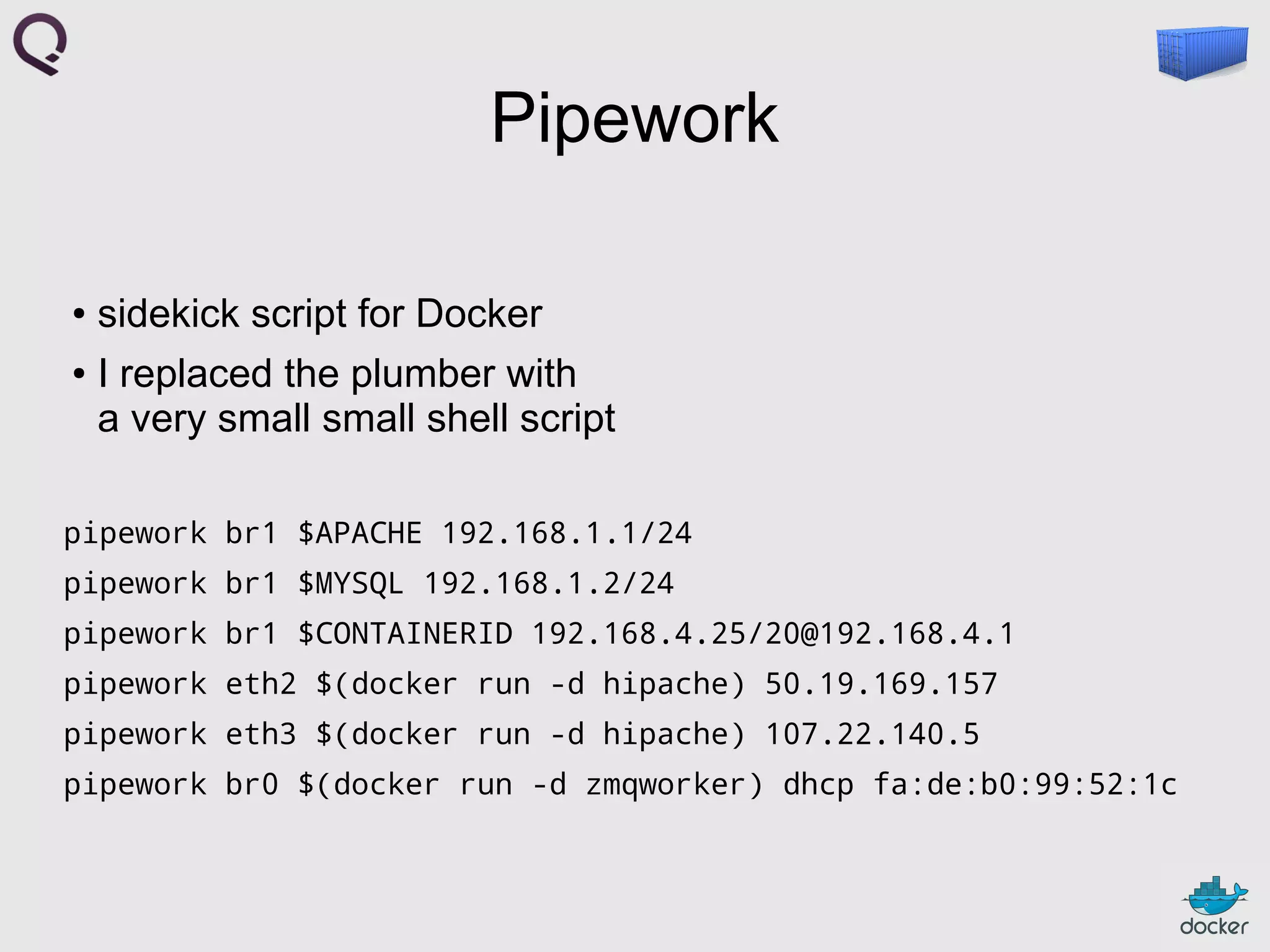
Pipework
sidekick script for Docker
● I replaced the plumber with
a very small small shell script
●

pipework br1 $APACHE 192.168.1.1/24
pipework br1 $MYSQL 192.168.1.2/24
pipework br1 $CONTAINERID 192.168.4.25/20@192.168.4.1
pipework eth2 $(docker run -d hipache) 50.19.169.157
pipework eth3 $(docker run -d hipache) 107.22.140.5
pipework br0 $(docker run -d zmqworker) dhcp fa:de:b0:99:52:1c
Outline
●

why?

●

mix

●

mux

●

allocating ressources

●

general scheduling

●

networking

●

discussion
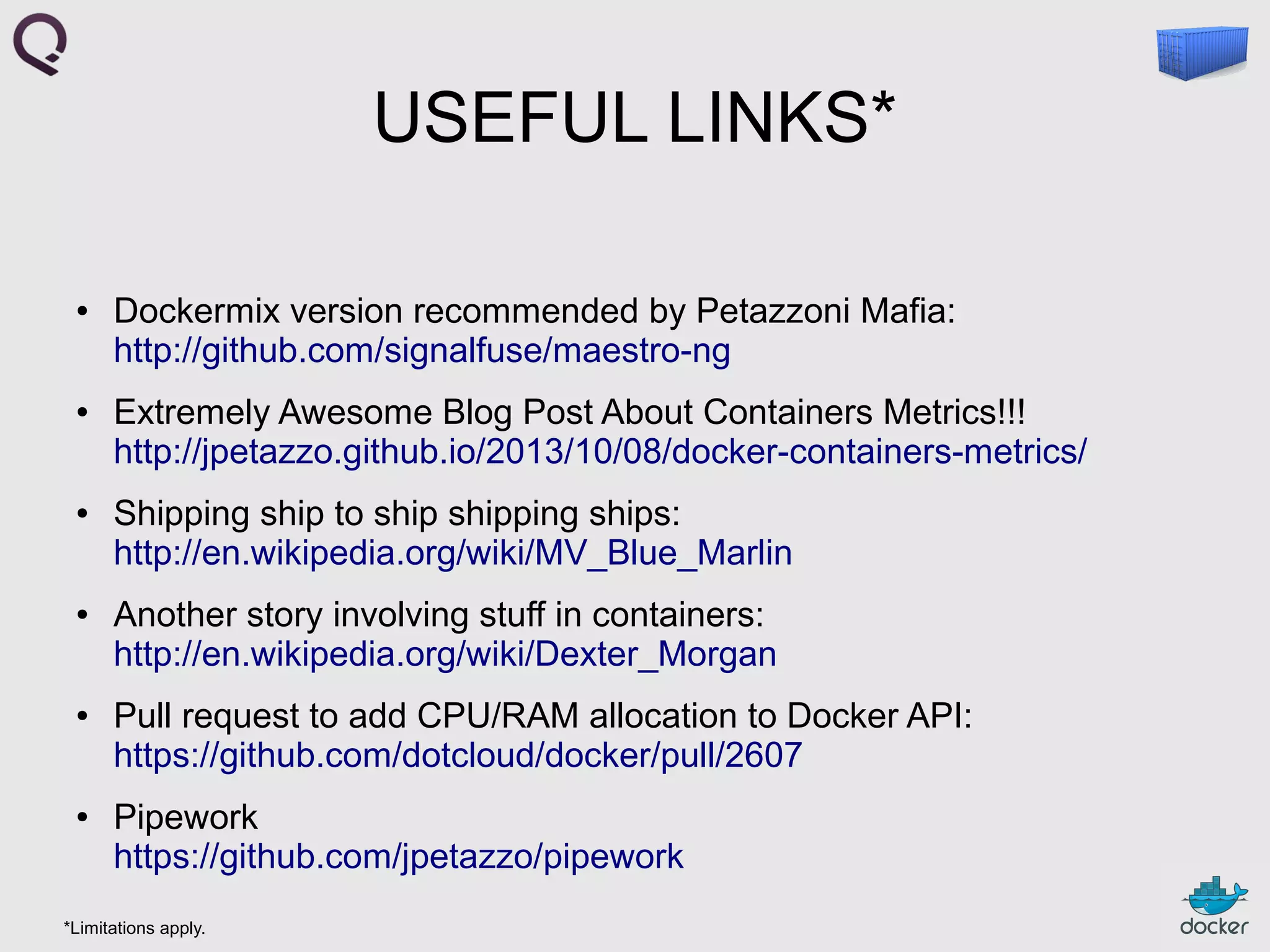
USEFUL LINKS*
●

●

●

●

●

●

Dockermix version recommended by Petazzoni Mafia:
http://github.com/signalfuse/maestro-ng
Extremely Awesome Blog Post About Containers Metrics!!!
http://jpetazzo.github.io/2013/10/08/docker-containers-metrics/
Shipping ship to ship shipping ships:
http://en.wikipedia.org/wiki/MV_Blue_Marlin
Another story involving stuff in containers:
http://en.wikipedia.org/wiki/Dexter_Morgan
Pull request to add CPU/RAM allocation to Docker API:
https://github.com/dotcloud/docker/pull/2607
Pipework
https://github.com/jpetazzo/pipework

*Limitations apply.

Deploying containers and managing them on multiple Docker hosts, Docker Meetup at RelateIQ