MySQL Sandbox 3.0
Installing and testing MySQL servers
effortlessly
http://launchpad.net/mysql-sandbox
Giuseppe Maxia
MySQL Community
This work is licensed under the Creative Commons Attribution-Share Alike 3.0 Unported License.
Overview
Not an official Sun/MySQL product
GPL
installs from a tarball in a few seconds
to install side servers, not the main instance
creates a separated environment
data directory
port
socket
groups of related or unrelated servers
http://launchpad.net/mysql-sandbox/
System requirements
Unix like operating system
Linux
Mac OS X
Solaris
Free BSD
MySQL binary tarball
MySQL Sandbox (current version 2.0.99a)
Perl
Bash shell
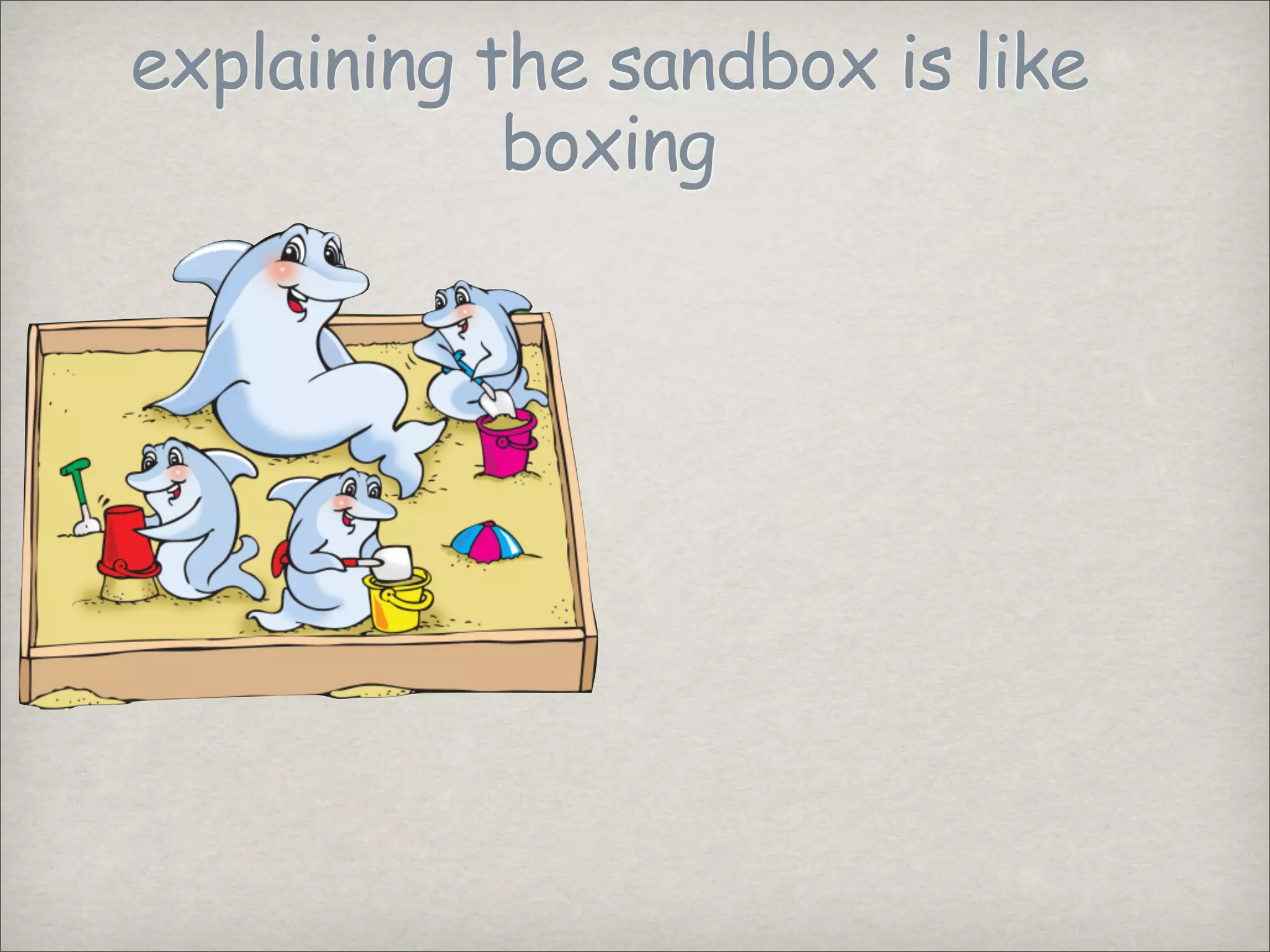
explaining the sandbox is like
boxing
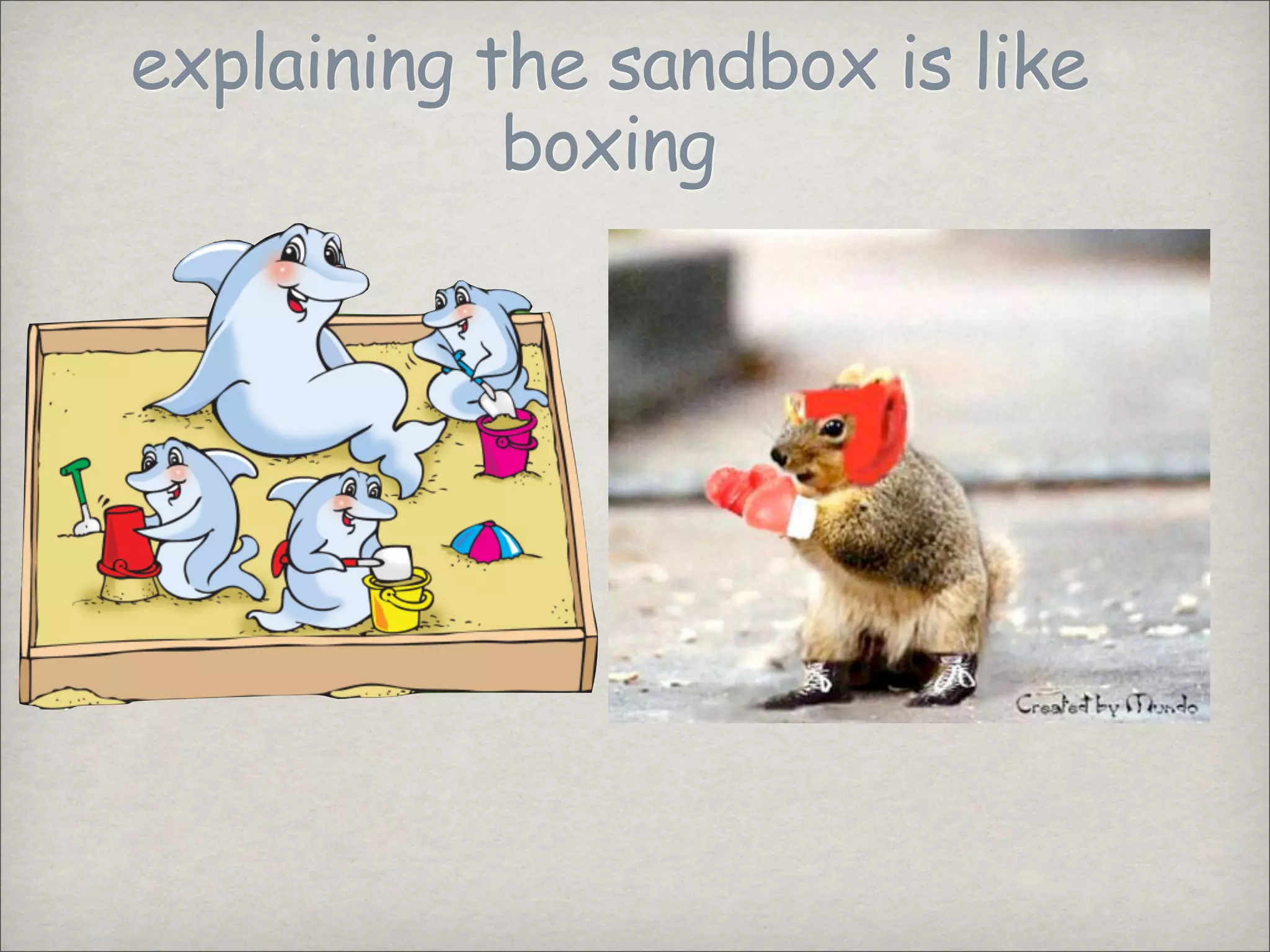
explaining the sandbox is like
boxing
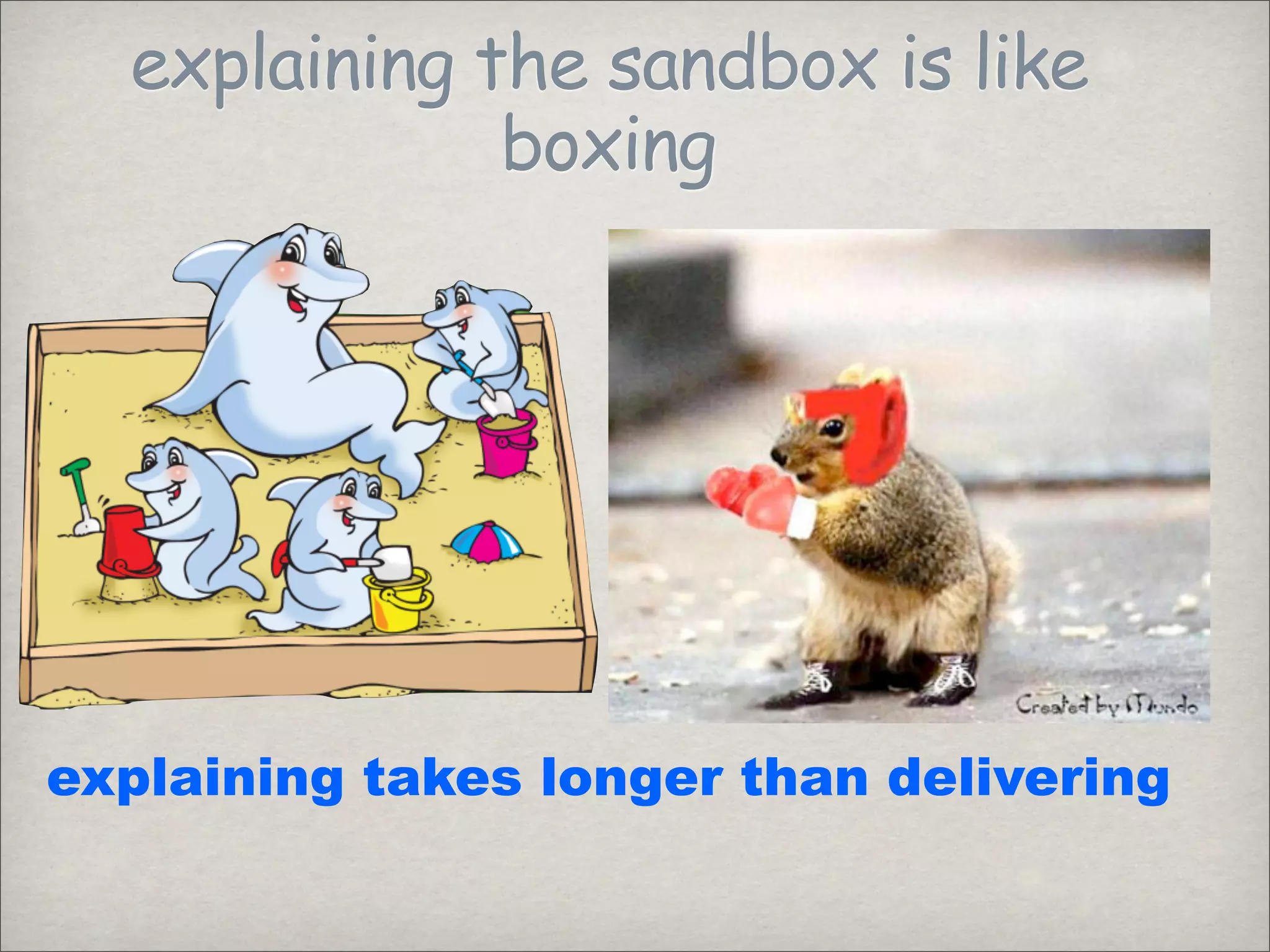
explaining the sandbox is like
boxing
explaining the sandbox is like
boxing
explaining takes longer than delivering
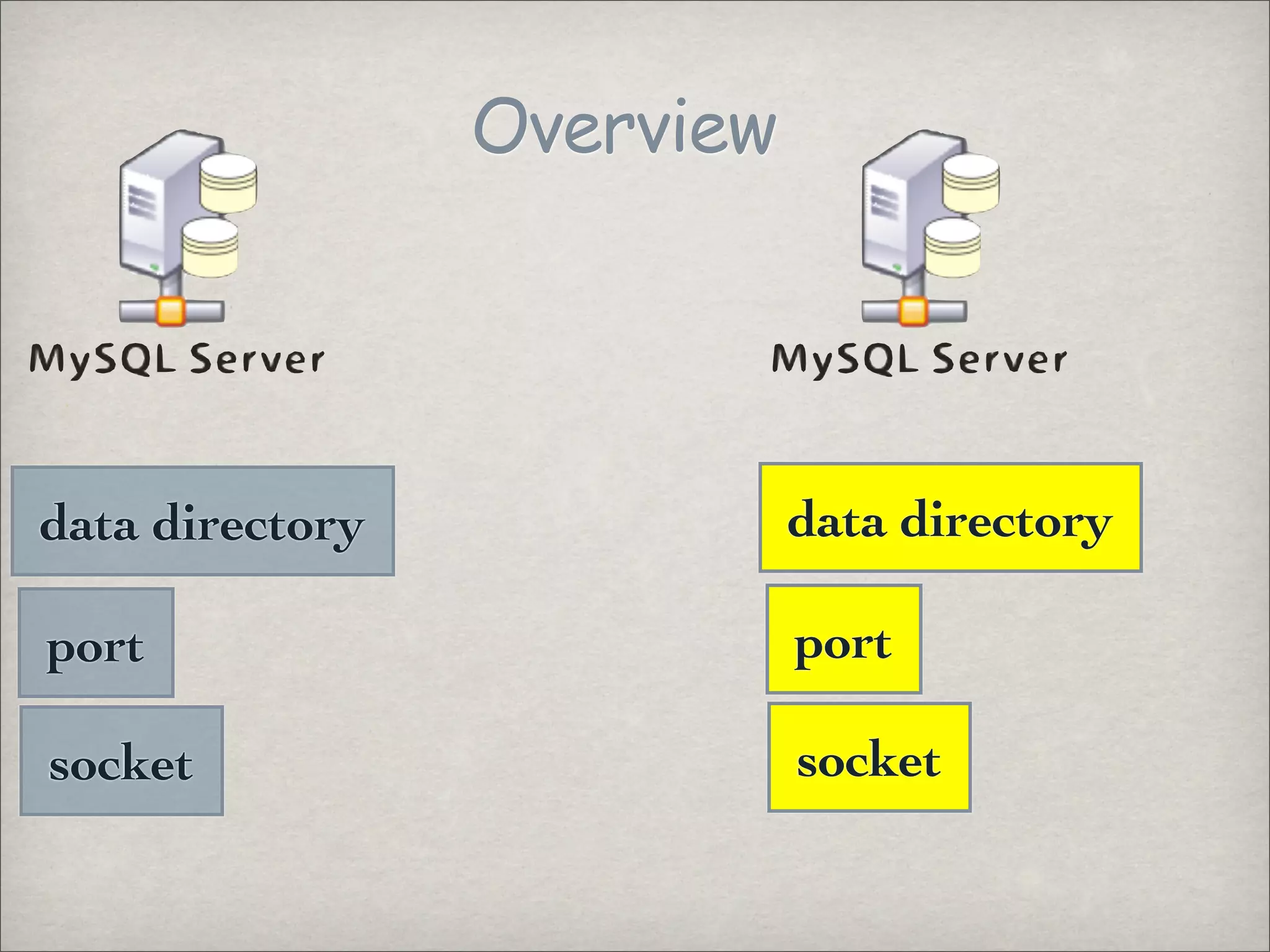
Overview
data directory
data directory
port
port
socket
socket
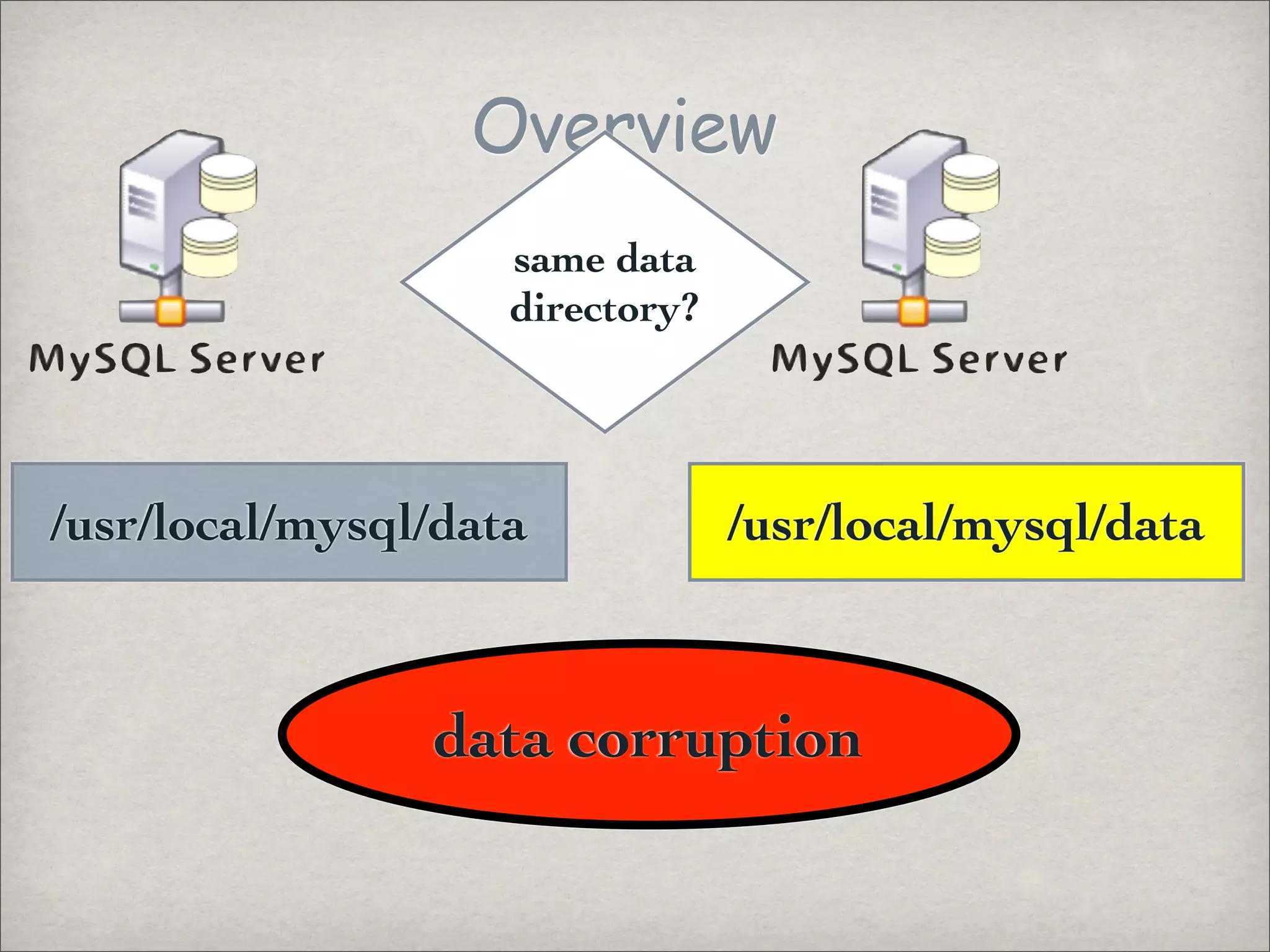
Overview
same data
directory?
/usr/local/mysql/data /usr/local/mysql/data
data corruption
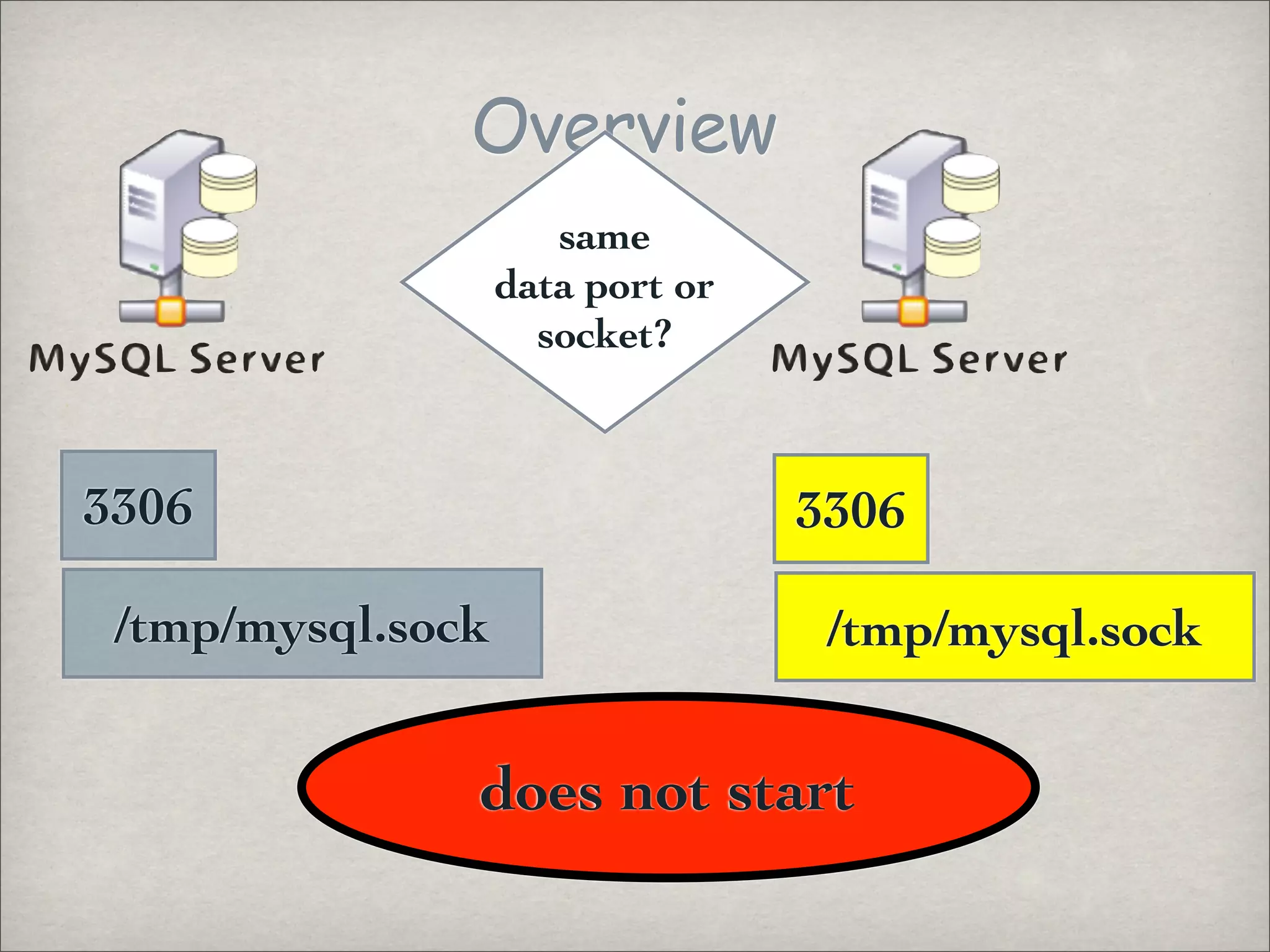
Overview
same
data port or
socket?
3306 3306
/tmp/mysql.sock /tmp/mysql.sock
does not start
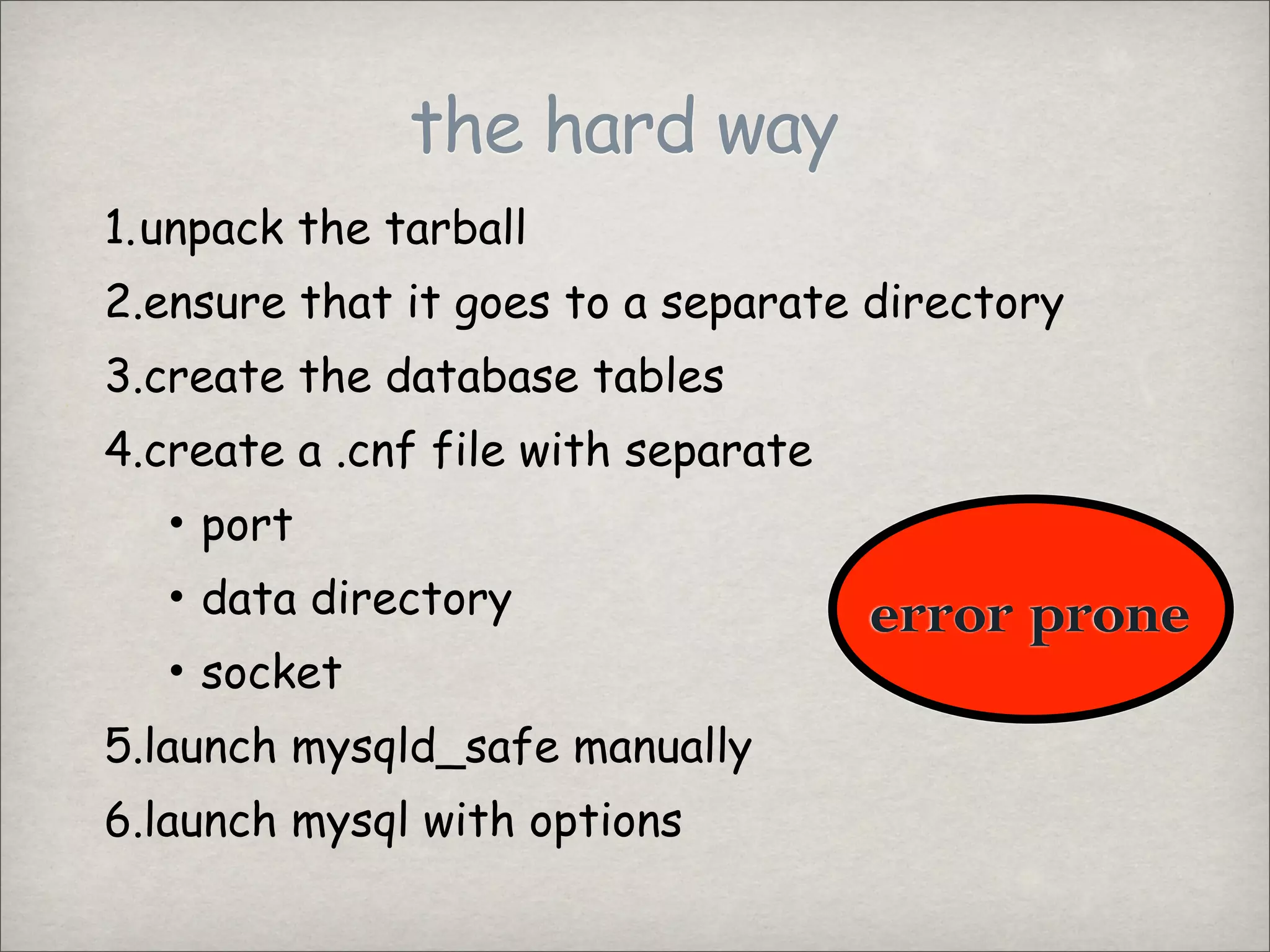
the hard way
1.unpack the tarball
2.ensure that it goes to a separate directory
3.create the database tables
4.create a .cnf file with separate
• port
• data directory error prone
• socket
5.launch mysqld_safe manually
6.launch mysql with options
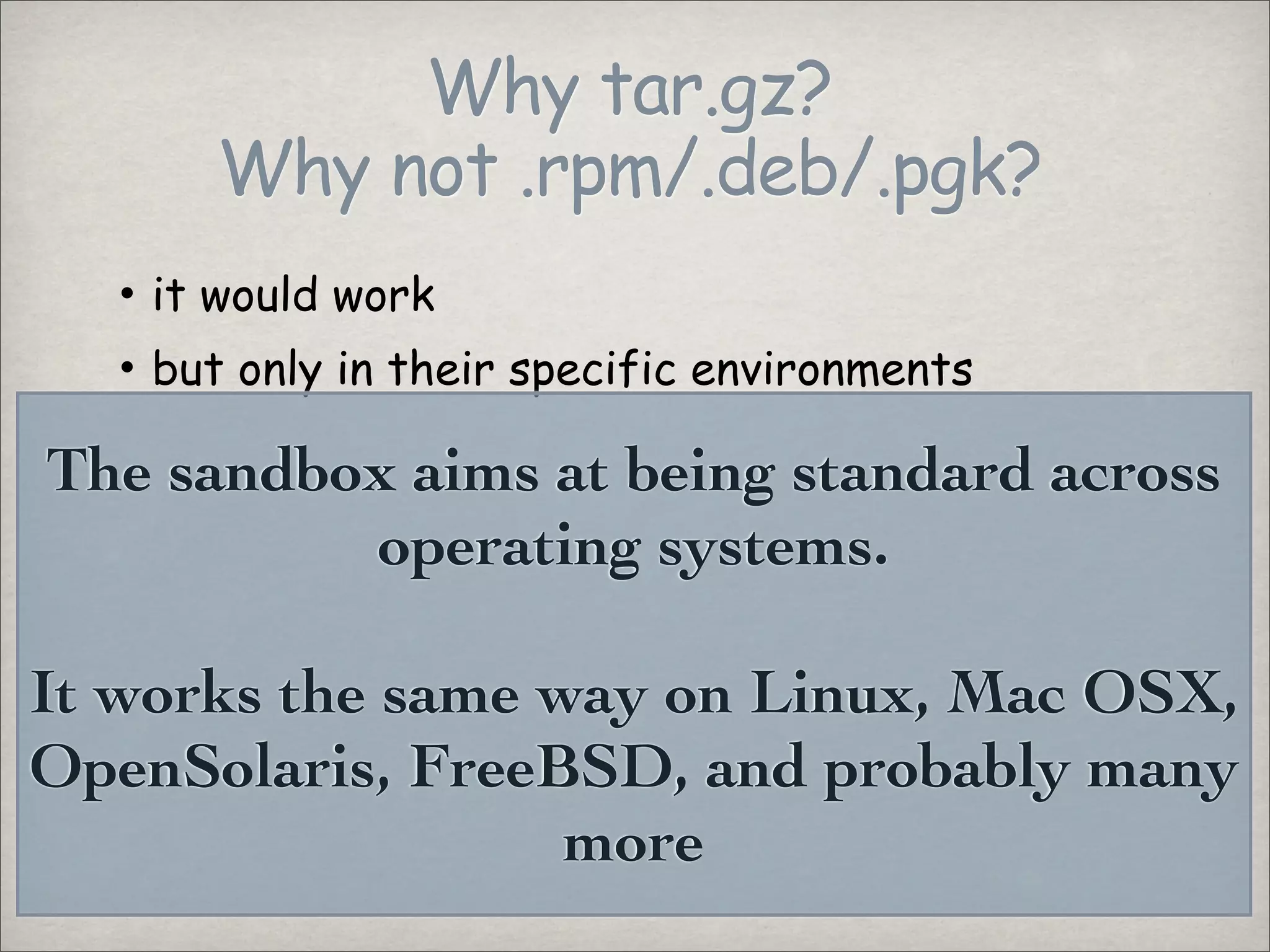
Why tar.gz?
Why not .rpm/.deb/.pgk?
• it would work
• but only in their specific environments
The sandbox aims at being standard across
operating systems.
It works the same way on Linux, Mac OSX,
OpenSolaris, FreeBSD, and probably many
more
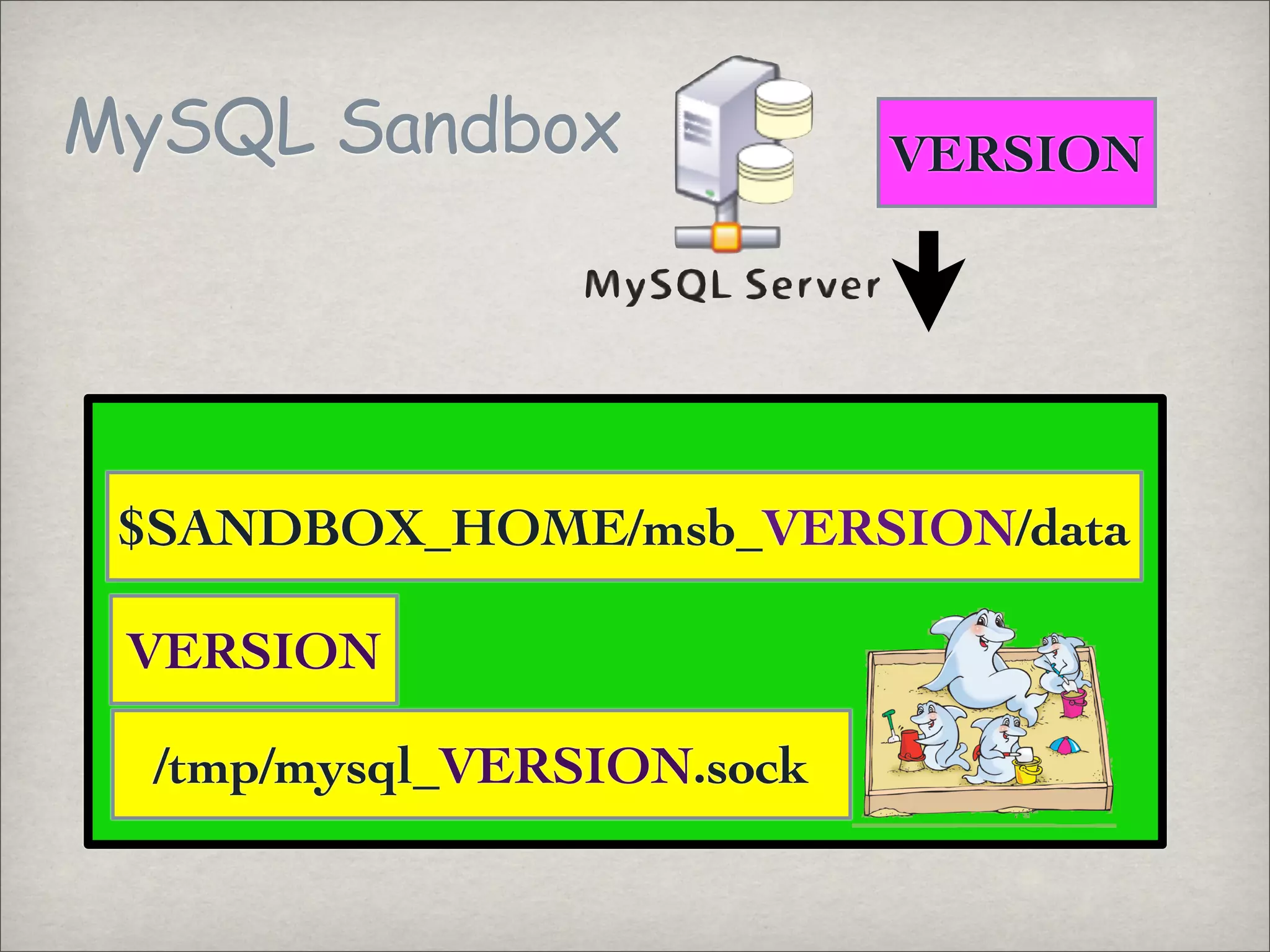
MySQL Sandbox VERSION
$SANDBOX_HOME/msb_VERSION/data
VERSION
/tmp/mysql_VERSION.sock
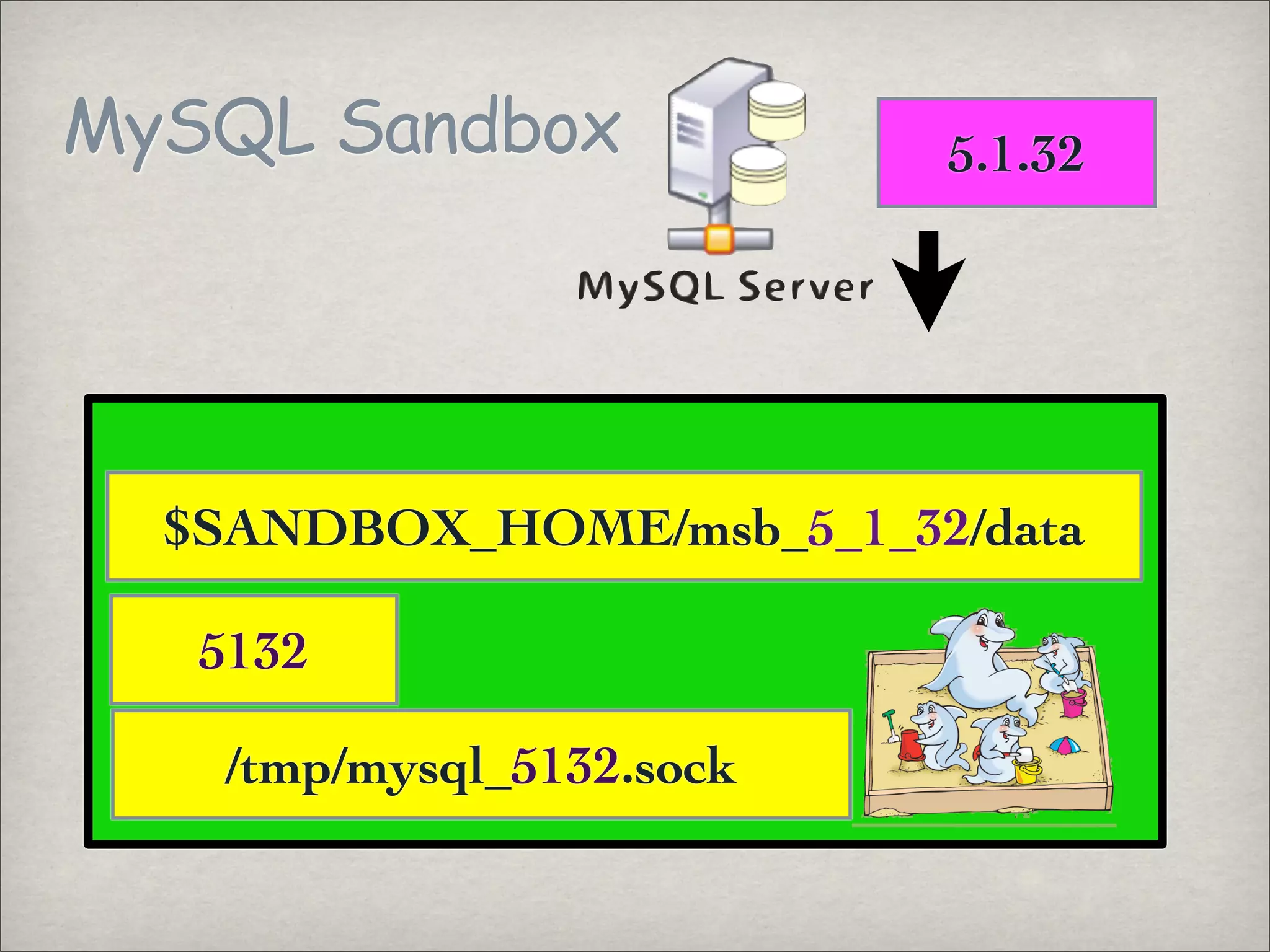
MySQL Sandbox 5.1.32
$SANDBOX_HOME/msb_5_1_32/data
5132
/tmp/mysql_5132.sock
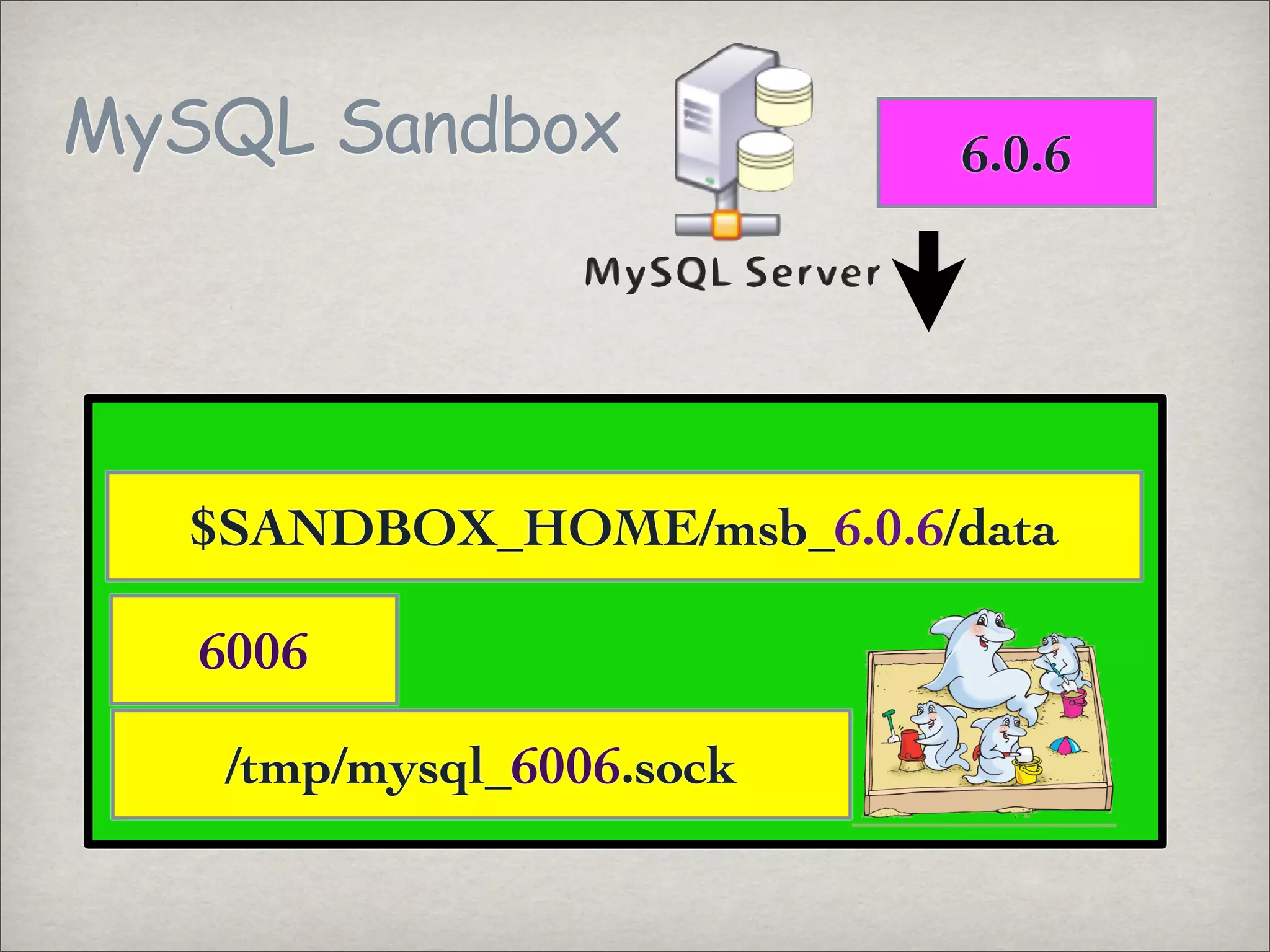
MySQL Sandbox 6.0.6
$SANDBOX_HOME/msb_6.0.6/data
6006
/tmp/mysql_6006.sock
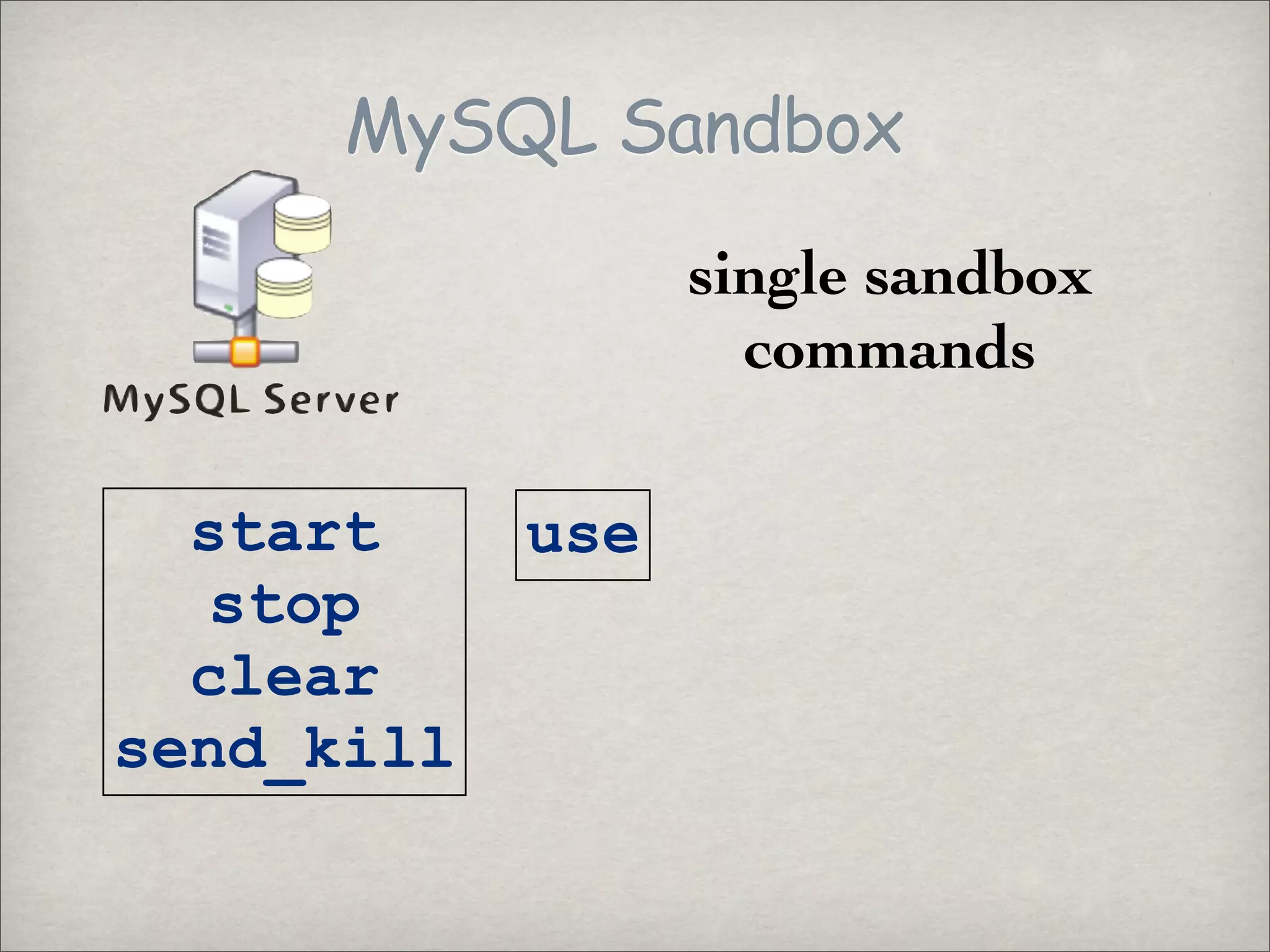
MySQL Sandbox
single sandbox
commands
start use
stop
clear
send_kill
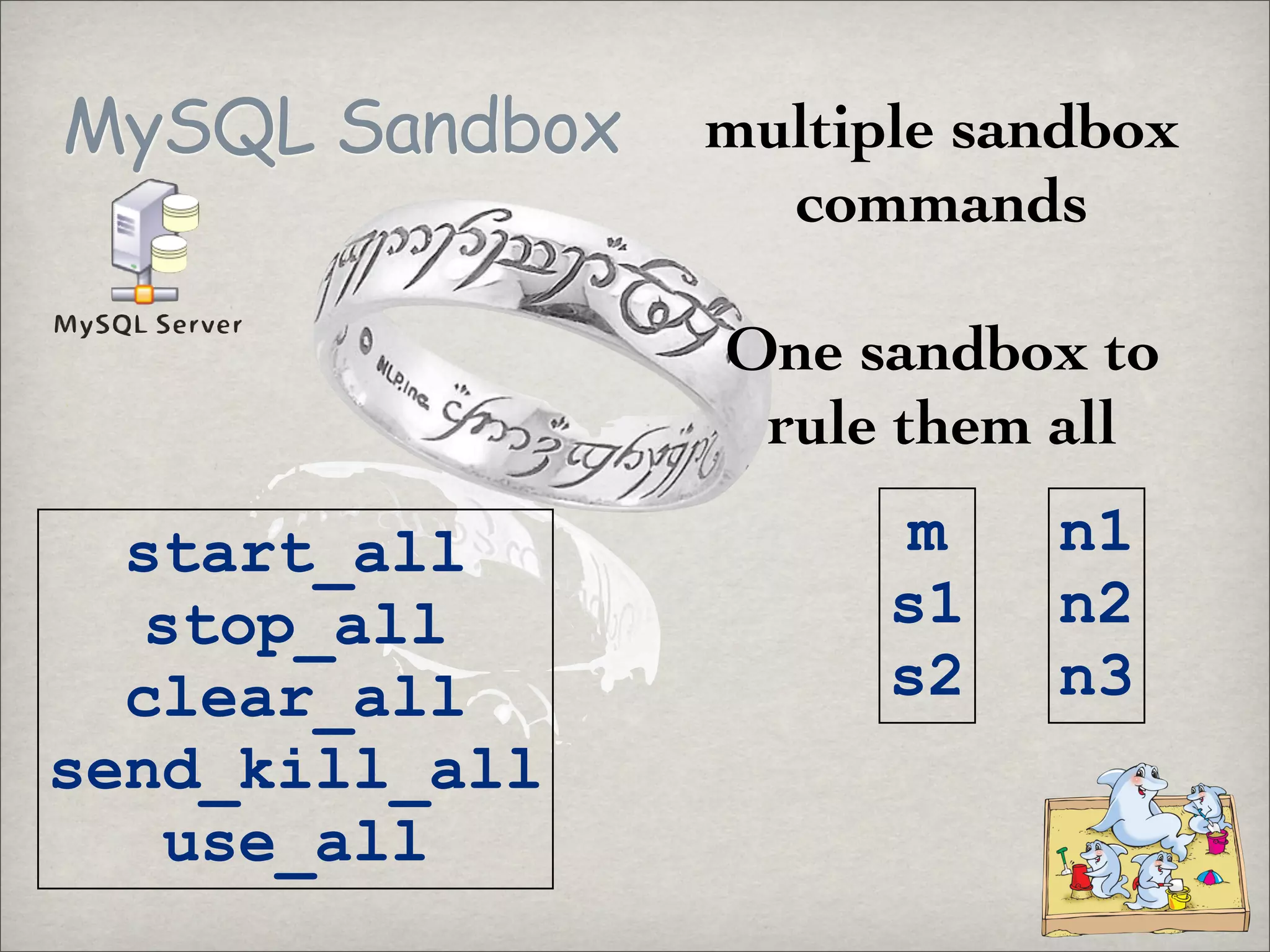
MySQL Sandbox multiple sandbox
commands
One sandbox to
rule them all
m n1
start_all
s1 n2
stop_all
s2 n3
clear_all
send_kill_all
use_all
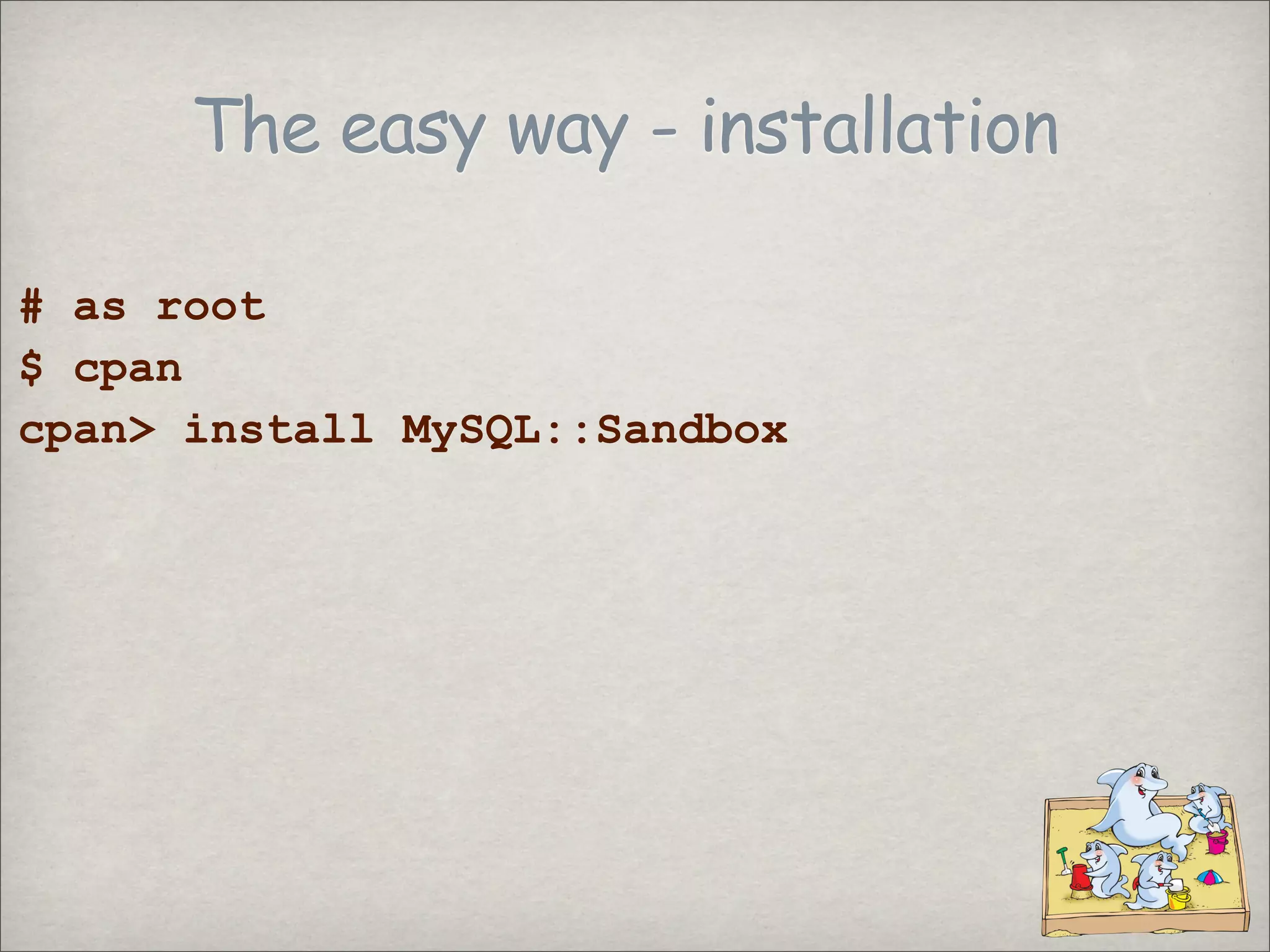
The easy way - installation
# as root
$ cpan
cpan> install MySQL::Sandbox
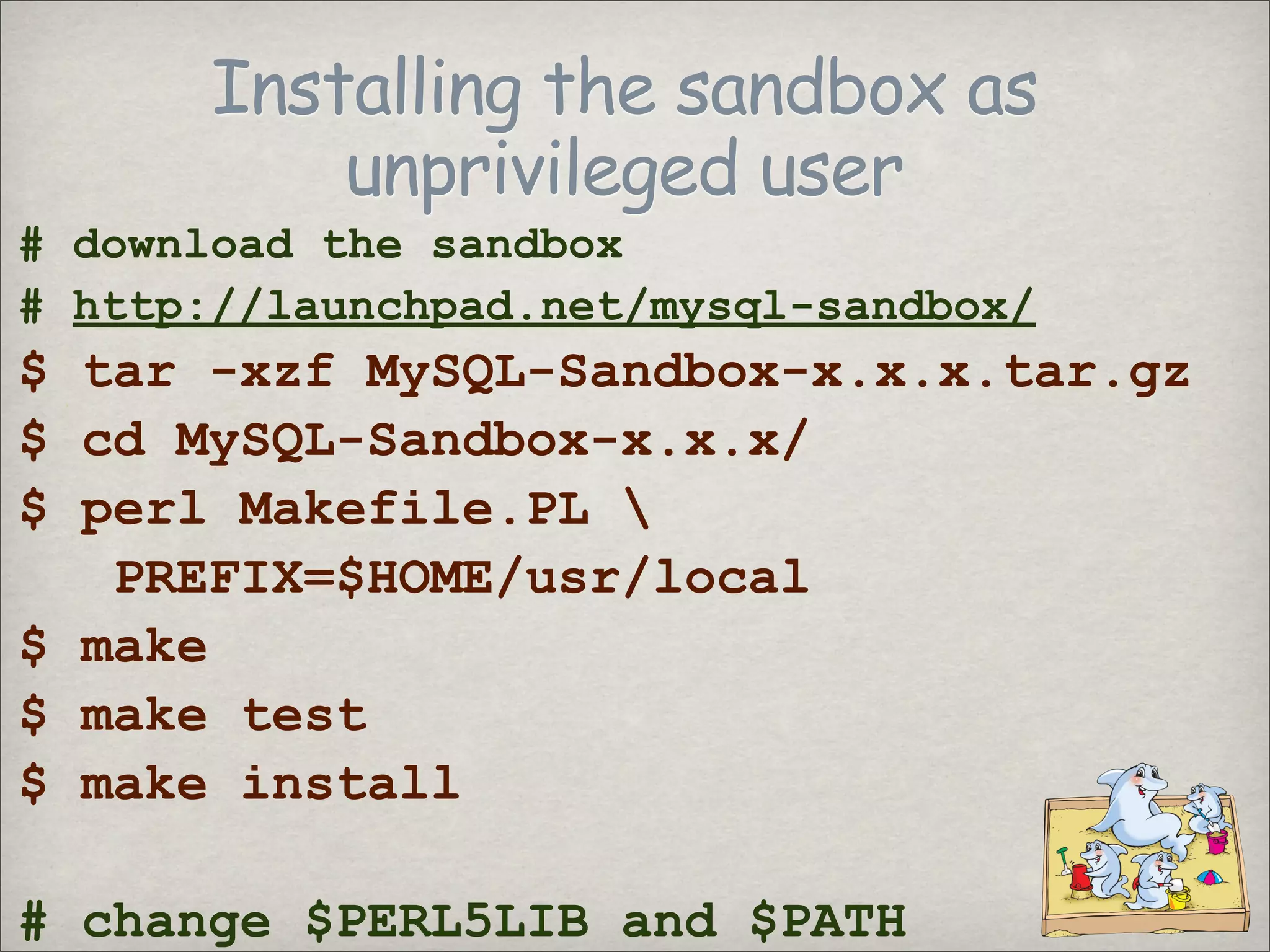
Installing the sandbox as
unprivileged user
# download the sandbox
# http://launchpad.net/mysql-sandbox/
$ tar -xzf MySQL-Sandbox-x.x.x.tar.gz
$ cd MySQL-Sandbox-x.x.x/
$ perl Makefile.PL
PREFIX=$HOME/usr/local
$ make
$ make test
$ make install
# change $PERL5LIB and $PATH
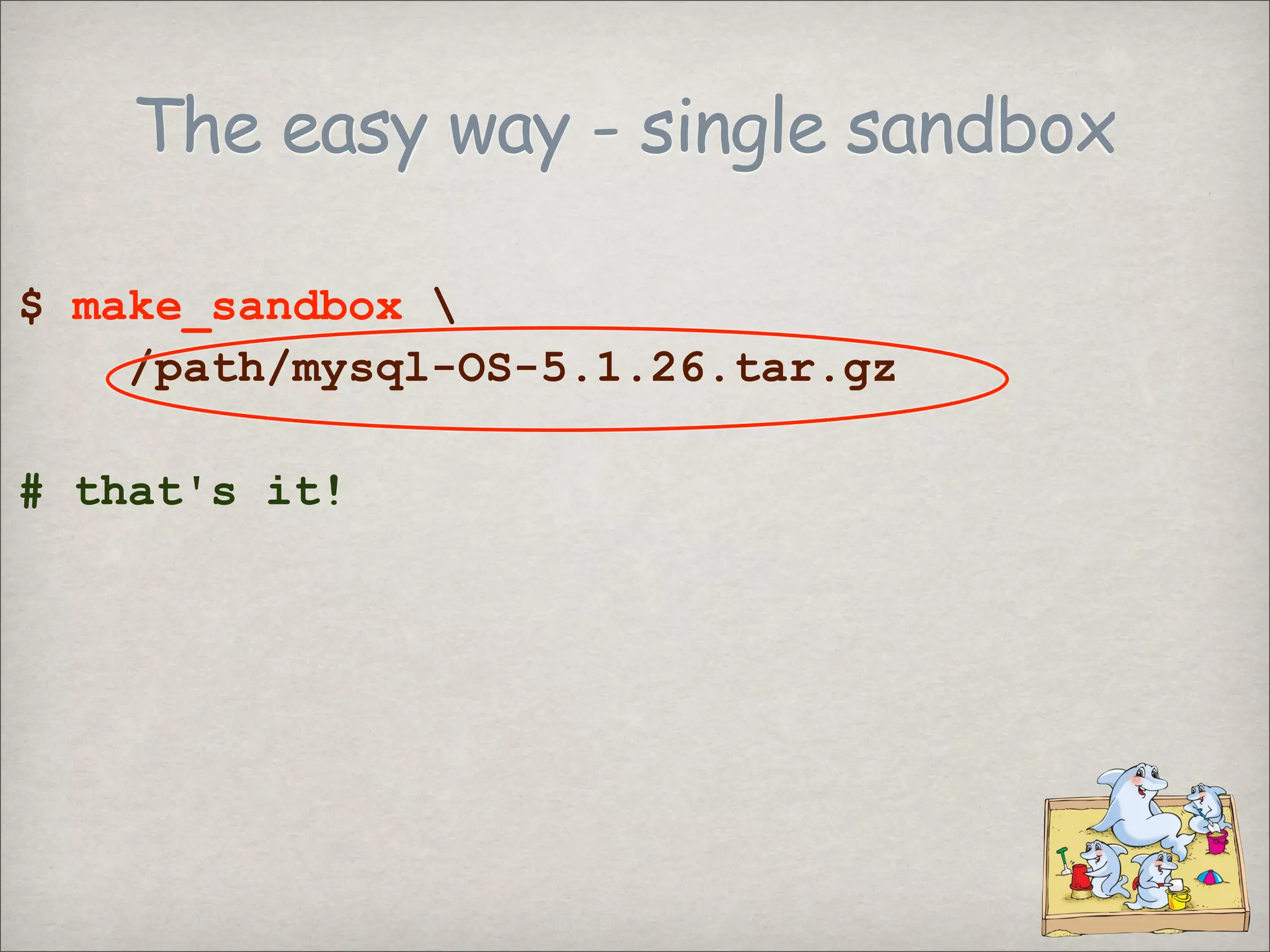
The easy way - single sandbox
$ make_sandbox
/path/mysql-OS-5.1.26.tar.gz
# that's it!
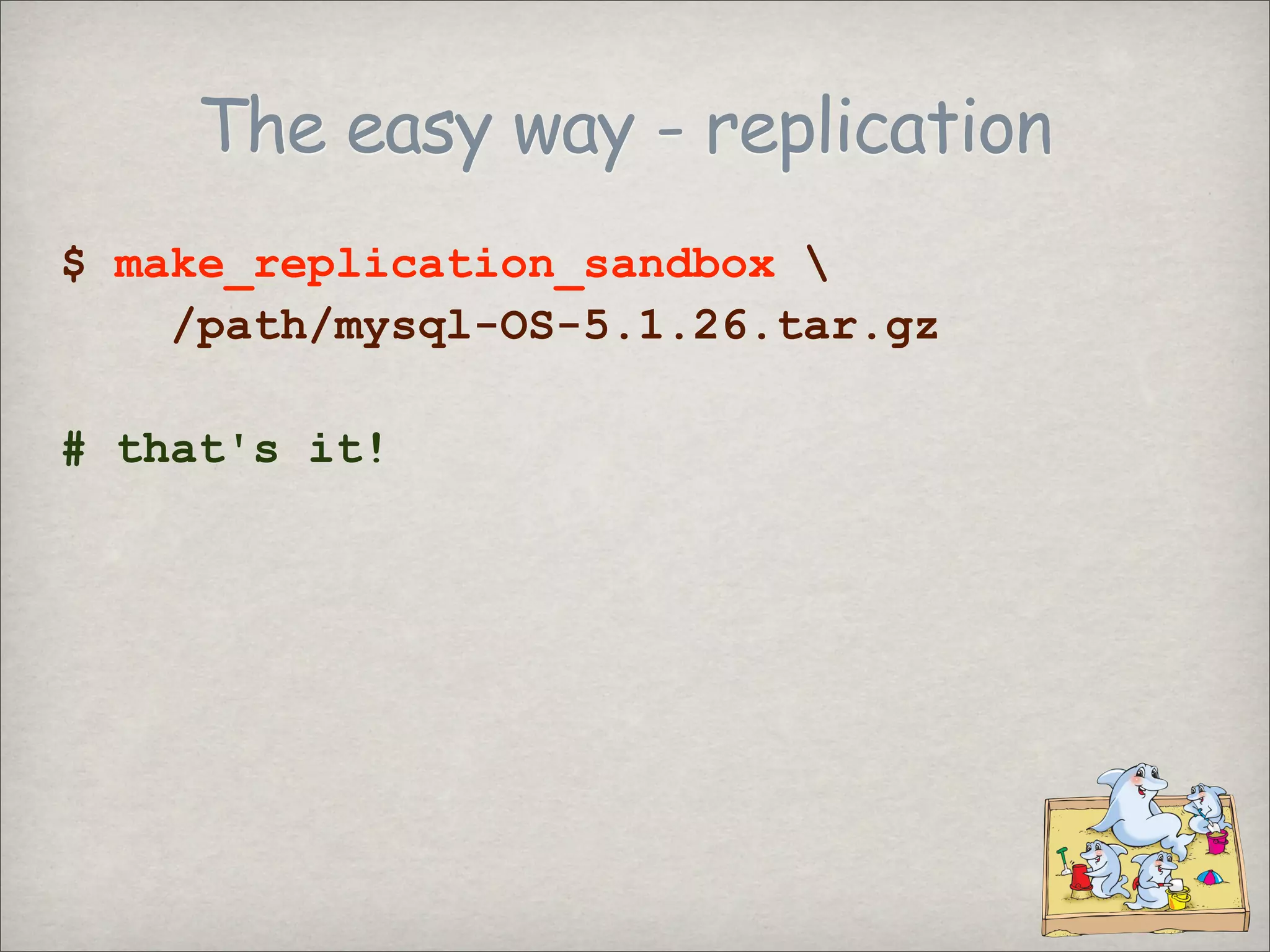
The easy way - replication
$ make_replication_sandbox
/path/mysql-OS-5.1.26.tar.gz
# that's it!
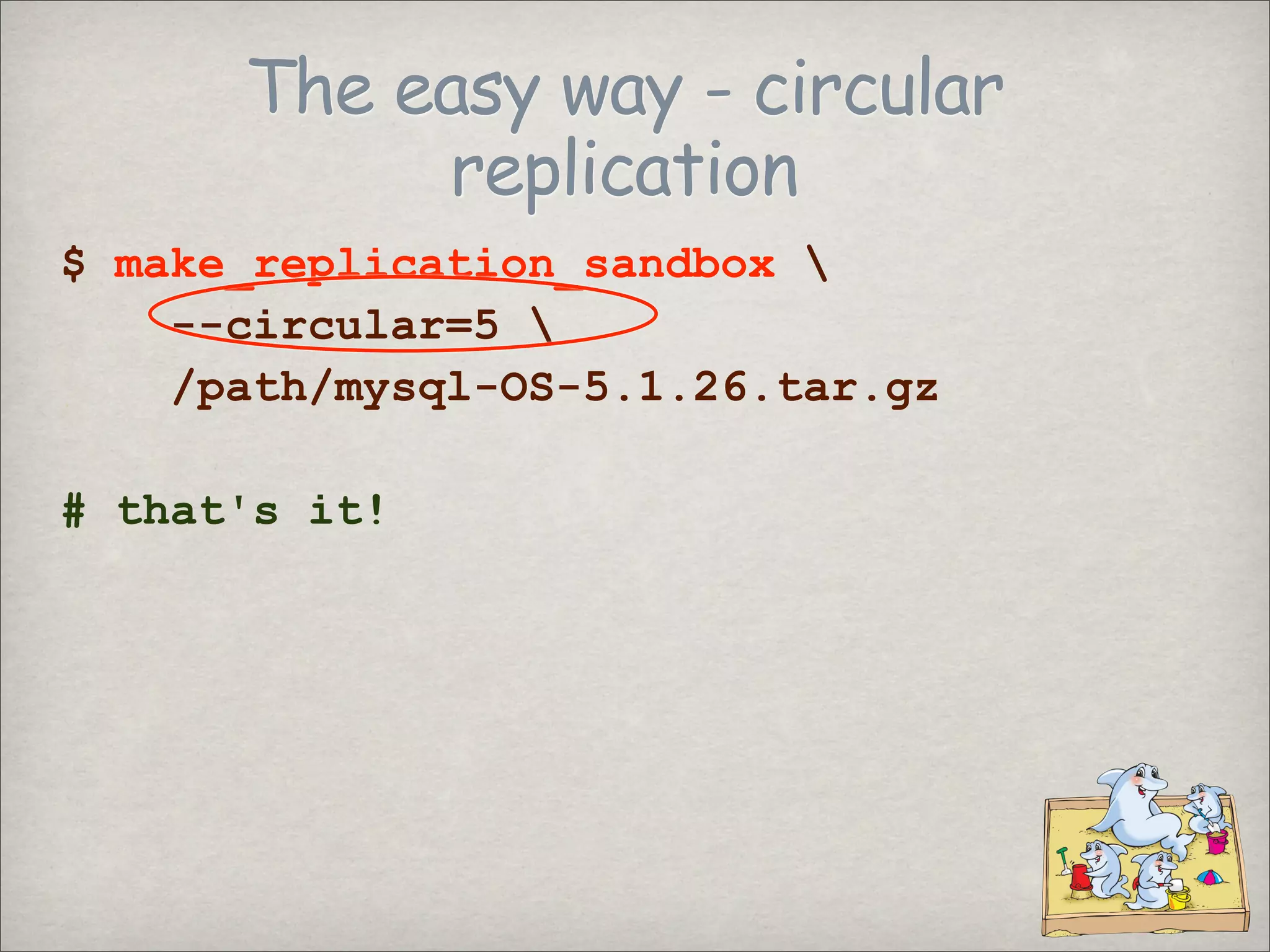
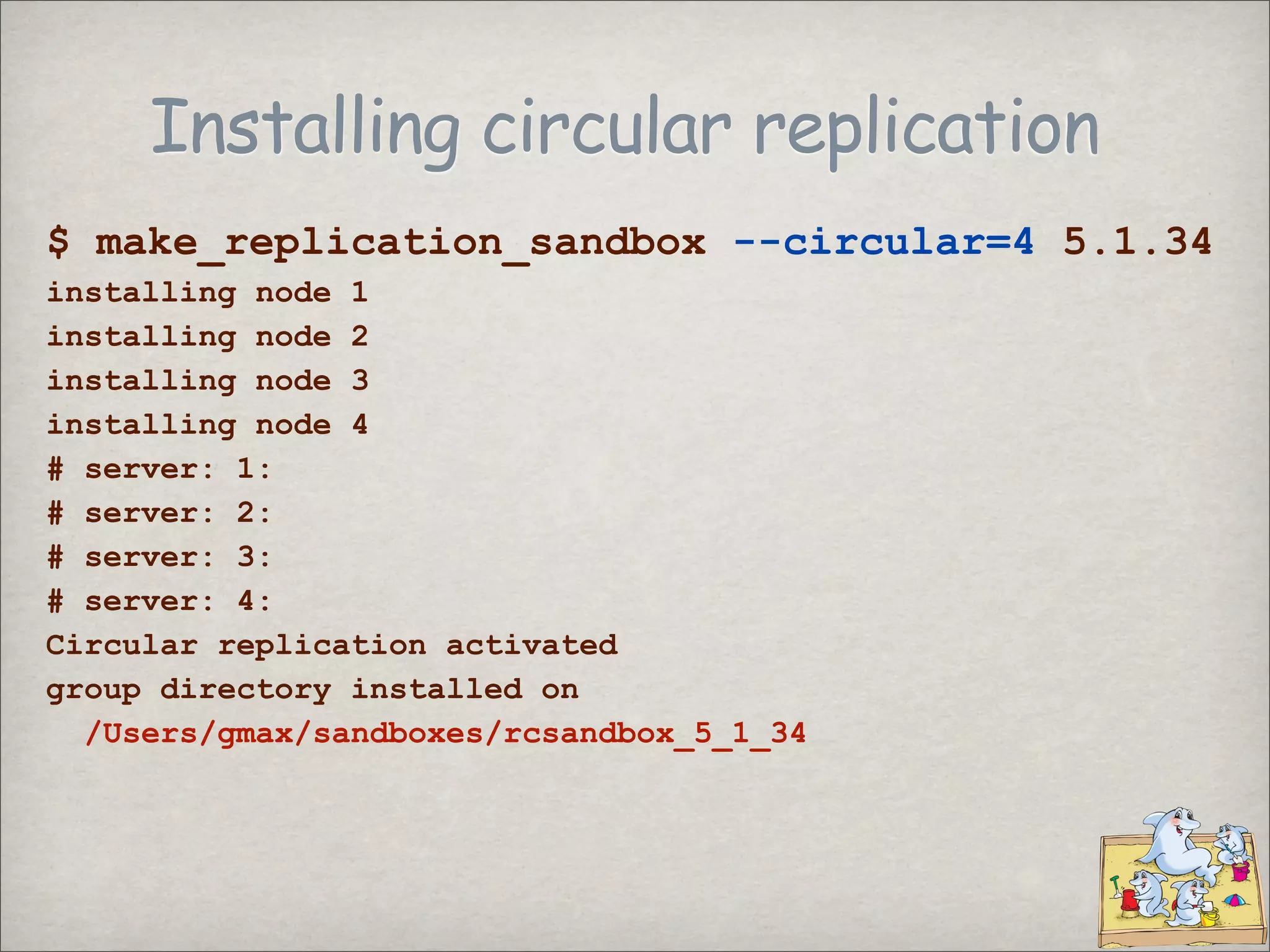
The easy way - circular
replication
$ make_replication_sandbox
--circular=5
/path/mysql-OS-5.1.26.tar.gz
# that's it!
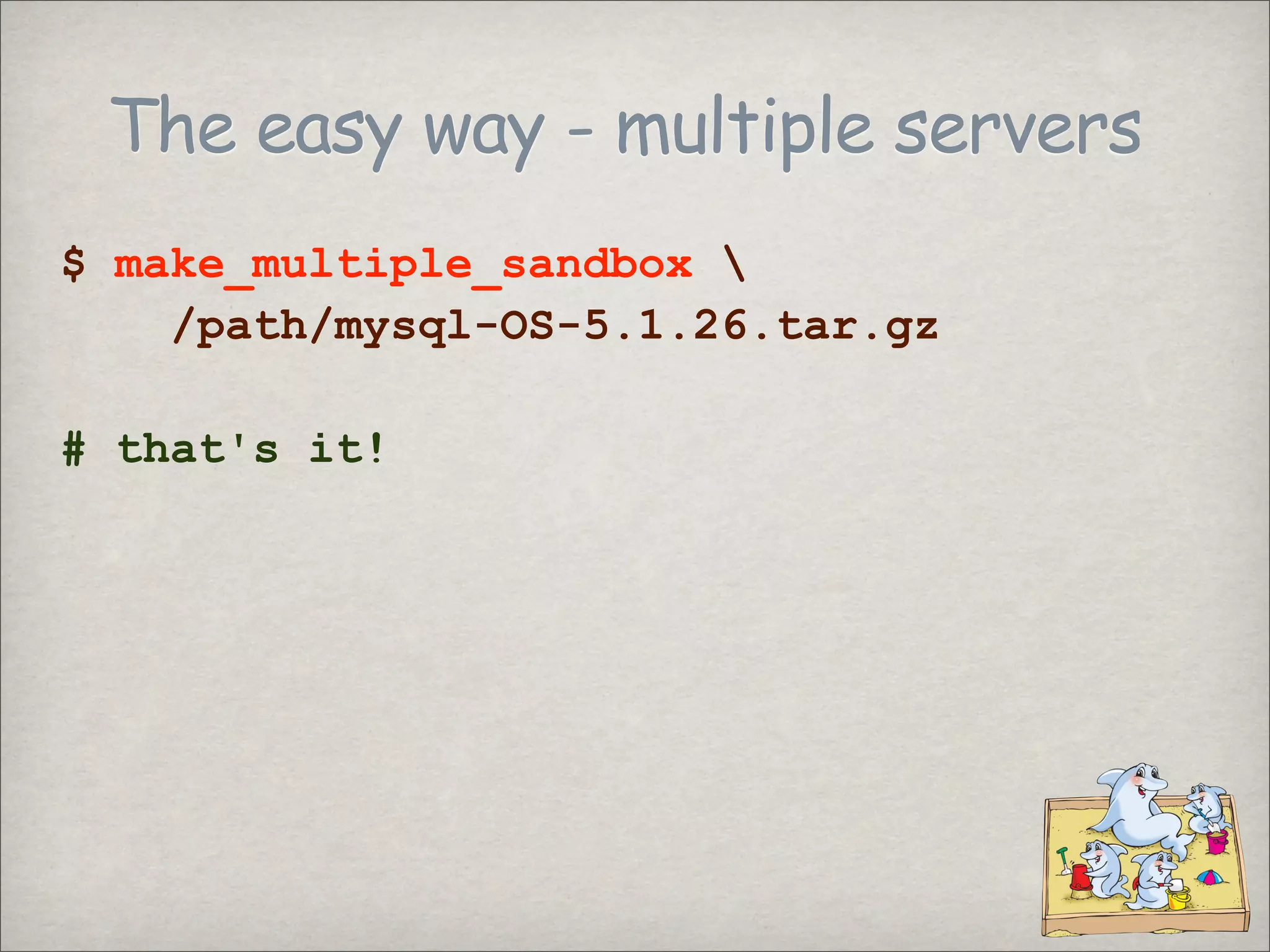
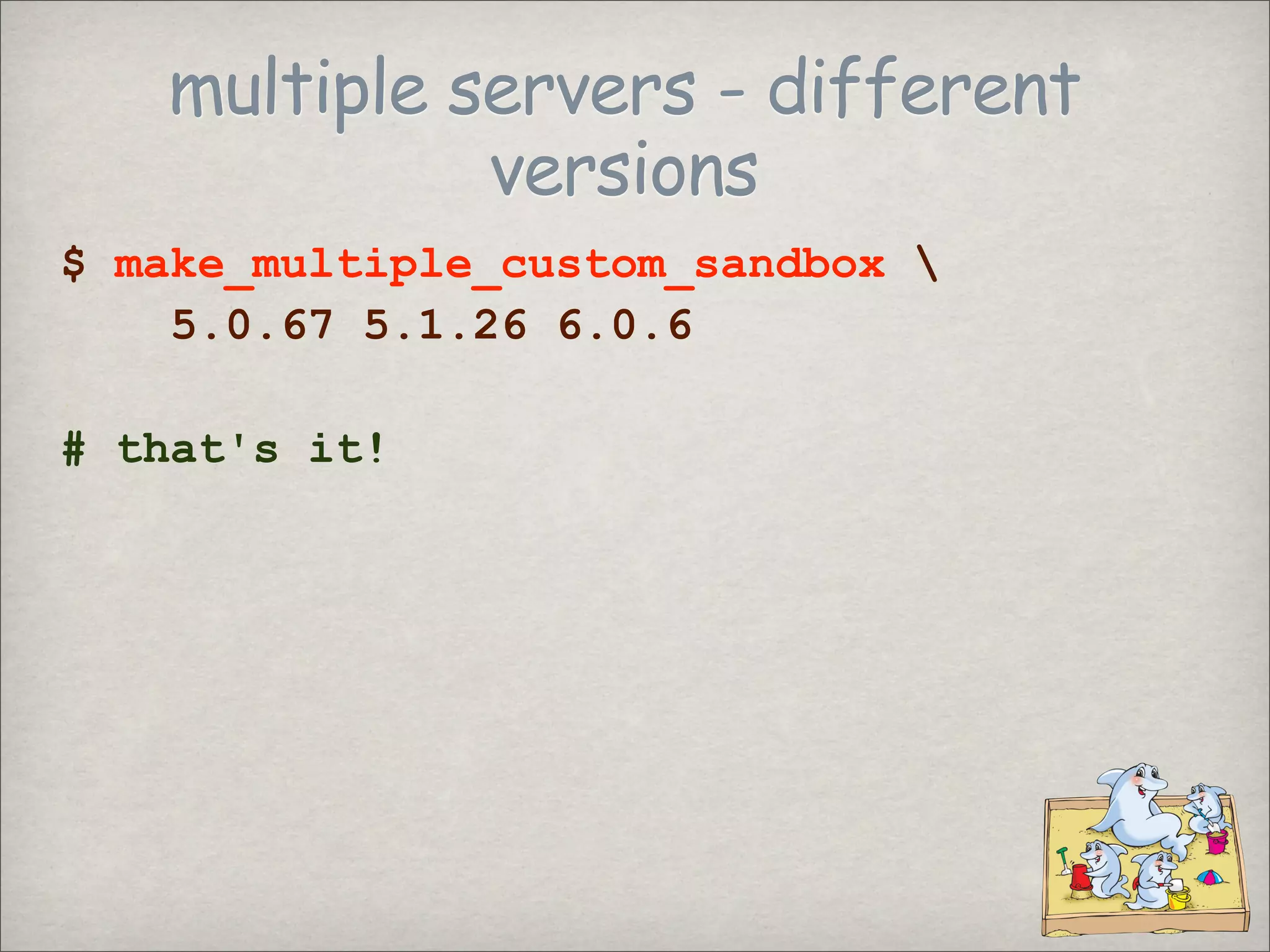
The easy way - multiple servers
$ make_multiple_sandbox
/path/mysql-OS-5.1.26.tar.gz
# that's it!
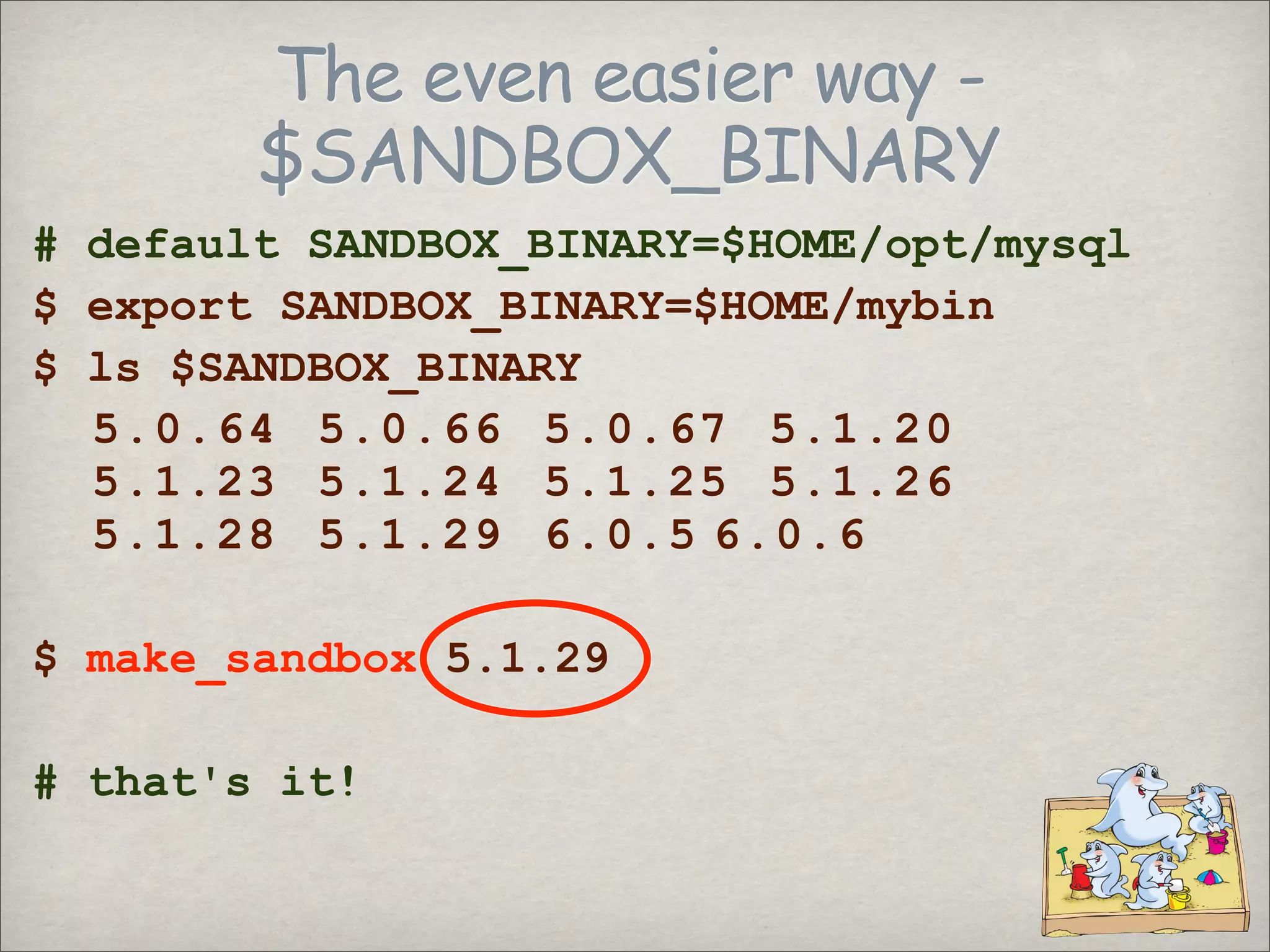
The even easier way -
$SANDBOX_BINARY
# default SANDBOX_BINARY=$HOME/opt/mysql
$ export SANDBOX_BINARY=$HOME/mybin
$ ls $SANDBOX_BINARY
5.0.64 5.0.66 5.0.67 5.1.20
5.1.23 5.1.24 5.1.25 5.1.26
5.1.28 5.1.29 6.0.5 6.0.6
$ make_sandbox 5.1.29
# that's it!
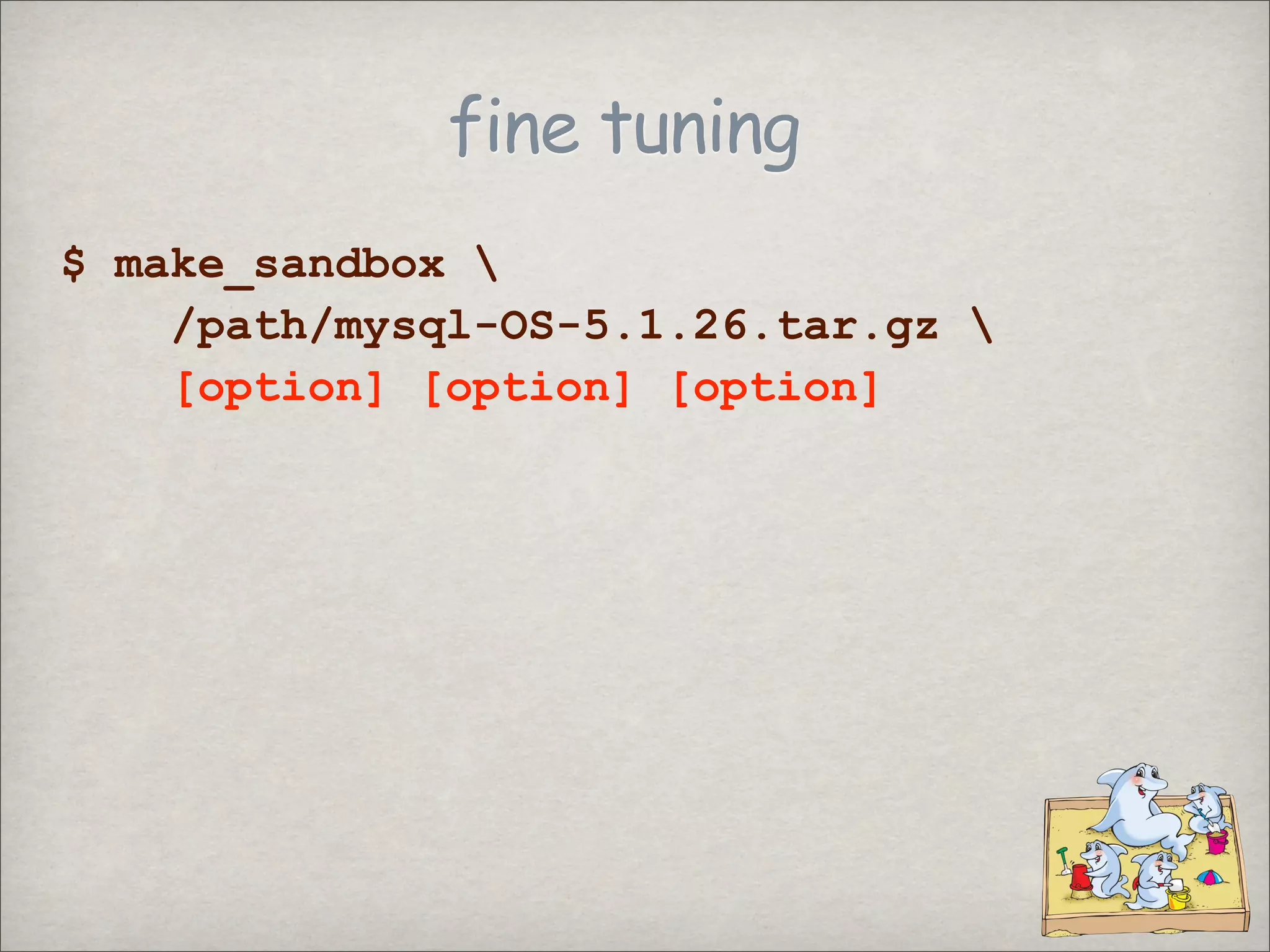
fine tuning
$ make_sandbox
/path/mysql-OS-5.1.26.tar.gz
[option] [option] [option]
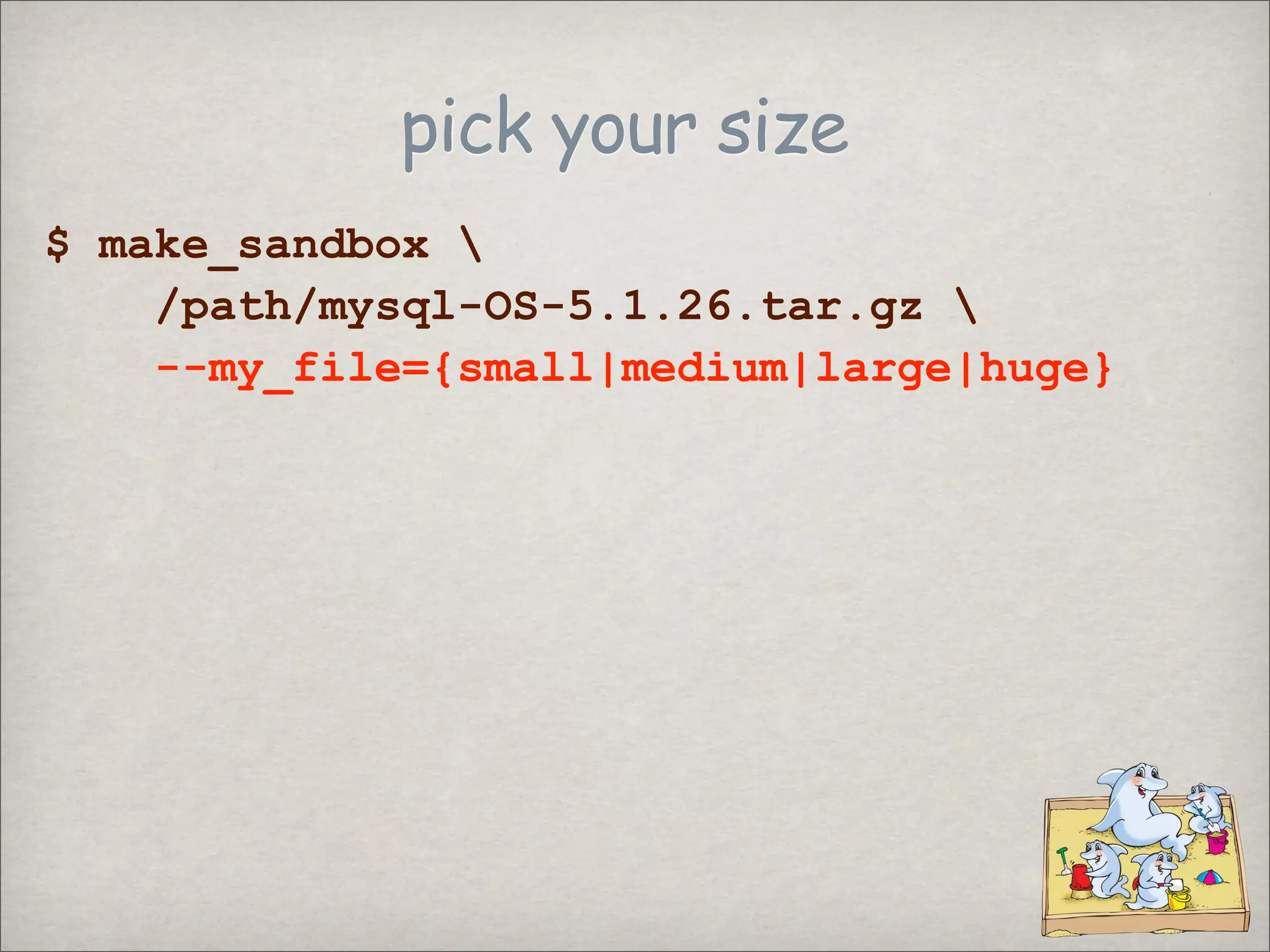
pick your size
$ make_sandbox
/path/mysql-OS-5.1.26.tar.gz
--my_file={small|medium|large|huge}
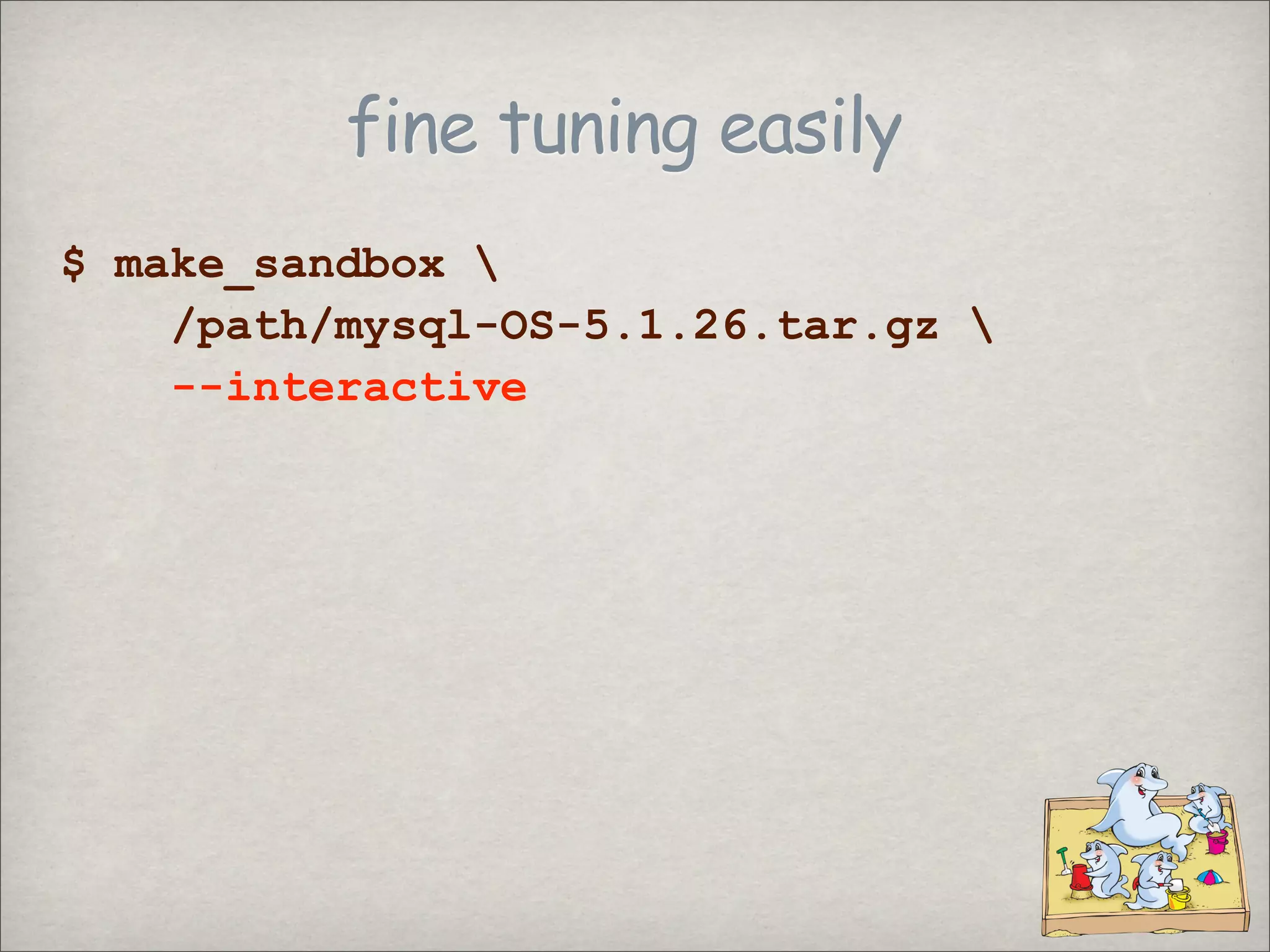
fine tuning easily
$ make_sandbox
/path/mysql-OS-5.1.26.tar.gz
--interactive
fine tuning easily
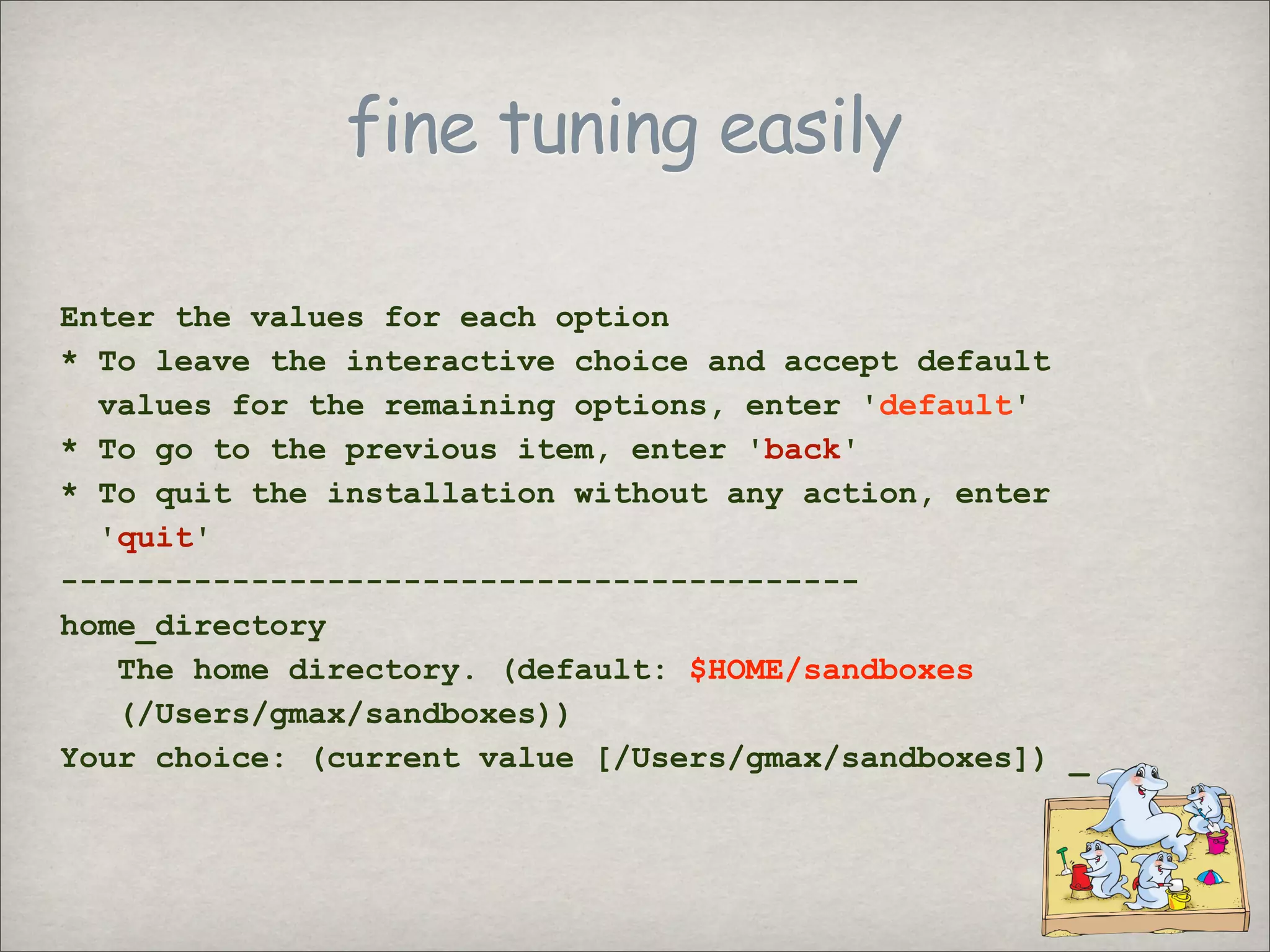
Enter the values for each option
* To leave the interactive choice and accept default
values for the remaining options, enter 'default'
* To go to the previous item, enter 'back'
* To quit the installation without any action, enter
'quit'
------------------------------------------
home_directory
The home directory. (default: $HOME/sandboxes
(/Users/gmax/sandboxes))
Your choice: (current value [/Users/gmax/sandboxes]) _
hands on
Using the sandbox
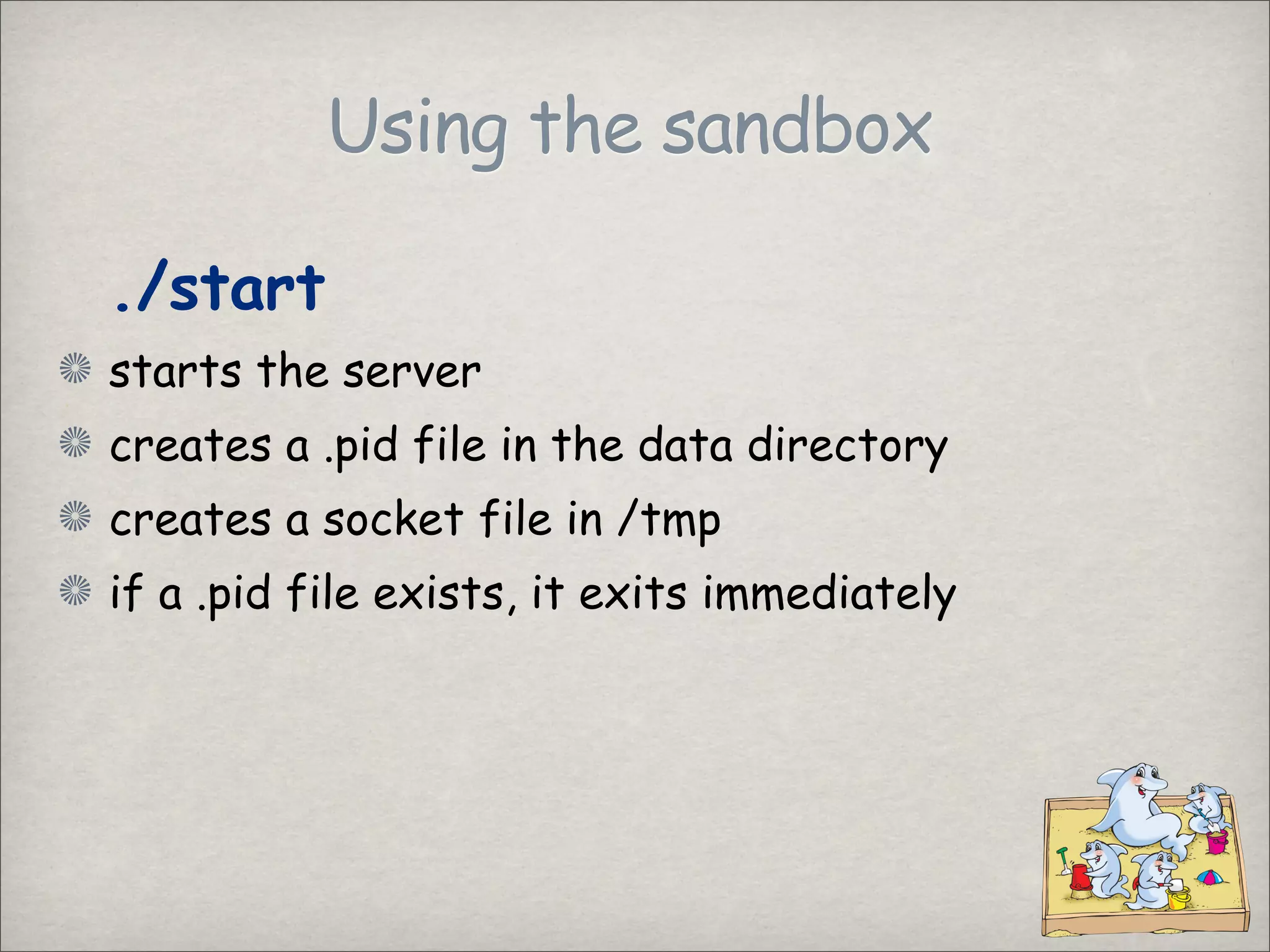
./start
starts the server
creates a .pid file in the data directory
creates a socket file in /tmp
if a .pid file exists, it exits immediately
Using the sandbox
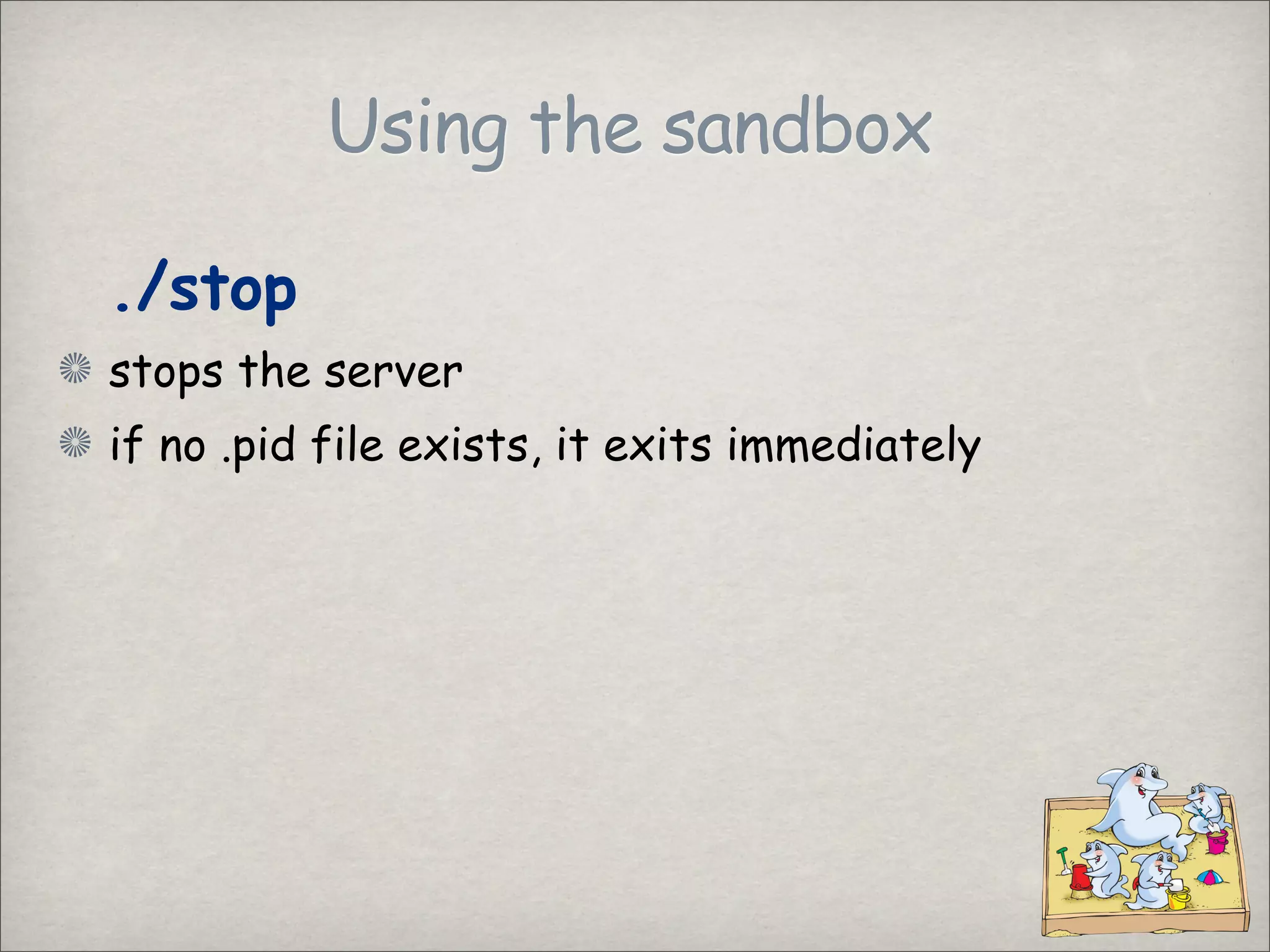
./stop
stops the server
if no .pid file exists, it exits immediately
Using the sandbox
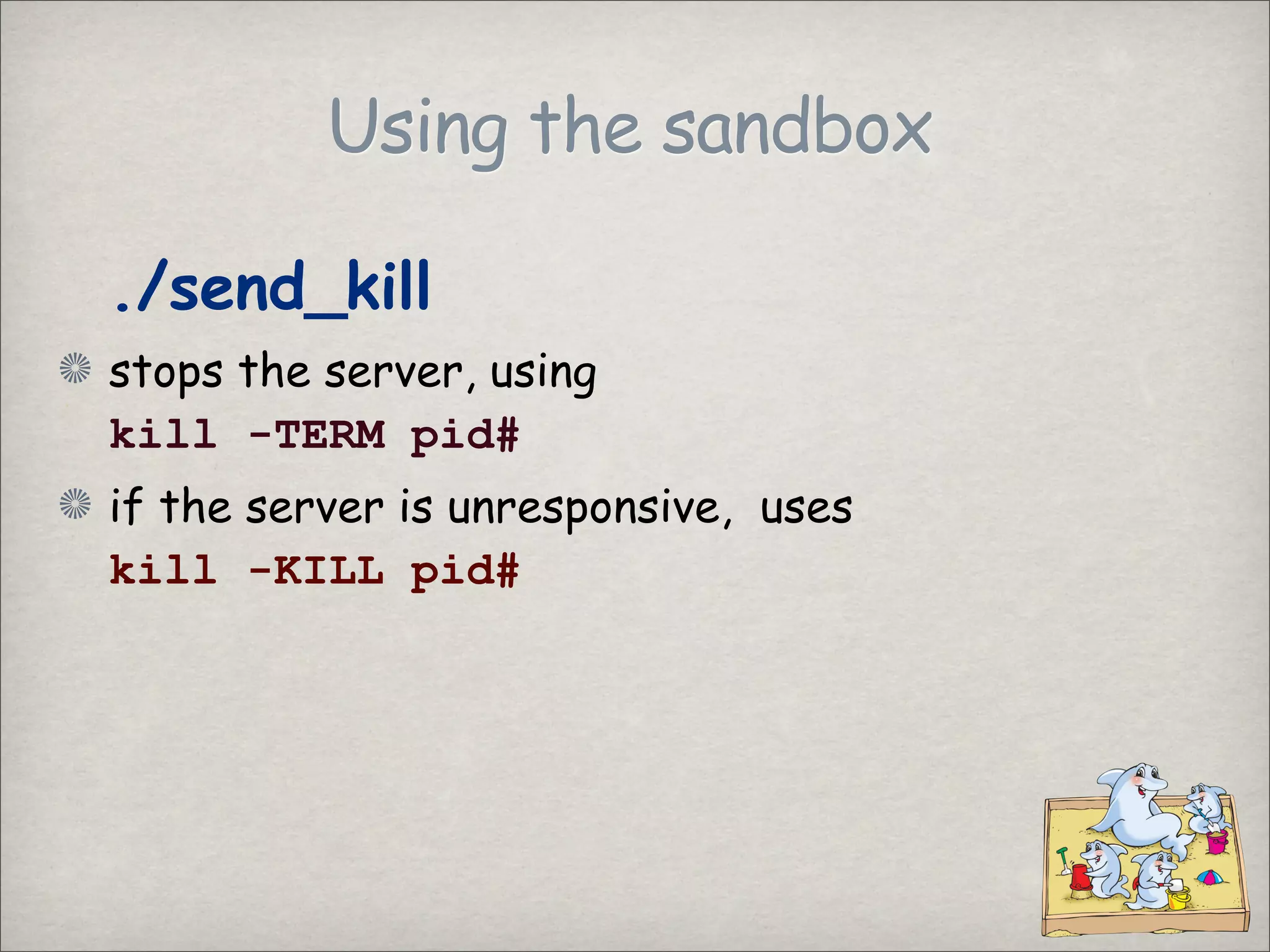
./send_kill
stops the server, using
kill -TERM pid#
if the server is unresponsive, uses
kill -KILL pid#
Using the sandbox
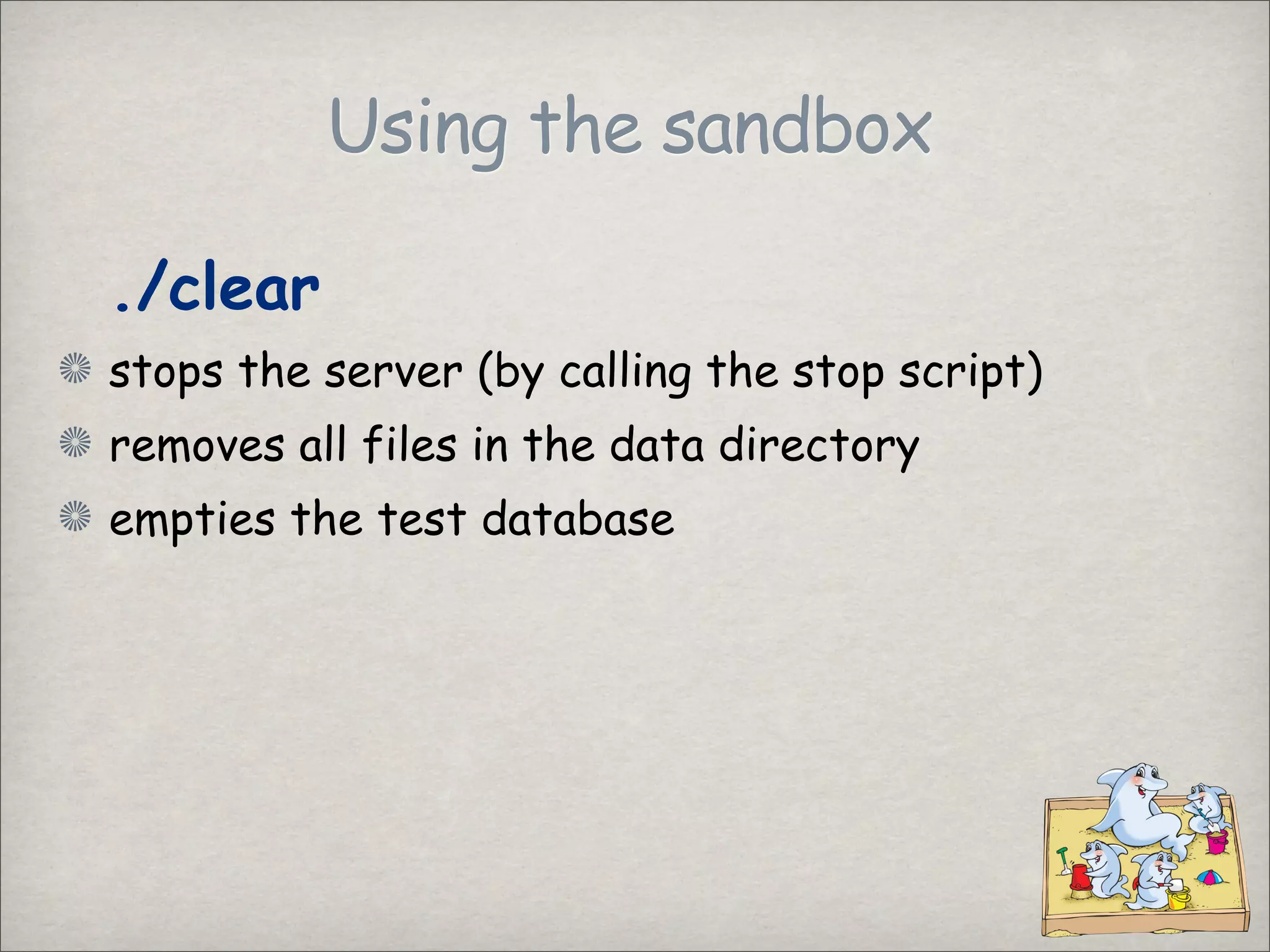
./clear
stops the server (by calling the stop script)
removes all files in the data directory
empties the test database
Using the sandbox
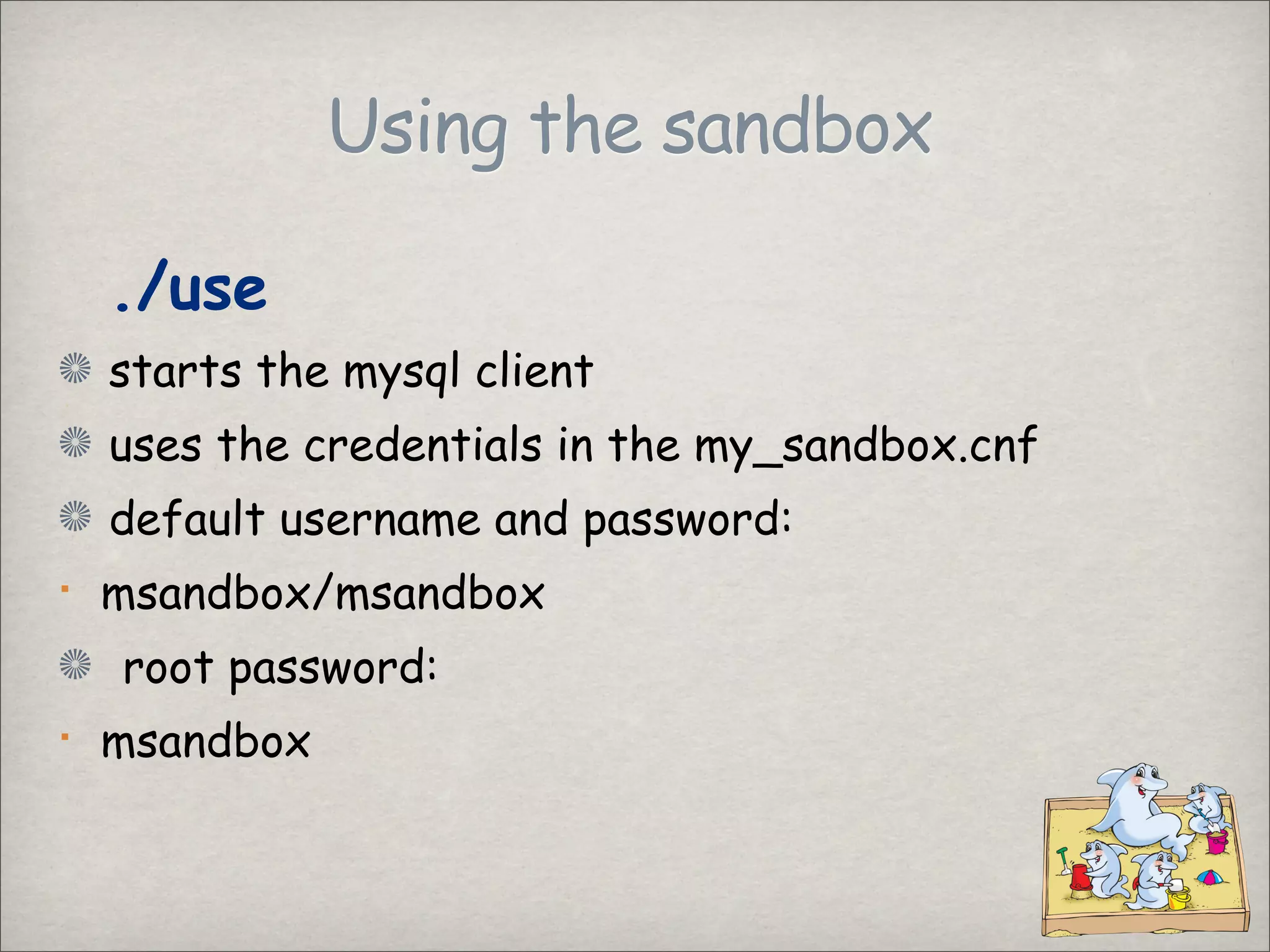
./use
starts the mysql client
uses the credentials in the my_sandbox.cnf
default username and password:
msandbox/msandbox
root password:
msandbox
Using the sandbox
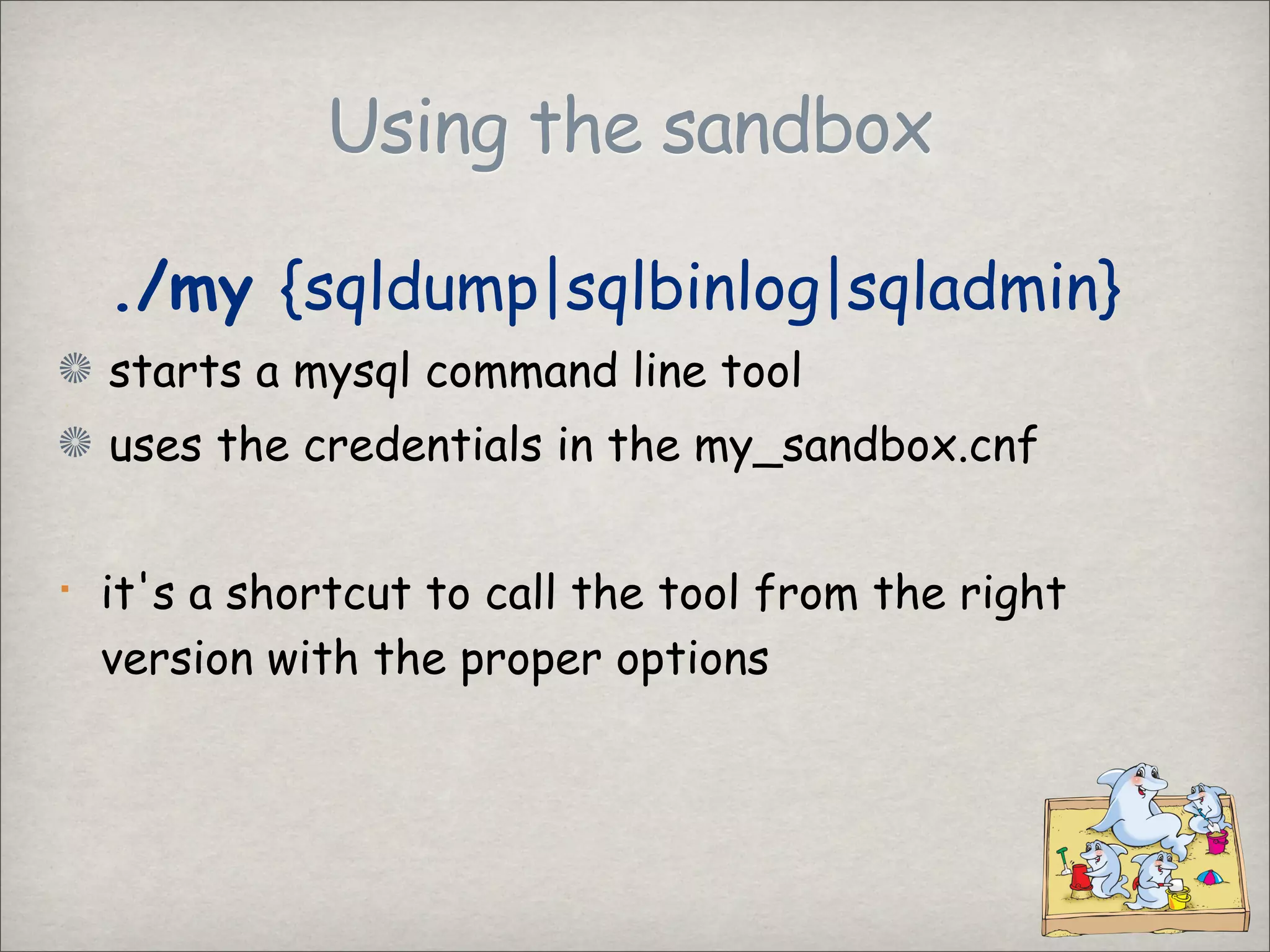
./my {sqldump|sqlbinlog|sqladmin}
starts a mysql command line tool
uses the credentials in the my_sandbox.cnf
it's a shortcut to call the tool from the right
version with the proper options
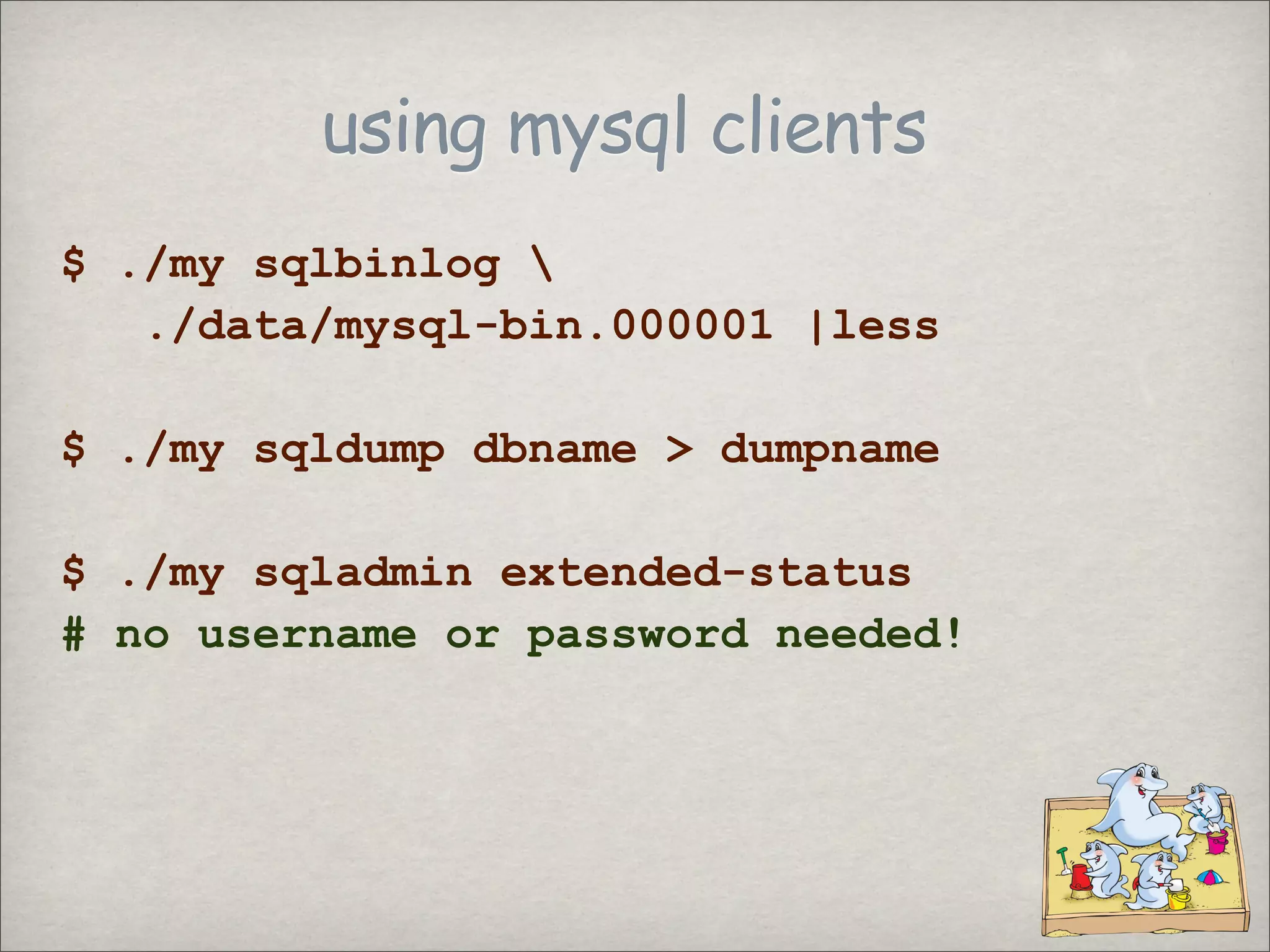
using mysql clients
$ ./my sqlbinlog
./data/mysql-bin.000001 |less
$ ./my sqldump dbname > dumpname
$ ./my sqladmin extended-status
# no username or password needed!
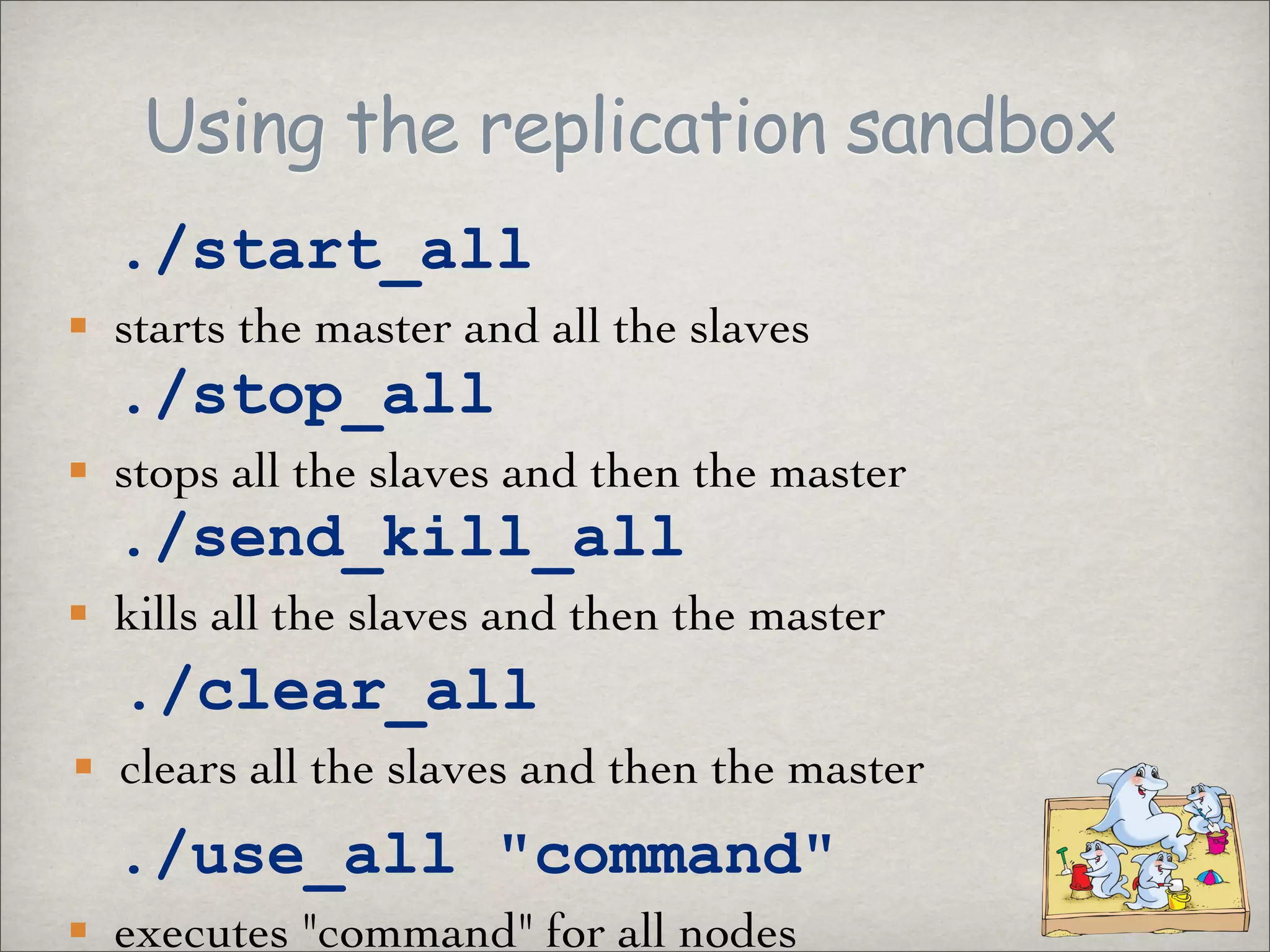
Using the replication sandbox
./start_all
starts the master and all the slaves
./stop_all
stops all the slaves and then the master
./send_kill_all
kills all the slaves and then the master
./clear_all
clears all the slaves and then the master
./use_all quot;commandquot;
executes quot;commandquot; for all nodes
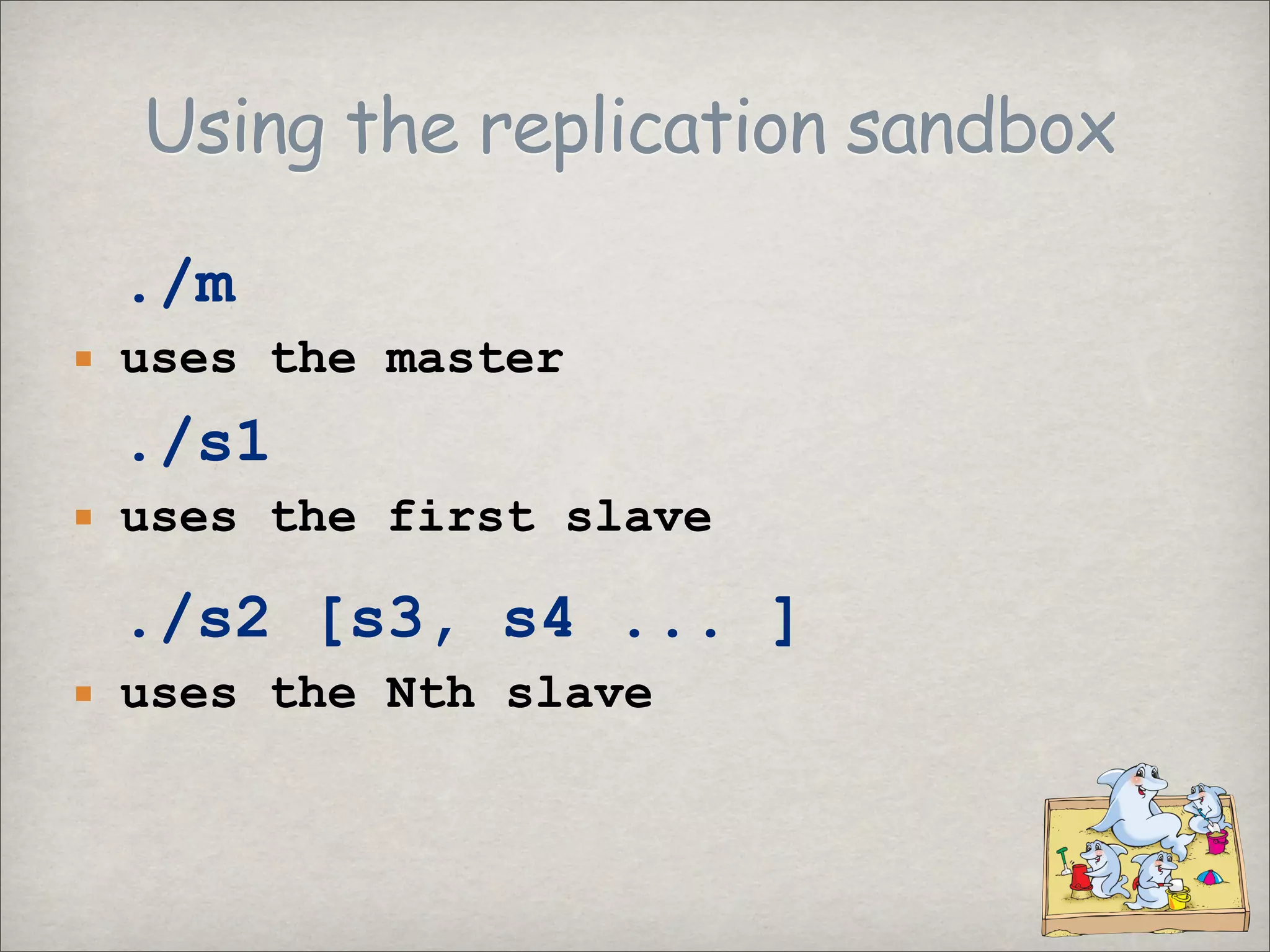
Using the replication sandbox
./m
uses the master
./s1
uses the first slave
./s2 [s3, s4 ... ]
uses the Nth slave
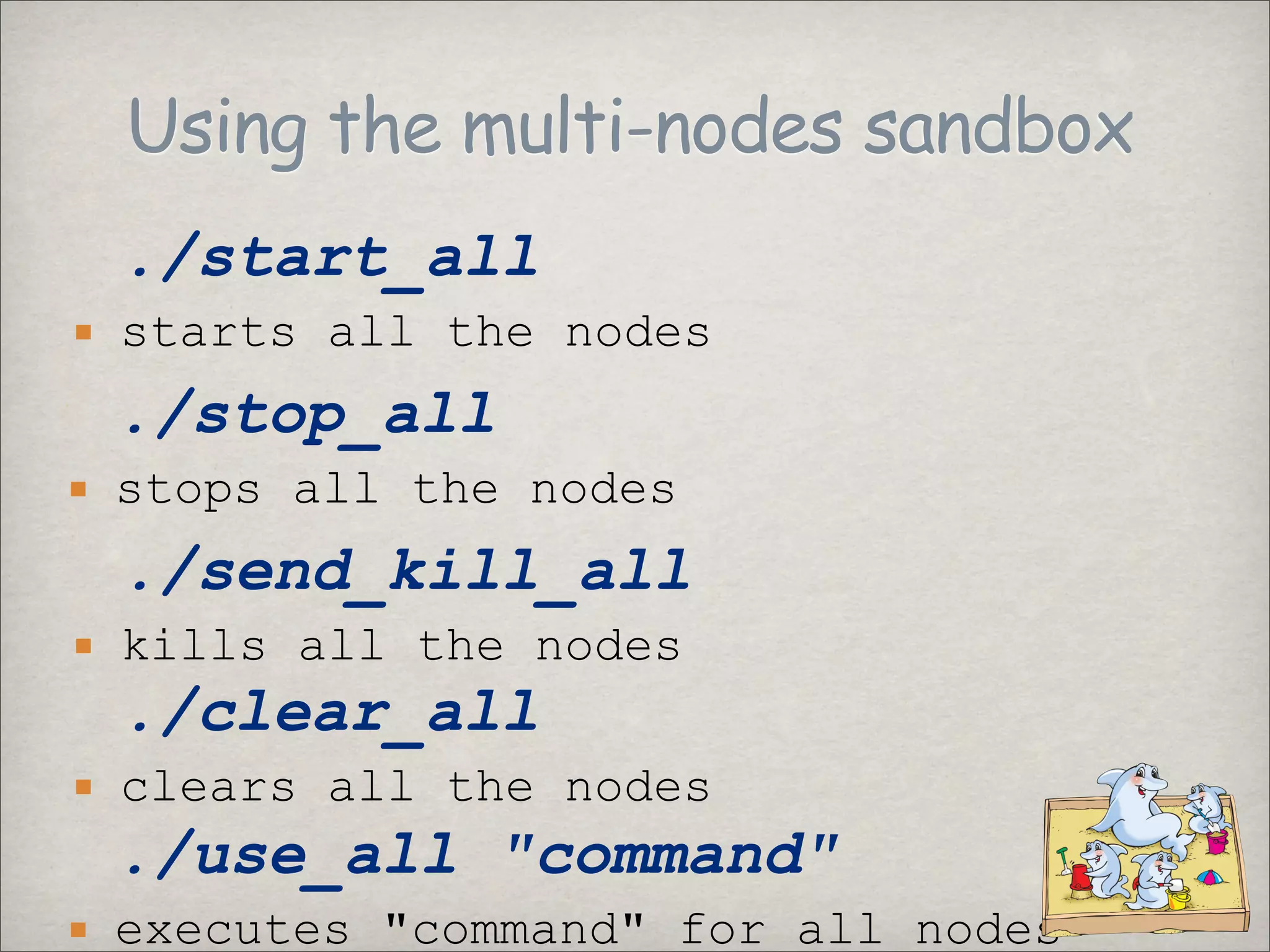
Using the multi-nodes sandbox
./start_all
starts all the nodes
./stop_all
stops all the nodes
./send_kill_all
kills all the nodes
./clear_all
clears all the nodes
./use_all quot;commandquot;
executes quot;commandquot; for all nodes
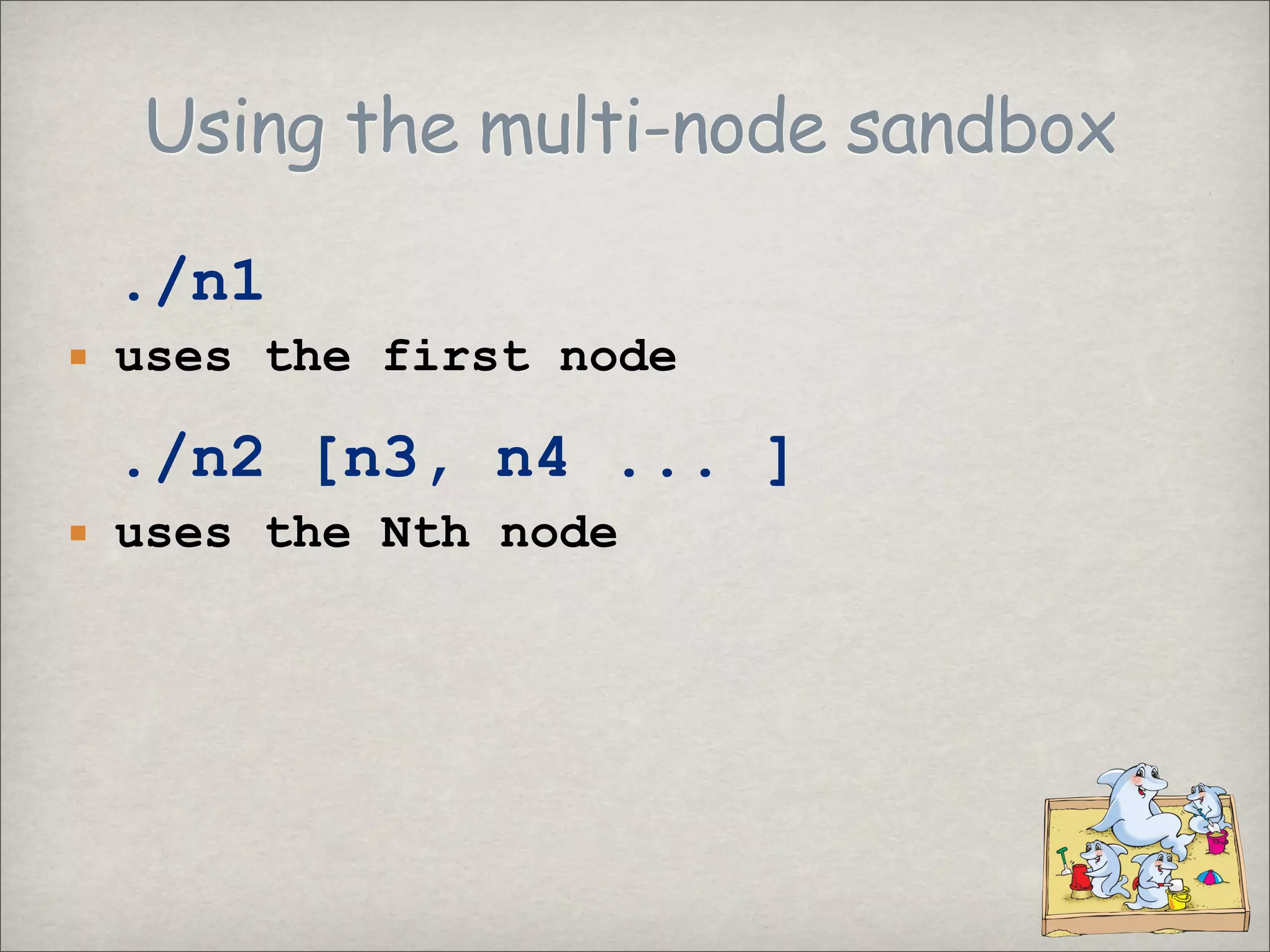
Using the multi-node sandbox
./n1
uses the first node
./n2 [n3, n4 ... ]
uses the Nth node
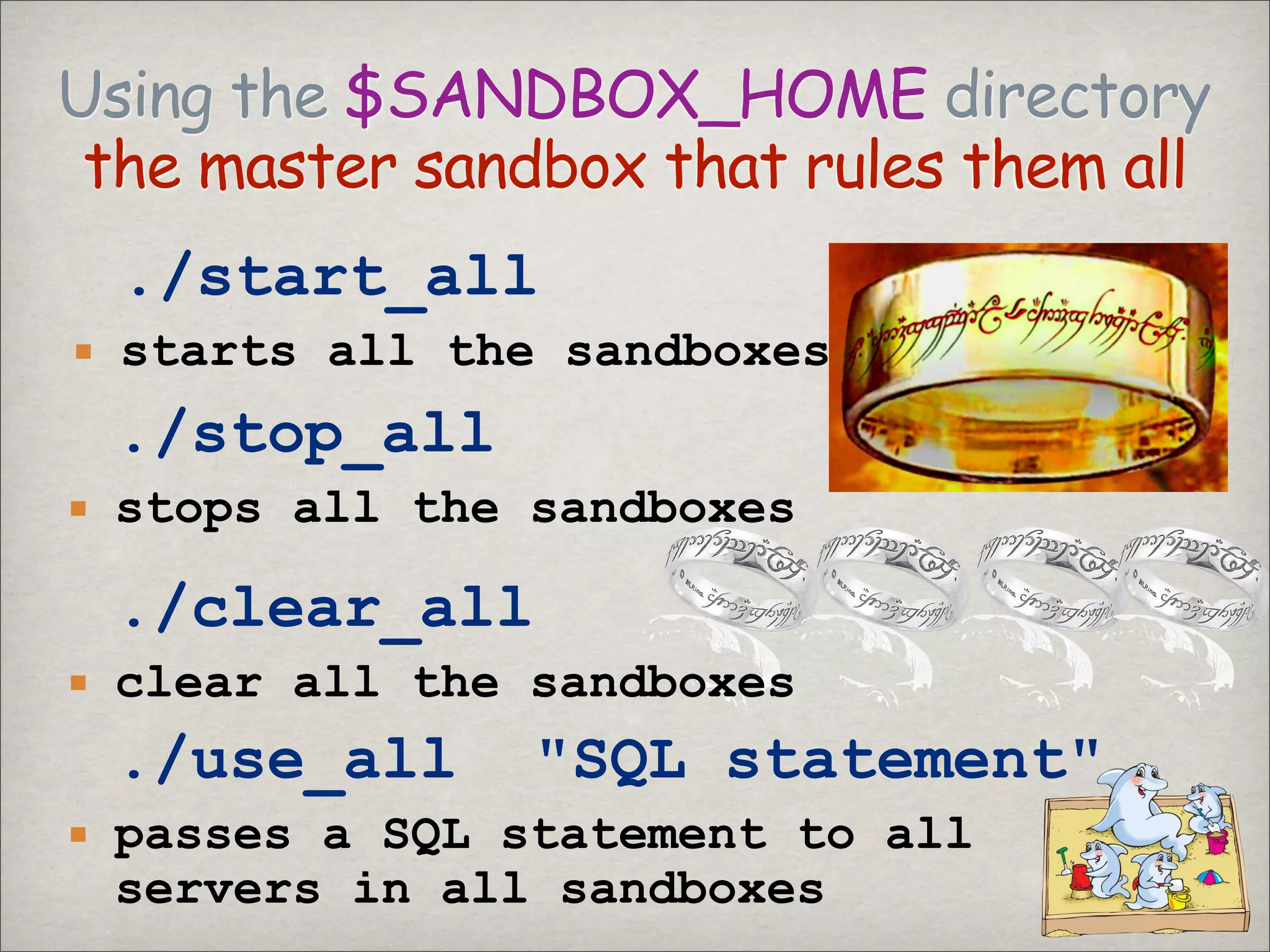
Using the $SANDBOX_HOME directory
the master sandbox that rules them all
./start_all
starts all the sandboxes
./stop_all
stops all the sandboxes
./clear_all
clear all the sandboxes
./use_all quot;SQL statementquot;
passes a SQL statement to all
servers in all sandboxes
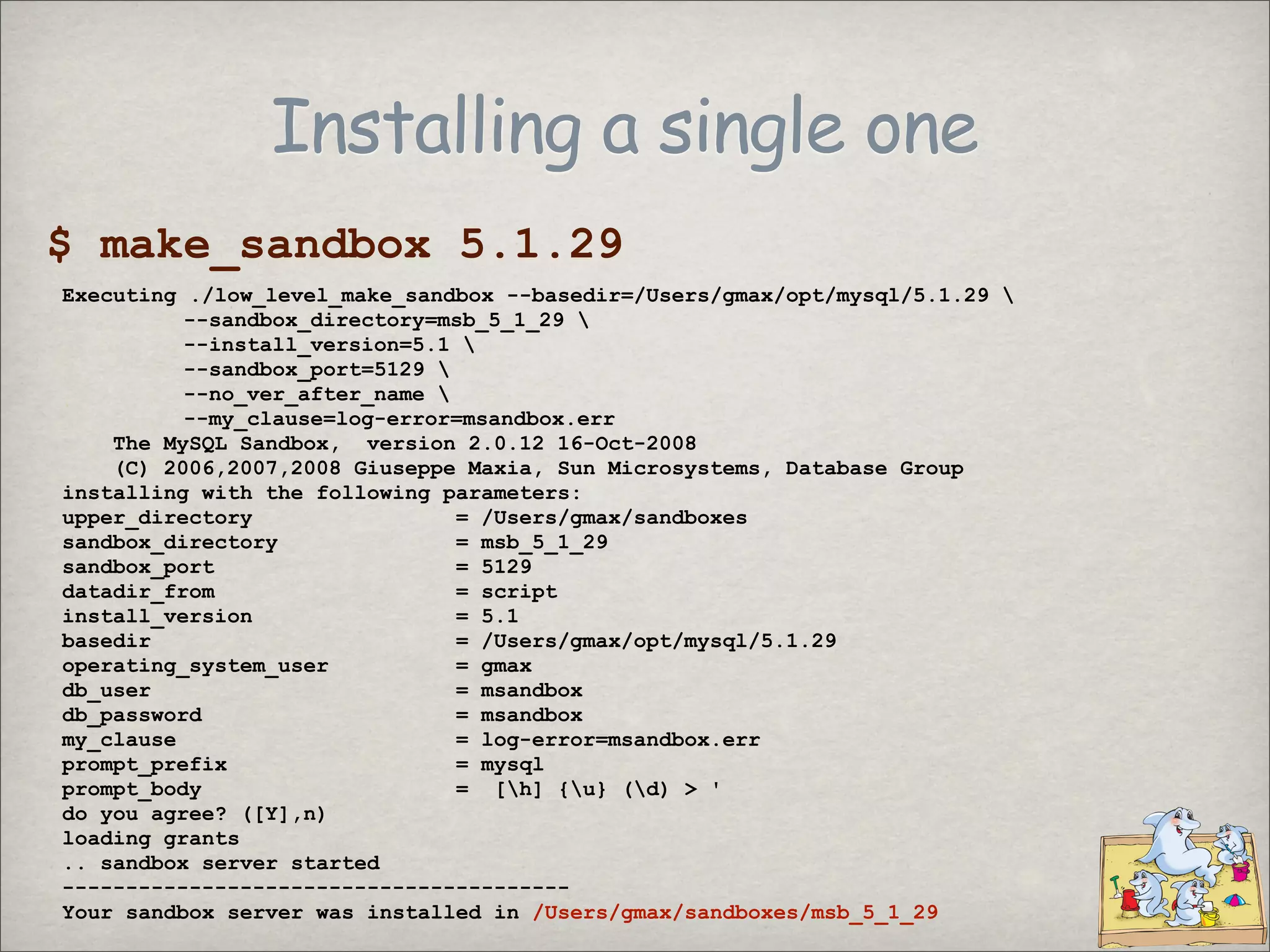
Installing a single one
$ make_sandbox 5.1.29
Executing ./low_level_make_sandbox --basedir=/Users/gmax/opt/mysql/5.1.29
--sandbox_directory=msb_5_1_29
--install_version=5.1
--sandbox_port=5129
--no_ver_after_name
--my_clause=log-error=msandbox.err
The MySQL Sandbox, version 2.0.12 16-Oct-2008
(C) 2006,2007,2008 Giuseppe Maxia, Sun Microsystems, Database Group
installing with the following parameters:
upper_directory = /Users/gmax/sandboxes
sandbox_directory = msb_5_1_29
sandbox_port = 5129
datadir_from = script
install_version = 5.1
basedir = /Users/gmax/opt/mysql/5.1.29
operating_system_user = gmax
db_user = msandbox
db_password = msandbox
my_clause = log-error=msandbox.err
prompt_prefix = mysql
prompt_body = [h] {u} (d) > '
do you agree? ([Y],n)
loading grants
.. sandbox server started
----------------------------------------
Your sandbox server was installed in /Users/gmax/sandboxes/msb_5_1_29
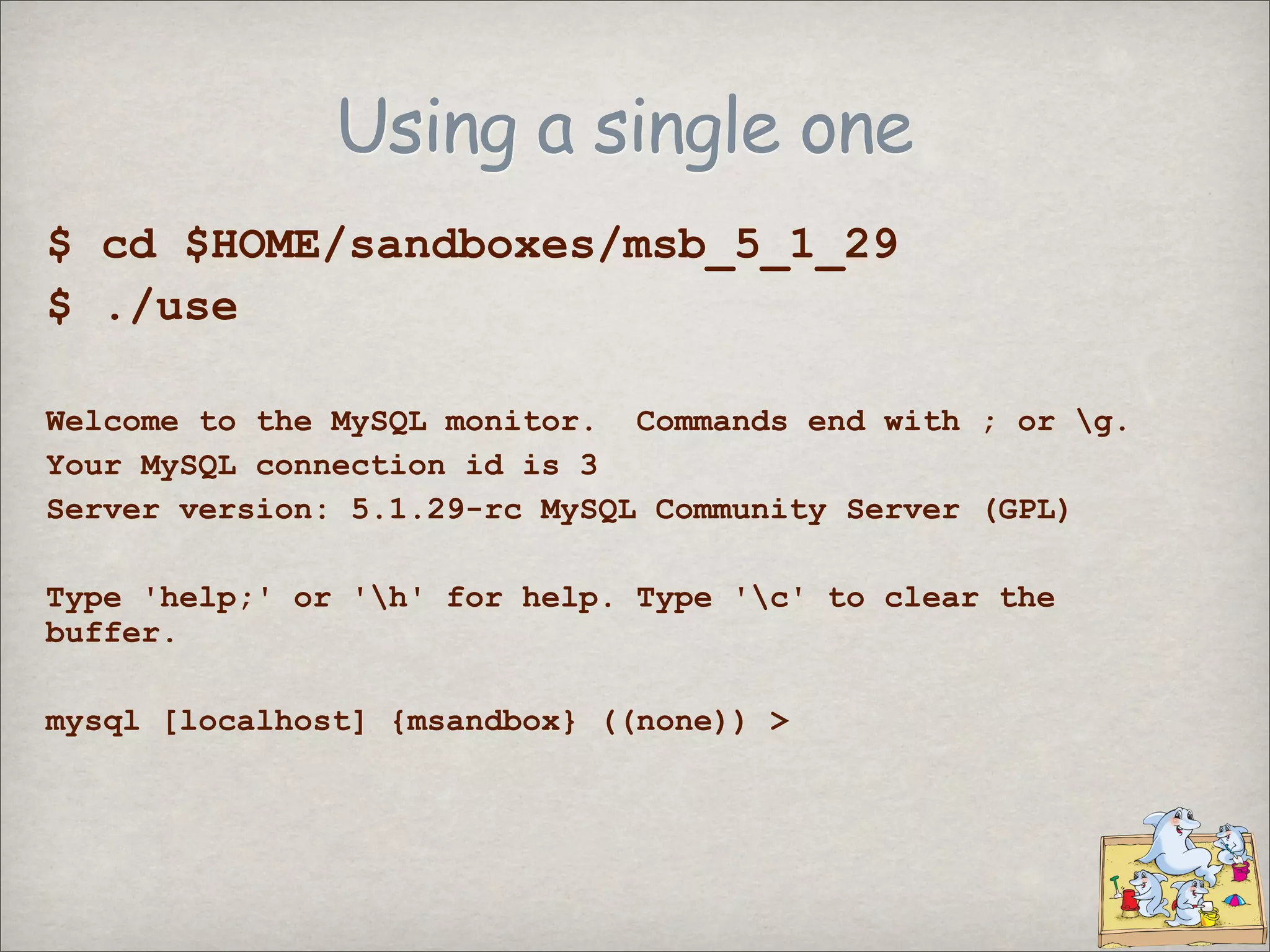
Using a single one
$ cd $HOME/sandboxes/msb_5_1_29
$ ./use
Welcome to the MySQL monitor. Commands end with ; or g.
Your MySQL connection id is 3
Server version: 5.1.29-rc MySQL Community Server (GPL)
Type 'help;' or 'h' for help. Type 'c' to clear the
buffer.
mysql [localhost] {msandbox} ((none)) >
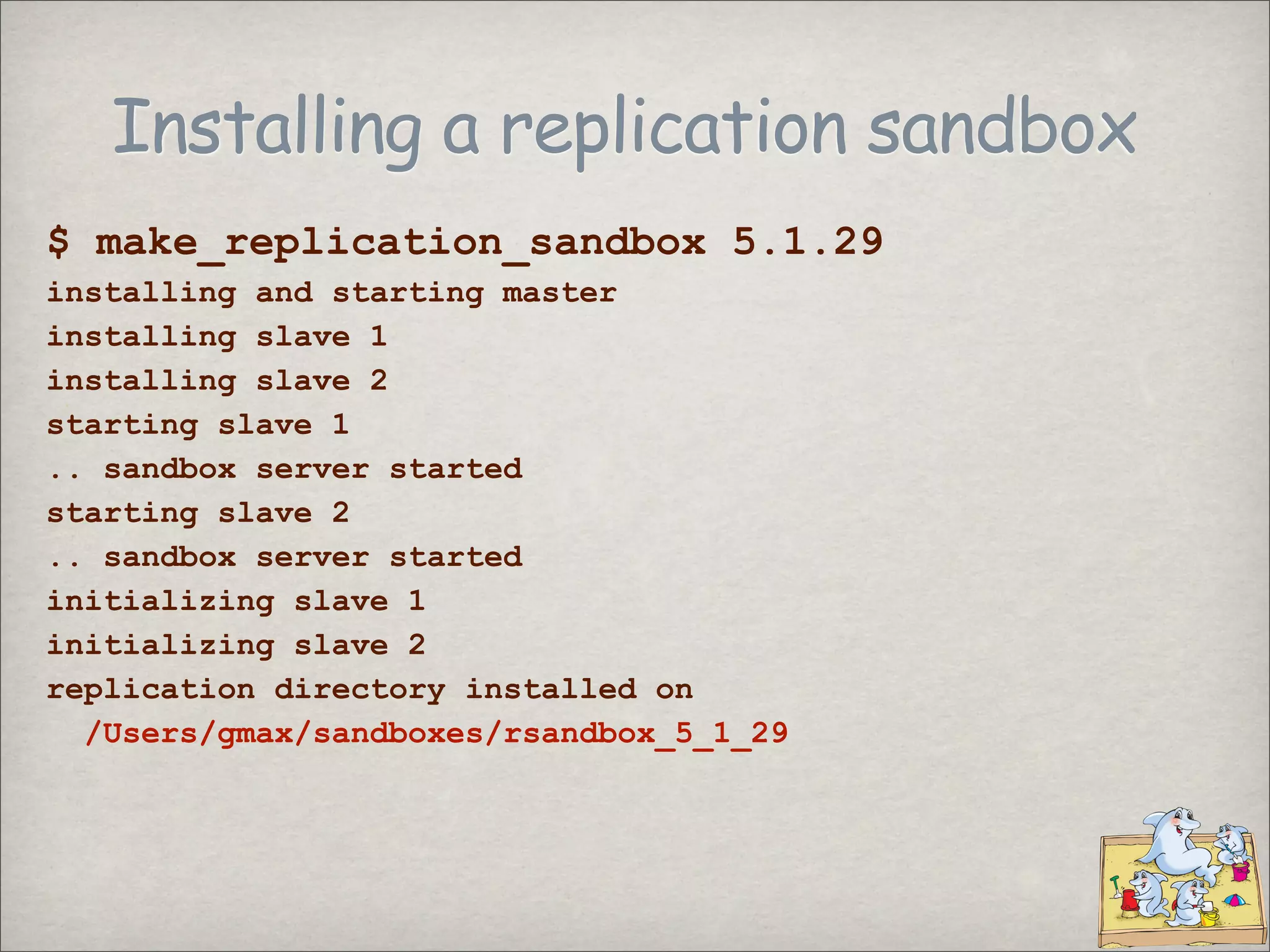
Installing a replication sandbox
$ make_replication_sandbox 5.1.29
installing and starting master
installing slave 1
installing slave 2
starting slave 1
.. sandbox server started
starting slave 2
.. sandbox server started
initializing slave 1
initializing slave 2
replication directory installed on
/Users/gmax/sandboxes/rsandbox_5_1_29
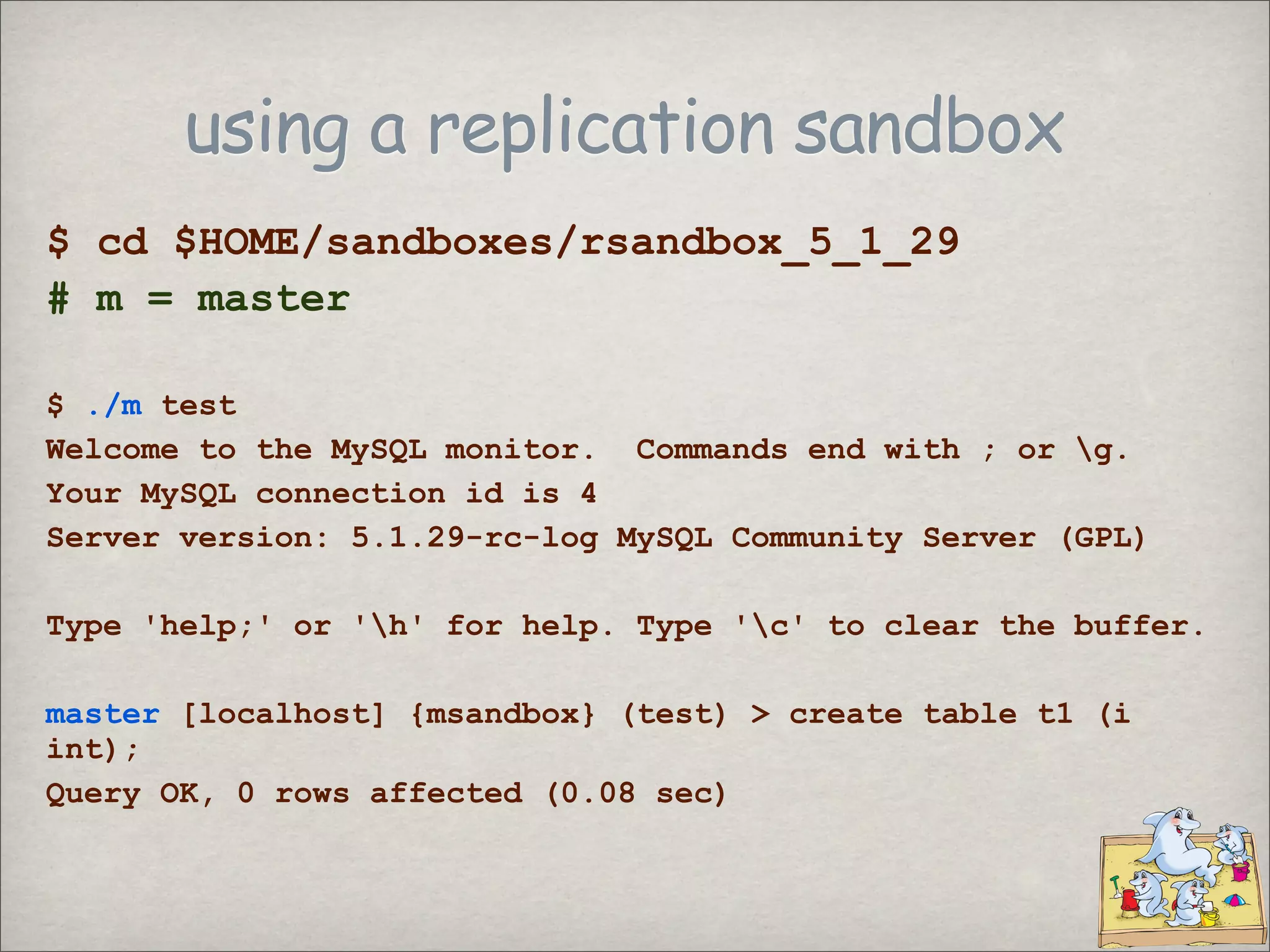
using a replication sandbox
$ cd $HOME/sandboxes/rsandbox_5_1_29
# m = master
$ ./m test
Welcome to the MySQL monitor. Commands end with ; or g.
Your MySQL connection id is 4
Server version: 5.1.29-rc-log MySQL Community Server (GPL)
Type 'help;' or 'h' for help. Type 'c' to clear the buffer.
master [localhost] {msandbox} (test) > create table t1 (i
int);
Query OK, 0 rows affected (0.08 sec)
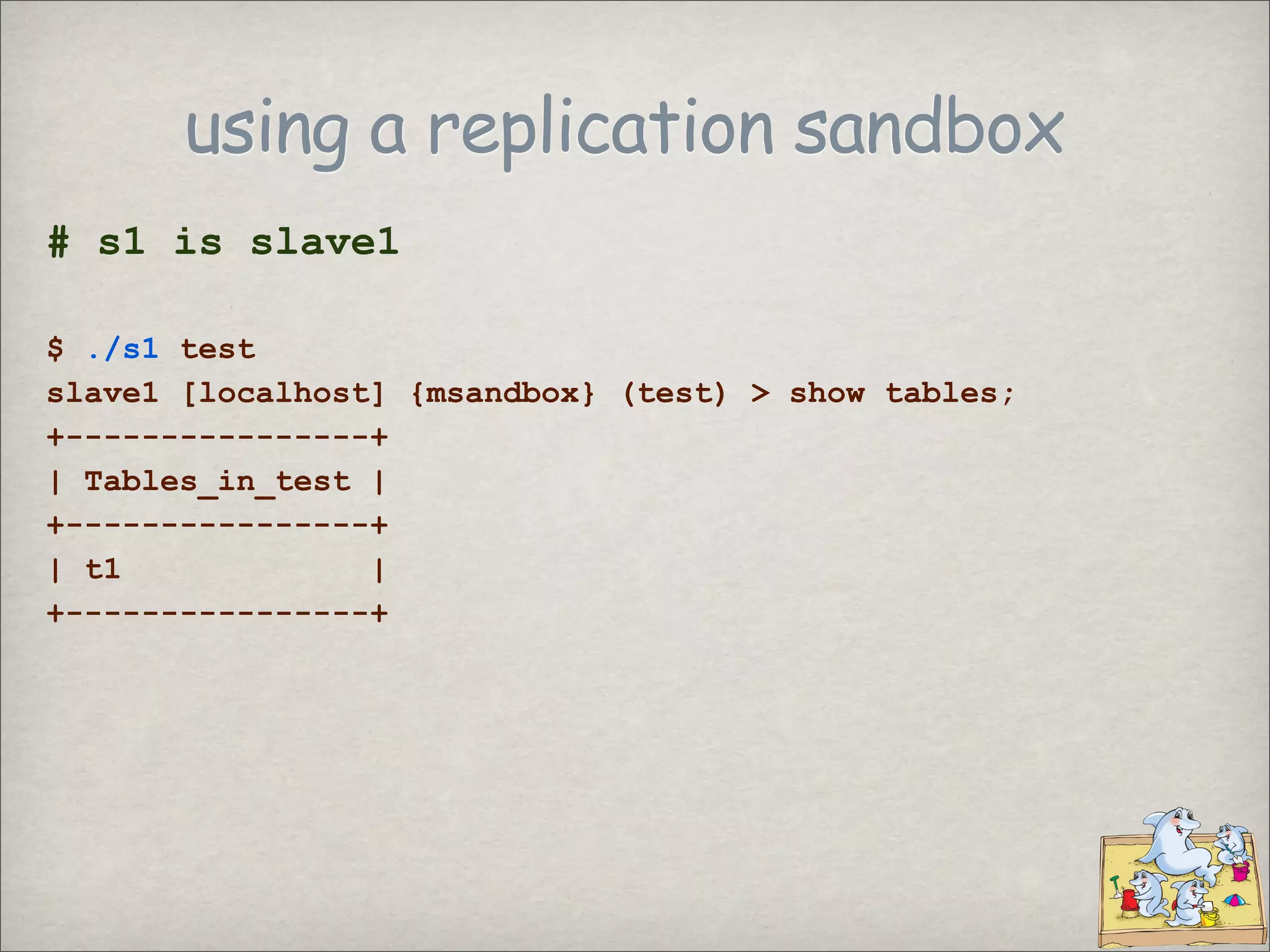
using a replication sandbox
# s1 is slave1
$ ./s1 test
slave1 [localhost] {msandbox} (test) > show tables;
+----------------+
| Tables_in_test |
+----------------+
| t1 |
+----------------+
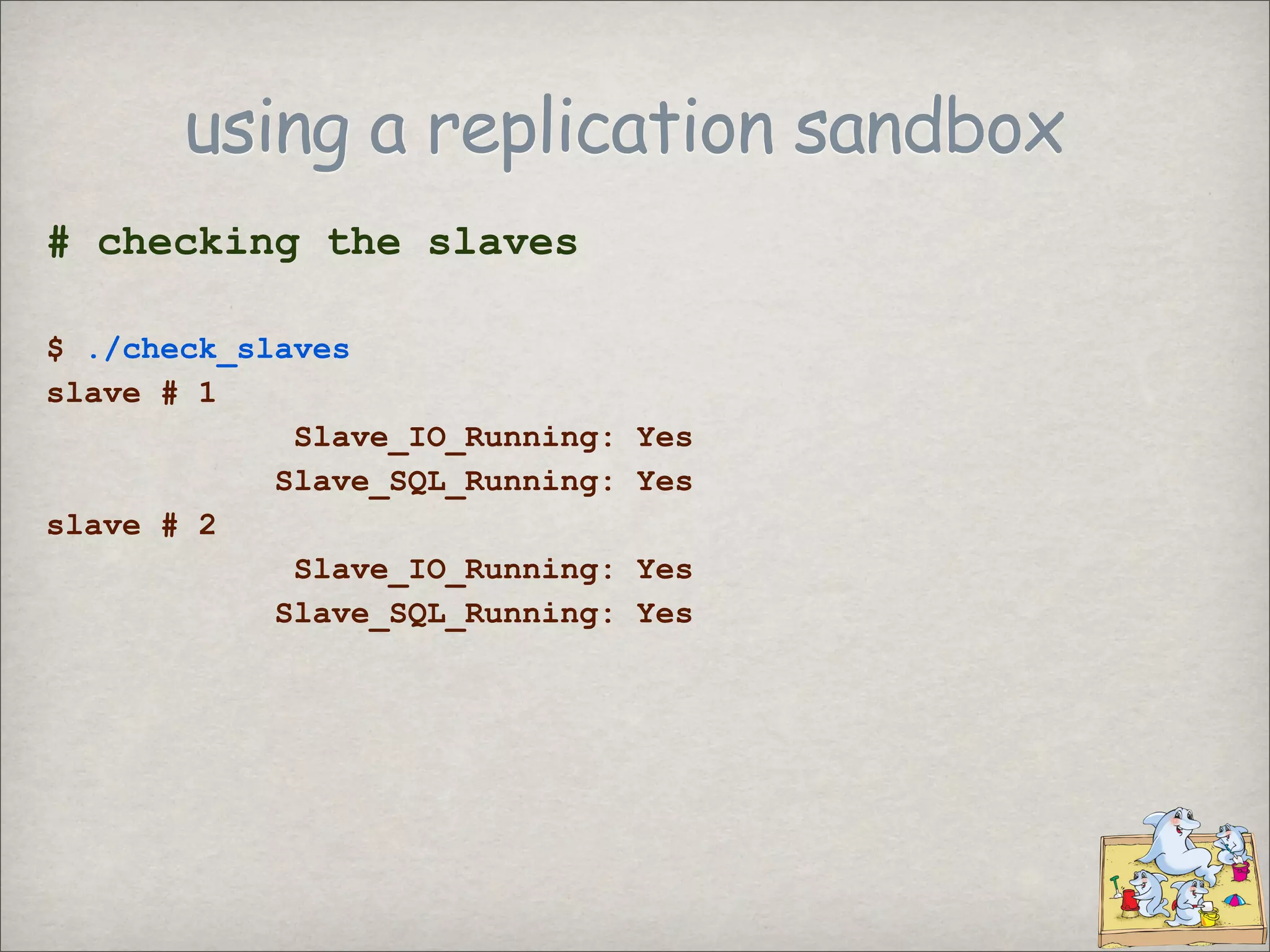
using a replication sandbox
# checking the slaves
$ ./check_slaves
slave # 1
Slave_IO_Running: Yes
Slave_SQL_Running: Yes
slave # 2
Slave_IO_Running: Yes
Slave_SQL_Running: Yes
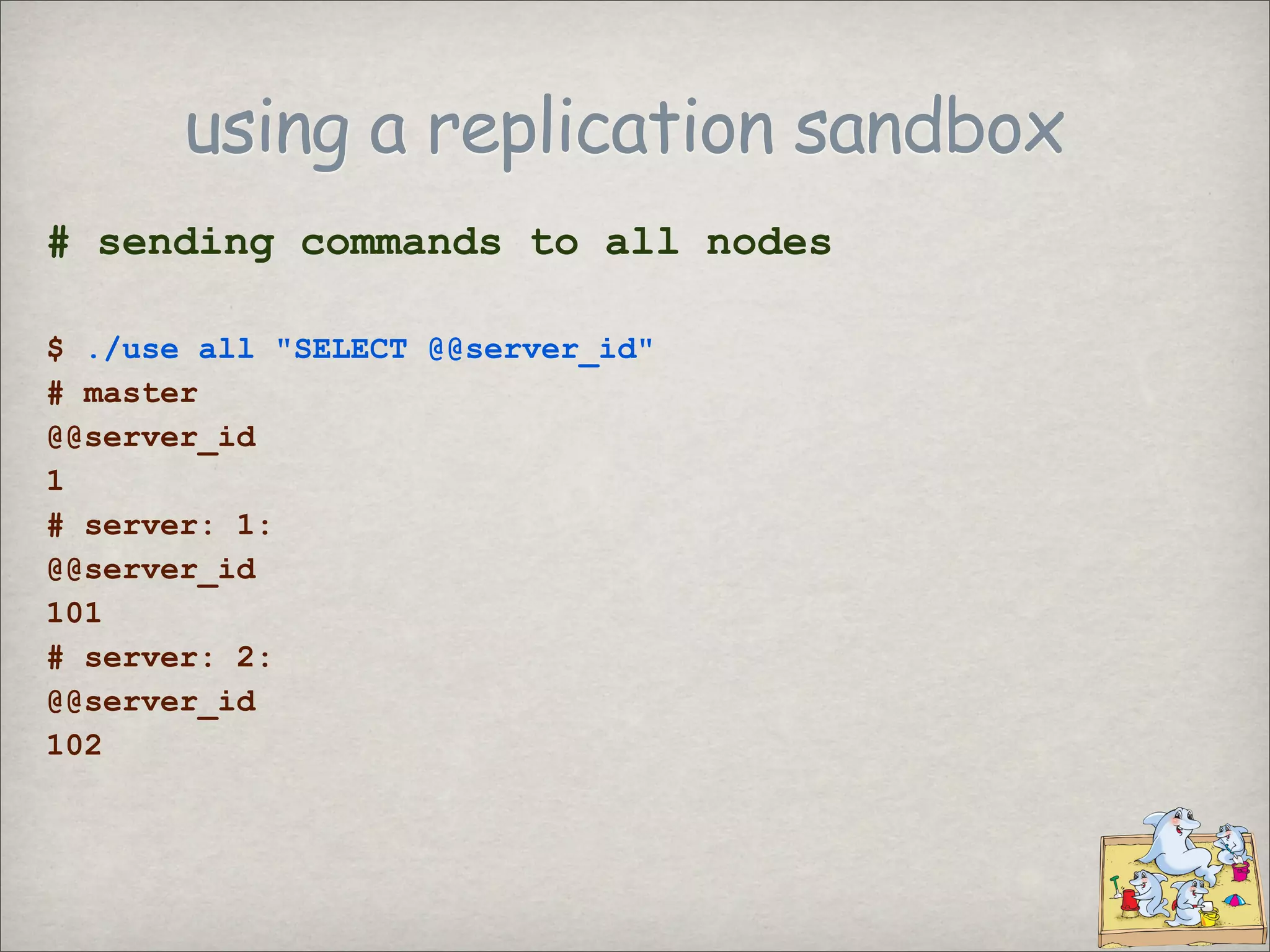
using a replication sandbox
# sending commands to all nodes
$ ./use all quot;SELECT @@server_idquot;
# master
@@server_id
1
# server: 1:
@@server_id
101
# server: 2:
@@server_id
102
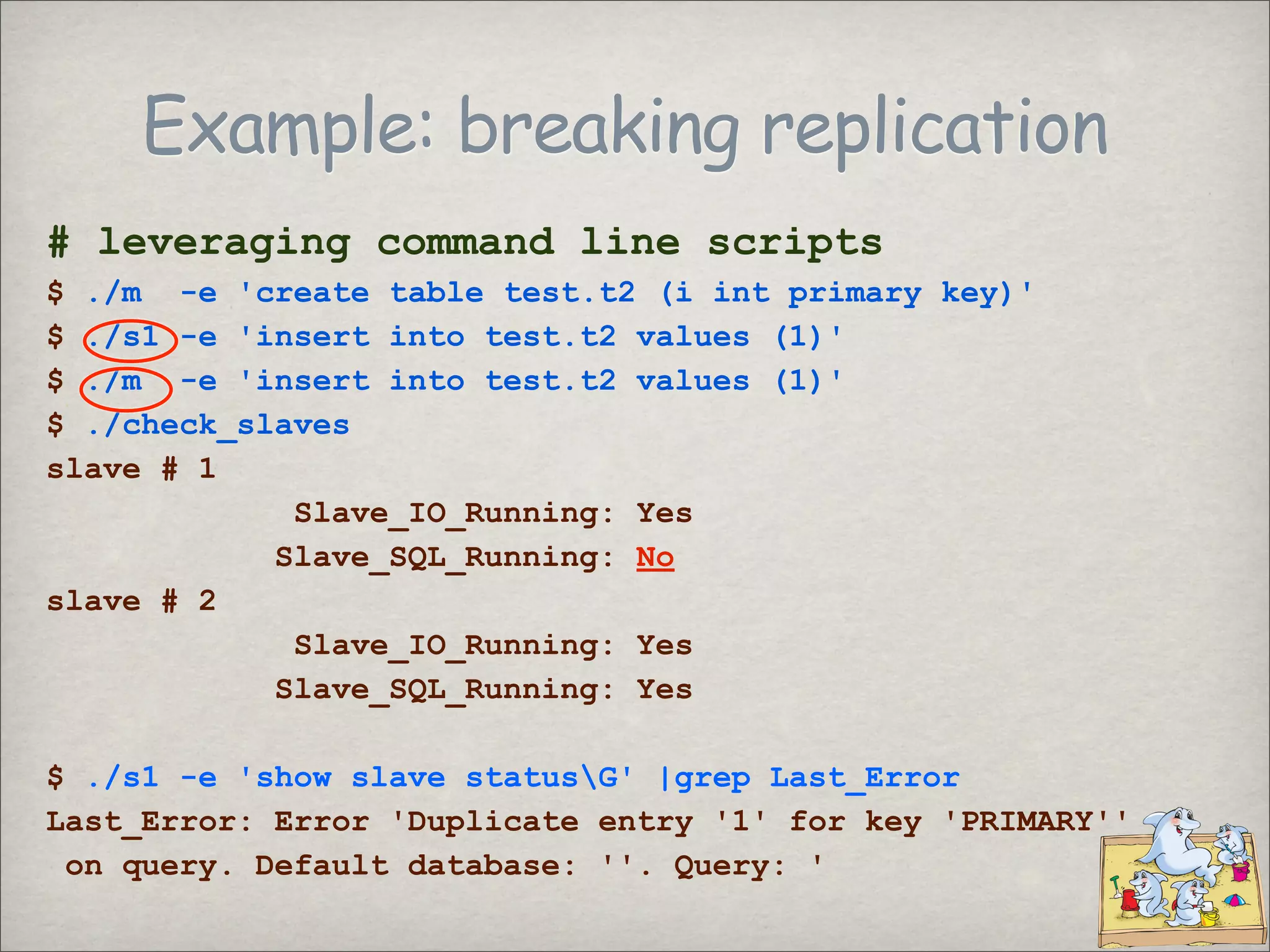
Example: breaking replication
# leveraging command line scripts
$ ./m -e 'create table test.t2 (i int primary key)'
$ ./s1 -e 'insert into test.t2 values (1)'
$ ./m -e 'insert into test.t2 values (1)'
$ ./check_slaves
slave # 1
Slave_IO_Running: Yes
Slave_SQL_Running: No
slave # 2
Slave_IO_Running: Yes
Slave_SQL_Running: Yes
$ ./s1 -e 'show slave statusG' |grep Last_Error
Last_Error: Error 'Duplicate entry '1' for key 'PRIMARY''
on query. Default database: ''. Query: '
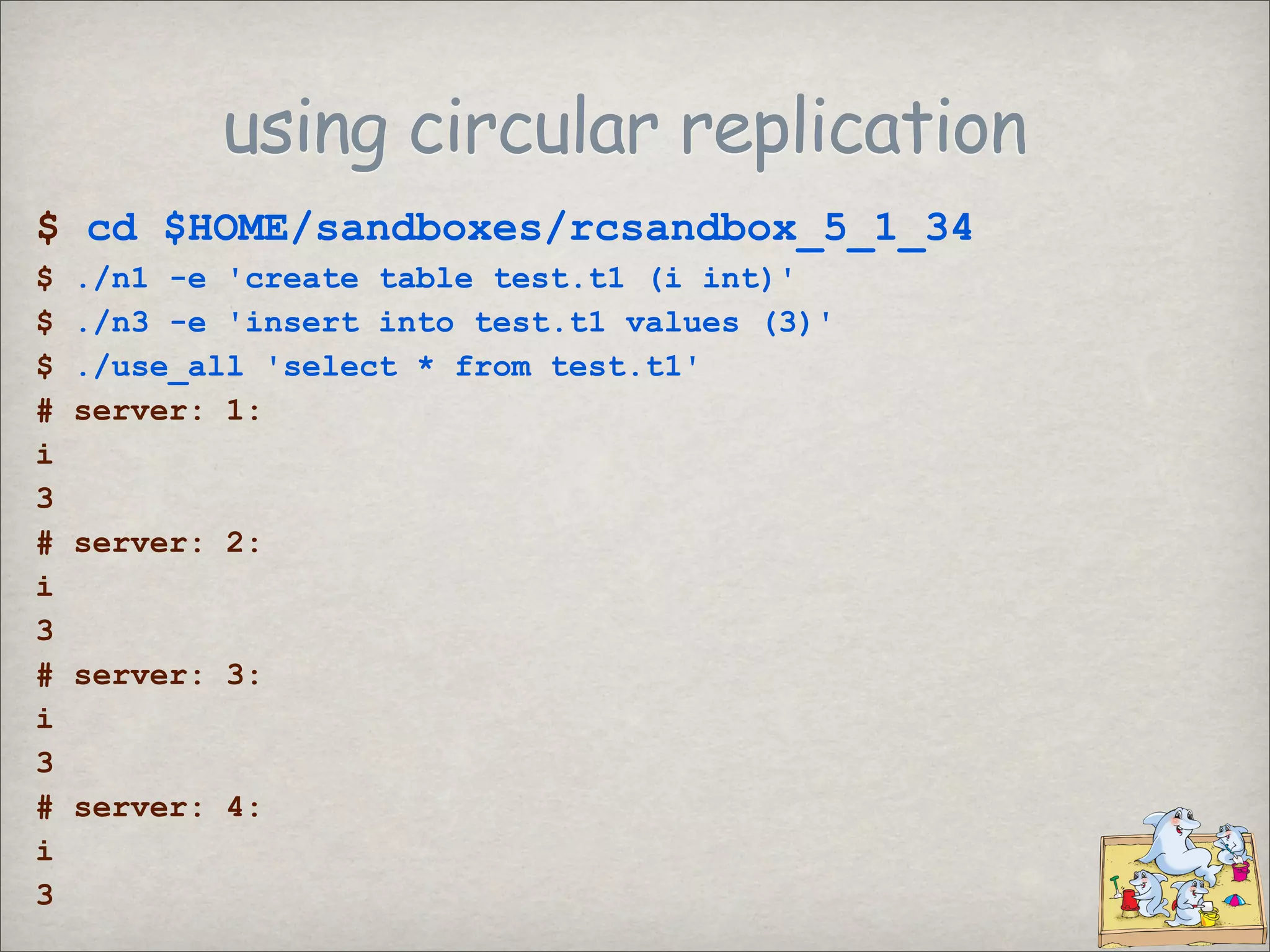
using circular replication
$ cd $HOME/sandboxes/rcsandbox_5_1_34
$ ./n1 -e 'create table test.t1 (i int)'
$ ./n3 -e 'insert into test.t1 values (3)'
$ ./use_all 'select * from test.t1'
# server: 1:
i
3
# server: 2:
i
3
# server: 3:
i
3
# server: 4:
i
3
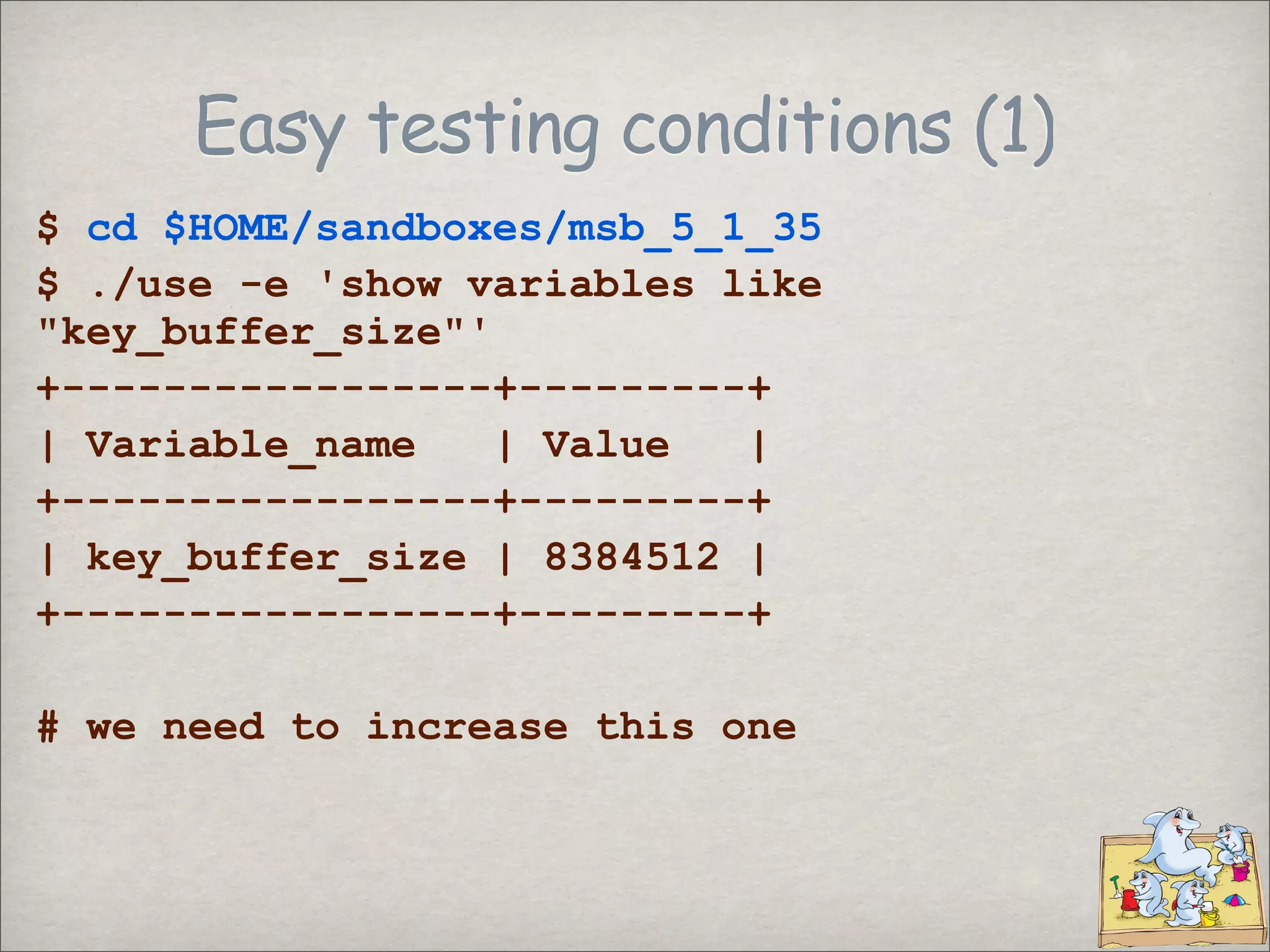
Easy testing conditions (1)
$ cd $HOME/sandboxes/msb_5_1_35
$ ./use -e 'show variables like
quot;key_buffer_sizequot;'
+-----------------+---------+
| Variable_name | Value |
+-----------------+---------+
| key_buffer_size | 8384512 |
+-----------------+---------+
# we need to increase this one
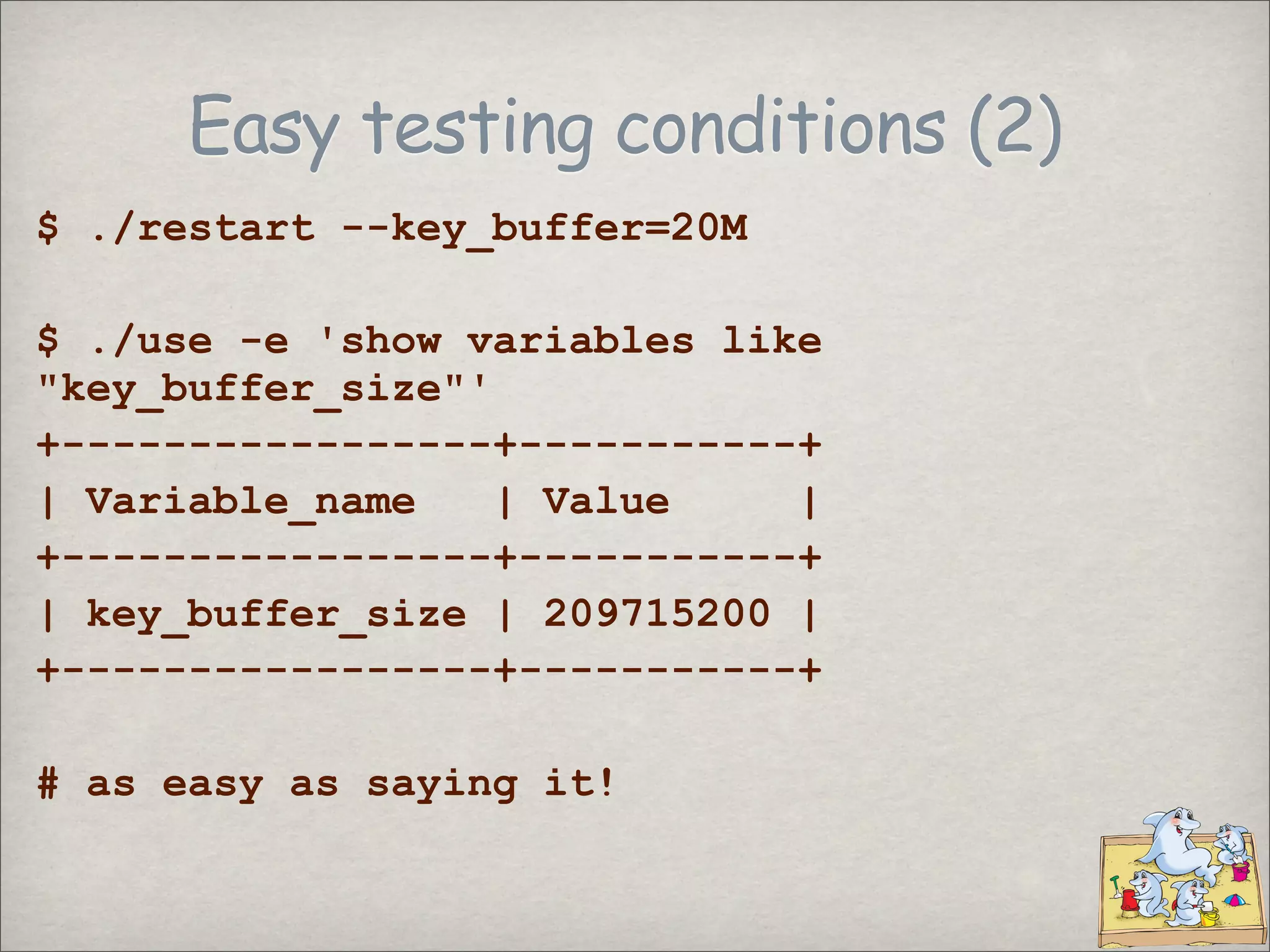
Easy testing conditions (2)
$ ./restart --key_buffer=20M
$ ./use -e 'show variables like
quot;key_buffer_sizequot;'
+-----------------+-----------+
| Variable_name | Value |
+-----------------+-----------+
| key_buffer_size | 209715200 |
+-----------------+-----------+
# as easy as saying it!
Testing same version in different
conditions
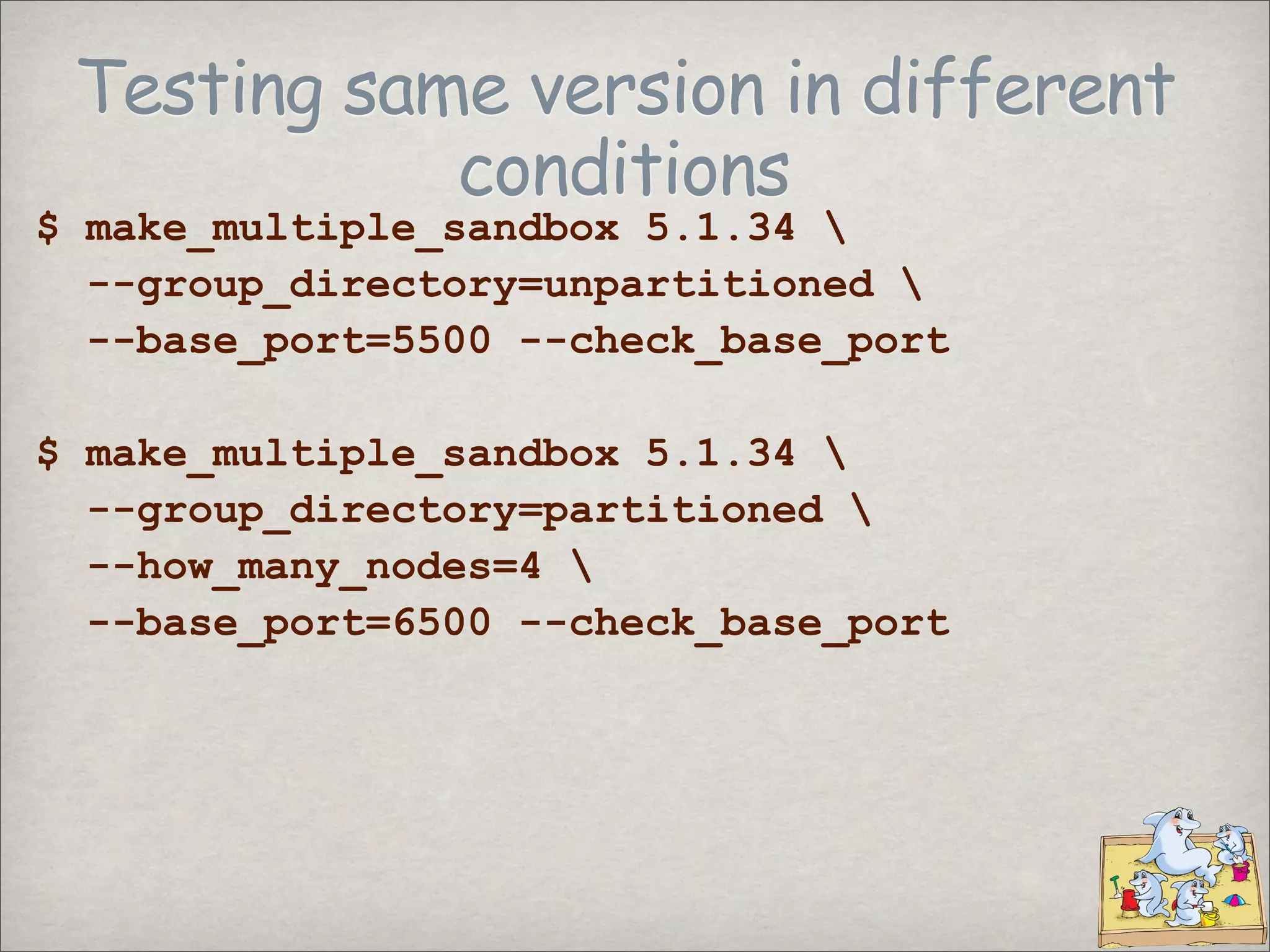
$ make_multiple_sandbox 5.1.34
--group_directory=unpartitioned
--base_port=5500 --check_base_port
$ make_multiple_sandbox 5.1.34
--group_directory=partitioned
--how_many_nodes=4
--base_port=6500 --check_base_port
Testing same version in different
conditions
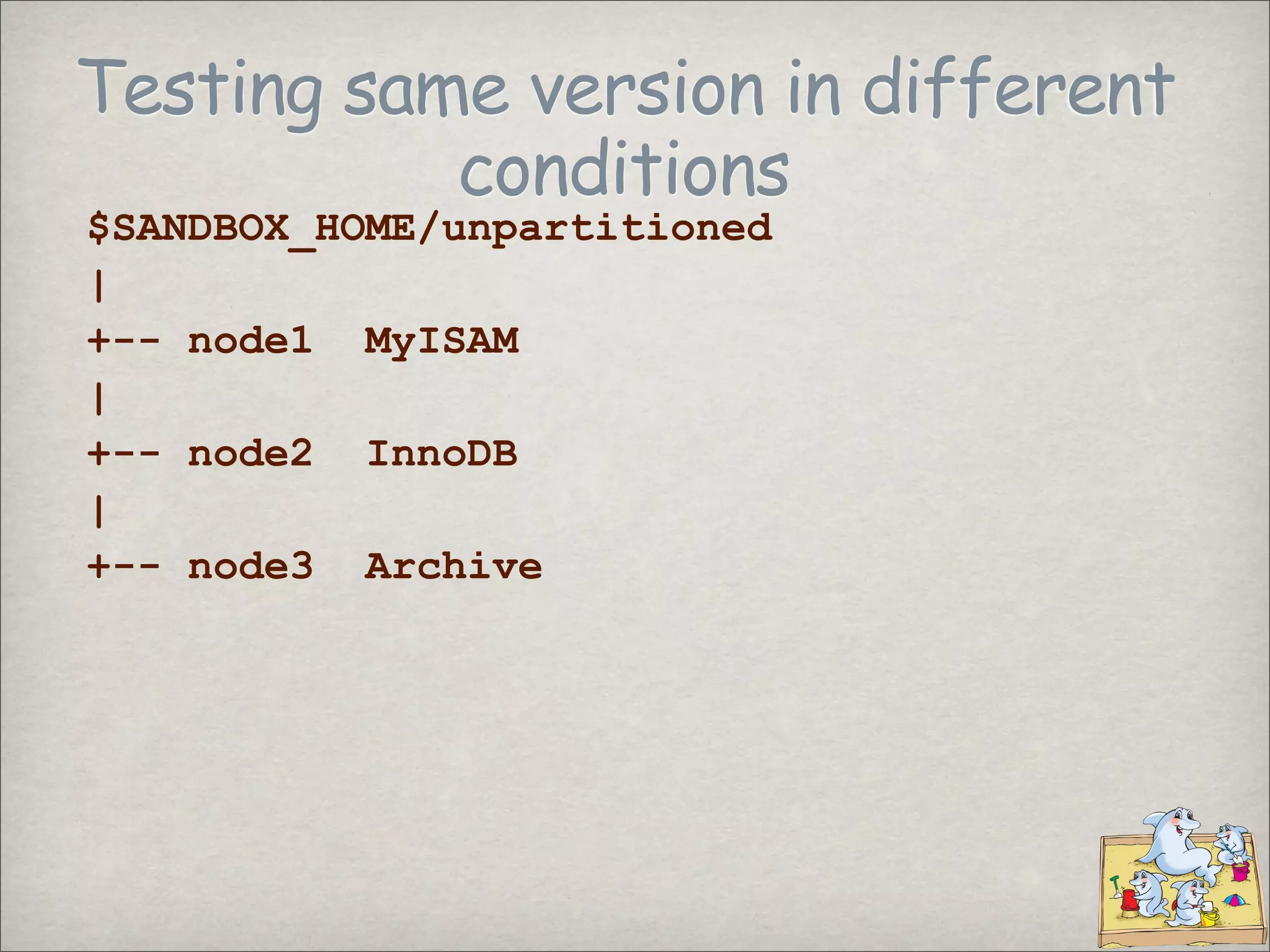
$SANDBOX_HOME/unpartitioned
|
+-- node1 MyISAM
|
+-- node2 InnoDB
|
+-- node3 Archive
Testing same version in different
conditions
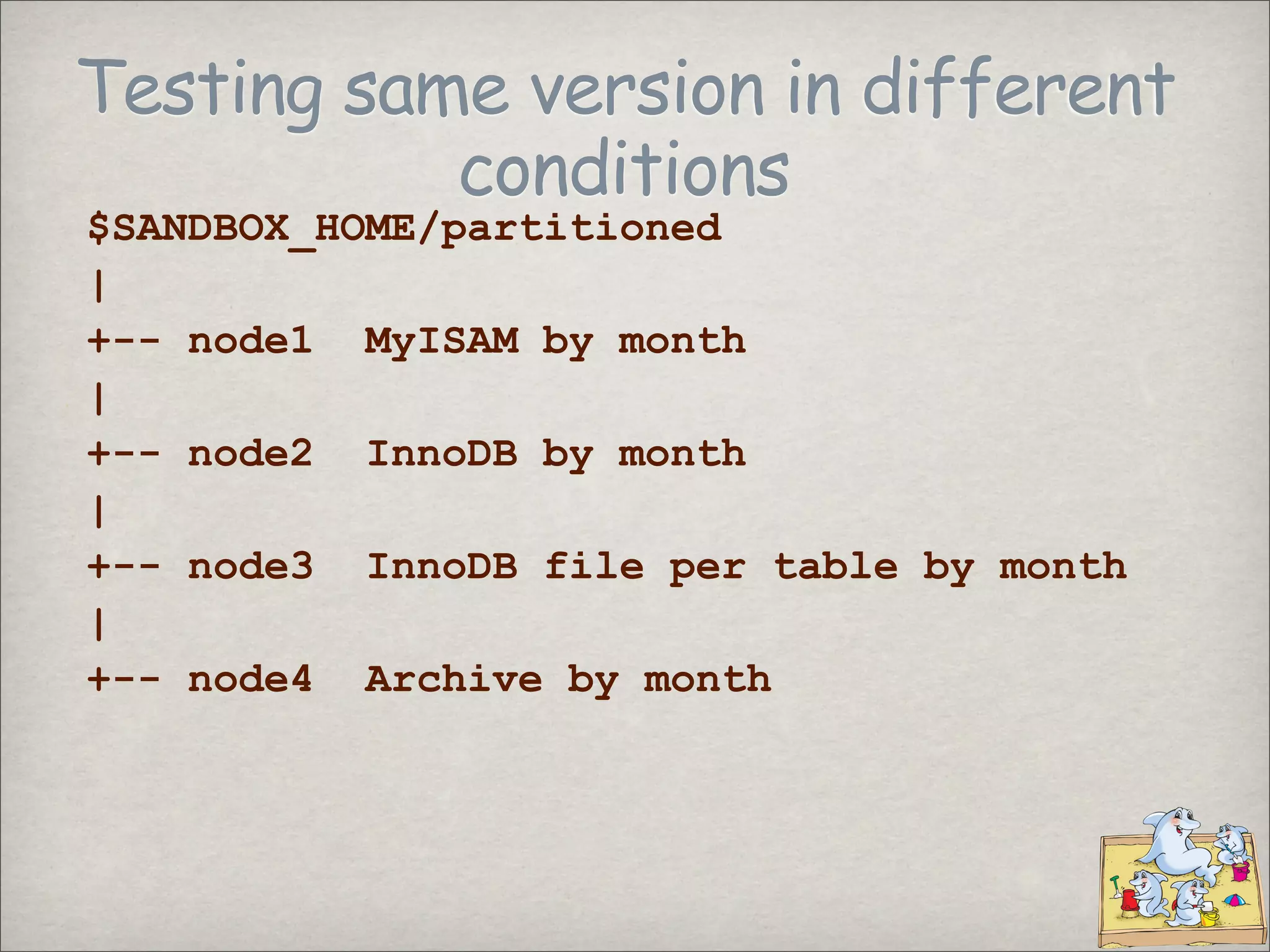
$SANDBOX_HOME/partitioned
|
+-- node1 MyISAM by month
|
+-- node2 InnoDB by month
|
+-- node3 InnoDB file per table by month
|
+-- node4 Archive by month
Running tests
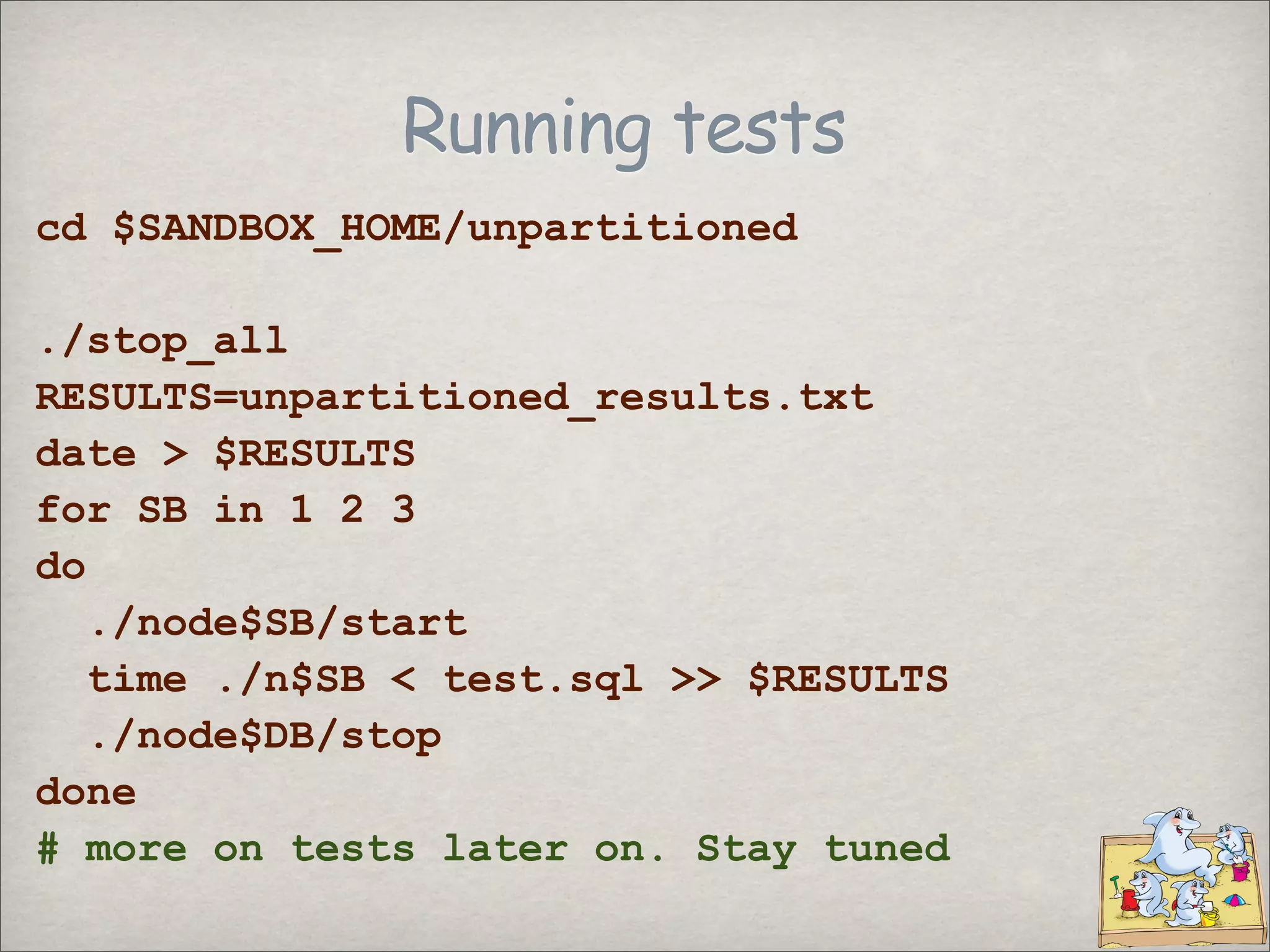
cd $SANDBOX_HOME/unpartitioned
./stop_all
RESULTS=unpartitioned_results.txt
date > $RESULTS
for SB in 1 2 3
do
./node$SB/start
time ./n$SB < test.sql >> $RESULTS
./node$DB/stop
done
# more on tests later on. Stay tuned
Latest news
3.0
MySQL Sandbox 3.0
Released as Perl package - now on CPAN
Added the sbtool
Port detection
Install from a source directory
Allow the test suite to load and execute a
customized test
Improved documentation
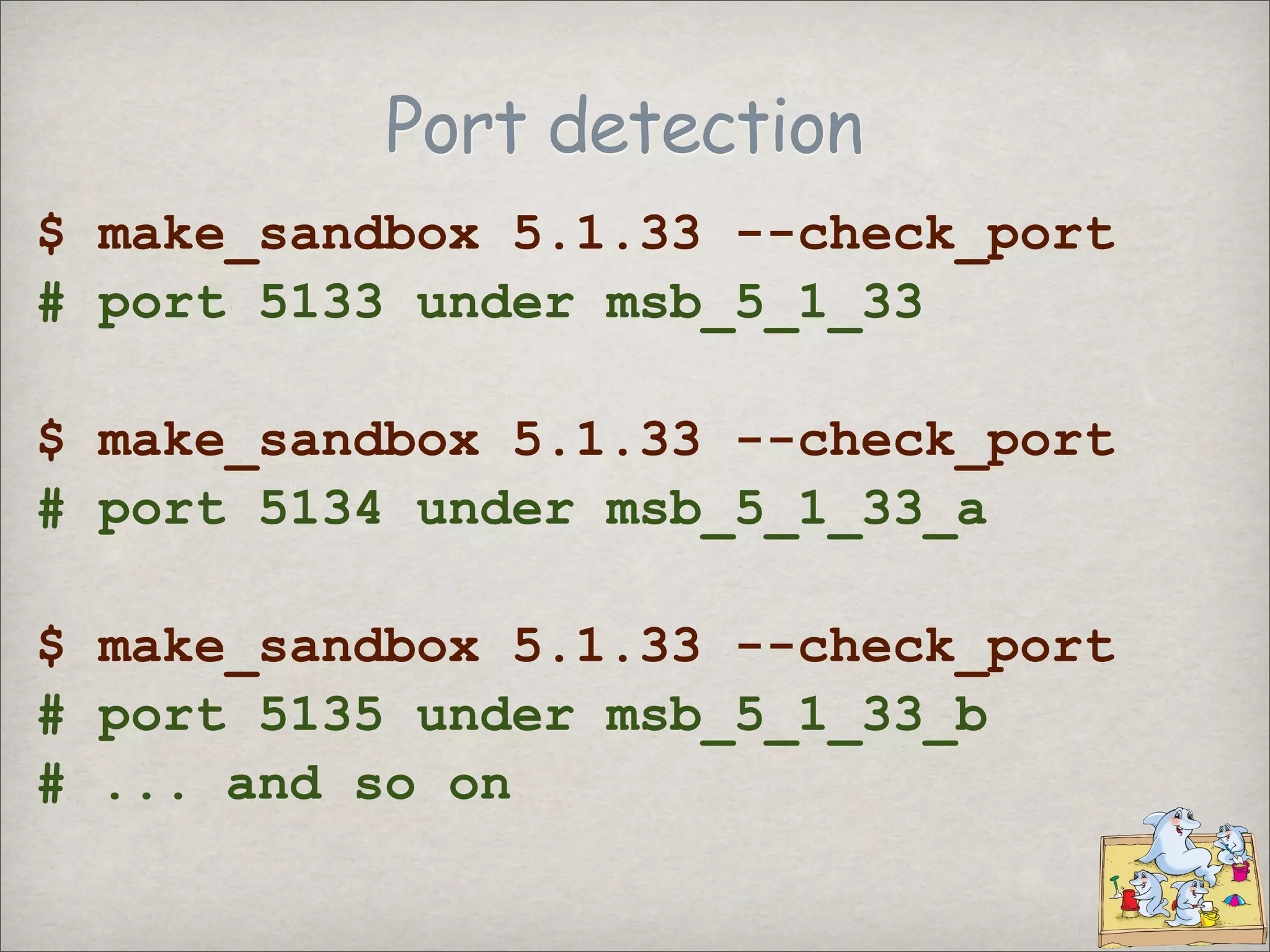
Port detection
$ make_sandbox 5.1.33 --check_port
# port 5133 under msb_5_1_33
$ make_sandbox 5.1.33 --check_port
# port 5134 under msb_5_1_33_a
$ make_sandbox 5.1.33 --check_port
# port 5135 under msb_5_1_33_b
# ... and so on
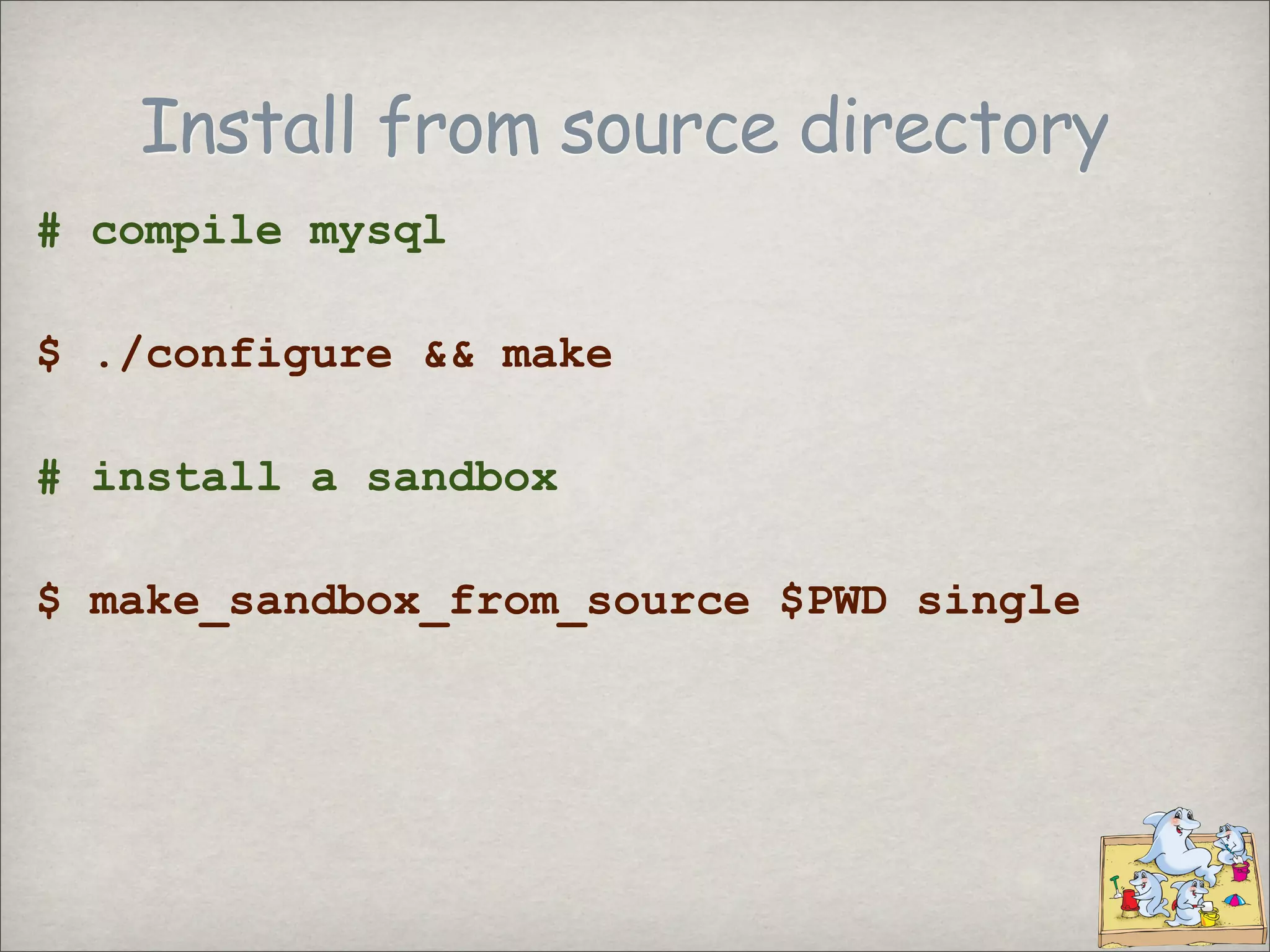
Install from source directory
# compile mysql
$ ./configure && make
# install a sandbox
$ make_sandbox_from_source $PWD single
sbtool - the sandbox helper
Server clone
Server move
Change port
Sandbox deletion
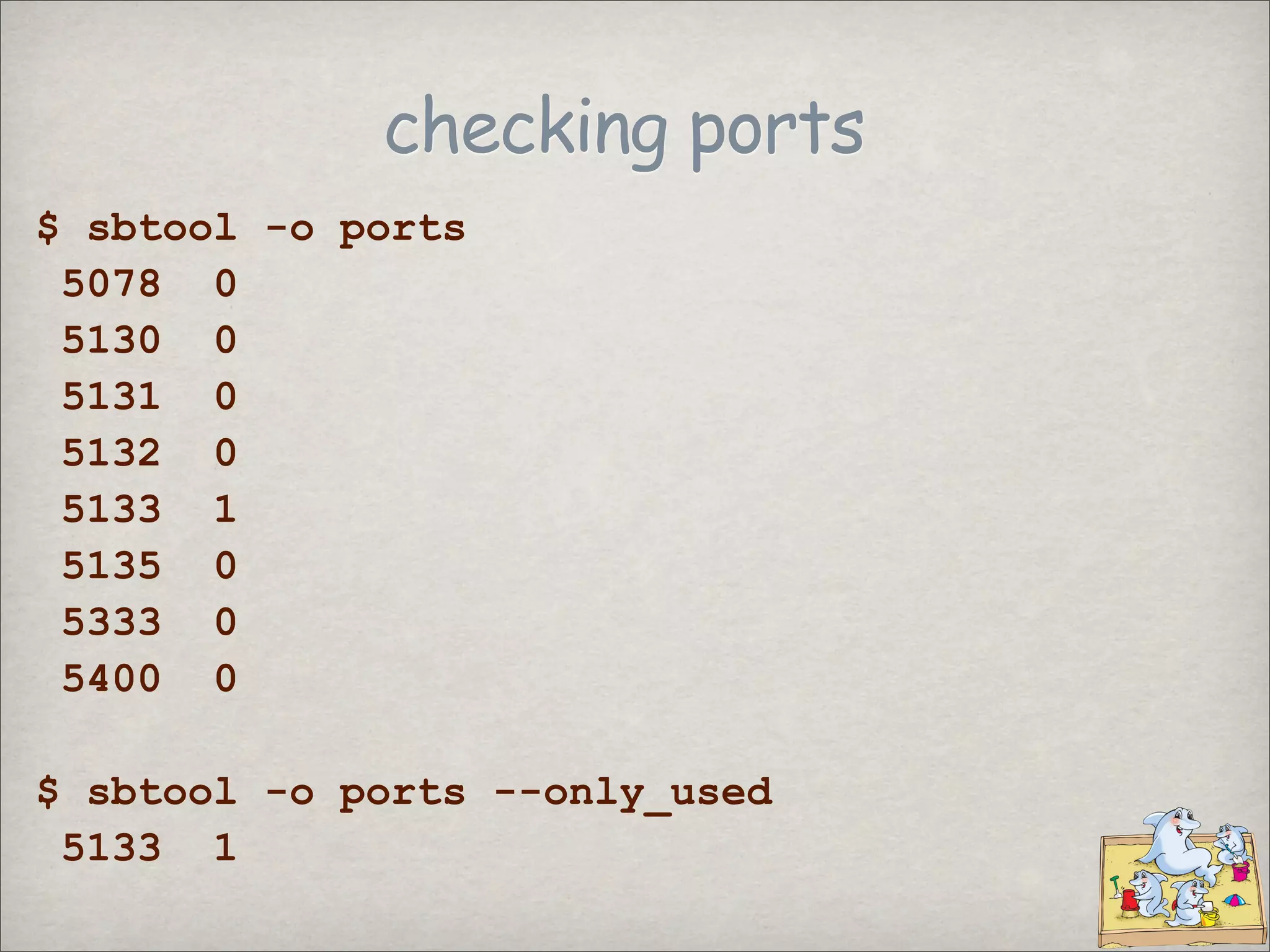
List ports
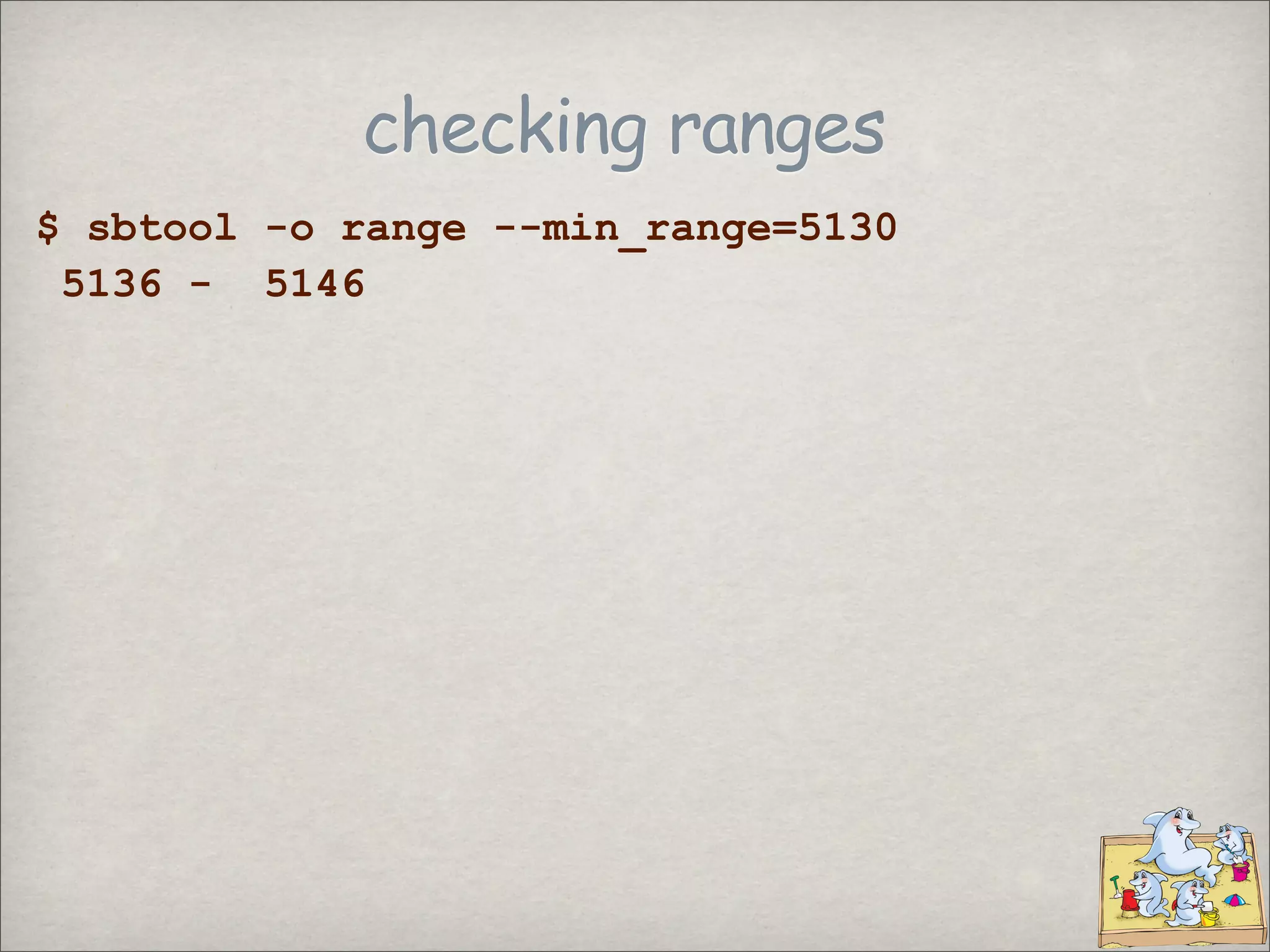
Find a port range
Multi-level replication
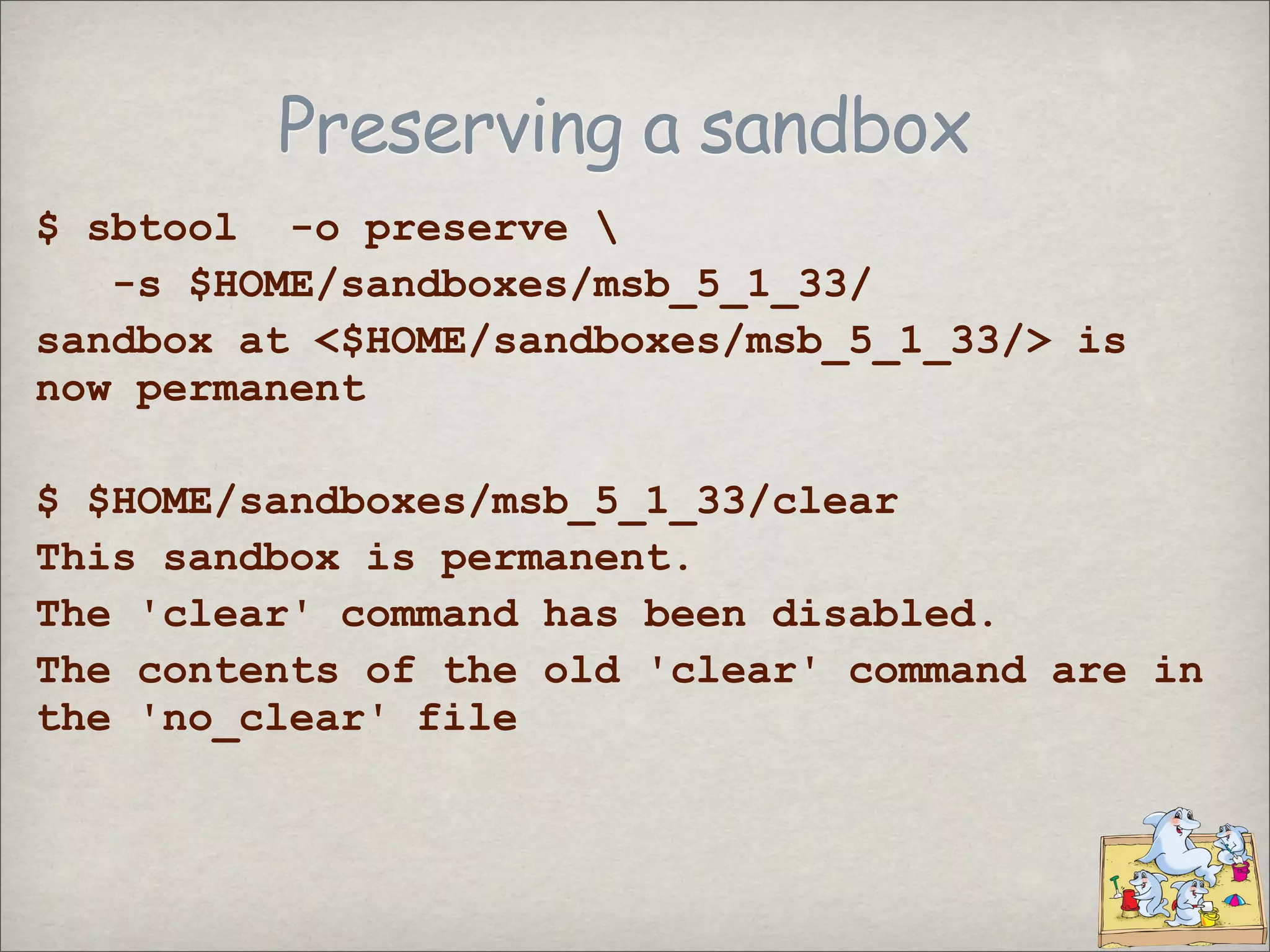
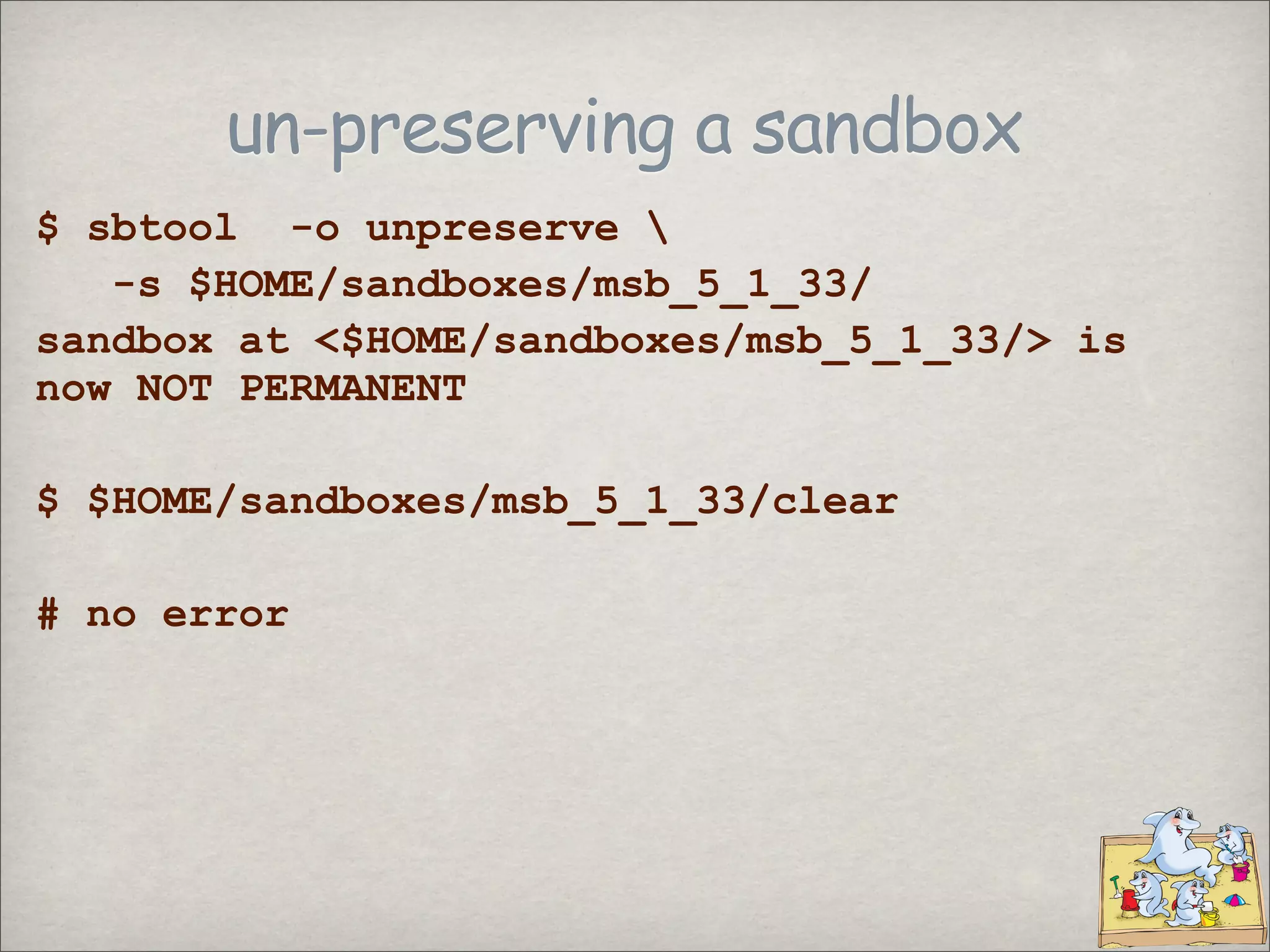
Convert a sandbox from temporary to permanent
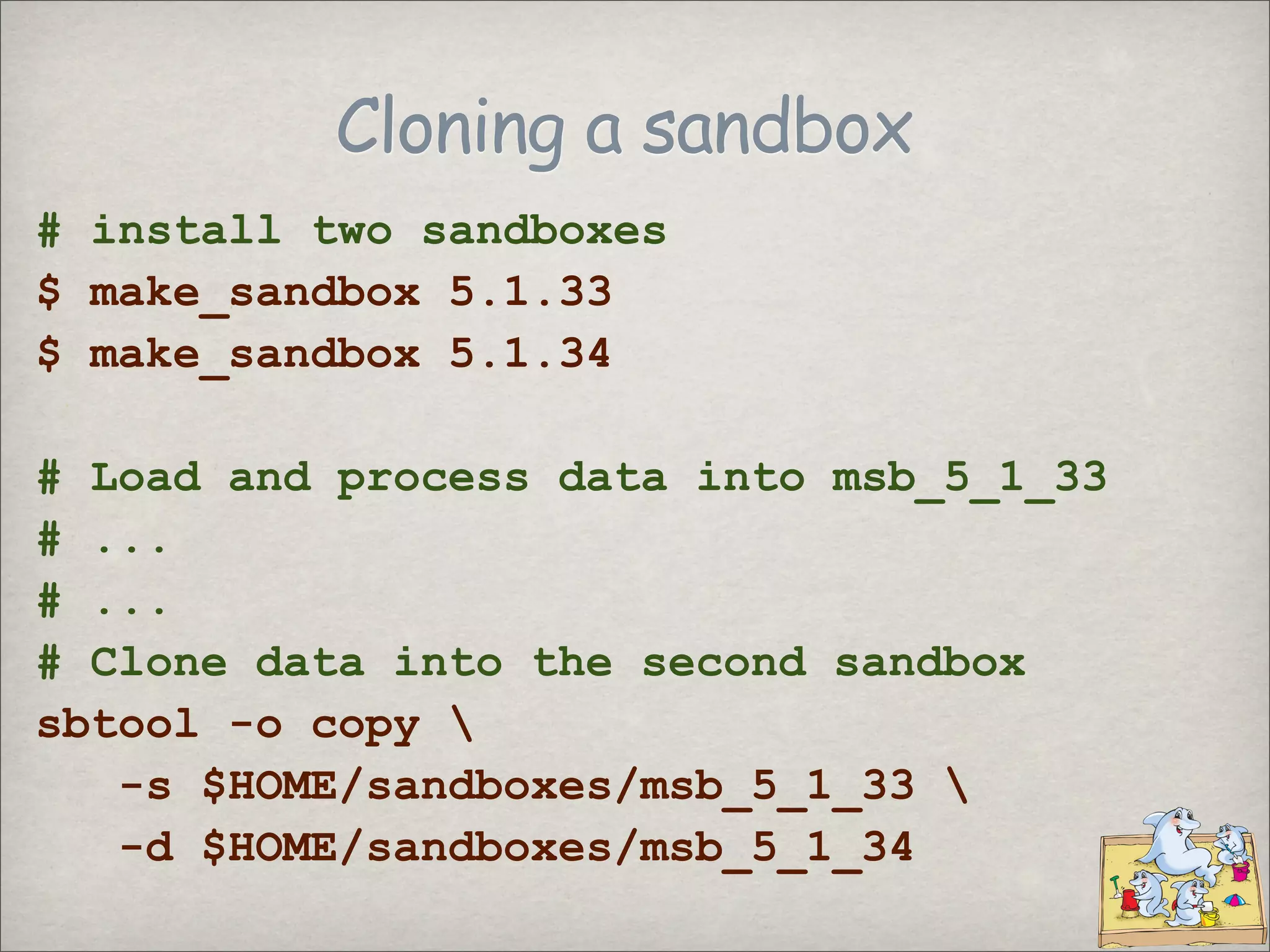
Cloning a sandbox
# install two sandboxes
$ make_sandbox 5.1.33
$ make_sandbox 5.1.34
# Load and process data into msb_5_1_33
# ...
# ...
# Clone data into the second sandbox
sbtool -o copy
-s $HOME/sandboxes/msb_5_1_33
-d $HOME/sandboxes/msb_5_1_34
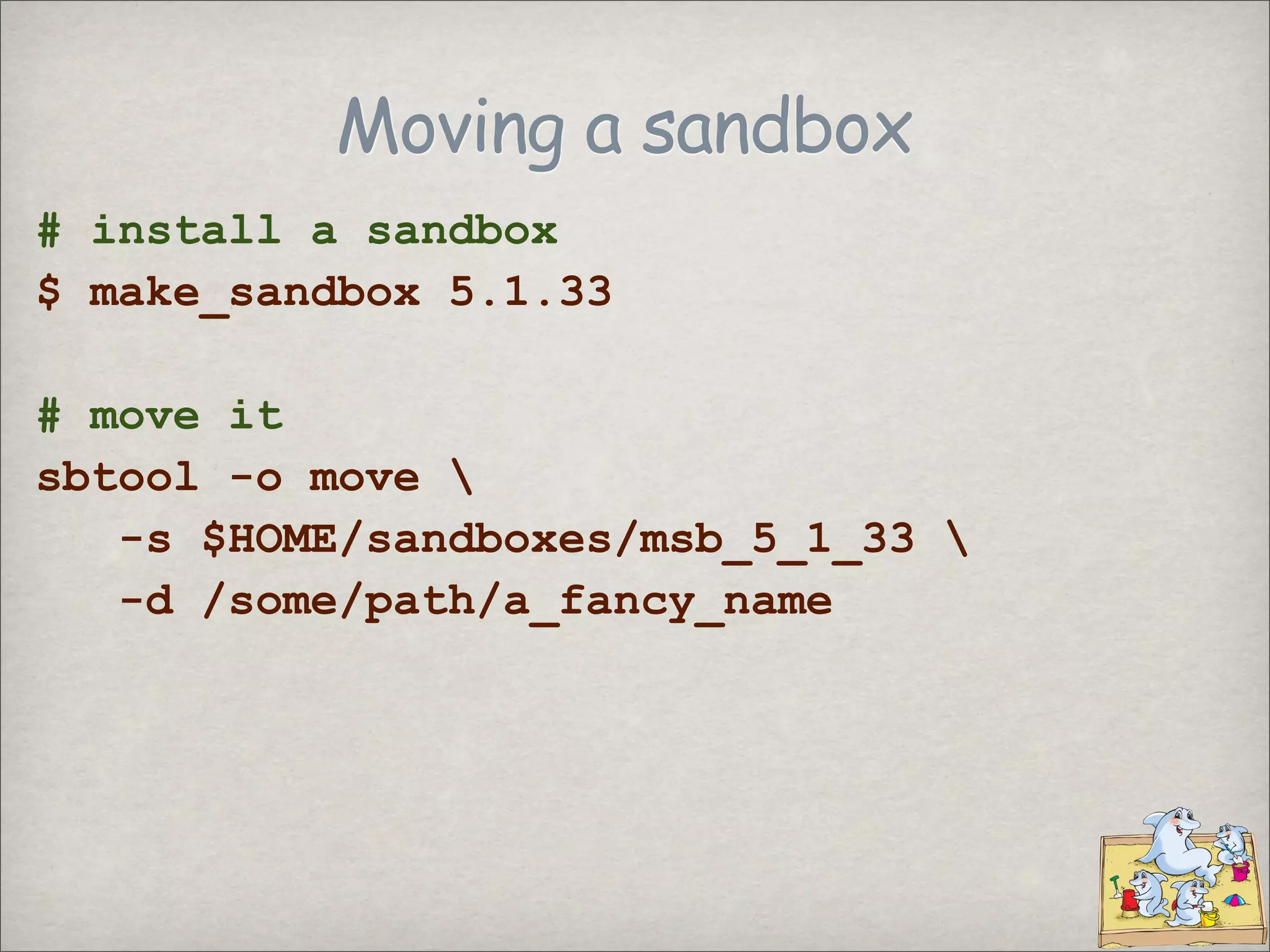
Moving a sandbox
# install a sandbox
$ make_sandbox 5.1.33
# move it
sbtool -o move
-s $HOME/sandboxes/msb_5_1_33
-d /some/path/a_fancy_name
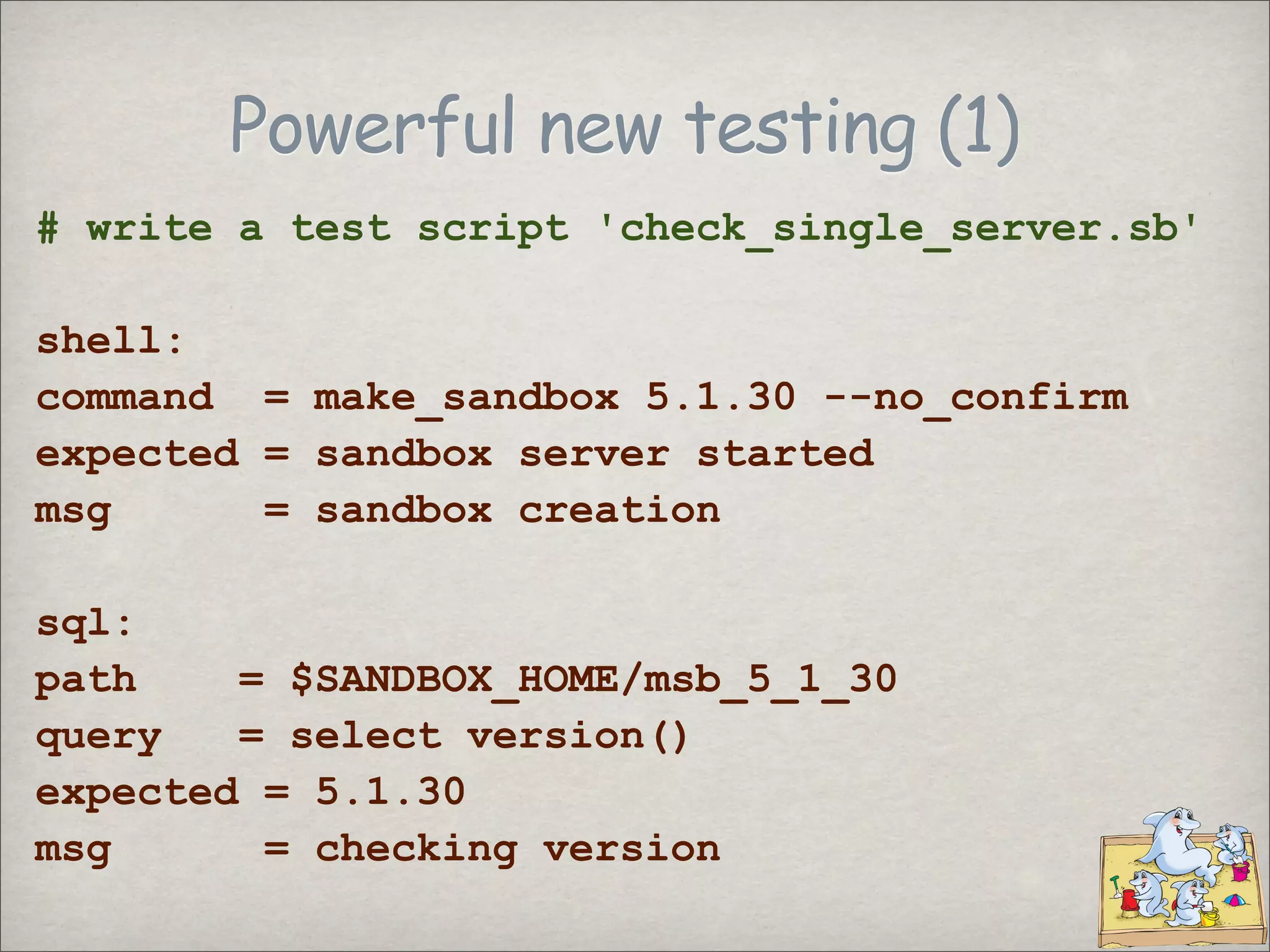
Powerful new testing (1)
# write a test script 'check_single_server.sb'
shell:
command = make_sandbox 5.1.30 --no_confirm
expected = sandbox server started
msg = sandbox creation
sql:
path = $SANDBOX_HOME/msb_5_1_30
query = select version()
expected = 5.1.30
msg = checking version
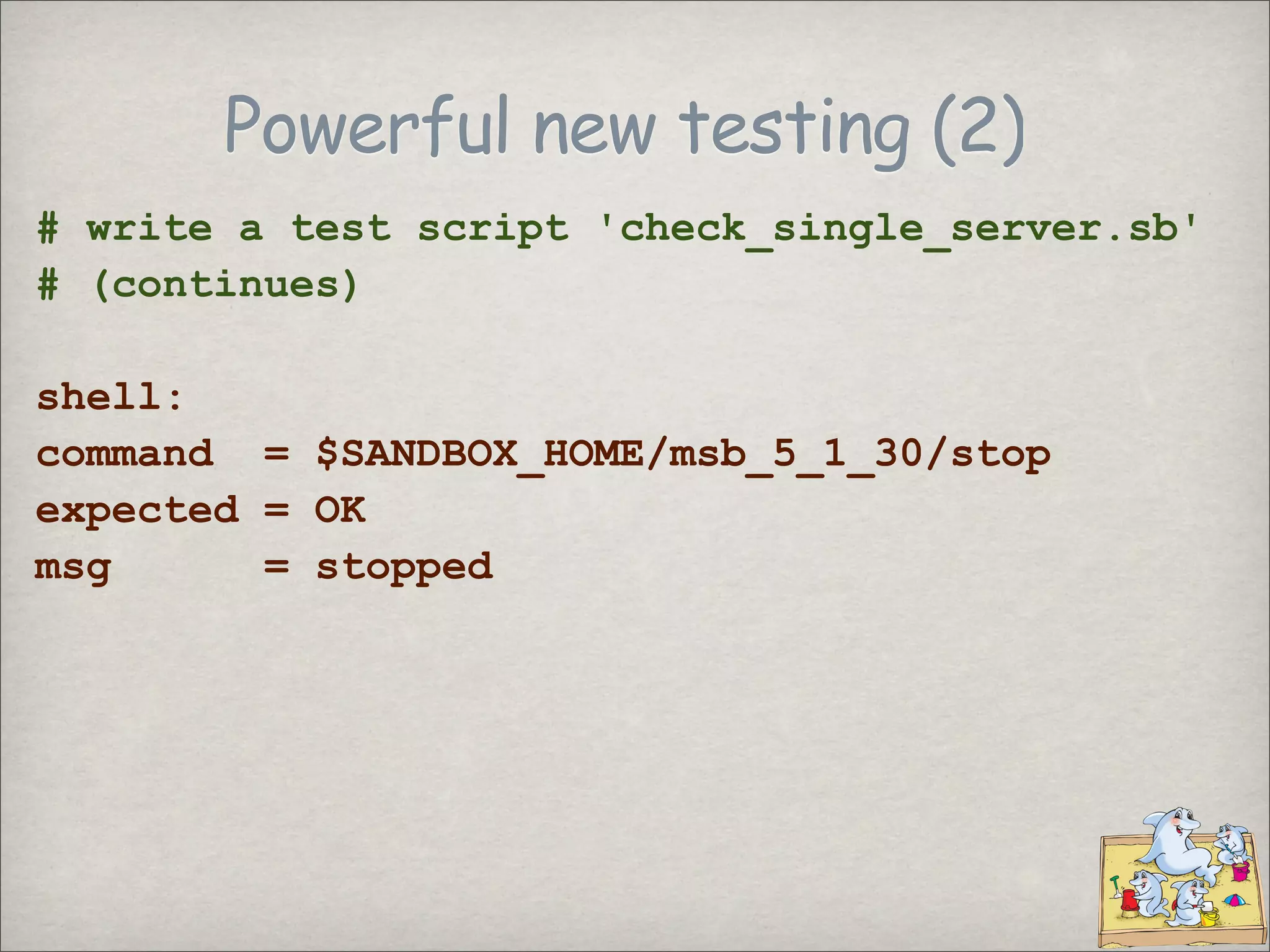
Powerful new testing (2)
# write a test script 'check_single_server.sb'
# (continues)
shell:
command = $SANDBOX_HOME/msb_5_1_30/stop
expected = OK
msg = stopped
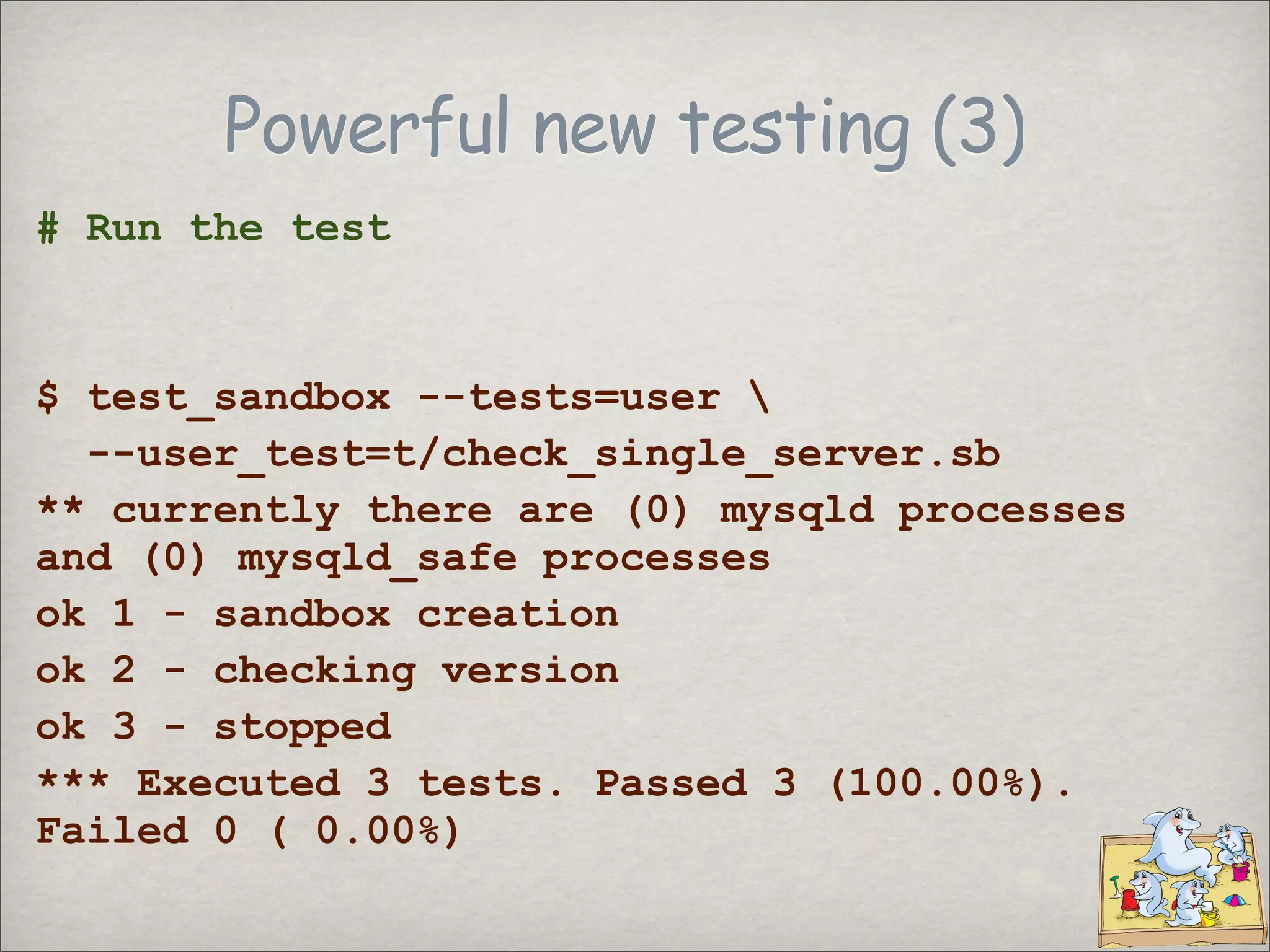
Powerful new testing (3)
# Run the test
$ test_sandbox --tests=user
--user_test=t/check_single_server.sb
** currently there are (0) mysqld processes
and (0) mysqld_safe processes
ok 1 - sandbox creation
ok 2 - checking version
ok 3 - stopped
*** Executed 3 tests. Passed 3 (100.00%).
Failed 0 ( 0.00%)
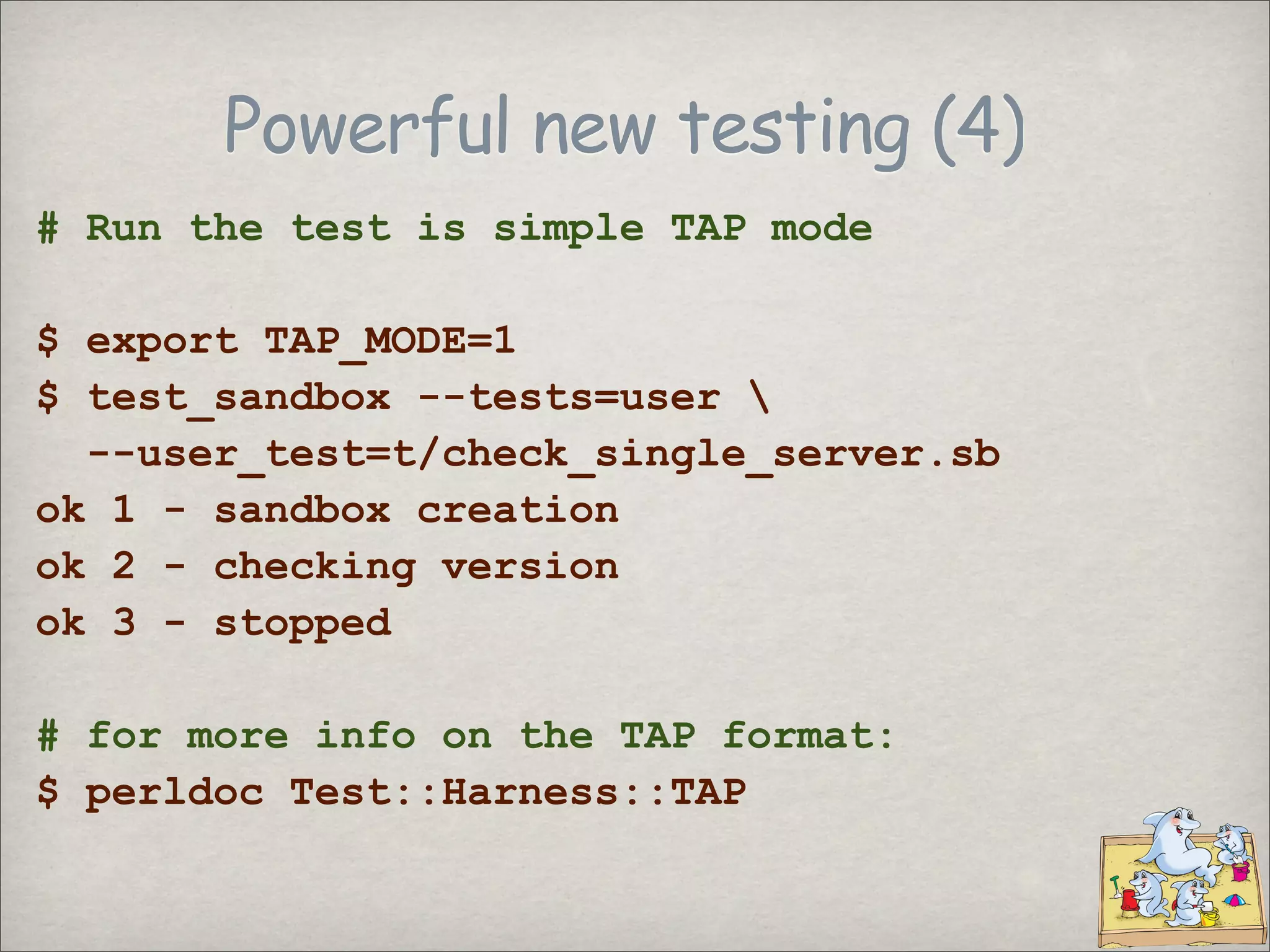
Powerful new testing (4)
# Run the test is simple TAP mode
$ export TAP_MODE=1
$ test_sandbox --tests=user
--user_test=t/check_single_server.sb
ok 1 - sandbox creation
ok 2 - checking version
ok 3 - stopped
# for more info on the TAP format:
$ perldoc Test::Harness::TAP
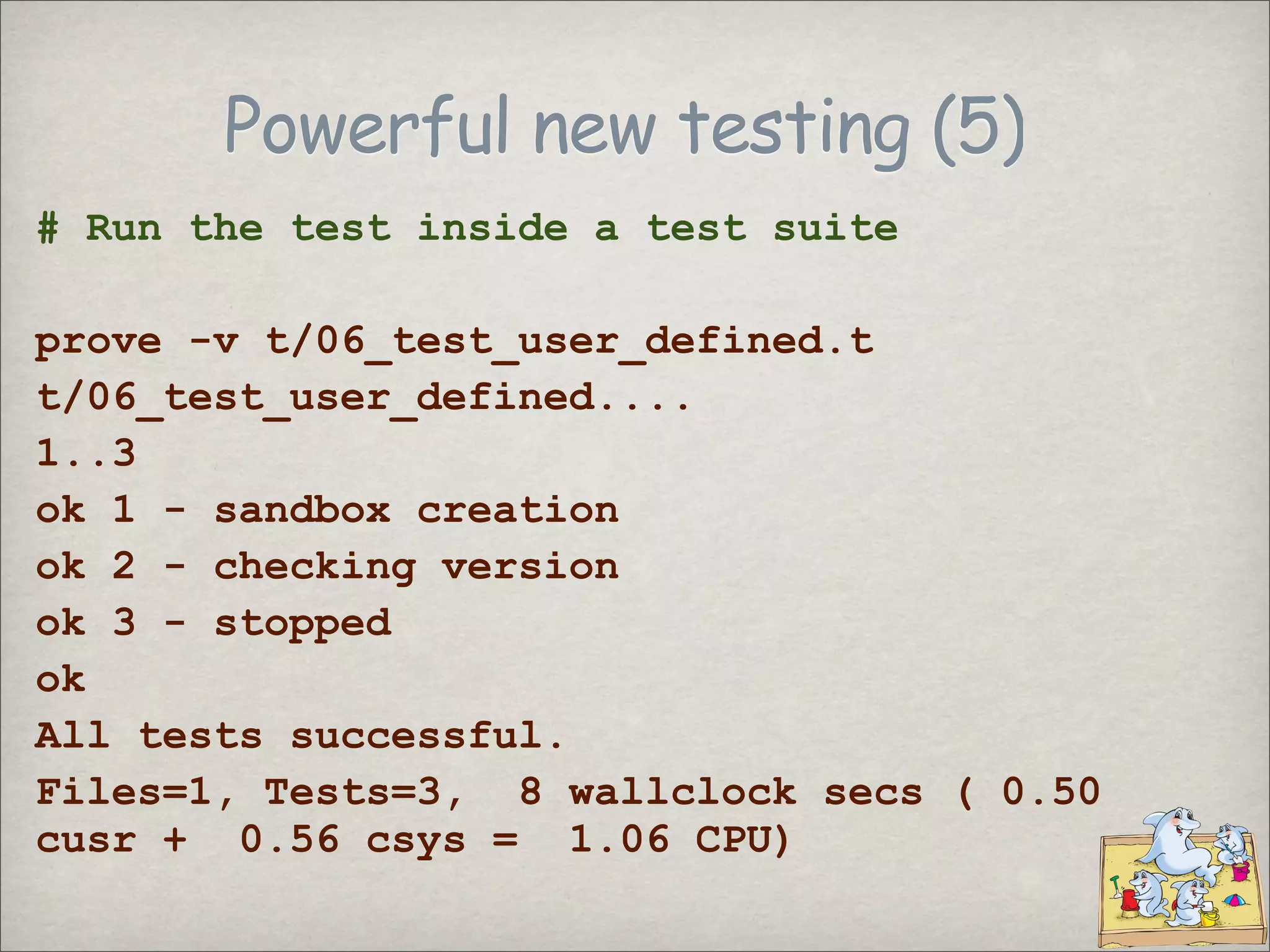
Powerful new testing (5)
# Run the test inside a test suite
prove -v t/06_test_user_defined.t
t/06_test_user_defined....
1..3
ok 1 - sandbox creation
ok 2 - checking version
ok 3 - stopped
ok
All tests successful.
Files=1, Tests=3, 8 wallclock secs ( 0.50
cusr + 0.56 csys = 1.06 CPU)
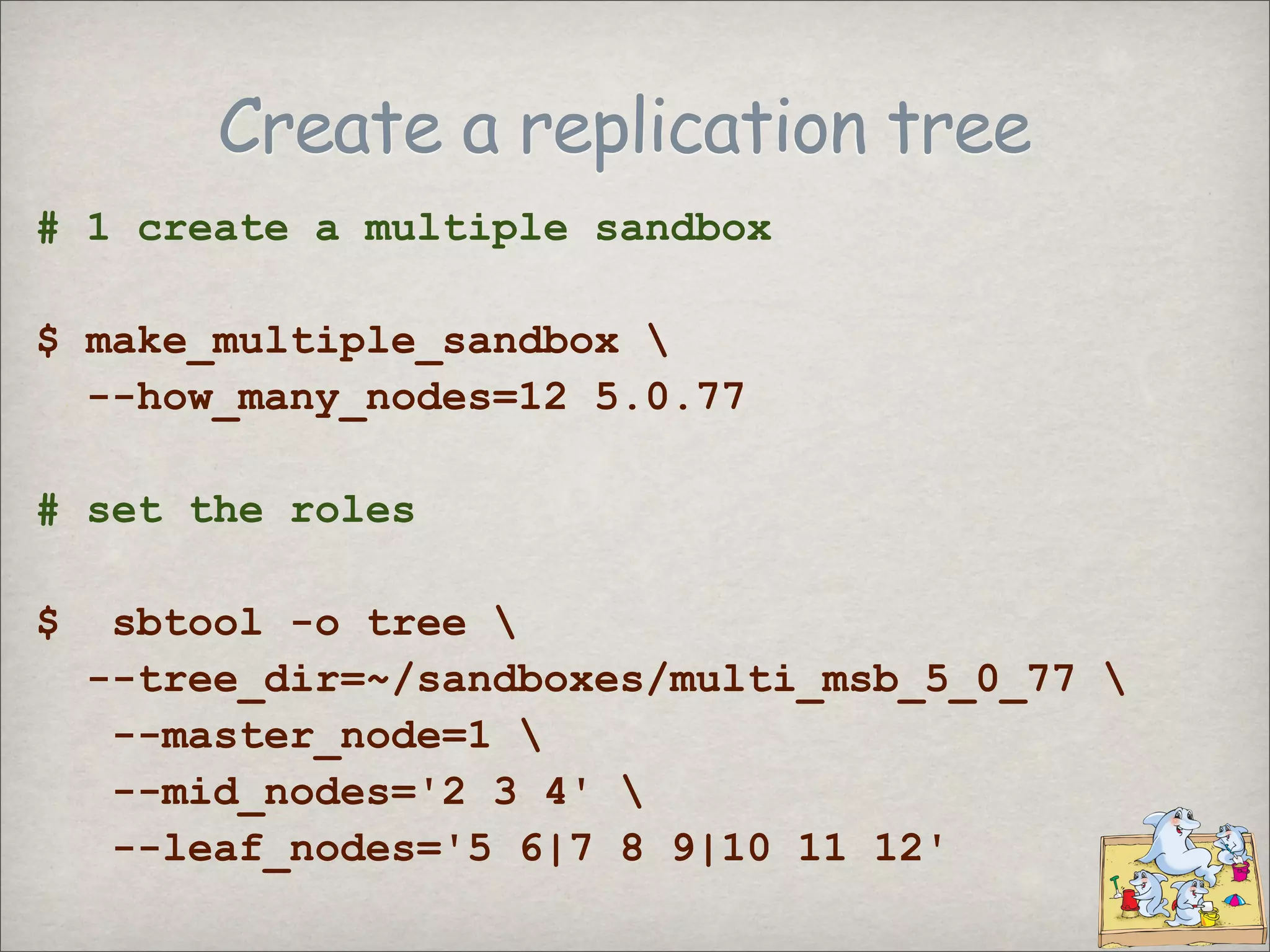
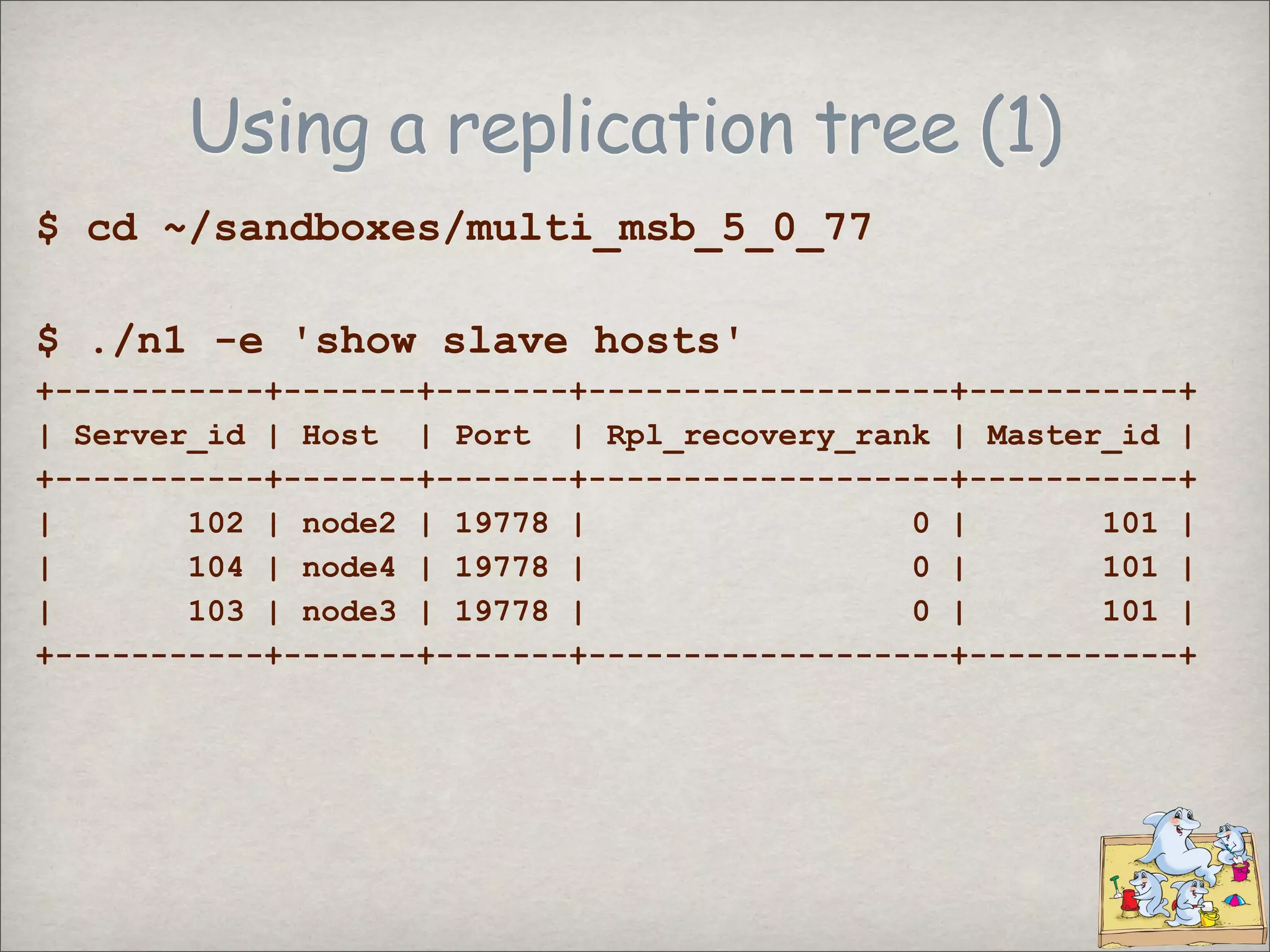
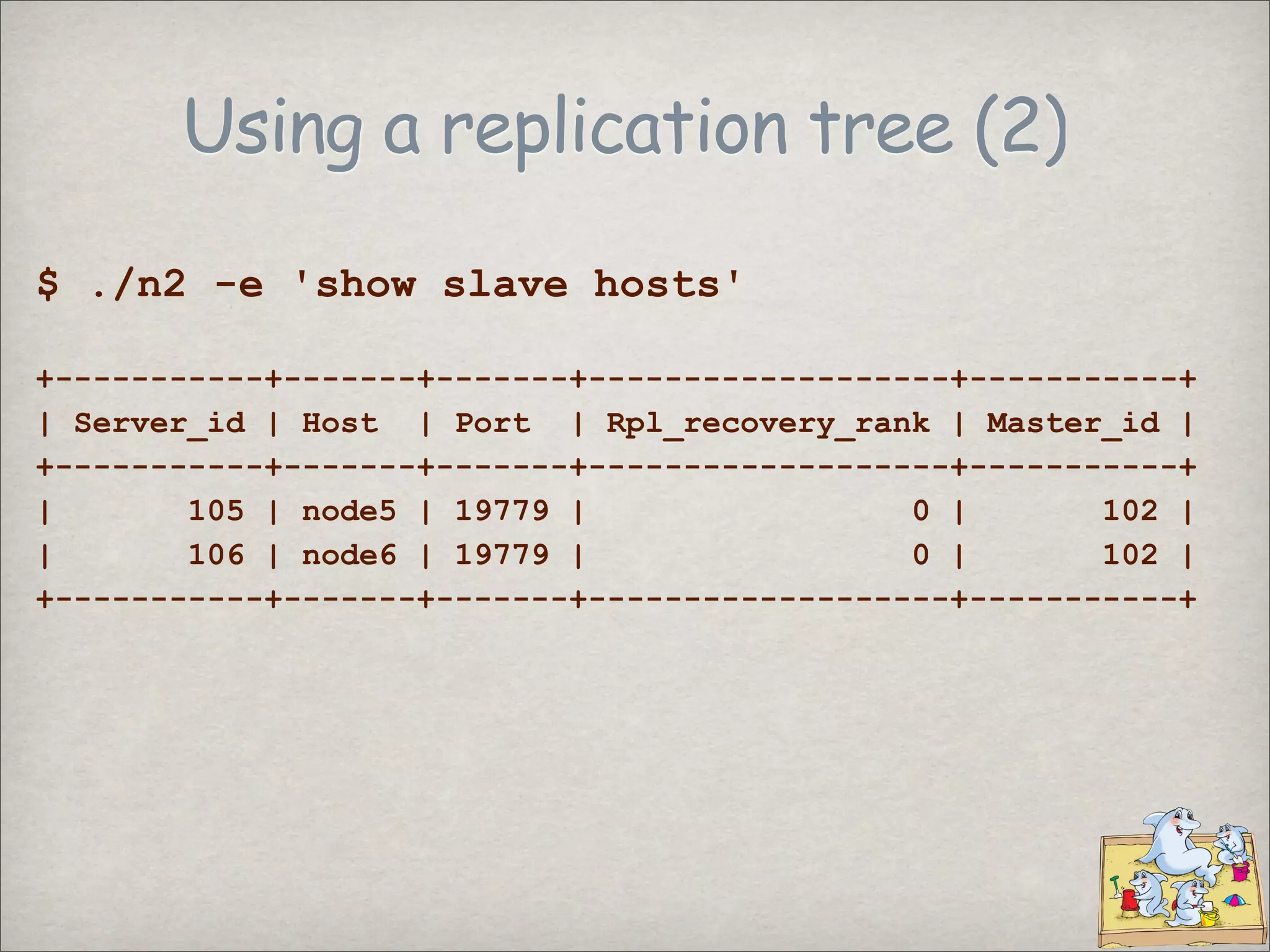
Create a replication tree
# 1 create a multiple sandbox
$ make_multiple_sandbox
--how_many_nodes=12 5.0.77
# set the roles
$ sbtool -o tree
--tree_dir=~/sandboxes/multi_msb_5_0_77
--master_node=1
--mid_nodes='2 3 4'
--leaf_nodes='5 6|7 8 9|10 11 12'
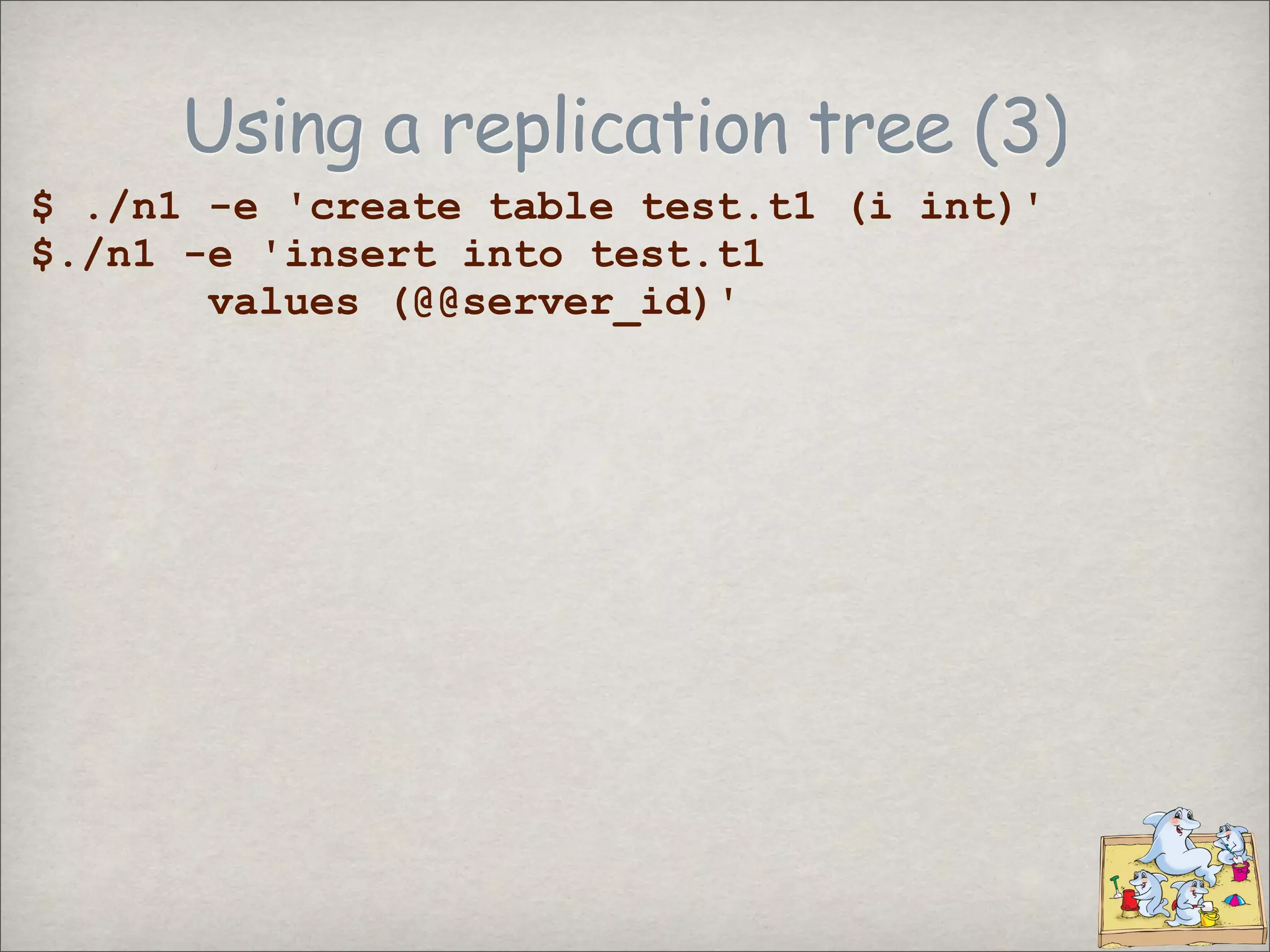
Using a replication tree (3)
$ ./n1 -e 'create table test.t1 (i int)'
$./n1 -e 'insert into test.t1
values (@@server_id)'
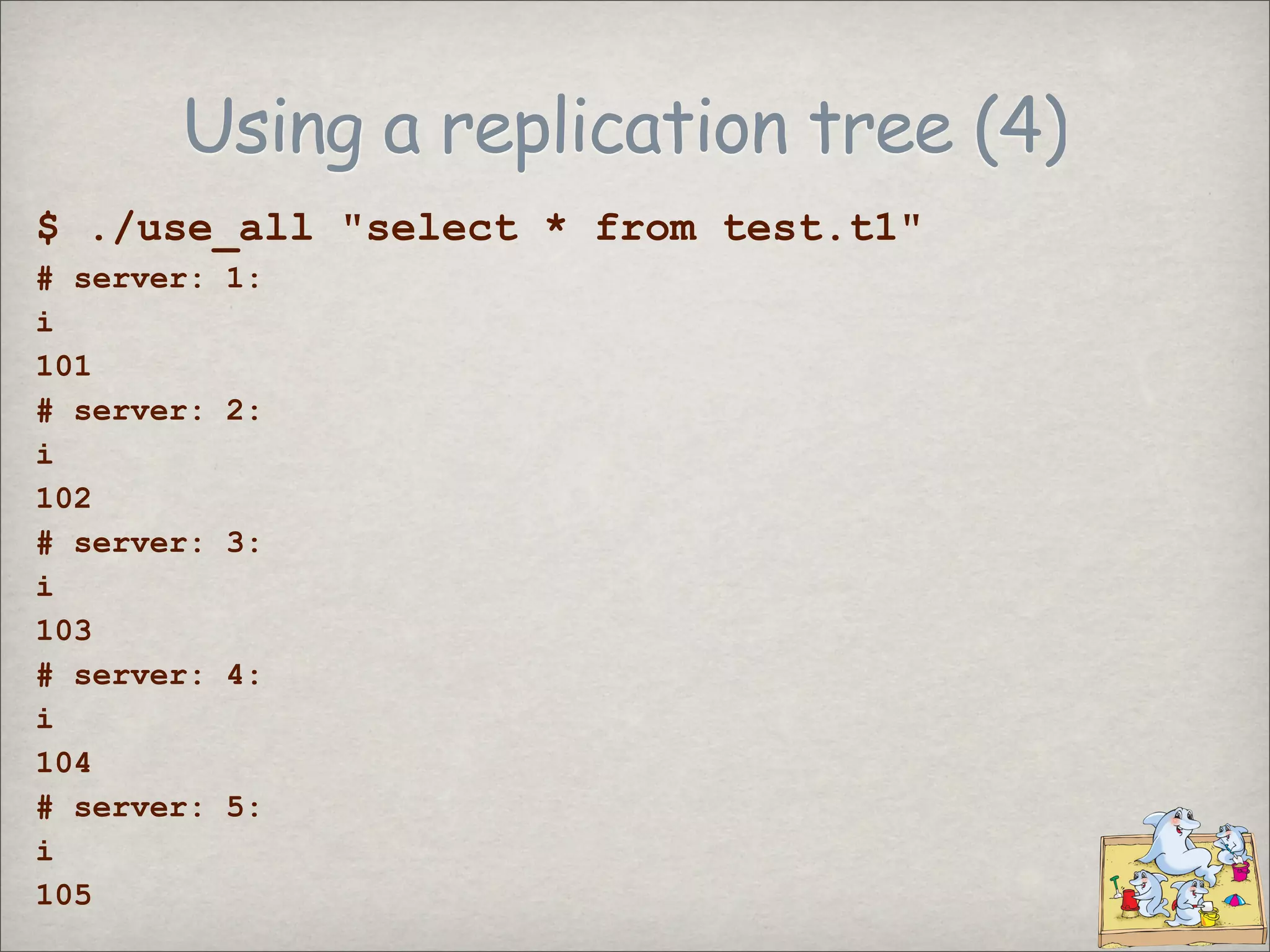
Using a replication tree (4)
$ ./use_all quot;select * from test.t1quot;
# server: 1:
i
101
# server: 2:
i
102
# server: 3:
i
103
# server: 4:
i
104
# server: 5:
i
105
checking ranges
$ sbtool -o range --min_range=5130
5136 - 5146
Preserving a sandbox
$ sbtool -o preserve
-s $HOME/sandboxes/msb_5_1_33/
sandbox at <$HOME/sandboxes/msb_5_1_33/> is
now permanent
$ $HOME/sandboxes/msb_5_1_33/clear
This sandbox is permanent.
The 'clear' command has been disabled.
The contents of the old 'clear' command are in
the 'no_clear' file
un-preserving a sandbox
$ sbtool -o unpreserve
-s $HOME/sandboxes/msb_5_1_33/
sandbox at <$HOME/sandboxes/msb_5_1_33/> is
now NOT PERMANENT
$ $HOME/sandboxes/msb_5_1_33/clear
# no error
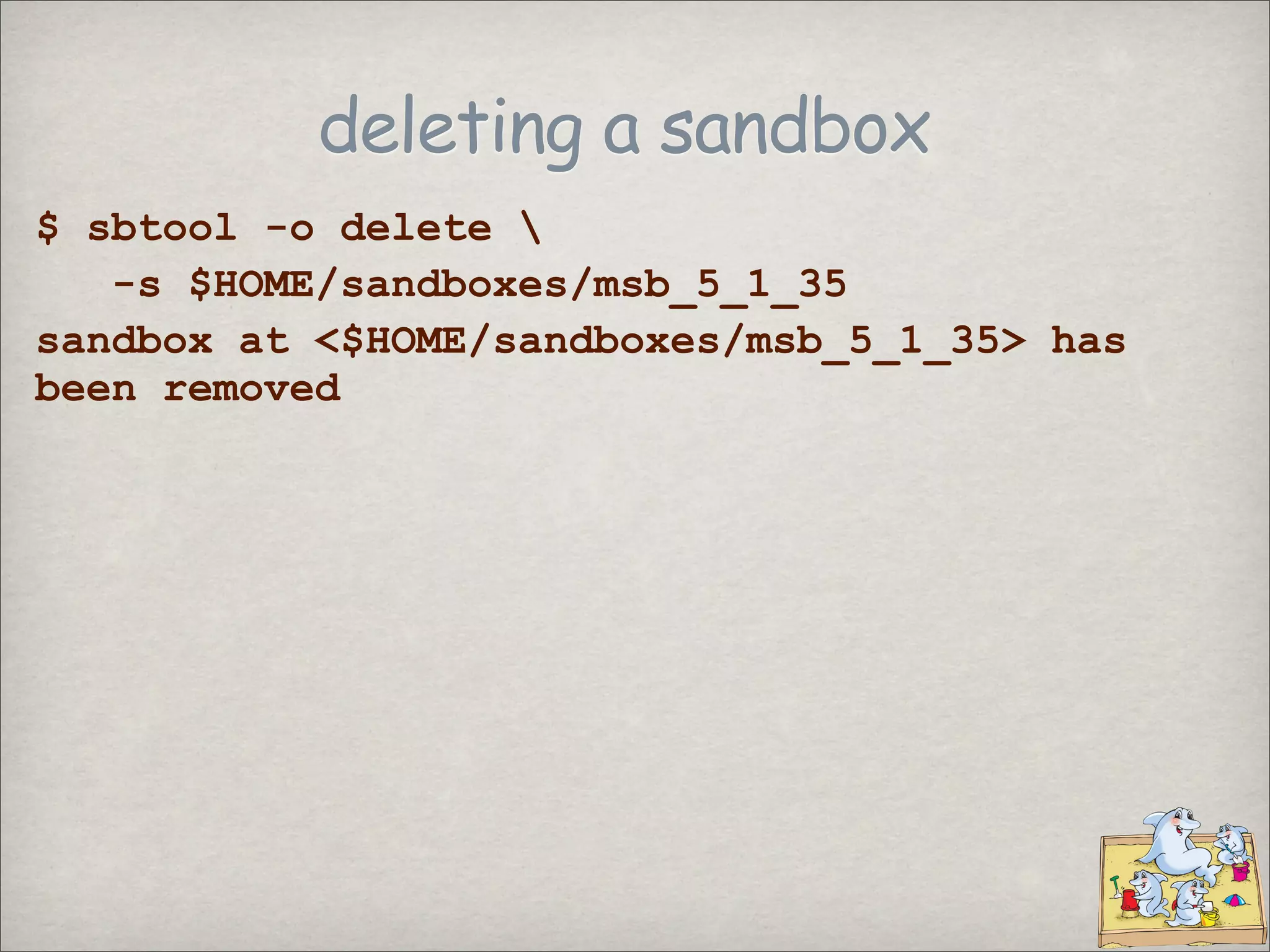
deleting a sandbox
$ sbtool -o delete
-s $HOME/sandboxes/msb_5_1_35
sandbox at <$HOME/sandboxes/msb_5_1_35> has
been removed
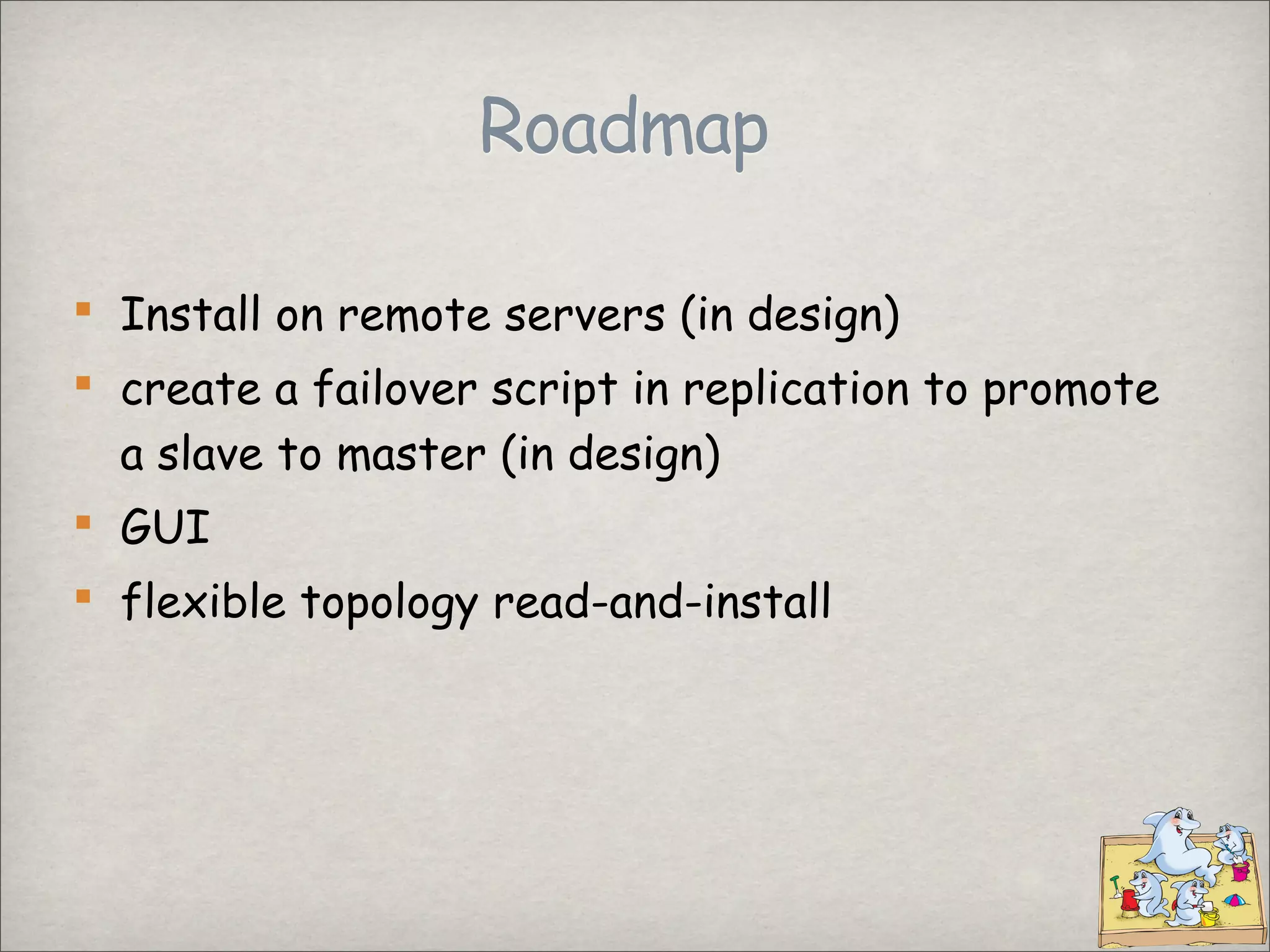
Roadmap
Install on remote servers (in design)
create a failover script in replication to promote
a slave to master (in design)
GUI
flexible topology read-and-install
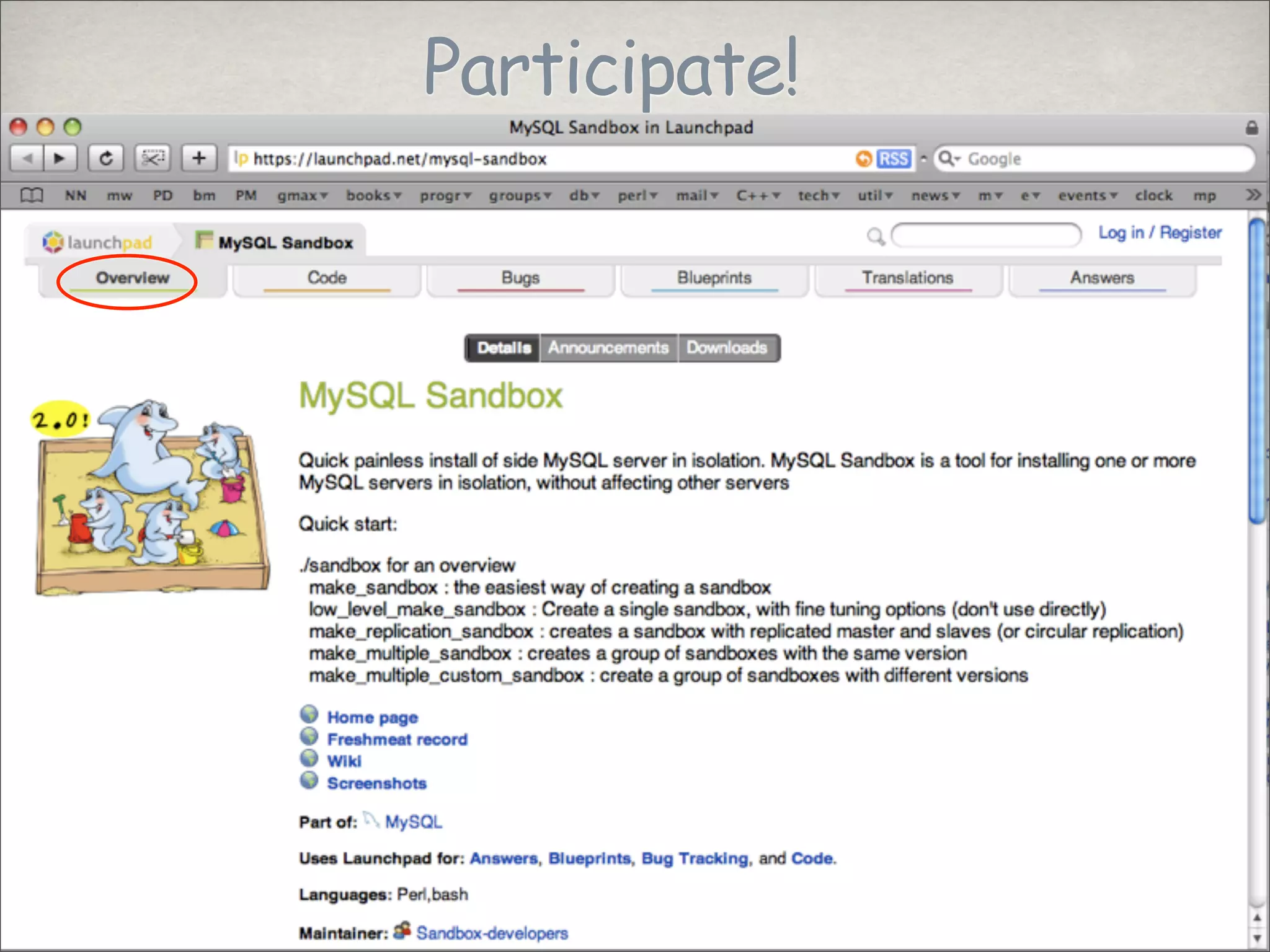
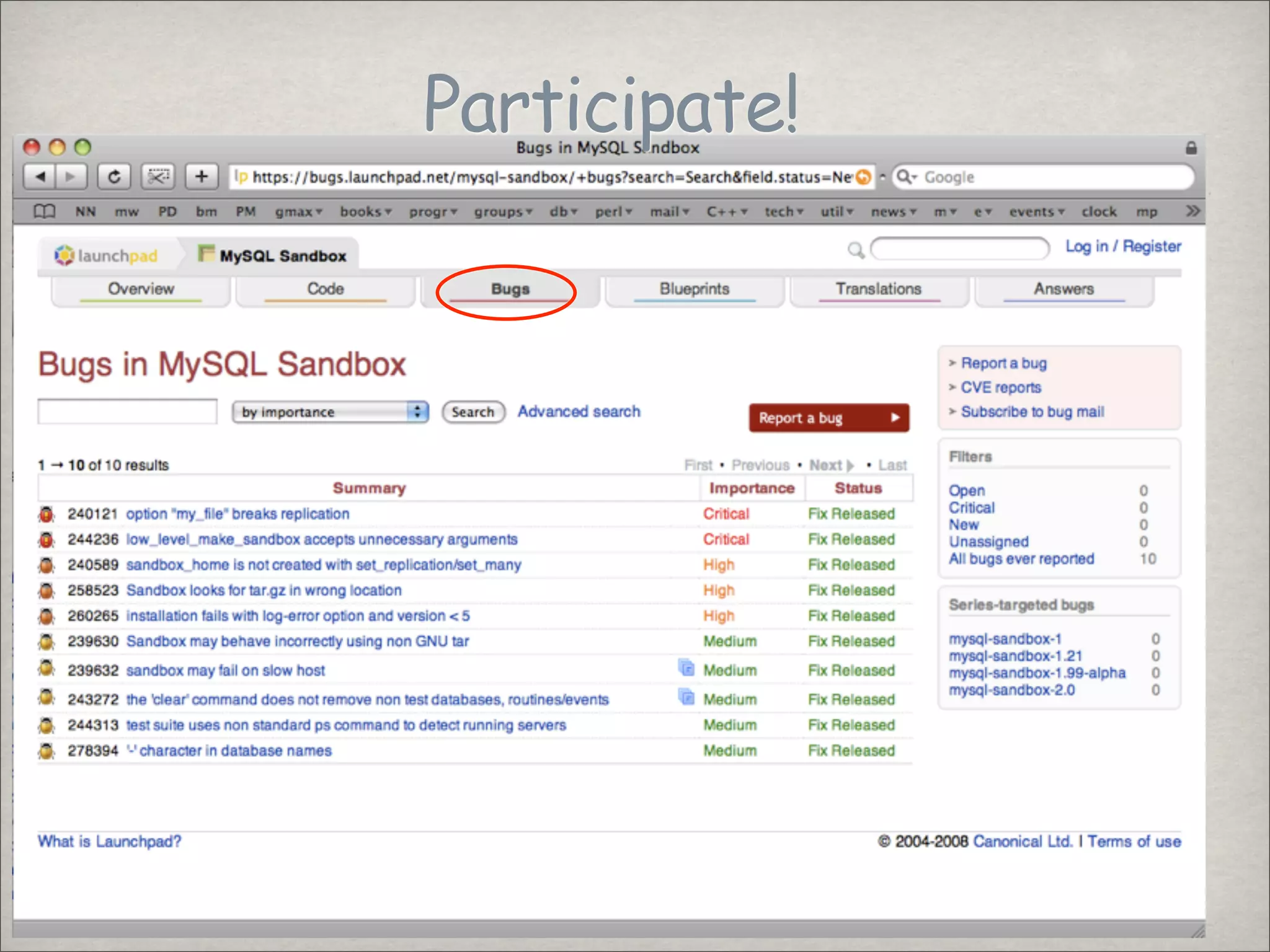
Participate!
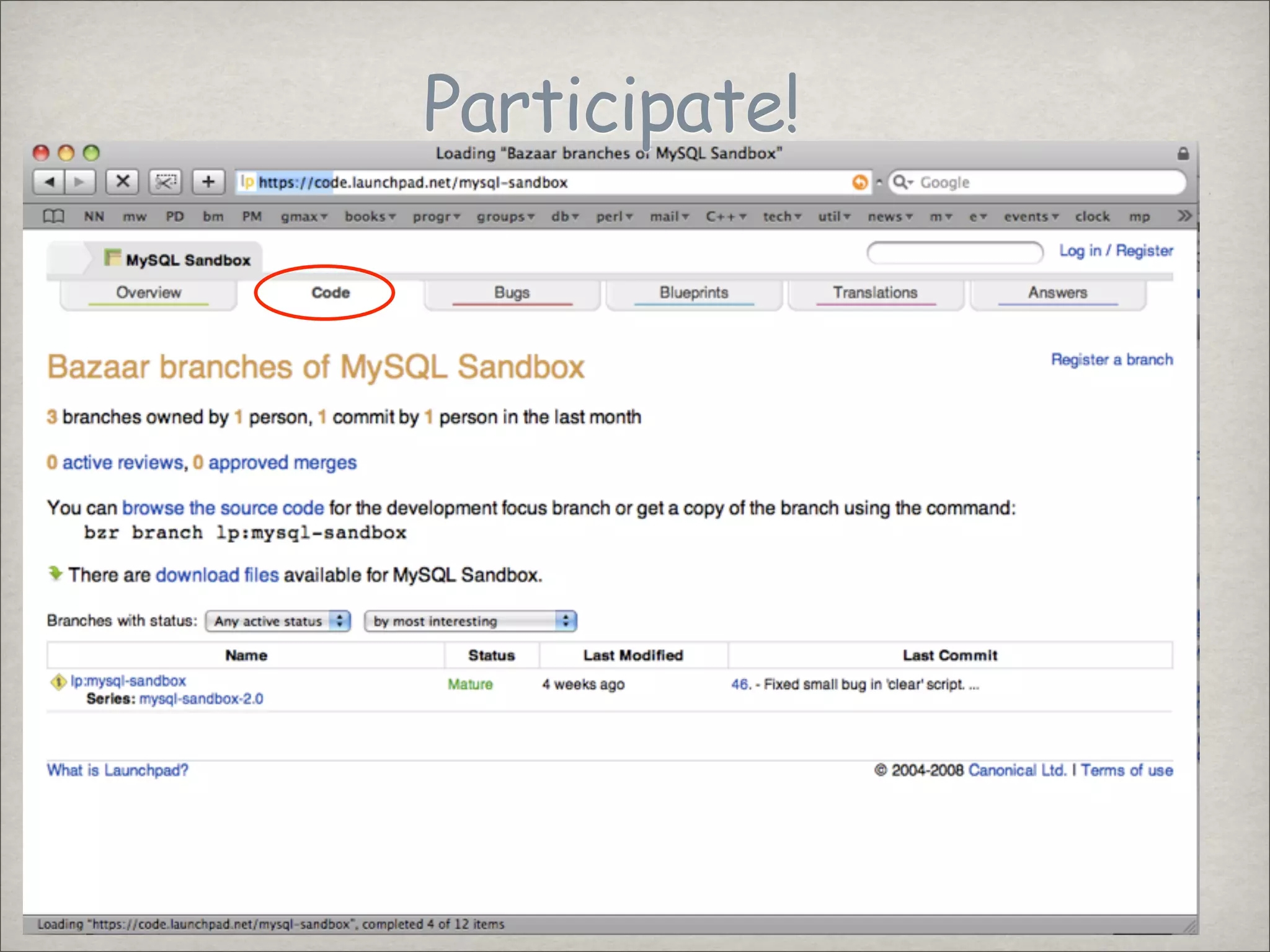
Participate!
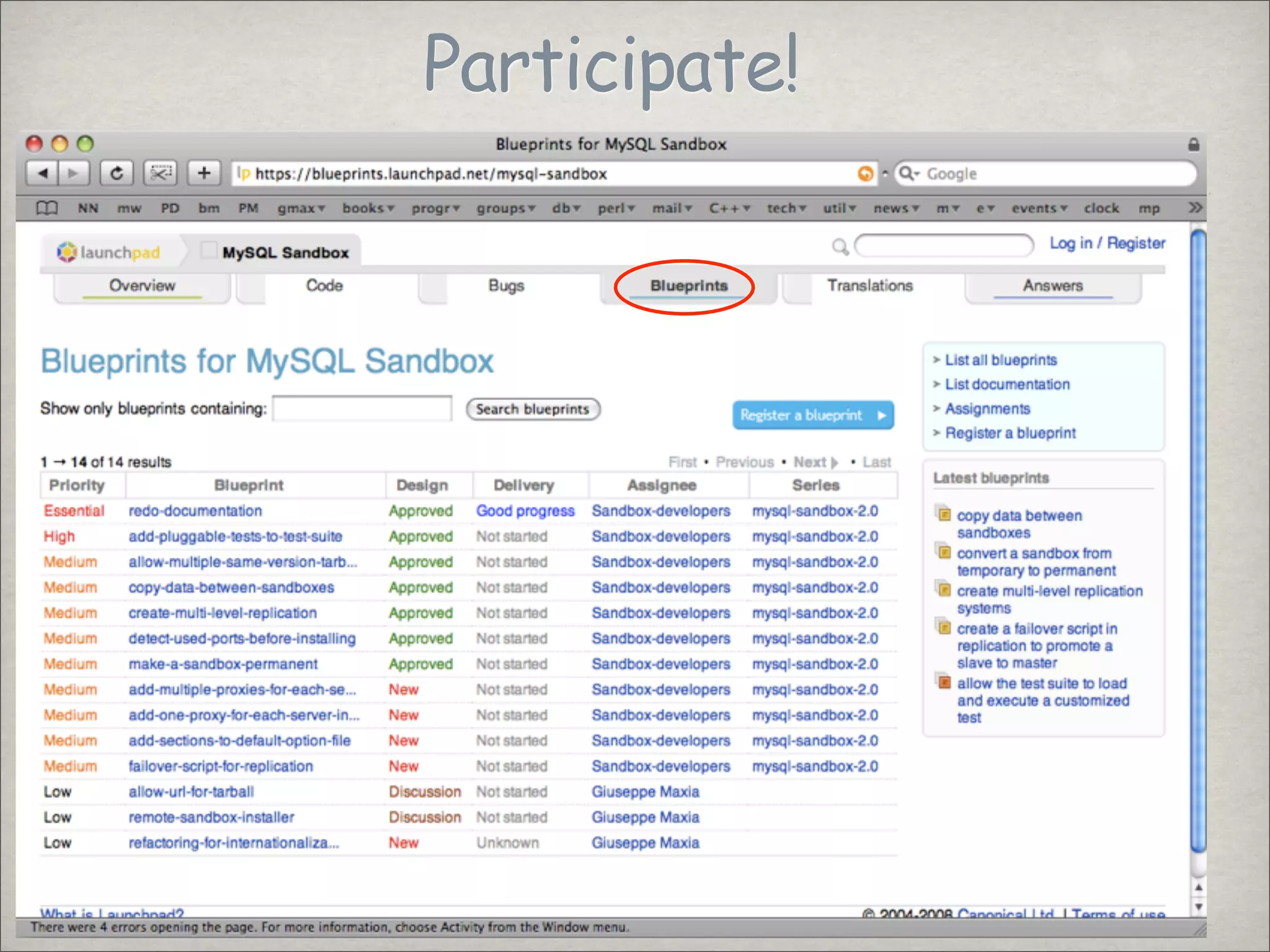
Participate!
Participate!
THANKS
Let's talk!
This work is licensed under the Creative Commons Attribution-Share Alike 3.0 Unported License. To view a copy of this license, visit http://
creativecommons.org/licenses/by-sa/3.0/ or send a letter to Creative Commons, 171 Second Street, Suite 300, San Francisco, California, 94105, USA.
Let LinkedIn power your SlideShare experience
+
Let LinkedIn power your SlideShare experience
Customize SlideShare content based on your interests
We will import your LinkedIn profile and you will be visible on SlideShare.
Keep up to date when your LinkedIn contacts post on SlideShare
1–1 of 1 previous next