How did you
                  use media
                  technologies
EVALUATION FOUR   in the
                  construction
                  and research,
                  planning and
                  evaluation
                  stages?
 I used a variety of technologies in the
  research, planning, production and post - production stages in
  my main task and the ancillary tasks. At the beginning stages
  of my work, I got started with researching artists on
  YouTube, a video sharing website, to help me get inspiration
  and ideas when looking at their music videos.
 This enabled me to research into how acoustic music videos
  are shot and what the general characteristics are, and
  whether as a director and creator, I wanted to conform to
  these characteristics or challenge them.
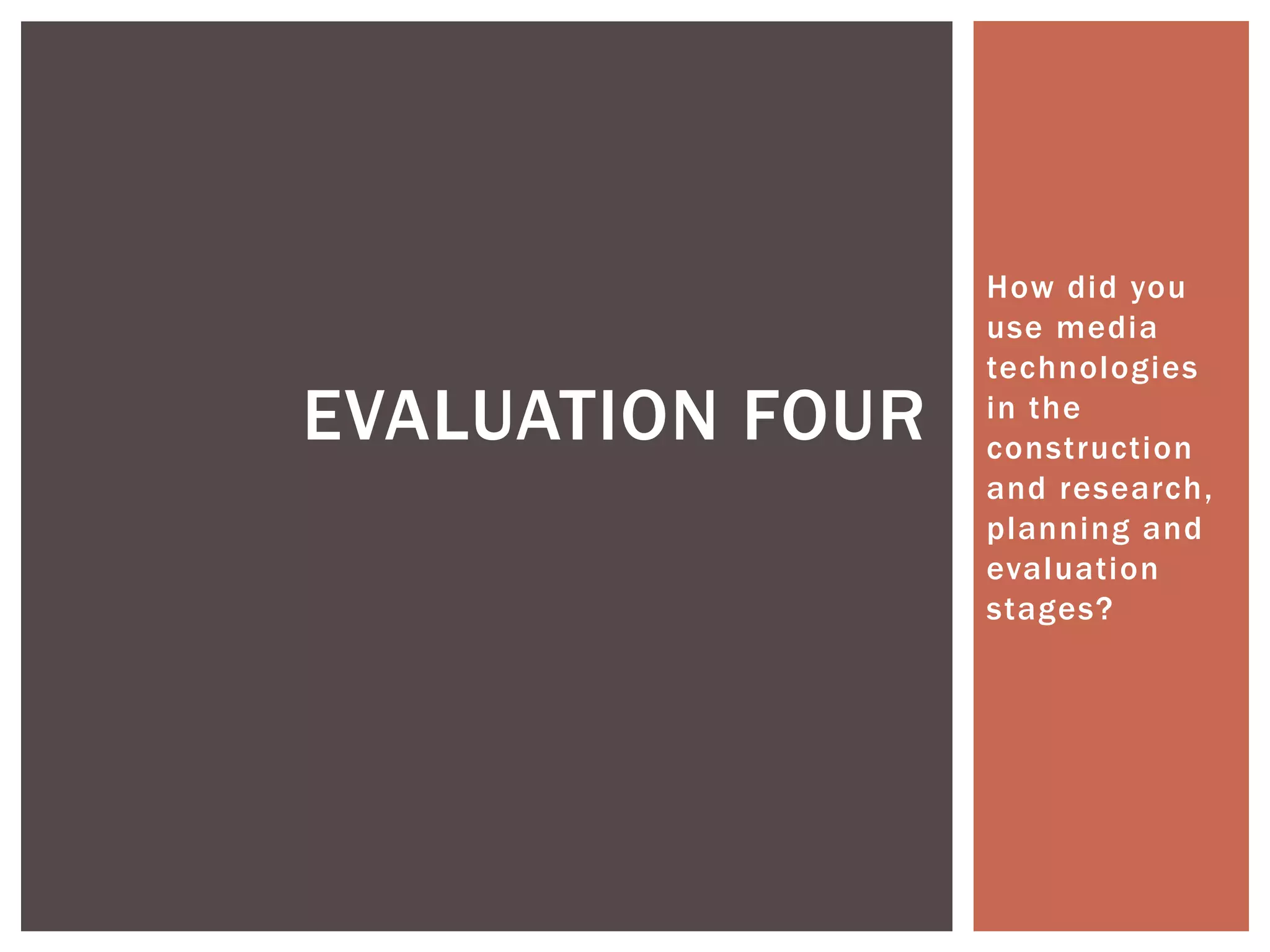
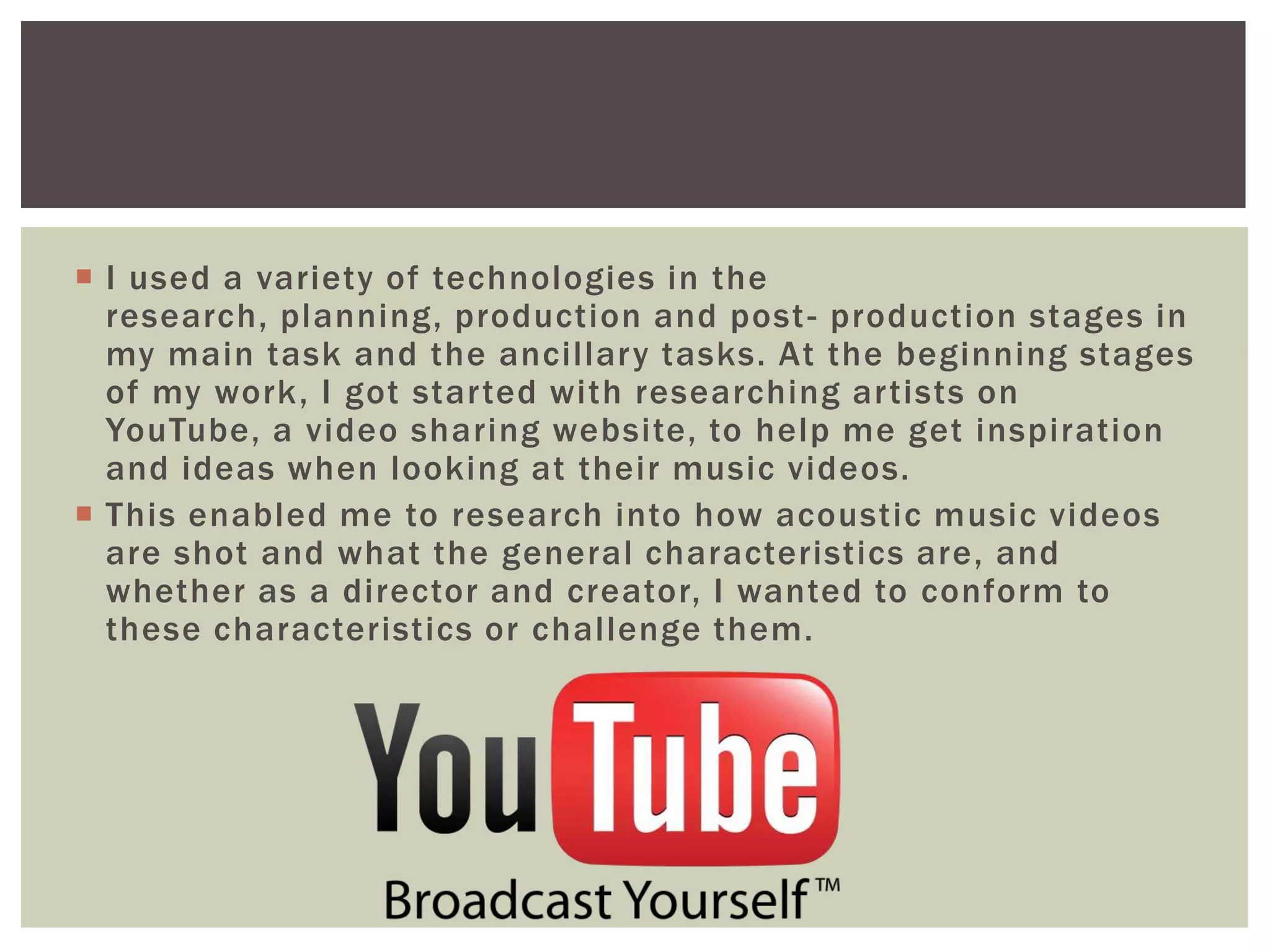
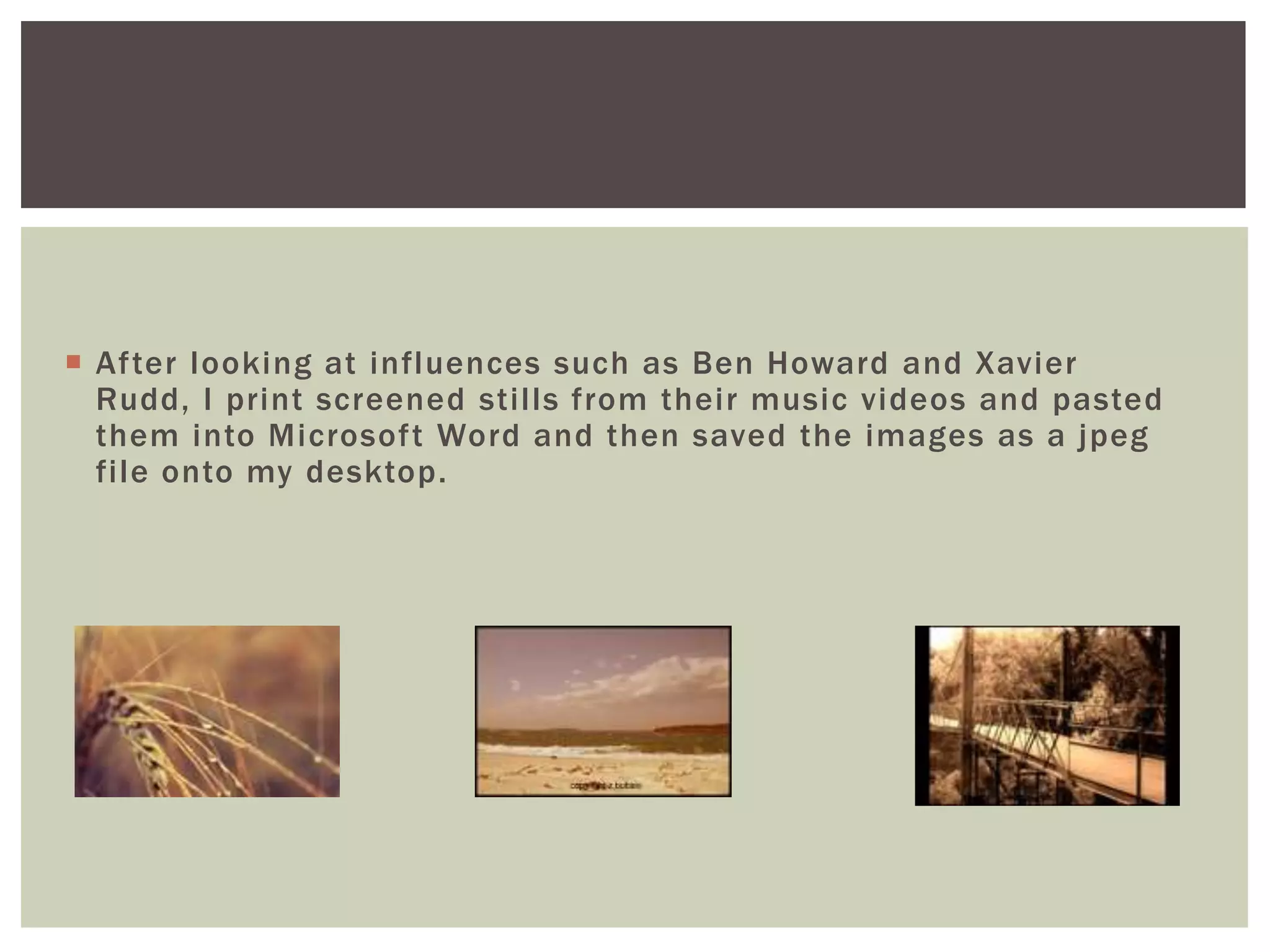
 After looking at influences such as Ben Howard and Xavier
  Rudd, I print screened stills from their music videos and pasted
  them into Microsoft Word and then saved the images as a jpeg
  file onto my desktop.
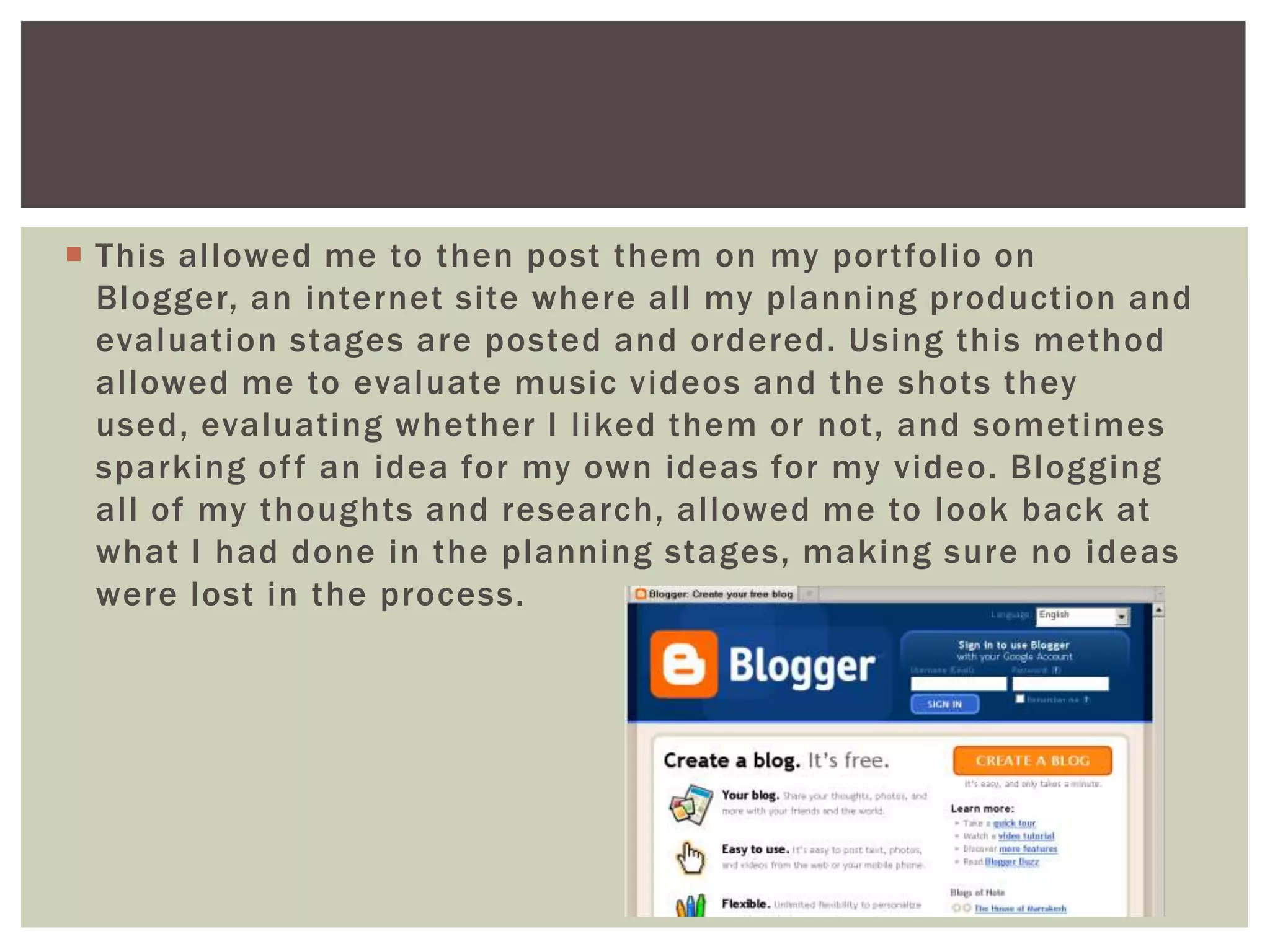
 This allowed me to then post them on my portfolio on
  Blogger, an internet site where all my planning production and
  evaluation stages are posted and ordered. Using this method
  allowed me to evaluate music videos and the shots they
  used, evaluating whether I liked them or not, and sometimes
  sparking of f an idea for my own ideas for my video. Blogging
  all of my thoughts and research, allowed me to look back at
  what I had done in the planning stages, making sure no ideas
  were lost in the process.
 When a general idea for my music video was written and story
  boarded, I then turned to Google, the most commonly used
  search engine, to research lighting ideas for my video, and
  also delving into the type of location I wanted for my video.
  From this research I found that using a sepia tone created the
  look I had imagined when writing my story board. The sepia
  tone connotes a more authentic image, and also one of
  warmth and happiness. I think this relates well back to the
  Acoustic/Pop genre as a whole, as it connotes easy
  listening, and therefore easy viewing (not too much going
  on, or in your face styles). Using Google images helped me
  then to portray to readers what I wanted to create when
  blogging about my ideas on Blogger.
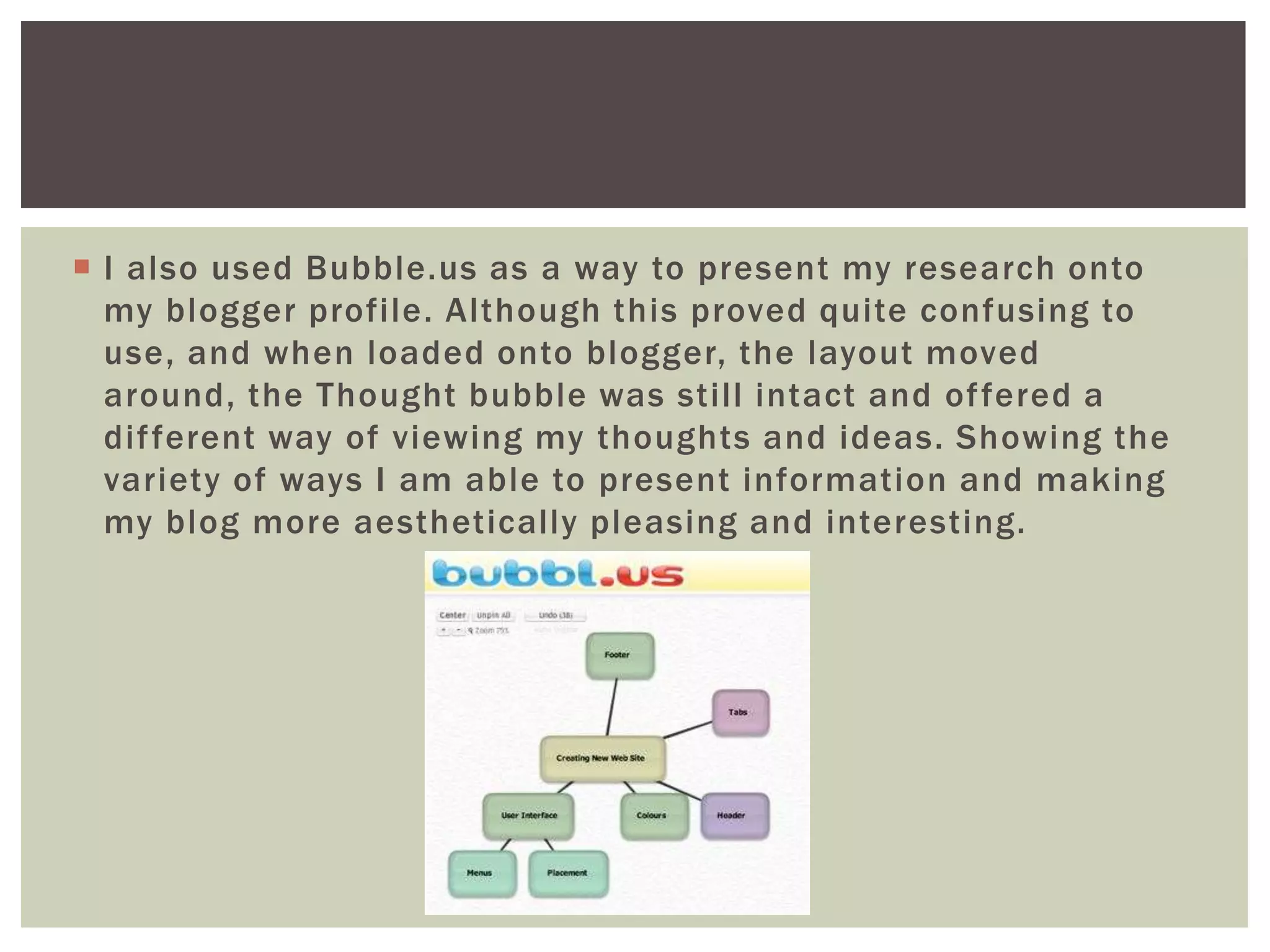
 I also used Bubble.us as a way to present my research onto
  my blogger profile. Although this proved quite confusing to
  use, and when loaded onto blogger, the layout moved
  around, the Thought bubble was still intact and of fered a
  dif ferent way of viewing my thoughts and ideas. Showing the
  variety of ways I am able to present information and making
  my blog more aesthetically pleasing and interesting.
 I then turned to Wikipedia and begun my research into Music
  Labels for my artist. Wikipedia enabled me to gather
  information about labels, what kinds of artist they signed and
  their typical chosen genre. I began by typing in an acoustic
  artist and then clicking on the links to their record label. The
  best thing about using Wikipedia was the fact that when you
  were on one page, there was always links to similar record
  label, enabling me to extend my research and view a variety of
  records labels, evaluating them and deciding if they fitted
  with my artist. This helped me to choose an appropriate
  record label.
 After choosing my record label, I moved onto researching
  designs for my digipak. Here I used Google again for
  possible templates. I used Google images to research into
  artist’s digipak and create inspiration for my own. From this
  research I was able to view a variety of styles creating
  inspiration and ideas for my own work. I particularly like the
  digipaks that had one image stretched across the inside
  panels, however I decided against this in my production
  stage.
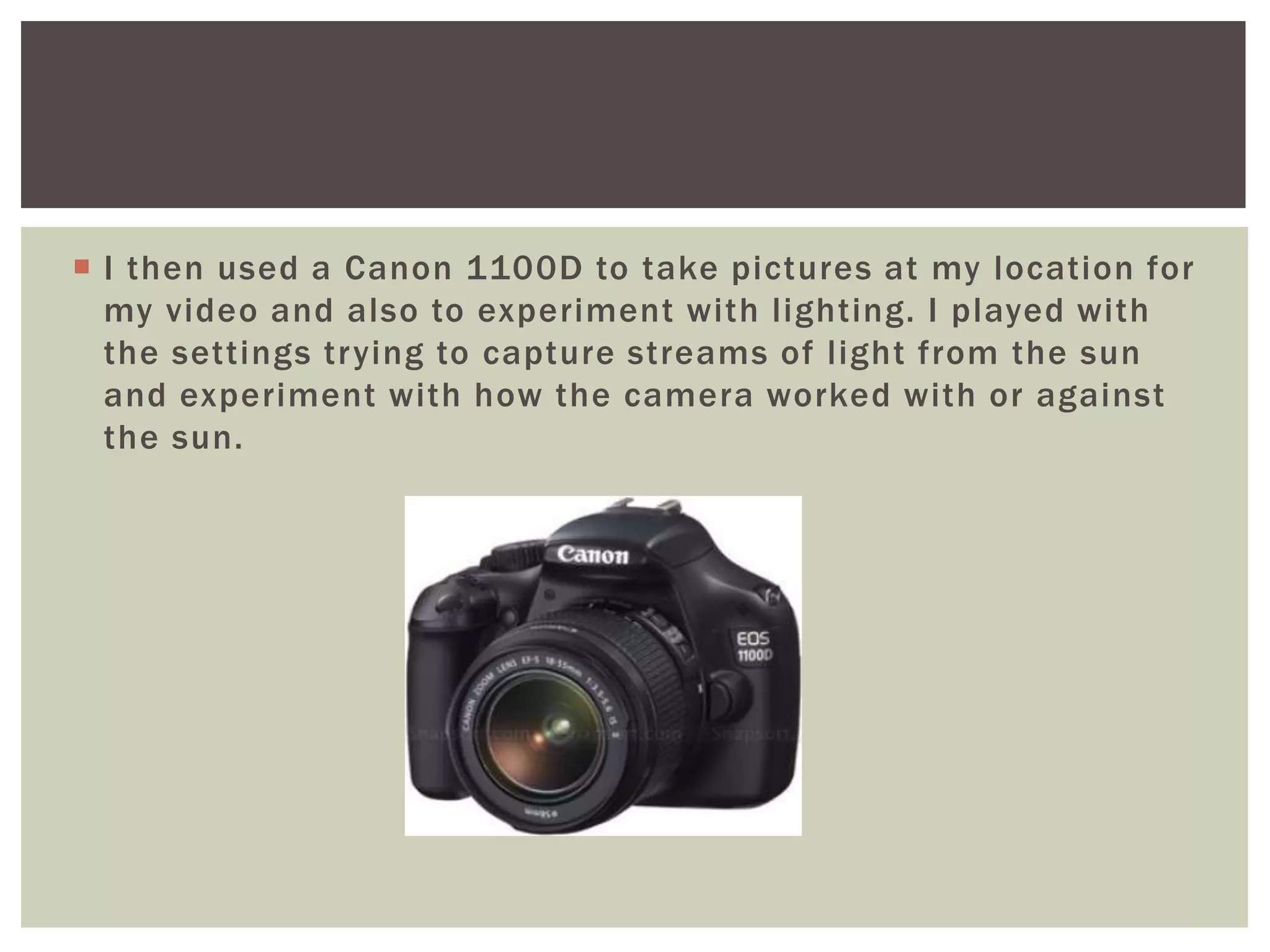
 I then used a Canon 1100D to take pictures at my location for
  my video and also to experiment with lighting. I played with
  the settings trying to capture streams of light from the sun
  and experiment with how the camera worked with or against
  the sun.
 I then used these images for
  my digipak and edited them in
  Adobe Photoshop to change
  the lighting and crop some
  images to fit with on my
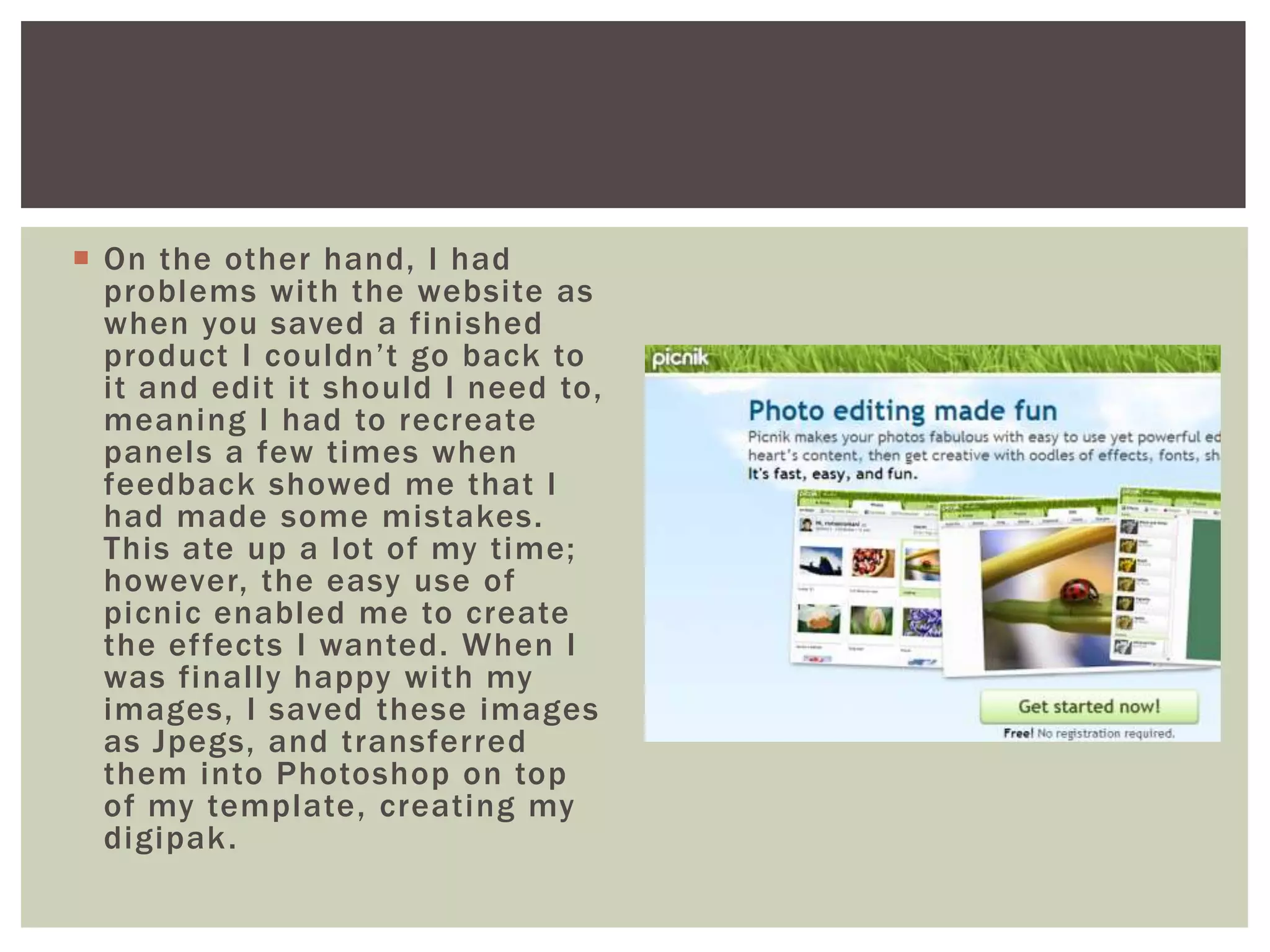
  template. I also used Picnik , a
  site that is easy to use when
  editing images and adding
  text on top. This helped me
  greatly as I am not very good
  at working Photoshop and this
  easy use website enabled me
  to do this.
 On the other hand, I had
  problems with the website as
  when you saved a finished
  product I couldn’t go back to
  it and edit it should I need to,
  meaning I had to recreate
  panels a few times when
  feedback showed me that I
  had made some mistakes.
  This ate up a lot of my time;
  however, the easy use of
  picnic enabled me to create
  the effects I wanted. When I
  was finally happy with my
  images, I saved these images
  as Jpegs, and transferred
  them into Photoshop on top
  of my template, creating my
  digipak .
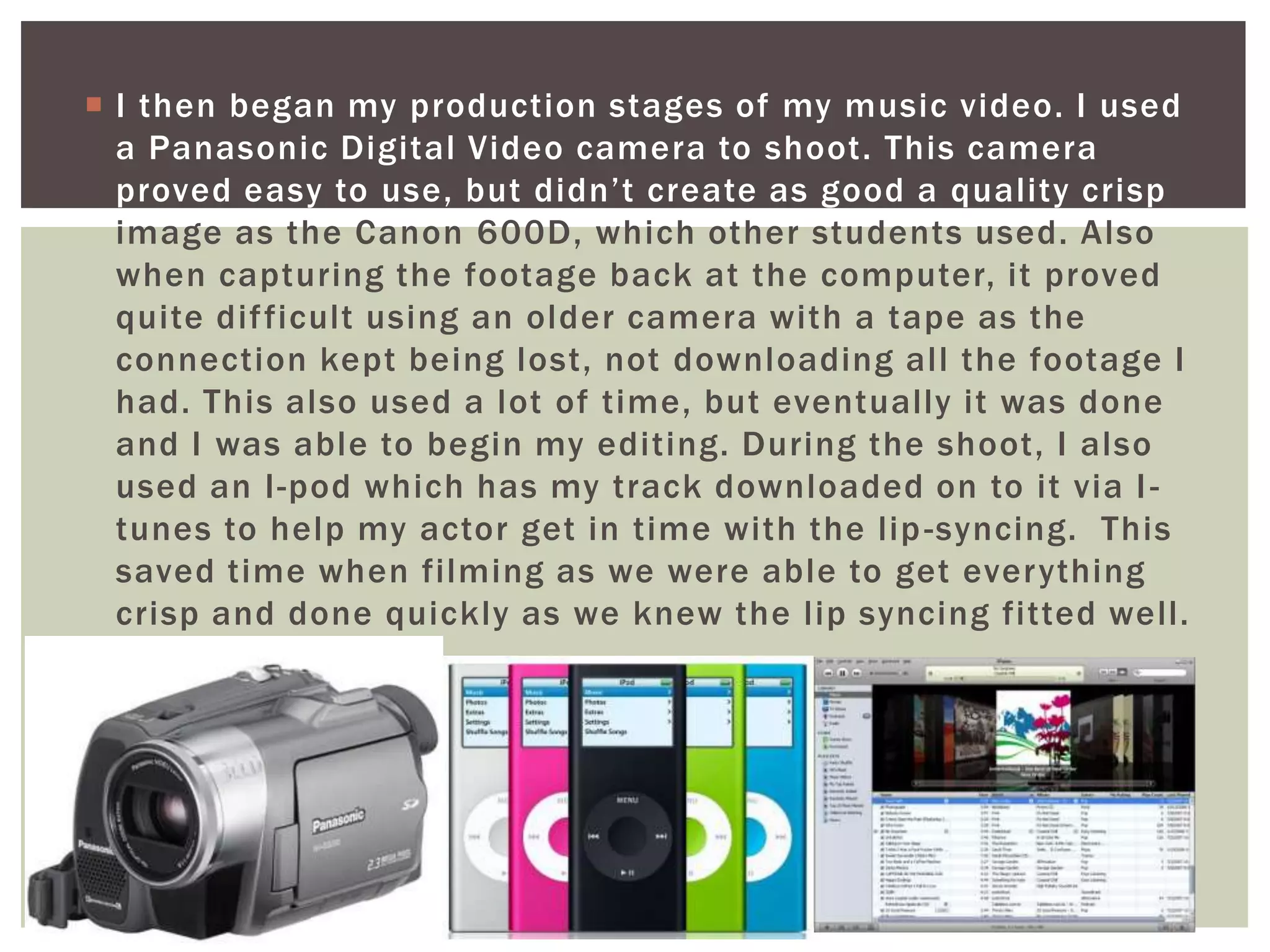
 I then began my production stages of my music video. I used
  a Panasonic Digital Video camera to shoot. This camera
  proved easy to use, but didn’t create as good a quality crisp
  image as the Canon 600D, which other students used. Also
  when capturing the footage back at the computer, it proved
  quite dif ficult using an older camera with a tape as the
  connection kept being lost, not downloading all the footage I
  had. This also used a lot of time, but eventually it was done
  and I was able to begin my editing. During the shoot, I also
  used an I-pod which has my track downloaded on to it via I -
  tunes to help my actor get in time with the lip -syncing. This
  saved time when filming as we were able to get everything
  crisp and done quickly as we knew the lip syncing fitted well.
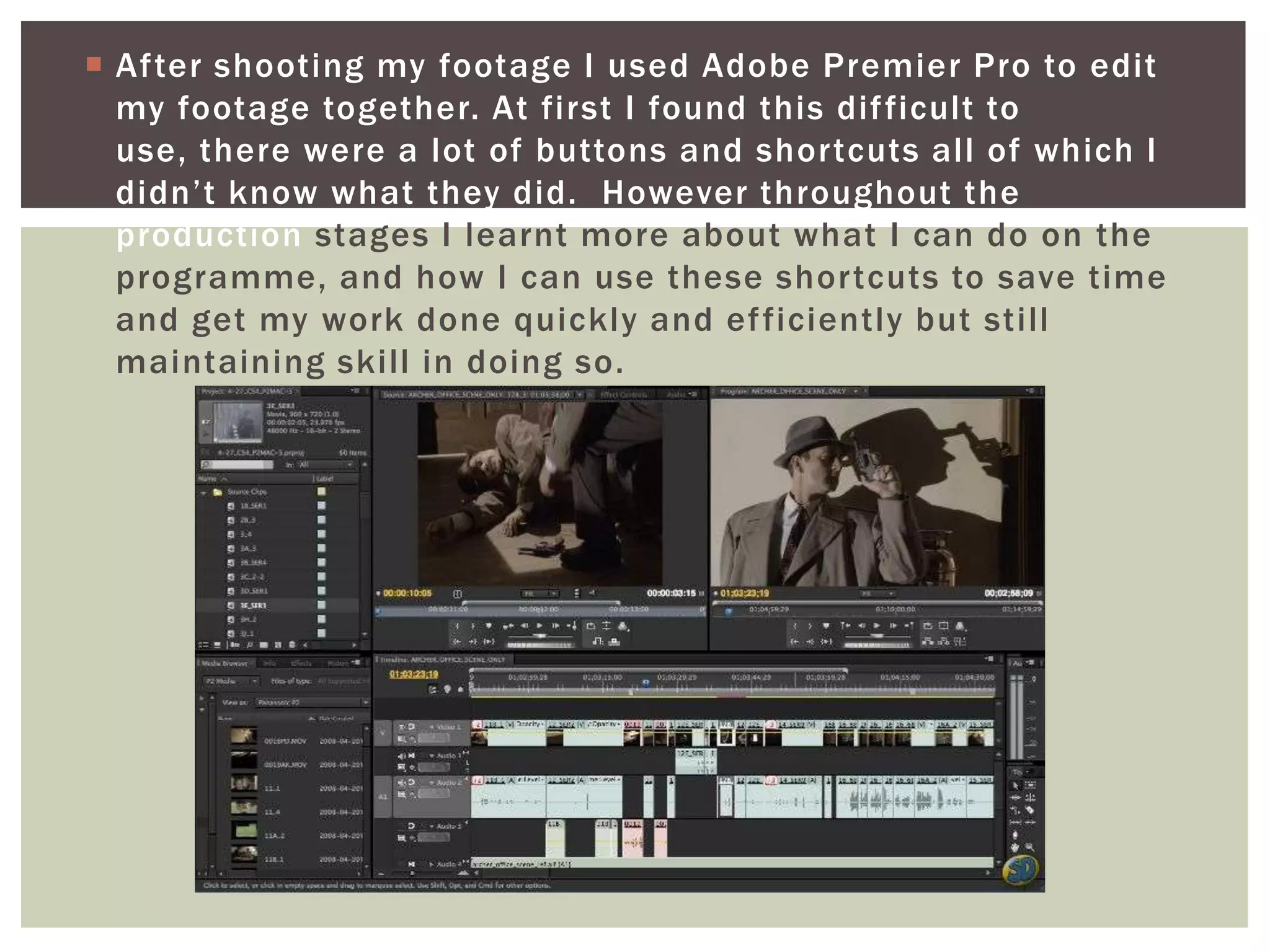
 After shooting my footage I used Adobe Premier Pro to edit
  my footage together. At first I found this dif ficult to
  use, there were a lot of buttons and shortcuts all of which I
  didn’t know what they did. However throughout the
  production stages I learnt more about what I can do on the
  programme, and how I can use these shortcuts to save time
  and get my work done quickly and ef ficiently but still
  maintaining skill in doing so.

Evaluation four presentation

  • 1.
    How did you use media technologies EVALUATION FOUR in the construction and research, planning and evaluation stages?
  • 2.
     I useda variety of technologies in the research, planning, production and post - production stages in my main task and the ancillary tasks. At the beginning stages of my work, I got started with researching artists on YouTube, a video sharing website, to help me get inspiration and ideas when looking at their music videos.  This enabled me to research into how acoustic music videos are shot and what the general characteristics are, and whether as a director and creator, I wanted to conform to these characteristics or challenge them.
  • 3.
     After lookingat influences such as Ben Howard and Xavier Rudd, I print screened stills from their music videos and pasted them into Microsoft Word and then saved the images as a jpeg file onto my desktop.
  • 4.
     This allowedme to then post them on my portfolio on Blogger, an internet site where all my planning production and evaluation stages are posted and ordered. Using this method allowed me to evaluate music videos and the shots they used, evaluating whether I liked them or not, and sometimes sparking of f an idea for my own ideas for my video. Blogging all of my thoughts and research, allowed me to look back at what I had done in the planning stages, making sure no ideas were lost in the process.
  • 5.
     When ageneral idea for my music video was written and story boarded, I then turned to Google, the most commonly used search engine, to research lighting ideas for my video, and also delving into the type of location I wanted for my video. From this research I found that using a sepia tone created the look I had imagined when writing my story board. The sepia tone connotes a more authentic image, and also one of warmth and happiness. I think this relates well back to the Acoustic/Pop genre as a whole, as it connotes easy listening, and therefore easy viewing (not too much going on, or in your face styles). Using Google images helped me then to portray to readers what I wanted to create when blogging about my ideas on Blogger.
  • 6.
     I alsoused Bubble.us as a way to present my research onto my blogger profile. Although this proved quite confusing to use, and when loaded onto blogger, the layout moved around, the Thought bubble was still intact and of fered a dif ferent way of viewing my thoughts and ideas. Showing the variety of ways I am able to present information and making my blog more aesthetically pleasing and interesting.
  • 7.
     I thenturned to Wikipedia and begun my research into Music Labels for my artist. Wikipedia enabled me to gather information about labels, what kinds of artist they signed and their typical chosen genre. I began by typing in an acoustic artist and then clicking on the links to their record label. The best thing about using Wikipedia was the fact that when you were on one page, there was always links to similar record label, enabling me to extend my research and view a variety of records labels, evaluating them and deciding if they fitted with my artist. This helped me to choose an appropriate record label.
  • 8.
     After choosingmy record label, I moved onto researching designs for my digipak. Here I used Google again for possible templates. I used Google images to research into artist’s digipak and create inspiration for my own. From this research I was able to view a variety of styles creating inspiration and ideas for my own work. I particularly like the digipaks that had one image stretched across the inside panels, however I decided against this in my production stage.
  • 9.
     I thenused a Canon 1100D to take pictures at my location for my video and also to experiment with lighting. I played with the settings trying to capture streams of light from the sun and experiment with how the camera worked with or against the sun.
  • 10.
     I thenused these images for my digipak and edited them in Adobe Photoshop to change the lighting and crop some images to fit with on my template. I also used Picnik , a site that is easy to use when editing images and adding text on top. This helped me greatly as I am not very good at working Photoshop and this easy use website enabled me to do this.
  • 11.
     On theother hand, I had problems with the website as when you saved a finished product I couldn’t go back to it and edit it should I need to, meaning I had to recreate panels a few times when feedback showed me that I had made some mistakes. This ate up a lot of my time; however, the easy use of picnic enabled me to create the effects I wanted. When I was finally happy with my images, I saved these images as Jpegs, and transferred them into Photoshop on top of my template, creating my digipak .
  • 12.
     I thenbegan my production stages of my music video. I used a Panasonic Digital Video camera to shoot. This camera proved easy to use, but didn’t create as good a quality crisp image as the Canon 600D, which other students used. Also when capturing the footage back at the computer, it proved quite dif ficult using an older camera with a tape as the connection kept being lost, not downloading all the footage I had. This also used a lot of time, but eventually it was done and I was able to begin my editing. During the shoot, I also used an I-pod which has my track downloaded on to it via I - tunes to help my actor get in time with the lip -syncing. This saved time when filming as we were able to get everything crisp and done quickly as we knew the lip syncing fitted well.
  • 13.
     After shootingmy footage I used Adobe Premier Pro to edit my footage together. At first I found this dif ficult to use, there were a lot of buttons and shortcuts all of which I didn’t know what they did. However throughout the production stages I learnt more about what I can do on the programme, and how I can use these shortcuts to save time and get my work done quickly and ef ficiently but still maintaining skill in doing so.