Prototyping
 SDLC approach
 Sample of system is prepared
 Comprehensive system
 Doesn't include all user requirements
 Based on evolutionary method
Prototyping
 Rapid software development to validate
requirements
 Help customers & developers understand
the requirements for the system
 Users can experiment with a prototype to
see how the system supports their work
 Prototype can reveal errors and omissions in
the requirements
Prototyping
 Considered as a risk reduction activity
which reduces requirements risks
 Used when all requirements cannot be
identified and freezed initially
 Throw-away model given to user
 On the basis of feedback, actual system
is developed
Prototyping
 Misunderstandings between software
users and developers are exposed
 Missing services may be detected and
confusing services may be identified
 A working system is available early in the
process
Prototyping
 The throw-away prototype should NOT
be considered as a final system
 Some system characteristics may have
been left out
 There is no specification for long-term
maintenance
 The system will be poorly structured
and difficult to maintain
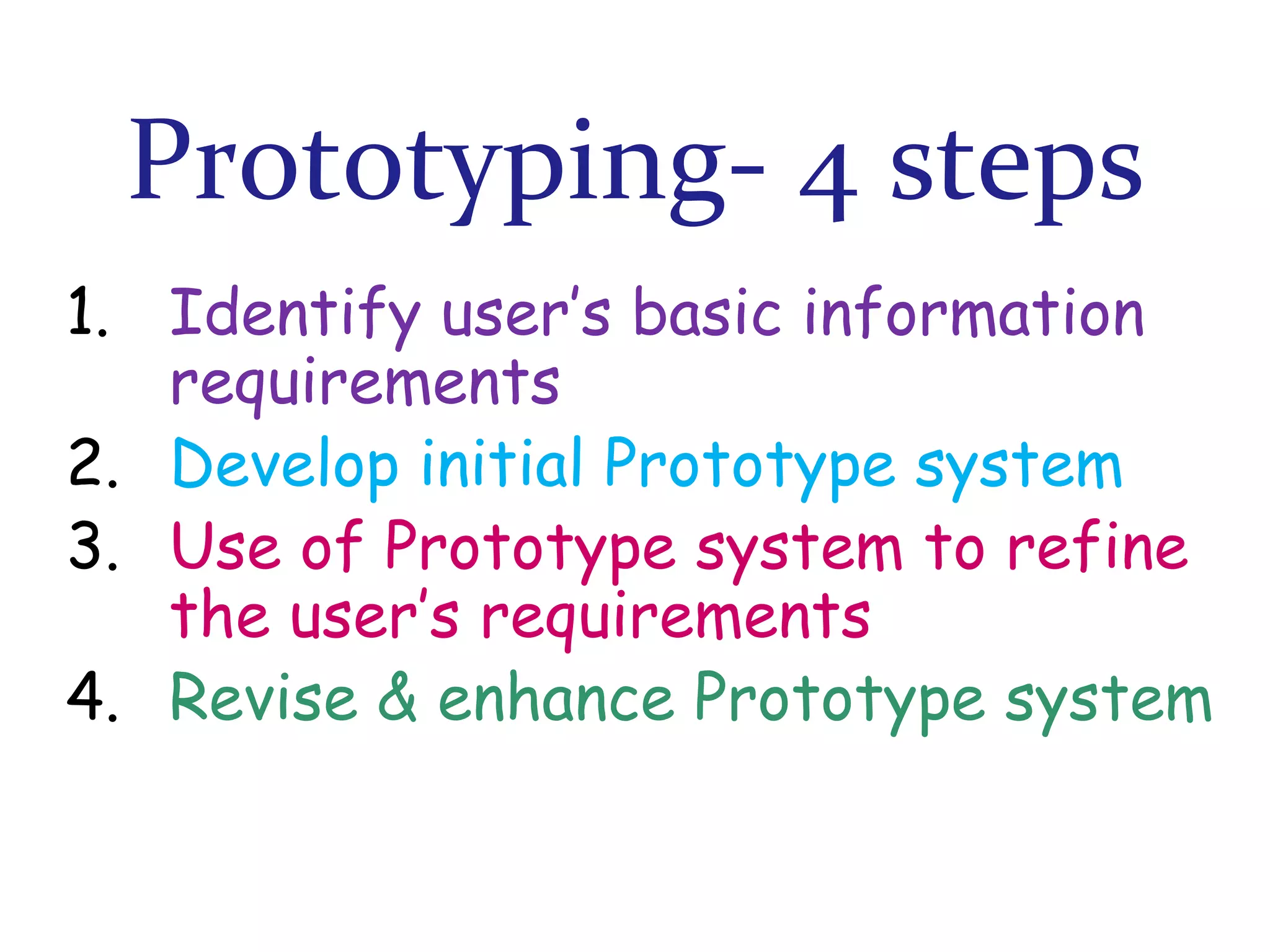
Prototyping- 4 steps
1. Identify user’s basic information
requirements
2. Develop initial Prototype system
3. Use of Prototype system to refine
the user’s requirements
4. Revise & enhance Prototype system
Prototyping
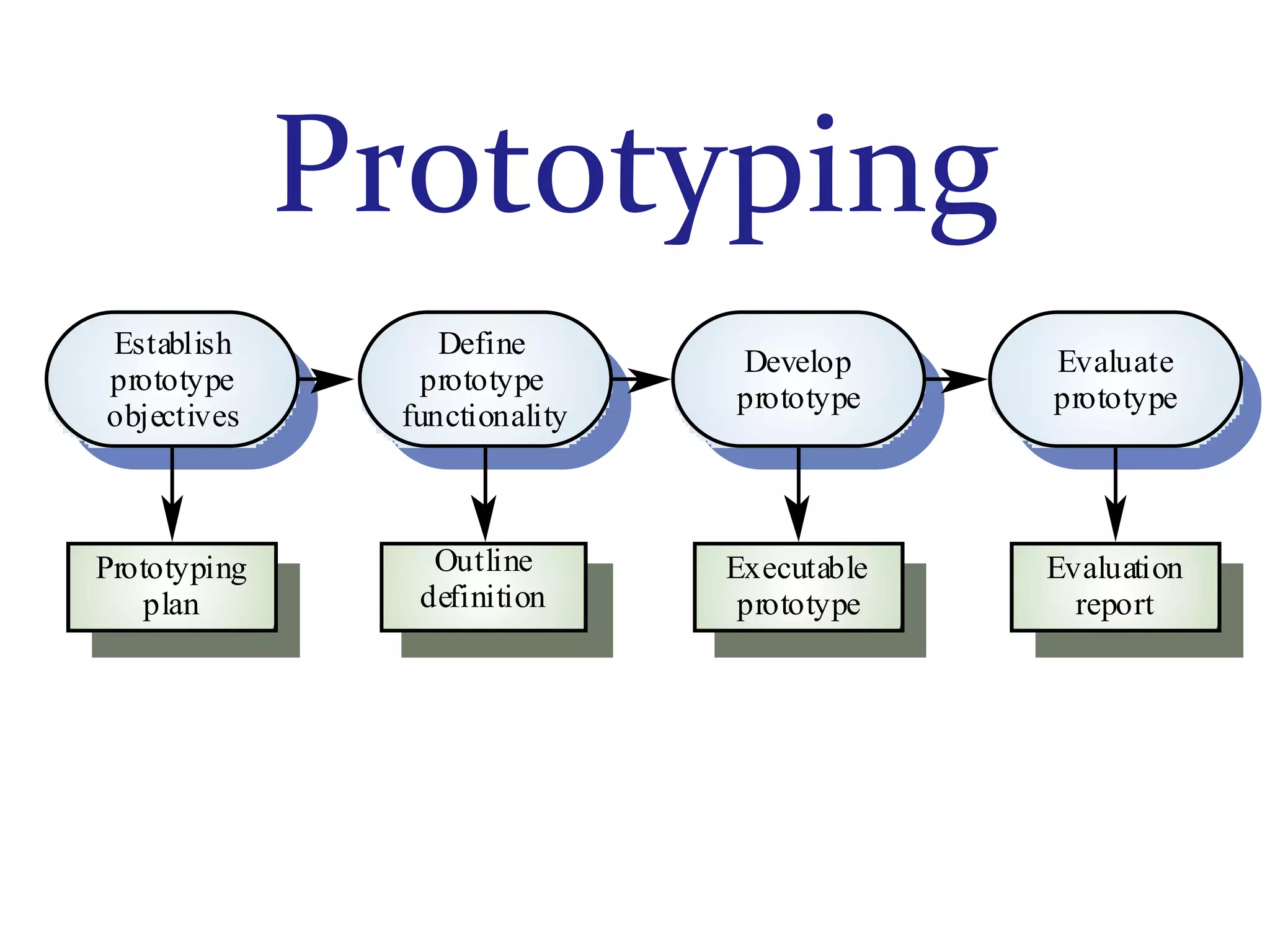
Establish
prototype
objectives

Define
prototype
functionality

Develop
prototype

Evaluate
prototype

Prototyping
plan

Outline
definition

Executable
prototype

Evaluation
report
Prototyping- Step 1
1. Identify user’s basic information
requirements

 Form of outputs required from system
 Based on users’ expectations, cost of
workable prototype is calculated
Prototyping- Step 2
2. Develop initial Prototype system

 Users’ basic information requirements
 Minimum possible time
 Efficiency is not main consideration
Prototyping- Step 3
3. Use of Prototype system to refine
the user’s requirements
 User gains hand-on experience on
initially developed Prototype
 Further refinements done, if required
Prototyping- Step 4
4. Revise & enhance Prototype system
 Make necessary changes pointed by
user after using Prototype
 Steps 3 & 4 are repeated again & again
 Refined as per user’s satisfaction
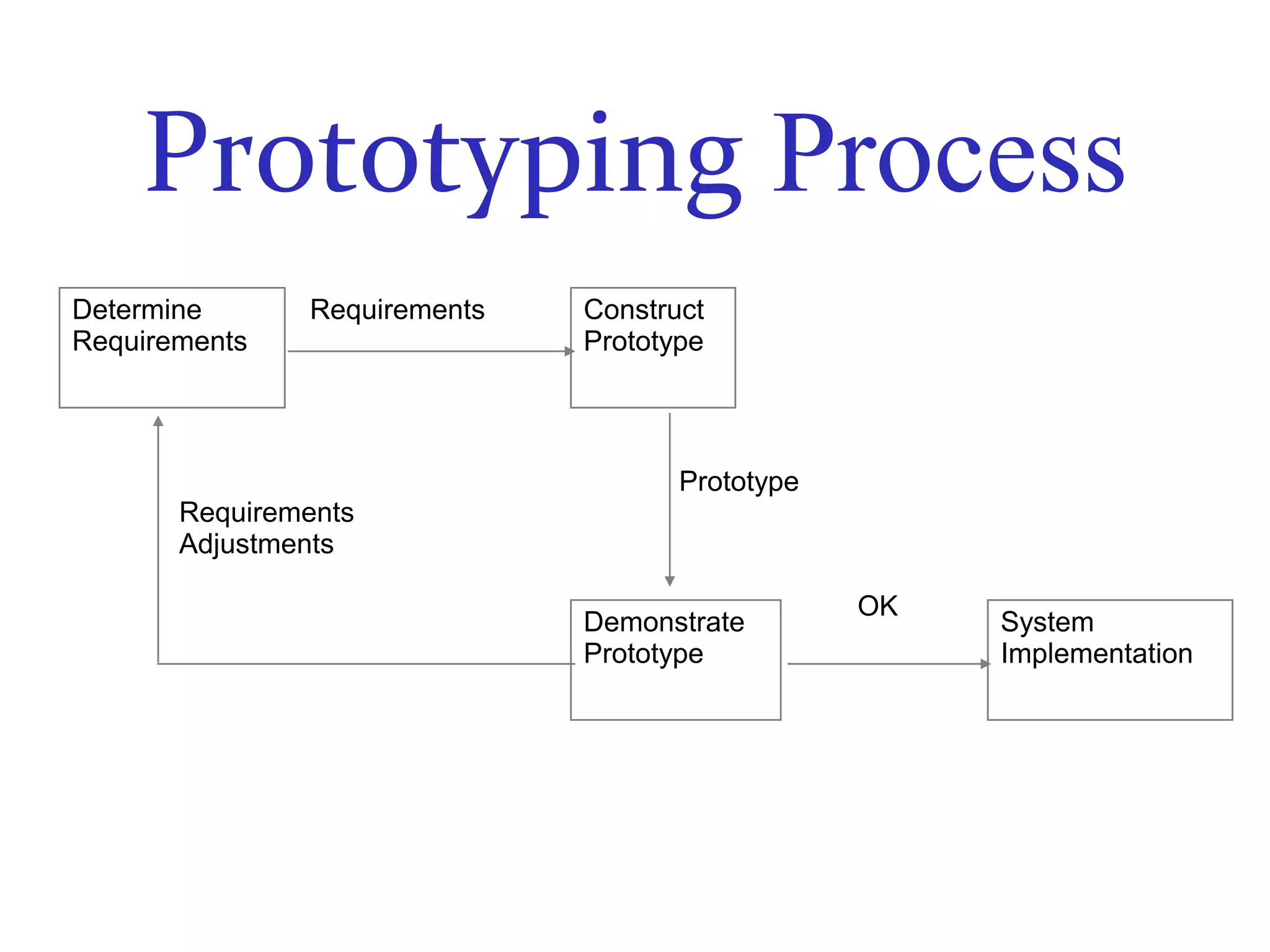
Prototyping Process
Determine
Requirements

Requirements

Construct
Prototype

Prototype
Requirements
Adjustments
Demonstrate
Prototype

OK

System
Implementation
Prototyping Benefits
•Improved system usability
•Improved design quality
•Developers learn from customers
•Additional functionality neededPossible
Prototyping Benefits
•Improved maintainability
•Reduced overall development effort
•“Try Out” ideas in limited cost
•Functioning system into hands of user
quickly
Prototyping Benefits
•More Flexible
•Steady, visible signs of progress
•A more accurate end product
•Users are actively involved in the
development
Prototyping Benefits
•Errors can be detected much earlier
as the system is made side by side
•Quicker user feedback is available
leading to better solutions
Limitations
Customer may want the prototype
delivered
Process may continue forever- Scope
not well defined
May increase the complexity of the
system
When to use
Requirements are unstable
New, original development
Develop user-interfaces
When not to use
Requirements may change

Return

Class prototype