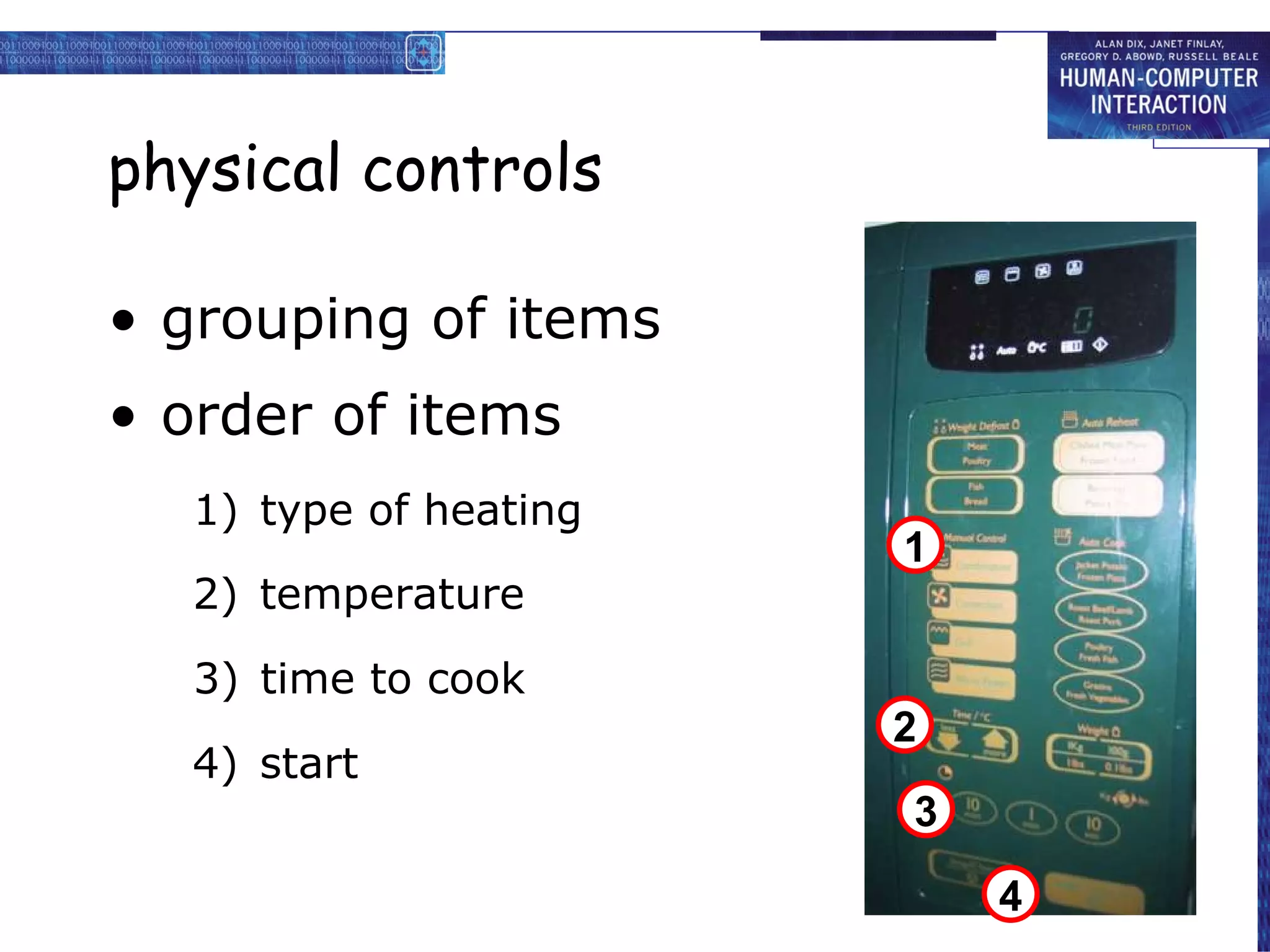
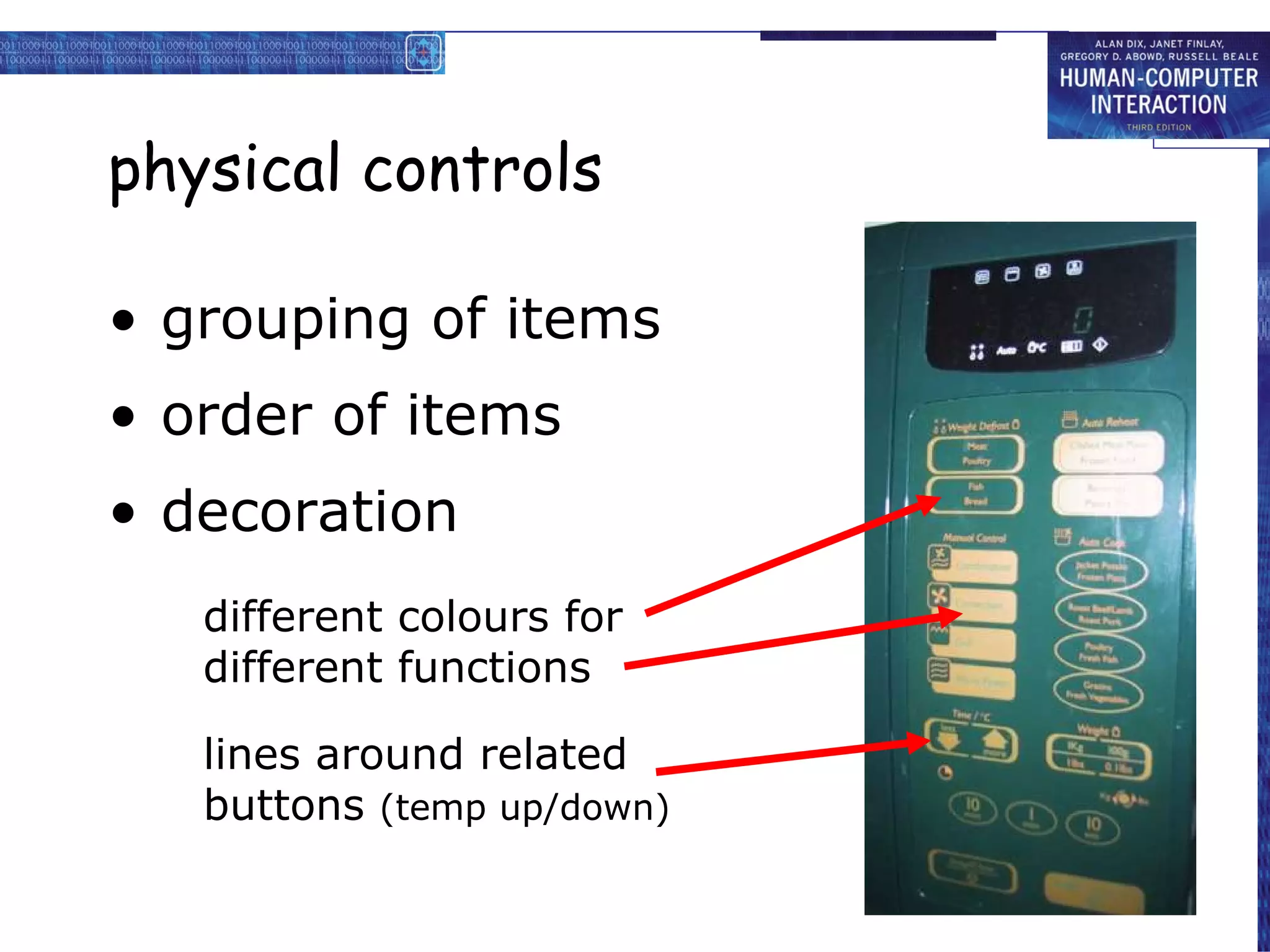
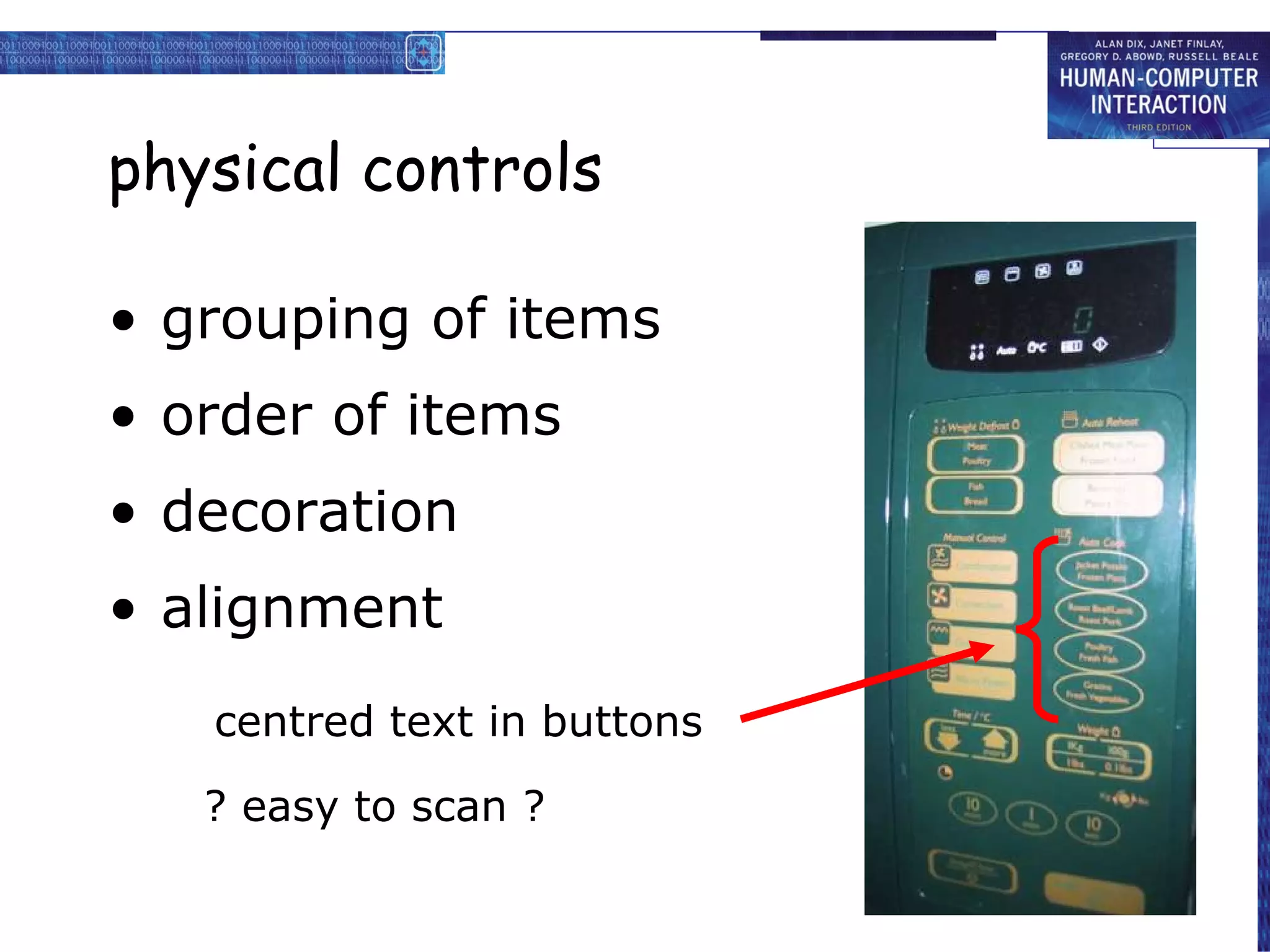
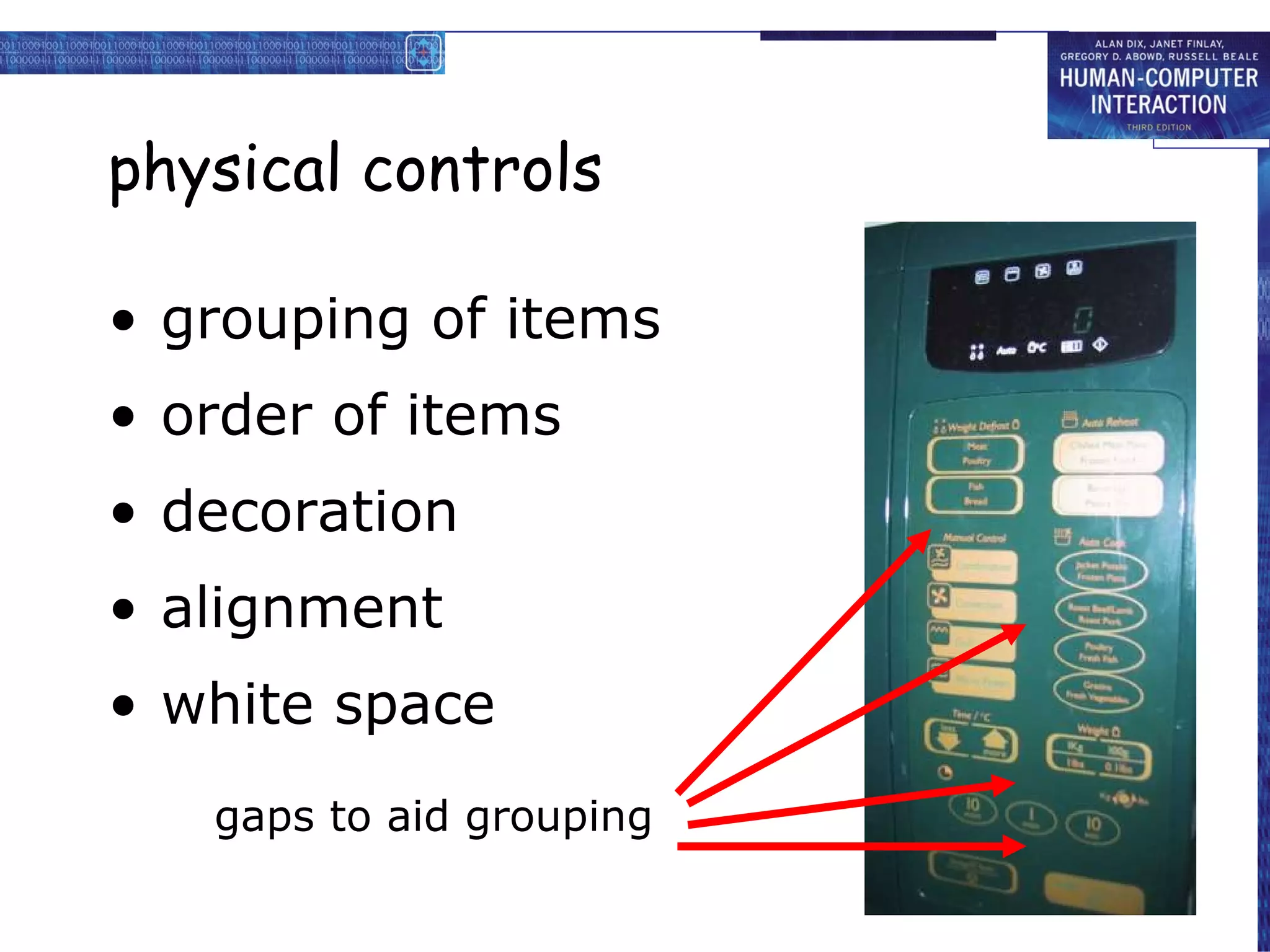
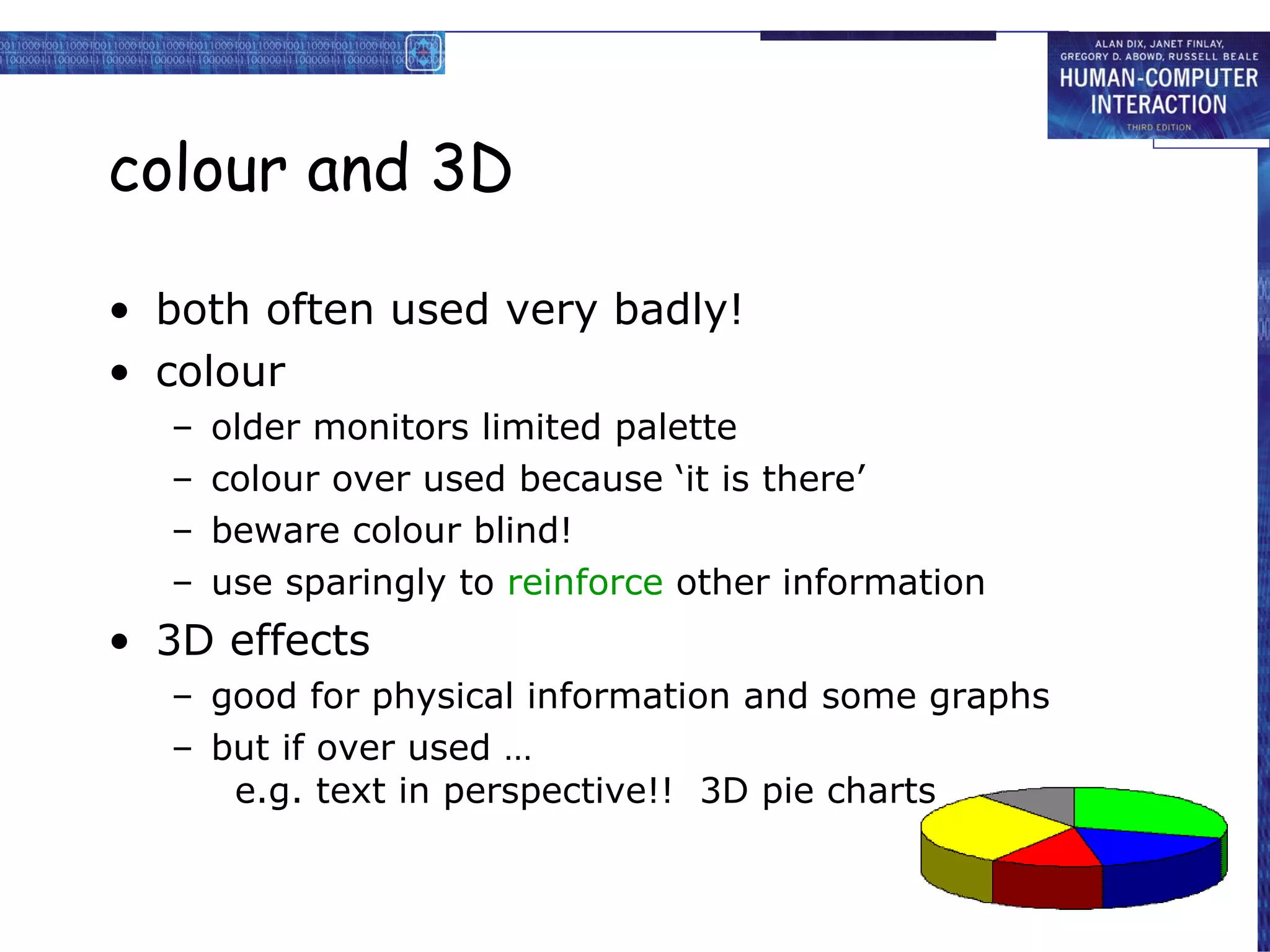
blame ‘lintel error’ ? … no – design error we know how concrete behaves under stress
human ‘error’ is normal
we know how users behave under stress
so design for it!
treat the user at least as well as physical materials!
Central message …
the user
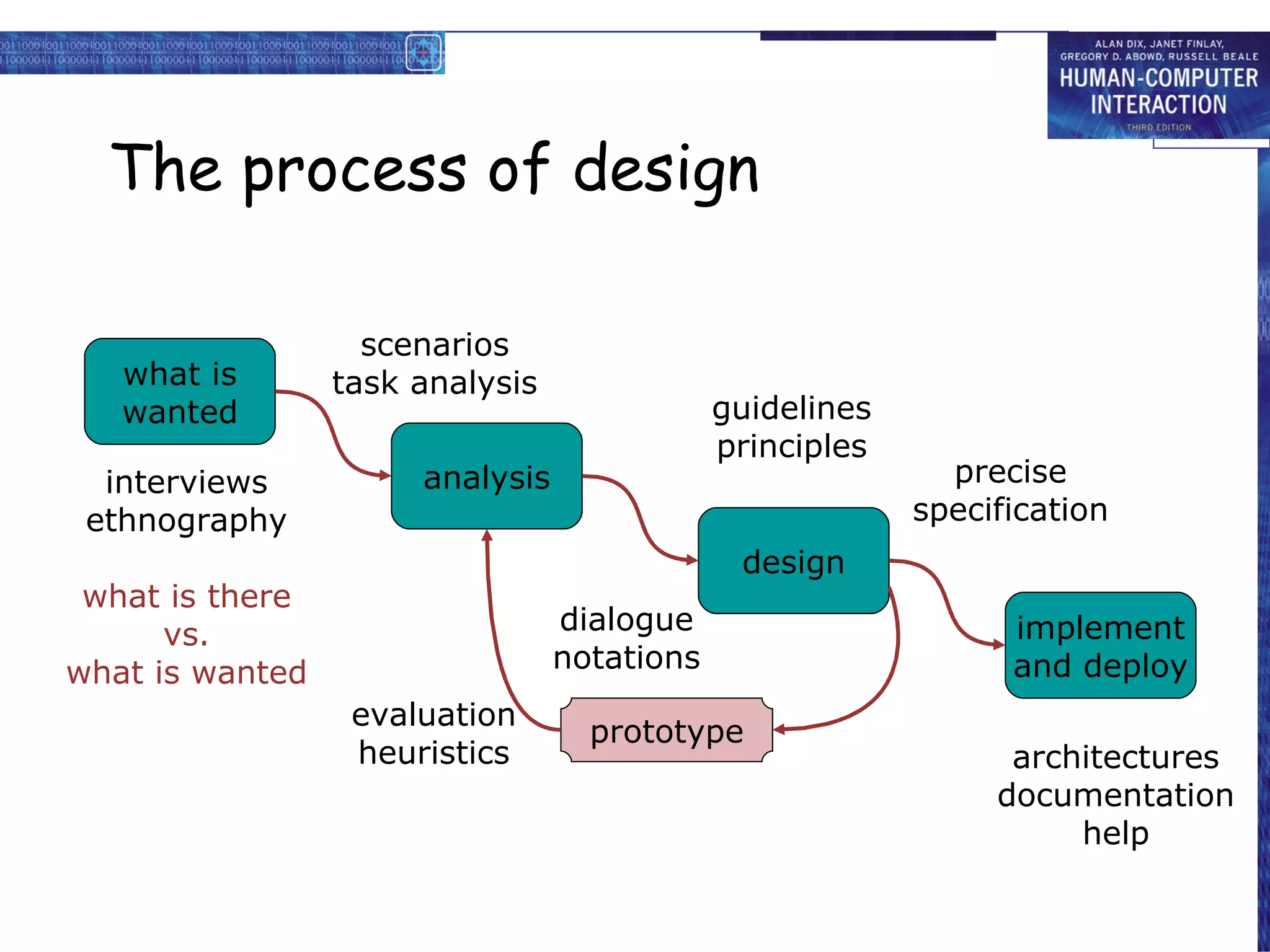
The process of design what is wanted analysis design implement and deploy prototype interviews ethnography what is there vs. what is wanted guidelines principles dialogue notations precise specification architectures documentation help evaluation heuristics scenarios task analysis
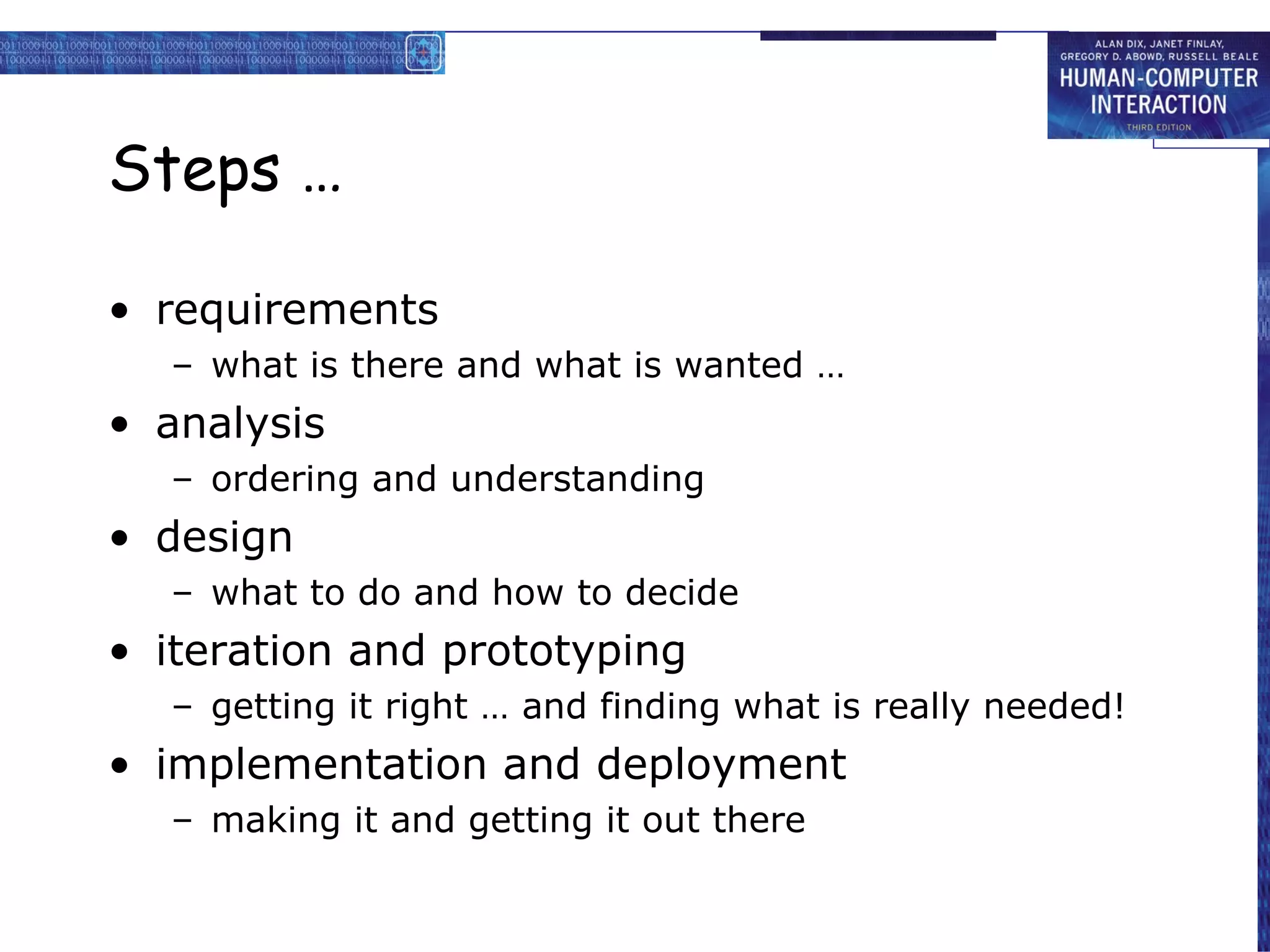
Steps …
requirements
what is there and what is wanted …
analysis
ordering and understanding
design
what to do and how to decide
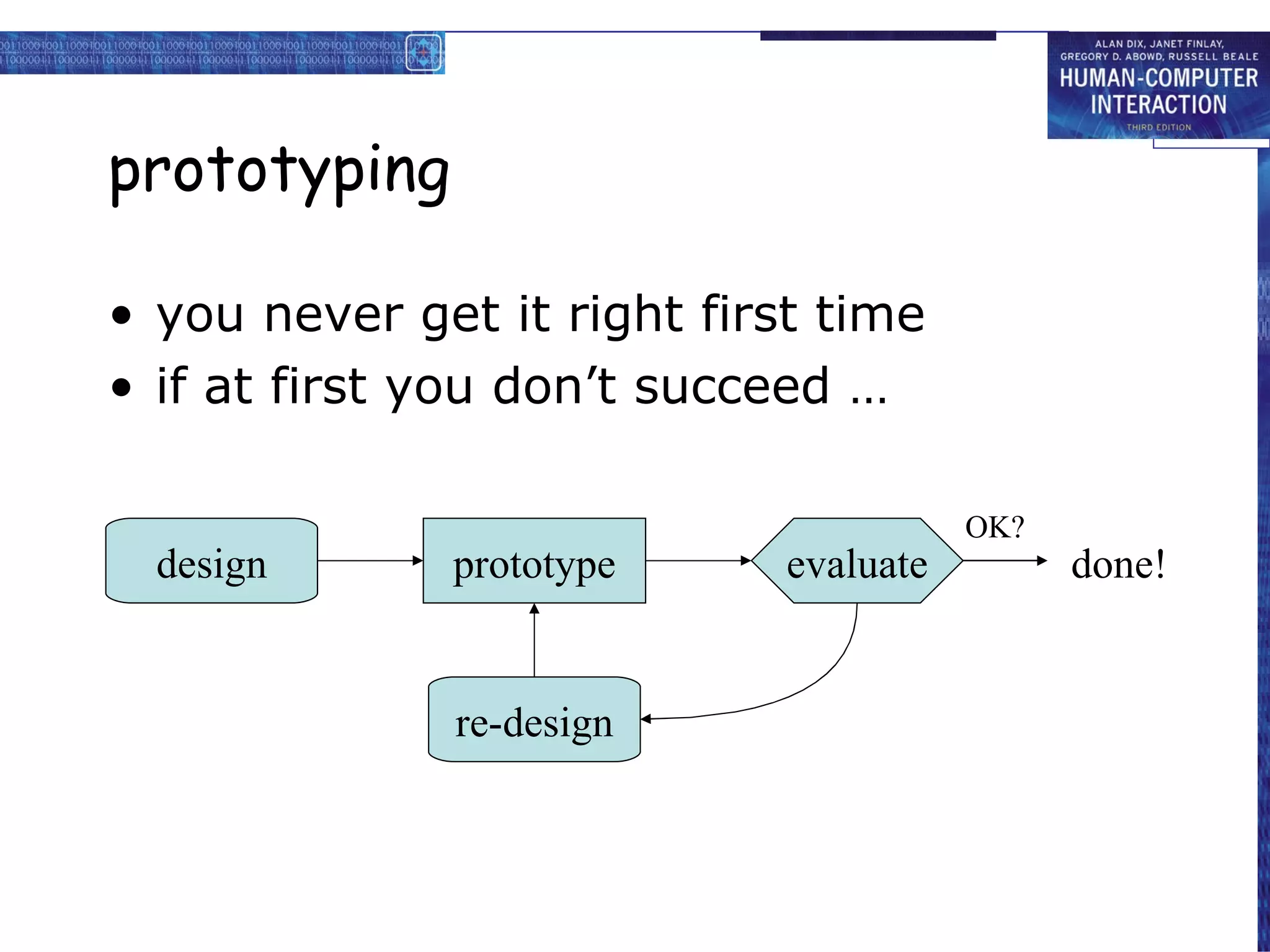
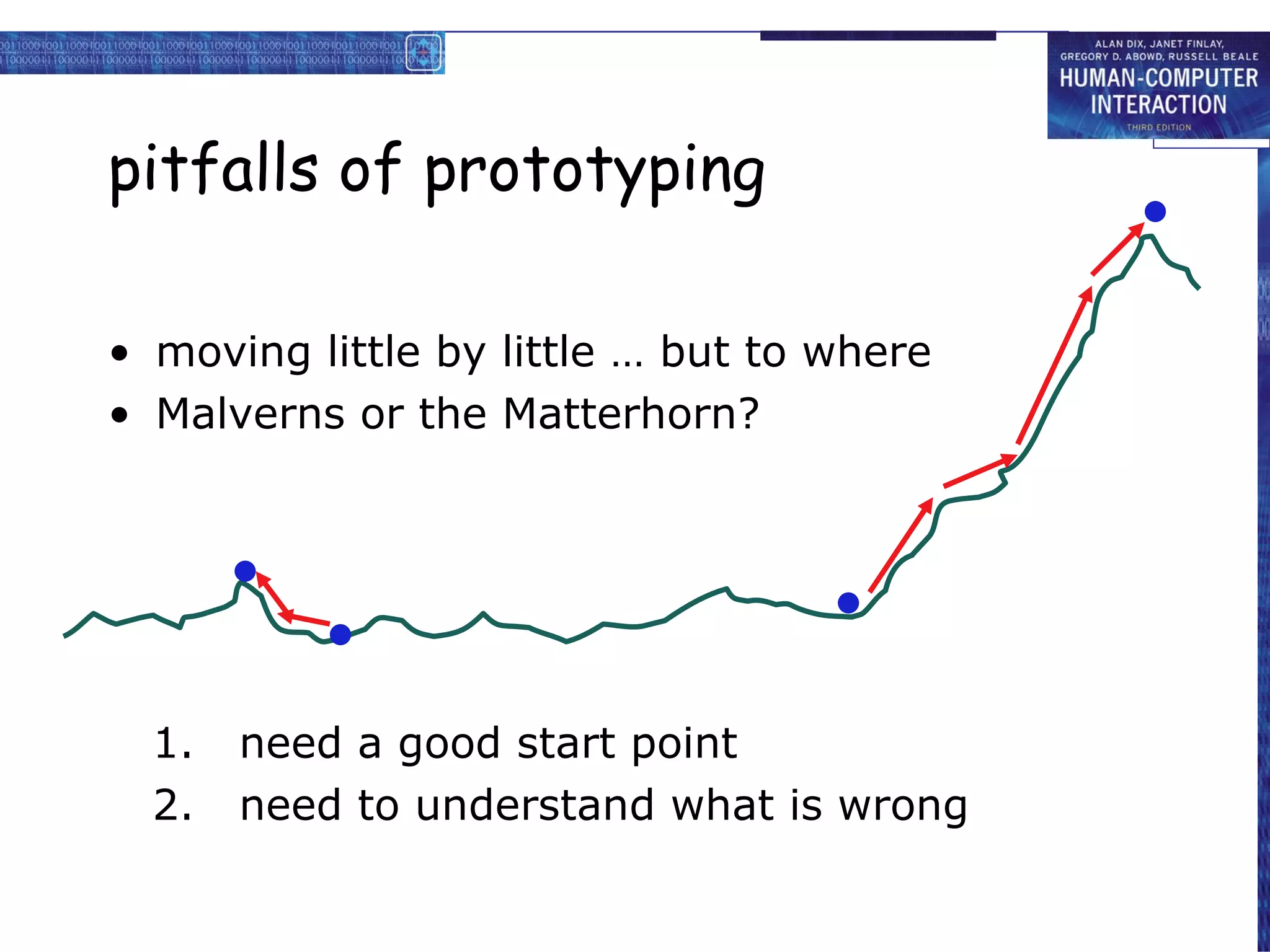
iteration and prototyping
getting it right … and finding what is really needed!
implementation and deployment
making it and getting it out there
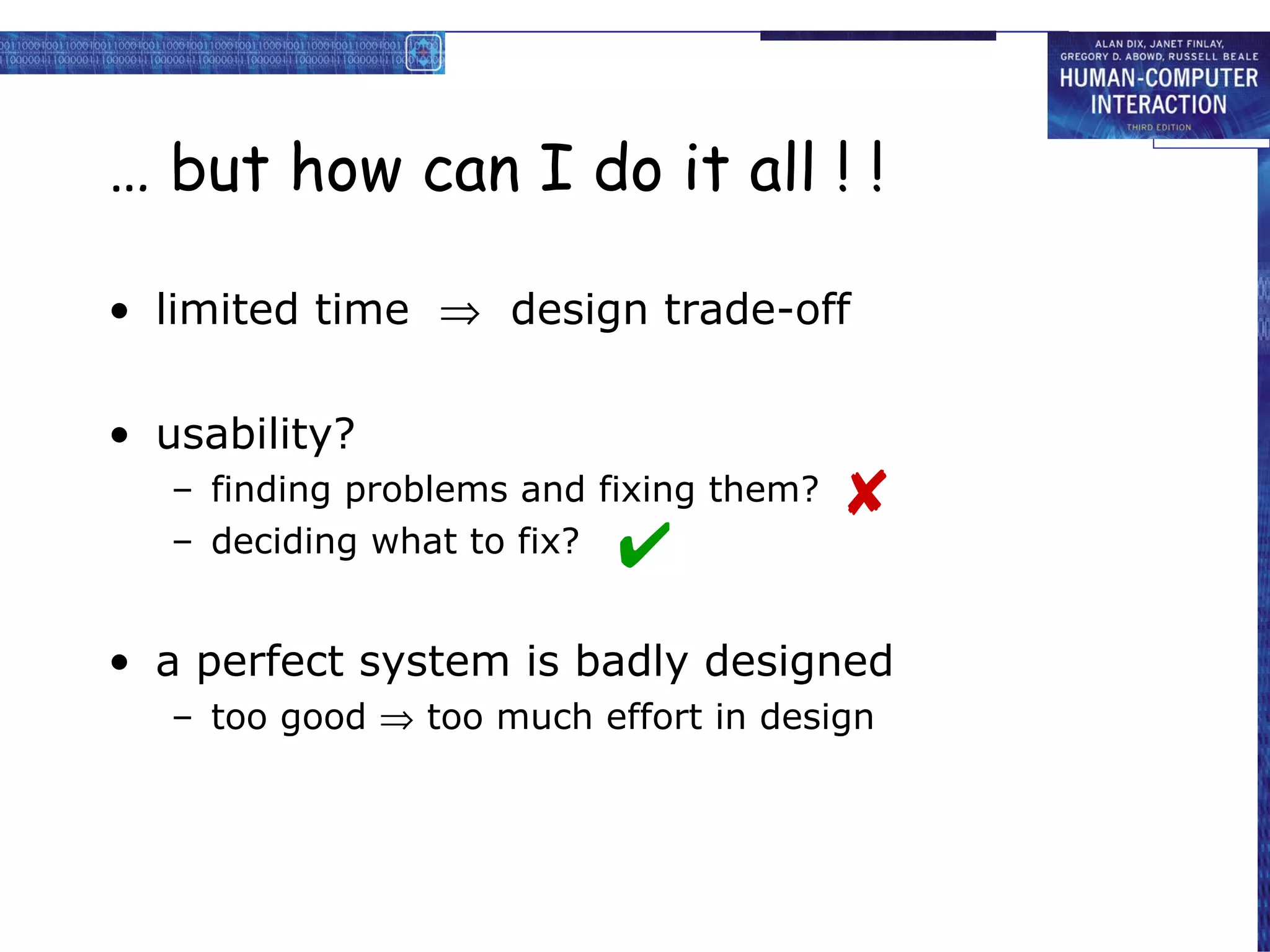
… but how can I do it all ! !
limited time design trade-off
usability?
finding problems and fixing them?
deciding what to fix?
a perfect system is badly designed
too good too much effort in design
user focus know your user personae cultural probes
know your user
who are they?
probably not like you!
talk to them
watch them
use your imagination
persona
description of an ‘example’ user
not necessarily a real person
use as surrogate user
what would Betty think
details matter
makes her ‘real’
example persona
Betty is 37 years old, She has been Warehouse Manager for five years and worked for Simpkins Brothers Engineering for twelve years. She didn’t go to university, but has studied in her evenings for a business diploma. She has two children aged 15 and 7 and does not like to work late. She did part of an introductory in-house computer course some years ago, but it was interrupted when she was promoted and could no longer afford to take the time. Her vision is perfect, but her right-hand movement is slightly restricted following an industrial accident 3 years ago. She is enthusiastic about her work and is happy to delegate responsibility and take suggestions from her staff. However, she does feel threatened by the introduction of yet another new computer system (the third in her time at SBE).
cultural probes
direct observation
sometimes hard
in the home
psychiatric patients, …
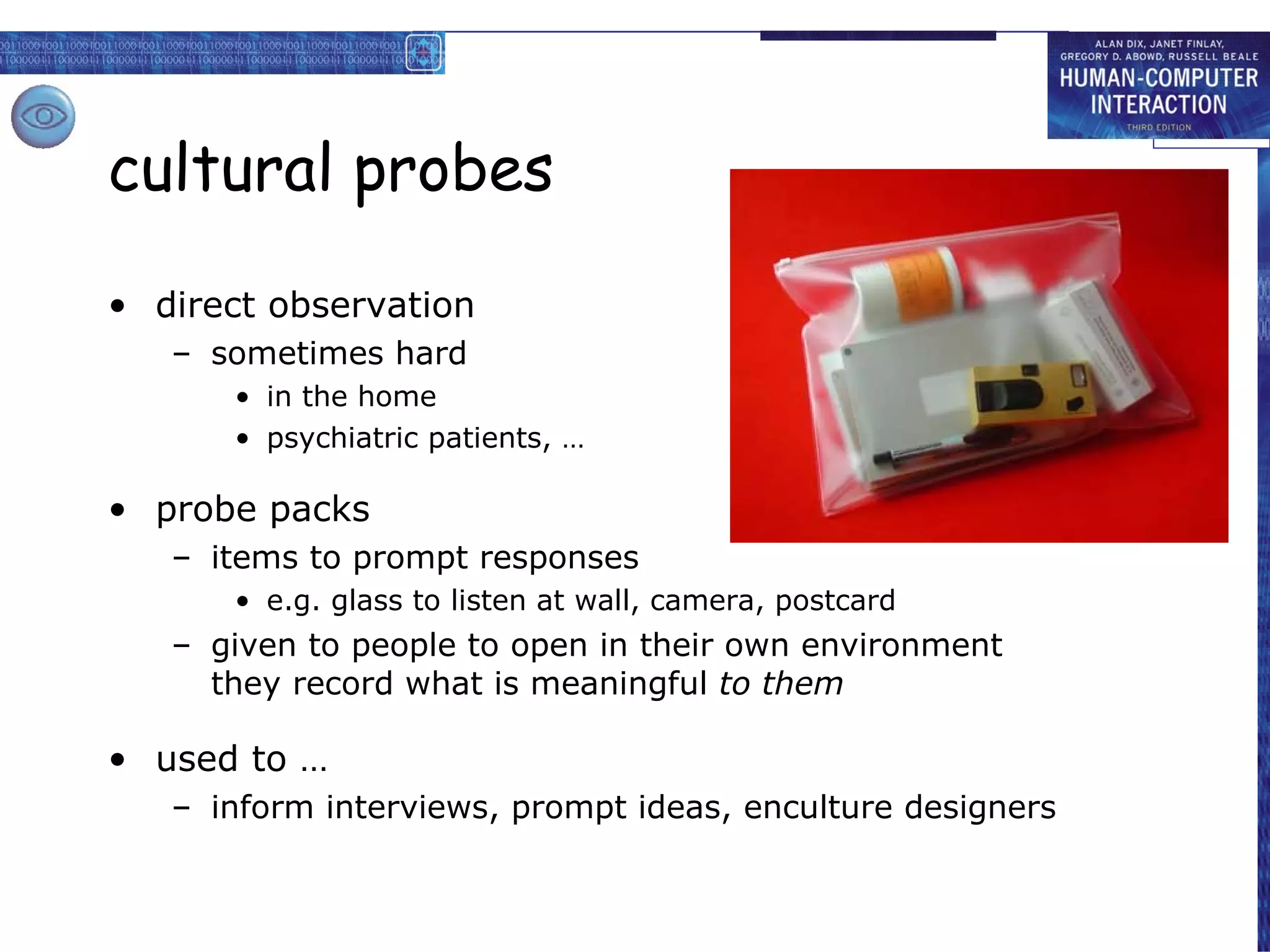
probe packs
items to prompt responses
e.g. glass to listen at wall, camera, postcard
given to people to open in their own environment they record what is meaningful to them
Brian would like to see the new film “Moments of Significance” and wants to invite Alison, but he knows she doesn’t like “arty” films. He decides to take a look at it to see if she would like it and so connects to one of the movie sharing networks. He uses his work machine as it has a higher bandwidth connection, but feels a bit guilty. He knows he will be getting an illegal copy of the film, but decides it is OK as he is intending to go to the cinema to watch it. After it downloads to his machine he takes out his new personal movie player. He presses the ‘menu’ button and on the small LCD screen he scrolls using the arrow keys to ‘bluetooth connect’ and presses the select button. On his computer the movie download program now has an icon showing that it has recognised a compatible device and he drags the icon of the film over the icon for the player. On the player the LCD screen says “downloading now”, a percent done indicator and small whirling icon. … … …
also play act …
mock up device
pretend you are doing it
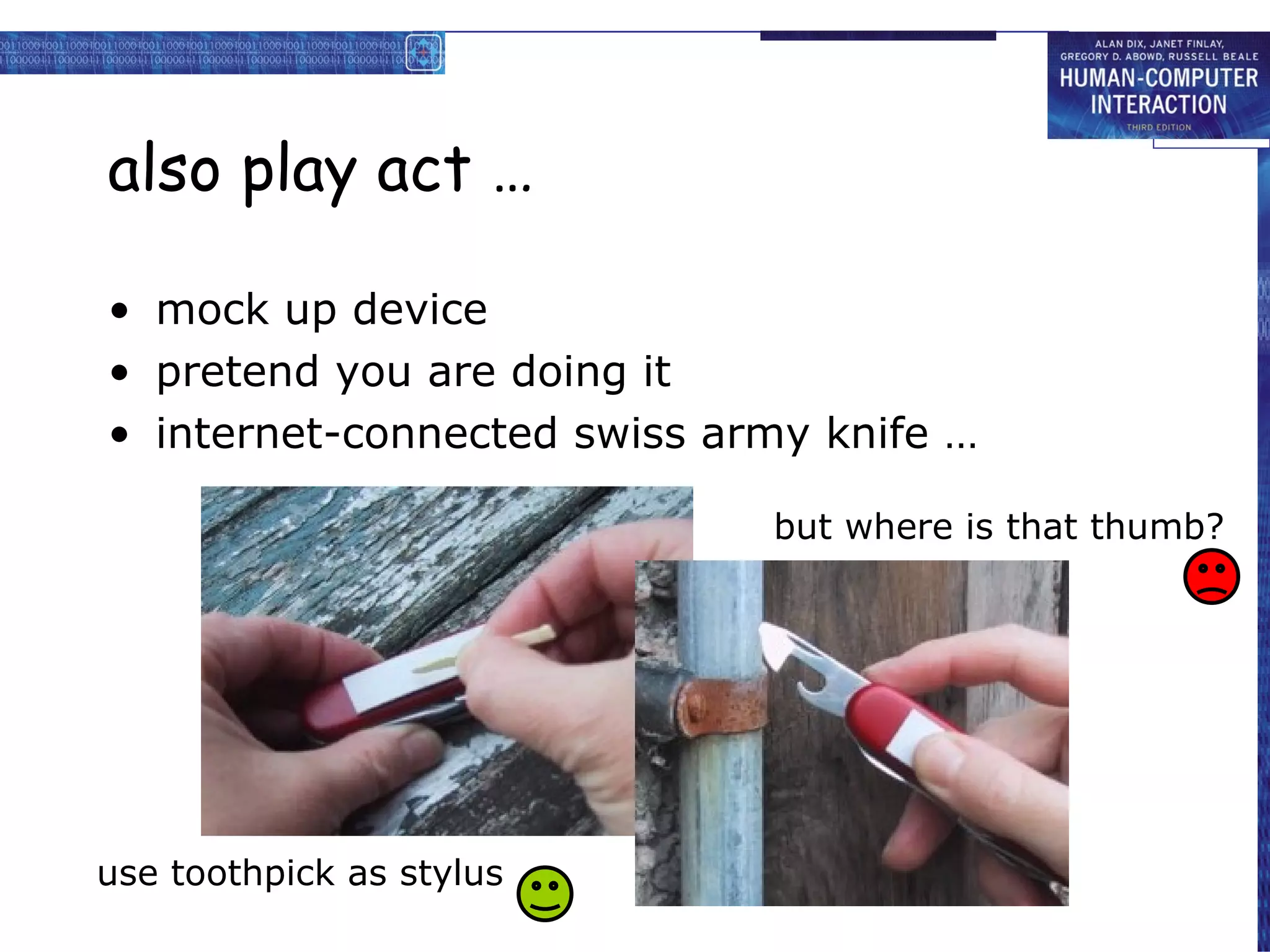
internet-connected swiss army knife …
use toothpick as stylus but where is that thumb?
… explore the depths
explore interaction
what happens when
explore cognition
what are the users thinking
explore architecture
what is happening inside
use scenarios to ..
communicate with others
designers, clients, users
validate other models
‘play’ it against other models
express dynamics
screenshots – appearance
scenario – behaviour
linearity
Scenarios – one linear path through system
Pros:
life and time are linear
easy to understand (stories and narrative are natural)
concrete (errors less likely)
Cons:
no choice, no branches, no special conditions
miss the unintended
So:
use several scenarios
use several methods
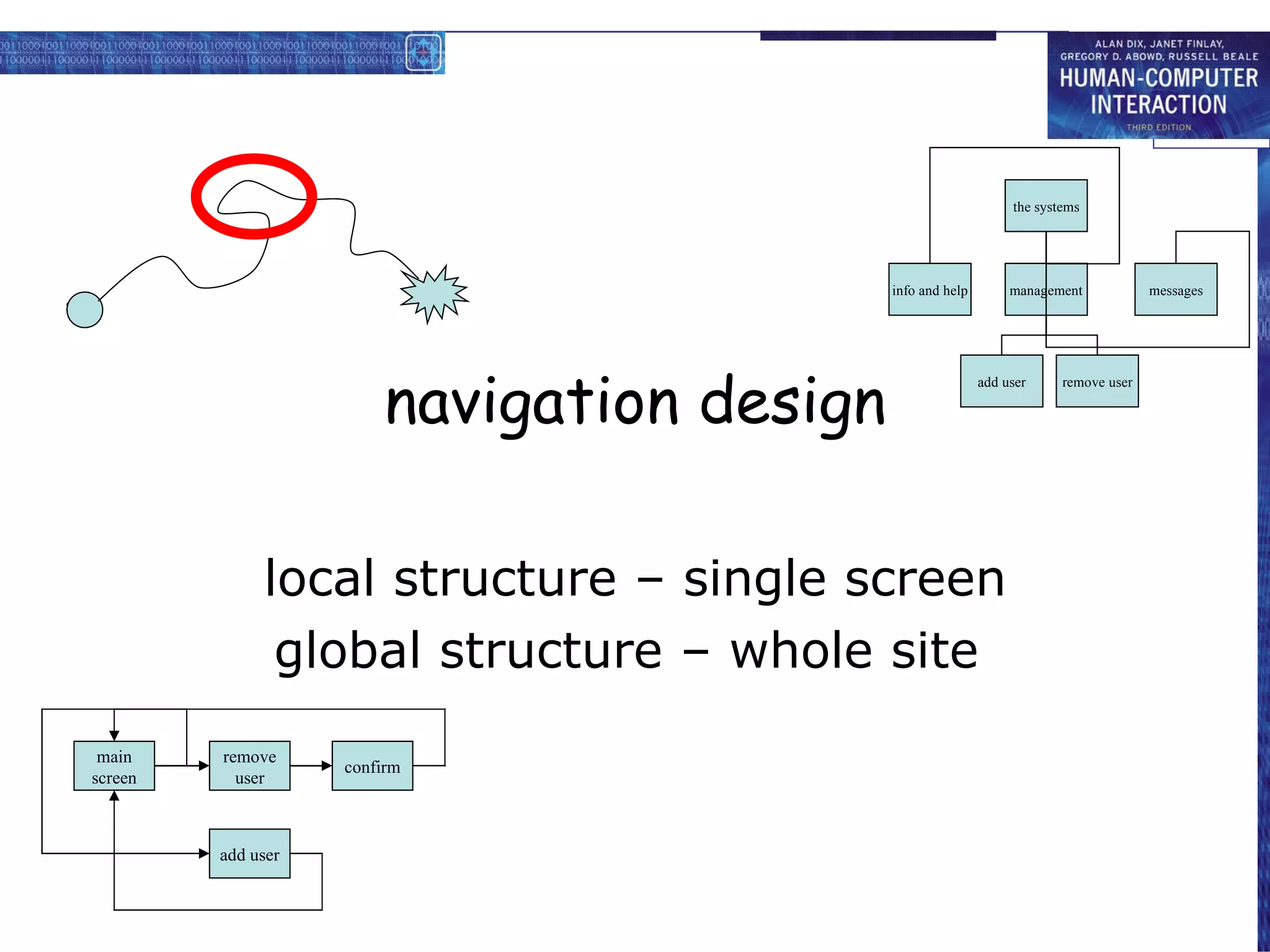
navigation design local structure – single screen global structure – whole site start the systems info and help management messages add user remove user main screen remove user confirm add user
levels
widget choice
menus, buttons etc.
screen design
application navigation design
environment
other apps, O/S
the web …
widget choice
screen design
navigation design
environment
elements and tags
<a href=“...”>
page design
site structure
the web, browser, external links
physical devices
widget choice
screen design
navigation design
environment
controls
buttons, knobs, dials
physical layout
modes of device
the real world
think about structure
within a screen
later ...
local
looking from this screen out
global
structure of site, movement between screens
wider still
relationship with other applications
local from one screen looking out
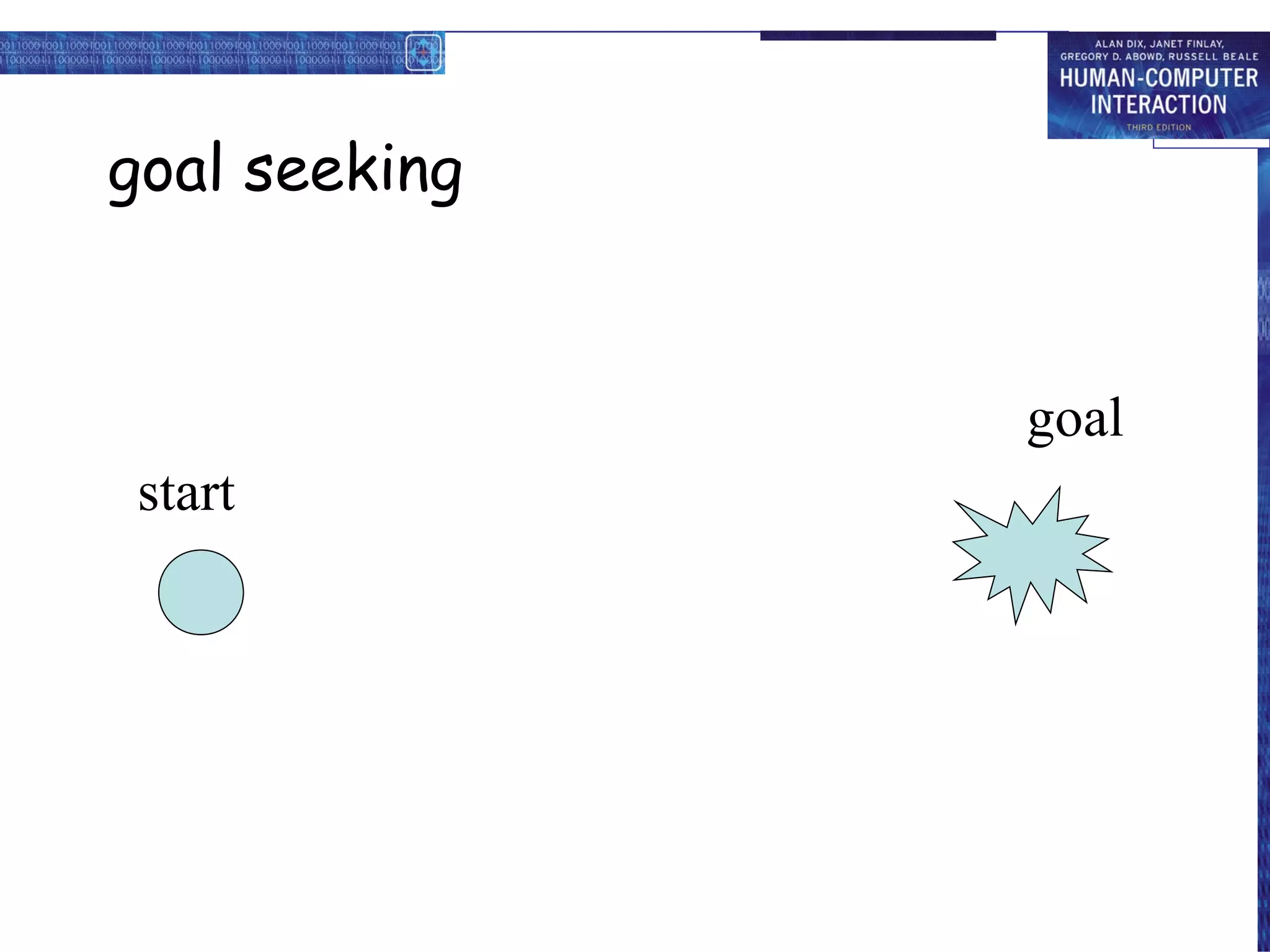
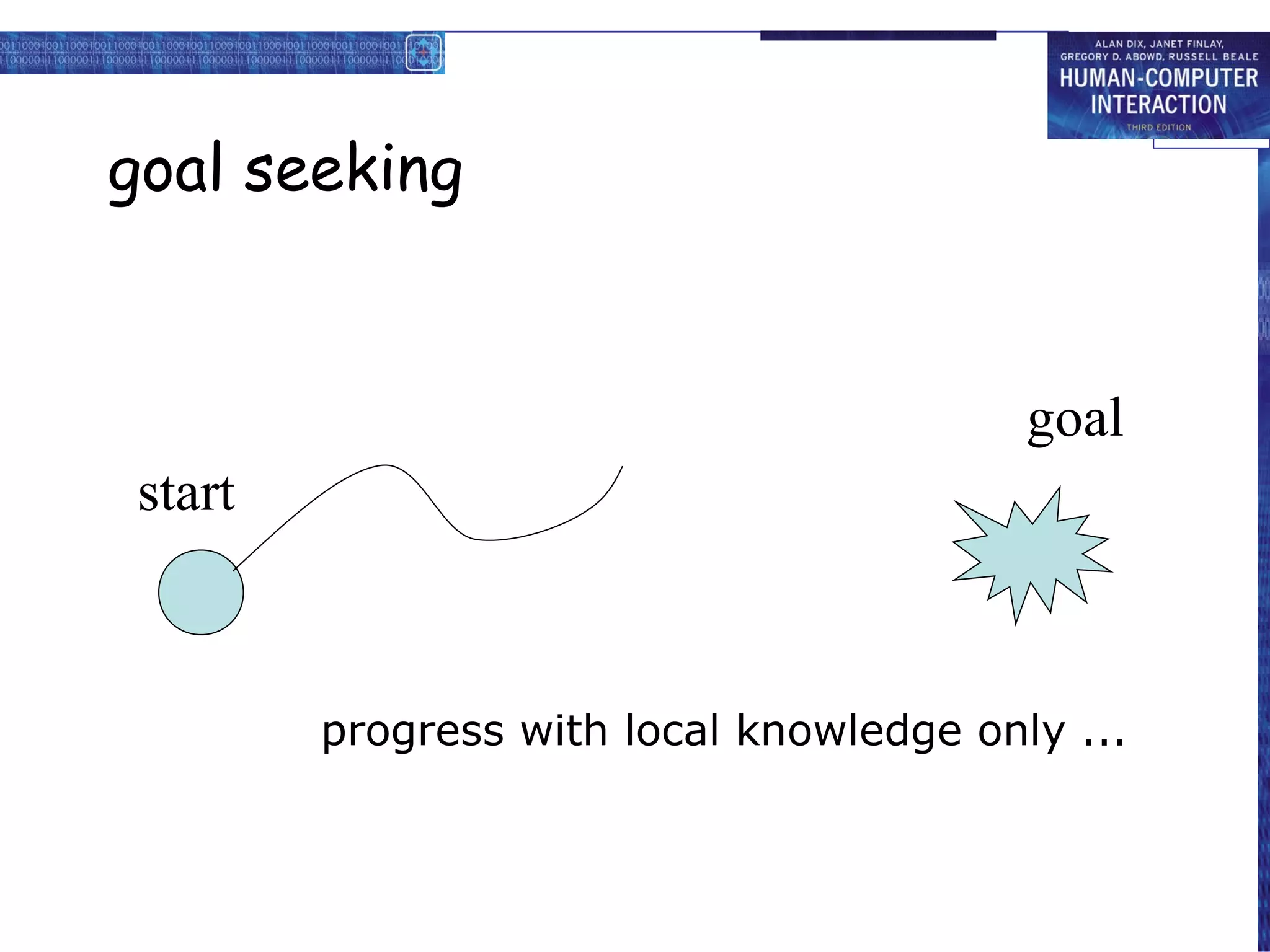
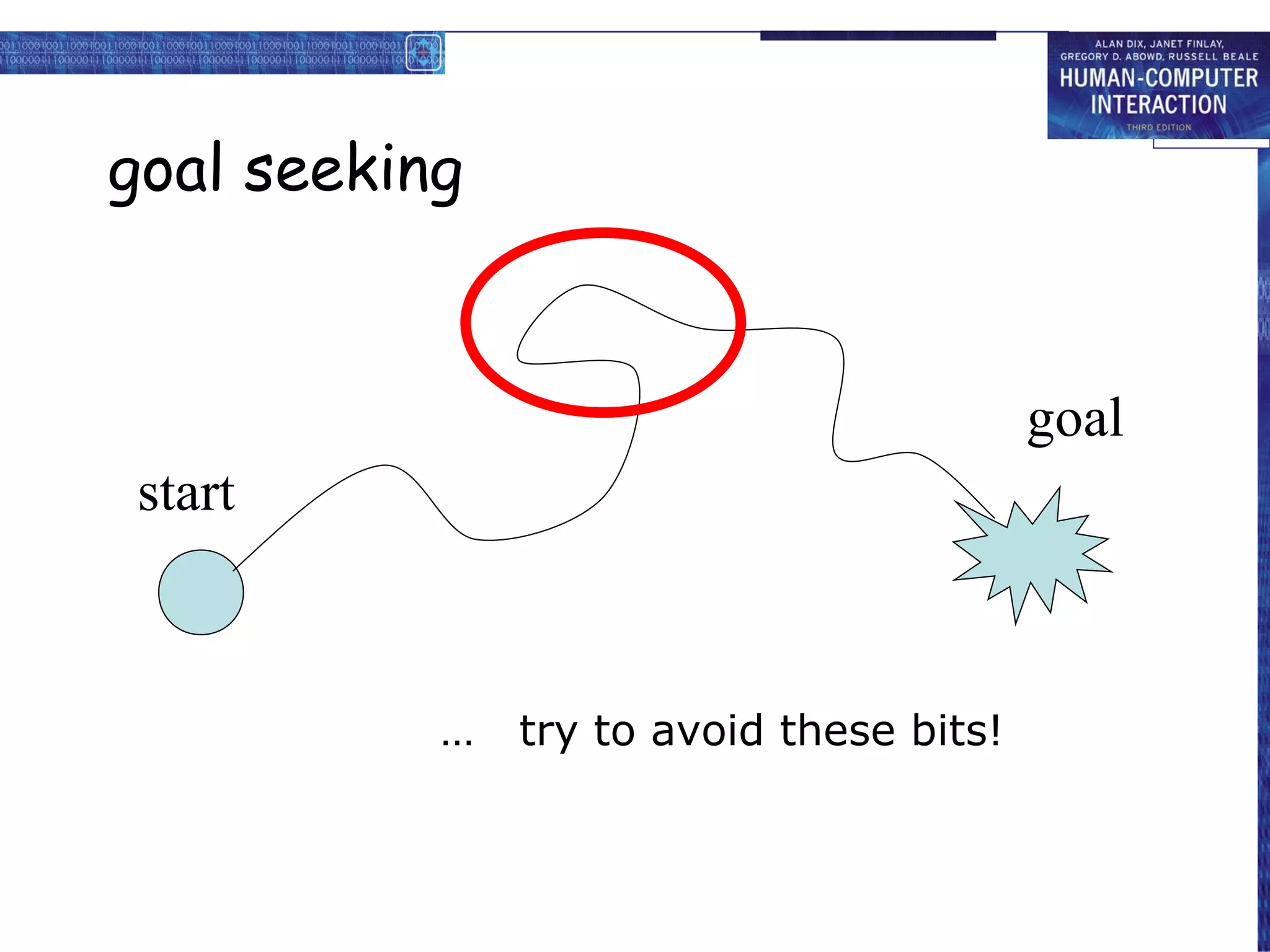
goal seeking goal start
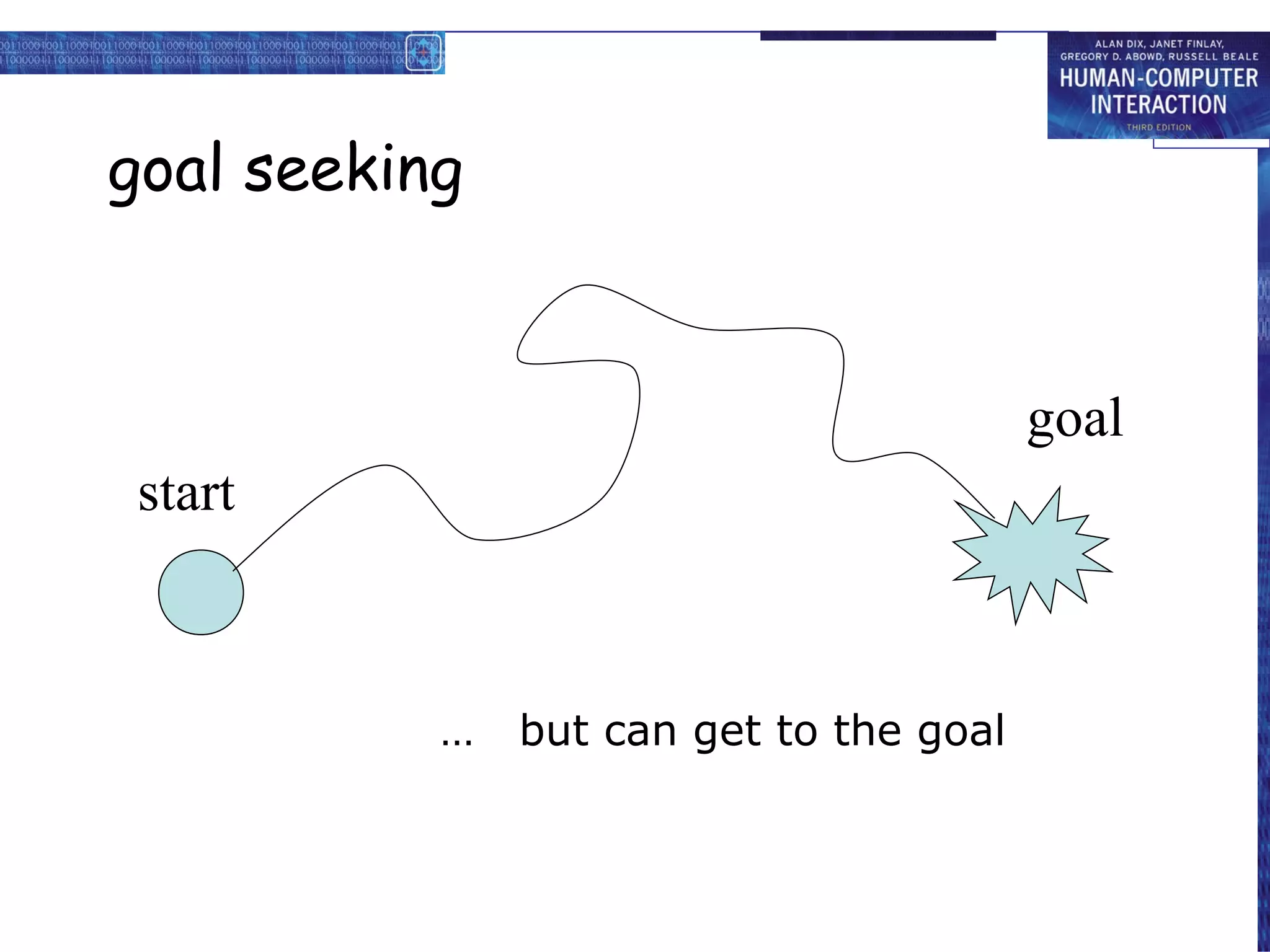
goal seeking start goal progress with local knowledge only ...
goal seeking goal start … but can get to the goal
goal seeking … try to avoid these bits! goal start
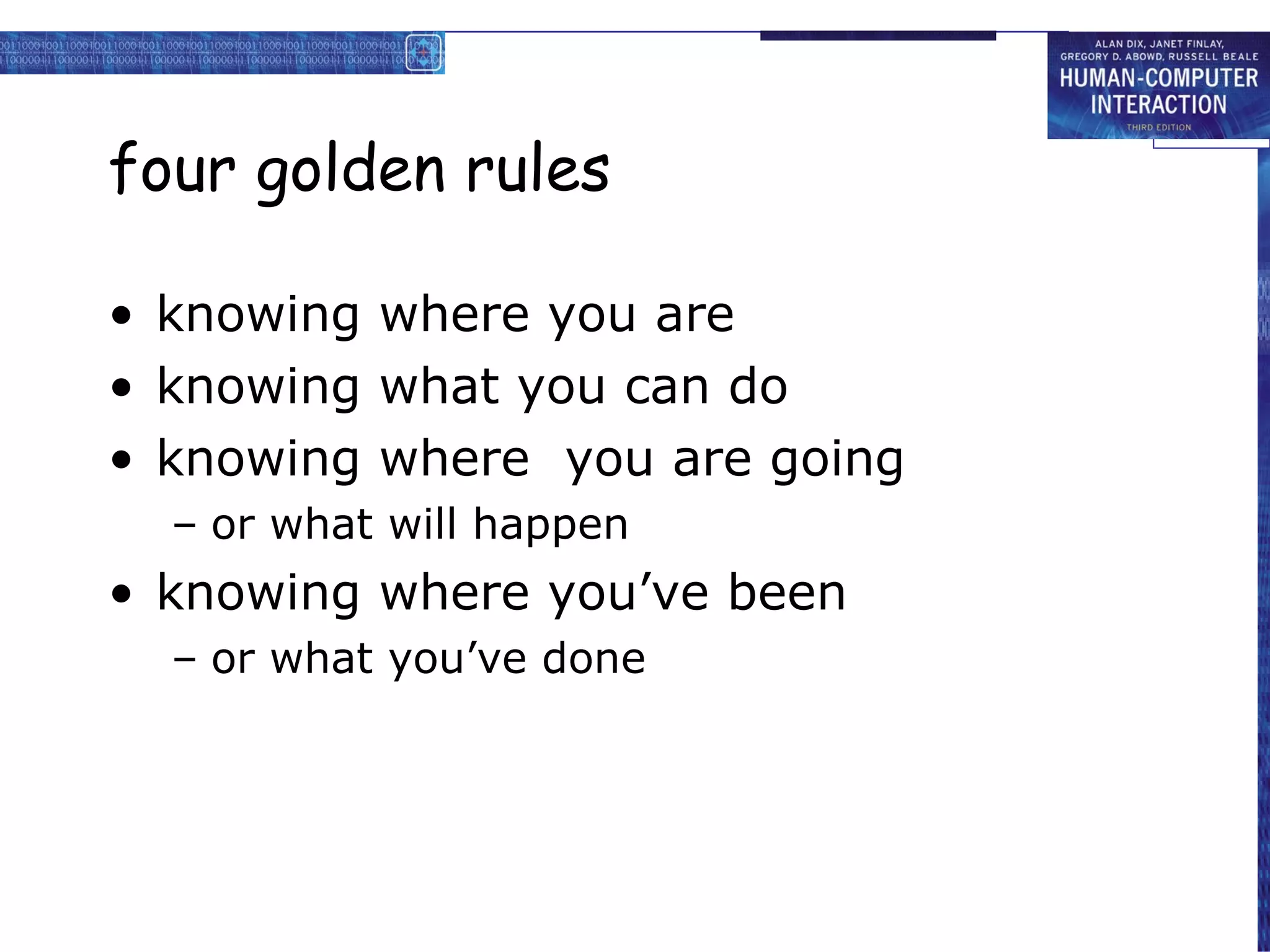
four golden rules
knowing where you are
knowing what you can do
knowing where you are going
or what will happen
knowing where you’ve been
or what you’ve done
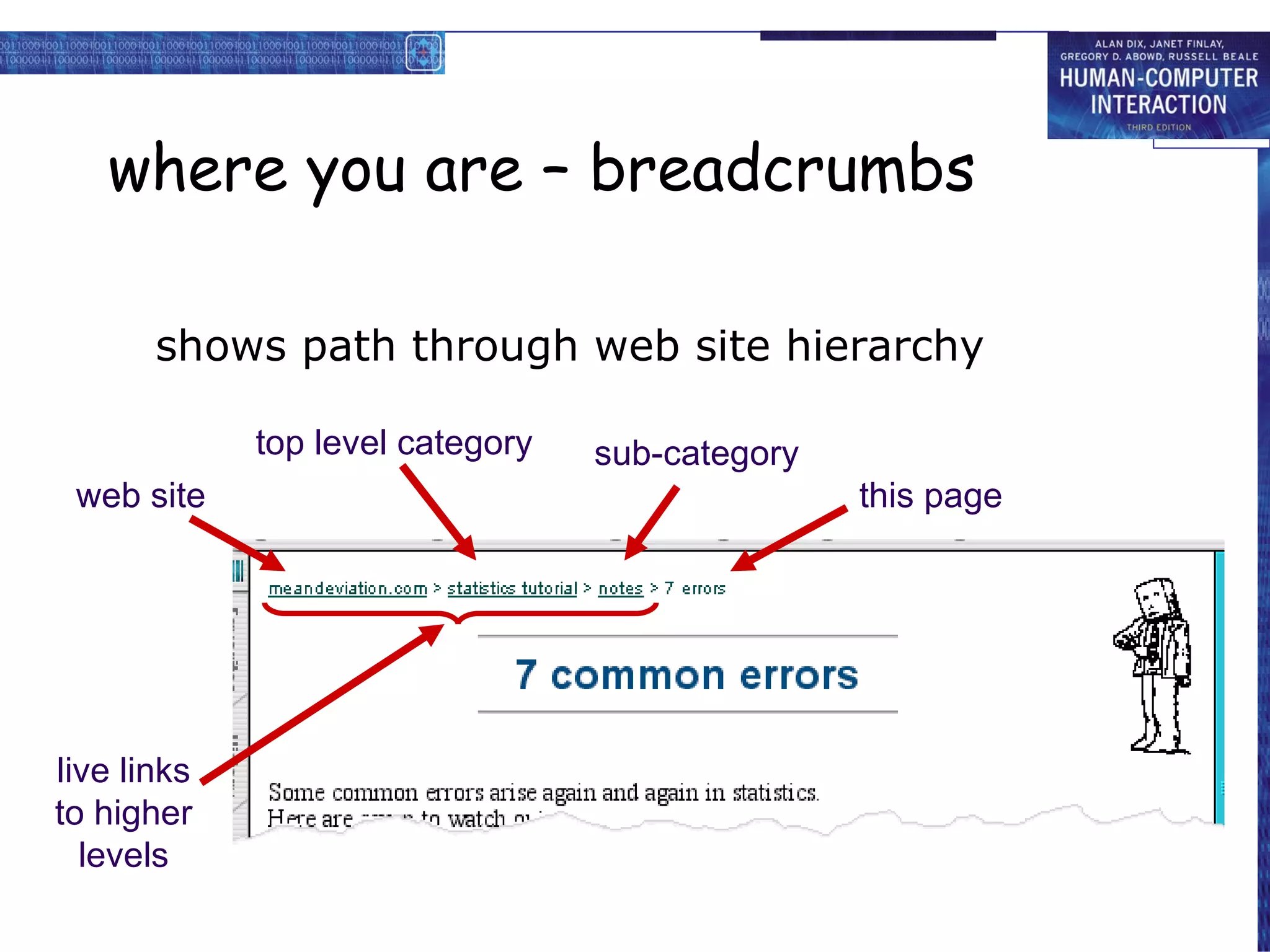
where you are – breadcrumbs
shows path through web site hierarchy
web site top level category sub-category this page live links to higher levels
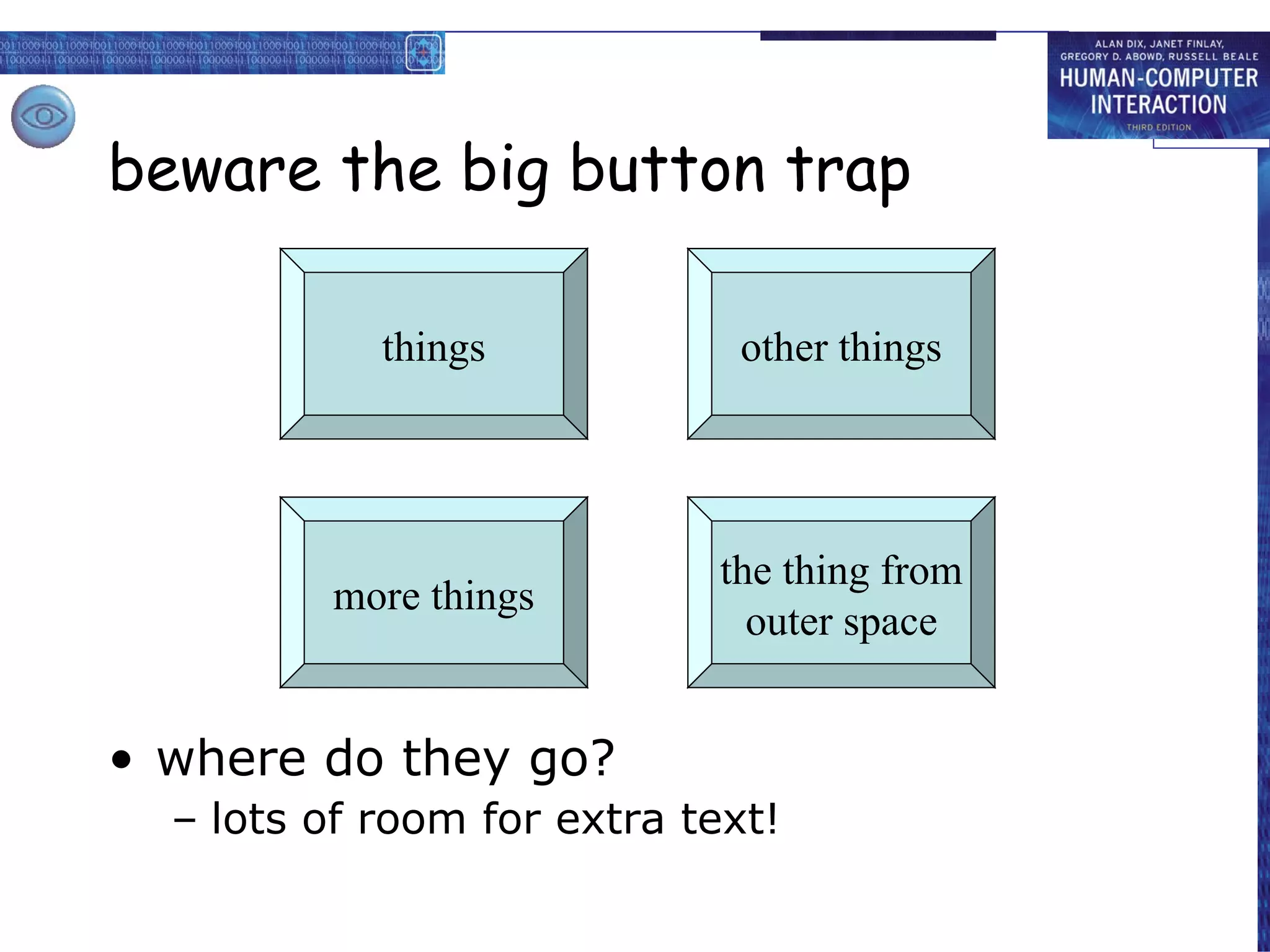
beware the big button trap
where do they go?
lots of room for extra text!
things the thing from outer space more things other things
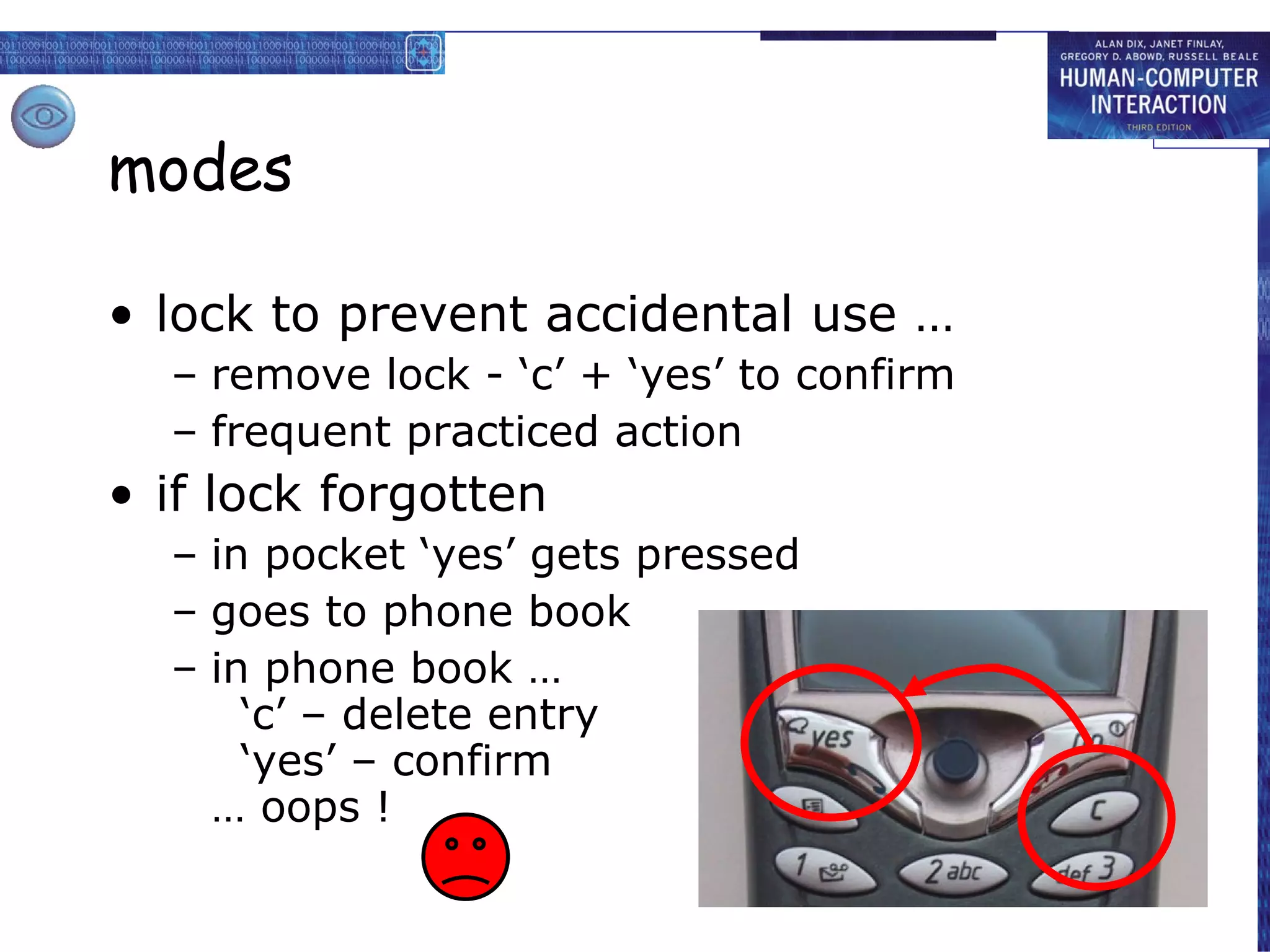
modes
lock to prevent accidental use …
remove lock - ‘c’ + ‘yes’ to confirm
frequent practiced action
if lock forgotten
in pocket ‘yes’ gets pressed
goes to phone book
in phone book … ‘c’ – delete entry ‘yes’ – confirm … oops !
global between screens within the application
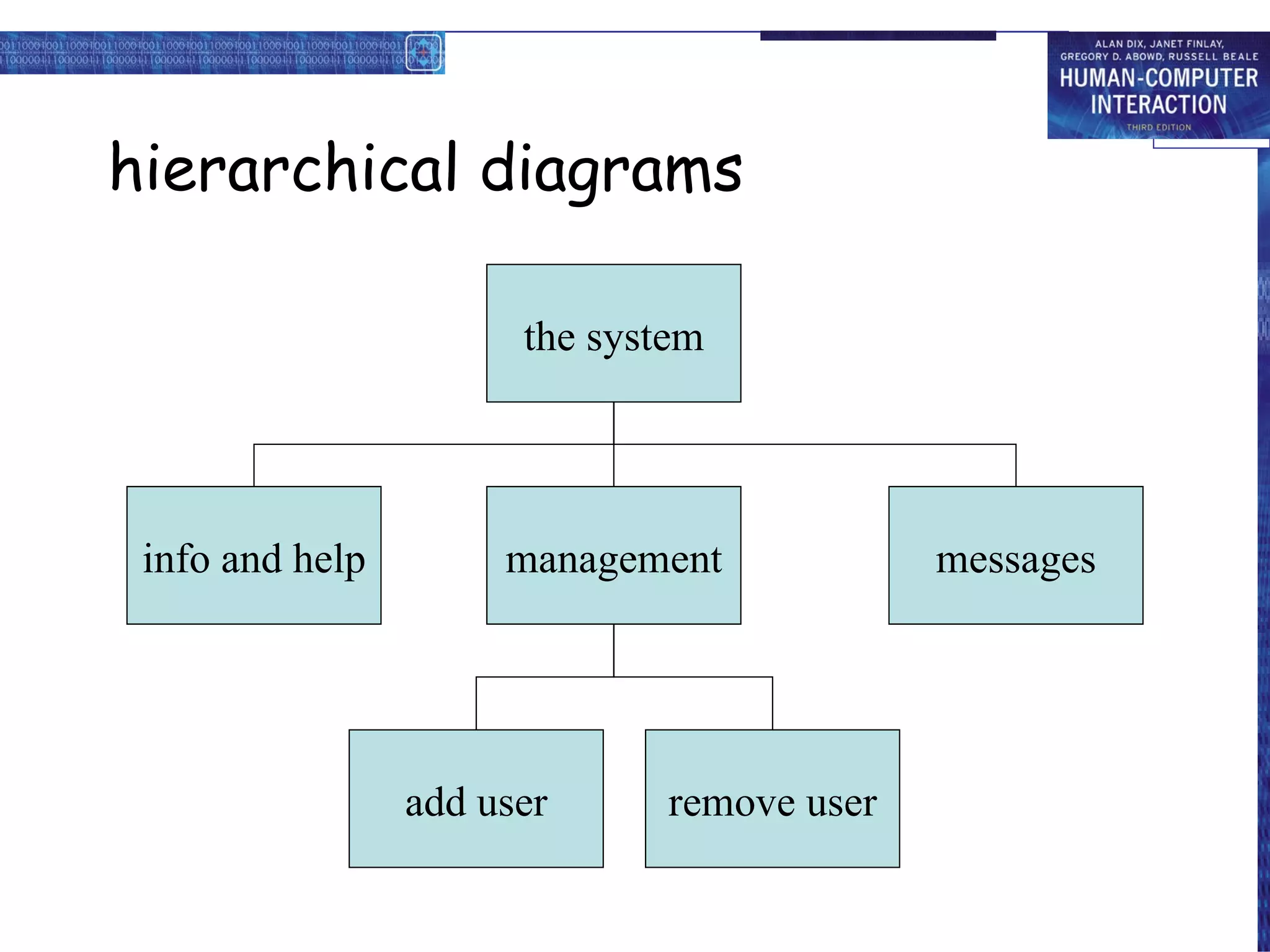
hierarchical diagrams the system info and help management messages add user remove user
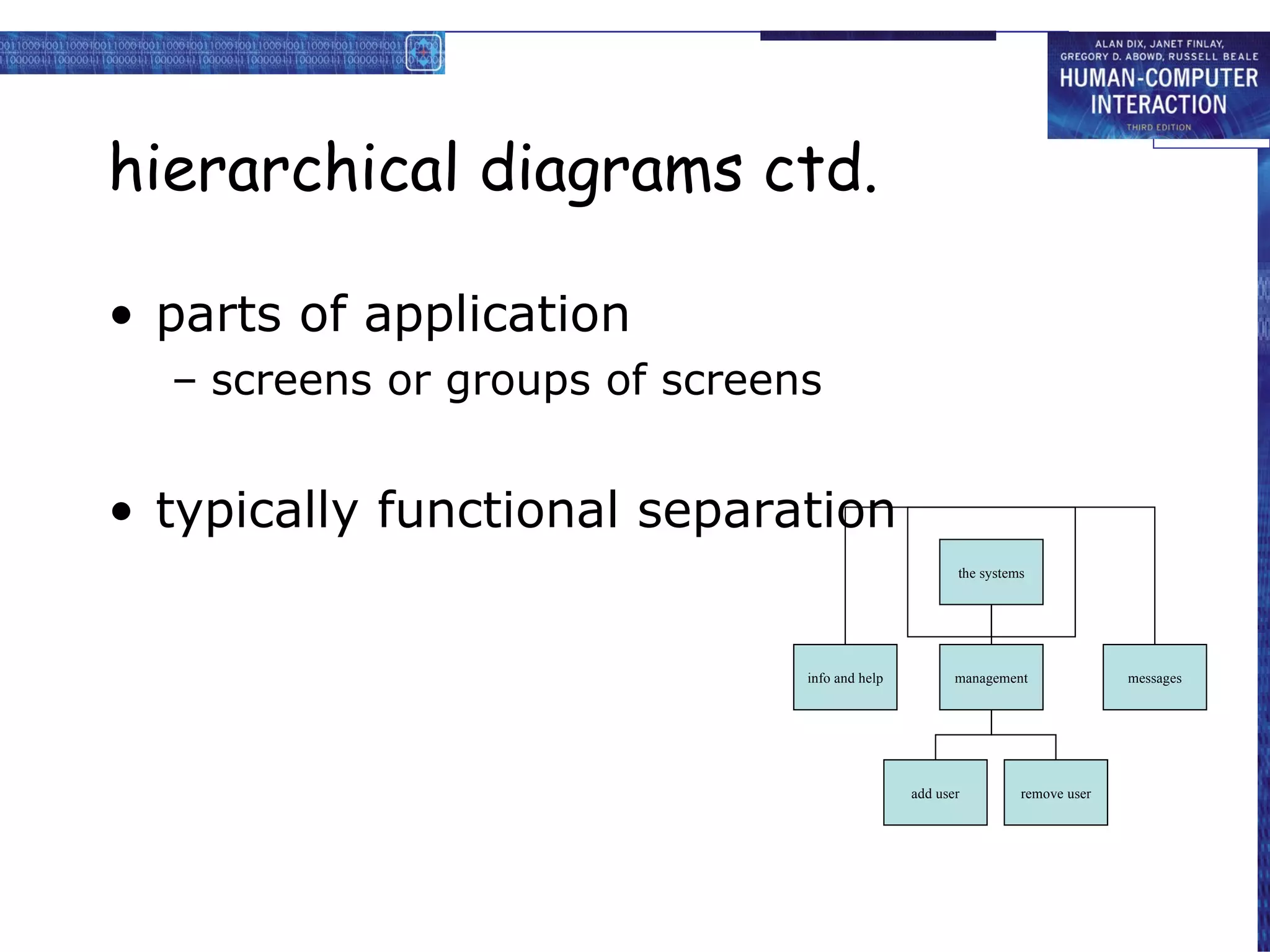
hierarchical diagrams ctd.
parts of application
screens or groups of screens
typically functional separation
the systems info and help management messages add user remove user
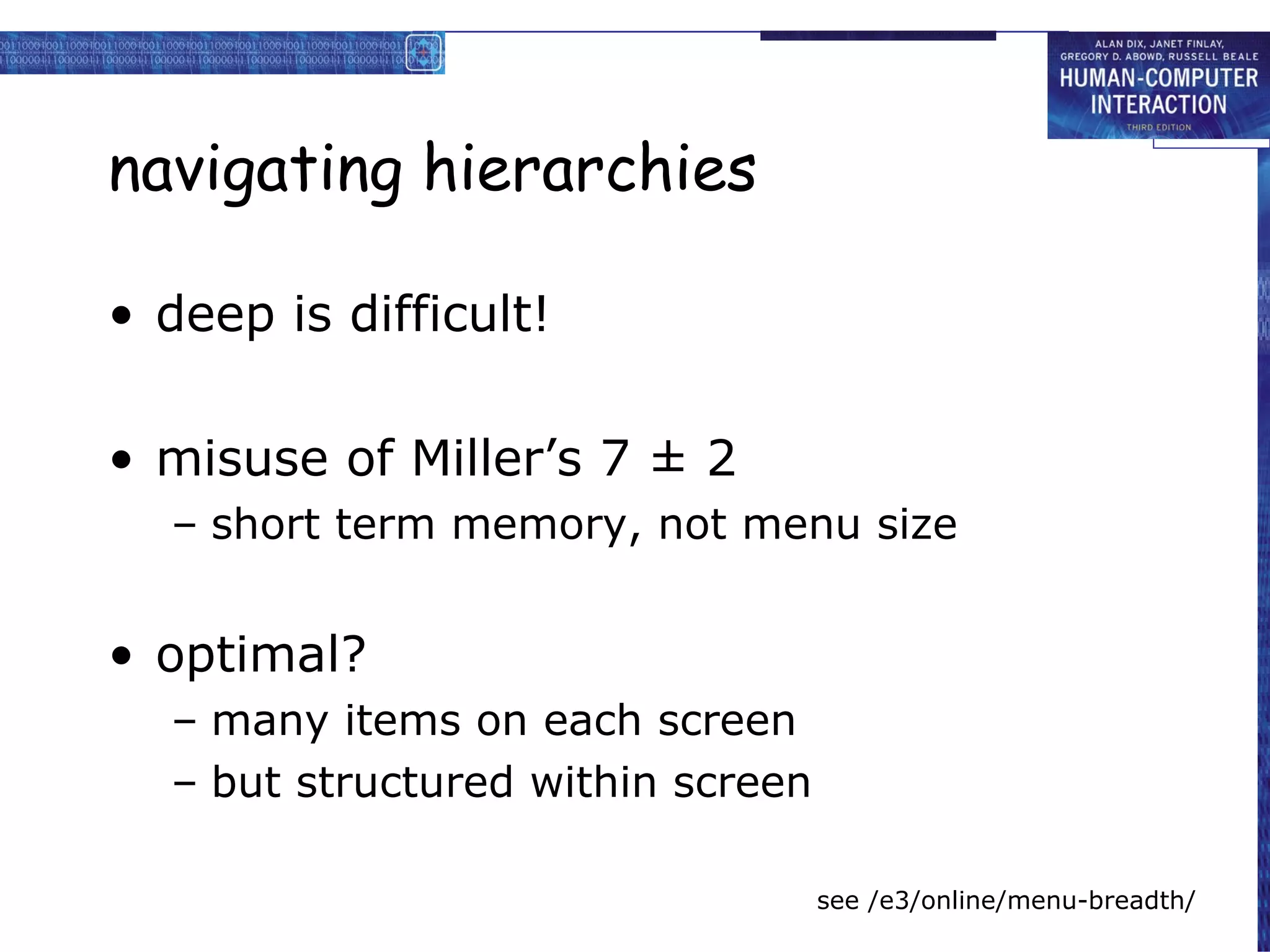
navigating hierarchies
deep is difficult!
misuse of Miller’s 7 ± 2
short term memory, not menu size
optimal?
many items on each screen
but structured within screen
see /e3/online/menu-breadth/
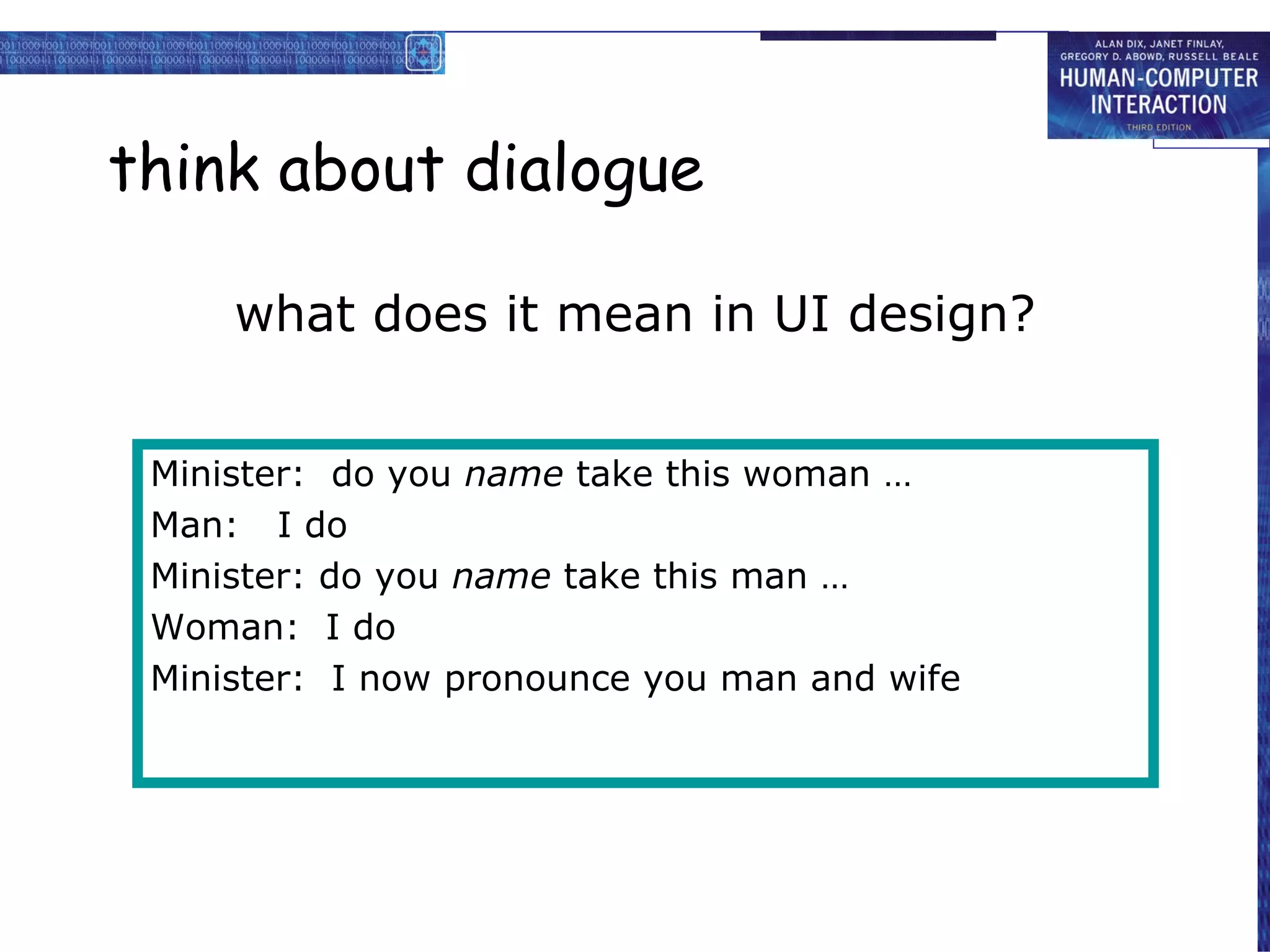
think about dialogue
what does it mean in UI design?
Minister: do you name take this woman … Man: I do Minister: do you name take this man … Woman: I do Minister: I now pronounce you man and wife
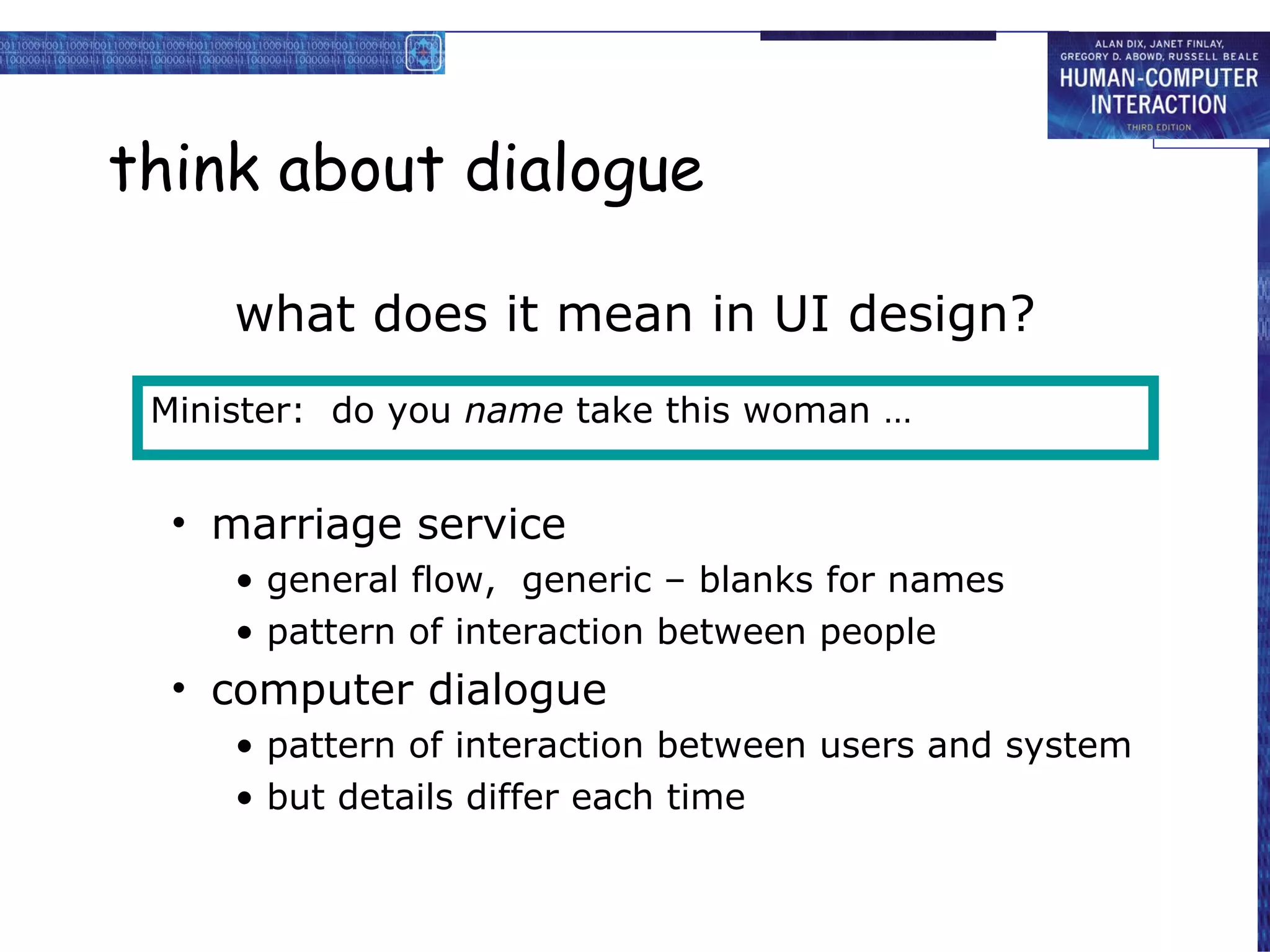
think about dialogue
what does it mean in UI design?
marriage service
general flow, generic – blanks for names
pattern of interaction between people
computer dialogue
pattern of interaction between users and system
but details differ each time
Minister: do you name take this woman …
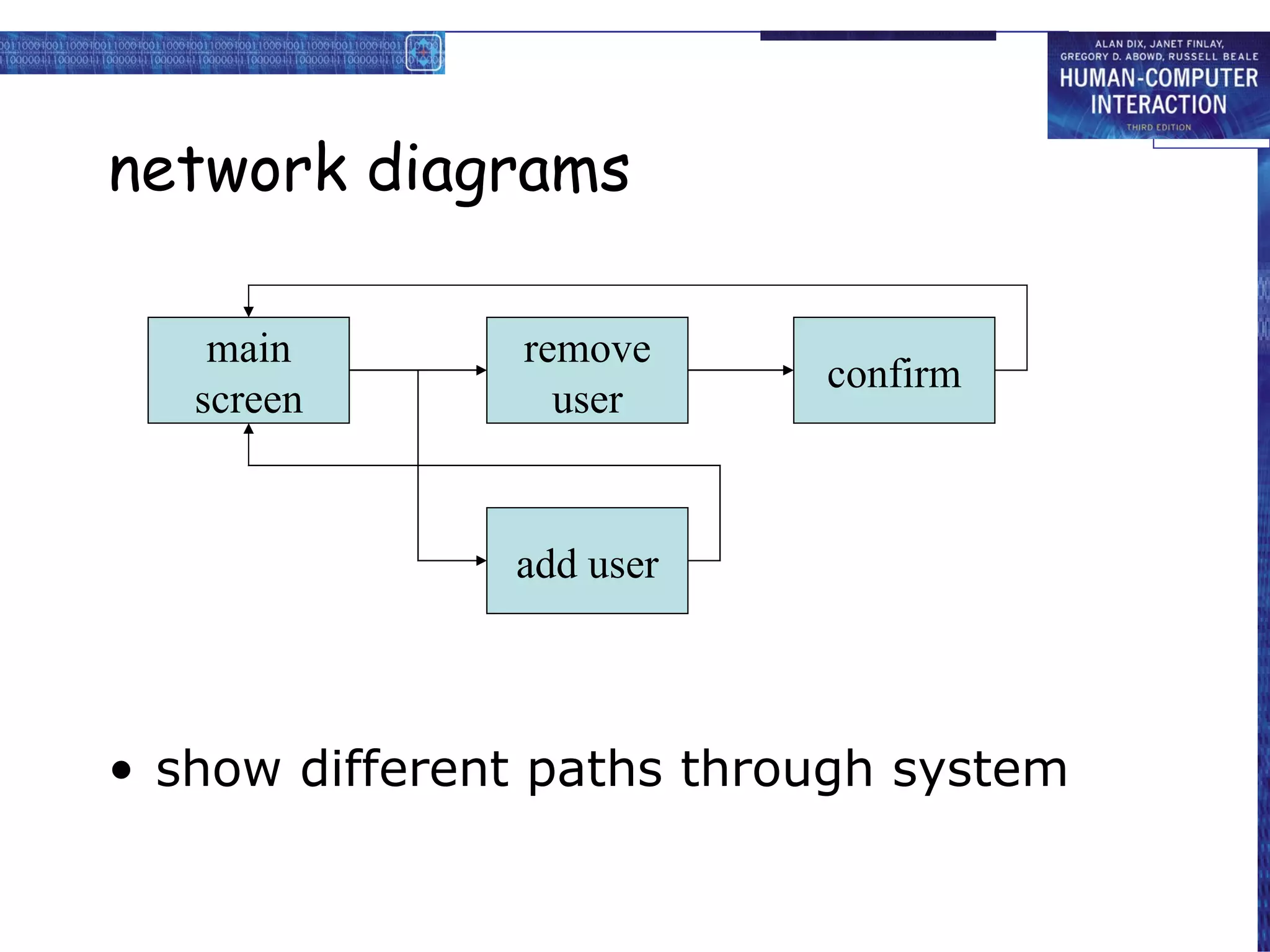
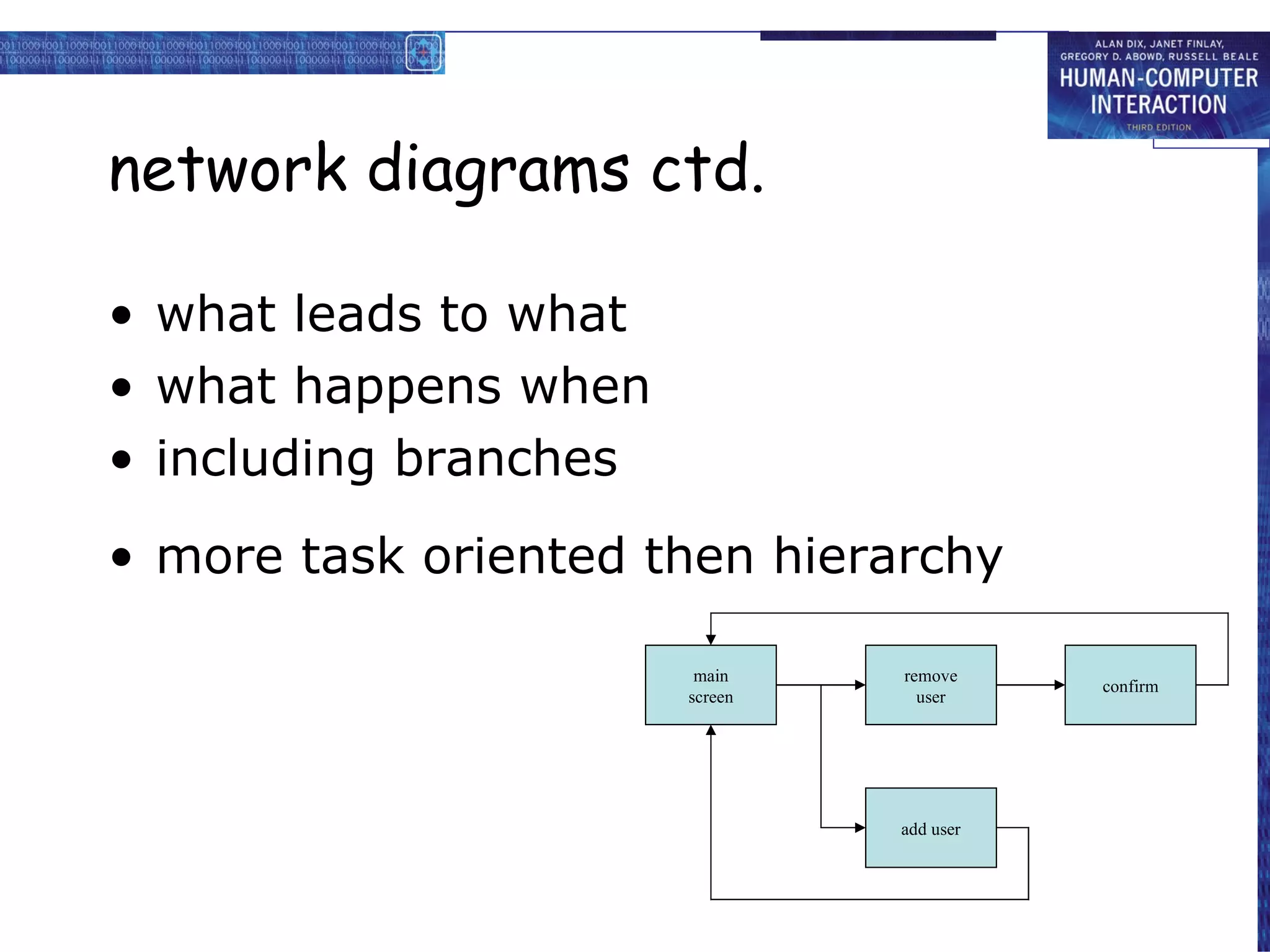
network diagrams
show different paths through system
main screen remove user confirm add user
network diagrams ctd.
what leads to what
what happens when
including branches
more task oriented then hierarchy
main screen remove user confirm add user
wider still between applications and beyond ...
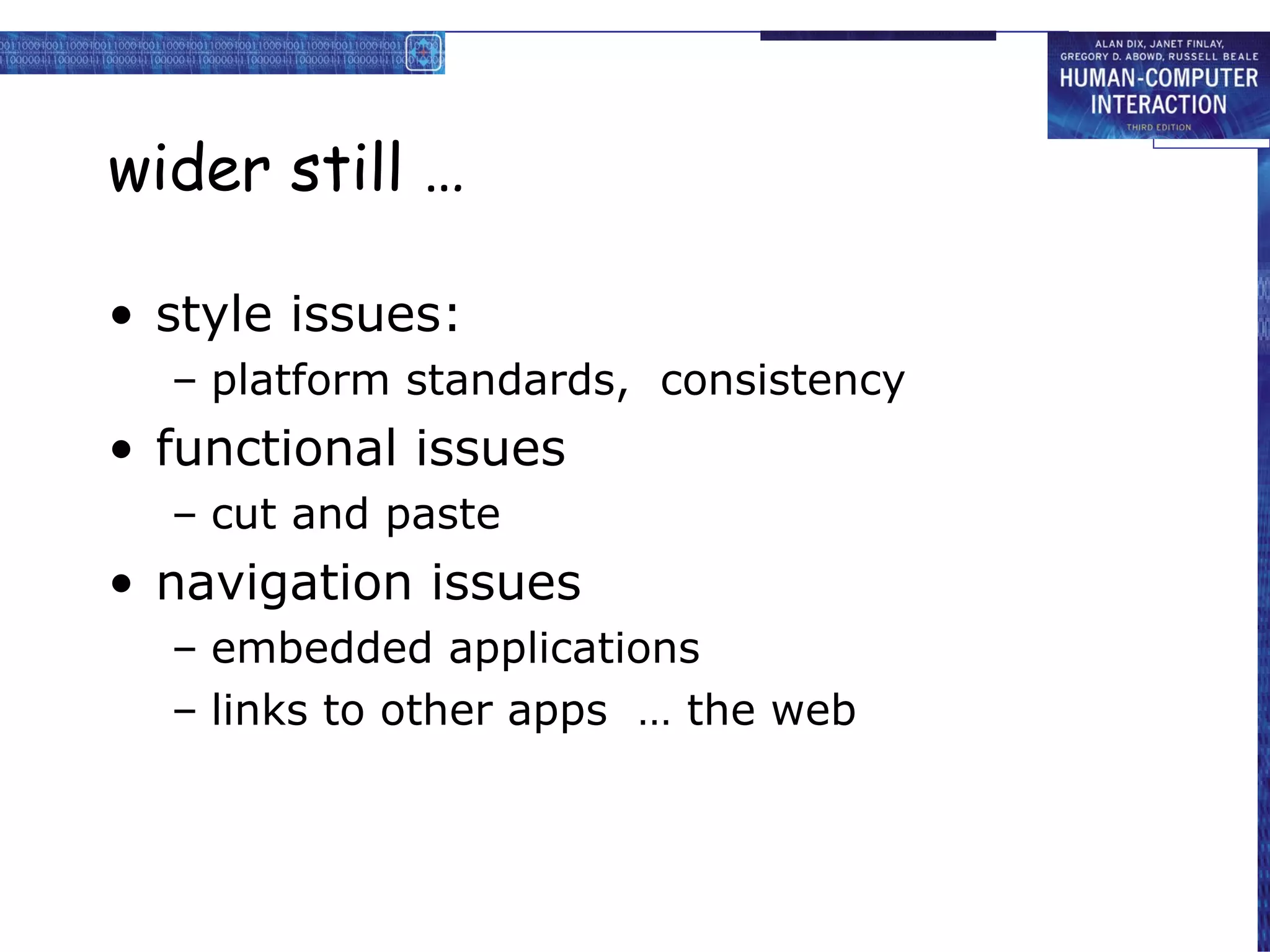
wider still …
style issues:
platform standards, consistency
functional issues
cut and paste
navigation issues
embedded applications
links to other apps … the web
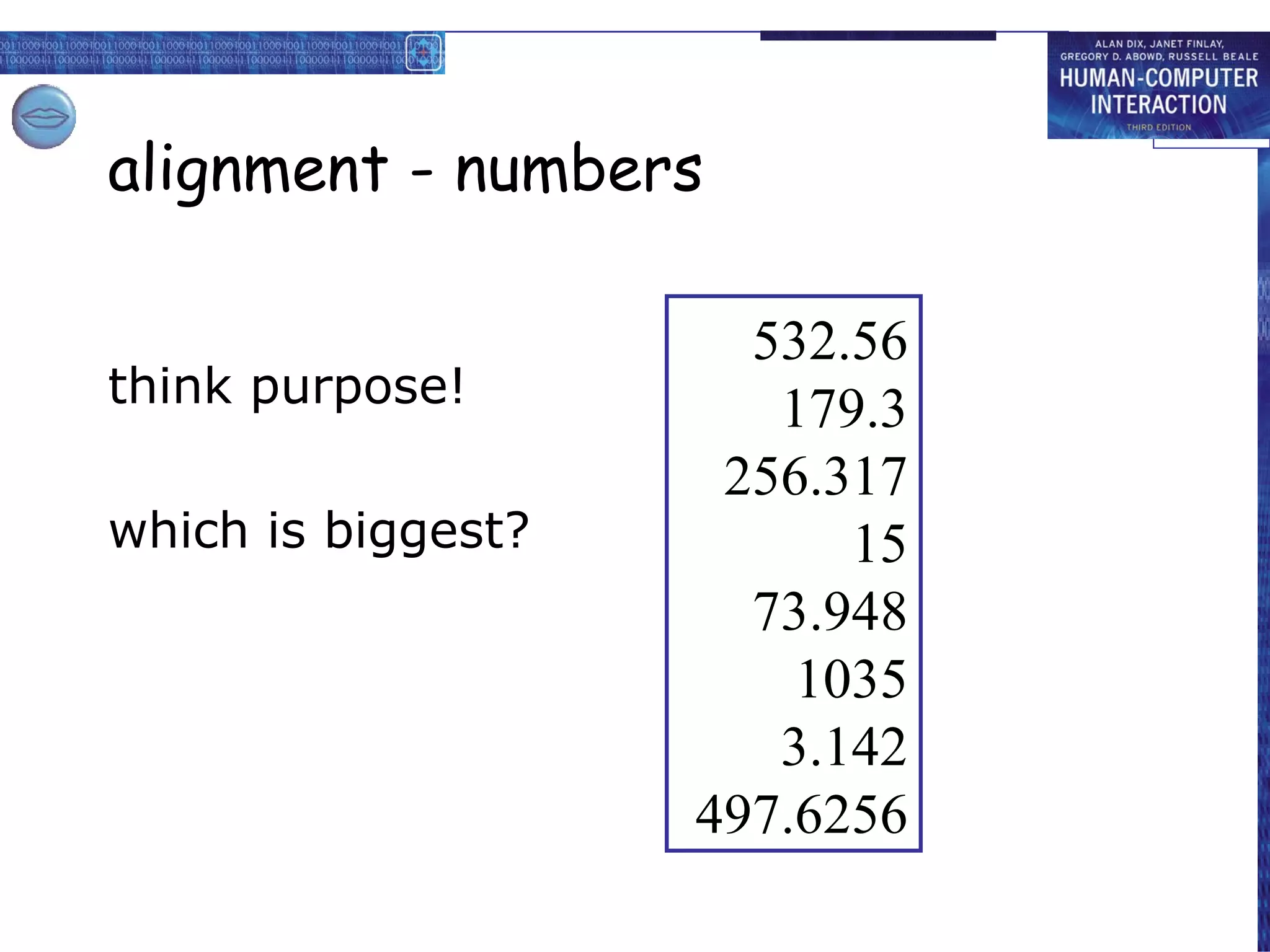
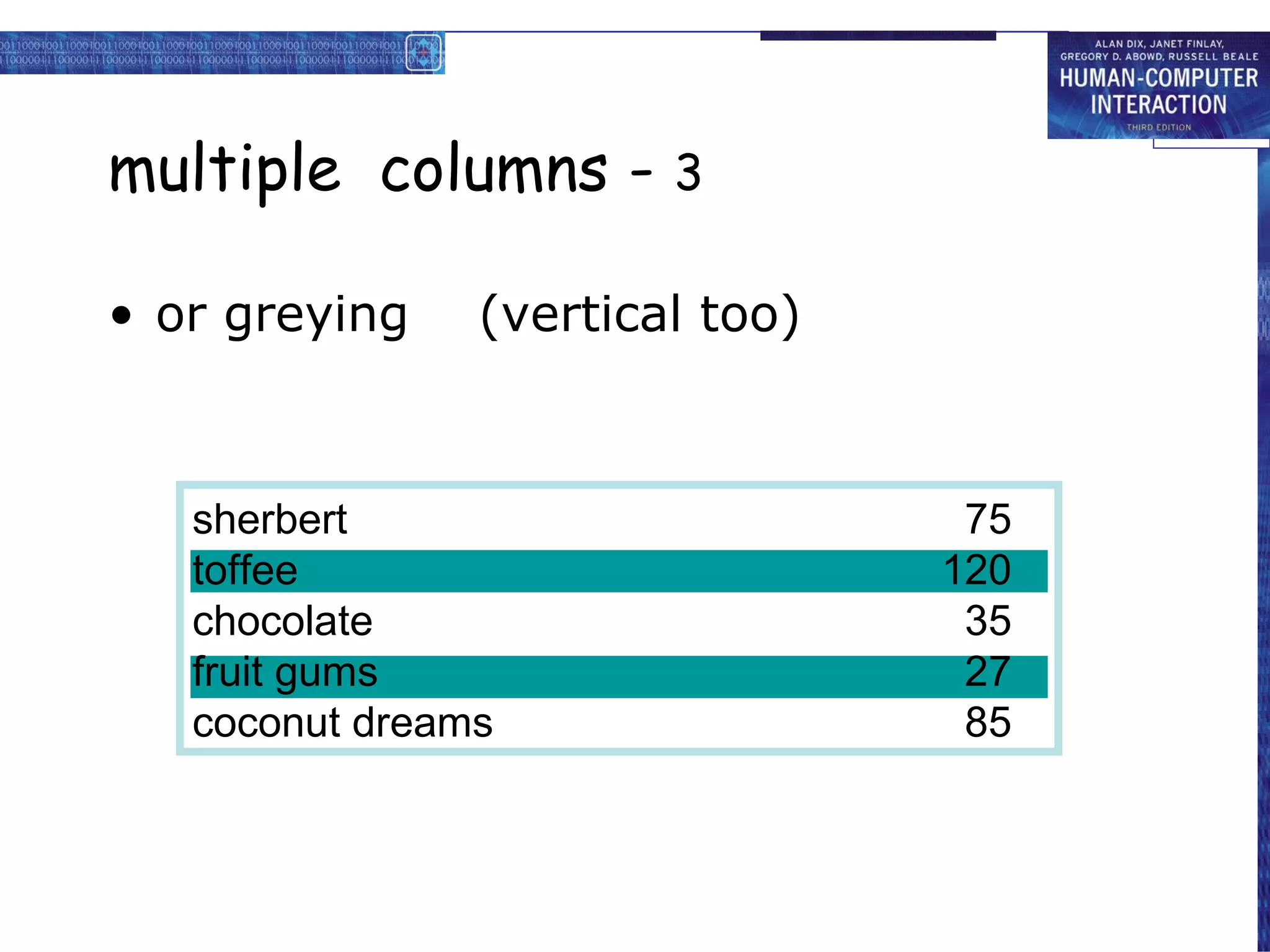
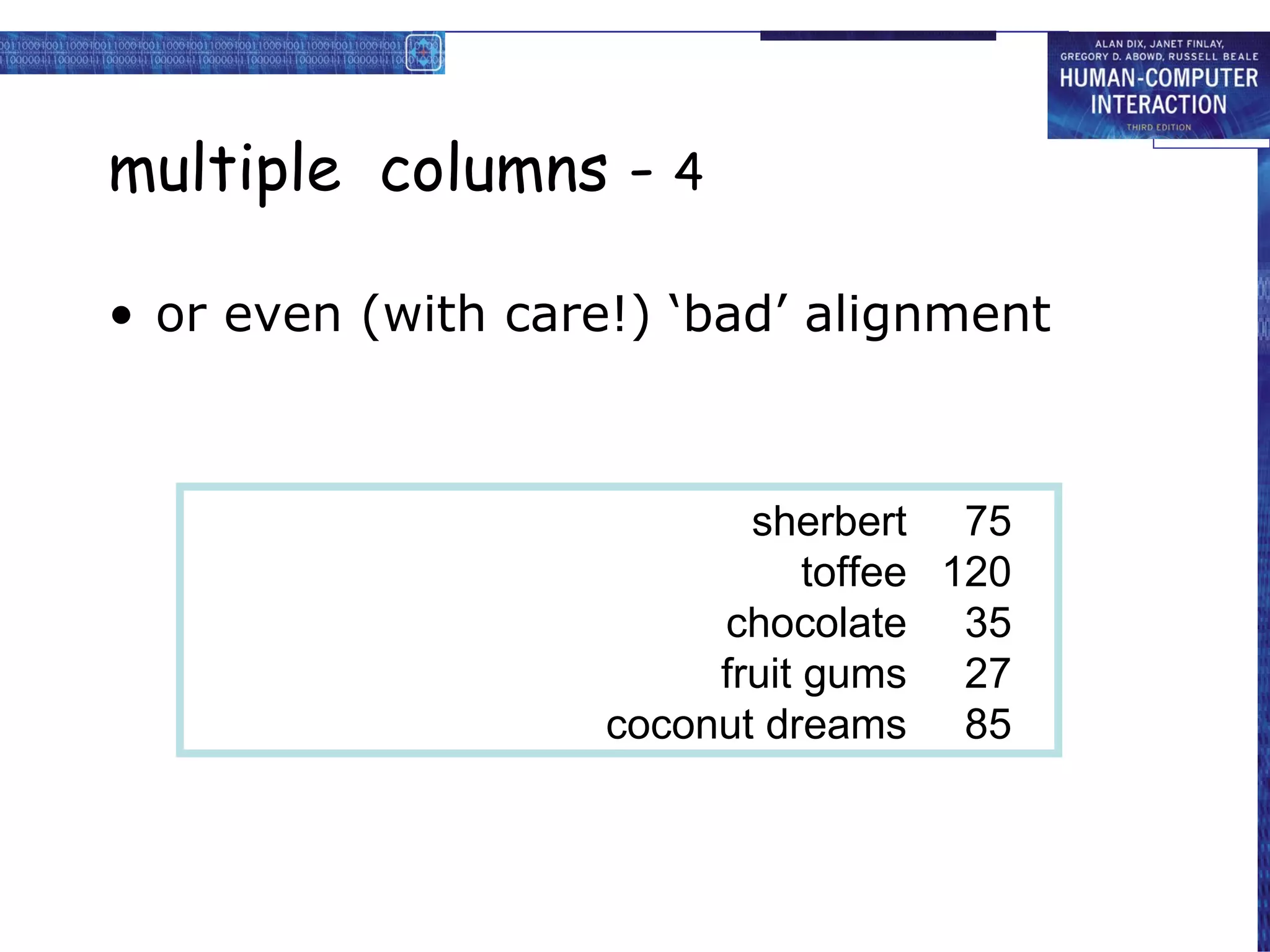
screen design and layout basic principles grouping, structure, order alignment use of white space A B C D E F H I J K L M N O P Q R S T U V W X Y Z Dix , Alan Finlay, Janet Abowd, Gregory Beale, Russell
basic princ iples
ask
what is the user doing?
think
what information, comparisons, order
design
form follows function
available tools
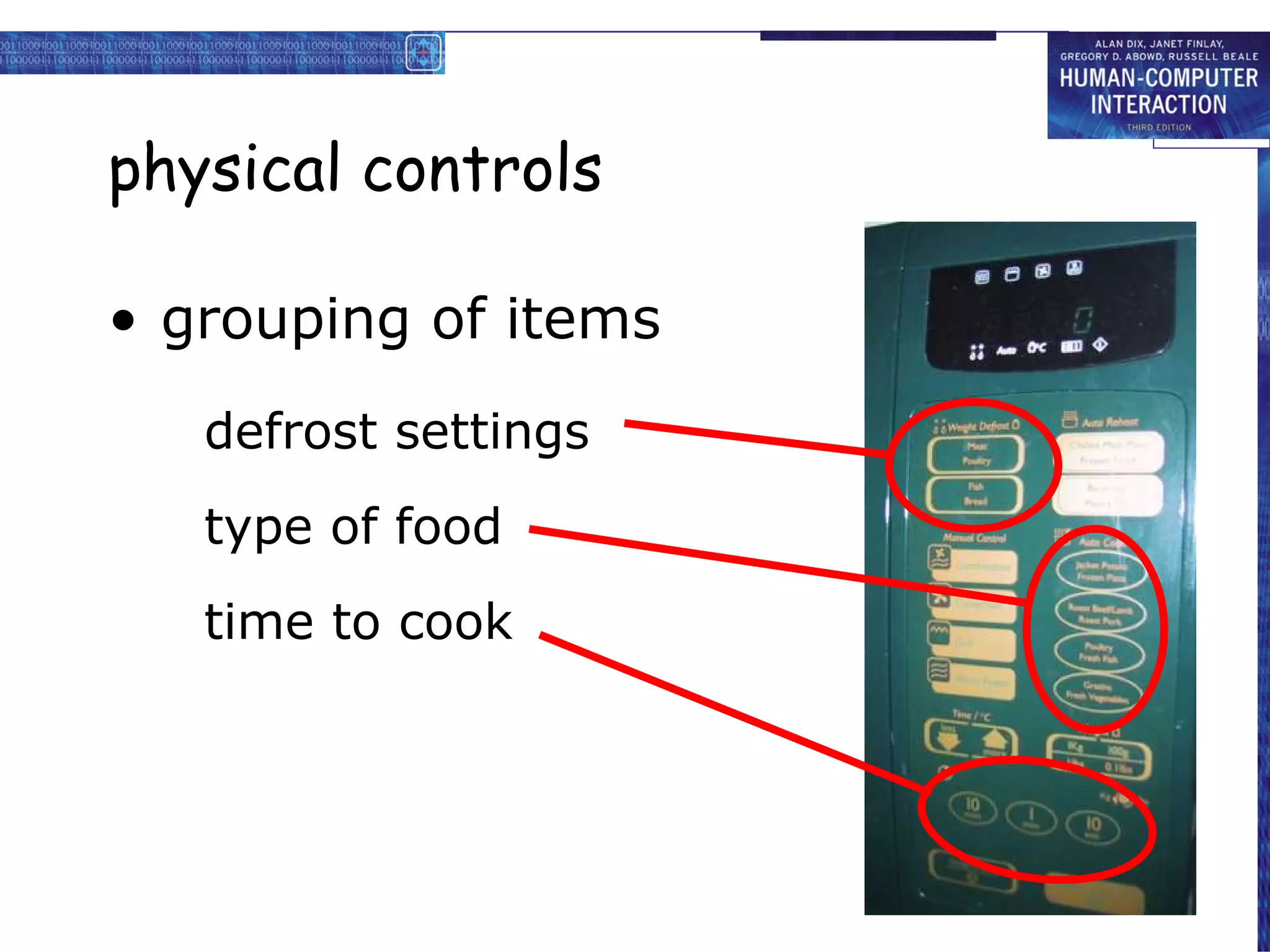
grouping of items
order of items
decoration - fonts, boxes etc.
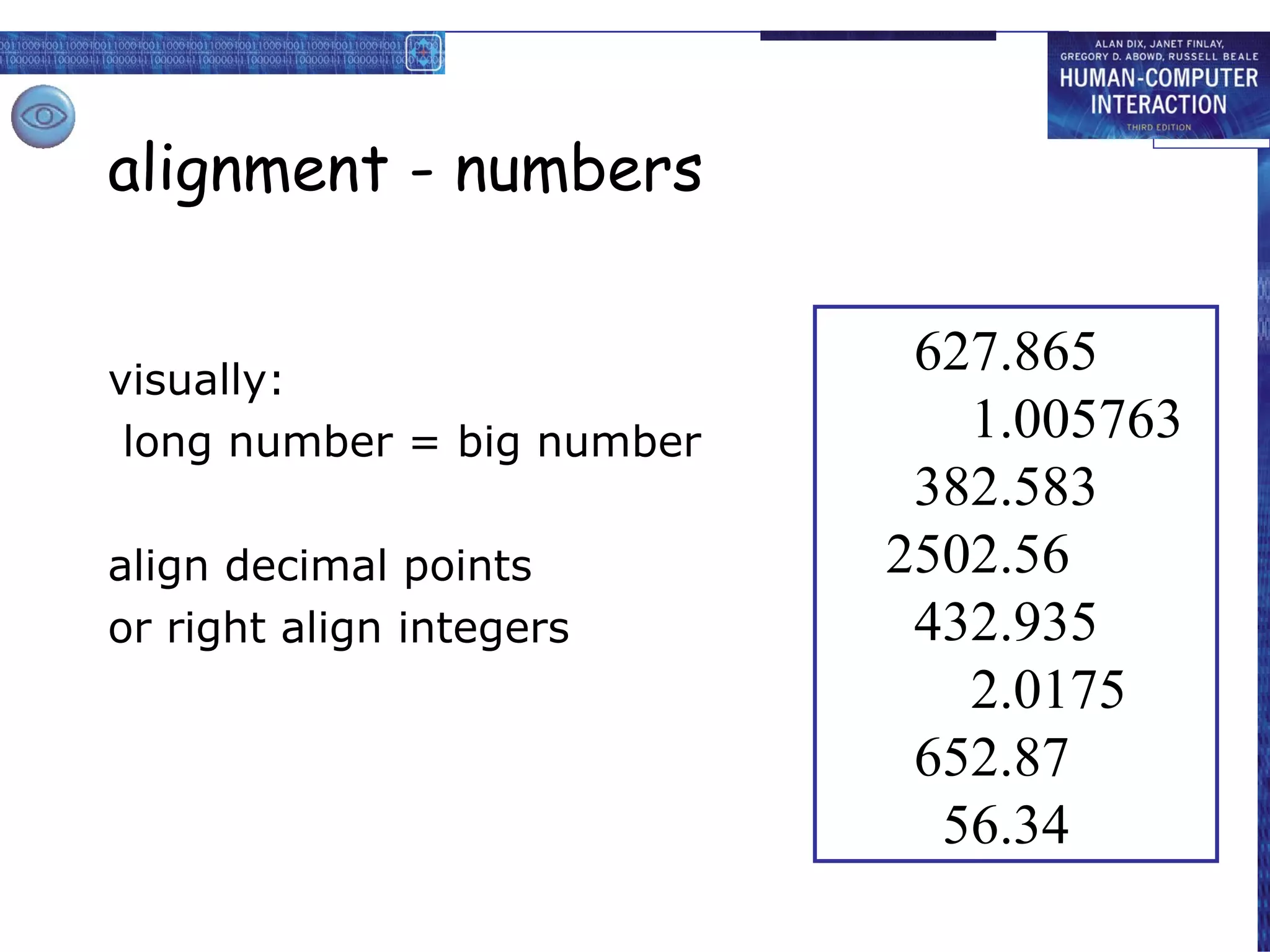
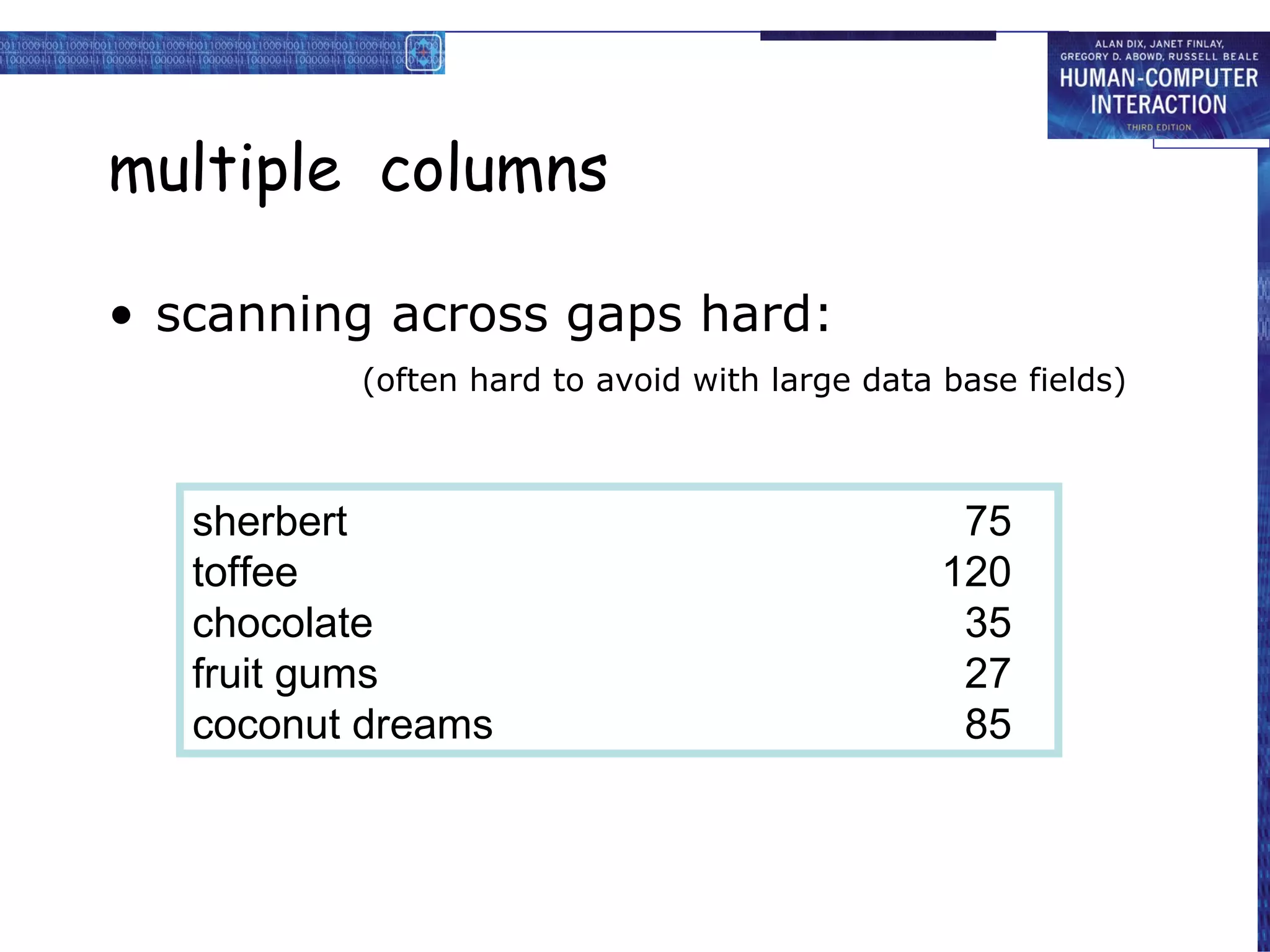
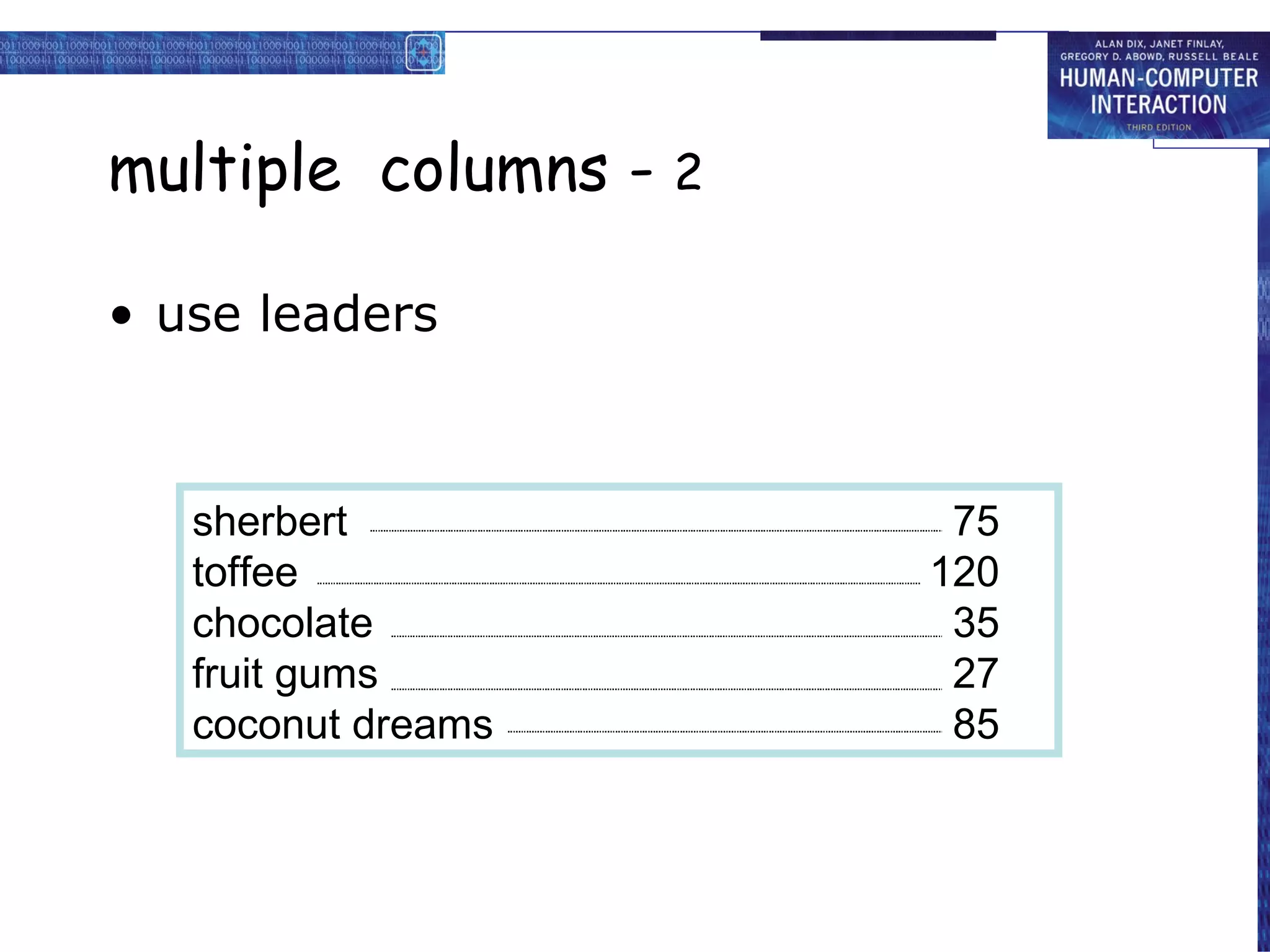
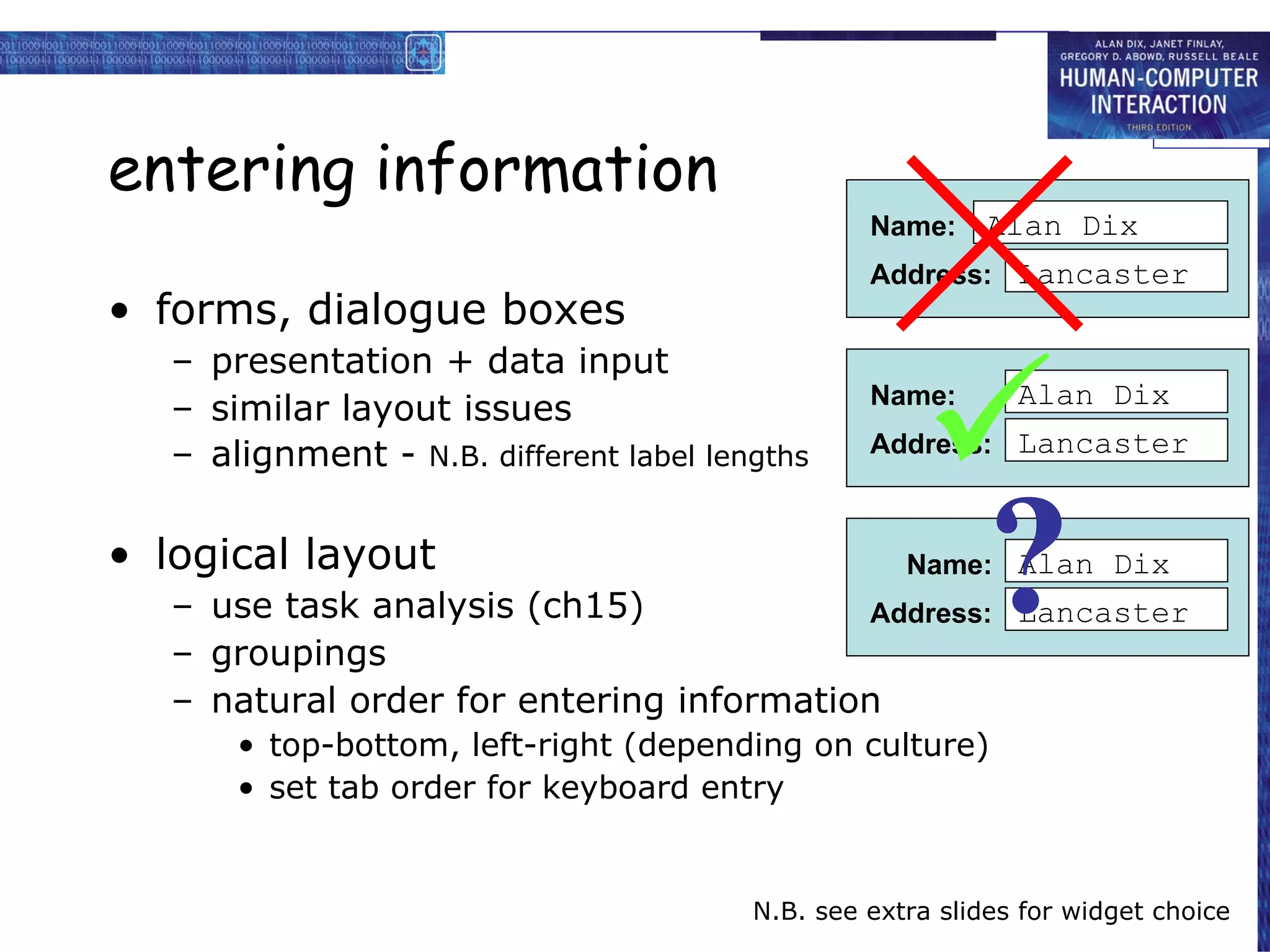
alignment of items
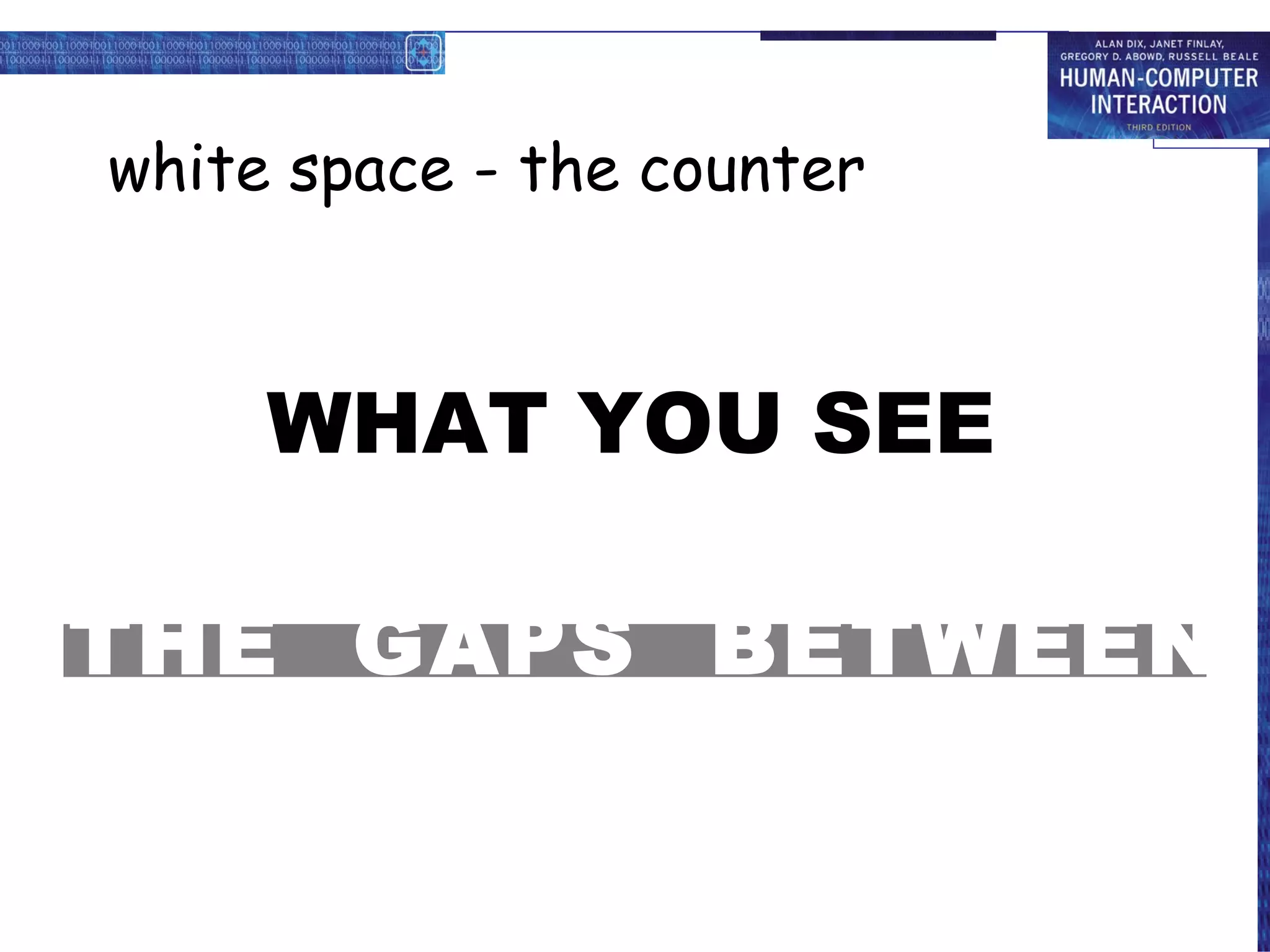
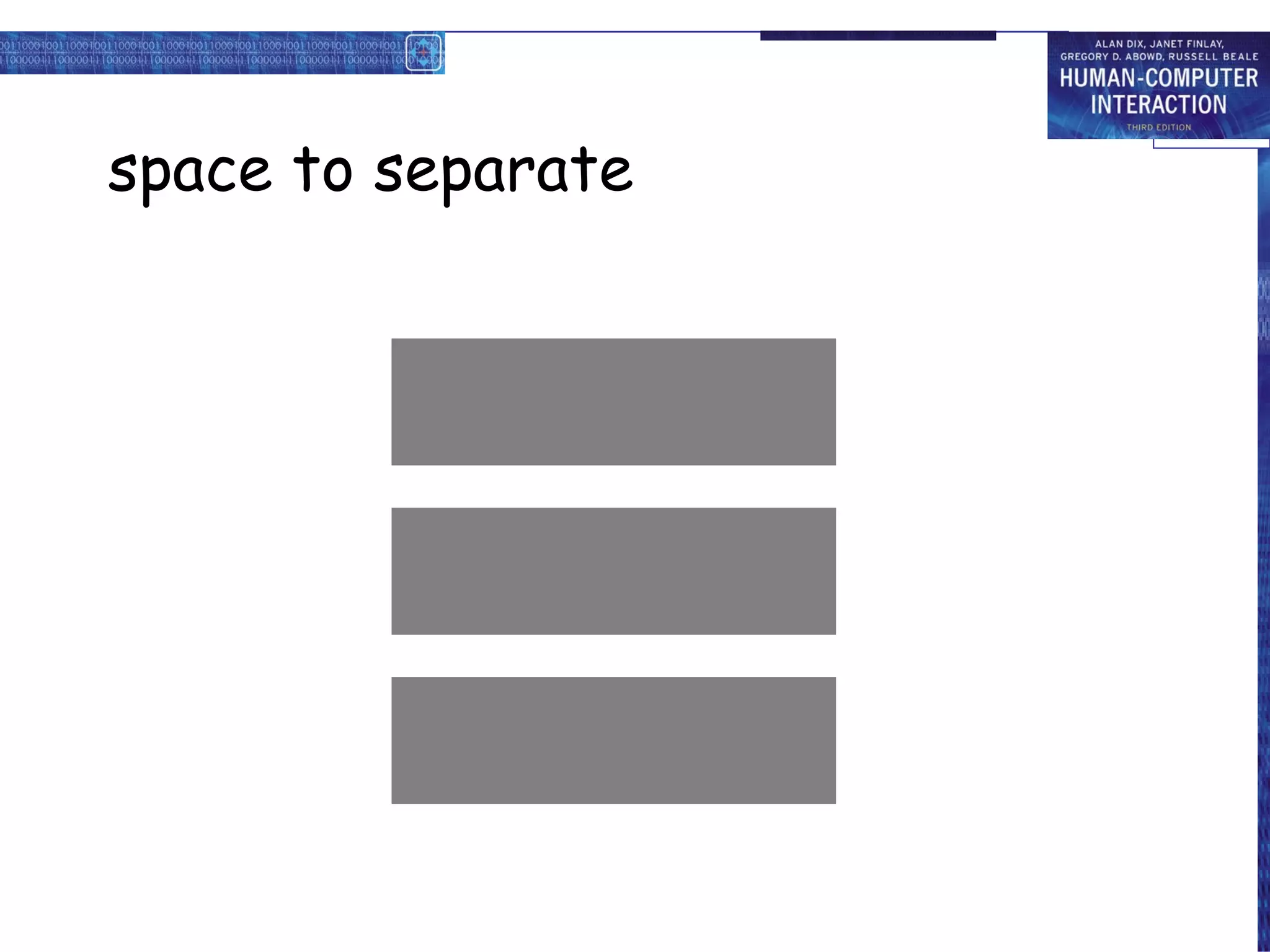
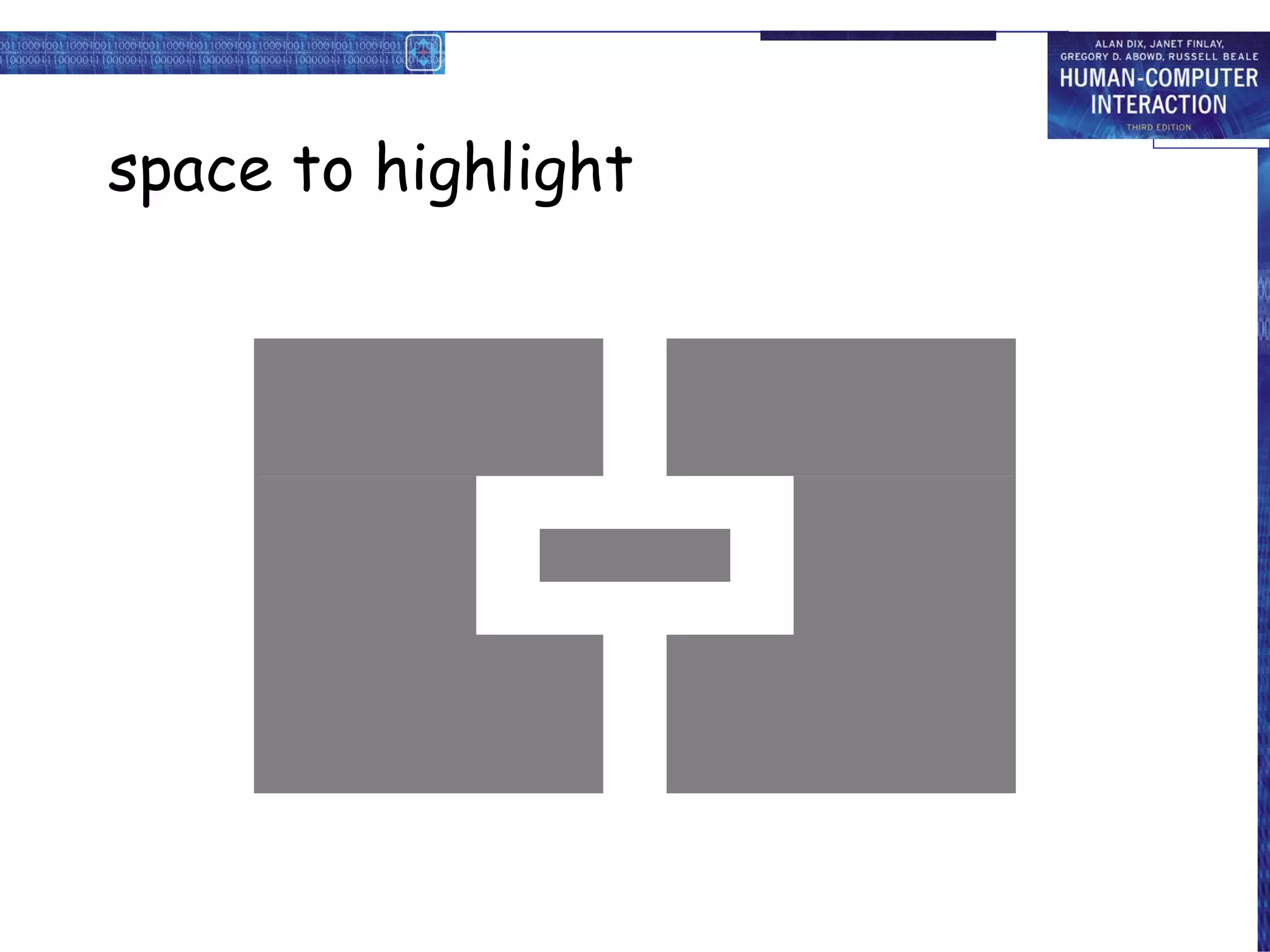
white space between items
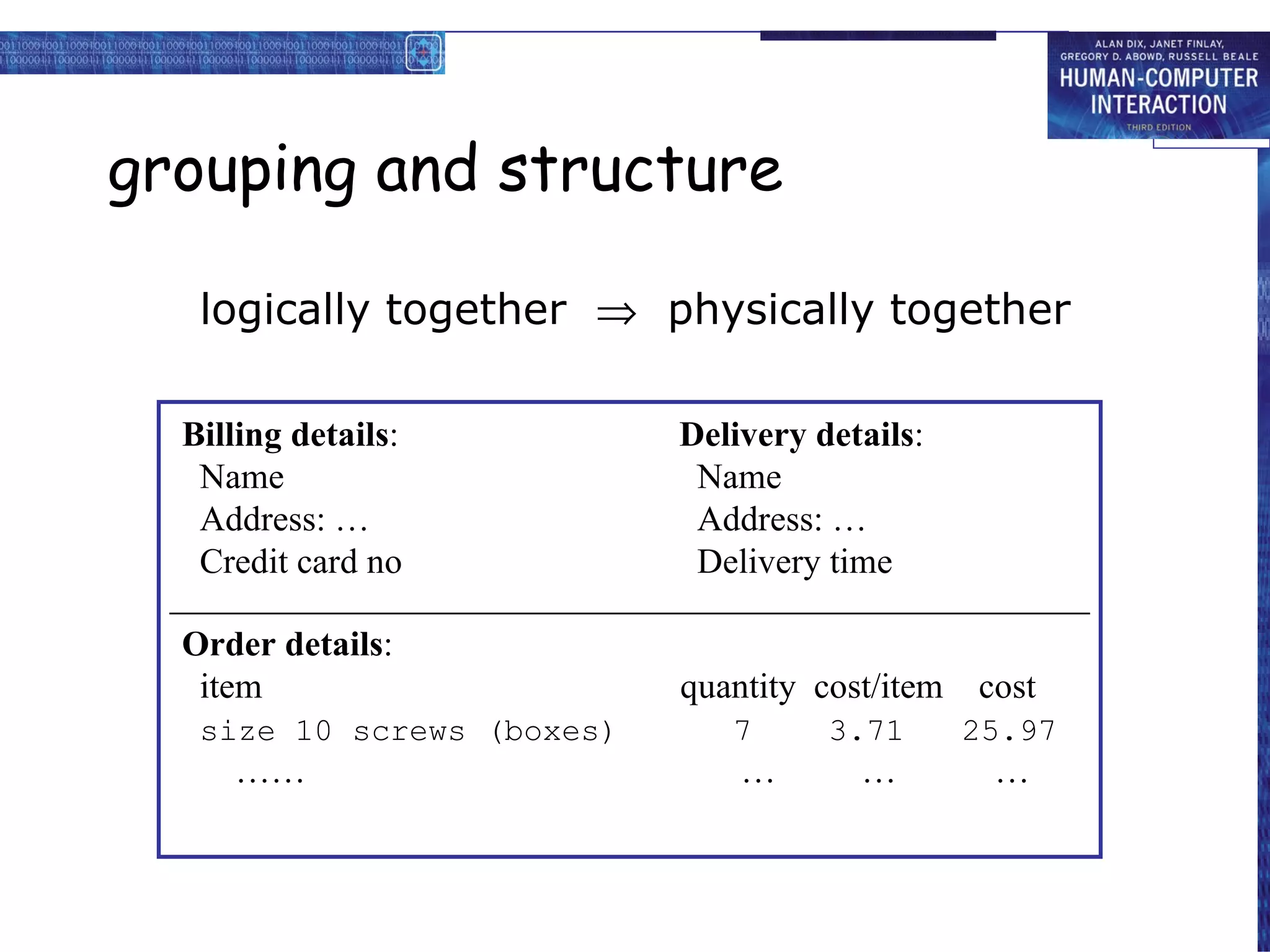
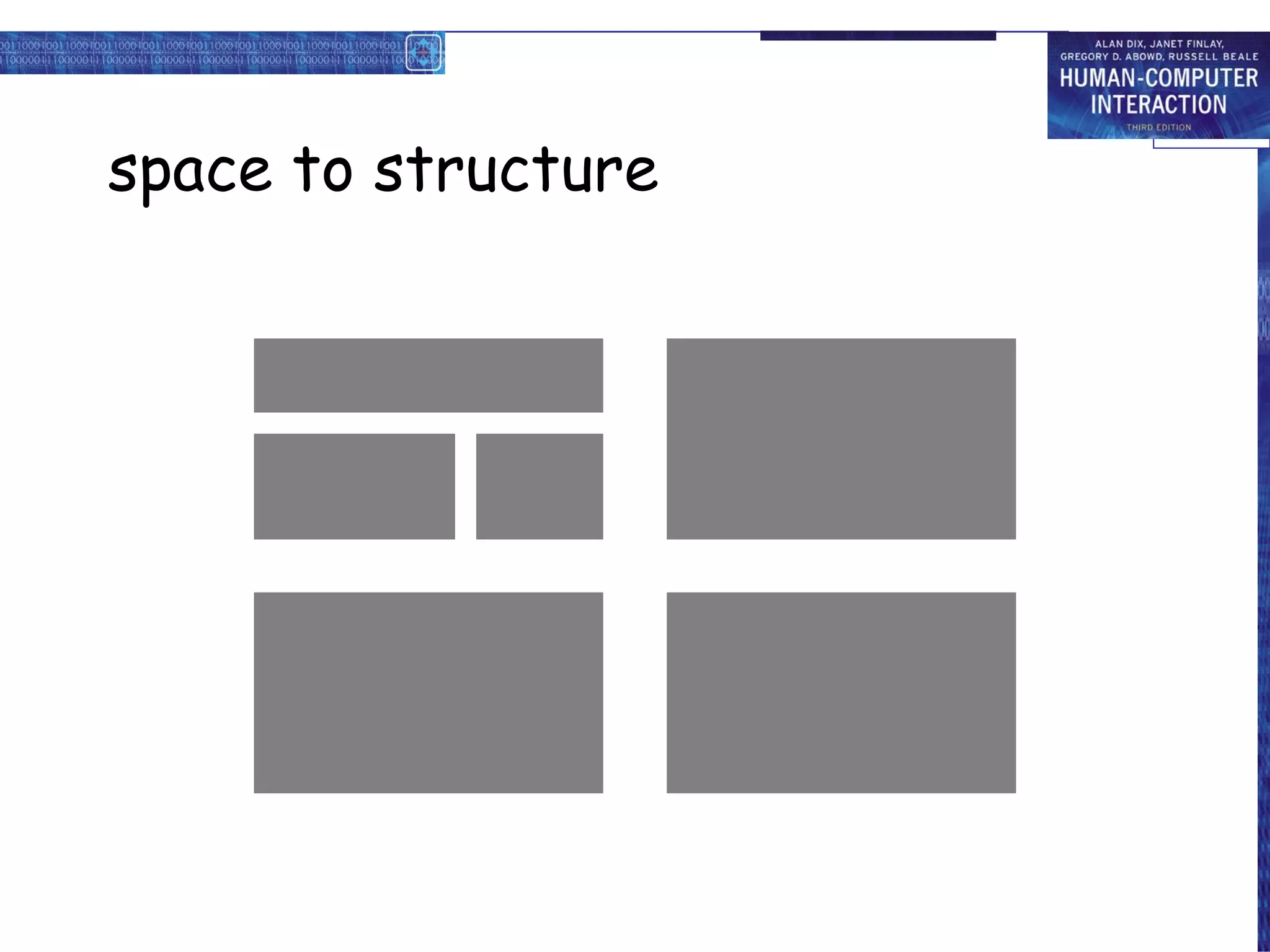
grouping and structure
logically together physically together
Billing details : Name Address: … Credit card no Delivery details : Name Address: … Delivery time Order details : item quantity cost/item cost size 10 screws (boxes) 7 3.71 25.97 …… … … …
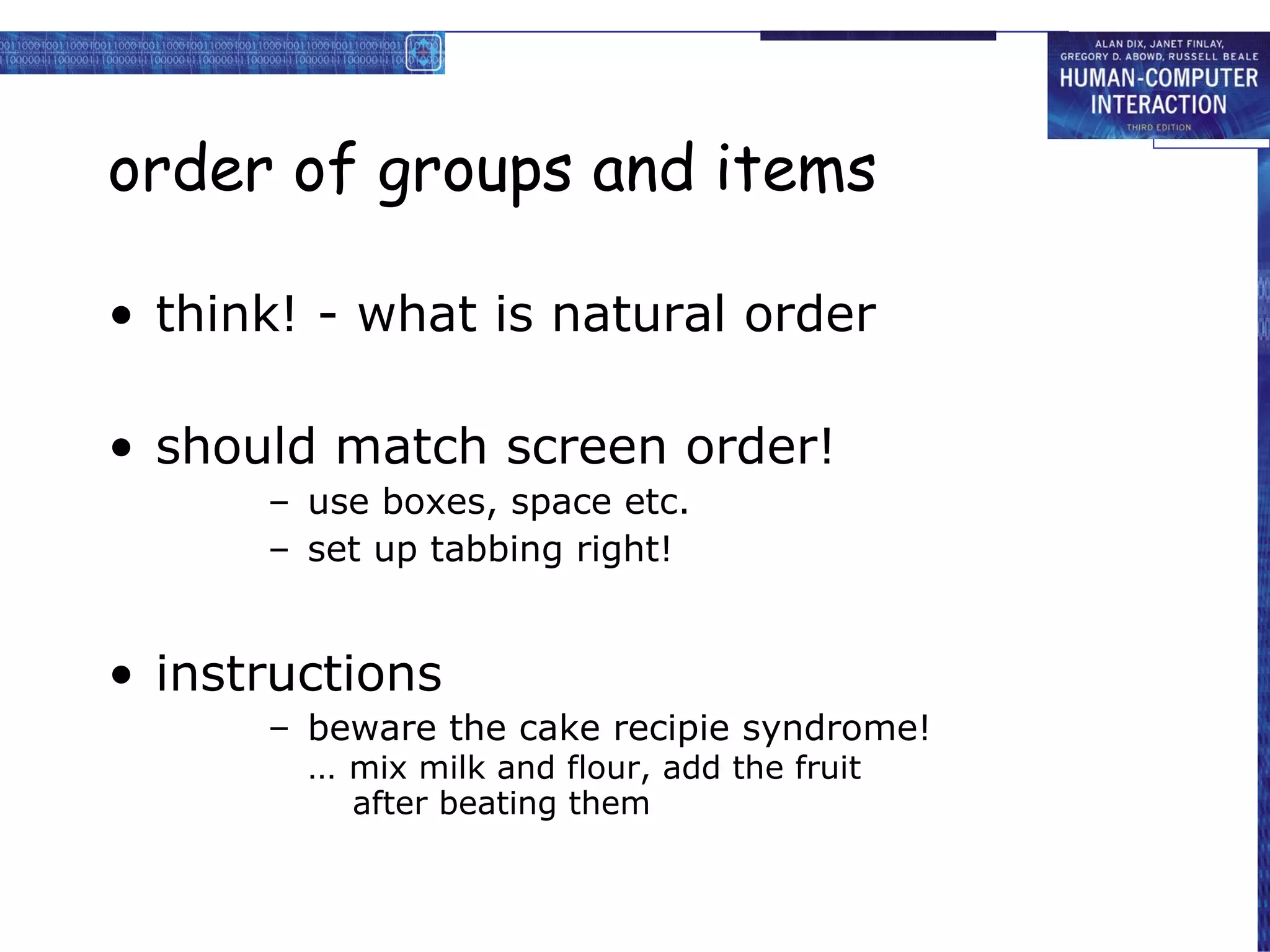
order of groups and items
think! - what is natural order
should match screen order!
use boxes, space etc.
set up tabbing right!
instructions
beware the cake recipie syndrome! … mix milk and flour, add the fruit after beating them
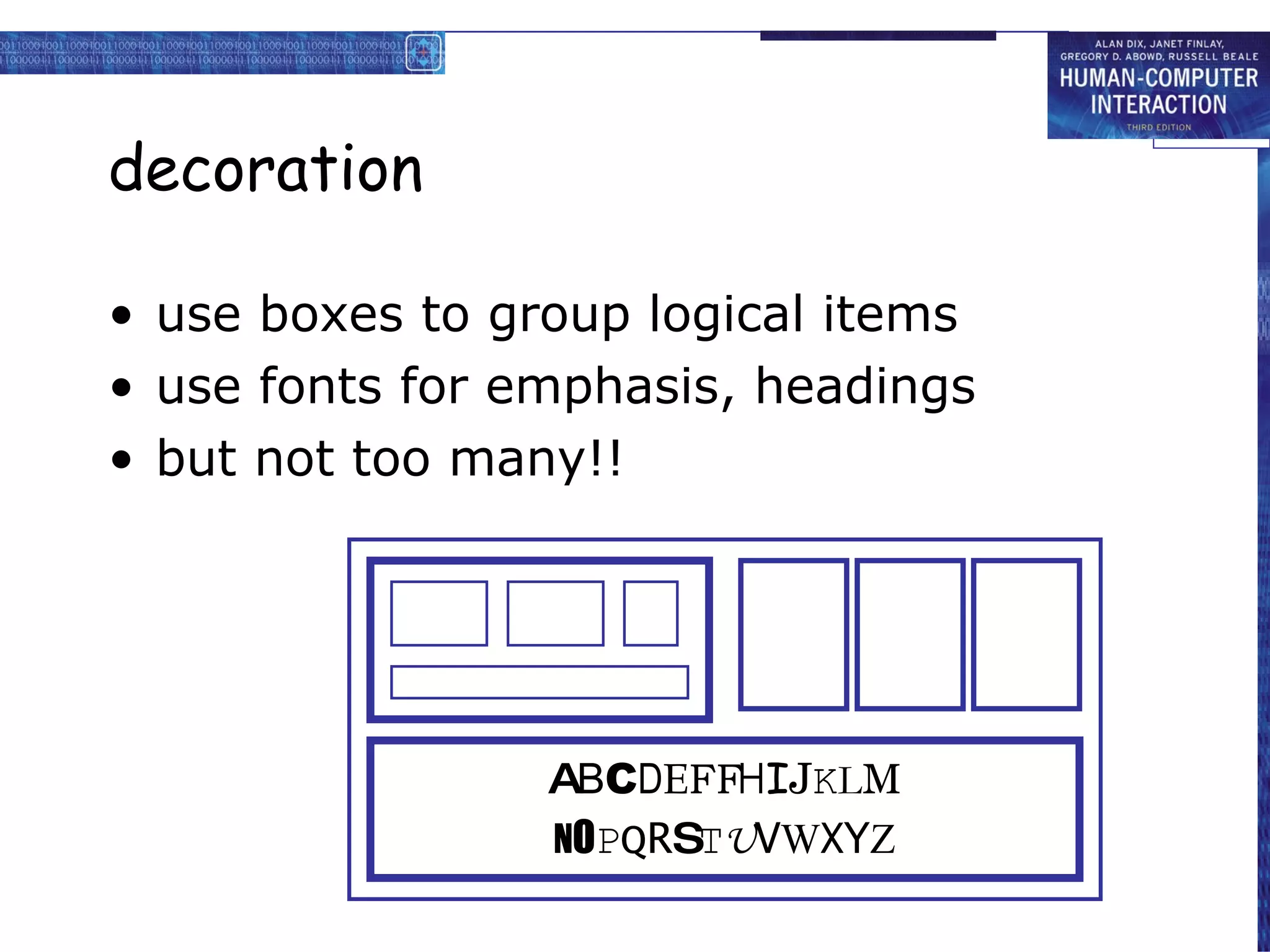
decoration
use boxes to group logical items
use fonts for emphasis, headings
but not too many!!
A B C D E F H I J K L M N O P Q R S T U V W X Y Z
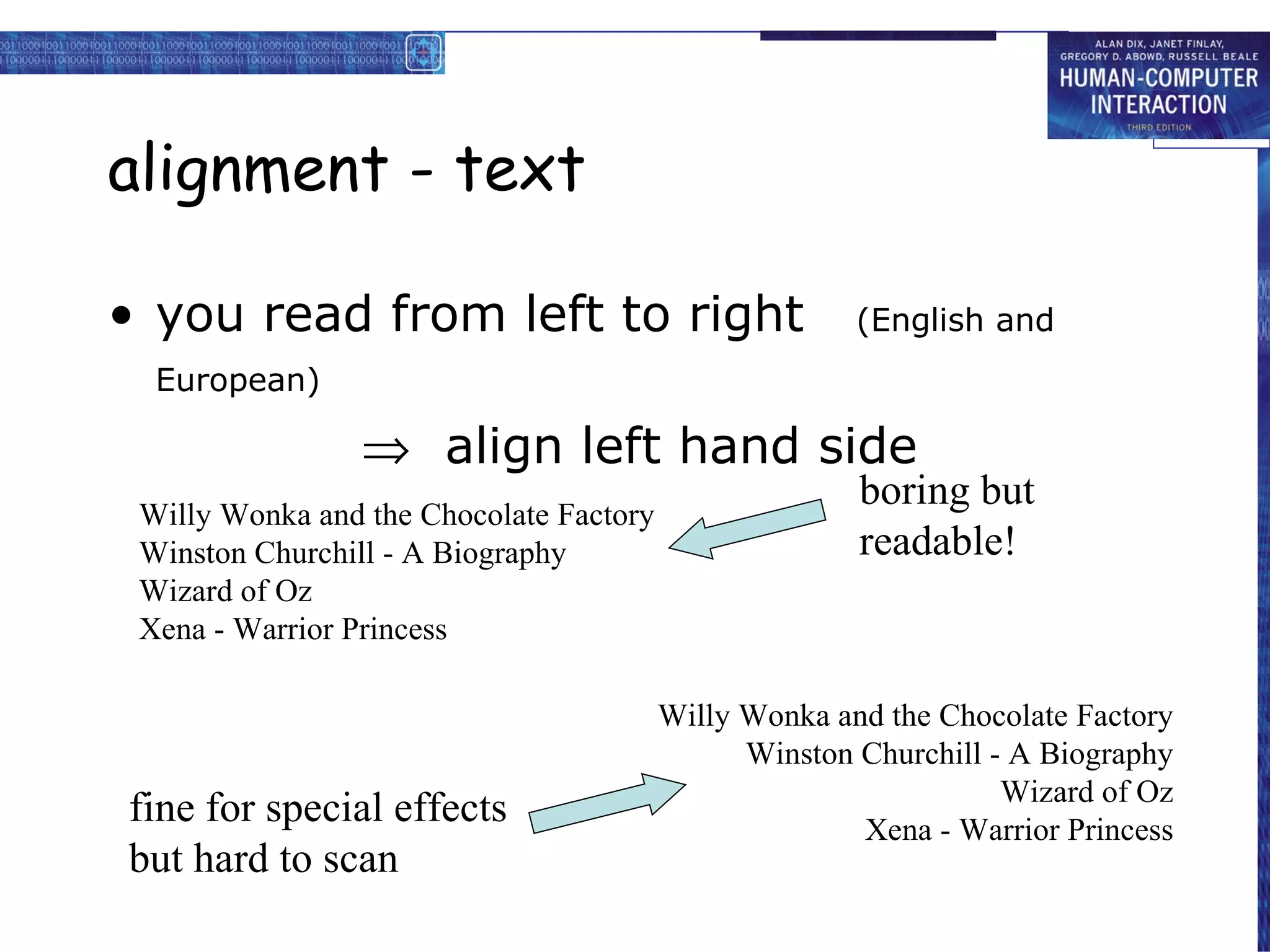
alignment - text
you read from left to right (English and European)
align left hand side
Willy Wonka and the Chocolate Factory Winston Churchill - A Biography Wizard of Oz Xena - Warrior Princess Willy Wonka and the Chocolate Factory Winston Churchill - A Biography Wizard of Oz Xena - Warrior Princess fine for special effects but hard to scan boring but readable!
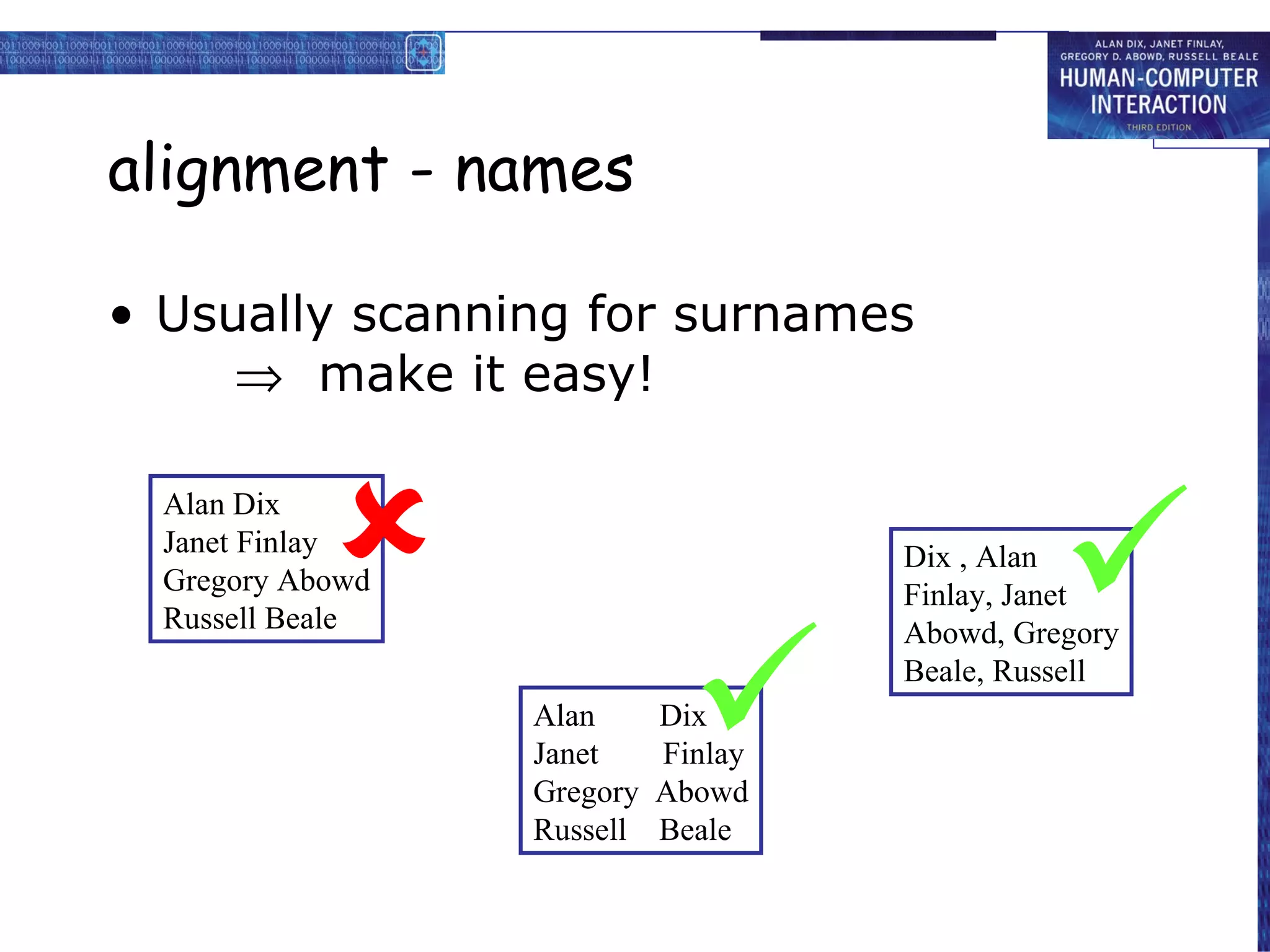
alignment - names
Usually scanning for surnames make it easy!
Alan Dix Janet Finlay Gregory Abowd Russell Beale Alan Dix Janet Finlay Gregory Abowd Russell Beale Dix , Alan Finlay, Janet Abowd, Gregory Beale, Russell
from Dix, Finlay, Abowd and Beale (2004). Human-Computer Interaction, third edition. Prentice Hall. ISBN 0-13-239864-8. http://www.hcibook.com/e3/ less
0 comments
Post a comment