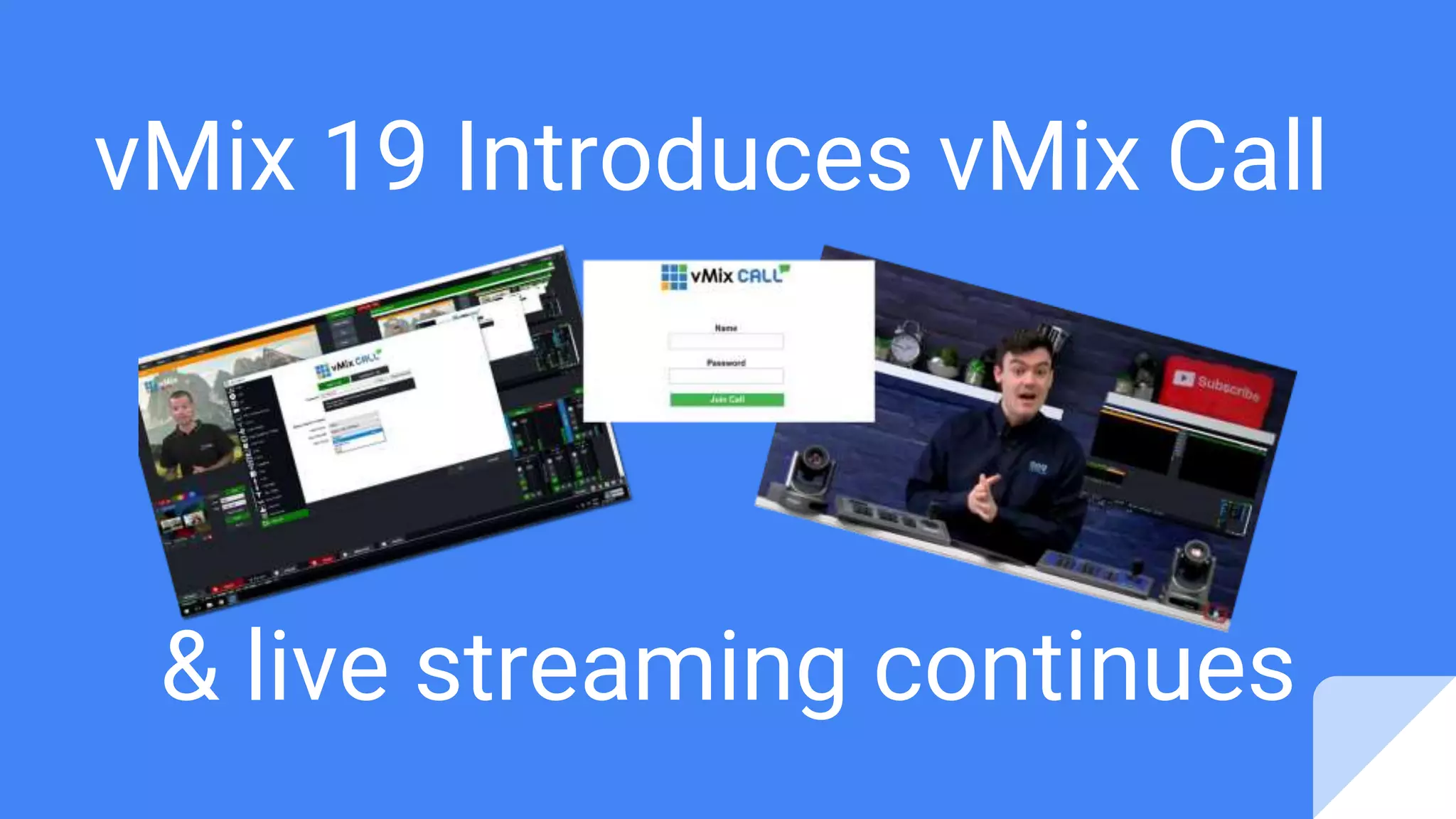



vMix 19 Introduces vMix Call
& live streaming continues
The
convergence of
live streaming
& video
conferencing
continues...
Quick notes on vMix Call
1. This is currently in
BETA
2. The vMix 19 BETA is
available in the vMix
forums
3. vMix 19 is set to be
officially released in
April of 2017 at the
Let’s watch a quick tutorial video...
Video Production and Video Communication
Market Sizes
The video production market is looking
for a piece of the pie, in a converging
industry with a combined worth an
estimated $100+ Billion by 2020 (Video
Communications & Live Streaming -
See sources below)!
About vMix Call
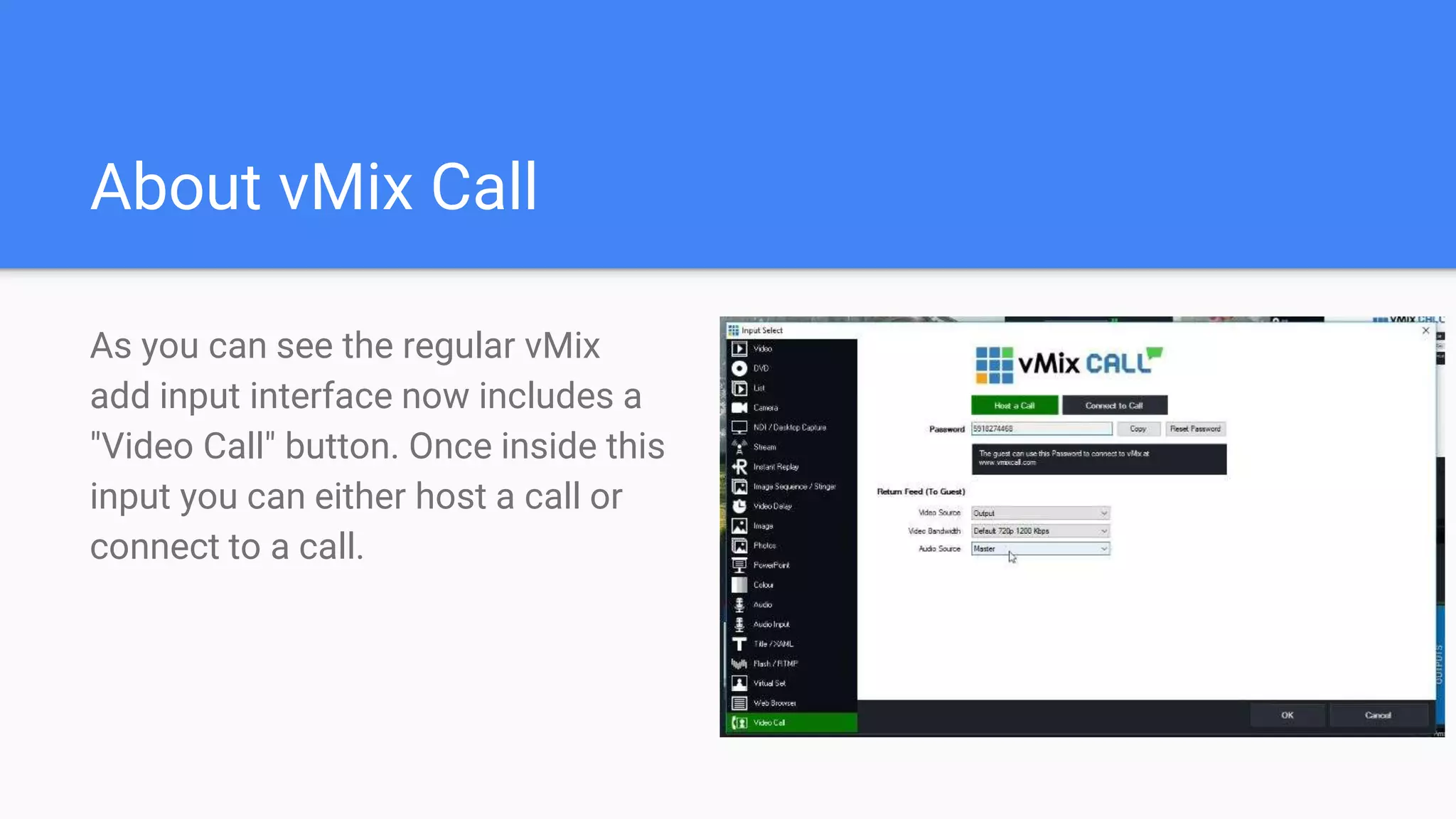
As you can see the regular vMix
add input interface now includes a
"Video Call" button. Once inside this
input you can either host a call or
connect to a call.
Built in video calling feature
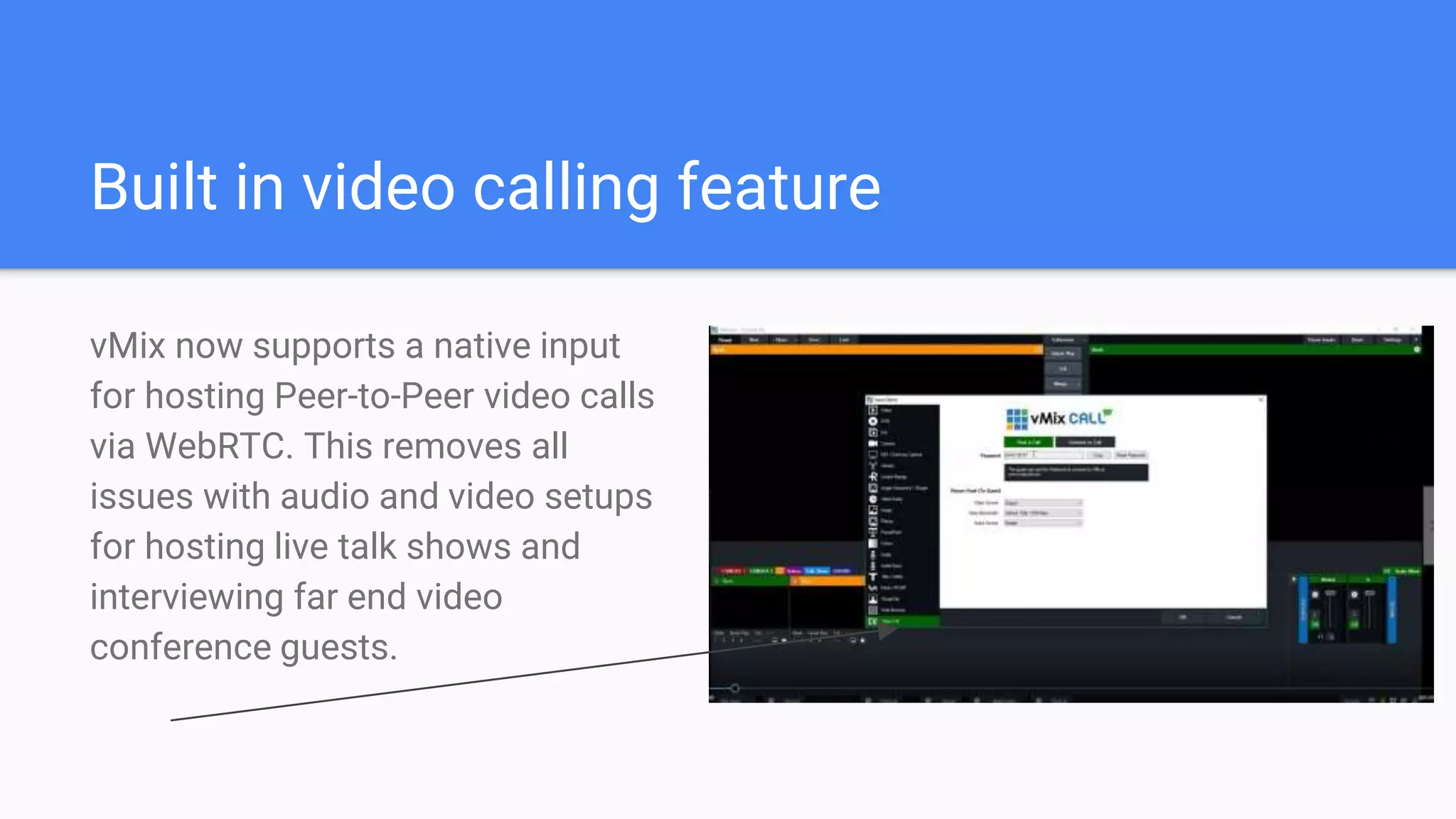
vMix now supports a native input
for hosting Peer-to-Peer video calls
via WebRTC. This removes all
issues with audio and video setups
for hosting live talk shows and
interviewing far end video
conference guests.
WebRTC Video inside video production
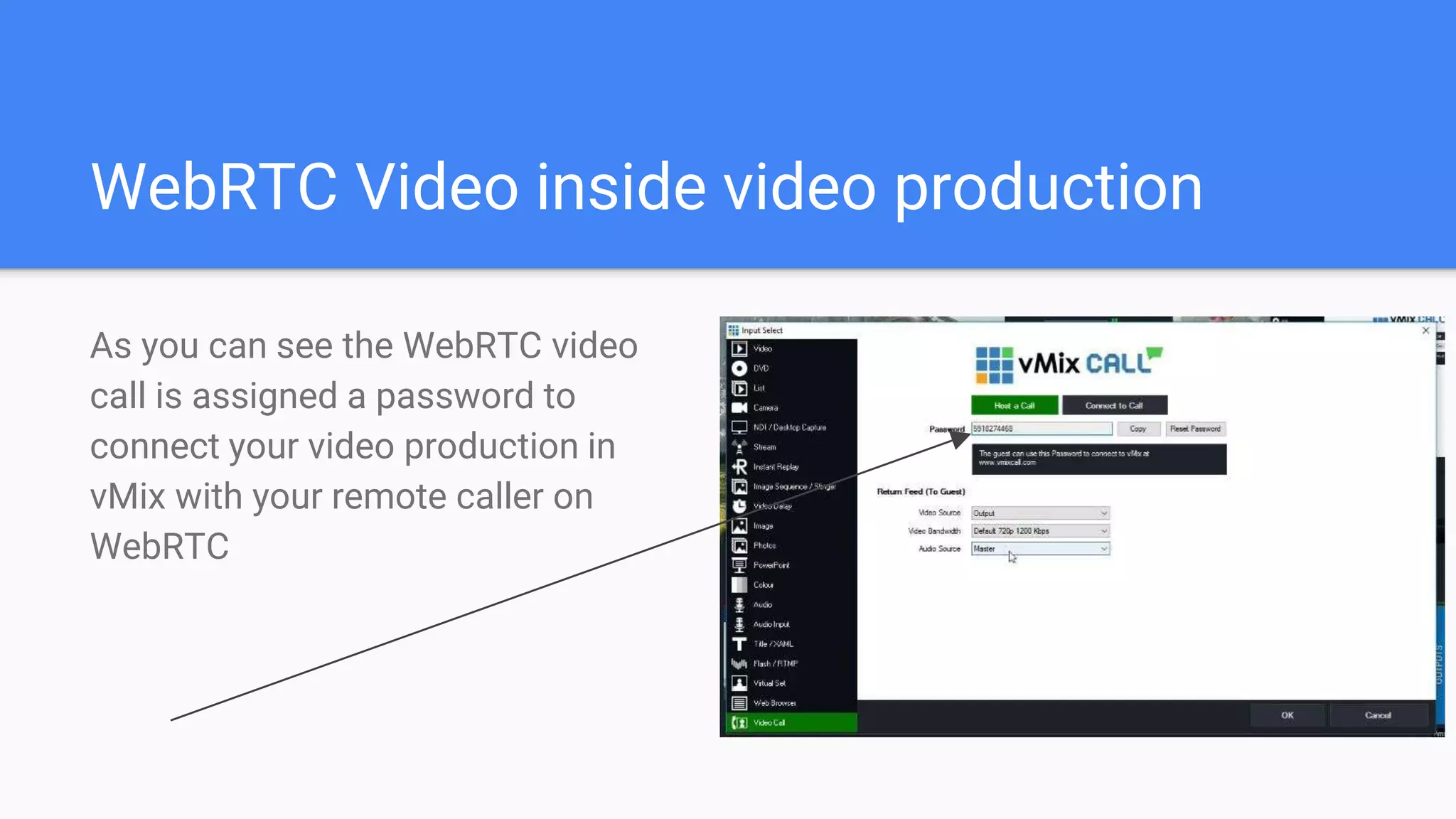
As you can see the WebRTC video
call is assigned a password to
connect your video production in
vMix with your remote caller on
WebRTC
vMixCall.com for connecting callers
Your guest can join the video call at
http://vmixcall.com by simply
entering the password and
connecting their webcam and
microphone via google chrome.
Selecting video sources for far end caller
vMix has already built in options for
sending the correct video and audio
to your far end guests.
Adjusting bandwidth for video call
You can also quickly adjust the
video resolution to adapt to lower
bandwidth situations.
Why this HUGE for the market
If you have taken one of my courses on live
streaming courses on hosting your own live
talk show, you can now rejoice there is no
need for virtual audio cables and other
secondary monitors. Amazing programming
work done by vMix CEO Martin Sinclair! This
feature will now save users money who are
currently paying for video conferencing
services such as Zoom.US and Skype!
About the new feature
As you can see the regular vMix
add input interface now includes a
"Video Call" button. vMix generates
a password which is used to
connect your vMix interface to a
calling via a WebRTC web browser.
Brain Storming on features...
After brain storming with our engineers, we realized that vMix Call has opened up some new
doors for extending the functionality of the NewTek NDI. Now users can connect NewTek
NDI sources (vMix already supports the NewTek NDI) to other vMix sources around the
world, even if they aren't on the same network. Now for true 1080p, low latency, quality of the
NewTek NDI which is only available on the LAN (Local Area Network) the same NDI rules
still apply. But, now that vMix supports the connection of multiple vMix systems together over
the public internet a whole new slew of possibilities have been opened up!
Free vMix Course on Live Streaming here!
Use Coupon Code: VMIXPRO
https://www.udemy.com/vmix-live-streaming/learn/v4/
Stay tuned on our YouTube Channel!
http://www.youtube.com/channel/UCa-
H8O_q6M6P9XkgLmzxxDw?sub_confirmation=1

vMix 19 - vMix Call Overview

  • 1.
    vMix 19 IntroducesvMix Call & live streaming continues
  • 2.
    The convergence of live streaming &video conferencing continues...
  • 3.
    Quick notes onvMix Call 1. This is currently in BETA 2. The vMix 19 BETA is available in the vMix forums 3. vMix 19 is set to be officially released in April of 2017 at the
  • 4.
    Let’s watch aquick tutorial video...
  • 5.
    Video Production andVideo Communication Market Sizes The video production market is looking for a piece of the pie, in a converging industry with a combined worth an estimated $100+ Billion by 2020 (Video Communications & Live Streaming - See sources below)!
  • 6.
    About vMix Call Asyou can see the regular vMix add input interface now includes a "Video Call" button. Once inside this input you can either host a call or connect to a call.
  • 7.
    Built in videocalling feature vMix now supports a native input for hosting Peer-to-Peer video calls via WebRTC. This removes all issues with audio and video setups for hosting live talk shows and interviewing far end video conference guests.
  • 8.
    WebRTC Video insidevideo production As you can see the WebRTC video call is assigned a password to connect your video production in vMix with your remote caller on WebRTC
  • 9.
    vMixCall.com for connectingcallers Your guest can join the video call at http://vmixcall.com by simply entering the password and connecting their webcam and microphone via google chrome.
  • 10.
    Selecting video sourcesfor far end caller vMix has already built in options for sending the correct video and audio to your far end guests.
  • 11.
    Adjusting bandwidth forvideo call You can also quickly adjust the video resolution to adapt to lower bandwidth situations.
  • 12.
    Why this HUGEfor the market If you have taken one of my courses on live streaming courses on hosting your own live talk show, you can now rejoice there is no need for virtual audio cables and other secondary monitors. Amazing programming work done by vMix CEO Martin Sinclair! This feature will now save users money who are currently paying for video conferencing services such as Zoom.US and Skype!
  • 13.
    About the newfeature As you can see the regular vMix add input interface now includes a "Video Call" button. vMix generates a password which is used to connect your vMix interface to a calling via a WebRTC web browser.
  • 14.
    Brain Storming onfeatures... After brain storming with our engineers, we realized that vMix Call has opened up some new doors for extending the functionality of the NewTek NDI. Now users can connect NewTek NDI sources (vMix already supports the NewTek NDI) to other vMix sources around the world, even if they aren't on the same network. Now for true 1080p, low latency, quality of the NewTek NDI which is only available on the LAN (Local Area Network) the same NDI rules still apply. But, now that vMix supports the connection of multiple vMix systems together over the public internet a whole new slew of possibilities have been opened up!
  • 15.
    Free vMix Courseon Live Streaming here! Use Coupon Code: VMIXPRO https://www.udemy.com/vmix-live-streaming/learn/v4/
  • 16.
    Stay tuned onour YouTube Channel! http://www.youtube.com/channel/UCa- H8O_q6M6P9XkgLmzxxDw?sub_confirmation=1