Purpose of a operating system.
Where might you find an operating system?
These operating systems are found on a personal computer, sat nav, network
servers, mobile phones, games consoles and also cars.

What are the main functions of an Operating System?
• Processor Management
• Memory Management
• Device Management
• Storage Management
• User Interface

What role does the OS play in managing the processor?
The OS controls what goes to the CPU, like music, documents and more.

What is virtual memory?
The OS manages virtual memory. In this way the computer can run more
applications than it has RAM for.
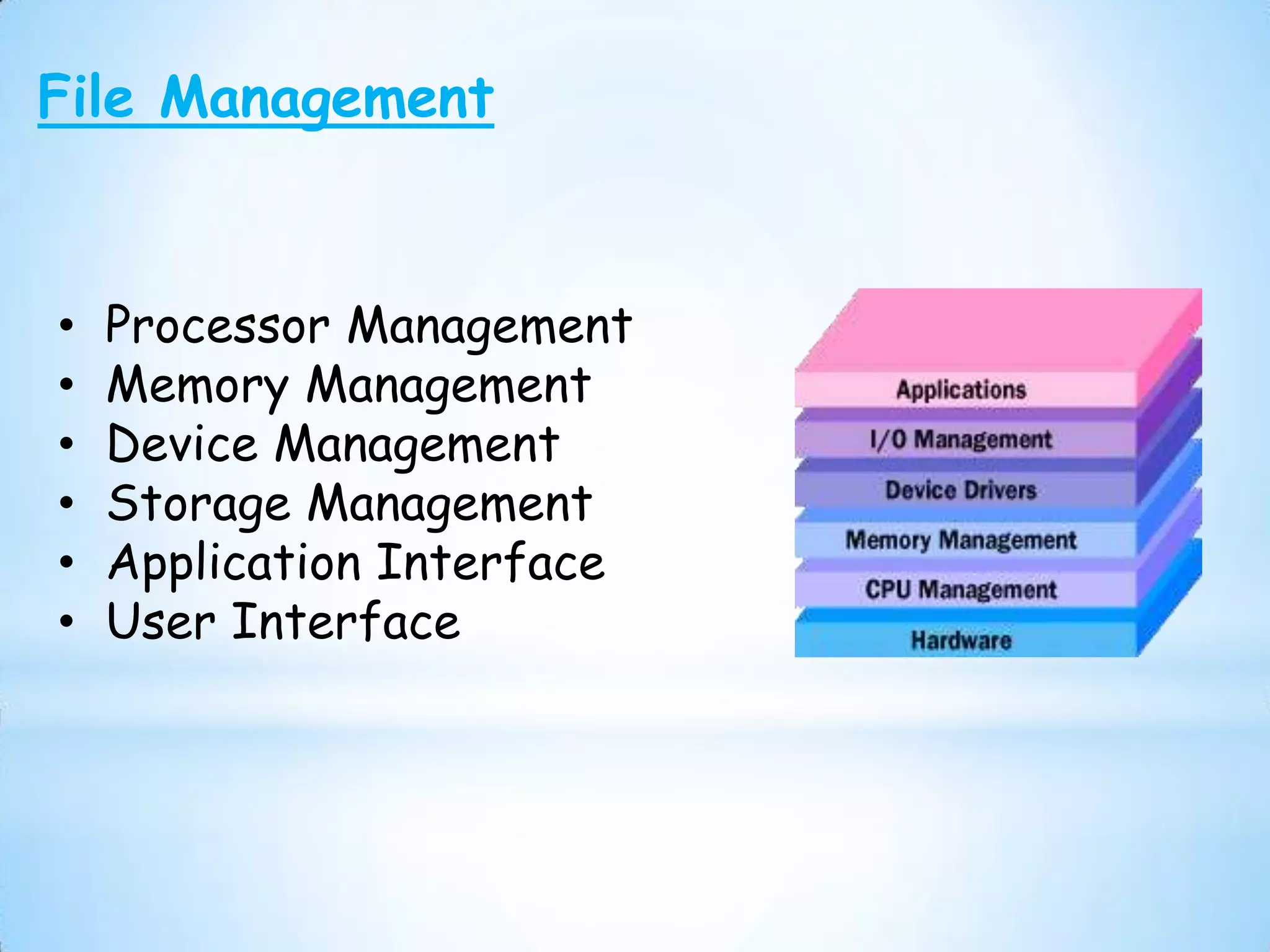
File Management


•   Processor Management
•   Memory Management
•   Device Management
•   Storage Management
•   Application Interface
•   User Interface
File Management
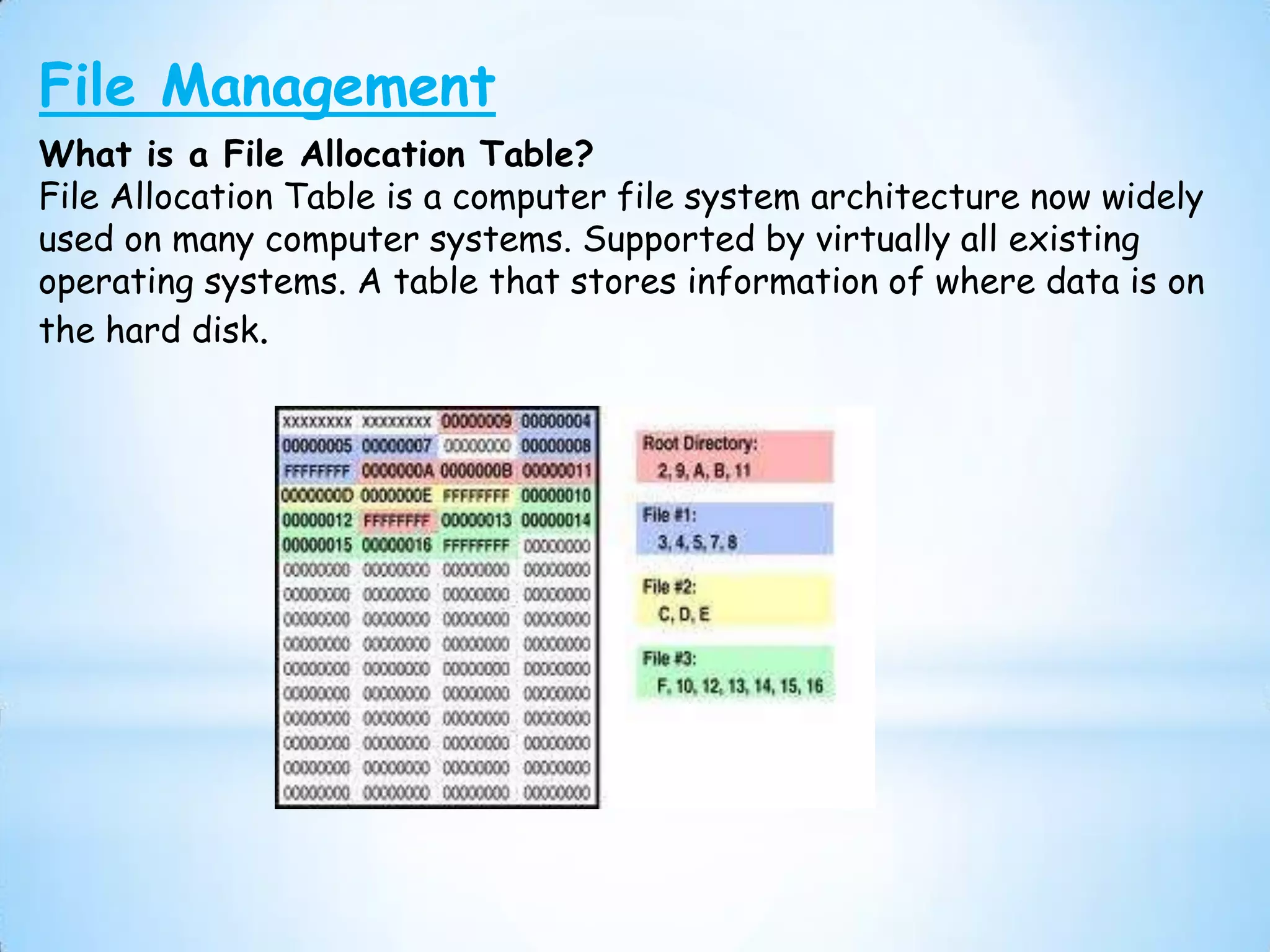
What is a File Allocation Table?
File Allocation Table is a computer file system architecture now widely
used on many computer systems. Supported by virtually all existing
operating systems. A table that stores information of where data is on
the hard disk.
Device Management (Input/Output)

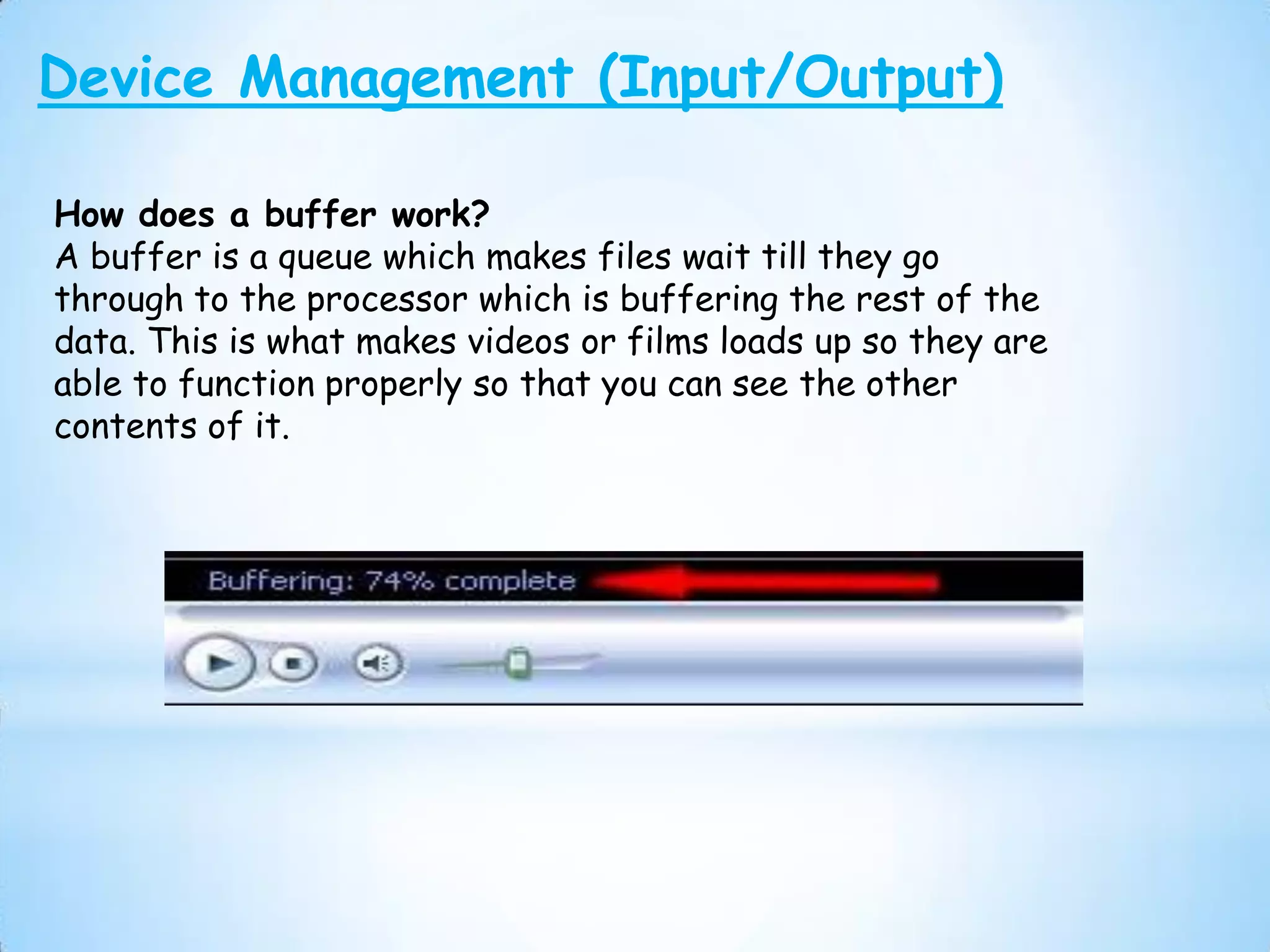
How does a buffer work?
A buffer is a queue which makes files wait till they go
through to the processor which is buffering the rest of the
data. This is what makes videos or films loads up so they are
able to function properly so that you can see the other
contents of it.
Device Management
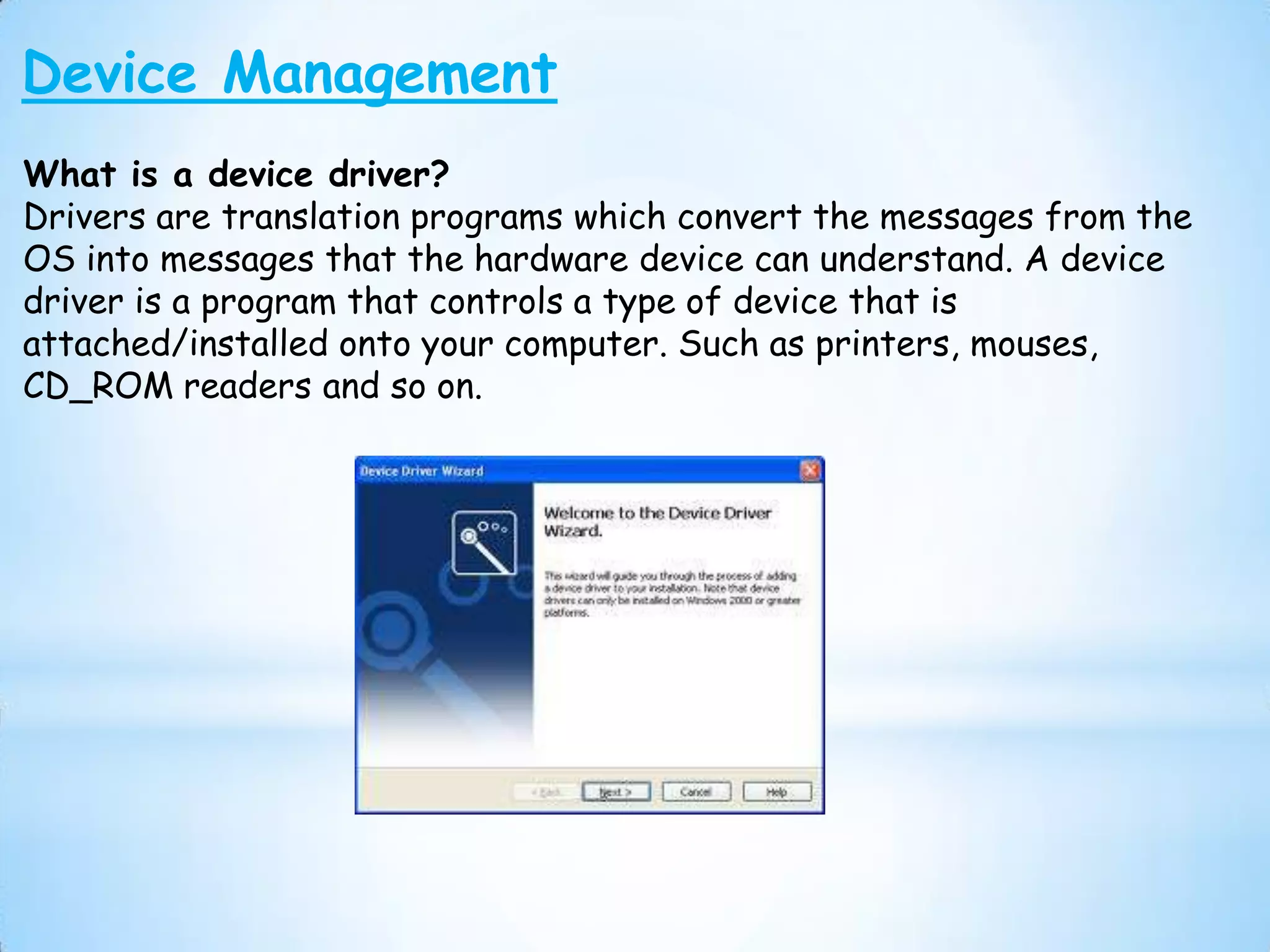
What is a device driver?
Drivers are translation programs which convert the messages from the
OS into messages that the hardware device can understand. A device
driver is a program that controls a type of device that is
attached/installed onto your computer. Such as printers, mouses,
CD_ROM readers and so on.
User Interface
What is a CLI and what is a GUI?
• CLI is a Command Line Interface in which you type
  commands instead of choosing them from a menu or
  clicking an icon. It is for interacting a computer system
  or software to perform specific tasks.
• GUI is a graphical user interface such as mac os
  x, Microsoft windows, which is a type of user interface
  that allowed people to interact with electronic devices
  with images rather than texts.
Processor Management

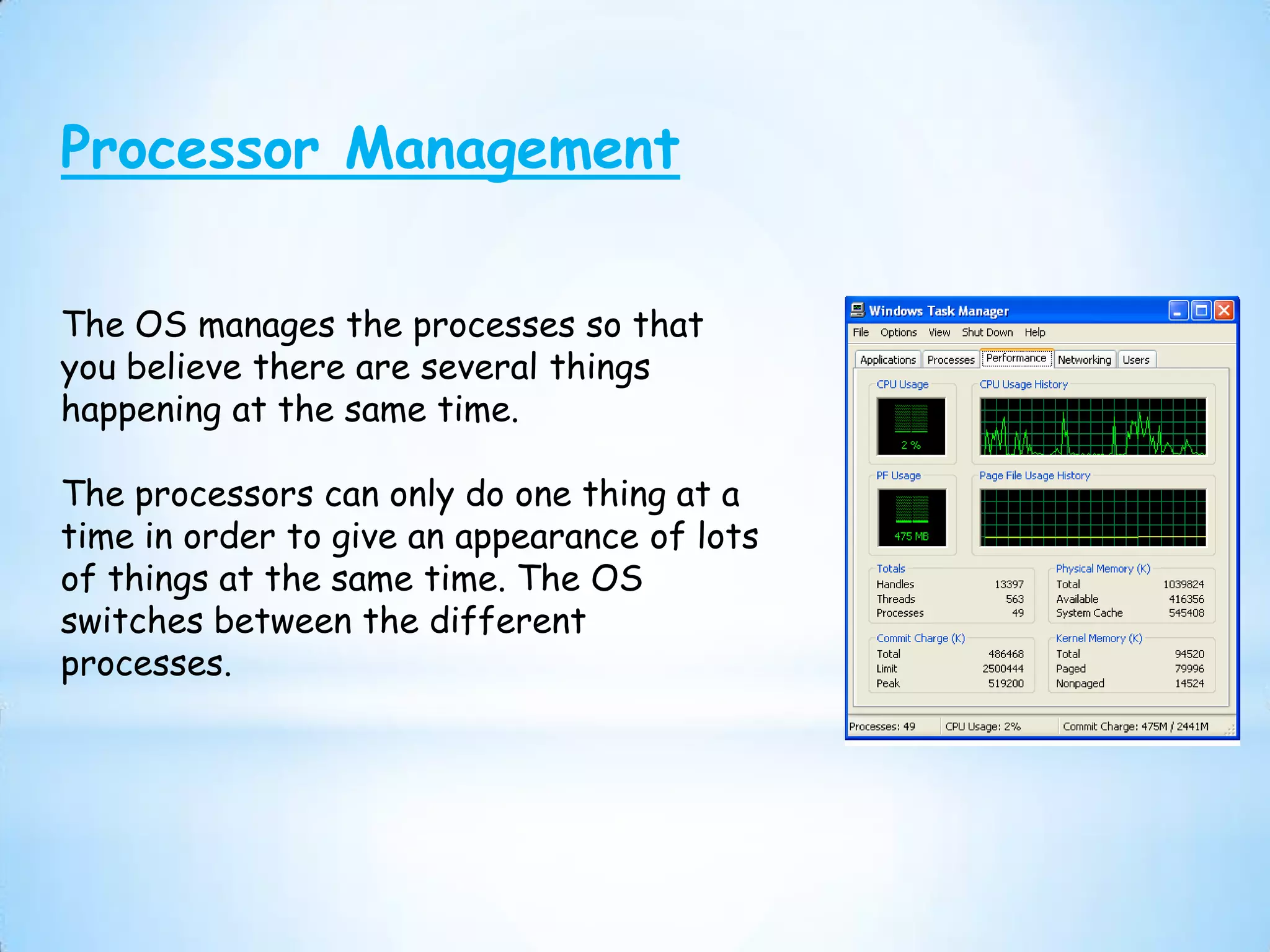
The OS manages the processes so that
you believe there are several things
happening at the same time.

The processors can only do one thing at a
time in order to give an appearance of lots
of things at the same time. The OS
switches between the different
processes.

Purpose of OS

  • 1.
    Purpose of aoperating system. Where might you find an operating system? These operating systems are found on a personal computer, sat nav, network servers, mobile phones, games consoles and also cars. What are the main functions of an Operating System? • Processor Management • Memory Management • Device Management • Storage Management • User Interface What role does the OS play in managing the processor? The OS controls what goes to the CPU, like music, documents and more. What is virtual memory? The OS manages virtual memory. In this way the computer can run more applications than it has RAM for.
  • 2.
    File Management • Processor Management • Memory Management • Device Management • Storage Management • Application Interface • User Interface
  • 3.
    File Management What isa File Allocation Table? File Allocation Table is a computer file system architecture now widely used on many computer systems. Supported by virtually all existing operating systems. A table that stores information of where data is on the hard disk.
  • 4.
    Device Management (Input/Output) Howdoes a buffer work? A buffer is a queue which makes files wait till they go through to the processor which is buffering the rest of the data. This is what makes videos or films loads up so they are able to function properly so that you can see the other contents of it.
  • 5.
    Device Management What isa device driver? Drivers are translation programs which convert the messages from the OS into messages that the hardware device can understand. A device driver is a program that controls a type of device that is attached/installed onto your computer. Such as printers, mouses, CD_ROM readers and so on.
  • 6.
    User Interface What isa CLI and what is a GUI? • CLI is a Command Line Interface in which you type commands instead of choosing them from a menu or clicking an icon. It is for interacting a computer system or software to perform specific tasks. • GUI is a graphical user interface such as mac os x, Microsoft windows, which is a type of user interface that allowed people to interact with electronic devices with images rather than texts.
  • 7.
    Processor Management The OSmanages the processes so that you believe there are several things happening at the same time. The processors can only do one thing at a time in order to give an appearance of lots of things at the same time. The OS switches between the different processes.