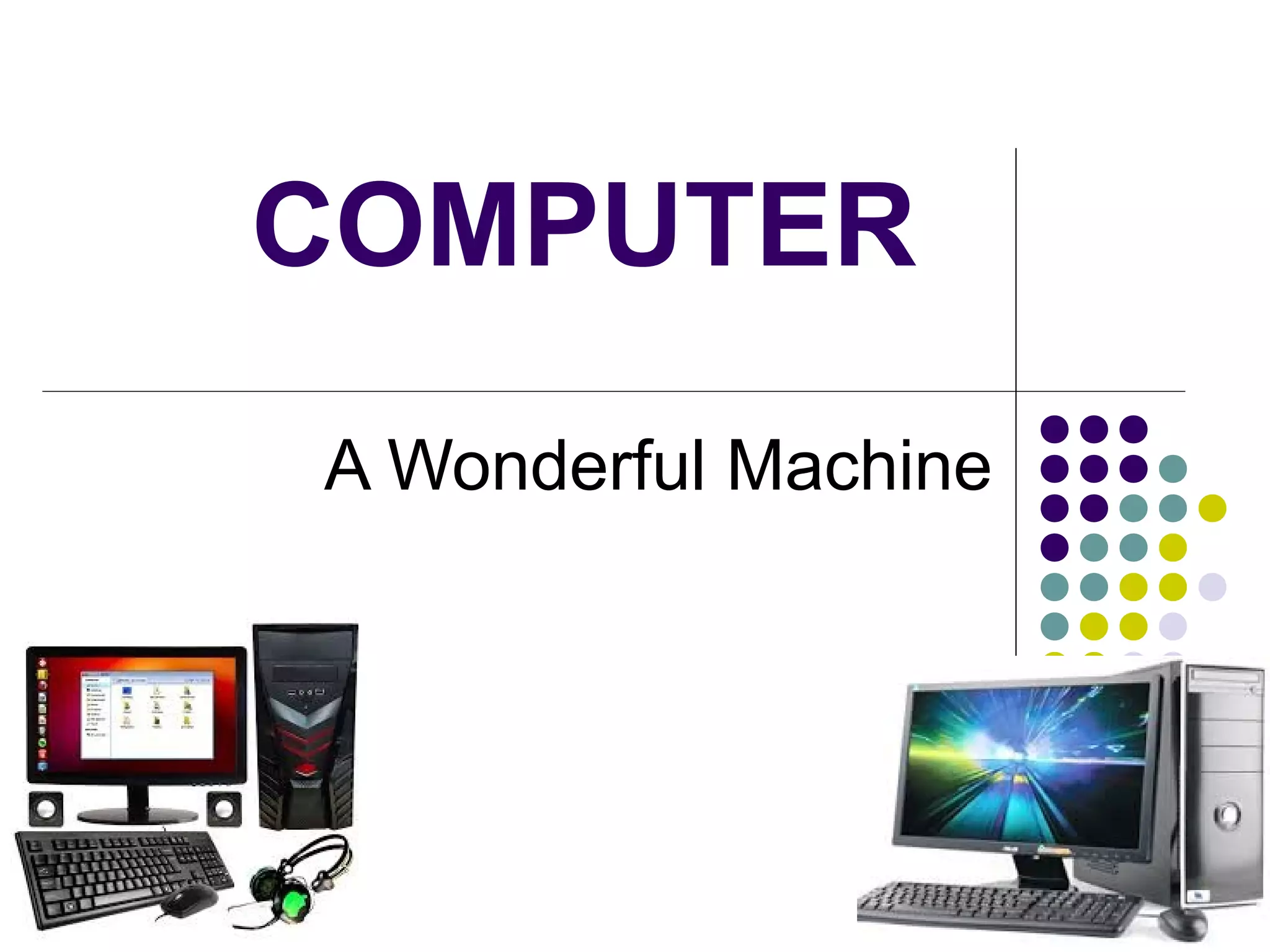
COMPUTER
A Wonderful Machine
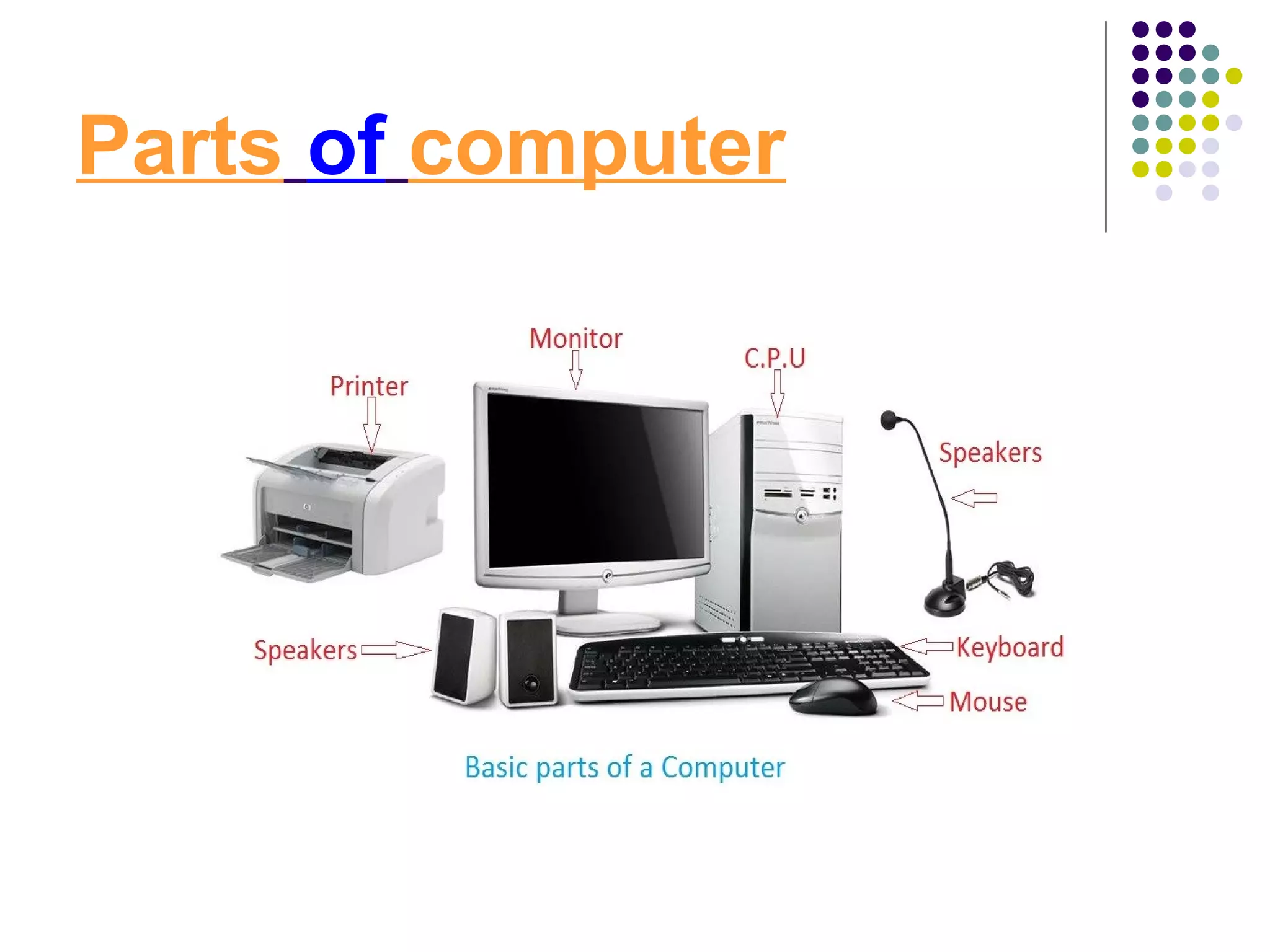
Parts of computer
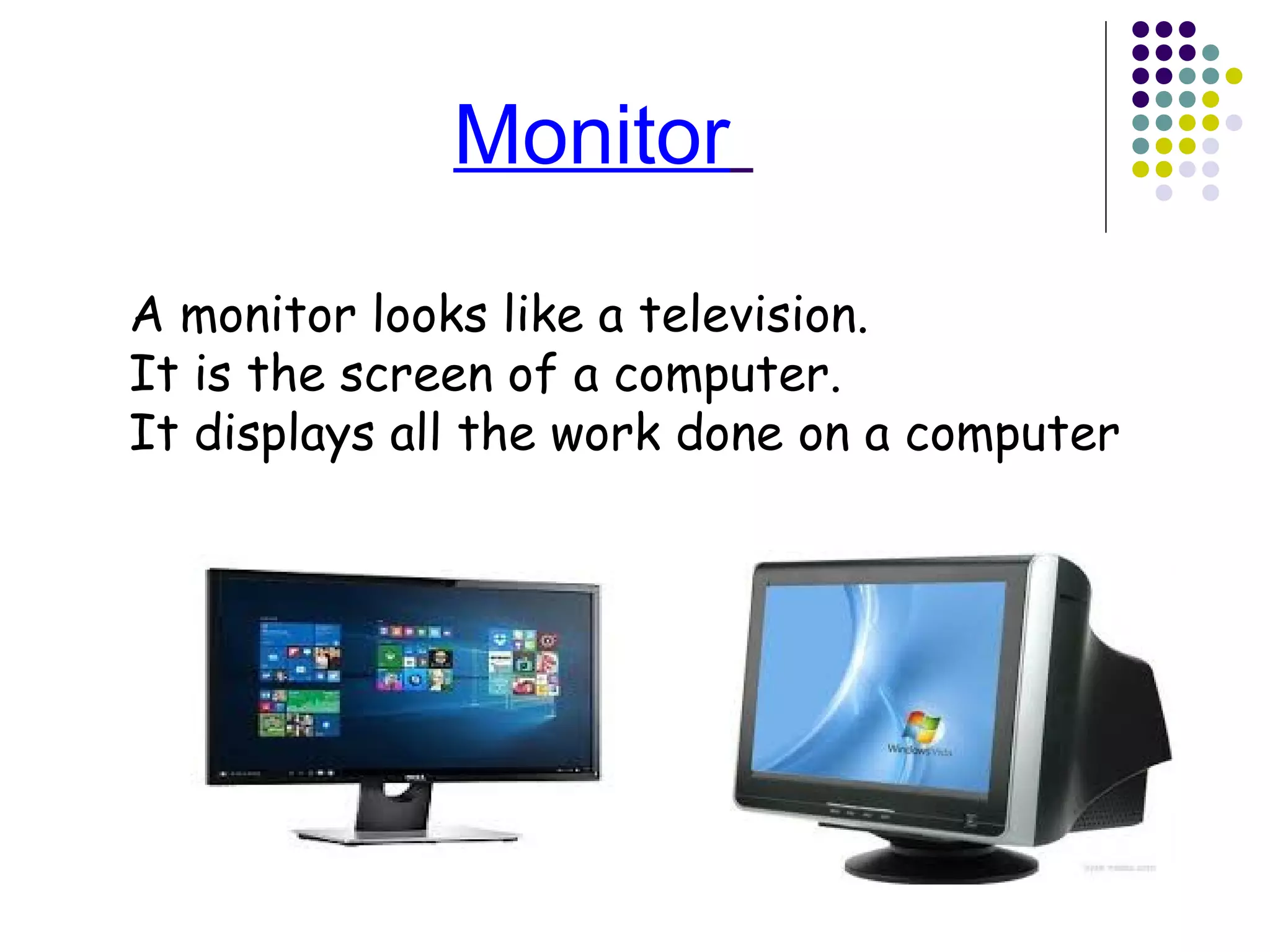
Monitor
A monitor looks like a television.
It is the screen of a computer.
It displays all the work done on a computer
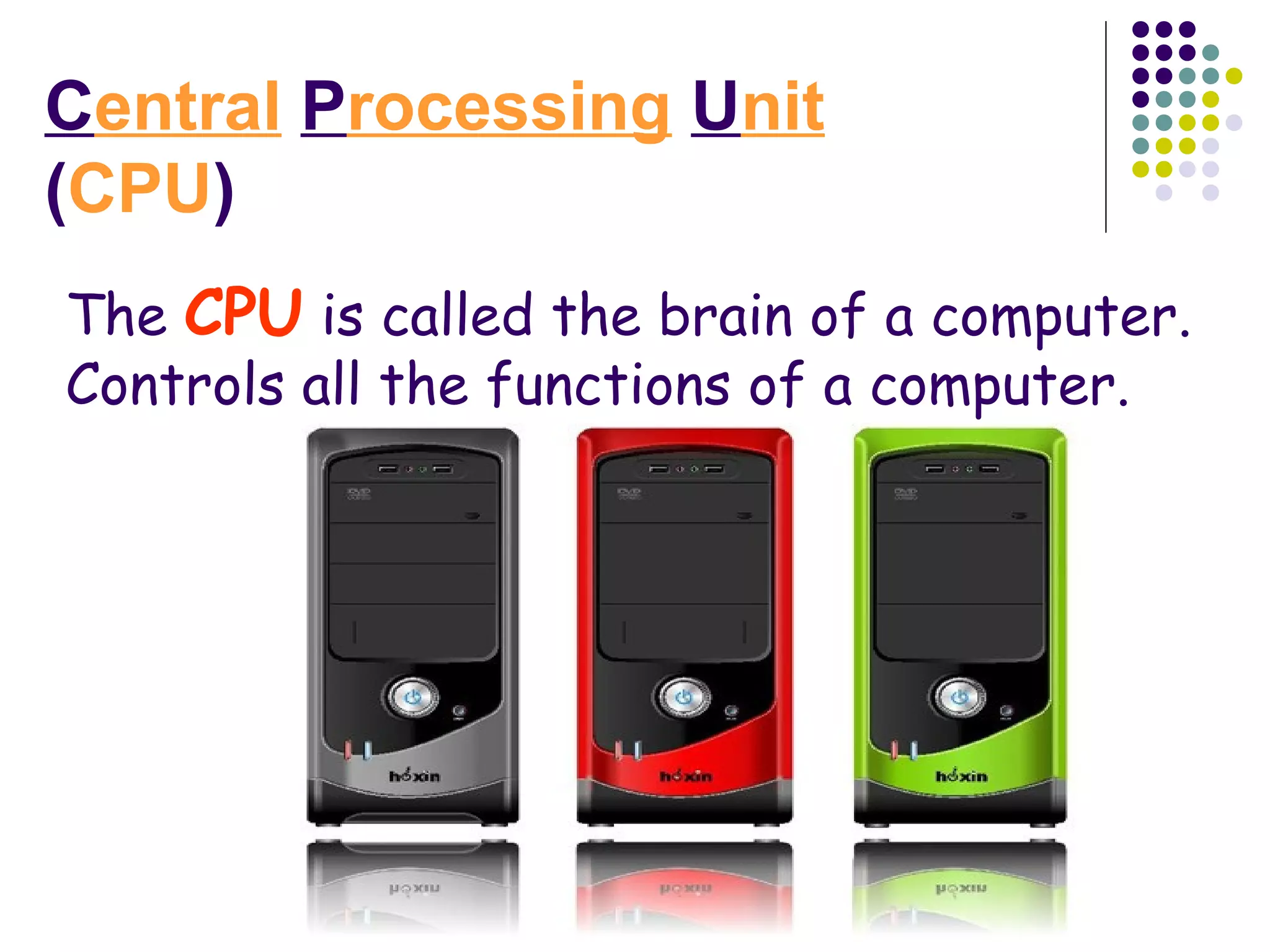
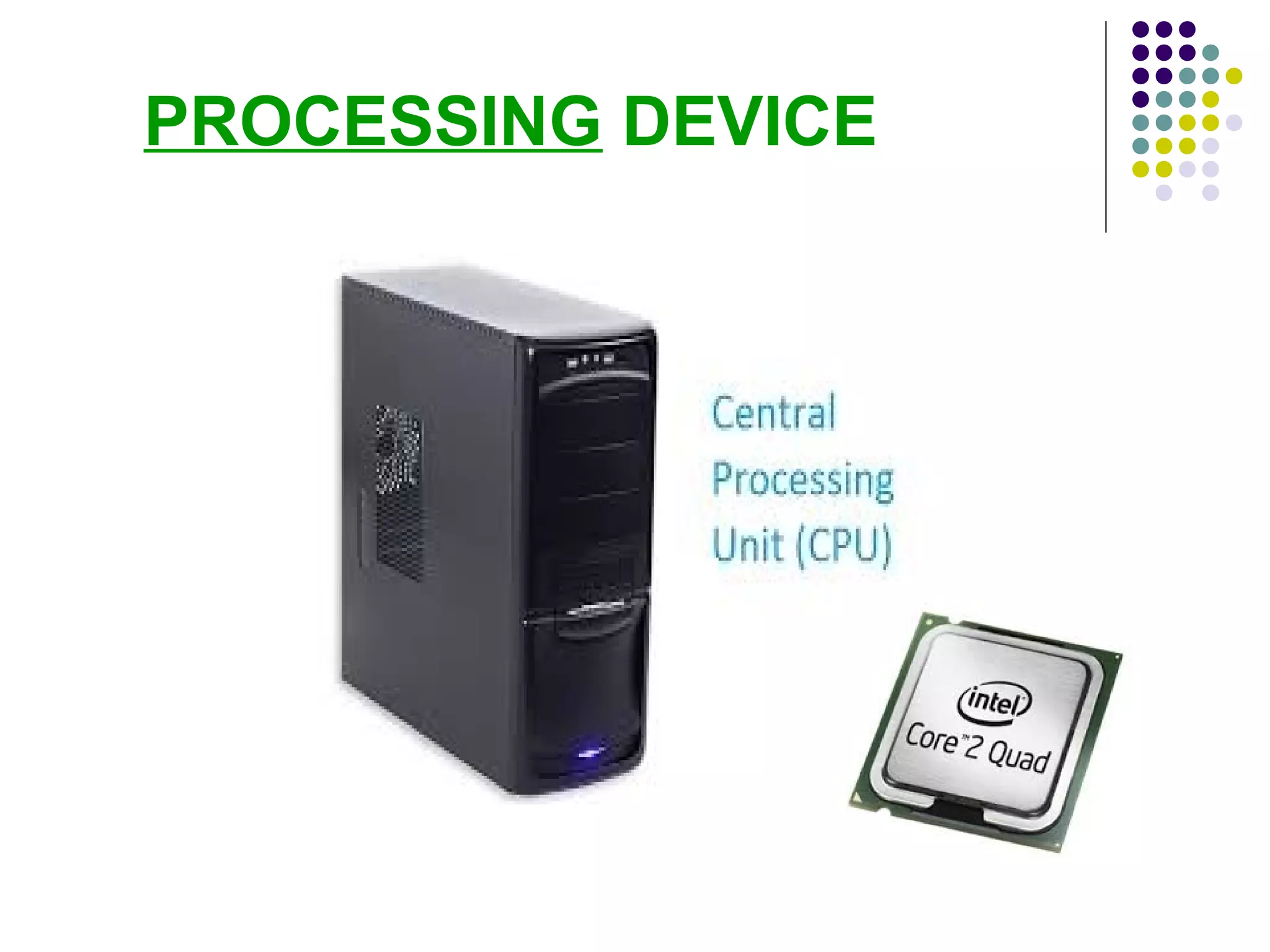
Central Processing Unit
(CPU)
The CPU is called the brain of a computer.
Controls all the functions of a computer.
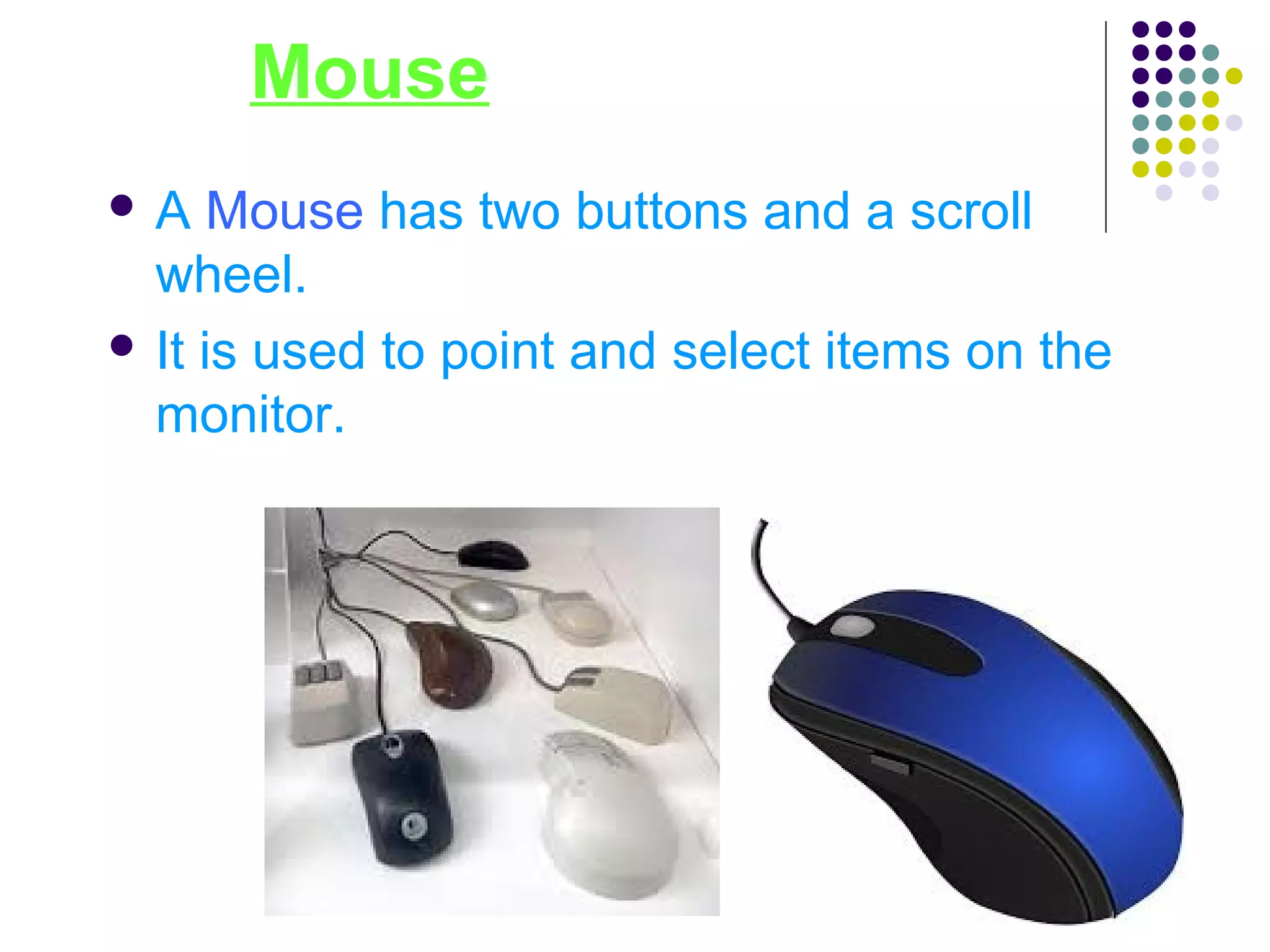
Mouse
 A Mouse has two buttons and a scroll
wheel.
 It is used to point and select items on the
monitor.
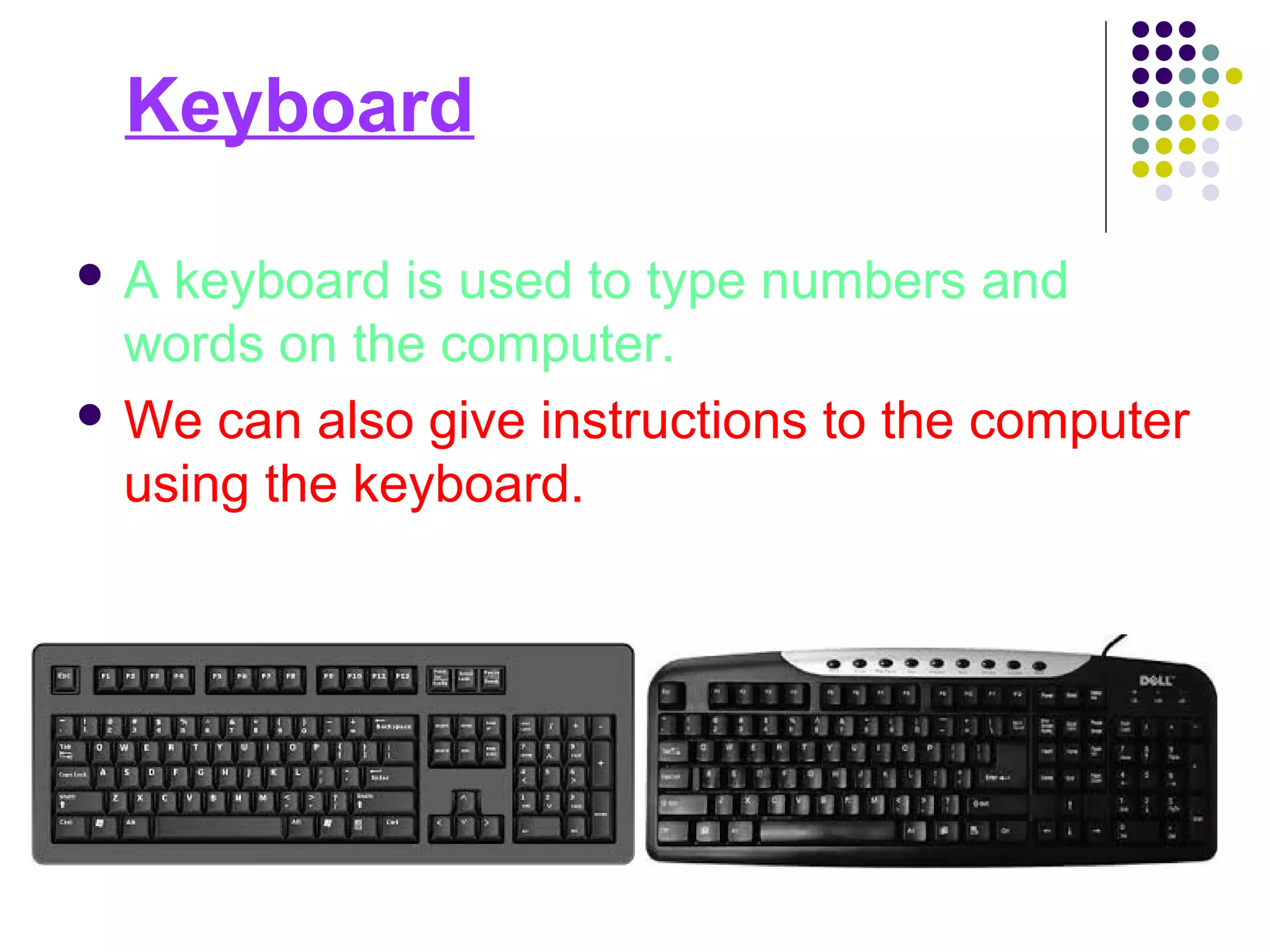
Keyboard
 A keyboard is used to type numbers and
words on the computer.
 We can also give instructions to the computer
using the keyboard.
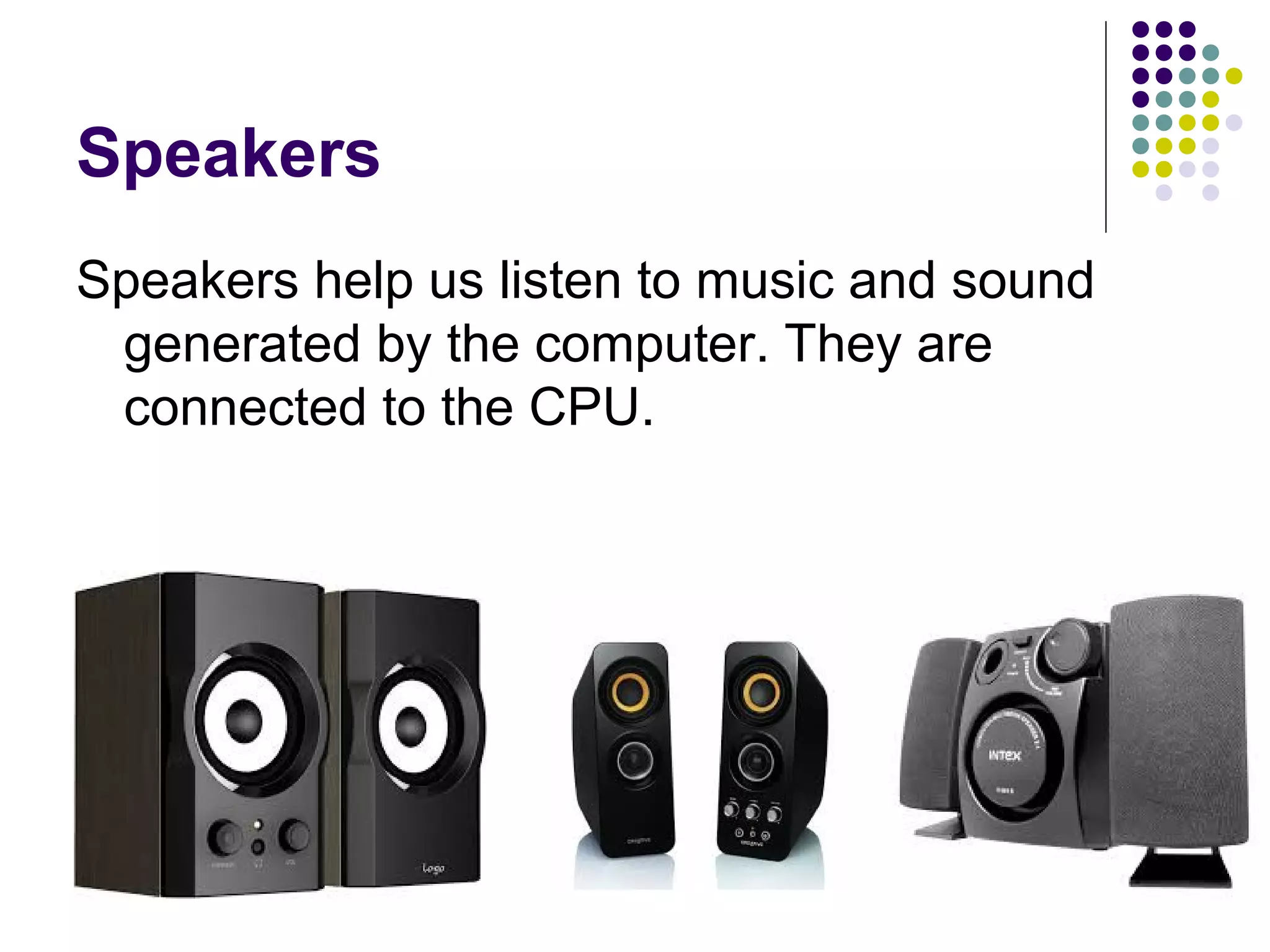
Speakers
Speakers help us listen to music and sound
generated by the computer. They are
connected to the CPU.
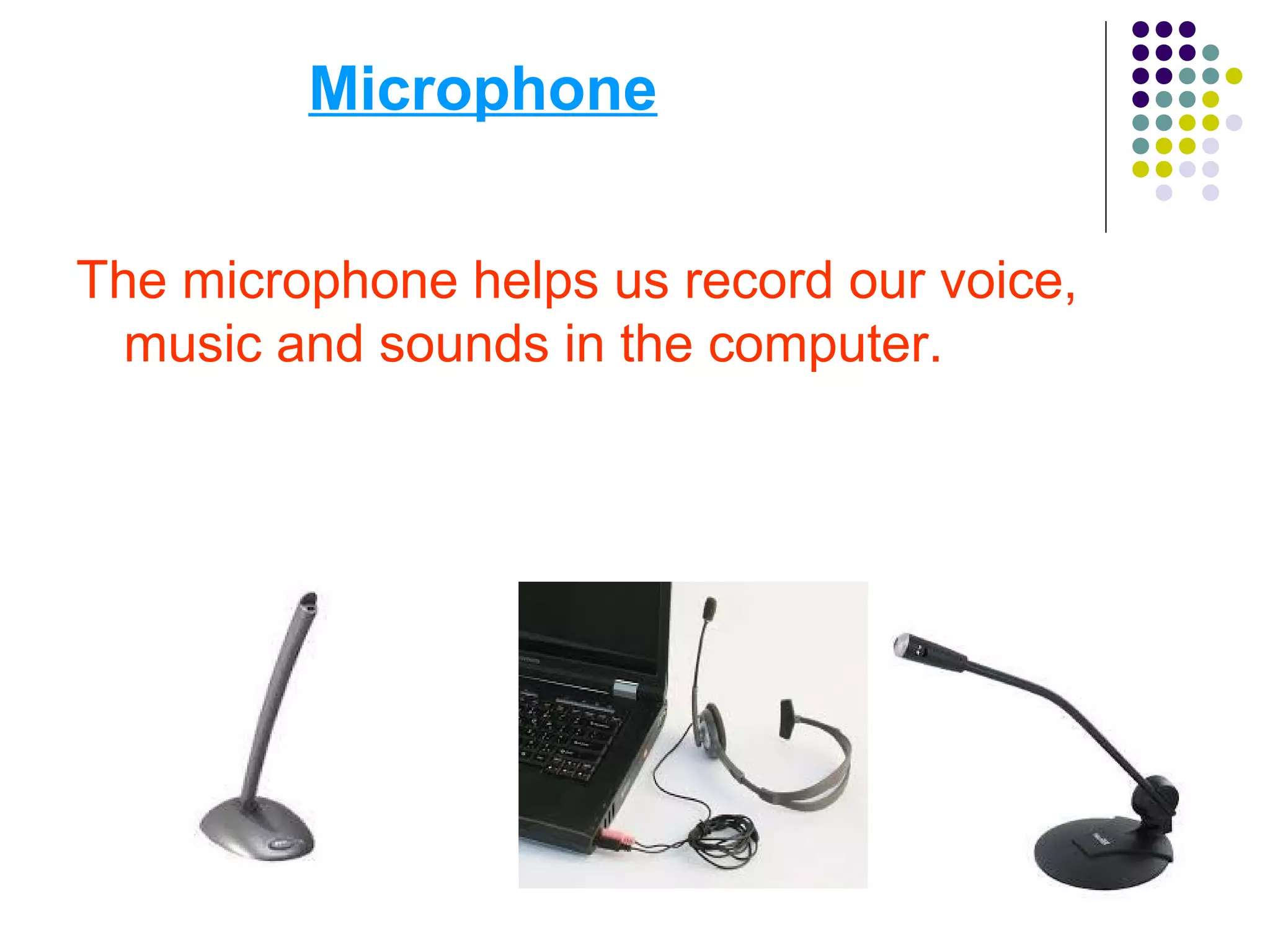
Microphone
The microphone helps us record our voice,
music and sounds in the computer.
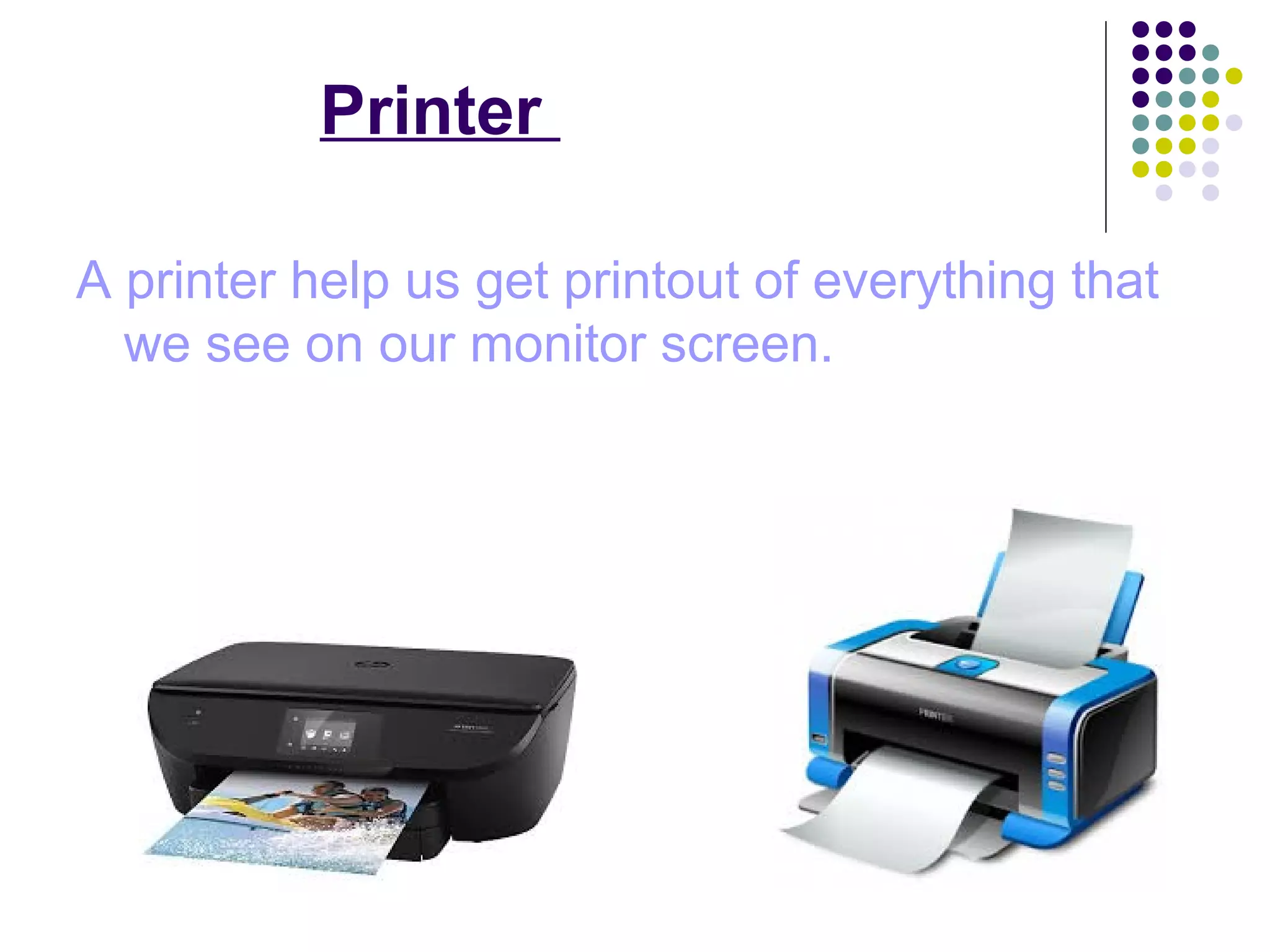
Printer
A printer help us get printout of everything that
we see on our monitor screen.
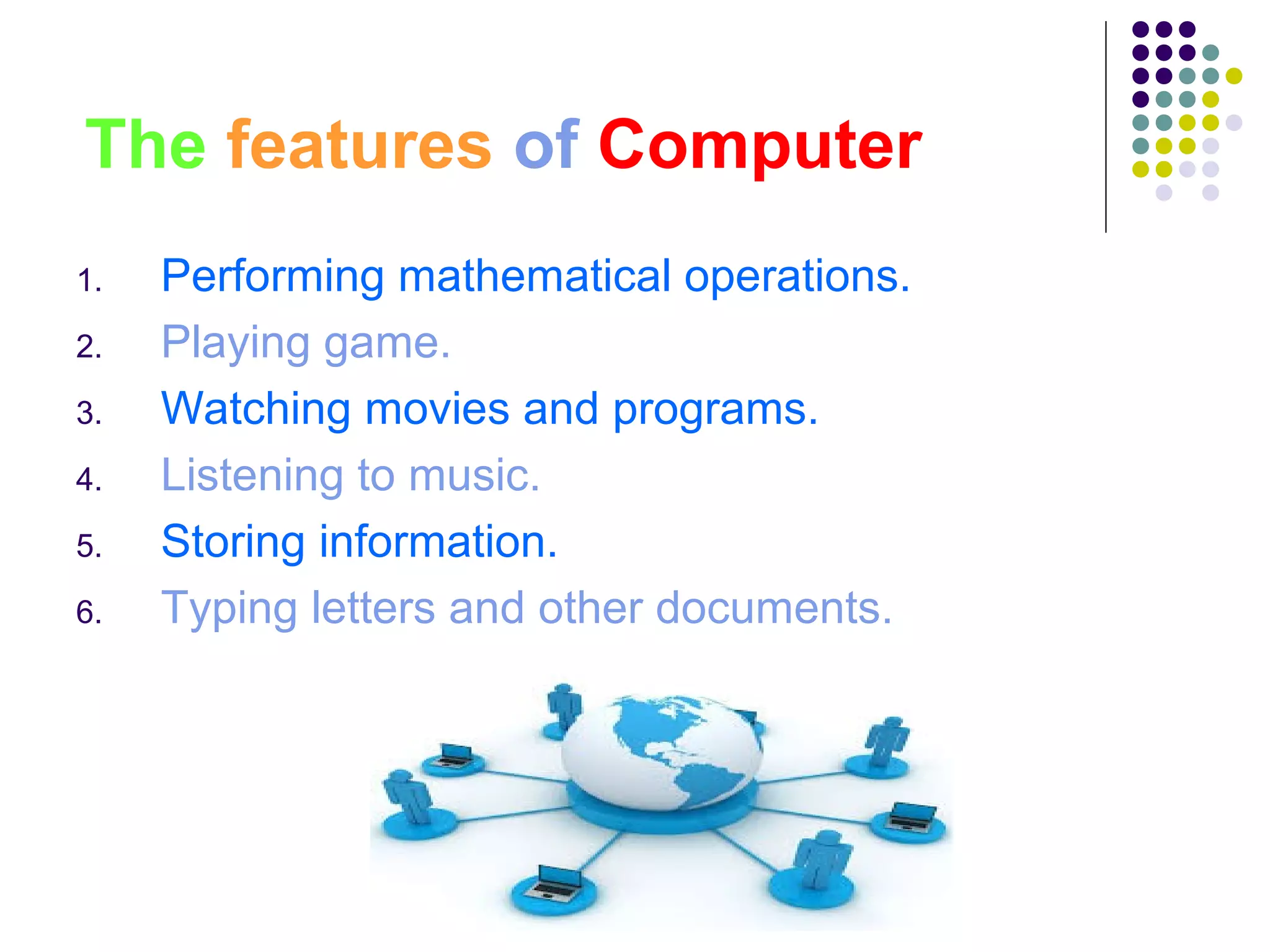
The features of Computer
1. Performing mathematical operations.
2. Playing game.
3. Watching movies and programs.
4. Listening to music.
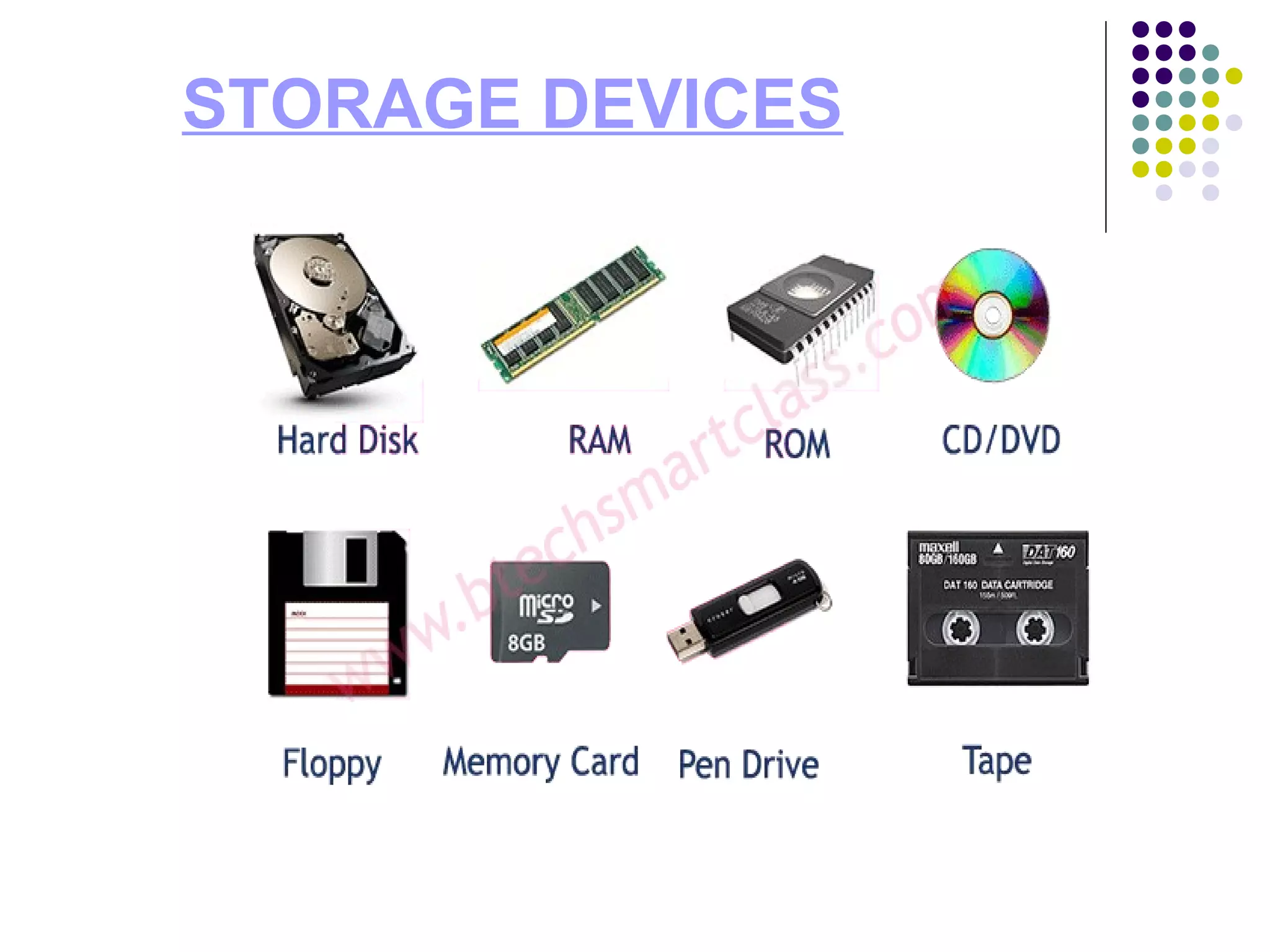
5. Storing information.
6. Typing letters and other documents.
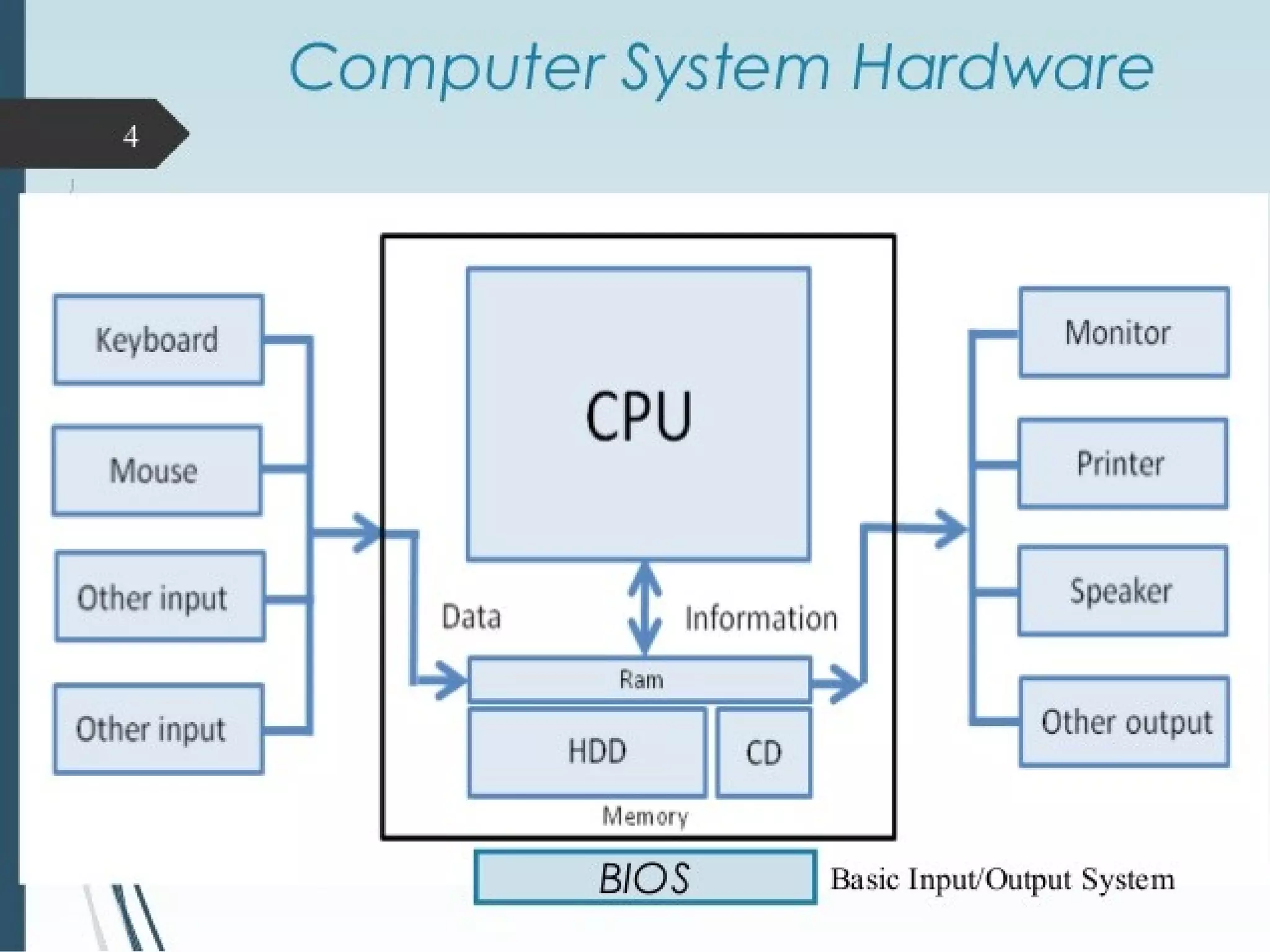
Computer hardware includes all the
electrical, mechanical, and the electronic
parts of a computer.
Any part that we can see or touch is the
hard ware.
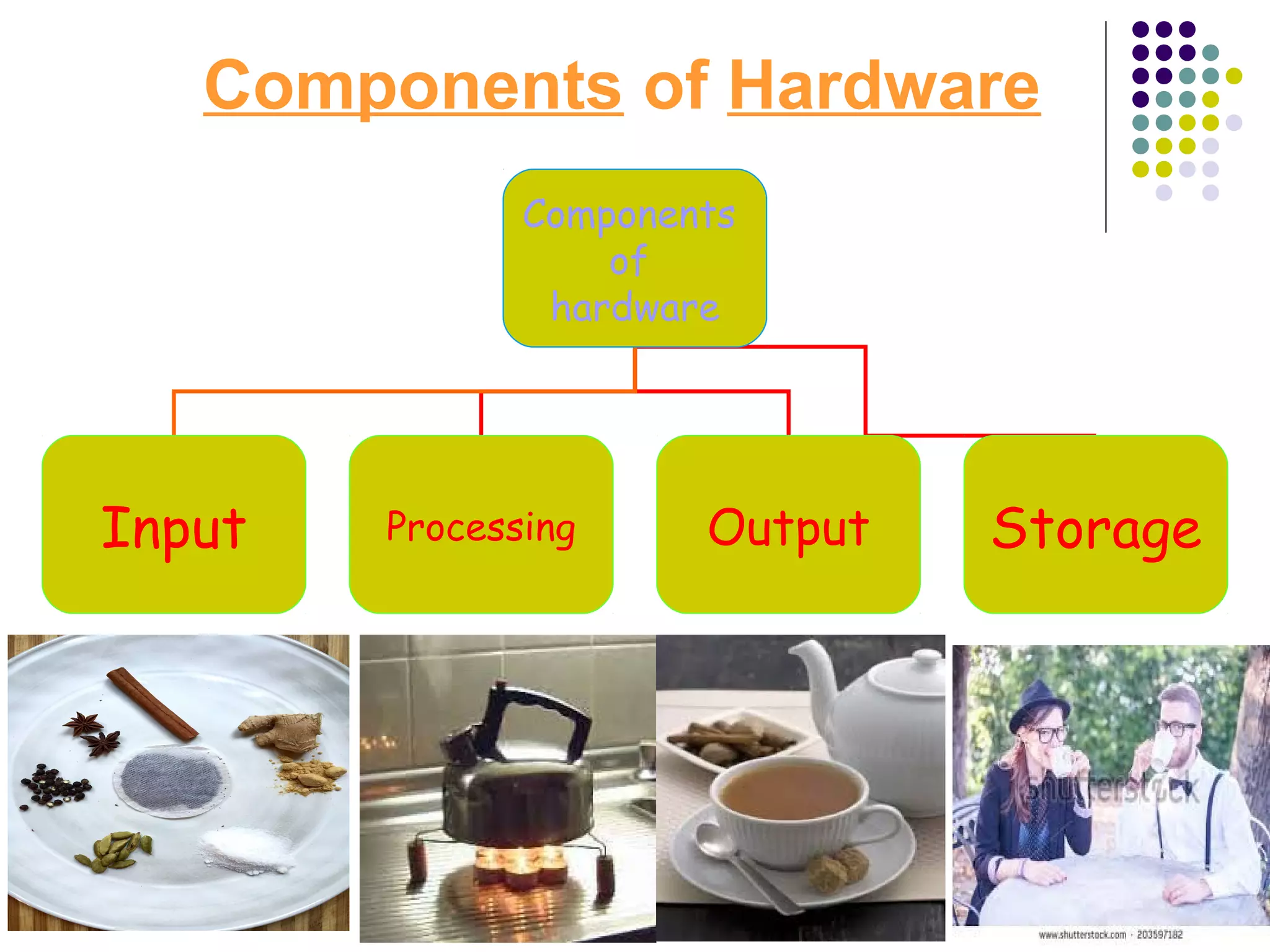
Components of Hardware
Components
of
hardware
Input Processing Output Storage
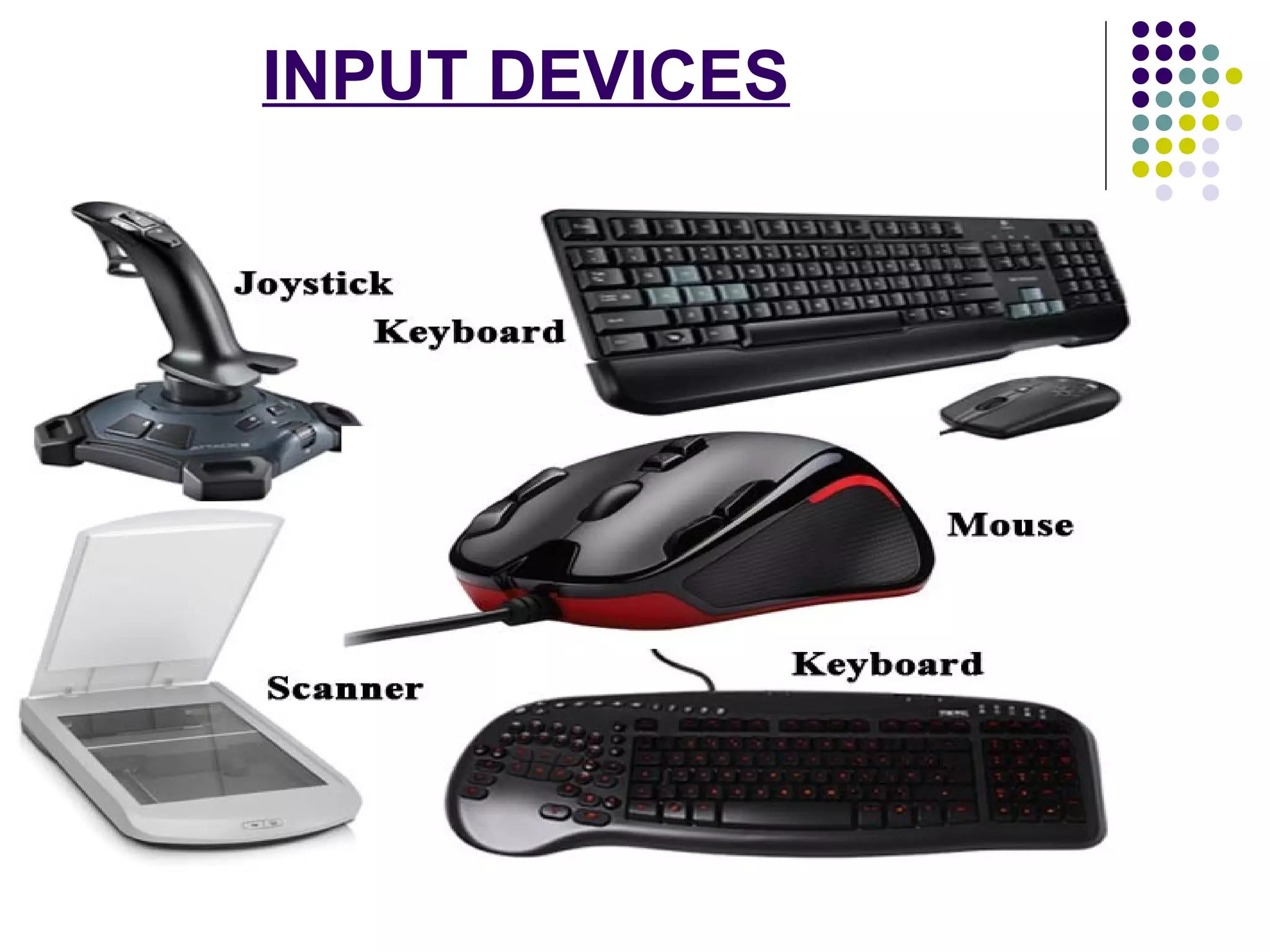
INPUT DEVICES
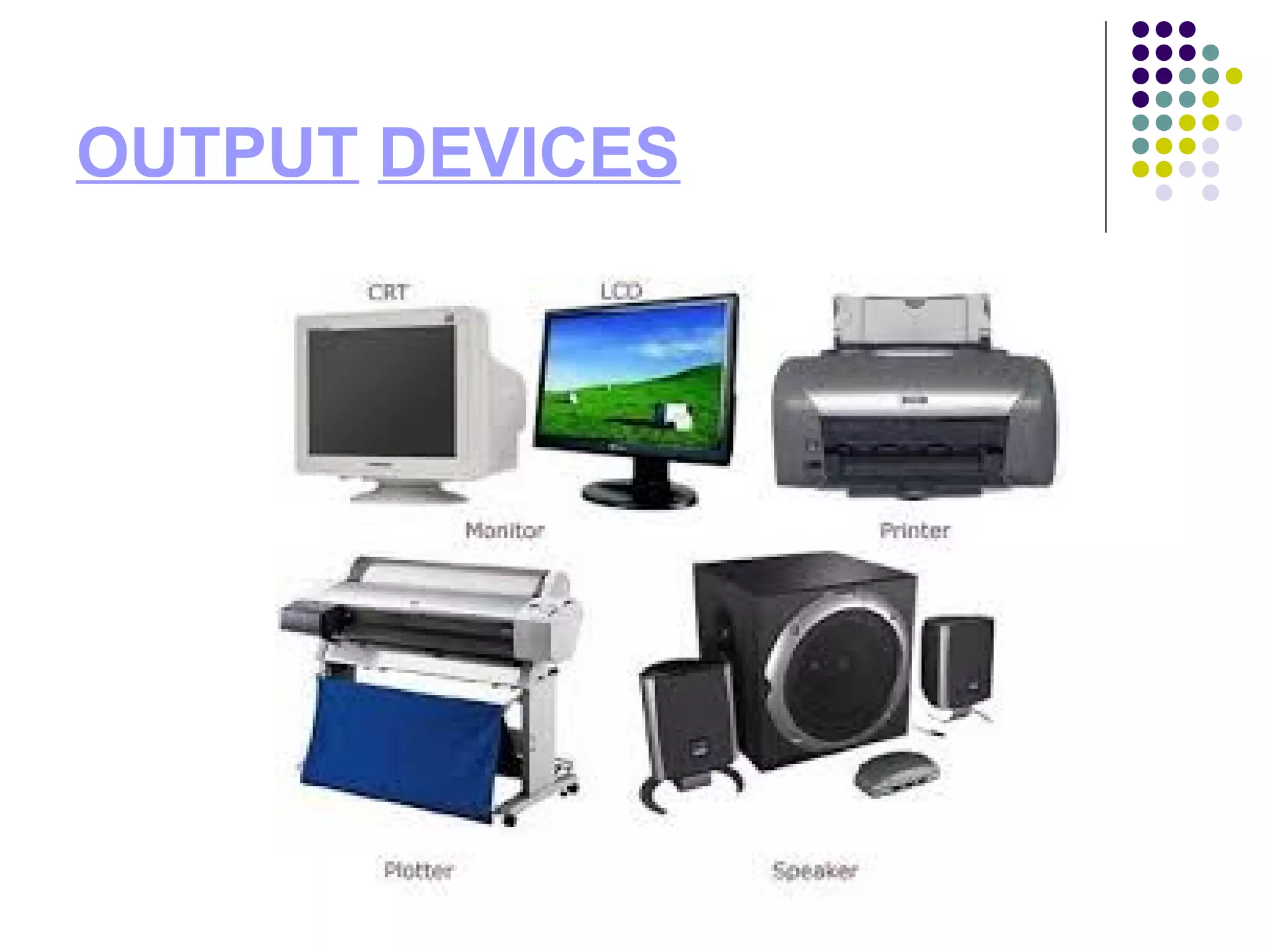
OUTPUT DEVICES
PROCESSING DEVICE
STORAGE DEVICES
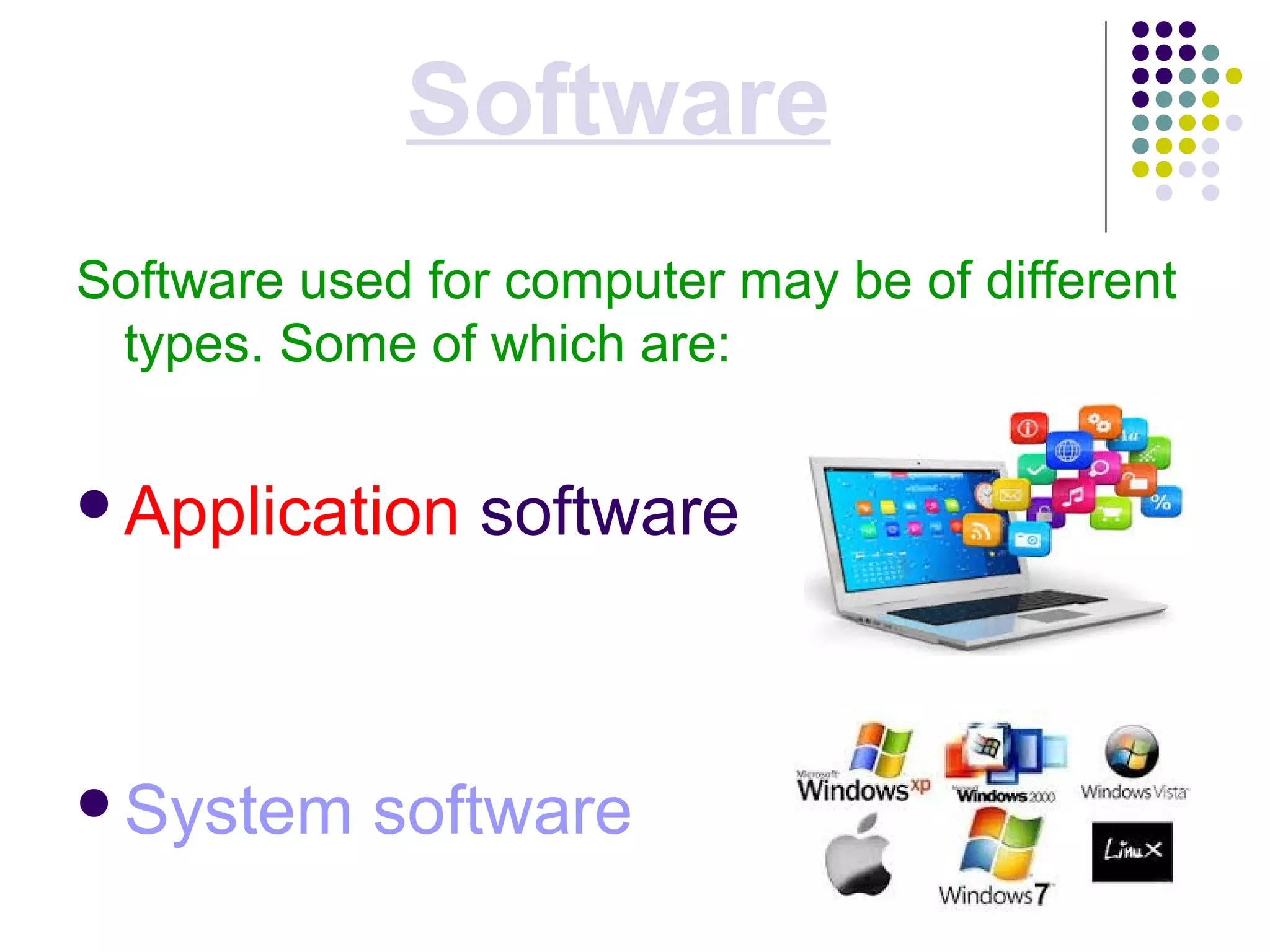
Software
Software used for computer may be of different
types. Some of which are:
Application software
System software
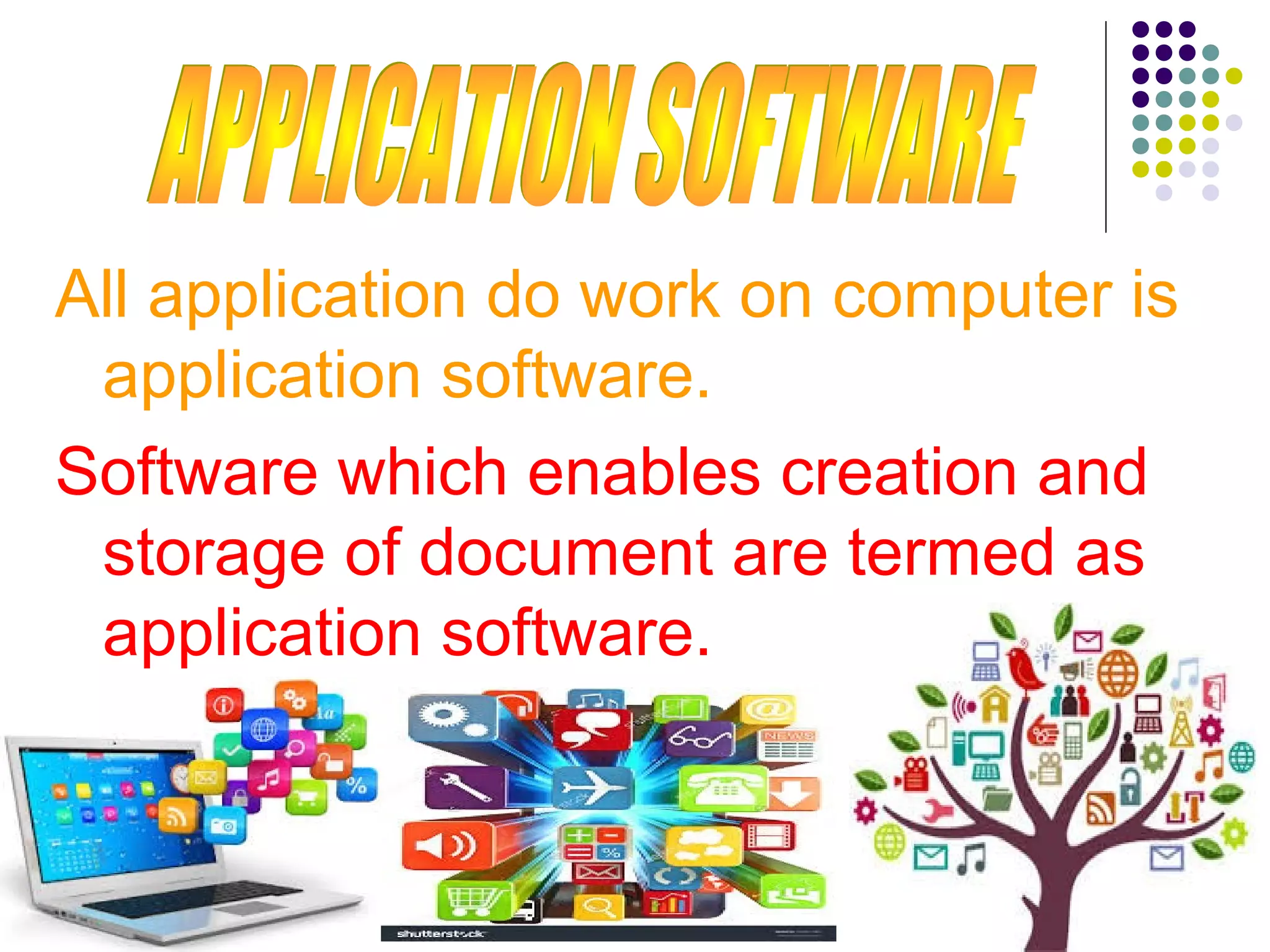
All application do work on computer is
application software.
Software which enables creation and
storage of document are termed as
application software.
The software which does this translation
is known as the support software.
The computer understands only Machine
language i.e. 0’s and 1’s. in the above
example how do you think it
understands the reservation clerk’s
query in English? There has to be a
software which translates the user
language into machine language.
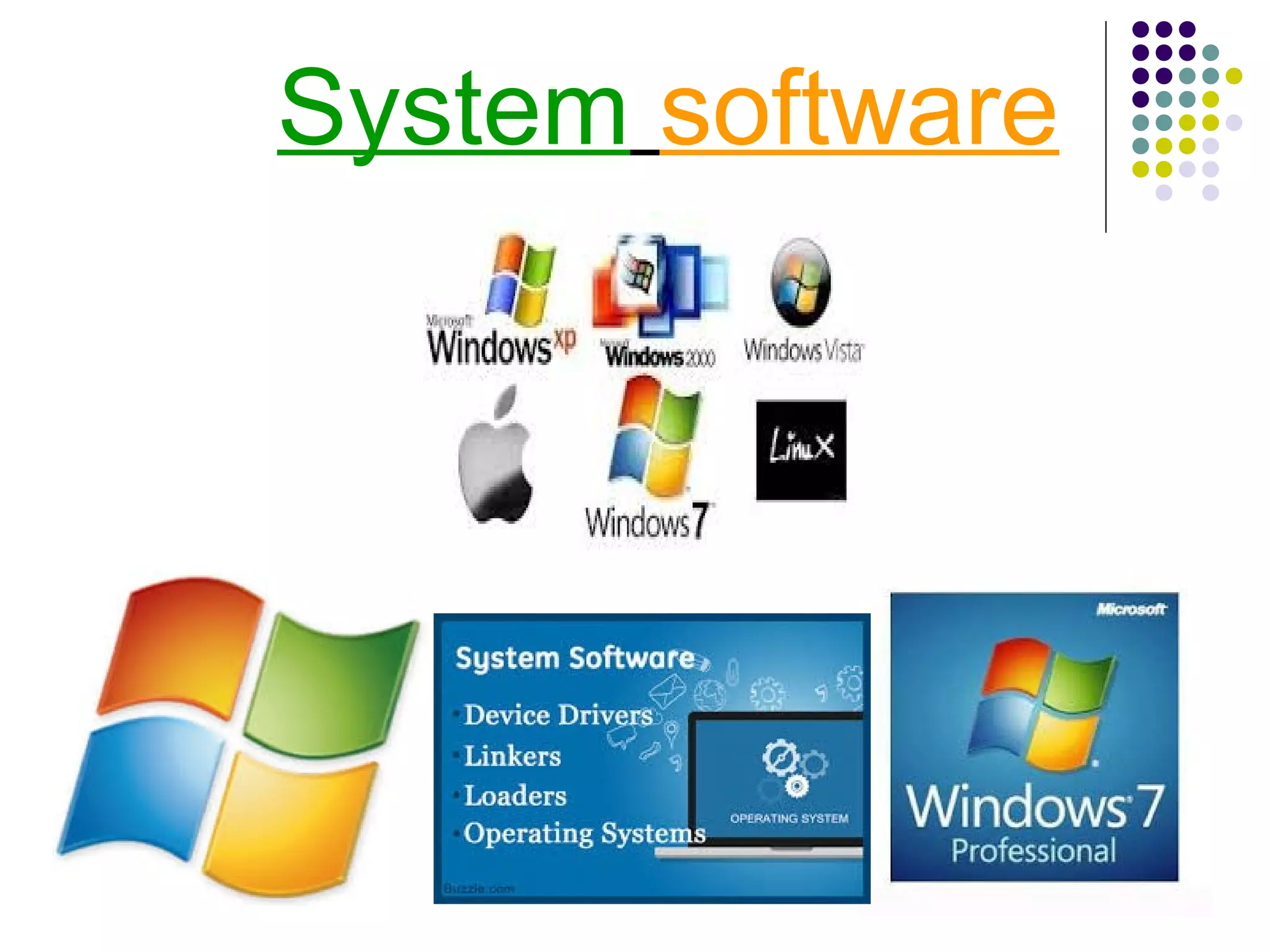
System software
Uses of computer
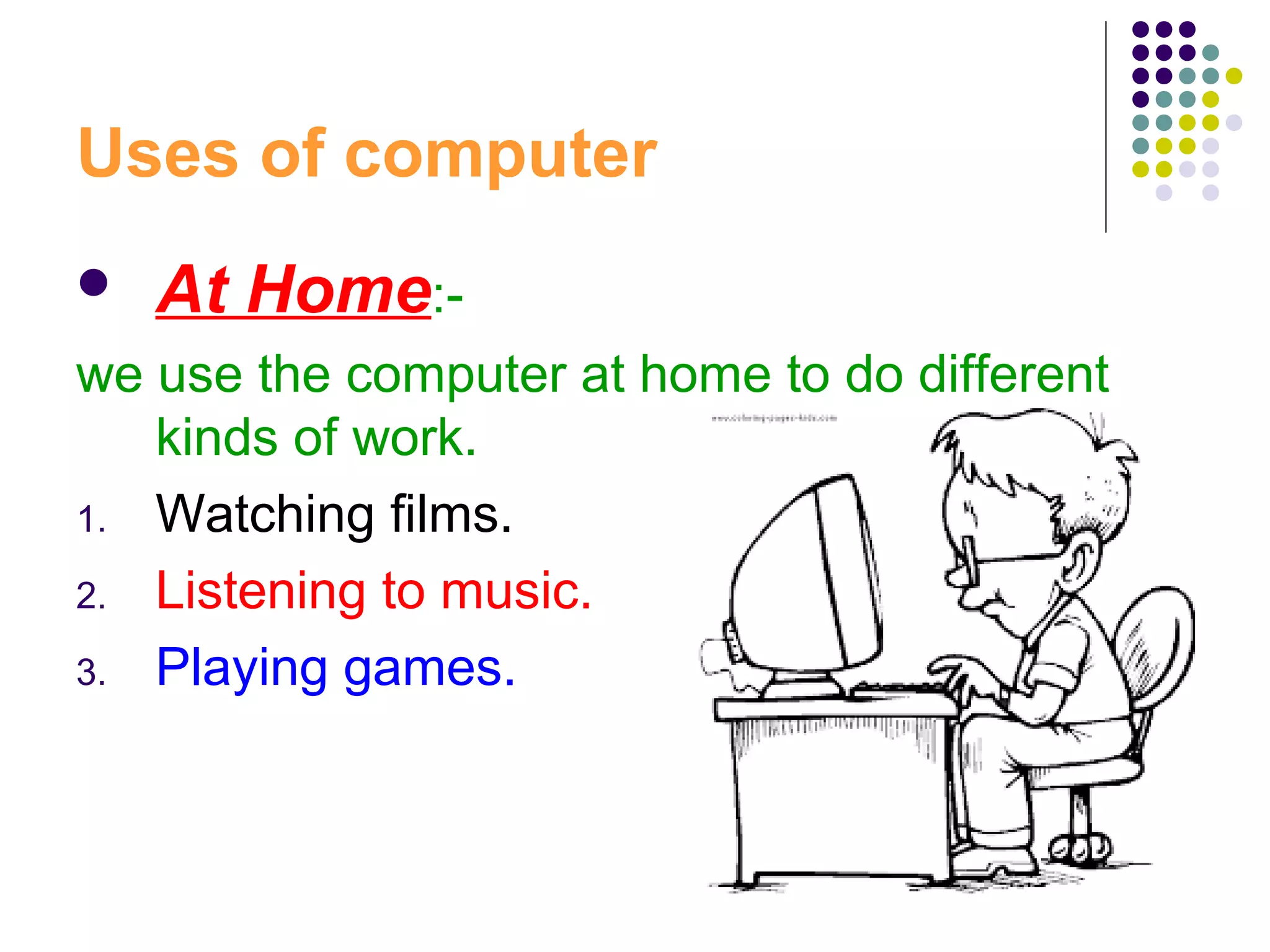
 At Home:-
we use the computer at home to do different
kinds of work.
1. Watching films.
2. Listening to music.
3. Playing games.
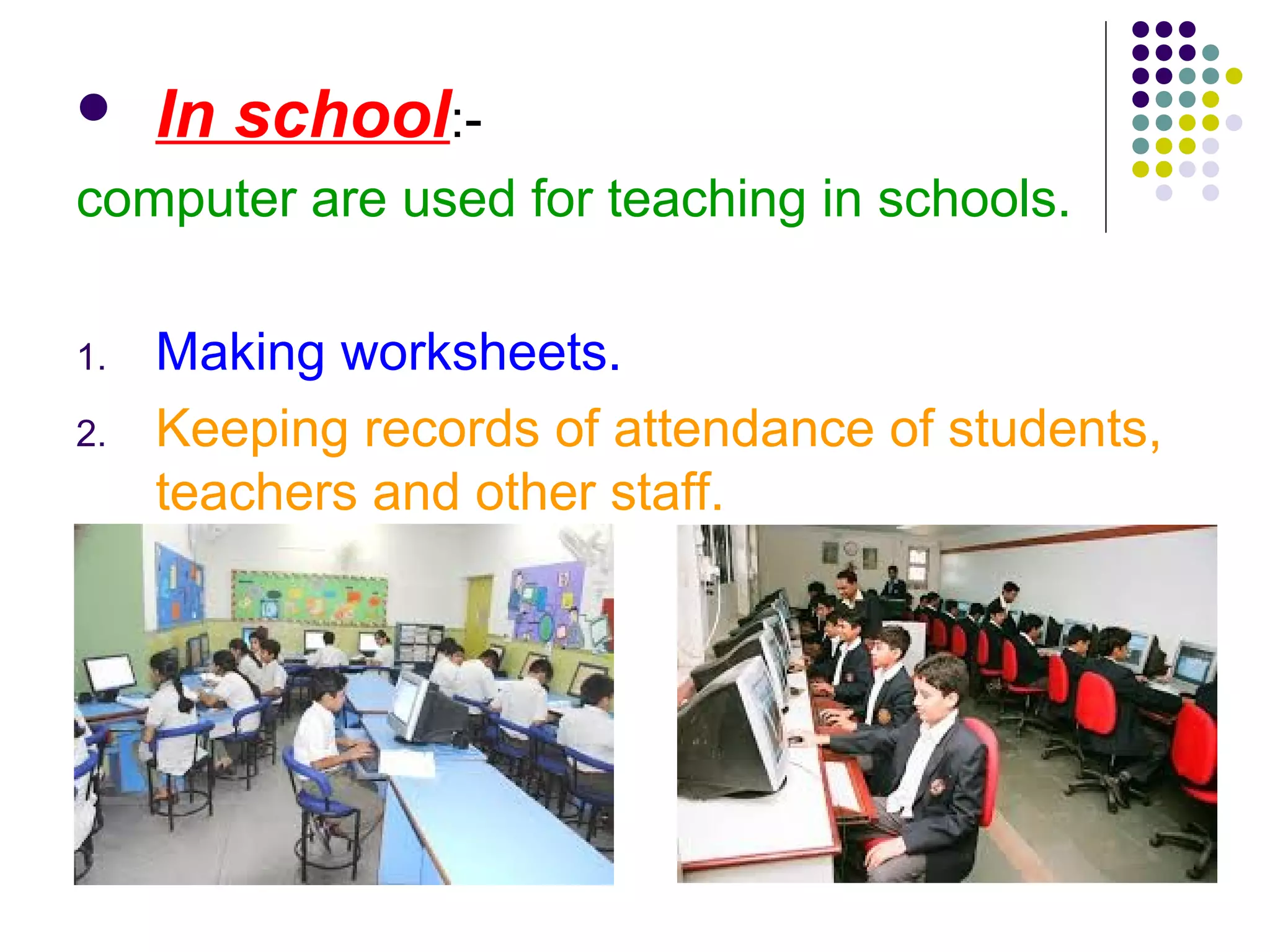
 In school:-
computer are used for teaching in schools.
1. Making worksheets.
2. Keeping records of attendance of students,
teachers and other staff.
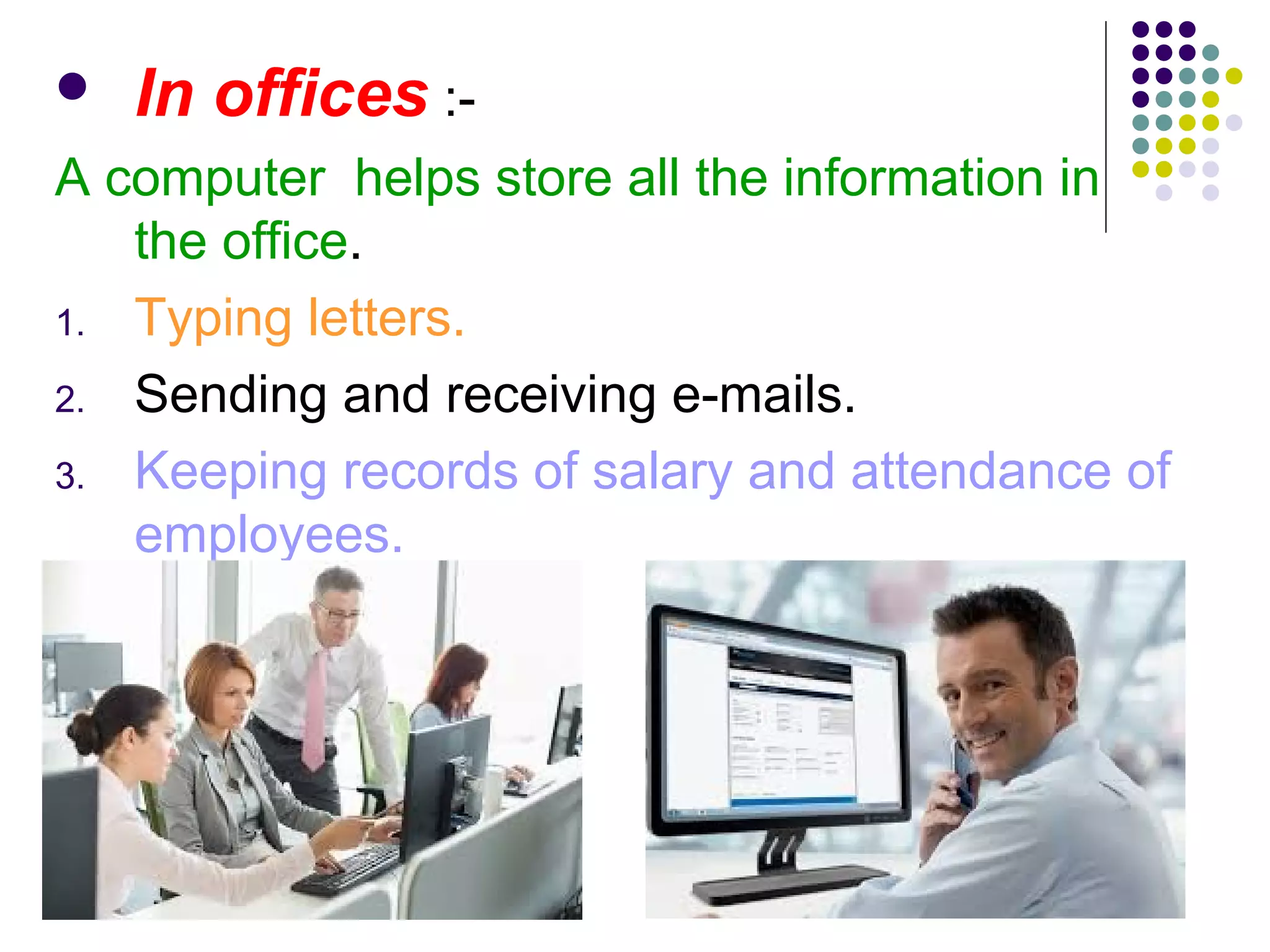
 In offices :-
A computer helps store all the information in
the office.
1. Typing letters.
2. Sending and receiving e-mails.
3. Keeping records of salary and attendance of
employees.
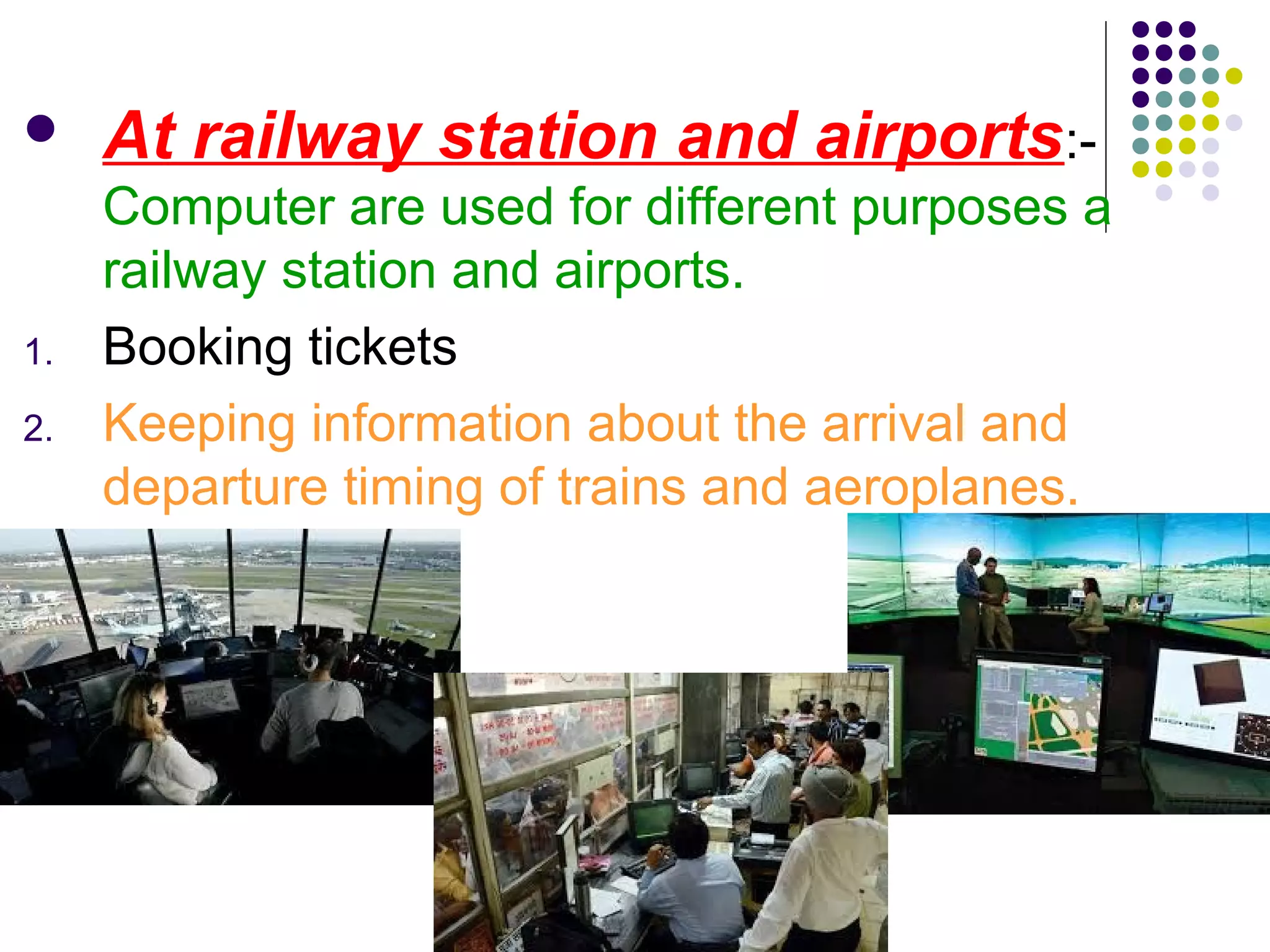
 At railway station and airports:-
Computer are used for different purposes a
railway station and airports.
1. Booking tickets
2. Keeping information about the arrival and
departure timing of trains and aeroplanes.
 In banks :-
Computer used in banks to keep record of
the customers’ account.
1. Maintaining records of money.
Thanks for
cooperate me.
Created by:- Ajay kumar Pajapati

computer system

  • 1.
  • 2.
  • 3.
    Monitor A monitor lookslike a television. It is the screen of a computer. It displays all the work done on a computer
  • 4.
    Central Processing Unit (CPU) TheCPU is called the brain of a computer. Controls all the functions of a computer.
  • 5.
    Mouse  A Mousehas two buttons and a scroll wheel.  It is used to point and select items on the monitor.
  • 6.
    Keyboard  A keyboardis used to type numbers and words on the computer.  We can also give instructions to the computer using the keyboard.
  • 7.
    Speakers Speakers help uslisten to music and sound generated by the computer. They are connected to the CPU.
  • 8.
    Microphone The microphone helpsus record our voice, music and sounds in the computer.
  • 9.
    Printer A printer helpus get printout of everything that we see on our monitor screen.
  • 11.
    The features ofComputer 1. Performing mathematical operations. 2. Playing game. 3. Watching movies and programs. 4. Listening to music. 5. Storing information. 6. Typing letters and other documents.
  • 12.
    Computer hardware includesall the electrical, mechanical, and the electronic parts of a computer. Any part that we can see or touch is the hard ware.
  • 13.
  • 15.
  • 16.
  • 17.
  • 18.
  • 19.
    Software Software used forcomputer may be of different types. Some of which are: Application software System software
  • 20.
    All application dowork on computer is application software. Software which enables creation and storage of document are termed as application software.
  • 21.
    The software whichdoes this translation is known as the support software. The computer understands only Machine language i.e. 0’s and 1’s. in the above example how do you think it understands the reservation clerk’s query in English? There has to be a software which translates the user language into machine language.
  • 22.
  • 23.
    Uses of computer At Home:- we use the computer at home to do different kinds of work. 1. Watching films. 2. Listening to music. 3. Playing games.
  • 24.
     In school:- computerare used for teaching in schools. 1. Making worksheets. 2. Keeping records of attendance of students, teachers and other staff.
  • 25.
     In offices:- A computer helps store all the information in the office. 1. Typing letters. 2. Sending and receiving e-mails. 3. Keeping records of salary and attendance of employees.
  • 26.
     At railwaystation and airports:- Computer are used for different purposes a railway station and airports. 1. Booking tickets 2. Keeping information about the arrival and departure timing of trains and aeroplanes.
  • 27.
     In banks:- Computer used in banks to keep record of the customers’ account. 1. Maintaining records of money.
  • 28.
    Thanks for cooperate me. Createdby:- Ajay kumar Pajapati